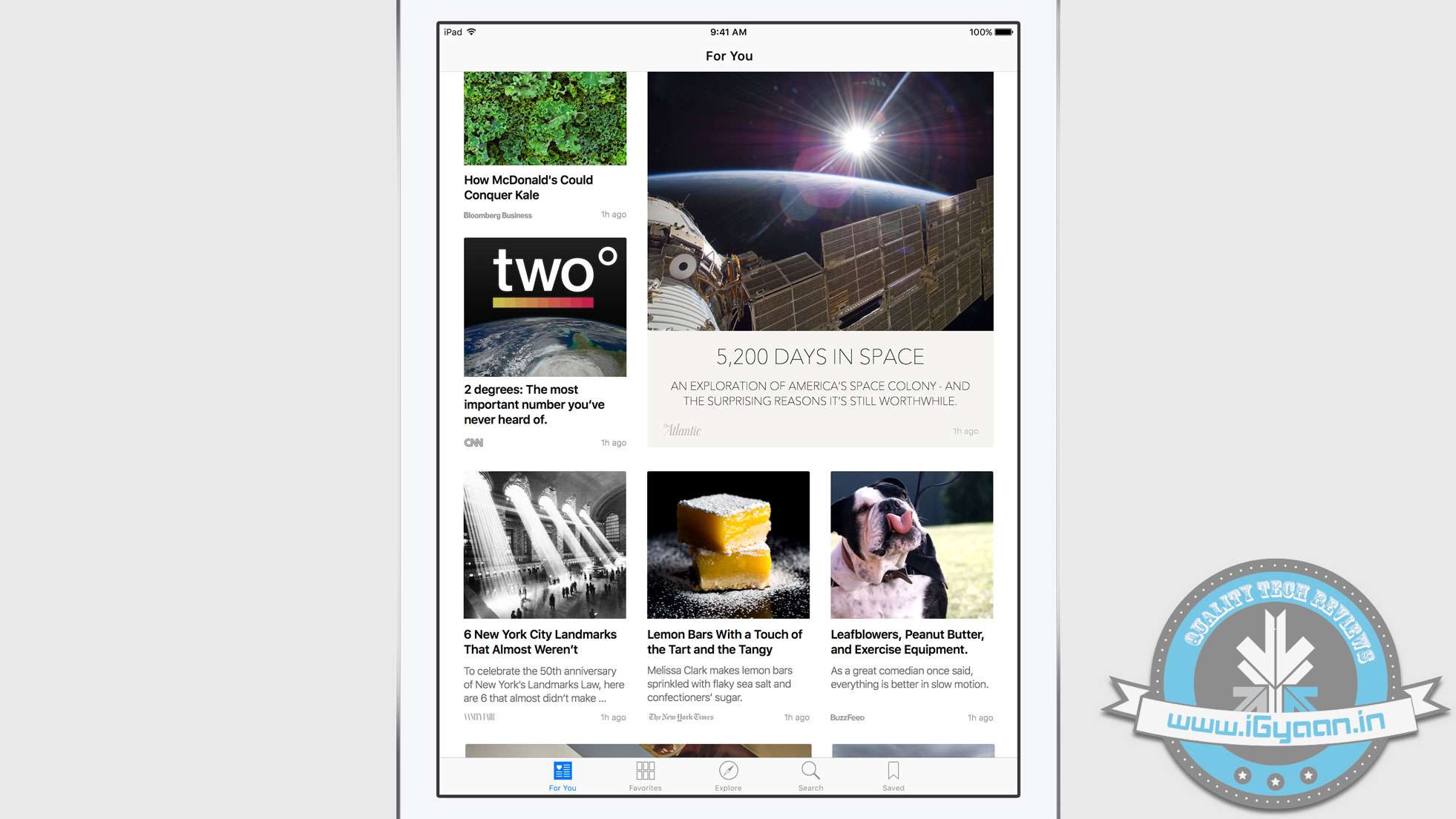
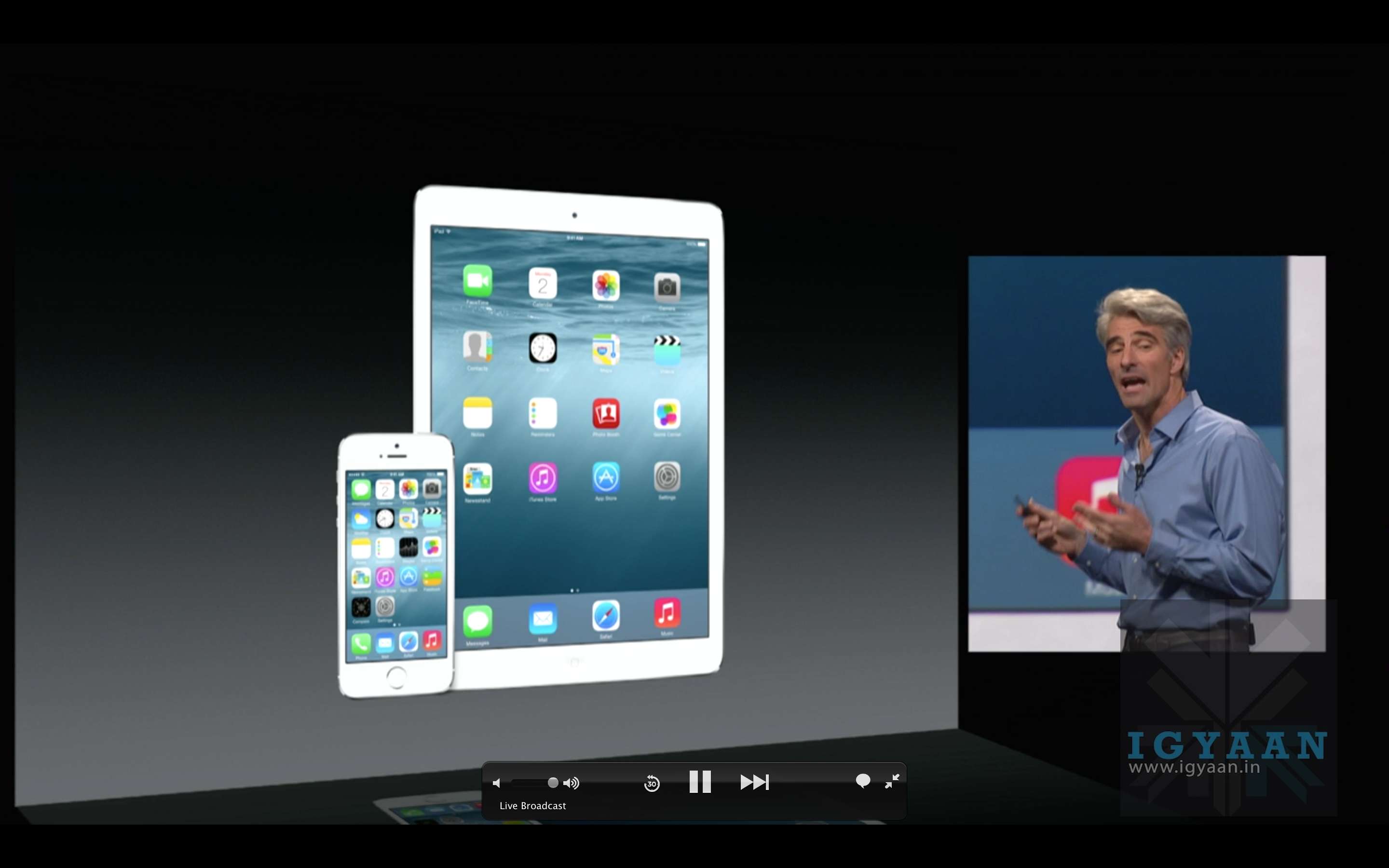
Apple at the WWDC 2015 has launched a new “News” app for iOS allowing you to bring all your favourite news feeds to one app. We have seen this before on apps like Flipboard and even HTC’s Blinkfeed.
News is designed by Apple from the ground up – claims Apple. It stars aggregating in the US, UK and Australia with the new iOS 9 update. Apple wants to allow news agencies, TV channels as well as blogs to be a part of the new News App (more details on this later).
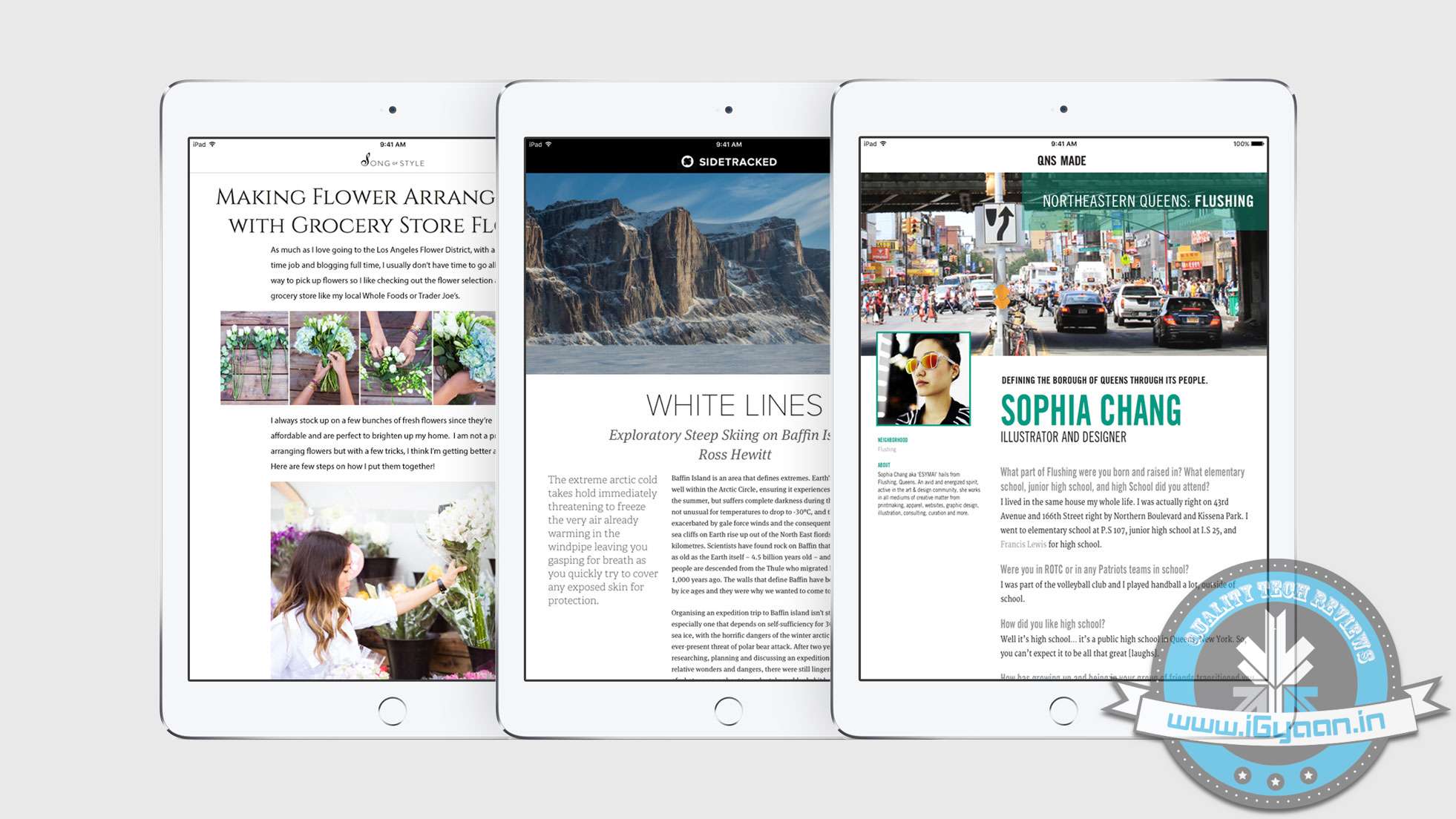
News will allows publishers to add video, or animations, enhance text or include recipes and galleries.
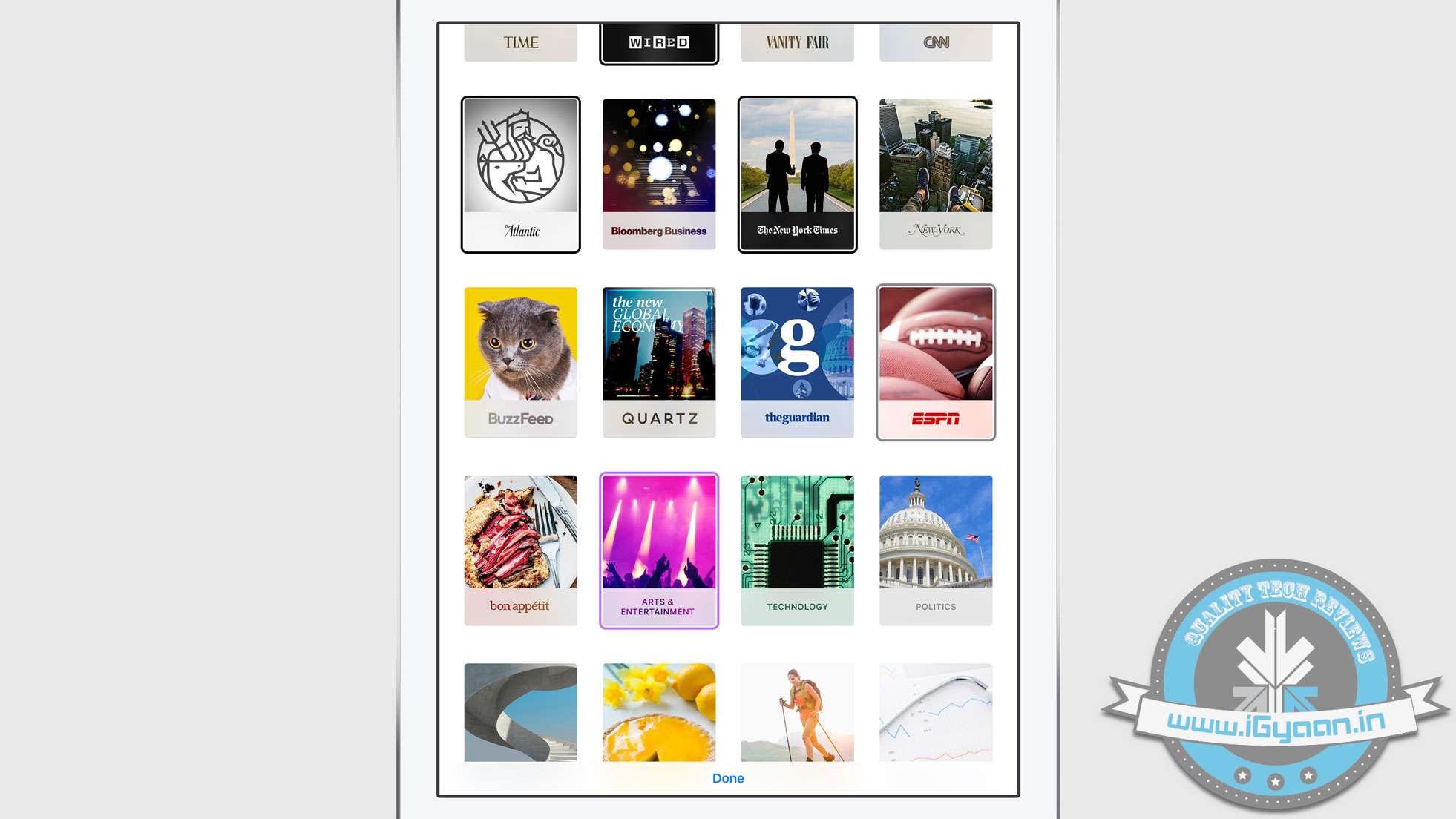
Once you start the News App, it will allow you to select your favourite feeds and then will recommend more based on your selected interests. Apple plans to bring enhanced readability features to big publishers and then trickle them down to everyone. The more you read, the better News is at showing the stories you care about most.
Unlike other news aggregation services, News was built in a way that respects and maintains your privacy.
Top publishers like The New York Times, ESPN, Condé Nast, and more will be making their content available in News.You can also publish a copy from your own blog or website.
The new OS for Apple’s personal computers is out and it’s called El Capitan. The new update numbered 10.11 brings not only new visual and usage changes, but also performance improvements.
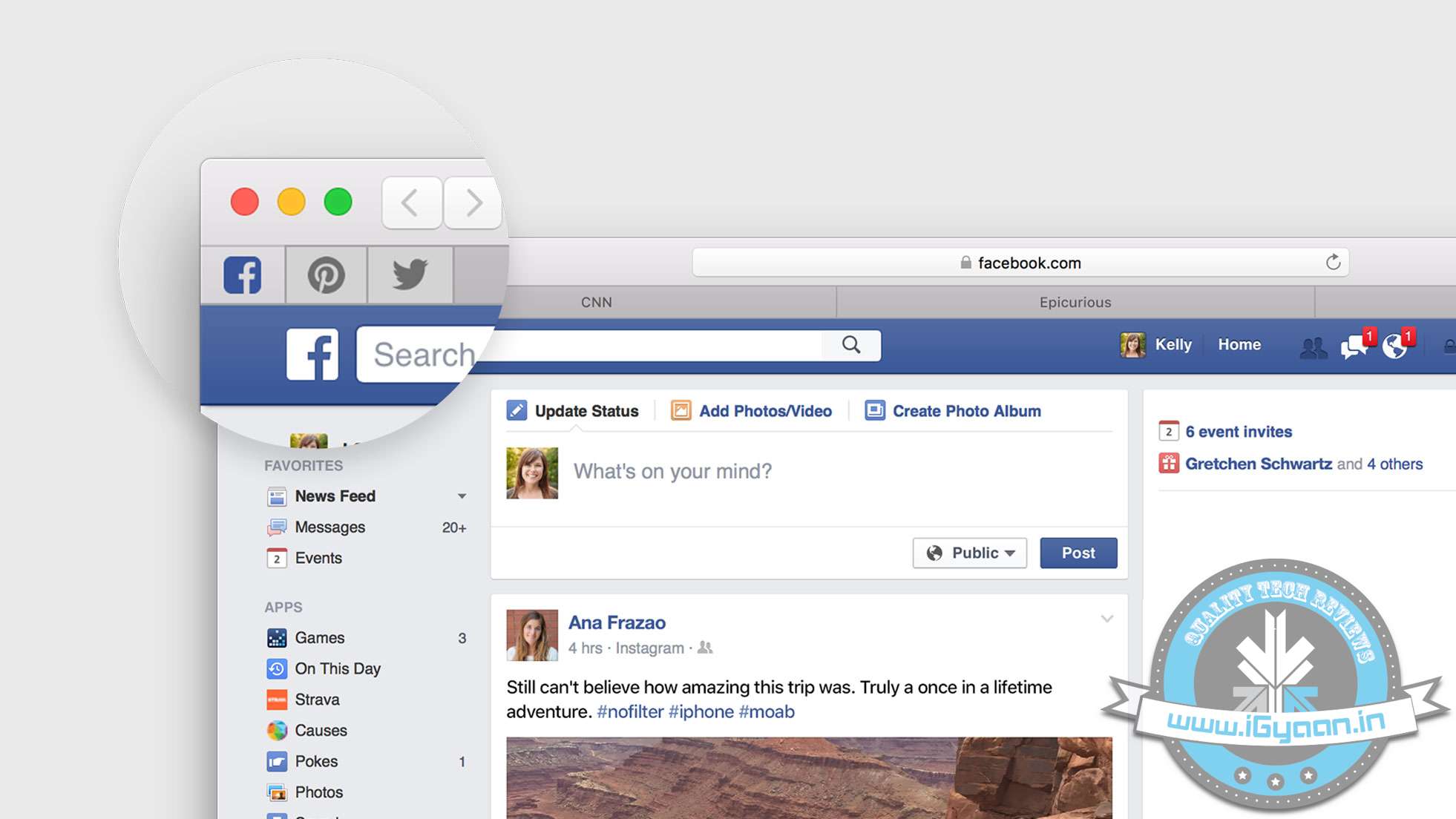
Mac OS X El Capitan features a newer Safari web browser, which allows you to pin windows with web addresses that you visit frequently. The websites that you pin to Safari will remain active and consistent on the same page.
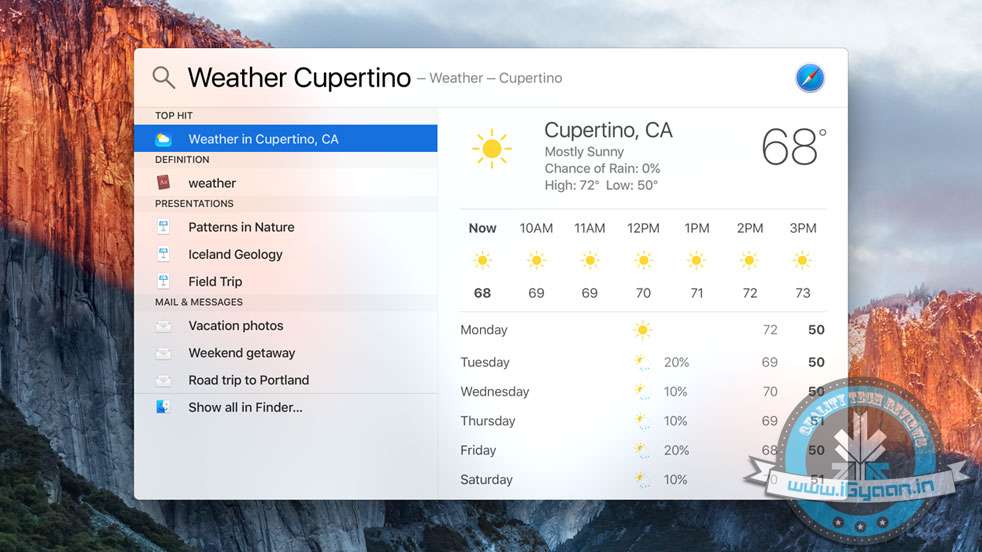
Pinned SitesNew Spotlight features allow you to do custom searches that work for you. These searches can be based on what is in your documents, current events or even weather conditions.
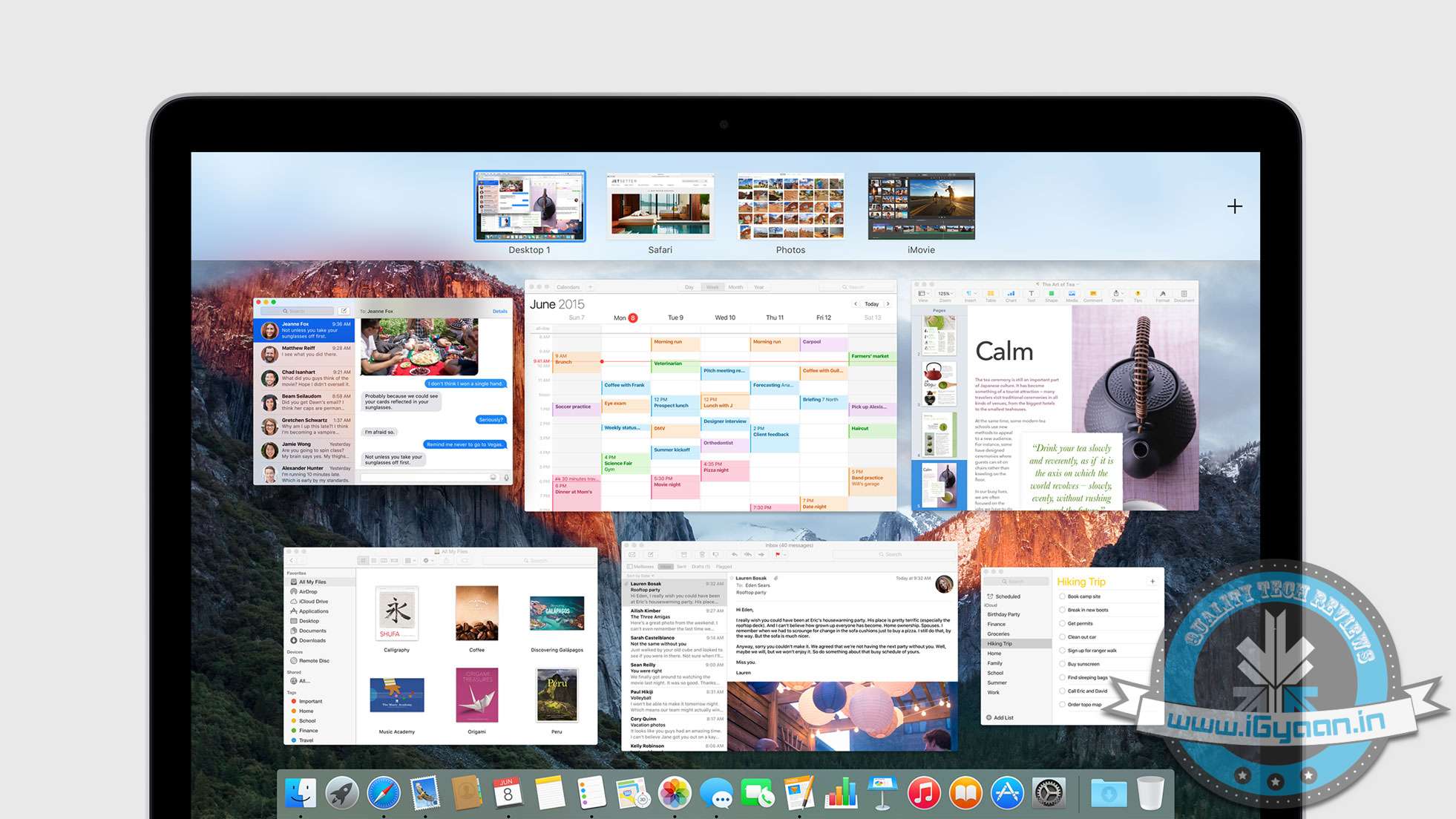
Enhancements to mission control and the way windows are laid out improve productivity. Pulling windows to the top right allows them to be added to a new desktop. If you want to make a window full screen, dragging it in between two active desktops will launch a full screen desktop for that particular window.
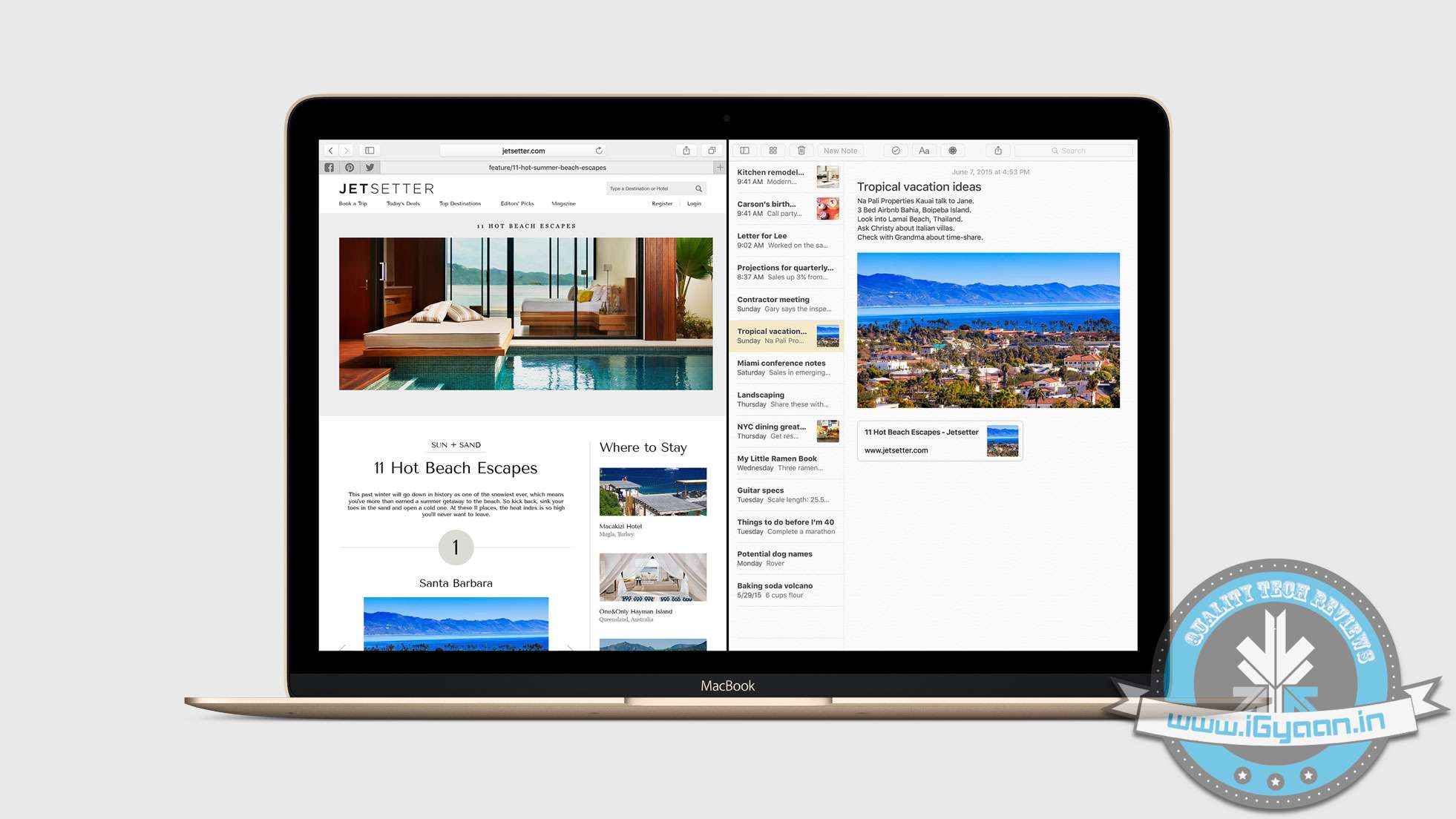
New Mission ControlAdding another app/window to the fullscreen desktop will allow split screen.
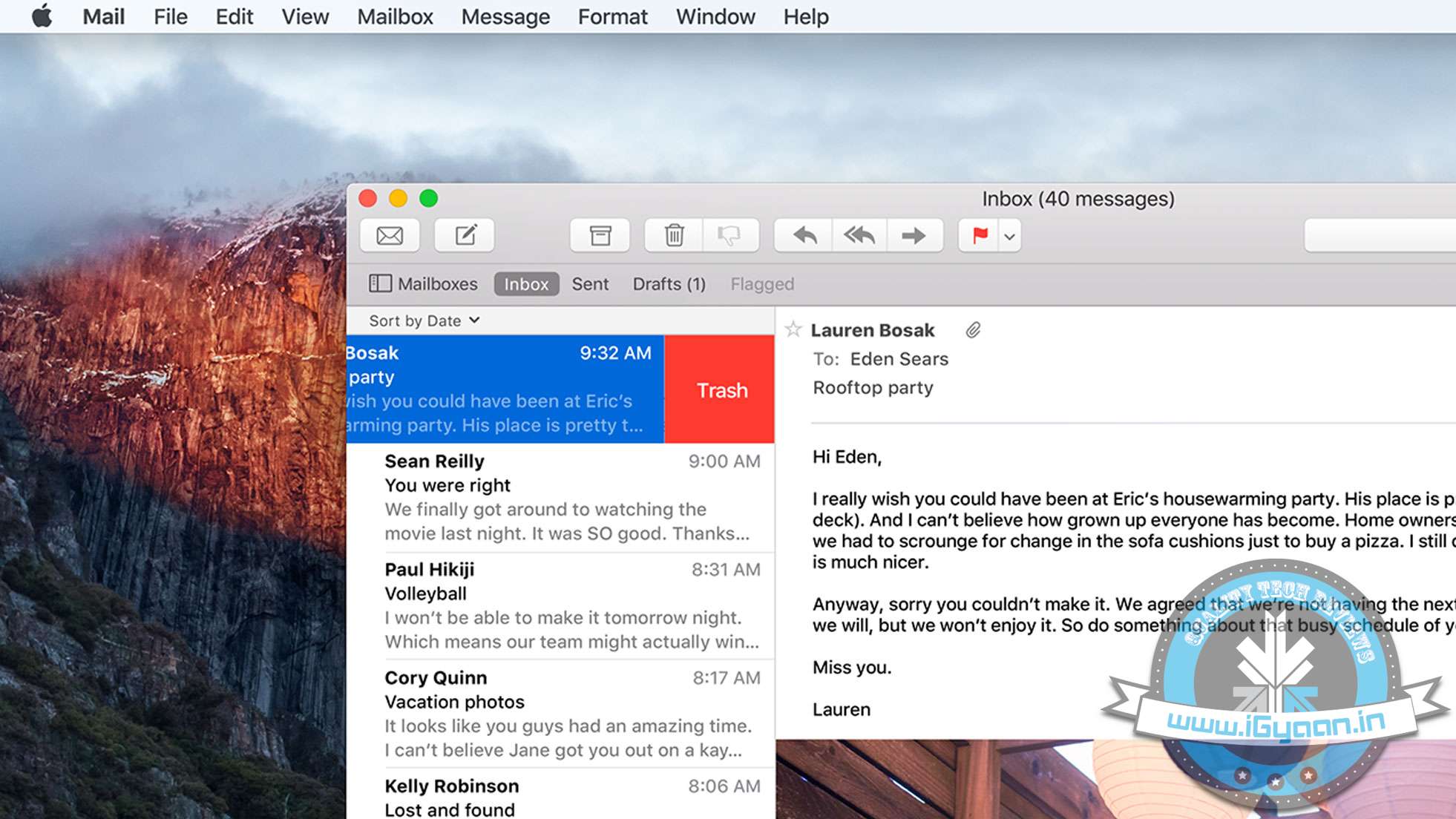
Full Split ScreenThe mail app gets gestures to archive or trash emails with two finger swipes on the Mac trackpad. New Spotlight search capability will also be available on the new mail app in OS X El Capitan. Left you perform conversational searches like : “Mail that I ignored from Jack”.
New Mail AppWhen you put the Mail app in fullscreen mode, you can actively pause your drafts, just like in iOS. You can also drag and drop attachments between mail windows.
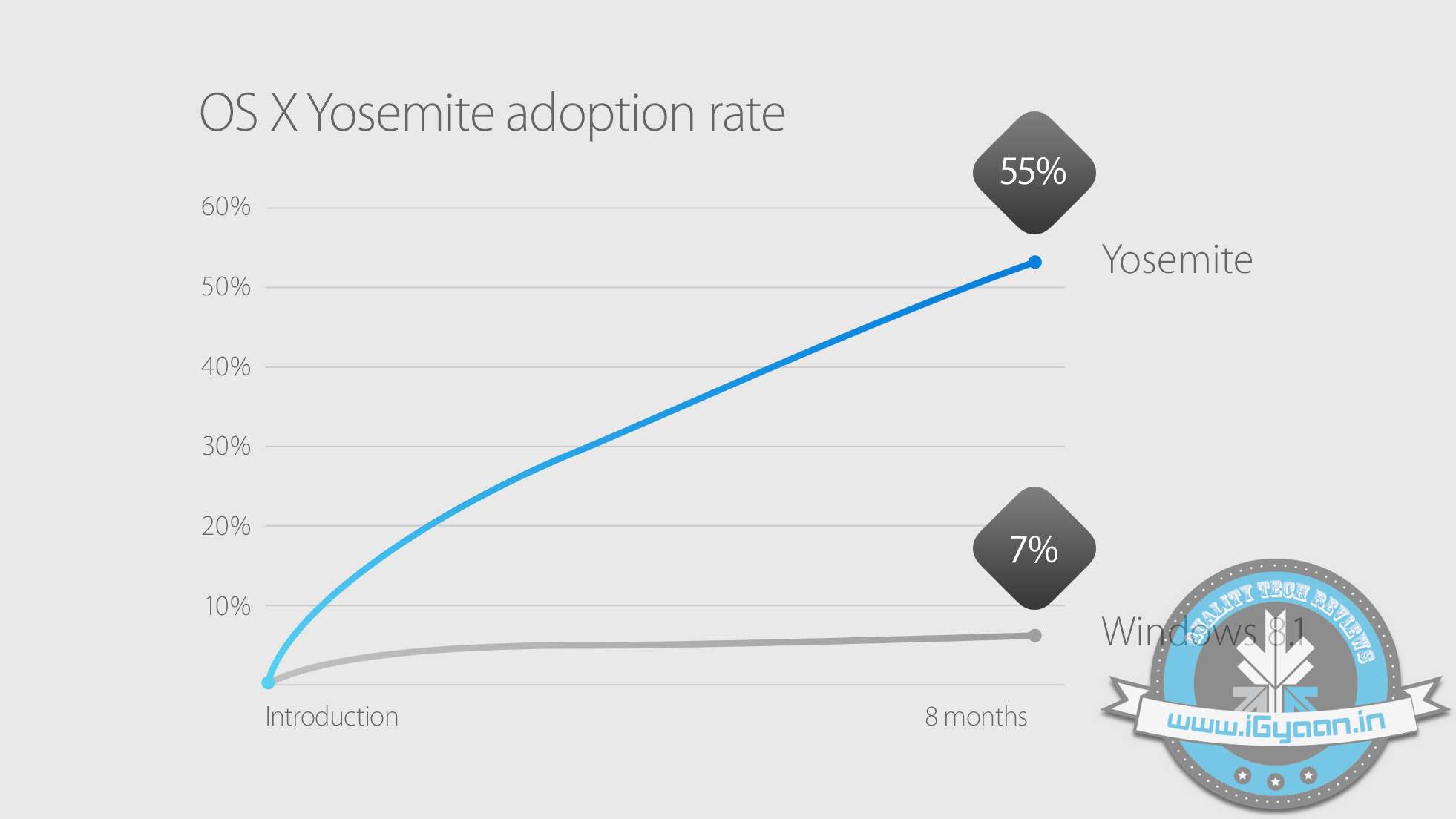
Mac OS X Yosemite was the most adapted OS for personal computers. With over 55% Mac users shifting to Yosemite since its launch in Oct 2014. Apple has included Mac OS X El Capitan in their public beta in July and will ship as a free update to all Mac users later this year.
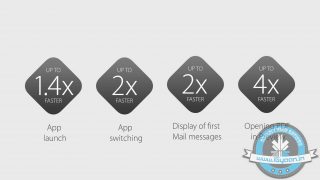
On the performance front, Apple claims that opening windows or apps is considerably faster on El Capitan due to the reduction in processes that are performed before executing an action. Bringing Metal to Mac from iOS has allowed Apple to replace OpenGL and enable enhanced graphics for developers and gamers while reducing the CPU overhead by upto 70%. This will also considerably improve battery life on portable computers.
As the WWDC excitement continues, we can see that Apple is expected to make new announcements of its breakthrough in technology. The tech giants always make new disclosures at the Worldwide Developers Conference and this year, we hope to see the company’s new revamped streaming service, against the likes of Spotify and Pandora.
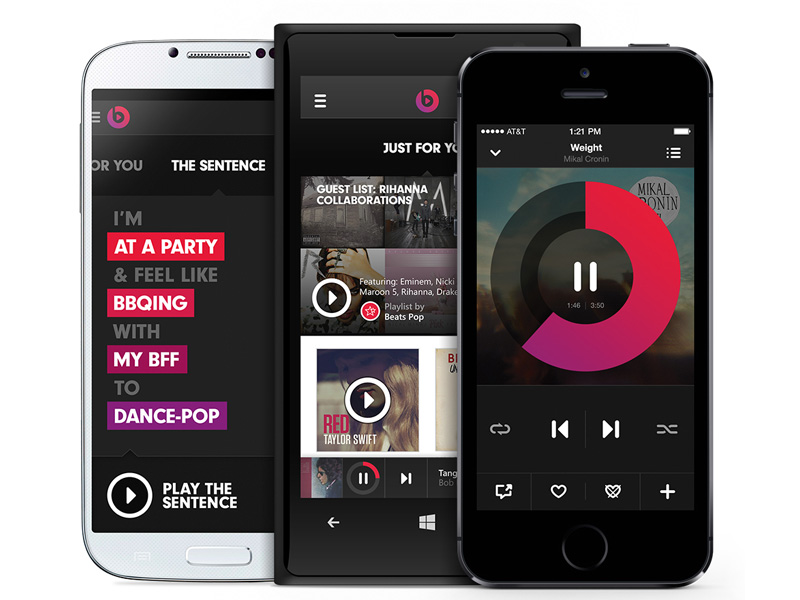
Apple’s acquisition of Beats for $3.2 billion had a reason last year in May. We can now see what the reason was. The company’s new streaming music service- Apple Music- will be based on the service of Beats Music. Explaining how Beats will reshape Apple’s digital music, the company has made a musician the main man for overhauling the music streaming service. Trent Reznor, frontman of Nine Inch Nails, who was the chief creative officer for Beats, had been playing a major role in designing the music app, along with two other Apple employees.
Sony Chief Executive, Doug Morris, who also shares a long history with Beats Co-Founder and Apple Music Boss, Jimmy Iovine, announced ‘It’s happening tomorrow’ to the audience at the Midem Music Conference in Cannes.
Apple plans to retain the idea of asking people their favourite genres of music when signing up. Not much detail was revealed by Morris, but it is expected to be priced at $9.99/month for individuals and $14.99/month for the family plan with a three-month free trial period with ads. Morris said that Apple’s entry into the paid subscription market would majorly shift the industry from downloads to streaming.
Morris said:
What does Apple bring to this? Well, they’ve got $178 billion dollars in the bank. And they have 800 million credit cards in iTunes. Spotify has never really advertised because it’s never been profitable. My guess is that Apple will promote this like crazy, and I think that will have a halo effect on the streaming business.
If the service is stashed along with the upcoming iOS 9 and is being offered for a free trial, this could guarantee millions of customers for Apple.
While iTunes had changed the way music was sold, the new streaming service will help Apple build an exclusive relationship with artists and labels. Apple has been approaching big name artists reportedly, like Taylor Swift, to sign up to guest DJ on a revamped iTunes Radio service, or enter into an exclusive streaming partnership.
With the much awaited Apple Developers Conference that is ready to kickstart tonight (10:30 pm IST) the world awaits the unravelling of new features and software updates. While we wait for the formal announcements, here is a list of 7 updates that we might get to see in iOS 9.
Are you ready?
1. Proactive to Stay True to its Name
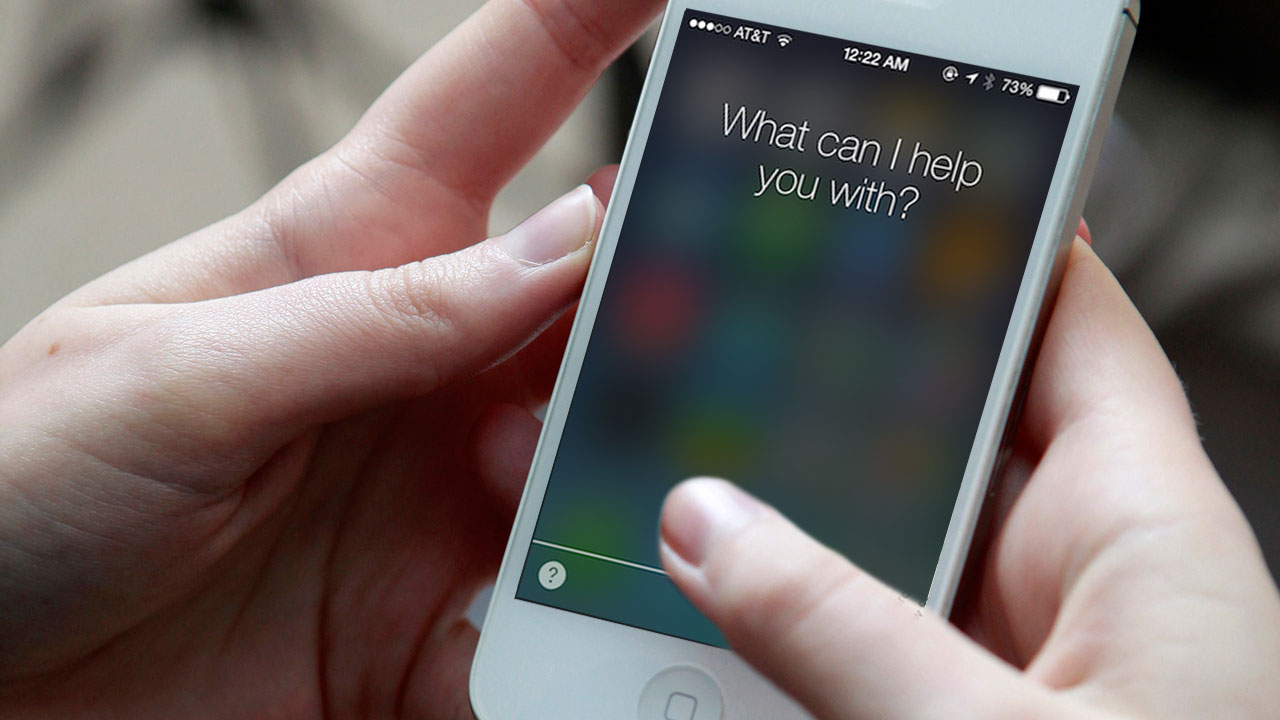
Siri and the Spotlight search are set to undergo changes that will make them ‘Proactive,’ which is currently what the update is tentatively named. It is touted to become an extremely efficient personal secretary. According MacWorld, the update will be able to “offer a range of additional information and features based on user habits and intelligent contextual prediction.”
This means that Proactive’s interface will firstly, be able to open from the left of the home screen and will also come in the form of a pull down which is how Spotlight opens right now. Furthermore, it will access information that is most suited to your needs based on the kind of apps you use on a daily basis or depending on what time you use them. For example, if you wake up in the morning and access Facebook or Instagram or if you browse through it, before you go to bed, Proactive will have a small bubble that will appear on your home screen, that will allow you to access a particular app/ contact etc in just one tap. It not only serves as a good reminder, but also keeps a track of your everyday needs.
2. iCloud
[pullquote_right] iCloud Drive syncing should lead to faster syncing between the apps as well as stronger security (thanks to the system’s end-to-end data encryption) [/pullquote_right]
Apple will be syncing all IMAP-based apps from iCloud instead of the IMAP back end. While it hasn’t been clear as to which apps will be synced, one can assume it will include Notes, Reminders and Calendar. Macworld says, “iCloud Drive syncing should lead to faster syncing between the apps as well as stronger security (thanks to the system’s end-to-end data encryption).”
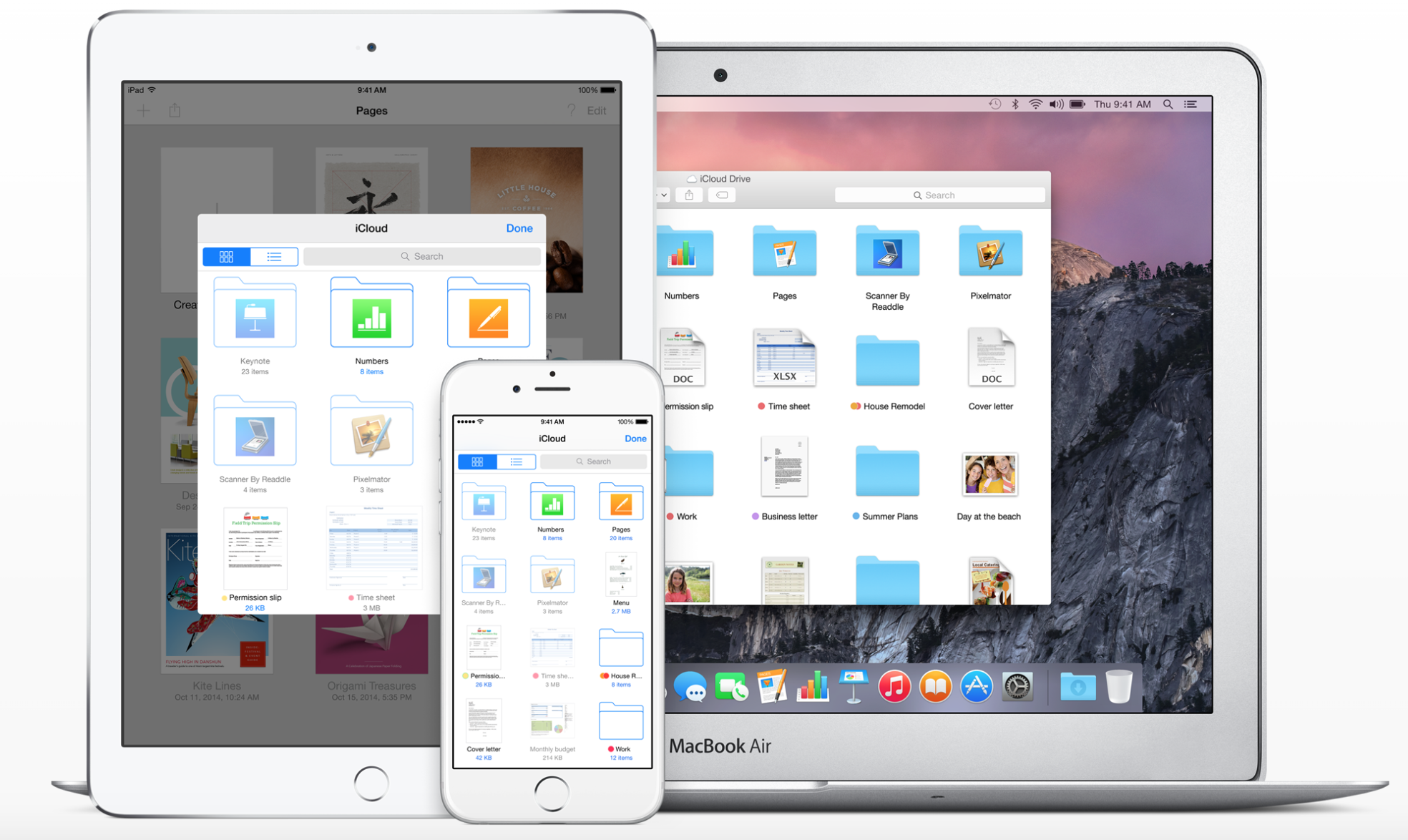
Apple also plans to make iCloud easily accessible by introducing a new iCloud Drive app for users. This app would let you directly get to your stored files and folders and will be a huge convenience. While Mac owners can access the App through its finder, iPhone and iPad users currently don’t have the easier way out, yet.
3. ‘Rootless’ to get Ruthless
Redmond Pie reports that this system “is aimed at preventing even administrator-level users from gaining access to certain file systems on an iPhone, iPad or Mac
This might be terrible news for jail breakers but doesn’t make a difference to normal users. The security system called ‘Rootless’ is set to become extremely strict and will not allow the device to be easily broken into. Therefore, if you were planning on buying an Apple device from anywhere outside India and unlocking it in our country, think twice. It’s going to be very tough to do so.
image courtesy: 9to5mac.com
Rootless is expected to be announced at the WWDC 2015 but, it will be a while before it shows up as an update.
4. ‘Swift’ Language Programming to be Updated
Although this news is more for app developers, we might eventually benefit from this update too. Swift that was introduced in iOS 8 is speculated to embed code libraries into the iOS itself rather than into Swift based apps. While, this might mean a larger iOS file to install, it will also avoid the duplicating of data and therefore create more space on your device.
5. HomeKit
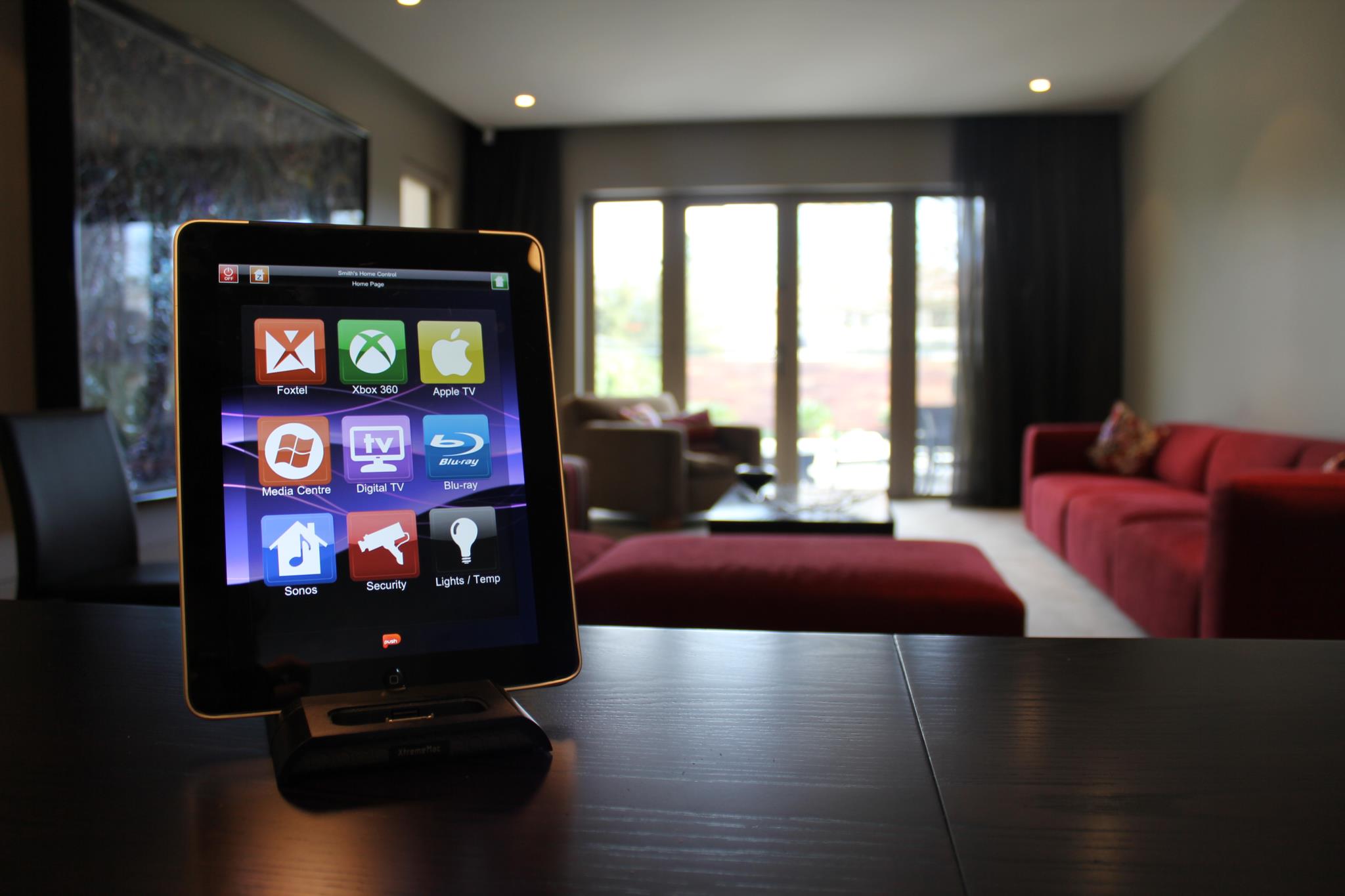
We expect to see the Homekit app which is likely to be called ‘Home’, and will operate on iOS 9. Thus, we will be able to control all our home appliances without looking at them and will be able to turn off our electricity while sitting at work. This is going to turn out to be an extremely useful component to have on your Apple device and we can’t wait for it to be formerly executed.
6. Public Transport Direction in Maps
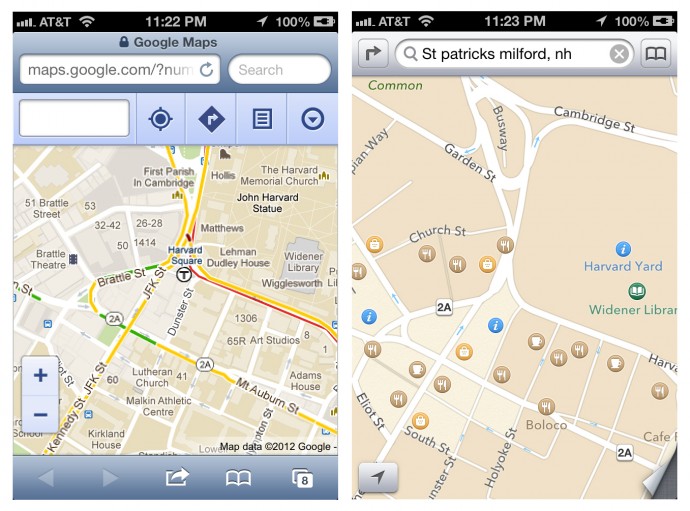
After the criticism that Apple maps faced, the Redmond giant has done a lot to try and improve their Maps as well as give tough competition to its daunting rival; Google Maps. Even after that though, directions and durations through public transport have been unavailable. Now, with iOS 9, we are likely to see the inclusion of Public Transport in Apple Maps. This service will witness a lag in countries other than the USA.
7. Contact Availability
In the past there has been backlash about the ‘Delivered’ and ‘Read’ option, thanks to iMessage. If that wasn’t enough, we now might get to see a particular contact’s phone status (that is, Switched Off, Airplane Mode) as well as the availability of our friends and families, who also own iPhones. Don’t worry too much, this is said to be optional for both parties.
Along with the updates mentioned above, we also expect to see the iOS 9 to have more speed and stability, a problem which some users previously struggled with with the previous iteration. While we continue to speculate, watch this space for more information and updates on the WWDC 2015.
WhatsApp is sure to have found a space on almost everyone’s handsets. The app with over a 800 million active user base, offers one of the best services to have a real-time conversation. Most of us must be using the app for a while now, but you probably didn’t know that WhatsApp is hiding many features that could make the wrinkles from your forehead, vanish. Mastering the tool can help you save the bandwidth, mute negligible groups, keep the stalkers at bay, and hence, have a good night’s sleep.
Here are some of the features that can make your life a lot easier.
Add Conversation Shortcut to the Home Screen
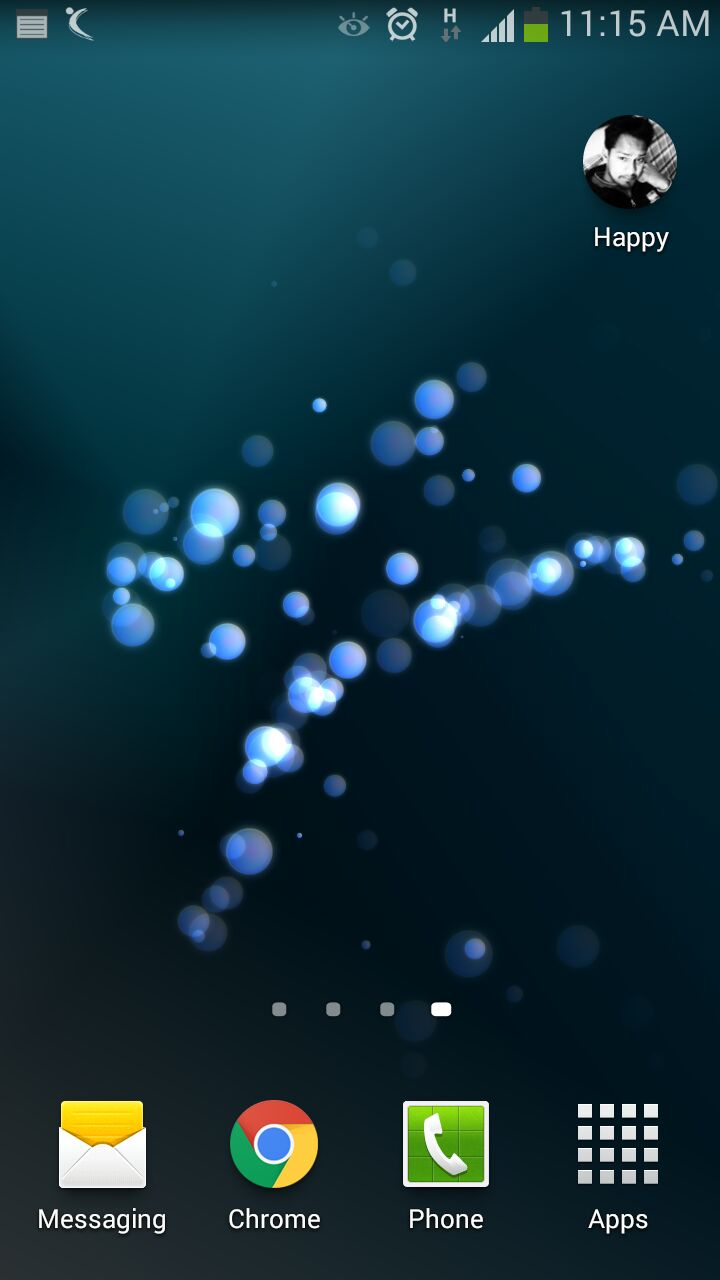
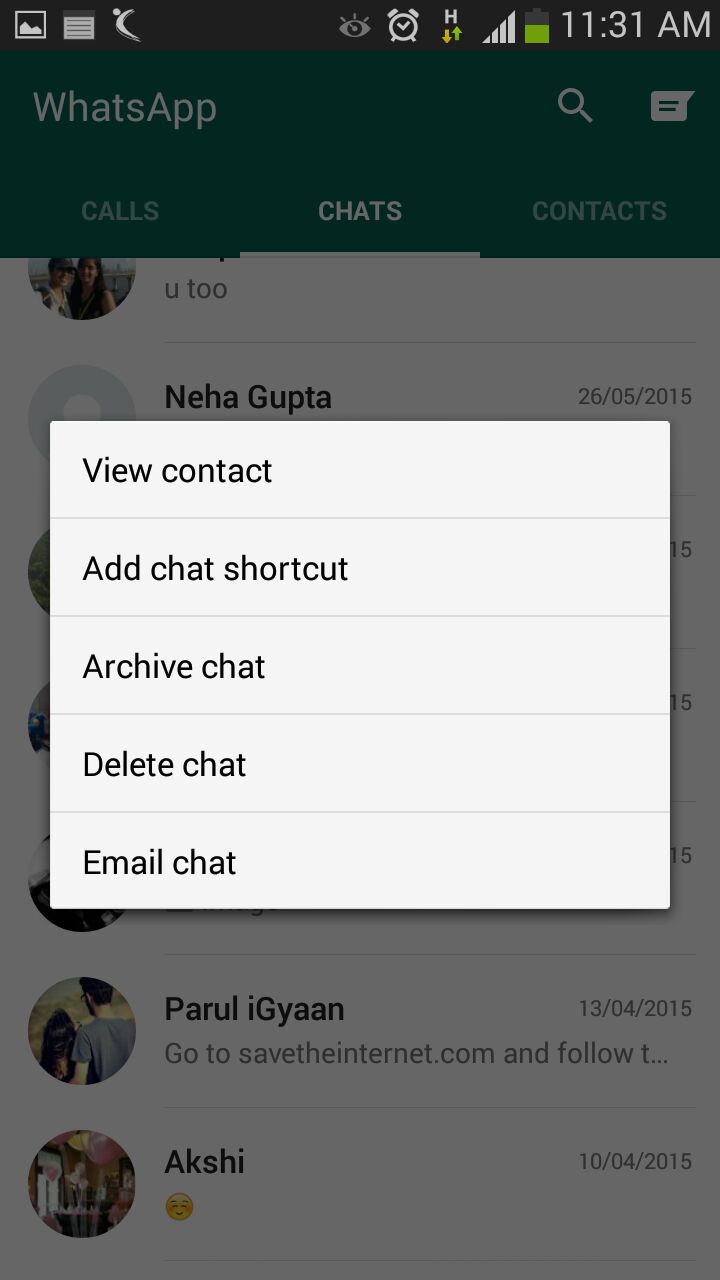
There must be folks in your WhatsApp contacts with whom you talk frequently to. Bring them a step closer by creating a chat shortcut on Home screen. Long tap on the desired contact and click ‘Add chat shortcut’ present in the chat menu. An icon will add to your home screen through which you can chat directly with the person, without surfing through a list of contacts. A useful feature, unfortunately missing on Apple devices.
Pop-Up Notifications
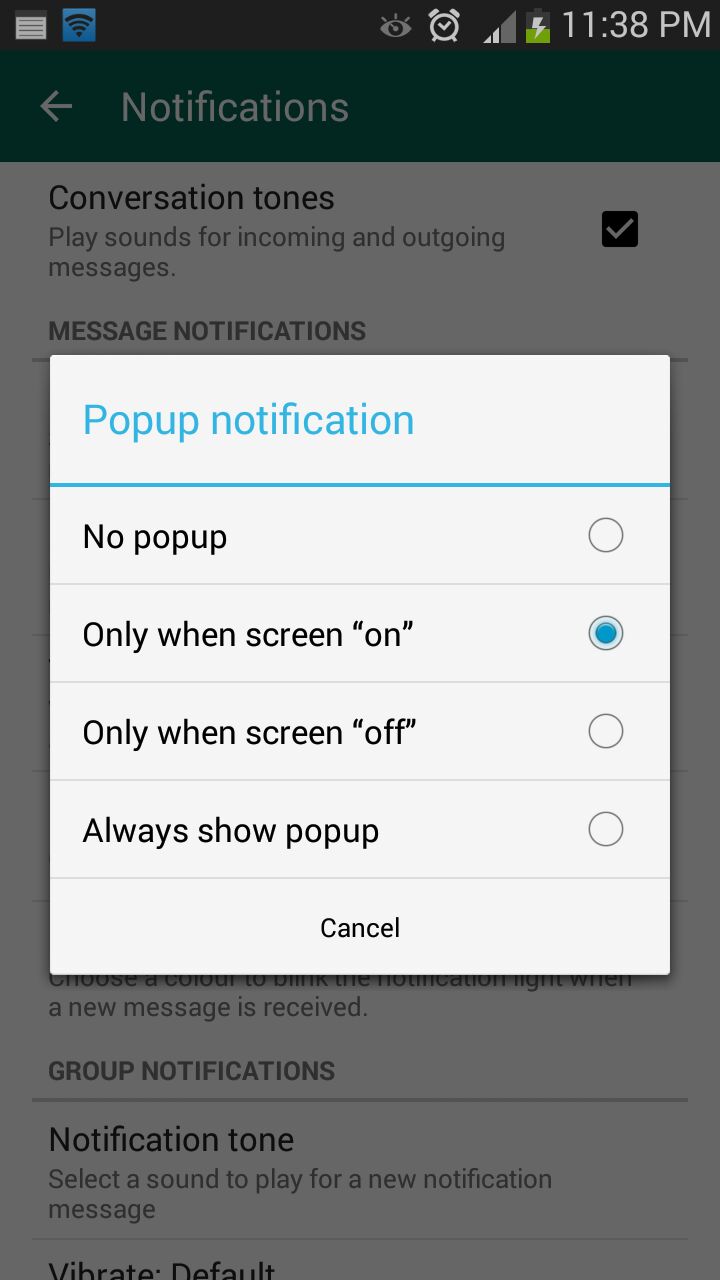
This feature on WhatsApp lets you access messages even when the screen is locked. Go to Settings > Notifications > Popup Notifications and select ‘Only when screen is off’ to see messages and reply without unlocking the device. Pop up notifications put aside the hassle of unlocking screen to see received notifications and reply to them.
Mute Group Chats
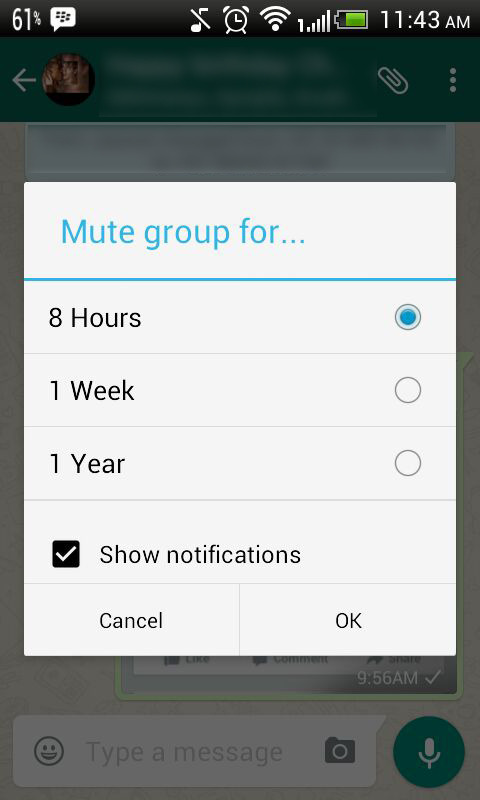
Besides giving you the convenience of sharing things at one place, Group chats can be a bit noisy at times. No worries! Mute them and let your friends do the talking. Click on the group and from the drop-down menu, select Mute. Select the time frame for which you don’t want any updates and disable Show notifications.
Disable Media Auto-Download
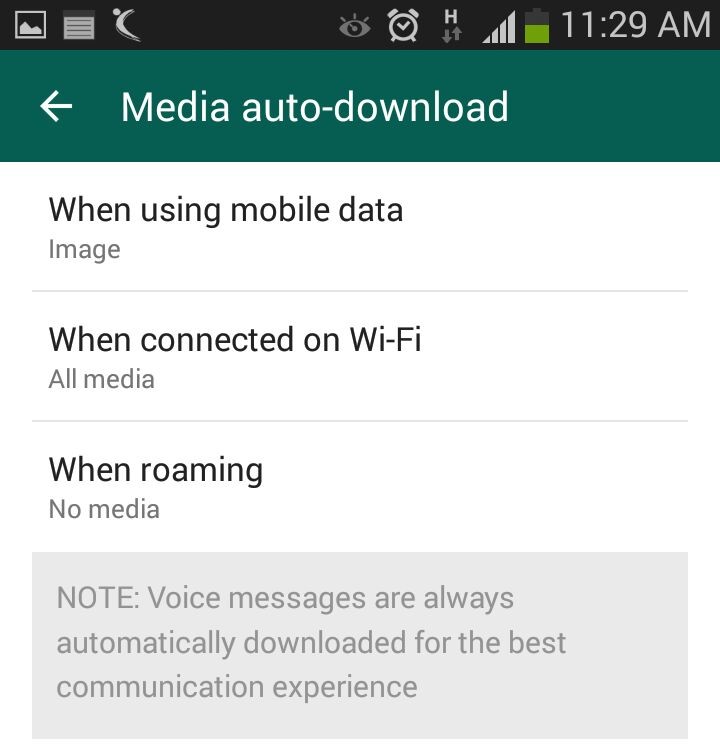
Media auto-download gobbles up your internet data. Turn it off to save the bandwidth and specify WhatsApp when you want the audio and video files to be downloaded. Click on Settings > Chat settings > Media auto-download and choose from the options when using mobile data, Wi-Fi and roaming.
Send Conversations Through Email
Users are going to love this feature, at least some of them. WhatsApp allows you keep a record of your chats on your PC or inbox by sending conversations through email. It’s as fast as any other mailing process and takes mere seconds. Long press the contact and tap on ‘Email chat’ from the chat menu. Add recipients’ email address and the conversation will be sent to the provided address. You can choose to include media file if you like.
Avoid Blue Ticks
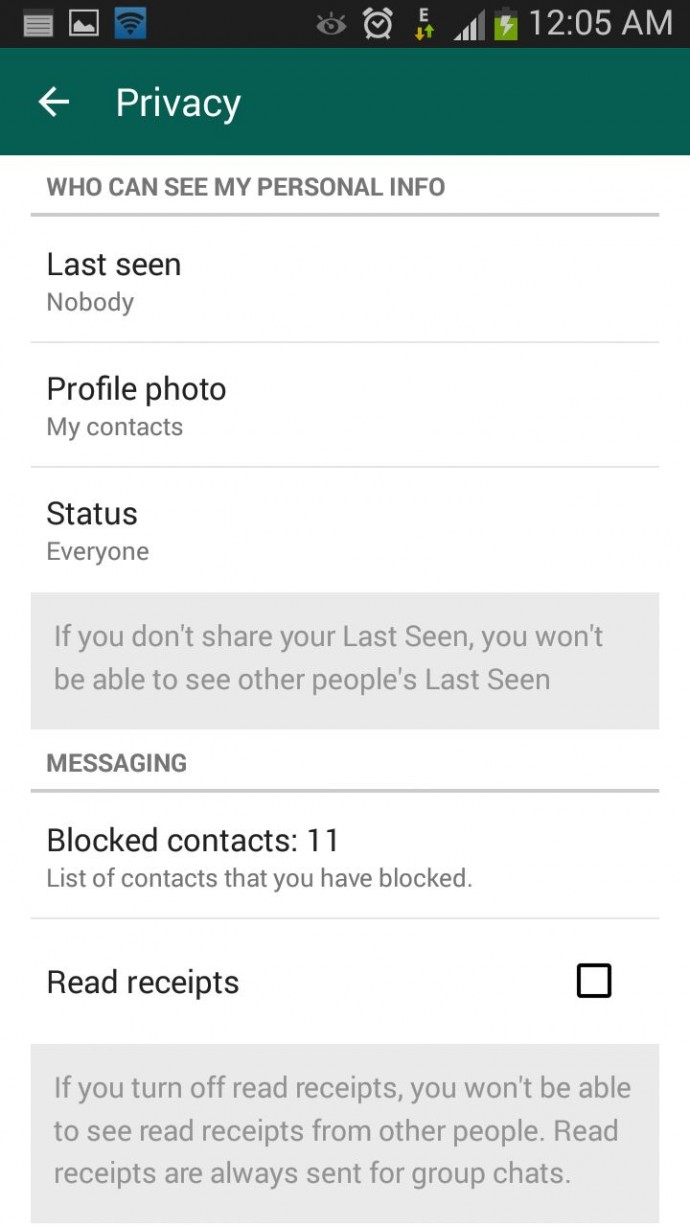
Where the cross-platform social messaging service got acclaims for real-time conversation, blue ticks brought outrage for offering recipients with read receipts. The new WhatsApp version allows you to avoid this through a simple setting. Click on Settings > Account > Privacy and disable Read receipts if don’t want the sender to know about the delivery status. Now, neither you nor any sender will be able to see read receipts. Isn’t it useful?
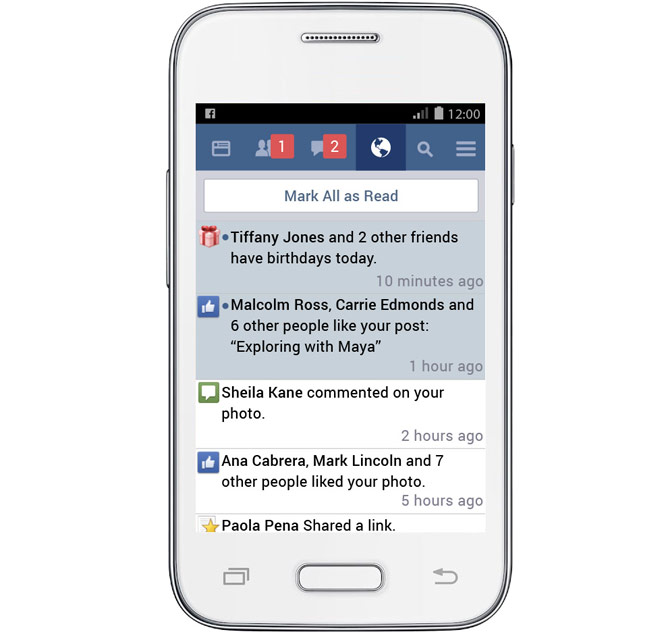
Finally, Facebook is accomplishing its aim of expanding the internet to every corner of the globe. Recently, the social networking giant launched a trimmed-down version of its app that has been in the works for more than a year. Termed as ‘Facebook Lite’, the modern tool is dedicated to working in areas where telecommunication services are constrained. Facebook Lite uses less data and works even in narrow wireless bandwidth.
The blog post updated by the company reads –
In many areas, networks can be slow and not able to support all the functionality found in Facebook for Android. Facebook Lite was built for these situations, giving people a reliable Facebook experience when bandwidth is at a minimum.
The slimmer version is just 1MB in size, so it would take few seconds to download and install. However there will be certain design changes, the core functionality will be uniform in both the Facebook app and its lighter version. The social platform states that features like News Feed, status updates, photos and notifications will be identical on Facebook Lite.
Facebook Lite is the company’s push to make basic services available in developing countries at the lowest price possible. There are places in the world where buying internet data is an excessive expense because of its high cost. The app works faster with any device, and is data efficient, giving the same features with less data consumption. It’s like Facebook with an in-built Data Saver mode.
As it works even on slow mobile networks, the page loads comparatively faster. Users can upload, download and check photos instantly, for which users had to wait for more than a couple of minutes on 2G networks. Users can have a real-time conversation with friends – either one-on-one or in group – on the slimmer Facebook edition.
The tool is rolling out to countries across Asia, and in the coming weeks, it will be available in parts of Latin America, Africa and Europe. It works on all Android phones. The app is not available on Play Store for now, but will soon be live.
The smartphone evolution is on the verge of touching zenith by bringing all chief developments in a compact device. The tech industry is now swiftly gearing into diverse segments that would soon become a norm in the coming future. Apple has been struggling to catch up and is making attempts to fill up the gap. The March 9 event by Apple answered many questions about the HomeKit, but it soon faded in the backdrop with the launch of the Apple Watch and the new MacBook. Nonetheless, it gave a fair idea of Apple’s plan to let users build their personal Internet of Things (IoT) using HomeKit-compatible connected devices.
What is HomeKit?
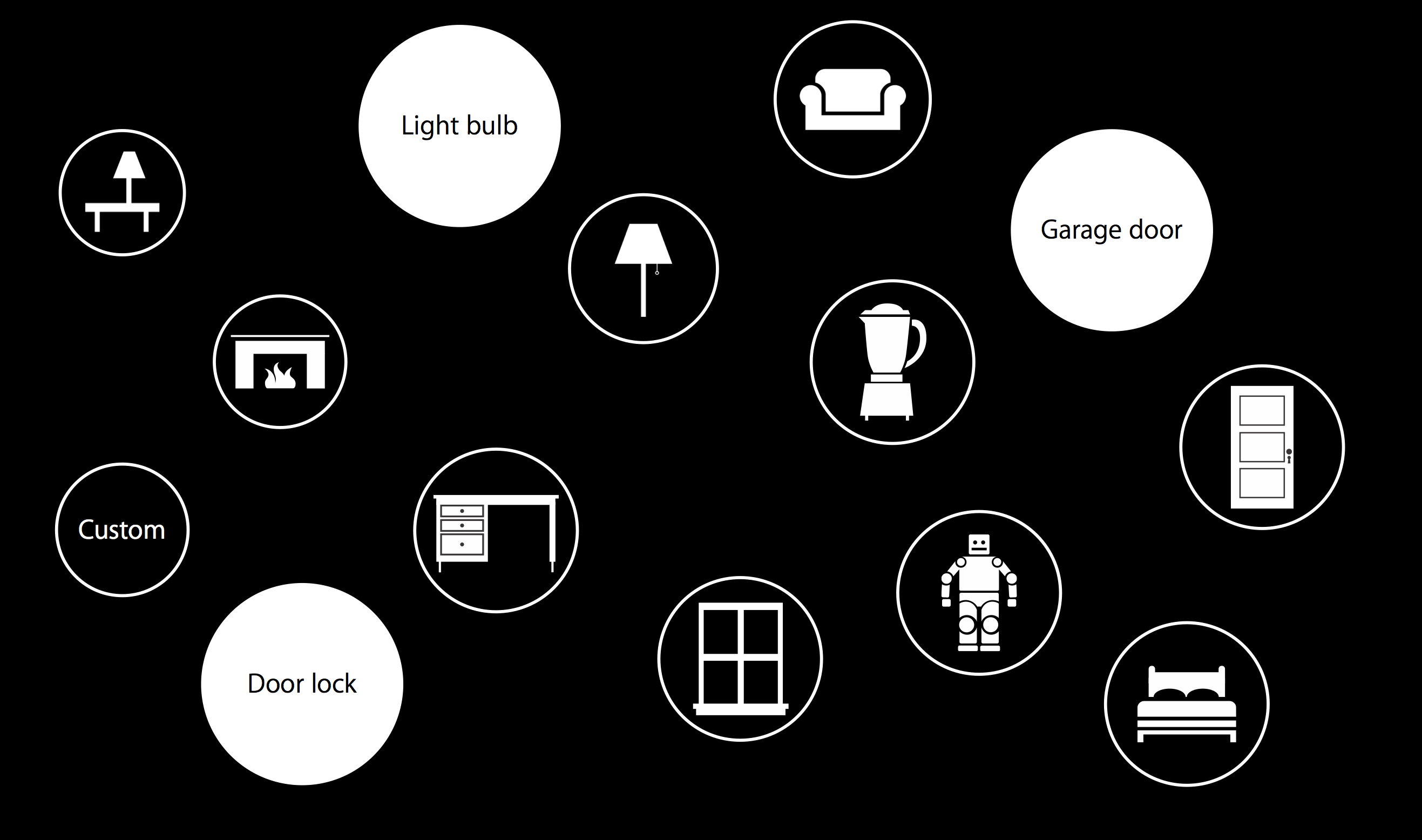
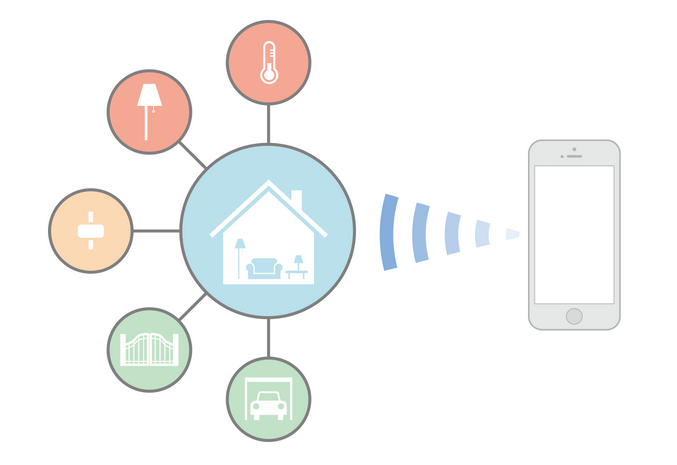
Before we begin with how HomeKit works and how it can ease your life, let’s take a look back at what is HomeKit. HomeKit is a specialised language understood by appliances; a framework that works in combination with apps for communicating with and controlling connected accessories in a home. Users can set up actions to control home automation accessories like lights, gate, garage door, music, TV, etc and group them together.
HomeKit devices are stored in a database on the iOS device, which is synchronized to other iOS devices over iCloud. An admin is allowed to add more users to adjust the characteristics of accessories. The integration of voice assistant Siri makes it all the more fun and actions can be triggered by Siri at a single call. The arrangement works with devices like iPhone, iPad and iPod that runs iOS 8 and above.
How Does it Work?
Since connected devices in your home communicate with each other, each one of them needs to have a definite name. Assign a name to all the HomeKit-enabled devices and functions like ‘Living Room’, ‘Curtains’, ‘House’, ‘TV’, ‘Switch on’, ‘Brew’, so that Siri could interpret your command. Remember to use names and not general terms in your command.
Once you are done with storing names, the appliances can be controlled individually. Apple has also provided a grouping feature that can put together two or more appliances to manage at a time. This way you don’t have to give a command to every single object and one command will apply on all. For example, if there are many lights in your house and you want to switch off all, give Siri a pre-determined command and all the lights will turn off.
Official Home App to Debut on WWDC 2015
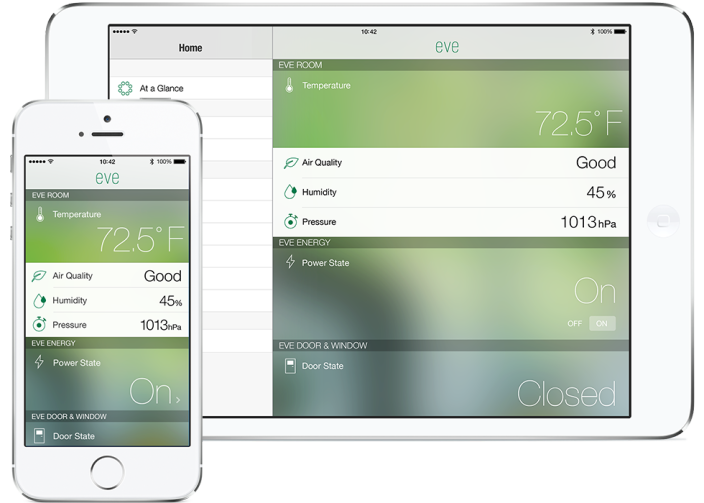
For now, there is no official app by Apple and users need to download a suitable application from the App Store. But there have been reports of Apple strengthening the connected home initiative through its own app dubbed ‘Home’. The tool would list all the HomeKit-enabled items and will be a remote point to manage everything.
HomeKit-Compatible Devices
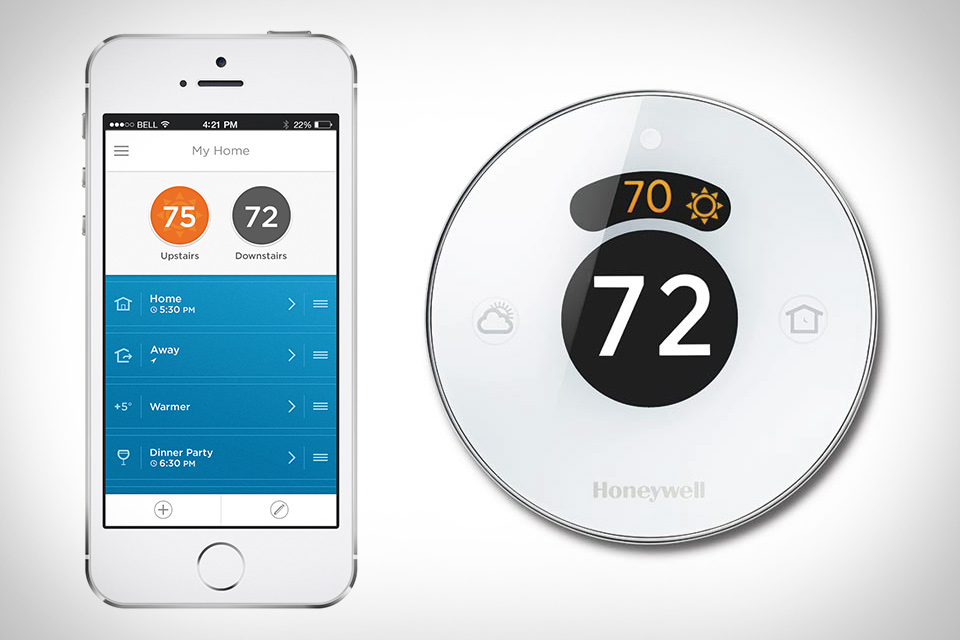
As HomeKit is a conversational language of electronics, it could work with devices produced by any manufacturer, considering that it’s HomeKit-enabled. Apple has tied up with many consumer electronics brands to produce conversable appliances. Some of them include Haier, Philips, Belkin, Honeywell and a few more. There are several devices available in the market right now, but almost all of them are for sale in the US. The accessories are yet to hit the Indian market. It is speculated that Apple would release more of HomeKit-enabled devices in the forthcoming annual WWDC.
HomeKit is secure and doesn’t allow electricity abuse. It includes end-to-end encryption between iOS devices and smart devices, making them secure.
The Future of HomeKit
The HomeKit concept was introduced last year and even after a year, it has a crawling progress rate. Google too announced its latest smart home platform, Brillo, at the recent annual developer’s conference, but it’s a year behind Apple. The Cupertino-based firm has already thrown its hat in the respective ground. There has been a slow roll of HomeKit-compatible products in the market, but this year’s WWDC is expected to accelerate the process.
The race of turning homes to ‘smart homes’ is a tad long and it would take next several years to replace the already fitted appliances with smart gadgets. Besides that, Apple has merely sprung its plan of home automation into action and it needs to institute an entire set up of automated products. Surely, it would be slow and extended, but it’s a preview of how the future would be like. The day is not far when homes would be interacting like your smartphone.
Modern day tech essentials like smartphones and tablets are a boon, as well as a curse. While they are multifunctional, providing us with a camera, gaming console, laptop etc, the storage limitation makes them worthless after a certain stage. For instant content storage, users are forced to clean up the storage space, which may include documents, videos or photos of vital importance.
There are several tactics to unload your device without losing the stored content. Follow the below tips to make room for more files in just a few minutes.
Back Up Photos and Videos
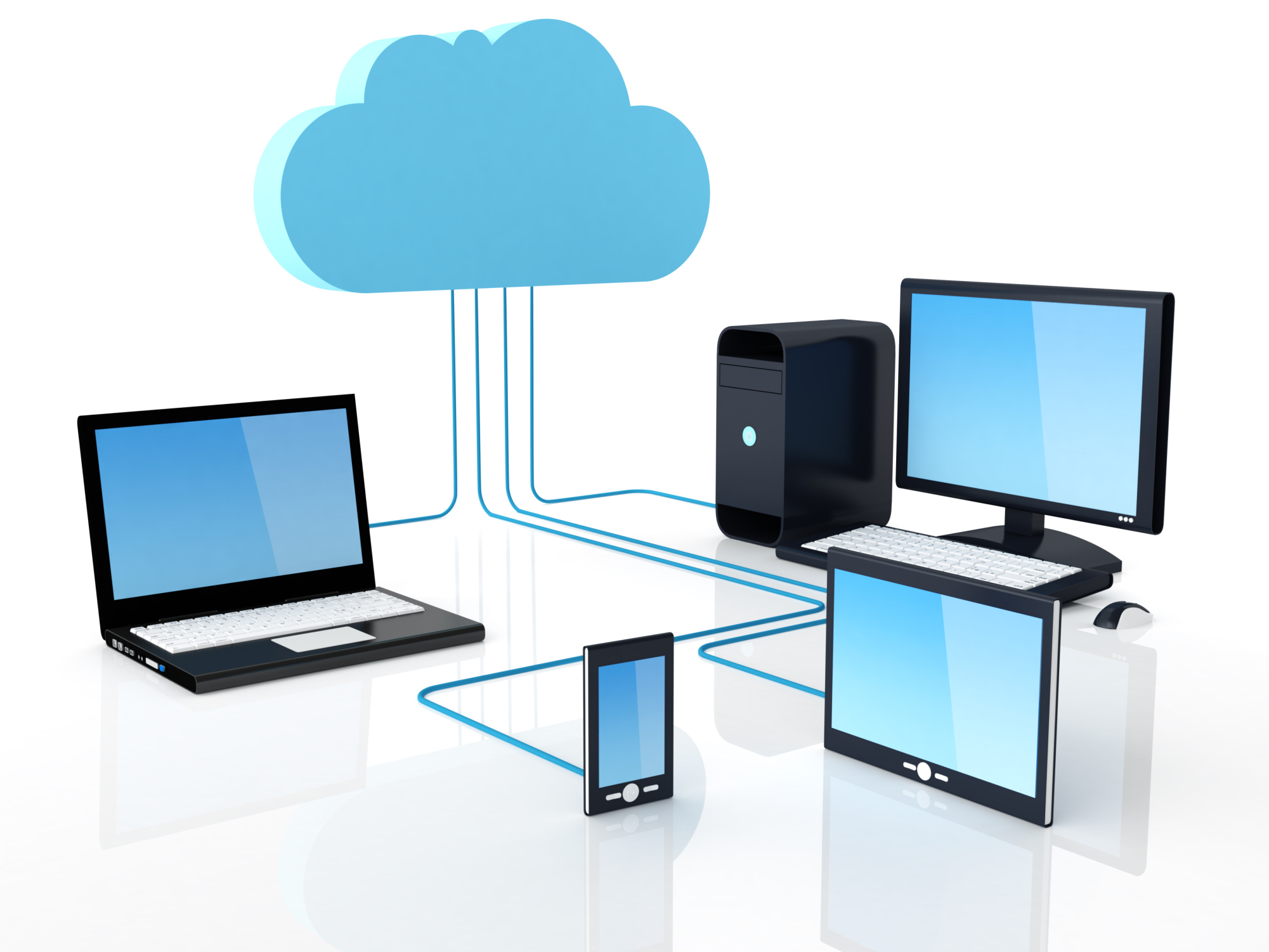
Photos and videos are the biggest storage eaters when it comes to phone memory. They claim almost one-fourth or an even greater portion of your phone’s storage capacity, leading to an overload. But as they are memories one can’t afford to lose, they can be shifted to the cloud. Some of the best cloud storage services are Dropbox, Google Drive, OneDrive, iCloud and more. Enable automatic uploading of Camera Roll to Dropbox and the content will upload automatically
Go on Settings > Accounts > Cloud and sync Pictures and Videos to upload them to Dropbox.
Those who are doubtful about the security of the cloud can keep their stuff in an external hard drive. Here are some more ways to backup your audio and video files.
Uninstall Heavy and Unused Apps
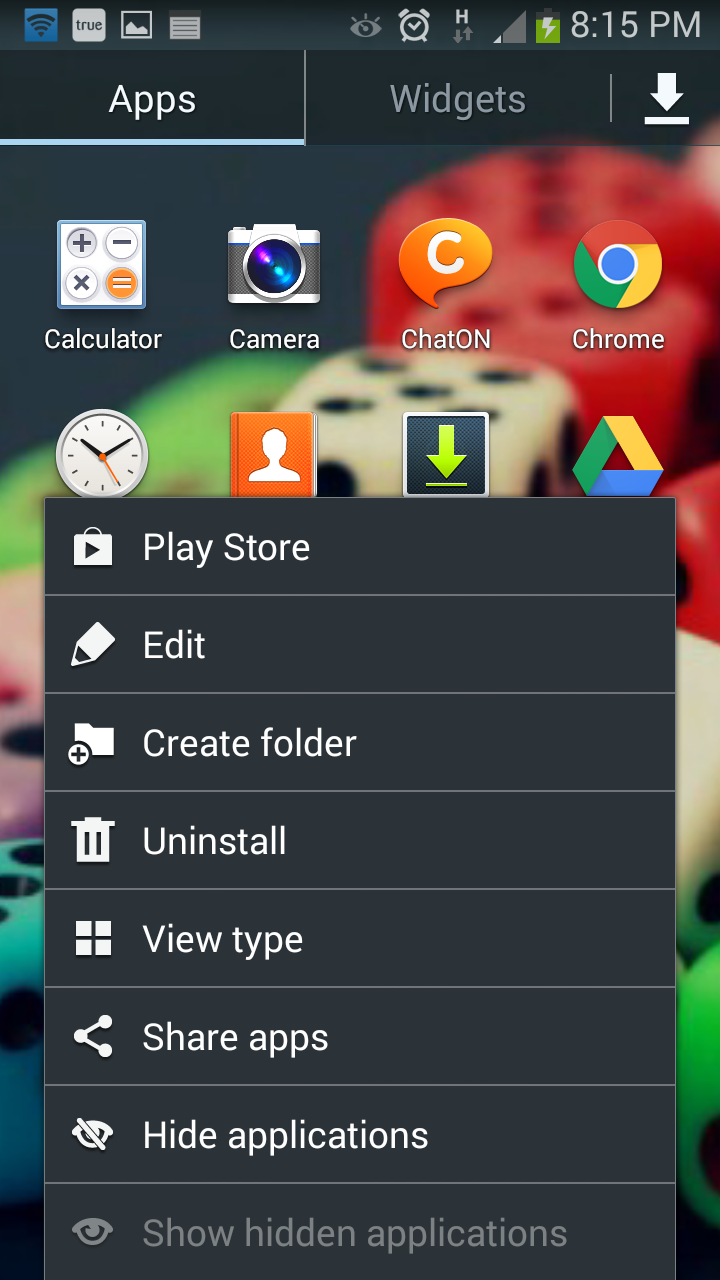
Apps cover the second highest section of your phone. Check out all the installations and install all the apps that you are no longer in use. There may be chances that there are two or three different kinds of apps solving the same purpose. Start eliminating apps of the same type and make room for more content.
Go to Apps on Home Screen > Tap on the left touch capacitive button > Select Uninstall and choose all those apps which you wish to uninstall from your phone.
Send Documents to Google Drive
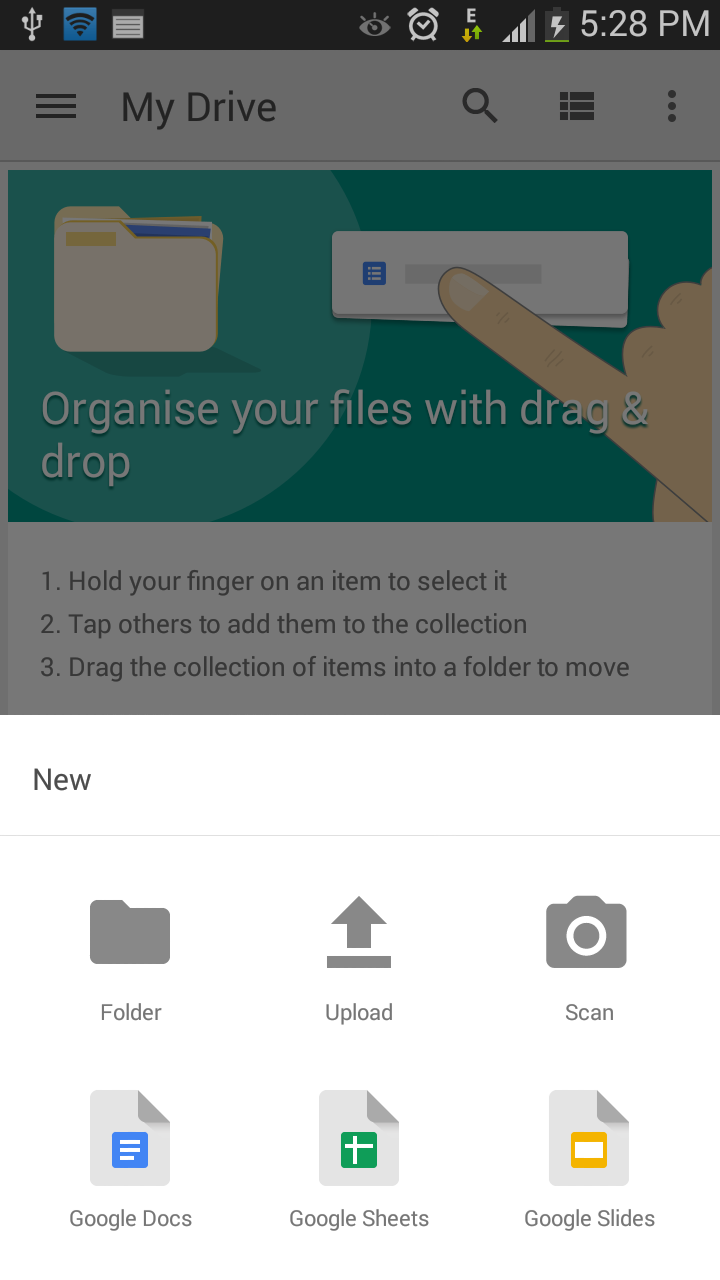
Try not to save worksheets and text documents till you have a working internet connection. Save it on Google Drive and you can easily find it any time you need. Google Drive doesn’t allow you enough space to store content, but also offers several other features. You can create a new file, upload, scan and print documents. It’s handy and easy to use.
Clear Cache
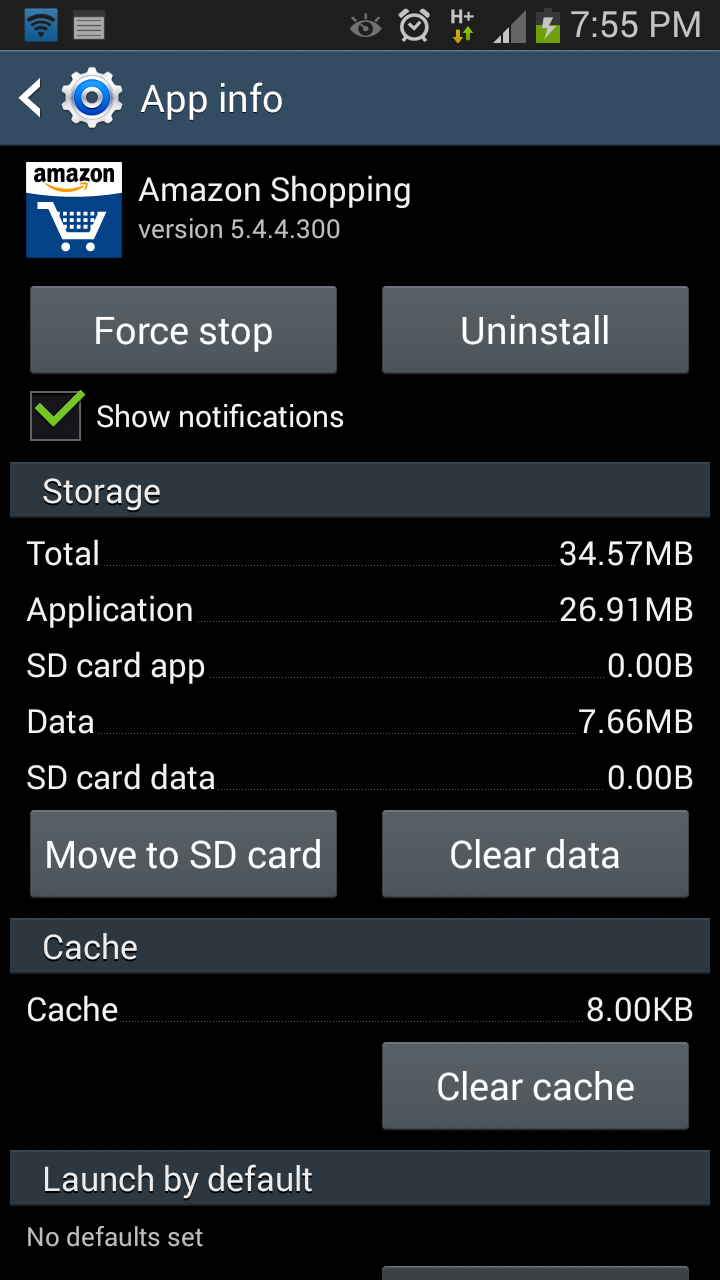
Cache is important as it stores the required data for faster page loading, but at the same time, it consumes the phone’s internal memory. You can clear the cache for an individual app from the Setting menu of your Android device. Go on Settings > More > Application manager and click the app, whose cache you want to clear. This may be a bit tedious, so we suggest you install App Cache Cleaner from Google Play Store to clear all cached files with one tap.
Keep your Device Clean
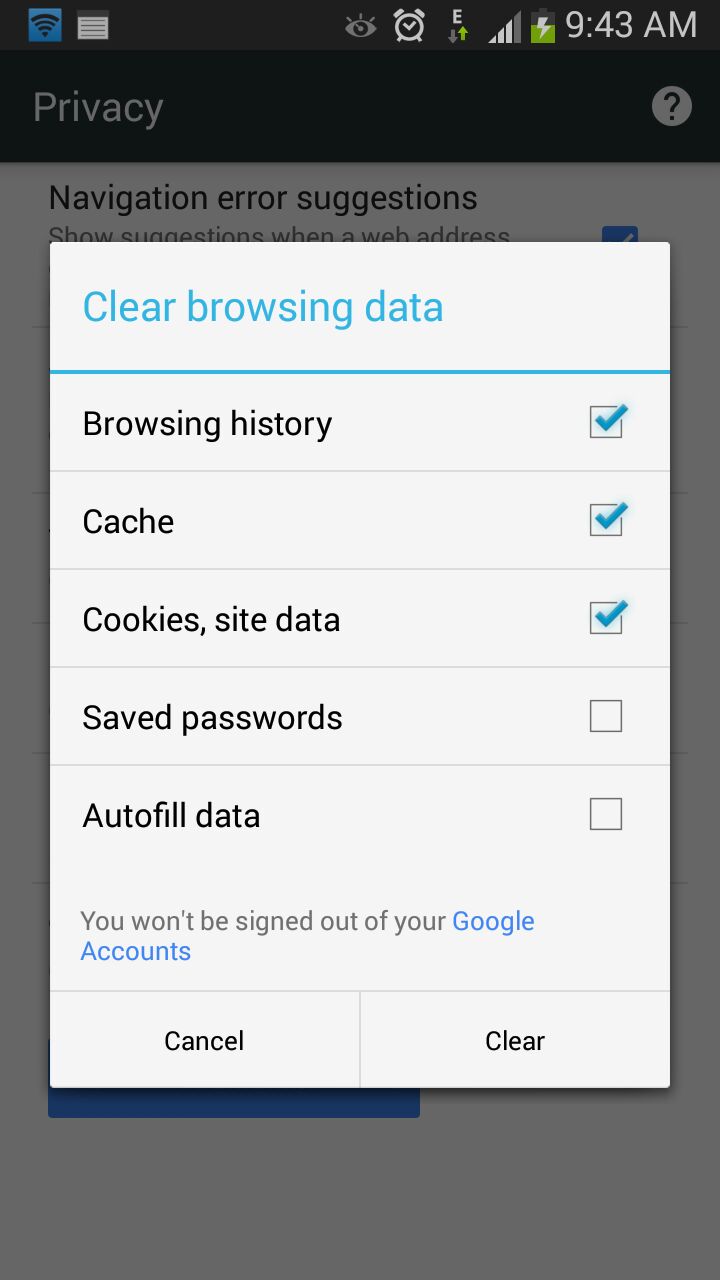
A clean device makes life a lot easier. If the smartphone is clean, you won’t be facing problems like phone hanging and crashing of apps, which are prominent with almost all handsets these days. Clear browsing history, delete unimportant stuff like contacts, documents, music files and videos that are not worth the space on your phone.
As apps become more prevalent and powerful, entrepreneurs and small business owners are relying on these savvy tools to help their businesses grow and run more smoothly. Some of the apps in this arsenal will help you get a lot done with minimal personnel, since things are just starting out and human resources may be limited at this point.
We are listing top 10 apps to get you organized, connected, visible and will likely contribute to your start-up’s success.
1. Slack
Slack provides you with real-time messaging, archiving and integrations to other tools, such as Google Docs and Trello. This means less internal email communication and keeping things quick and on the go. Using Slack would mean no one will miss out on anything, and everyone is clear on what’s happening on each project. The app comes with a feature which allows you to be notified when certain terms or words are used by the team, meaning you are always on top of the urgent things.
2. Zendesk
If your business targets for excellent customer service then Zendesk is one app that’ll help you take over the entrepreneurial world. It is vital to understand what your customers need and like everything in this world, each person has a varied requirement. In such a scenario, you need to keep a check where you are standing in comparison to all your competitors. Zendesk helps you do all this and much more.
3. Salesforce Sales Cloud
Salesforce is the industry standard for CRM, and it’s a great starting point for your new business. Salesforce effectively primes your customer-interfacing business channels for sales. What’s more, due to its wild popularity, Salesforce Sales Cloud is also among the most compatible apps on the market.
4. SurveyPocket
SurveyPocket helps you put together mobile-friendly surveys. It helps get to know your target customers better than by surveying them – before you invest time, money, and effort in the wrong endeavours. SurveyPockets lets you get feedback from your audience, and it’s an app that is especially capable of mobile surveying.
5. ZohoDocs
In the course of running your new business, you’re going to generate tons of documents day one onward. Zoho Docs help you safely dump proprietary, sensitive documents that you can’t afford to lose, as well as accounting and tax reporting-related documents that you’ll need to store for years. Zoho Docs is a great place to start with online file storage that adds user access control to an otherwise intuitive set of features.
6. SureDone
It one of most relied upon online selling solutions. It allows you to easily sell from your e-Commerce website, as well as from marketplaces like eBay, Amazon, and Google Shopping. If your startup plans to offer any type of products, SureDone is the perfect choice to help you reach the widest market possible, easily.
7. HootSuite
HootSuite is a social networking app that reduces the time it takes to manage your startup’s social media presence. Twitter, Facebook, and LinkedIn are requisites at this point. HootSuite not only lets you automate posting and sharing, but it tracks brand mentions and inquiries and reports them to you, all from a convenient dashboard.
8. Expensfy
Expensify, an app that keeps track of business expenses and mileage, while letting users scan and upload receipts. Users can even sort file receipts by trip and submit expense reports to employers with the click of a button. Founded by David Barrett, the app has exploded to almost 1 million users and processes over $2 million in expenses daily.
9. TrackMaven
TrackMaven streamlines your ability to monitor data on your competition, without going through the hassle of consulting multiple sources. Filter the marketing activity you want alerts for and erase all the extra white noise.
10. TimeStation
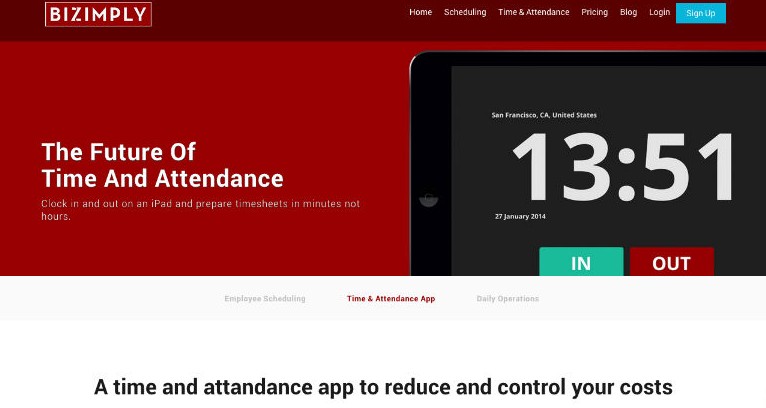
Timestation is an app extention of popular employee managment website called Bizimply. It turns your iOS device into a cloud-based time and attendance system. Using our Fast-Scan technology, employees can punch In and Out in less than a second. The best thing is that TimeStation runs in the cloud, so there’s no software or servers to maintain. Managers can see who’s in and run time and attendance reports anytime, anywhere. TimeStation is the perfect solution for small and medium businesses looking to track time and attendance without the usual costs and overhead of traditional systems.
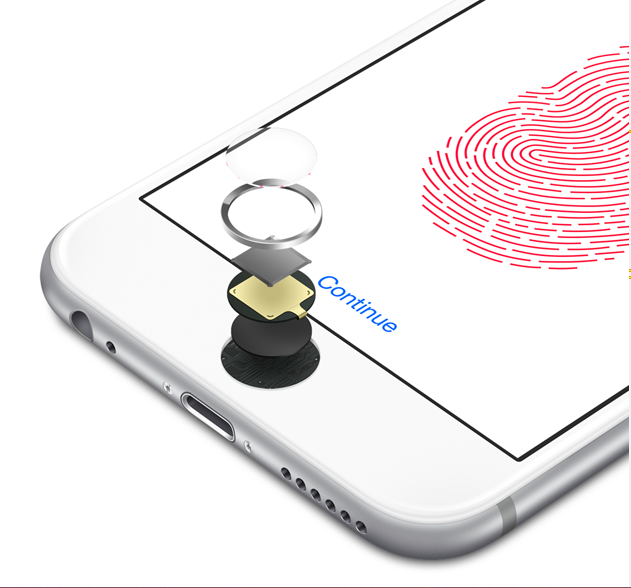
Along with customization, security is another area drawing the attention of software developers. Apple was the first to introduce the breakthrough Touch ID technology that took over manual methods of entering text and numeric combinations to unlock the screen. And following the Cupertino-based giant, Qualcomm brought forward its revolutionary Sense ID at the Mobile World Congress that’s much more secure and authentic than the Touch ID. Let’s find out what separates the two modern day technologies.
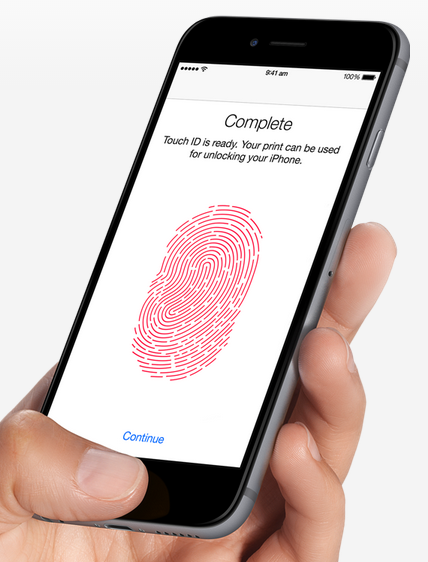
The Touch ID is the simplest way to wake up your lock screen. Just put your finger on the physical button and device will recognise the provided input and let you access the phone. Once the user puts his/her finger on the Home button, the stainless steel ring on the button comes into action and activates the capacitive touch sensor. The finger impression gets imprinted on the button’s sapphire crystal surface, which is sent to the sensor lying beneath. The software then reads the input and unlocks the device for you. The mechanism seems complex, but the whole process takes a fraction of a second.
The Touch ID is capable of reading impressions with a 360-degree orientation. Users can place their finger the way they want and it will still work. One can enrol multiple fingerprints on a device. Its usage is not just limited to unlocking the screen and you can also make purchases on iTunes and the Apple App Store by making mobile payments through your fingerprint. It can also be infused into third-party apps through developers’ support.
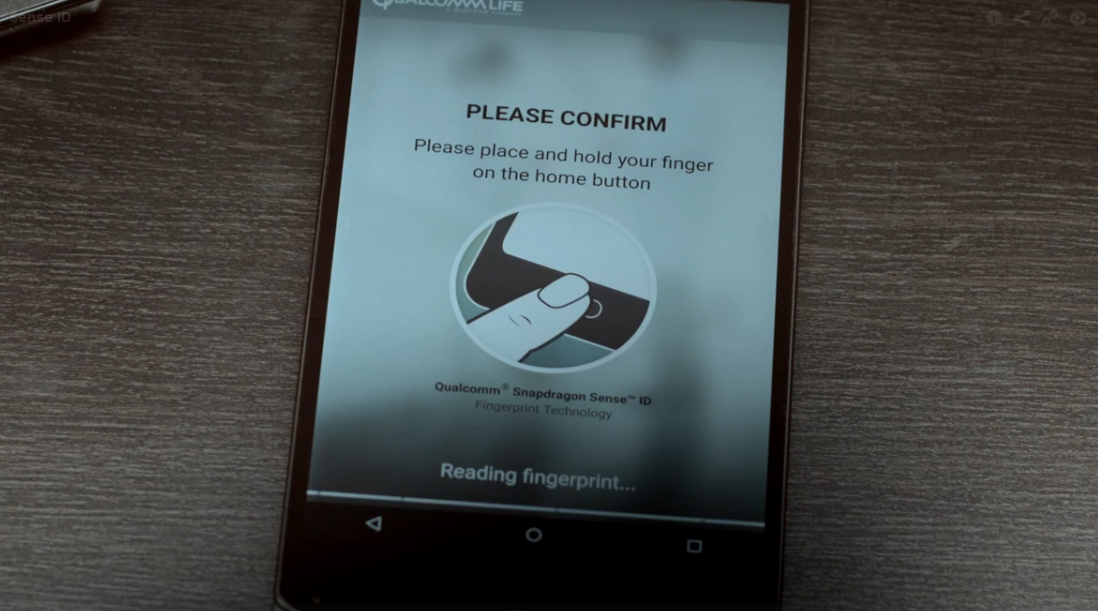
On the other hand, Sense ID is one step ahead of Touch ID. It’s the mobile industry’s first biometric platform based on ultrasonic technology. Instead of just analysing the ridges of your fingers, it makes a 3D map of the minute details including ridge flow and sweat pores. The sound waves penetrate the outer layer of the skin and create a matchless password that is hard to reproduce. According to Qualcomm, the technology “incorporates a Qualcomm biometric integrated circuit (QBIC), custom sensor technology and algorithms managed by the company’s hardware-based SecureMSM technology.”
Here’s the video showing how Sense ID works:
It can work with moist fingers and with other contaminants like dust and dirt. Its ability to scan doesn’t get blocked by the display type and allows fingerprint detection through glass, plastic, steel, aluminium and sapphire. Snapdragon Sense ID permits manufacturers to experiment with designs, enabling them to develop sleeker smartphones in the future.
Along with the added benefits of scanning through multiple surfaces and damp fingers, Sense ID embraces features from FIDO (Fast IDentity Online). It is an Alliance biometric protocol that keeps the fingerprint data on the device, instead of securing it on cloud; allowing people to visit websites, more securely. Online accounts and apps can also be accessed without the need of repeatedly providing a password for authentication.
Fingerprints are unique and make matchless passwords. Their unique characteristics compel smartphone manufacturers to deploy the newest innovations. Qualcomm will install the technology to its Snapdragon processors and soon, fingerprints will replace the traditional character-based passwords, giving faster access to a plethora of features. Since Qualcomm penetration in the Android market is high, more smartphones will have this standout feature on board.
Till date, Apple’s recent handsets, iPhone 6 and 6 Plus have Touch ID, and Samsung implanted its own fingerprint technology on Samsung Galaxy S6. It is learnt that Microsoft and Google have also tied up with FIDO Alliance, which means future Android and Windows devices may pack identical authentication features. Fingerprint scanning is a doorway to enormous features for which we presently need passwords. Akin to Touch ID, if Sense ID also offers third-party app integration, regular apps like Gmail, Yahoo and others will work through your fingerprint. It would be nice to see how Apple revises its technology to compete with Qualcomm’s Sense ID 3D fingerprint technology.
While Android Lollipop was a complete overhaul from its previous iteration (in terms of design and features), Android M is said to be a mere improvement. At the Google I/O conference, Senior VP Sunder Pichai announced that the company has spent effort on improving the software, rather than redesigning it. Nonetheless, we can’t wait to have the brand new set of features on our smartphones.
Well, we’ve now decided to take on the burning question everyone wants answered, “Will my smartphone be upgraded to Android M?”.
Here’s a list of smartphones that are most likely to receive the update first.
Nexus Devices
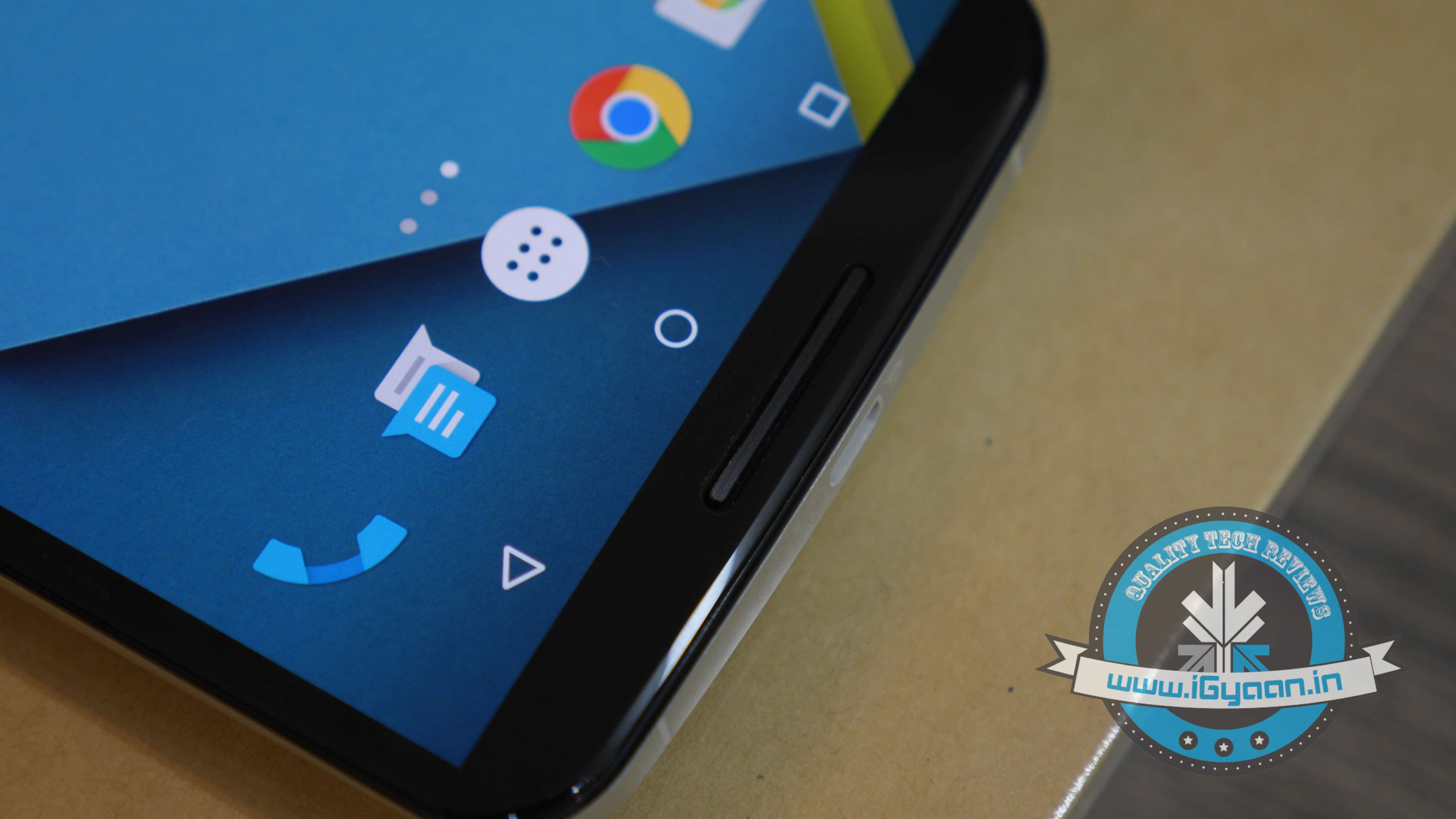
No surprise here. The Developer Preview is already out for Nexus 5, Nexus 6, Nexus 9, Nexus Player; and it sure looks good. As tradition goes, Google’s very own line-up of Nexus devices will be the first ones to receive the official update.
The Moto Brigade
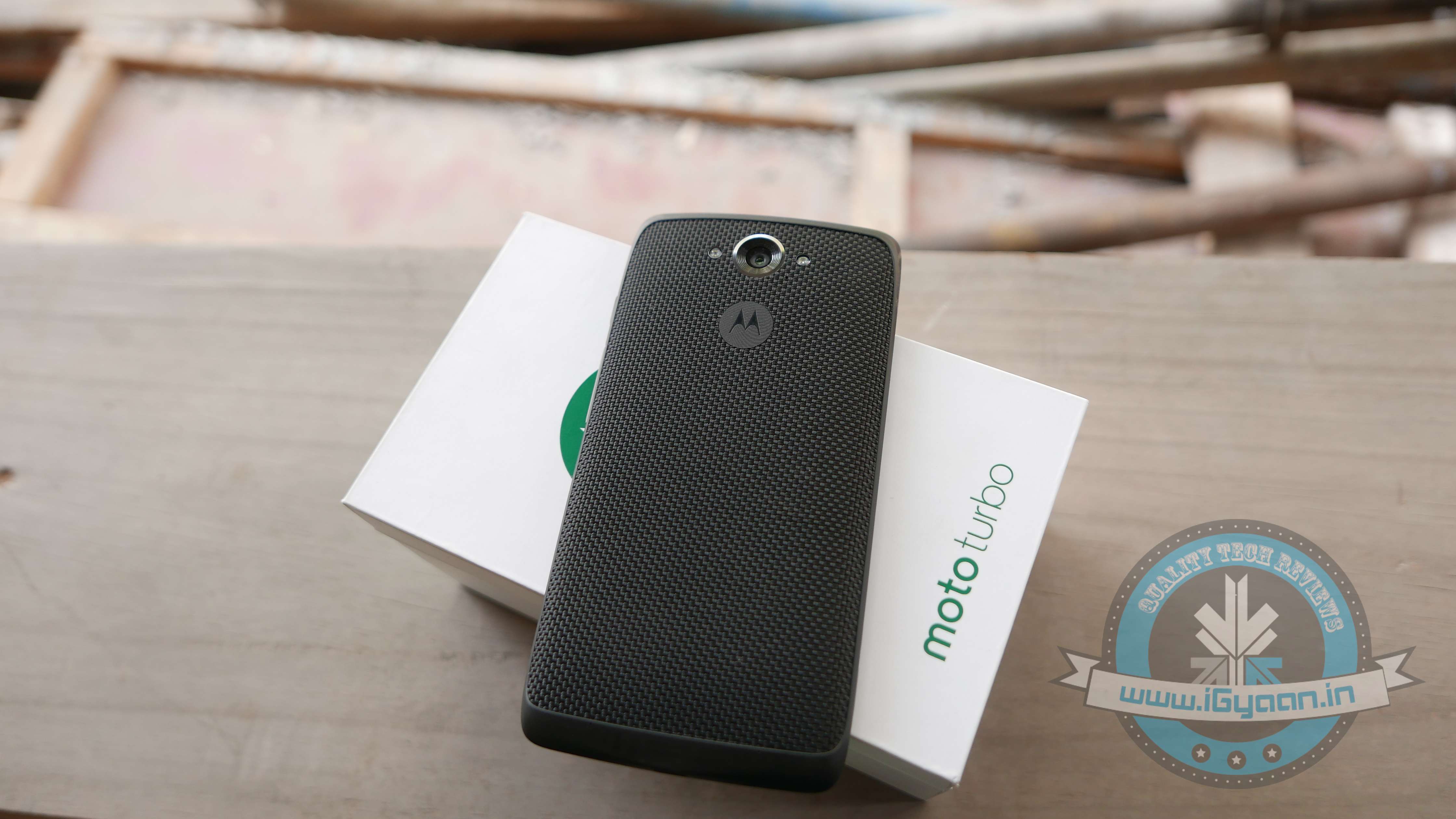
Motorola has always been efficient in providing timely software updates. Even when Android Lollipop released, Motorola ensured its customers had it before many others. Moto X and Moto Turbo are first in line to get the Android M update, followed by the Moto G. Unfortunately, Moto E may not make the cut.
OnePlus
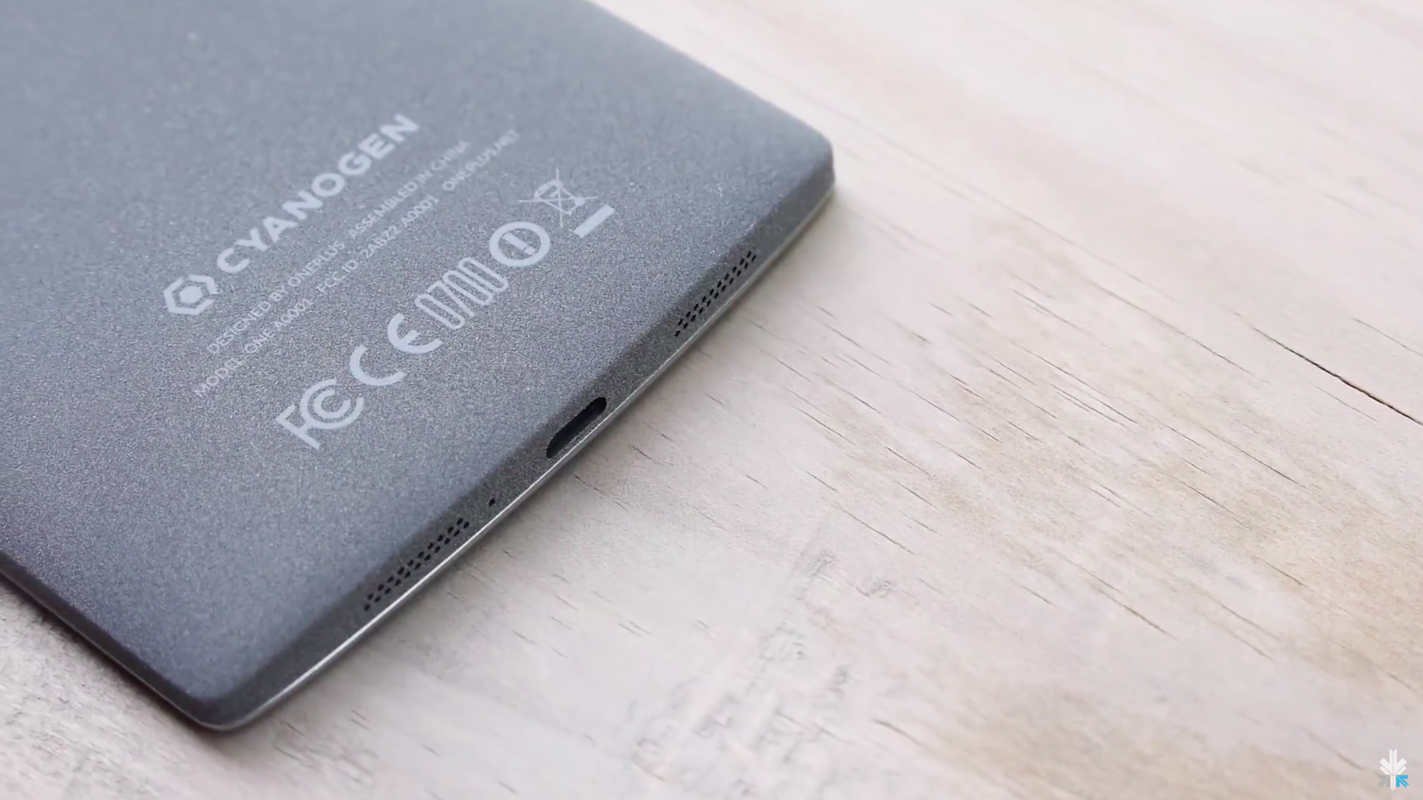
By the time Android M rolls out, we expect OnePlus would have announced its next flagship, the OnePlus Two. The company, just like Motorola, has been known to provide timely updates. Also heeding to the fact that the company has buried the hatchet with Cyanogen, we can expect both, OxygenOS as well as Cyanogen to be out in their Android M versions soon. In fact, all devices powered by Cyanogen (such as Yuphoria, Yureka) would be the privileged ones to receive Google’s latest update.
Samsung Devices
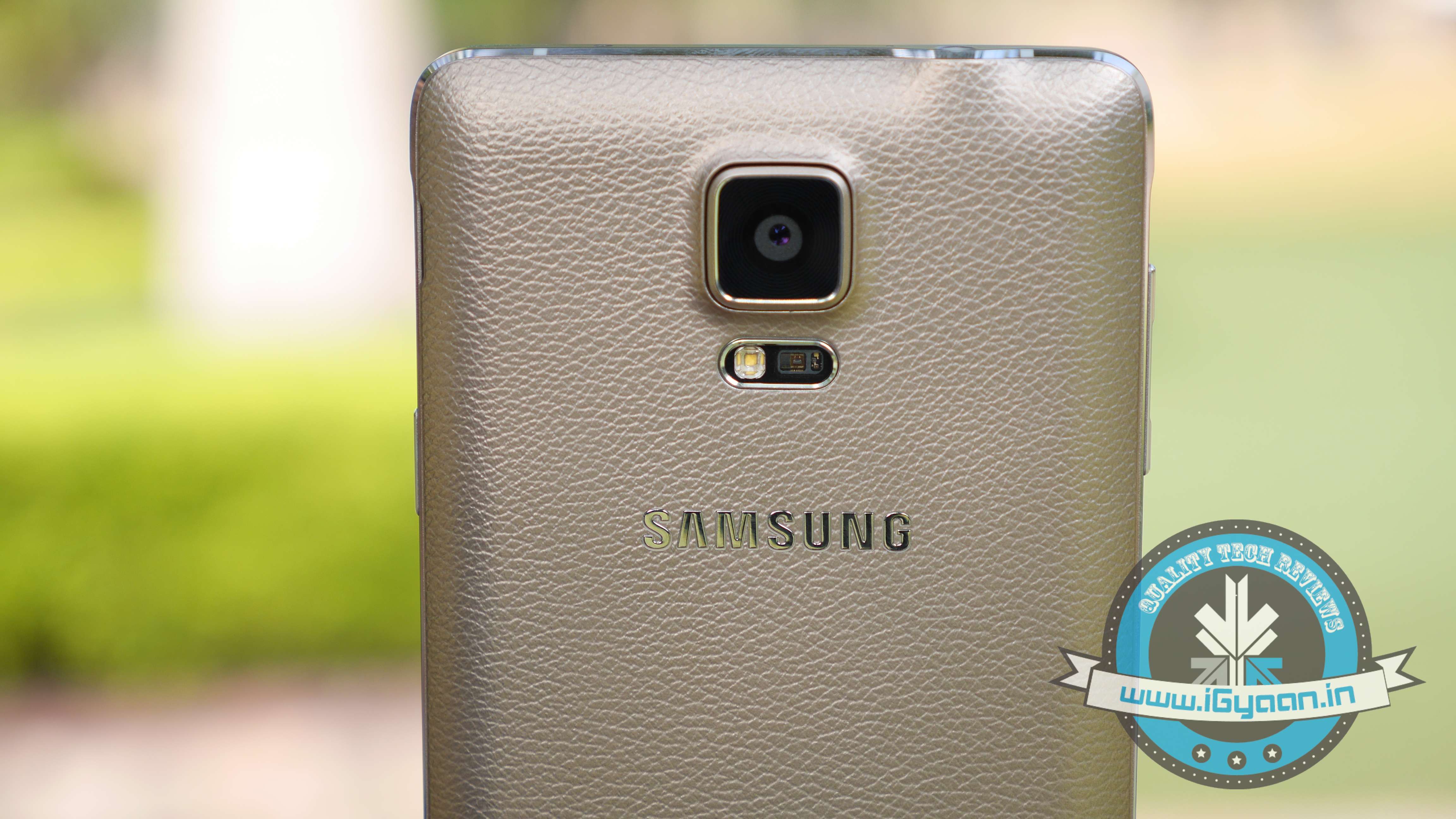
While there is no official word from the company, Samsung Galaxy S6, Galaxy S5 and Samsung Note 4 are expected to be the first few devices to receive the Android M update. Also, the Samsung Galaxy Note 5 which is expected to launch between October and September 2015, will be upgraded to Android’s latest operating system.
HTC
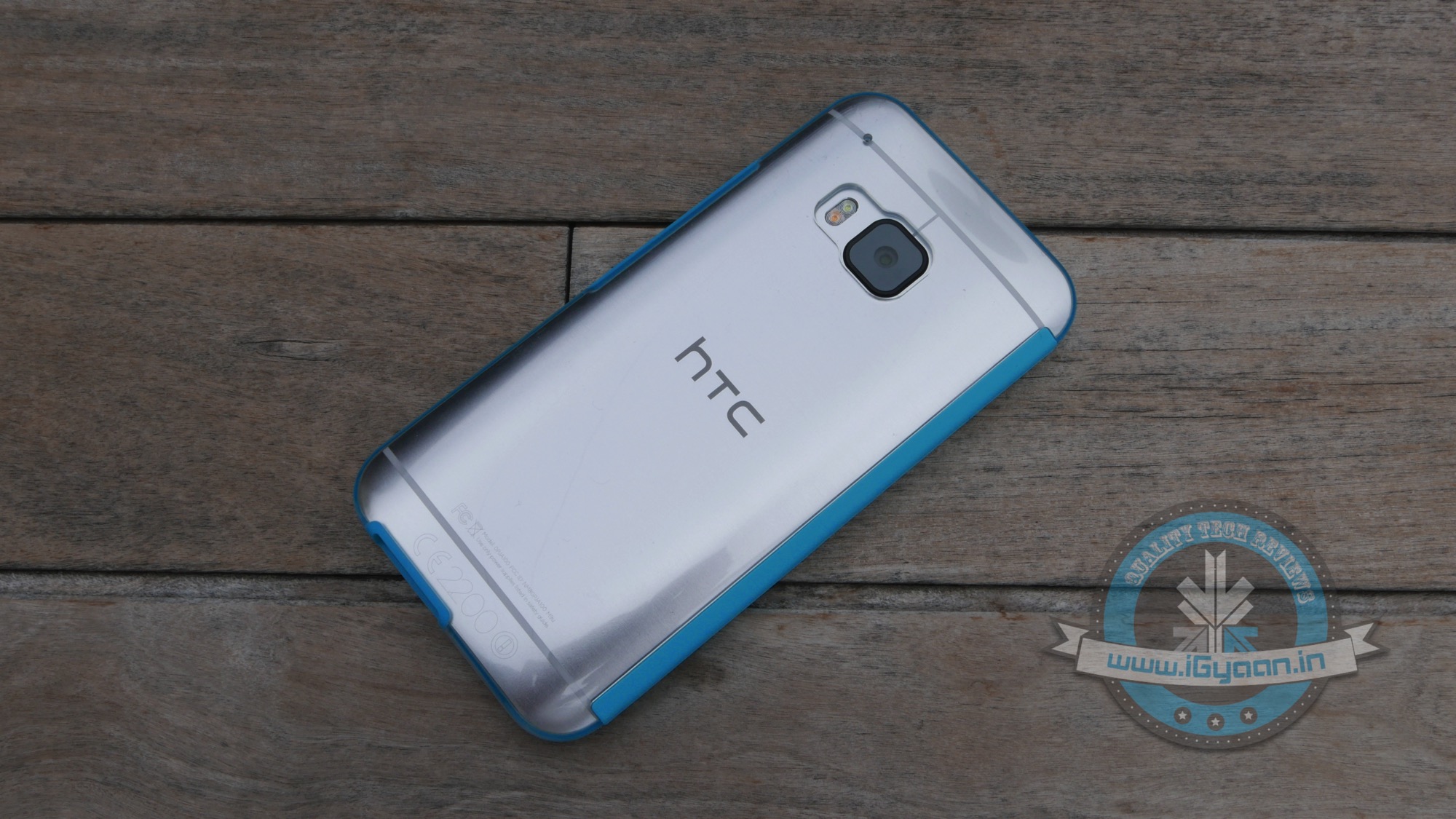
HTC is one of the few companies that has jumped the gun and officially announced that their line-up of smartphones will be receiving the Android M update. The company recently stated that HTC One M9 and One M9+ are going to get it first, followed by other devices. The company was unclear about which these ‘other devices’ might be, we’re guessing they were talking about the HTC One E9 and the previous-gen One M8.
If you’re one of the lucky few who get to escape the country’s blistering summer, we’ve got some handy tips for you. We’re here to tell you how to utilise what technology has to offer to ensure you have a safe, fun, and stress-free vacation.
First things first, figure out the best way to get an affordable data connection on your phone, in the countries you’re visiting. There are several companies (Lyca, Matrix) that provide you with international calling cards, even before you leave the country.
So, let’s get started.
Pack Up!
The excitement of the journey begins when you start deciding the stuff you’re going to be carrying with you. If you’re willing to spend a minimal amount on an app, we’d recommend Packing Pro (iOS). Just like its name suggests, it helps you pack like a pro. You can make customised to-do lists, but the best part about this app would be the ‘Expert List’ assistant. This has already got packing lists ready depending on if you’re a male/female, if you’re going camping or if you’re stepping out for a short business trip. The app is intuitive and customisable, and in our opinion, worth every rupee spent.
How to Fill the Language Gap
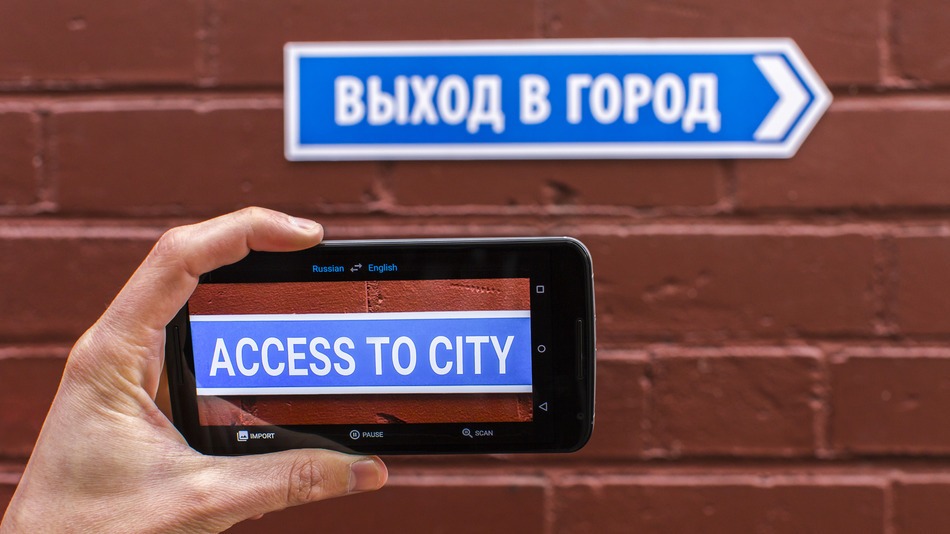
A recent update to the Google Translate app, integrated a World Lens tool. Word Lens uses the smartphone’s camera to scan scenes, identify writing and then display it as if it were written in English. You can hover your device in front of menus, road signs, and more, and see the translated text overlaid on the screen immediately without any internet connection. Pretty neat, right? A super useful feature when you’re jet-setting across the world and trying to make your way through foreign cities, where English isn’t the first or second language.
TripLingo, on the other hand, gives you some of the commonly used phrases in a particular language. Believe us when we say this, you’d want to memorise how to say “Where is the Bathroom?” in Mandarin, before you land in China. This app also gives you a crash course in local customs and etiquette.
Both Google Translate and TripLingo, are available for free on the Play Store.
Make Some Lists
To prepare for a trip abroad, the first thing any travel magazine will recommend is that you make a list. A list of things to pack, a list of places you’d want to visit and even a list of things you want to buy. If you’re flying solo, the Notes app provided on your smartphone would suffice. However, in case you’re travelling in a group, ask everyone to download a single note-taking app. Go for Slack or Evernote. You can make a checklist and multiple people can contribute and edit the list while on the go. While these apps may be designed for businesses, they serve the purpose just as well.
Both Slack and Evernote are available for free on the Google Play Store.
How to Make Sure You Never Get Lost
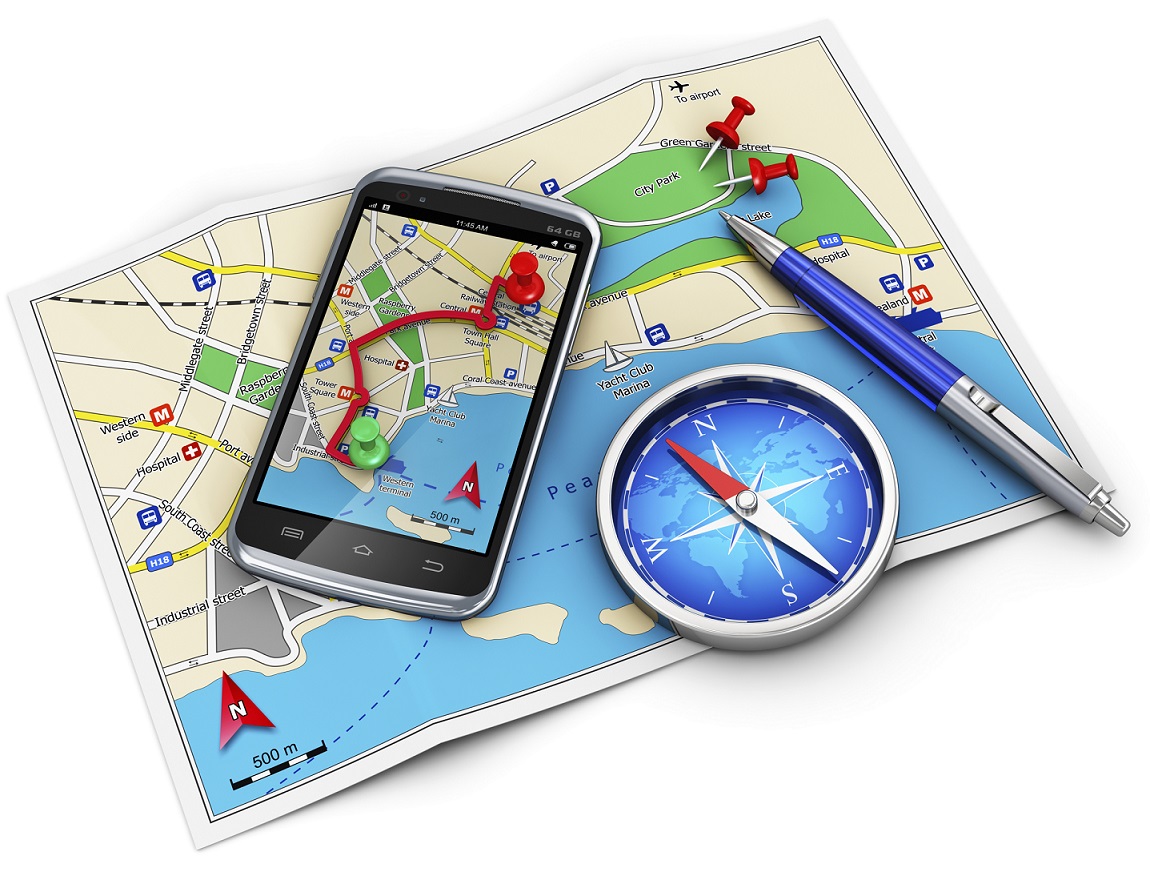
Other than Google Maps, there are a slew of apps available to help you navigate your way through an unknown city. From the bunch, we would recommend City Mapper and Moovit. The two help you make your way around a city’s public transport system. Just add your destination and it will tell you how to get there. Other than route-navigation, it gives you step-by-step instructions which include local modes of travel (ferry timings, cycle pick-up, etc.) The highlight about the apps is the fact that they provide real-time updates. For example, if the bus you’re waiting for is held up in traffic, it will tell you exactly how much longer you would have to wait for.
Google Maps, City Mapper and Moovit, are available for free on the Play Store.
So, What do Locals Do Around Here?
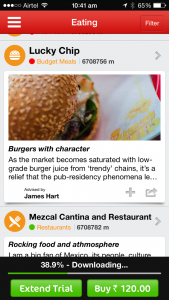
The traditional way to find out the hidden gems of a city, would be to try and strike a conversation with a local resident of the town you’re visiting. We now have an app which will help you with this, and much more. Available in more than 40 cities worldwide, Like a Local gives you genuine reviews about the local restaurants and markets to check out. The app promises that their recommendations have been curated solely by local editors. If you hate being a tourist in a foreign city, this one’s for you.
Like a Local Offline CityGuide is available for free on the Google Play Store. If you’re still contemplating where to head to this summer, you can click here for inspiration.
It’s official. After much speculation and anticipation, the prices of the new and improved Windows 10 has been revealed, as of yesterday. While we all knew that the Windows upgrade was going to be free, the pricing for people who did not have the OS or the licensed version of it, was unclear.
[pullquote_left] The upgrade from a Windows 10 Home pack to a Pro Pack will just cost $99 [/pullquote_left]
However, Microsoft, through Neowin, finally announced the prices and the date of release. The cost of Windows 10 Home will be $109 while Windows Pro will cost $199. Incidentally, there was been no hike in price since the Windows 8.1 version came out, which is a pleasant surprise. The upgrade from a Windows 10 Home pack to a Pro Pack will just cost $99. The system will be ready for upgrade on the 29th of July.
While there was a lot of speculation over the weekend with Newegg reporting a price leak, it has been confirmed that the prices put up by the website, initially, were incorrect.
Now that we know the price and date, It is important to know a few more things about the Windows 10 upgrade:
The upgrade is available for free, for a year, after which all Windows 7 and 8.1 users, will have to purchase the upgrade. So do avail of this offer, soon.
You can either download the OS on your Windows 7 and 8.1 versions or buy the new PC.
All updates and fixes will come at no additional cost once you’ve downloaded it.
They have a ‘reservation link option’ which means you can preload the software and it will install, as soon as it’s ready.
All non-genuine Windows users will not get a free upgrade and people using Windows OEM (Other Equipment Manufacturers) will be offered attractive discounts, as per the company’s statement.
With the revelation of prices, the Redmond-based beast hopes to secure its fortunes in what can be the largest sales of PCs and upgrades that will be witnessed. As per Neowin, the company expects users to avail of the free upgrade that is available for one year and hence is targeting 1 billion installs of Windows 10, in the next 2-3 years. While the task seems daunting at the moment, it’s definitely not an impossible feat.
Microsoft had earlier announced that the consumer version of its newest OS, Windows 10, will arrive this summer. Keeping up its promise, the software major today announced the release date of its latest Windows iteration. The much-awaited operating system will be available to download on computers and tablets running Windows 7 and 8.1 from July 29th onwards. Windows-running smartphones are expected to receive an update later this year.
Terry Myerson of Microsoft stated in the official blog post –
On July 29, you can get Windows 10 for PCs and tablets by taking advantage of the free upgrade offer, or on a new Windows 10 PC from your favourite retailer. If you purchase a new Windows 8.1 device between now and then, the Windows 10 upgrade will be available to you and many retail stores will upgrade your new device for you.
Recently, the hardware and software giant commented on a blog post stating that Genuine Windows 7 and Windows 8.1 customers will be upgraded to Windows 10 for free and will continue receiving ongoing Windows innovation and security updates for the supported lifetime of that device. On the other hand, customers using pirated softwares have been recommended to purchase a licensed copy.
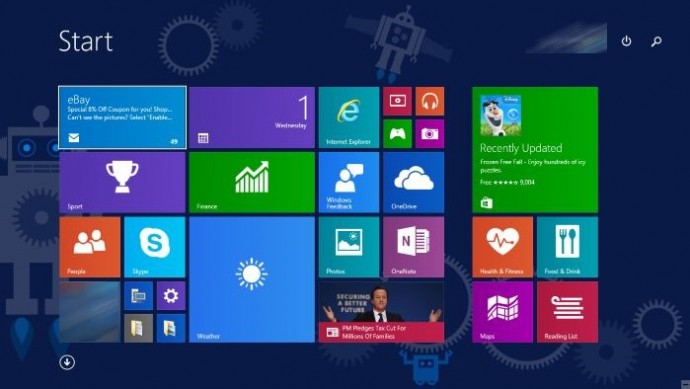
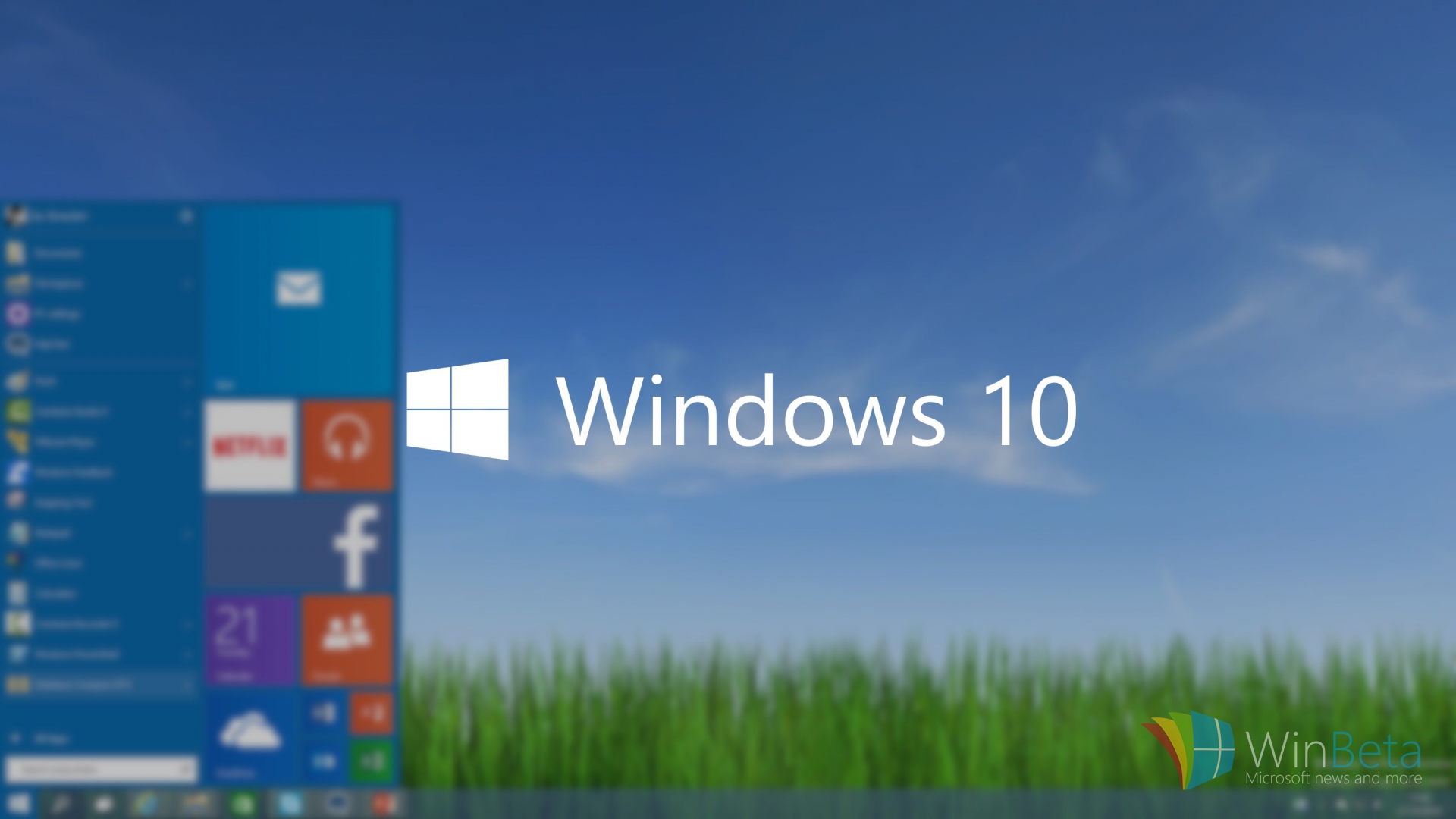
Microsoft is also sending a notification to genuine Windows users, clicking which, a slide show appears giving a slight glimpse of Windows 10. The new version brings back the Start Menu (that was missing in Windows 8), Continuum, a virtual assistant Cortana, the revamped browser Microsoft Edge that is fast and organised, and many other features. The software will launch in 190 countries.
[pullquote_right] Microsoft recently confirmed that there will be no Windows 11 [/pullquote_right]
Microsoft recently confirmed, that the firm is quitting the revision of Windows operating system and confirmed there will be no Windows 11. The company wanted perfection in the latest Windows as it aims to standardize Windows 10. Microsoft intends to make Windows a service. That means, instead of releasing versions of Windows every couple of years, they will be sending out regular updates to Windows just like Apple’s OS X.
Along with unveiling the brand new version of Android OS, Android M, at the annual developers conference I/0 2015, Google cleared its vision to help customers buy regular products with utmost ease. The tech powerhouse showed the Android community its recent development on mobile payments that made Android lovers applaud Google. The ace up its sleeves was Android Pay, through which Google was aiming at Apple’s contactless payment service, Apple Pay. However Android Pay came late into the mobile payment battle, it has certain distinctive features that would strengthen its position in this domain. Let’s check out how it works and how it can contribute to making our lives easier.
How to Use it?
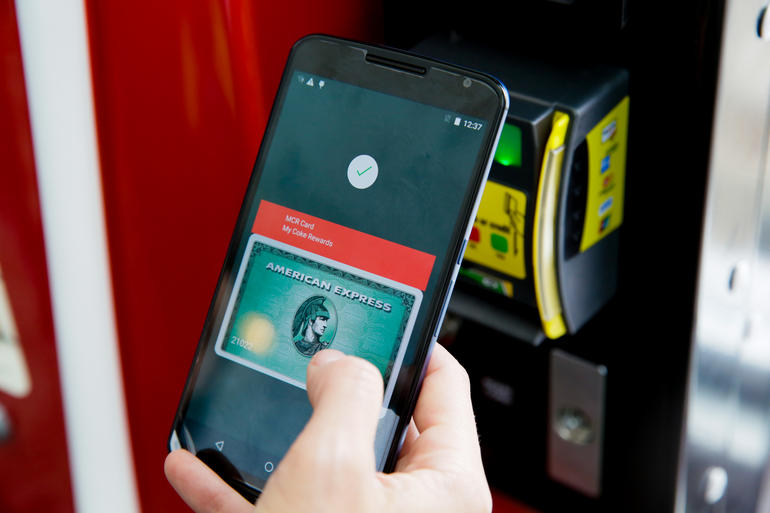
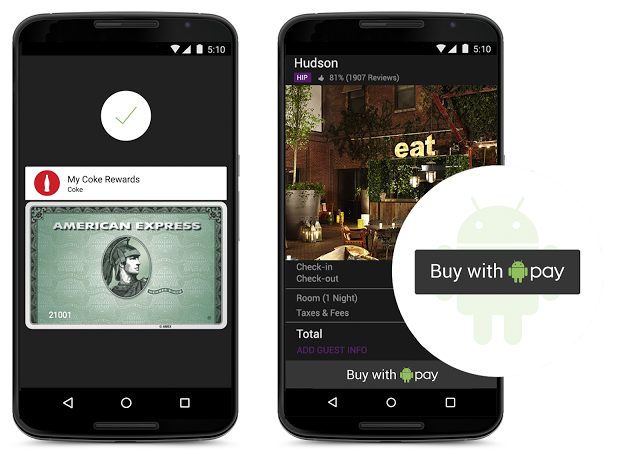
Android Pay relieves users from the hassle of carrying cards and the payment is done at merchants’ contactless terminals. Simply unlock the device and as soon as you place it near the machine’s NFC reader, a card interface will pop up automatically. Fingerprint scanning isn’t a must. Pick from the virtual cards to complete your payment. With this, you are done. Payment confirmation and transaction details will be received on your smartphone. There is no need to call up Android Pay and put in a separate PIN or password to authenticate payments. Android Pay deals with all by integrating with the security of the operating system. The feature is much easier to use with Android M as devices equipped with the latest Android OS version supports fingerprint reading just like Apple Pay.
Along with that, Google has thought of another strategy to allure Android users. As the users checkout, the loyalty programs and special offers automatically apply. This way, loyalty programs and offers get received along with payments, which is essential for the contactless payment system.
Here’s the video demonstrating the use of Android Pay:
The technology governing Android Pay is analogous to the one regulating Apple Pay. It makes use of the similar NFC (Near Field Communications) technology, which is regular on most Android smartphones these days. Together with that, current software is all that is needed for Android Pay to run on any Android handset. Google has partnered with top payment processors, mobile carriers, payment networks, banks and retailers to deliver your choice and flexibility. The bank apps also pay a pivotal role of integrating with Google’s platform to add your credit and debit cards directly to Android Pay.
Talking about the security parameters equipped in Android Pay, the tokenization method spotted on Apple Pay dominates Google’s payment system as well. A virtual account number is created for the user so that retailers never come to know your actual card details.
Why it is likely to beat Apple Pay?
Google’s payment system will give a major boost to mobile payment. Users can pay in stores, food courts, buy apps, and at every possible place where Android Pay or an NFC logo is visible. According to the company, the feature arriving this summer will work in 7,00,000 stores in the US and with a 1,000 Android apps.
Though Apple Pay is efficient, its usage is limited to those using iPhone 6, iPhone 6 Plus, Apple Watch and iPad. On the contrary, Android Pay is expected to work with all smartphones with Android 4.4 KitKat and above. Considering the vast user base of Android, Android Pay is likely to take over Apple Pay in the near future. Android users account for more than 80 per cent of the smartphone users. Even if a small per cent of total Android user base utilizes Android Pay, it will easily surpass Apple Pay users.
The second factor that will add to Android Pay’s success is its compatibility with older phones. The feature will allow even the 2013 models to work with Android Pay such as Galaxy S4, HTC One M7, and more. As there will be more users, more retailers would like to install the NFC payment system at their stores. This way, Google will penetrate deep into the mobile payment segment than Apple, in spite of the fact that Apple came in early in October last year.
Meanwhile, there is no detail about it coming to countries outside the US, but we are anticipating it to arrive in India later this year.