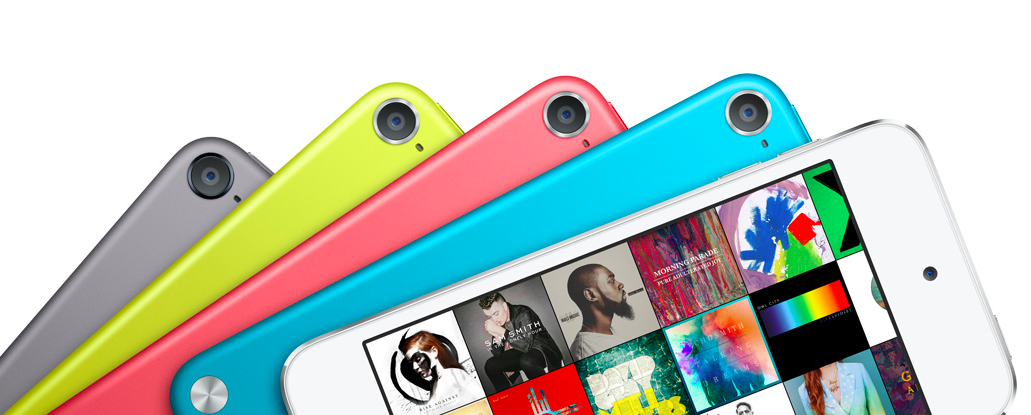
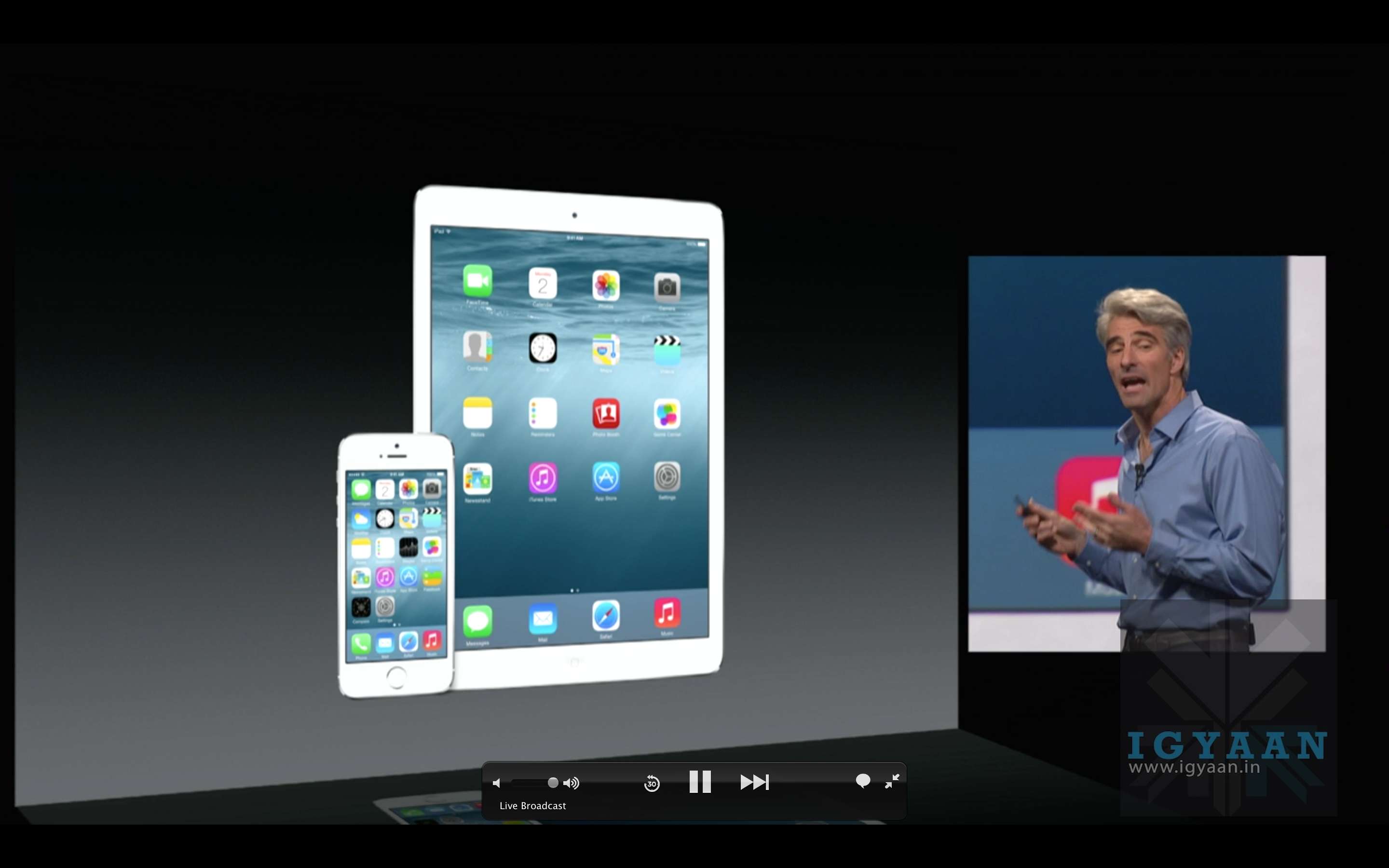
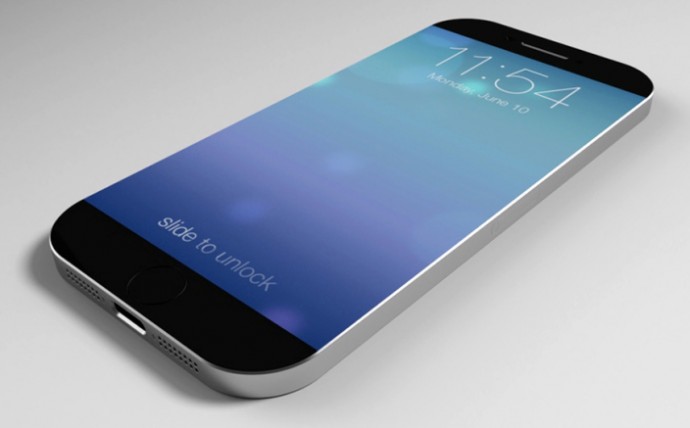
The annual Worldwide Developers Conference begins tonight at 10.30PM IST, with a special event hosted by Apple. Every year, the company hosts the event in the first week of June, to unveil major changes in software and relatively minor hardware upgrades. While the iPhone launches are slated for later in the year, the company uses this event as an opportunity to announce the upgrades they’ve made to their various software offerings. Last year, Apple introduced us to the iOS 8,OS X Yosemite and a range of continuity features. This year, we expect them to announce iOS 9, a revamped music service and something more. Having tracked Apple’s movements closely, we’re wondering if we’re in for a surprise iPod announcement.
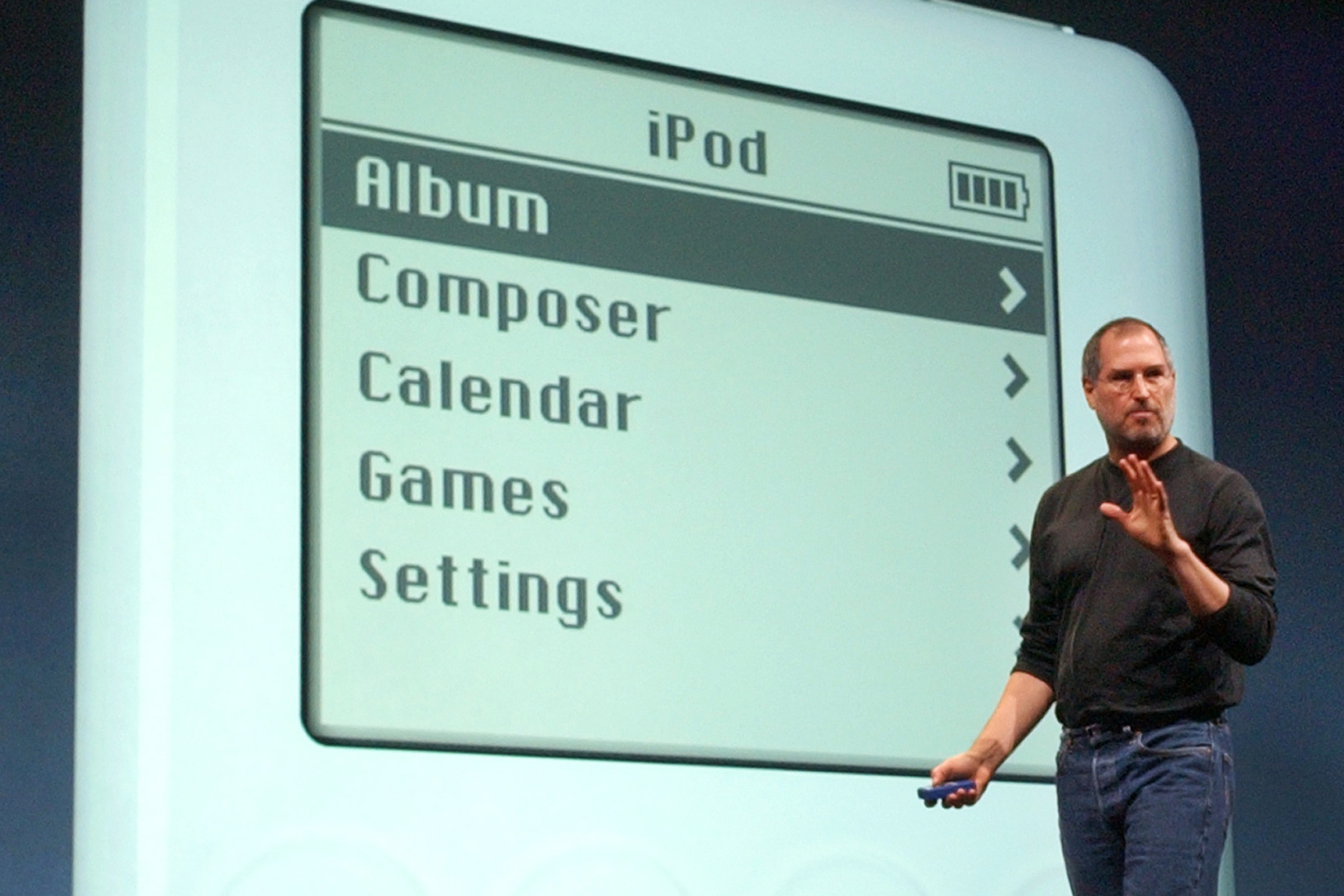
The Apple iPod, when it was first introduced by Steve Jobs in 2001, single-handedly took over the online music industry, subsequently killing the MP3 CD movement. A music device, which could hold a 1000 songs and portable, was unheard of at the time. Much like the iPhone, it was a game-changer in its own field.
Apple Computer Inc. chief executive Steve Jobs gestures as he introduces the new iPod during Apple’s launch of their new online “Music Store” in San Francisco, Monday, April 28, 2003. (AP Photo)
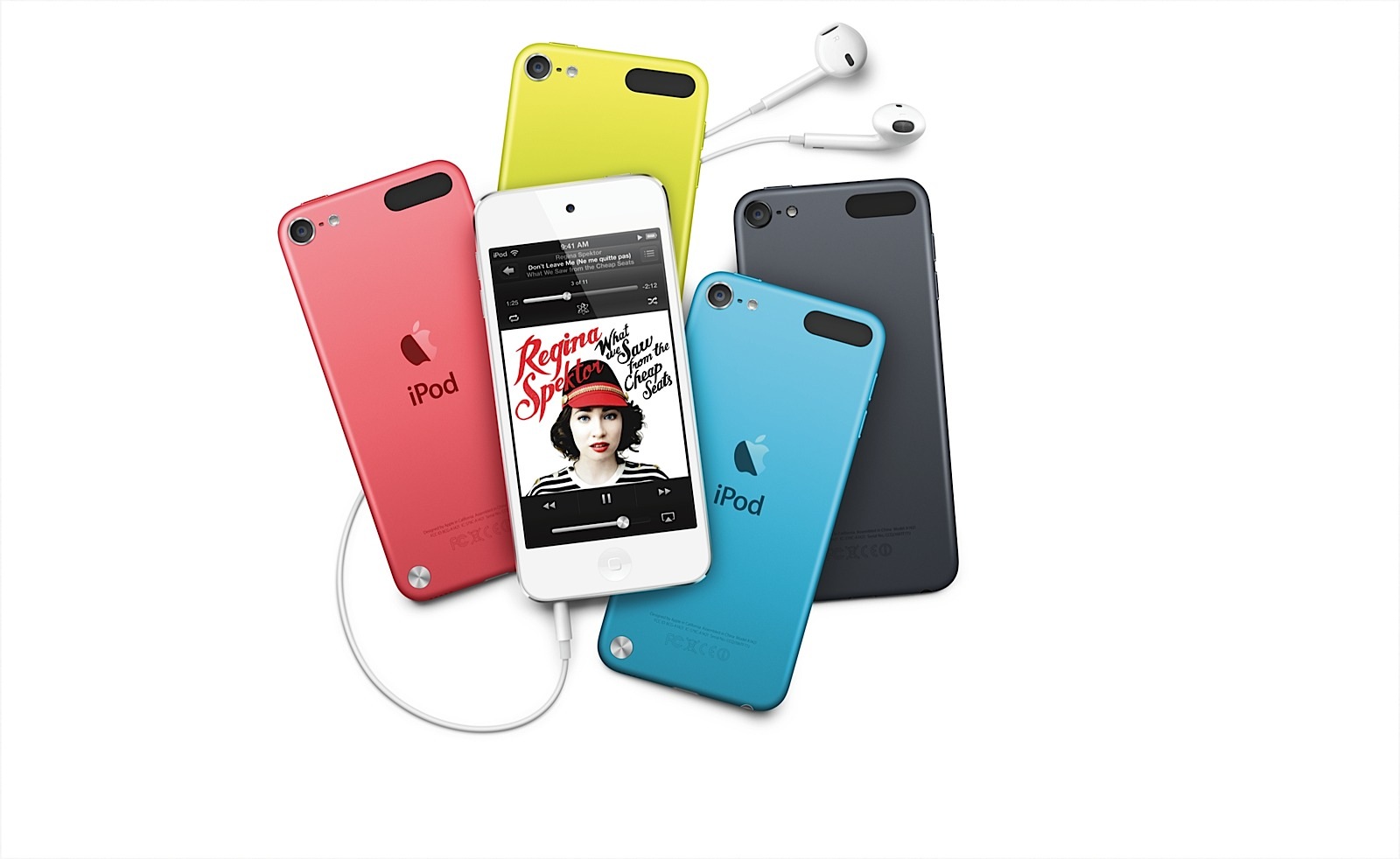
Since our smartphones are now compact devices that have been designed to cater to our every need (including music), the spotlight on the iPod has faded. Apple continues to retail the iPod Touch, iPod Nano and iPod Shuffle, however, the last time the Cupertino-based tech giant announced an iPod was back in 2012. The 5th Generation iPod arrived the same year iPhone 5 did. In the past three years, the company has advanced by leaps and bounds, to say the least. We’re now impatiently waiting on the next iteration to arrive.
The 5th generation Apple iPod Touch comes in 16GB, 32GB and 64GB variants, with a 4-inch retina display. The device comes with a 5MP iSight Camera and a 1.2MP FaceTime camera.
Evidently, Apple currently has an empty canvas to paint on. There is a buzz that the 6th generation iPod will be made available in two sizes – a choice between a 4.7-inch and a 5.5-inch display. The multimedia device would come with iOS 9, out of the box; and may even come with the Apple Pay feature. There is also a high possibility we will see more action from Apple’s go-to ingredients such as USB Type-C, Force Touch and their ever-favourite, Finger-Print Scanner.
According to the rumour mill, the sixth-generation iPod is expected to arrive until later this year, along with the iPhone 6s. However we suspect otherwise; although tonight’s conference focuses on developers, Apple is known to make surprise hardware announcements. While the company is yet to confirm the details, we think it’s about time that Apple unveils another consolidated entertainment device. One with an endless battery life and a massive storage capacity.
As the WWDC excitement continues, we can see that Apple is expected to make new announcements of its breakthrough in technology. The tech giants always make new disclosures at the Worldwide Developers Conference and this year, we hope to see the company’s new revamped streaming service, against the likes of Spotify and Pandora.
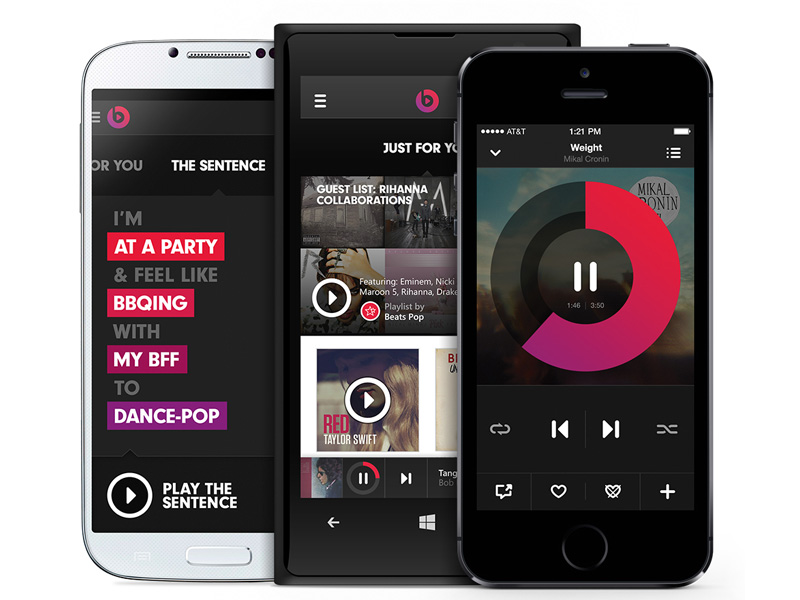
Apple’s acquisition of Beats for $3.2 billion had a reason last year in May. We can now see what the reason was. The company’s new streaming music service- Apple Music- will be based on the service of Beats Music. Explaining how Beats will reshape Apple’s digital music, the company has made a musician the main man for overhauling the music streaming service. Trent Reznor, frontman of Nine Inch Nails, who was the chief creative officer for Beats, had been playing a major role in designing the music app, along with two other Apple employees.
Sony Chief Executive, Doug Morris, who also shares a long history with Beats Co-Founder and Apple Music Boss, Jimmy Iovine, announced ‘It’s happening tomorrow’ to the audience at the Midem Music Conference in Cannes.
Apple plans to retain the idea of asking people their favourite genres of music when signing up. Not much detail was revealed by Morris, but it is expected to be priced at $9.99/month for individuals and $14.99/month for the family plan with a three-month free trial period with ads. Morris said that Apple’s entry into the paid subscription market would majorly shift the industry from downloads to streaming.
Morris said:
What does Apple bring to this? Well, they’ve got $178 billion dollars in the bank. And they have 800 million credit cards in iTunes. Spotify has never really advertised because it’s never been profitable. My guess is that Apple will promote this like crazy, and I think that will have a halo effect on the streaming business.
If the service is stashed along with the upcoming iOS 9 and is being offered for a free trial, this could guarantee millions of customers for Apple.
While iTunes had changed the way music was sold, the new streaming service will help Apple build an exclusive relationship with artists and labels. Apple has been approaching big name artists reportedly, like Taylor Swift, to sign up to guest DJ on a revamped iTunes Radio service, or enter into an exclusive streaming partnership.
With the much awaited Apple Developers Conference that is ready to kickstart tonight (10:30 pm IST) the world awaits the unravelling of new features and software updates. While we wait for the formal announcements, here is a list of 7 updates that we might get to see in iOS 9.
Are you ready?
1. Proactive to Stay True to its Name
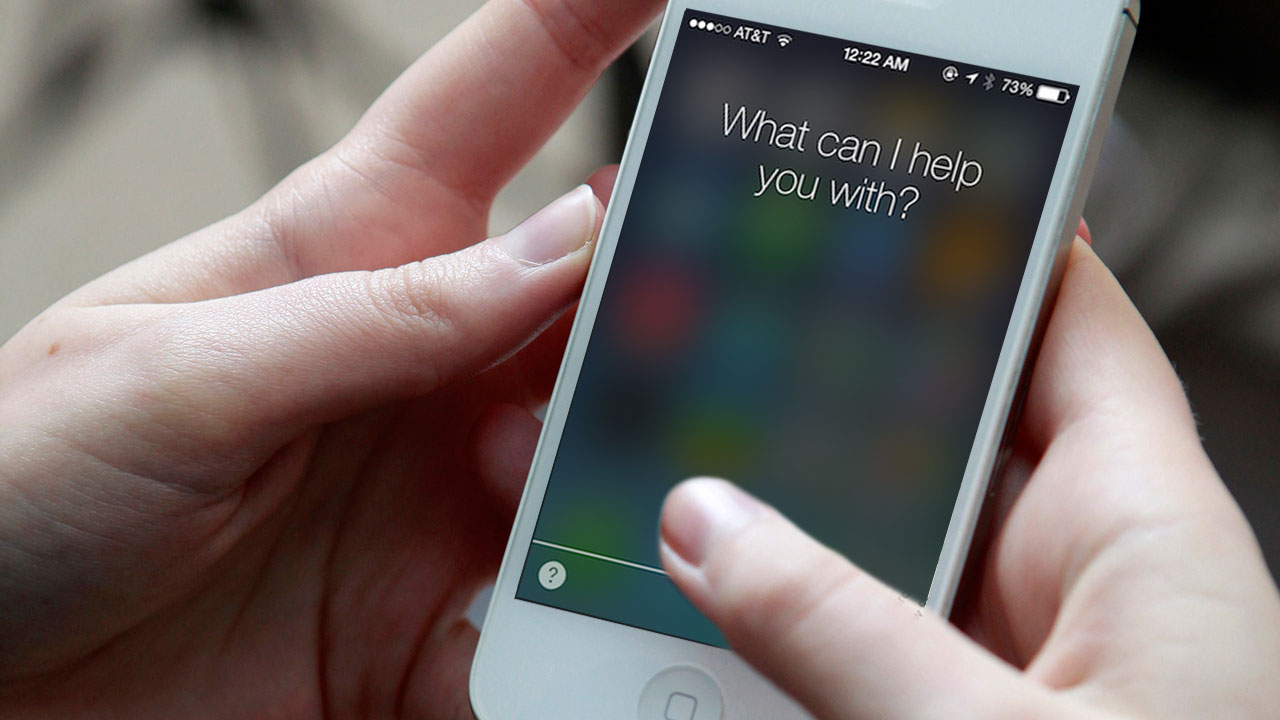
Siri and the Spotlight search are set to undergo changes that will make them ‘Proactive,’ which is currently what the update is tentatively named. It is touted to become an extremely efficient personal secretary. According MacWorld, the update will be able to “offer a range of additional information and features based on user habits and intelligent contextual prediction.”
This means that Proactive’s interface will firstly, be able to open from the left of the home screen and will also come in the form of a pull down which is how Spotlight opens right now. Furthermore, it will access information that is most suited to your needs based on the kind of apps you use on a daily basis or depending on what time you use them. For example, if you wake up in the morning and access Facebook or Instagram or if you browse through it, before you go to bed, Proactive will have a small bubble that will appear on your home screen, that will allow you to access a particular app/ contact etc in just one tap. It not only serves as a good reminder, but also keeps a track of your everyday needs.
2. iCloud
[pullquote_right] iCloud Drive syncing should lead to faster syncing between the apps as well as stronger security (thanks to the system’s end-to-end data encryption) [/pullquote_right]
Apple will be syncing all IMAP-based apps from iCloud instead of the IMAP back end. While it hasn’t been clear as to which apps will be synced, one can assume it will include Notes, Reminders and Calendar. Macworld says, “iCloud Drive syncing should lead to faster syncing between the apps as well as stronger security (thanks to the system’s end-to-end data encryption).”
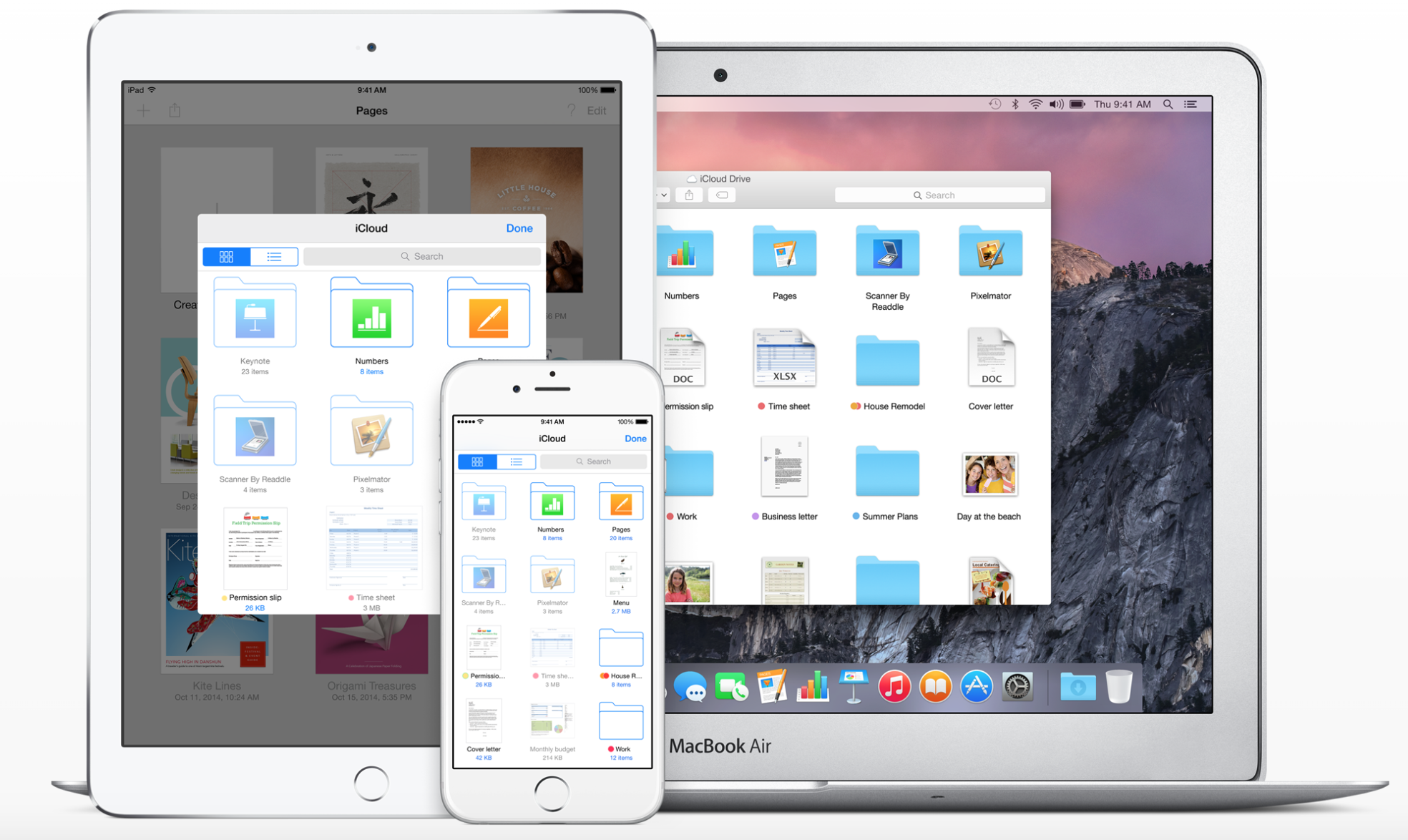
Apple also plans to make iCloud easily accessible by introducing a new iCloud Drive app for users. This app would let you directly get to your stored files and folders and will be a huge convenience. While Mac owners can access the App through its finder, iPhone and iPad users currently don’t have the easier way out, yet.
3. ‘Rootless’ to get Ruthless
Redmond Pie reports that this system “is aimed at preventing even administrator-level users from gaining access to certain file systems on an iPhone, iPad or Mac
This might be terrible news for jail breakers but doesn’t make a difference to normal users. The security system called ‘Rootless’ is set to become extremely strict and will not allow the device to be easily broken into. Therefore, if you were planning on buying an Apple device from anywhere outside India and unlocking it in our country, think twice. It’s going to be very tough to do so.
image courtesy: 9to5mac.com
Rootless is expected to be announced at the WWDC 2015 but, it will be a while before it shows up as an update.
4. ‘Swift’ Language Programming to be Updated
Although this news is more for app developers, we might eventually benefit from this update too. Swift that was introduced in iOS 8 is speculated to embed code libraries into the iOS itself rather than into Swift based apps. While, this might mean a larger iOS file to install, it will also avoid the duplicating of data and therefore create more space on your device.
5. HomeKit
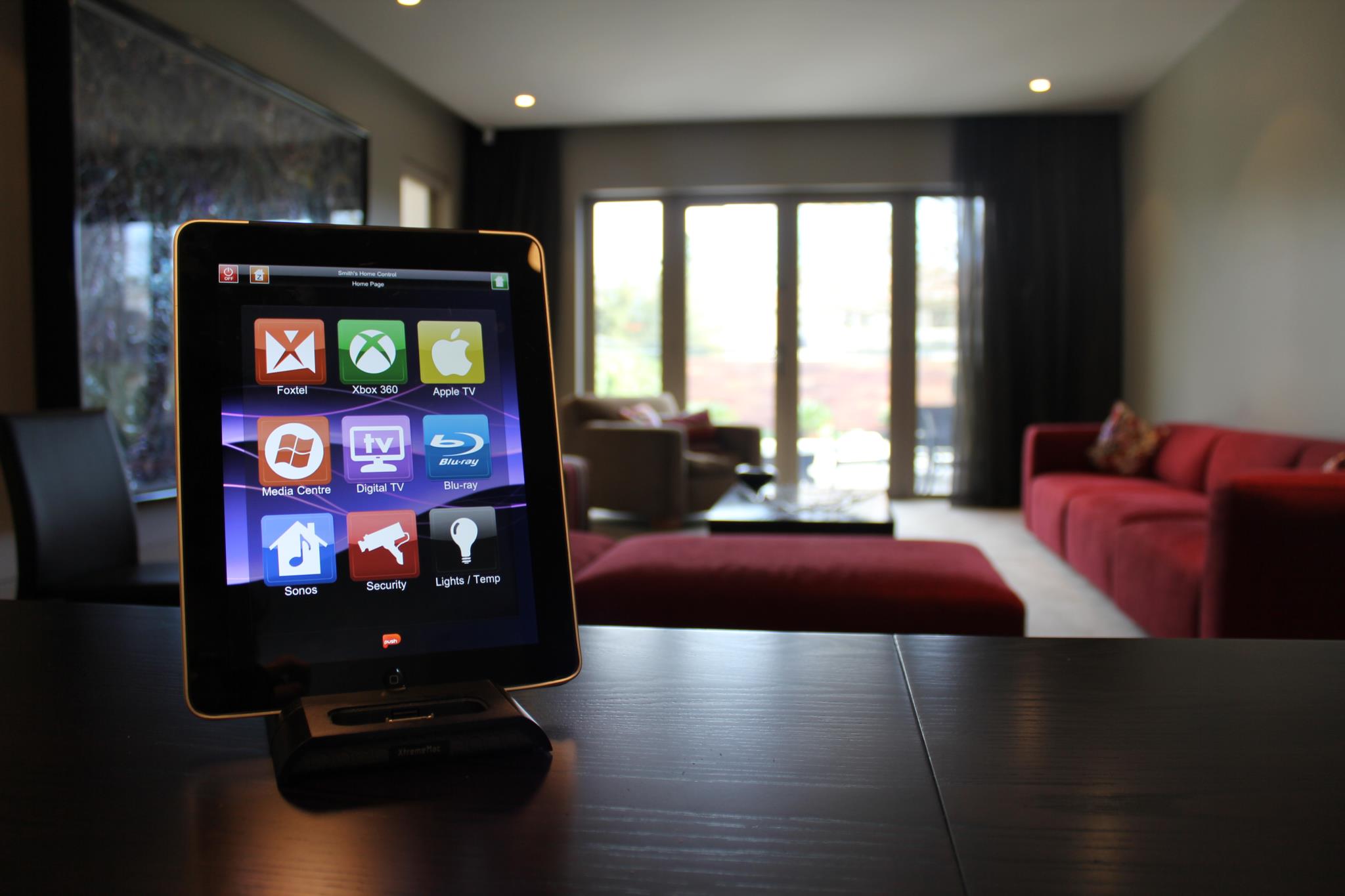
We expect to see the Homekit app which is likely to be called ‘Home’, and will operate on iOS 9. Thus, we will be able to control all our home appliances without looking at them and will be able to turn off our electricity while sitting at work. This is going to turn out to be an extremely useful component to have on your Apple device and we can’t wait for it to be formerly executed.
6. Public Transport Direction in Maps
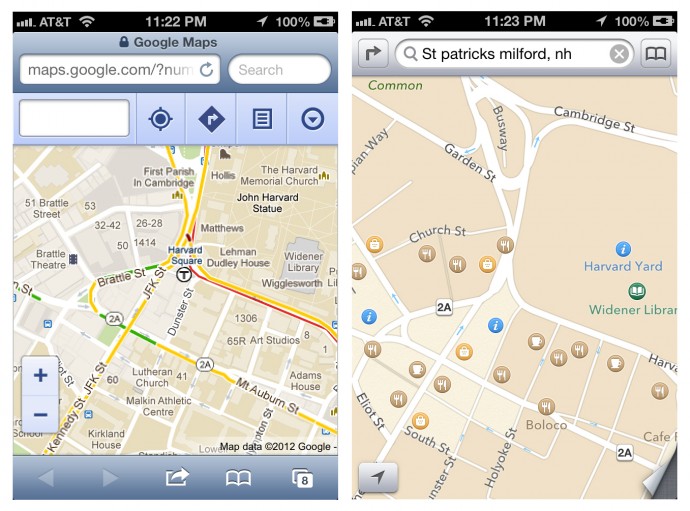
After the criticism that Apple maps faced, the Redmond giant has done a lot to try and improve their Maps as well as give tough competition to its daunting rival; Google Maps. Even after that though, directions and durations through public transport have been unavailable. Now, with iOS 9, we are likely to see the inclusion of Public Transport in Apple Maps. This service will witness a lag in countries other than the USA.
7. Contact Availability
In the past there has been backlash about the ‘Delivered’ and ‘Read’ option, thanks to iMessage. If that wasn’t enough, we now might get to see a particular contact’s phone status (that is, Switched Off, Airplane Mode) as well as the availability of our friends and families, who also own iPhones. Don’t worry too much, this is said to be optional for both parties.
Along with the updates mentioned above, we also expect to see the iOS 9 to have more speed and stability, a problem which some users previously struggled with with the previous iteration. While we continue to speculate, watch this space for more information and updates on the WWDC 2015.
Over the past 30 years, video games have become an integral part of our lives and culture. Video game companies have become multi-millionaire giants. The gaming industry has grown to a gigantic extent. Today we see not only see teenagers spending a great deal of time on gaming, but also adults too are immersed in this new culture.
The first recorded game was invented in 1947. A ‘Cathode Ray Tube Amusement Device’ was patented by Thomas T. Goldsmith Jr. and Estle Ray Mann on 25th January that year. This device consisted of an analog device that allowed users to control a dot on the screen to guide the missile to targets drawn to the screen. This device opened the gateway to the evolution of Video games.
Let us look at how Gaming Graphics have evolved with time, below:
Text Based Games
Guilded Youth
The earliest games were all text based and used texts instead of bitmap or vector graphics. These games were easy to program and required minimum power, unlike graphic games. These types of games were very popular during the 1970-1990 period. The most popular was Multi-User Dungeons. Here, players read the description of rooms, objects, other players and actions performed in the virtual world. Interaction meant typing commands with each other that resemble a natural language.
Vector Graphic Games
Project Morpheus
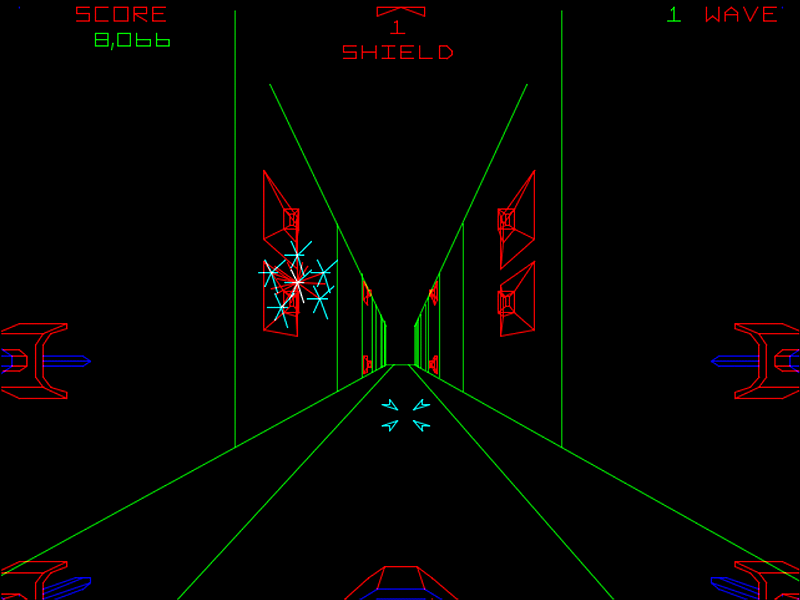
These games used points, lines and curves to represent images in computer graphics. So, instead of drawing images as pixels, vector graphic display used electronic beams to draw the images. Most of the earlier arcade games used this graphic. Many games gave very detailed static items in full-colour layouts, while moving objects were drawn using a vector beam.
Companies like Atari and Sega used this type of graphic for their games. Some of the games that are based on Vector Graphics are Space Wars, Star Trek, Space Fury, etc.
Full Motion Video Games
Jurassic Park: The Game
This type of graphics required programmers to upload pre-recorded video files to display action in the game. In today’s time, Full Motion Videos are used to present information during cut scenes. This type of graphic makes the game look ‘more movie like’. Games that are based on Full Motion Video are also known as interactive movies. Some games based on this are Jurassic Park: The Game, The Walking Dead (series), Game Of Thrones, etc.
2D Games
2D games are two dimensioned games. This graphic allows users to create a vast game world without any hassle as compared to 3D games. 2D games are broadly divided into three categories:
Top-Down Perspective
Grand Theft Auto
More commonly known as the Bird-view, this perspective uses a camera angle that shows the players and the corresponding area from above. Most of our childhood games were played in this particular viewpoint. Some of the famous games included in this list are SimCity, GTA, Pokemon, Railroad Tycoon, etc.
Side Scroll Perspective
Heroes of Rock
Here, the view is sideways where the playable character moves from left to right generally. This type of graphics uses scrolling computer display technology. Sometimes, the screen moves only towards the left or right, and in some games, the screen moves in both ways according to the position of the character. In some games, the screen continuously keeps on moving in one direction, while the character attempts to avoid obstacles and collect things along with catching up with the screen. Some examples would be Duke Nukem, Aladdin, Lion King, etc.
2.5D or ¾ Perspective or Pseudo 3D
IMO Sonic 4
As the name suggests, these terms are used to describe techniques that are used to create fake 3D graphics. These techniques are used to create an illusion of 3D without actually creating it. Some games have the character and environment rendered in 3D, but most of its levels are not as free-roaming as a real 3D platform. It means that the character only moves in two dimensions, either up and down or left and right.
3D Games
3D graphics are graphics that use three dimensions of the geometric data. After the invention of 3D accelerated graphics units (NVIDIA, etc.), video games expanded, way above the level of 2D. 3D games are divided into three categories:
Fixed 3D
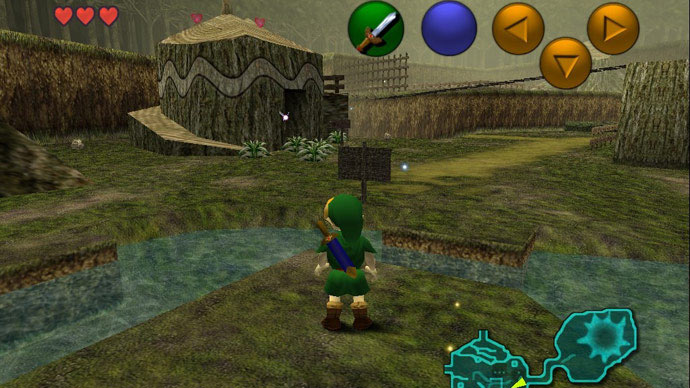
The Legend of Zelda: Ocarina of Time
Here, while the game characters are rendered in 3D and in real time, the foreground remains static. The background tends to stay in 2D. Many of the early 3D games were based on these type of graphics. Examples are Alone in the Dark series, The Legend of Zelda: Ocarina of Time, etc.
First Person Perspective
Halo
This refers to the perspective rendered from the viewpoint of the player character. These games are avatar based, where the controlling player would see the gaming environment as through the avatar’s own eyes. This kind of graphics applies in most shooting and racing games. Some examples would be Counter-Strike, Halo (series), Call of Duty, Need for Speed, etc.
Third Person Perspective
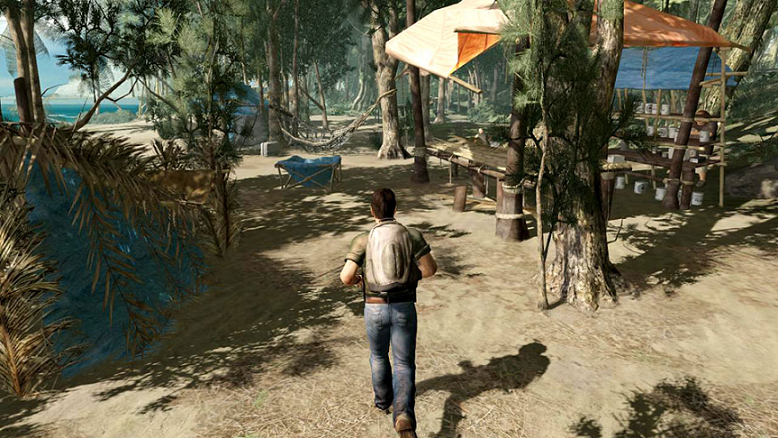
Lost: Via Domus
This refers to a type of graphical perspective that is rendered a distance away from the playable character. This allows the player to see the full body of the character and is the most common type of graphic used in action and adventure games. One of the few difficulties related to the graphic is the awkward jerking of the camera when the character stands against a wall. The three types of camera view in this graphic are:
Fixed Camera System
Resident Evil
The camera positions are fixed during the creation of the game.
Tracking Camera System
Max Payne
The camera only follows the character.
Interactive Camera System
Resident Evil
The cameras are under the command of the user, that is; it can be adjusted according to the need of the controlling player.
Some famous examples of Third Person Perspective games would be Batman (series), Max Payne (series), Assassin’s Creed (series), etc.
WhatsApp is sure to have found a space on almost everyone’s handsets. The app with over a 800 million active user base, offers one of the best services to have a real-time conversation. Most of us must be using the app for a while now, but you probably didn’t know that WhatsApp is hiding many features that could make the wrinkles from your forehead, vanish. Mastering the tool can help you save the bandwidth, mute negligible groups, keep the stalkers at bay, and hence, have a good night’s sleep.
Here are some of the features that can make your life a lot easier.
Add Conversation Shortcut to the Home Screen
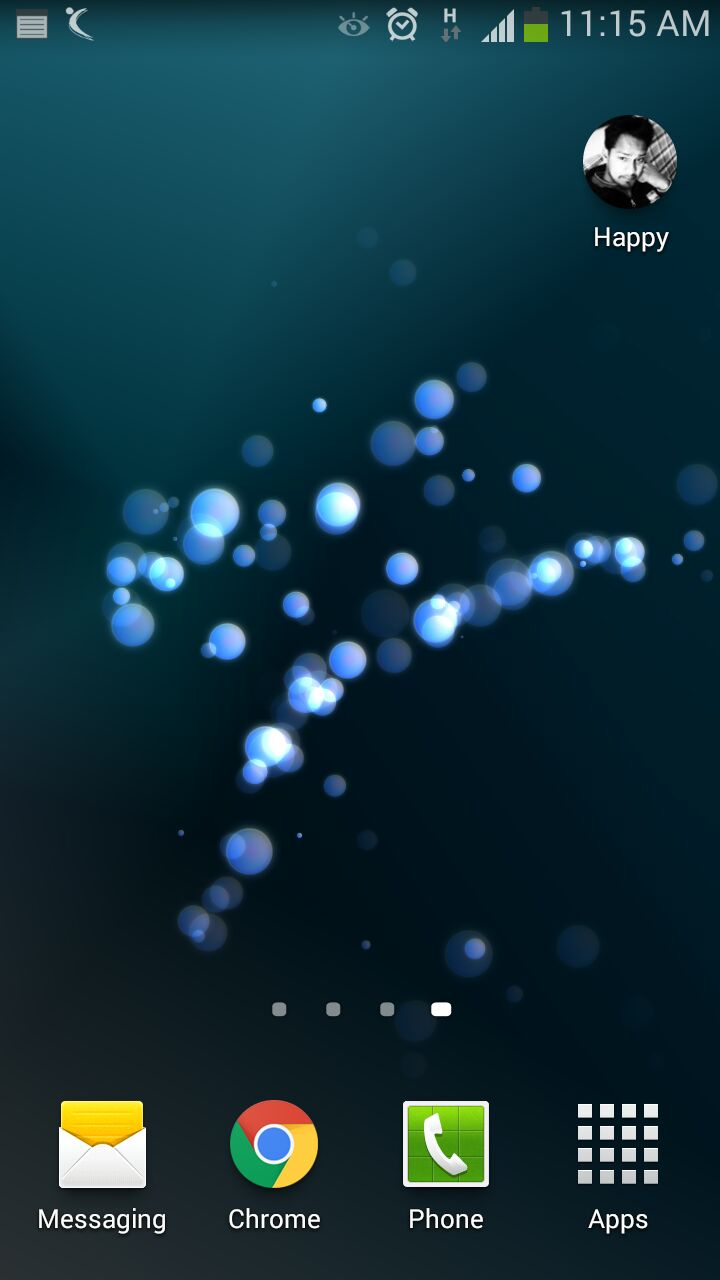
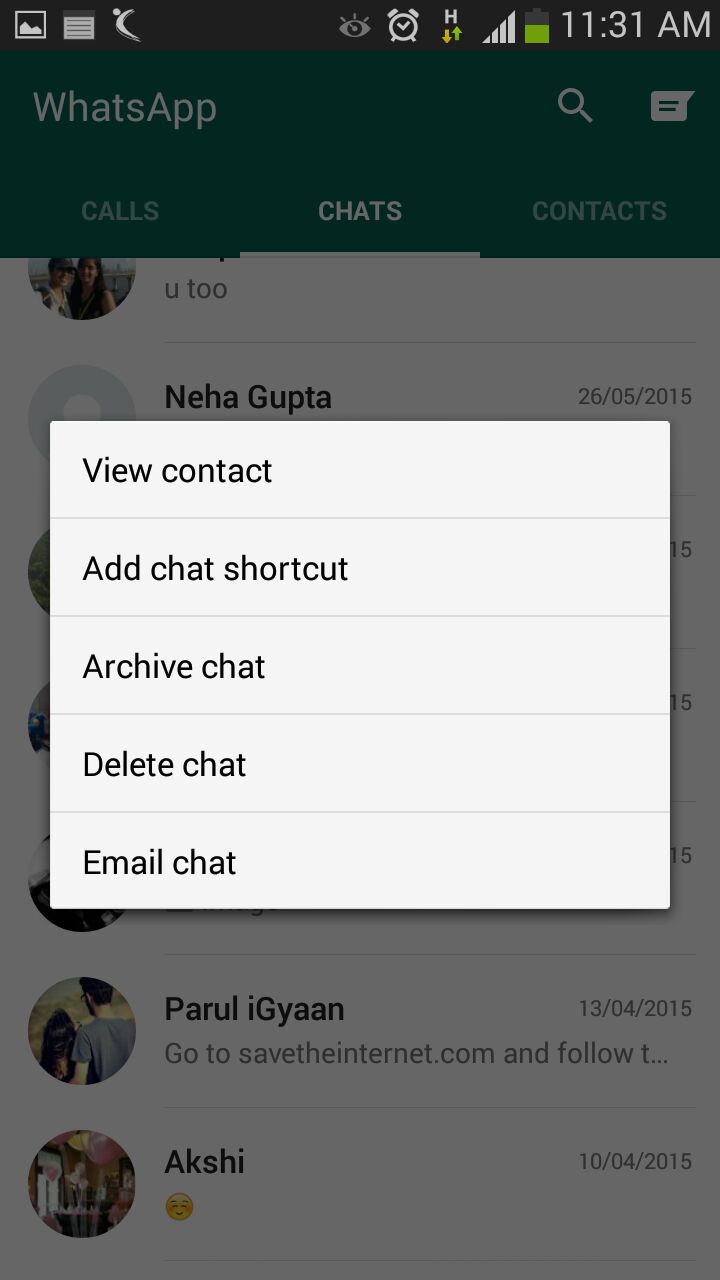
There must be folks in your WhatsApp contacts with whom you talk frequently to. Bring them a step closer by creating a chat shortcut on Home screen. Long tap on the desired contact and click ‘Add chat shortcut’ present in the chat menu. An icon will add to your home screen through which you can chat directly with the person, without surfing through a list of contacts. A useful feature, unfortunately missing on Apple devices.
Pop-Up Notifications
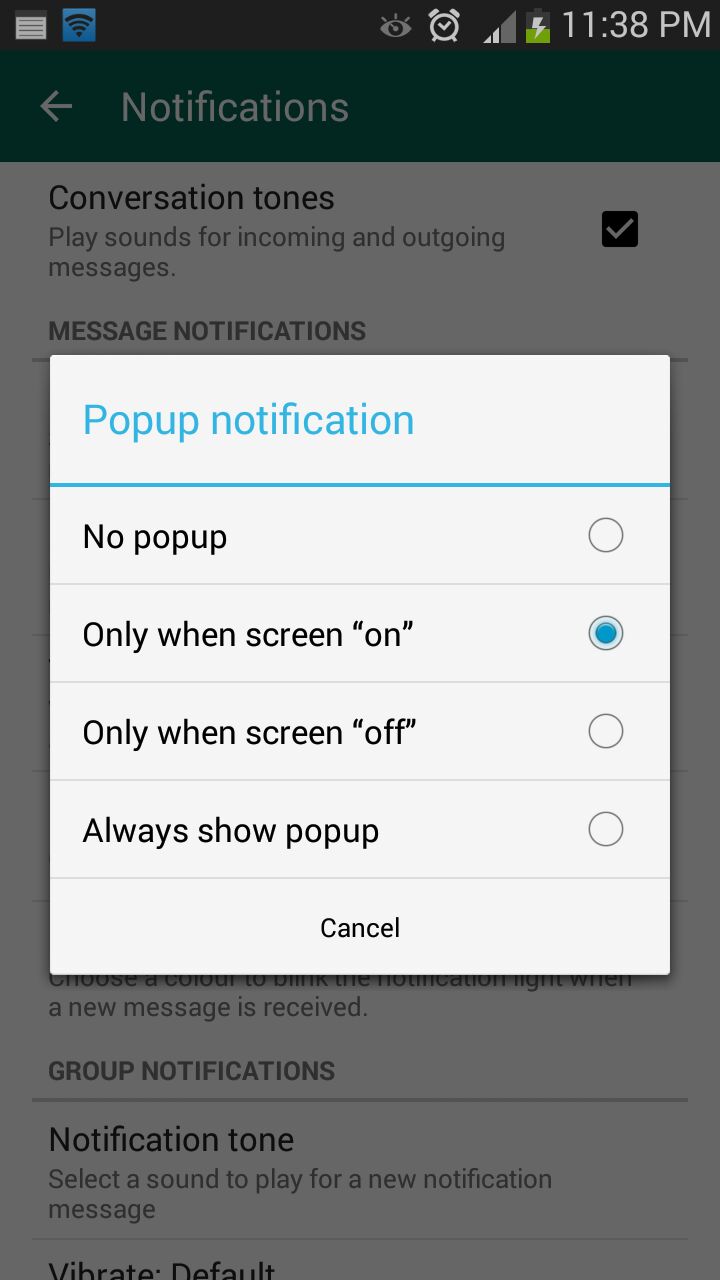
This feature on WhatsApp lets you access messages even when the screen is locked. Go to Settings > Notifications > Popup Notifications and select ‘Only when screen is off’ to see messages and reply without unlocking the device. Pop up notifications put aside the hassle of unlocking screen to see received notifications and reply to them.
Mute Group Chats
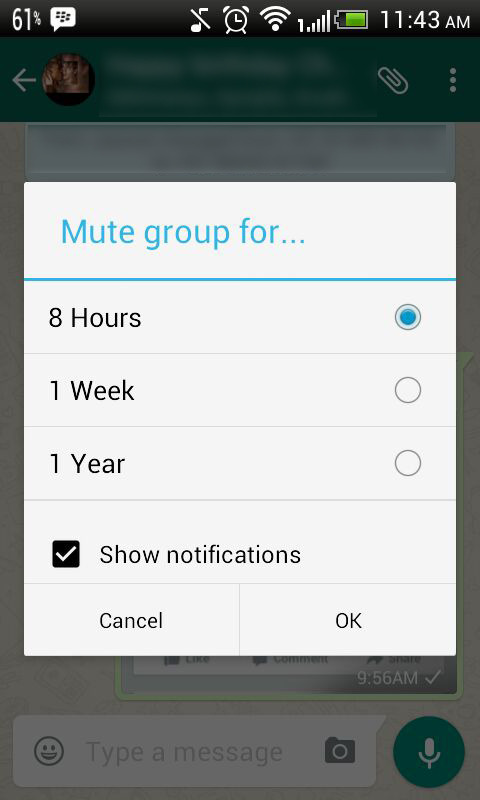
Besides giving you the convenience of sharing things at one place, Group chats can be a bit noisy at times. No worries! Mute them and let your friends do the talking. Click on the group and from the drop-down menu, select Mute. Select the time frame for which you don’t want any updates and disable Show notifications.
Disable Media Auto-Download
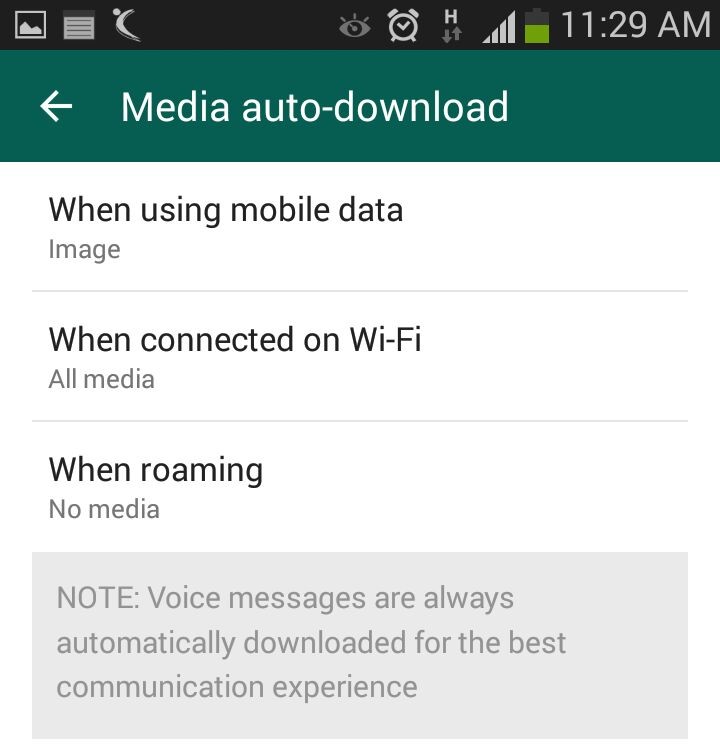
Media auto-download gobbles up your internet data. Turn it off to save the bandwidth and specify WhatsApp when you want the audio and video files to be downloaded. Click on Settings > Chat settings > Media auto-download and choose from the options when using mobile data, Wi-Fi and roaming.
Send Conversations Through Email
Users are going to love this feature, at least some of them. WhatsApp allows you keep a record of your chats on your PC or inbox by sending conversations through email. It’s as fast as any other mailing process and takes mere seconds. Long press the contact and tap on ‘Email chat’ from the chat menu. Add recipients’ email address and the conversation will be sent to the provided address. You can choose to include media file if you like.
Avoid Blue Ticks
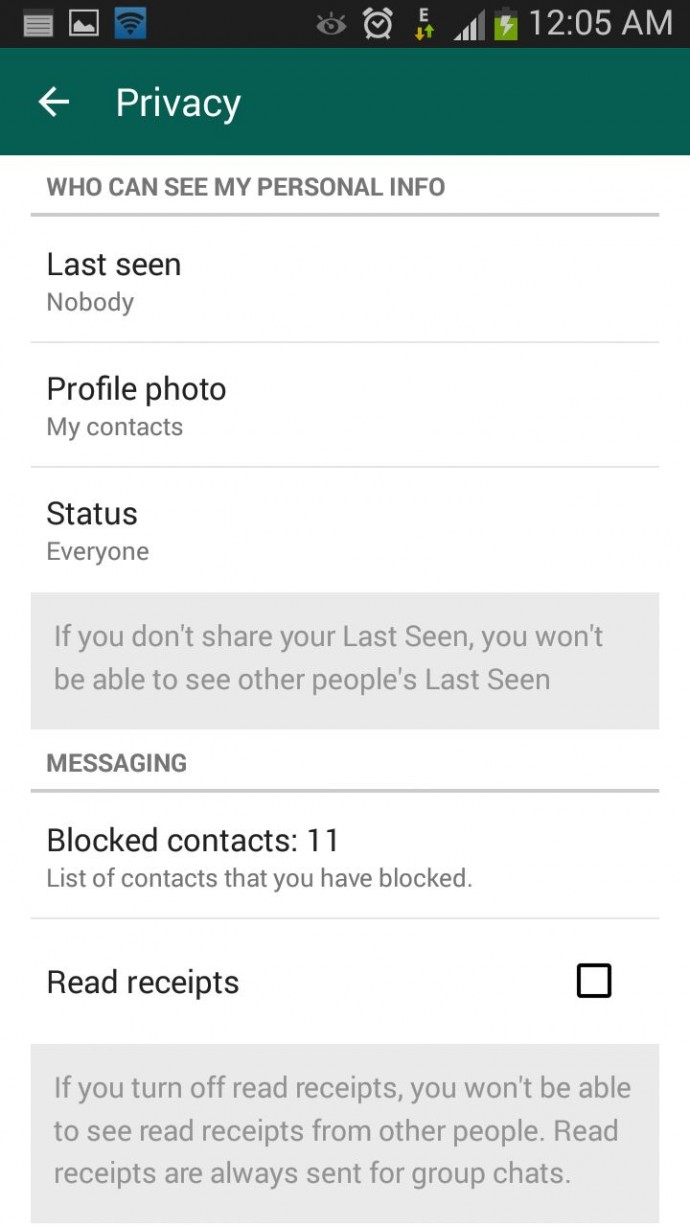
Where the cross-platform social messaging service got acclaims for real-time conversation, blue ticks brought outrage for offering recipients with read receipts. The new WhatsApp version allows you to avoid this through a simple setting. Click on Settings > Account > Privacy and disable Read receipts if don’t want the sender to know about the delivery status. Now, neither you nor any sender will be able to see read receipts. Isn’t it useful?
2014 is now a faded memory. But as we drive down the road, there is plenty to look forward to in 2015. Here are five reasons why 2015 could be the greatest year in gaming history.
Batman: Arkham Knight
Batman: Arkham Knight is possibly one of the most awaited games of 2015. It is slated to be released on 23rd June 2015. Here, the Scarecrow returns along with a roster of super villains, including Penguin, TwoFace and Harley Quinn to destroy the Batman. The highlight of the whole game is that you can finally access the Batmobile to tear through the streets of Gotham.
Rise of the Tomb Raider
A few days back, Microsoft released a cinematic trailer of its highly anticipated game, Rise of the Tomb Raider. This game is listed to be released on June 15th at the Los Angeles Convention Centre. The trailer shows Lara Croft traveling through a blizzard while narrating the willingness to risk your life to discover greatness. You can check out the whole trailer below.
Halo 5: Guardian
This is an upcoming Halo game announced during Microsoft’s E3 presentation in 2013. Halo 3 follows the story of John-117 and the is the sequel to Halo 4. It is all scheduled to be released on 27th October this year.
Tom Clancy’s the Division
Ubisoft announced they would be releasing Tom Clancy’s The Division at E3 2015. The game focuses a lot on how vulnerable the US have become in a futuristic era as the society has become more complex. A disease causes the US to collapse in five days, leading to the non-availability of primary amenities, in turn leading to chaos. Check out the trailer below.
The Witcher 3: Wild Hunt
The amnesiac Witcher, Geralt of Rivia, is on a hunt to recover his forgotten memories driving him to seek out the Wild Hunt, a spectral procession of ghosts. As a witcher, you have skills, not unlike a medieval Jedi Knight. You can force push attackers to the ground, mind trick villagers to gain knowledge about a quest, and swing a sword like a pro sword master. It is all set to be released on 19th May this year.
Know any games we missed out on? Leave a comment below and let us know.
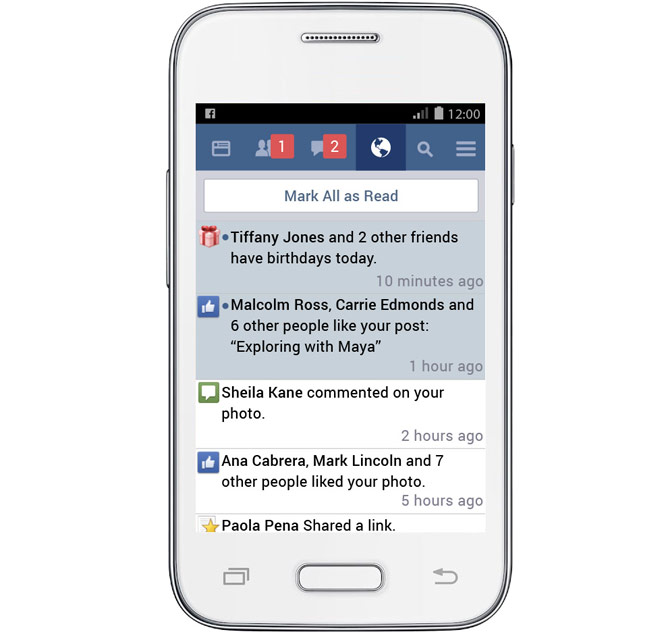
Finally, Facebook is accomplishing its aim of expanding the internet to every corner of the globe. Recently, the social networking giant launched a trimmed-down version of its app that has been in the works for more than a year. Termed as ‘Facebook Lite’, the modern tool is dedicated to working in areas where telecommunication services are constrained. Facebook Lite uses less data and works even in narrow wireless bandwidth.
The blog post updated by the company reads –
In many areas, networks can be slow and not able to support all the functionality found in Facebook for Android. Facebook Lite was built for these situations, giving people a reliable Facebook experience when bandwidth is at a minimum.
The slimmer version is just 1MB in size, so it would take few seconds to download and install. However there will be certain design changes, the core functionality will be uniform in both the Facebook app and its lighter version. The social platform states that features like News Feed, status updates, photos and notifications will be identical on Facebook Lite.
Facebook Lite is the company’s push to make basic services available in developing countries at the lowest price possible. There are places in the world where buying internet data is an excessive expense because of its high cost. The app works faster with any device, and is data efficient, giving the same features with less data consumption. It’s like Facebook with an in-built Data Saver mode.
As it works even on slow mobile networks, the page loads comparatively faster. Users can upload, download and check photos instantly, for which users had to wait for more than a couple of minutes on 2G networks. Users can have a real-time conversation with friends – either one-on-one or in group – on the slimmer Facebook edition.
The tool is rolling out to countries across Asia, and in the coming weeks, it will be available in parts of Latin America, Africa and Europe. It works on all Android phones. The app is not available on Play Store for now, but will soon be live.
The smartphone evolution is on the verge of touching zenith by bringing all chief developments in a compact device. The tech industry is now swiftly gearing into diverse segments that would soon become a norm in the coming future. Apple has been struggling to catch up and is making attempts to fill up the gap. The March 9 event by Apple answered many questions about the HomeKit, but it soon faded in the backdrop with the launch of the Apple Watch and the new MacBook. Nonetheless, it gave a fair idea of Apple’s plan to let users build their personal Internet of Things (IoT) using HomeKit-compatible connected devices.
What is HomeKit?
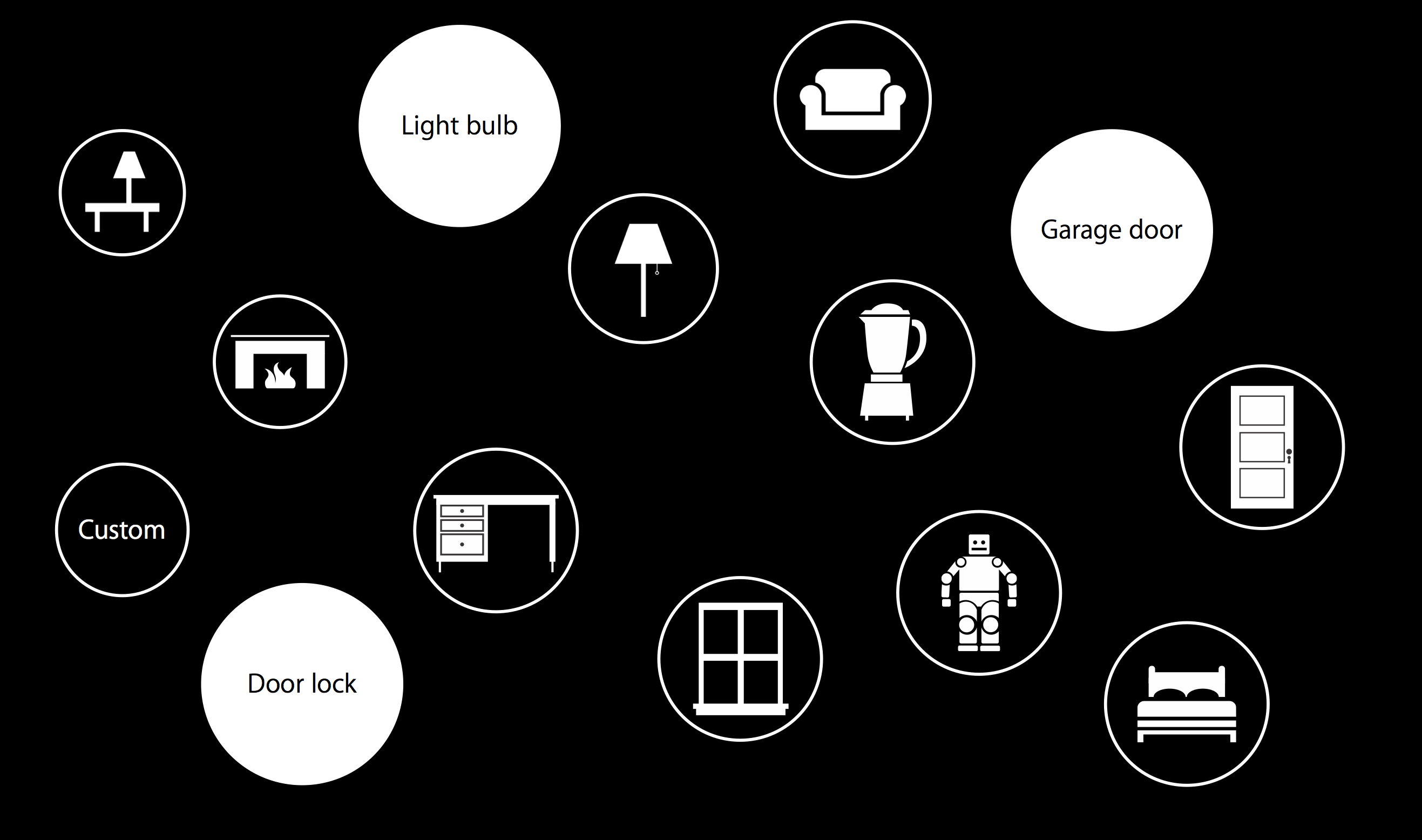
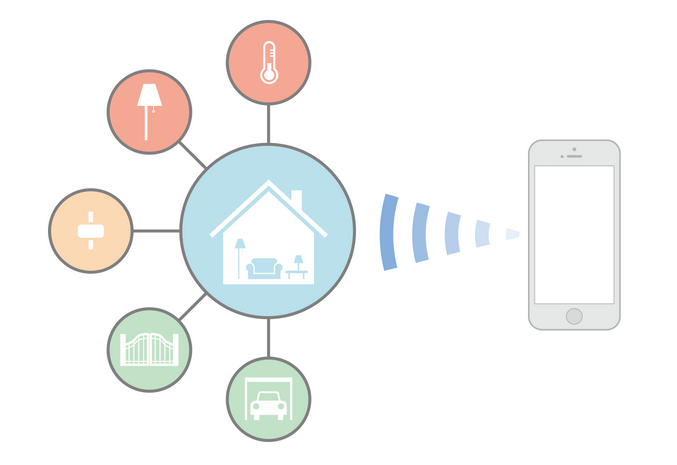
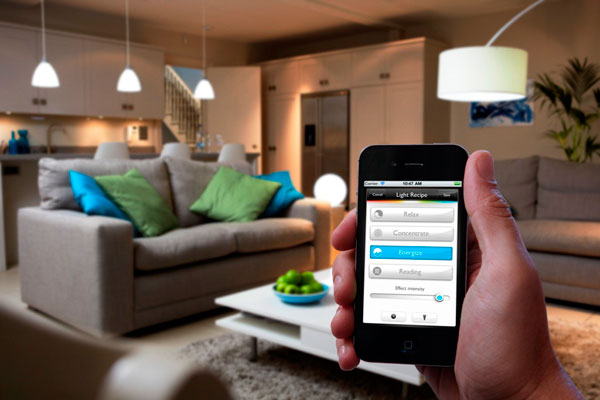
Before we begin with how HomeKit works and how it can ease your life, let’s take a look back at what is HomeKit. HomeKit is a specialised language understood by appliances; a framework that works in combination with apps for communicating with and controlling connected accessories in a home. Users can set up actions to control home automation accessories like lights, gate, garage door, music, TV, etc and group them together.
HomeKit devices are stored in a database on the iOS device, which is synchronized to other iOS devices over iCloud. An admin is allowed to add more users to adjust the characteristics of accessories. The integration of voice assistant Siri makes it all the more fun and actions can be triggered by Siri at a single call. The arrangement works with devices like iPhone, iPad and iPod that runs iOS 8 and above.
How Does it Work?
Since connected devices in your home communicate with each other, each one of them needs to have a definite name. Assign a name to all the HomeKit-enabled devices and functions like ‘Living Room’, ‘Curtains’, ‘House’, ‘TV’, ‘Switch on’, ‘Brew’, so that Siri could interpret your command. Remember to use names and not general terms in your command.
Once you are done with storing names, the appliances can be controlled individually. Apple has also provided a grouping feature that can put together two or more appliances to manage at a time. This way you don’t have to give a command to every single object and one command will apply on all. For example, if there are many lights in your house and you want to switch off all, give Siri a pre-determined command and all the lights will turn off.
Official Home App to Debut on WWDC 2015
For now, there is no official app by Apple and users need to download a suitable application from the App Store. But there have been reports of Apple strengthening the connected home initiative through its own app dubbed ‘Home’. The tool would list all the HomeKit-enabled items and will be a remote point to manage everything.
HomeKit-Compatible Devices
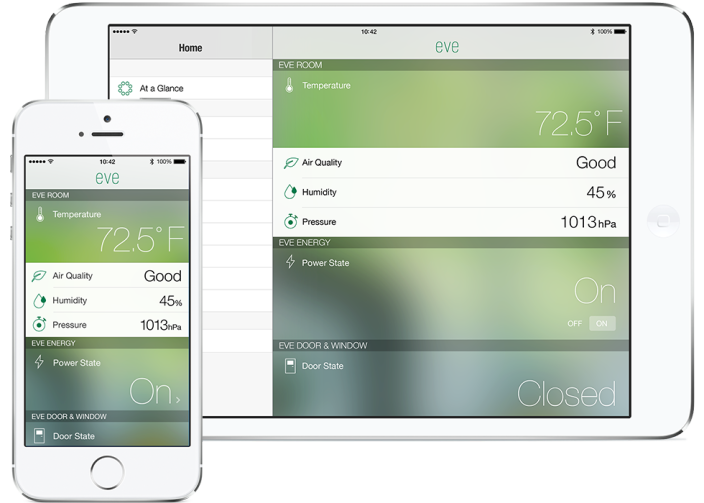
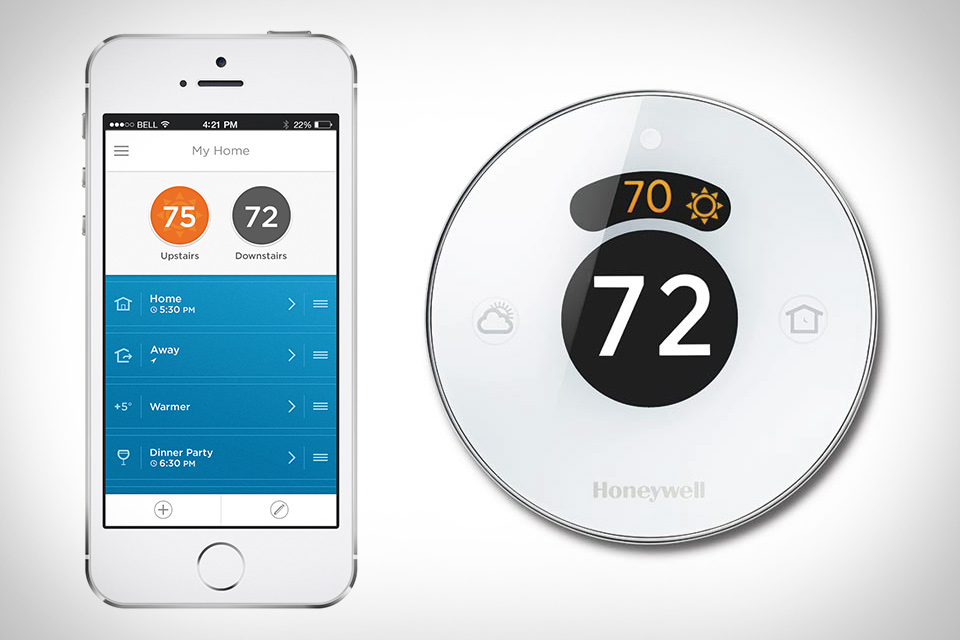
As HomeKit is a conversational language of electronics, it could work with devices produced by any manufacturer, considering that it’s HomeKit-enabled. Apple has tied up with many consumer electronics brands to produce conversable appliances. Some of them include Haier, Philips, Belkin, Honeywell and a few more. There are several devices available in the market right now, but almost all of them are for sale in the US. The accessories are yet to hit the Indian market. It is speculated that Apple would release more of HomeKit-enabled devices in the forthcoming annual WWDC.
HomeKit is secure and doesn’t allow electricity abuse. It includes end-to-end encryption between iOS devices and smart devices, making them secure.
The Future of HomeKit
The HomeKit concept was introduced last year and even after a year, it has a crawling progress rate. Google too announced its latest smart home platform, Brillo, at the recent annual developer’s conference, but it’s a year behind Apple. The Cupertino-based firm has already thrown its hat in the respective ground. There has been a slow roll of HomeKit-compatible products in the market, but this year’s WWDC is expected to accelerate the process.
The race of turning homes to ‘smart homes’ is a tad long and it would take next several years to replace the already fitted appliances with smart gadgets. Besides that, Apple has merely sprung its plan of home automation into action and it needs to institute an entire set up of automated products. Surely, it would be slow and extended, but it’s a preview of how the future would be like. The day is not far when homes would be interacting like your smartphone.
Modern day tech essentials like smartphones and tablets are a boon, as well as a curse. While they are multifunctional, providing us with a camera, gaming console, laptop etc, the storage limitation makes them worthless after a certain stage. For instant content storage, users are forced to clean up the storage space, which may include documents, videos or photos of vital importance.
There are several tactics to unload your device without losing the stored content. Follow the below tips to make room for more files in just a few minutes.
Back Up Photos and Videos
Photos and videos are the biggest storage eaters when it comes to phone memory. They claim almost one-fourth or an even greater portion of your phone’s storage capacity, leading to an overload. But as they are memories one can’t afford to lose, they can be shifted to the cloud. Some of the best cloud storage services are Dropbox, Google Drive, OneDrive, iCloud and more. Enable automatic uploading of Camera Roll to Dropbox and the content will upload automatically
Go on Settings > Accounts > Cloud and sync Pictures and Videos to upload them to Dropbox.
Those who are doubtful about the security of the cloud can keep their stuff in an external hard drive. Here are some more ways to backup your audio and video files.
Uninstall Heavy and Unused Apps
Apps cover the second highest section of your phone. Check out all the installations and install all the apps that you are no longer in use. There may be chances that there are two or three different kinds of apps solving the same purpose. Start eliminating apps of the same type and make room for more content.
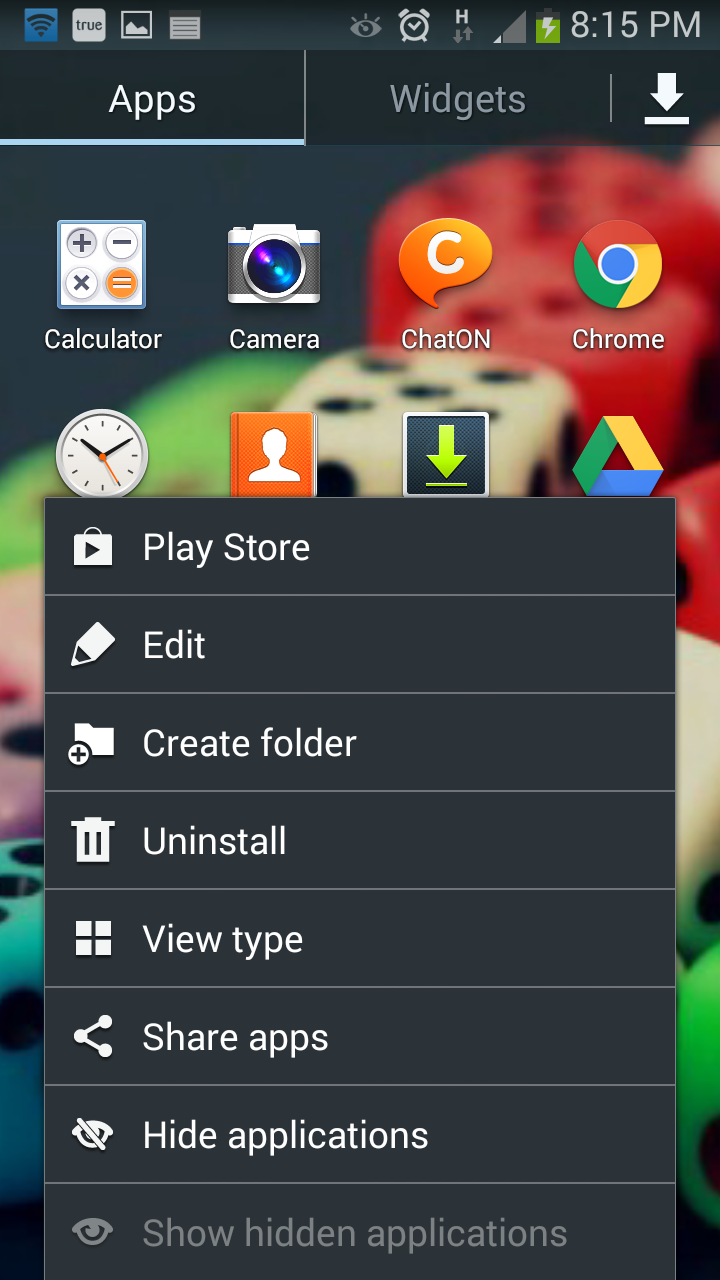
Go to Apps on Home Screen > Tap on the left touch capacitive button > Select Uninstall and choose all those apps which you wish to uninstall from your phone.
Send Documents to Google Drive
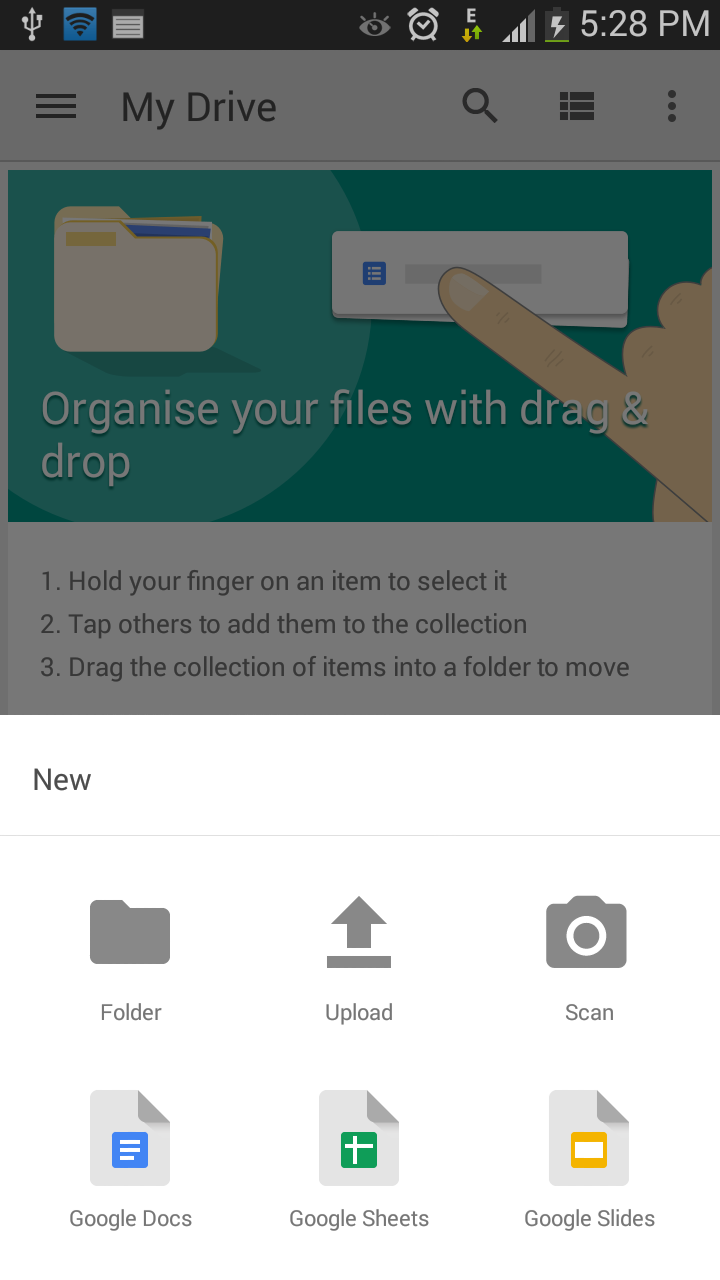
Try not to save worksheets and text documents till you have a working internet connection. Save it on Google Drive and you can easily find it any time you need. Google Drive doesn’t allow you enough space to store content, but also offers several other features. You can create a new file, upload, scan and print documents. It’s handy and easy to use.
Clear Cache
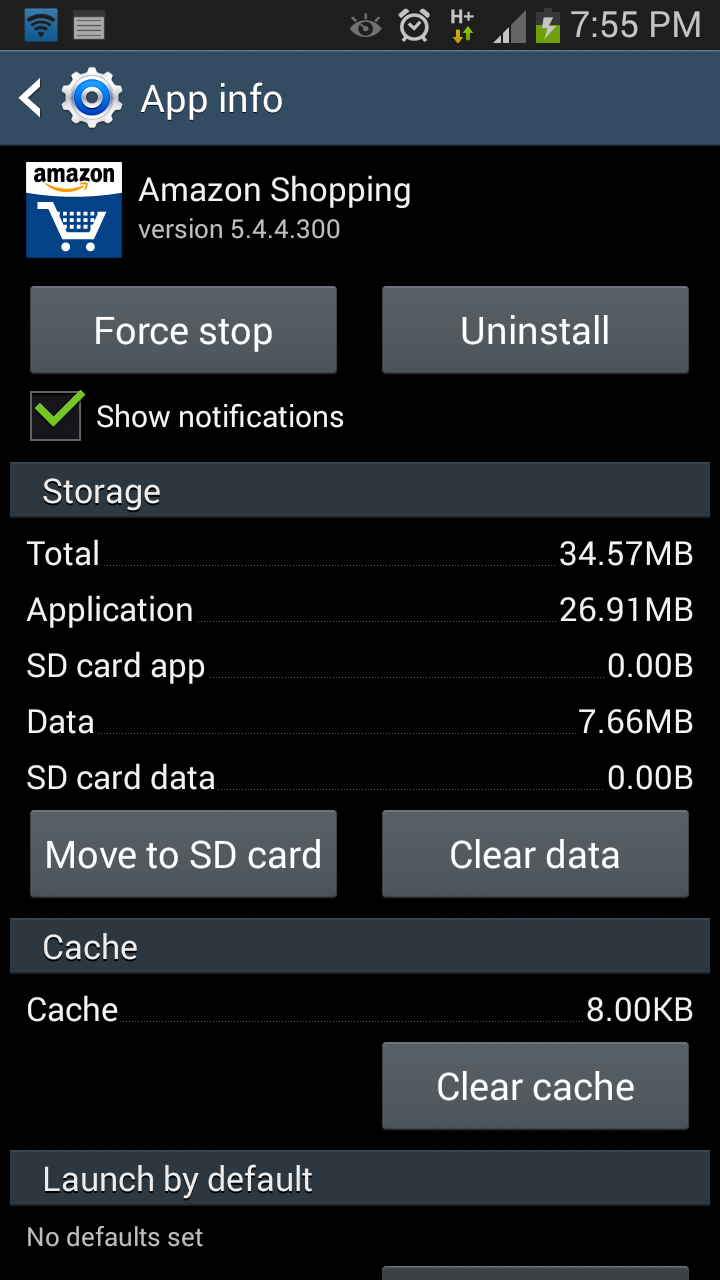
Cache is important as it stores the required data for faster page loading, but at the same time, it consumes the phone’s internal memory. You can clear the cache for an individual app from the Setting menu of your Android device. Go on Settings > More > Application manager and click the app, whose cache you want to clear. This may be a bit tedious, so we suggest you install App Cache Cleaner from Google Play Store to clear all cached files with one tap.
Keep your Device Clean
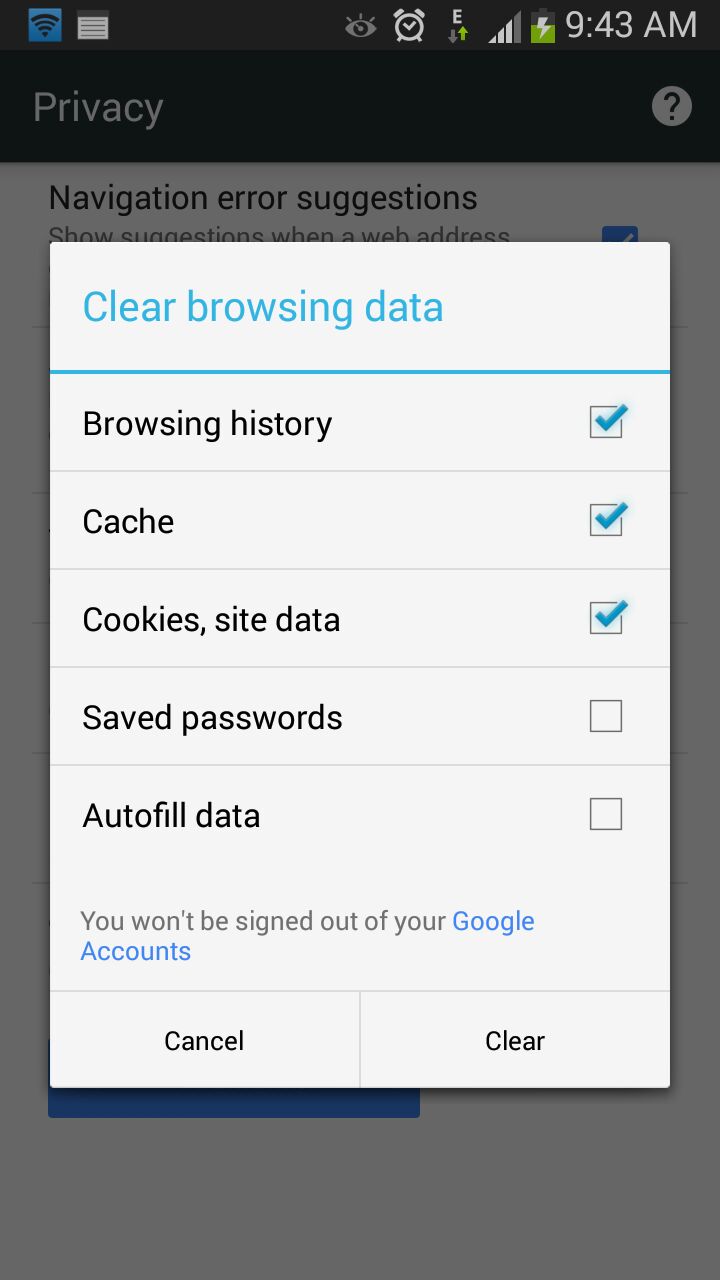
A clean device makes life a lot easier. If the smartphone is clean, you won’t be facing problems like phone hanging and crashing of apps, which are prominent with almost all handsets these days. Clear browsing history, delete unimportant stuff like contacts, documents, music files and videos that are not worth the space on your phone.
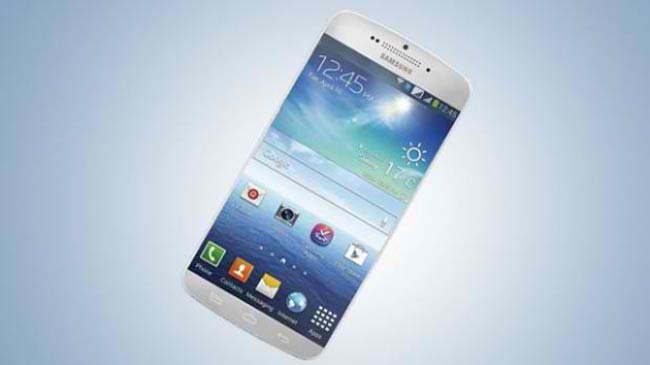
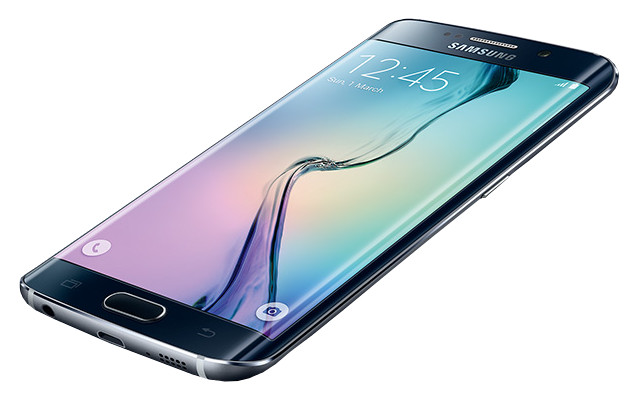
The smartphone train keeps on moving forward as time passes by. With almost half of this year gone by, we’ve seen many new devices like Samsung Galaxy S6 and S6 Edge and HTC One M9. But the year is far from ending, and many companies have given out hints of their new unnamed devices. Let us check them out below:
Samsung Galaxy S7
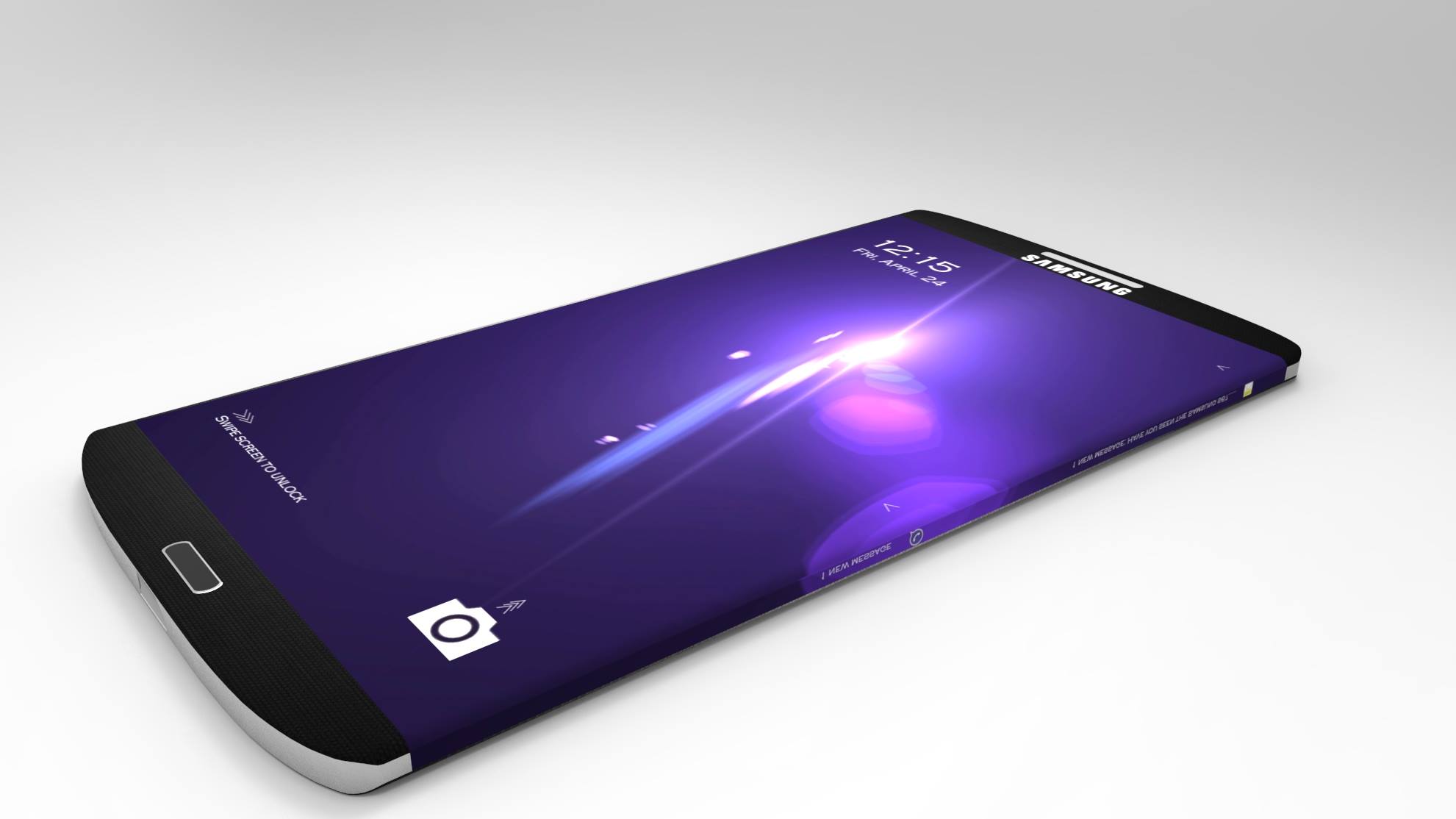
Samsung raised the standards of the Samsung smartphones in March when they launched the Samsung Galaxy S6 and S6 Edge. Now, fans of the devices have already started to speculate about the next Galaxy phone that is touted to be released by the end of 2015. If these rumours are to be believed, Samsung will feature a massive 30MP primary camera and a 10MP front camera with the device. The device is also rumoured to have a 5.5-inch Super AMOLED display with 8K resolution. The device may also include an 8GB RAM, according to the rumours. The processor might be a 64-bit Exynos processor. Following the Galaxy S6 line, we might see Samsung to releasing a Galaxy S7 Edge too. Some other features include Retina Scanning, Advanced Touch ID and Fast Charge technology.
Huawei Honor 7
After Huawei launched the Honor 6 a year ago; the Honor series has been due for quite some time. A new teaser by Huawei indicates a launch of a new product on 8th June, which we think is most likely the Honor 7. The teaser showed a nicely drawn banner with the date and a quote that read ’Imagination is Everything’. According to TENAA, there will be two variants of the 5-inch full HD Honor 7 and will be powered by an in-house Kirin 935 chipset. One of the variants will have 3GB of RAM and 16GB of storage, and the other will have 4GB of RAM and 64GB of memory. Not many details were revealed about the device for now.
OnePlus Two
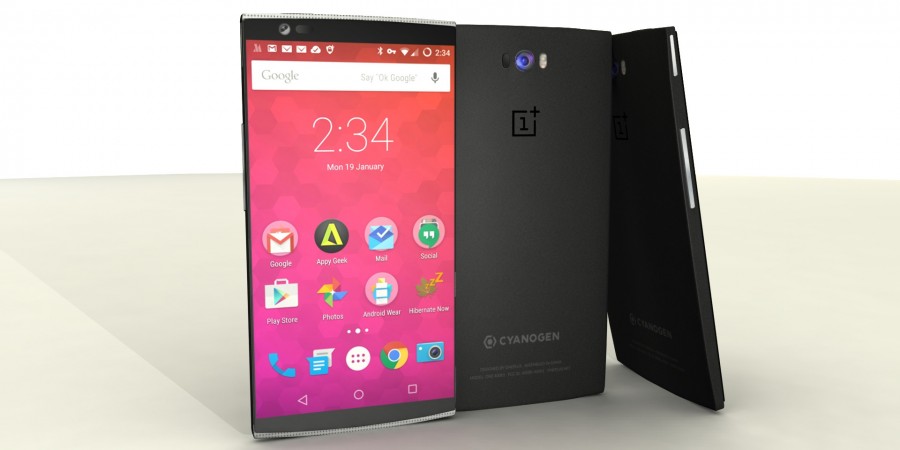
OnePlus One was one of the most successful Chinese electronic startup stories of 2014. This handset captured an enormous chunk of the mid-segment smartphone market. OnePlus announced a new device on June, which is expected to be the next OnePlus handset. As per the details leaked by the company CEO Liu Zuohu, OnePlus Two will run on Snapdragon 810 chipset along with 4GB RAM. A 5.5-inch 2K display will enhance the viewing experience of the user. There is a high possibility of OnePlus Two running on Cyanogen OS, as the differences between Cyanogen and the Chinese smartphone firm have been sorted out. In the major disclosure yesterday, OnePlus’ Zuohu spilled the beans on the release time of OnePlus Two. The much-awaited device will make a debut in the third quarter of this year. India will be one of the first countries to see the launch of the next probable flagship killer.
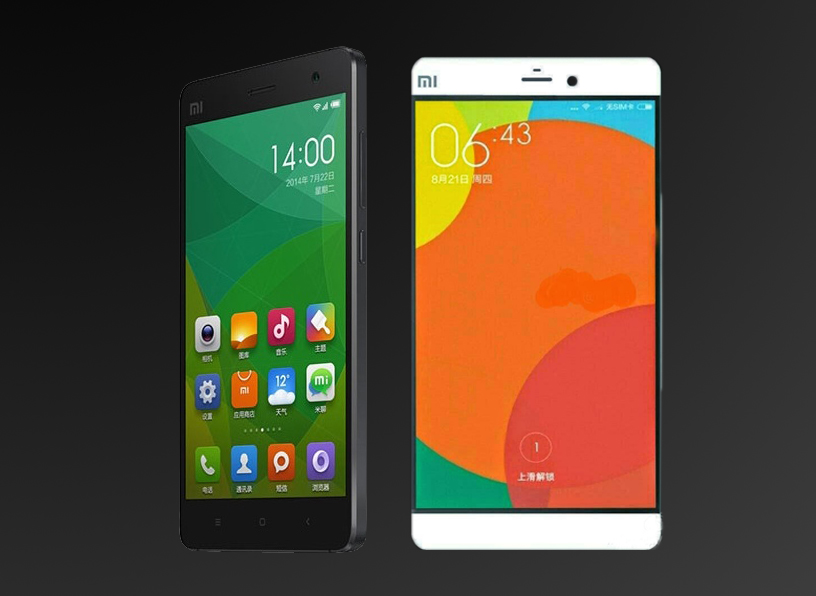
Mi5 and Mi5 Plus
Reports from Gizmochina claim two more devices will be joining Xiaomi’s line-up later in June 2015. These devices are larger copies of the Mi 4, expected to be named Mi 5 and Mi 5 Plus. The claimed specs of the devices were leaked on the Chinese social media site, Weibo. The Mi 5 is touted to have a 5.2-inch display with a resolution of 1440×2560 pixels. It is believed to be powered by the latest Qualcomm Snapdragon 810 chipset with either 3GB or 4GB RAM and will be juiced by a 3,000mAh battery. Its camera specification includes a 16MP primary camera.The device will also be infused with fingerprint technology. Its larger cousin, named as Mi 5 Plus, will feature a 6-inch screen with 4GB RAM, 32GB internal memory and a 16MP primary camera. No details were revealed about its processor, display, etc. Xiaomi has yet to announce the date of release, but reports mention that the two handsets will be out in June.
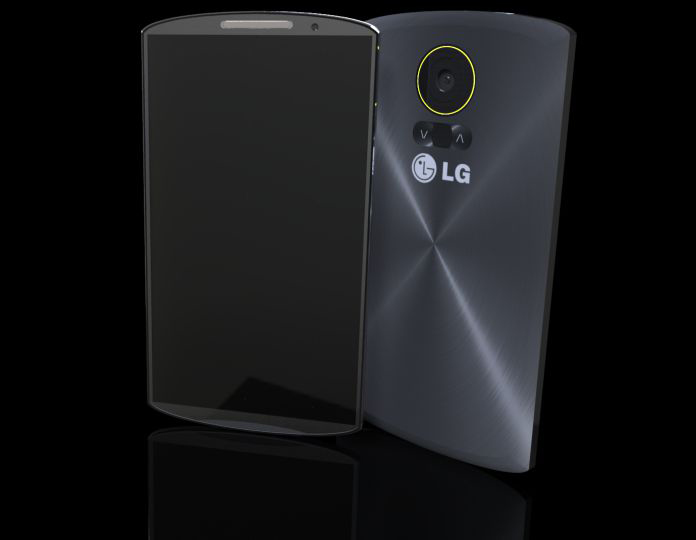
LG G5
Rumours say that LG is now working on the successor of the G4, and will be bringing iris recognition system into play. Reports from Korean publications state that LG has teamed up with local biometrics specialist Irience to implement this feature in its next smartphone. Reports also indicate that the phone will be released in the last quarter of 2015. For now, this is the only information we have found out.
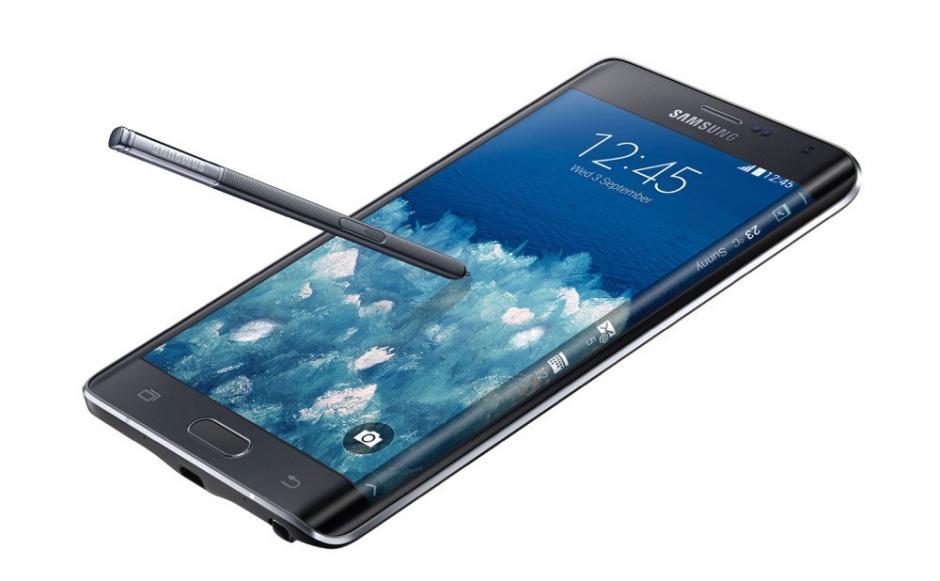
Samsung Galaxy Note 5
After a year of the release of Samsung Galaxy Note 4, rumours of its successor have started to flow in. Considering their launch pattern, the Galaxy Note 4 successor may launch sometime in September this year. The Note 5 will come with a model number SM-N920F. It is likely to feature 5.4-inch or 5.5-inch Super AMOLED display with curves on both the edges. Let us remind you that the Note 4 was the first smartphone with which the curved edge display was included. Other rumours speak of a 5.9-inch screen with 4K resolution. The company has been preparing to venture into the 4K technology and the forthcoming Galaxy Note 5 may be the first to embed it. Other buzz suggests of a 16MP rear camera, 8MP secondary shooter, 4GB RAM and 16GB internal storage.
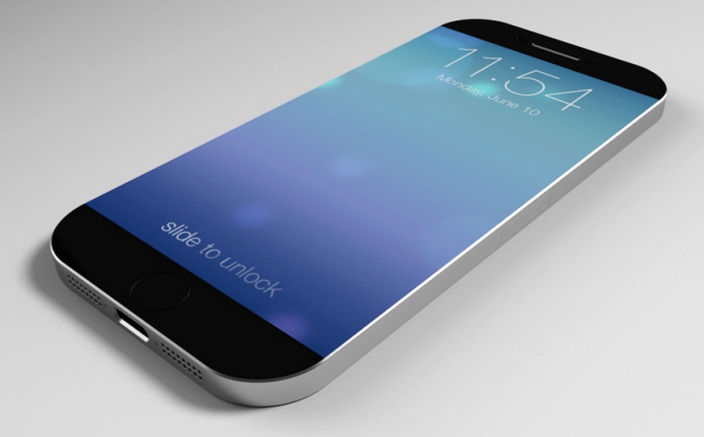
Apple iPhone 6S
Hardly a few months after releasing the iPhone 6 and 6 Plus, rumours of the new iPhone models are already trickling in. According to Macrumors, Apple will be releasing two iPhones under the ‘S’ naming category, namely the iPhone 6S and iPhone 6S Plus. Apple will be concentrating more on internal performances rather than external looks. At most, Apple may add Pink colour iPhones to its lineup. According to rumours, the new devices will have a faster A9 processor, 2GB of RAM, a 12-megapixel camera, an additional microphone to enhance voice quality, and a new internal mechanical design to address some bending issues users experienced with the iPhone 6 and iPhone 6 Plus.
Samsung Galaxy S6 Mini and Galaxy S6 Plus
It seems like Samsung is on the move to expand its range of Galaxy line-ups. The Korean company is reportedly working on a smaller version and a larger version of the Galaxy S6 and S6 Edge, namely, Galaxy S6 Mini and Galaxy S6 Plus respectively. Both the rumours emerged this week.
According to GSMArena, the smaller version, Galaxy S6 Mini, or ‘SM-G9198’, the device will be an iPhone 6 competitor. It will have a 4.6-inch HD display and run on Snapdragon 808 chip with 2GB of RAM. It will be equipped with a 15MP primary camera and a 4.7MP front camera.
Meanwhile, Italy’s HDBlog revealed that the company is working on a bigger version, possibly a phablet, on the Galaxy S6 line. For now, the device has been codenamed as ‘Project Zero 2’. Interestingly, the S6 and S6 Edge were codenamed ‘Project Zero’. According to the rumours, the device will just be like the Galaxy S6, only bigger and with a more powerful battery.
Xolo Black
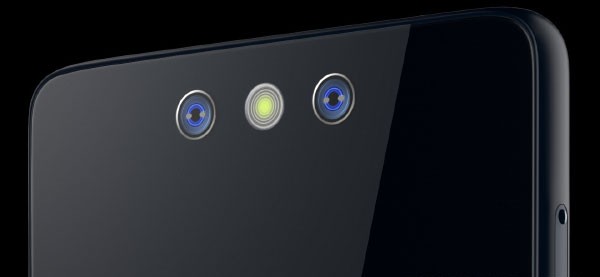
On Wednesday, Xolo announced that they are working on a new handset named Xolo Black. This device will come with a dual camera set up that will be able to capture images and their dimensions in an instant, thus creating 3D images. The phone will come along with HIVE 1.5 or above, along with Android Lollipop, and its price is expected to come in the sub-Rs 15,000 segment. Not many details were revealed about the phone and it is said to launch in the month of June.
Microsoft Lumia 940XL
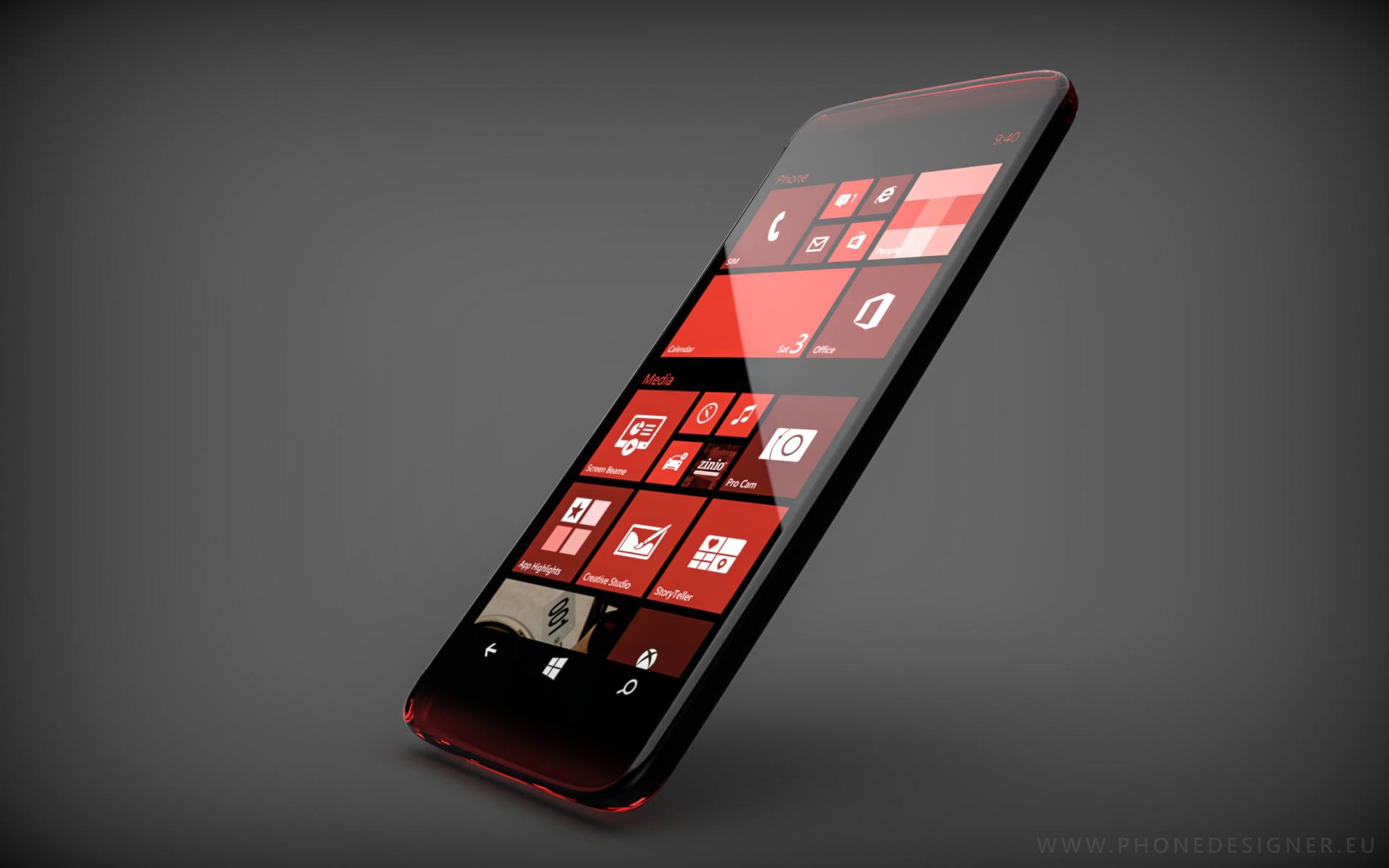
Microsoft had launched the Lumia 930 almost a year ago, and now, the company is back with its newest smartphone, the Microsoft Lumia 940XL. According to NokiaPowerUser, the device is a larger version of the Lumia 940. The device is expected to have a bigger 5.7-inch display with a slim design and a metal frame. The processor will feature a Qualcomm Snapdragon 810 processor paired with 3GB of RAM and 32GB of internal storage, a microSD card slot for expandable storage, a 5MP front-facing camera, a 20MP main PureView camera for photos and videos, and will feature native pen support as well.Further, it will also support USB C-Type and an Iris Scanner too. The specs sound very exciting, but the company has not officially confirmed the existence of such a device.
Motorola Moto X (third-gen)
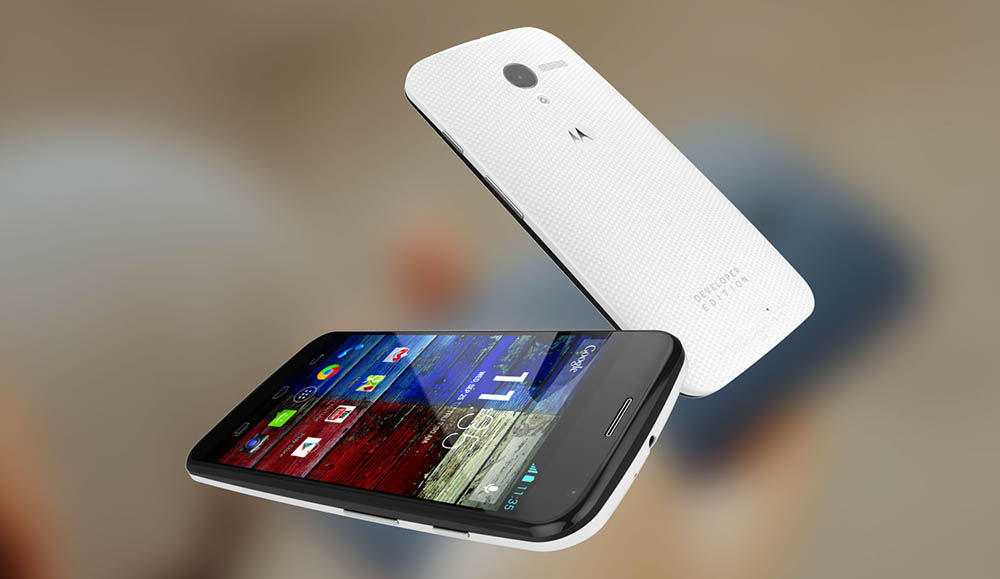
Motorola may launch the third generation of its flagship Moto X smartphones in the coming few months. According to STJS Gadgets, the third-generation Moto X is leaked by a Motorola insider, who claims to have a hold of details about the next Moto X. The upcoming smartphone on the Moto X series will sport a 5.2-inch QHD AMOLED display, used on the Droid Turbo. Under the hood will be a Snapdragon 808 chipset bundled with a massive 4GB RAM. The device will come pre-installed with Android 5.1.1 Lollipop.The front camera will be 5MP while the back will house a 16MP snapper with Clear Pixel Technology. The battery powering the device will also be mammoth at 3280mAh. The device will come in two storage variants – 32GB and 64GB.
Keep on checking iGyaan for more updates regarding these future devices!
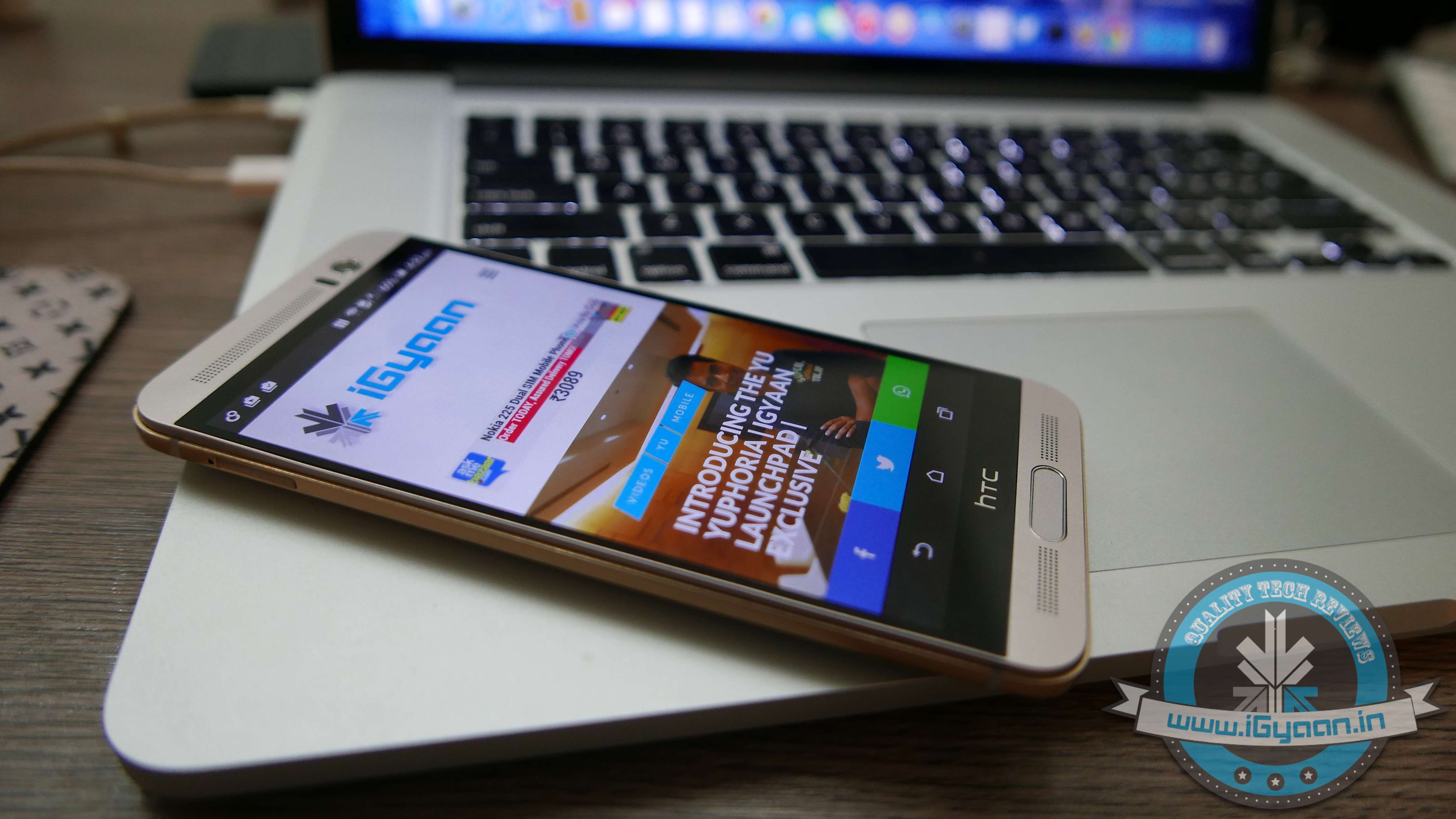
Since the launch of the One M9, the whole world has been conflicted on whether HTC did enough of an upgrade from the One M8 to the One M9. The HTC One M9+ made things more confusing for the buyers and eventually led to unhappiness all round. While the original HTC M9 was launched in the European and American markets, there was more demand in the Asian region and vice-versa with the M9+, which was launched in the Asian market, and had more takers in Europe.
HTC One M9 (Original ) Unboxing:
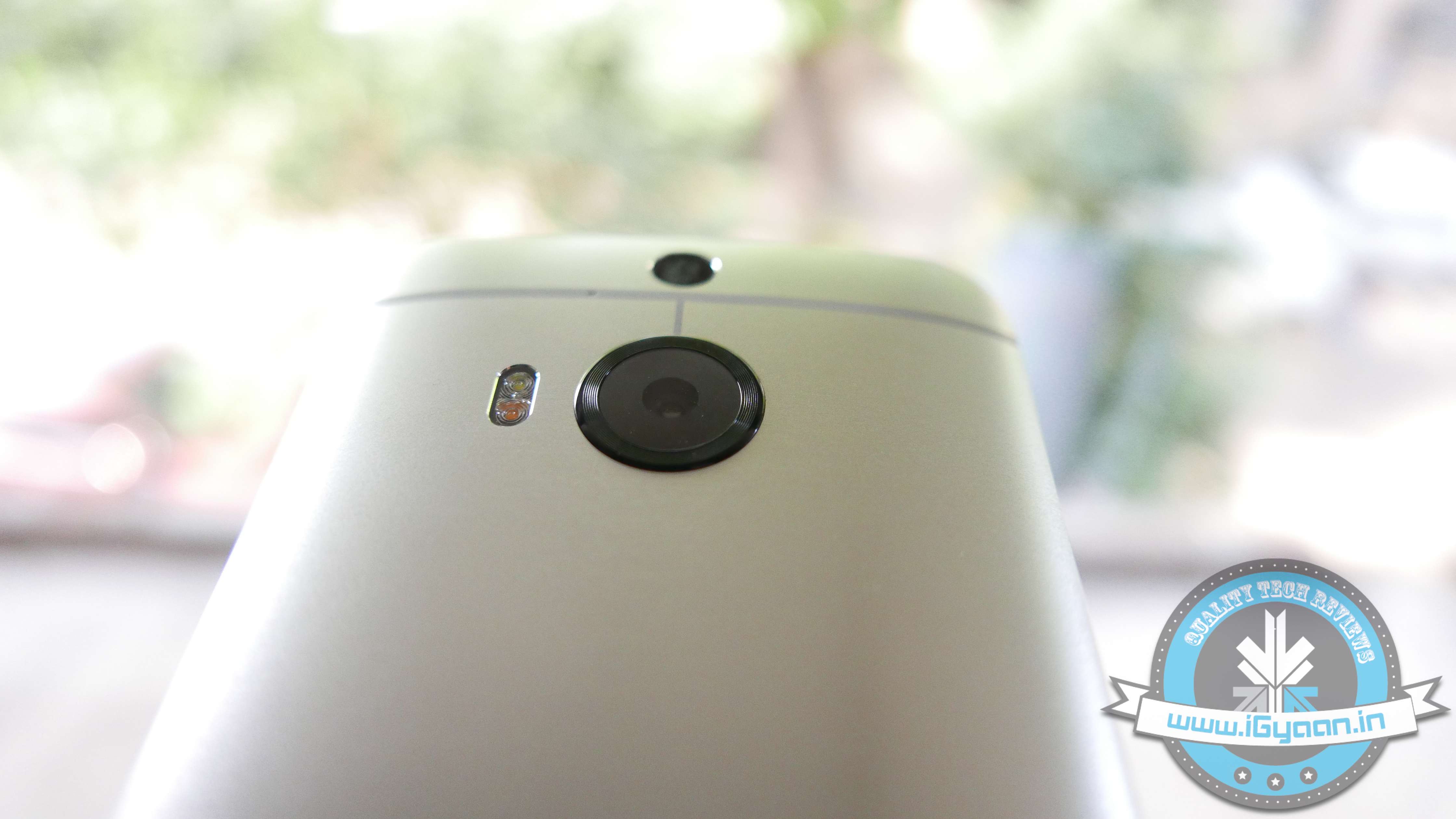
Apart from the name, there are quite a few differences between the One M9 and the One M9+. For starters you have a completely different chipset. While the global M9 is packing Qualcomm Snapdragon the M9+ packs a MediaTek MT6795T. The M9+ does have DUO cameras at the back, just like the M8. However a mix of 20MP+2MP vs the Ultrapixel combo on the M8 or the single 20MP on the M9 makes for better photographic options.
Another difference is the way HTC M9+ handles storage, allowing upto a 2 TB microSD to be inserted into the handset and used as storage.
Build Quality
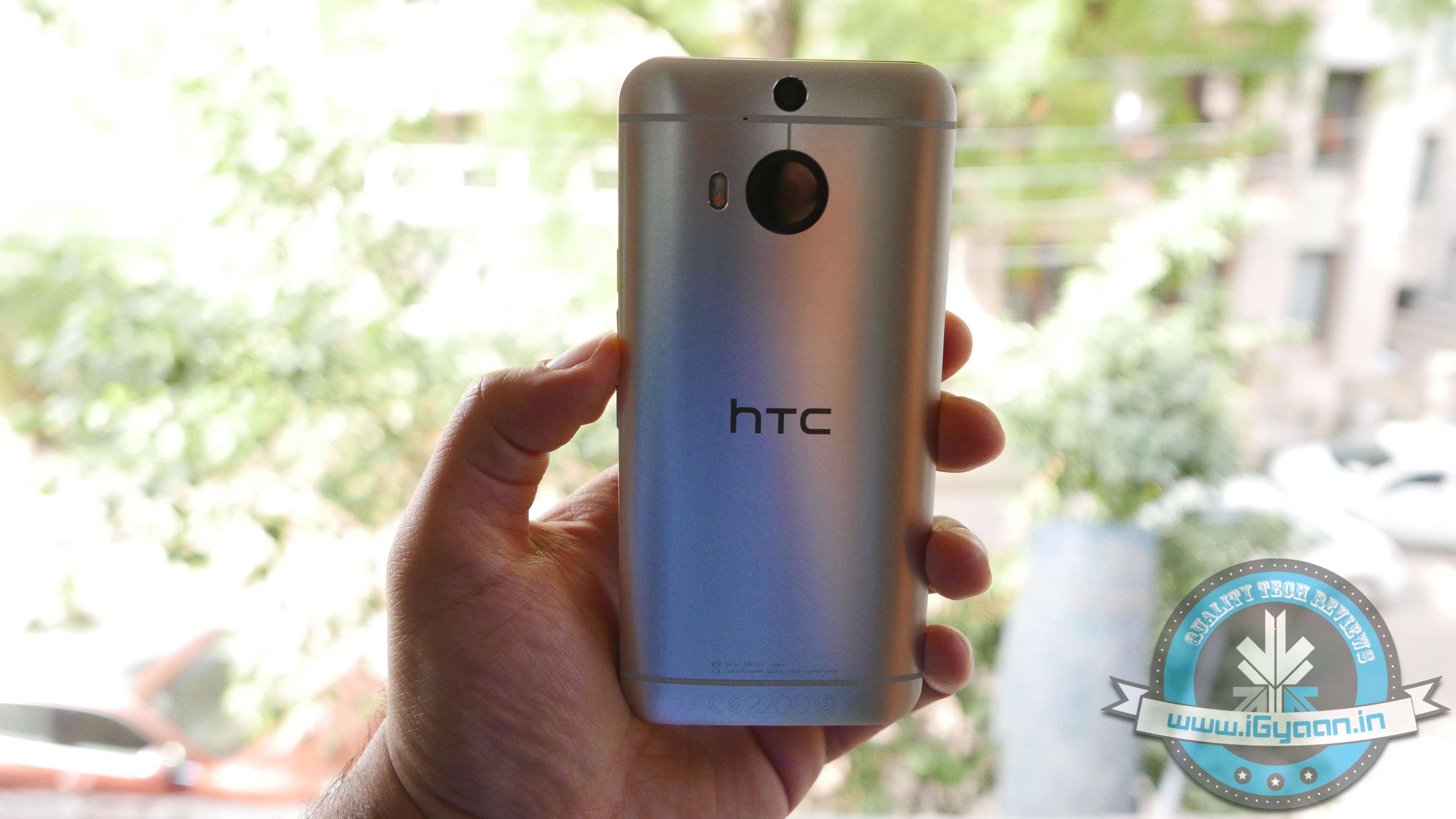
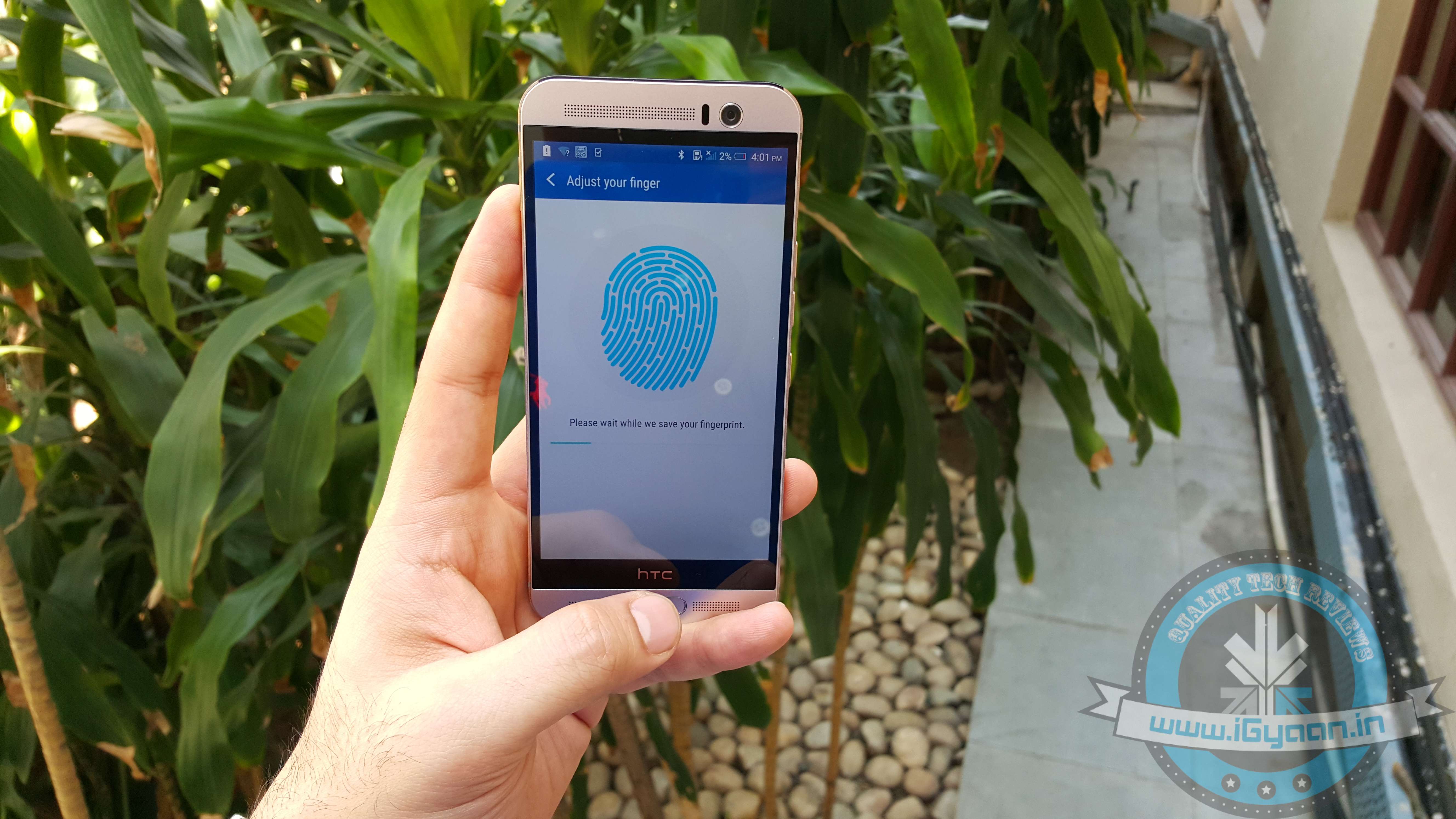
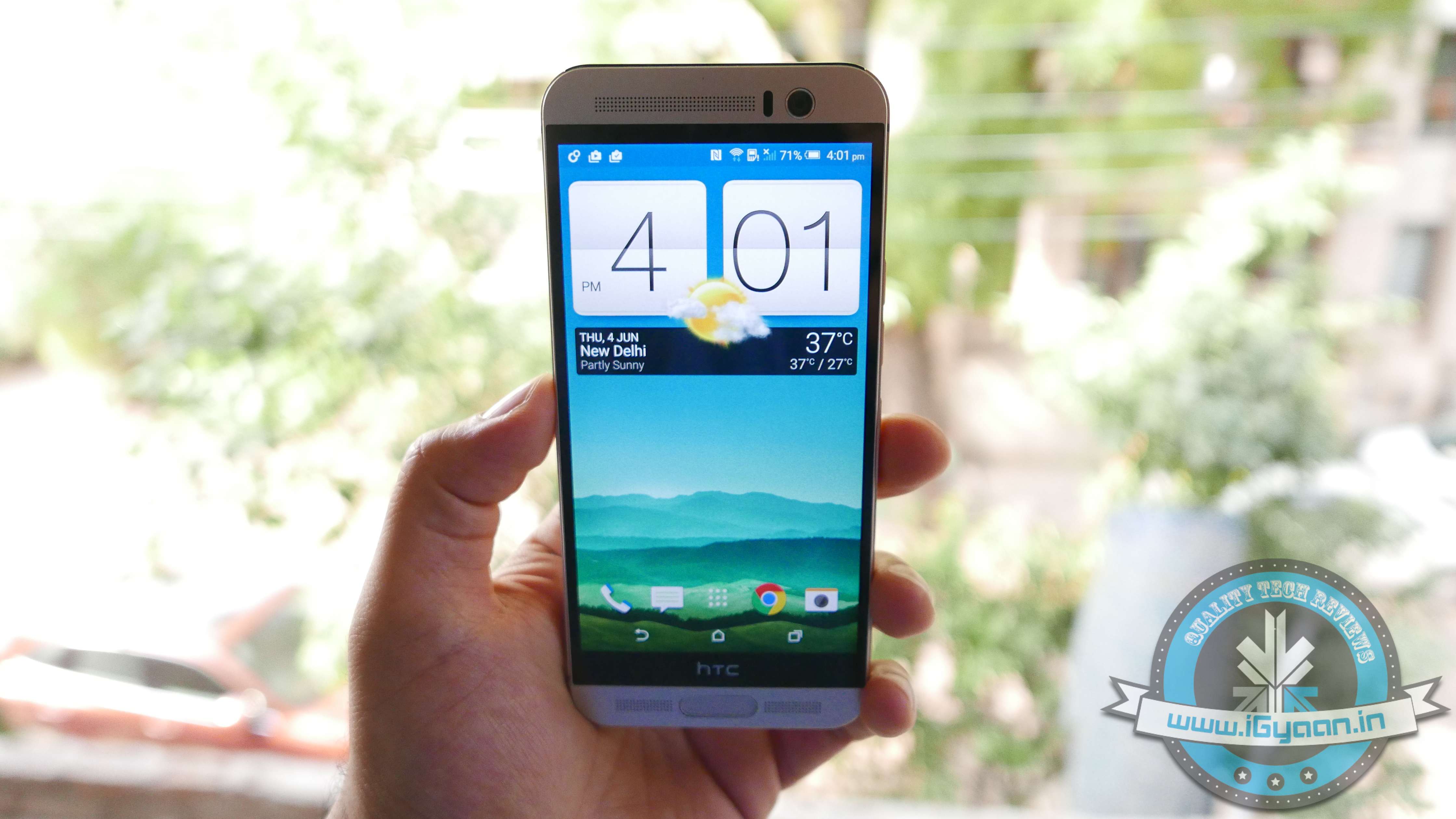
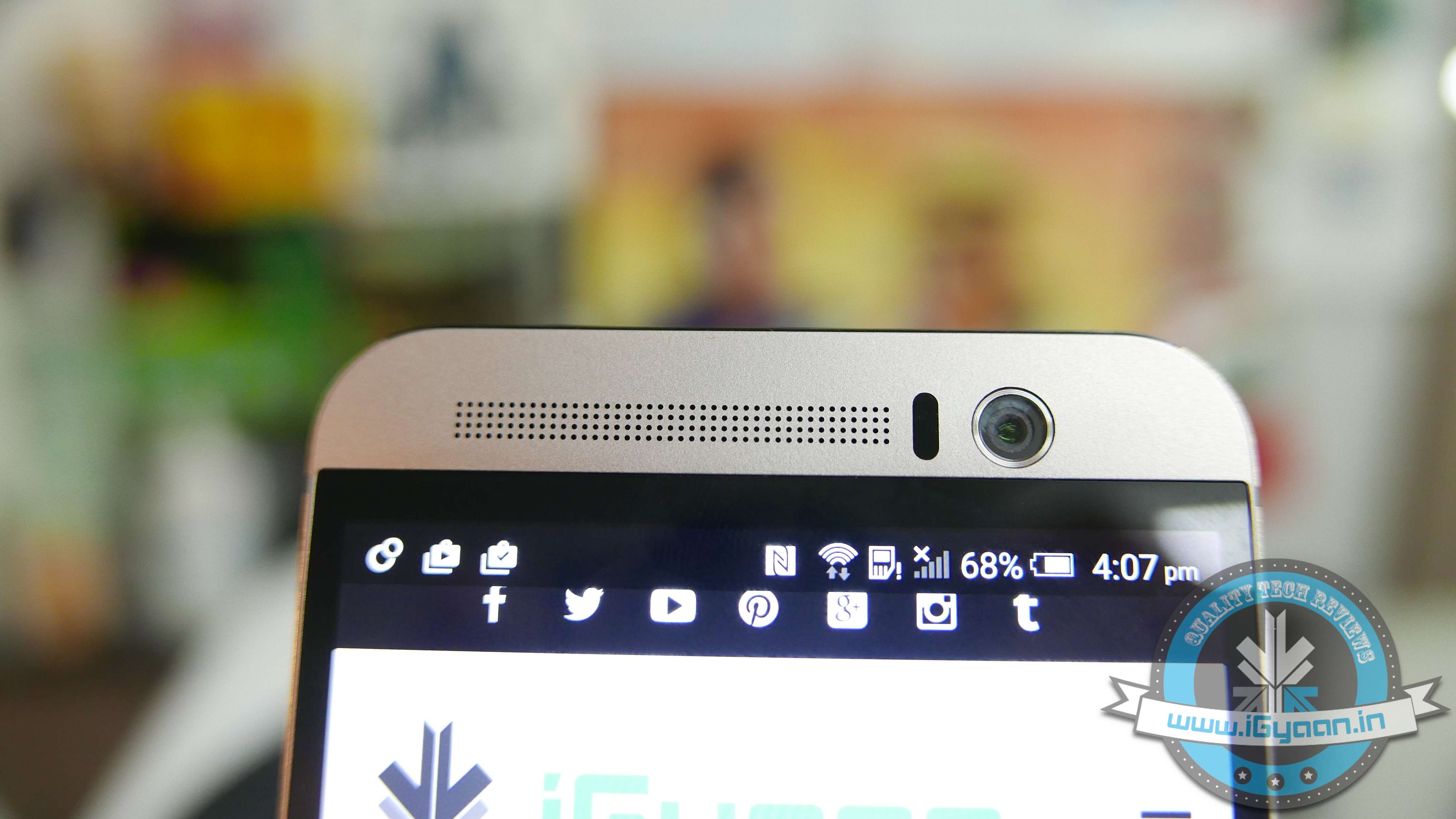
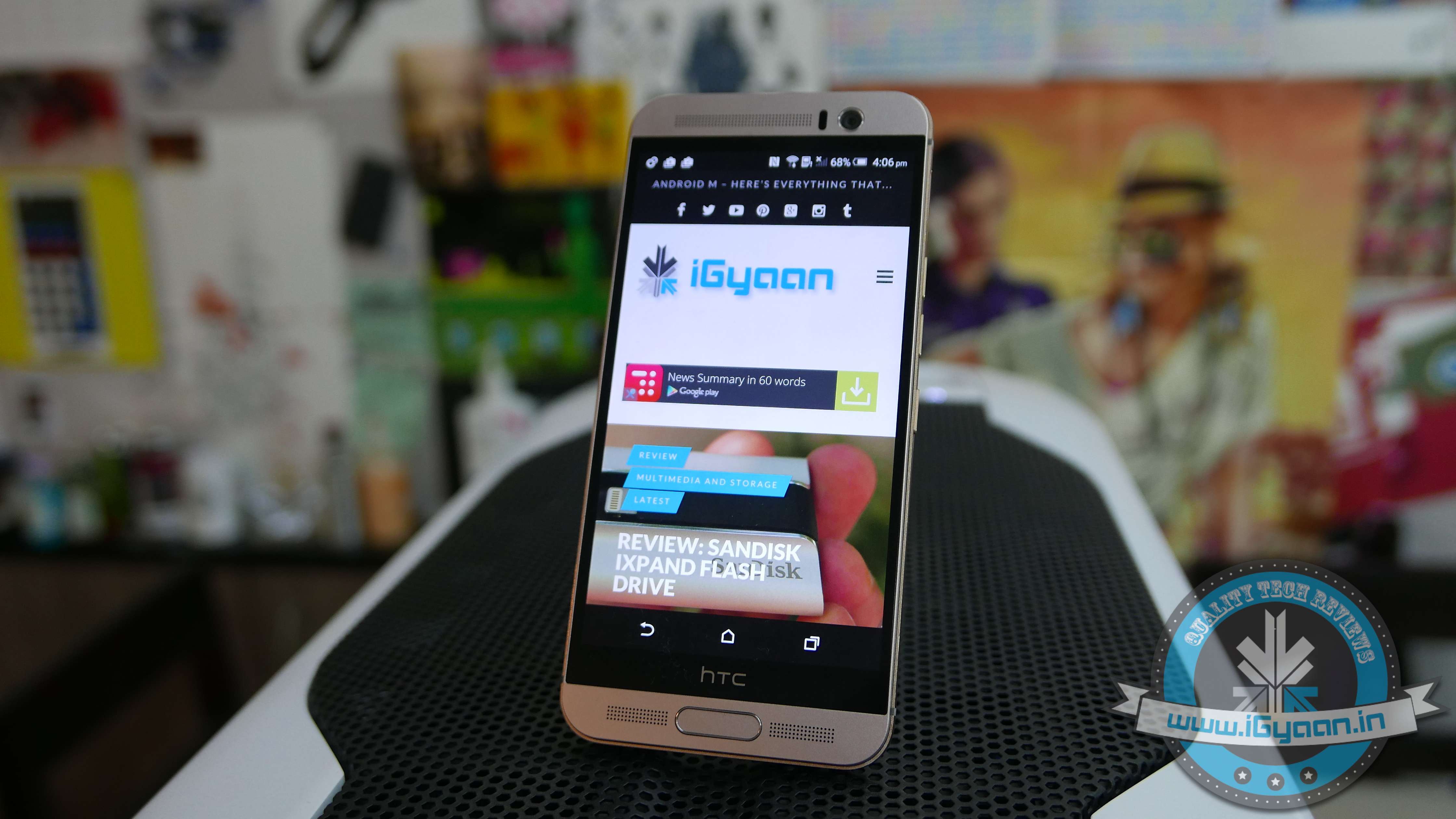
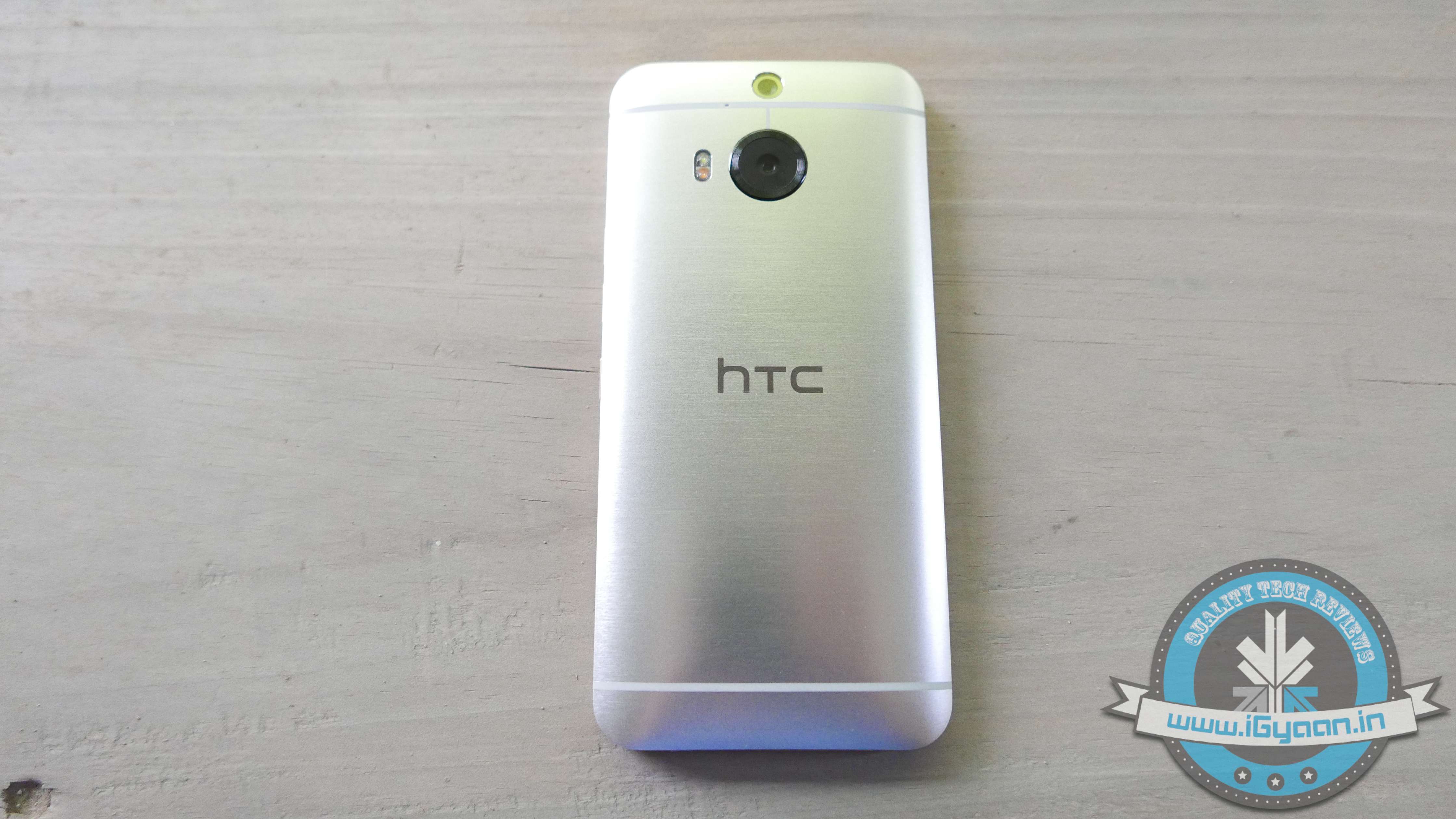
HTC keeps up to tradition with the new HTC M9+ and it’s quite identical in design with the HTC One M9. A brushed two-tone finish with the same all Aluminium back as seen earlier on the M9. The gold trim is easy on the eyes, and even though not everyone has shown a lot of appreciation towards it, the material trip is unique. The front has new-gen Gorilla Glass 4 and a centrally located fingerprint scanner, which may be confused for a main button.
Although, when the phone is unlocked an activated finger would allow you to jump back to the home screen. So it is touch button that looks like a real button with a fingerprint scanner embedded in it.
Hardware
Hardware wise the HTC One M9+ truly brings it to the table; great cameras, excellent display, ample storage and a large battery. However the Mediatek chipset was a real surprise to consumers and to us alike. This new chipset is actually much better than we anticipated, and puts the M9+ right back up in the flagship league.
The questions around the One M9+ are bang on. Is the Mediatek chipset a mistake? Should HTC have stuck with Qualcomm? Is the performance getting affected?
However the answers are even simpler. HTC found the new Mediatek MT6795T to be refined and powerful enough to power their flagship. We find it difficult to disagree. The processor does not tire, it’s efficient and highly performance driven and allows the user to truly take advantage of the handset.
Also, unlike the dual setup of the Qualcomm Snapdragon, the Mediatek chipset comes with an 8 Core CPU.
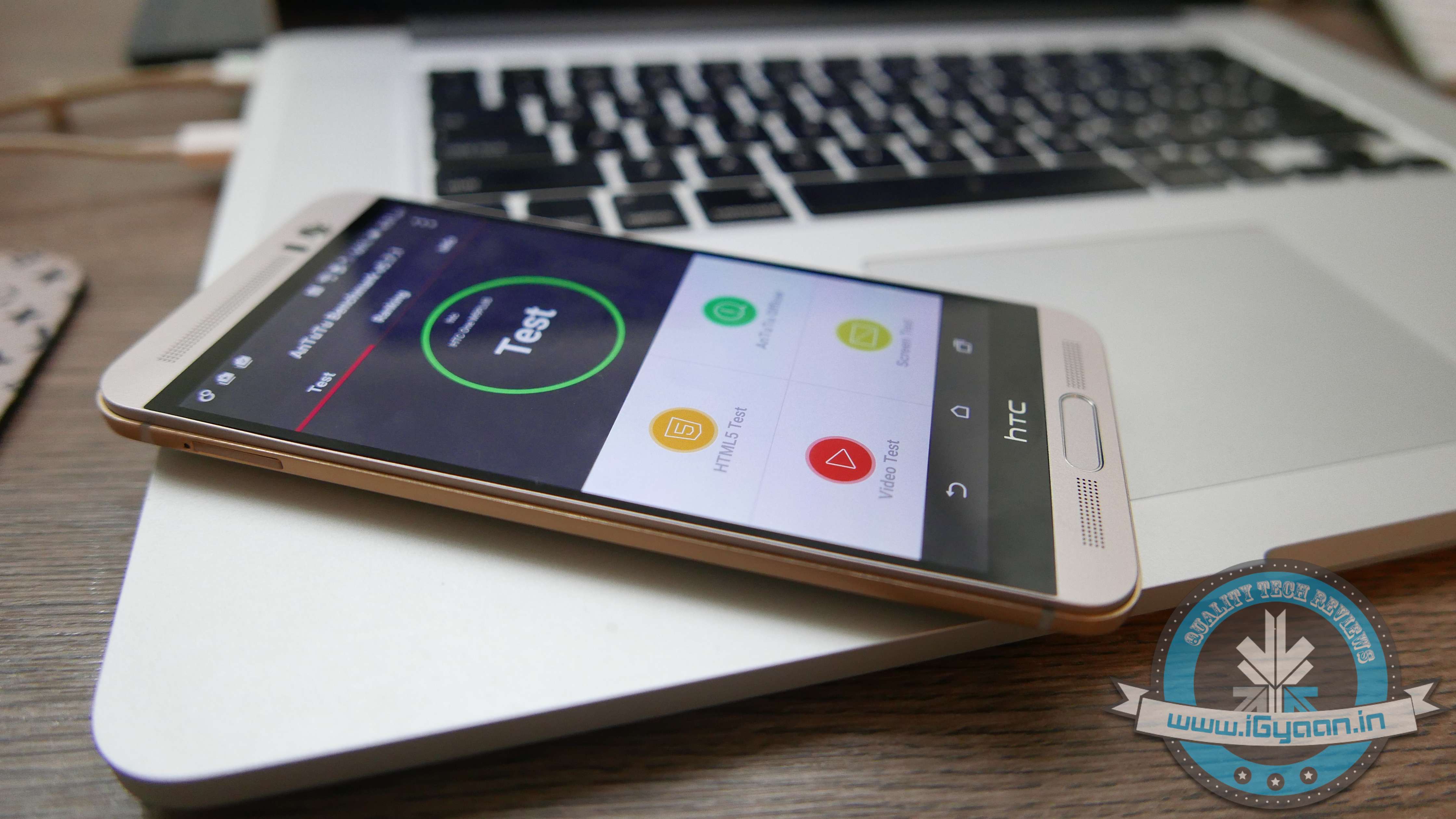
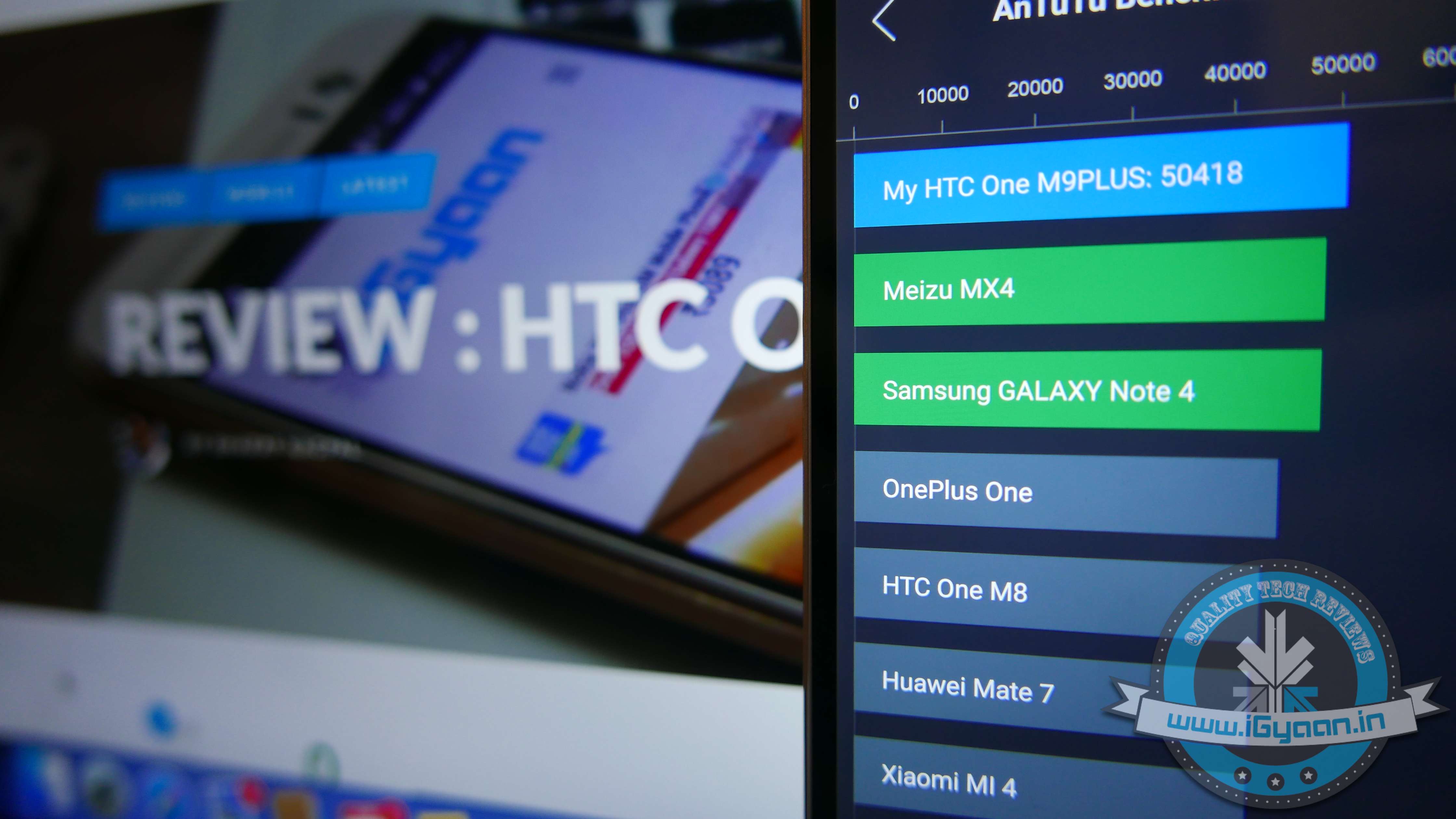
The HTC One M9+ scores positive results on benchmarks, with a happy 48000+ on AnTutTu 64 bit. The performance report pitches it against all market flagships and gaming performance is better than 85% of the other devices at hand.
Gaming is not a problem on the HTC One M9+, the chipset is quick at CPU calculations and load times are highly improved. GPU renders 2D and 3D graphics with easy and most games perform well at high graphics.
Display and Multimedia
It’s a pity that the original HTC One M9 didn’t get a high resolution display. A 2k display makes sense on a handset with over 5 inches to spare, and HTC has managed to get it all well within the sweet spot. As with most HTC displays in the past, this too gets a SLCD panel with Gorilla Glass 4 and great brightness indoors or outdoors.
Gorgeous 2K Display
Boomsound is much better on the M9+ when compared to the audio quality of the HTC One M8, larger speaker cavities improve the native sound and an enhanced audio chip improved audio from the headphones. The Boomsound speakers are possibly the industry’s best and they have seen significant improvement on the M9+.
Camera
HTC has also majorly overhauled their camera strategy. From saying “Megapixels don’t matter” to stuffing a 20 MP sensor in their latest flagship, HTC has truly gone with what the market wants. A wide f2.2 enables good low light shots, however, the Samsung Galaxy S6 takes the cake on low light with their f1.7 aperture lenses.
The images from the HTC One M9+ are sharp and the colours are well balanced. The contrast is good and the light compensation in low light is excellent. Native image stabilization is hugely missed on this handset.
The Camera app is a lot more simplified and easy to use. While certain things that came naturally on the HTC One M8 are now slightly difficult to operate, like the Dual-Camera capabilities. The addition sensor on the dual setup measures the field of view and allows the user to capture images with defined and adjustable depth. It’s mostly gimmicky, however in a perfect light and area setup, it works flawlessly. An idea example would be a landscape shot with a subject in the foreground. These type of shots will work best and will also allow customisations using HTC’s inbuilt features.
Duo Camera 20 MP + 2 MP
ZOE, now independent of the camera app on HTC devices, is more of a cross platform photo sharing app. Important filters and features make it fun to use and allow the user to experiment a lot more with the camera on the HTC One M9+.
Front Ultrapixel Camera
The front camera is an Ultrapixel camera from HTC, the same sensor we saw on the back of the M7 and the M8 last year. This drastically improves the front facing camera’s quality as well as low light capabilities.
OS and Blinkfeed
One of the best things HTC has done on the M9 and the M9+ is reduce their control of the Android OS space. The new HTC Sense 7 is a lightweight skin vs what it used to be in the past. Less customisations by HTC also mean that Android Lollipop and Android M (in the future) get to display their full glory.
If you do miss customizations, like HTC’s flip clock, they are now included in the widgets section and are just a simple long tap away. You also, still get themes which you can further customize, by changing colours, images and layouts.
Blinkfeed has also upped its game, with a faster re-hash of feeds and a better layout. The higher resolution display of the M9+ helps in highlighting the content.
The OS and the UI elements are highly optimized, this helps improve productivity and reduce battery consumption.
Phone Network & Battery
The HTC One M9+ supports LTE networks as well as all bands in India. It has a fantastic antenna and excellent voice quality, something that has become synonymous with HTC in the past. No dropped calls and hit network in places with poor reception, are great things to have.The reduced search for strong network also improves battery life on the handset.
Both the speaker and microphone are loud and responsive, allowing parties on both sides to communicate effectively.
The 2840 mAh battery is more than sufficient in getting through the day and then some. The chipset along with the optimizations on the software front make the battery-drain end up on the lower side of the spectrum. The battery life could have been better and things like fast charge are missing from the mix, we honestly don’t mind.
Type
WiFi
Cellular
Talk Time
N/A
6 Hours
Standby
150 Hours
48 Hours
Music
12 Hours
10 Hours
Internet
5 Hours
5 Hours
Video and Gaming
4-5 Hours
4 Hours
Conclusion
With the One M9+, HTC has put all its cards on the table. Their experiment with a relatively newer chipset manufacturer may have paid off well. Consumers in Europe are craving the One M9+ while being served the One M9, and there is good reason for that. The M9+ turns out to be a much better handset than many already in the market, it also is a much better handset than the company’s own M9. Excellent build quality, great design and aesthetics, premium materials, great hardware and excellent cameras make the HTC One M9+ a better device. The camera improvements will satisfy those that missed it last year, and the OS improvements will really push the envelope on making the One M9+ ownership worthy.
The One M9 was a huge disappointment, failing to play catch up with what was happening in the industry. However, with the new M9+, HTC not only caught up, they set precedent.
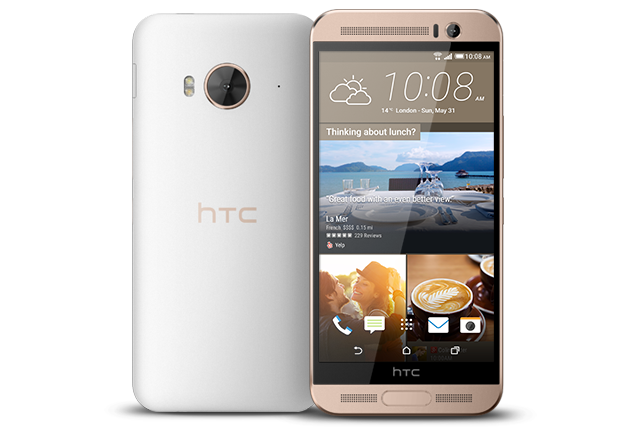
Taiwanese manufacturer, HTC, introduced a new offering that will outdo premium flagships by other smartphone labels in several aspects. The firm brought out the One ME in China, becoming the first smartphone to embrace Mediatek’s new Helio X10 chipset. The handset features a somewhat similar set of specs as the previously launched One M9+. HTC hasn’t spoken about its availability and pricing details.
HTC One ME sports a 5.2-inch Quad HD (1440x2560p) display with 565ppi pixel density. The processor of the phone is its USP. It holds a 64-bit octa-core Helio X10 processor clocked at 2.2GHz, along with 3GB RAM and 32GB internal storage capacity. Users can expand the memory up to 2TB via MicroSDXC. The device runs on Android 5.0 Lollipop with HTC’s Sense UI on top.
The dual-SIM One ME with fingerprint scanner touts a 20MP rear camera with LED Flash. A 4MP UltraPixel secondary camera sits up front together with BoomSound speakers. The phone gets its juice from the 2,840mAh battery. Connectivity options include Wi-Fi, Bluetooth 4.1, NFC, LTE and Micro-USB.
MediaTek is estimated to outshine Qualcomm and Samsung with the launch of Helio range of chipsets. The company has upped the level with the Helio X10 that has a 64-bit architecture and eight Cortex-A53 cores clocking at 2.2GHz. The Helio X10 refreshes a display at the rate of up to 120Hz and records slow-mo videos at up to 480fps. From Apple’s roaring offerings, iPhone 6 and iPhone 6 Plus, it can be estimated that the ME can record videos at the rate of 240 frames per second.
Home Automation is the next thing after smartphones and tablets that everyone is talking about. And why not? smart is the flavour of the season. Smart Homes tend to make life easier. It senses your presence and acts accordingly. From checking security, opening gates, switching lights to controlling room temperature, everything today can be done by the touch of a button. It’s sensible and won’t cost you a bomb.
You can opt for single room automation, multi-room automation, and automation of your kitchen, bathroom, curtains or anything that can be connected. We are giving you some tips to automate your home wirelessly so that you don’t have to spend on fixing the already built structure.
Invest in an Efficient Router
A smart router is the core of a smart home. Buy a powerful router of ASUS, Netgear, Cisco or TP-Link, so that the installed smart devices work efficiently. The router should have high signal strength across your premises for device interactions to remain seamless; otherwise several problems may crop up. A superior router will send the command instantly as soon as it is made, like turning down the brightness, switching off the light and so on. A dual-band router will cost you below Rs. 20,000.
Pick a Hard drive of Enough Capacity
An external portable hard drive is essential for a smart home. Get hold of a hard drive and store all your audio and video files on it. Connect it to the router and you’ll be able to share it with devices with the click of a button. Your choice of music will play in the selected rooms.
Safety Comes First
Once you have decided on what router to use and picked the hard drive, security is the first thing one should focus on. Go for a door camera and biometric lock. A door camera will inform you of the approaching person, and the biometric lock would enable you to not carry around a pair of keys. Eureka Forbes offers its security system for as low as Rs. 20,000 and a biometric lock would cost approximately Rs. 12,000. Video surveillance allows you to keep an eye on a wider area and the automated alerts keep you in touch with the home ensuring better safety.
Lightning Control
With smart lights installed, customers can sit back and turn them off even when they are not at home. Sensor control lights and its prices range from Rs. 3,500 to Rs. 7,000. On the other hand, timers and switching units are a bit cheaper at Rs. 2,500.
Control the Temperature of Your House
Today, most of the consumer electronic companies have switched to a smart AC module. There are apps existing on App Store through which a user can control the temperature of individual rooms through the mobile device from anywhere.
Other than that, one can control the temperature and filters of outdoor pools & spas. Energy can be saved by automated curtains and blinds, which can be closed and opened through a button, on your smart device.
As apps become more prevalent and powerful, entrepreneurs and small business owners are relying on these savvy tools to help their businesses grow and run more smoothly. Some of the apps in this arsenal will help you get a lot done with minimal personnel, since things are just starting out and human resources may be limited at this point.
We are listing top 10 apps to get you organized, connected, visible and will likely contribute to your start-up’s success.
1. Slack
Slack provides you with real-time messaging, archiving and integrations to other tools, such as Google Docs and Trello. This means less internal email communication and keeping things quick and on the go. Using Slack would mean no one will miss out on anything, and everyone is clear on what’s happening on each project. The app comes with a feature which allows you to be notified when certain terms or words are used by the team, meaning you are always on top of the urgent things.
2. Zendesk
If your business targets for excellent customer service then Zendesk is one app that’ll help you take over the entrepreneurial world. It is vital to understand what your customers need and like everything in this world, each person has a varied requirement. In such a scenario, you need to keep a check where you are standing in comparison to all your competitors. Zendesk helps you do all this and much more.
3. Salesforce Sales Cloud
Salesforce is the industry standard for CRM, and it’s a great starting point for your new business. Salesforce effectively primes your customer-interfacing business channels for sales. What’s more, due to its wild popularity, Salesforce Sales Cloud is also among the most compatible apps on the market.
4. SurveyPocket
SurveyPocket helps you put together mobile-friendly surveys. It helps get to know your target customers better than by surveying them – before you invest time, money, and effort in the wrong endeavours. SurveyPockets lets you get feedback from your audience, and it’s an app that is especially capable of mobile surveying.
5. ZohoDocs
In the course of running your new business, you’re going to generate tons of documents day one onward. Zoho Docs help you safely dump proprietary, sensitive documents that you can’t afford to lose, as well as accounting and tax reporting-related documents that you’ll need to store for years. Zoho Docs is a great place to start with online file storage that adds user access control to an otherwise intuitive set of features.
6. SureDone
It one of most relied upon online selling solutions. It allows you to easily sell from your e-Commerce website, as well as from marketplaces like eBay, Amazon, and Google Shopping. If your startup plans to offer any type of products, SureDone is the perfect choice to help you reach the widest market possible, easily.
7. HootSuite
HootSuite is a social networking app that reduces the time it takes to manage your startup’s social media presence. Twitter, Facebook, and LinkedIn are requisites at this point. HootSuite not only lets you automate posting and sharing, but it tracks brand mentions and inquiries and reports them to you, all from a convenient dashboard.
8. Expensfy
Expensify, an app that keeps track of business expenses and mileage, while letting users scan and upload receipts. Users can even sort file receipts by trip and submit expense reports to employers with the click of a button. Founded by David Barrett, the app has exploded to almost 1 million users and processes over $2 million in expenses daily.
9. TrackMaven
TrackMaven streamlines your ability to monitor data on your competition, without going through the hassle of consulting multiple sources. Filter the marketing activity you want alerts for and erase all the extra white noise.
10. TimeStation
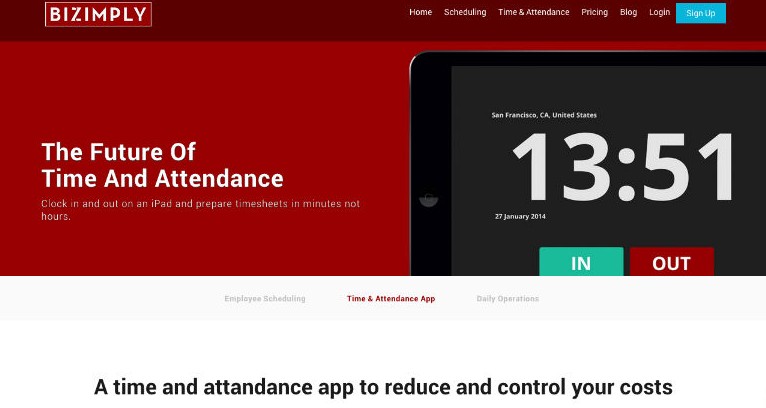
Timestation is an app extention of popular employee managment website called Bizimply. It turns your iOS device into a cloud-based time and attendance system. Using our Fast-Scan technology, employees can punch In and Out in less than a second. The best thing is that TimeStation runs in the cloud, so there’s no software or servers to maintain. Managers can see who’s in and run time and attendance reports anytime, anywhere. TimeStation is the perfect solution for small and medium businesses looking to track time and attendance without the usual costs and overhead of traditional systems.
Along with customization, security is another area drawing the attention of software developers. Apple was the first to introduce the breakthrough Touch ID technology that took over manual methods of entering text and numeric combinations to unlock the screen. And following the Cupertino-based giant, Qualcomm brought forward its revolutionary Sense ID at the Mobile World Congress that’s much more secure and authentic than the Touch ID. Let’s find out what separates the two modern day technologies.
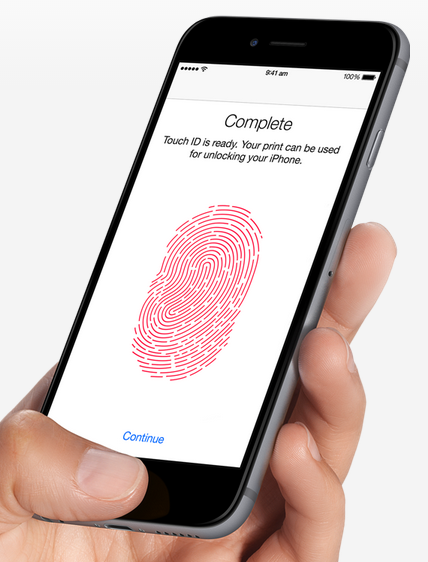
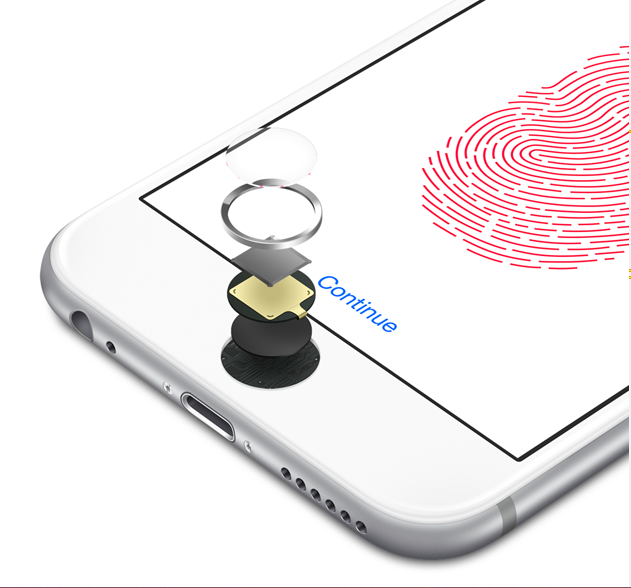
The Touch ID is the simplest way to wake up your lock screen. Just put your finger on the physical button and device will recognise the provided input and let you access the phone. Once the user puts his/her finger on the Home button, the stainless steel ring on the button comes into action and activates the capacitive touch sensor. The finger impression gets imprinted on the button’s sapphire crystal surface, which is sent to the sensor lying beneath. The software then reads the input and unlocks the device for you. The mechanism seems complex, but the whole process takes a fraction of a second.
The Touch ID is capable of reading impressions with a 360-degree orientation. Users can place their finger the way they want and it will still work. One can enrol multiple fingerprints on a device. Its usage is not just limited to unlocking the screen and you can also make purchases on iTunes and the Apple App Store by making mobile payments through your fingerprint. It can also be infused into third-party apps through developers’ support.
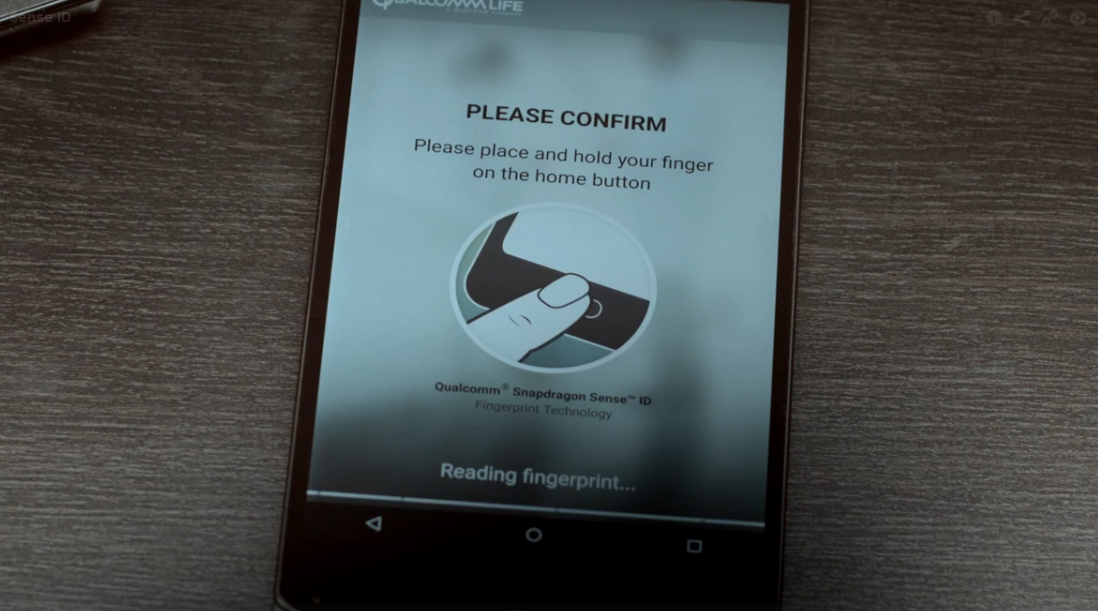
On the other hand, Sense ID is one step ahead of Touch ID. It’s the mobile industry’s first biometric platform based on ultrasonic technology. Instead of just analysing the ridges of your fingers, it makes a 3D map of the minute details including ridge flow and sweat pores. The sound waves penetrate the outer layer of the skin and create a matchless password that is hard to reproduce. According to Qualcomm, the technology “incorporates a Qualcomm biometric integrated circuit (QBIC), custom sensor technology and algorithms managed by the company’s hardware-based SecureMSM technology.”
Here’s the video showing how Sense ID works:
It can work with moist fingers and with other contaminants like dust and dirt. Its ability to scan doesn’t get blocked by the display type and allows fingerprint detection through glass, plastic, steel, aluminium and sapphire. Snapdragon Sense ID permits manufacturers to experiment with designs, enabling them to develop sleeker smartphones in the future.
Along with the added benefits of scanning through multiple surfaces and damp fingers, Sense ID embraces features from FIDO (Fast IDentity Online). It is an Alliance biometric protocol that keeps the fingerprint data on the device, instead of securing it on cloud; allowing people to visit websites, more securely. Online accounts and apps can also be accessed without the need of repeatedly providing a password for authentication.
Fingerprints are unique and make matchless passwords. Their unique characteristics compel smartphone manufacturers to deploy the newest innovations. Qualcomm will install the technology to its Snapdragon processors and soon, fingerprints will replace the traditional character-based passwords, giving faster access to a plethora of features. Since Qualcomm penetration in the Android market is high, more smartphones will have this standout feature on board.
Till date, Apple’s recent handsets, iPhone 6 and 6 Plus have Touch ID, and Samsung implanted its own fingerprint technology on Samsung Galaxy S6. It is learnt that Microsoft and Google have also tied up with FIDO Alliance, which means future Android and Windows devices may pack identical authentication features. Fingerprint scanning is a doorway to enormous features for which we presently need passwords. Akin to Touch ID, if Sense ID also offers third-party app integration, regular apps like Gmail, Yahoo and others will work through your fingerprint. It would be nice to see how Apple revises its technology to compete with Qualcomm’s Sense ID 3D fingerprint technology.