Category: Latest

All the Latest, News, Reviews, Updates, How To, Mobile Phone news, Global and International News, From Cameras to Automobiles, from TV To PC and a lot more! Constantly updating!

  • Windows 10 Plagued With Zero-Day Vulnerability With May Update

    Windows 10 Plagued With Zero-Day Vulnerability With May Update

    Microsoft released its latest Windows 10 update that boasts of numerous improvements. However, the changes bring about a new form of security threat for the freshly updated Microsoft Windows 10 operating system. Since Microsoft had announced the aforementioned update on May 21st, it is safe to assume that the update would still need a couple of days to be more widespread.

    WindowsThe update brings new things to the table such as Windows Sandbox and refreshes the Start menu to be simpler on newer devices. Microsoft with this updated software brings a change in the manner Windows 10 handles reserved storage. Furthermore, Cortana has now been moved from the search tab as well.

    Microsoft has been known to have a passive approach to the release of their software updates, hence most users would not be receiving the said update immediately. To check if the update is available clicking on the Windows Update option under Update and Security can be found in the System’s Settings. 

    Zero-Day vulnerability or 0-Day vulnerability, for those not aware of technical jargons, is a computer vulnerability that has not been discovered by the vendor or main party in concern (here Microsoft). The classification remains until the main party acknowledges the issue that can be abused by exploiters/hackers.

    A researcher named SandboxEscaper published the exploit code on GitHub and released a video of how the exploit can be abused. SandboxEscaper has been known to have discovered other such zero-day exploits. The vulnerability in question targets the local privilege escalation (LPE) that allows third-party complete access to the machine by granting them administrator status over the actual user. In other words, a users computer may be remotely accessed by those who seek to gain access.

    Also Read: Xiaomi Black Shark 2 To Be Retailed Via Flipkart In India, Launching On 27 May

    The zero-day cannot be exploited in and of itself but paves the way for other methods to have more of an effect when used simultaneously. SandboxEscaper reports that the Windows Task Scheduler is the vulnerability that makes the exploit possible. If the hacker used a particular .job file in the Windows Task Scheduler after gaining access to the computer, it grants administrator access to the system giving the hacker unwarranted power to change fundamental settings on the PC.
  • Asus Patents A Smartphone With An Innovative Dual Slider Mechanism

    Asus Patents A Smartphone With An Innovative Dual Slider Mechanism

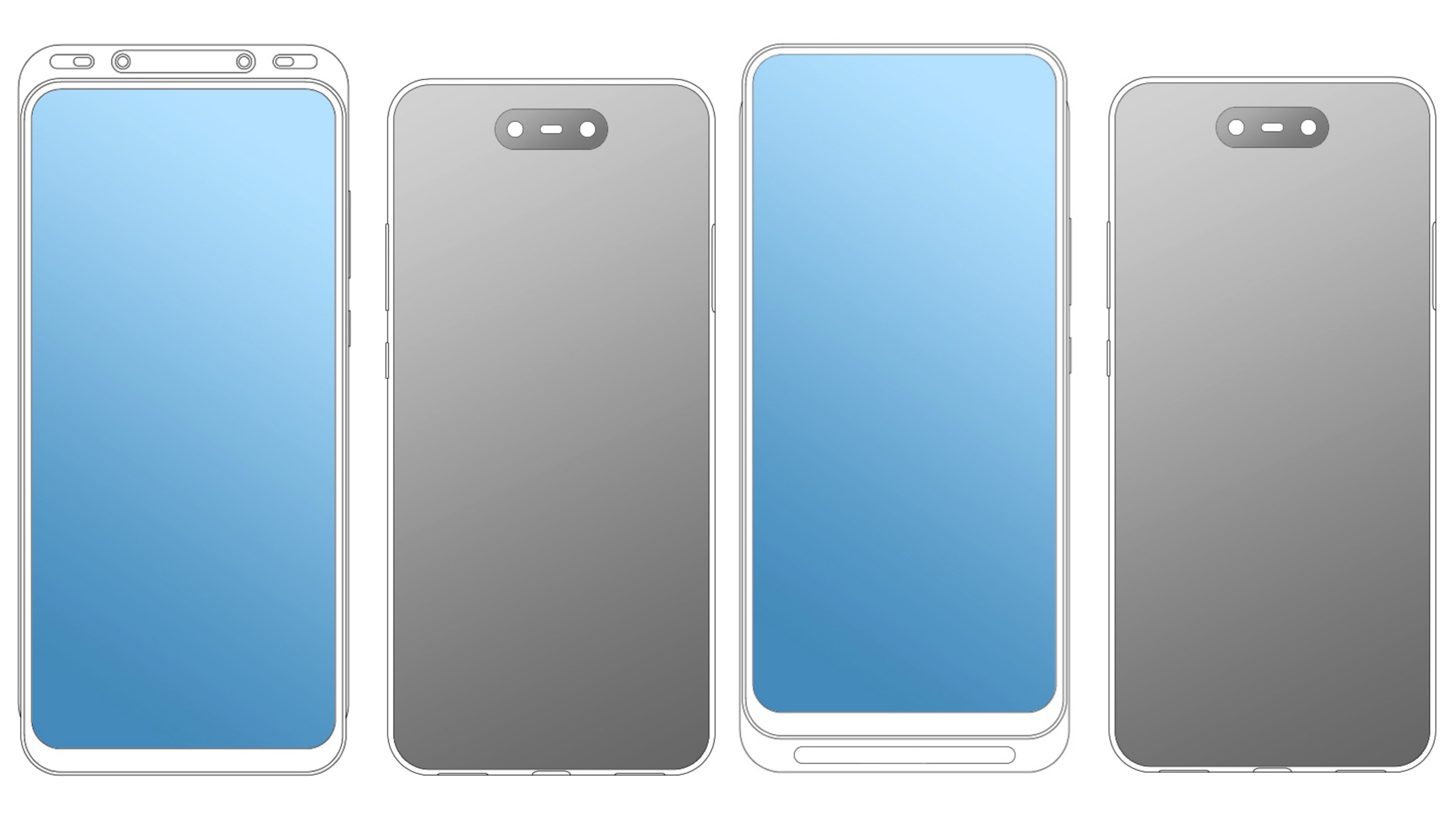
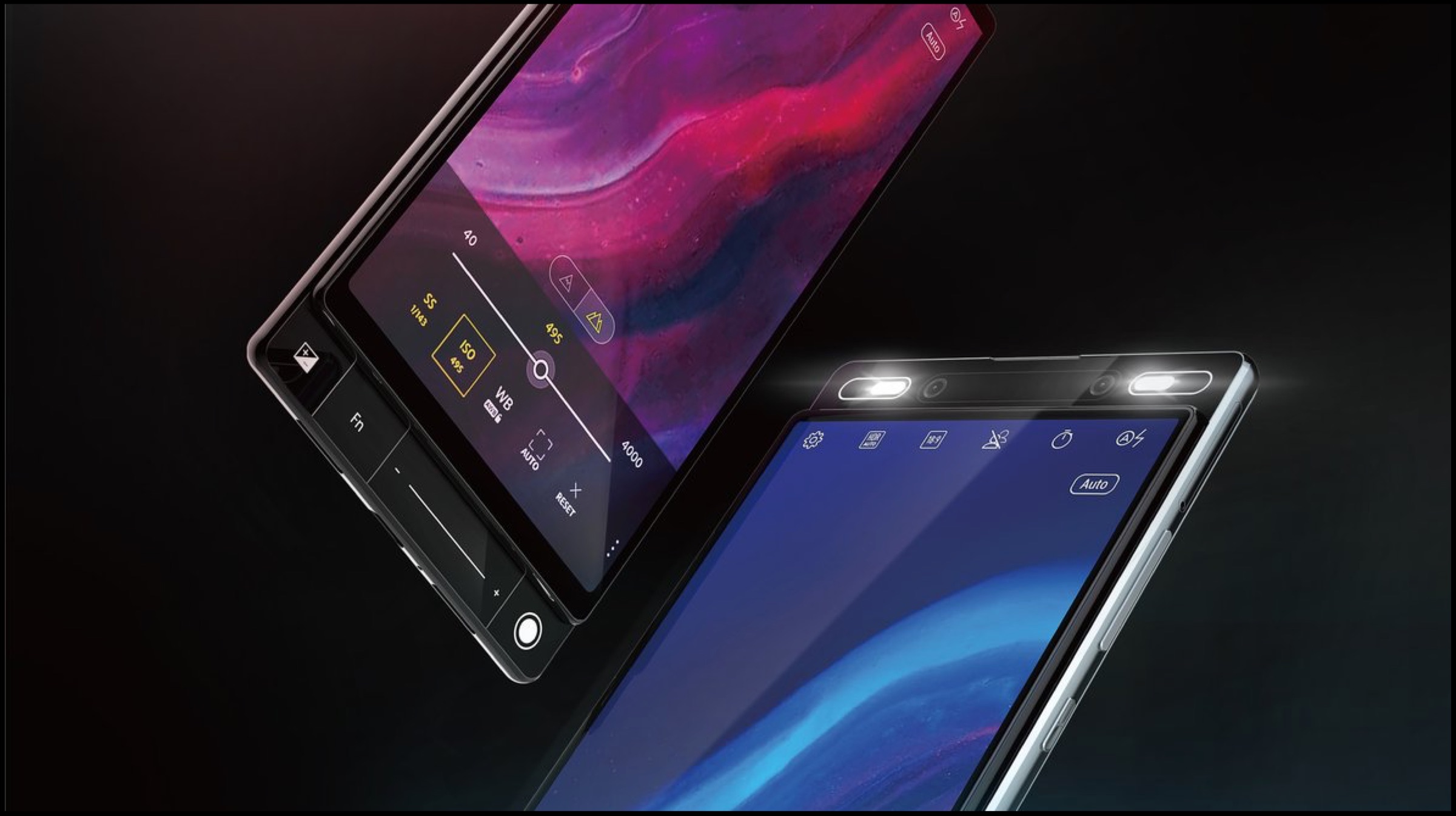
    Asus launched its latest flagship smartphone, the ZenFone 6 at an event in Valencia, Spain on the 16th of May. The device features a flip camera mechanism to maximise its screen real estate. Now, according to a patent filed by the company, it is revealed that Asus has another unique way of attaining a bezel-less design. Images in the listing showcase a smartphone with a dual slider mechanism.

    Asus Dual Slider Smartphone

    Asus Dual Slider Smartphone

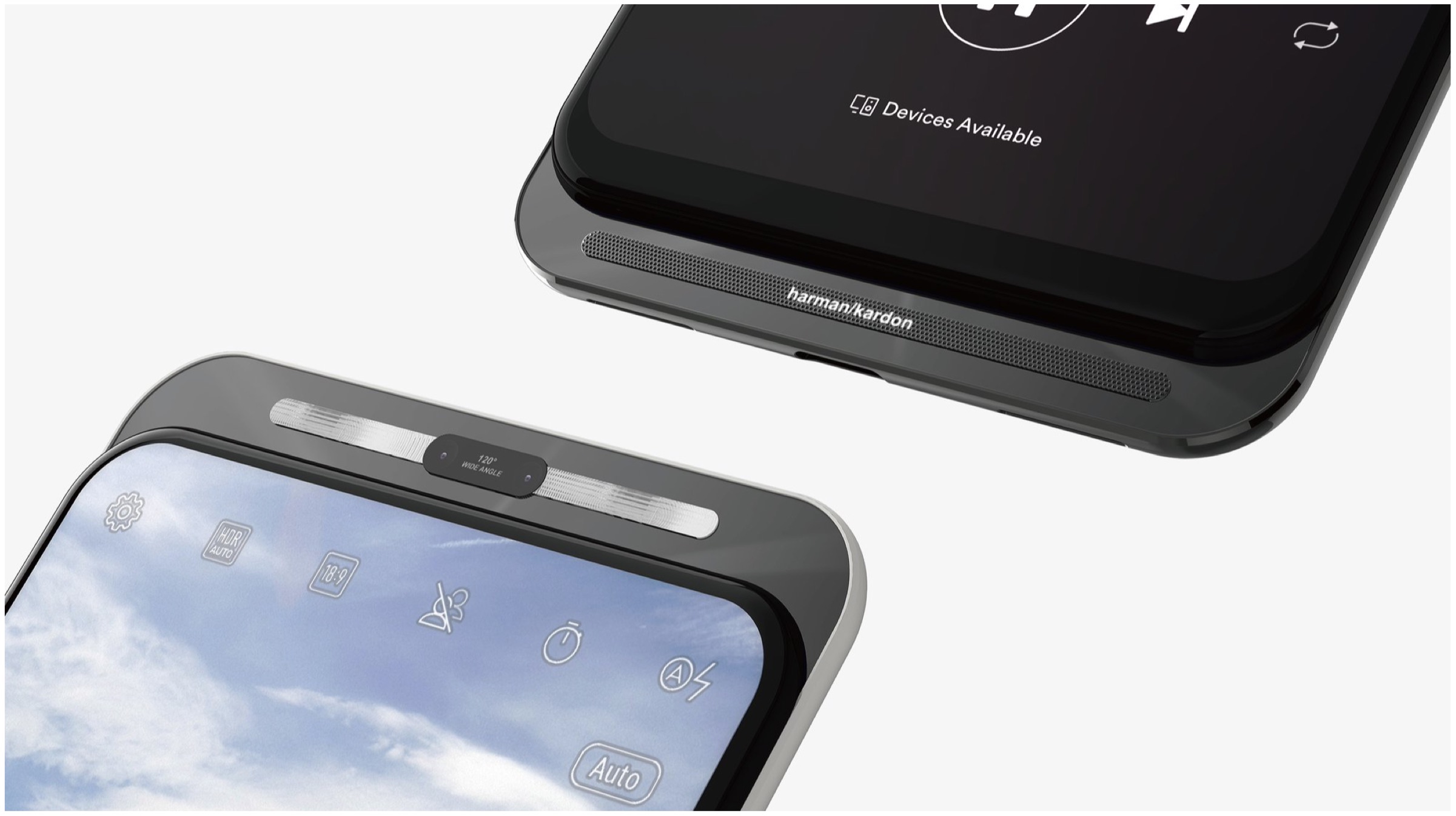
    The design patent filed by Asus was published on the 21st of May; on the Global Design Database of the World Intellectual Property Office (WIPO). Images in the listing reveal a total of ten design patents, all of which have a near bezel-less, fullscreen design with the same back panel for all models. The smartphones have a dual rear and dual front-facing camera, the placement of the latter is different in all the variants. Interestingly, the design exhibit a slider mechanism to hide the front-facing camera and the bottom mounted speakers. It is reminiscent of the mechanism implemented on devices like the Honor Magic 2 and Xiaomi Mi MIX 3. However, those handsets only use a top sliding mechanism instead of the dual slider showcased in the Asus patent.

    Also read: Fujifilm GFX100 Mirrorless Camera With A 102 MP Sensor Launched

    The aforementioned dual slider design is reported to have quite a lot of merits over the traditional smartphone design. It was also revealed in renders by the gadget tipster Evan Blass last month. While the top part of the slider is capable of housing the front-facing cameras, the bottom one can be used to install a speaker. This would ensure a good selfie camera and audio quality while maintaining the high screen to body ratio. Unfortunately, it is not known when Asus will release a device with a dual slider mechanism; but the increased intensity of leaks and patents filed by the company insinuate it may be announced soon.

  • Xiaomi Black Shark 2 To Be Retailed Via Flipkart In India, Launching On 27 May

    Xiaomi Black Shark 2 To Be Retailed Via Flipkart In India, Launching On 27 May

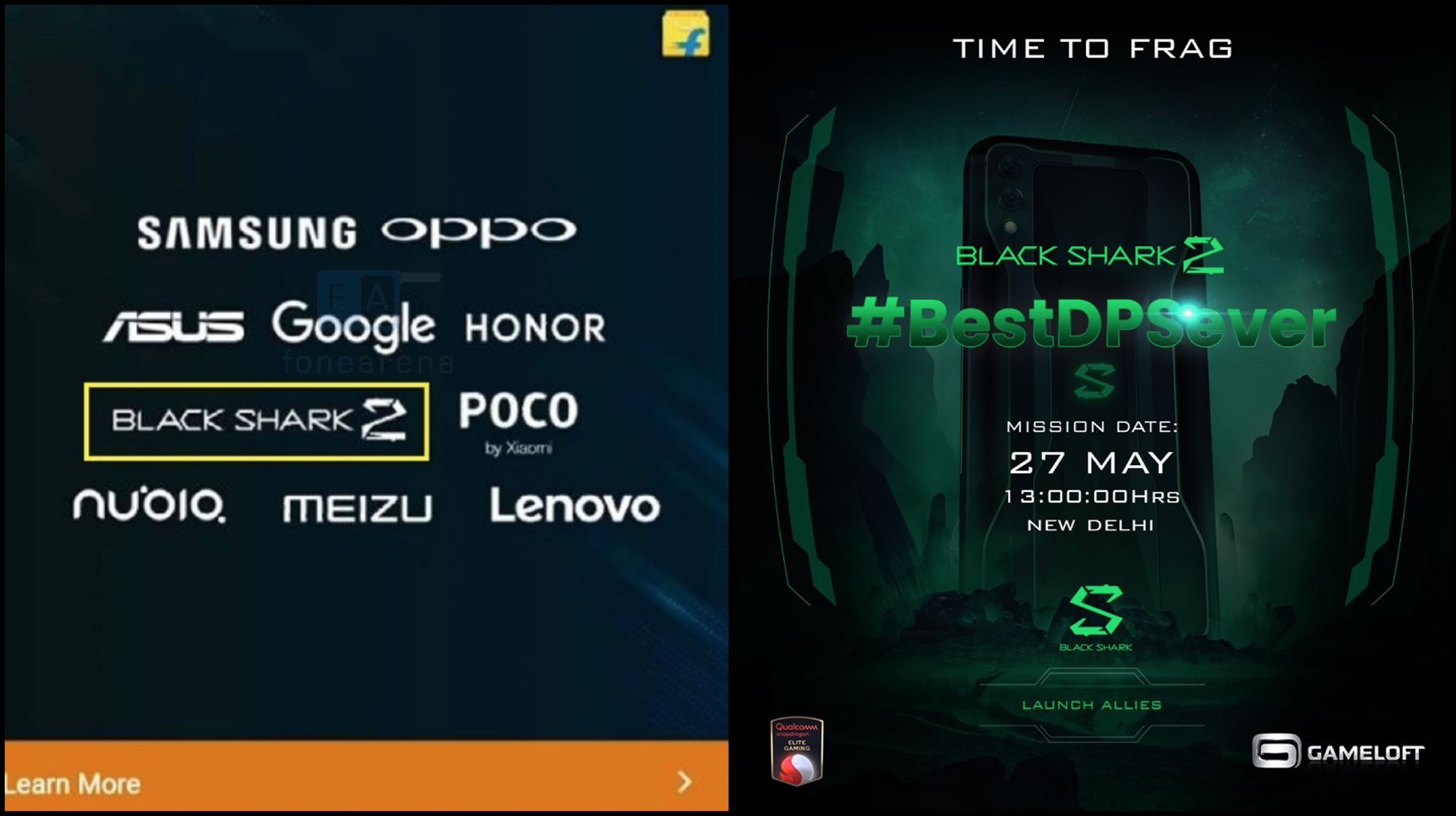
    Xiaomi originally launched the Black Shark gaming smartphone in the month of April 2018, which was later succeeded by the Black Shark Helo.  The company launched the next iteration of its lineup in the form of the Black Shark 2, which was unveiled on 19th of March 2019 in China. After a long period of anticipation, the smartphone will also launch in India on March 27, and as per the latest teaser released by the company, the device will be retailed via popular e-commerce platform Flipkart

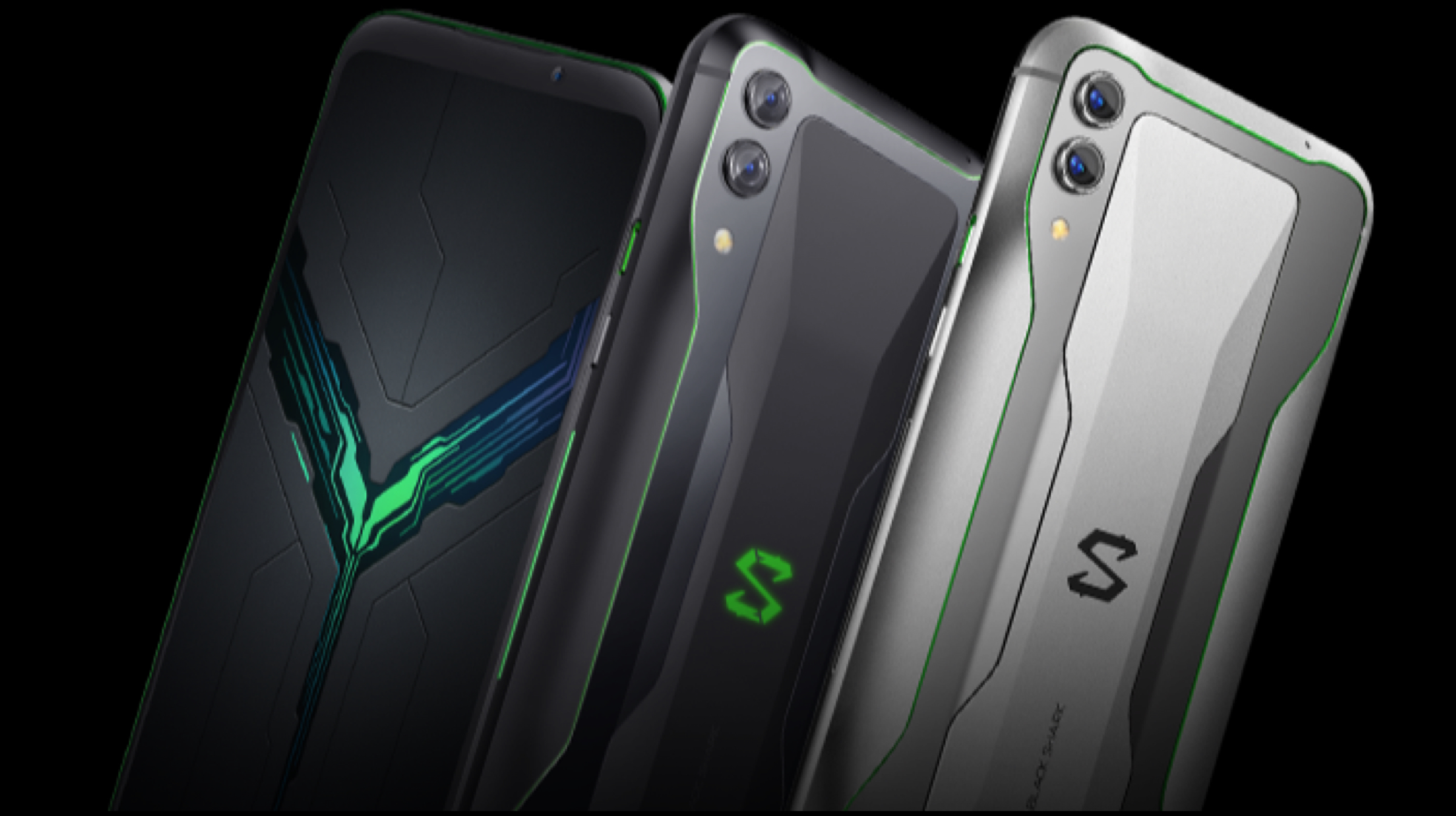
    Xiaomi Black Shark 2The Black Shark 2 has a modern design with a distinctive design on the rear and a large screen display on the front. The smartphone measures 163.61 x 75.01 x 8.77 mm and weighs in at 205 grams. It sports a 6.39 inch AMOLED display which is surrounded by thin bezels on all sides. The smartphone’s display has a resolution of 2340 x 1080 px and a pixel density of 403 ppi. The display panel can reach brightness levels of upto 430 nits and has an aspect ratio of 19.5:9.
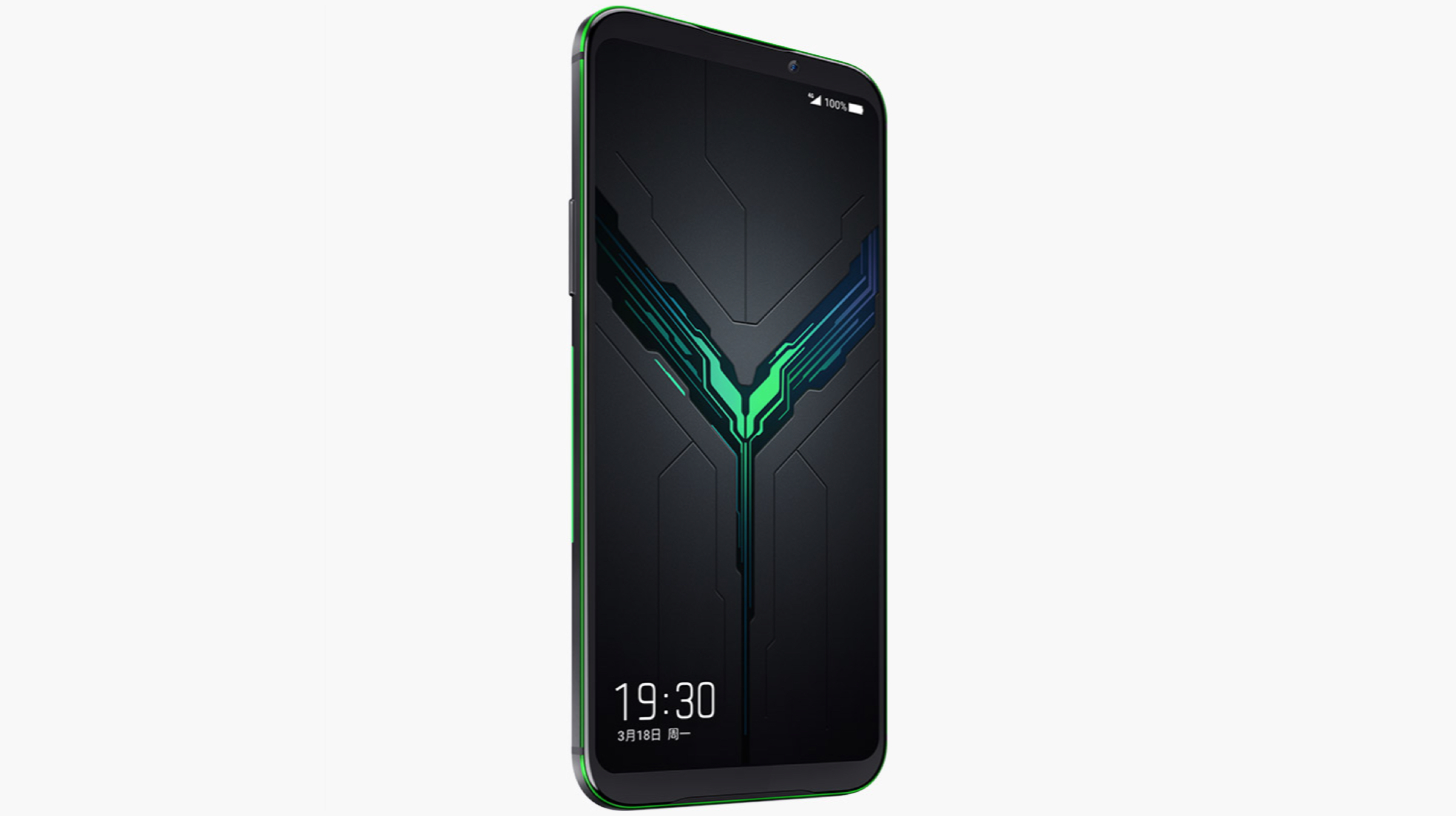
    Xiaomi Black Shark 2 FrontNoteworthy, the AMOLED display also supports pressure sensitive controls which means the amount of pressure applied to the screen while playing games would affect the on-screen controls. For securely and swiftly unlocking the device it also features an on display fingerprint sensor. Talking further about the design of the Xiaomi Black Shark 2, its right side houses the power button and a shark slider which when toggled turns on gaming mode for optimized performance while the left side houses the volume rockers. The bottom of the device accommodates the USB Type-C port. To keep the temperature of the device under check during game-intensive sessions, it also has a vapour cooling chamber.

    As mentioned before, the rear of the Xiaomi Black Shark 2 has a unique design with green coloured decals that run along the sides of the smartphone. The rear panel also harbours the company logo and dual camera setup. The dual camera setup consists of a 48 MP sensor, 12 MP sensor and an LED Flash which can also capture 2160p videos at 30 fps. It also has a 20 MP front-facing selfie camera which is placed in the bezel above the display. The front camera can also capture 1080p videos at 30 fps. 
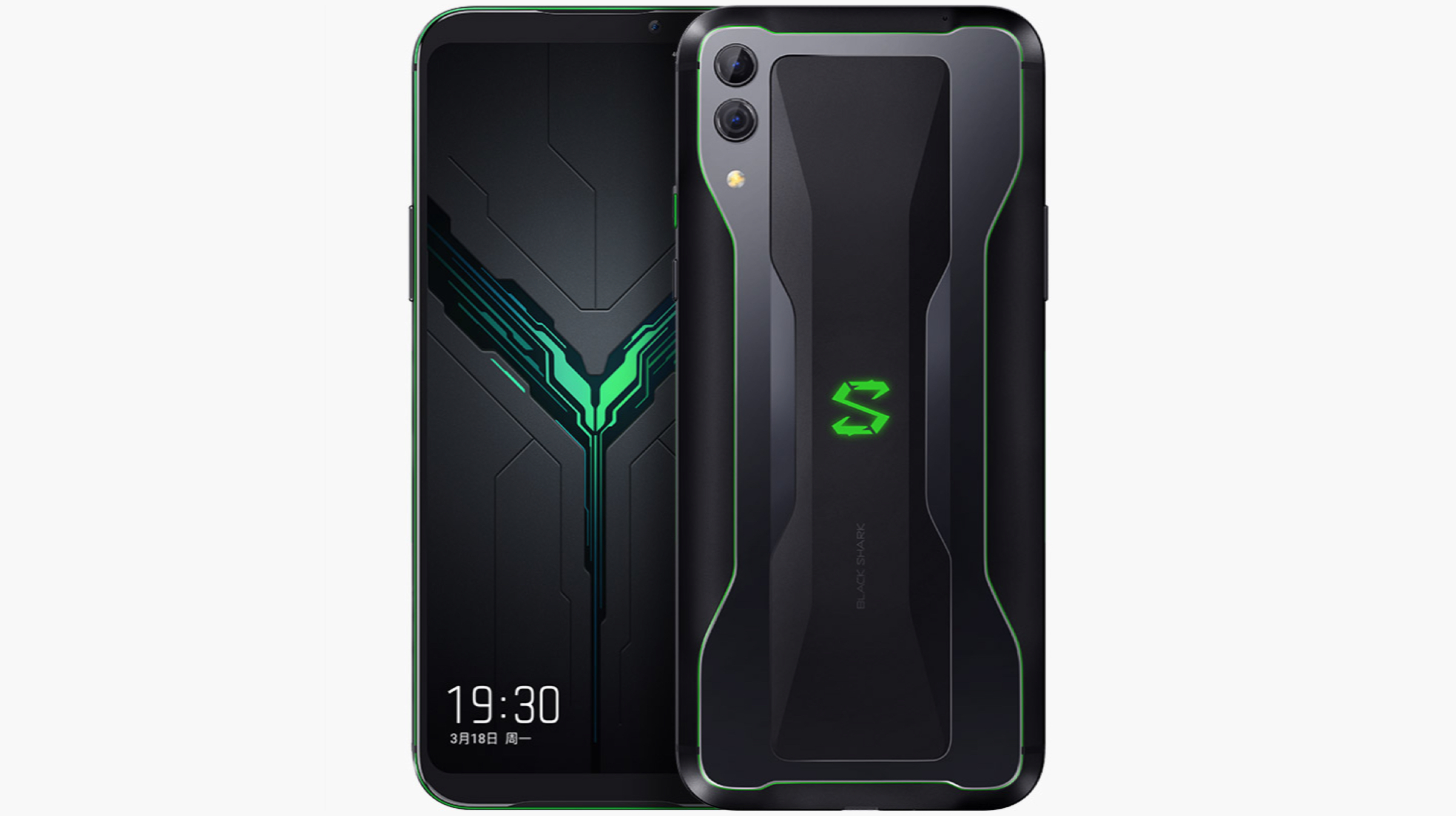
    Xiaomi Black Shark 2 Front And BackUnder the hood, the Black Shark 2 runs on the Snapdragon 855 SoC which consists of an octa-Core CPU with the Adreno 640 GPU. The smartphone is powered by a huge 4,000 mAh battery which supports fast charging upto 27 W. Connectivity options on the device include 802.11 ac Wi-Fi, Bluetooth 5.0, Dual 4G VoLTE and GPS. 
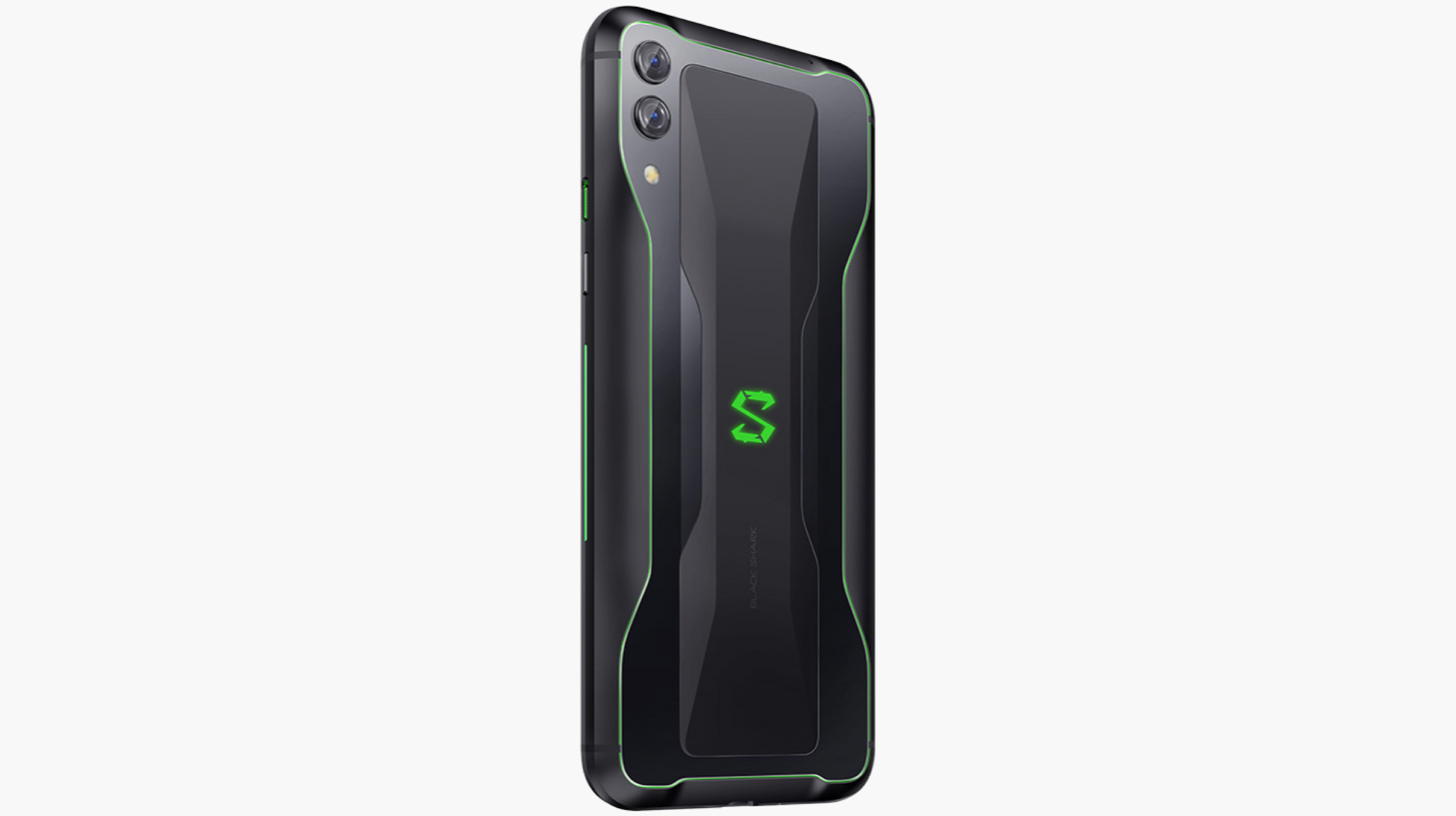
    Xiaomi Black Shark 2 Back

    Also Read: Samsung Galaxy A10e Gets FCC Certification, Launch Imminent

    The Black Shark 2 will be available in two colour variants which includes Frozen Silver and Shadow Black. The prices for different variants of the smartphone are listed below:

    • 6 GB + 128 GB – ¥3199 (~Rs 32,600)
    • 8 GB + 128 GB – ¥3499 (~Rs 35,700)
    • 12 GB + 256 GB – ¥4199 (~Rs 42,800)

    Note that the prices for the smartphone might differ at the time of launch in India, since the prices mentioned above were roughly translated from its Chinese counterpart’s prices.    

  • Fujifilm GFX100 Mirrorless Camera With A 102 MP Sensor Launched

    Fujifilm GFX100 Mirrorless Camera With A 102 MP Sensor Launched

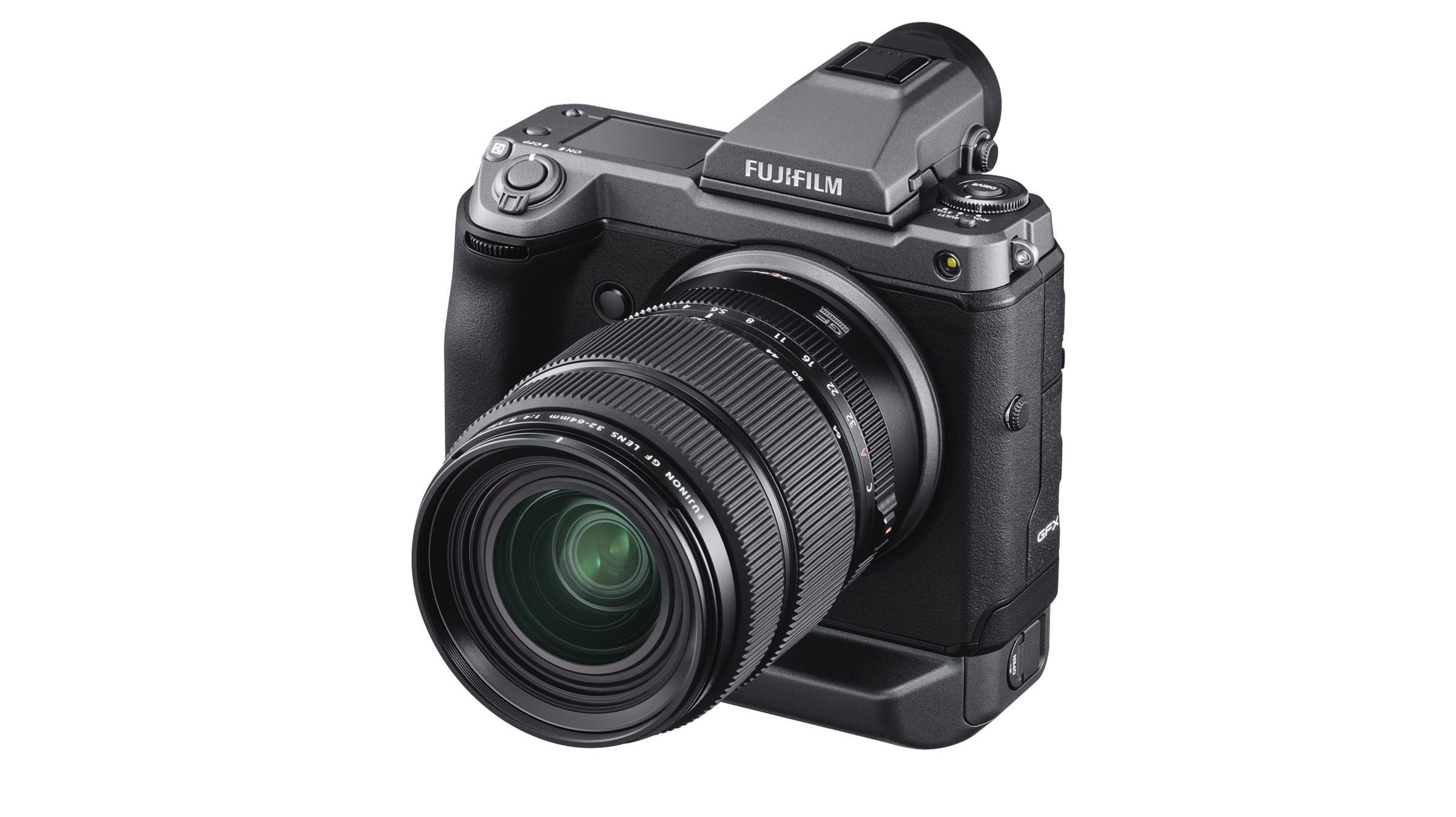
    Japanese imaging and photography giant Fujifilm has announced its latest mirrorless camera. Called the GFX100, it features a whopping 102 MP resolution sensor and is the first camera in a world to feature such a high-resolution sensor. While it was in development for quite a while now, the company has finally announced in a press release that it is ready to go on sale soon.

    Fujifilm GFX100

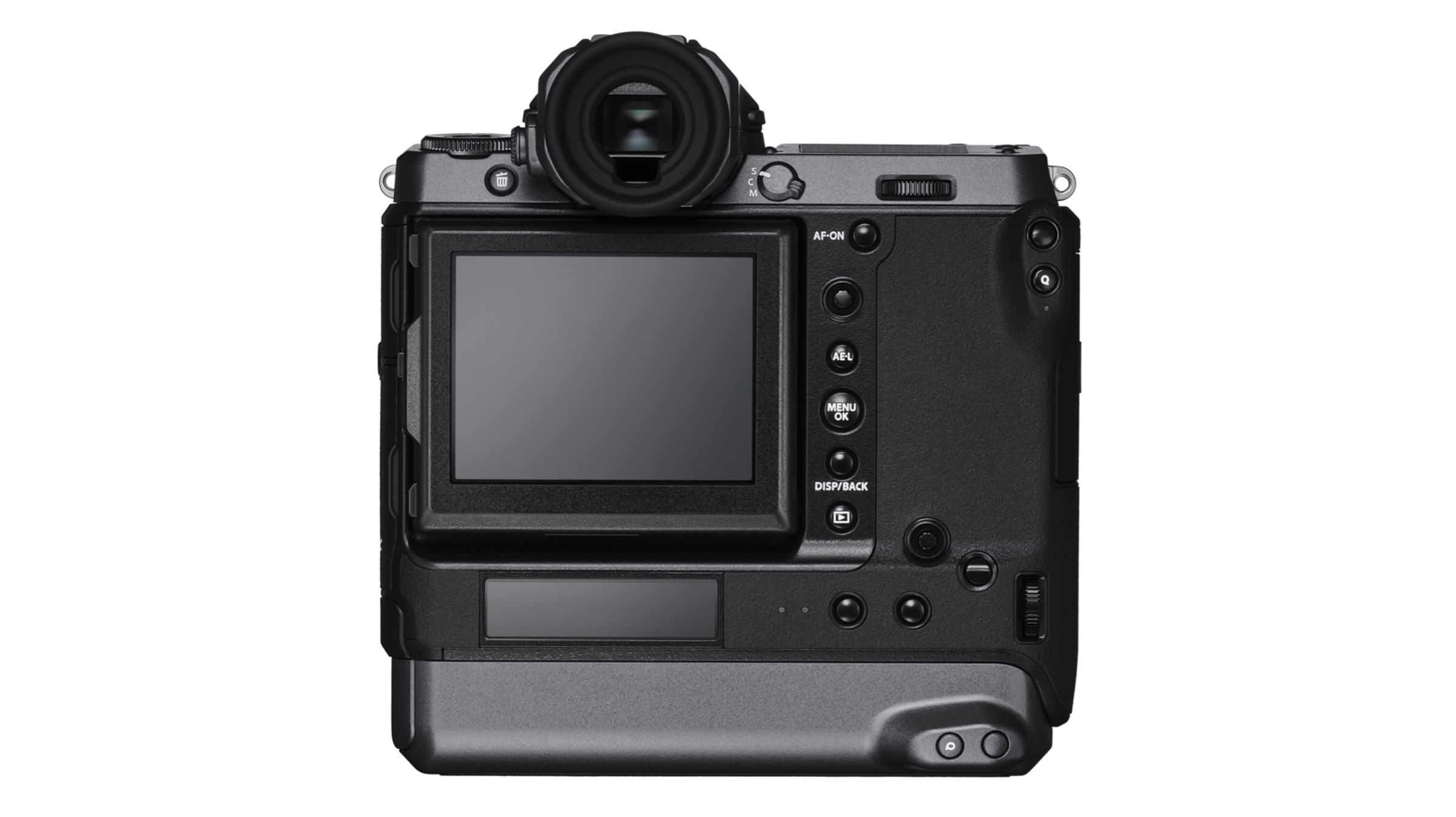
    As mentioned previously, the Fujifilm GFX100 is the world’s first commercially available mirrorless camera to feature a 102 MP sensor. In terms of design, it has magnesium allow body which the company claims is robust and weather sealed. It weighs 1400g including the two batteries, memory card and the electronic viewfinder; and has an equivalent form factor to that of a regular DSLR camera with a 35mm full-frame sensor. It has a tilting rear touch LCD display which measures 3.2 inches. There is also a 2.05-inch sub monitor which can display necessary information like exposure and shot controls. The focal plane shutter on the top of the camera has inbuilt springs that are claimed to reduce shutter shock which generally results in blurry images.

    Fujifilm GFX100


    Also read: US Researchers Produce Fuel By The Process Of Artificial Photosynthesis

    The Fujifilm GFX100 is capable of capturing detailed, 16-bit RAW and 16-bit TIFF images with available filters like Velvia, Eterna Cinema and Monochrome. It also has a new “Smooth Skin Effect” which saves time for post-processing by flattening the portrait shots. The camera can capture 4k videos at 30fps and features five-axis image stabilisation for smoother handheld footage. In terms of battery, it can accommodate two GFX series batteries; which extend the number of frames captured per charge to 800 when rear LCD is in use. In terms of pricing and availability, the Fujifilm GFX100 will go on sale starting the 27th of June; and will cost a hefty US$ 10,000 (Rs. 6,97,000) for potential buyers.

  • US Researchers Produce Fuel By The Process Of Artificial Photosynthesis

    US Researchers Produce Fuel By The Process Of Artificial Photosynthesis

    Chemists at The University of Illinois have successfully produced fuels using using water, carbon dioxide and visible light through artificial photosynthesis. Natural photosynthesis occurs when plants use sunlight as a drive to start a chemical reaction between water and carbon dioxide to form energy-dense glucose.

    The new study as published by the researchers at Illinois showcased the development of the aforementioned method used by plants, using green light region from the visible light spectrum during natural photosynthesis, to convert carbon dioxide and water into fuel. The process has electron-rich gold nanoparticles acting as the catalyst. The team published their findings in the Nature Communications journal. The ‘Goal’ that the co-author of the study and professor, Prashant Jain, said was to produce complex, liquefiable hydrocarbons from excess carbon dioxide and other sustainable resources such as sunlight.

    The main advantages of liquid fuel over others such as gas is their economy in the mode of transport and their capacity to hold more densely packed energy due to their long chain bonds. Work regarding the efficiency and practical use of said fuel is still under question as a combustion to produce energy ends up releasing more carbon dioxide which would be counter-productive to the work towards renewable and clean energy.

    Photosynthesis

    The study is still under scrutiny as of now and work is still going forward towards a more efficient method of reproducing artificial photosynthesis as researchers acknowledged that the simulated process is nowhere as efficient as it is in plants. Jain furthermore spoke of working on the catalyst for a far better result before stepping up the scale of production.

    Also Read: Apple Sends Out Invites For WWDC 2019, iOS 13 To Be Unveiled On June 3

    Artificial Photosynthesis takes great strides towards a greener Earth. This showcases various teams and individuals all around the globe that have dedicated themselves towards the betterment of the state of affairs in regards to our planet.

  • Samsung Galaxy A10e Gets FCC Certification, Launch Imminent

    Samsung Galaxy A10e Gets FCC Certification, Launch Imminent

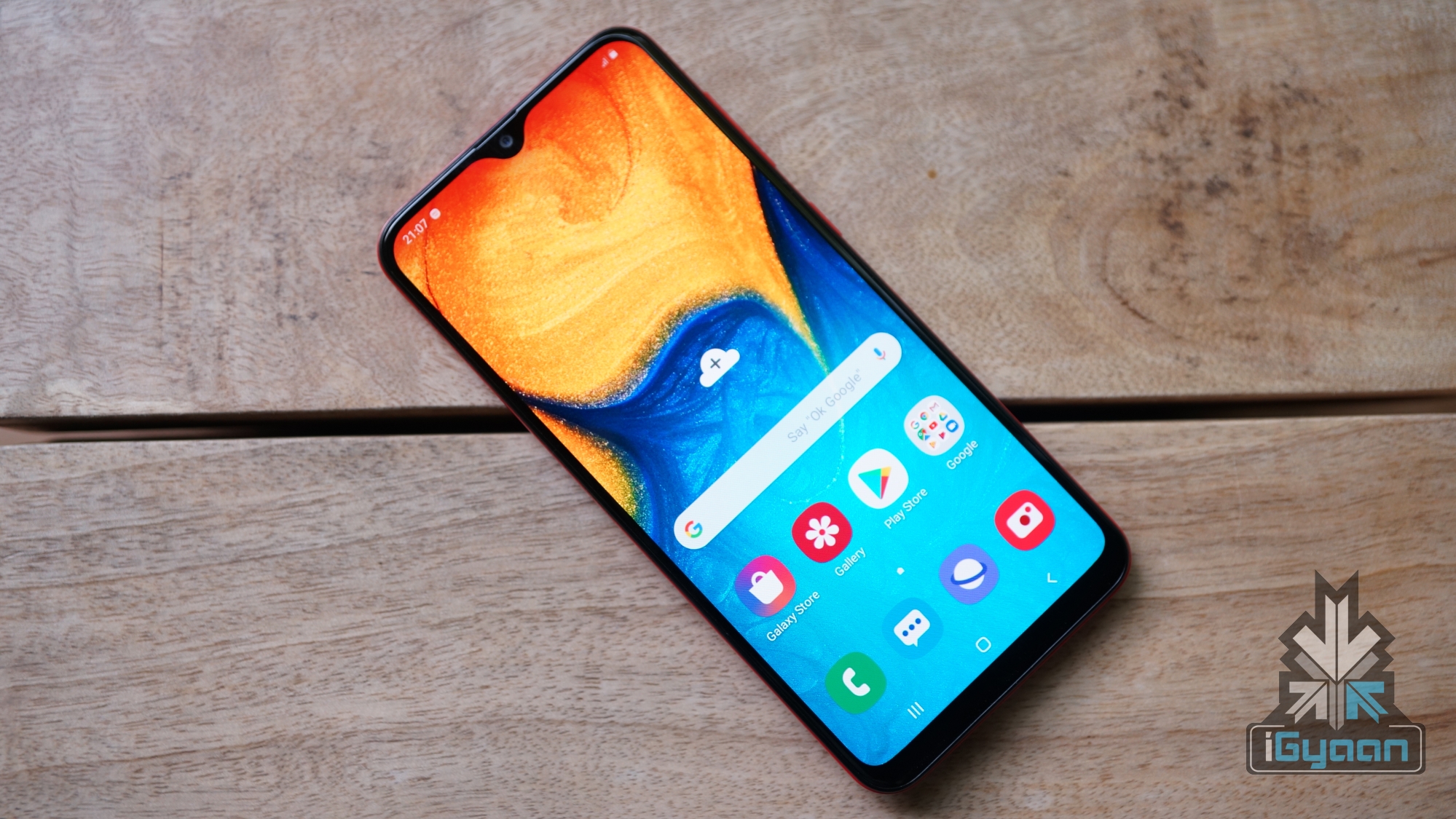
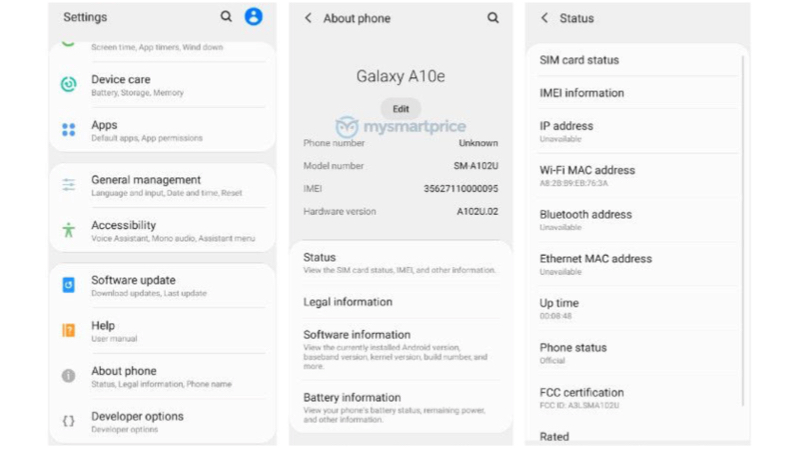
    Korean technology giant Samsung launched the current smartphones in the Galaxy A lineup back in the month of February. These devices include the Galaxy A10, Galaxy A30 and Galaxy A50. The aforementioned handsets represented a change in strategy by the company to counter the ever-expanding stronghold of Chinese OEMs like Xiaomi, Honor and Realme in the Indian smartphone market. Now, according to reports, Samsung is planning to launch a new device in the lineup. A handset, purported to be the Galaxy A10e has passed the Federal Communications Commission (FCC) which suggests its announcement is imminent.

    Galaxy A10e

    Samsung Galaxy A10e

    The Galaxy A10e will be the latest budget offering from Samsung. The model number of the device in the FCC filings has been revealed to be SM-102U. Since the Galaxy A10 has the model number SM-105F and SM-105G, the Galaxy A10e is expected to be watered down variant of the previously launched handset. Reports claim the upcoming device will be powered by a 3000 mAh battery which is considerably smaller than the 3400 mAh cell found in its sibling. It has been leaked to run on the MediaTek Helio P22 SoC. The chipset is comprised of an Octa-core CPU and the IMG PowerVR GE8320 GPU. For memory and storage, the Galaxy A10e might have 2GB of RAM on board.

    Samsung Galaxy A20

    Also read: Apple Sends Out Invites For WWDC 2019, iOS 13 To Be Unveiled On June 3

    Since the Galaxy A10 launched featuring a single rear and front camera; it is convenient to believe the Galaxy A10e may also sport the same setup, albeit a different resolution for optics. The upcoming smartphone is expected to have a 6.2 inch IPS LCD display like its sibling with an Infinity V style notch on top. While the design of the handset is not known, it may be constructed entirely out of polycarbonate with a glossy finish on the rear panel. This design characteristic is reminiscent of what Samsung has implemented in the current Galaxy A lineup. Since the device has passed the mandatory FCC certification, its launch seems imminent. Unfortunately, no information about the pricing of the Galaxy A10e is available, but it is expected to be priced under Rs. 10,000 when launched in India.

  • The Redesigned Version Of Google Lens Starts Rolling Out To Users

    The Redesigned Version Of Google Lens Starts Rolling Out To Users

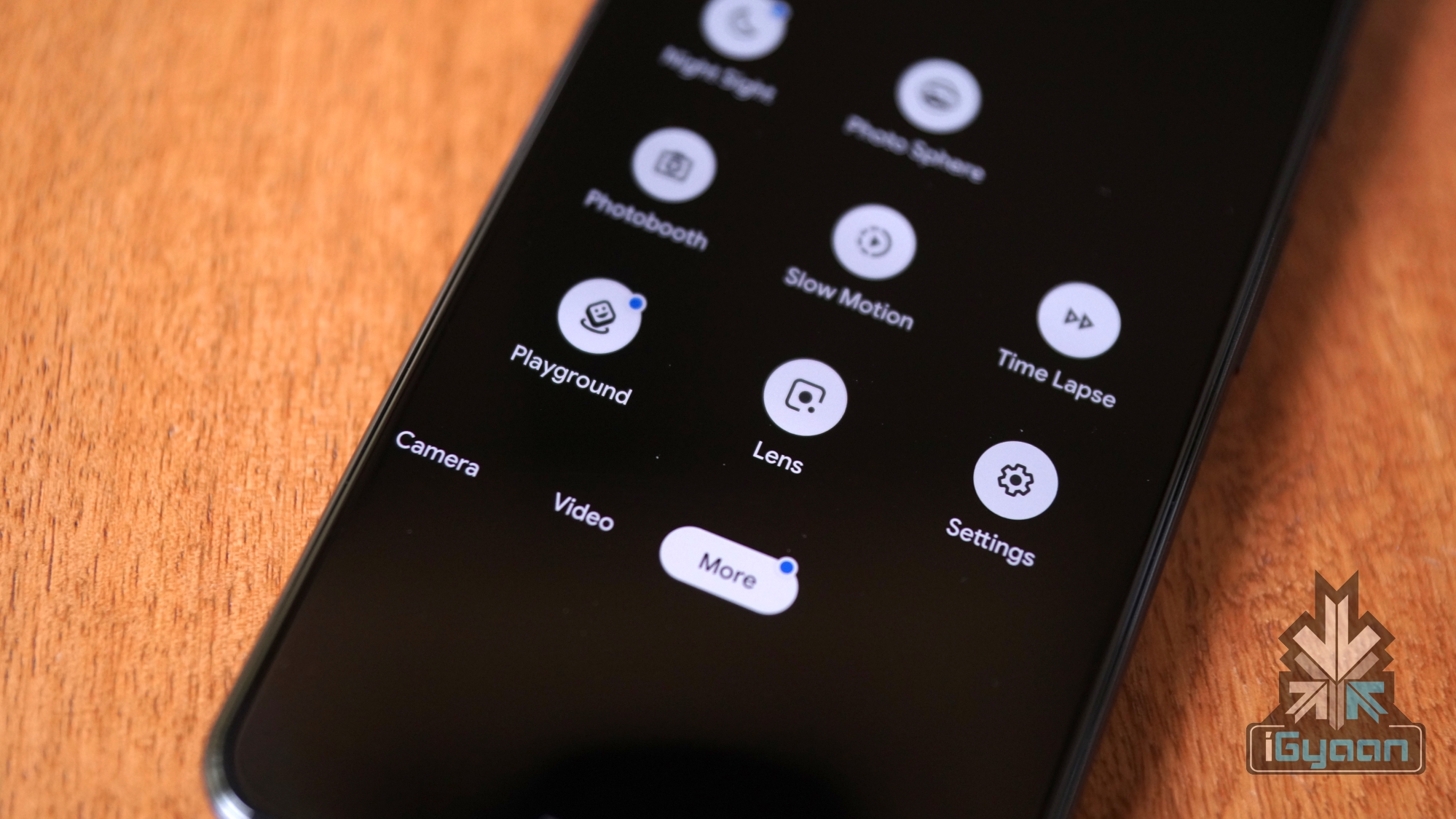
    The American multinational technology company Google first announced an update to its popular utility application, Google Lens at the Developer’s Conference held 7 May onwards. The application is widely used for retrieving data based on a visual analysis of a product, test or the environment. The revamped version of the application will bring additional functionality, like dividing a food bill amongst a group of people and some informative features such as watch a recipe video.  Google Lens The updated Google lens has a new slide-up menu that houses circular buttons with a variety of functionalities. The older buttons that were previously used to scan barcodes/QR codes and Copy Text have been sacrificed to bring in new buttons. The first button will allow the user to directly overlay the translated text in their own language, without opening the Translate application. The second button is again familiar to a lot of users, which allows them to copy the text in an image and paste it elsewhere.
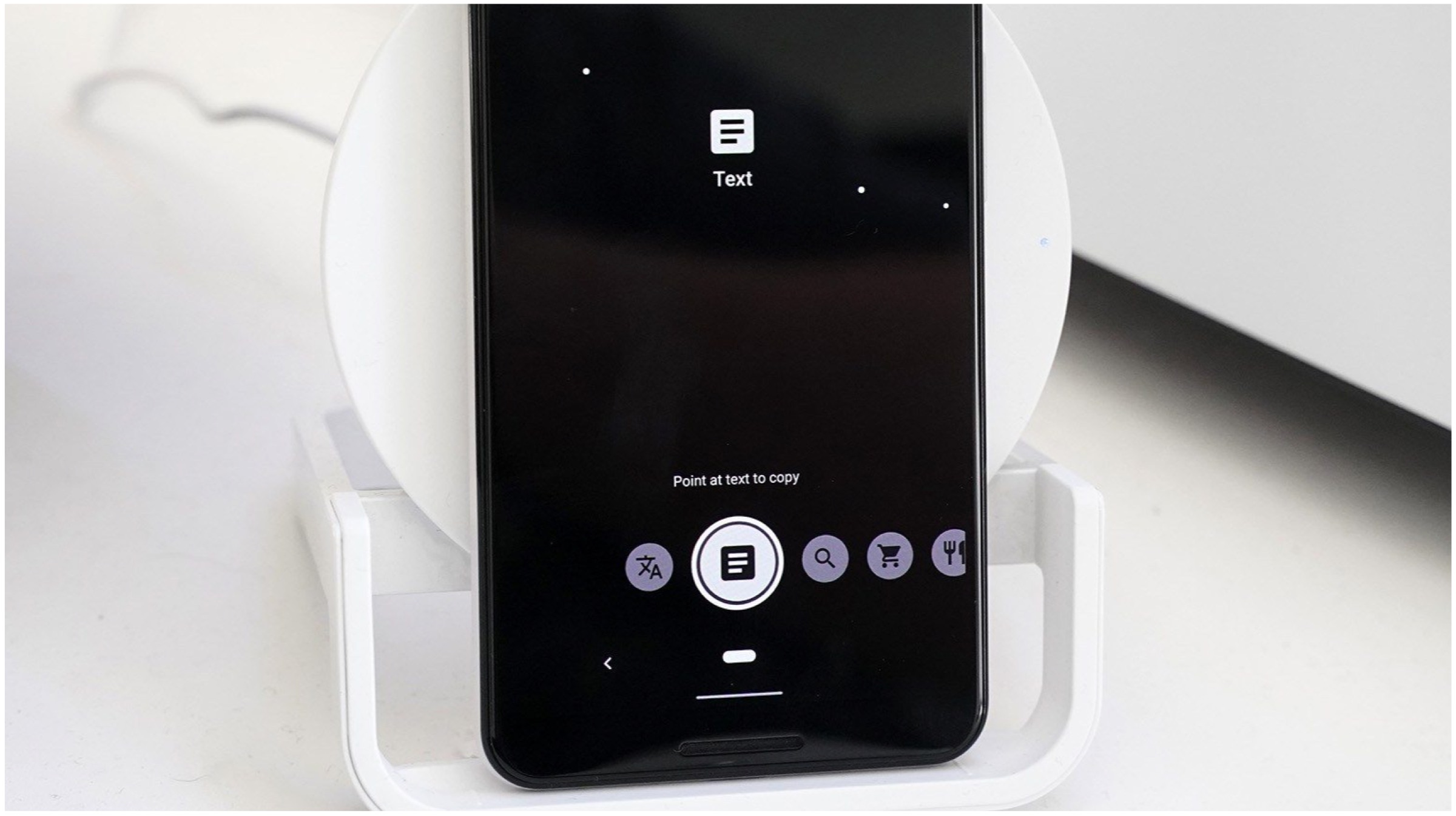
    The third button is the standard Lens button, which will use the device’s camera to recognize everything displayed in the frame. For instance, if you point the camera towards different buildings in an area, it will provide the user with addresses and information regarding the same (provided it is available in the database). There’s a new “shopping” button which will open a mode where users can check the availability of products on e-commerce platforms. The last button is the “dining” button, which will allow users to highlight the most popular dishes in a dining area simply by pointing the camera towards the menu.

    Also Read: Samsung Launches 10000 mAh Power Bank With Wireless Charging Support

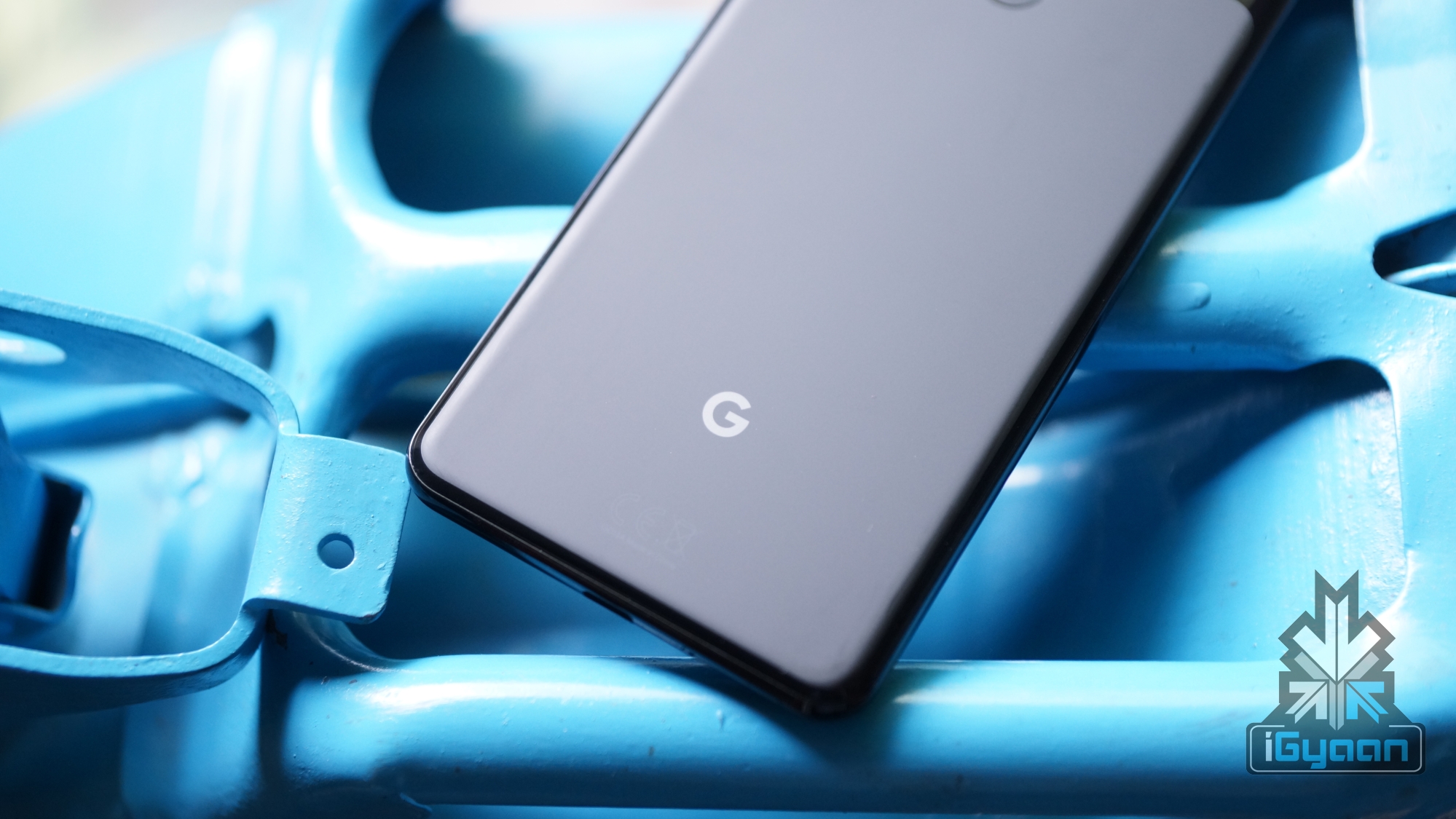
    The new Google Lens update is reportedly available on Pixel Devices running the latest v9.91 build of the Google application. Furthermore, users who are currently using the latest beta version of the Google application can use the redesigned Google Lens features as well.      

  • Apple Sends Out Invites For WWDC 2019, iOS 13 To Be Unveiled On June 3

    Apple Sends Out Invites For WWDC 2019, iOS 13 To Be Unveiled On June 3

    American technology giant Apple holds its annual World Wide Developers Conference (WWDC) each year to showcase its software prowess to the world. Much like the Google I/O, it is also aimed at developers to create new applications for the company’s products. It was earlier known that the WWDC 2019 will be held from the 3rd of June to the 7th of June. Now, the company has sent out official invites confirming the same and it has been revealed the event will be held at the San Hose McEnery Convention Center, San Jose, California. On the first day of the event that is June 3, the release of Apple’s upcoming Operating System (OS) for iPhones and iPads, the iOS 13 is also expected.

    Apple WWDC 2019

    Apple WWDC 2019 iOS 13

    The 2019 edition of the WWDC event as mentioned above, will take place next month. Like each year of the conference, Apple is expected to showcase the advancements they have achieved with their software. The OS that the company is expected to showcase a new version of is the iOS for its mobile devices, macOS for its computing devices, watchOS for Apple Watch wearable and tvOS for Apple TV. It is also speculated that Apple will provide additional information regarding its new services namely its Credit Card, TV+ and Arcade game subscription service. In the past few years, the company has also launched hardware at the event. But, with the latest launch of updated MacBook Pro earlier this week, it is all but confirmed the WWDC 2019 will focus on software only.

    Apple WWDC 2019 iOS 13

    Also read: ARM Terminates All Ties With Huawei After US Ban

    Out of all the aforementioned software by Apple, the most anticipated remains to be the iOS 13. It will be a successor to the iOS 12 launched at the last year’s WWDC and is expected to bring out major changes to the design and usability. The changes that are expected in the iOS 13 is the introduction of Dark Mode, Undo Actions in the keyboard, a new multitasking switcher for iPads and an upgraded Mail app. The latest version of the OS is expected to be better optimised for one-handed use for the upcoming iPhones and iPads. Its Beta version may be announced on June 3 with a wider rollout to be followed later in the year.

  • ARM Terminates All Ties With Huawei After US Ban

    ARM Terminates All Ties With Huawei After US Ban

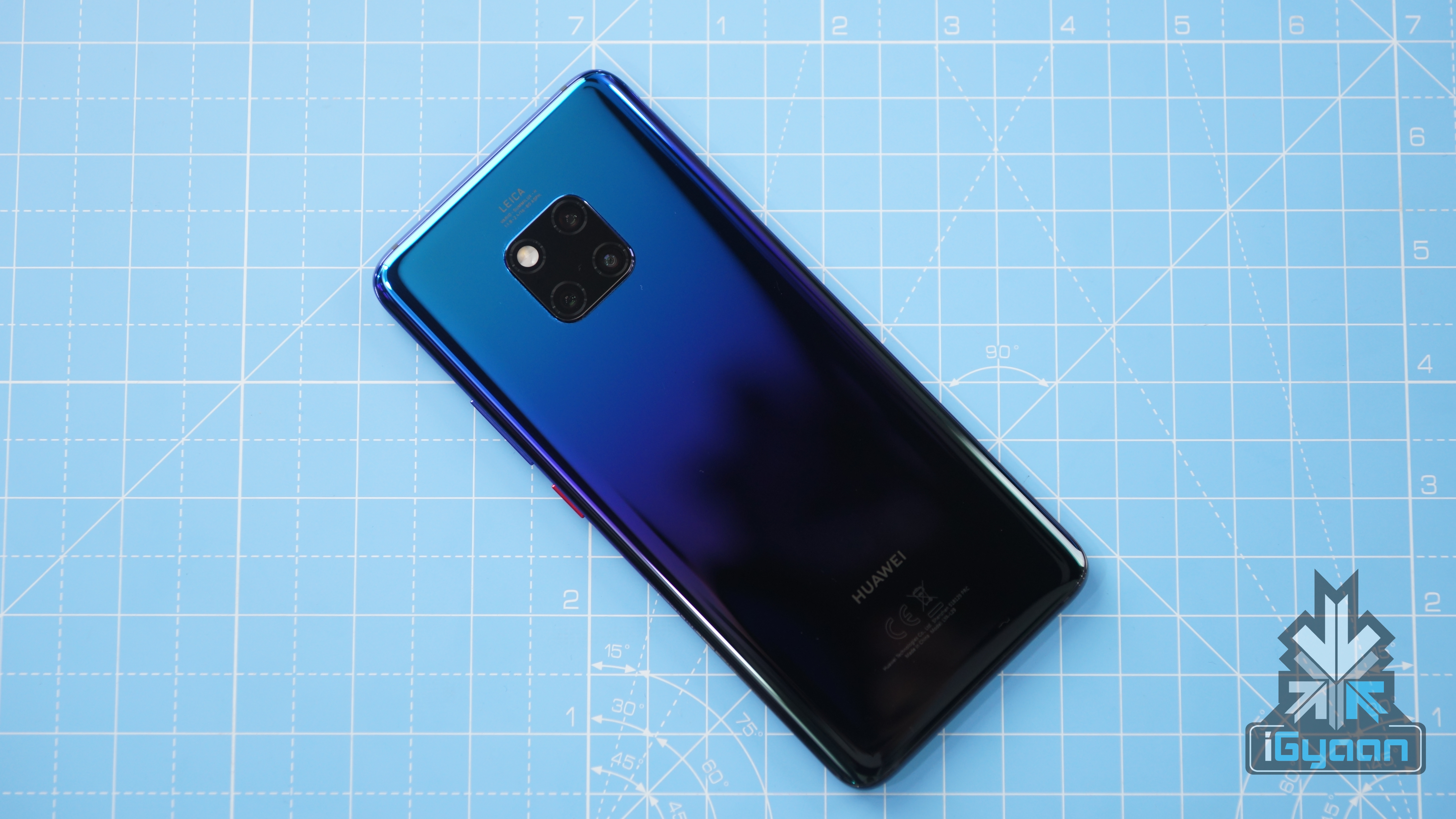
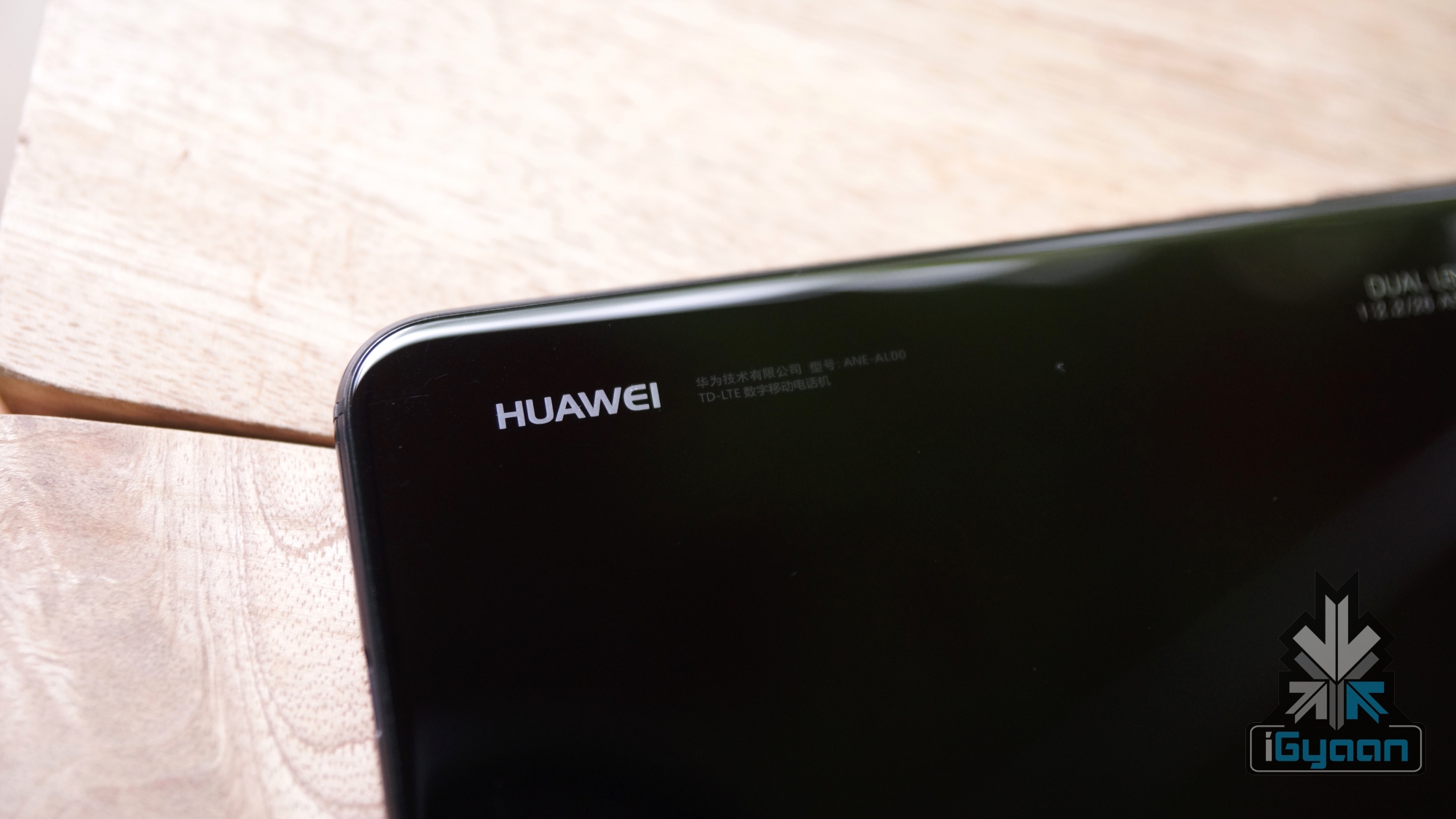
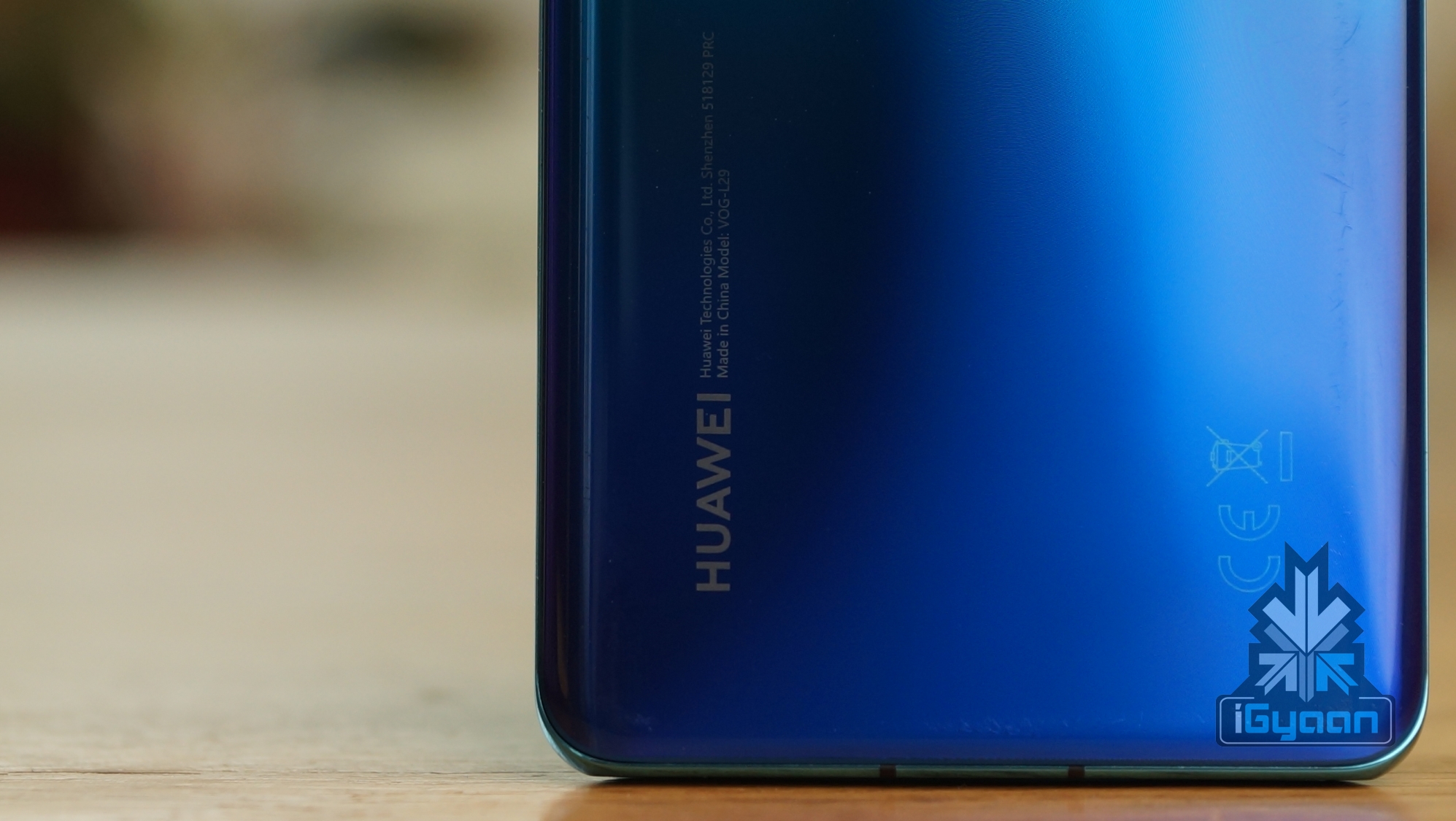
    Huawei has been dealt another critical blow in the form of support withdrawal from ARM. The UK based company licenses the architectural design for the most smartphone chipset. After already have been knocked down by the loss of Android OS after the controversial US ban. The aforementioned ban was enforced by the US Commerce Department on all American firms to cease any forms of business ties or trades with the Chinese firm Huawei. This move had already crippled the company with the loss of the operating systems (Windows, Android) for the computing products they offer. 

    The rippling effect of the oncoming ban essentially weakens the Chinese based company’s structure and functions. Huawei’s ambitious climb to the top came to a staggering halt as the UK based chipset manufacturer ARM, has ordered to cease all ongoing support or projects with the Chinese firm.ARM Kirin

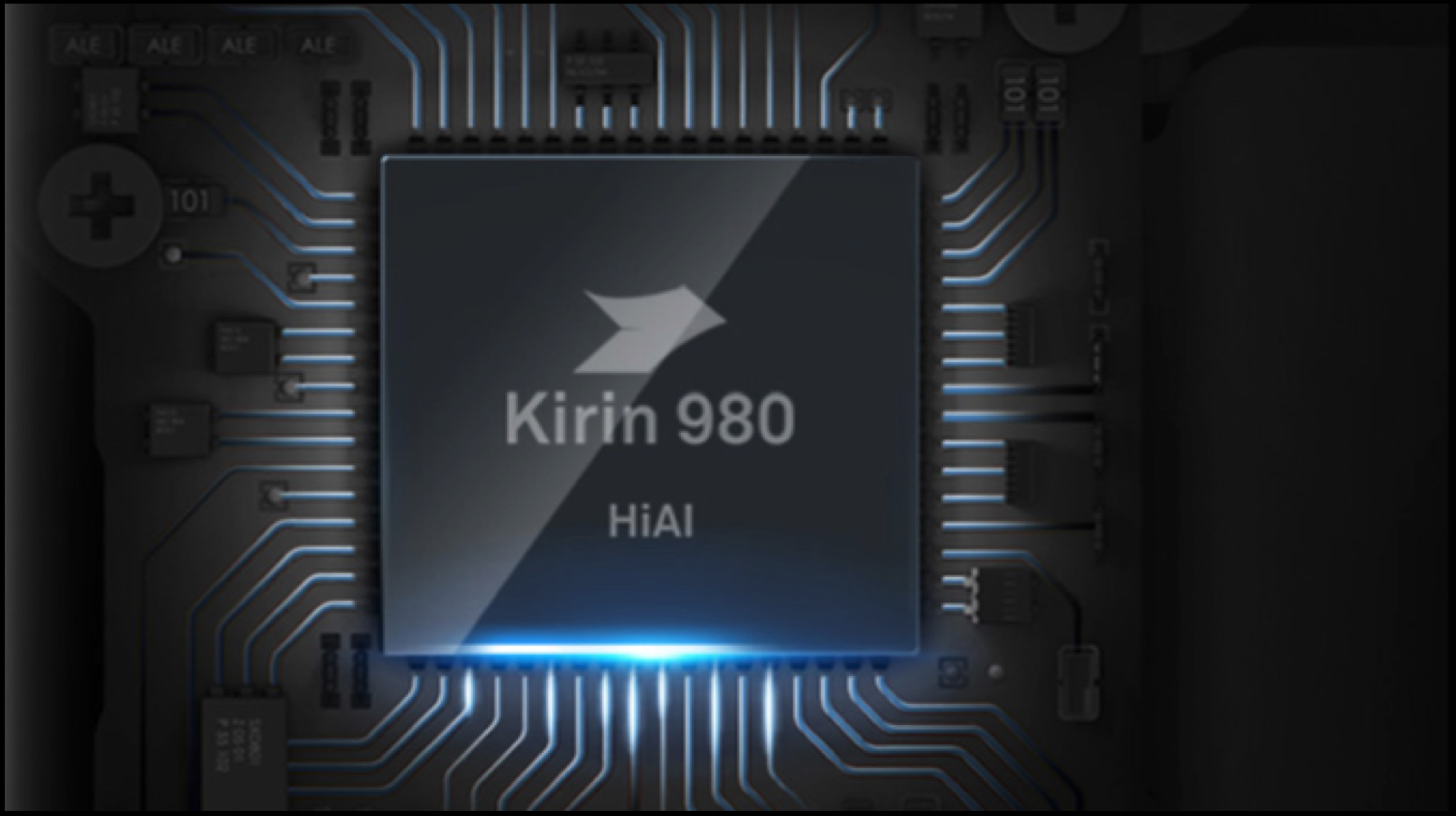
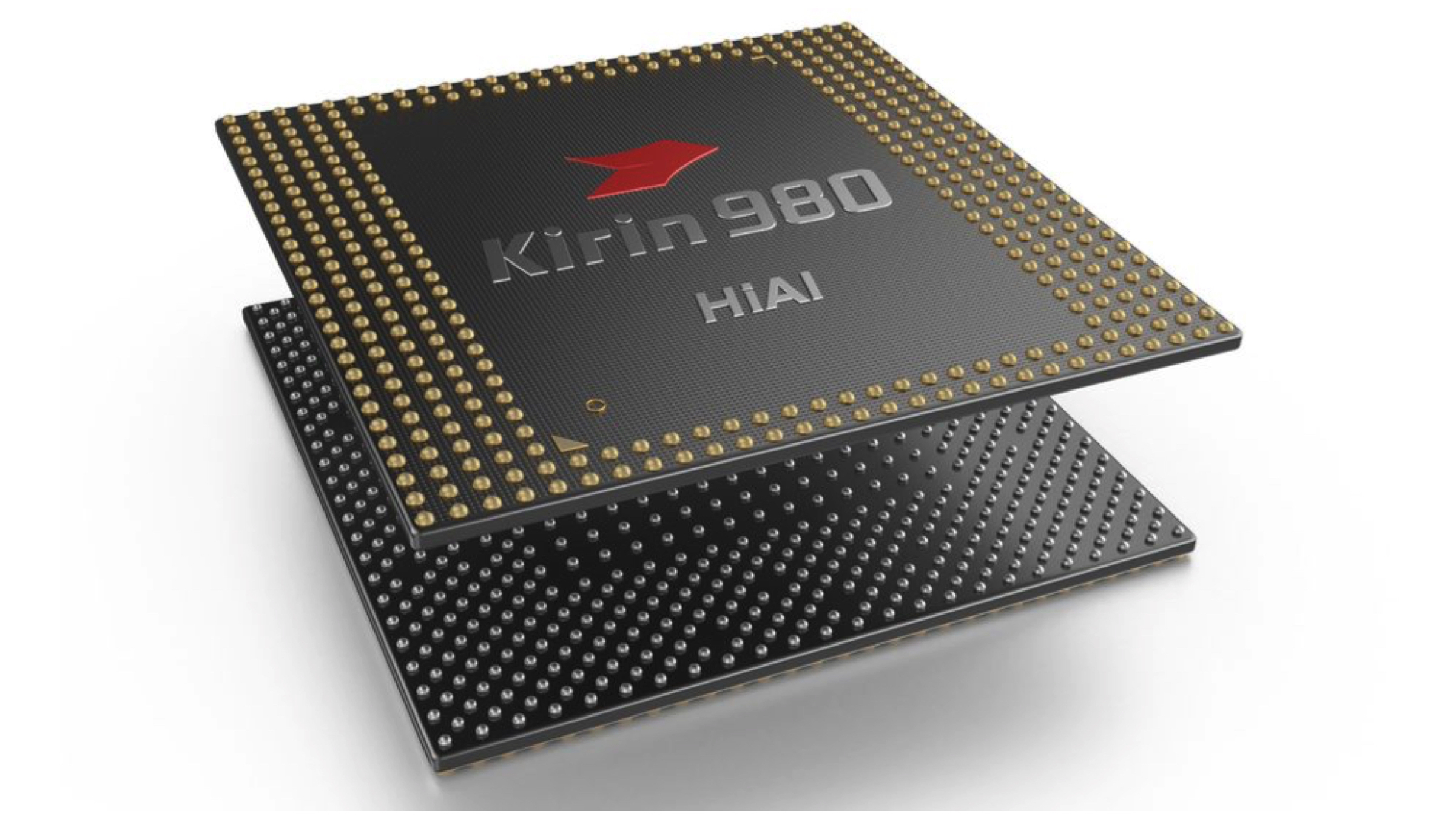
    Since the US President’s decision on moving Huawei to the ‘Entity’ list, the business became restrictive and limited between the US based firms and its eastern counterpart. The ARM’s chip design is not easily replaceable or solvable. The UK based chipset manufacturer, although owned by the Japanese Firm SoftBank, has many of its technologies originated in the United States.ARM Kirin 980

    ARM’s chipset architecture is used by every major phone manufacturing company, name and not limited to, Qualcomm and Huawei. ARM’s belief is being held accountable under the US Regulations breach by operating with Huawei. Consequently, this also impacts ARM’s China joint-venture that aims to increase the impact of ARM technologies support on the country. ARM was reported to have a 49% stake in the joint-venture.

    Also Read: Samsung Launches 10000 mAh Power Bank With Wireless Charging Support

    Huawei had tasted success in the western market as well its domestic market. The company became the second largest smartphone manufacturer in the world in the month of May 2019. The Kirin 985 chipset is reportedly unaffected, but Huawei has remained silent so far on their stance. No future products can utilize the ARM chipset architecture, which was being used as a foundation of their own proprietary Operating system previously rumoured to debut this fall.

  • Samsung Launches 10000 mAh Power Bank With Wireless Charging Support

    Samsung Launches 10000 mAh Power Bank With Wireless Charging Support

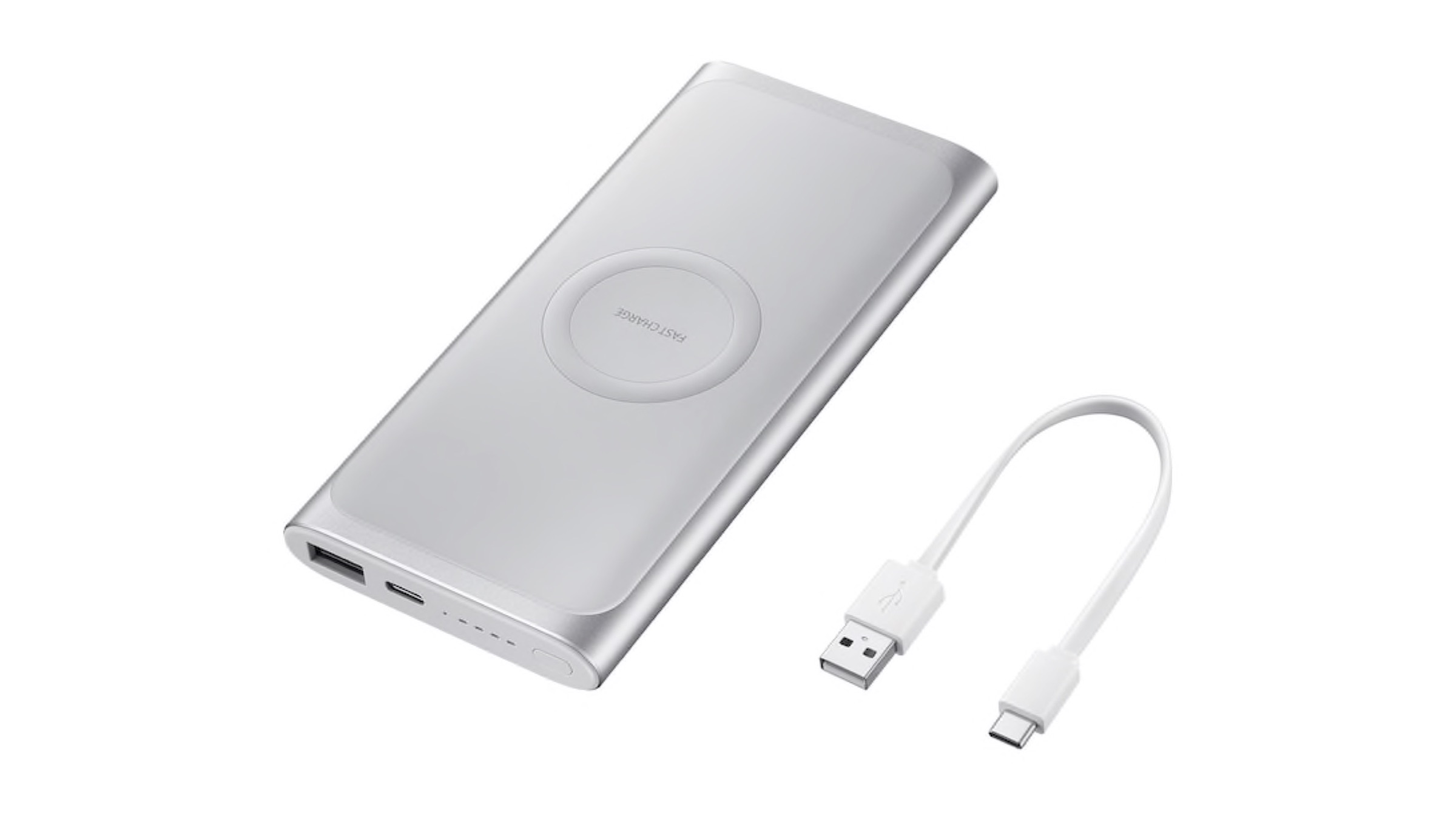
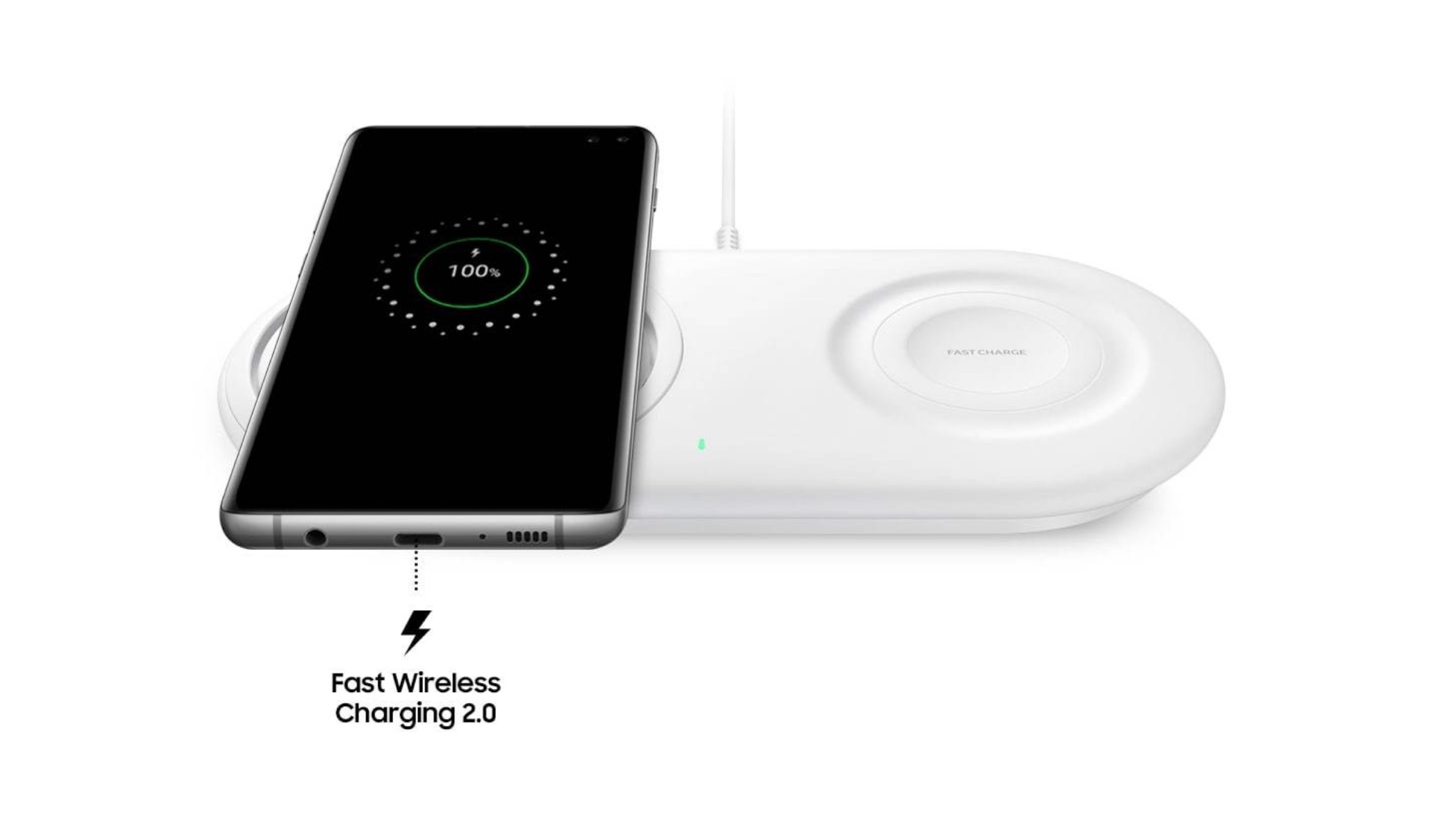
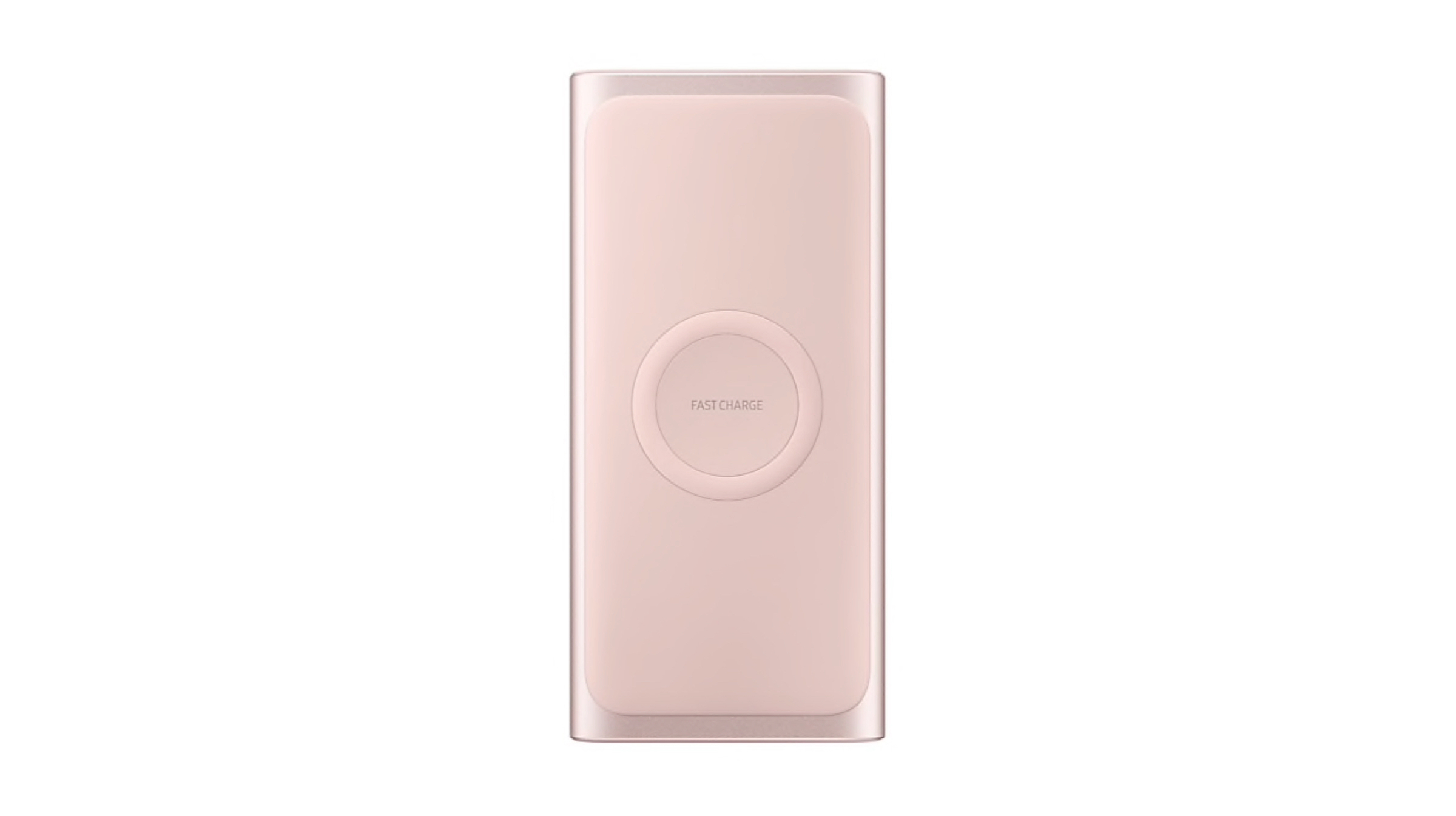
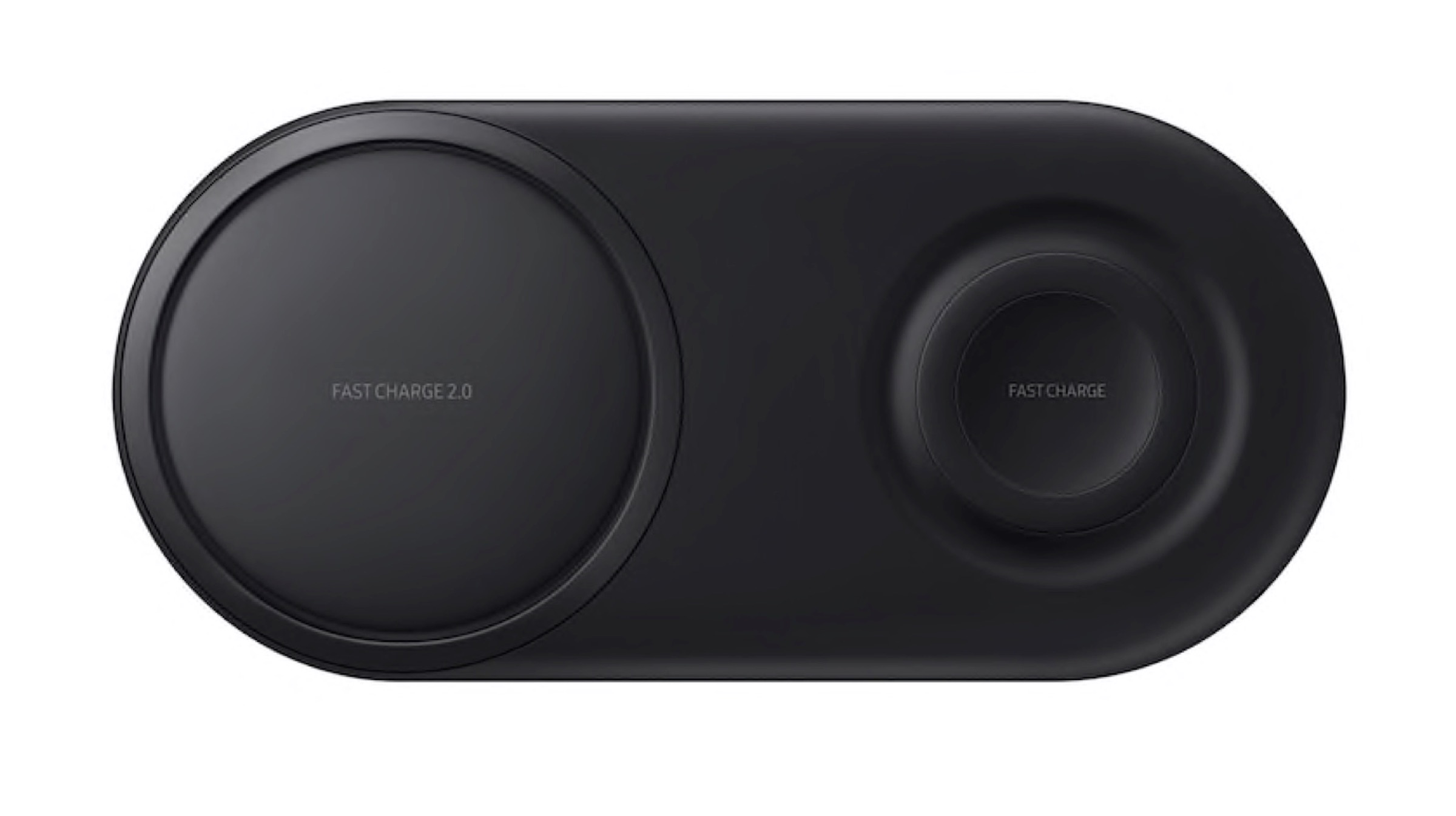
    Samsung in an efforts to bring its Wireless charging technology to the mainstream market has launched two new accessories in its wireless products lineup. Users can charge their Samsung Galaxy smartphones and other Qi-certified devices seamlessly. Supporting the company’s other line up of wireless devices, the new Wireless Power Bank and Wireless Duo Pad are capable of charging the Galaxy Buds and the Galaxy Watch.

    With Samsung leaning towards making wireless charging more accessible and practical in the everyday life of its consumers. By taking away the ‘Gimmick’ that has initially surrounded this feature. It serves to make wireless charging an industry norm. Samsungs move on making devices from other brands compatible along with their wireless products makes wireless charging a universally accessible tool.

    Features of Samsung’s Wireless Power Bank:

    – Samsung’s design for a truly portable and wireless experience, encased in aluminium for a sturdy yet slim build.
    – A hearty 10,000mAh capacity that can charge two devices at a go, with one being wireless and one wired charging.
    – Samsung’s trademark Adaptive Fast Charging and Quick Charge 2.0 is available in both and wired and wireless charging.
    – Dimensions: 149.93 x 70.8 x 15.09 mm; Weight: 234g
    – Fast Wired Charging (AFC, QC2.0 max.15W), Wireless Charging Output (FAST CHARGE, Qi, Galaxy Watch)
    – Backwards compatible with older Samsung S series as well as the Note series. Galaxy Buds, Galaxy Watch range and all Qi certified devices from other brands are also being supported with the power bank.

    Features of Wireless Charger Duo Pad:

    – Samsung claims that the Duo Pad charges Galaxy S10 devices up to 30 minutes faster than previous iterations.
    – Capable of charging multiple devices with its dual charging pads, for e.g, a Galaxy S10 and Galaxy Watch at the same time.
    – Dimensions: 195 x 18.05 x 92 mm, Weight: 168g
    – Directly compatible with other Qi certified Products
    – Charge up to 2 devices simultaneously, with Quick Charge 2.0 and Quick Charge 1.0, Qi, SmartWatch Charging.

    Price and Availability

    Also Read: Google Stored Passwords In An Unsecured Manner For 14 Years On G Suite

    The Samsung Wireless Charger Duo Pad launched with black and white coloured variants priced at Rs.5,999. Similarly, the Wireless Power Bank launched with silver and pink variants and is priced at Rs. 3,699.
    Both products are available on online stores, such as Flipkart and Amazon, as well as certified Samsung affiliated stores.

  • Google Stored Passwords In An Unsecured Manner For 14 Years On G Suite

    Google Stored Passwords In An Unsecured Manner For 14 Years On G Suite

    A Google Blog post disclosed a bug in the company’s G Suite platform that had caused a small portion of the user base to have their secure passwords being saved in a plain text format. The American tech giant reports that the bug has been in the system for the past fourteen years unchecked, although it claims that the bug has not been abused till now and that their investigation into the matter yielded no evidence that pointed towards unwarranted access. Google has reset any of the passwords that may have been affected by the bug. G Suite is the business/corporate version of Google’s Gmail and other Google related applications. Reportedly the bug was born out of a feature that was made specifically for companies, namely the Administrators to reset any user passwords or accounts for newly recruited employees. This process had the Admin console store the passwords in plain text instead of being encrypted. Google has since removed this function for Administrators.

    Google thereon reassures how the unencrypted passwords were stored safely in the company’s own servers rather on the internet which is objectively easier to mediate. Google painstakingly explained the subtlety of cryptographic hashing to clear out all doubts surrounding the bug. Furthermore, all unchanged passwords will be reset automatically.

    Google has a relatively good track record of detecting bugs and glitches in their system, but this bug points a finger towards a myriad of tech giants and social media companies as well such as Facebook which had also previously saved several hundreds of millions of passwords in plain text. It was accessible to its employees. Similarly, Twitter had also asked its entire user base to reset their passwords due to concerns regarding private data account access.

    Also Read: Valve Releases Steam Chat Application For iOS And Android Platforms

    Along with the report of the bug and other technical jargon to it, Google also issued an official apology for this oversight and assured their users of their “industry leading” practices and control over the situation. Google concluded by explicitly stating the fact that the aforementioned bug went unchecked for 14 years was rather disconcerting to the company and equally disturbing for its users. 

  • Sony To Exit The Smartphone Business In India, North America Among Other Countries

    Sony To Exit The Smartphone Business In India, North America Among Other Countries

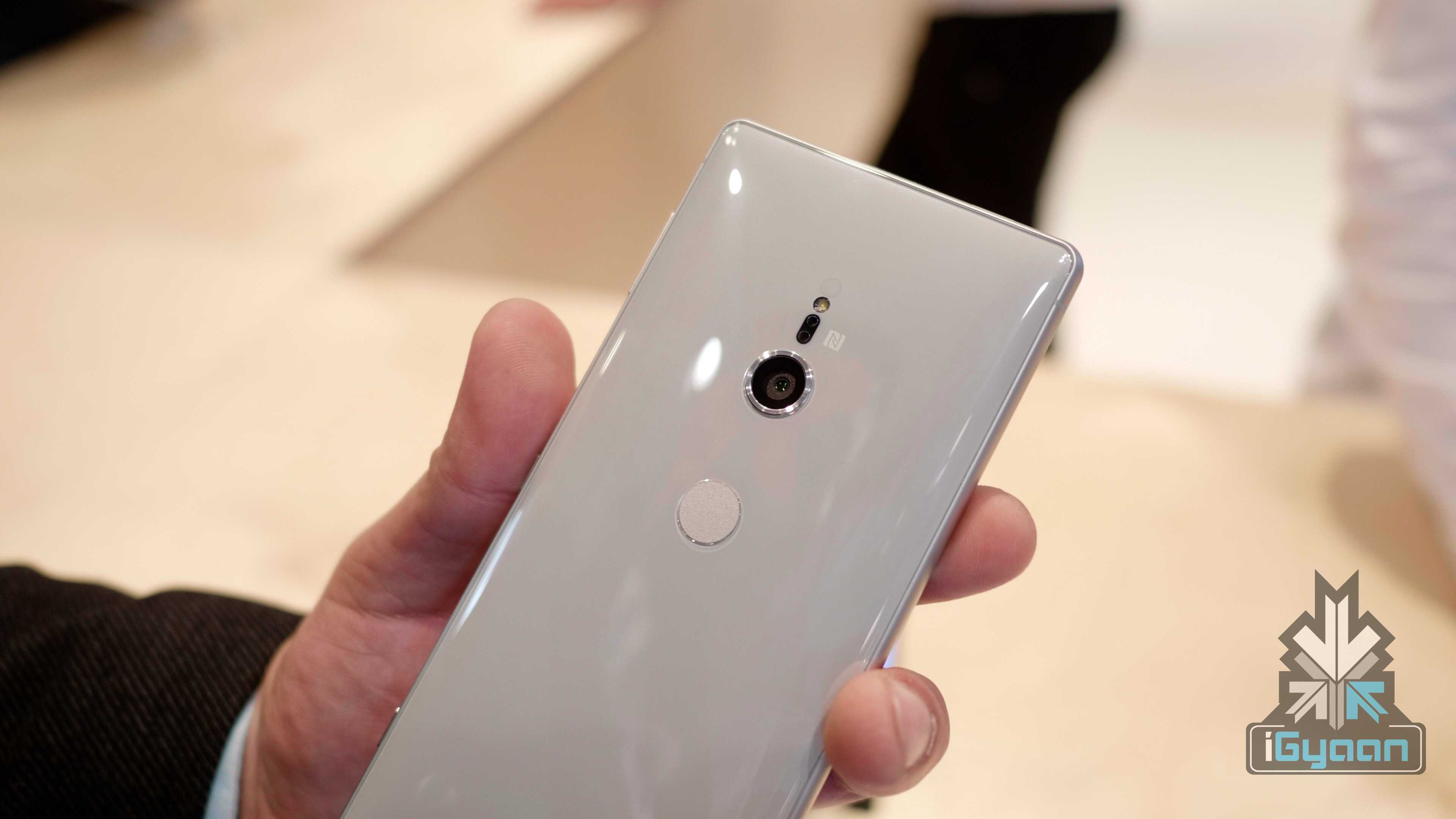
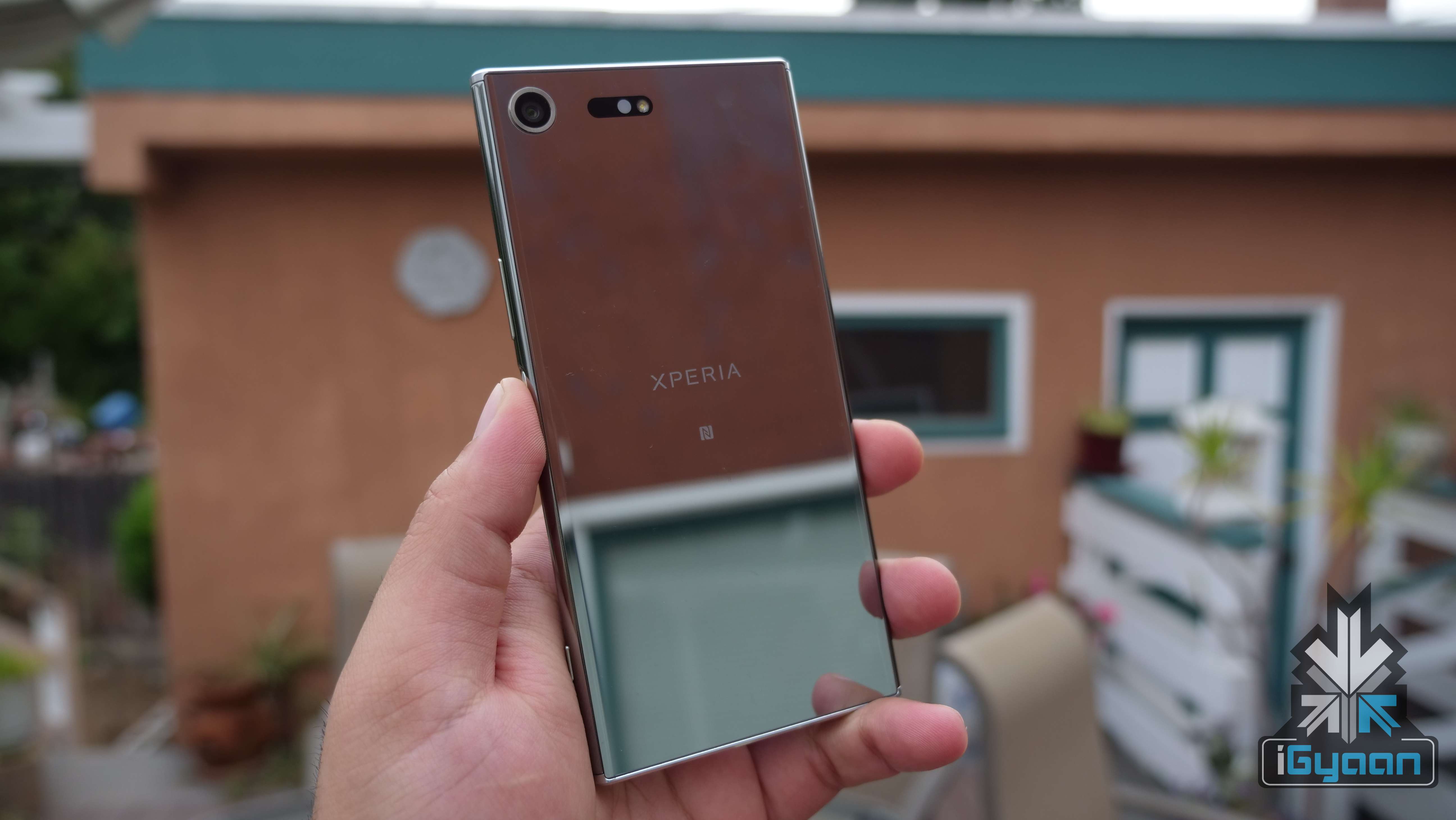
    Japanese electronics giant Sony was once one of the most renowned smartphone makers in the world. In the past, mobile devices from the company boasted of a unique design, innovative camera features and a clean software experience. But, due to the ever-increasing competition from Chinese manufacturers like Huawei, OnePlus and Xiaomi, Sony has not seen much success lately. According to a latest report, the smartphone business by the company is running on losses. Now, in an attempt to curb costs and prevent more loss, Sony has announced it is exiting major markets worldwide including India and North America.

    What Does This Mean?

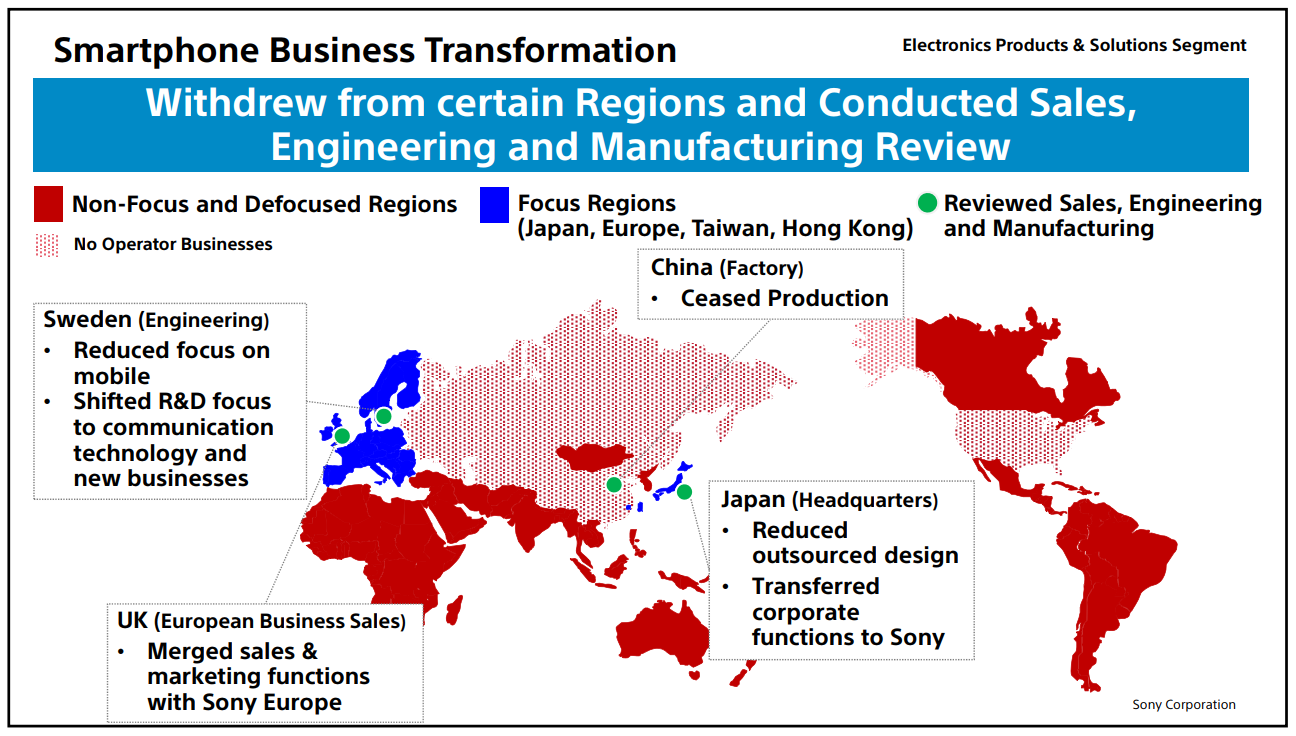
    Sony Business Transformation

    In the annual corporate strategy day on the 21st of March, Sony announced it has selected its areas of focus for smartphones. These countries include Japan, Hong Kong, Taiwan and Europe. The countries that constitute the rest of the world either don’t have a presence of the company’s mobile devices yet or are the ones which have been left out of the focus areas. The latter are referred to as defocussed areas and includes regions like India, Australia, Canada, North America, Africa, The Middle East among others. While reports of the company jumping ship from these markets were rife for a while; it is the first time an official confirmation from Sony has been received.

    Sony

    Also read: Lenovo Z6 Youth Edition Launched In China

    Along with concentrating on the focussed areas, Sony also plans to cut down its smartphone workforce by half in the next year. This is seen as a cost-cutting measure which may return profits; especially in regions where mobile devices from the company have proven to be popular. With respect to the defocused areas, Sony has planned to withdraw from the sales and marketing of smartphones in the aforementioned regions. All the above changes insinuate that the company is looking forward to implementing major changes with regard to its smartphone business.

  • Redmi K20 Confirmed To Have An Indisplay Fingerprint Sensor & 27 W Fast Charging Support

    Redmi K20 Confirmed To Have An Indisplay Fingerprint Sensor & 27 W Fast Charging Support

    Update

    Alleged Image Of The Redmi K20

    Original

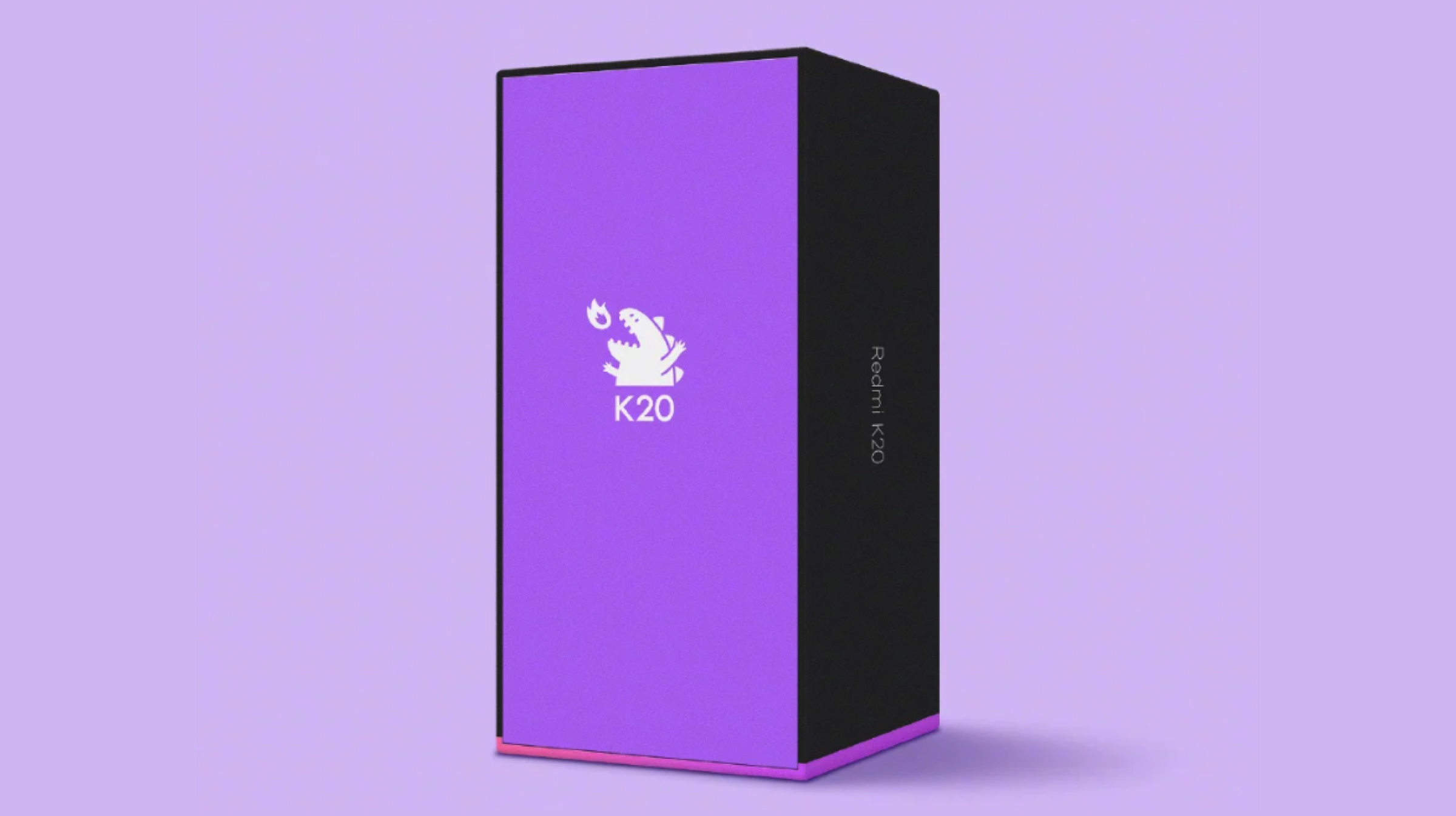
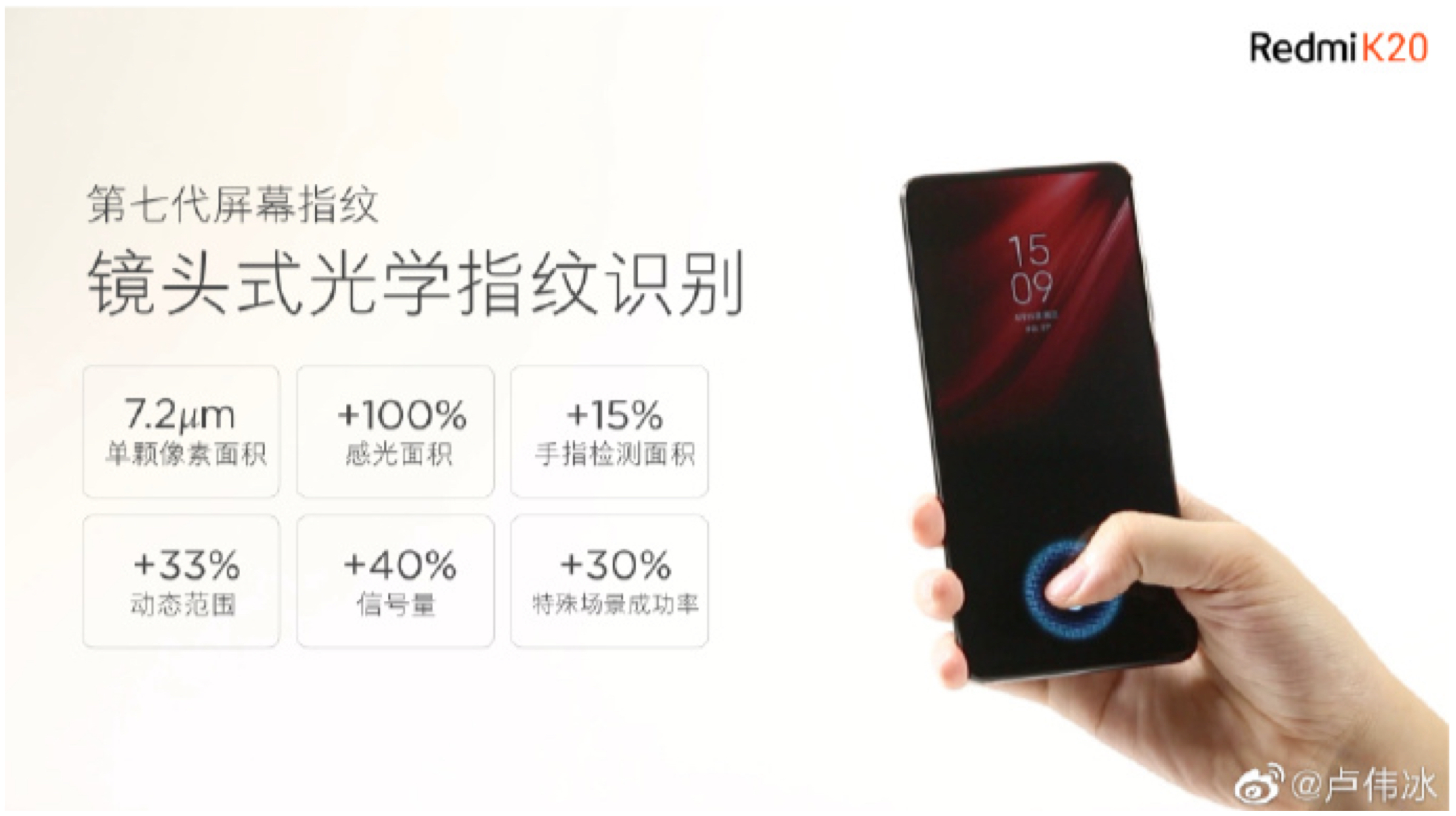
    With each passing day, more and more information about the highly anticipated Redmi K20 is being revealed by the company. The K20 is Xiaomi’s upcoming flagship grade smartphone which is being touted to have high end specifications and will carry an aggressive price tag. A senior Xiaomi executive has freshly shared another teaser which exhibits a key feature of the upcoming handset. The teaser was shared on the Chinese social media platform, Weibo and it reveals the Redmi K20 with have an enhanced In-display fingerprint sensor. Redmi K20 Indisplay Fingerprint Sensor

    Noteworthy, the anticipated flagship will incorporate the 7th generation optical fingerprint sensor which is significantly better than the last generation. The seventh generation fingerprint scanner has a 7.2 ?m size sensor and 15 % larger surface area. The sensor is upto 2x sensitive than the last generation which has lead to 30% faster unlock speed.

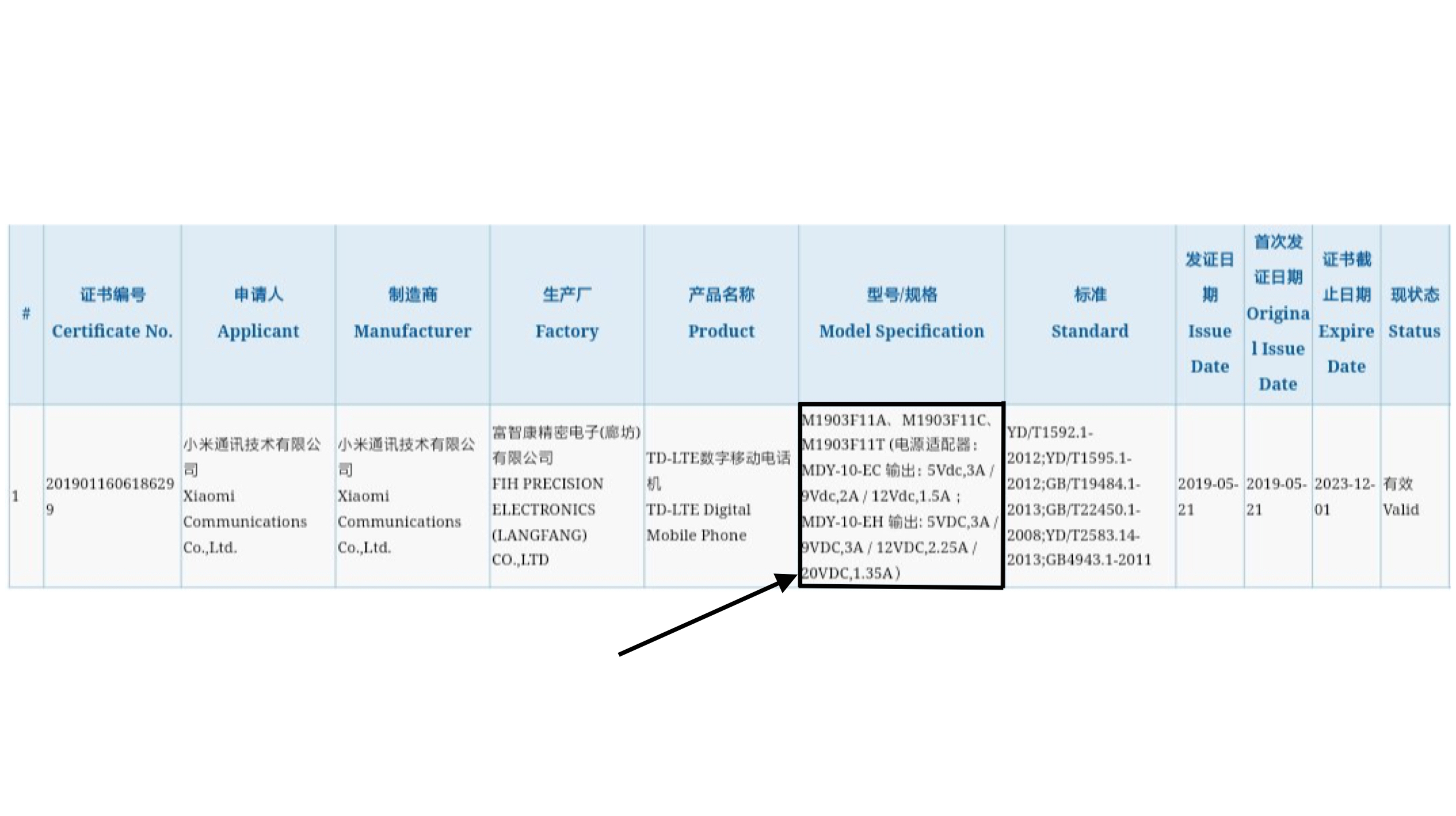
    Furthermore, the Redmi K20 has also been granted the mandatory 3c certification. It reveals that the smartphone will support 27w fast charging which complies with prior reports. Previous teasers have revealed that the Redmi K20 will be powered by the high end Qualcomm chipset, the Snapdragon 855. The chipset is manufactured using 7 nm fabrication process and is also present on devices like the Oppo Reno 10x zoom variant and the Galaxy S10 (US variant). The SoC consists of an Octa Core CPU and the Adreno 640 GPU.Redmi K20 Camera

    The Redmi K20 is reported to have a triple rear camera setup. Out of the three sensors, the main sensor will be the Sony IMX 586 48 MP sensor. It is also confirmed to pack a large 4,000 mAh battery.

    Also Read: Lenovo Z6 Youth Edition Launched In China

    Detailed specs, features and price of the K20 will be revealed at its official launch which is set for the 28th of May. 


  • OnePlus 7 Pro Software Features To Be Added To Older OnePlus Smartphones

    OnePlus 7 Pro Software Features To Be Added To Older OnePlus Smartphones

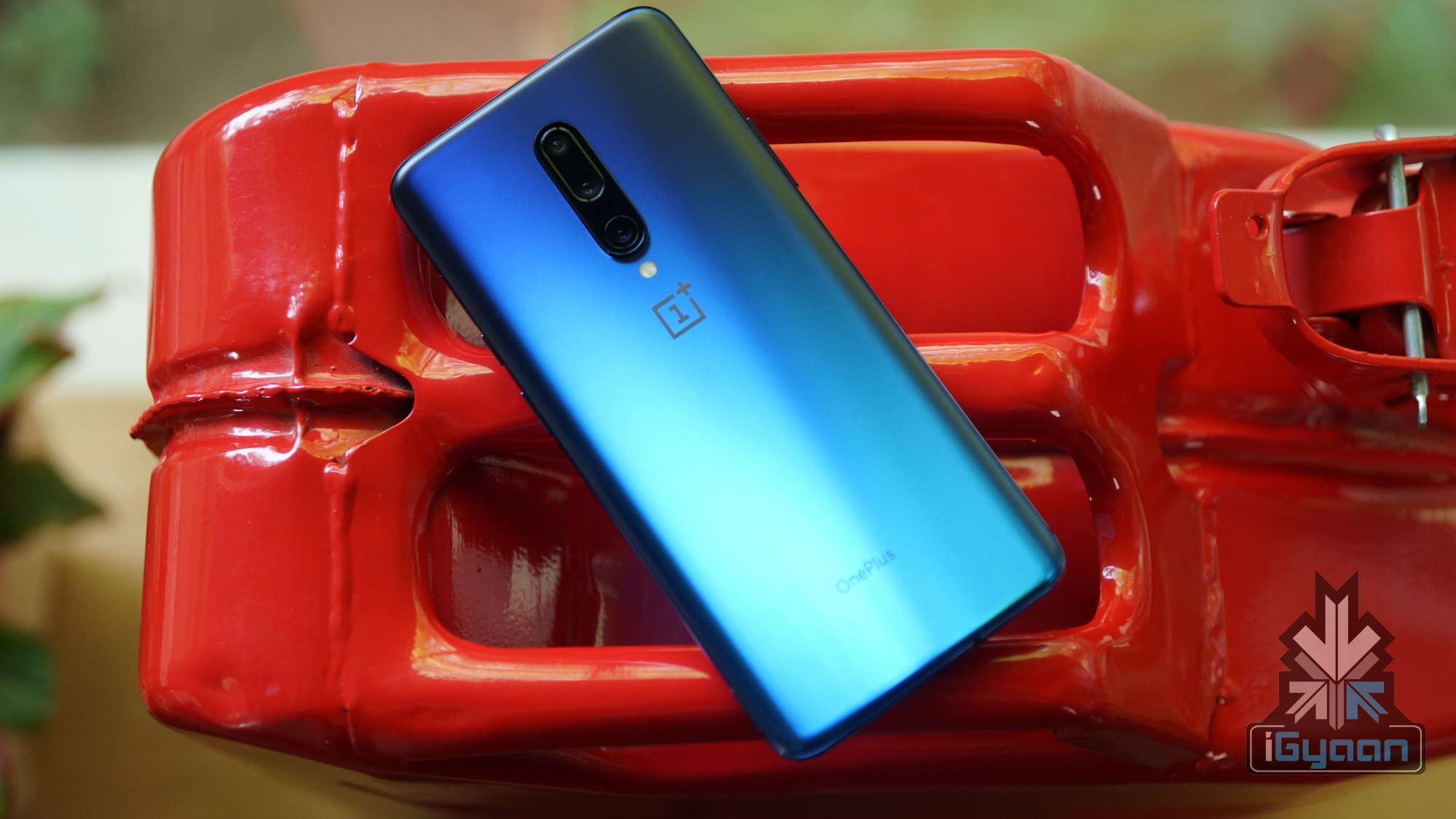
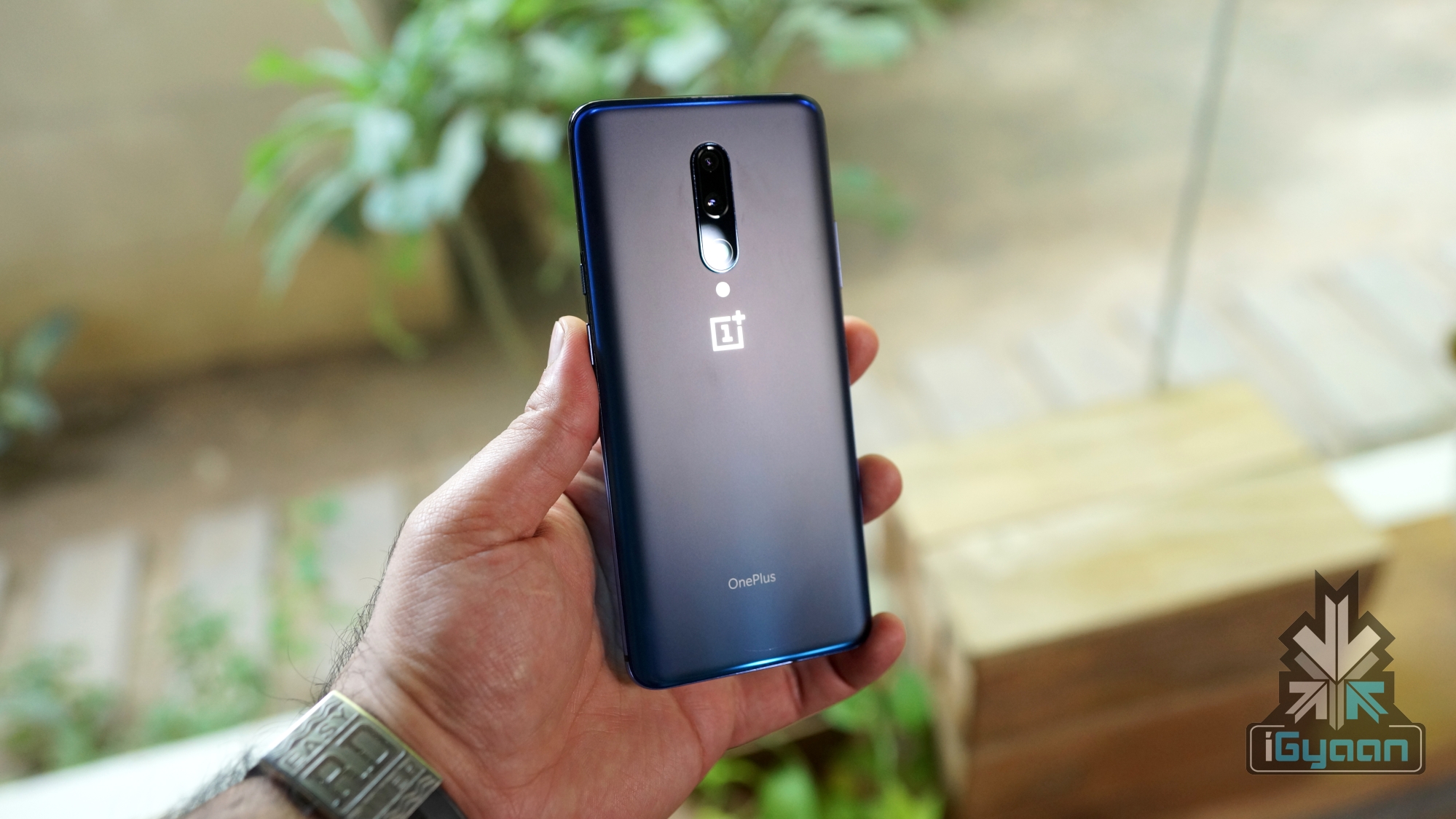
    Chinese technology company OnePlus launched the OnePlus 7 and the OnePlus 7 Pro in the month of May. Alongside, the company introduced some key updates to its operating system, known as Oxygen OS. The OS has received positive reviews globally due to its simplicity and responsiveness. With the latest update, OnePlus added new features like Zen Mode and Screen Recorder. As per reports, the aforementioned features will make their way to older OnePlus devices, including the OnePlus 6, 6T, 5 and 5T.

    Zen Mode And Screen Recorder

    OnePlus 7 ProZen Mode is a feature that basically locks a user out of his/her device for 20 minutes. The user will not see/hear any notifications on the device, and at the same time, applications will be unusable as well. The only two features that are accessible is the call application and the camera. In case users decide to turn off Zen Mode before the time period of 20 minutes, they are out of luck, since no workaround will disable Zen Mode. Even restarting the OnePlus 7 Pro doesn’t help, as the Zen Mode timer continues from the same point you left it on. 
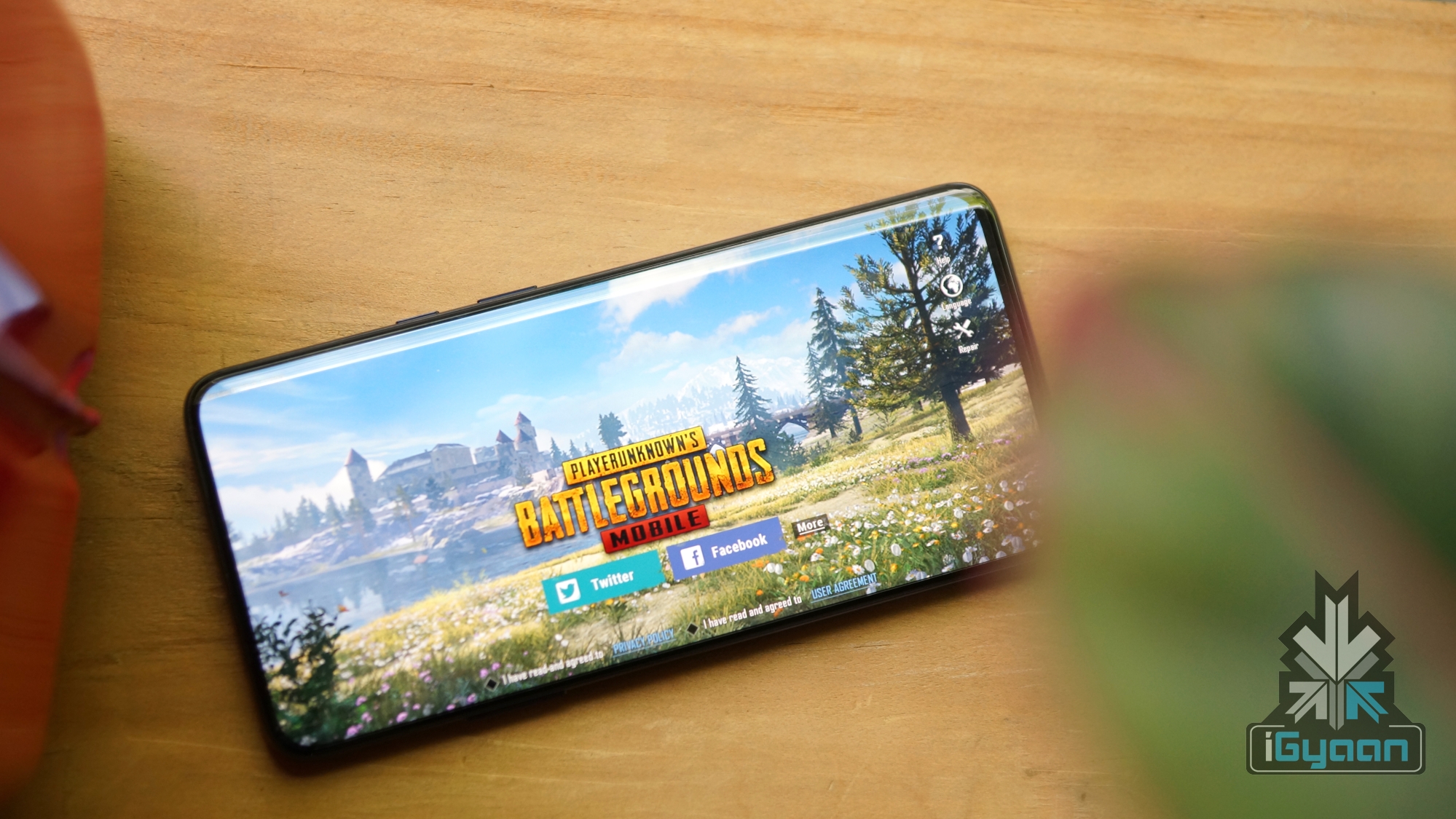
    OnePlus 7 Pro PUBGThe screen recorder, on the other hand, allows native recording (in the same number of frames per second) of the screen’s display without any overlay or watermark. Gamers can record their gaming sessions and export them, or users can create how-to videos for conveying specific information. As per reports, some OnePlus users side loaded these two applications into their older devices, which didn’t function as desired. For instance, sound capture was disabled during screen recording and Zen Mode was still allowing notifications to push through.
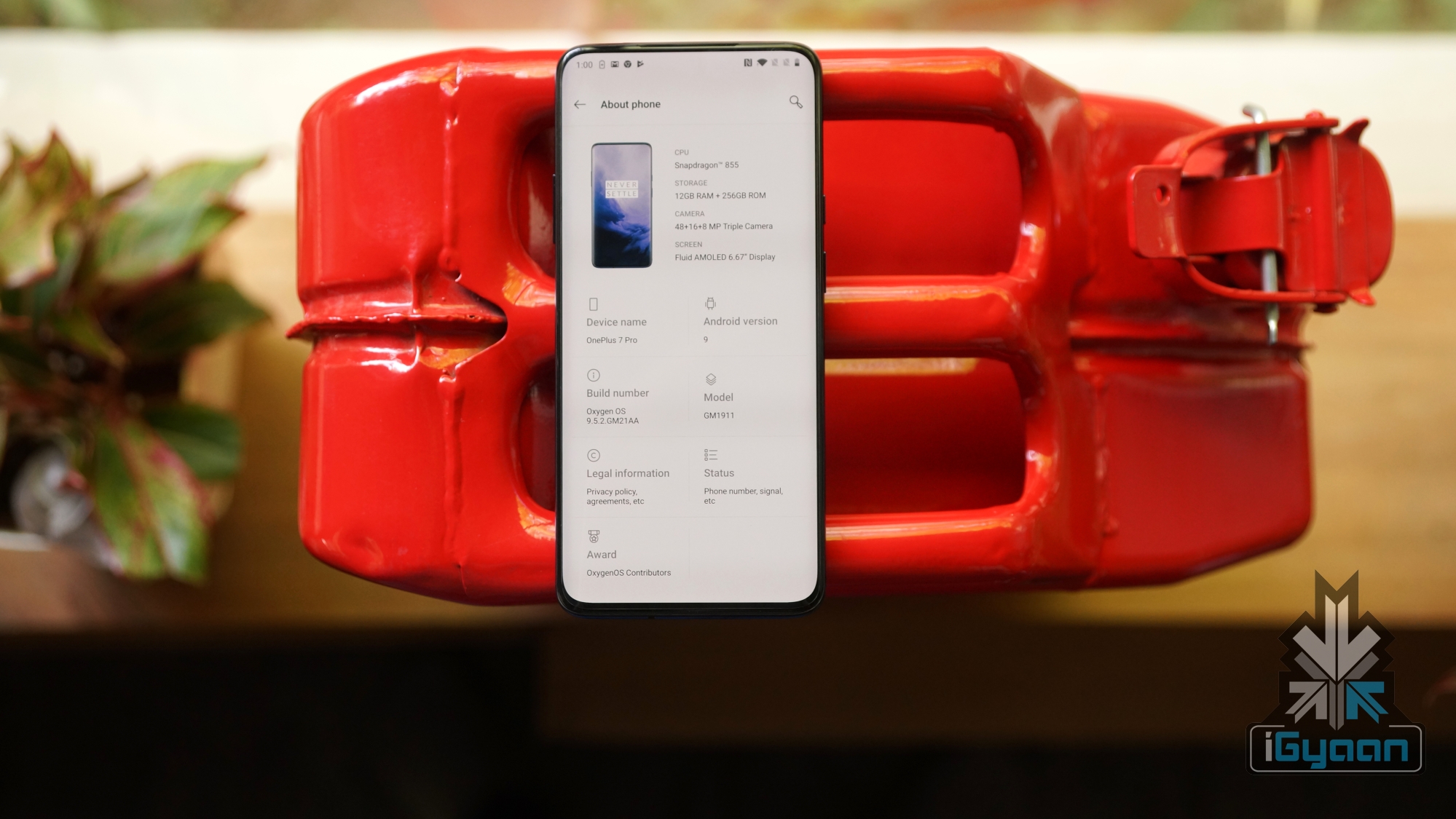

    OnePlus 7 Pro Oxygen OS
    Also Read: 
    Lenovo Z6 Youth Edition Launched In China

    OnePlus has acknowledged that Zen Mode and Screen Recording will be pushed to older OnePlus devices in the immediate future. The company has also released a statement regarding how users don’t need to sideload the applications since the firmware of older smartphones isn’t designed to support the same.  

  • Lenovo Z6 Youth Edition Launched In China

    Lenovo Z6 Youth Edition Launched In China

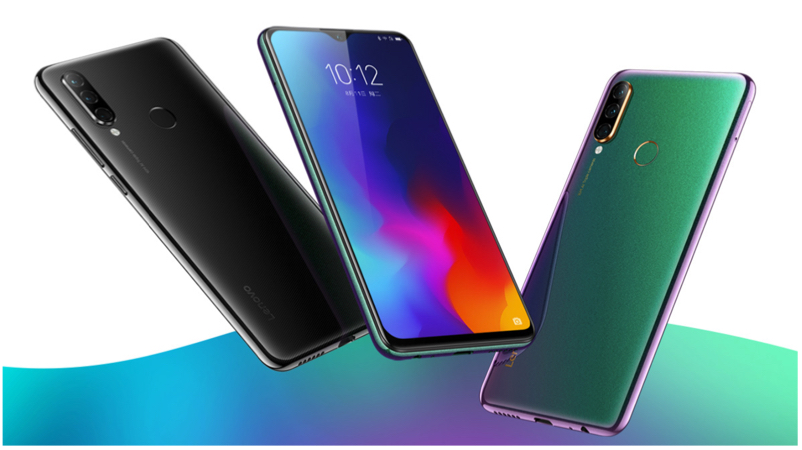
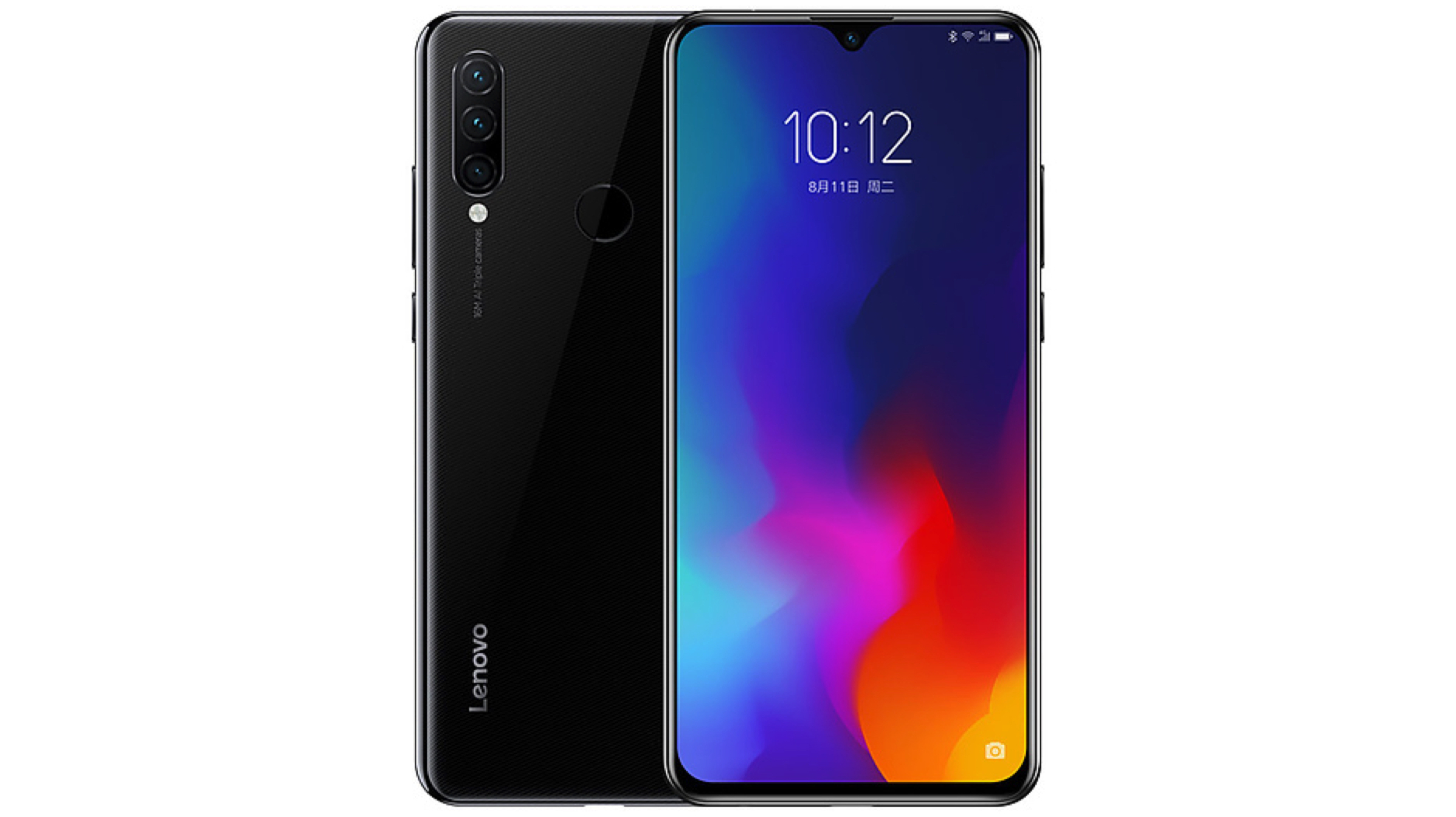
    Lenovo launched its latest flagship smartphone, the Z6 Pro last month in China. Now, the company is expanding the Z6 lineup by launching the Z6 Youth Edition on the 22nd of May. It is a mid-range device and the lite variant of the flagship Z6 Pro with watered down specifications and a more affordable price tag.

    Lenovo Z6 Youth Edition

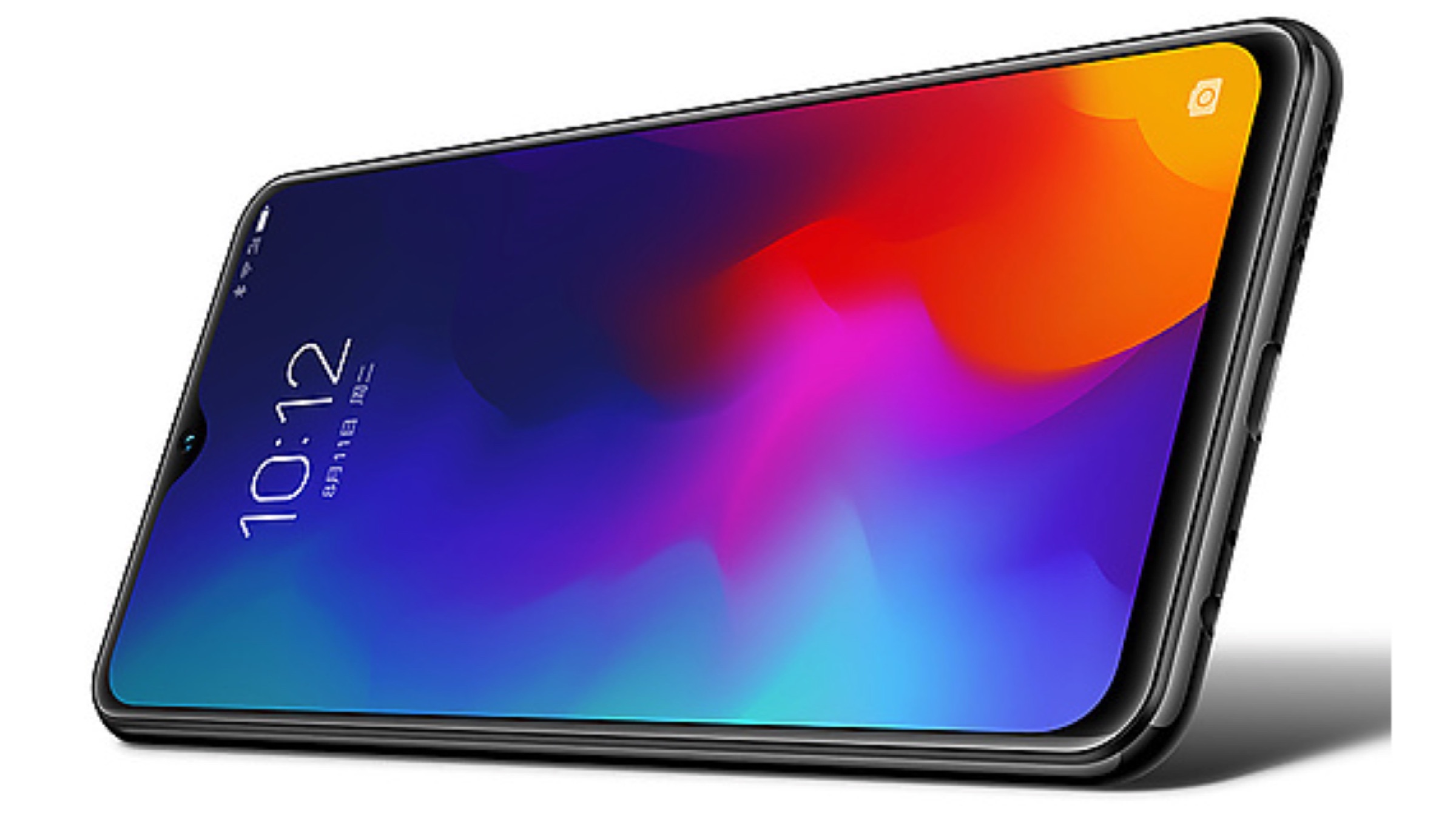
    The Z6 Youth Edition by Lenovo is the latest mid-range smartphone from the company. It features a glass design on the front and back with a gradient finish on the rear. The device has a 6.3-inch display with a resolution of 2340 x 1080 px. To maximise the screen real estate, it uses a waterdrop notch to house the front-facing camera on top of the display. For biometric security and rapidly unlocking the handset, it has a rear mounted fingerprint scanner and supports face unlock technology.

    Lenovo Z6 Youth Edition

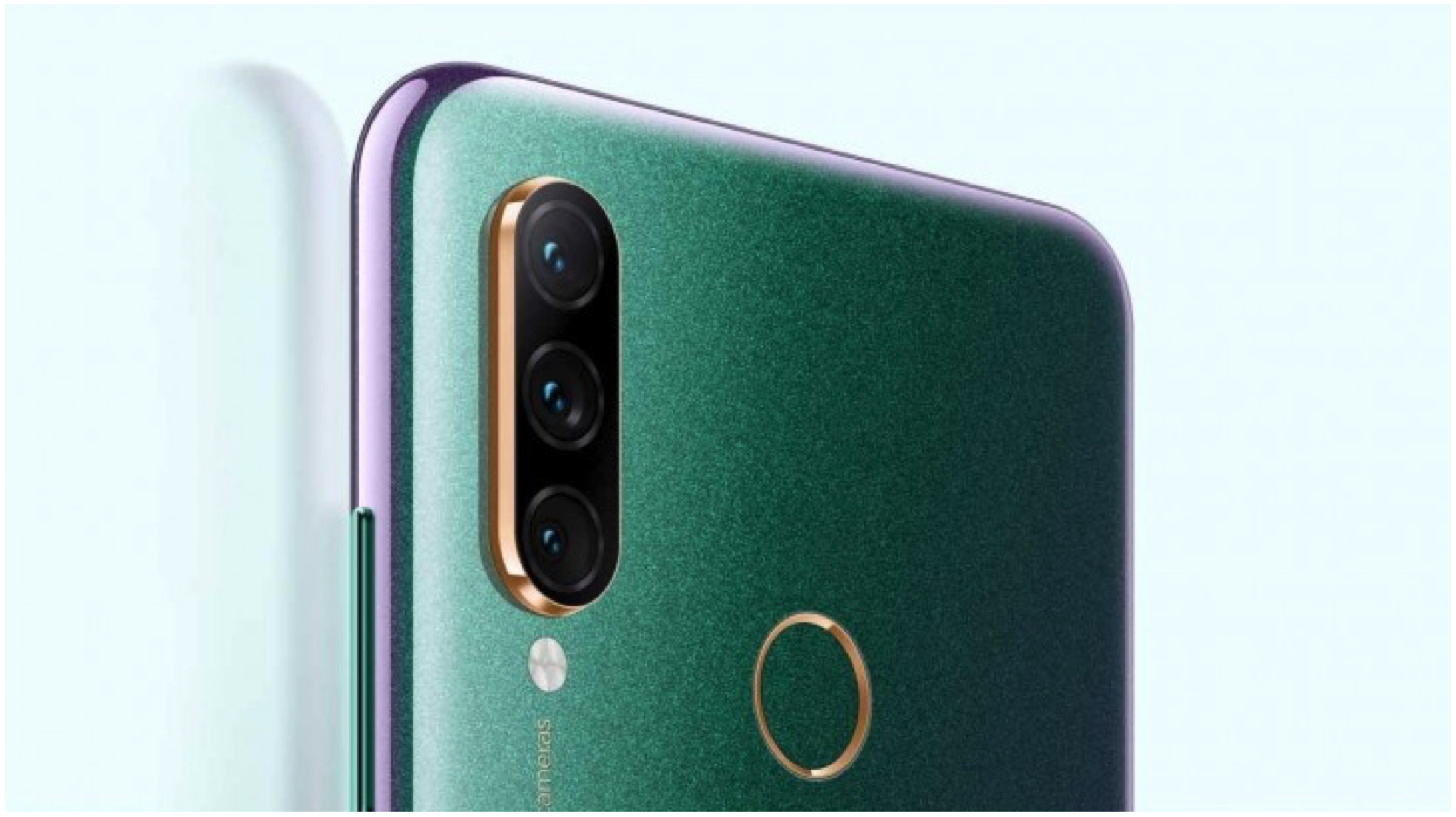
    Under the hood, the Lenovo Z6 Youth Edition is kitted with the 10nm Snapdragon 710 SoC. The chipset comprises of an Octa-core CPU and the Adreno 616 GPU. In terms of optics, the smartphone has a vertically aligned triple rear camera setup which consists of a 16MP sensor; combined with an 8MP sensor and a tertiary 5MP sensor. For selfies, the device has a 16MP sensor housed in the waterdrop notch on top of the display. The handset will be available in the following memory and storage variants.

    • 4GB RAM and 64GB ROM
    • 6GB RAM and 64GB ROM
    • 6GB RAM and 128GB ROM

    The Lenovo Z6 Youth Edition is powered by a 4050 mAh battery with support for 15W fast charging. It runs on the company’s latest ZUI  on top of current Android 9 Pie. The smartphone has been launched in two colour variants, namely Knight Black and Magic Stardust.

    Pricing & Availability

    Lenovo Z6 Youth Edition

    Also read: Valve Releases Steam Chat Application For iOS And Android Platforms

    The Lenovo Z6 Youth Edition has been launched for the price of CNY 1099 (Rs. 11,100) for the variant with 4GB of RAM and 64GB of internal storage. The version with 6GB of RAM and 64GB of onboard memory has been priced at CNY 1399 (Rs. 14,100), while the 6GB RAM and 128GB Internal storage variant will cost CNY 1699 (Rs. 17,200). It will be available to purchase starting the 22nd of May from Lenovo China’s website and select retailers across the country. Unfortunately, the company has not provided any information when the device will be available in India.

iGyaan Network
Privacy Overview

This website uses cookies so that we can provide you with the best user experience possible. Cookie information is stored in your browser and performs functions such as recognising you when you return to our website and helping our team to understand which sections of the website you find most interesting and useful.