Category: Review

REVIEWS – All tech reviews by iGyaan.in

  • Nexus 5X Review – The Lower Limit

    Nexus 5X Review – The Lower Limit

    Nexus devices are traditionally examples of what Google wants from companies in the year to come. They are devices designed to run on the latest versions of Android keeping the performance at its best, being a design and performance benchmark of sorts that run pure Android. However this year google seems to have changed its philosophy and has launched two new Nexus devices. So is the cheaper Nexus 5X actually up to standards with what Google usually puts out, or is it Google’s shadow attempt at keeping the mid-tier market happy?


    Build Quality and Design

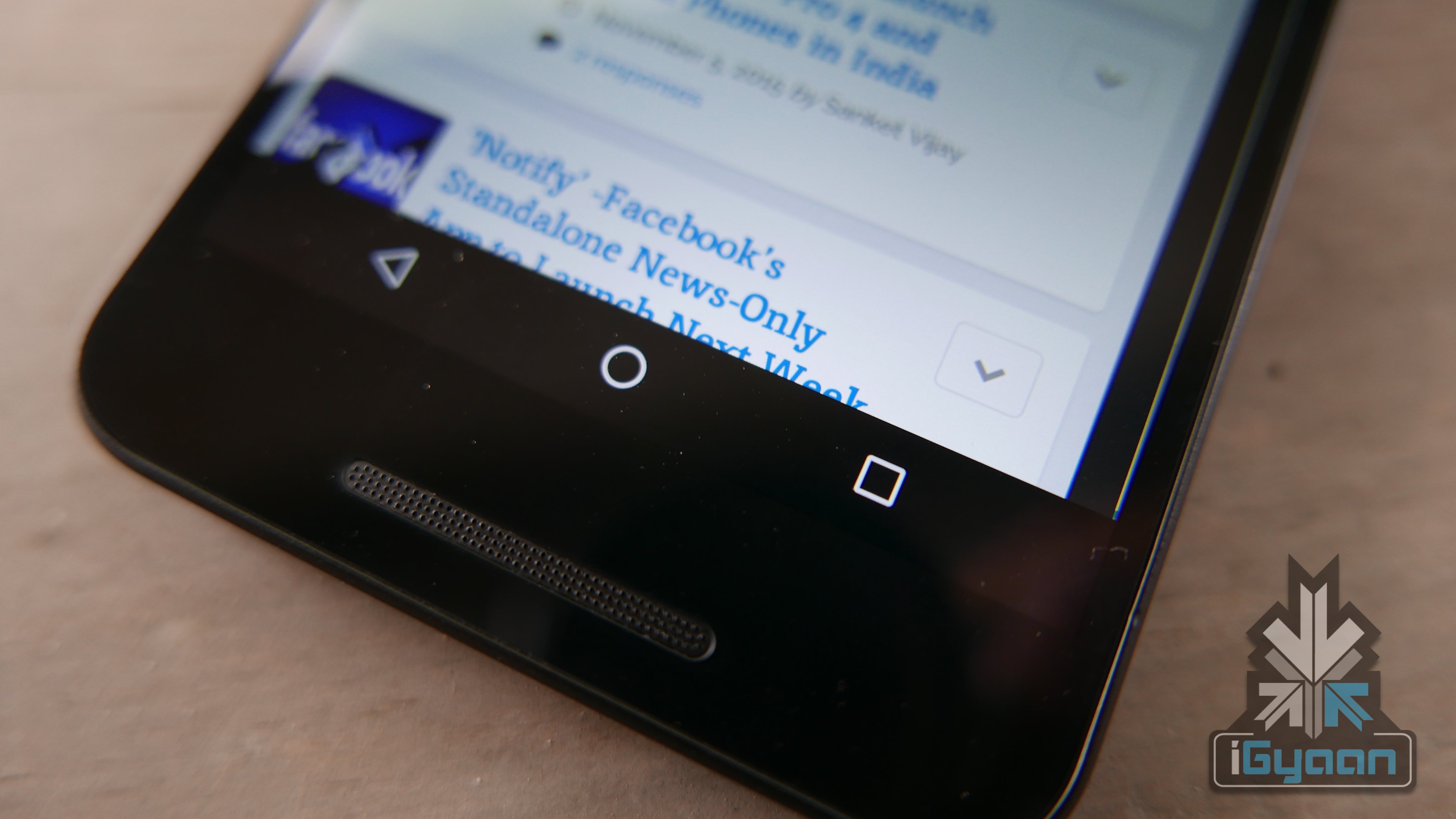
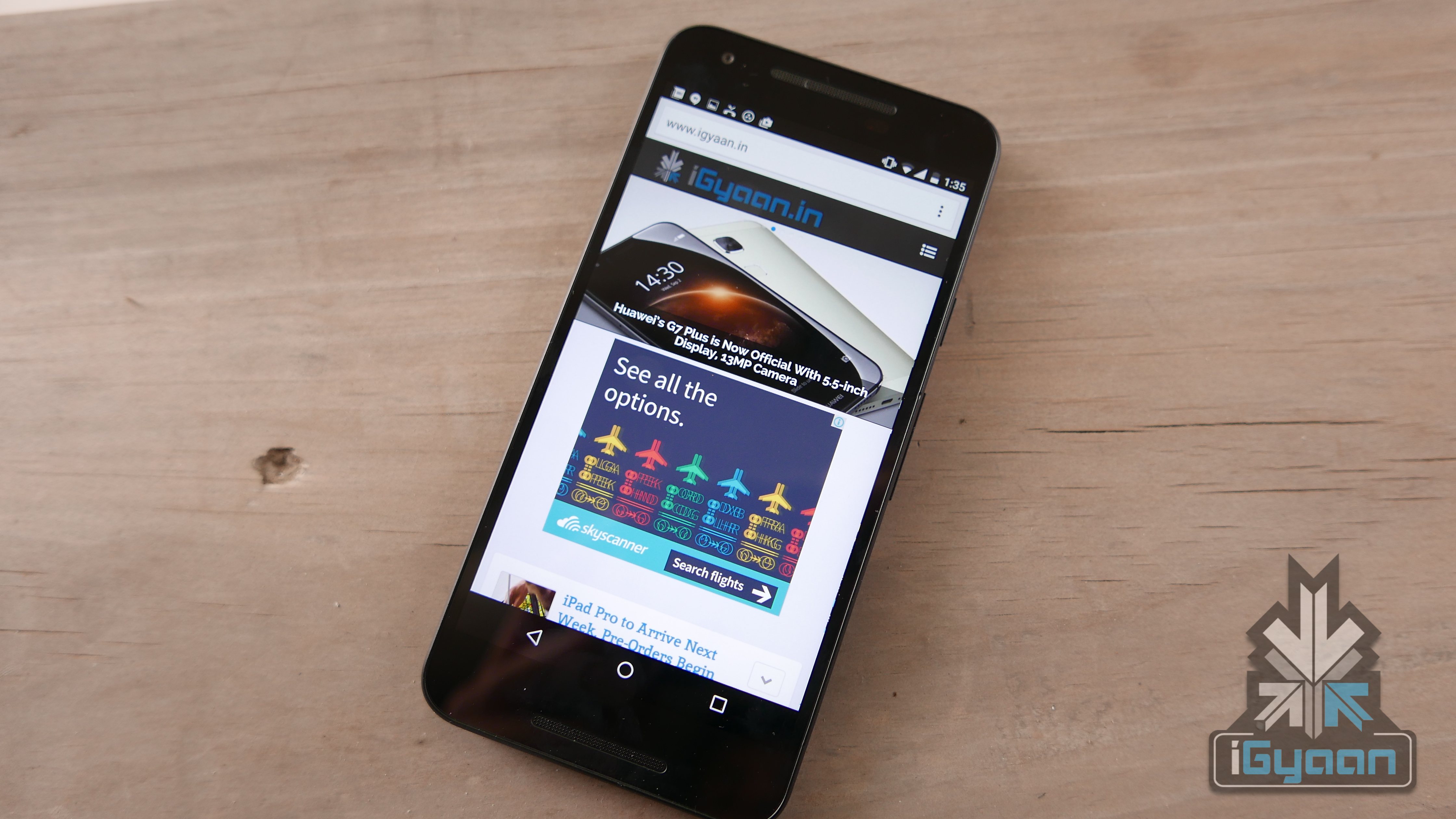
    The Nexus 5X made by LG for Google appears to have a little too much plastic, and is extremely light -so much so that it does not feel premium at all. Made entirely of plastic, barring the display, the device is rather flimsy looking. However, it does not feel like it will break easily, the plastic is rigid, but in no way feels anything close to the feel on the Nexus 6 or the Nexus 5 for that matter. No mention of IP ratings and you get an outdated Gorilla Glass 3 with a simple Oleophobic coating.

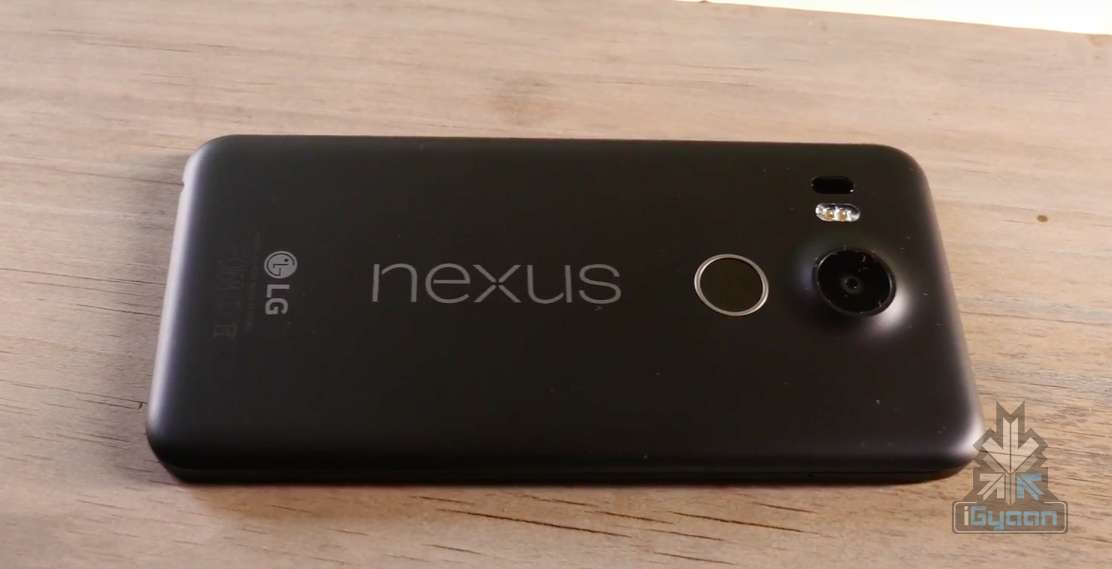
    The design is not winning any points for now, the black Nexus 5X is fairly boring with a bump on the back for the camera. The back panel is extremely fingerprint and smudge-friendly and gets stained easily. Laying on a table the Nexus 5X is nothing out of the ordinary, and the complete use of plastic kills not only the aesthetic but a lot of the premium feel at the price bracket. Devices like the Moto X and Samsung A8 offer a lot more design and visual appeal. Push a little further in your budget and you get the Samsung Galaxy S6, one of the “prettiest” phones of 2015.

    The great thing about the Nexus 5X is that, unlike the Nexus 6, it is very lightweight at only 136g grams and can easily used with one average sized hand.
    Nexus 5x Review 1

    Hardware

    The hardware on the Nexus 5X seems to be a compromise, with Google sticking to Snapdragon 808 and 2 GB of RAM, the only major improvements are the cameras which now stand at 12.3 MP and 5 MP.

    Specification

    LG Nexus 5X

    Display 5.2-inch Full HD IPS (1920 x 1080 / 423ppi)
    Resolution 1080 x 1920 pixels (~424 ppi pixel density)
    Chipset  1.8 GHz Qualcomm Snapdragon 808
    CPU Quad-core 1.44 GHz Cortex-A53 & dual-core 1.82 GHz Cortex-A57
    GPU  Adreno 418
    RAM 2 GB LPDDR3 RAM
    Front Camera 5 MP with F/2.0 Aperture
    Rear Camera Up to 12.3 MP with F/2.0 Aperture
    Storage 16 or 32 GB eMMC ROM
    Expandability  NA
    Battery 2,700 mAh (embedded)
    Connectivity Wi-Fi 802.11 a, b, g, n, ac / Bluetooth 4.2 / NFC / Type-C USB
    Operating System  Android OS, v6.0 (Marshmallow)
    Price Rs. 31,990/ Rs. 35,990

    Camera

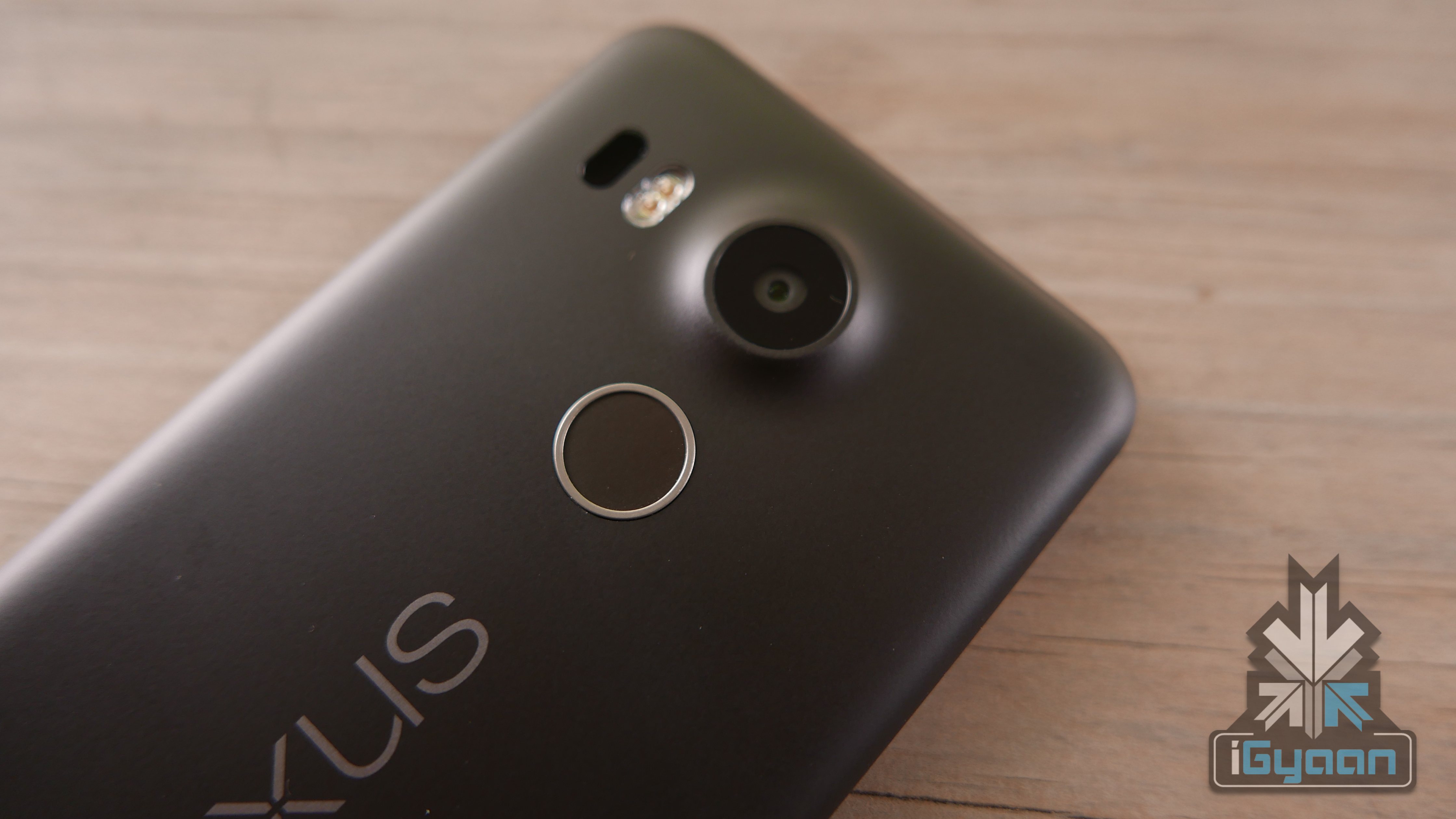
    The new Nexus 5X and 6P have similar cameras, and they have to be the best Nexus cameras yet. While low light performance is questionable, the cameras do exceedingly well in good lighting. Good accurate colours, ample amounts of contrast and dynamic range are some the highlights of the cameras.
    Nexus 5x Review 6

    The main camera captures images just under the full resolution of 12.3 MP at 12.2 MP and UHD video. The front camera comes up with 5 MP pictures and 1920 x 1080p video. While the images are crisp and great to look at, the camera app does slow down once in a while and does not give the experience that is expected from Nexus devices. The rear camera gets laser assisted (IR sensor) auto focus, mostly seen on LG flagship phones, and works pretty efficiently in capturing focus points.

    Video quality is great at 4k, but due to the lack of IS, the video tends to be shaky when shot by shaky hands. Sample below.


    Android Marshmallow and Experience

    The new Nexus 5X, just as each Nexus before it, comes with the latest version of Android, which in this case is Android 6.0 Marshmallow. With this new update you get improved UI features like an App search bar, a new Clock and lock screen messages.

    You also get performance upgrades, a brand new RAM manager, standard support for fingerprint scanners and USB type C ports, and hence the new Nexus phones have those both.

    Software updates like ‘Now on Tap’ allow you to look at Google Now throughout the UI. Apart from the usual “Ok Google” command, a long-press on the Home button makes the Google Now assistant scan whatever’s on the screen to find extra info online that might be helpful.

    Privacy is now been updated and apps can no longer bypass this. A new security feature asks for passwords during boot, and not after booting to prevent unintentional battery drain if a non-owner tries to start the phone.

    The new Doze feature is incredible at recognising when the phone is idle to put it in a rested state. This considerably improves battery performance on the Nexus 5X.

    Performance and Battery
    Screenshot_20151107-131323The Google Nexus 5X is losing out on one big thing and that is performance. Each year Nexus phones stand out as leaders defining performance standards for companies, however, this year the case is different. The higher of the two Nexus devices launched this year, the Nexus 6P, is more of a performance benchmark. The 5X is mostly being sold to cater to those who basically don’t like the idea of an expensive Nexus phone, as was seen last year with the Nexus 6.

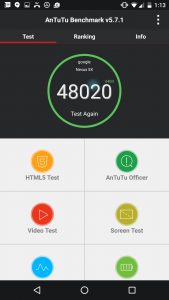
    The Nexus 5X runs dated and weak Snapdragon 808 chipset because, most manufacturers have preferred the 808 over the 810 pertaining its heat issues. The 808 scores considerably less on benchmarks achieving 48020 on Antutu which falls roughly below last year’s Note 4 by Samsung. So the Nexus 5X is not a flagship benchmark.
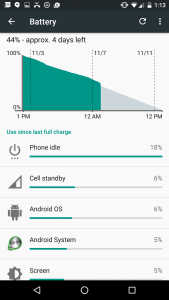
    Screenshot_20151107-131332Battery life is assisted by the Doze feature and gives you extended use, especially if you have a long screen-off time.

    The Nexus 5X will easily last a day for the average user going into the second day before requiring a charge. With a talk time of around 6 hours, we are not complaining.

    Usage

    LG Nexus 5X

    Talk Time 5.5 – 6 hours
    Internet on LTE 4 hours
    Internet on Wi-Fi 5 hours
    Gaming and Video 5 hours
    Standby 6- 7 days


    Nexus 5x Review 3

    Conclusion

    The Nexus 5X is available in India for a price of Rs 29,990 (at the time of review) for the 16 GB variant which is about Rs. 4,000 more than the US$ 379 price. At this price it lacks the essence of a Nexus phone. Its built in plastic lacks a QHD display and comes with 2 GB of RAM, the best advantage of the Nexus remains the quick updates. For a better hardware experience the Moto X Style offer better value for money, at the same price and has a QHD display 3 GB of RAM and better cameras, fast turbo charging and dual sim capabilities. More over you get expandability up to 128 GB. The Moto X style offers a near-Nexus Android experience and will soon get marshmallow.

    You should consider one of the many other options instead of the Nexus 5X this year. For LG and Google the intent is wonderful and the phone brings back the brilliance of the Nexus 5, however the Nexus 6P is more Nexus than the Nexus 5X.
     

  • iPhone 6s and 6s Plus Review : A Big Touch up

    iPhone 6s and 6s Plus Review : A Big Touch up

    Each year Apple’s revisions of their iPhone have propelled sales of their handsets. The Apple iPhone 6 and iPhone 6 Plus were the company’s best selling handsets since the launch of the original iPhone.

    In 2014, Apple sold a whopping 191 Million (approx) iPhones between the two main models, the iPhone 6 and 6 Plus and one old model, the iPhone 5s. Making the iPhone the most selling phone in the world, when compared to Samsung’s total sales across hundreds of handset models, sold globally, coming to around 392 million.
    Does the iPhone 6s and 6s Plus improve what Apple was already doing with the iPhone 6 and 6 plus? Is the “s” variant a worthy upgrade? Let’s find out as we review this year’s iPhone 6s and 6s Plus.

    Build Quality and Design

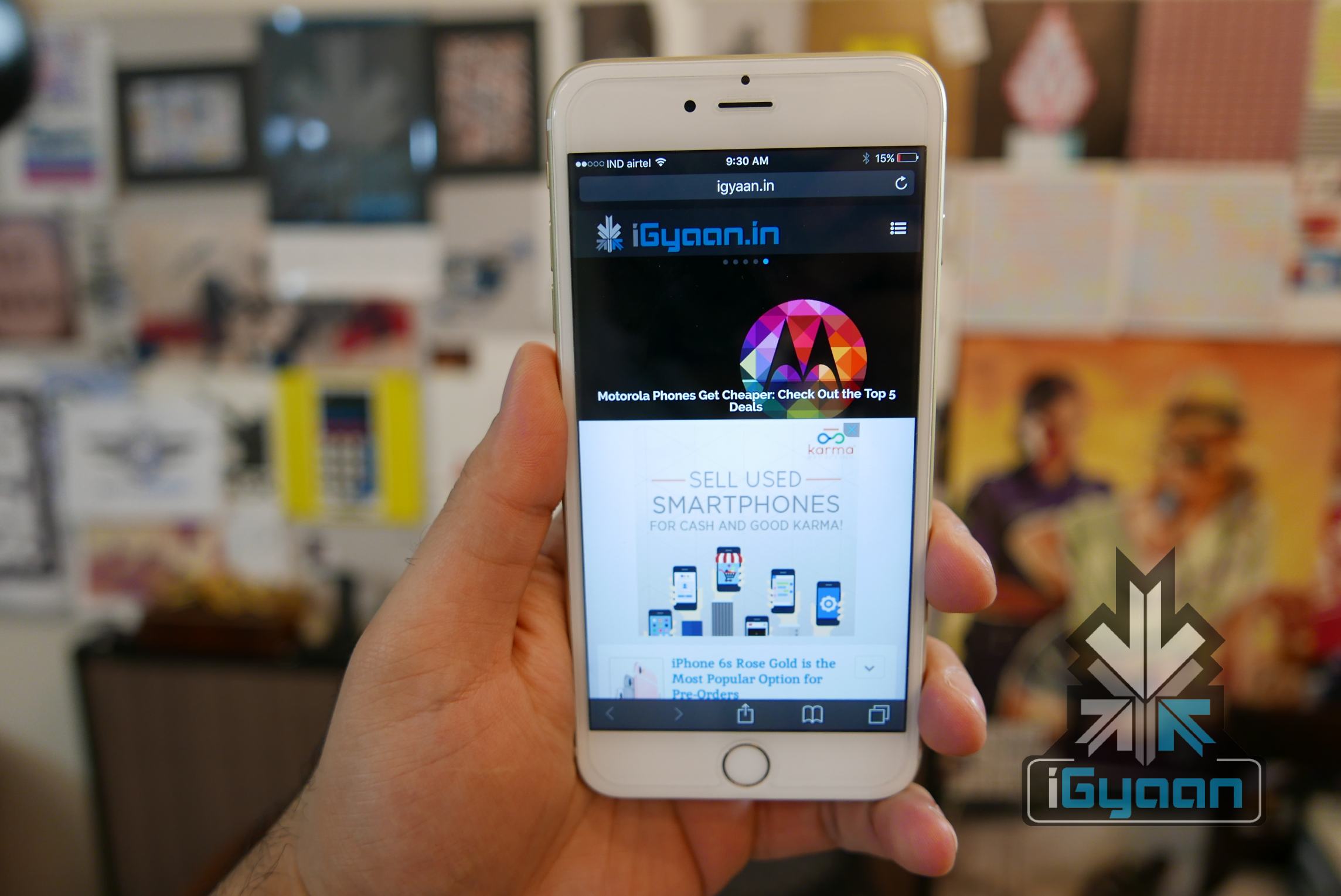
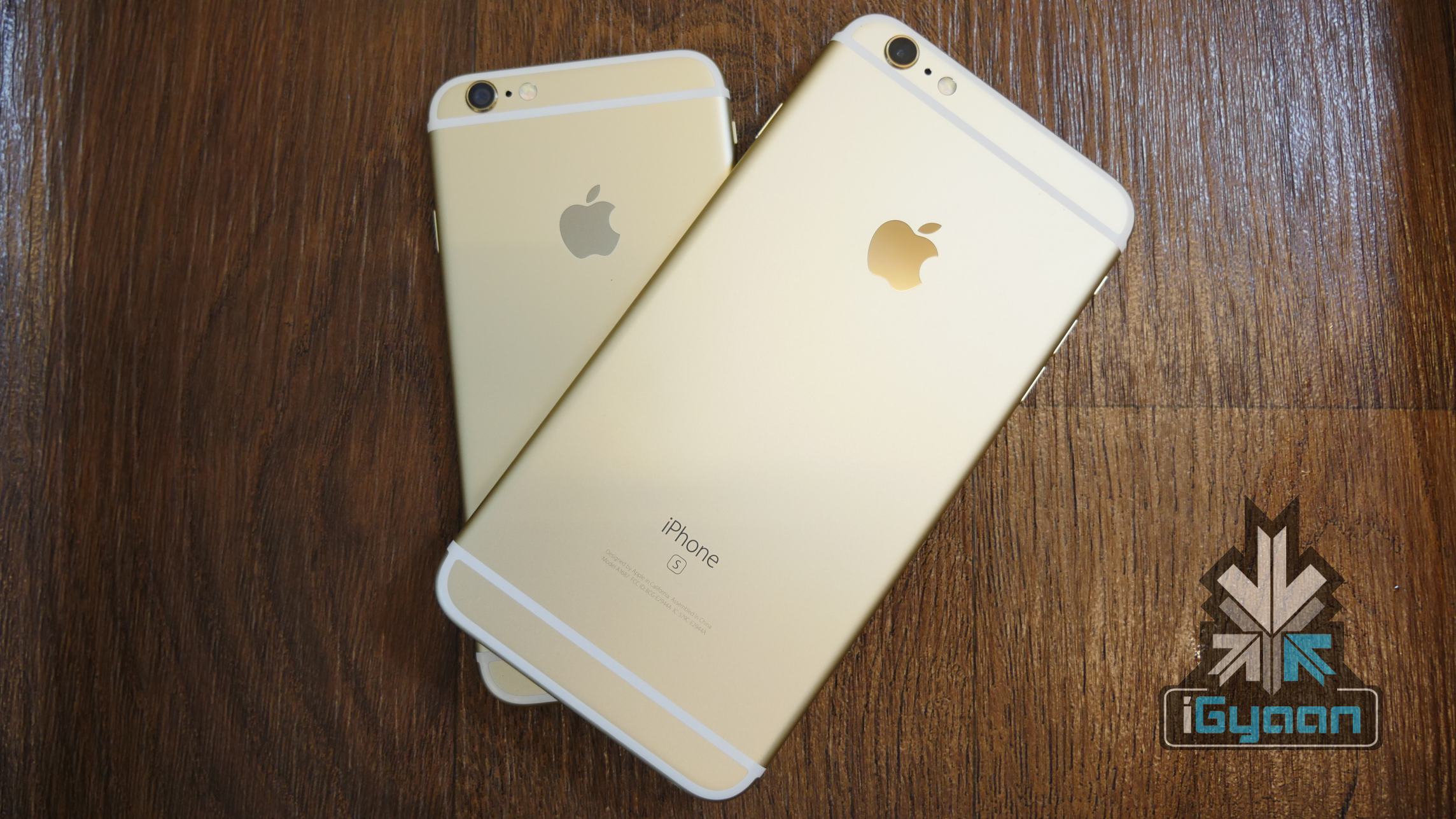
    There are no points here, the design of the iPhone is not a lot different from what we saw last year, in fact, it’s a bit thicker and slightly heavier. You will also get a brand new Rose Gold colour which has attracted the fancy of many a folks. That being said, last year’s iPhone was the best selling iPhone for Apple, it was a refreshing design change from the iPhone 5s and rounded look felt more in harmony, as opposed to the square design which Apple followed for the 4-5s.


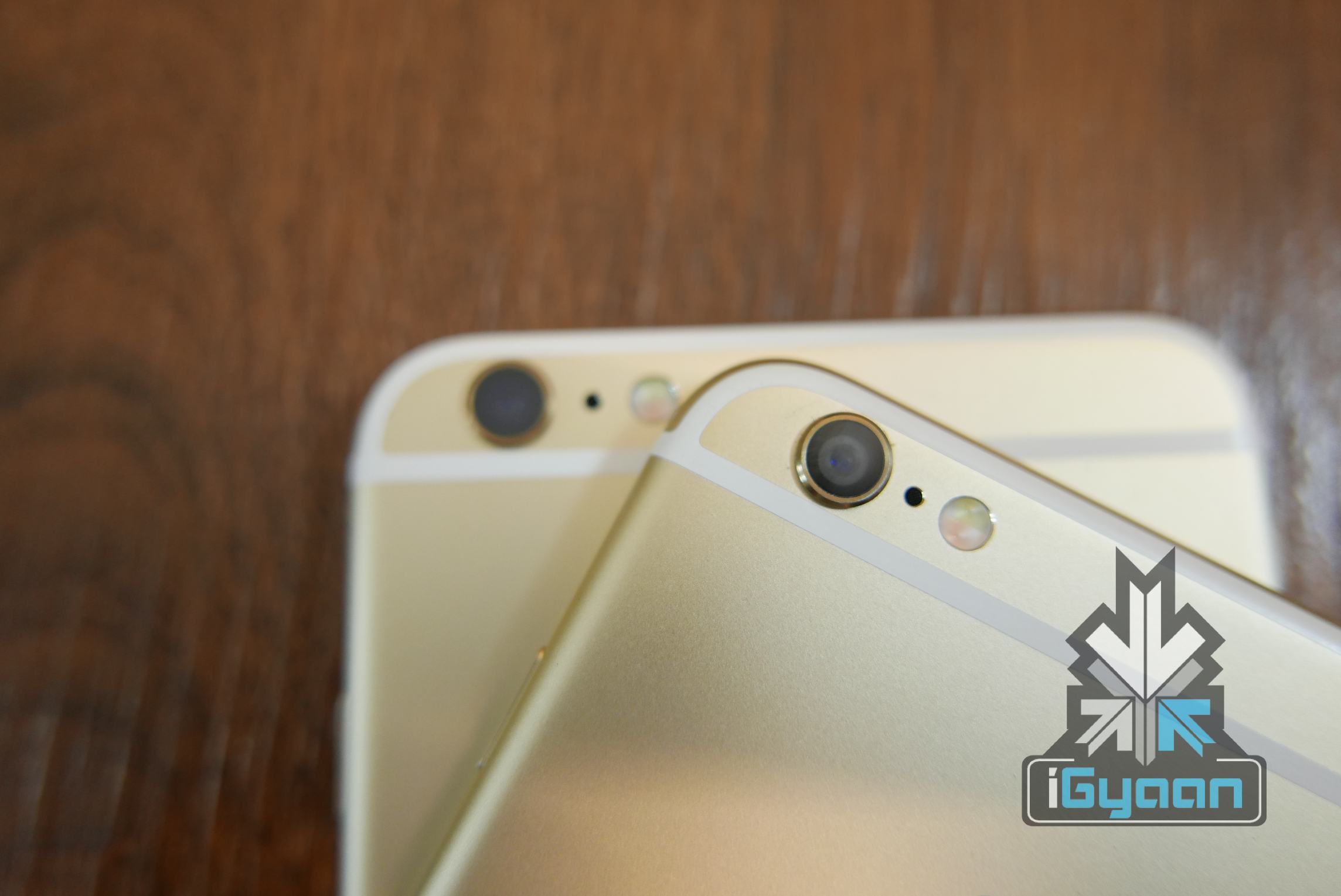
    This year’s iPhone has an improved outer shell which offers resistance against the “bendgate” issue of last year’s iPhone. The new reinforced and strong series 7000 Aluminium adds strength to the outer structure. The iPhone 6s and 6s plus also come with some form of water resistance according to tests conducted by third parties. Apple downplayed the fact that the new iPhone was water resistant, in fact they don’t mention it anywhere. They coated the logic board with water resistant materials and added a rubber gasket to all parts that could potentially allow water to seep through like ports, display edge and buttons.

    You could end up with your iPhone in the toilet, and still be using it a week later (hopefully after you have fully sanitized it ).

    Hardware

    The “s” variants of every iPhone till date have been the ones with hardware improvements. The iPhone 3Gs, 4s, 5s and now the 6s all add improved hardware and capability while keeping design changes to a minimum.

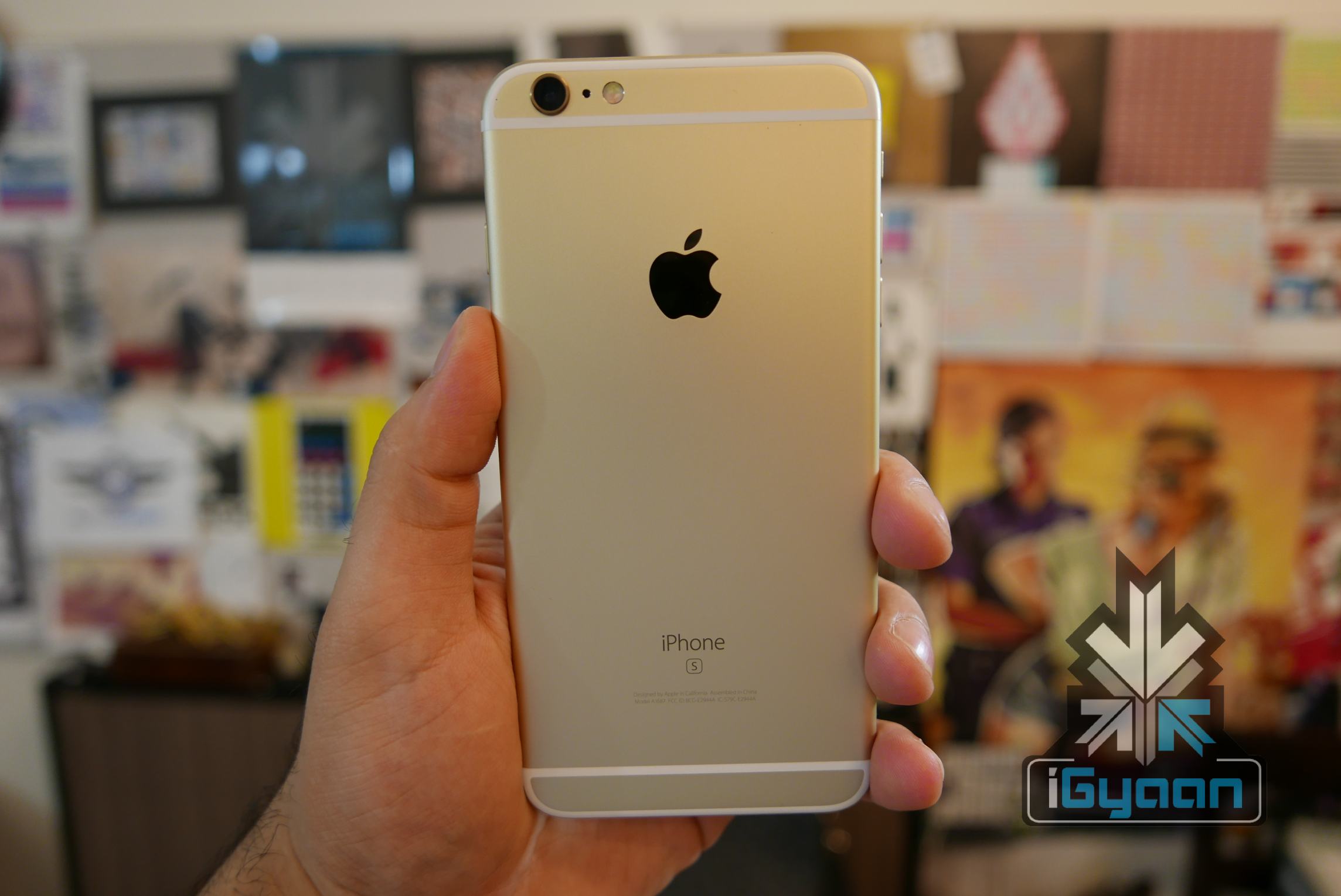
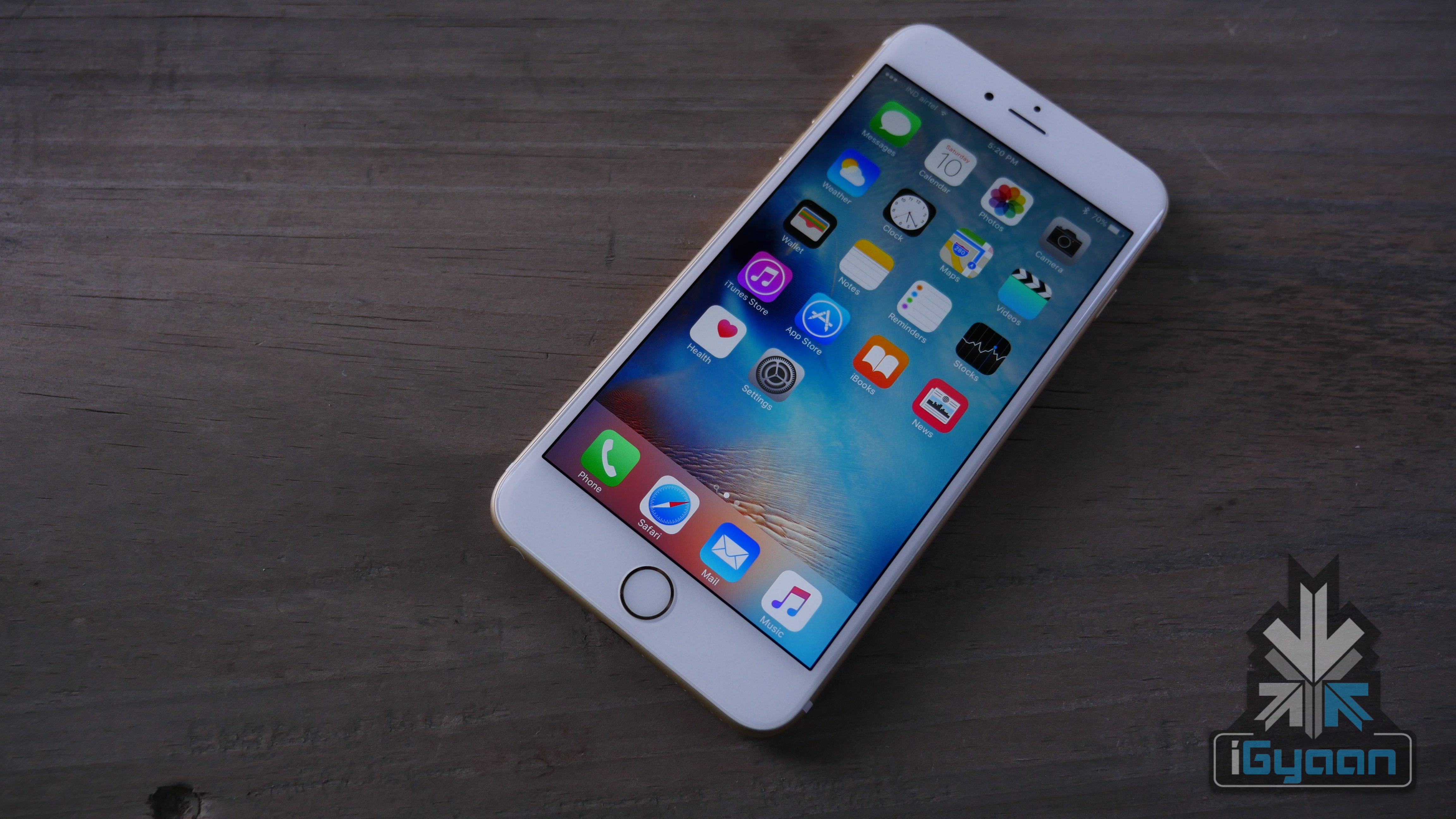
    iPhone 6s and 6s plus igyaan 2

    The new iPhone 6s and 6s Plus add an improved Apple A9 chip along with an M9 co-processor. Enhanced cameras both on the rear with a 12 MP shooter which now does 4k video. On the front with a 5 MP snapper, which however is still restricted to 720p.

    Specifications iPhone 6s iPhone 6s Plus
    Display  4.7-inch Retina HD display with 3D Touch,  LED-backlit widescreen 5.5-inch Retina HD display with 3D Touch,  LED-backlit widescreen
    Resolution  1334×750-pixel resolution at 326 ppi  1920×1080-pixel resolution at 401 ppi
    Processor  Embedded M9 motion coprocessor Embedded M9 motion coprocessor
    Chipset  A9 chip with 64-bit architecture A9 chip with 64-bit architecture
    RAM 2GB 2GB
    CPU Dual-core 1.84GHz Dual-core 1.84GHz
    GPU PowerVR GT7600 PowerVR GT7600
    OS  iOS 9  iOS 9
    Internal Storage  16GB/64GB/128GB  16GB/64GB/128GB
    Exapandibility  N/A  N/A
    Rear camera  12-megapixel iSight camera with 1.22µ pixels, ƒ/2.2 aperture  12-megapixel iSight camera with 1.22µ pixels, ƒ/2.2 aperture, Optical image stabilization
    Rear Camera Video  4K video recording (3840 x 2160) at 30 fps  Optical image stabilization for video,  4K video recording (3840 x 2160) at 30 fps
    Front Camera  5-megapixel photos, ƒ/2.2 aperture, Retina Flash  5-megapixel photos, ƒ/2.2 aperture, Retina Flash
    Front Camera Video  720p HD video recording 720p HD video recording
    Weight  143 grams  192 grams
    Special Features  Fingerprint sensor, 3D touch, live photo  Fingerprint sensor, 3D touch, live photo
    Connectivity  23 LTE and faster Wi-Fi 23 LTE and faster Wi-Fi
    Variants

    Silver, Gold, Space Gray, Rose Gold

    Silver, Gold, Space Gray, Rose Gold

    Price  Rs. 62,000, Rs. 72,000 and Rs. 82,000  for 16GB/64GB/128GB respectively unlocked

    Rs. 72,000, Rs. 82,000 and Rs. 92,000 for 16GB/64GB/128GB respectively unlocked


    Compared to the iPhone 6s’ 1330 x 720p display , the Apple iPhone 6s Plus gets a larger display with a 1920 x 1080p resolution. It also gets a bigger battery and Optical Image Stabilisation in the rear camera. Everything else on both the devices is identical in terms of specifications.

    iPhone 6s and 6s plus igyaan 5

    Apple sticking to the old displays is one big let down. iPhones need higher resolution displays and this update may finally come in the iPhone 7. This time around however Apple has added 3D touch, which is a variant of their force touch trackpads for the iPhones.

    3D Touch

    This is something that Apple showed off at the launch, but it still feels under played. The technology is pretty impressive, and even though many companies have done this prior to the iPhone 6s’ launch. Apple’s iteration is impressive, accurate and easy to use.

    Unlike many devices in the past, the iPhone’s display in itself is not clickable. The display senses the force on the screen which is paired with where your finger is on the screen, this then results in the outcome you receive.

    The usability of this is a little strange at first but then it gets easier and easier. The peek and pop UI of iOS 9 makes this feature infinitely fun.

    Things like messages and mail become easy to read or dismiss and the animations are really impressive. When you click down on an app the background blurs out and enhances the look of your touch and the experience of using the 3D touch. iOS9 lets you set live images as wallpapers that you can preview simply by pressing down on the screen. Its quite cool, and you can relive your fun moments of the perfect picture right from your lock screen.

    And with apps like WhatsApp and Instagram taking advantage of this feature, soon iOS will be a mega 3D touch playground. However, this might happen later than sooner, because most developers will take a long time to implement this feature.

    iPhone 6s and 6s plus igyaan 8
    A New 12 MP camera

    Cameras

    The new Apple iPhone 6s and 6s plus come with enhanced cameras, keeping Apple’s image processing standards intact. the new 12 MP camera at the back offers a larger resolution keeping the pixel size at 1.22µ pixels and the aperture at f2.2.

    The addition of 4k Video means that the iPhones have finally caught up to rest of the world. It also means that buying a 16 GB iPhone has become more or less pointless. The 4k video is turned off by default and there is good reason, 1 Minute of 4k video will take approximately 375 MB whereas 1080p video will take as low as 130 MB.

    The image quality is fantastic and lowlight images are impressive. You get exception control of exposure and focus prior to capture, so you can compose shots with ease.

    The HDR images have been best on the iPhone so far and that remains the case with the iPhone 6s and 6s Plus. The OIS on the larger version iPhone 6s Plus helps people with shaky hands to capture better images and video.

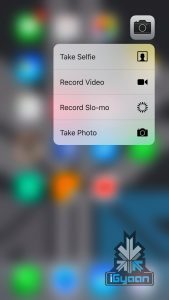
    The Live images are also a fun feature only when you understand that you need to keep your hand stable for longer. Else you end up with Live video loops ending with shots of your feet, or even worse, shots of your nostrils when clicking selfies. This also consumes more storage and 16 GB owners should stay away from this feature. This can easily be disabled from the camera interface.

    Previous iPhone users will be happy with better resolution cameras, especially the front camera, where an overhaul was long overdue. The selfies are improved and also support the live photos feature.

    iphone 6s plusLive photos are nothing new, HTC did this with ZOE and many manufacturers and apps have had this feature. However, all of them worked on the principle of capturing video and then saving a still from that. The iPhone 6s and 6s Plus, unlike the others in the past, captures a burst of high res pictures in a .MOV format along with the main image. Therefore not affecting the quality of the image, technically this is multitasking for the camera and is an innovative way to execute live images. You can also set the live images as a lock screen wallpaper and execute the 3D touch to preview them whenever. They are like your own personal Vines.

    Performance

    This is major improvement on the overall usage of the iPhone. The iPhone 6s and 6s Plus are both faster and snappier when compared to the iPhone 6 and 6 Plus. iOS is already pretty fast and smooth. The operation on the iPhone 6s is a lot better. iphone 6s and 6s plus

    iOS 9 was designed primarily on the new iPhones hence you get a phenomenal experience. The new peek and pop UI works really well. New animations and live photos as wallpapers is an appreciated add-on. The fact that there is more RAM on the new iPhones means that games work in a better environment, loading and caching works better too. Apps that utilise this additional RAM speed up as well. The camera has a more prompt response and images are clicked and processed quicker.

    Networks and Battery

    The network strength is much more improved. Tested on Airtel and Vodafone in Delhi and Mumbai. on LTE Speeds upto 50 Megabits are easily available, however that is more network provider dependent. Compared to iPhone 6 and Samsung Galaxy S6, network speeds are faster and network strength is better on the new iPhone 6s and 6s Plus. During the tests we also faced lesser network drops and overall sturdier network performance. Battery life is improved over the previous Gen iPhone 6 Plus and the network improvements could be a major contributor.

    The new Apple A9 chipset is also better balanced to give you an improved battery performance. While “batterygate” has been said to be insignificant, the TSMC chipset is considered an advantage.

    iPhone 6s and 6s plus igyaan 4

    Overall with the iPhone 6s and 6s Plus get improved battery performance and seem to charge faster that the previous get iPhones. A 5-minute charge gets you from 5% to 30% and about an hour and 15 minutes gets you a full charge on an iPhone 6s Plus using an iPad 12W charger. Between 4-5 hours of talk time 3 hours of internet and 3 hours of music playback with the screen off, the iPhone 6s ends up with 20% battery at the end of the day and the iPhone 6s Plus with about 32%. If you are using the iPhone with the screen on, a lot of you will require a frequent charge.

    Process iPhone 6s iPhone 6s Plus
    Talk Time 5 hours 6.5 Hours
    Gaming / Video  4.5 Hours Non Stop  5 Hours Non Stop
    Internet 8 hours 9.5 Hours
    Music  12 Hours Non Stop 16 Hours Non Stop


    Conclusion

    The iPhone is an ever growing phenomenon, the more people use the ecosystem the more it makes sense. And while the battle between Android and Apple iPhones is one that will never see the light at the end of the tunnel. The iPhone is clearly the most popular single handset in the world and the iPhone 6s and 6s Plus improve on that with the right kind of things. The hardware running the handset sees a major bump, and the cameras are a lot better and everyone will appreciate that. Live photos work well, and for the moment seem to not be a gimmick.

    Soon third party apps will allow sharing of live images and it will become a phenomenon. 4k video is better too, so is network reception and battery life. But, that’s the thing a regular user is not concerned with the use case scenario of all the above features. Sure a better battery and better cameras are good things to have. And 3D touch is great to use and a really productive and time saving feature. However, how big of an improvement is it over the iPhone 6? Not a big improvement, but logically a significant one. Most iPhone 6 owners can and should skip this version for the iPhone 7 which will bring all this features and more with a more significant design change.


    But, to sum it up, the iPhone 6s and 6s plus are sturdier iPhones, with new water resistant capabilities, a stronger chassis, cameras that are superior, a new screen technology, seriously fast processing capabilities, better battery life and better network capabilities. You also have new features like live photos and peek and pop capabilities which are not only fun but functional and unique to the iPhone for the moment. You also have the [s] badge on the back of the iPhone to show off to your friend who owns an iPhone 6. Pricey sarcasm aside, the new iPhones are brand new phones and hopefully all apps will allow users to exploit the functionality of things like peek pop and 3D touch, at least before the iPhone 7 arrives. There is also the price factor, each variant of the iPhone in India is significantly pricier than last year’s iPhone.

    However that has not stopped people from pre-ordering the iPhone 6s and 6s Plus before it goes on sale officially today.

  • Video: Samsung Galaxy A8 Review

    Video: Samsung Galaxy A8 Review

    Here’s a close, detailed look at what you can expect from the Samsung Galaxy A8. Watch this video-review to see how it fares when pitted against OnePlus 2 and Asus Zenfone 2 – two other new flagships .

    Hardware Specs Samsung Galaxy A8
    Display 5.7-inch FHD
    Resolution 1920 x 1080p
    Chipset Octa-core (Four cores clocked at 1.3GHz, and four at 1.8GHz)
    Processor Exynos 5430 SoC
    GPU Adreno 405
    RAM 2GB
    Primary Camera 16MP f/ 1.9,  Auto-focus, OIS,
    Front Camera 5MP, 120 Degress wide-angle lens
    Storage 32GB
    Expandable Up to 128GB
    Battery 3,050 mAh
    Operating System Android 5.1 Lollipop with TouchWiz
    Bluetooth 4.1
    Price Rs. 32,500

  • Review : Samsung Galaxy Note 5

    Review : Samsung Galaxy Note 5

    Samsung’s newest addition to the Note family comes not as much of a surprise. Especially after all the leaks and Samsung setting precedent with its S6 and S6 edge. Samsung has found the right mix of hardware, software, build and design for devices this year.

    Does the Note 5 fit right in? Let’s find out.

    Samsung Galaxy Note 5 15

    Overview

    Without changing much, Samsung has made major changes to the handset. The new Note 5 is a positive step ahead for the company, taking in major feedback from its consumers and acting upon it. The Note 5 is priced at Rs. 53,900 for the 32GB version and Rs 59,990 for the 64GB variant. Samsung has used the same design philosophy as seen in the Galaxy S6 and Galaxy S6 Edge along with the Galaxy S6 Edge Plus for the new Note. Bringing in a totally new and young look to the otherwise bold and business handset.


    Build Quality and Design

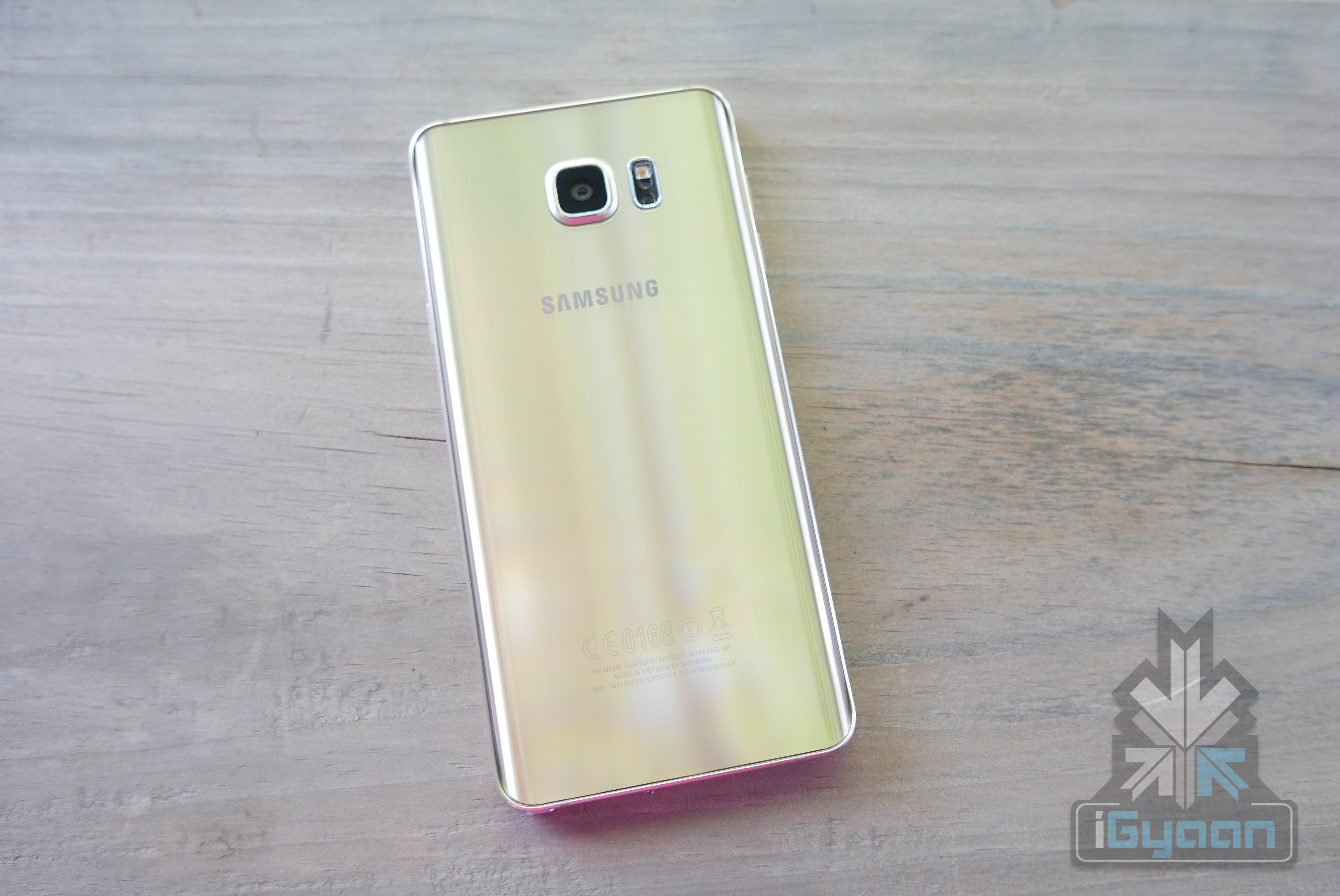
    Samsung wins this year for good looks, as the company has finally reached a point where its handsets are the most impressive looking mainstream Android devices in the market. The Note 5 is no less, although, personally, we feel the Galaxy S6 edge and edge+ remain at pole position when it comes to looks. The new Galaxy Note 5 comes in a close second, thanks to its extensive use of glass and metal. Gorilla Glass 4 on the back and the front, the rear glass tapers in to the edges, putting the edge display design on the back of the Note 5.

    Samsung Galaxy Note 5 28

    The new S-pen also has a new design and mechanism, however is riddled with major issues. The build is sold and feel of the handset exceptional, and even though the phone looks fragile it can take a whole lot of beating. The metal alloy frame is solid and protects the Note 5 well and adds to a major premium look and feel, that the predecessors were lacking.

    Samsung Galaxy Note 5 13

    Hardware

    Specification Samsung Galaxy Note 5
    Display 5.7 inches, Gorilla Glass 4 Super Amoled
    Resolution 1440 x 2560 pixels , 518 ppi
    Chipset Samsung Exynos 7420
    Processor Octa core (2.1GHz Quad + 1.5GHz Quad), 64 bit, 14 nm process
    GPU Mali-T760MP8
    RAM 4 GB LPDDR4 RAM
    Storage 32/64 GB
    Expandability N/A
    Rear Camera 16 MP, 5312 x 2988 pixels, optical image stabilization, autofocus
    Rear Camera Video 2160p@30fps, 1080p@60fps,
    Front Camera 5 MP
    Front Camera Video 1080p at 30fps
    Battery Non-removable Li-Po 3000 mAh battery
    Operating System Android OS, v5.1.1 (Lollipop)
    Connectivity SIM: Nano-SIM, Wi-Fi 802.11 a/b/g/n/ac, dual-band, Wi-Fi Direct, hotspot
    Bluetooth v4.2, A2DP, EDR, LE, GPS with A-GPS, GLONASS, Beidou, NFC
    Type-C reversible connector
    Miscellaneous Fingerprint sensor, S- PEN stylus
    Price Rs.53,900 for the 32GB variant; Rs 59,900 for the 64GB variant

    Samsung Galaxy Note 5 19

    Operating System

    The Samsung Galaxy Note 5 runs on what is possibly the best version of Samsung’s skin called “TouchWiz”. This version turns out to be the best so far simply because it is the least invasive. We saw the same OS on the S6 edge and edge+. The one on the Note 5 however, is optimized for the new S-Pen.

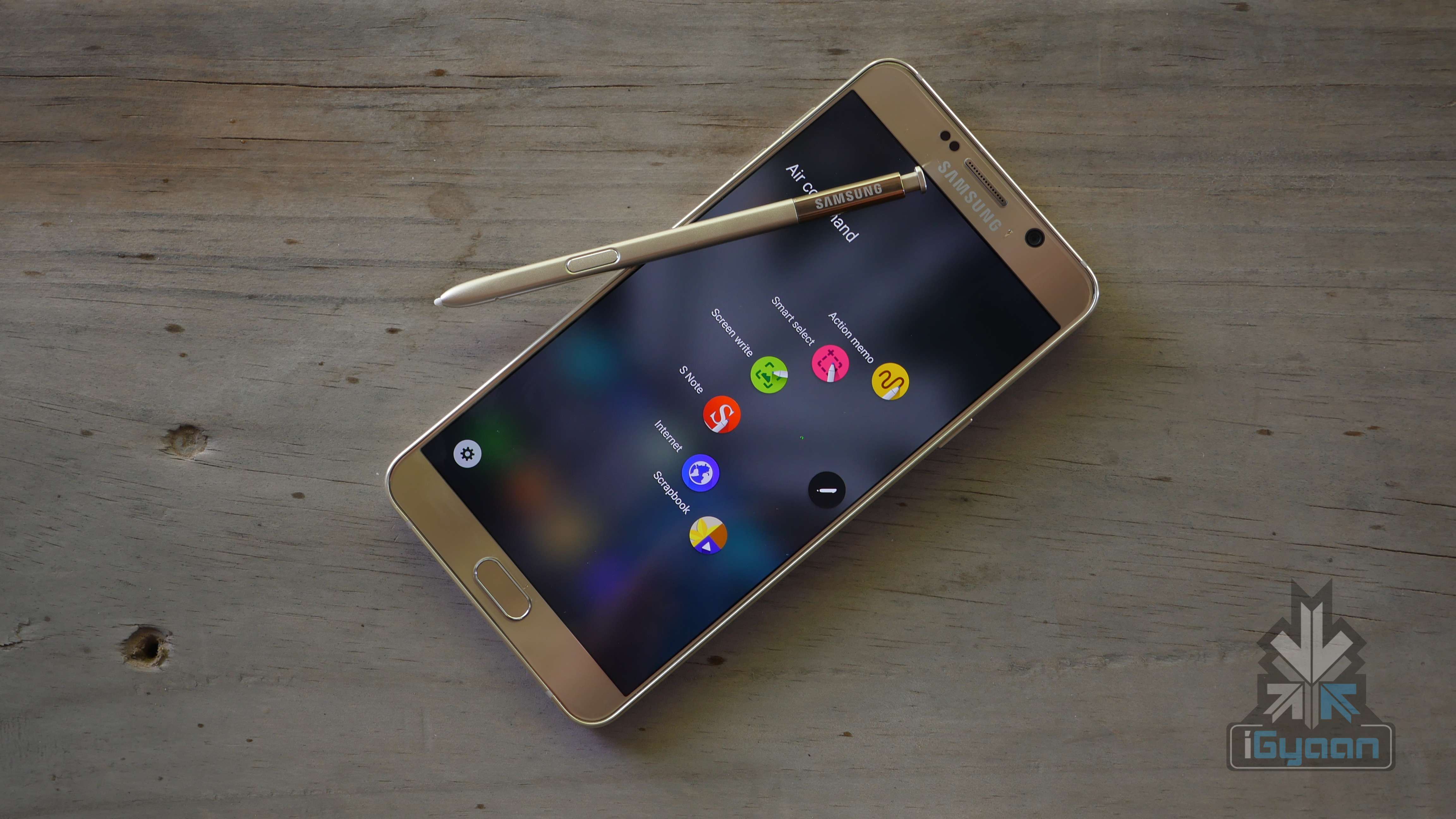
    Although most of the menus are familiar and seen before on Samsung devices, some S-Pen features are new. The ability to take a note while the screen is off is the best of the lot of new improvement. When the screen is off, simply pull out the S-Pen to enable this feature. The colours are inverted, the screen remains dark and the pen line is white.

    Other features include the Slick UI elements, use power buttons to increase or decrease screen font size. The S-Pen will give previews, just like before, and now the pop ups are super smooth.

    Display and Multimedia

    The new display is identical to the previous devices in terms of the resolution however the 5.7 inch size is larger than before and hence reduces the PPI to 518. The screen is bright, all 600 nits, and easily visible outdoors.

    Samsung Galaxy Note 5 17

    The new set of speakers and microphones make the audio experience really good, the inbuilt speaker is loud and crisp with good amounts of mid tones and whatever bass levels you can achieve from a downward facing speaker on a smartphone. The earphone jack boosts audio well and you well get a lot of volume through earphones, whether included or otherwise.

    Since the hardware is top notch, you can expect it to smoothly sail through any media you may throw at it, no lag whatsoever in playback.

    Samsung Galaxy Note 5 11

    Camera

    The camera is magic, is what we felt about the S6 and. the Note 5 is no less. In fact the Note 5 is no more either – the exact same camera, the exact same lens setup, the exact camera software and the exact capability as well. The f1.9 aperture lenses are wide and capture a lot of information in the 16MP and 5MP images on the back and front respectively.

    The camera app is impressive too and offers a lot of manual control, the pro mode rules in this department too. You can manually adjust any camera setting before you start to capture, or during your capture. Optical Image Stabalization (OIS) works well too and you will mostly get really good pictures or video. Unless you are trying really hard not to. The problem with the camera is, that it will get confused with colours in low light situations, over saturating the reds and browns.

    Samsung finally has a camera that puts the iPhone down, however Samsung is missing out on Apple’s image processing and colour algorithms, which unfortunately work better. Compared to previous gen iPhones, the Note 5 will also do 4k video and do it well. Video is smooth, crisp and looks fantastic.

    S Pen

    “Pen Gate”, something that haunts everyone at Samsung today. The S Pen  on the Note 5, when inserted the wrong way in, will not only get stuck inside the Note, but will also damage the sensing mechanism of the display. Basically rendering your phone into a regular non-Note Samsung device.

    Samsung Galaxy Note 5 16

    The only fix according to Samsung – “Don’t put it in backwards.” However, it’s not so simple. In a beautiful world people wouldn’t have cared, and 99.99% people won’t be stuffing their S-Pen backwards. But now that it’s a known phenomenon, chances of it happening are a lot more.

    Samsung Galaxy Note 5 17

    Samsung is not very friendly with repairs of such an accident and it might end up costing you several thousand to get the Note 5 fixed / replaced. Not a pretty sight.

    Samsung Galaxy Note 5 2

    The, new design of the pen however is sleek and much appreciated. The responsiveness of the new pen on the Note 5 is highly improved over the previous generation Style. The click out mechanism is slick and works well, the girth of the pen is still too low and will not replicate the experience of using a real pen. Even though from a software aspect the handset does do that.

    Phone and Battery Life

    The battery is large and you will easily get a full days worth of use. If you do not you can always charge it with a fast charger and get on with your life. Although 3000 mAh is enough, and lasts us a whole day it may vary for different usage case scenarios. Turning off things like “double click home to enable camera” will save your device from enabling the camera in the pocket and overheating to a toasty 60+ degrees. Pro Tip : Keep this feature off.

    Samsung Galaxy Note 5 9

    If you can manage to keep the phone from turning on in your pocket all the time, it works great and will last a long time. If you are using the camera, the phone will get hot but has no real adverse affects on the performance or the battery life of the handset.

    India, initially gets the single sim variant, which works across the spectrum for 4G LTE and 3G as well as 2G, so you have all networks covered. Signal strength is decent although indoors it appears to be weak. Honestly, we can’t tell if it’s a network issue or a device issue.

    Samsung Galaxy Note 5 15

    Audio quality in the phone call is mighty impressive, although the earpiece speaker gets a bit too bassy at times. You also have excellent noise cancellation built in and a extra volume more for those hard to hear conversations. “You What”?

    Additional Features and Roundup

    The new Galaxy Note 5 has all the Samsung tricks up its sleeve. Fast charging, Wireless Fast charging and an impressive and large battery too. You will also get Samsung Pay which is fantastic and works across the world with basically any existing magnetic stripe card reader.

    Samsung Galaxy Note 5 31

    The Note 4 came with an edge variant, and we are happy that Samsung didn’t pursue that dream on the Note 5. The Samsung Galaxy Note 5, is a beautiful looking, robust handset that can outperform almost everything in the category. Samsung has figured out the balance between beauty and brawn and made it work exceptionally well for the new Galaxy devices.

    Samsung Galaxy Note 5 21

    Putting the edge on the back of this massive device, gives a more reassuring hold to this otherwise slippery looking handset. The colors and materials give it the richness it needs and the hardware gives it the punch. Just do not put the S Pen in backwards and you are golden.

    It gets top marks, but for a top price, making the Galaxy Note 5 from Samsung the best business Android Phone in the market, and the only in its class.

    Samsung Galaxy Note 5 27

  • Video : OnePlus 2 Review – Get in Line

    Video : OnePlus 2 Review – Get in Line

    A good revision to the Oneplus One, But, Misses major features. With battery life issues and heating under the hood. Alternatives may be better.


    Specification OnePlus Two
    Display 5.5-inch TPS LCD in cell, Corning Gorilla Glass
    Resolution 1080 x 1920 pixels, 401 ppi
    Chipset Qualcomm MSM8994 Snapdragon 810 v2.1
    Processor Quad-core 1.5 GHz Cortex-A53 & Quad-core 2 GHz Cortex-A57
    GPU Adreno 430
    RAM 3/4 GB LPDDR4 RAM
    Storage 16/64 GB
    Expandability N/A
    Rear Camera 13 MP with OIS, 1.35 sensor size and fast laser focus and 2.0 aperture
    Rear Camera Video 2160p at 30fps, 2160p(DCI) at 24fps, 1080p at 60fps, 720p at 120fps, HDR, stereo sound recording
    Front Camera 5 MP
    Front Camera Video 1080p at 30fps
    Battery Non-removable Li-Po 3300 mAh battery
    Operating System Android 5.1 Lollipop-based Oxygen OS
    Connectivity SIM: Dual Wi-Fi 802.11 a/b/g/n/ac, Wi-Fi Direct, DLNA, hotspot
    Bluetooth v4.1, A2DPGPS with A-GPS, GLONASS
    Type-C reversible connector
    Miscellaneous Fingerprint sensor
    Price Rs 22,999 for the 16GB variant; Rs 24,999 for the 64GB variant
  • WorldPenScan X Review : A Pen with Super Powers

    WorldPenScan X Review : A Pen with Super Powers

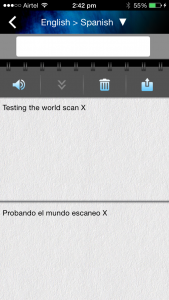
    With time, we have given super (read smart) powers to our phones, laptops, cars and even, washing machines. Next in line, is Super Stationary. It’s helpful, needed and makes us wonder why no one thought of it before. A product which comes under this category is the WorldPenScan X. Using this portable pen, you can scan sentences from a physical document and convert it into editable text. More so, it understands and translates over nine languages. The gadget is available for $149 (approx. Rs. 9723).
    It started off as a Kickstarter project, and 264 backers contributed $34,652 to get the project rolling. On paper, it sounds like an extremely useful device to have around. So, here we check out if the device is worth the hype.

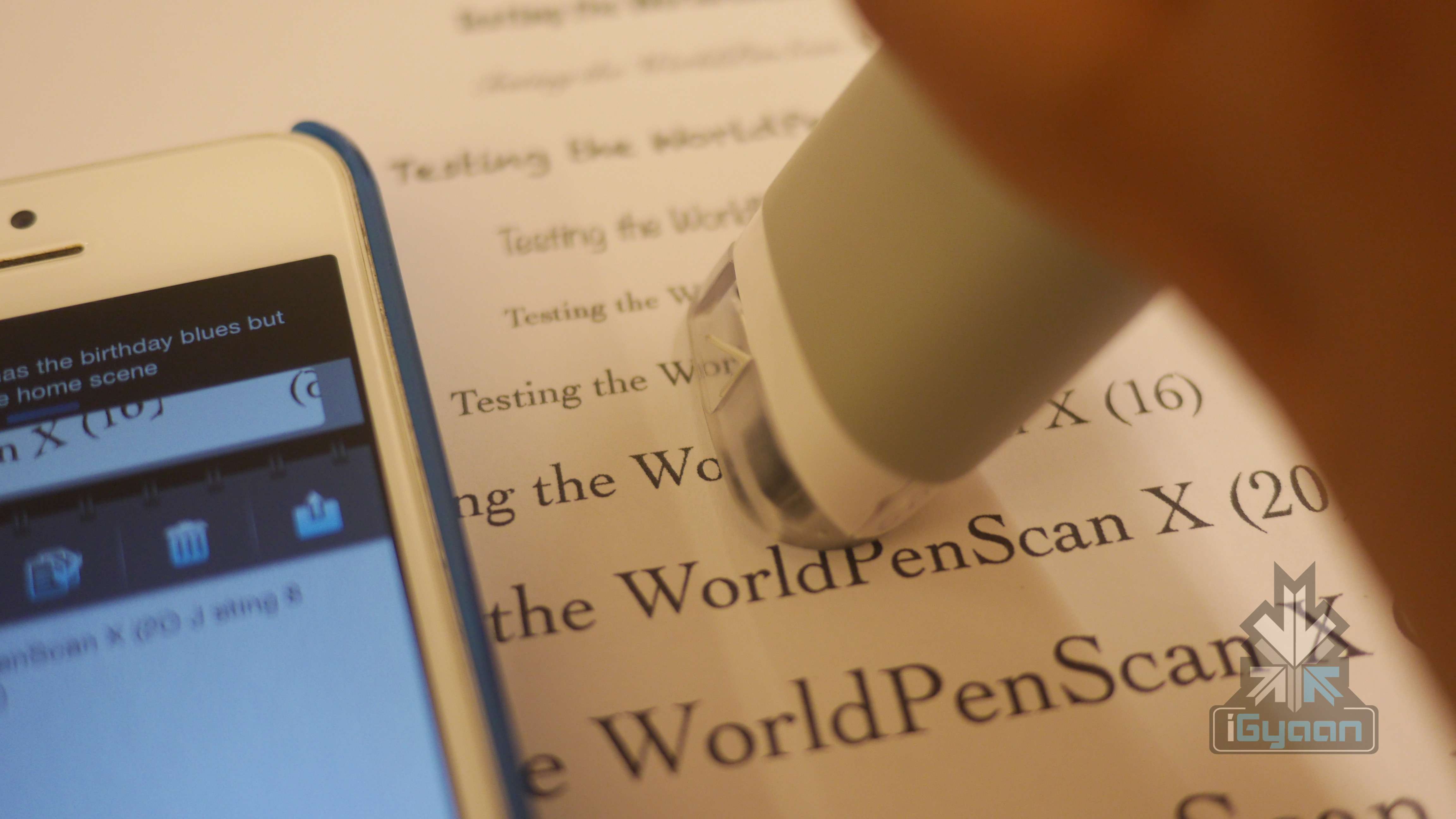
    world pen scan x 5

    Overview

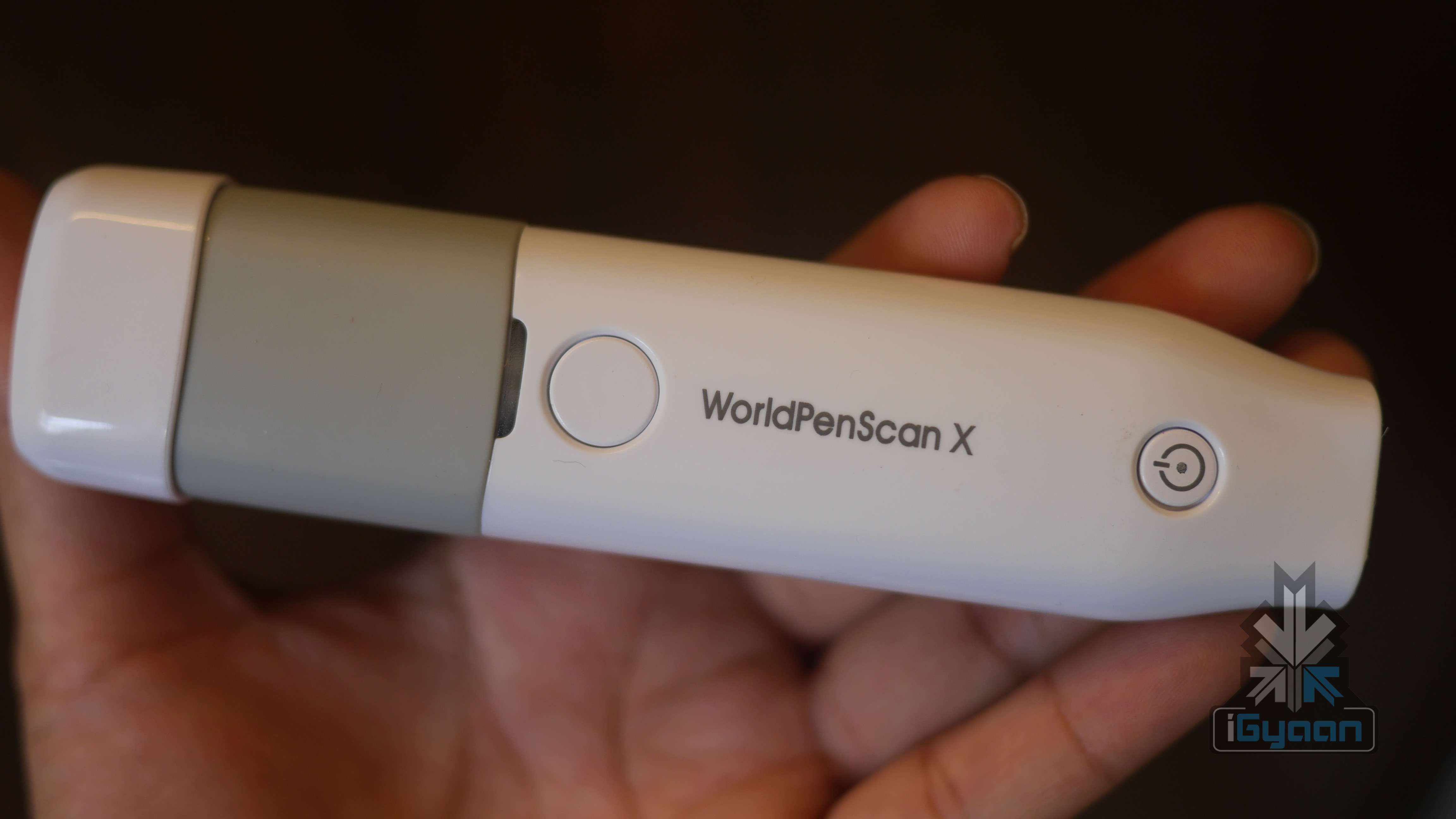
    Its basic function is to scan and transfer data onto any mobile device or PC. An added perk includes, translating sentences into multiple languages. The box includes, the pen, a much-needed user manual, a standard charging cord and documentation. Once you unbox the device, to get started you need to install an app onto your PC or your mobile device. Since we’re constantly on the go, we decided to pair the pen with the iPhone 5. We downloaded the app which accompanies the device called ‘WorldPenScan X’. This device can be paired with Android devices, Windows, as well as Mac. In the box, they’ve provided a CD with the needed software. If you don’t have a CD Drive on your laptop/PC, you can download the software from their website (click here.)

    Download the iOS app here and the Android app here.

    world pen scan x 13

    Build Quality and Design

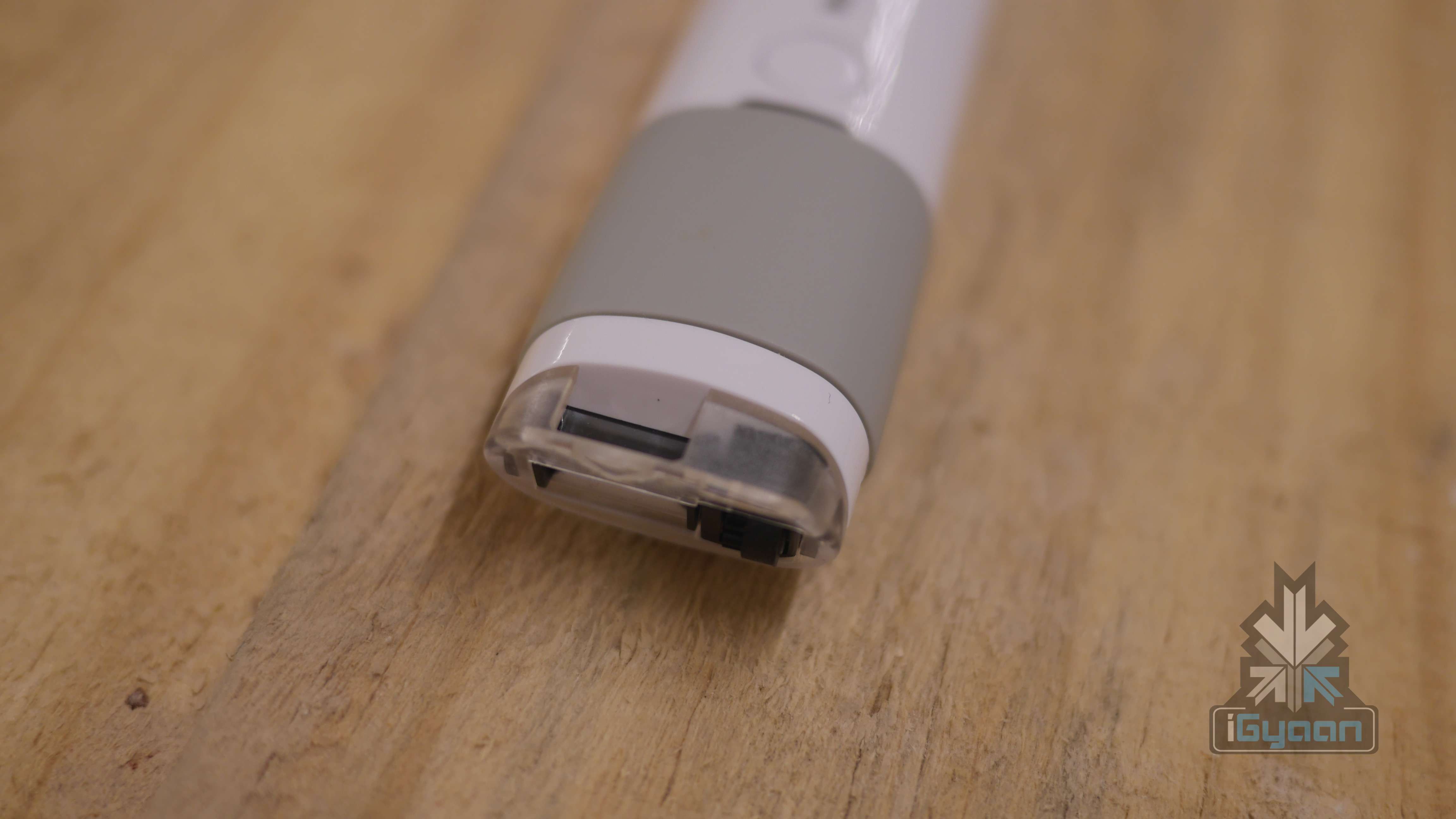
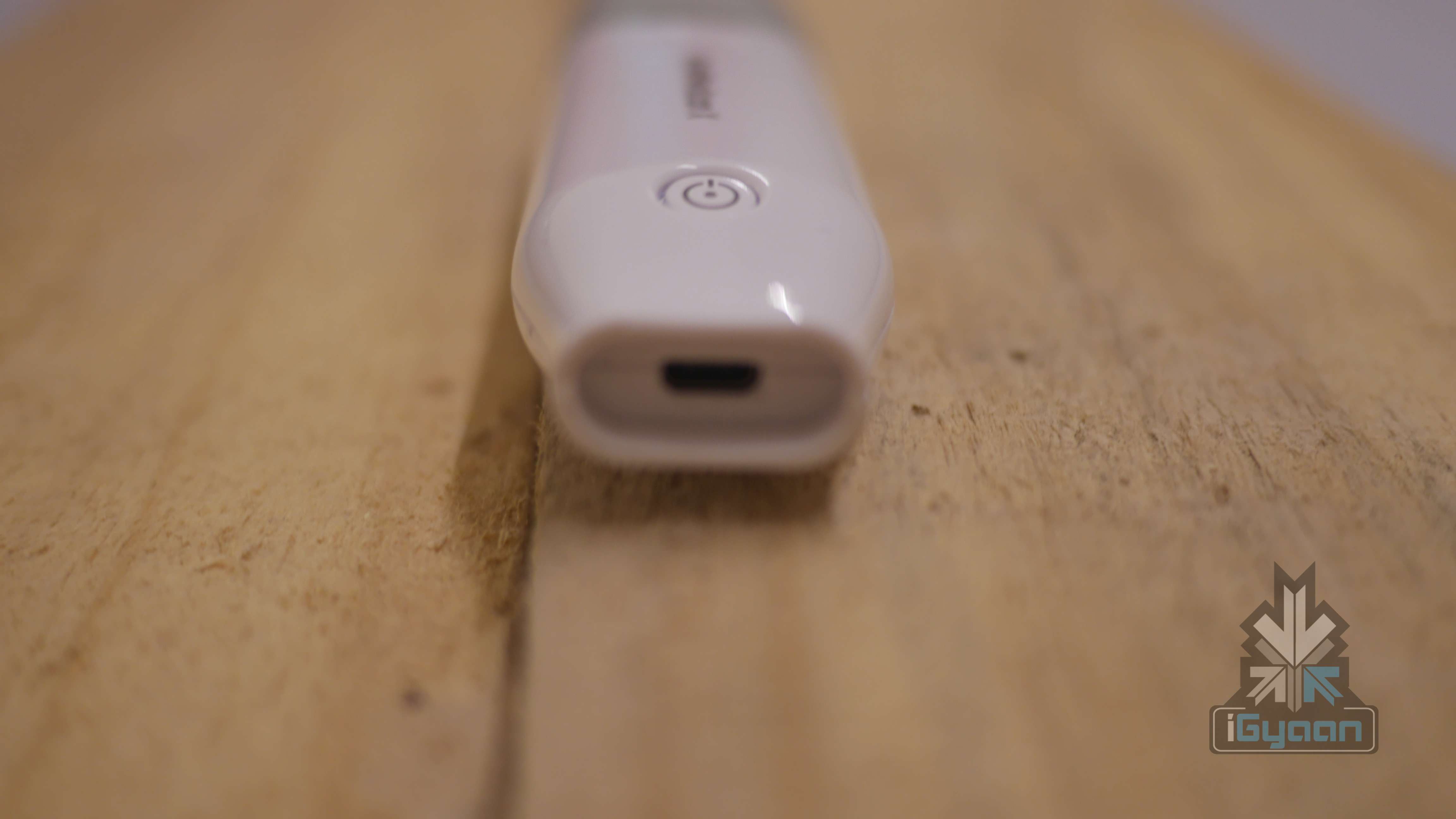
    The WorldPenScan X resembles old-school fluorescent-coloured highlighting pens, which were the reason our dreary school books were covered in multiple colours. It is slightly large, so tedious to hold over a period of time and has an outer covering of shiny, slippery plastic along with a plastic cap. To ensure that dust doesn’t settle within the scanner, we’d strongly recommend you hold on to the cap. To clean the scanning port, use a soft brush and wipe it clean frequently.world pen scan x 8

    The plastic is complemented with a rubberised panel on the device, which helps with the grip and ensures that it can be used for long hours.  Other than the slippery body, the build is solid and its size ensures that the device is handy. Thanks to the sturdy build, you’re okay with tossing it into your bag.

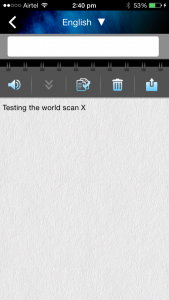
    Coming to the app, its interface is simple to understand and easy to use.  Pairing the device couldn’t have been simpler – all you need to do is turn on the Bluetooth of your phone and launch the app. At the same time, make sure that the Pen Scanner is turned on; and you’re good to go.

    Usage

    The device does require charging however it isn’t necessarily tedious. We charged it once fully, and it has been in use for a few days now. Once you have gotten past connecting your smartphone to the WorldPenScan X, using it on an everyday basis, is a breeze. After using it for a few weeks, here are some of the points we noted:

    1. It doesn’t have a LED indicator to indicate the usage or battery feature.
    2. Secondly, while it is an ingenious device, it is not so accurate. It has a tendency to pick up letters which weren’t in the document being scanned.
    3. You cannot be flippant while using the scanner, the words need to highlighted slowly and carefully.
    4. If the wheel isn’t properly pressed it fails to deliver accurate results.
    5. One of the major disappointments would be that it cannot read someone’s handwriting. No matter how neatly you try and write (we tried.)
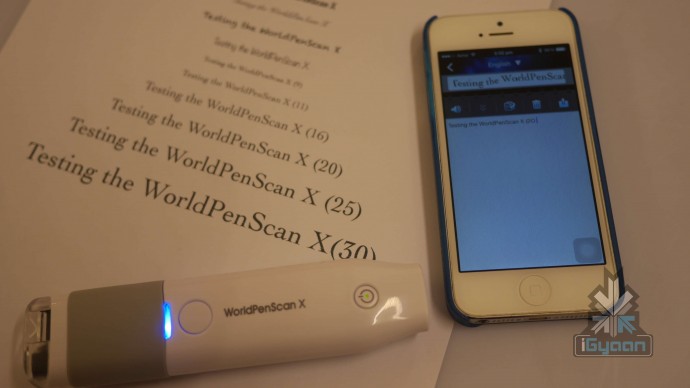
    6. Lastly, the scanning side of the device has an extremely helpful arrow which gives a clear idea of where you should be pointing the pen scanner at.

    A major plus – the device automatically switches off when it detects it is not in use. This, we suspect, is the reason for its long battery life. However, you can’t charge it and use it at the same time.

    We do wish that they had added a bigger head, since the device fails to read fonts bigger than a certain size. We tested multiple font sizes, anything above the standard 25pt, the pen has trouble reading.

    world pen scan x 3

    Conclusion

    While it has small issues that it needs to overcome, it serves the purpose. It manages to convert printed documents into editable text, which is quite a feat. If even a small part of your everyday work life revolves around copying text from a document, we’d strongly recommend you invest in the WorldPenScan X. Even though the device itself needs certain refinements, it’s a step in the right direcion. We’d recommend every office to have it’s own World Scan X. Like we said, it is the Stationary from the future.
    Click here to buy now.

  • Moto G (3rd gen) Review – 2015

    Moto G (3rd gen) Review – 2015

    The new Moto G for 2015 is the hero for Motorola. With a whole spew of upgrades, the new Moto G is ready to take on the market. With little change in design and price, the customer is left asking for a lot more.

    Overview

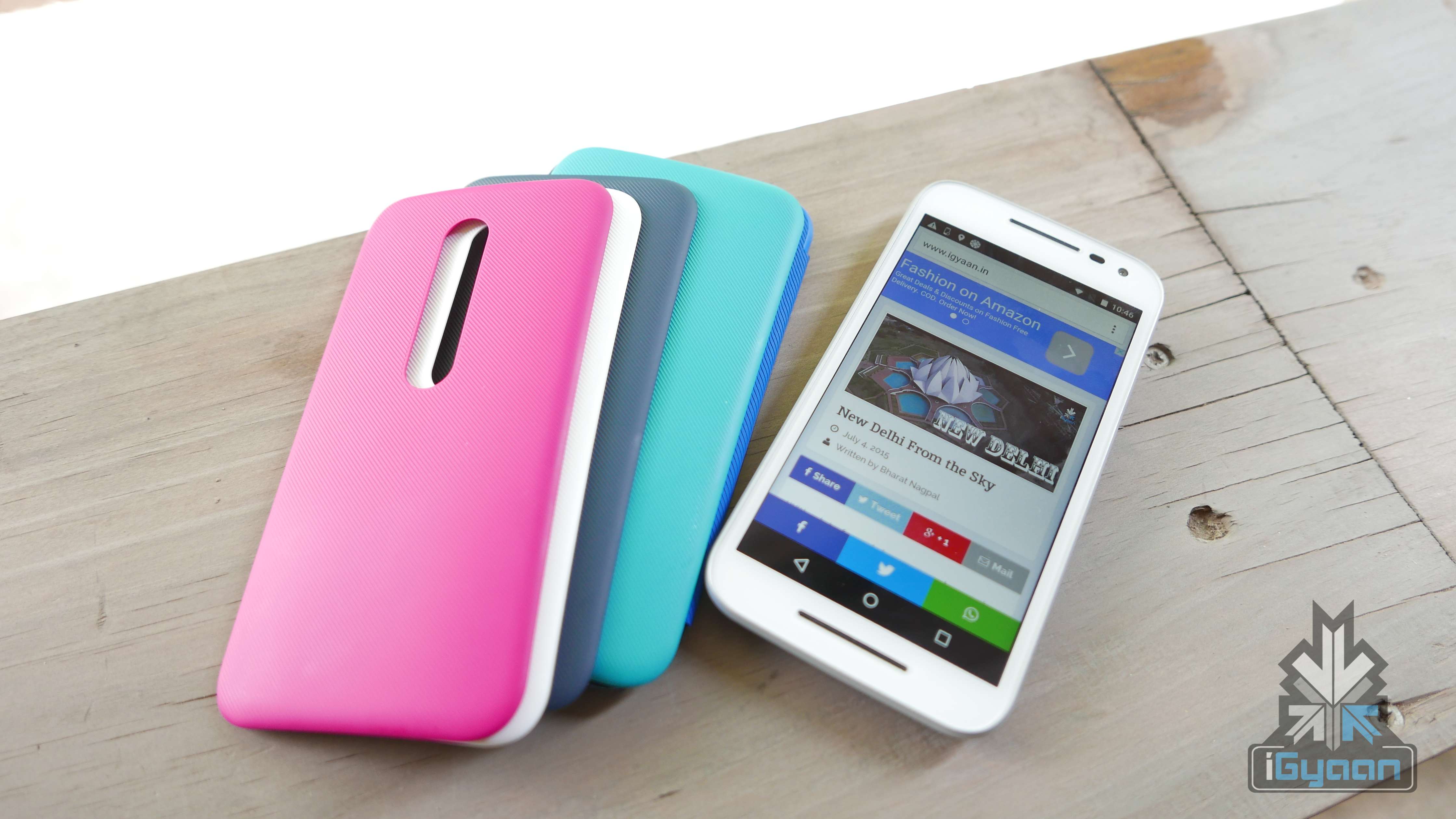
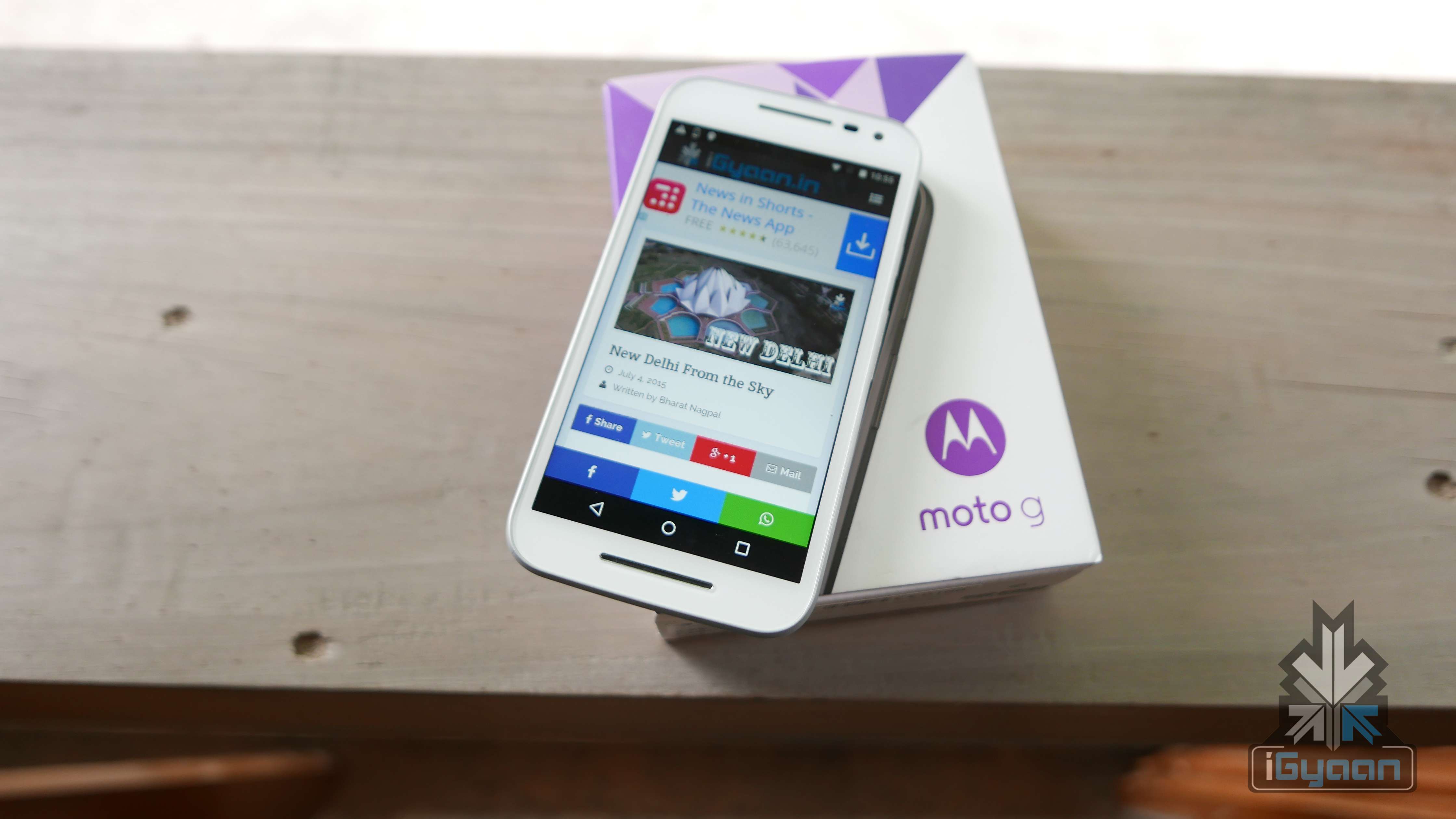
    The new Moto G is available in two variants; a cheaper one priced at Rs. 11,999 comes with 8GB storage and 1 GB of RAM, whereas, a slightly expensive one at Rs 12,999 comes with 16 GB of storage and 2 GB of RAM. You also have a whole variety of covers that you can buy and swap with your current cover.

    Moto G Gen 3 2

    Build Quality and Design

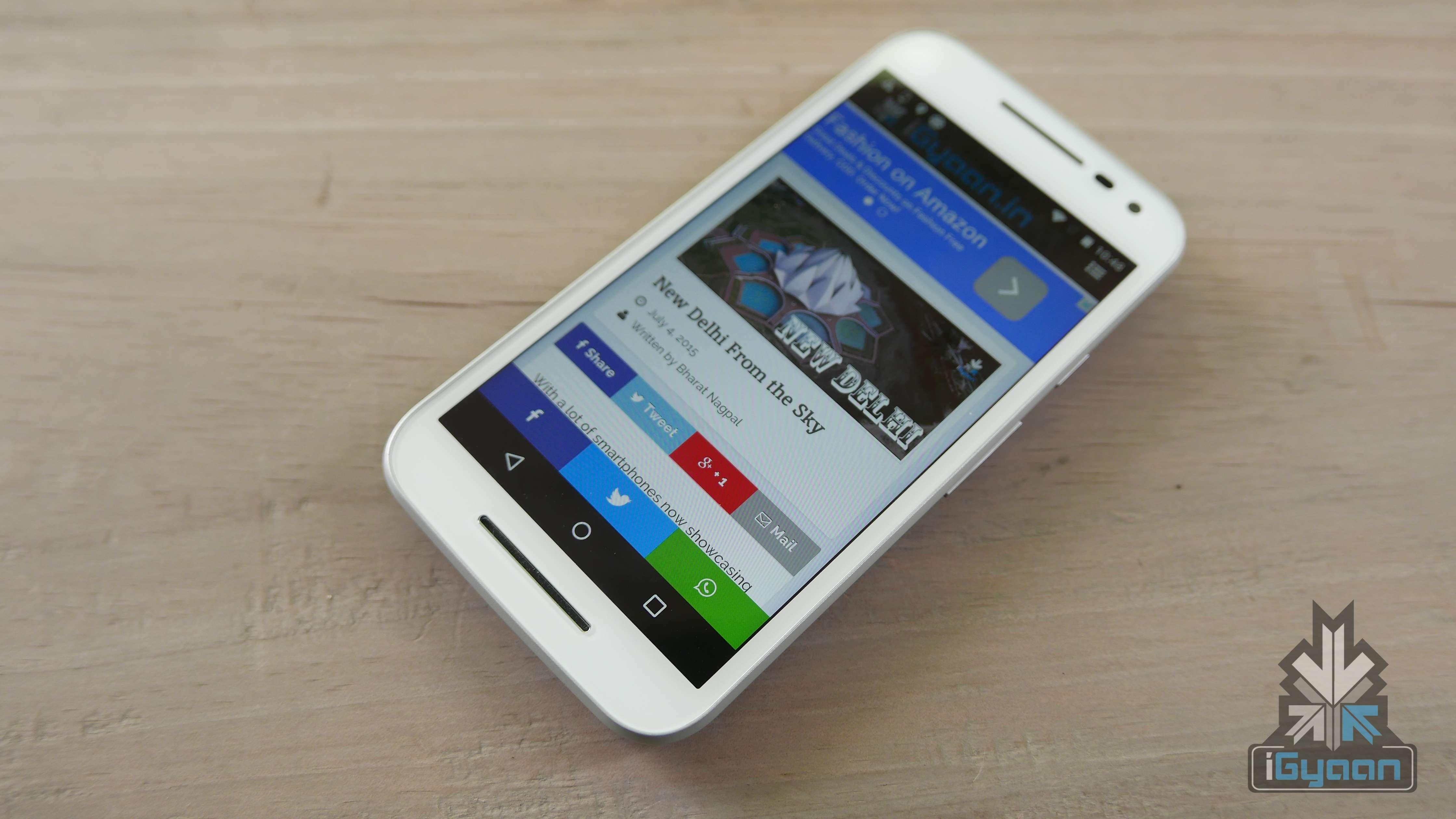
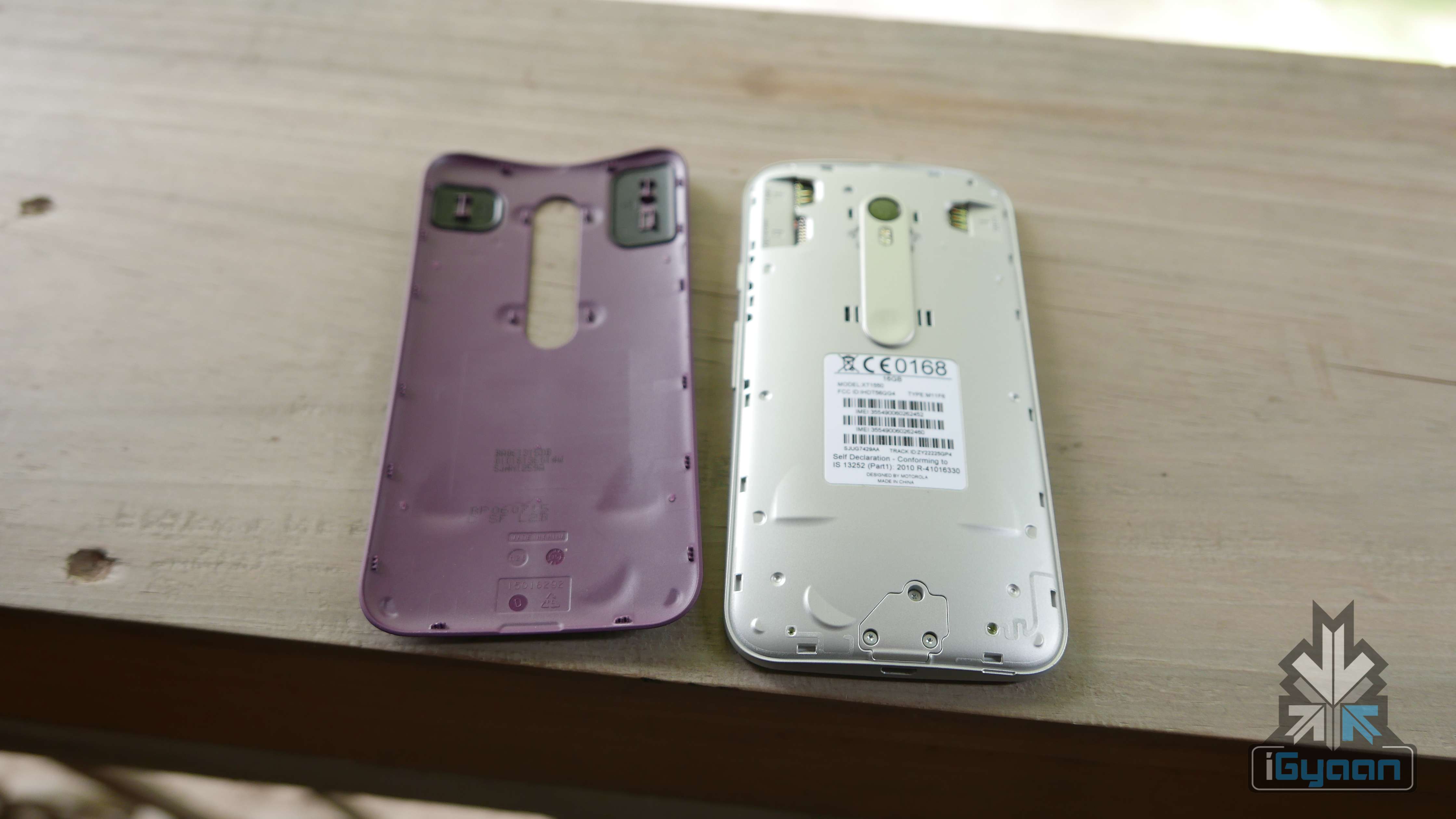
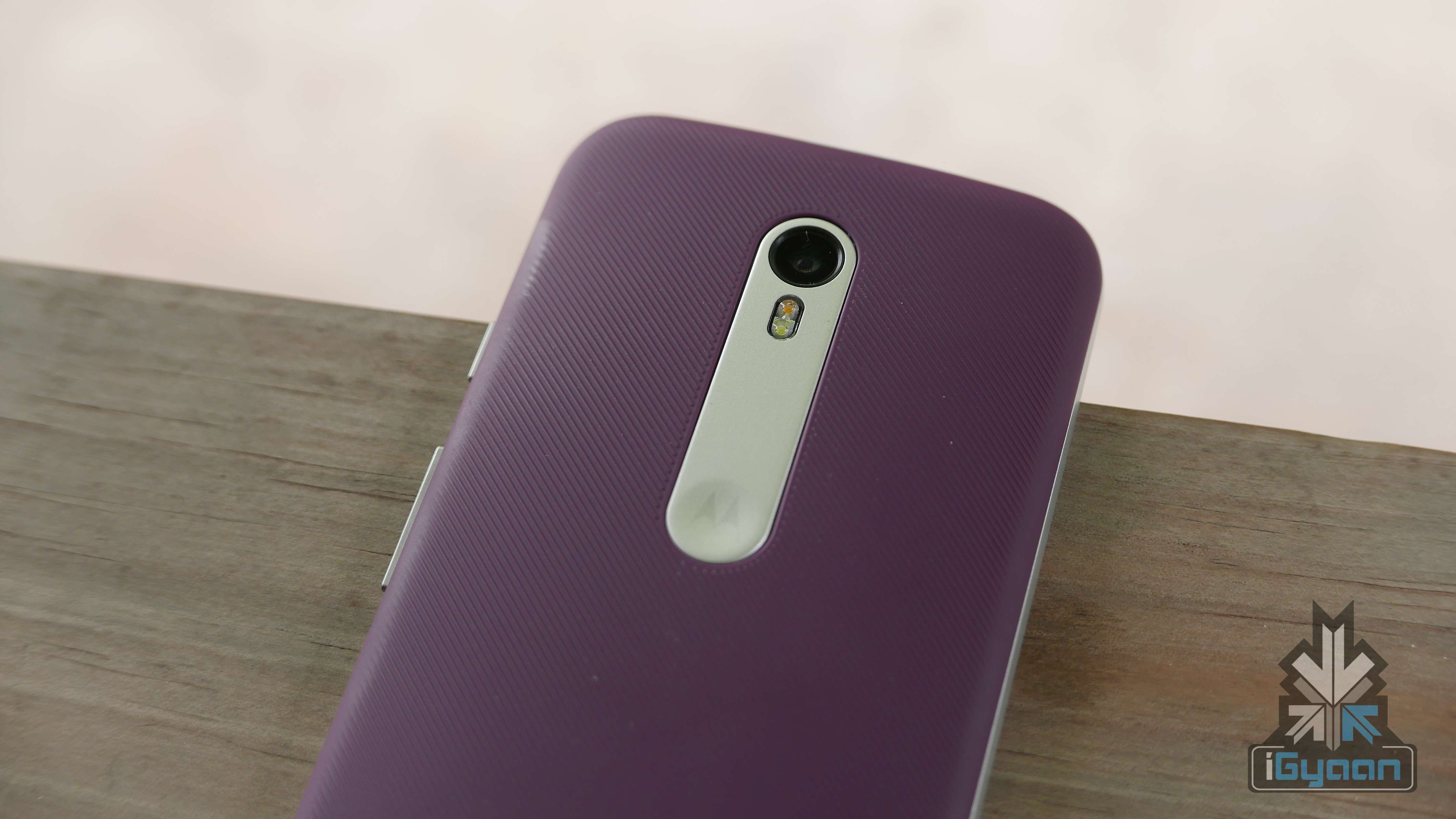
    Design wise you have a whole lot of differences starting with the back of the new Moto G, all the way to the front. It’s more rounded and has silver accents, which add to the premium look and feel of the device. The long cut in the back panel houses the camera equipment and the panel has a new reassuring texture.

    Build is superior when compared to the last gen of the Moto G. With the IPX7 rating, the new Moto G can also withstand 3 ft (1 M) of water immersion. This makes the phone one of kind in this price bracket  and also the second device only after the Apple Watch to have this rating.

    Moto G Gen 3 18

    The plastic shells are high quality and swappable, which mean you can easily replace the back if damaged. The new Moto G also has Gorilla glass and a new solid structured frame that makes it a big winner in the build department.

    Moto G Gen 3 23

    Hardware

    No hardware does not get a big boost, but you do get an improved camera, a slightly faster and more stable chipset and that is just about it. USB On the go is easily available, you also have micro SD card slots for expandability and two hardware options; 1 GB RAM + 8 GB Storage or 2 GB RAM + 16 GB Storage both of which support expandability and are separated only by a Rs. 1000 price difference.

    Specifications

    Moto G (Gen 3)

    Display 5 inches, Corning Gorilla Glass 3
    Resolution HD, 1280×720 pixels
    Chipset Qualcomm MSM8916 Snapdragon 410
    Processor 1.4 Ghz Quad Core
    GPU Adreno 306
    RAM 1GB/2GB
    Storage 8GB/16GB
    Expandable Upto 32 GB
    Rear Camera 13MP
    Front Camera 5MP
    Video 1080p HD video, 30 fps
    Battery 2470 mAh
    Operating System Android 5.1.1 Lollipop
    Connectivity Bluetooth v4.0, A2DP, Wi-Fi 802.11 b/g/n, GPS, AGPS, GLONASS
    GSM 850 / 900 / 1800 / 1900
    HSDPA 850 / 900 / 1900 / 2100
    LTE band 1(2100), 3(1800), 7(2600), 20(800)
    Price  Rs. 11,999 for 8 GB and Rs. 12,999 for 16 GB

    Performance

    The Moto G Gen 3 is more of a balanced smartphone. You won’t get a performance monster and you shouldn’t expect it to be one especially with the specifications it is packing. The 2 GB version, only slightly more expensive performs far better than the 1 GB variant. It will also bump up the onboard storage to 16 GB which would only make sense.

    The User interface is fast and smooth and the stock Android helps with that to a big extent. The GPU handles multitasking and gaming with ease, although some applications tend to lag with the 1 GB variant. The 2 GB will work well for day to day usage and also with gaming.

    Games work well with the 2 GB variant, as mentioned earlier. If you choose to run your games (like Asphalt 8) with higher graphics you will face some lag, mainly due to the limitations of graphics processing.

    Camera and Multimedia

    The 13 MP main camera is a big improvement, mix it up with the Android 5.1 camera capabilities and you get a great camera experience. Manually set up focus and exposure before you click the picture. The camera focuses quickly so you can go up close with your subjects and get a good depth of field. Images tend to be sharp and autofocus is snappy. Its a pity that the Moto G misses a proper oleophobic display, which would allow you to use the phone under water. No, you don’t have an underwater camera with the new Moto G.

    Moto G Gen 3 15

    No image stabalization also means that shaky hands need to beware of the induced camera shake. Video stays at 1080p and you also get some high speed capture at 720p reducing speeds to half, if needed.

    The speaker is forward facing and has good audio. Despite the dual grills there is only a mono speaker. We would have liked a louder speaker, or at least a stereo speaker combo. The forward facing speaker makes the audio experience while watching video or playing games, improved.

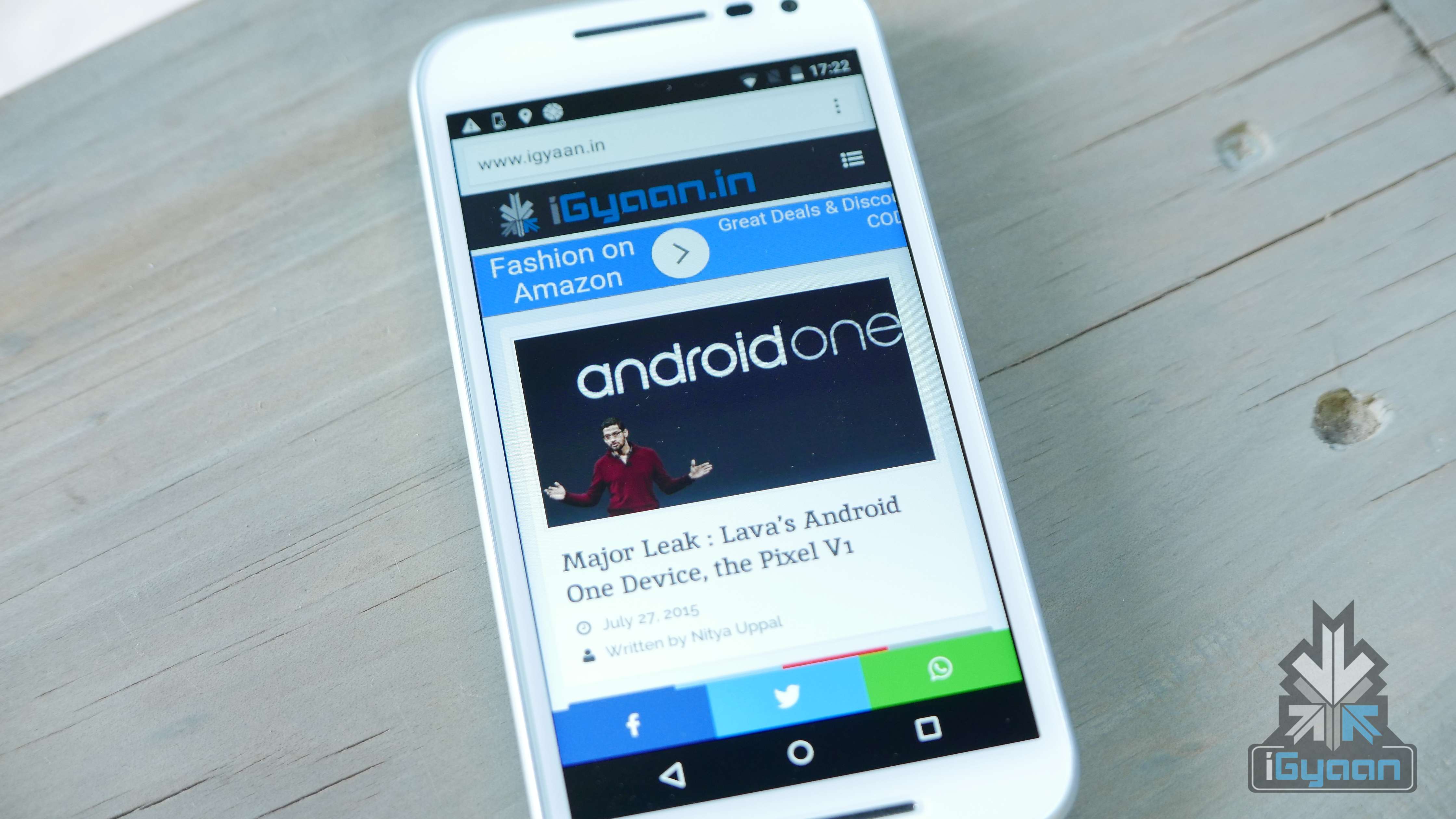
    The display is still a 1280 x 720p panel but is extremely vivid and bright. Outdoor visibility could have been better, but is very usable. The display has good viewing angles and the colours pop, so you won’t find us complaining. We did want a 1080p display and since most of the competition does offer up a 1080p display in this segment, it became a let down for us.

    Phone Networks and Battery

    With the inclusion of 4G networks, the Moto G adds the list of network ready phones. A major deal of Androids will join this list by the end of the year as most network players will offer 4G services.

    The network performance is good and the audio quality is excellent. The connection strength is a big improvement over the last gen. phone. With the IPX7 rating, the one thing we really wanted to check was underwater calling capability. The phone does ring, but making a call is practically impossible as the display goes crazy with electric conduction the minute you unlock the screen, so your phone will randomly jump from app to app. We don’t really want to be making calls underwater, but hey, it could come in handy.

    Moto G Gen 3 6

    We are getting mixed reports about the battery life, some users are complaining of battery drain and others of overheating issues. However, we faced no such issues, and the phone gave us 1+ day of average use. We are expecting 4-5 hours of talk time mixed with varied use. Charge the Moto G once a day and you are good to go.

    • Talk Time 4G : 4.5 Hours
    • Internet : 7-8 hours of surfing
    • Music : 11 hours
    • Video : 5 hours

    Conclusion

    The Moto G (3rd Gen) is a smart upgrade from a good company. They did miss out on a few key things, a better display and a better chipset would make this the best phone for the price. However, it is a smart choice. It has the trust of a motorola handset, and the added legacy of great phones like the Moto Defy. Also the IPX7 rating, makes it the only phone in this class, with any such rating. It will be useful for those who need it.

    Moto G Gen 3 1Lastly, the swappable colour covers make sense and add personal style. Availability is easy, no flash sales and no invites. Smartphones need to be easy to buy and readily available in 2015, and the new Moto G ticks all the boxes of being a well rounded phone.

    [tw-button size=”medium” background=”#07ABE2″ color=”” target=”_blank” link=”http://www.flipkart.com/moto-g-3rd-generation/p/itme9ysjfazgqyqz?pid=MOBE6KK9HGWQ6ZAZ&affid=bhnagpalgm”]Buy Now [/tw-button]

  • Power Banks Reviewed : OnePlus vs Xiaomi vs Asus

    Power Banks Reviewed : OnePlus vs Xiaomi vs Asus

    We have smartphones that can achieve anything on the go. They’ve freed us from the need to carry around a map, dictionary, camera and basically a full-blown PC. But the thing that has continued to haunt these devices is their battery handicap.

    As soon as the battery sign hits the dreaded red colour, its time to cut all operations. And sadly, for most of us this happens midway, through the day. The only upside to this miserable tale is that it has given birth to a whole new industry. Meet the power banks. Nearly all major companies have launched their own portable packs that help our smartphones survive a whole day and more.

    Overview

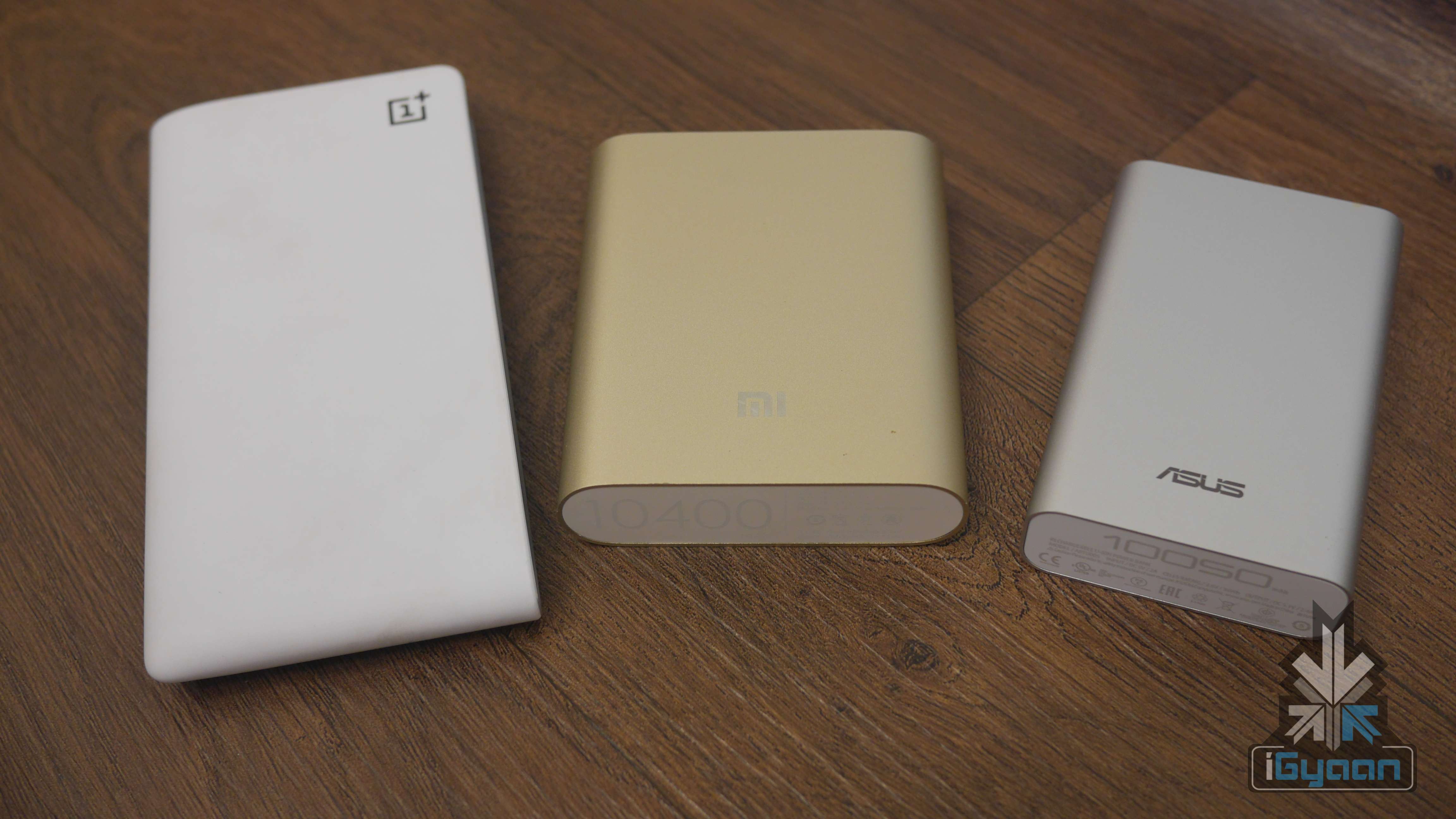
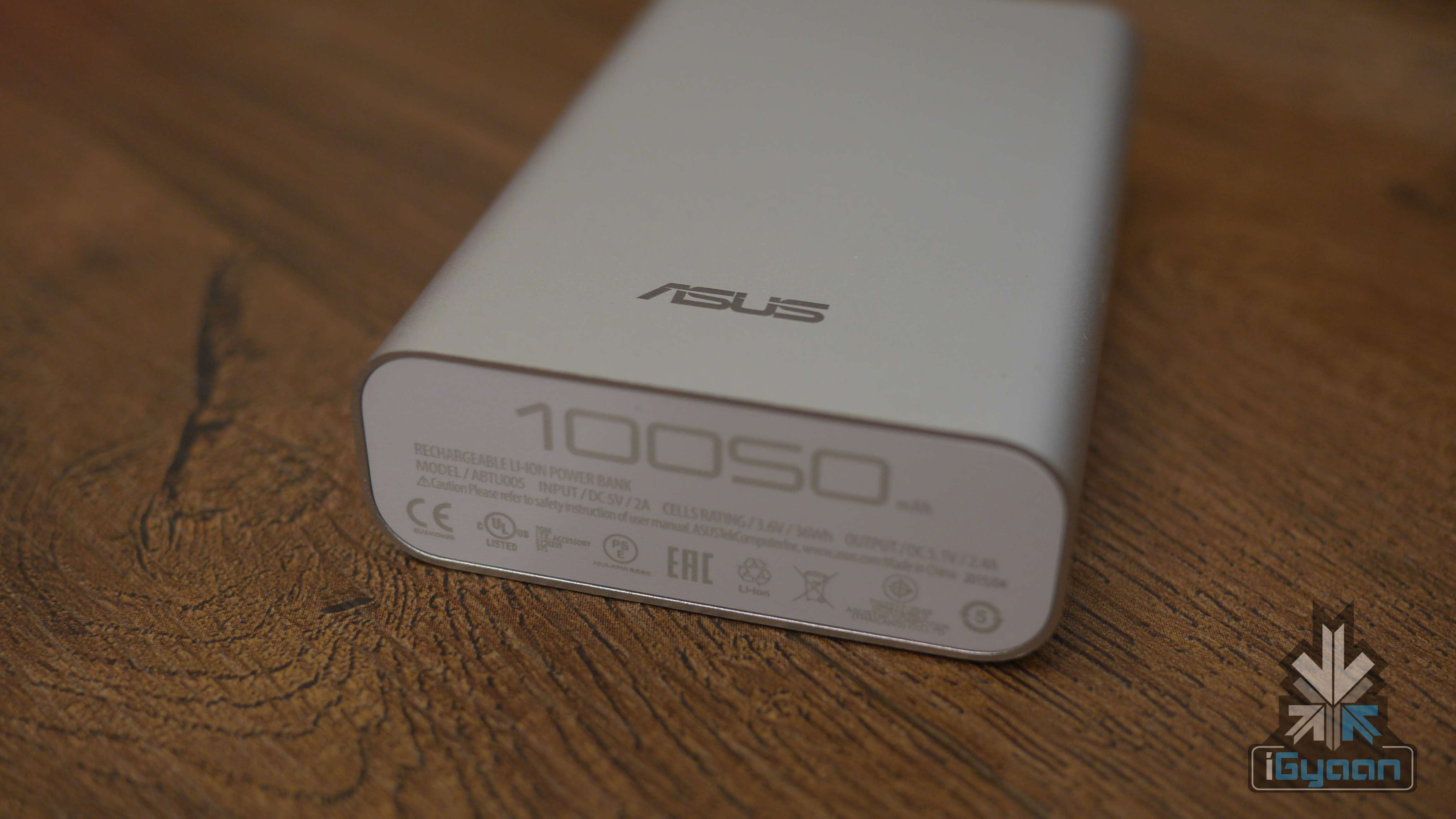
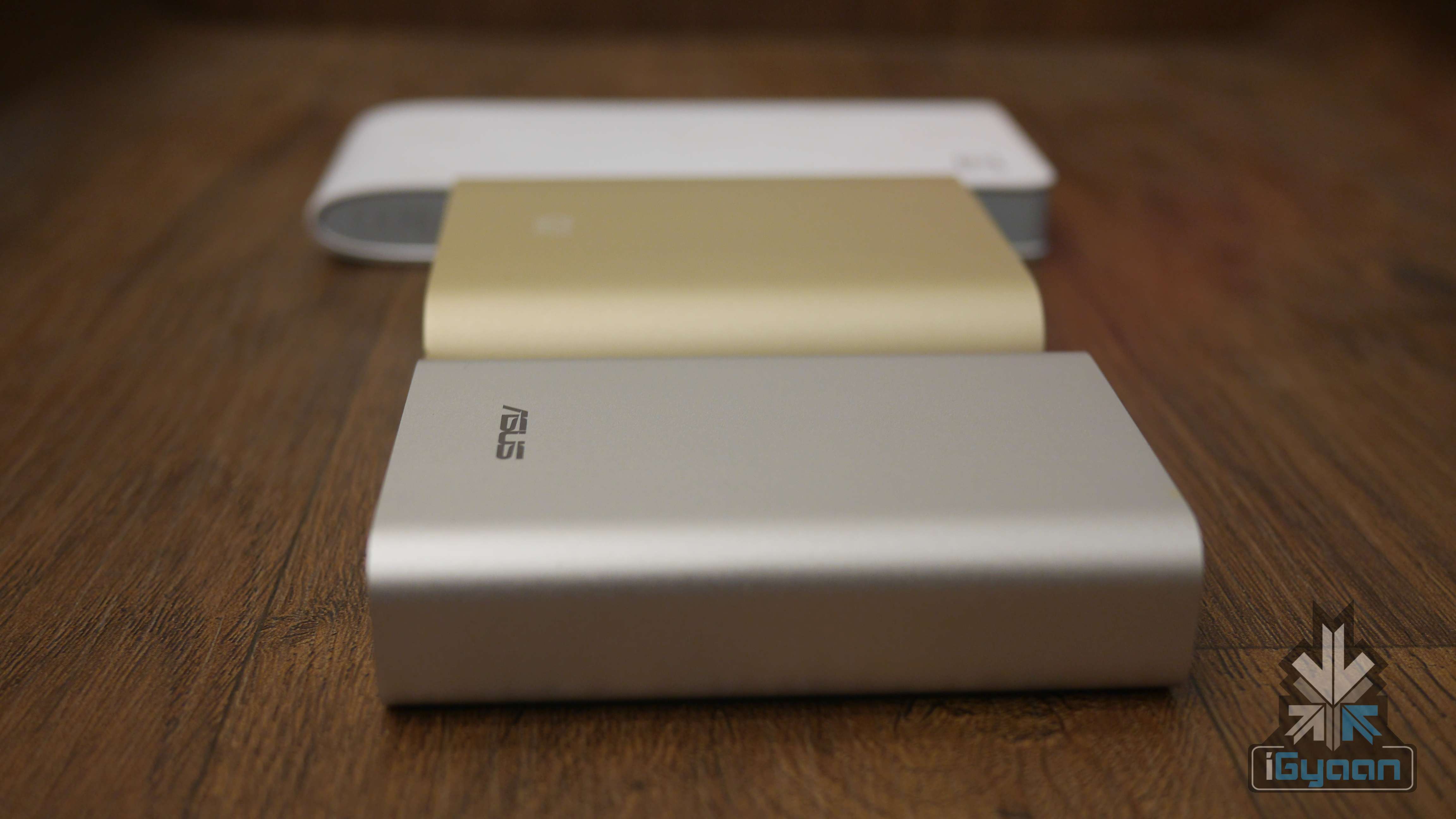
    To help you decide which one to pick up, we’re testing the three power banks in the market that are a mix of affordable pricing and consistent performance. The oldest one around, Xiaomi Mi Powerbank is priced at Rs. 999, weighs 250g and provides 10,400mAh of battery. Next in line is the Asus ZenPower which is available for Rs. 1,599, weighs 215g and provides 10,050mAh of power. The fairly recent arrival in India is the OnePlus powerbank which is priced at Rs. 1,399, weighs 222g and comes with 10,000mAh of power.

    We pit them against each other in terms of design, size, durability and most importantly, power.

    Xiaomi Mi Powerbank

    Xiaomi Asus OnePlus power bank 7

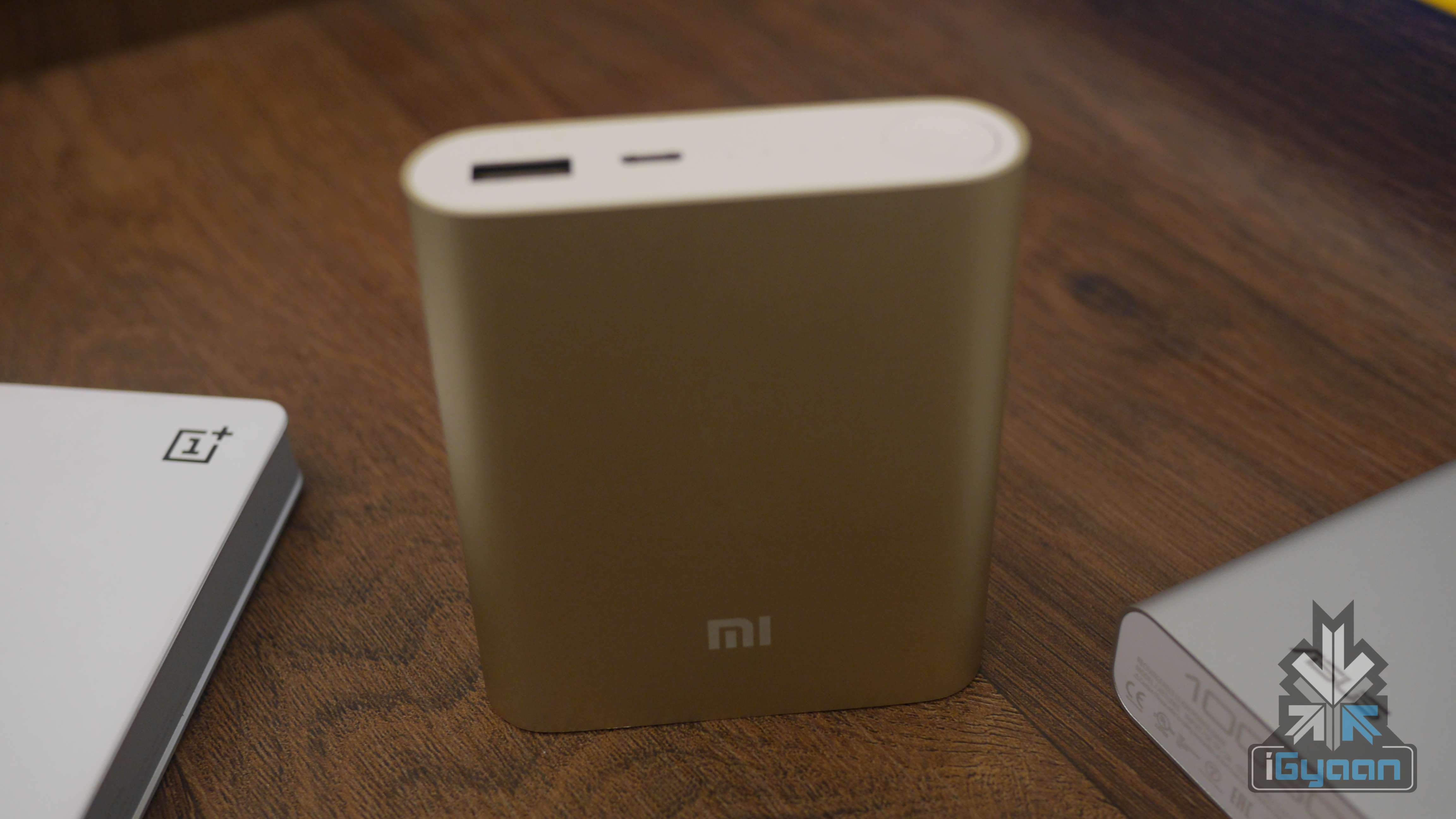
    Starting off with the oldest, we tested out the 10,400mAh version for you, though it is available in 5,000 mAh and 16,000 variants as well. When it comes to design, the Mi power bank has a textured anodized aluminum casing that covers the entire battery and has a smooth metallic finish. As with some of the other Xiaomi products, this one also looks like it has followed Apple’s strict visual guidelines.

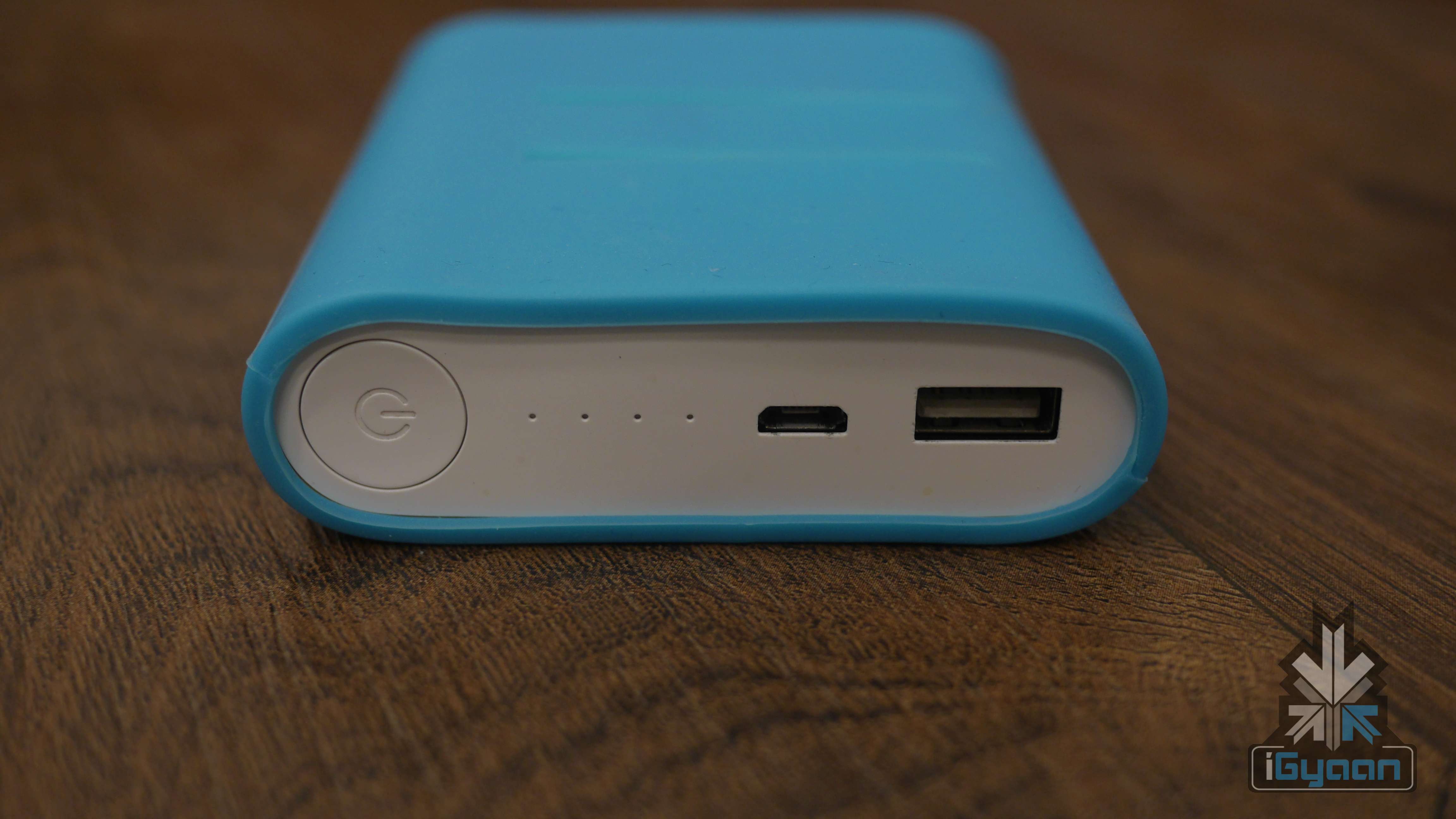
    The credit card-sized devise easily fits in your hand (and your pocket). It is claimed to be water and corrosion resistant. The surface is a bit slippery but that can be easily addressed by using the rubber case provided with it. The LED indicators for battery level especially stand out against the unadorned surface. Though it’s slightly on the heavy side, about 250 grams, but it’s the one which comes with maximum capacity. This factor alone will keep the user from complaining about the extra weight.

    Xiaomi Asus OnePlus power bank 4

    The Mi Powerbank turns on automatically when a device is plugged in for charging. To check how much battery is left on the device, all you need to do is press the power button once and the LED indicator displays how much battery remains.

    According to our performance tests the battery pack took over 5.5 hrs to charge with 5V/2A plug and standard cable, meanwhile it took 12 hrs with 5V/1A plug and standard cable.  Once it was fully charged, it was capable of charging the iPhone 6 Plus (2915mAh battery) three times.

    OnePlus Power Bank

    Xiaomi Asus OnePlus power bank 0

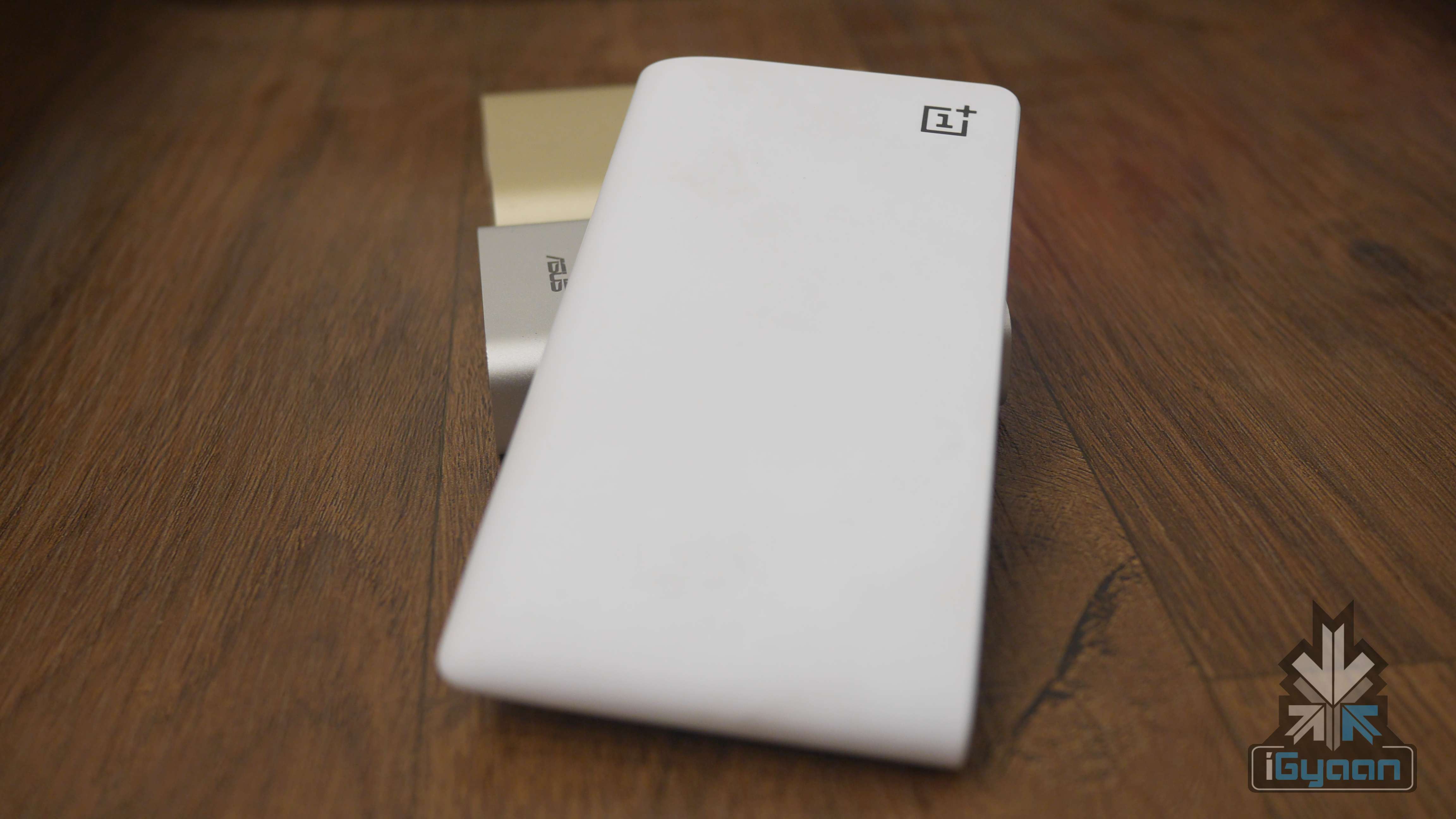
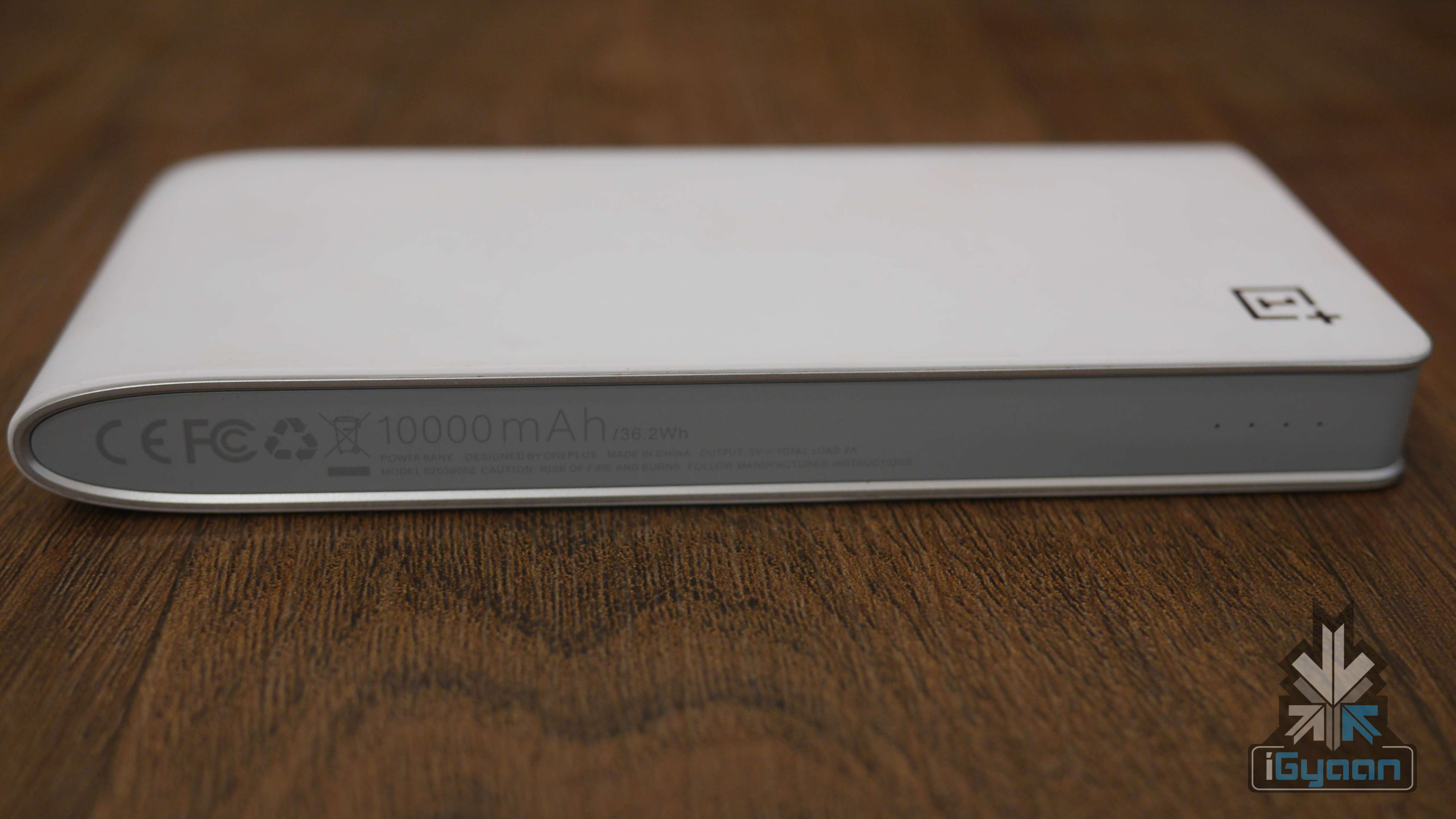
    The OnePlus Power Bank is available in both Sandstone Black and Silk White with a capacity of 10,000mAh. The company claims that it easily slips into your pocket and can fully charge your OnePlus, thrice. The major advantage of this one over the others is the fact that it comes with two USB ports so that you can charge two devices at once. Unfortunately, the device cannot be charged and plugged into another device at the same time; the two actions need to be done separately.

    Xiaomi Asus OnePlus power bank 9

    Design-wise, we checked out the white model and it looks extremely stylish. It resembles a small notebook, and the matte white casing feels good to touch. The fact that it is slimmer than the rest on this list may be appreciated by some but it’s too large to comfortably carry around in your pocket. Since portability is the biggest criterion when picking up a power pack, this point is important to note. This powerbank is wide and tall, so if you’re used to lugging around a backpack or bag then this shouldn’t affect your decision to purchase the OnePlus powerbank. The simplistic design skips out on the power button, however the LED battery indicators can be lit up by shaking the power bank.

    According to our performance tests, the device takes 6 hours to charge fully with a 5V/2A plug and a standard cable, meanwhile it took 13 hrs with a 5V/1A plug and a standard cable. After which, it is capable of charging the iPhone 6 Plus (2915mAh battery) thrice.

    Asus ZenPower

    Xiaomi Asus OnePlus power bank 10

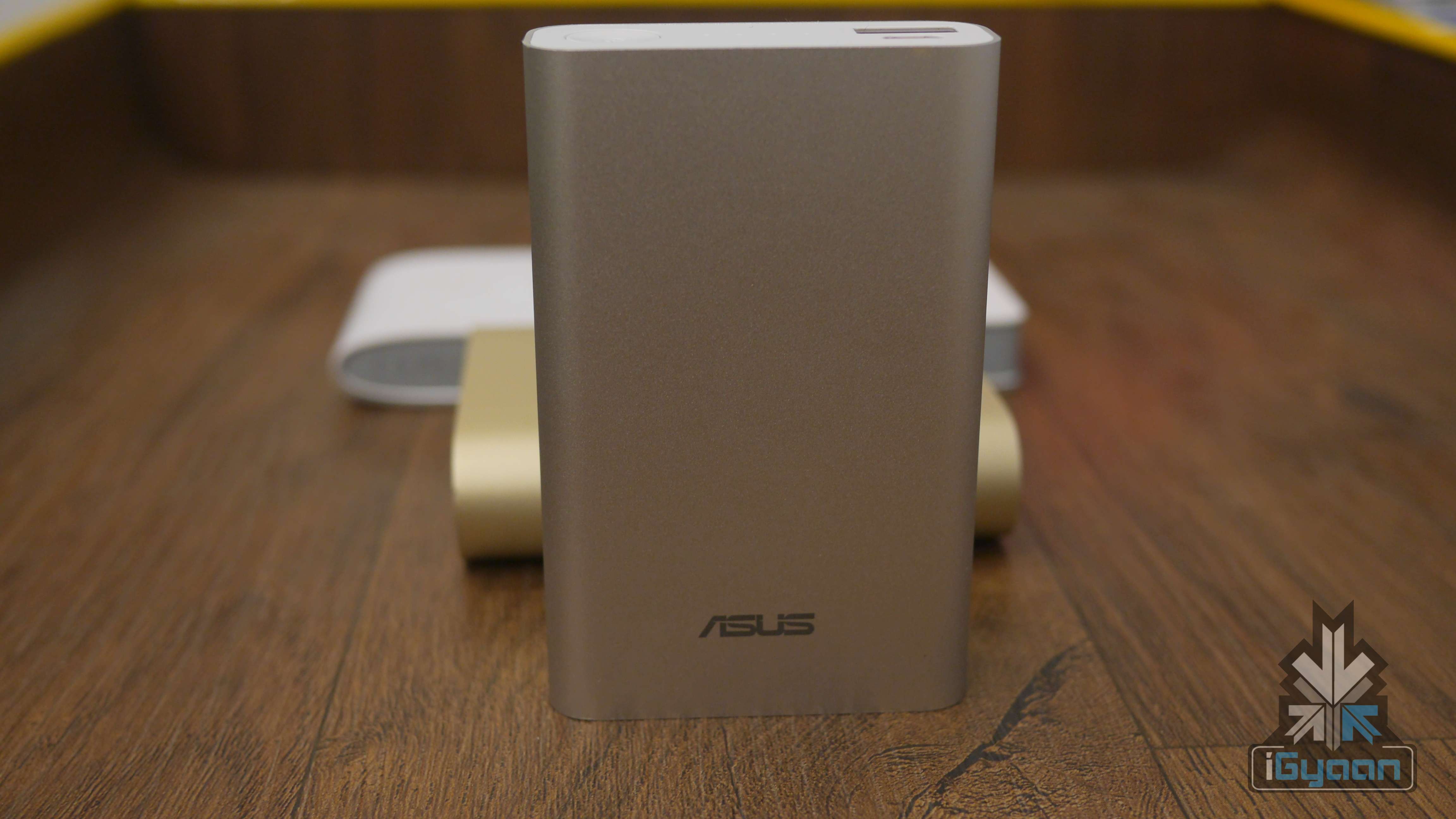
    Design-wise, read the Xiaomi section, because the two are nearly identical. The only exception being that the Asus ZenPower is smaller and lighter. It features the same aluminium finish, rounded corners and hosts only one device at a time. It comes with LED indicators and a power switch, which function in the same fashion as the Xiaomi power bank. It is accompanied by a rubberised cover, which helps protect the device against scratches. Asus gets another brownie point for launching the powerbank in multiple colours – the black colour variant looks especially attractive.

    Xiaomi Asus OnePlus power bank 13

    According to our performance tests, the Asus ZenPower takes 4.5 hours to charge fully with a  5V/2A plug and a standard cable, meanwhile it took 12 hrs with a 5V/1A plug and a standard cable. After which, it is capable of charging the iPhone 6 Plus (2915mAh battery) 3-4 times. The ZenPower demonstrates that it has the capacity to fuel devices slightly more than the OnePlus and the Xiaomi charger.

    Conclusion

    Xiaomi Asus OnePlus power bank 11

    With the three devices, there were zero complaints in terms of functionality and the workings. They all feature LED indicators, are heavily protected and provide your devices battery when they need it the most.

    However, having used the three power banks interchangeably over the past few months, we can easily say that we’d pick the Asus ZenPower over the other two. While it may be the most expensive of the three, it is also the lightest one. Since a battery pack is an extra device that you need to carry around – the portability of the device matters the most. The OnePlus one is too wide to carry around easily, and the Xiaomi powerbank feels heavy.

    Arguably, if you don’t want to spend the extra Rs. 500 on a battery pack then go for the Xiaomi – it makes for a good second option. The only major advantage the OnePlus carries is the fact that you can charge two devices at once. If you’re used to carrying around multiple handsets, then this one is for you.

    Power bank OnePlus Power Bank Xiaomi Mi Power Bank Asus ZenPower
    Colour variants  Sandstorm Black or Silk White Silver or Gold Black, Blue, Gold, Silver, Pink
    Battery type Lithium-polymer Lithium-ion Lithium-ion
    Capacity 10,000 mAh 10,400 mAh 10,050 mAh
    Charging Time 6 hrs with 5V/2A plug and standard cable, 10 hrs with 5V/1A plug and standard cable 5.5 hrs with 5V/2A plug and standard cable12 hrs with 5V/1A plug and standard cable 4.5 hrs with 5V/2A plug and standard cable, 10 hrs with 5V/1A plug and standard cable
    Dimensions 142.8 × 72.6 × 16.2 mm 90.5 x 77 x 21.6mm 90.5 x 59 x 22 mm
    Weight 220g 250g 215g
    Price Rs. 1,399 Rs. 999 Rs. 1,696
  • Yu Yureka Plus Review : Minor Spec and Price Increase

    Yu Yureka Plus Review : Minor Spec and Price Increase

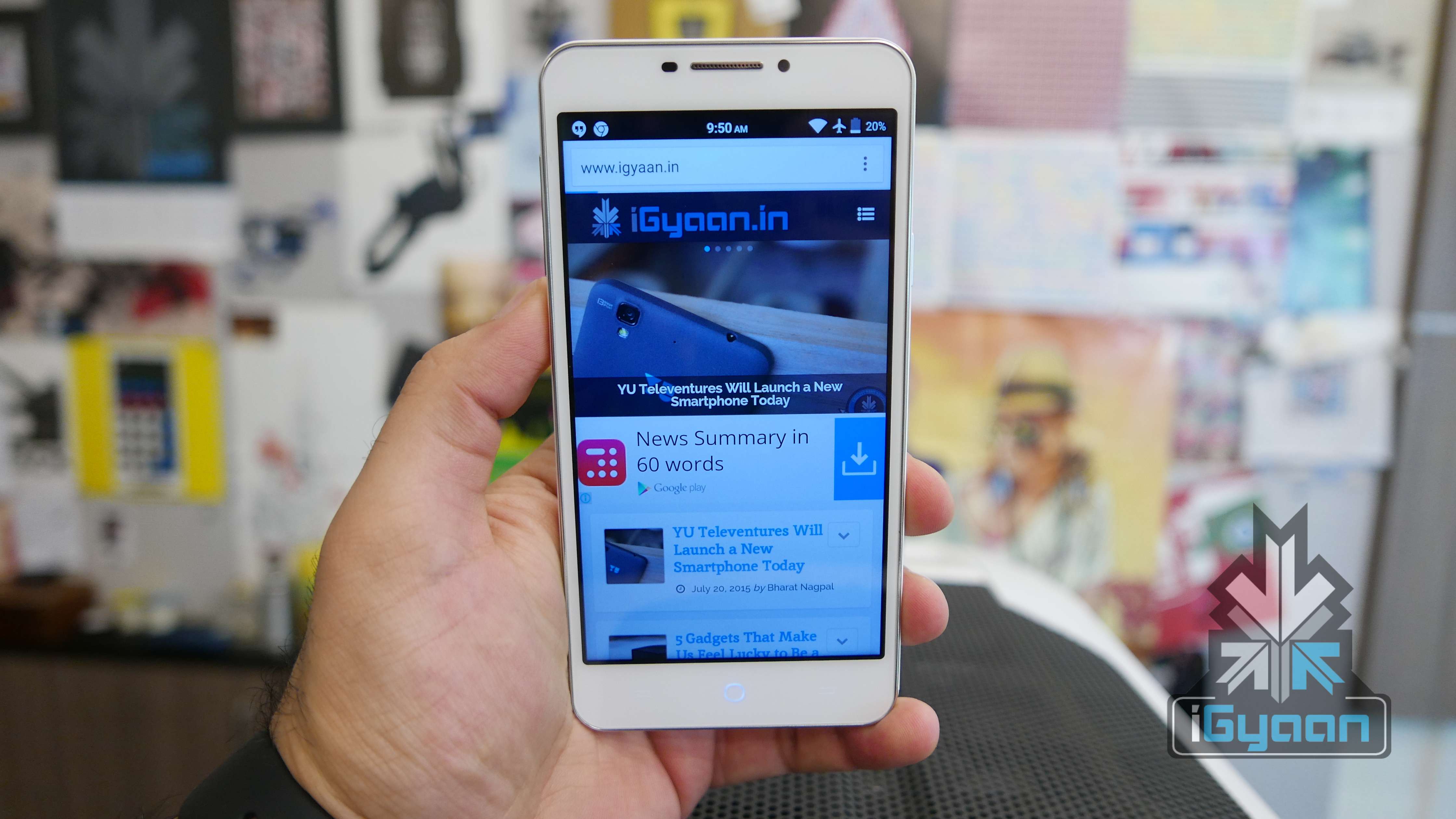
    Today Yu Televentures announced a new handset, the Yu Yureka Plus. The phone is a revision to the existing Yureka, with added benefits. The revised specs also called for a revised price of Rs. 9,999.

    Registrations for this handset have started again today and the handset will go on sale on the 30th of July exclusively on Amazon.in.

    YU Yureka Plus 14

    Overview

    The Yu Yureka Plus is a phone that the Yureka should have been, in the first place. However, it is the company’s way of letting their consumers know that they are listening. The Yureka Plus improves on key features without drastically increasing the price. Is it worth the extra moolah? Let us find out in the iGyaan review.

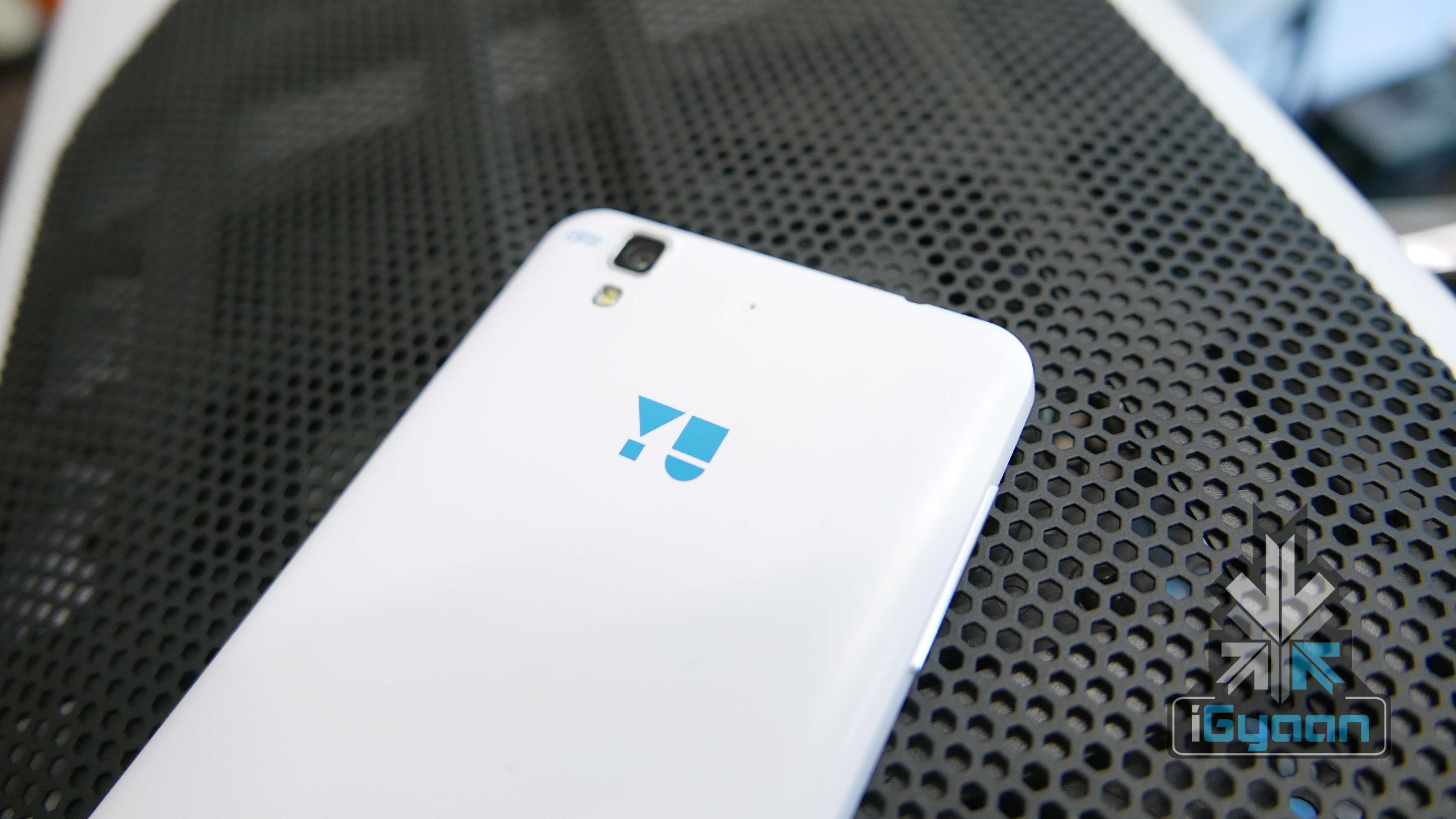
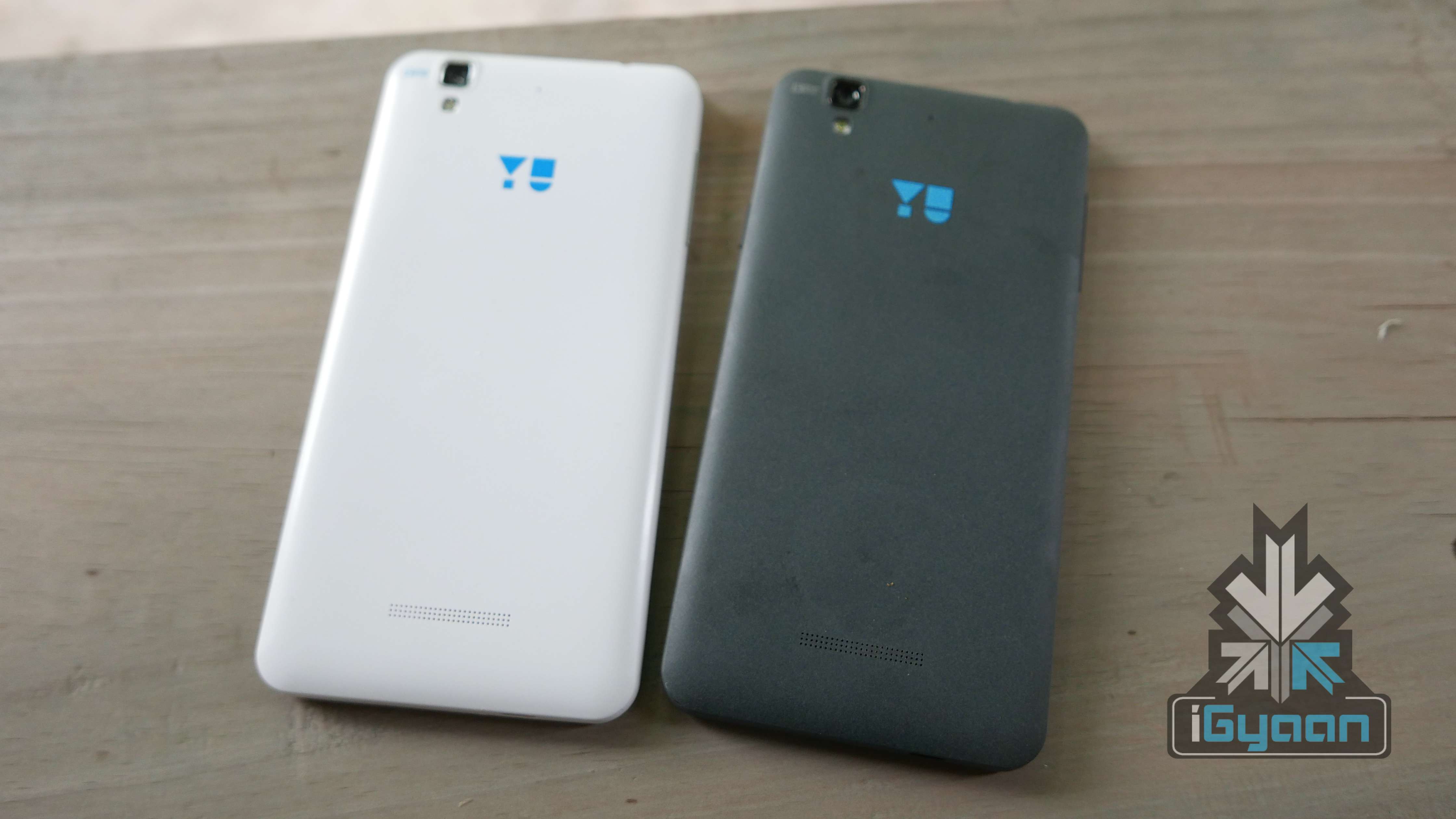
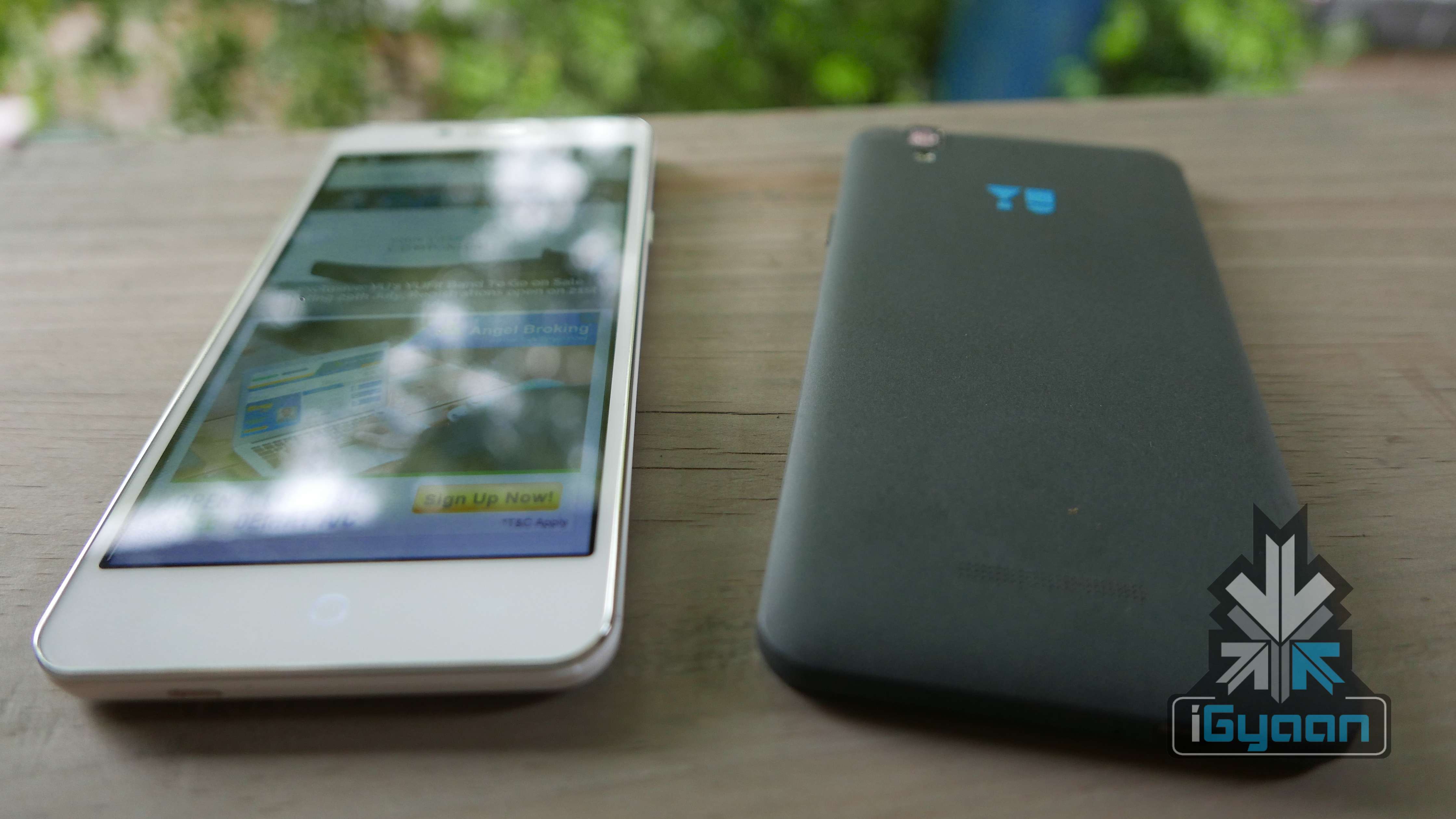
    Alabaster White and Moonstone Grey
    Alabaster White and Moonstone Grey

    Hardware

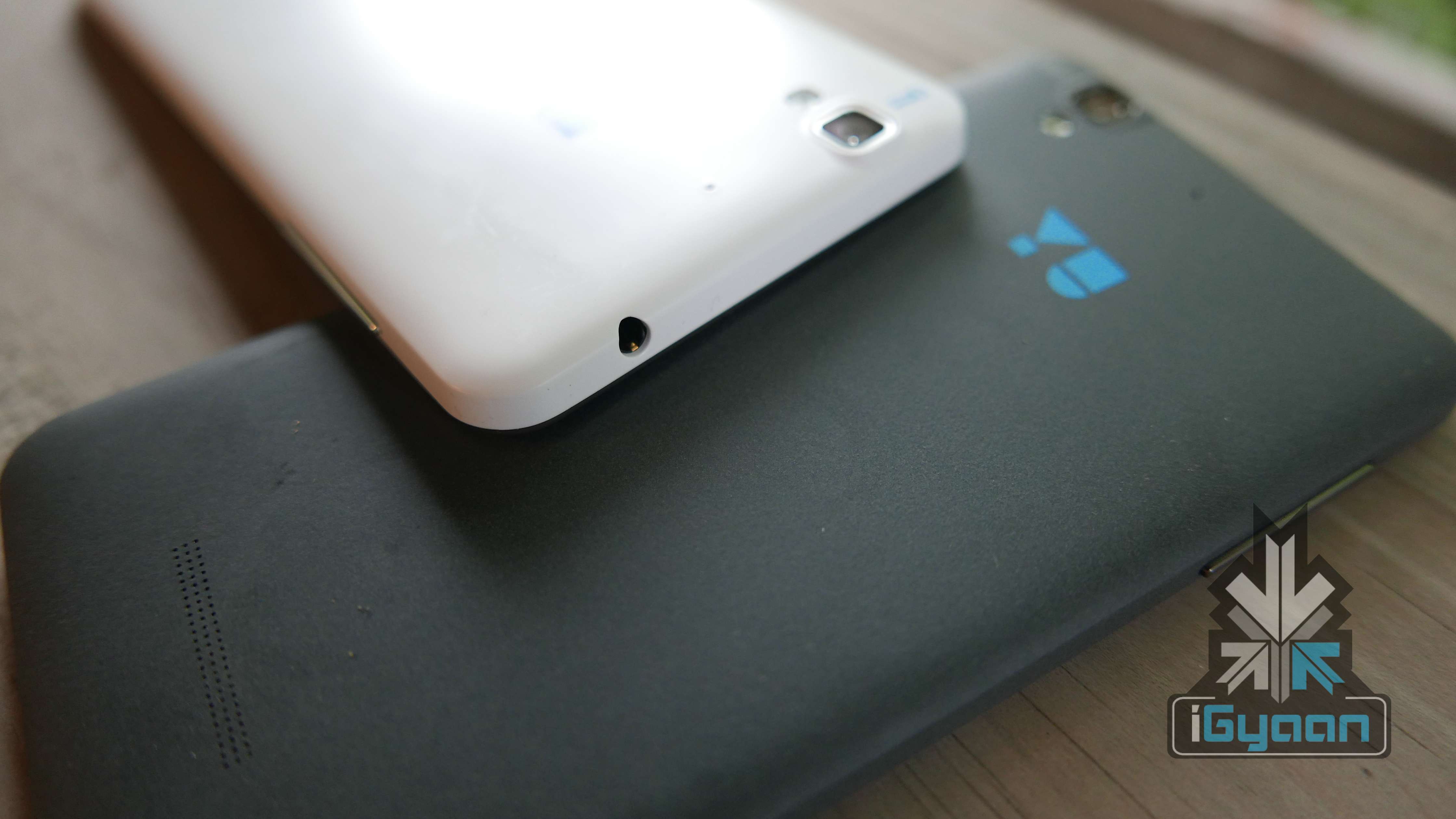
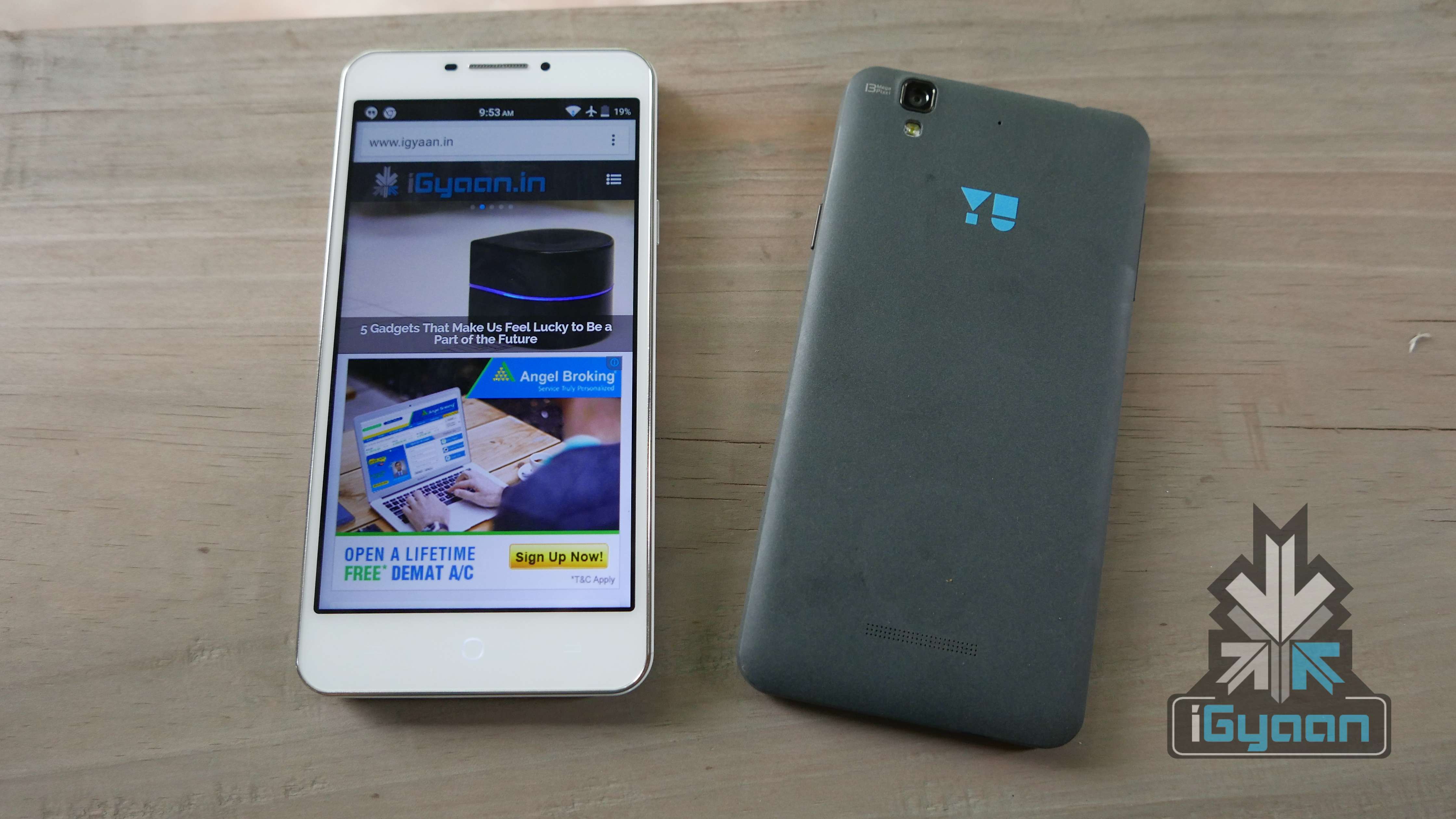
    Spec wise, the phone is more or less the same with some improved features. A higher resolution display with Gorilla Glass 3, a new Sony sensor in the camera and a stronger chassis.

    Hardware Specs Yu Yureka  Yu Yureka Plus
    Display 5.5-inch HD 5.5-inch FHD Gorilla Glass 3
    Resolution 1280 x 720p 267 ppi 1920 x 1080px 400ppi
    Chipset Qualcomm Snapdragon 615 Qualcomm Snapdragon 615
    Processor 1.5GHz Octa Core | 64 Bit 1.5GHz Octa Core | 64 Bit
    GPU Adreno 405 Adreno 405
    RAM 2GB 2GB
    Primary Camera 13 MP Sensor 13MP  Sony Sensor
    Front Camera 5MP 5MP
    Video 1080p Video Recording 1080p Video Recording
    Storage 16GB 16GB
    Expandable Up to 32 GB 32 GB
    Battery 2,500 mAh 2,500 mAh
    Operating System Upgradable to Android lolipop Android 5.1 Lollipop with Cyanogen 12
    Bluetooth 4.0 4.0
    Price Rs. 8999 Rs. 9999

    Design and Build Quality

    Design wise, you really cannot tell one Yureka from the other (even if the other is a Plus). The only real design change is the availability of the the alabaster white colour, which is great to look at. Since it is a matte finish, it won’t attract fingerprints, but it will attract stains and pen marks just like the Silk white OnePlus One. For our other inputs on the design you can revisit the original Yureka review.

    Build-wise, Yu claims that there is a brand new chassis which has been reinforced for additional rigidity in the frame. The phone is more resilient to drops and dings and just like the first gen Yureka, should last you a long time. The addition of Gorilla Glass 3 as a top layer of the display will make the phone slightly more tougher.

    YU Yureka Plus 7

    The Yureka was pretty tough as it is, and we showed that off in our review of the handset. Pop on a case and the included screen protector and you are good to go. However, the new white colour, despite being resistant to smudging and fingerprints, gets dirty easily and will attract ink stains and food stains.

    Performance and Gaming

    Just like on the design front, the performance of the Yu Yureka Plus is the same as the Yureka. The Hardware is identical and a few software improvements are apparent. The phone does not heat up despite excessive usage, and the plastic shell of the phone aids in keeping the heat at bay. Although the Yureka was in big trouble with heating issues, after some usage, it appears to be resolved.

    We, just like everyone else who waited for a new device, expected a big bump in specs and that was not the case with the Yureka Plus. The company launched a modest update and the performance hasn’t been entirely impacted. The benchmark scores are higher due to software optimizations, but this might not be the case after weeks of usage.

    Gaming seems better too, we did face few drops and jitters while playing games like Asphalt 8 and we are not sure if the full HD display will impact the GPU performance enough to make a difference in gaming.

    Network, Calls and Battery

    The Yu Yureka Plus will handle two LTE enabled SIM cards, however, you can have data running on one SIM at a time. LTE speeds are good as we managed over 20 Mbps downloads on Airtel Delhi Network. The network remains strong through most areas, which also impacts the battery less, hence improving the battery life.

    YU Yureka Plus 5

    Calls remain good too, the proximity sensor issue also seems to have been addressed. Sometimes however, during the calls the screen turns on, on its own, which can get rather frustrating. Dropped calls are negligible and can also be due to network limitations in certain areas.

    Battery will last you a day with moderate usage. The Full HD display will impact the battery life a little extra, but optimisations from the company improve performance, considerably. We did hear mixed opinions about the battery last time, where some experienced good battery life while others had heating and battery drain issues. If that will be the case with the Yureka Plus or not, is presently unknown.

    Talk Time : 5-6 Hours. (LTE)

    Music : 10 Hours

    Internet Usage : 5.5- 6 Hours

    Multimedia and Gaming : 4 Hours.

    YU Yureka Plus 16

    Cyanogen

    Yu Yureka was the reason that OnePlus had to drop Cyanogen OS usage on the One when it was launched in India. Their Cyanogen OS exclusivity partnership is one of the biggest reasons that makes the Yu franchise stand out. Cyanogen 12 OS comes out of the box on Android 5.0.2 along with many of the new features on the OS. The newer user interface has a highly improved experience. Transitions and page changes are fluid too. Cyanogen customization options make the usage very personal, and the tweaks and quick toggles make usage, easy.

    Alabaster White and Moonstone Grey
    Alabaster White and Moonstone Grey

    Yu Brand Value and Promise

    Negative chatter still remains high on the lack of service quality from Micromax. The Yu franchise also has the same response. With a lack of spares, service from the brand is slow and tedious and somewhat expensive in case of things like cracked display replacement.

    The forums are active and a large community has adapted the brand and endorse it thoroughly. We don’t see many updates from the company when compared to the activity of companies like OnePlus and Xiaomi on their respective forums. However the discussion boards are full of consumers and prospective buyers communicating within themselves, which is in itself, a great thing. There are also YU team members who answer queries, in the usual, robotic manner.

    YU Yureka Plus 8

    Display and Camera

    The increase in resolution is always welcome, especially when it brings along added Gorilla Glass 3 protection. The outdoor visibility is poor and at its brightest setting, it is barely visible. The increased resolution improves ppi to 400ppi which will improve the usage experience. The display has good colour reproduction and viewing angles.

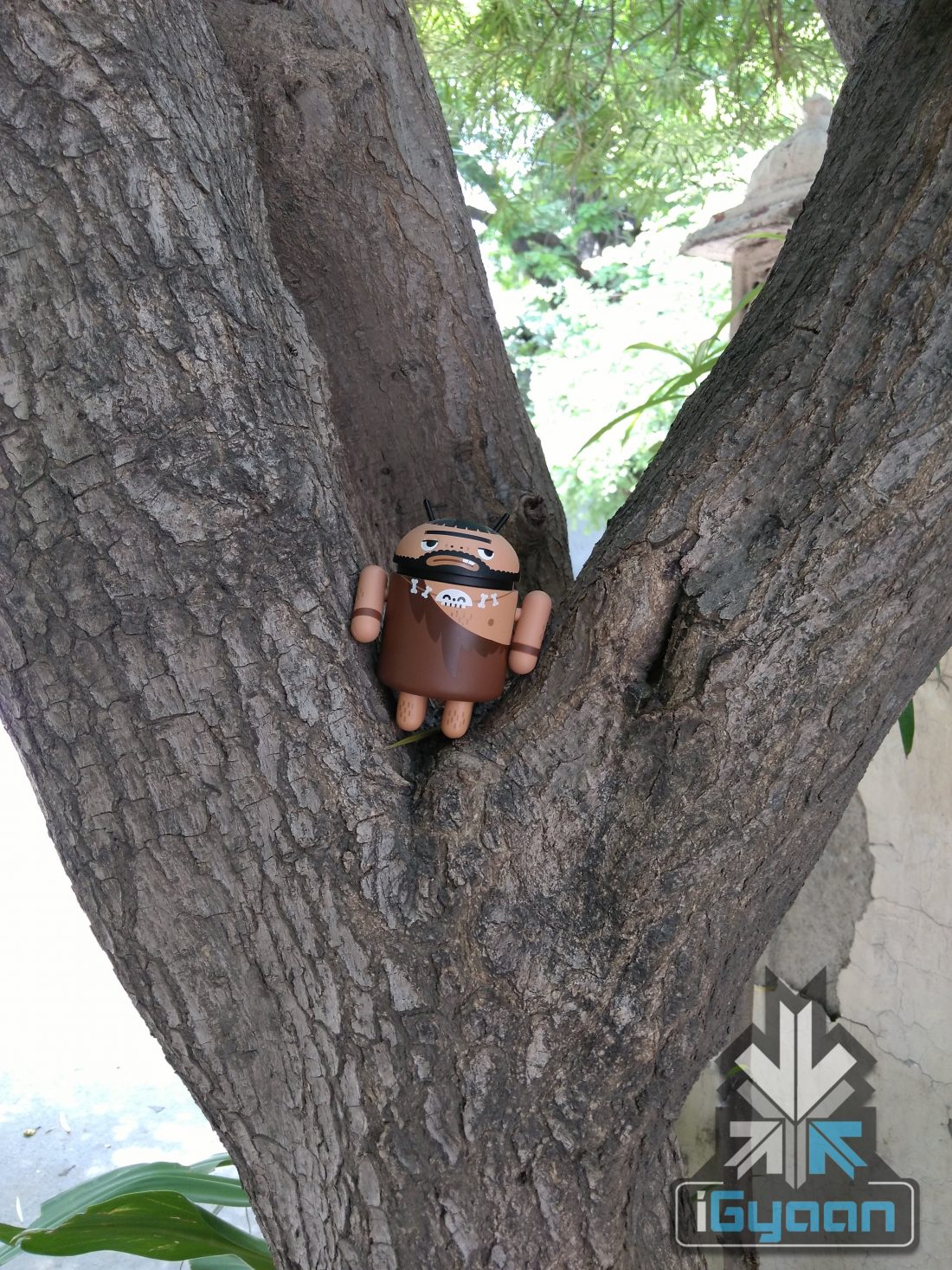
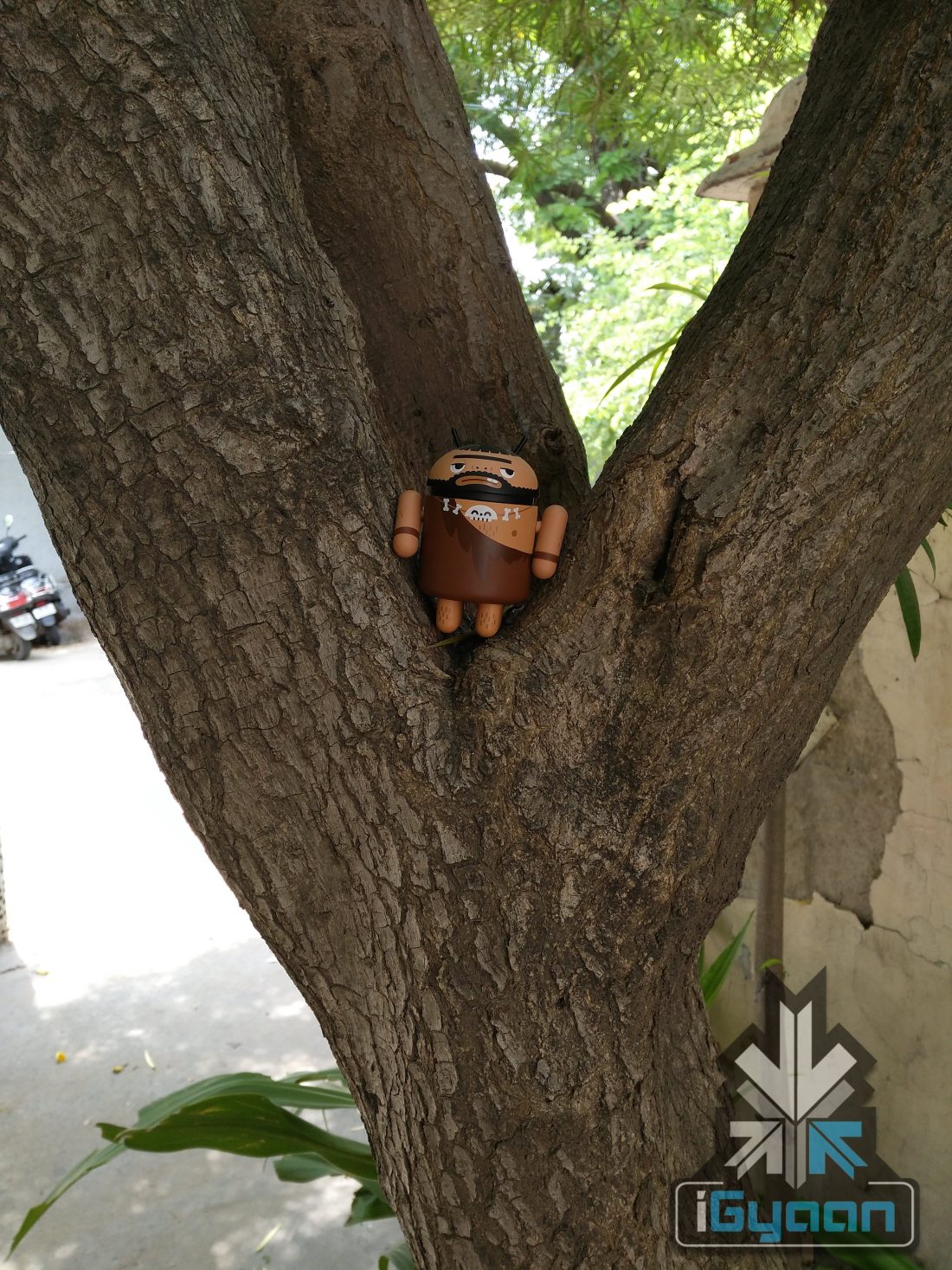
    The camera sensor has been improved from a previous gen Sony sensor to a newer sensor which will capture colours better and work well in low light conditions. The megapixels remain the same at 13MP, however images are sharper and contrast is better. Some samples are given below. Video is still shot at 1080p and thanks to better low light performance and colour saturation, the video quality is much better.

    Conclusion

    While the price difference is negligible and so are the improvements, the Yureka Plus adds a Full HD display and a better camera, with a supposedly better build. All of which are worthy of the Rs. 1,000 price increase. There is no loss in performance, in fact, it is a tad bit better. If Yureka was your choice before, the Yureka Plus should be your choice now. There are however some other options in this price bracket, the ZenPhone 2 and the new Moto G (3rd Gen) is just around the corner.  Check out our video review below.


    Click here to register for the Yu Yureka Plus : [tw-button size=”medium” background=”#07ABE2″ color=”” target=”_blank” link=”http://www.amazon.in/b/ref=as_li_ss_tl?_encoding=UTF8&camp=3626&creative=24822&linkCode=ur2&node=6690337031&pf_rd_i=yureka&pf_rd_m=A21TJRUUN4KGV&pf_rd_p=656691227&pf_rd_r=1R4GV1T0M1A7TNVFECFT&pf_rd_s=desktop-auto-sparkle&pf_rd_t=301&qid=1437731665&ref=spks_0_0_656691227&tag=igyaan-21″]Register Now[/tw-button]


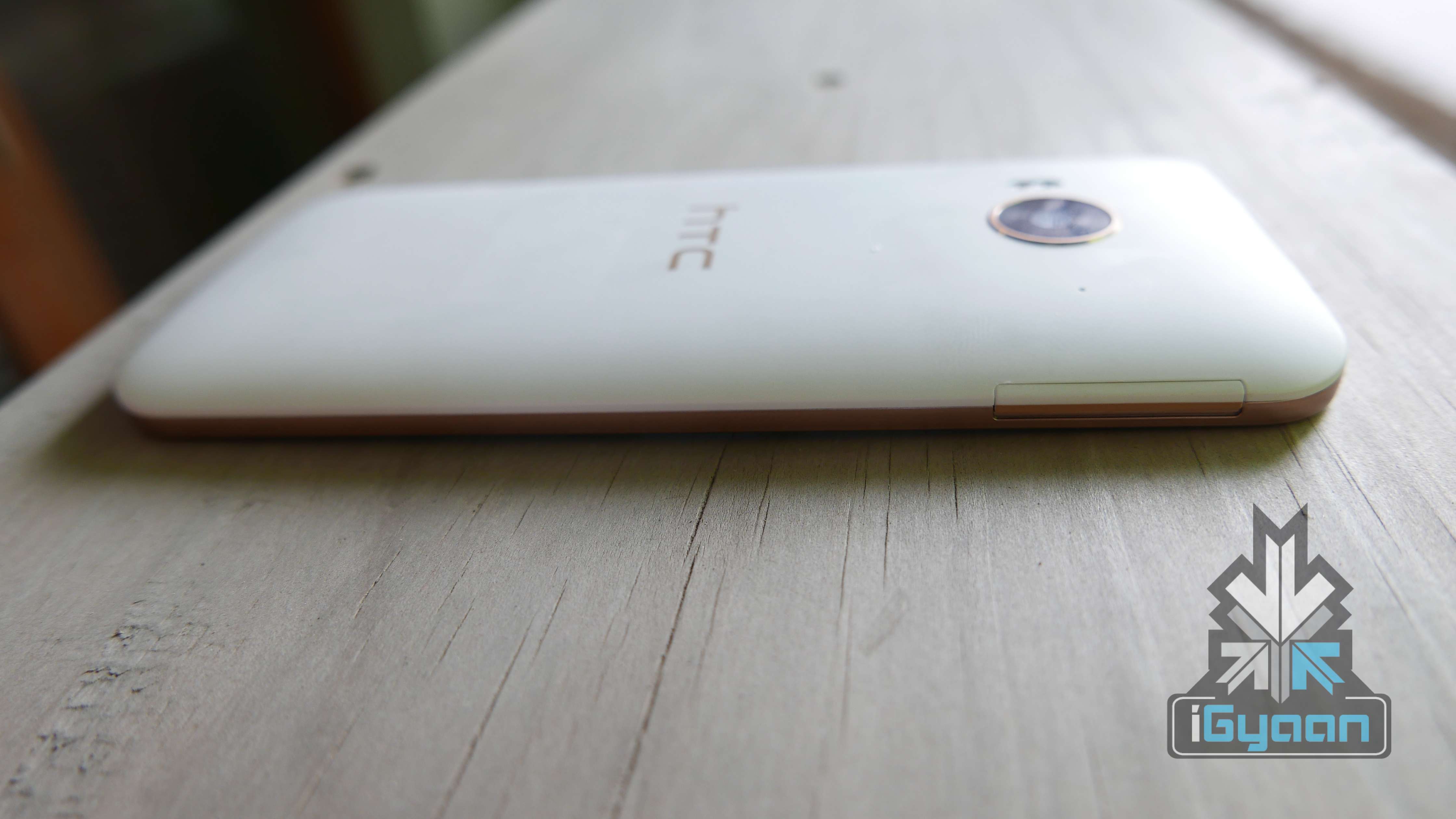
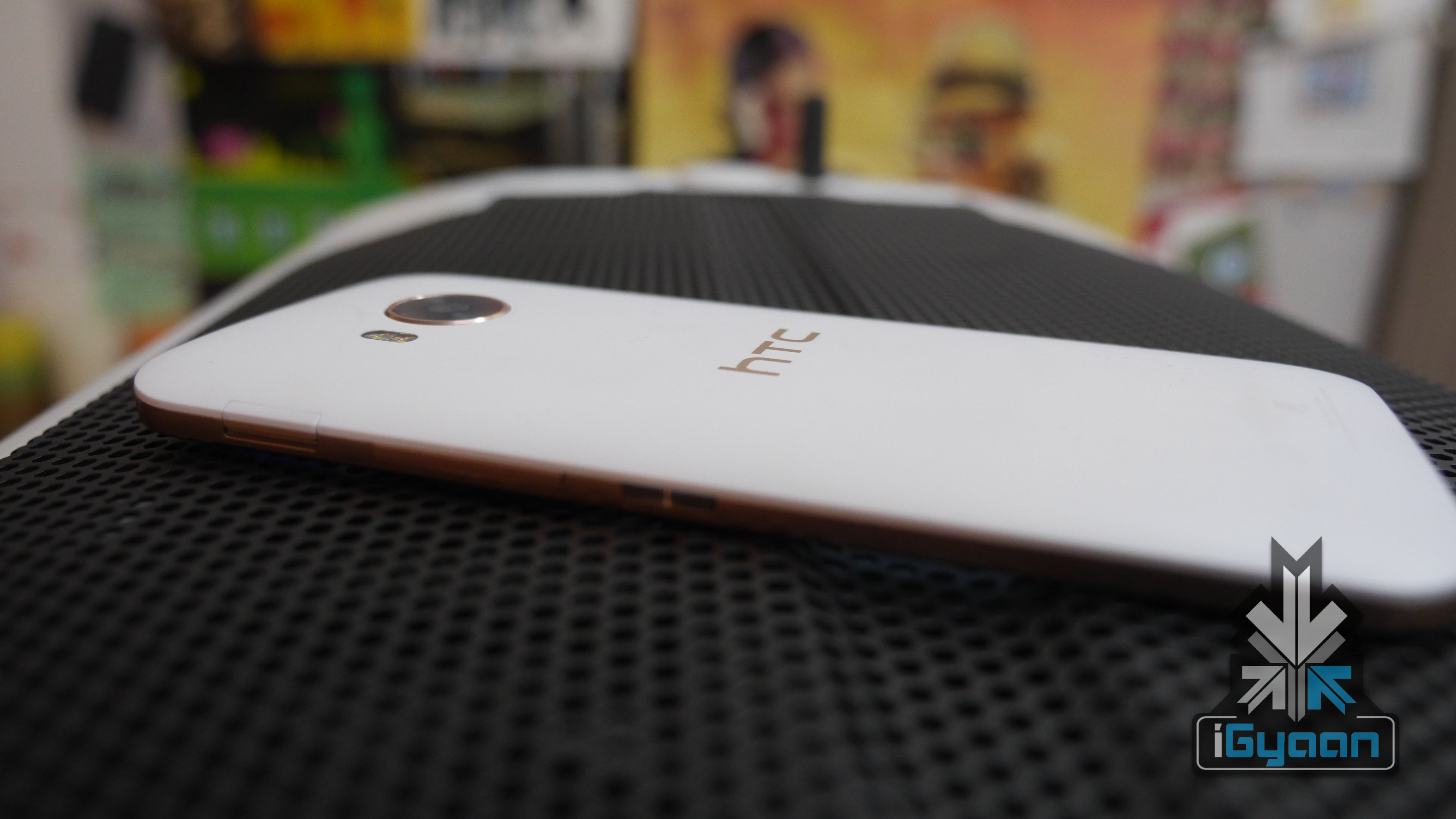
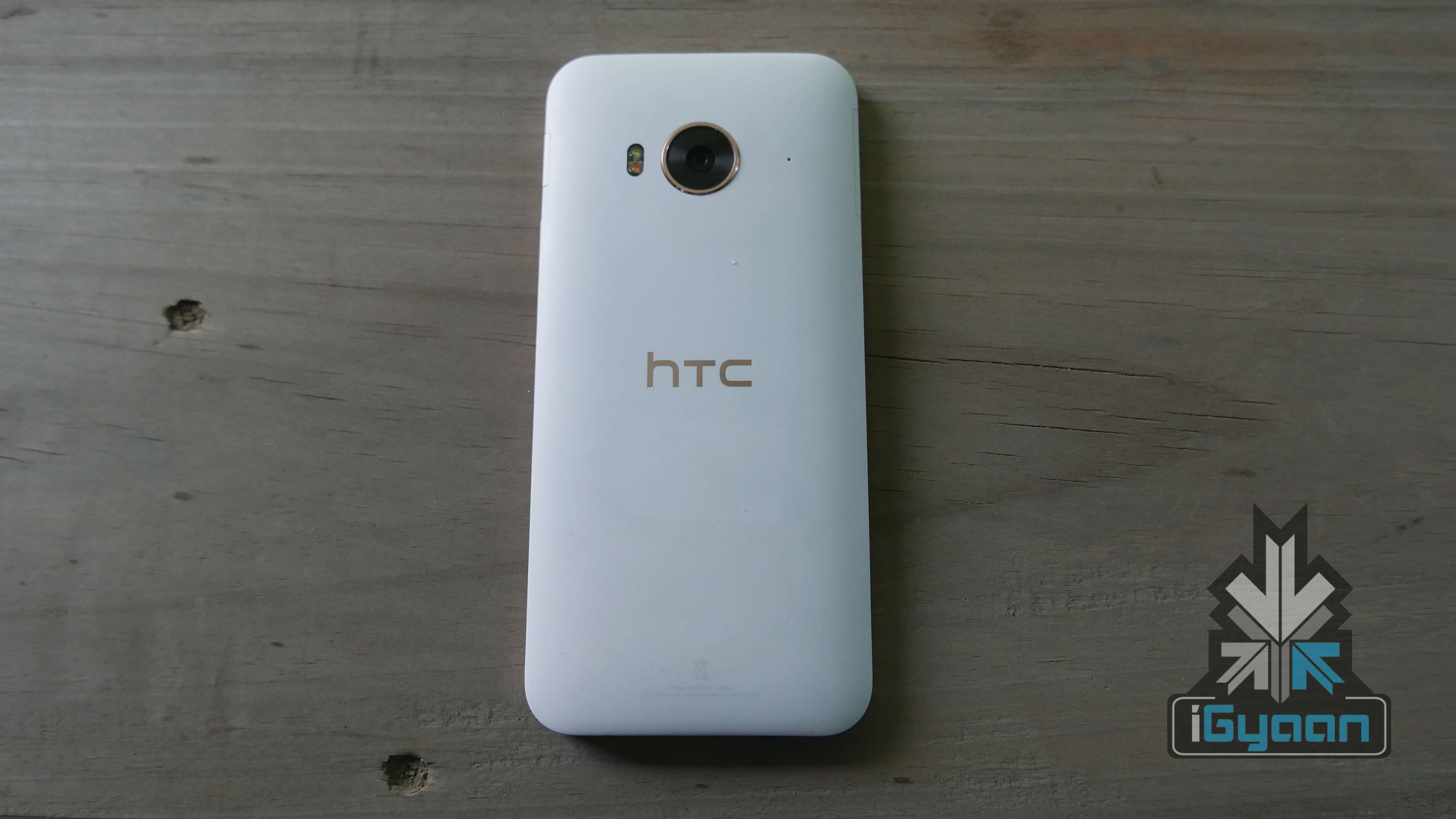
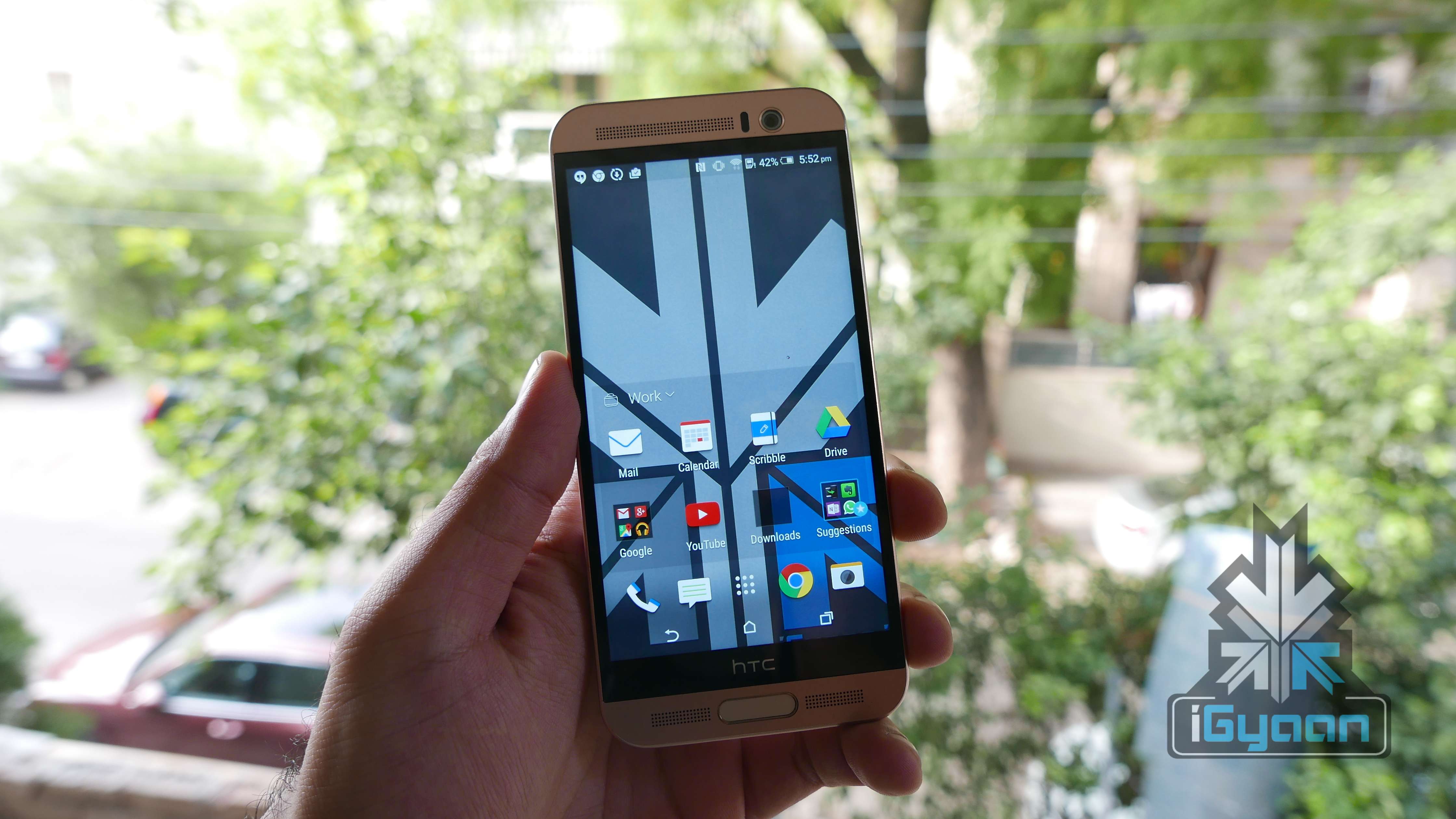
  • HTC One Me Dual Sim Review : More Mediatek

    HTC One Me Dual Sim Review : More Mediatek

    HTC has had a tough year, tough decisions and a lot of devices. The company has had the slowest quarter yet and the stock prices have dropped to an all time low. The company also reported a net loss of $258 Million, which points to the fact that the company is not doing well.

    However that has not stopped HTC from making new handsets, and in countries like India, the HTC market share is growing considerably.

    The HTC One ME, adds fuel to the HTC fire in India, a handset that brings the best of the flagship world  at a relatively lower cost.

    HTC One ME 5

    Overview

    The HTC One ME is a good mix of things from HTC. Priced at Rs. 40000 or US $ 630 (outright) the phone makes a lot of sense to people. However the use of mediate is slightly bothersome to the tech crowd, especially at such high prices.


    Hardware

    The HTC One ME has almost everything from the HTC One M9+ including most of the hardware. What differs is the chipset. The One ME uses the new MediaTek Helio X10 and is also the first phone with the said chipset. This enables devices to utilise full octal-cores at 2.2 GHz in 64 bit and also shoots high quality videos at upto 480 frames/sec. It allows a 120 Hz video display rate too.

    HTC ONE ME 12

    Apart from that you will get 3 GB of RAM, a brilliant 2k display with 5.2 inch size, a  2560×1440 px resolution and 565 ppi.

    The same camera as the One M9, a 20 MP f2.2 lens equipped sensor, and an HTC ultra pixel sensor for the front.

    Specifications

    HTC One ME

    Display 5.2-inch Super LCD3
    Resolution WQHD 1440×2560 pixels : 565 ppi pixel density
    Chipset MediaTek Helio X10
    Processor Octa-Cora 2.2 GHz
    GPU PowerVR G6200
    RAM 3 GB
    Storage 32 GB
    MicroSD Support Yes,  Upto 2TB
    Rear Camera 20MP, f2.2, BSI Sensor, 4K Video Recording
    Front Camera HTC Ultrapixel, f2.0
    Battery 2,840mAh
    Operating System Android Lollipop 5.0.2 with HTC Sense 7.0
    Misc Boom Sound Speakers / Fingerprint Scanner
    Price Rs. 40,500

    Display, Multimedia and Camera

    The display on the new ME is the same as the M9+, excellent colours, deep blacks and great outdoor visibility. The touch is highly sensitive and even works when there is water on the display or if your fingers are wet. You will also get features like double tap to turn on. The display is great for all sorts of usage like watching movies, playing games or even browsing the internet. The high resolution makes content optimized for this look, great and the strain on the eyes is reduced considerably.

    HTC ONE ME 7

    Boomsound speakers have always had this ability to be better than the remaining devices in the price segment and that continues with the new One ME. Sound is excellent in the headphones, out speakers or via bluetooth. Volumes are kept high and bass levels deep, almost as if the profile is the same as the old ones when HTC handsets would ship with “Beats Audio,” however, only better.

    HTC ONE ME 11

    The camera lens and sensor are relatively large, hence a lot of light passes through to get a really high detail image. The images have excellent contrast and sharpness, shallow depth of field on close ups and a large zoom ratio thanks to the large 20.1 MP size of the rear camera.

    4k video can be captured in 5 minute bursts, which gets annoying for those looking for a seamless solution. There are alternatives, devices which do not have said limits including the one we chose for our project here. Video is jitter free and captured at 30fps and it looks good, as the colour is deep and light is aptly adjusted.

    HTC One ME 4
    Camera App

    The Camera App is in-depth and features a lot of the capabilities of HTC devices seen in the past, galleries and Zoe are now independent apps with independent cloud storages. This complicates things for first time users, but in the longer run, makes sense. You also get the usual filters and effects along with post capture edits, which were all a part of HTC’s Sense.


    Performance and Gaming

    The handset scores roughly 46-48k on Antutu 64 Bit benchmark, which is impressive taking into consideration, the price. However, most of the performance which may not appear on benchmarks can been seen in real time usage.

    The handset will almost never lag. In the 2 weeks of usage, the handset has not slowed down and transitions remain smooth, despite consuming large parts of the storage and or RAM.

    Gaming remains impressive, the 120 Hz refresh rate of the display helps tremendously. Boom sound adds to the experience and so does the impressive touch screen. The good thing is that the device does not heat up despite increased usage, or high periods of gaming.

    Phone Networks and Battery

    The HTC One ME accepts dual LTE sim cards, both of which need to be nano sim cards. Network strength is great and so is the audio on both sides. Both sim cards can run LTE data packs and can be switched, depending on your convenience or usage scenarios.

    HTC One ME 10

    Battery life was impressive due to high levels of optimizations and range point locks. Despite several rumours of poor battery life, we did not face any such issues with the handset. On our handset, the battery life was rather impressive. We got an average of One day plus use. Another thing to brag about is the quick charge capability of the handset. The One ME reaches a full charge in just over an hour, 50% recharge can be achieved in about 15 minutes of time.

    Type of Usage

    Battery Life Expectancy

    Phone Calls 5 Hours
    Standby 3 Days
    Gaming 3.5 Hours
    Music Playback 11 Hours
    Internet 7.5 Hours

    Fingerprint, Blinkfeed and New Sense 7

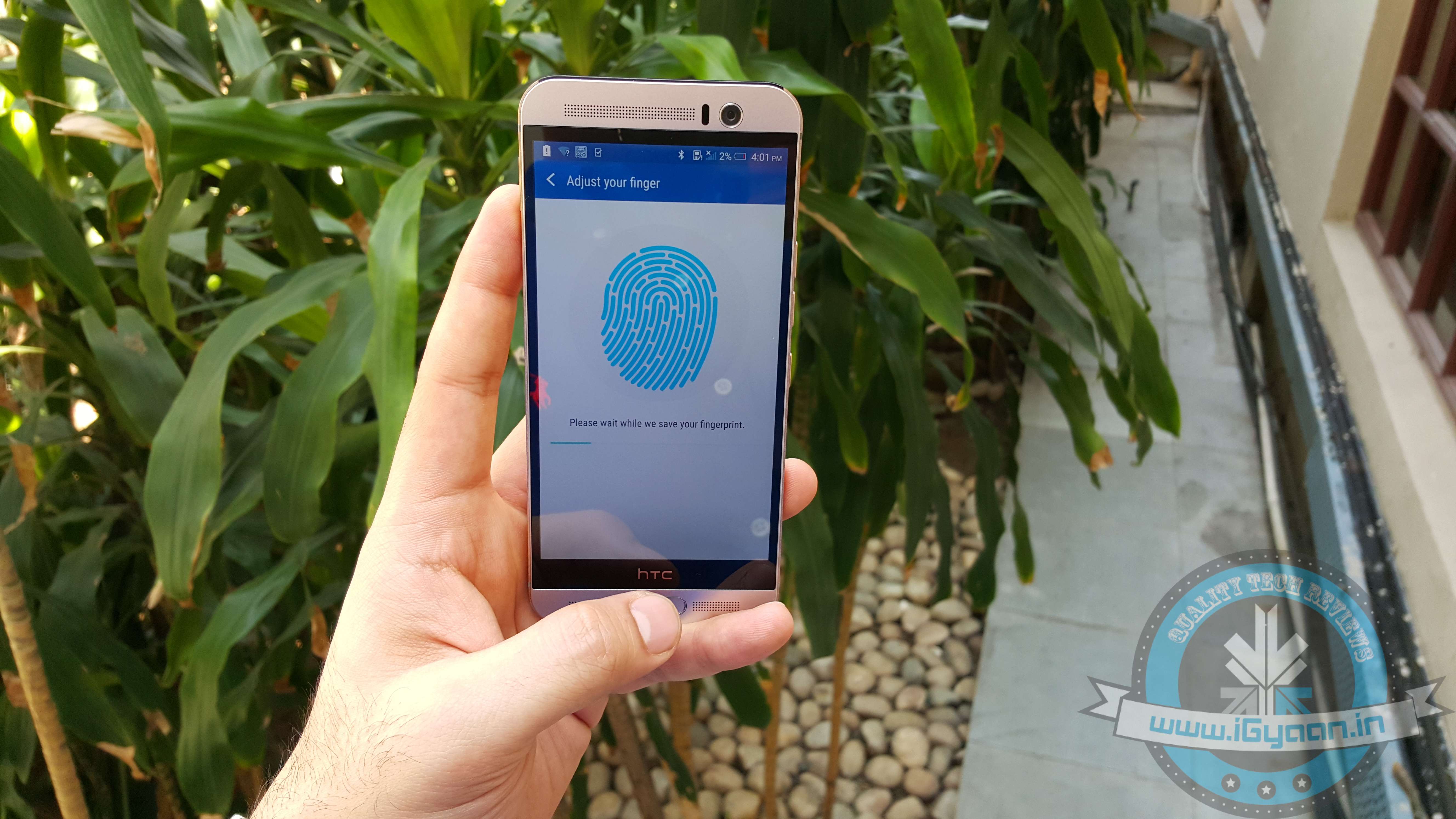
    The new style fingerprint scanner utilised by HTC is better by leaps and bounds. Versus the previous ten scanners, which required you to slide your finger across, the new “Apple Touch ID” style scanners are efficient and very usable. This makes your phone private and safe. You can easily unlock your device in the presence of others, without revealing your passwords or unlock patterns.

    Fingerprint Sensor
    Fingerprint Sensor

    The new Blinkfeed is far more seamless and smooth. The UI is easy and very pleasing to the eye, HTC has improved the layout of the content and things like fonts and colours have been tweaked to appear easy to the eye. You can now simplify content and chose what feeds you want, within your Blinkfeed. You can also set up custom channels for the same, to allow you to reach directly to your favourite feeds.

    HTC One ME 11

    Sense 7 is a mega improvement over previous Sense UIs, more because of the way pure android is available to the consumer. The UI is far more simplified and streamlined, less invasive and does not come loaded with bloatware. Essentials like the “Zoe” feature and the “One Gallery” are cloud-only apps that serve a simple purpose.

    Customisation has been HTC’s forté and it remains so, in the new Sense 7 on the new HTC One ME. The UI is extensively modifiable, and if you don’t like the BlinkFeed on the left you can simply use a third party launcher and replace it all.

    Conclusion

    HTC may not have gotten a lot of things right this year, but their devices in the Indian market show that the company has chosen the right things at the right time.

    The HTC One ME is one such example. With Snapdragon not performing well on their current lineup of chipsets, HTC went with MediaTek and their latest “premium” chipsets. This has made the devices a lot more stable. However, this has also made one handset considerably vary from another. Some report of lag and battery drain while others, like us, appreciate the long battery life on our handset.

    HTC One ME 15

    MediaTek aside, the HTC One ME is the plastic equivalent of the all round phone. The impressive display, great camera, excellent battery and seamless performance on our handset, makes us want to like it a lot. Just like any other scenario alternates do exist and with the S6 becoming cheap, a fixed storage and single sim is something that may make you pick the HTC One ME with its Dual Sim and 2TB expandability. However the S6 performs better and looks damn good.


  • LG G4 Review – Leather and All

    LG G4 Review – Leather and All

    LG in the past years has emerged as a true Android champion. A South Korean counter brand to the kingship of Samsung, especially in the Android smartphone market.

    LG came into light after their partnership with Google on building the Nexus 4 and then the Nexus 5 along with LG’s own iterations of the handsets for the global consumer markets. All four of the devices by LG led them into a high stake position in the Android rat race.

    Last year however, LG fell off the map with the LG G3, it also had a fall out with Google, who then decided to go with Motorola to manufacture the Nexus 6.

    This year LG is back and they want vengeance, pitting up points in almost all areas, LG tried to reach the top of the ladder with their new flagship, the LG G4. But, just as the relevance of Mr. Amitabh Bachchan, on the stage at the time of launch, LG didn’t seem to think this through.


    Hardware

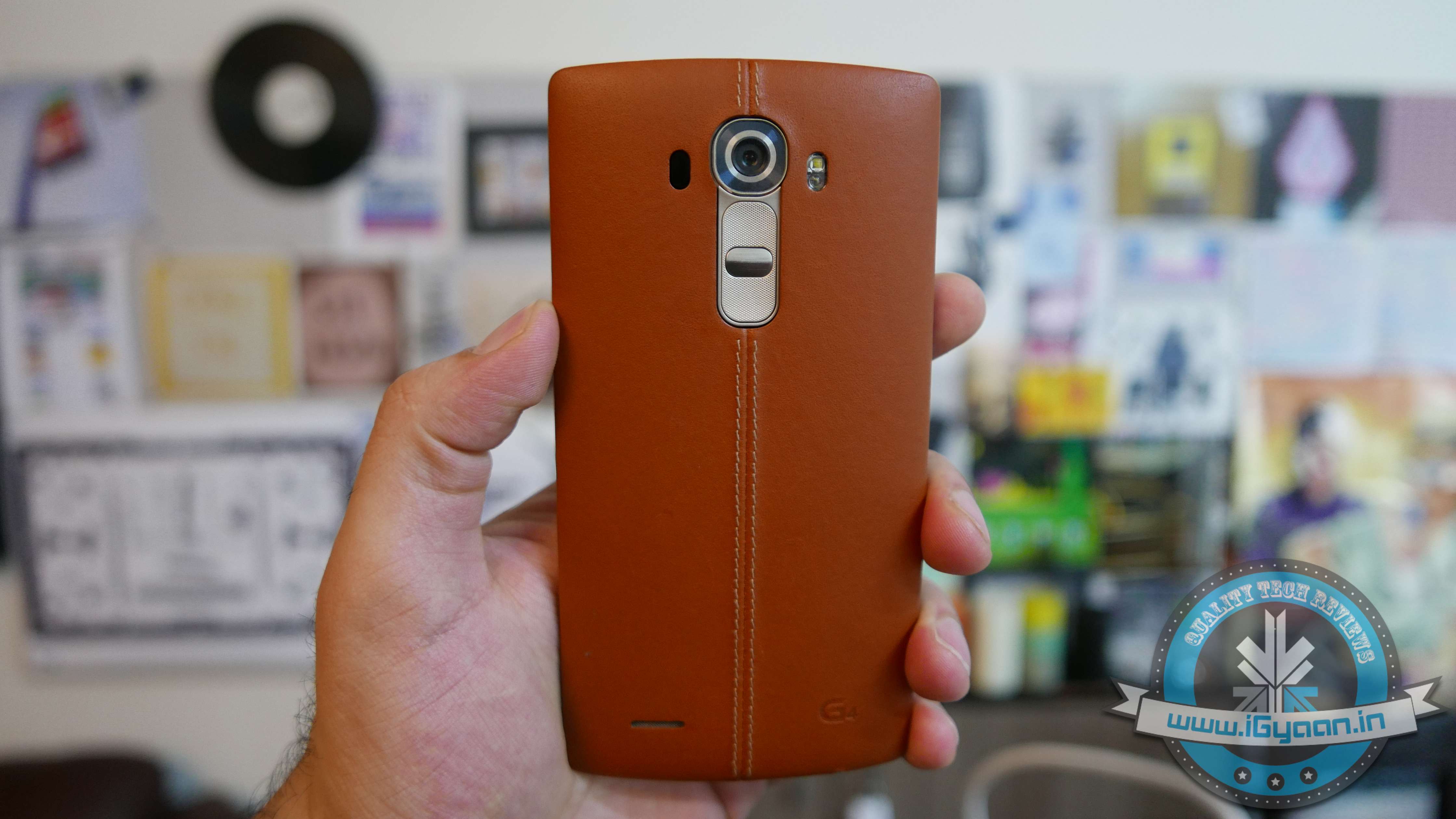
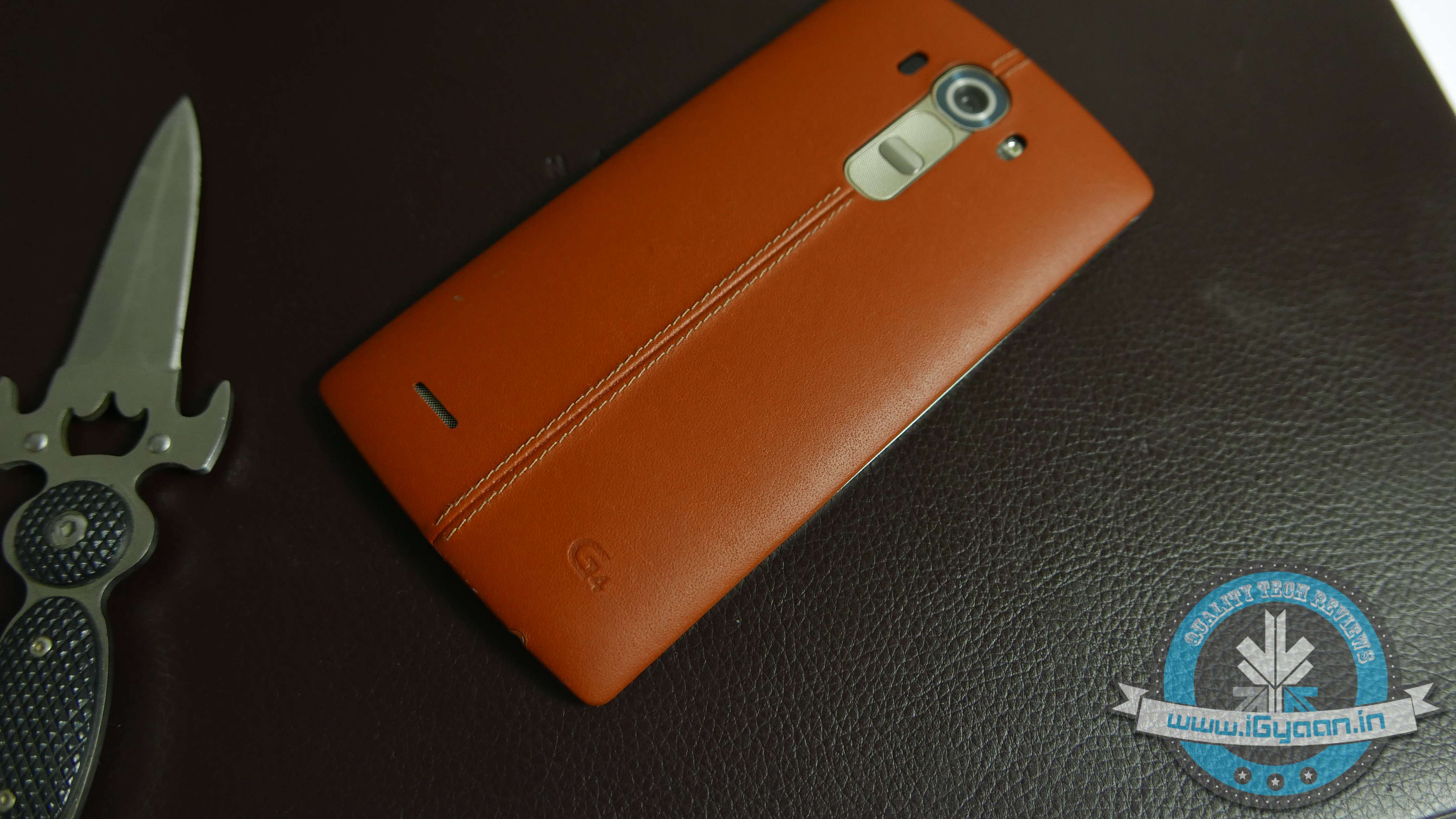
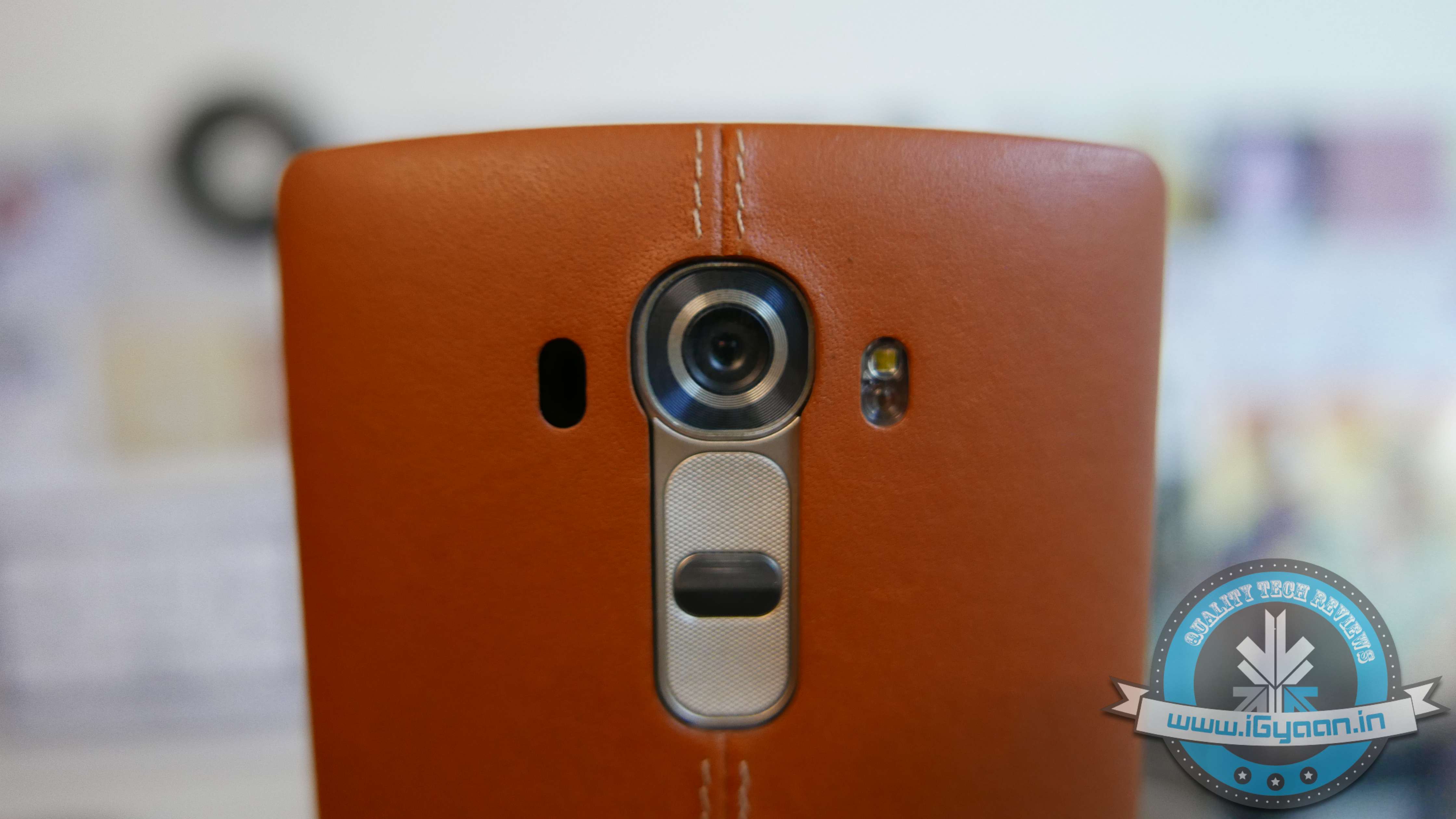
    The LG G4 is an iconic design from LG, while many companies have attempted to make leather looking handsets (Note 3 and Galaxy S5), LG actually made a smartphone with a genuine leather back panel.

    LG also one upped Samsung with their interesting fast aperture camera and lens, with 16 MP and a f1.8 lens setup vs the f1.9 on the Galaxy S6 and Edge.

    The LG G4 also has dual sim (certain regions) and a removable and replaceable battery along with micro-SD expansion all of which is lacking in the Galaxy S6 and S6 Edge.

    Hardware Specs LG G4
    Display 5.5-inch Quad HD LCD
    Resolution 2560 x 1440 PX
    Chipset Qualcomm Snapdragon 808 with X10 LTE
    Processor 1.8GHz Hexa-core
    GPU Adreno 418
    RAM 3GB
    Primary Camera 16MP  f/1.8 aperture
    Front Camera 8MP  f/1.8 aperture
    Storage 32GB
    Expandable Up to 2 TB
    Battery 3,000 mAh
    Operating System Android 5.1 Lollipop with LG UX 4.0
    Bluetooth 4.1 LE (APT-x)

    Design, Build and Aesthetics

    The LG G4 is designed in a new way, the introduction of a genuine leather back panel may have mixed reactions in certain religious countries. For example in India, LG has refrained from mentioning that the leather back panel is made from cow hide, which may prevent some people from buying the handset. The use of leather however is done in a brilliant way. The back panel takes 12 weeks to manufacture and uses a new technology for a process which normally takes a few days.

    Lg G4 Hands On 9
    Leather Back Panel

    Made from only the top layer (epidermis) of high quality cow leather, the back features tiny 0.001 micrometer pores for breathability. The end result is a smooth, soft touch back that should feel unlike any other smartphone on the market, while still allowing heat to dissipate.

    Although some have mixed opinions about the design and use of leather, LG has done it rather tastefully and not only does is look impressive, but also feels great in the hand. There is also a Ceramic white which might become the preferred option, also because it is about 100$ cheaper (Rs. 6000 approx)

    The front houses a LG G3-esque minimal bezel design from LG which is highly applauded on their previous smartphones, and the LG G4 is expected to have the same outlook.

    The construction, however seems a lot less sturdy compared to previous generation G phones from LG. Gorilla Glass 3 has been used in place of Gorilla Glass 4 found on the Galaxy S6 and Edge.

    The back panel is removable and replaceable, which means that it can be swapped out if damaged. Also reports of the leather weathering faster than ever, however we faced no such nuisance.

    The buttons remain on the back, volume rockers and the main power button, which can also be used as a selfie mirror, sort of.

    The phone also lacks premium materials, made mostly from plastics. In an age where Samsung’s flagship is a premium metal and glass device the LG G4 is sub-standard, and less premium.

    Performance, Gaming and Display

    Here is where the leather laden phone from LG, faces the first from the competition. The underpowered Hexa Core Snapdragon 808 is far inferior than expected. LG’s optimizations to improve battery have further reduced the performance output of this chipset.

    In our Benchmark test the G4 stood last with the poorest score. when compared to HTC’s devices and Samsung devices.

    The GPU works overtime to deliver high resolution to the 2K display, therefore reducing the graphics quality displayed during gaming.

    Although the affect is minimum, but if have been playing on other devices like the HTC M9+ and the S6 you will notice the considerable amount of difference.

    The UI is fast and snappy, transitions are quicker and lag is virtually non existent. We still find LG’s UI a little cluttered, and non easy to navigate.

    Lg G4 Hands On 5

    Phone and Battery

    The LG G4 in India comes with Dual Sim LTE, which means that both cards can run LTE networks. Networks speeds are weak, due to network strength issues, but we got 14 Mbps downloads in health network areas.

    The dual sim setup is handy for a lot of people and on the LG G4 works well. However battery life is adversely affected by the G4 SIM usage, mostly from network searches.

    LG is offering a spare battery with an external charger in many countries, this is justified thanks to the poor battery performance. The battery will barely last you a day, and the drain is massive due to the display and the network searches.

    • Talk Time : 3 Hours
    • Standby : 24 Hours
    • Internet : 3.5 Hours
    • Music : 9 Hours
    • Gaming : 2 Hours.


    Honestly, the battery is a big let down for us. You cannot have a flagship, running lower spec hardware, with a poorly performing battery.

    Lg G4 Hands On 13
    16MP f/1.8 aperture

    Camera

    The highlight of LG’s new-gen smartphones, and especially the G series smartphones has been the camera and optics. With the new G4, LG continues to use laser autofocus, but improves the camera considerably. Low light performance is excellent, thanks to a f1.8 lens, whereas the Galaxy S6 only manages a f1.9. The front camera however is not as wide on the G4 as on the S6/edge, but seems to have great capture capability.

    Dynamic range is much improved, however we feel that indoor image quality needs to be better. The way the software is processing the images, they feel a lot more digital. Outdoor images are high in detail and contrast.

    Images will almost always be in focus and sharp, thanks to the laser sensor, which is accurate and super fast.

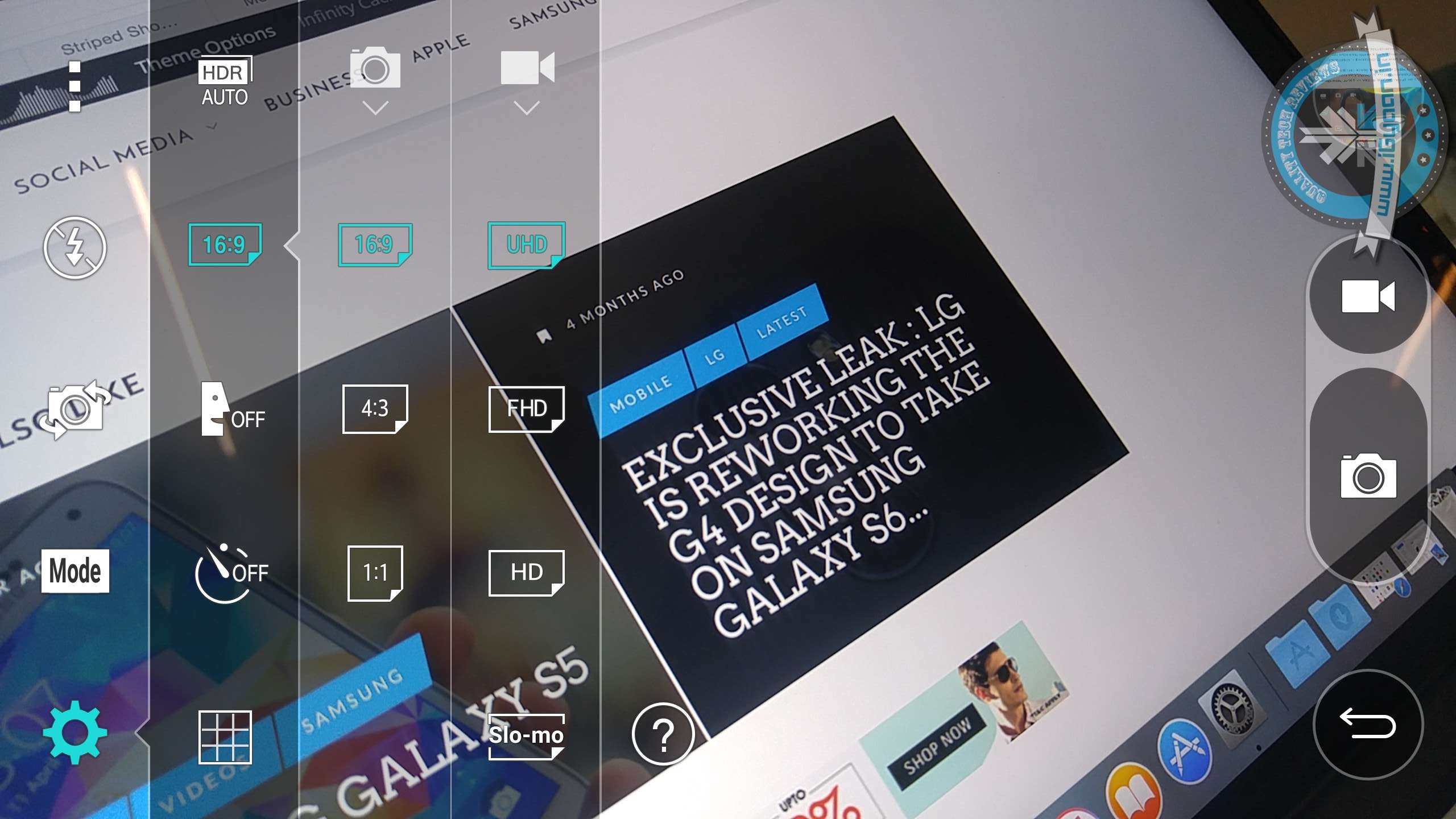
    Video is captured at 4k but to limits of 5 minutes to prevent the chipset from overheating. Finding the 4k option is slightly difficult for the first time around, as the phone records 1080p out the box.

    4k Video Option
    4k Video Option

    The front camera has a brilliant image quality and works well for “selfies” in low light conditions. The gesture shot allows you to click a picture by making a fist in front of the camera. This allows for a better image, which is less shaky.

    Android and UI

    With a lot of things built in as smart features, the usability of the LG G4 as a daily driver is easy. Android 5.1 comes out of the box and the UI is highly customizable.

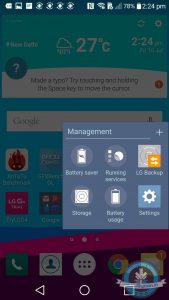
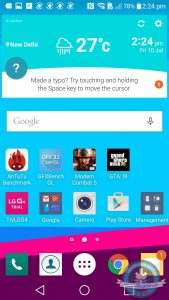
    Lg also allows you to customize individual icons, using inbuilt set of icons or your own images can be converted into an icon for any App.

    LG G4

    Smart features also allow you to auto-magically enable or disable features as per your usage requirements. For eg. “When at Home turn on Wi-Fi” will automatically enable Wi-Fi on the G4 when you arrive at your’s home’s geolocation. While these features can be really handy, they are an added drain on the battery.

    There is still a lot of clutter on the UI as LG is trying to do a lot. Qslide Apps sit in the notification panel, along with quick toggles. There is just so much happening on the G4, that you really want to simplify the usage.

    LG’s included apps are also handy, like LG Health for fitness enthusiasts and LG Backup for security of data. Qremote lets you use the inbuilt IR blaster on the top of the phone to control your electronics and appliances, like a TV, Dish box, Air-Con etc. The Qremote turns out to be more useful than mentioned.

    Conclusion

    Just like each year before this, LG has maintained high quality and managed to make the phone good looking. However, the leather back restricts buyers and the phone may be too any for the female audience.There is a pink leather back cover as well as a red one, which also are more easily handled by men than women. The ceramic white drops the leather for a more LG plastic (they call it polycarbonate) approach.

    It is distinctively a man phone, with features which are slightly lower than the competition. A price tag which is higher than the competition and a not so impressive performance and battery life. It does excel in the camera department, only if you are an outdoorsy kind of person. The UI is much more refined than seen in the past and the array of customizations is extensive. But, our money is well spent elsewhere.

  • Review : HTC One M9+

    Review : HTC One M9+

    Since the launch of the One M9, the whole world has been conflicted on whether HTC did enough of an upgrade from the One M8 to the One M9. The HTC One M9+ made things more confusing for the buyers and eventually led to unhappiness all round. While the original HTC M9 was launched in the European and American markets, there was more demand in the Asian region and vice-versa with the M9+, which was launched in the Asian market, and had more takers in Europe.

    HTC One M9  (Original ) Unboxing:

    Apart from the name, there are quite a few differences between the One M9 and the One M9+. For starters you have a completely different chipset. While the global M9 is packing Qualcomm Snapdragon the M9+ packs a MediaTek MT6795T. The M9+ does have DUO cameras at the back, just like the M8. However a mix of 20MP+2MP vs the Ultrapixel combo on the M8 or the single 20MP on the M9 makes for better photographic options.

    HTC One M9+ 11

    Another difference is the way HTC M9+ handles storage, allowing upto a 2 TB microSD to be inserted into the handset and used as storage.

    Build Quality

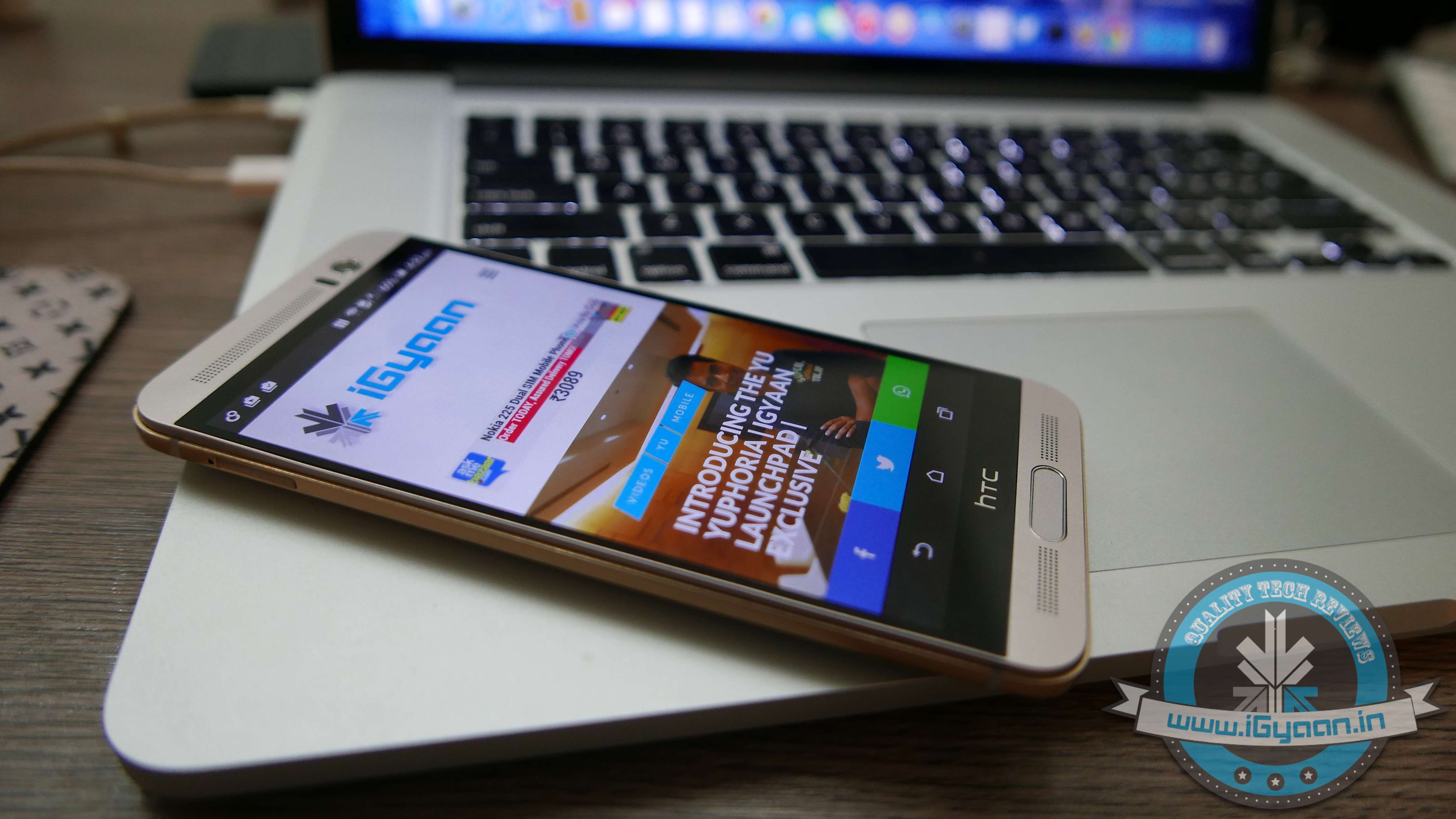
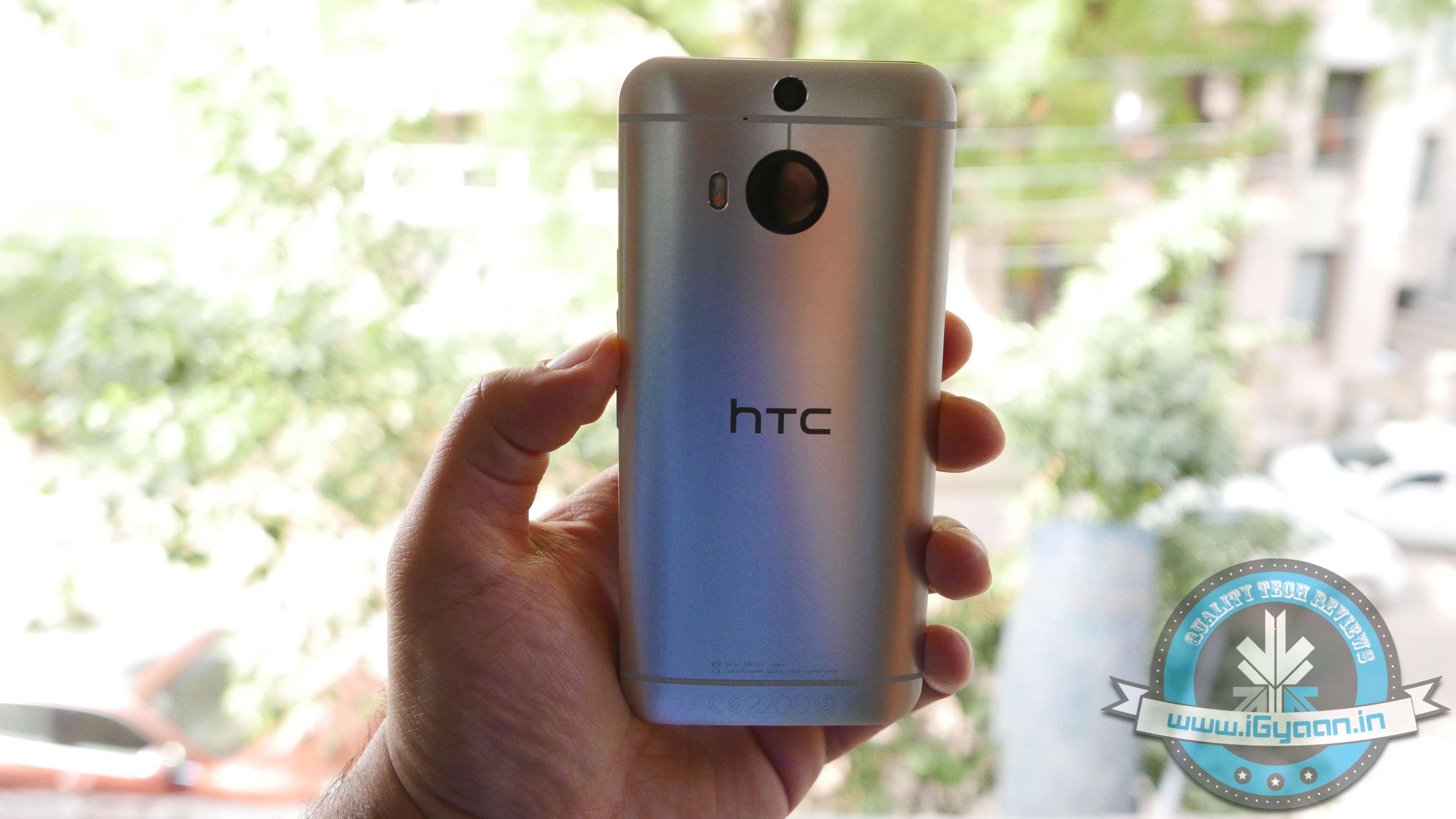
    HTC keeps up to tradition with the new HTC M9+ and it’s quite identical in design with the HTC One M9. A brushed two-tone finish with the same all Aluminium back as seen earlier on the M9. The gold trim is easy on the eyes, and even though not everyone has shown a lot of appreciation towards it, the material trip is unique. The front has new-gen Gorilla Glass 4 and a centrally located fingerprint scanner, which may be confused for a main button.

    HTC ONE M9+ 9Although, when the phone is unlocked an activated finger would allow you to jump back to the home screen. So it is touch button that looks like a real button with a fingerprint scanner embedded in it.

    Hardware

    Hardware wise the HTC One M9+ truly brings it to the table; great cameras, excellent display, ample storage and a large battery. However the Mediatek chipset was a real surprise to consumers and to us alike. This new chipset is actually much better than we anticipated, and puts the M9+ right back up in the flagship league.

    Specs

    HTC One M9+

    HTC One M9

    Display Size 5.2-inch 5 inch
    Display Resolution WQHD (1440x2560p) 1920 x 1080p
    Chipset MediaTek MT6795T Qualcomm Snapdragon 810
    CPU 2.2GHz Octa-Core 4 x 2 GHz + 4 x 1.5 GHz 64 bit
    GPU PowerVR G6200 Adreno 430
    RAM 3GB 3 GB
    Storage 32GB, expandable up to 2 TB 32 GB , expandable upto 128 GB
    Rear Camera 20MP + 2MP Duo Camera 20 MP Sapphire Lens f2.2
    Front Camera 4MP HTC UltraPixel 4MP HTC UltraPixel
    Battery 2840mAh 2840mAh
    Operating System Android 5.0.2 Lollipop with HTC Sense 7 Android 5.0.2 Lollipop with HTC Sense 7
    Price Rs. 49,500 Click for Latest Price N/A


    Performance

    The questions around the One M9+ are bang on. Is the Mediatek chipset a mistake? Should HTC have stuck with Qualcomm? Is the performance getting affected?

    However the answers are even simpler. HTC found the new Mediatek MT6795T to be refined and powerful enough to power their flagship. We find it difficult to disagree. The processor does not tire, it’s efficient and highly performance driven and allows the user to truly take advantage of the handset.

    HTC One M9+ 15

    Also, unlike the dual setup of the Qualcomm Snapdragon, the Mediatek chipset comes with an 8 Core CPU.

    The HTC One M9+ scores positive results on benchmarks, with a happy 48000+ on AnTutTu 64 bit. The performance report pitches it against all market flagships and gaming performance is better than 85% of the other devices at hand.

    HTC One M9+ 16

    Gaming is not a problem on the HTC One M9+, the chipset is quick at CPU calculations and load times are highly improved. GPU renders 2D and 3D graphics with easy and most games perform well at high graphics.

    Display and Multimedia

    It’s a pity that the original HTC One M9 didn’t get a high resolution display. A 2k display makes sense on a handset with over 5 inches to spare, and HTC has managed to get it all well within the sweet spot.   As with most HTC displays in the past, this too gets a SLCD panel with Gorilla Glass 4 and great brightness indoors or outdoors.

    Gorgeous 2K Display
    Gorgeous 2K Display

    Boomsound is much better on the M9+ when compared to the audio quality of the HTC One M8, larger speaker cavities improve the native sound and an enhanced audio chip improved audio from the headphones. The Boomsound speakers are possibly the industry’s best and they have seen significant improvement on the M9+.

    Camera

    HTC has also majorly overhauled their camera strategy. From saying “Megapixels don’t matter” to stuffing a 20 MP sensor in their latest flagship, HTC has truly gone with what the market wants. A wide f2.2 enables good low light shots, however, the Samsung Galaxy S6 takes the cake on low light with their f1.7 aperture lenses.

    The images from the HTC One M9+ are sharp and the colours are well balanced. The contrast is good and the light compensation in low light is excellent. Native image stabilization is hugely missed on this handset.

    The Camera app is a lot more simplified and easy to use. While certain things that came naturally on the HTC One M8 are now slightly difficult to operate, like the Dual-Camera capabilities. The addition sensor on the dual setup measures the field of view and allows the user to capture images with defined and adjustable depth. It’s mostly gimmicky, however in a perfect light and area setup, it works flawlessly. An idea example would be a landscape shot with a subject in the foreground. These type of shots will work best and will also allow customisations using HTC’s inbuilt features.

    HTC One M9+ 9
    Duo Camera 20 MP + 2 MP

    ZOE, now independent of the camera app on HTC devices, is more of a cross platform photo sharing app. Important filters and features make it fun to use and allow the user to experiment a lot more with the camera on the HTC One M9+.

    HTC One M9+ 1
    Front Ultrapixel Camera

    The front camera is an Ultrapixel camera from HTC, the same sensor we saw on the back of the M7 and the M8 last year. This drastically improves the front facing camera’s quality as well as low light capabilities.

    OS and Blinkfeed

    One of the best things HTC has done on the M9 and the M9+ is reduce their control of the Android OS space. The new HTC Sense 7 is a lightweight skin vs what it used to be in the past. Less customisations by HTC also mean that Android Lollipop and Android M (in the future) get to display their full glory.

    If you do miss customizations, like HTC’s flip clock, they are now included in the widgets section and are just a simple long tap away. You also, still get themes which you can further customize, by changing colours, images and layouts.

    Blinkfeed has also upped its game, with a faster re-hash of feeds and a better layout. The higher resolution display of the M9+ helps in highlighting the content.

    The OS and the UI elements are highly optimized, this helps improve productivity and reduce battery consumption.

    Phone Network & Battery

    The HTC One M9+ supports LTE networks as well as all bands in India. It has a fantastic antenna and excellent voice quality, something that has become synonymous with HTC in the past. No dropped calls and hit network in places with poor reception, are great things to have.The reduced search for strong network also improves battery life on the handset.

    HTC One M9+ 3Both the speaker and microphone are loud and responsive, allowing parties on both sides to communicate effectively.

    The 2840 mAh battery is more than sufficient in getting through the day and then some. The chipset along with the optimizations on the software front make the battery-drain end up on the lower side of the spectrum. The battery life could have been better and things like fast charge are missing from the mix, we honestly don’t mind.

    Type

    WiFi

    Cellular

    Talk Time N/A 6 Hours
    Standby 150 Hours 48 Hours
    Music 12 Hours 10 Hours
    Internet 5 Hours 5 Hours
    Video and Gaming 4-5 Hours 4 Hours

     Conclusion

    With the One M9+, HTC has put all its cards on the table. Their experiment with a relatively newer chipset manufacturer may have paid off well. Consumers in Europe are craving the One M9+ while being served the One M9, and there is good reason for that. The M9+ turns out to be a much better handset than many already in the market, it also is a much better handset than the company’s own M9. Excellent build quality, great design and aesthetics, premium materials, great hardware and excellent cameras make the HTC One M9+ a better device. The camera improvements will satisfy those that missed it last year, and the OS improvements will really push the envelope on making the One M9+ ownership worthy.

    The One M9 was a huge disappointment, failing to play catch up with what was happening in the industry. However, with the new M9+, HTC not only caught up, they set precedent.

    HTC One M9+ 13

  • YU Yuphoria Review : Segment Changer

    YU Yuphoria Review : Segment Changer

    There are no surprises that the first lot of the Yuphoria sold out within seconds. The inception of YU as a brand is relatively recent. However, Micromax, its parent company, has been around for a while. Yu was started as an online exclusive spinoff resulting in deeper competition for the likes of Xiaomi and others who mastered this domain. The success of the Yureka has proved that Indian brands are ready to change their old decaying methods

    Yu Yuphoria 22

    The Yuphoria is YU’s new handset. However, the company is not pegging it as a sequel, more like a different segment hero. The Yuphoria is their budget end of the spectrum, but YU as a company have ensured that people don’t think of this handset as a budget handset.


    Overview

    The Yuphoria is priced at a low Rs 6999/- however it packs in a big bang for its buck. Good construction is what YU and Rahul Sharma played off well while launching this device. Packed with more than you can expect from a budget handset. However, the market is now saturated, with the likes of Honor, Xiaomi, and Lenovo. So what makes the Yuphoria different and why is it getting attention? For Starters, in its entirety the Yuphoria handset will be assembled in India. It was made clear at the launch that the initial lot would come from China, however, post the first few thousands, the Yuphoria will be assembled in their local plant in India.

    Yu Yuphoria 20

     Hardware

    The Yuphoria promises a lot and packs a decent set too. No, it is not game changing in performance, but its got a good lineup.

    For a price of Rs. 6999/- one begins as thinking of this handset from YU as a no-brainer.

    Specification

    YU Yuphoria

    Display 5-inch IPS HD
    Resolution 1280×720 pixel (294ppi)
    Additional Protected by Gorilla Glass 3
    Processor 1.2GHz  Quad Core, ARM Cortex- A53
    Chipset Qualcomm Snapdragon 410 | 64bit
    GPU Adreno A306 3D Graphics Core | 400 MHz
    RAM 2GB
    Internal Memory 16GB
    Expandable Up to  64 GB
    Sim Cards  2 x LTE Enabled Sim Card Slots
    Primary Camera 8MP
    Secondary Camera 5MP
    Connectivity Options 4G LTE
    Battery 2,230mAh
    Operating System Cyanogen 12.0 (Android 5.0 based)
    Price  Rs. 6,999

    Build and Design

    [pullquote_left] The included screen protector is a great freebie [/pullquote_left]

    The YU Yuphoria may be a budget handset, but it feels like a lot more. The phone has fantastic construction for its price, an all metal frame, made from stamped parts, which have been laser welded into place. The edges give the phone a lot of rigidity and strength, which in turn gives a reassuring feeling to the holder.  The back has a soft touch rubberized back panel, which is not prone to fingerprints. The fat lens cap, however, is like an oil slick ; slippery and constantly smudgy.

    Yu Yuphoria 10

    The design is very Lumia-like and resembles good-old Nokia Lumia handsets with the metal frame shape and fat lens in the back centre. There is a very slight, almost negligible, lip on the front glass of the handset that may attribute to some protection for the front glass. However the included screen protector is a great freebie, especially for a device that may not see case manufacturers running after it.

    Performance and OS (Cyanogen)

    The Yuphoria is not a benchmark king, but then again it costs Rs 6999. We ran several benchmark tests, and the results were average. We weren’t surprised by the performance because the Qualcomm Snapdragon 410 is fairly limited in capability. However the way cyanogen is built, and the use of Android 5.0.2 on the inside will make day to day operations a breeze. Expect no lag in the usage of the device, while switching from and to backgrounded apps, making calls, browsing the internet.

    The 64-bit architecture comes into play here, and while you won’t get the best “extreme” performance scenarios, the handset can handle high-end games at lower graphics.

    No special points for guessing that Cyanogen 12 works well on the Yuphoria. The Lollipop version of Android with Cyanogen’s custom tweaks have made sense for this budget device, eliminating daily bothersome lags. Post many days of use, the operating system on the device remains smooth.

    Many things are easier thanks to Cyanogen. You get tap to wake and sleep, but you don’t get screen-off gestures that let you turn on the flashlight or jump into the camera.

    YUphoria

    Benchmark results were off the usual expectations, and low. If you are expecting a performance workhorse, this truly is not your price segment, nor is the Yuphoria your device. This device runs smoothly through the day and will keep up with almost all sorts of usage as long as you are not going to work it too hard. It tends to heat up, however, the plastic back panel doesn’t let you bear the brunt of it. The metal frame appears to have been insulated to prevent it from getting hot.

    Yu Yuphoria 26

     Multimedia and Camera

    YU’s promotions prior to the launch of the Yuphoria included a music demo which showed off the loudness of the speakers. No, do not expect that at all. However, the AAC Technologies manufactured speakers are loud and clear and placing the Yuphoria flat on the table causes them to muffle out.

    The camera is an interesting mix while the Yuphoria has a smaller MP size it has a wider aperture lens. You also get a big 1.4-micron pixel size that drastically improves low light performance. However, when the images are viewed on a larger screen, noise is apparent.

    Yu Yuphoria 3The front facing camera is equipped with a 5 MP sensor that allows for higher resolution imagery however images are still noisy. Contrast is pretty good, and colour saturation is more accurate than many in this segment, but still off.

    Cyanogen’s camera app is the same as what you saw in the previous version and adds just a few changes. Functionality remains simple, and you can swipe down to add effects/filters and jump to the settings to enable face detection etc. The camera is fast and snappy especially for a shooter in this class. YU paid special focus to the camera at the time of launch, however, it may not be a magical clicking machine that they promised, but it does overtake many in the region.

    Phone and Networks

    What good is a smartphone that makes no calls? The Yuphoria does not have that problem. The phone has been designed to accept 4G Sim Cards, which might be an excellent option. However, considering the rollout speeds of India’s 4G capabilities, you might be many models down by the time you get to use it.

    The LTE band support makes the phone great for travel, again something that may only be useful depending on how much you travel. The connectivity is good, and dropped calls appear to be a non-issue with the Yuphoria.

    Yu Yuphoria 1Battery

    Unlike the Yureka, the Yuphoria has great battery life and there are no signs of the heating issues mentioned before.

    Talk time standards were good when tested with 3G network, giving an average of 6 hours of talk time in a day of use.

    The battery also charges quickly, giving you a full charge in about 1.5 hours. However, it’s not the fastest we have seen. The supplied “fast charge” charger would be the best way to charge this handset.

    Battery Test

    2G

    3G

    WiFi

    NO Connection

    Phone Calls 8 Hr 6 Hr N/A NA
    Gaming N/A N/A 7 hours 8.5 hours
    Music Playback 10 Hr 10 Hr 9 Hr 13 Hr
    Internet Only 10 Hr 6 Hr 4.5 Hr N/A

     Conclusion

    In a market that is a mess, with all kinds of phones from all kinds of companies, there seems to be some hope. The YU Yuphoria illustrates that you don’t need to pack loads of money to get a good smartphone experience. That’s what the Yuphoria is; A Good Smartphone Experience. But, it also just stops there, leaving a large void for improvements. As technology becomes more and more affordable, you might see what you call today “high end” trickle down to this price bracket sooner than you expect.

    [pullquote_left] The Yuphoria will not impress the true geeks, the power hungry or even the benchmark crazy [/pullquote_left]


    The Yuphoria makes for a good first smartphone, a good built premium feel smartphone, a good gift, a great new Android phone if you are replacing something in this price bracket, or even a second phone to  already have a special device. The Yuphoria will not impress the true geeks, the power hungry or even the benchmark crazy. The Camera is good, the battery is good and phone call capabilities are excellent. Cyanogen makes for the best experience of “Raw Android,” and the Yuphoria gives it at a mighty impressive price tag.

    Just like any other domain, you do have alternatives from Lenovo and Xiaomi. But none of them run Cyanogen, and none of them are made of metal.

    Yu Yuphoria 25

  • Review: SanDisk iXpand Flash Drive

    Review: SanDisk iXpand Flash Drive

    With every update, Apple makes it simpler to click pictures using an iPhone. With the ability to launch the camera without having to unlock the phone, it is now easier to click a picture than make a call. Inevitably iPhone users use the excellent camera and effortless launcher to click a ton of pictures, which poses a problem on the storage of the phone. Especially for users with 8/16GB smartphones, with no expandable storage options, the available memory vanishes sooner than expected.

    SanDisk claims to offer an easy solution to this problem. Meet the iXpand Flash Drive; it’s portable and promises to help you easily shift files between devices, subsequently expanding the storage of your iPhone. The flash drive we checked out, costs Rs. 4,490 and provides 16GB of extra storage. Here we explore if it’s worth the money spent.

    Overview

    The SanDisk iXpand flash drive is a solid dual flash drive that comes with both, a USB 2.0 jack and a lighting connector. It is available in 16/32/64/128 GB variants, priced at Rs. 4,490/5,990/7,999/11,490 respectively. The drive is recognized easily on iPhones, iPads and desktops. To use the flash drive, you are also required to download a free app on your Apple device.

    iXpand Sandisk 1

    Design and Build Quality

    Most parts of the device are covered in a solid encased brushed aluminium shell, which is complemented by a rubberised centre. The USB side of the flash drive is provided with a plastic cover. As a compact device, it is quite sturdy. You can easily dump it in your bag, without worrying about possible scratches.

    While it looks solid, usability-wise, the design fails to work. The lightning port being stuck in the centre makes it an awkward device to use. If you latch your iPhone onto the flash drive and the USB onto your laptop at the same time, your smartphone is going to end up covering most part of your keyboard. Basically, the two devices cannot be accommodated at the same time, they need to be used separately. This also means that you can’t use it to charge your device, which is a shame.

    After using the flash drive for a while, we also noticed that the lightning port, which is connected to the rubberised centre, got displaced and started sticking out of the device, making it prone to damage.

    iXpand Sandisk 8

    Performance

    The iXpand App : To manage data, you need to install an app onto your App device. Downloading the App is fairly simple. When you connect the flash drive to your smartphone, it automatically opens up a message asking if you’d wish to download the app. In case the pop-up is missing, simply go to the App Store and download the ‘SanDisk iXpand Sync’. It’s sized 45.9MB, requires iOS 7.1 or later versions. While we have our problems with the design of the flash drive, the design of the iXpand app is quirky, clean and easy-to-use. With the app, you have an option of setting a mode which helps automatically sync the camera’s picture roll onto the SanDisk iXpand.

    One of the super helpful features of the app is that with the use of a pie chart, it shows you exactly the amount of free or used space on your iPhone/iPad, as well as on the drive. And using colour codes, it illustrates the different things (Music, Photos, Videos etc.) taking up space on your flash drive.

    Syncing pictures: By turning on the Camera Sync option, you can automatically sync files when the iXpand is plugged onto your iPhone. There is another option, which helps you delete photos and videos after sync, you can use it to conveniently free up space on your iPhone. This way you don’t have to go back and manually pick and delete files you’ve synced. In case you’re nervous you might delete the wrong pictures from your iPhone, remember they remain in the “Recently Deleted” album in your photos app for 30 days.

    Speed Test: The SanDisk flash drive uses USB 3.0, and one of its major advantages is supposed to be its high transfer speed.  It can give upto 640MBps but our speed test only gave us a maximum speed of 15.0 MB/s. We ran the same test on the USB 2.0 and the maximum speed we got was 4.5 MB/s. There is a considerable improvement in the speed, however it doesn’t utilise its true potential.

    ixpand speed test

    Watching Movies Using iXpand: Most Apple users have trouble admitting it, but iOS comes with several limitations. One of the major restrictions has been the tedious task to transfer videos/movies onto an ‘iDevice’. While Android users  can transfer movies onto their phones with ease and watch them on-the-go, what do iPhone/iPad users need to do? First, Apple products support only certain kinds of formats, such as P4, M4V and MOV files. So videos are required to be converted to those format. Secondly, you  need to install iTunes onto your laptop. Sure, there are third-party apps which cut short the procedure, but we need to admit, it is quite a hassle.

    With the iXpand Flash Drive, all you need to do is dump the movie onto the drive and insert it into your smartphone and enjoy. Point to note: while you’re watching the movie, the iXpand drive might make the phone slightly uncomfortable to hold, but the drive is extremely sturdy and it really latches onto your phone. In case you’re shifting around, nudging the pen drive will not cause any damage to your movie. The app also has excellent playback speed; as soon as you tap on your video of choice, it plays it almost instantly.

    iXpand Sandisk 6

    Charging the Flash Drive: The iXpand flash drive requires charging. An LED light on the right side of the device reminds you if the drive needs to be plugged in for charging. This is so it doesn’t take any juice from your iPhone/iPad, when being used and it automatically charges itself when plugged onto a computer.

    iXpand Sandisk 10

    Conclusion

    Overall, the Sandisk iXpand Flash Drive is a convenient device to have around. If you’re looking to free up some space on your iPhone, it might be the simplest solution available. However, instead you could also invest in extra iCloud storage, that way your files remain online, and can be accessed any place and at any time. On the other hand, with the iXpand, you wouldn’t need an internet connection to retrieve your files. We would, without doubt, recommend the device for its ability to play videos/movies on the go.

    You can pick up the device here:

    [tw-column width=”one-half”]

    GOOD THINGS

    • Sturdy build
    • Excellent media playback speed
    • User-friendly apps
    • Supports all video formats

    [/tw-column]

    [tw-column width=”one-half” position=”last”]

    BAD THINGS

    • Awkaward design
    • Slow speed
    • High price

    [/tw-column]

  • Moto E 2nd Gen Review : Still Does Not Break the Bank

    Moto E 2nd Gen Review : Still Does Not Break the Bank

    Motorola’s revision to last year’s budget hero, the Moto E, is out and while it’s still called the E, it does have some second gen features to boast.

    The newer Moto E comes with a beefier set of specifications and not a whole lot of change in pricing. A new front camera, a larger 2390 mAh battery and an all new rear shell that truly is unique to the new Moto E. The Moto E is priced at Rs. 6999 and comes with Android 5.0 out of the box, yes just like its predecessors it’s stock android, with a bunch of Motorola apps on there.

    motorola moto e 2015 - 4

    Build Quality and Hardware

    The new Moto E is the same 12.3 mm in thickness, however, feels a lot more robust and a lot more hefty in the hand. The side band comes off to give access to all the card slots, which for the version we are testing, include a micro SD slot and dual SIM slots.

    The side band has a ribbed finish adding additional grip and what may be described as a rugged looks to the already smart looking Smartphone.

    motorola moto e 2015 - 15

    The front has a 4.5 inch display with a 540×960 px resolution and a 245ppi pixel density which also is protected by Gorilla Glass 3 and has a oleophobic coating, which is highly resistant to oil and smudges. This also makes sliding the finger on the phone to result in an action much smoother than anticipated.

    The front camera is a basic VGA camera, but compared to last year’s “no camera” model anything works. The rear camera is a 5 MP camera capable of 720p video and HDR photography.

    There are two variants of the new Moto E, the 3G variant comes with Qualcomm Snapdragon 200 and Adreno 302 GPU, while the 4G/LTE variant comes with the Qualcomm Snapdragon 400 and Adreno 306 GPU.

    While the LTE variant is not yet available, it is expected to launch at Rs 8,999 in India. The 3G version is available today to buy from shopping website Flipkart for a price of Rs. 6999 with additional deals that you can see on their website.

    The new Moto E comes with 8 GB of storage and 1 GB of RAM and you can pop-in a microSD card upto 32 GB.

    Specifications

    Moto E (gen 2)

    Moto E (gen 2) LTE

    Display 4.5-inch 4.5-inch
    Resolution qHD(540×960) qHD(540×960)
    Chipset Snapdragon 200 Snapdragon 410
    Processor 1.2 GHz quad-core 1.2 GHz quad-core
    GPU Adreno 302 with 400 MHz GPU Adreno 306 with 400 MHz GPU
    RAM 1 GB 1 GB
    Storage 8 GB 8 GB
    Expandable Upto 32 GB 32 GB
    Main Camera 5 MP 5 MP
    Front Camera 0.3 MP 0.3 MP
    Video 720p HD Video, 30 fps 720p HD Video, 30 fps
    Battery 2390 mAh 2390 mAh
    Operating System Android 5.0 Lollipop Android 5.0 Lollipop
    Price Rs.6999 Approx Rs.8999

    Performance and Gaming

    [pullquote_right]DO-Not expect a Powerhouse![/pullquote_right]

    When you buy a phone under Rs. 7,000 in cost, your prime focus need not be the performance of the handset, but more so the reliability or the fact that the phone will get you through your needs in a trouble free fashion. The Moto E – Gen 2 does that, and it does that for every user who owns the handset.

    However score charts do not lie, and Motorola’s success with the first Moto E and this year’s Moto E are wholly thanks to the stock Android that it runs, which is lighter and less resource hungry compared to the custom skins of the mighty elite.

    On AnTuTu the score on the new Moto E is at 17629 (varied) which is poor by all means. But this does not reflect in the day-to-day performance of it.

    It does support games like Batman Arkham Origins and Modern Combat 5, and even though graphics are lowered to the lowest possible, the gameplay remains smooth which is surprisingly good for a budget device such as the Moto E.

    Moto Experience

    [pullquote_right]Hello Moto, Funky Moto Tricks Built In![/pullquote_right]

    Motorola has added a bunch of cool tricks in this cool budget phone. The new Moto app, allows for you to set a gesture, twist your wrist to launch the camera, and click a picture.

    The Assist feature will go into Sleep Mode as well as Meeting Mode as per your settings, which is a neat productivity trick.

    Moto Display shows off the notifications when the phone’s display is off, you can also customize which apps will show and which will not and set vibration modes for the notifications and interactions.

    Moto Alert is designed specifically keeping India and its lack of safety in mind. You can set a number of contacts that will get updates on where you are and where you are going in case of an emergency.

    The device will get quick and regular updates to the best possible supported build of Android, which is an appreciable aspect of Motorola’s promise to service.

    motorola moto e 2015 - 6

    Camera and Multimedia Experience

    The 5 MP camera boasts focus capabilities and improved low light performance, but, not enough to impress us. The use of the camera will be limited to mostly well-lit environments or outdoors.

    [pullquote_left]Why No LED Motorola?[/pullquote_left]

    What baffles us is the lack of LED flash, which would double up as a flashlight/torch making life a lot more easier for users of the Moto E2. This LED flash would also drastically improve the poor image quality indoors. Honestly, how much does an LED diode cost anyway Moto? (We found them for as low as US $ 0.04 /piece ).

    The front camera is a gimmick at VGA resolutions, poor quality, crushed images with large amounts of noise. Lots of companies are now installing upto 5 MP cameras in their budget selfie phones, however Motorola does not want to seem party to that.

    motorola moto e 2015 - 26
    Image Sample Moto E 2

    The main camera and front camera are designed to provide lenses for use. However don’t expect them to do magic, because they won’t. If you are looking for a good camera in this price bracket, we suggest you buy a camera and not a phone. That being said, investing slightly more may get you better options.

    The Speaker is surprisingly loud and will satisfy the needs of many. It is well balanced, even if it’s not the best speaker. On the other hand if you like listening to music, we suggest a good pair of earphones/ bluetooth speakers.

    motorola moto e 2015 - 5

    Phone and Battery

    Networks are strong and phone calls are crisp on both sim cards. The audio on both sides of the call is nice and loud and you won’t find yourself complaining. Moto has bundled in a good SIM management right in the settings panel to allow for better organization and usability of both SIM cards, mostly based on what plans you have on either.

    motorola moto e 2015 - 19

    Battery is a big improvement, you will find yourself running into two days without charge if you are a moderate user. The non-removable nature of the battery is slightly disappointing, but Motorola has a good record with battery longevity.

    Battery Life

    Talk Time 6.5 Hours
    Internet Browsing 6 Hours
    Music 18 Hours
    Gameplay and Video 8 Hours

    Conclusion

    Motorola has been a favorite since rebirth and all their devices including the Moto X, the Moto G and the Moto E have done exceedingly well, especially in markets like India. However, Xiaomi has really hurt their sales at the lower end of the spectrum and OnePlus is taking a stab on the upper end.

    [pullquote_right]Reliability  and quick software updates are still on Motorola’s fame list[/pullquote_right]

    With the Redmi 2 launched at the exact price, with better chipsets, better cameras and a sleeker profile, Motorola may be given a run for their money. On the flip side, reliability  and quick software updates are still on Motorola’s fame list and it only gets better with an improved build and customizable options thanks to the new grip bands.

    This is the new budget hero, the Moto E 2!

    [tw-column width=”one-half”]

    GOOD THINGS

    • Excellent Build
    • Fast and Flowy UI
    • Quick Updates/Lollipop OTB
    • Moto Reliability

    [/tw-column]

    [tw-column width=”one-half” position=”last”]

    BAD THINGS

    • LTE Version Not Out Yet
    • Specs are Lower than Competition
    • No LED Flash! Seriously?
    • Poor Cameras

    [/tw-column]

iGyaan Network
Privacy Overview

This website uses cookies so that we can provide you with the best user experience possible. Cookie information is stored in your browser and performs functions such as recognising you when you return to our website and helping our team to understand which sections of the website you find most interesting and useful.