Category: Android

  • Google To Redefine App Ratings On Play Store, Emphasise On Latest Reviews

    Google To Redefine App Ratings On Play Store, Emphasise On Latest Reviews

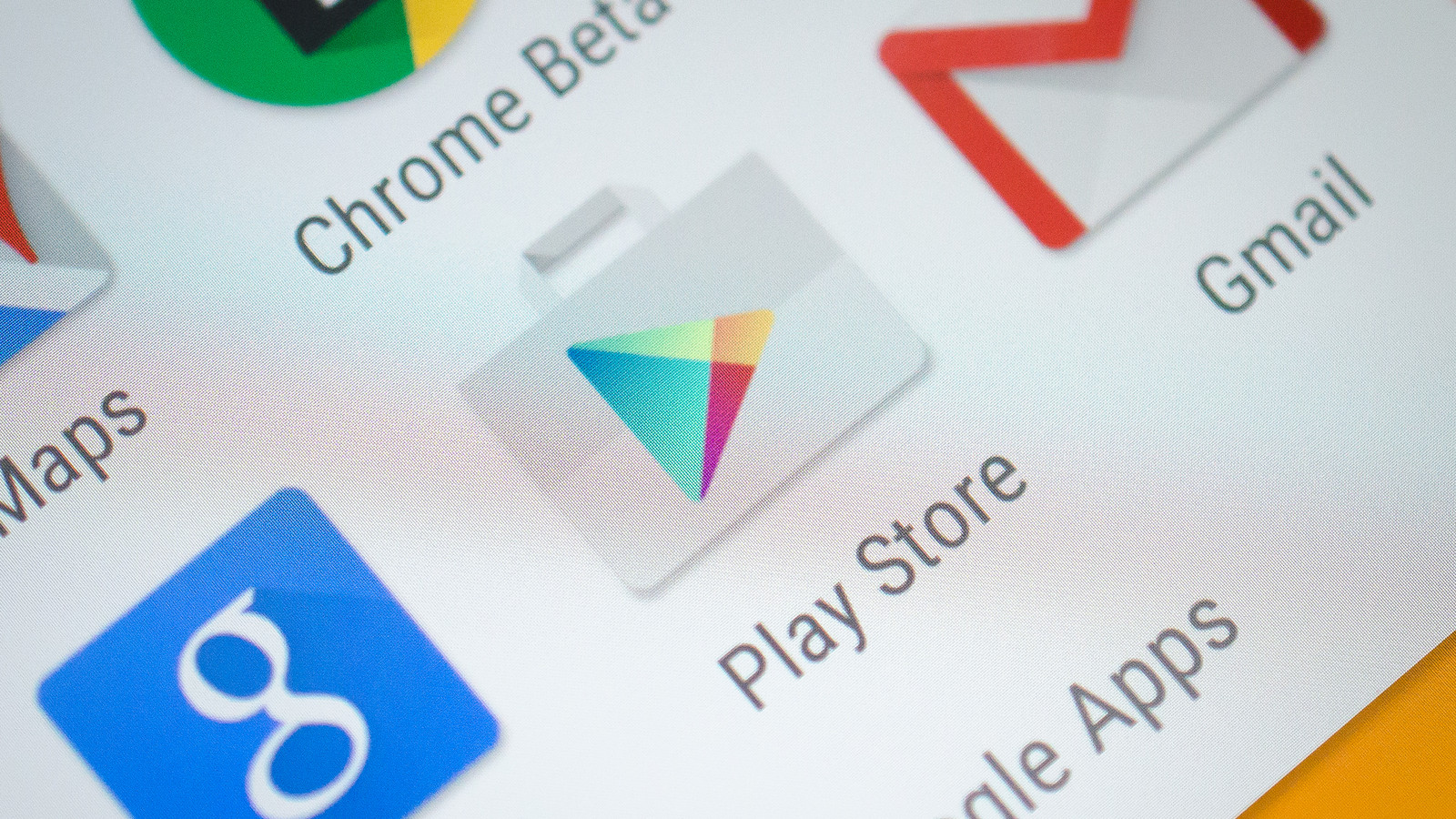
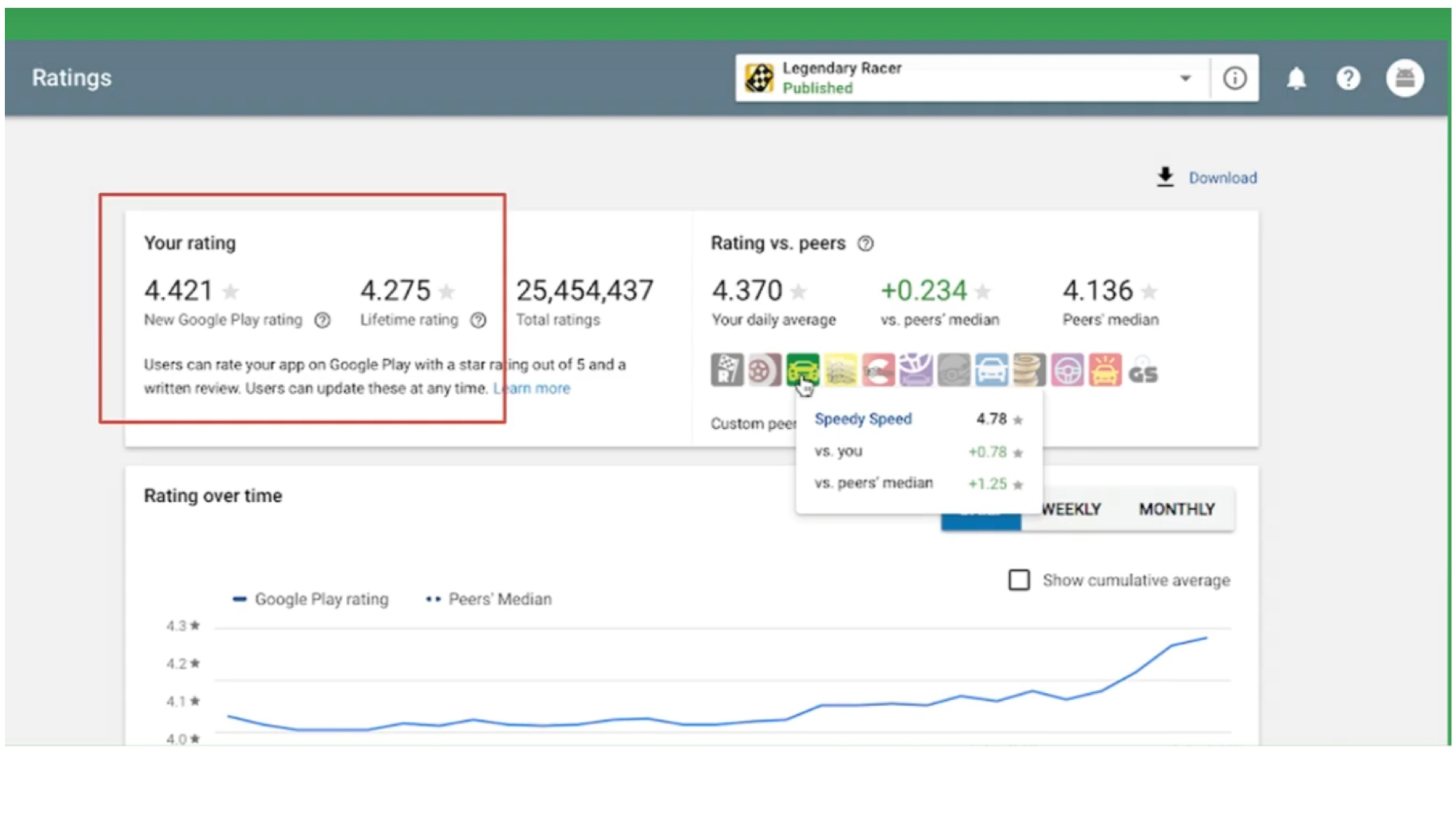
    Google’s Play Store is a digital distribution service which houses millions of applications, games, books, movies and music files. It is used globally by several users of Android-enabled smartphones to download the aforementioned media. Now, in a bid to promote transparency in the ratings available for the applications on the Play Store, Google is changing how they work. At Google I/O 2019 developers conference, the search engine giant has announced it will now give importance to the latest rating given to an application to showcase its evaluation.

    Google Play Store Ratings

    Google Play Store

    According to a senior Google executive, the move is being done due to high public demand. She is further noted saying that the current system of rating in the Play Store uses the collective lifetime value of an application’s rating. The system is scheduled for a change later this year, wherein more emphasis would be given to the latest ratings for the application. The company claims this will reflect the developer’s hard work and efforts as any update can change how an app is perceived among users. For example, if an app that has had negative reviews gets updated and the experience is more refined, the ratings will give weight to the latest ratings, which were given after the update. A similar feature was provided by Apple around two years ago when it gave the developers of the App Store a choice; to refresh the ratings of an application after each update.

    Also read: Upcoming Redmi Flagship To Feature An In Display Fingerprint Scanner & Great Battery Life

    The latest update to the Google Play Store is expected to be a great change for the developers. However, in the last few weeks, reports of fake ratings on an app by a significant number of people have surfaced online. With the updated version of the Play Store, this can mean the ratings of the app would plummet significantly. While Google has not provided a release date for the feature, it will roll out by the month of August. For Android developers, the feature should be available for preview in their Play Store Dashboard starting May 8.

  • Android Distribution Numbers Announced, Oreo The Most Used Version

    Android Distribution Numbers Announced, Oreo The Most Used Version

    Google released the Android operating system for mobile devices back in the year 2008. The latest version of the OS is Android 9 Pie, which is its ninth major release. Before the launch of its successor, dubbed Android 10 Q in the following months, Google has released the Android Distribution list on the software’s official website. The list showcases the statistic of how many devices are running a particular version, and if a new version has been successful or not. The company refreshes the list every six months and this time it revealed Android version 8, named Oreo, is most popular worldwide.

    The Result

    Android Distribution List: Oreo On Top

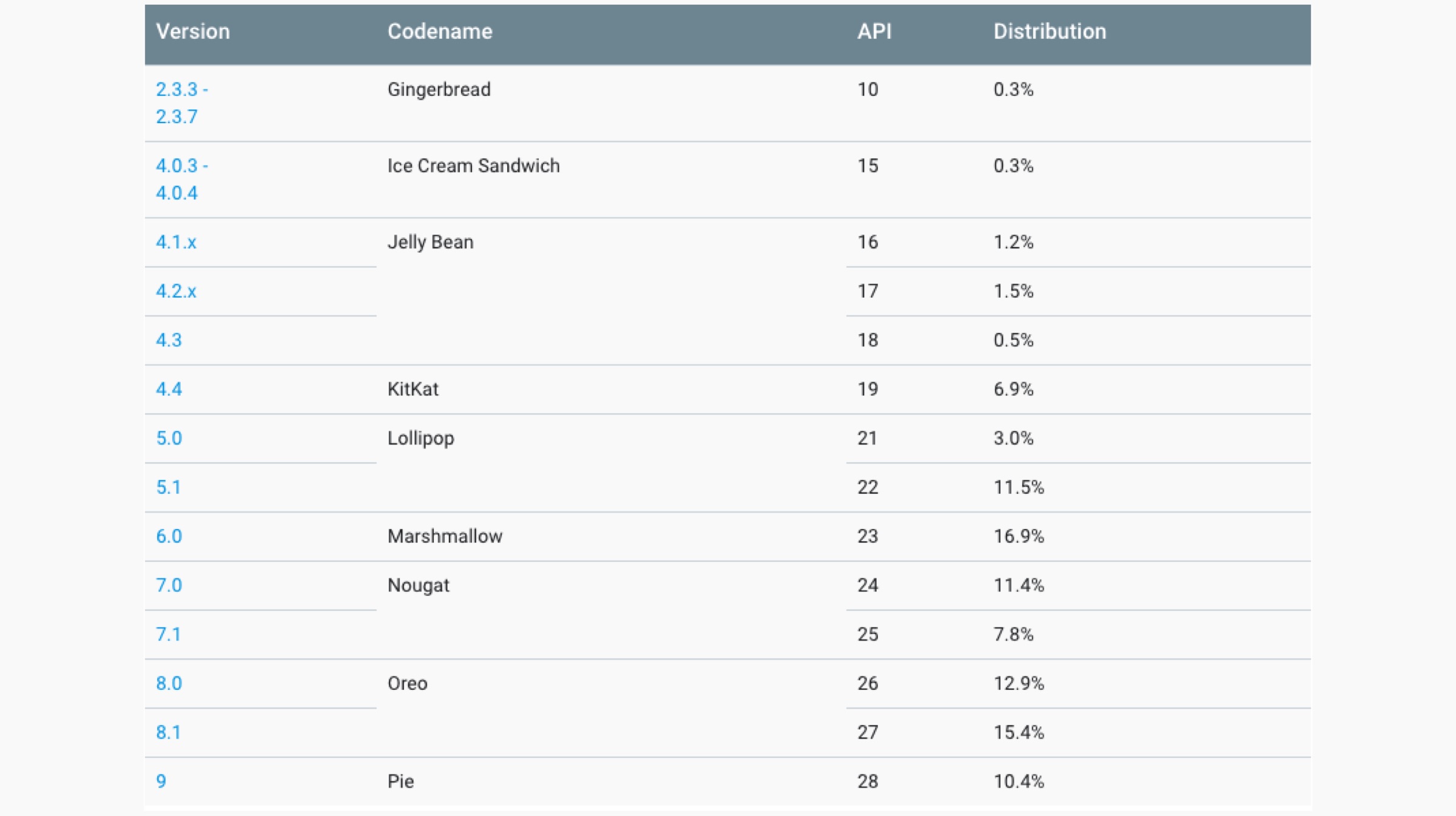
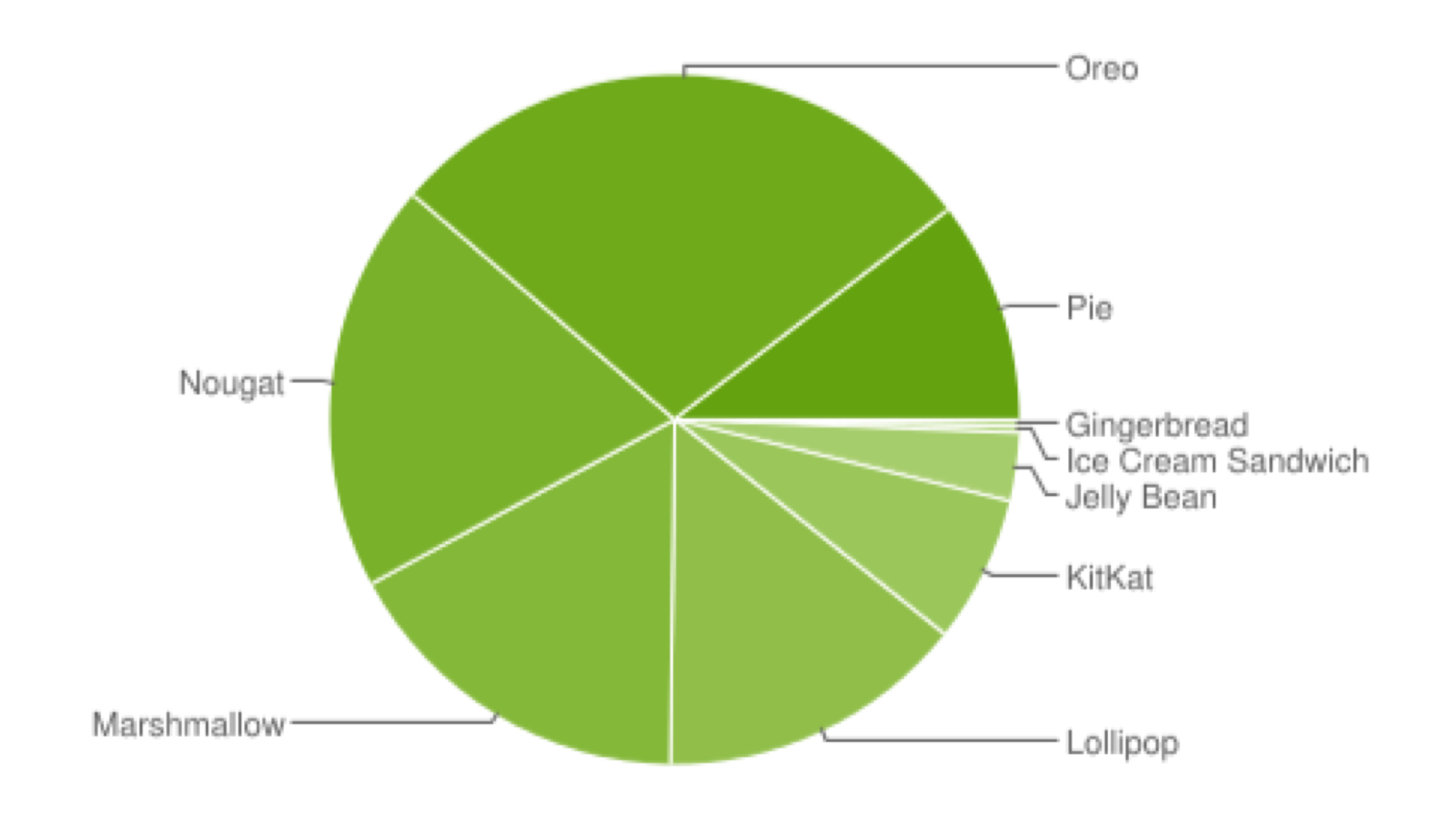
    As mentioned above, Google refreshes the Android Distribution list every six months; with it being updated previously in the month of November last year. The company claims it collected the data over a 7 day period ending May 7, 2019. It also notes the versions with less than 0.1 percent usage were not included in the list. The list reveals the Android versions 8.0 and 8.1, both referred to as the name Oreo, with a combined percentage of 28.3 %, are the most used OS by the company worldwide. It was originally released back in the year 2017. Noteworthy, in the last list that was released by Google, the version 7.0/7.1, named Nougat was the most used at the time.

    Android Distribution Chart

    Also read: EA Announces Apex Legends Will Be Released For Smartphones Later This Year

    The Android Distribution list is followed by version 7 Nougat, released in the year 2016 in the second place with a combined share of 18.4 %. In the third place is the Android 6 Marshmallow released in the year 2015 with a cut of 16.9 %. After version 5 Lollipop with a share of 14.5% in the fifth place, the latest Android 9 Pie makes an appearance with a percentage of 10.4%. The latest statistics from Google showcase the Android Fragmentation problem that has plagued the platform since the beginning. The terms refer to the disparity in the software’s versions running on devices currently in use. The company is expected to release the latest version of the mobile operating system later this year.

  • Google Announces New Features That Will Accompany Android Q

    Google Announces New Features That Will Accompany Android Q

    May 7 was the first day of the much-awaited Google I/O event, and Google introduced a variety of new features and devices, such as the Google Pixel 3a series , the Nest Hub Max Smart Display and the Live Caption feature, which is a part of Android Q. Talking about the aforementioned OS, Google plans to release the full version of Android Q by this fall (somewhere between September and November). However, the latest beta version of the 10th iteration of Android is available on multiple Google devices as of now. The American technology company introduced a host of new features that will accompany Android Q.

    Dark Theme

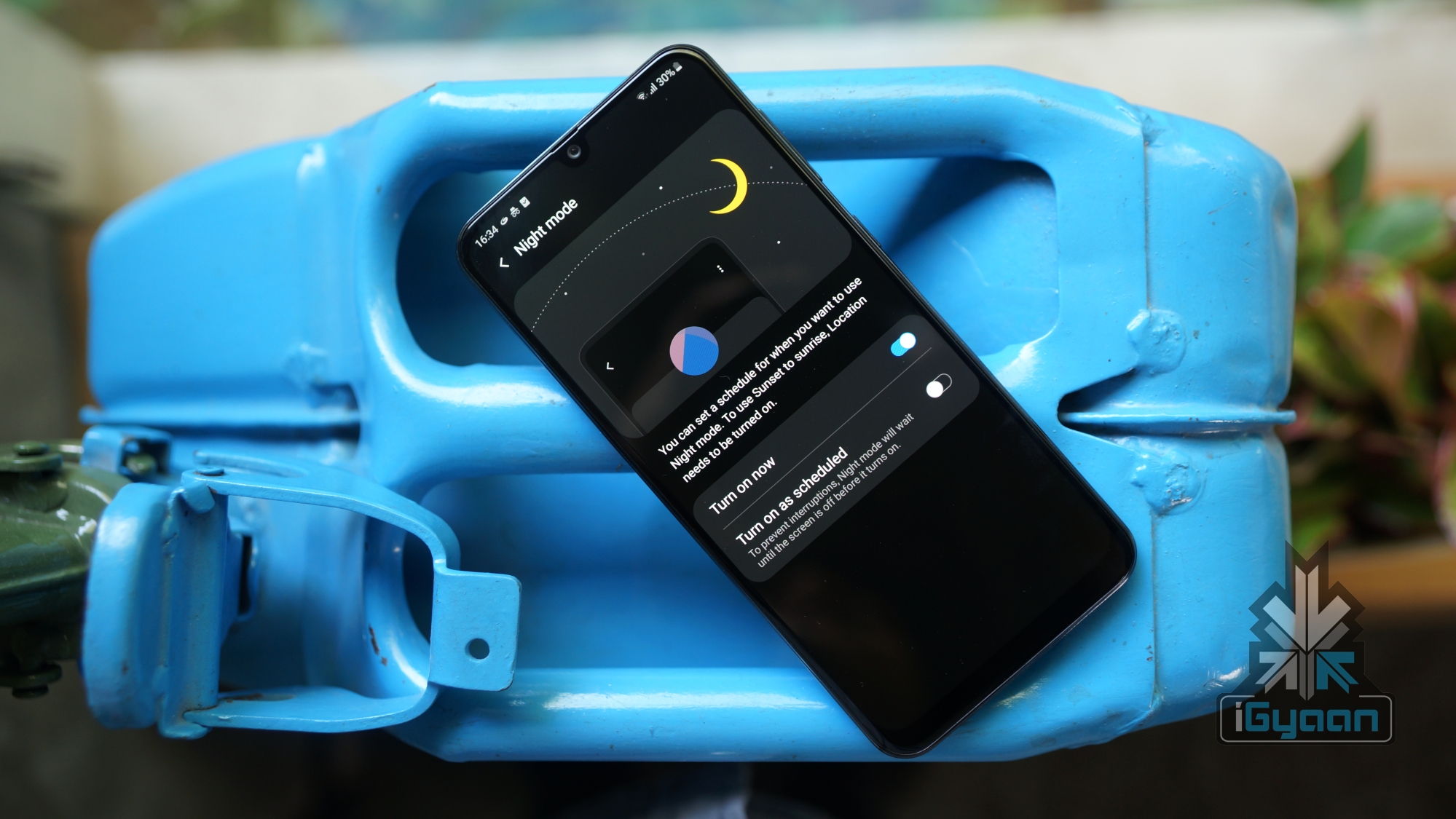
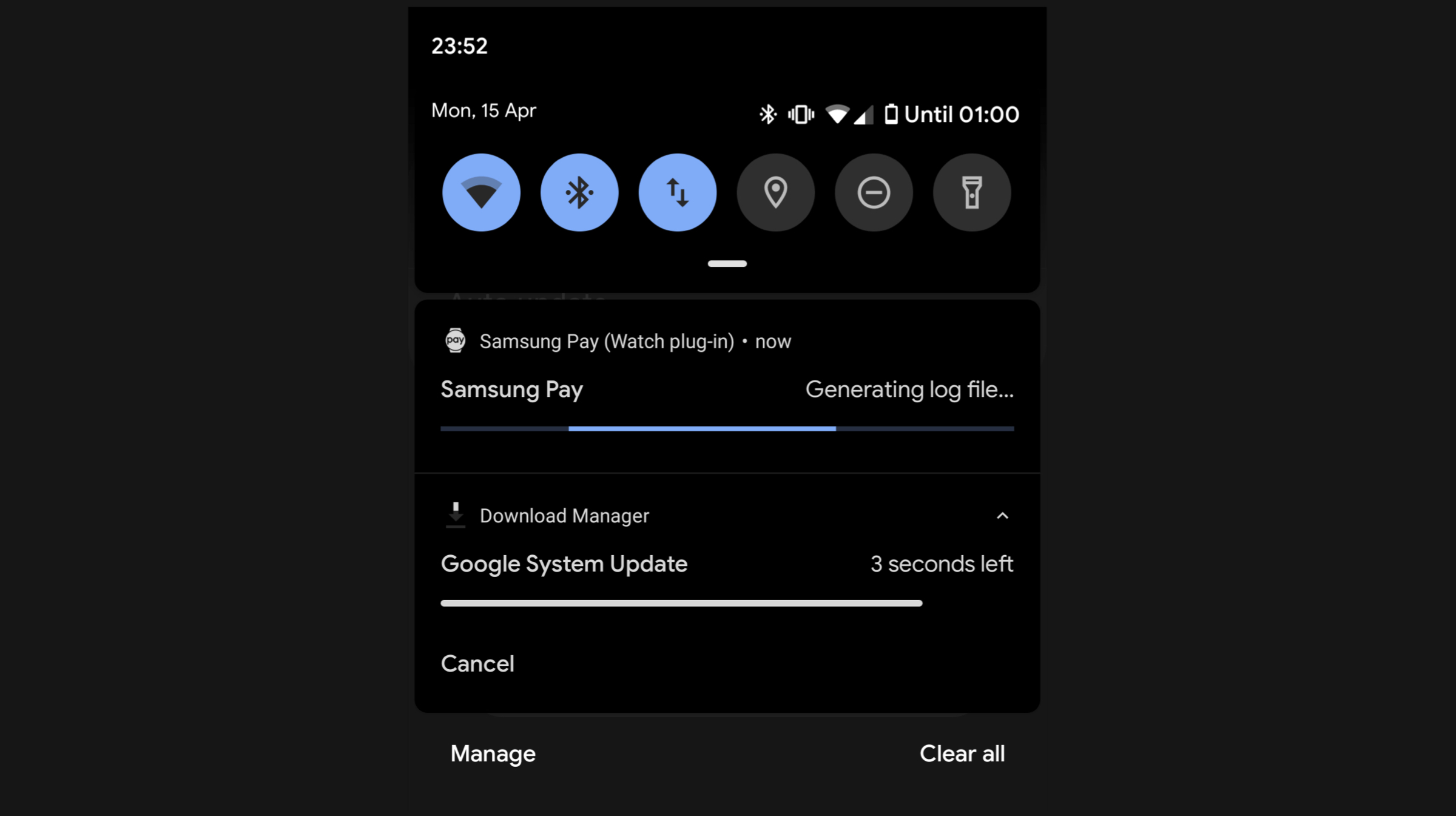
    The dark theme is being adopted by an increasing number of operating systems and applications across various devices. As announced at the event, the dark mode will be activated by simply pulling down the notification bar and choosing the “Dark Theme” option from the Quick Settings menu. The mode can also be activated by turning the battery saver on.

    Google stated that the dark theme will especially help in conserving battery on those devices which feature OLED displays, since only selected pixels on the screen are lit up during the operation of such panels. Further Google adds that all its first party apps will be dark theme compatible. This implies that Google Clock, Google Calendar and Google Photos will be able to take advantage of system-wide dark theme to preserve battery.

    Support For Foldable Devices

    As Google states, multiple OEMs will release foldable smartphones this year, and all of them will run on the latest Android OS. In a demo showcased by the company, the user was seamlessly able to switch from the game running on one screen to the foldable screen by simply unfolding the device. Supporting application continuity over the UI can help app developers work with APIs in a different way, Google says. 

    Gesture Navigation 

    Google is finally shifting away from the navigation bar and adopting a single white bar at the bottom of the screen. Users can swipe up to go to the home screen. To go into multitasking mode, users can swipe up and drag across the screen. If you swipe across the bar quickly, users can directly switch between adjacently running applications. Directly swiping up from the home screen can direct users towards the application drawer. Google further stated that animations across Android Q will be drastically improved in future updates. 

    Security Upgrades

    Google Android Q SecurityGoogle plans to integrate new security features into Android Q. The company will add a new “Privacy Section” under Settings, where users can adjust multiple security settings regarding their smartphones. The company states that users can now choose to share their location data with specific applications as per their requirements. Google will also add a feature to use the Android Q enabled device as a security key for logging into third party applications. The update system overhaul will ensure that users receive all the security patches and updates in the background, which will be installed without having to reboot the smartphone.

    Live Captions

    https://youtu.be/YL-8Xfx6S5o

    Also Read: Samsung Still Cannot Provide A Release Date For The Galaxy Fold

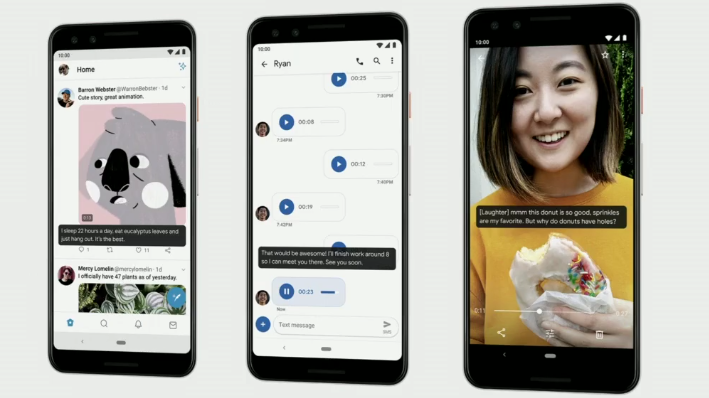
    Live Caption is another interesting feature that was brought to light. When the said feature is enabled, users will be able to see transcribed captions for the respective audio/video on the screen in real time. The feature is not just limited to Google application, instead, multiple media apps like YouTube and Instagram can make use of this feature. Furthermore, the feature also works with live video calling apps like Google Duo and Skype. Noteworthy, an internet connection is not required for Live Captions to function. 

    As mentioned before, Android Q will make its way to supported devices  somewhere between the months of September and November. Note that the beta version 3 of the same is already rolling out to 21 devices from 13 smartphone brands, including the Realme 3 Pro and Nokia 8.1.  

  • Google Introduces Live Caption Feature To Audios And Videos On Android Q

    Google Introduces Live Caption Feature To Audios And Videos On Android Q

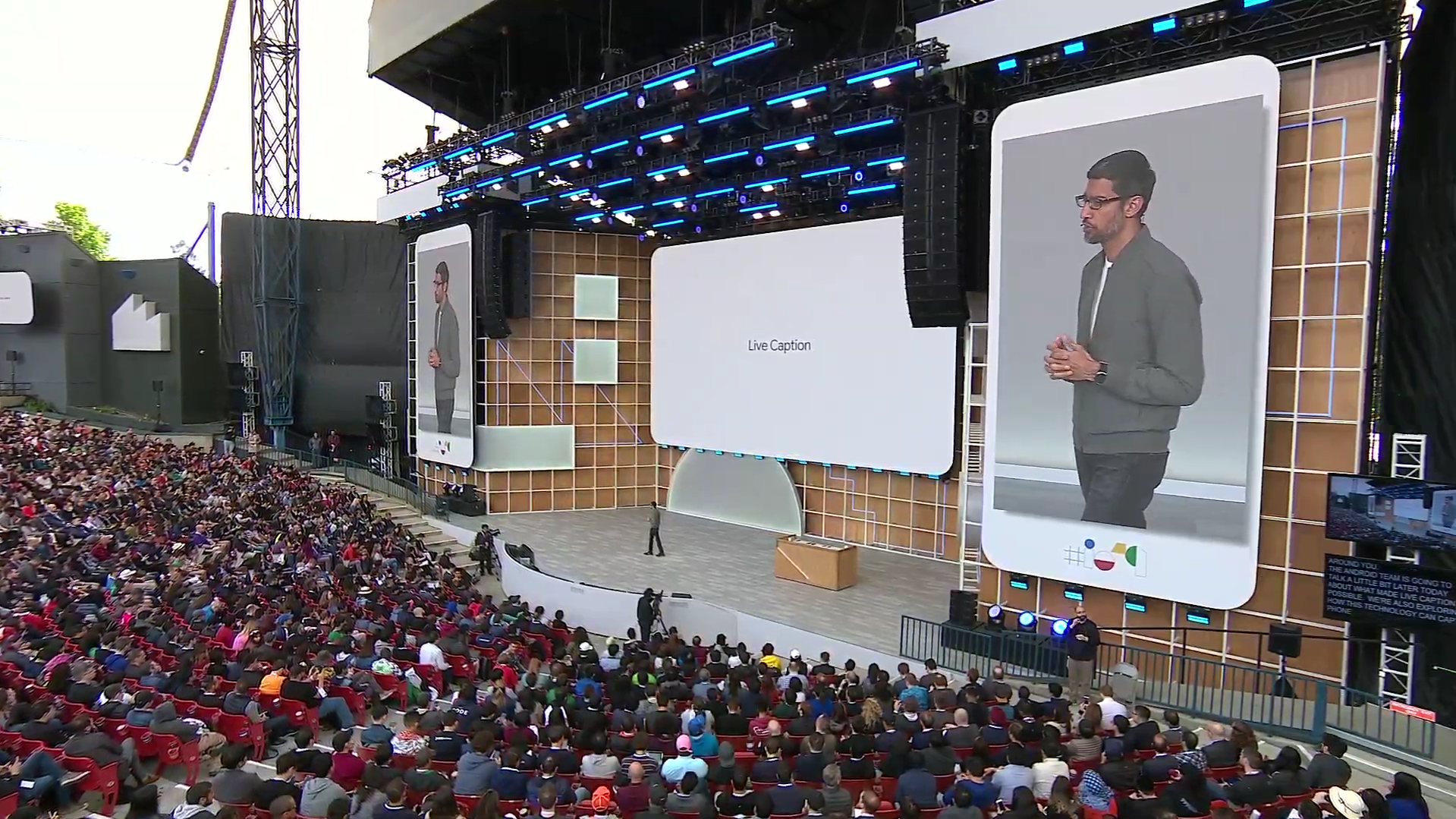
    Google’s I/O 2019 isn’t all about the new Pixel devices. The American Multinational Company added a new feature to Android Q, which is called Live Caption. When the said feature is enabled, users will be able to see transcribed captions for the respective audio/video on the screen in real time. The feature is not just limited to Google application, instead, multiple media apps like YouTube and Instagram can make use of this feature. Furthermore, the feature also works with live video calling apps like Google Duo and Skype.  As per Google, around 500 million people around the world are either deaf or have some forms of hearing problems. Such a feature may help in making content more accessible and easily available to hearing impaired people. Google CEO Sundar Pichai further stated that the company is constantly working on products that enable a multitude of people to access Google services along with others.

    An interesting feature of the same is the ability to work offline. As per the demo showcased at the event, Live Captions are powered via on-device machine learning. As per Google, no data is sent regarding the user’s activity while he/she is using the feature. The text transcription appears in a box that can be moved around the screen, just like any pop-up video player.

    Also Read: Google Launches The Pixel 3a & Pixel 3a XL Smartphones

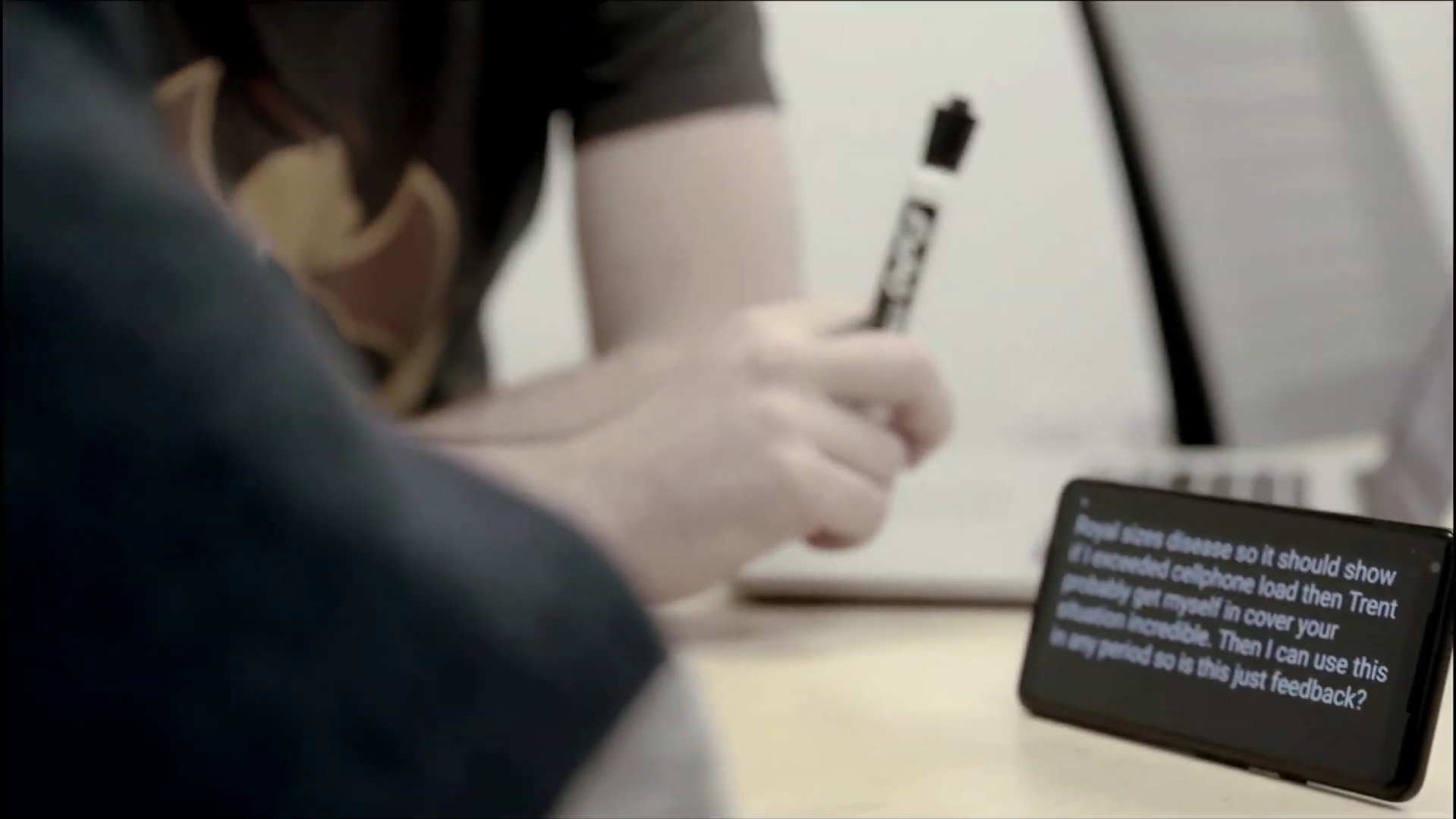
    The demo also exhibited the ability of the feature to analyze the video/audio source even when the audio was muted. The feature can be used in a multitude of scenarios, for instance, in meetings. Users can access the Live Captions by pressing any volume rocker on the device. The feature has to be switched on via the accessibility settings in order to show up though. The Live Captions feature can prove to be useful to hearing-impaired people in the long run.

  • Future Android Updates To Be Delivered Via The Google Play Store

    Future Android Updates To Be Delivered Via The Google Play Store

    Google’s Operating System Android is one of the most popular softwares in the world. Its popularity can be justified with the wide variety of devices it is compatible with. However, despite the popularity, one Achilles Heel the OS has faced time and again is the disparity in software updates. While smartphone OEMs like Google, Essential and Nokia have been known for pushing updates constantly, the majority of devices lack the latest version of the software. A post on the social media website Reddit insinuates Google is looking forward to changing that.

    In the post, the user claimed they received an Android software update through the Google Play Store, Android’s application store. This is an unconventional way of dealing with an update, as in the past all the new iterations to the AndroidOS were delivered through the settings menu. The new type of software update was seen in testing on the latest Android Q Beta 2.

    Future Android Updates

    While it is not set in stone, the aforementioned change could revolutionise the way future software updates are delivered. While the user on Reddit claimed it was a relatively small update package; it may be an indication that the new way of pushing changes in software through the Google Play Store would be limited, at least initially to monthly security patches. This suggests heavier files, like the ones packing major changes to the software, could still be delivered via the settings menu, as the conventional method.

    Also read: Free To Play Forza Street Out On PC, Will Also Launch On Android And iOS

    Delivering monthly security patches through the Google Play Store may be a monumental move on Google’s part. Because of this, smartphones which were abandoned and would not receive updates otherwise; would have a chance of receiving an update. This would make the AndroidOS one step closer to a privacy focussed software.

  • Firefox Releases The Lockbox Password Manager For Android

    Firefox Releases The Lockbox Password Manager For Android

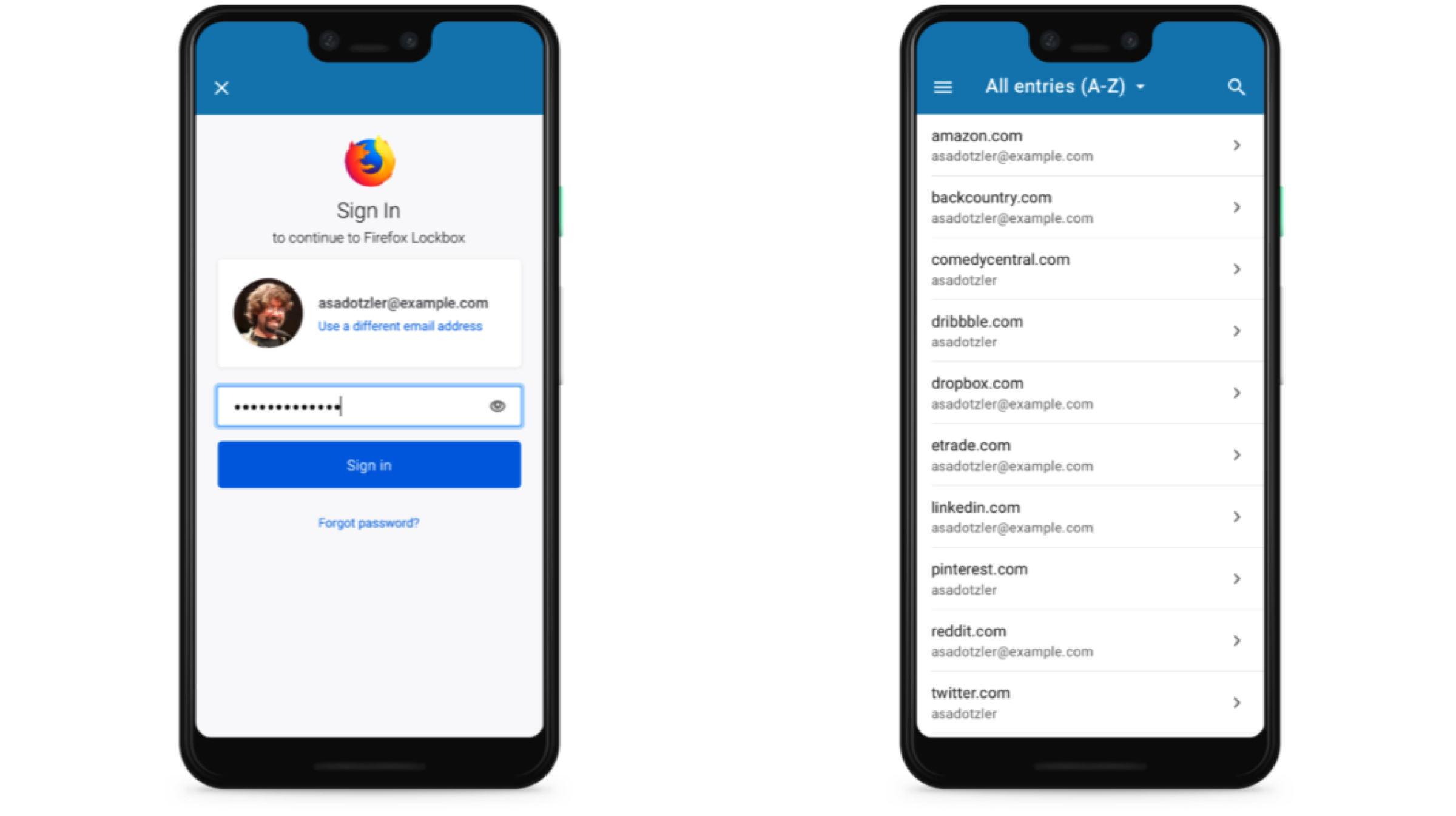
    With the increasing cases of privacy breaches and password leaks, it is important to stay secure in today’s day and age. However, with different usernames and passwords required on major web services, it can often get confusing to remember them all. In a bid to make that easier, Mozilla Corporation, best known for its popular Firefox web browser has launched Firefox Lockbox password manager for Android devices.

    Firefox Lockbox

    The Firefox Lockbox is a password managing application that was launched for iOS devices last year. Like the Firefox Send launched a while ago, it is also based on the company’s Test Pilot system. It was an initiative to test a feature or an add-on to the Firefox browser before the tangible release. The latest application claims to be different than traditional password managers in a way that Firefox Lockbox uses the passwords already saved in the desktop Firefox browser. The app syncs the said usernames and passwords with the help of a Firefox account. Unlike the said password managers though, it does not give the option to generate a secure password.

    Also read: WhatsApp For Android Finally Gets A Dark Mode

    Unfortunately, the Firefox Lockbox application does not allow manual entries of the account details. To save new account information, users will need to login to the web service from the desktop browser, save the details there and then it will automatically sync to their devices. For filling in the details easier, the autofill option can be enabled in the settings. The app uses 256 Bit encryption method to safely secure the details and supports the device’s fingerprint scanners and FaceID system for secure access to the software. The software is completely free to download and use on Android and iOS and the application weighs around 41Mb on Android. Interested users can visit the link here to download.

  • The Real Reason Android Tablets Failed

    The Real Reason Android Tablets Failed

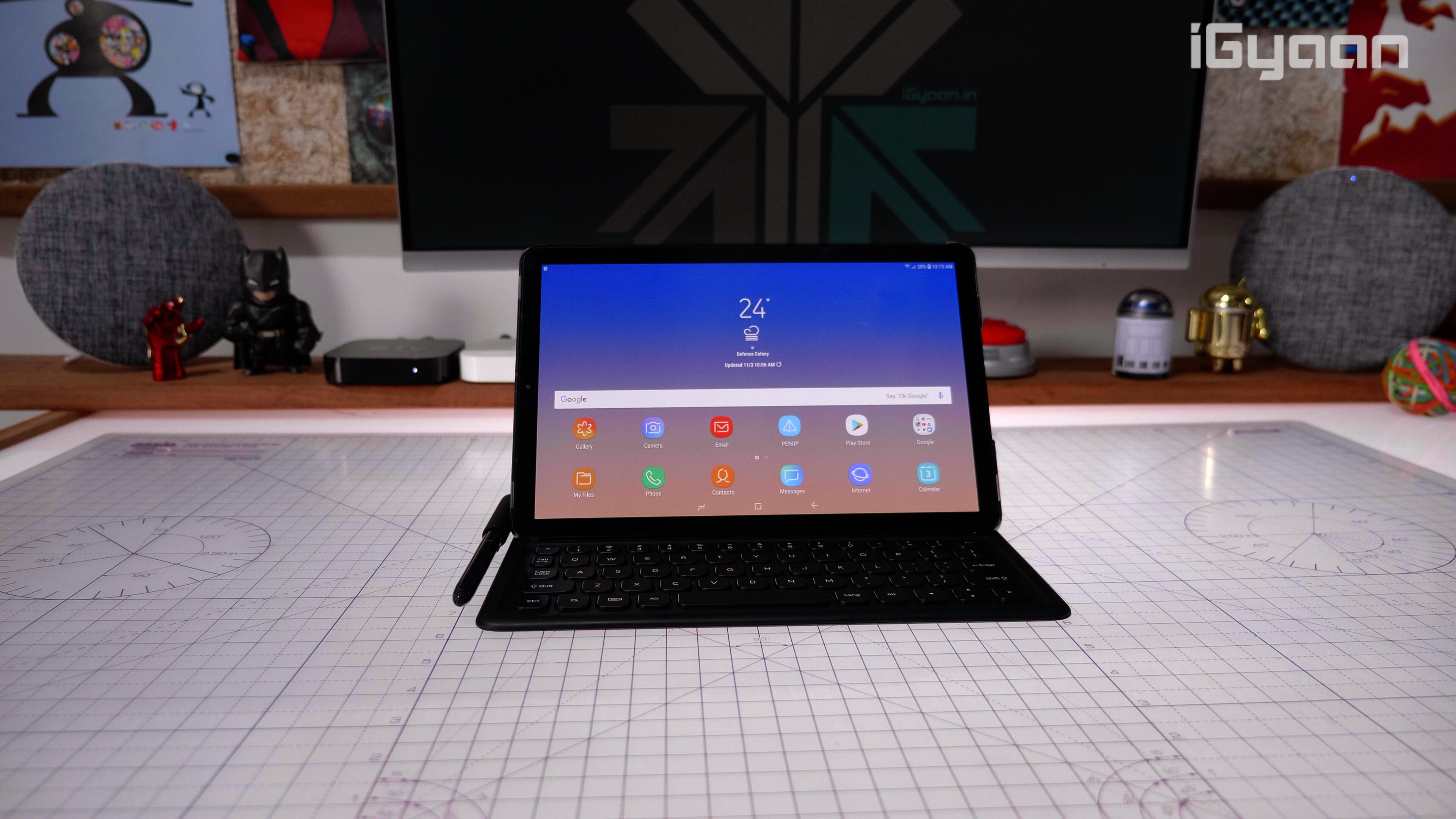
    When Apple released the iPad in 2010, it toppled the industry owing to the groundbreaking design and technology the device incorporated. It is still considered as the time which led to the advent of tablets. Many Android manufacturers including Samsung and Motorola, tried to cash in on the trend at the time but failed. The market for Android tablets hasn’t really caught on since. So, what can be the reason for the tremendous success of the Apple iPad but the dismal failure of Android tablets?

    History Of Tablets
    Interestingly, the first tablet with touch input was neither running iOS or Android. While it is debatable, the Microsoft Tablet PC, announced in the year 2000, is considered to be the first tablet. It ran Windows XP and supported touch input. But the product failed abysmally, owing to the poor user experience and an uninspired design. The Apple iPad, released in 2010 by Steve Jobs is considered the reason tablets got popular in the first place. At the time, Android OS was relatively new and unpolished, so the success of the iPad was foreseen. However, manufacturers on the Android side tried catching up to the competition and we got the first Samsung Galaxy Tab.
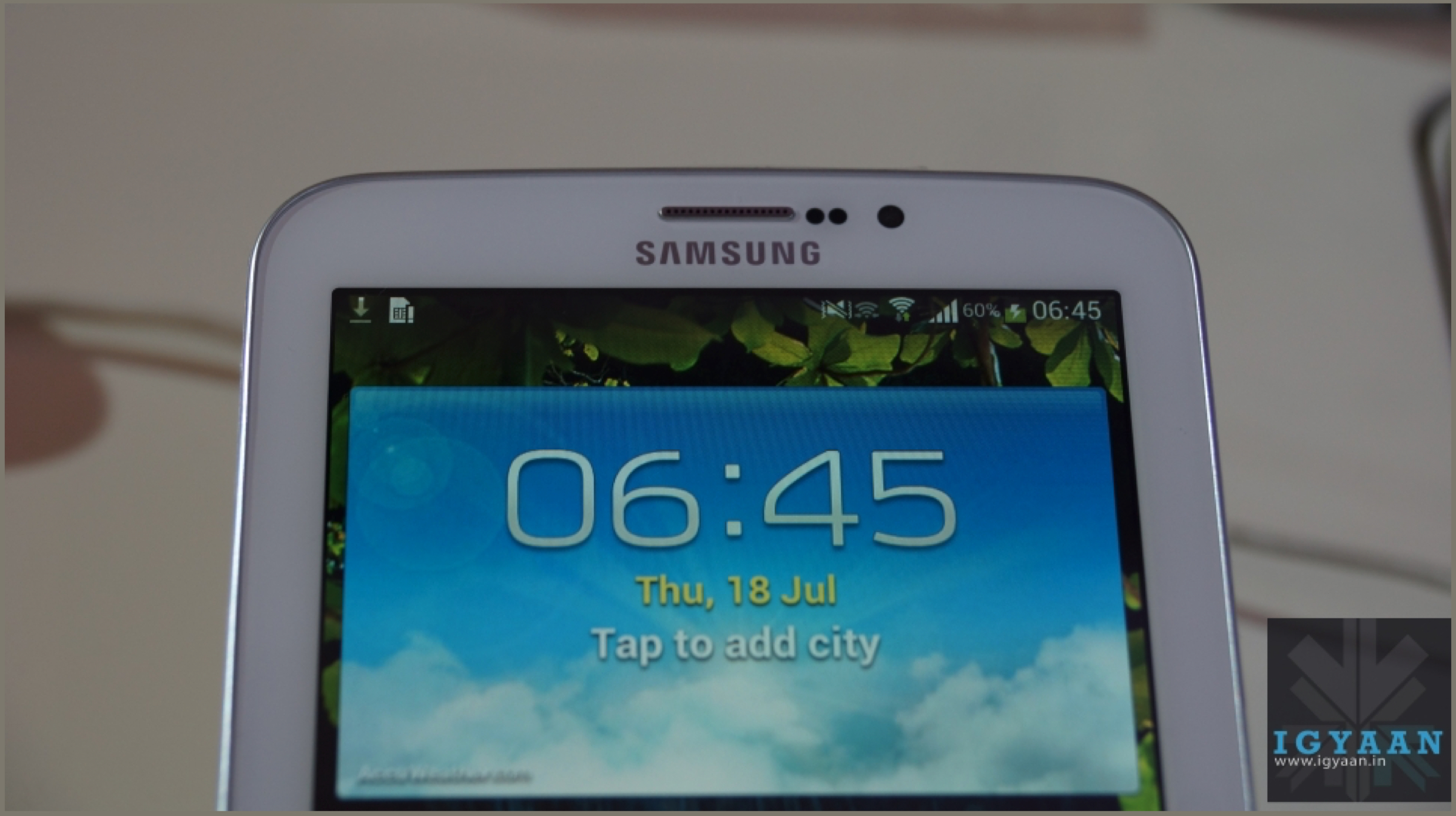
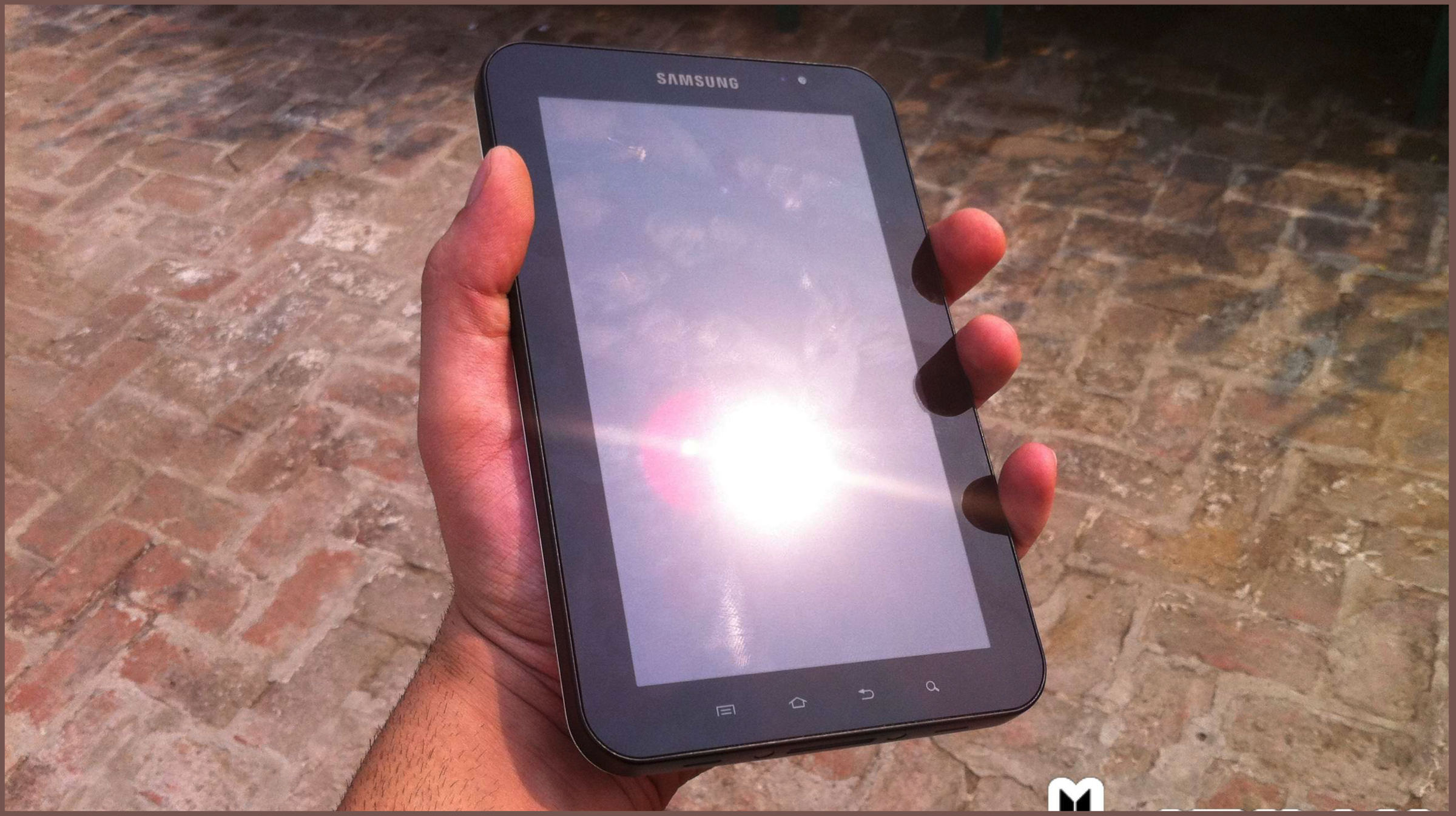
    Released in 2010, the Galaxy Tab had a 7-inch display and ran the Samsung’s TouchWiz UI on top of Android 2.2 Froyo. The Operating System lacked any sort of optimization like on the iPad which resulted in an unrefined, laggy experience. Google tried to fix the optimization issues by releasing a new Operating System built around them. Called 3.0 Honeycomb, this allowed developers to build applications that could match the size of tablets and that did not feel out of place. Many manufacturers, like Motorola with its XOOM tablet, LG with its G-Slate and Acer’s Iconia Tab were all running the new OS by the year 2011.

    Android Tablets: Jumping Ship
    While Honeycomb was a promising OS, unlike iOS, most developers didn’t get on board to develop apps for it; due to the variety of screen sizes available, which made Honeycomb a rarity on devices because of poor app support. By the year 2011, Android 4.0 Ice Cream Sandwich was a thing, which had better compatibility with most apps, was also supported just fine on tablets.
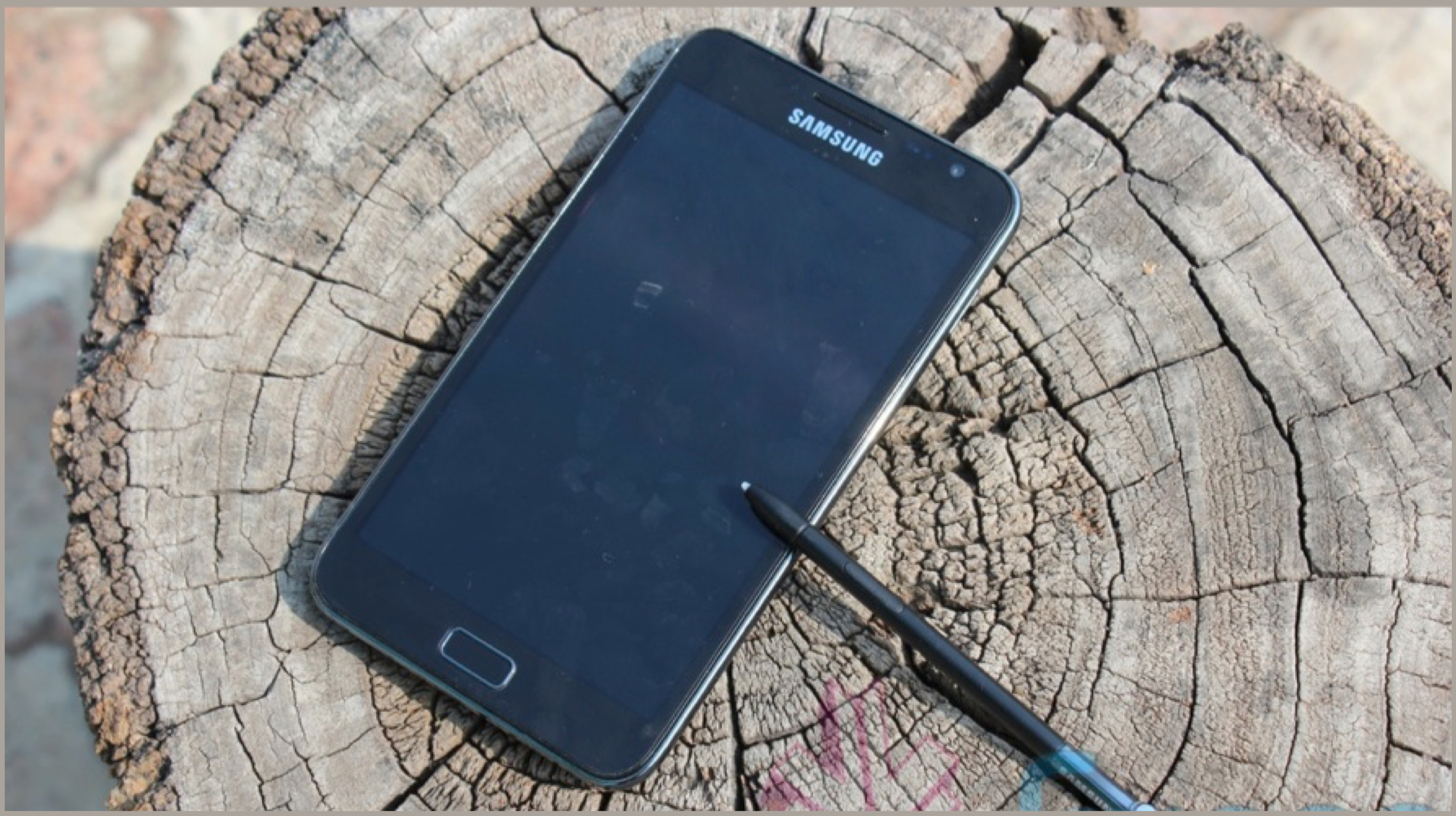
    Then arrived the Samsung Galaxy Note in 2011. The smartphone featured a 5-inch display which was considered massive at the time for mobile devices. A new term, called ‘Phablet’ was coined then. It meant a device which is a combination of a smartphone and a tablet. The device wasn’t doomed with poor app support, ran a more common version of Android and was more pocketable than tablets. So to make things more confusing, tablets which were already a device between a smartphone and laptops was slowly replaced by phablets, a mix of the smartphone and tablets.

    The Ultimate Doom
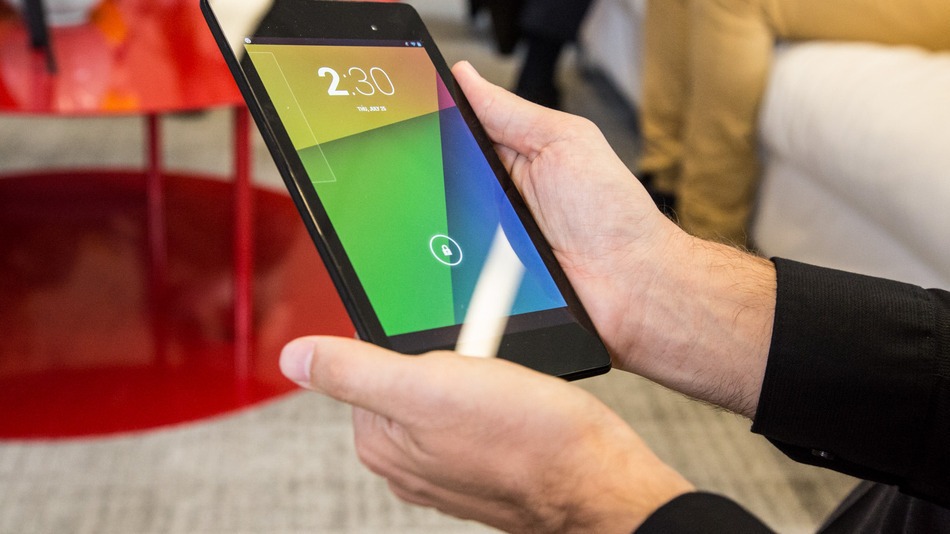
    Google tried updating its Android OS along to support both smartphones and tablets. It also released the Nexus 7 and Nexus 9 Tablets in 2013 and 2014 respectively to try reviving the slowly fading market. It did work for a while, but using Android apps on tablets was still far from perfect experience. Many applications were not designed for big screens so it ended up looking like a stretched out version of its smartphone counterpart. 

    Smartphone makers meanwhile were more focussed on making the screen size bigger or on phablets. And by the year 2017, the race to a bezel-less future started. This led to ever-increasing screen sizes, reaching up to 6.5-inch displays on average. With the line blurring out between tablets and smartphones. Apple also understood the same and tried marketing the iPad as a media device and the iPad Pro as a replacement to a computer. The Android tablet makers, who tried mimicking the same, couldn’t make it work. This was again, due to poor software optimizations and abysmal app support. It didn’t help that they used mobile processors which weren’t powerful enough for computing. 
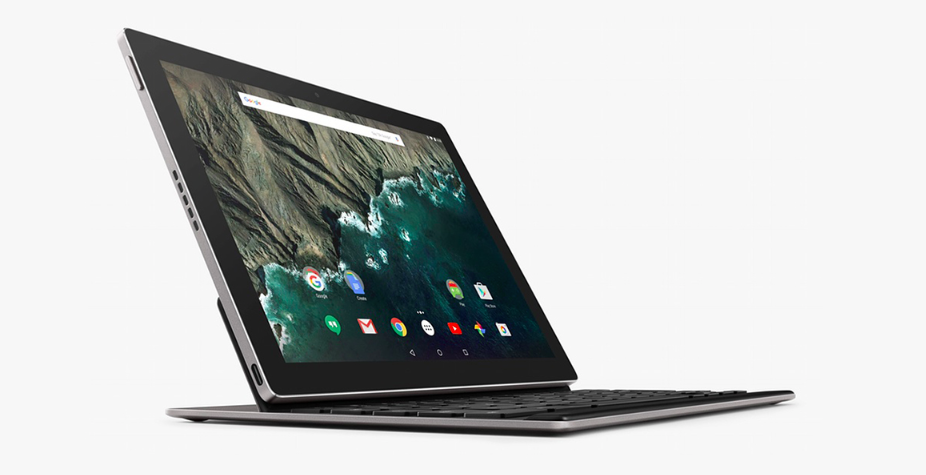
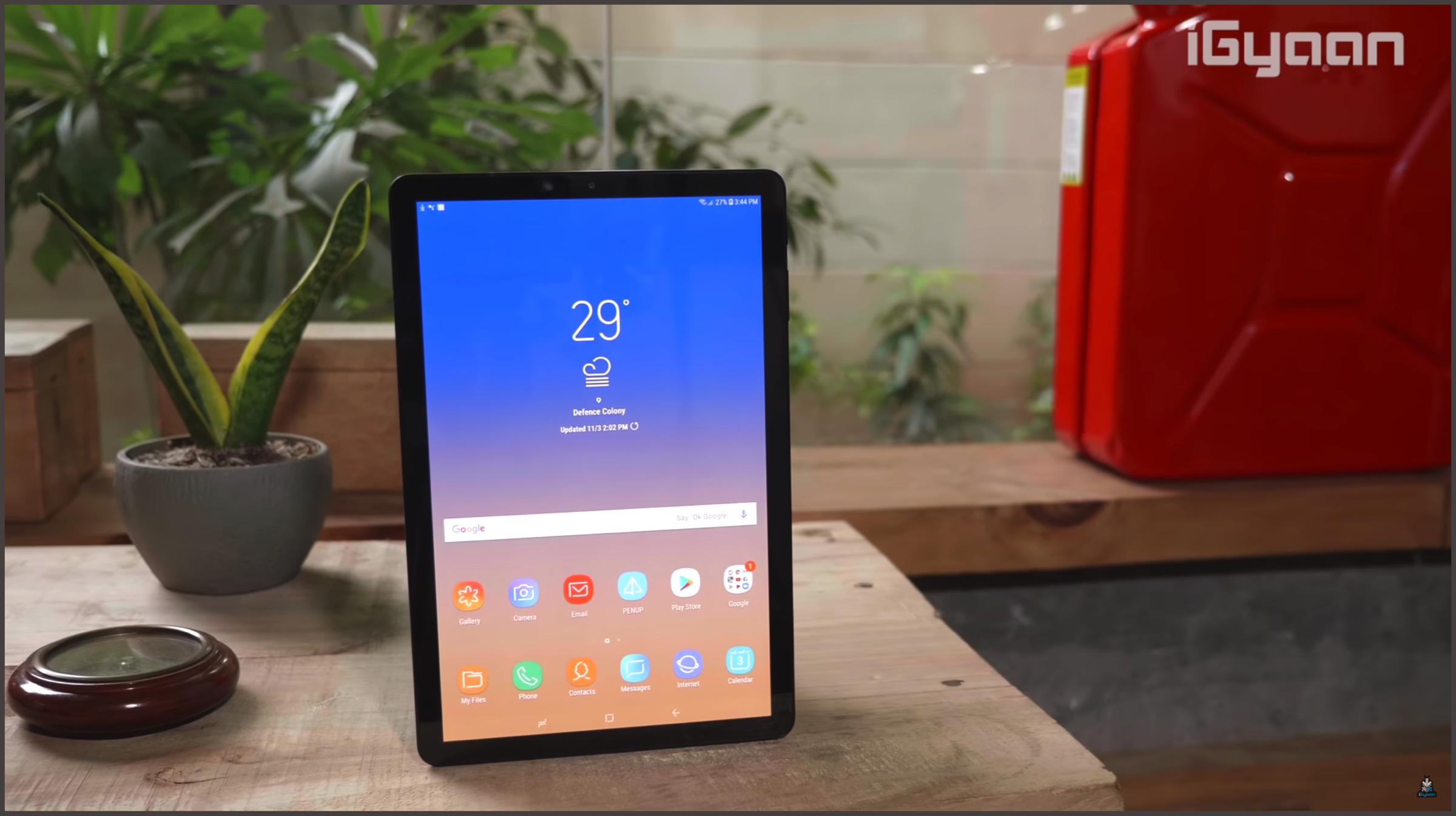
    The last attempt by Google at developing an Android tablet was 2015’s Pixel C, which was cut off from receiving software support starting last year’s Android 9 Pie. This meant Google finally accepted that Android tablets wouldn’t work. They were fine as media devices, but give them anything more, and you’d be disappointed. All is not grim though, as company’s like Samsung, Huawei, Lenovo and Xiaomi still make tablets which have decent specifications and work well as a primary media consumption device.

    Looking Forward
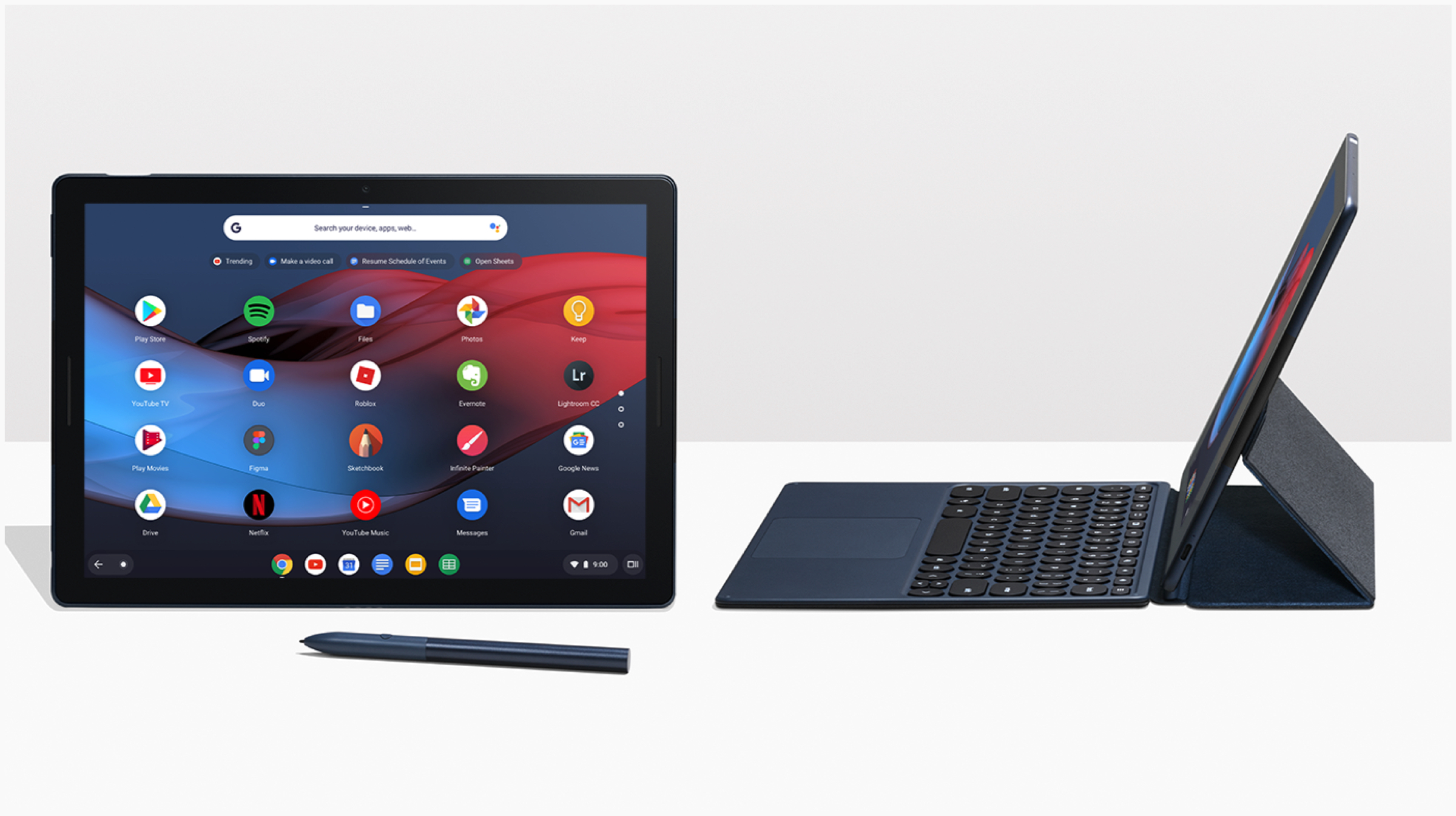
     

    With Google accepting the fate of Android Tablets, it suggested that the era of the devices will finally meet its maker. Surprisingly, that didn’t happen as the company released the Pixel Slate last year. It ran ChromeOS, Google attempt at making a web-based operating system for PCs with humble hardware. The ChromeOS was designed in a way where Android apps can be used with ease and it offered a better software experience. While the tablet received wretched reviews for its poor software optimization, it did showcase one thing. The Pixel Slate revealed the next step for Android tablets, existing as ChromeOS devices.

    There are again problems with ChromeOS. The Android application support is limited and the software can be buggy. But more often than not, it shows promise which Android tablets didn’t do. The OS is light and fast on mediocre hardware. It also gets fast software updates and has the potential to be a good computing device for a lighter workload. But to affirm the position of tablets, it needs more manufacturers onboard.
    Also read: Top Tech Gadgets & Accessories For The Month Of March

    To make a tablet successful, you first need a use case for it. The iPads have theirs, non-Android tablets like the Fire tablet have things like excellent app support for Amazon’s apps and an affordable price. Android apps mainly failed because they didn’t manage to find their footing. They are larger than a smartphone, but you can’t take calls on it’s like you do on the former. They are smaller than a laptop, but you can’t do any heavy work like you can on a computer. Unless a tablet, whether it is running iOS, Android or ChromeOS cannot define its existence, it can’t survive. That is what led to the demise of Android tablets.
  • Two-Thirds Of The Antivirus Apps On Android Are Fake, Claims Study

    Two-Thirds Of The Antivirus Apps On Android Are Fake, Claims Study

    As more parts of the world get connected to the Internet, the risk of malicious programs downloaded online also increases. In a study conducted in the month of January 2019, AV-Comparatives, a reputed Austrian independent organization that tests and evaluates antivirus software; has found that about two-thirds of the antivirus applications found on the Google Play Store are fake.

    Criteria Of Testing

    The test on the antivirus apps was conducted on the Samsung Galaxy S9 and Nexus 5 smartphones to simulate real-world usage. The devices were claimed to be running on Android 8.0 Oreo and 6.0.1 Marshmallow respectively. The test was conducted using a process that included the following steps.

    • Opening Chrome browser and downloading the malicious sample
    • Opening the downloaded .apk file using a file explorer app
    • Installing the malicious app
    • Running the app

    The test conducted on the different antivirus applications checked them for their efficacy in protecting against around 2,000 common Android malware threats discovered in the year 2018. If at any given point of time, the antivirus app notified about the presence of the malicious app, the test was then concluded and the sample was considered detected. The organization claims that an automated Android testing framework ran the tests on the apps.

    Results Of The Study

    The study was conducted on over 250 antivirus applications that are currently available on the Google Play Store. Out of all the tested applications, only 80 were able to accomplish what they advertise that too a limited extent. However, it is noteworthy that these applications were only able to detect 30 percent of all malware laden programs.

    Android Pie Android 9 Google

    Around 170 apps were then found to be at risk, which essentially meant that they were either ineffective or unreliable. Some of the apps were identified to be risky because they used a third party engine; which means a base program that performs a core or essential function for other applications. The software engine in the apps was found to be poorly implemented.

    Also read: How Do Fingerprint Scanners Work? Are They Truly Secure?

    The company that owns Android OS, Google has been lately taking down the apps that it found malicious or worked in a different way than advertised. Going by the company’s streak, it will most probably take action and will ban most or all of the apps that were deemed fake in the study. It is also recommended that the users of antivirus apps check if the app they are using is identified as fake in the results. 

    See The Full Study And The List Of Apps Here

  • Here Are All The Major Android Skins Currently Available

    Here Are All The Major Android Skins Currently Available

    One of the best things about Google’s Android OS is how diverse and customisable it is. With every new smartphone manufacturer, there is a different flavour of Android available. It often differs on features, looks and sometimes by overall performance too. But with so many different Android skins present, it can get confusing to differentiate between them. To make you understand better, we have compiled a list of all major Android skins that are currently available in the market.

    Stock Android / Pixel UI

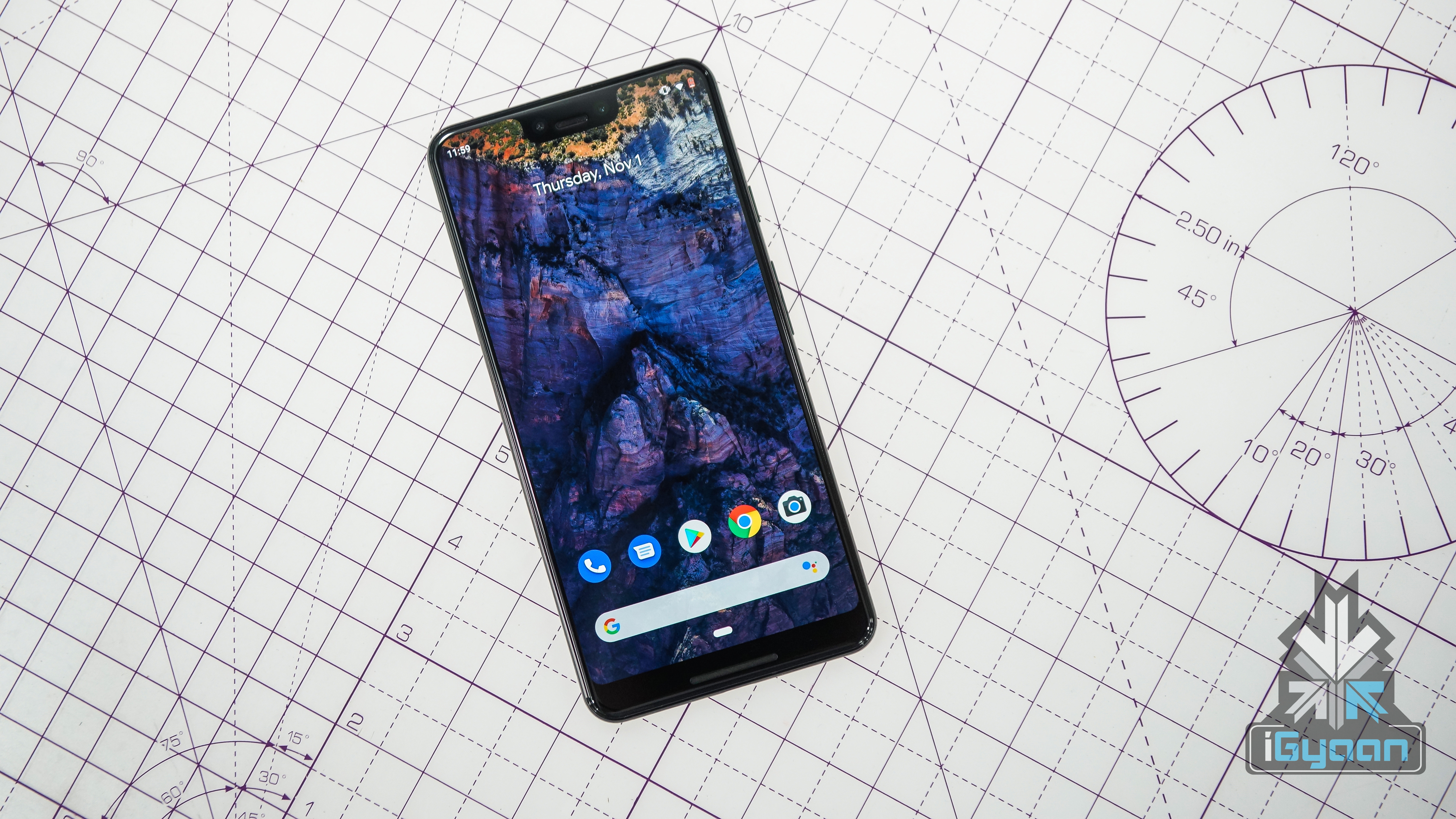
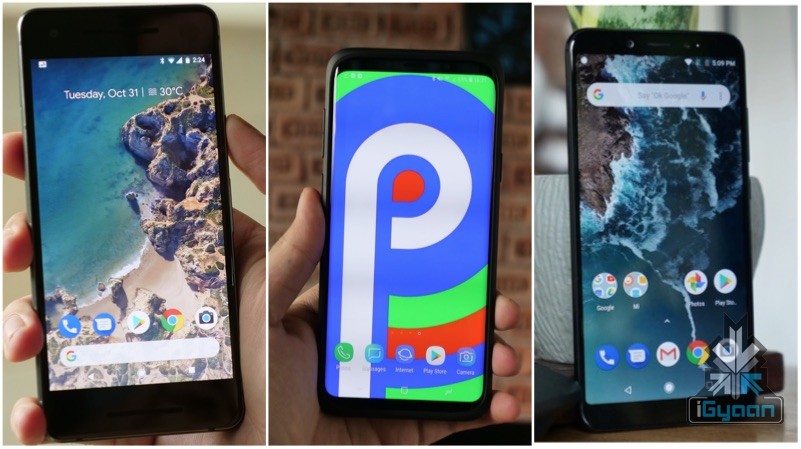
    Stock Android is the OS in its purest form, without any customisation or bloatware. After the arrival of the Google Pixel, the definition of Stock Android has changed, as it offers a little customisation on its own. But the closest a skin is to the Pixel devices, the more stock it is considered. The advantage of having a stock Android skin is that the device will be work smoothly for a longer period as it is without any bloat or unnecessary software. Devices with stock skin are also believed to get faster system updates, but that is completely dependent on the smartphone OEMs.

    Android One

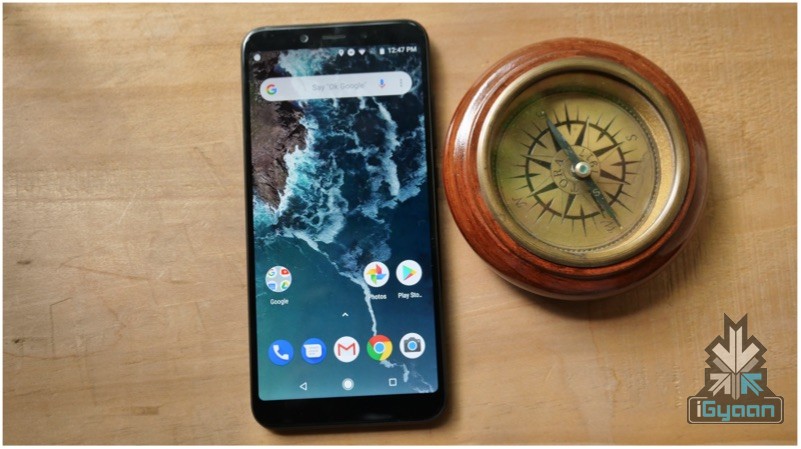
    Xiaomi Mi A2

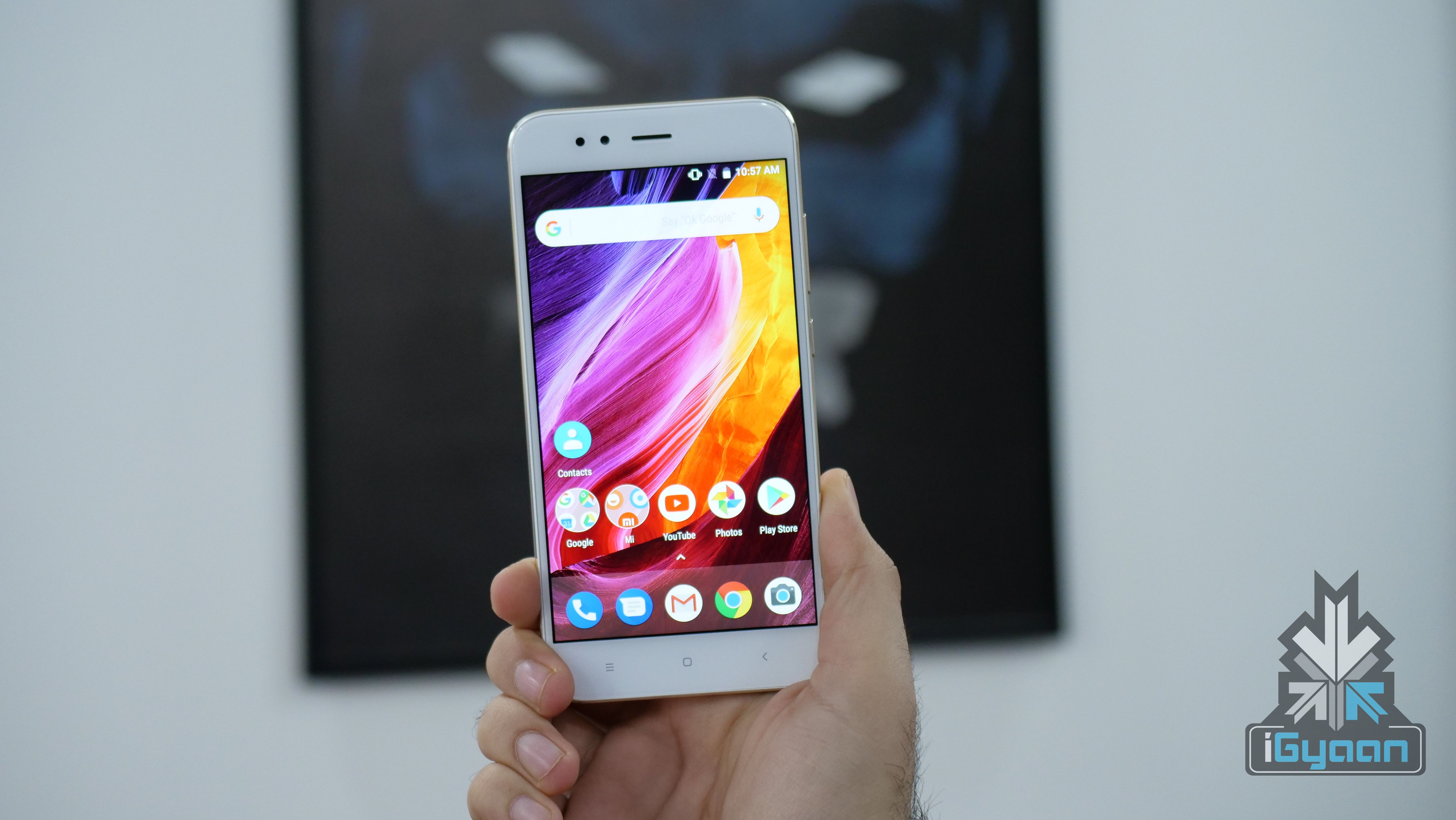
    Android One was earlier launched to cater to devices with humble specifications to run Android OS better and to increase the life span of the devices. The certification has since expanded to mid-range devices like the Xiaomi Mi A2 and flagship smartphones like the Nokia 9 PureView. Devices running Android One software have a clean, bloatware free UI with the promise of software updates for two years. It is considered to be the next best thing after Pixel UI.

    OxygenOS By OnePlus

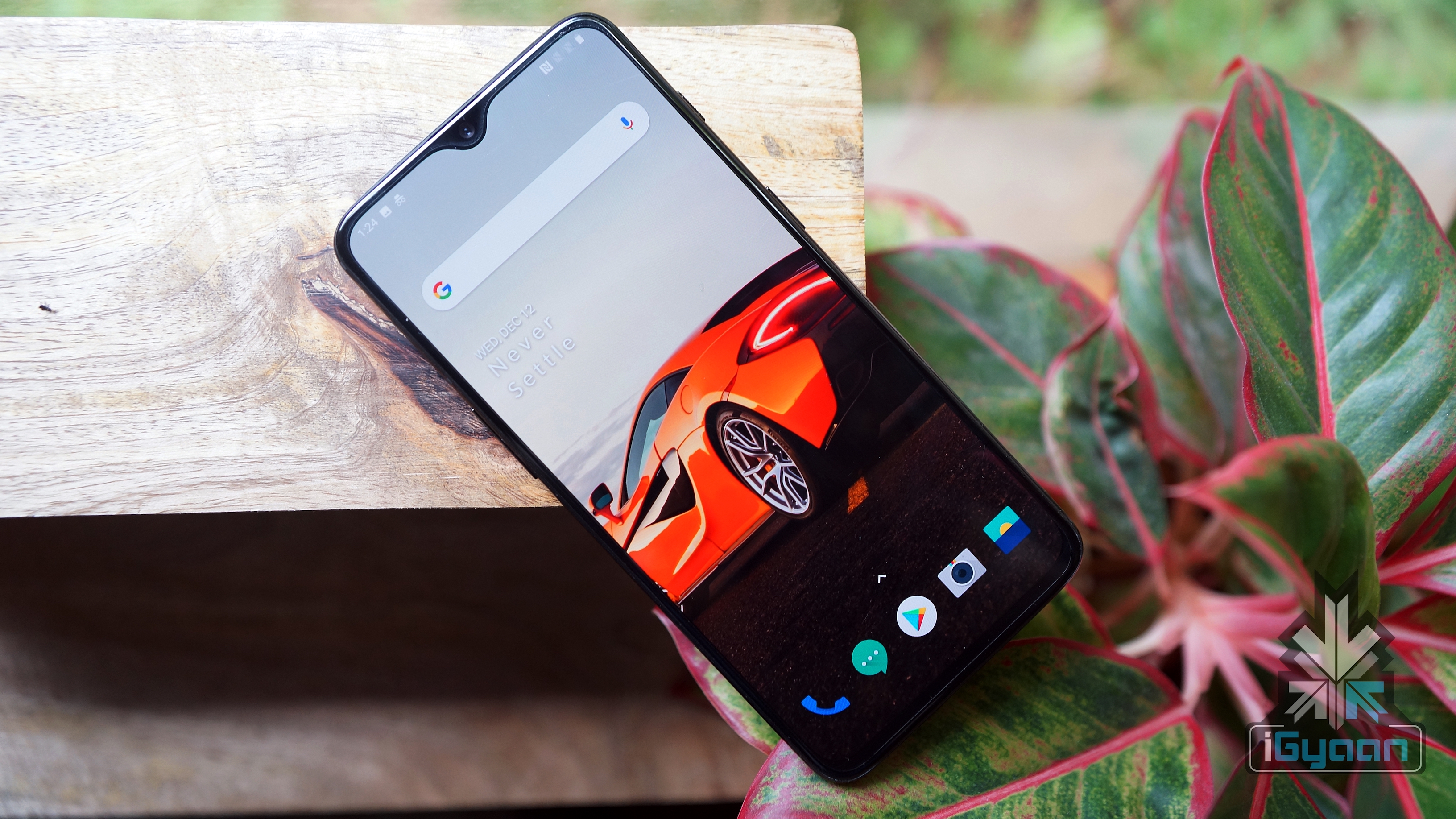
    Argued by many as better skin than Stock Android, OxygenOS found on OnePlus devices is known for its fast animations and a UI that is close to stock. Although it has a few customisations up its sleeve, most of them are useful, nifty additions to the vanilla Android experience. Devices with OxygenOS has been also known to get faster updates and longer software support. This makes it one of the most sought after skins in the Android world.

    OneUI By Samsung

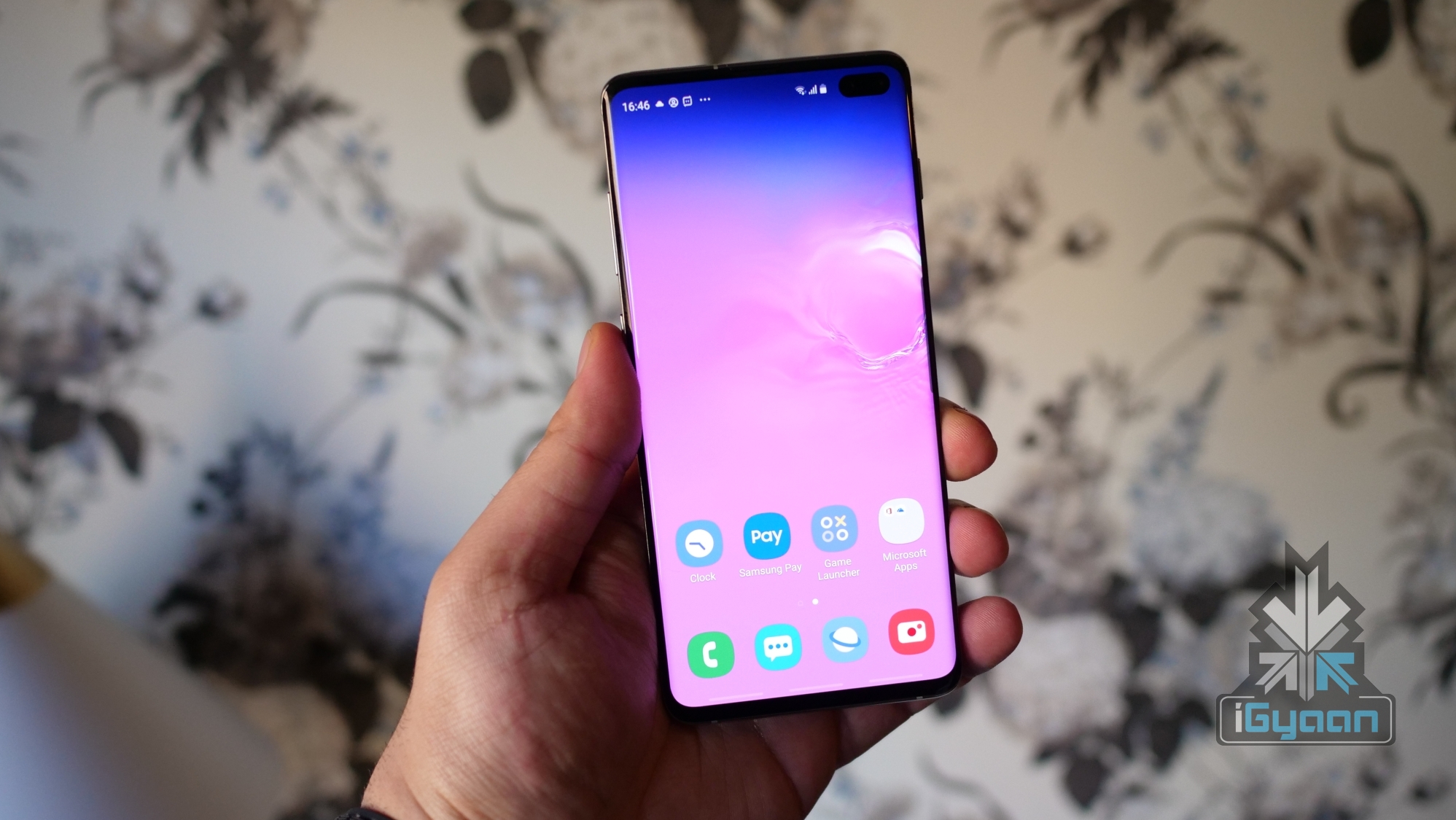
    Taking charge from Samsung’s infamous ExperienceUI, OneUI is a refreshing take on the company’s vision for an Android skin. The Android skin was announced last year and has lately made its way into current Samsung devices like the Galaxy S10. It focusses on better one-handed usage and easy accessibility. The company has been notoriously late in providing a software update to its devices. But with no history to OneUI and updates, it will be interesting to see how Samsung takes it forward.

    EMUI By Huawei

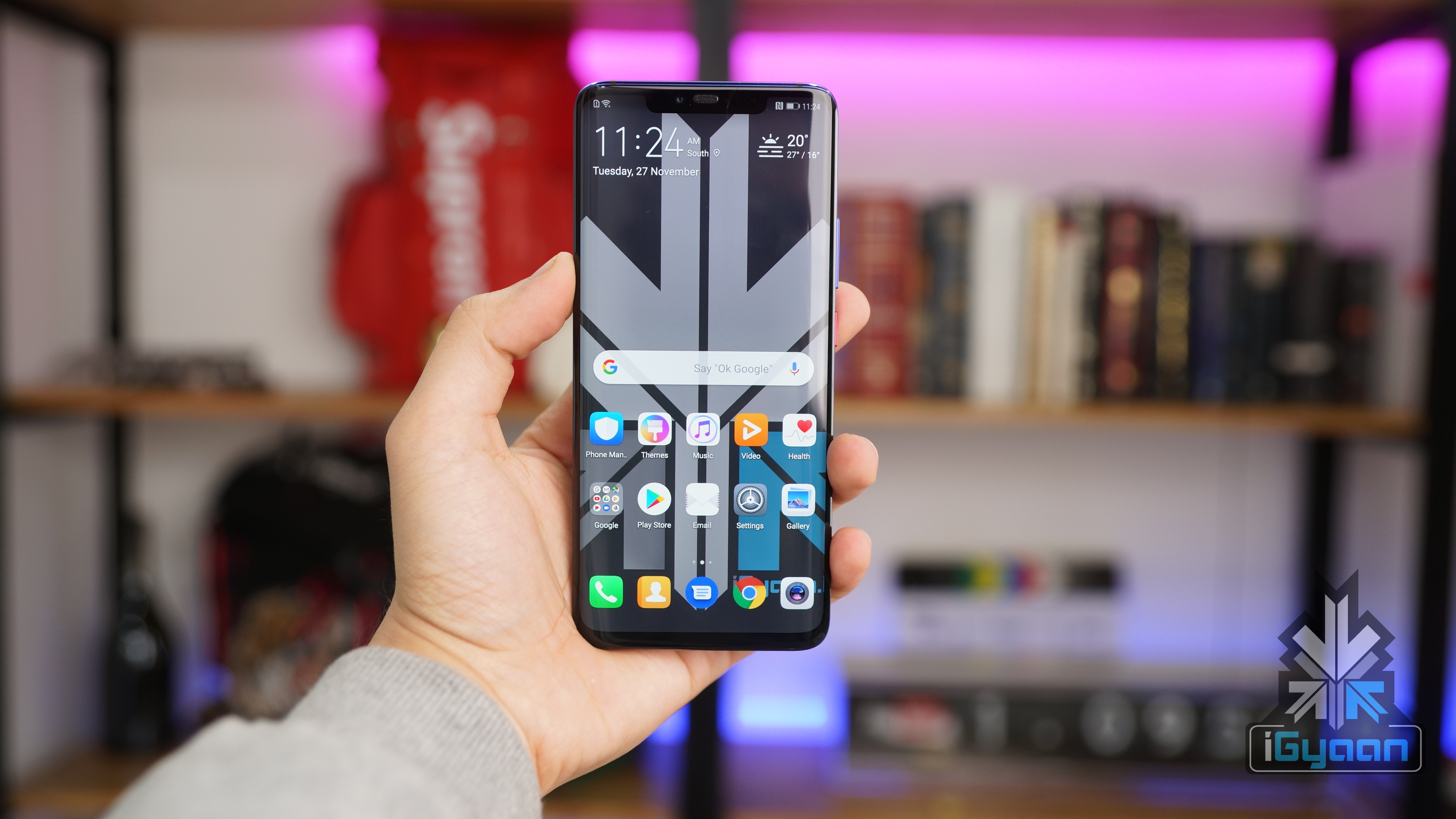
    Largely inspired by Apple’s iOS software for iPhones and iPads, EMUI is an Android skin developed by the Chinese electronics giant Huawei. There are a lot of customisations available in the skin and it offers a substantial amount of bloatware. But, the aggressive RAM and Battery management of EMUI is considered one of the best in the industry; and improves the usability of its devices by a fair margin. However, Huawei is not very quick with updates and a heavy skin like EMUI only bogs it down from proving them faster.

    MIUI By Xiaomi

    One of the more easily recognisable Android skins, Xiaomi’s MIUI is another lookalike of iOS. The skin lacks any app drawer support and has a tonne of bloatware. It is though, heavily customisable and has a lot of features for everyone. The battery management is also considered excellent on MIUI. However, it is infamous for advertisements inside the UI and has been continuously criticised for the same. 

    ZenUI By Asus

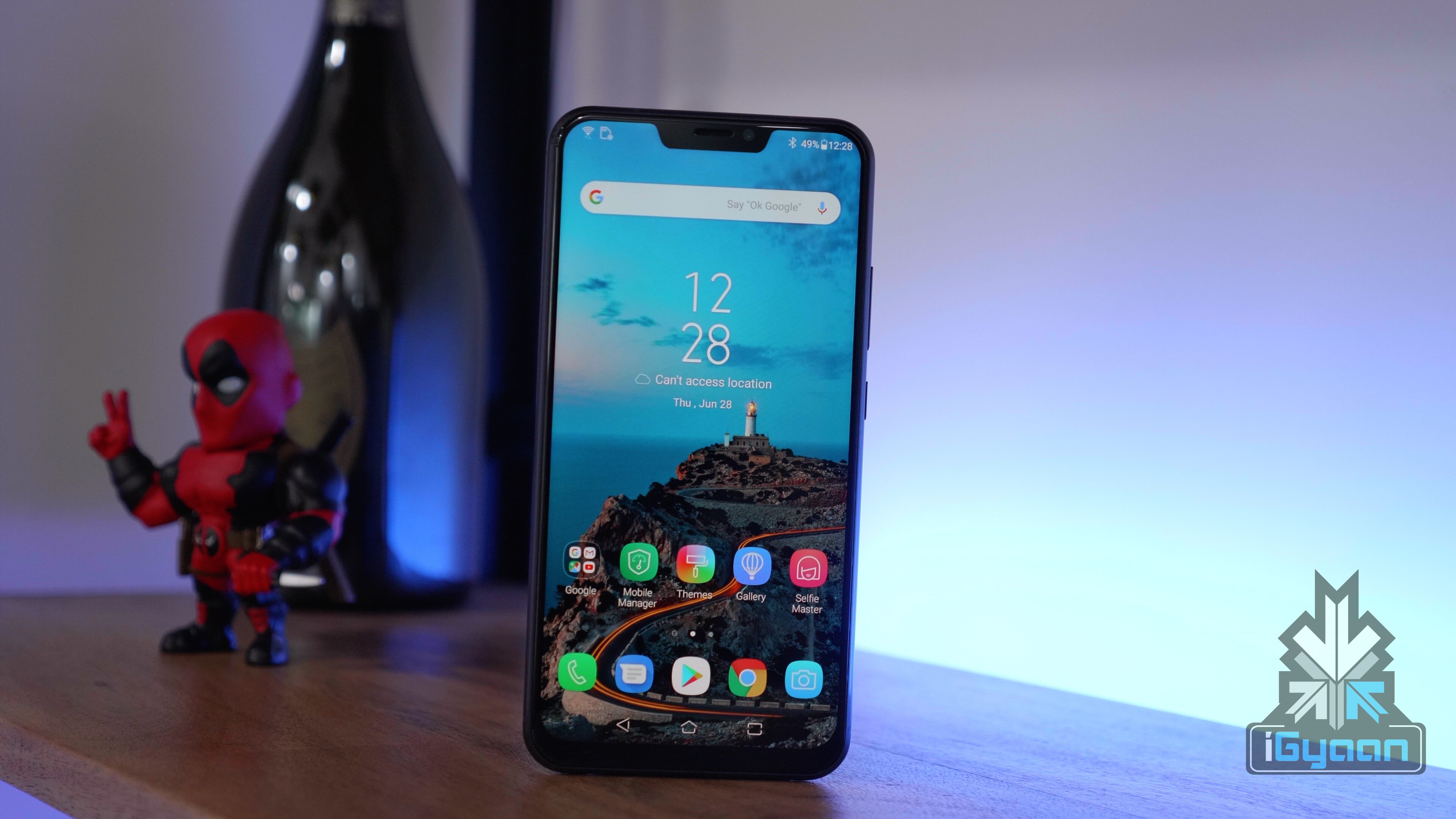
    One of the lesser known Android Skins, ZenUI is seen in most Asus smartphones. It offers a lot of customisations and not a lot of bloatware. The UI is also very clean and doesn’t differ much from Stock Android. It is one of the better skins in the market although the software updates on Asus devices are not as frequent.

    LG UX

    LG G7+ThinQ

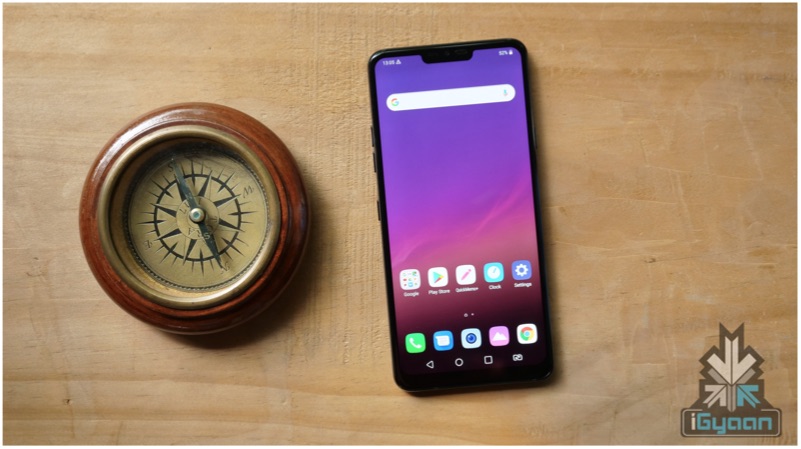
    LG devices have had great hardware and specifications but have been constantly criticised for their software. The LG UX is the main culprit behind it. It draws close inspiration to iOS and while it does offer an app launcher, the UI itself is cluttered and confusing. The software updates on LG devices have also been increasingly sparse in recent times.  

    Sony Xperia UI

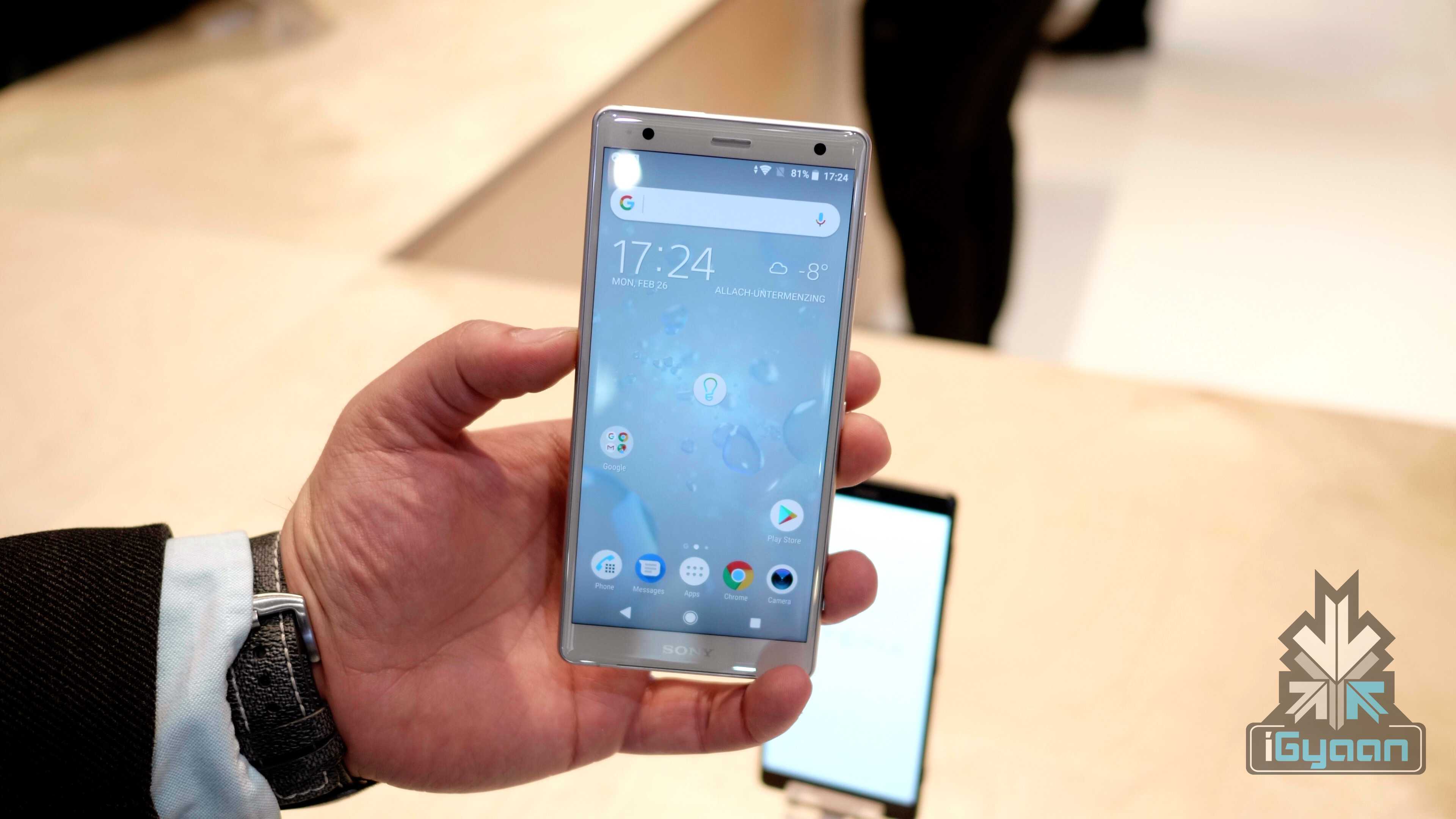
    Sony Xperia XZ2

    The Xperia UI was known as Sony Timescape when it was launched. It has been since made closer to stock Android, and provides a clean and smooth experience with minimal bloatware. The battery management on the Xperia UI is one of the best in the market and the software update on Sony flagships has also been consistent. While the Android skin is one of the best out there, it is bogged down by the company’s underwhelming devices.

    ColorOS By OPPO

    Also read: Twitter Camera Makes Sharing Photos And Videos Easier

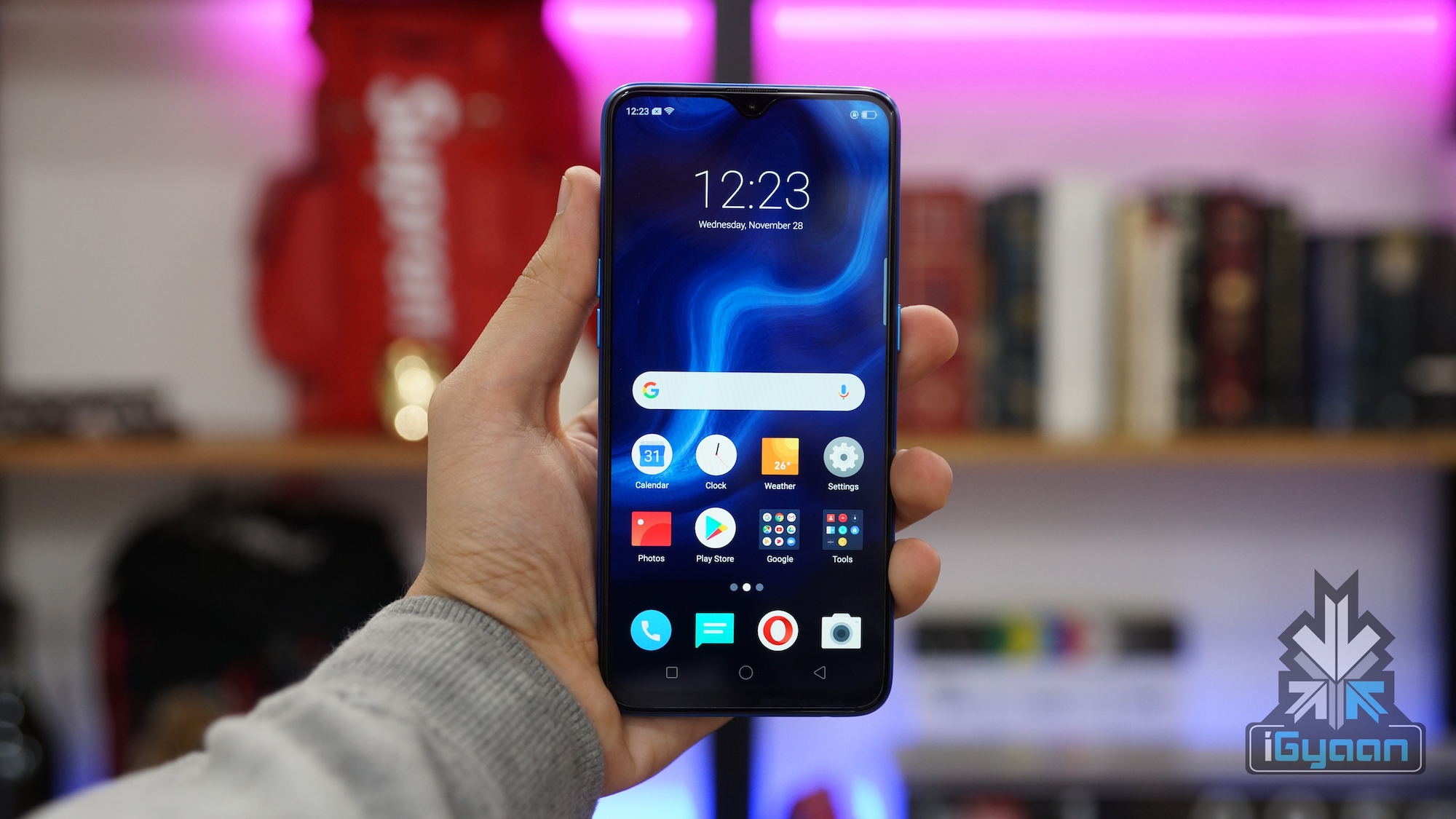
    ColorOS by OPPO is another Android skin trying to imitate Apple’s iOS. It is a substantially heavy skin and is seen on OPPO and Realme devices. While it offers a lot of features and customisations, the UI is cluttered and can get confusing at times. The Android skin is also not the one to get fast software updates. With the advent of the latest ColorOS 6.0, the company has finally added an application drawer that was highly requested by the consumers.

  • Google To Add More Smartphones To The Android Q Beta List In 2019

    Google To Add More Smartphones To The Android Q Beta List In 2019

    Each year Google announces changes and upgrades in its Android Operating System (OS) at its developer’s conference called Google I/O. Last year, it surprised the audience by announcing that the Android 9 Pie Beta will be made available for smartphones other than the company’s own Pixel lineup. This step was taken in order to curb Android Fragmentation, which means an alarming difference in the various available Android versions in the market. Fresh reports claim that the company is planning on adding more smartphone OEMs to this list for the year 2019 with the upcoming Android Q Beta update.

    Android Q Beta

    Google is expected to announce the first Android Q Public Beta at the Google I/O event which will be held in the month of May this year. The update will bring about significant changes in the design and usability of the OS. Previous leaks suggested that with the next version, the company is planning on removing the back navigation button completely in favour of new gestures; which will be used to navigate around the UI. Last year, it added smartphones from different OEMs which were eligible to get the first Android P Public Beta. Those devices included:

    A senior Google executive was noted saying the company will add a host of new smartphone OEMs to the list of devices supporting Android Q Public Beta. Unfortunately, as of now it is not known which devices will be added to the list but speculated names include smartphones from Motorola, Samsung, LG and Huawei. The brands from last year will be retained and their latest devices are also expected to be provided with the update.

    Also read: Qualcomm Demands US$ 31 Million In Damages From Apple

    The Android Q Public Beta update is being provided with the help of Google’s Treble project. It was released with Android 8 Oreo in the year 2017 and separated the chipset maker from the update process. This was aimed at streamlining the software updates, which differed drastically with each brand. This initiative of adding more smartphones to the beta update list by Google aims at fixing the issue of fragmentation in Android. It will be announced at the upcoming Google I/O, which will take place from May 7 to May 9 at the Shoreline Amphitheatre in California, USA.

  • What Is Android Fragmentation, And Will Google Be Ever Able To Fix It?

    What Is Android Fragmentation, And Will Google Be Ever Able To Fix It?

    Google released the latest generation of its Operating System, Android 9 Pie back in August last year for Pixel smartphones. The update marked the ninth major release of the software by the company. But, despite the latest generation of Android out almost seven months ago, many of the modern devices are still stuck at one or more generations older software. What’s even more surprising is that some OEMs are launching new smartphones with old software on purpose.

    This disparity in Android devices makes the mind think about what problems could there be that restrict some manufacturers into providing older versions of the software. The alarming number of different available Android versions in the market is called Android Fragmentation. This inequality of software versions has plagued the Android Platform since its inception. But is there a way for Google to fix it?

    The Current State Of Android Fragmentation

    Google releases a report every year in October highlighting the distribution of different software versions. The data, though a few months old, gives an insight on how things are currently on Android’s side. This is what Google found in their testing:

    Version Name Release Year

    Distribution

    (in %)

    2.3.3 

    2.3.7

    Gingerbread 2010 0.2%

    4.0.3 

    4.0.4

    Ice Cream Sandwich 2011 0.3%

    4.1

    4.2

    4.3

    Jellybean 2012 3.0%
    4.4 KitKat 2013 7.6%

    5.0

    5.1

    Lollipop 2014 17.9%
    6.0 Marshmallow 2015 21.3%

    7.0

    7.1

    Nougat 2016 28.2%

    8.0

    8.1

    Oreo 2017 21.5%


    By looking at the above table, there is no mention of the latest Android 9 Pie, because, at the time of this report in October last year, it was still below 0.1%. The numbers are expected to be significantly higher since then. Despite being released for more than two months, the software still couldn’t make it to the list. The most used version was Android 7 Nougat, which had more than 28% of users. This shows how manufacturers refrain from providing any updates to the devices.

    Besides not providing new features with the lack of Android updates, they also pose a grave security threat. Every month, Google releases security patches for Android, but not every smartphone gets it. But it’s not the company’s fault, because updating a smartphone with the latest firmware is the OEM’s responsibility.

    The Reason For Fragmentation On Android 

    Android Pie Android 9 Google

    The reason that the manufacturers continue to provide older software with newer devices or refuse to update them faster than normal; is that most of them have to optimise Android according to the company’s custom skins. These can range from a lightly customised one, like Oneplus’ OxygenOS or a heavily customised take on Android, like Xiaomi’s MIUI. So the OEMs take their own sweet time to adopt the latest version and release it.

    When Google provides the manufacturers with the latest Android Platform Development Kit (PDK), they have to start developments on the software. The process includes testing out the new version with the device’s hardware. Then the version is added with manufacturer specific software features, like the aforementioned skin and is tested and certified for bugs. For some manufacturers like HMD Global, Essential and OnePlus, the process has been proven to take only a few days or weeks. 

    How Can Google Prevent It Further?

    The only way that Google can prevent Android Fragmentation from happening in future releases is by being strict with OEMs. And it’s not like the company hasn’t tried. Despite warning the manufacturers when they slacked in providing software updates, the results weren’t much different. Google then released Project Treble in 2017 with Android Oreo. This modified how the updates are delivered by bypassing the chip manufacturers’ modifications to it. It was an ambitious step and worked in theory, but unfortunately, the situation didn’t change much.

    Android Go Stock Android Android One

    Also read: Tesla Unveils Faster Third Generation Supercharger

    Google tried to fix Android Fragmentation further by signing up more OEMs to the Android Pie Beta Program. This provided them with more time to develop the software according to their own customisations and was a step in the right direction. But, if the company has to fix the problem further, it has to get more manufacturers on board and if possible, then all of them. But this sends out hope that the company is serious about the issue and it may take some more time to fix. If manufacturers are serious about the disparity in updates, the days of Android Fragmentation may be over sooner than later.


  • Chrome Canary Android App Gets A Dark Mode; Google Chrome App To Follow Suit

    Chrome Canary Android App Gets A Dark Mode; Google Chrome App To Follow Suit

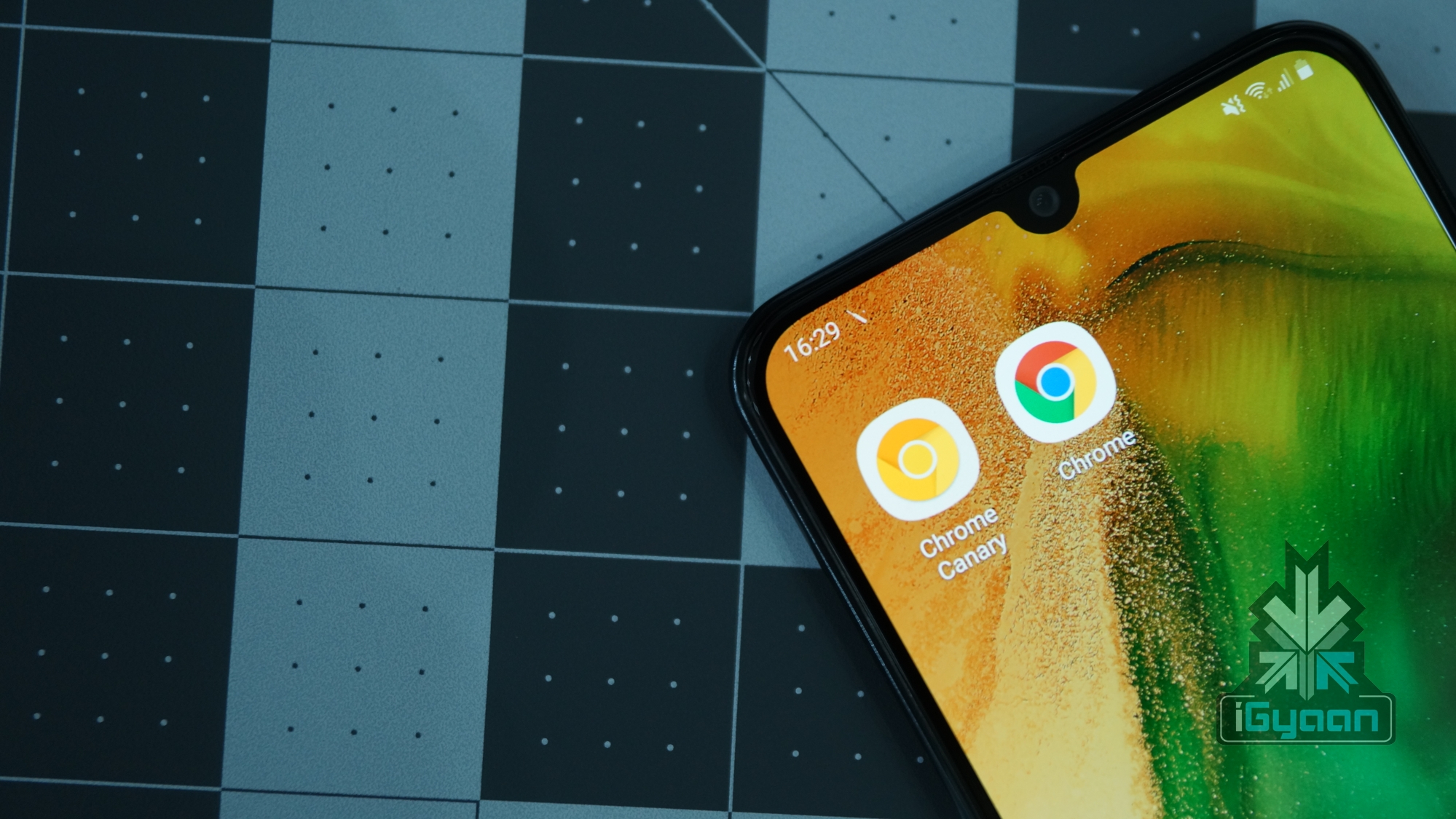
    Looks like Google Chrome for Android is all set to join the ever-expanding list of apps that support a native dark mode. In the latest update to Chrome Canary, a dark mode has been added which can even be forced to be applied to websites. The Chrome Canary app has been known for testing out features before releasing them to the stable Chrome browser. It may be an indication that Google is planning to introduce the long-awaited feature in the following weeks.

    Chrome Canary Dark Mode

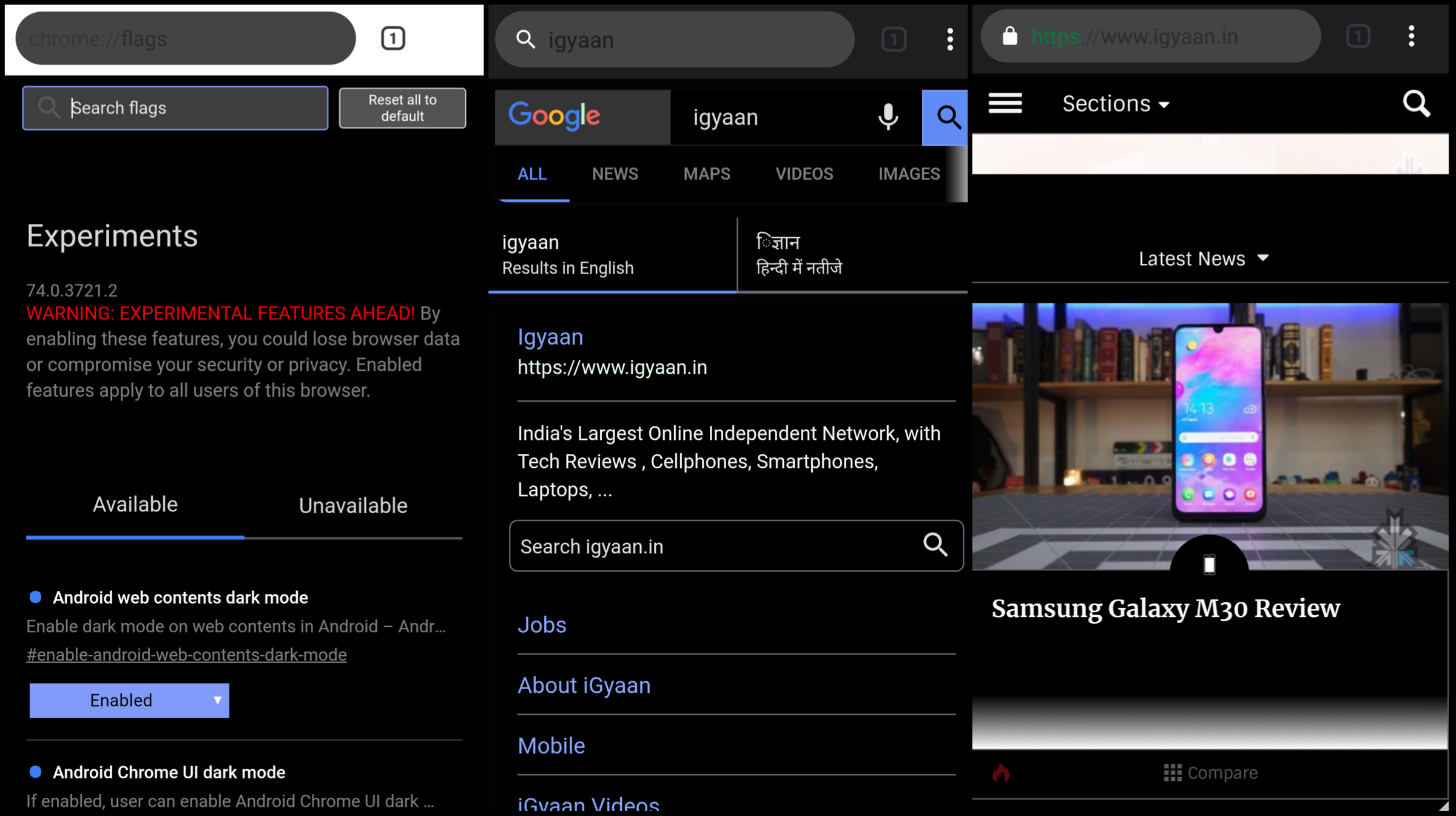
    The dark mode has been included in the latest version of the Chrome Canary app having version number 74.0. To activate the feature, users will need to toggle the feature flags in the latest update by typing ‘chrome://flags’ in the URL bar. Then the user needs to hover over to the search menu and type dark mode in the query box. Then a toggle of ‘Android web contents dark mode’ is required to switch from default to enabled. If an additional toggle titled ‘Android Chrome UI dark mode is enabled, a new option called ‘Dark mode’ is added into the applications settings. Choosing to turn this on will make the UI of the browser shift into greyscale.

    The dark mode on the Chrome Canary apps makes use of an aggressive fix to make the background of the websites dark, even if they are not originally themed so. This is assumed to achieved by inverting colours of the website which may end up making the websites look different than before. One word of caution though, the app is unstable to use. This is clear right off the bat as the Play Store listing of the app highlights this aspect right in the title. Moreover, Chrome feature flags is a developer feature and can cause hindrance in the usage of the application due to unresolved bugs.

    Also read: Whatsapp To Introduce Dark Mode, Advanced Search In Updates Soon

    But one thing is clear if Google is trying to experiment with a native dark mode in Google Canary, the feature is most likely to make its way into the Chrome browser once the company has fixed all the bugs. Unfortunately, the release for the stable update is not known yet but is expected to roll out in the subsequent weeks.


  • Asus Zenfone Max Pro M1 Starts Receiving Android Pie Beta Update

    Asus Zenfone Max Pro M1 Starts Receiving Android Pie Beta Update

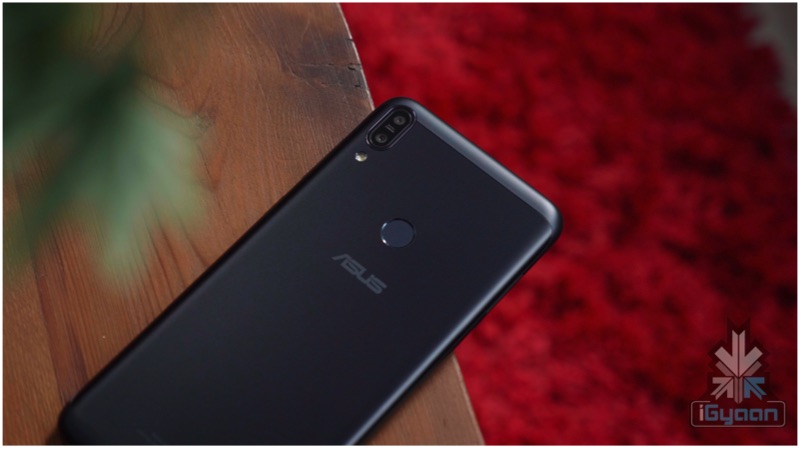
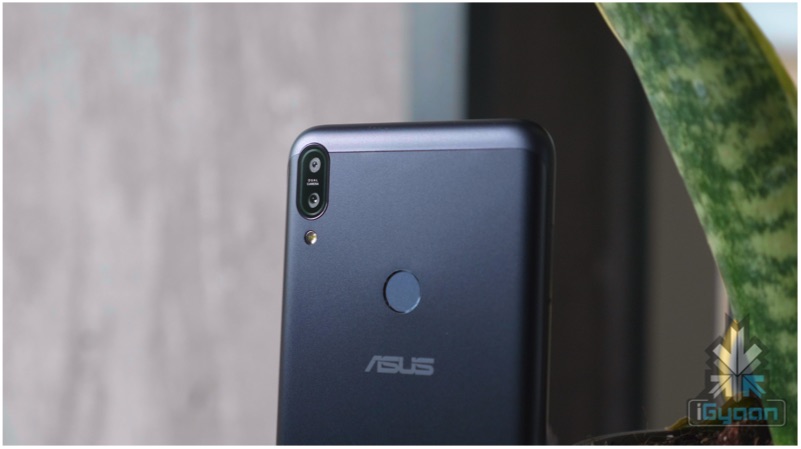
    Asus launched the Zenfone Max Pro M1 back in the month of April last year. The smartphone quickly became one of the best selling models of the company owing to its affordable price and the features it offered. Asus has made an announcement on Twitter that it has started rolling out Android 9 Pie to the device, but there is a catch. The update is only available as a part of a beta program; users will need to register for the update on their device to get the latest software. 

    Android 9 Pie: What’s New?

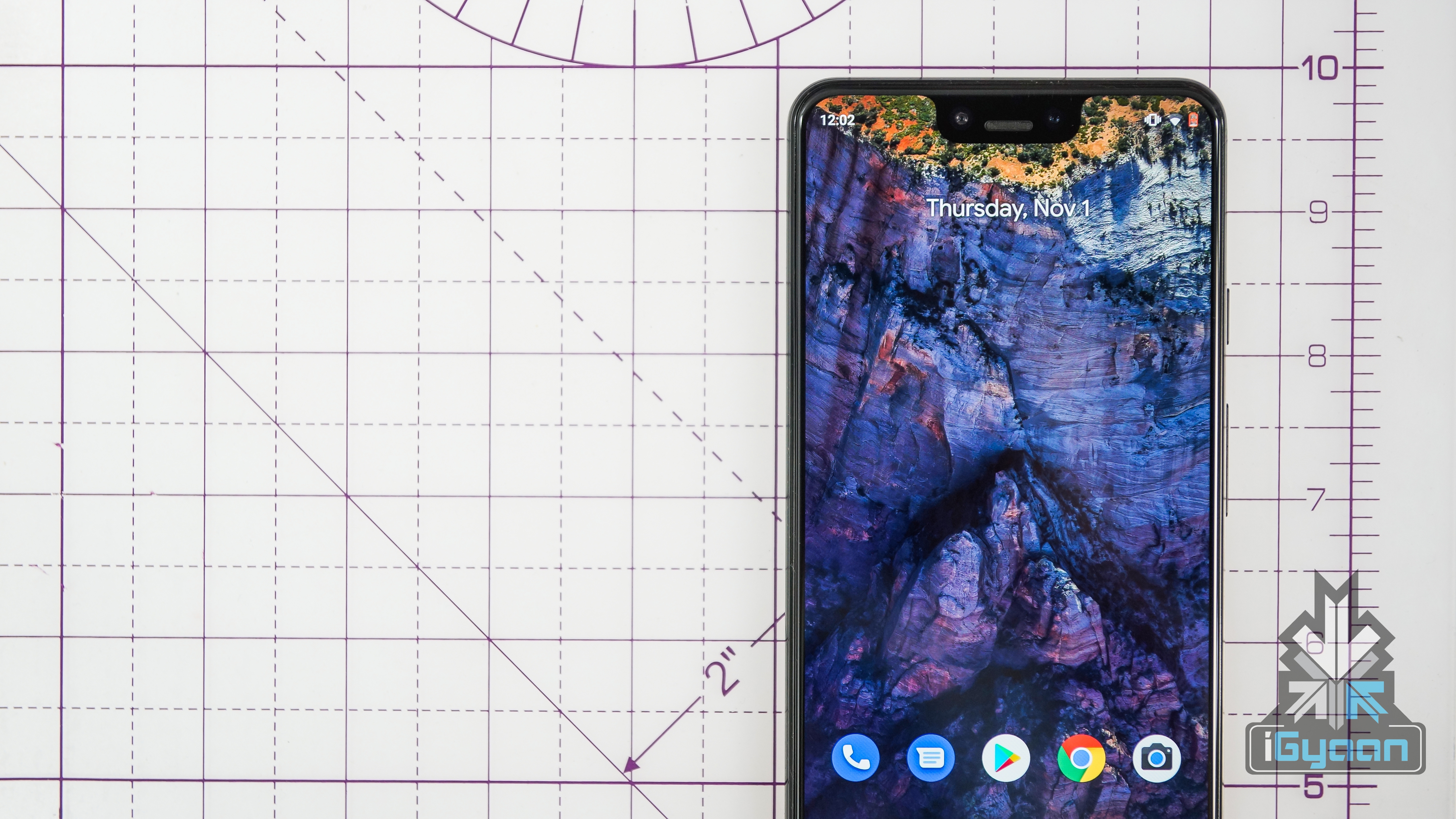
    The current generation of AndroidOS, Android 9 Pie was introduced in August last year and brings about significant changes from its predecessor, Android 8 Oreo. The most notable change is the introduction of navigation gestures, which can be enabled manually in the settings. These gestures offer a completely new way to navigate around the user interface. Also introduced is the new settings menu, which is completely overhauled since Android Oreo. The quick settings menu has also been updated, with the option of selecting a dark or a light mode active at all times.

    Zenfone Max Pro

    With Android 9 Pie, there is better notch compatibility and the volume slider has been moved to the right side. The software also introduced an all-new Digital Wellbeing setting; which can be used to monitor the device usage and cut down on the repeated use of certain apps. The update also introduces new, smoother animations to the devices.

    Zenfone Max Pro M1

    Also read: GoPro Launches HERO 7 Black Limited Edition In India

    The user can register for the Android Pie Beta program by visiting the link here. Notably, Asus also started the beta program for the Zenfone Max Pro M2 earlier last month. The company had previously promised that both of these devices will be updated to a stable build of Android 9 Pie by the month of February which they have failed to deliver. Unfortunately, Asus has not revealed any information on when the stable build of the update will be released for the Zenfone Max Pro M1.


  • Logging Into Apps Will Soon Get Easier On Android

    Logging Into Apps Will Soon Get Easier On Android

    Google’s operating system for smartphones, Android is FIDO2 certified. This was granted to it by the FIDO Alliance, of which Google is a member. The newly granted certification will make logging into websites and certain apps much easier and will be in effect with a quick update of the Google Play Services. 

    What Is the FIDO2 Certification?

    The FIDO Alliance was formed in July 2012 to provide strong authentication technologies. It is focussed on eliminating the need to remember multiple usernames and passwords. The Alliance certifies authentication through biometrics, security keys, clients and servers to comply with FIDO specifications and meet certified security profiles. Therefore, this allows logging into all FIDO-enabled websites using the certified devices for a seamless experience.

    The FIDO2 certification on Android will only be available for devices running the Android version 7.0 Nougat and above. Interestingly, the version was released by Google back in 2016. This certification will allow users to log in to certain websites and apps that are FIDO enables with the help of the fingerprint sensor on the device. For devices without a fingerprint sensor, there will be support for PIN or Pattern just like one would unlock their devices. This is expected to make signing in an app or a website convenient, without the need for remembering any passwords.

    Some Android apps already had a feature like this in action for a while. Many banking apps and wallet apps already allow logging in using fingerprint or using the screen lock for easier access. The FIDO2 authentication standard is supported by major browsers available on the operating system like Chrome, Edge and Firefox. But it may be a while when most apps on the Play Store support the feature, as the developers will need to adopt FIDO’s Android Programming Interface (API) to support the feature.

    Also read: ZTE Launches The Axon 10 Pro 5G At MWC 2019

    Unfortunately, only about half of the total Android devices currently active will receive the aforementioned update. As about 50 percent of Android devices still run a version older than Android 6.0 Marshmellow.

  • Google Will Require Android Apps To Support Android Pie In 2019

    Google Will Require Android Apps To Support Android Pie In 2019

    Google’s operating system Android has been really popular because of the millions of apps available on the platform. What also helps its case is the level of customisation Android devices offer. This includes the ability to sideload apps from third party sources. But, some of these sources have been known to spread spyware through bypassing the app permissions as they support older Android’s Application Programming Interface(API). Google in a bid to counter the problem, has announced that all the new apps submitted to the Play Store in the year 2019 will have to support the latest API level 28, that is Android 9 Pie.

    What Does This Mean?

    According to Google, over 150,000 applications have added support for runtime permissions in 2018. Shockingly, the feature was introduced back in 2016 with Android Marshmallow, which had the API level 23. This meant that these apps were capable of bypassing permissions altogether, creating a security risk. Google tackled this by mandating all new apps to support API level 26, which was in Android 8.0 Oreo. Updates to the existing apps also had to support the same API.

    Google is updating these restrictions up a notch by mandating the app developers to update these apps to the latest API. Google Play Protect which was launched in 2017 is a security suite integrated into the Play Store. This service will be used to warn users of the apps not supporting the latest API. Here are the new timelines for the developers:

    • August 2019: New apps will be required to target API level 28 (Android 9 Pie).
    • November 2019: Updates to existing apps on the Play Store will be required to target API level 28(Android 9 Pie).
    • By 2020: The target API level will increase annually.

    Android Pie Android 9 Google

    Android will also use the Google Play Protect to warn the users if the app they are about to sideload targets to an API level older than Android Oreo (API level 26). It has also gotten the major Chinese application markets to comply with the new API levels on their app stores. These are from companies like Huawei, OPPO, Vivo, Xiaomi, Alibaba, and Baidu.

    Also read: Samsung Will Finally Allow Users To Remap The Bixby Button

    Google has said that 95% of the spyware target API level 22 (Android 5 Lollipop) or older, which creates a host of security issues. Notably, the Android platform gets monthly security patches, but some devices take a long time to be updated because of their respective OEMs. This leaves these devices vulnerable to new security threats. Therefore, this move is expected to make Android more secure.

iGyaan Network
Privacy Overview

This website uses cookies so that we can provide you with the best user experience possible. Cookie information is stored in your browser and performs functions such as recognising you when you return to our website and helping our team to understand which sections of the website you find most interesting and useful.