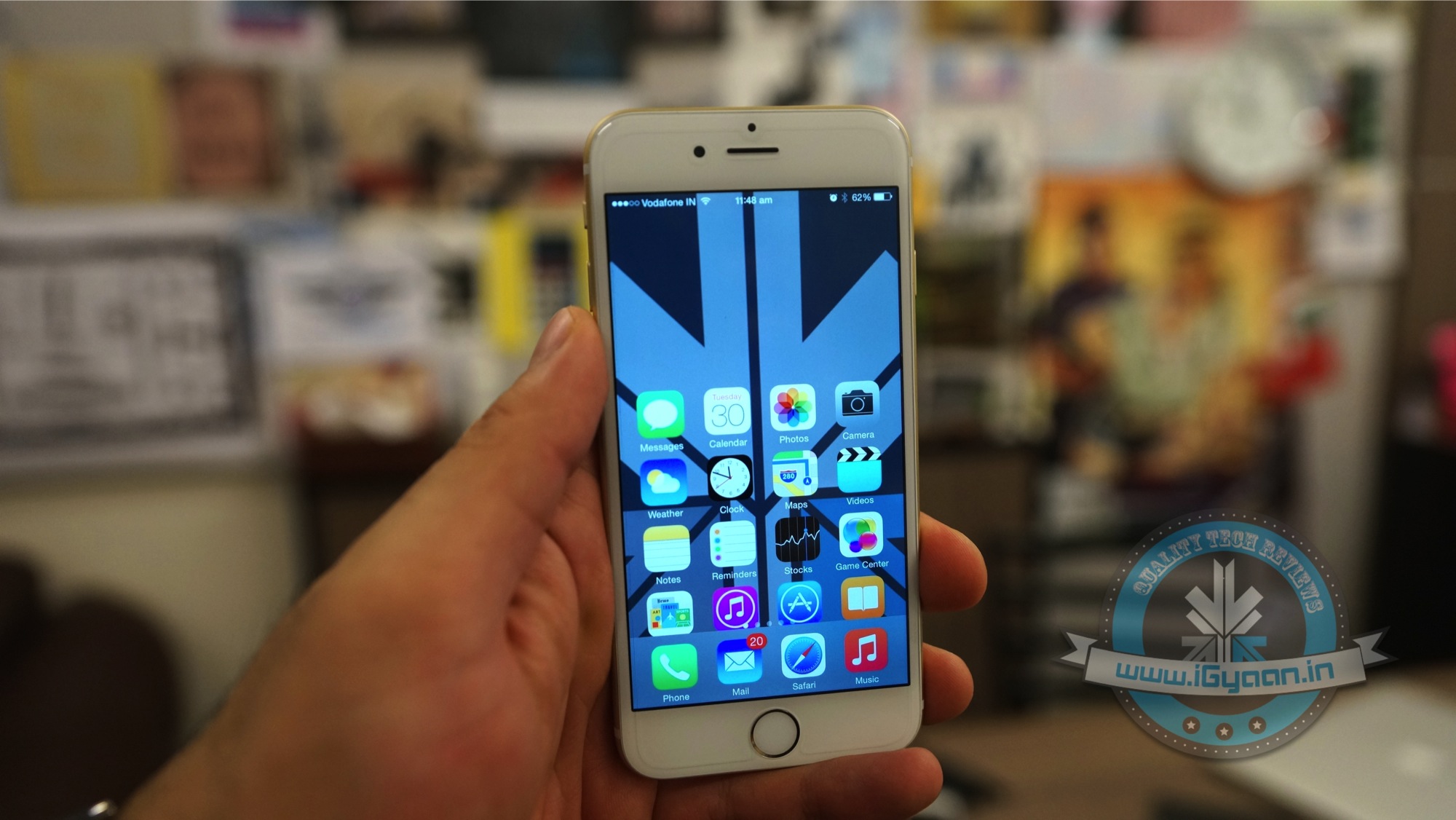
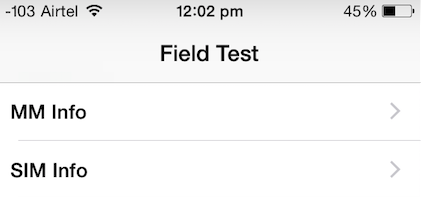
Telecom companies in India are putting us through a lot these days. If it’s not the ever increasing bills we face monthly, it’s the incessant call drops. We now know a trick for iPhone users that will help detect the amount of network you have, other than the signal bars. Field Test Mode makes things slightly easier.
How to initiate Field Test Mode on an iPhone:
1. Open the phone’s keypad, as if making a call.
2. Add *3001#12345#* and hit the call button.
3. Now on the top left corner you will see a number indicating your network strength.
If you hit the home button, the sign will return to signal bars. Here’s how you can retain the number:
Follow the earlier three steps. Once the page appears on your screen, hold your power button till “Slide to Power Off” comes on the screen. Release the power button, and hold the Home button until Field Test Mode quits. You can now tap on the signal bar, to switch between the bar and numbers. To opt out of this, you can simply restart your iPhone.
How to Read the Numbers : It’s simple – the lower the number, the more likely you are to experience bad signal. Anything lower than -110 is a problem, and anything above -80 is considered good. With this feature, you’re more likely to know when you would be experiencing problematic call drops.
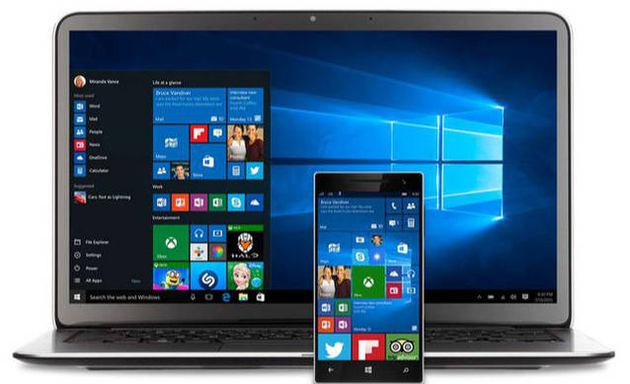
Sixty seven million Windows users are rejoicing at the thought of being upgraded to Windows 10 and are enjoying the convenience that comes with Bing knowing your location, Cortana knowing your name and sometimes other personal information. All your contacts, photos and everything are constantly being processed by the new software. It sounds perfect. However, one minor detail is missing. What is Windows 10 doing to protect your privacy as it constantly saves passwords, credit card numbers and personal information?
Here are a few things you can do to protect you privacy, while using Windows 10 and enjoying its features at the same time:
1. Know your Apps:
Many applications on Windows 10 require your personal information. For example, Maps, which needs your location in order to function. While Maps tells you where its using your personal information, many apps on Microsoft don’t necessarily follow the same protocol. Therefore, it is important to tweak the privacy settings of any app you use so that your personal information going out is limited, if not completely inaccessible.
2. Communications:
Microsoft tends to take in all the contact information of their users, just incase their primary means of communicating, fail. It does this so that it can send you information as well as promotions. In order to manage these communications better, click here (if you have a Microsoft account) and here, if you don’t.
3. Ads:
We all know that advertisements generate revenue. So if Facebook and Google can track you to sell ads, so can Microsoft. Microsoft does it according to your interests and even gives you your own advertising ID to make it simple. However, you can choose not to be a part of interest-based ads by clicking here. Opting out of that though, doesn’t mean that data won’t be collected or the number of ads that pop up will reduce.
4. Turn off the tracking:
Follow these steps to prevent Microsoft from collecting random data and information –
Start > Settings > Privacy > Feedback and Diagnostics > Click “never” to change the feedback frequency and Usage Data to “basic”
Also, while in the Privacy menu, you can regulate any information from your location, camera, microphone etc. It can be controlled from that menu.
5. Guard Your Browser History:
You can stop the sending of your browsing history by Edge by clicking on the top right corner of Edge, then settings > Advanced Settings > View Advanced Settings, under Privacy and Services, turn off “Have Cortana Assist Me in Microsoft Edge.” This is essential because Edge only sends your information to Microsoft so that Cortana can be further personalised. So all you got to do, is turn her off. And while you’re in the Privacy and Services menu, make sure you turn off “use page prediction to speed up browsing, improve reading, and make my overall experience better.”
“If you received your Microsoft account from a third party, like an Internet service provider, that third party may have rights over your account, including the ability to access or delete your Microsoft account.” — Microsoft
6. Don’t Get Tricked Into Creating a Microsoft Account:
Try and keep all your information within your local computer only. Even if Microsoft urges you to create an account, don’t do it because once done, it pieces together all your metadata and connects it to you ID. This can be a tricky situation and one must be extremely careful while sharing this information. Its never a good idea to share accounts. In order to delete or manage your Microsoft account go to Settings > Accounts > Your Account.
7. Cortana Can be Creepy:
Yes, at first it is fascinating to have an attractive voice talking back to you and calling you by your name. But, Cortana doesn’t know just your name. She has access to more information than you think she does and the whole situation sounds a little intrusive. So if you want to snap Cortana out of being too clingy, click here. There, you will be able to clear the Interests section as well as the Speech Inking and Typing information.
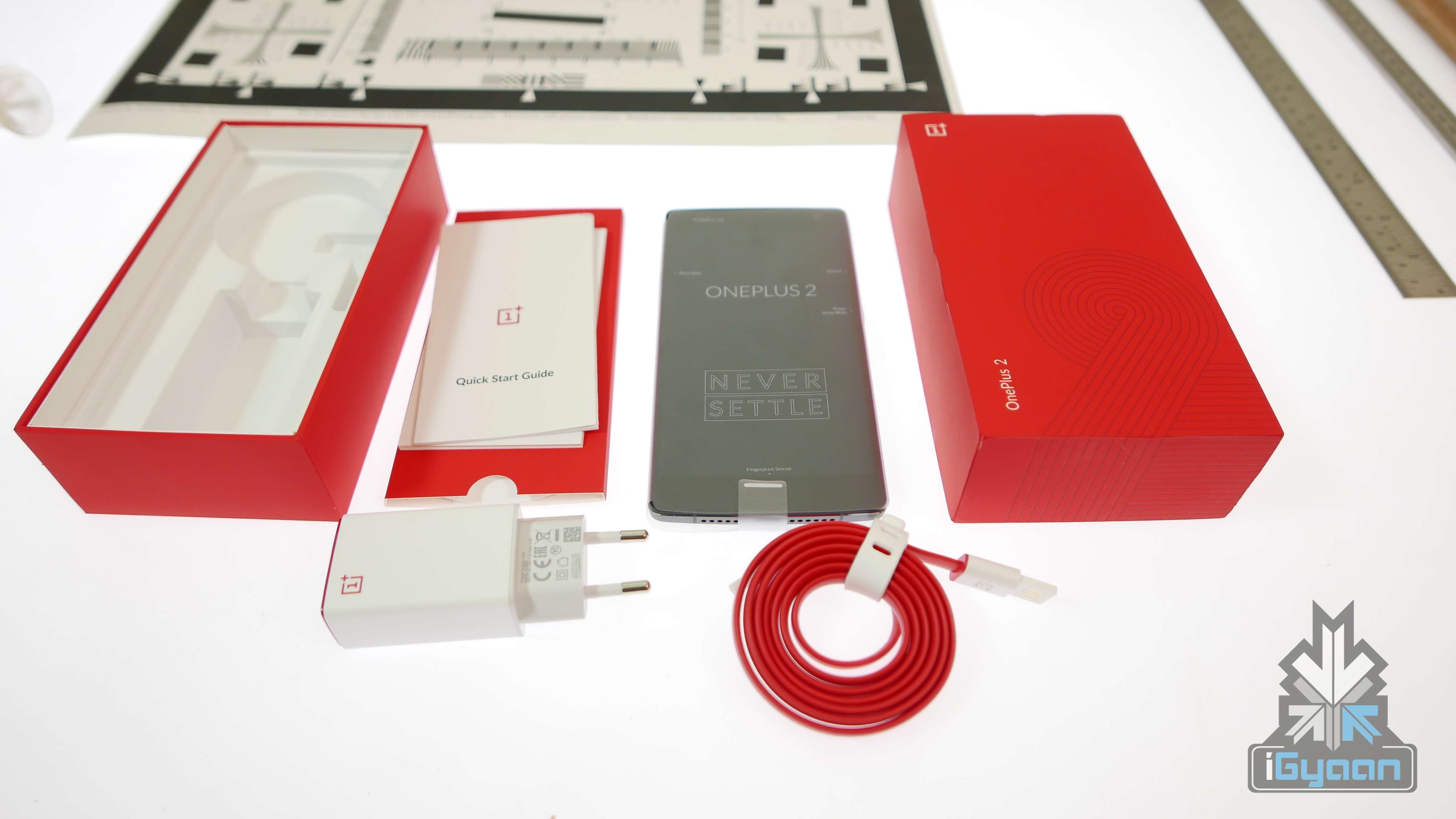
OnePlus 2 has finally launched and will be made available in India from August 11 at a price of Rs. 22,999 for the 16GB variant and Rs. 24,999 for the 64GB variant.
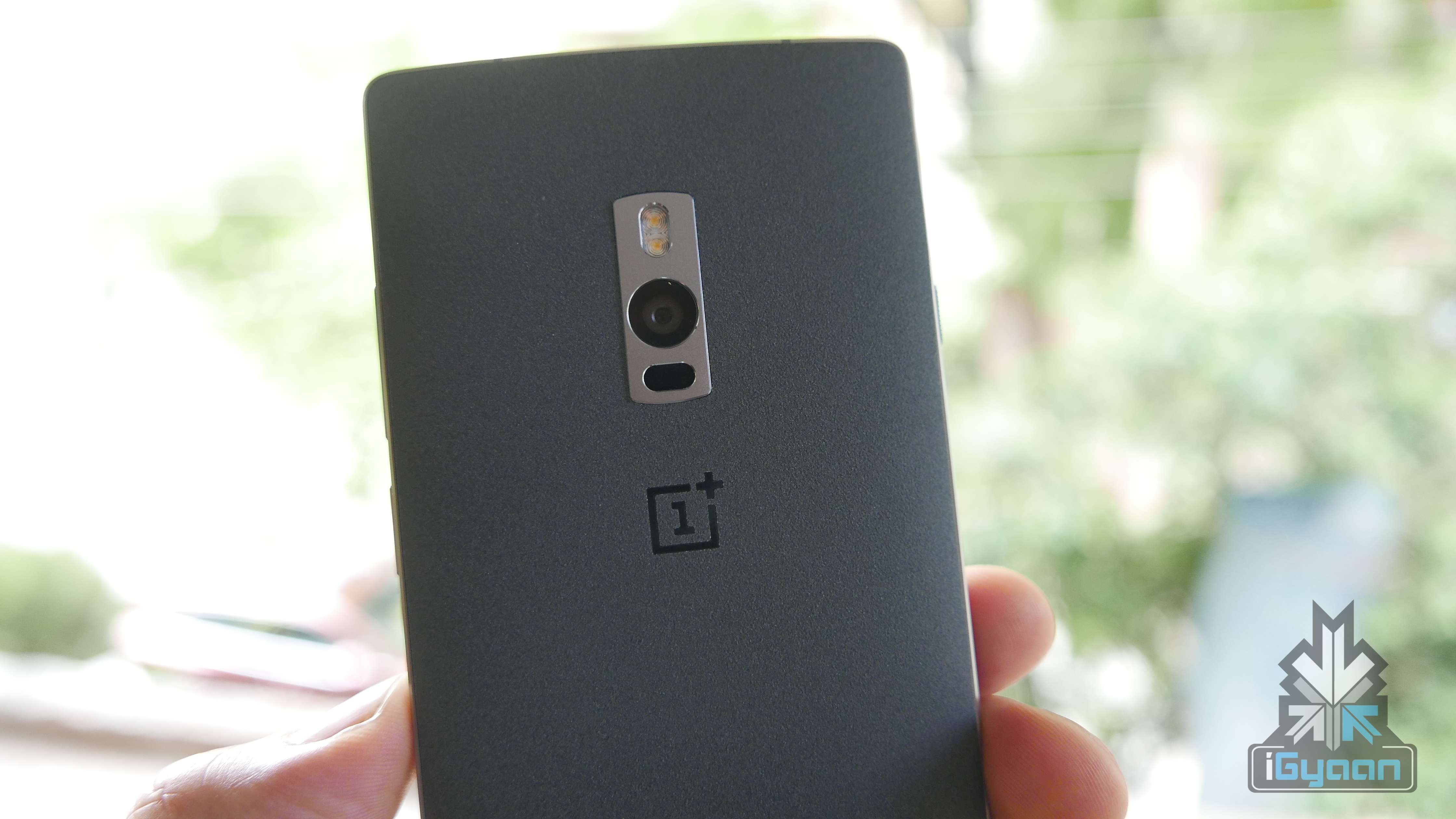
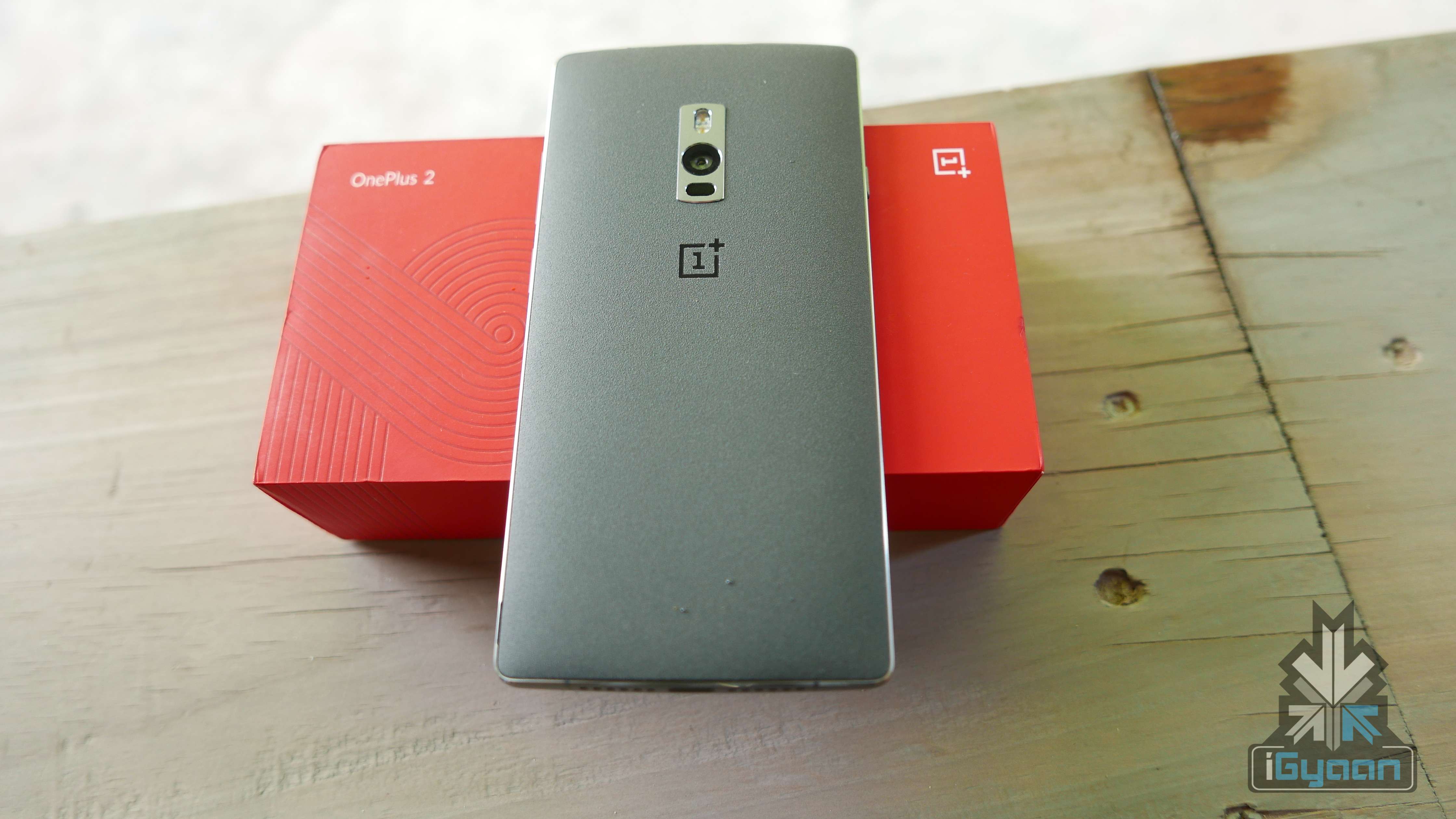
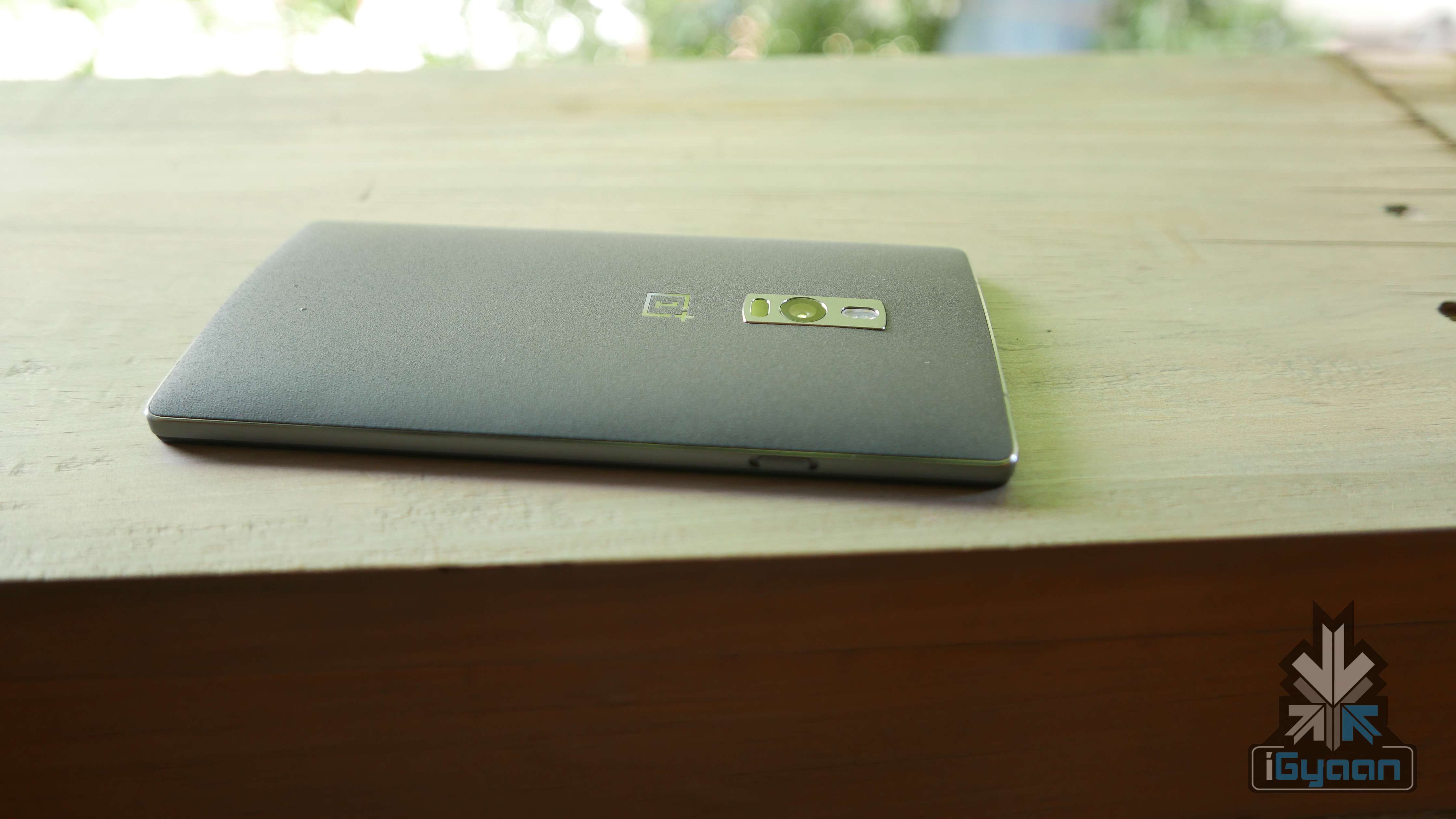
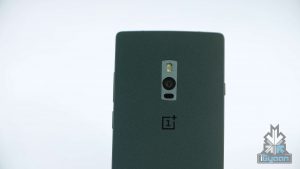
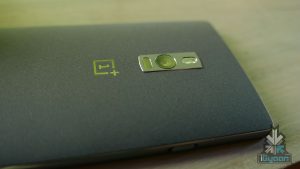
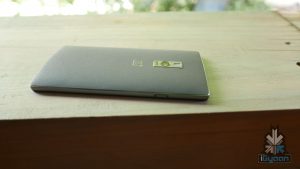
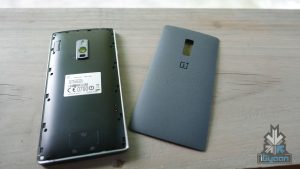
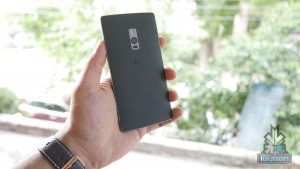
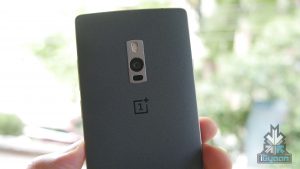
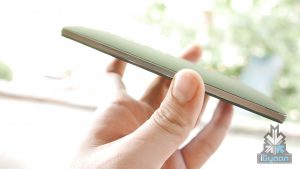
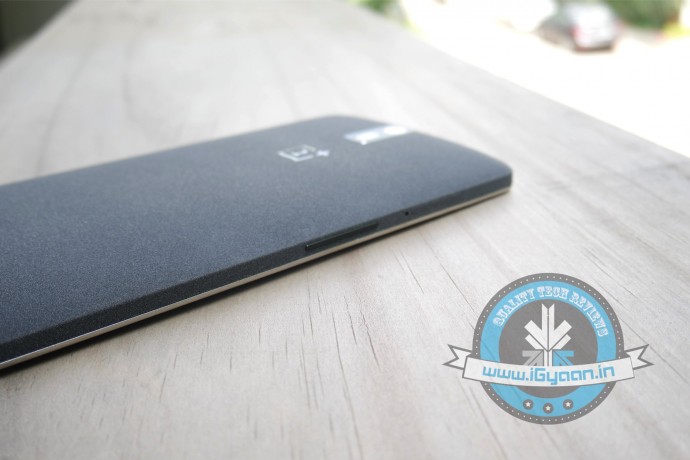
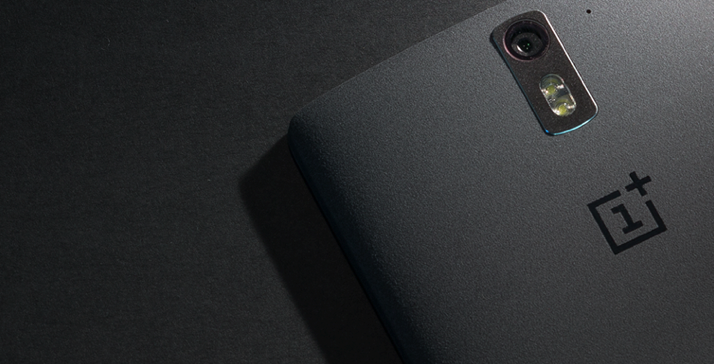
OnePlus 2 feels lightweight, thanks to the maufacturer’s decision to use an aluminium alloy in the body. It has a 5.5 inch display and comes with the classic Sandstone Black back cover, which feels nice to hold. The back panel can be easily customised using OnePlus’ StyleSwap covers available in four variants – Bamboo, Black Apricot, Rosewood, and Kevlar. The covers can be swapped without any hassle, but it still takes some effort to remove the cover.
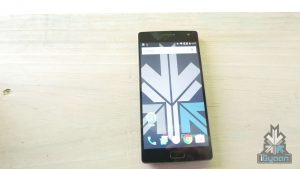
The lock screen provides a quick shortcut to the camera and the phone dialler. The screen can be unlocked via the fingerprint scanner located on the home button and it usually takes a second to unlock the phone through the fingerprint. The device can store up to five different fingerprints – which is useful.
The OnePlus 2 is powered by a 1.8GHz octa-core 64-bit processor with 4GB of RAM. The processor is capable of 4K streaming, which is a shame because the display is limited to 1080p resolution. The display is bright though, which makes the 1080p resolution enough for a 5.5 inch display. The device runs on Android 5.1 with OxygenOS. The device has a feature called the ‘shelf’, which is activated when you swipe to the left on the home screen; it opens your preferred contacts and recent apps.
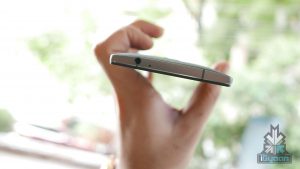
Another feature that grabs attention is the button on the left side of the phone, called the slider which toggles between three notification profiles – ‘None’, ‘Priority’ and ‘All’. The camera is nice and was fast enough to capture photos.
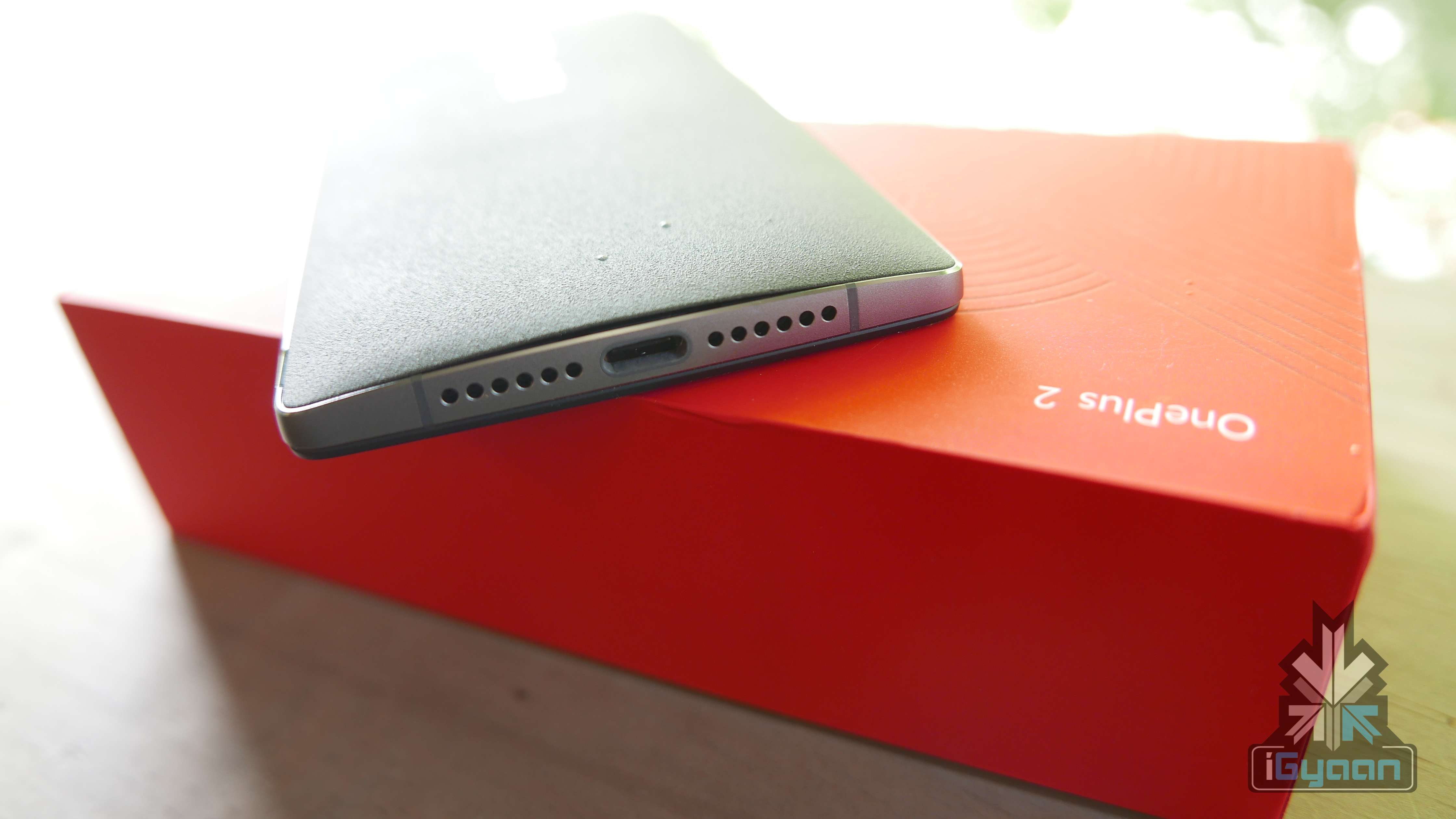
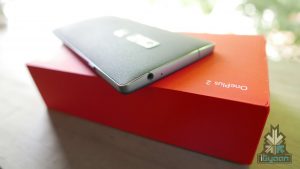
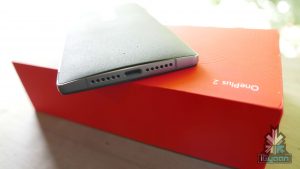
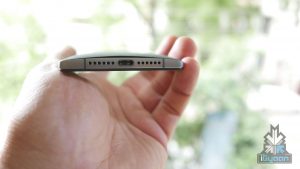
OnePlus 2 comes with a USB type-C port, a first for any flagship smartphone. Reversible in nature, the USB type-C allows for faster data transfers and is compatible with almost every device with standard USB ports.
Overall, the phone seems to deliver what the company promised. However, we’d advise you to wait for our review.
Check out the unboxing and hands on video of OnePlus 2:
Here are the specifications of the OnePlus 2:
Specification
OnePlus 2
Display
5.5-inch TPS LCD in cell, Corning Gorilla Glass
Resolution
1080×1920 pixels, 401 ppi
Chipset
Qualcomm MSM8994 Snapdragon 810 v2.1
Processor
Quad-core 1.5 GHz Cortex-A53 and Quad-core 2 GHz Cortex-A57
GPU
Adreno 430
RAM
3/4 GB LPDDR4 RAM
Storage
16/64 GB
Expandability
N/A
Rear Camera
13 MP with OIS, 1.35 sensor size and fast laser focus and f/ 2.0 aperture
Rear Camera Video
2160p at 30fps, 2160p(DCI) at 24fps, 1080p at 60fps, 720p at 120fps, HDR, stereo sound recording
Front Camera
5 MP
Front Camera Video
1080p at 30fps
Battery
Non-removable Li-Po 3300 mAh battery
Operating System
Android 5.1 Lollipop-based Oxygen OS
Connectivity
SIM: DualWi-Fi 802.11 a/b/g/n/ac, Wi-Fi Direct, DLNA, hotspot
Bluetooth v4.1, A2DPGPS with A-GPS, GLONASS, Radio FM,microUSB v2.0, Type-C reversible connector
Starting the week right is Micromax’s launch of its ultra budget smartphone. Meet the Canvas Xpress 2 – it comes with a 13MP camera, a 5-inch HD display, 1GB RAM and is only priced at Rs. 5,999.
Chinese companies have spoilt Indian buyers by offering high-end specs at affordable prices and Indian companies are trying hard to keep up. This is Micromax’s attempt.
You’d expect that such a smartphone would be a product of the company’s subsidiary Yu Televentures. But Micromax decided to swoop in and bring out its own budget offering.
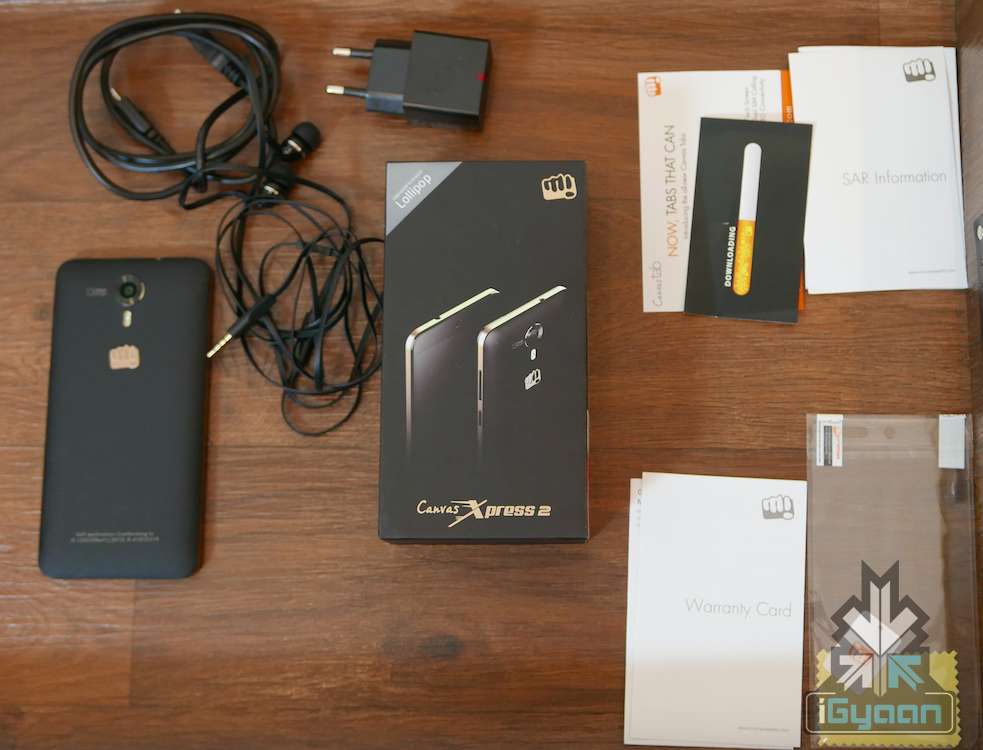
In the box, along with the smartphone, we get a pair of earphones, a data cable, a power adapter, a screen guard and standard documentation.
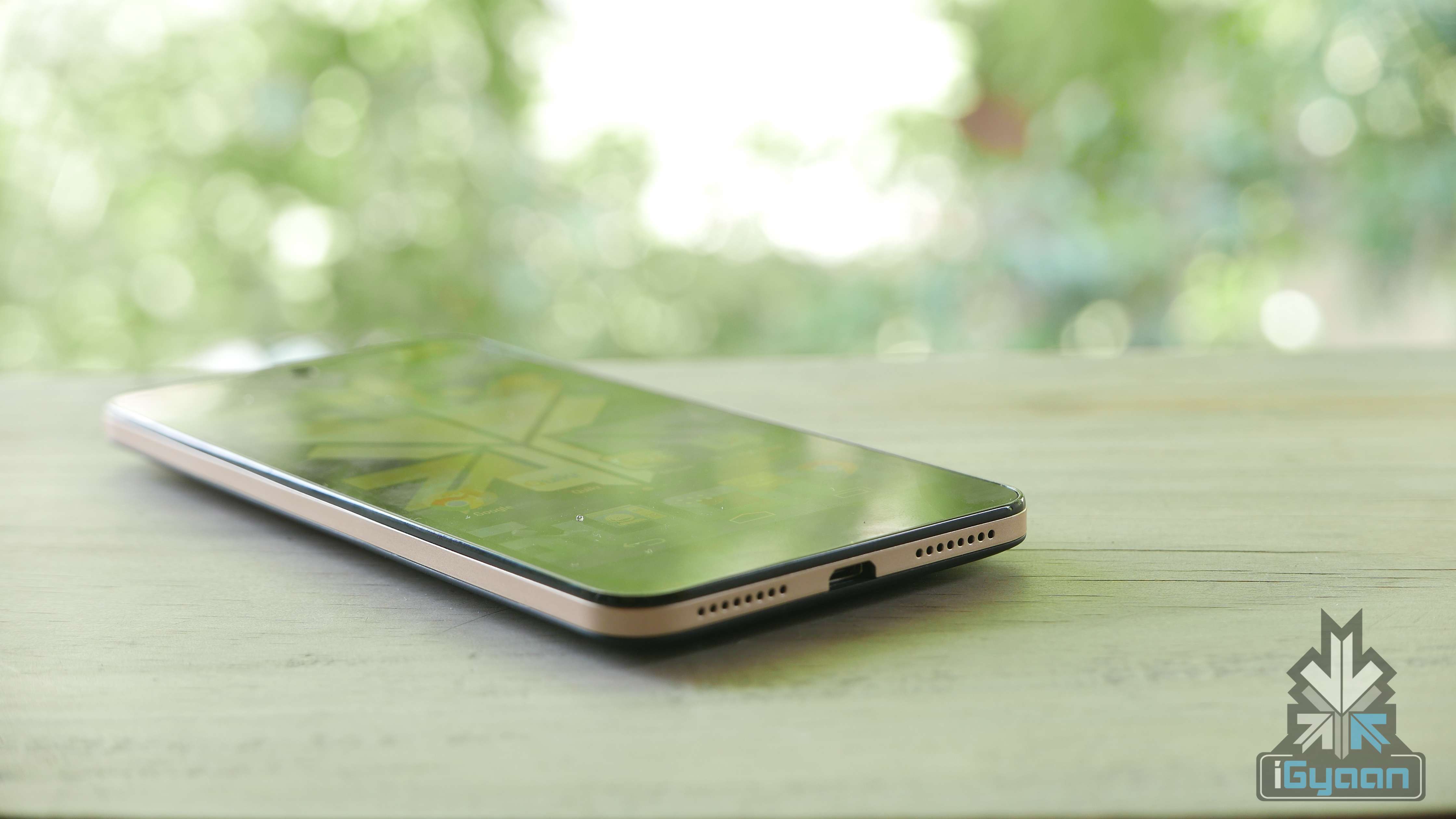
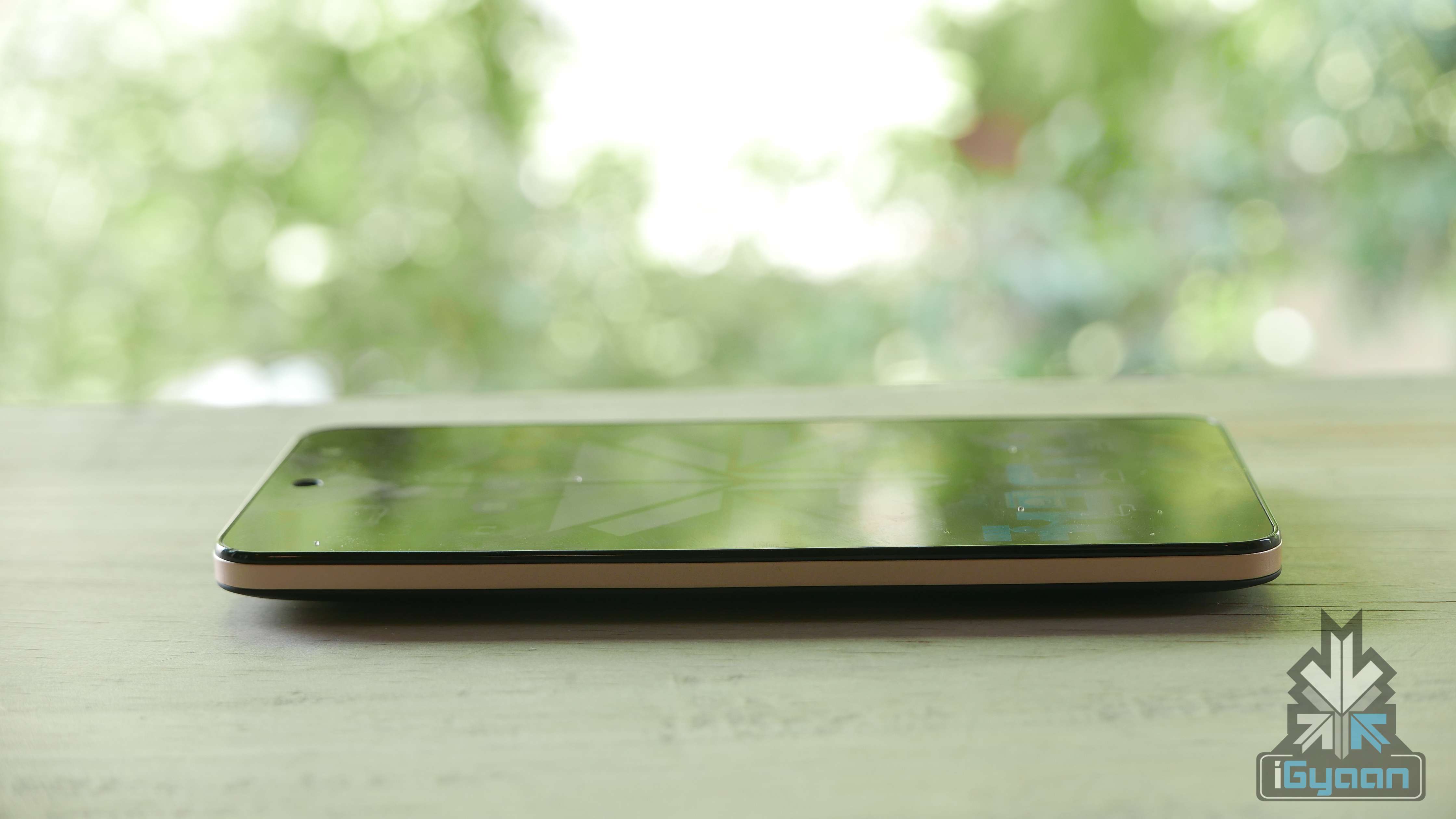
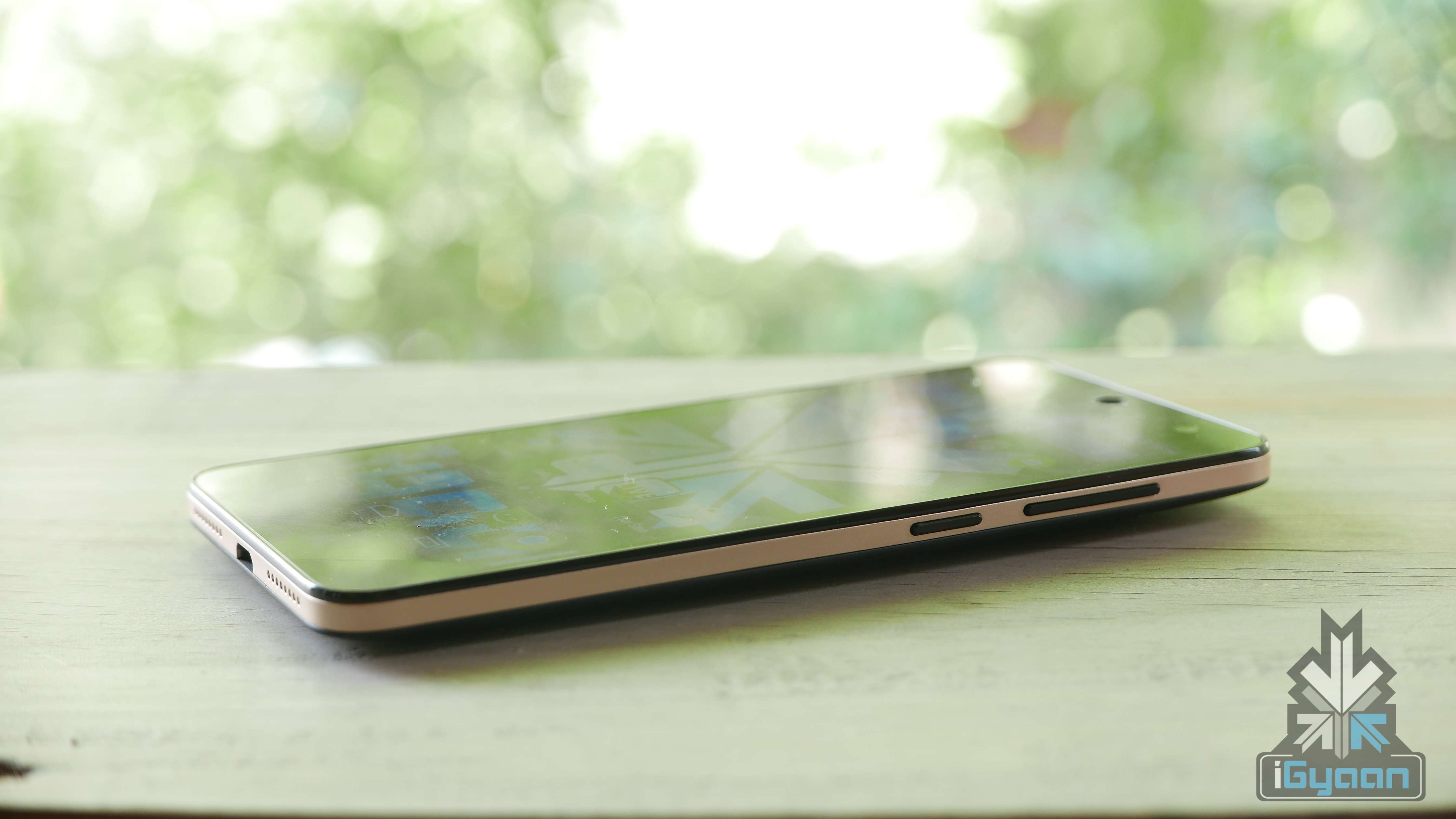
Coming to the smartphone itself, this one is quite a looker. The smartphone comes with a gold rim, which is subtle and stylish. It also has a smooth matte black back, so there isn’t a need to worry about fingerprints. The display is protected with Corning Gorilla Glass 3, which takes away the worry of careless scratches. The gold and black exteriors complement each other well and moreover give the phone a premium feel. The design of the device also seems sturdy.
Meanwhile, under the hood, the Xpress 2 comes with an octa core, MediaTek6592 chipset clocked at 1.4 GHz. It comes coupled with 1GB of RAM. The smartphone offers 8GB internal storage, which is expandale to 32GB. Micromax has provided a 2500Ah Battery to fuel the device.
The company claims they’re extremely proud of the smartphone’s camera prowess. The Canvas Xpress 2 comes with a 13MP rear camera, with a Dual LED Flash and f/ 2.0 lens, which promises to produce clear pictures in low-light settings.
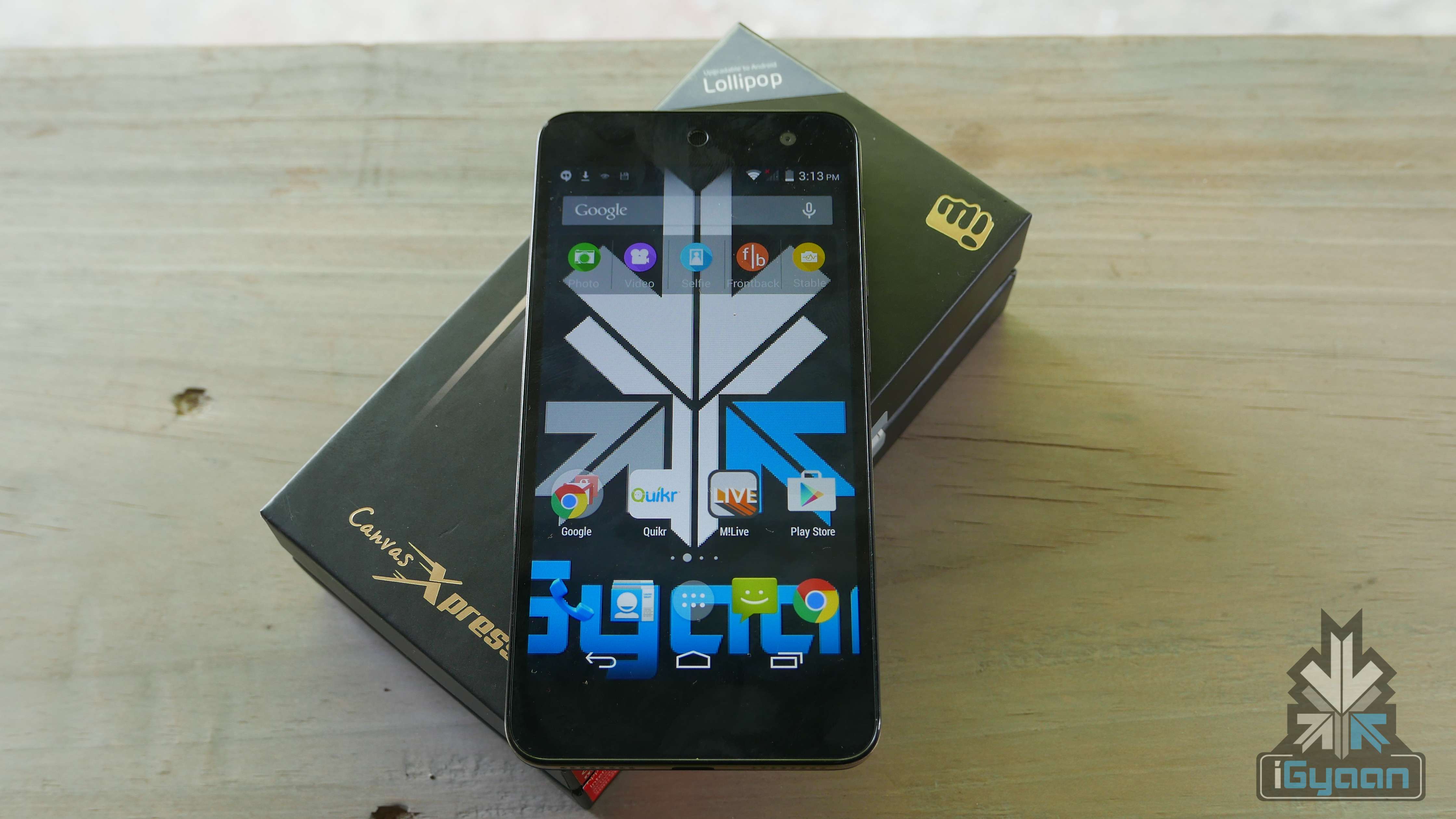
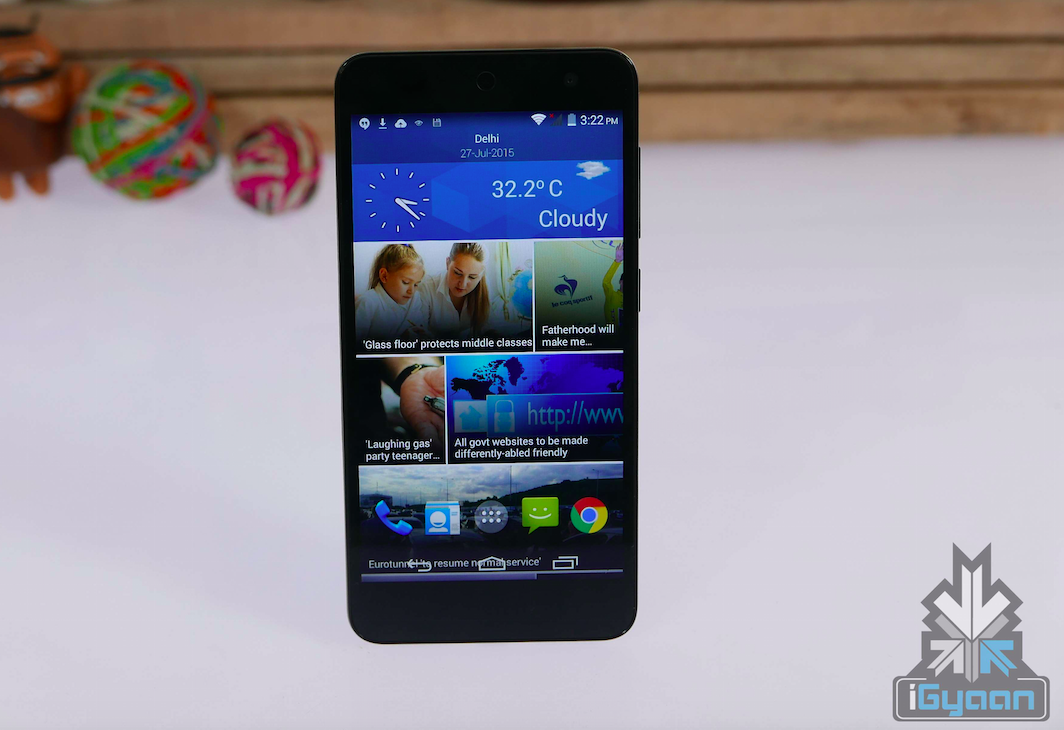
The device comes with Android KitKat 4.4.2 out of the box, which is upgradable to Lollipop. The user interface is mostly generic, with a little or no changes from Micromax. The overall experience of the UI is incredibly smooth. One of the useful features about it is that a quick swipe to the left opens up the newsfeed; which is an easy way to keep up with current events. The standard three buttons at the bottom of the screen are touch-capacitive.
The smartphone is again, available online-only, and will exclusively go on sale via Flipkart via the infamous flash sale model. Registrations begin today, i.e 27th July and the first sale is scheduled on the 4th of August. The company also is offering an exclusive deal in collaboration with Vodafone.
Watch out Unboxing and Hands On review here:
To know what we think of the device, wait for our full review.
‘Tech Wear’ is a relatively new concept that perhaps began with the introduction and launch of the Google Glass on April 4, 2012. There was a huge frenzy about the Google Glass and the things it promised its wearer – such as direct visual access to friends, schedules and Internet. But Google Glass did not work. Why? What makes products like Google Glass, the Neptune Pine, the Pebble, fitness trackers and other technological wearables not popular enough to cater to the taste of the general public?
Credit: Frazer Harrison/Getty Images for Mercedes-Benz
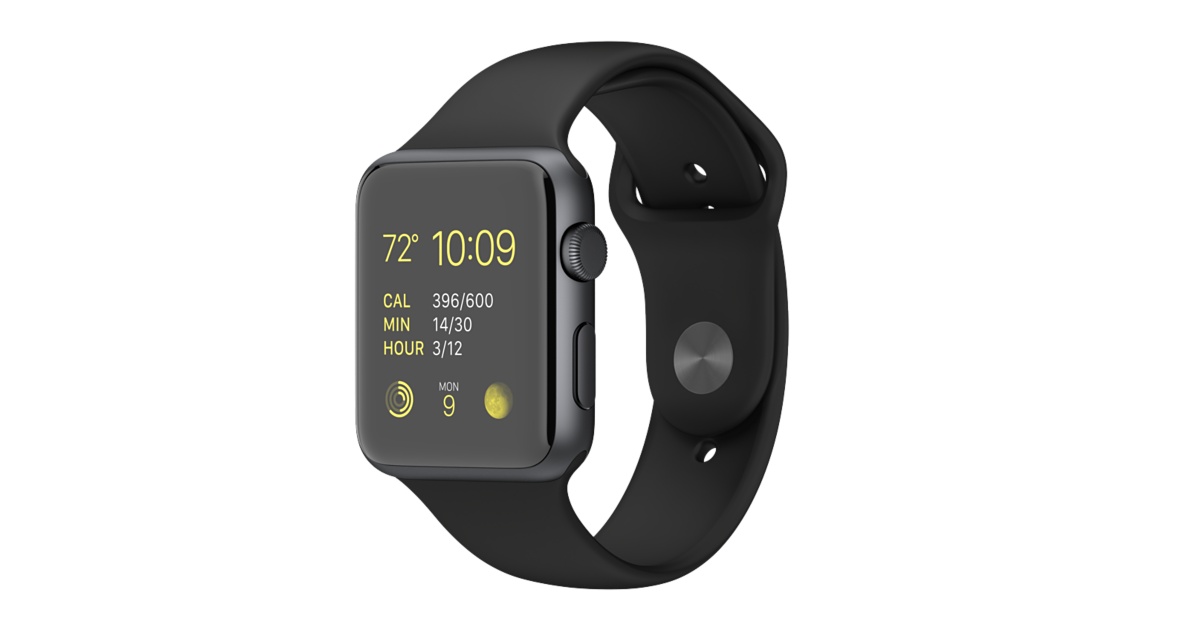
Firstly, these are luxury products. They cater to the needs of the general public but make themselves available to only a certain strata of society. For example, the Apple Watch is created in order to make interaction simpler and intimate. One doesn’t have to constantly be on their phones in order to check the time, reply to emails, take calls, respond to text messages etc, instead all these activities can be completed by a few glances and voice notes. Here is the catch, you have to have an iPhone (or any product by Apple) too so that all the information from your device can get synced to this new iWatch.
To get an idea of the approximate amount of money we might have to spend to buy an iWatch and support it, let us look at its INR value. The Apple Watch Sport Edition: Expected price tag in India for 38mm case model is Rs. 25000 and for the 42mm case model is Rs. 30000, plus the other Apple product to support it, for example an iPhone 6 (Silver 16GB) which is Rs.42,920 (on Ebay). The total amount would be Rs. 67,920. The prices differ in different countries and the accessibility of the product also differs, but to the average Indian, an iPhone update makes no serious change to his lifestyle.
Secondly, even with a large portion of the world being able to afford tech wear, they are still looked at sceptically or cautiously by investors. Why? What makes a product stable in the market? The necessity of a product. Although, further research shows a changing trend in the demands of the consumers. Fashion experts say that most of these products look ugly, in fact, the New York Times even tagged them as ‘ugly tech’ instead of ‘wearable tech’.
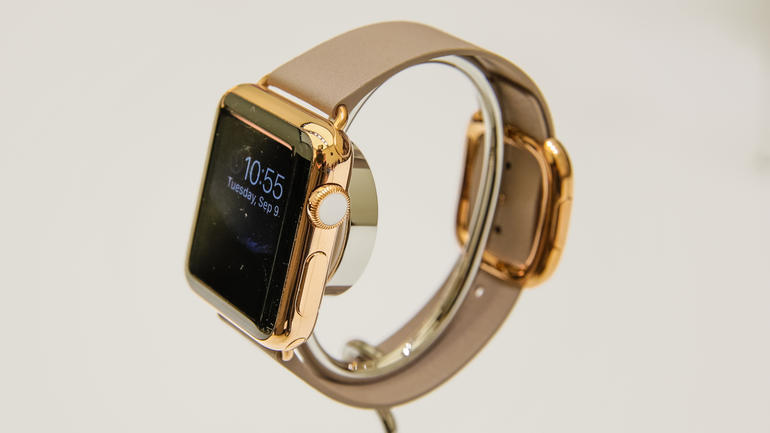
The consumer’s taste is now much more sophisticated than it used to be, he/she is not going to wear anything on his wrist that looks like a mini Kindle. And this is where Apple comes in with its slick and fashionably created Apple Watch. The ‘iWatch’ comes in various belts, both leather and metal, and is styled in a way that is appealing to all. Perhaps following suit are smaller fashion-focused tech companies, with a handful of partnerships between tech companies and big-name fashion brands.
So far, the investors and critics were skeptic of these wearable products, but now with the coming of the fashionable and efficient iWatch, their predictions have changed. Gene Munster, managing director and senior research analyst at Piper Jaffray, predicted a 3 million dollars’ worth Apple Watch sale on 9to5mac.com, and thinks that 2017 will be the device’s ‘breakout’ year. What changed?
The reviews for the Apple Watch have been somewhat stable; most of the critics encourage the use of this wearable technology that is more compact, fashionable, efficient, modern, and advanced in its settings and features. For example, the product description states that the custom-designed chip at the heart of the Apple Watch is encapsulated in the resin to protect the electronics from the elements, impact and wear. Configuring an entire computer system on a single chip is an industry first; settings like these and many others make the Apple Watch user friendly. Although despite this commendable attempt by Apple, critics still suggest that there is room for improvement as far as speed, efficiency and battery life are concerned but that these are problems that can be rectified by perhaps an iWatch 2.
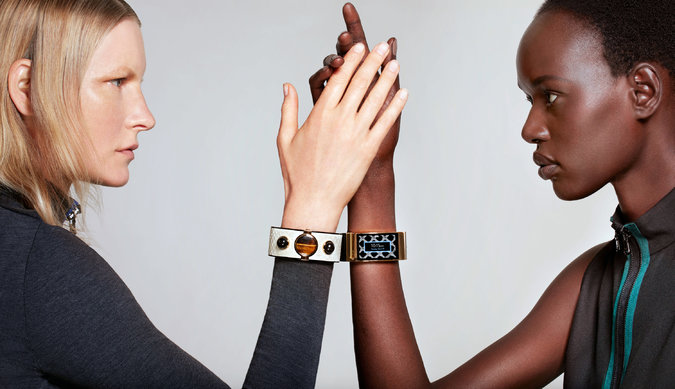
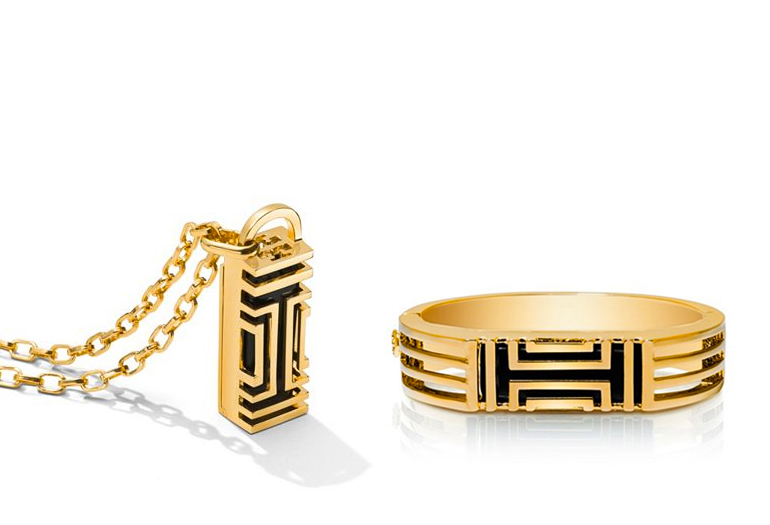
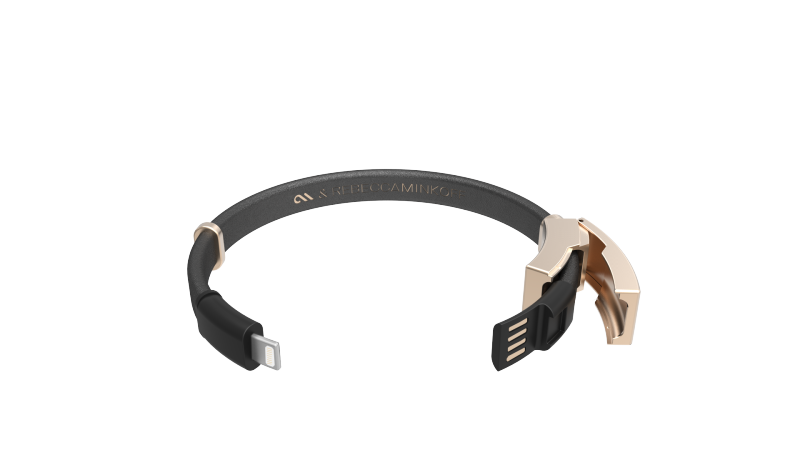
Similarly, The New York Times states that earlier this year Fitbit announced a partnership with the designer Tory Burch to make fitness trackers stuffed inside a hinged bracelet and pendant necklace. Google Glass has partnered with DVF and Luxoticca to make the geeky specs, stylish. Rebecca Minkoff and Case-Mate announced a new line of techie jewellery, including a gold bracelet that pairs with a smartphone. Intel has also partnered with Barney’s New York and Open Ceremony to create a bracelet with a curved sapphire screen and built-in wireless radios called the MICA (My Intelligent Communication Accessory.)
Image source: New York Times
As far as reviews are to be trusted, they give us a realistic take on the new influx of wearable technology and its appeal. What has changed therefore, is the taste of the consumer and now that modern technology is being able to steadily cater to it, wearable technology might actually carve a stable niche for itself in the years to come.
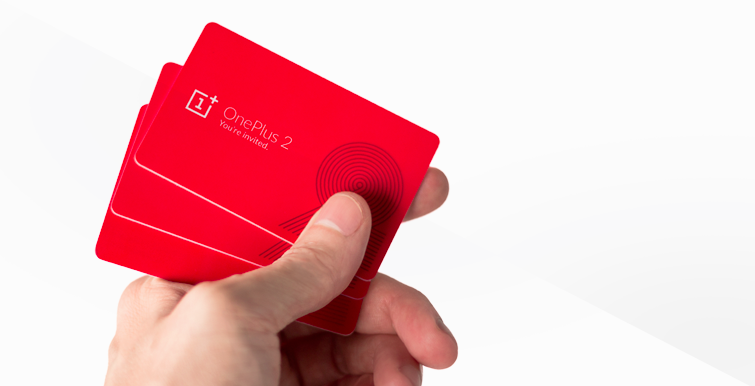
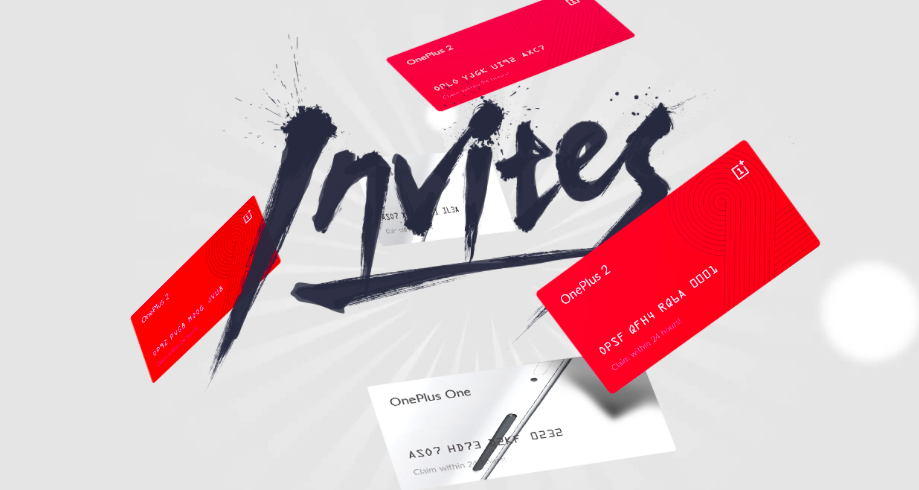
With the OnePlus 2 launch yesterday, we decided to tackle the company’s dreaded invite system. Although OnePlus claims that they have a new and improved plan charted out for the upcoming smartphone, we have our doubts. Trying to get an invite for anything is serious business, especially when you’re talking about one of the most anticipated devices of 2015.
Today we discuss how to make sure you get your hands on the coveted red card, without too much hassle.
Reserve Your Phone
Starting off with the easiest. The company recently announced that they’re going to start a separate list for interested buyers. All you need to do is – log in, enter your email ID and hopefully you’ll receive an invite soon after.
Same as with their previous flagship, anyone who manages to get a OnePlus 2 will also receive an invite that can be shared with friends or family. These invites are valid typically up to 1-2 weeks from purchase.
So, make sure you pair up with a friend. Chances are one of you is bound to score an invite. OnePlus promises that unlike last time, the sharable invite will arrive sooner (than later).
Get Your Social Media Guns Out
The company is sure to run contests on their social media pages. To follow OnePlus on Twitter click here, here for Facebook and here for Instagram. Make it a habit to frequent their accounts and take part in any giveaways that come your way.
Use The Forum Advantage
On a recent blog post by OnePlus, the company admitted that they would be favouring forum members when sending out invites. Users who join the OnePlus One forum can either win an invite via an engagement, event or contest, or through the official registration list. Consider signing up now.
Giveaways Etc
Since the Chinese company is now exclusively launching the OnePlus with Amazon India, you should track the e-commerce website for ongoing contests. Also, you can expect a giveaway here on iGyaan as well.
Living in a day and age where there is a new phone being launched every other day, this was one of the rare products we’re genuinely excited about.
Watch the hands on video with the OnePlus 2 right here:
[tw-toggle title=”Here’s Why OnePlus Insists on Using the Invite System”]
Ever wonder why OnePlus follows the annoying invite system? It’s actually one of the smartest business moves by the company. It is there to ensure that their company takes strong and steady steps forward. Thanks to the system, they only manufacture enough inventory as the demand. While at times the demand may be higher than the supply, their supply will never overpower the demand. They said it was their solution to managing risks. And for such a young company, that is one of the most important things they need to think about.
[/tw-toggle]
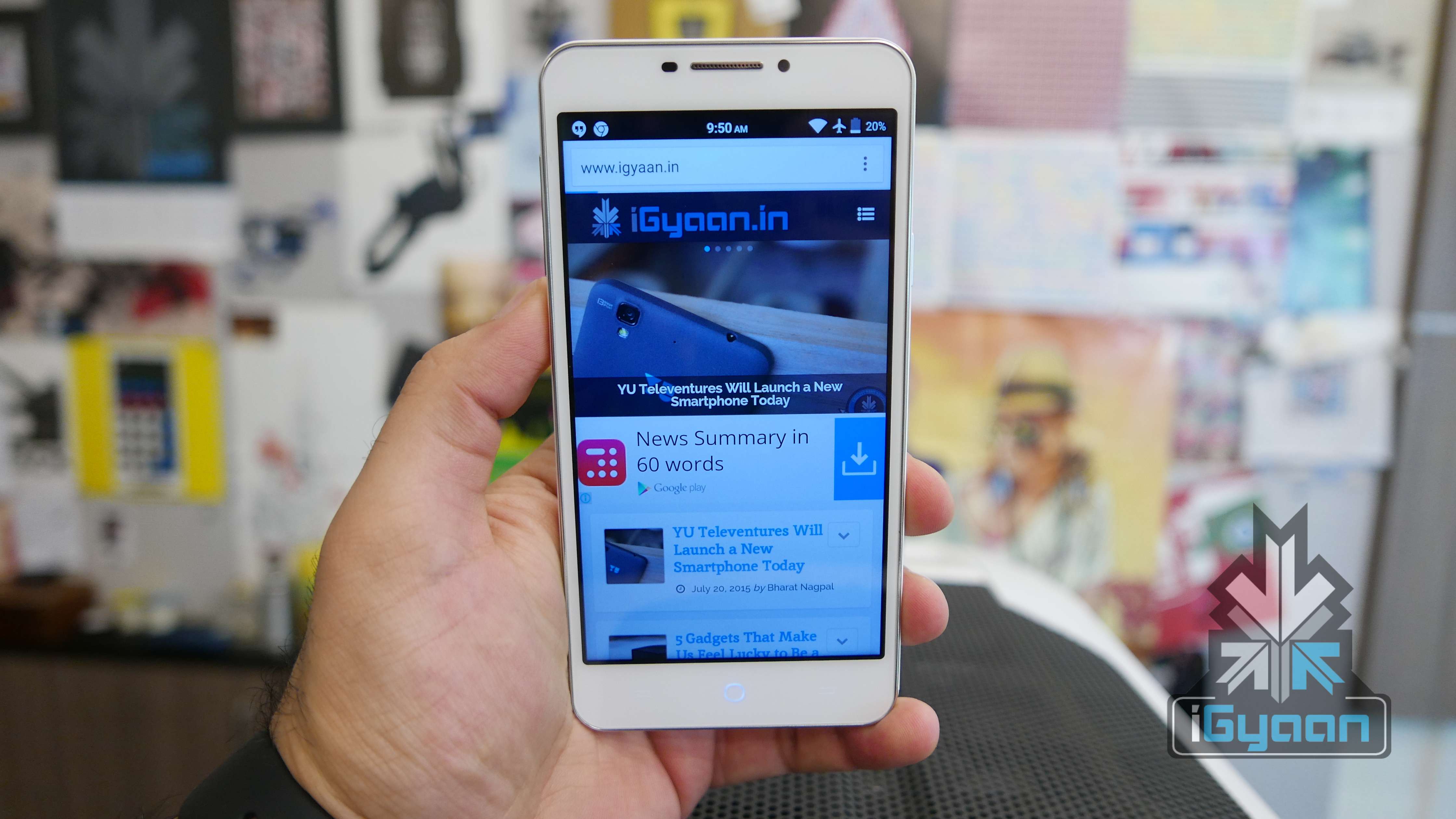
Today Yu Televentures announced a new handset, the Yu Yureka Plus. The phone is a revision to the existing Yureka, with added benefits. The revised specs also called for a revised price of Rs. 9,999.
Registrations for this handset have started again today and the handset will go on sale on the 30th of July exclusively on Amazon.in.
Overview
The Yu Yureka Plus is a phone that the Yureka should have been, in the first place. However, it is the company’s way of letting their consumers know that they are listening. The Yureka Plus improves on key features without drastically increasing the price. Is it worth the extra moolah? Let us find out in the iGyaan review.
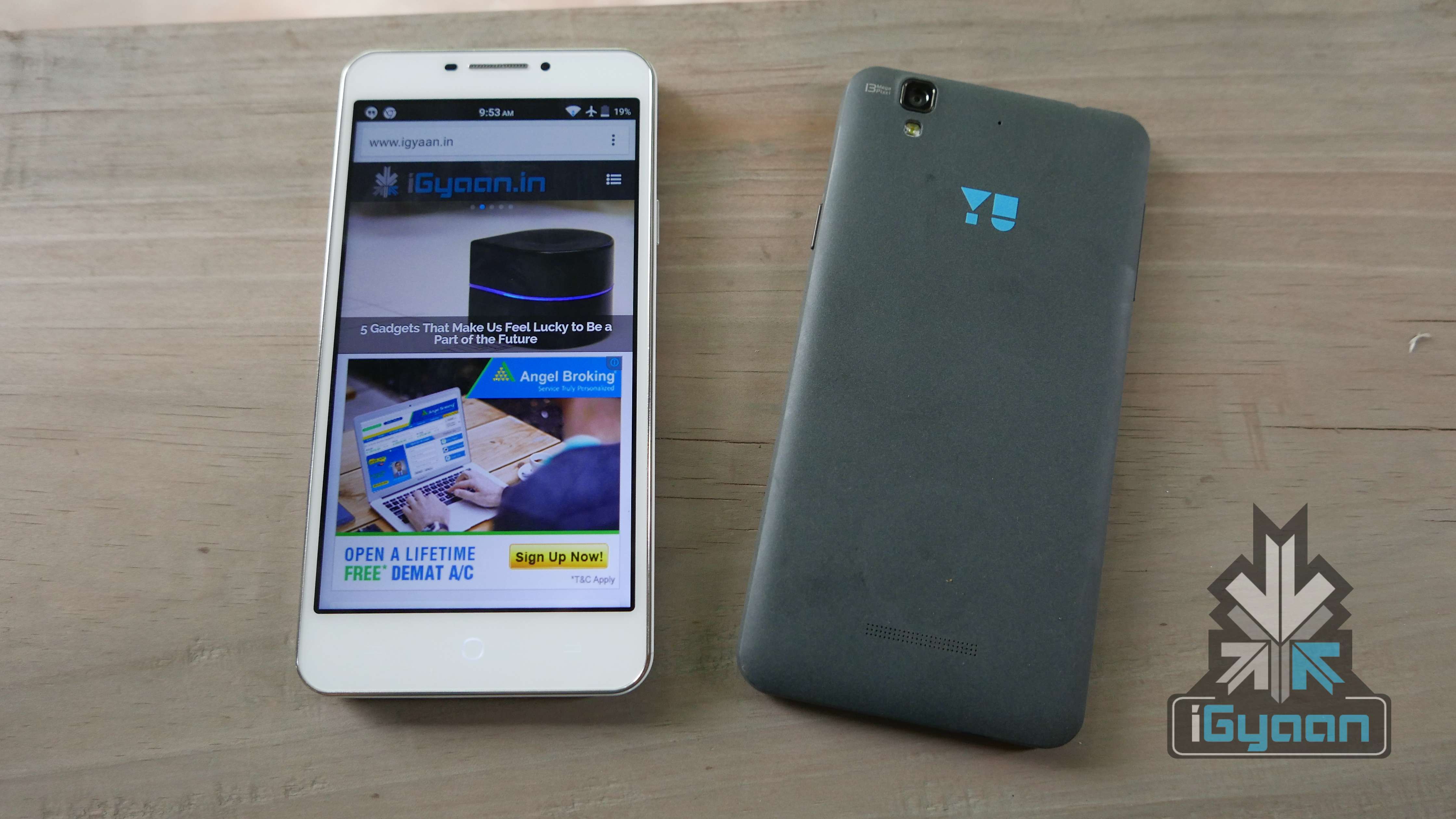
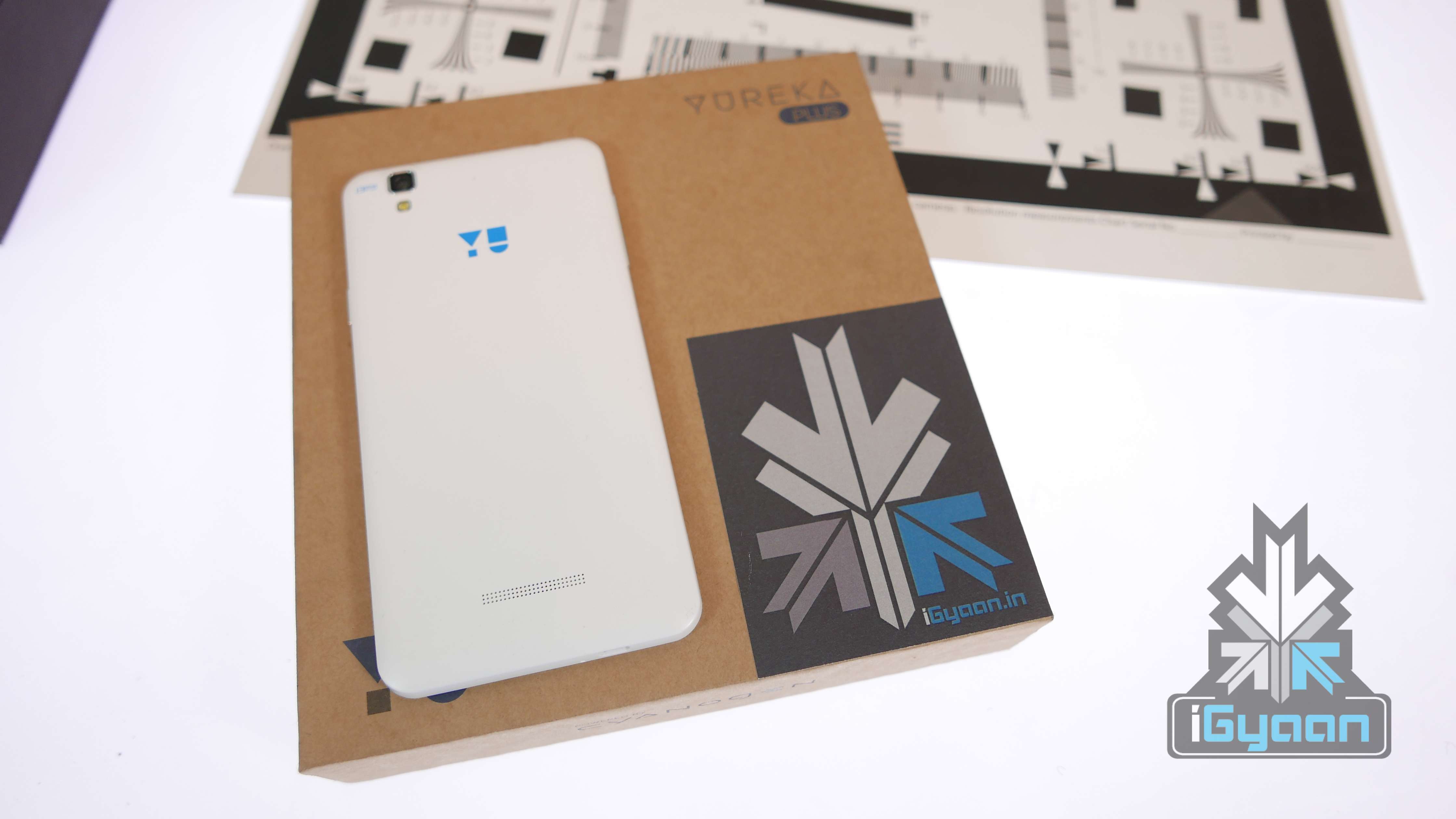
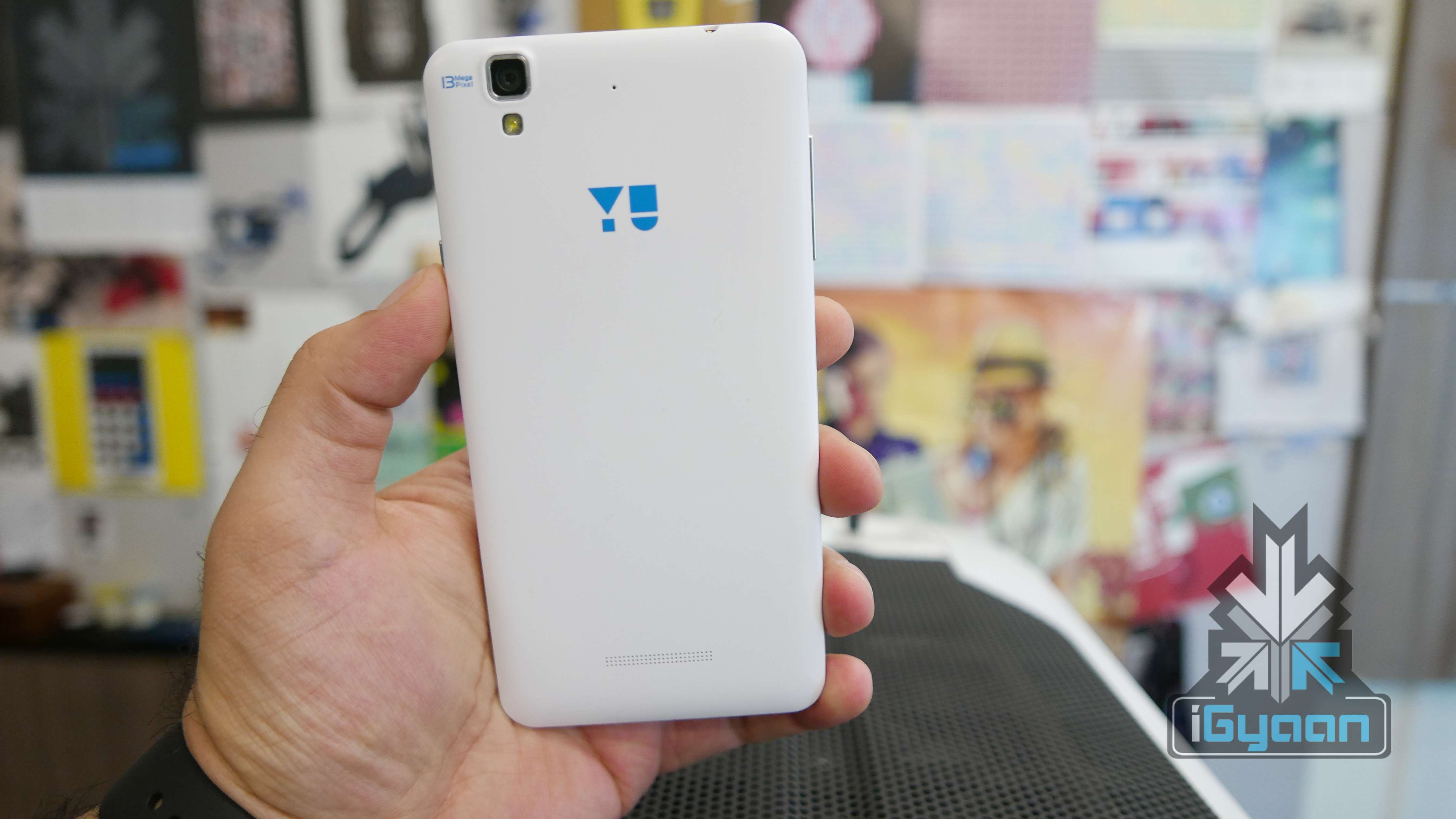
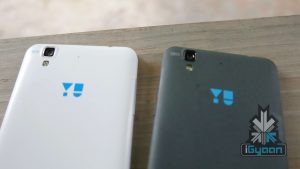
Alabaster White and Moonstone Grey
Hardware
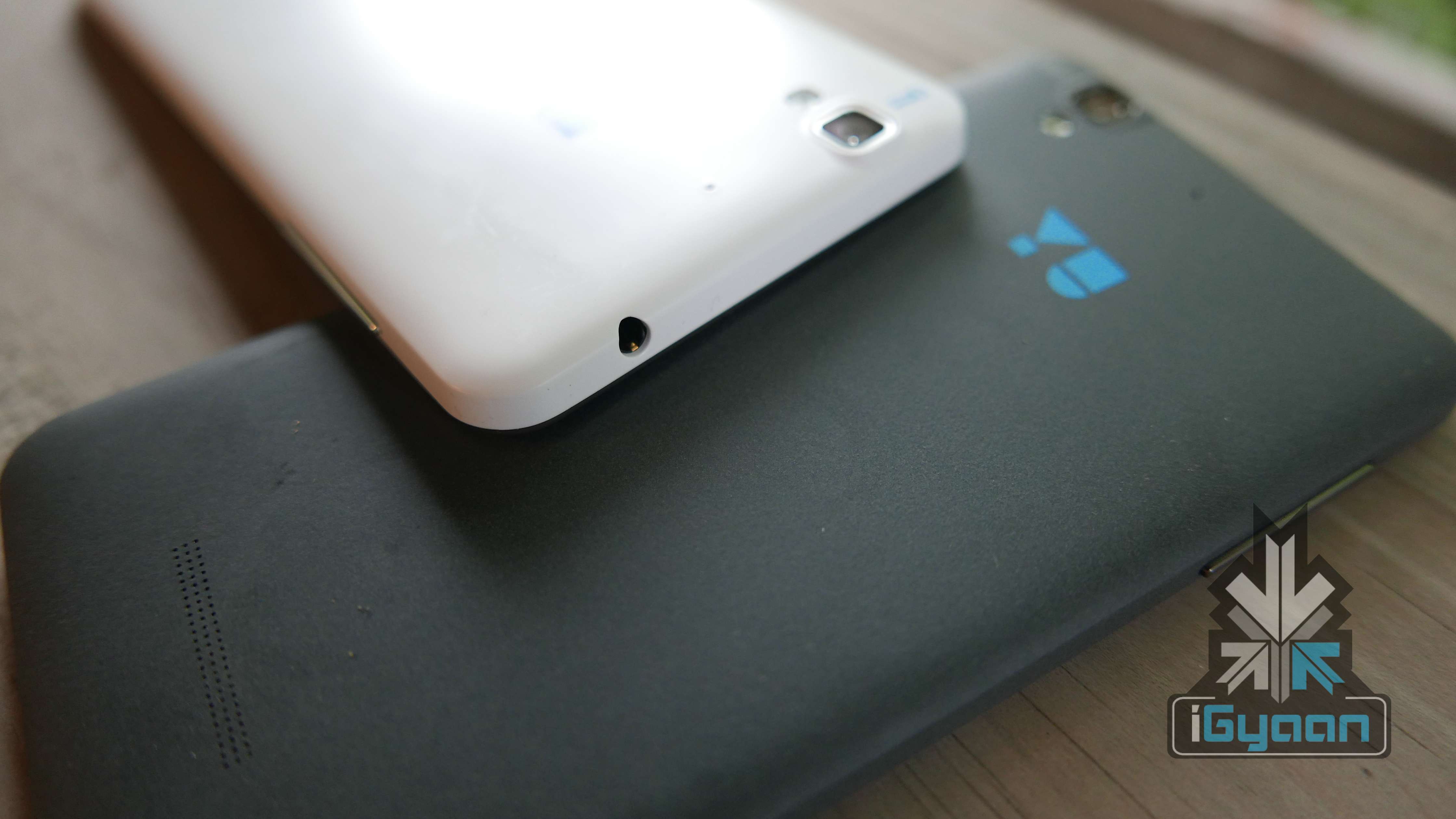
Spec wise, the phone is more or less the same with some improved features. A higher resolution display with Gorilla Glass 3, a new Sony sensor in the camera and a stronger chassis.
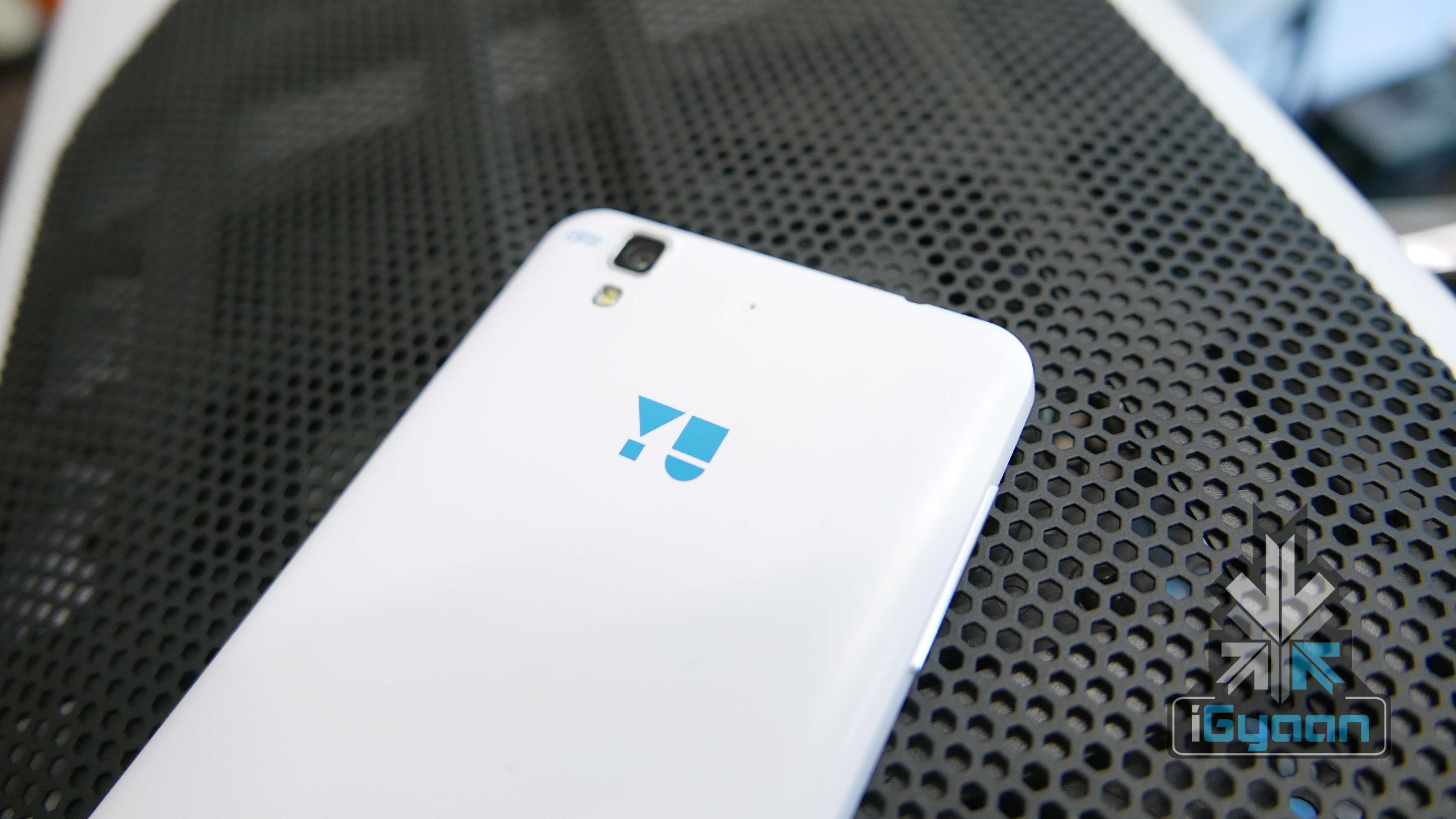
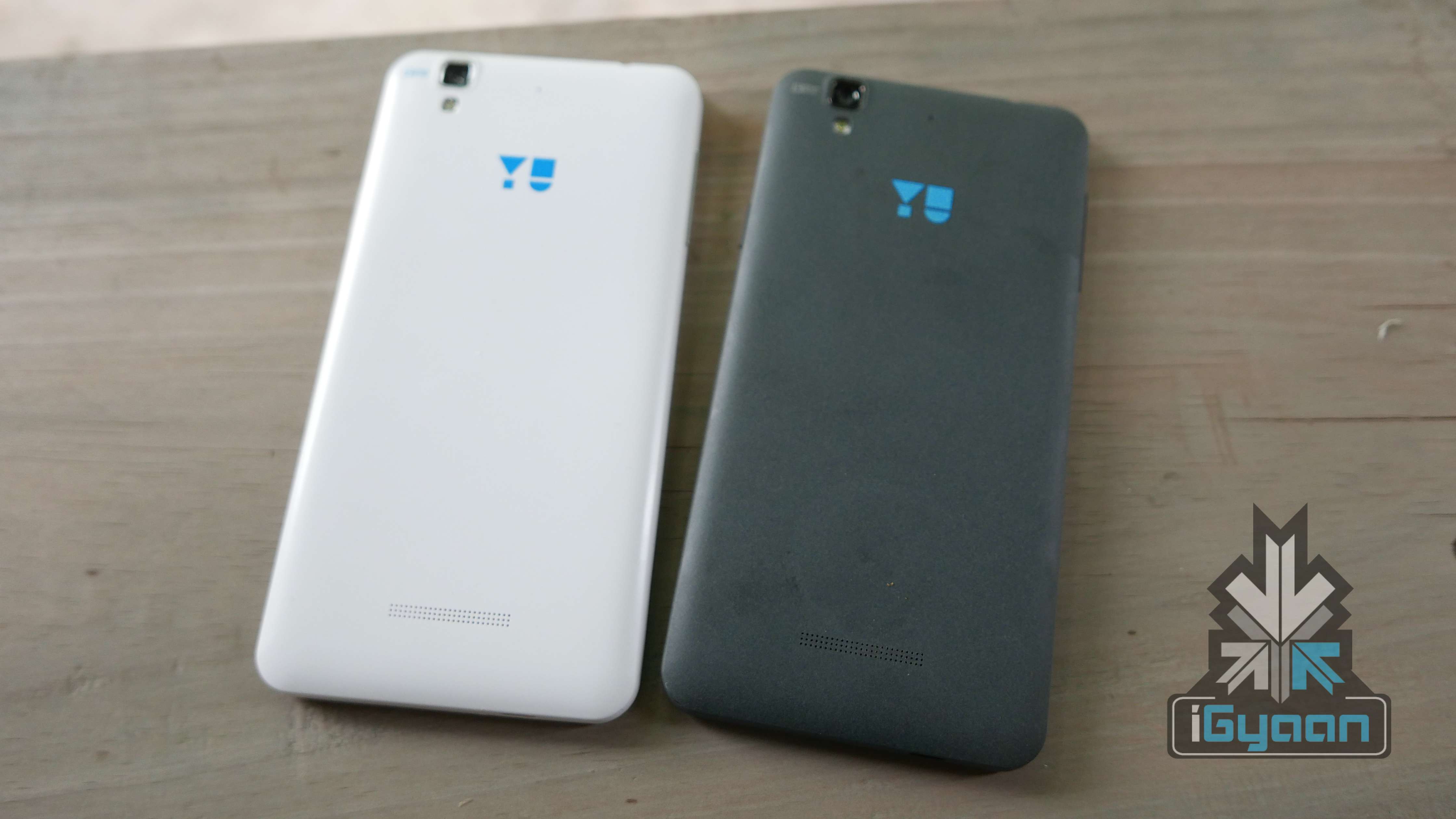
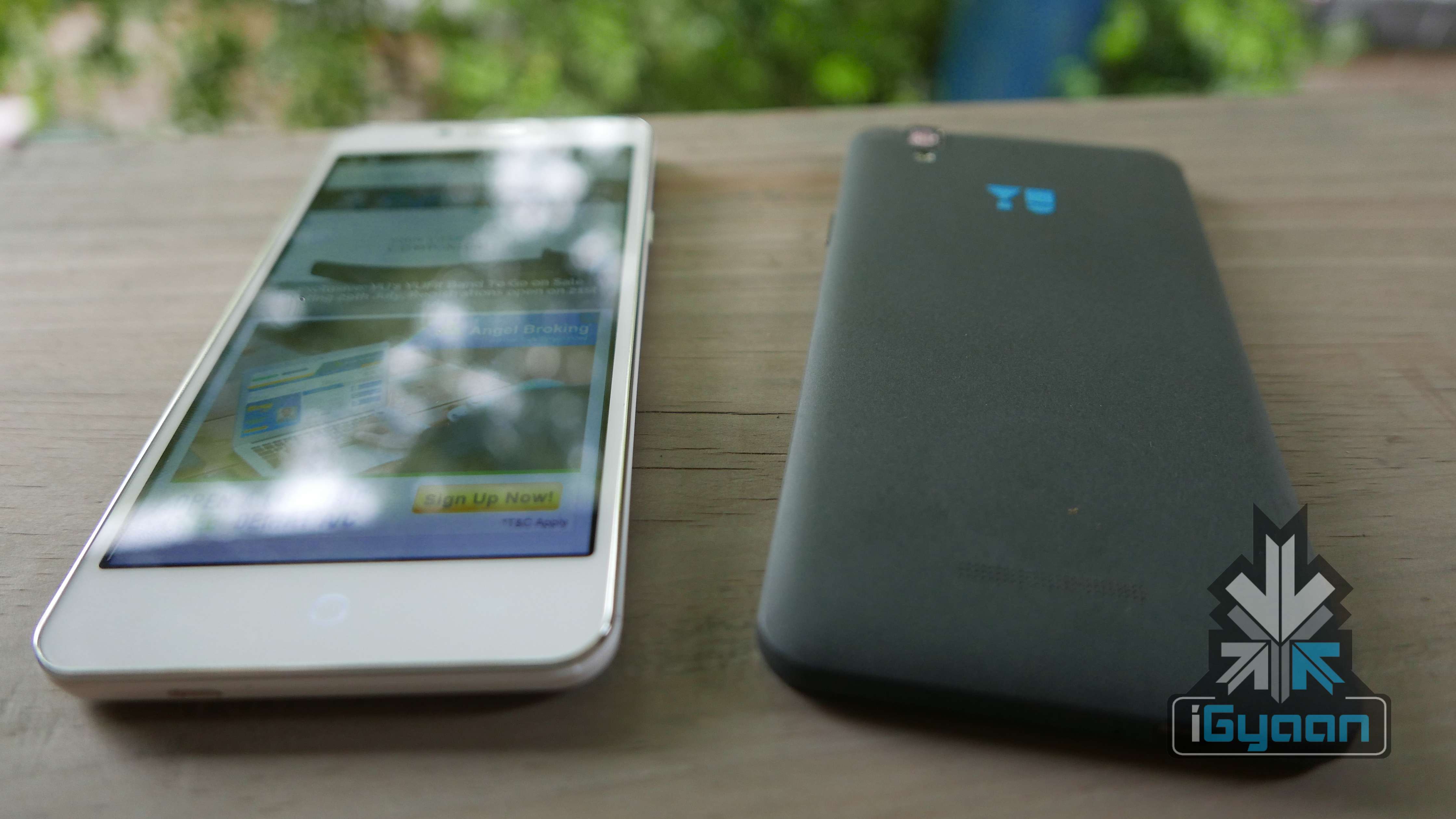
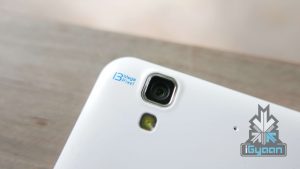
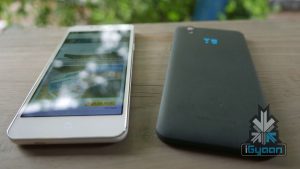
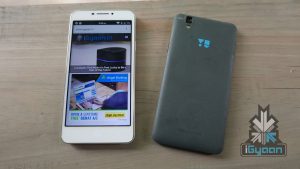
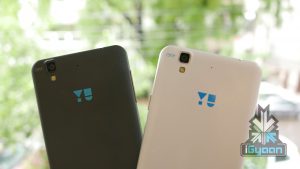
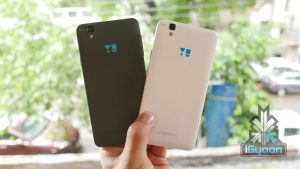
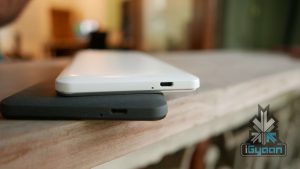
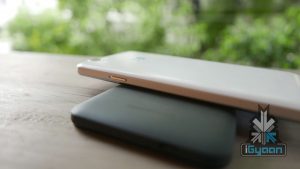
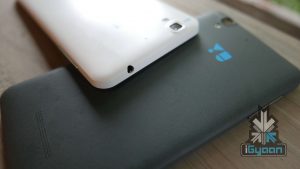
Design wise, you really cannot tell one Yureka from the other (even if the other is a Plus). The only real design change is the availability of the the alabaster white colour, which is great to look at. Since it is a matte finish, it won’t attract fingerprints, but it will attract stains and pen marks just like the Silk white OnePlus One. For our other inputs on the design you can revisit the original Yureka review.
Build-wise, Yu claims that there is a brand new chassis which has been reinforced for additional rigidity in the frame. The phone is more resilient to drops and dings and just like the first gen Yureka, should last you a long time. The addition of Gorilla Glass 3 as a top layer of the display will make the phone slightly more tougher.
The Yureka was pretty tough as it is, and we showed that off in our review of the handset. Pop on a case and the included screen protector and you are good to go. However, the new white colour, despite being resistant to smudging and fingerprints, gets dirty easily and will attract ink stains and food stains.
Performance and Gaming
Just like on the design front, the performance of the Yu Yureka Plus is the same as the Yureka. The Hardware is identical and a few software improvements are apparent. The phone does not heat up despite excessive usage, and the plastic shell of the phone aids in keeping the heat at bay. Although the Yureka was in big trouble with heating issues, after some usage, it appears to be resolved.
We, just like everyone else who waited for a new device, expected a big bump in specs and that was not the case with the Yureka Plus. The company launched a modest update and the performance hasn’t been entirely impacted. The benchmark scores are higher due to software optimizations, but this might not be the case after weeks of usage.
Gaming seems better too, we did face few drops and jitters while playing games like Asphalt 8 and we are not sure if the full HD display will impact the GPU performance enough to make a difference in gaming.
Network, Calls and Battery
The Yu Yureka Plus will handle two LTE enabled SIM cards, however, you can have data running on one SIM at a time. LTE speeds are good as we managed over 20 Mbps downloads on Airtel Delhi Network. The network remains strong through most areas, which also impacts the battery less, hence improving the battery life.
Calls remain good too, the proximity sensor issue also seems to have been addressed. Sometimes however, during the calls the screen turns on, on its own, which can get rather frustrating. Dropped calls are negligible and can also be due to network limitations in certain areas.
Battery will last you a day with moderate usage. The Full HD display will impact the battery life a little extra, but optimisations from the company improve performance, considerably. We did hear mixed opinions about the battery last time, where some experienced good battery life while others had heating and battery drain issues. If that will be the case with the Yureka Plus or not, is presently unknown.
Talk Time : 5-6 Hours. (LTE)
Music : 10 Hours
Internet Usage : 5.5- 6 Hours
Multimedia and Gaming : 4 Hours.
Cyanogen
Yu Yureka was the reason that OnePlus had to drop Cyanogen OS usage on the One when it was launched in India. Their Cyanogen OS exclusivity partnership is one of the biggest reasons that makes the Yu franchise stand out. Cyanogen 12 OS comes out of the box on Android 5.0.2 along with many of the new features on the OS. The newer user interface has a highly improved experience. Transitions and page changes are fluid too. Cyanogen customization options make the usage very personal, and the tweaks and quick toggles make usage, easy.
Alabaster White and Moonstone Grey
Yu Brand Value and Promise
Negative chatter still remains high on the lack of service quality from Micromax. The Yu franchise also has the same response. With a lack of spares, service from the brand is slow and tedious and somewhat expensive in case of things like cracked display replacement.
The forums are active and a large community has adapted the brand and endorse it thoroughly. We don’t see many updates from the company when compared to the activity of companies like OnePlus and Xiaomi on their respective forums. However the discussion boards are full of consumers and prospective buyers communicating within themselves, which is in itself, a great thing. There are also YU team members who answer queries, in the usual, robotic manner.
Display and Camera
The increase in resolution is always welcome, especially when it brings along added Gorilla Glass 3 protection. The outdoor visibility is poor and at its brightest setting, it is barely visible. The increased resolution improves ppi to 400ppi which will improve the usage experience. The display has good colour reproduction and viewing angles.
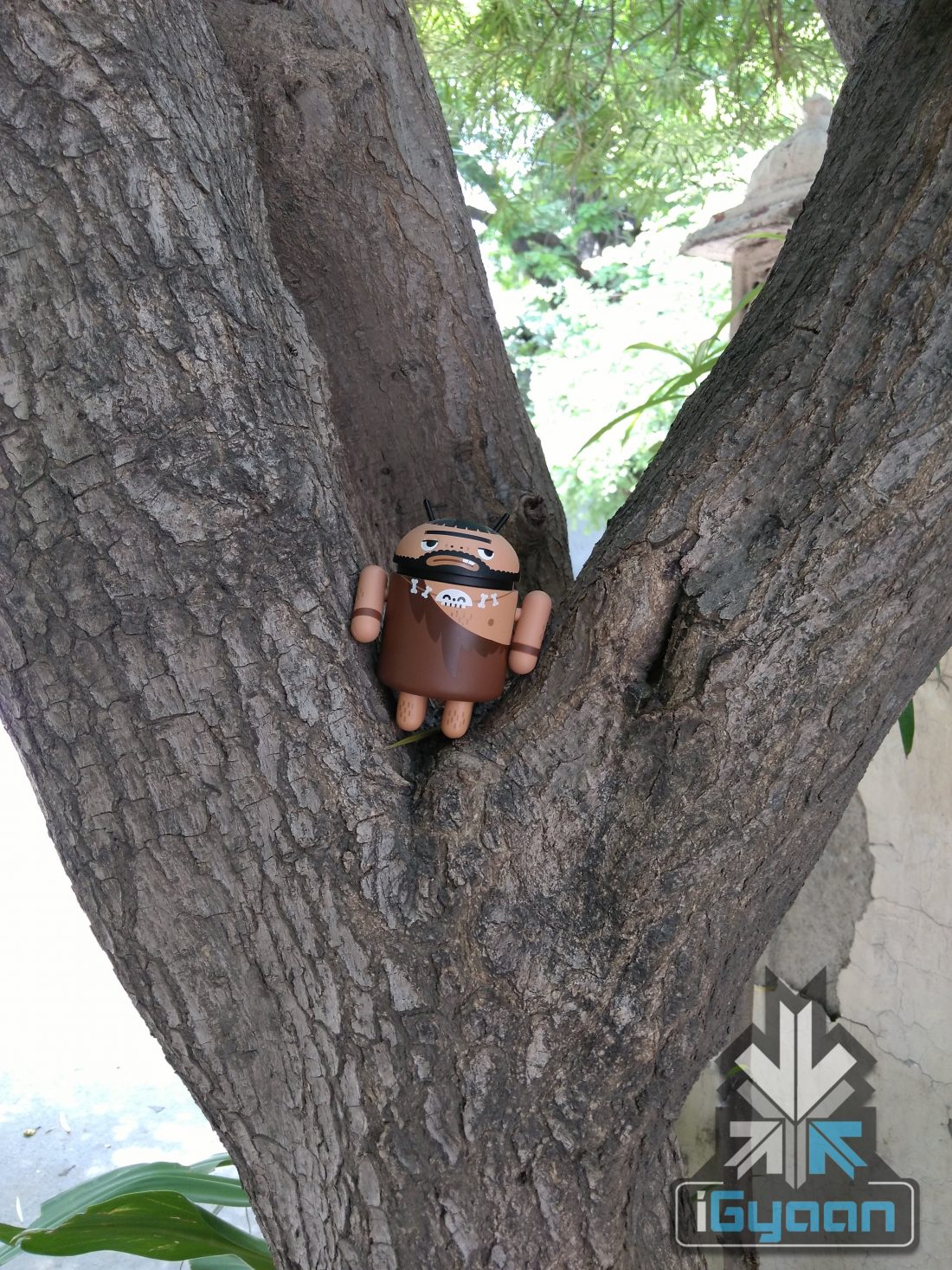
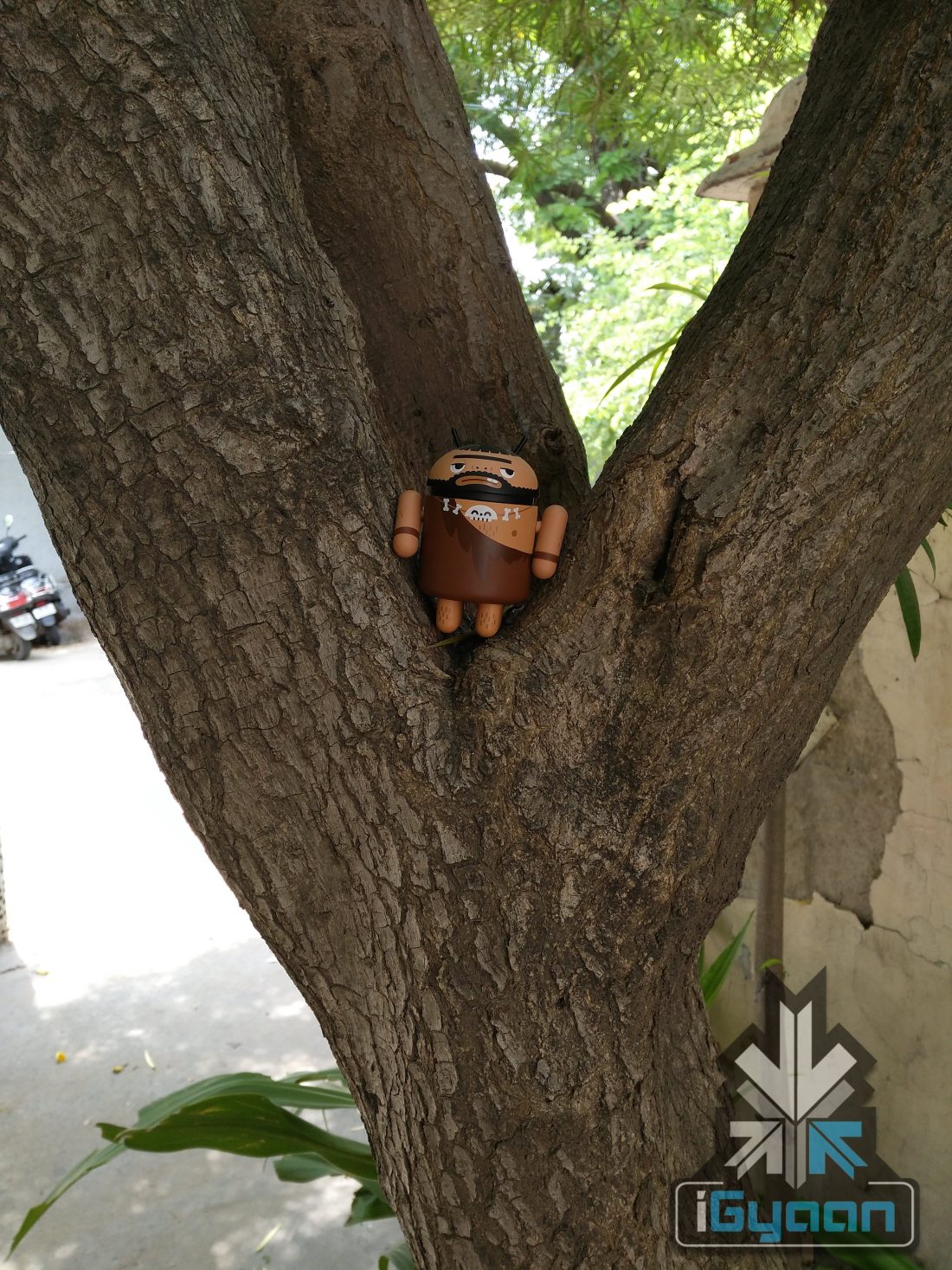
The camera sensor has been improved from a previous gen Sony sensor to a newer sensor which will capture colours better and work well in low light conditions. The megapixels remain the same at 13MP, however images are sharper and contrast is better. Some samples are given below. Video is still shot at 1080p and thanks to better low light performance and colour saturation, the video quality is much better.
Yureka
Yureka Plus
Yureka
Yureka Plus
Conclusion
While the price difference is negligible and so are the improvements, the Yureka Plus adds a Full HD display and a better camera, with a supposedly better build. All of which are worthy of the Rs. 1,000 price increase. There is no loss in performance, in fact, it is a tad bit better. If Yureka was your choice before, the Yureka Plus should be your choice now. There are however some other options in this price bracket, the ZenPhone 2 and the new Moto G (3rd Gen) is just around the corner. Check out our video review below.
Click here to register for the Yu Yureka Plus : [tw-button size=”medium” background=”#07ABE2″ color=”” target=”_blank” link=”http://www.amazon.in/b/ref=as_li_ss_tl?_encoding=UTF8&camp=3626&creative=24822&linkCode=ur2&node=6690337031&pf_rd_i=yureka&pf_rd_m=A21TJRUUN4KGV&pf_rd_p=656691227&pf_rd_r=1R4GV1T0M1A7TNVFECFT&pf_rd_s=desktop-auto-sparkle&pf_rd_t=301&qid=1437731665&ref=spks_0_0_656691227&tag=igyaan-21″]Register Now[/tw-button]
Yu Televentures, yesterday, had unveiled the Yu Yureka Plus. The device, is priced at Rs 9,999, and while the device is not larger than the original Yu Yureka or have bumped up specs, it does include small and significant changes. For instance, the Plus model comes with a 1920x1080px display, as compared to the 720px on the original Yureka. The Plus also gets the Corning Gorilla Glass 3 protection layer added to the top of the display. Some other improvements include a new camera sensor, made by Sony, and the new white colour finish back panel option, which gives the device a premium look.
With a whole lot of information about the specs, let us see whether the Yu Yureka lived up to its legacy against its contenders in the same budget category:
Hardware Specs
Yu Yureka Plus
Lenovo K3 Note
Xiaomi Mi 4i
ASUS Zenfone 2
Display
5.5-inch FHD Gorilla Glass 3
5.5 inch IPS capacitive
5-inches IPS LCD capacitive with Gorilla Glass 3
5.5-inch IPS capacitive Gorilla Glass 3
Resolution
1920 x 1080px 400ppi
1080 x 1920px 401 ppi
1080 x 1920px 441ppi
720 x 1280px 267ppi
Chipset
Qualcomm Snapdragon 615
MediaTek MT6752
Qualcomm Snapdragon 615
Intel Atom Z3560
Processor
1.5GHz Octacore | 64 Bit
1.7GHz Octa-core | 64 Bit
1.7 GHz Octa-core | 64 Bit
1.8 GHz Quad-core | 64 Bit
GPU
Adreno 405
Mali-T760MP2
Adreno 405
PowerVR G6430
RAM
2GB
2GB
2GB
2GB
Primary Camera
13MP Sony Sensor
13MP
13MP
16MP
Front Camera
5MP
5MP
5MP
13MP
Video Recoding
1080p Full HD
1080p Full HD
1080p Full HD
1080p Full HD
Storage
16GB
16GB
16GB
16GB
Expandable Up to
32 GB
32GB
N/A
64GB
Battery
2,500 mAh
3,000 mAh
3,120mAh
3,000 mAh
Operating System
Android 5.1 Lollipop with Cyanogen 12
Android Lollipop 5.0 with Lenovo Vibe 2.5 UI
Android 5.0 Lollipop with MIUI 6
Android 5.0 Lollipop OS with custom ZenUI
Bluetooth
4.0
4.1
4.1
4
Price
Rs. 9,999
Rs.9,999
Rs. 12,999
Rs 12,000
As we can see in the specs sheet above, the Yu Yureka Plus holds most of the same specs as the Xiaomi Mi 4i and the ASUS Zenfone 2, but only much cheaper. Except in terms of battery, of course. While the Xiaomi and the ASUS handsets rock it out with their 3,000mAh and above battery meter, the Yu Yureka Plus lags behind with only 2,500mAh of battery life. But, you can’t have everything in one package, right?
The phone will go on sale on the 24th of July at 12:00 Noon, at Amazon.in. The Yu Yureka Plus comes in two colour options, the Moondust Grey and the Alabaster White.
Micromax-owned Yu Televentures has just launched the new Yu Yureka Plus. Aesthetically the Yureka Plus is quite identical to the original Yureka. However, there are few changes which may be oblivious to the eye, and one change which is majorly apparent.
Alabaster White
The alabaster white colour, reminds us of the the remaining out of the two colours that Oneplus One launched with (Silk White and Sandstone), since moonstone grey took care of the rest.
Hardware Specs
Yu Yureka Plus
Display
5.5-inch FHD Gorilla Glass 3
Resolution
1920 x 1080px 400ppi
Chipset
Qualcomm Snapdragon 615
Processor
1.5GHz Octacore | 64 Bit
GPU
Adreno 405
RAM
2GB
Primary Camera
13MP Sony Sensor
Front Camera
5MP
Video Recoding
1080p Full HD
Storage
16GB
Expandable Up to
32 GB
Battery
2,500 mAh
Operating System
Android 5.1 Lollipop with Cyanogen 12
Bluetooth
4.0
Price
Rs. 9,999
Alabaster White and Moonstone Grey
The Yu Yureka Plus comes with similar things inside the box – a Handset, Charger, Earphones, USB Cable and Documentation. Specs wise, the Yu Yureka Plus gets a FHD display with Gorilla Glass 3 in the same 5.5 inch size making the pixel density reach 400ppi. New improved camera sensors from Sony will improve picture quality drastically, and a new improved chassis is said to be more resilient. The smartphone is up for registrations on Amazon.
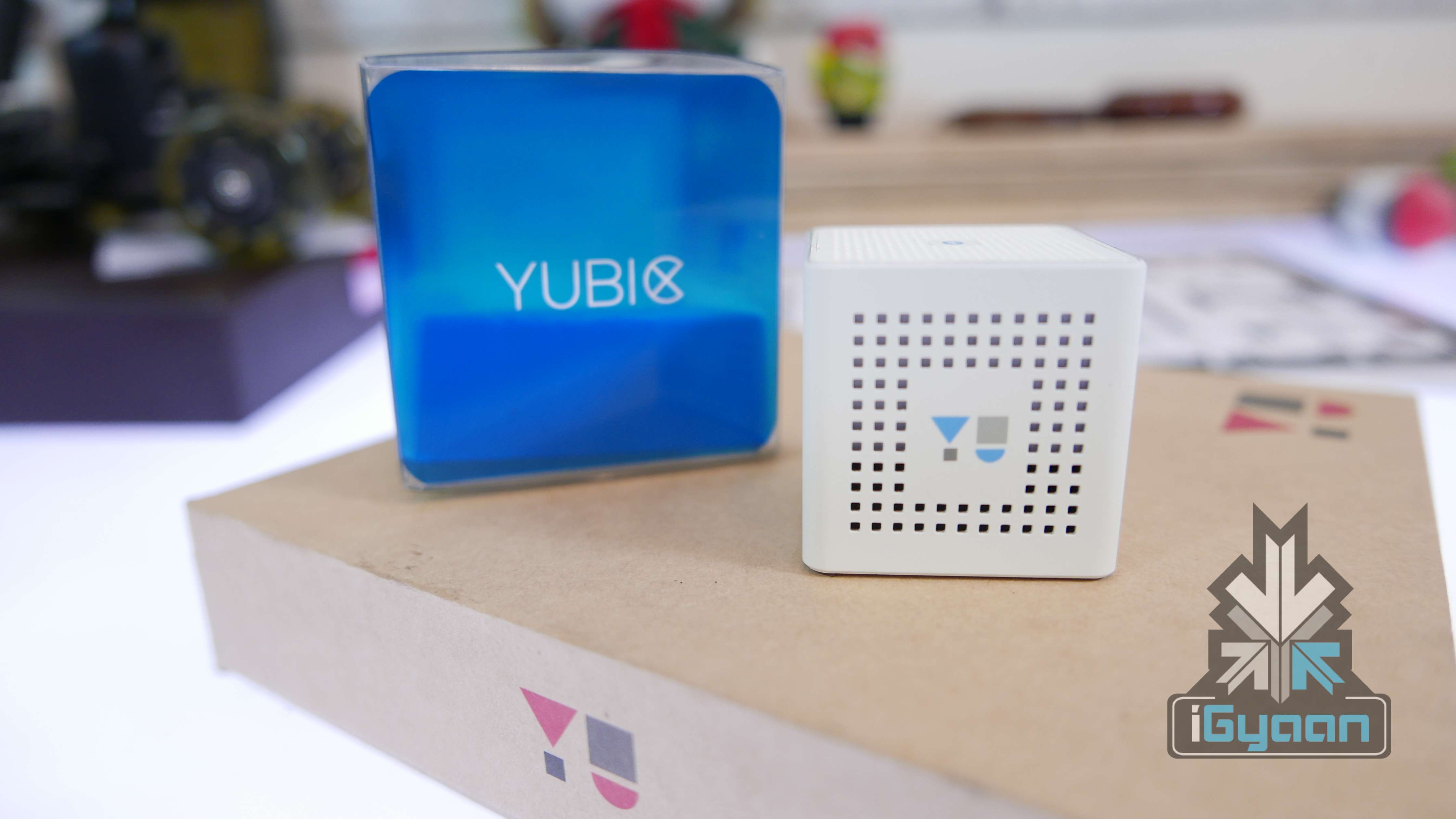
Today Yu Televentures announces its bluetooth speakers, Yu Yubic, priced at Rs. 999. The device comes in a portable, cubical shape with minimal functions (which serve the purpose). The device comes with a pouch and a USB cable.
The Yu Yubic may not be the cheapest Bluetooth speaker available in the market, but by keeping the price tag at Rs. 999, YU may tap into the market segment dominated by the likes of JBL and Beats by Dre.
Watch the unboxing and hands on of the Yubic here:
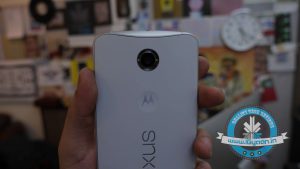
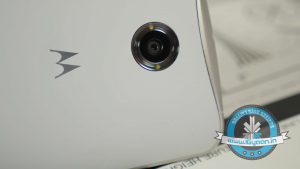
Here is good news for Nexus 6 lovers! Google’s Nexus 6 is back on Flipkart and has received a massive price cut for its 32GB and 64GB variants. The earlier Flipkart pricing for the 32 GB and 64 GB variants of the Nexus 6 were at Rs. 44,000 and Rs. 49,000 respectively. Now, both of them received a cut of Rs 10,000, thus lowering down the price of the 32GB variant to Rs 34,999 and 64GB to Rs 39,999.
But that is just not it. If you buy on Flipkart, you can also get an additional exchange offer that will shave off an added Rs. 5,000 on the price depending on which phone you swap with.
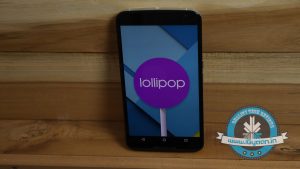
The Nexus 6 boasts a 5.96-inch QHD (2560×1440p) AMOLED display. It is powered by 2.7 GHz Snapdragon 805 quad-core processor coupled with 3 GB of RAM. It runs on Android 5.0 Lollipop out of the box. The screen of the device is shielded by Corning Glass 3, which means users need not have to worry about scratches.
2500 mAh Battery
On the camera front, it sports a 13MP rear and 2MP front snapper. The device gets its juice from a 3,220mAh battery, which the company claims to last for six hours on a 15-minute charge as it comes along with Motorola’s Turbo Charger. Nexus 6 offers wireless charging. It comes in two colour options in the country – midnight blue and cloud white.
This cut makes the Nexus 6 price much more pleasing. After all, the Nexus line gained a reputation for offering high-end hardware at low prices, until the more expensive Nexus 6 came along.
Check out the unboxing video of the Nexus 6 below:
With a lot of smartphones now showcasing their 4K video recording capabilities, we decided to evaluate the best for 4k video. After extensive testing, we chose the Motorola Moto Turbo for our video.
The Moto Turbo has a high speed 64 GB inbuilt storage which lets you capture 4K footage non stop vs most of the other devices which have a maximum peak of 5 minutes or so and are prone to over heating.
We took the Moto Turbo and retro fitted it on to a drone , a DIY hack of massive proportions. Before we proceed with the details further, Flying a Drone in India without permissions is punishable by law and get you jail time or large fines. Now that we have the disclaimers out of the way, We took the drone out in New Delhi and took it to the Sky.
The Ballistic Nylon back of the Moto Turbo gave us a hope that if the phone did fall from our Zip-tie DIY hack, it would land on the back and be safe (although, that did not happen). What happened next simply blew us away. Check the video below.
Note: The Video has been post-processed, sped up, stabilized in certain places and the night shots have been enhanced.
Also if you liked this project, leave your feedback below and share.
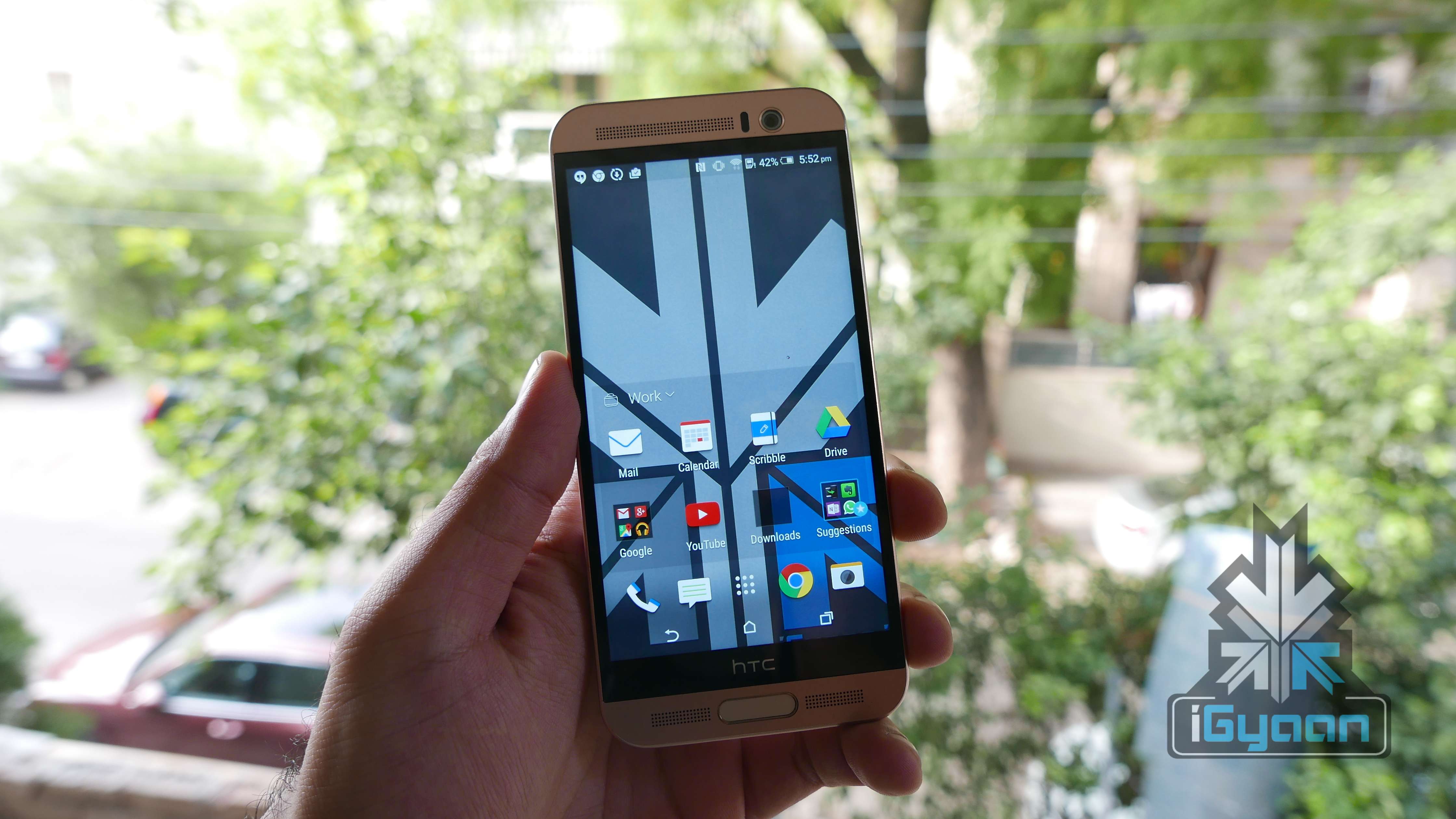
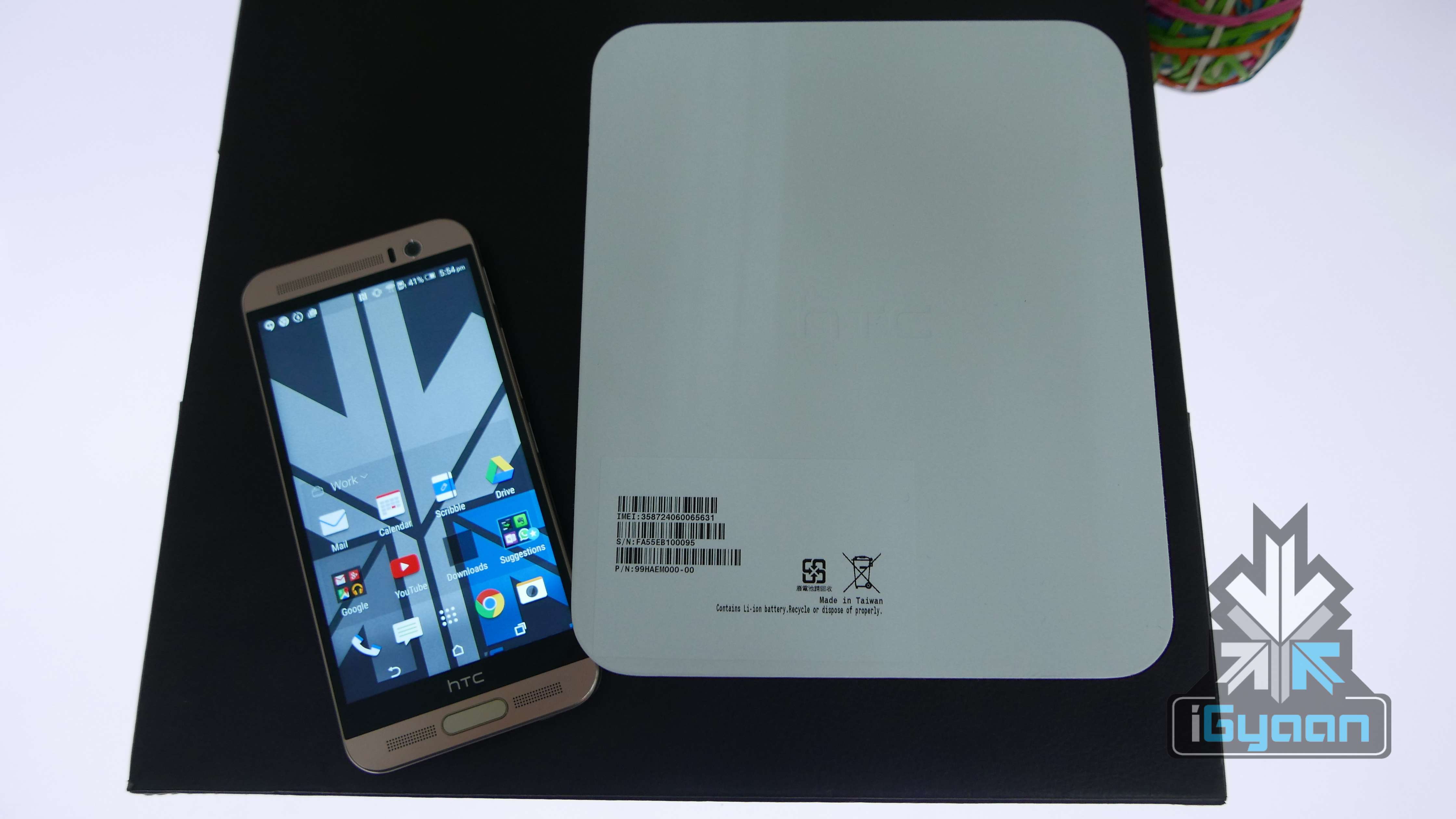
HTC has a new handset on the block and it is called the One ME. With improvements in terms of hardware and software all around, the One Me also features a matte finish back, 2 TB micro SD support and the latest Sense 7.0.
In the box :
A HTC One ME Handset
USB power Cable
USB Wall Charger
In Ear Phones
Ear Tips
Documentation
HTC has taken the new design philosophy of the One M9 and tricked it down to the One ME. With the Notorious new chipset in there, many will ask why HTC decided to go with Mediatek.
The Helio X10 chipset has promising capabilities, it supports display refresh rates of up to 120Hz and slow-motion video recording at up to 480fps at an undisclosed resolution. The Helio X10, which is a 64-bit chipset with eight Cortex-A53 cores clocked at 2.2GHz also has the PowerVR G6200 GPU.
Hardware wise the One Me packs a good set, a 2K display, 3 GB of RAM and 32 GB of storage which can go upto 2TB with the use of an external microSD. However only recently a 200GB card was released, 2TBmight be further away than expected.
Specifications
HTC One ME
Display
5.2-inch Super LCD3
Resolution
WQHD 1440×2560 pixels : 565 ppi pixel density
Chipset
MediaTek Helio X10
Processor
Octa-Cora 2.2 GHz
GPU
PowerVR G6200
RAM
3 GB
Storage
32 GB
MicroSD Support
Yes, Upto 2TB
Rear Camera
20MP, f2.2, BSI Sensor, 4K Video Recording
Front Camera
HTC Ultrapixel, f2.0
Battery
2,840mAh
Operating System
Android Lollipop 5.0.2 with HTC Sense 7.0
Price
Rs. 40,500
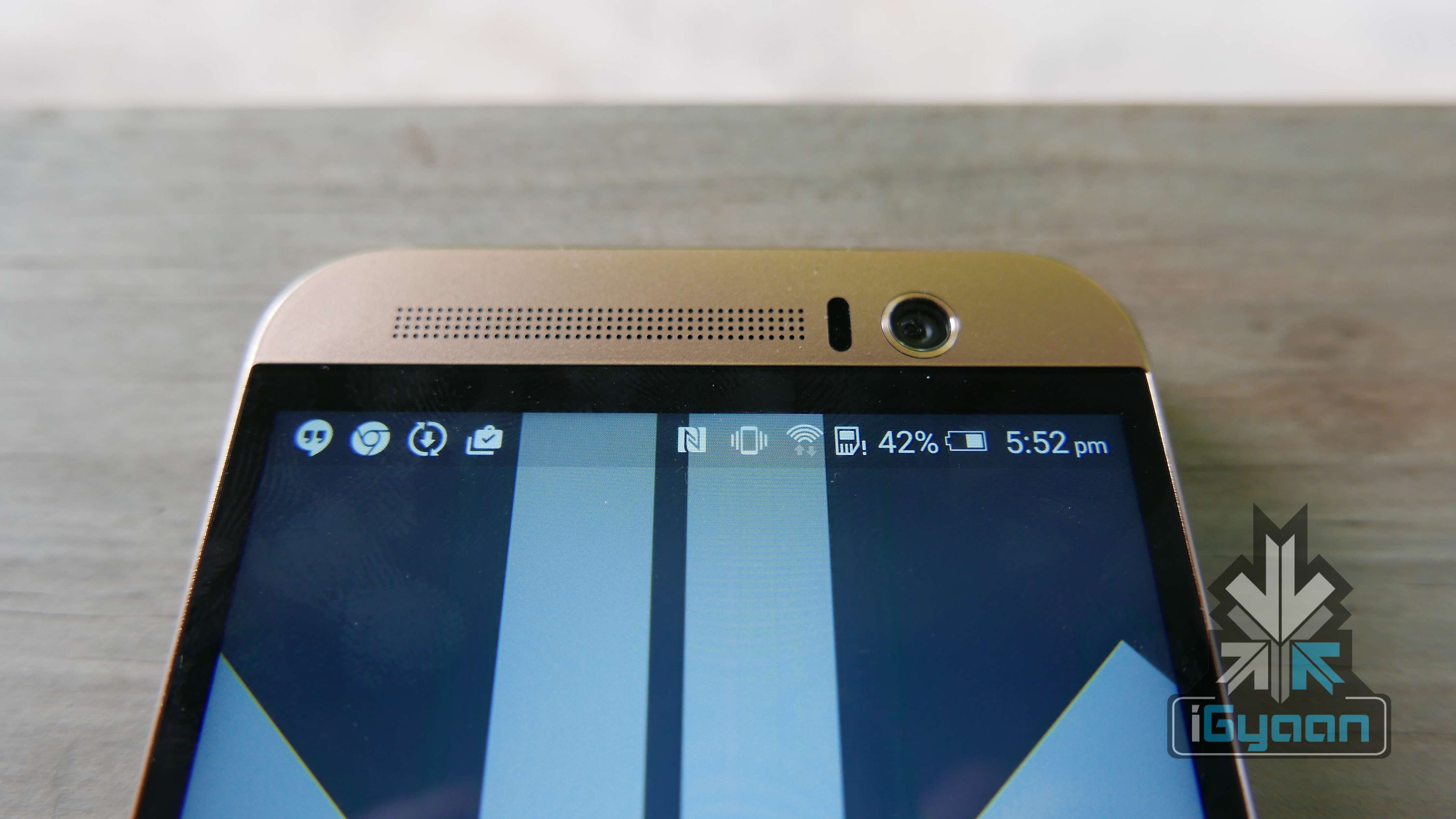
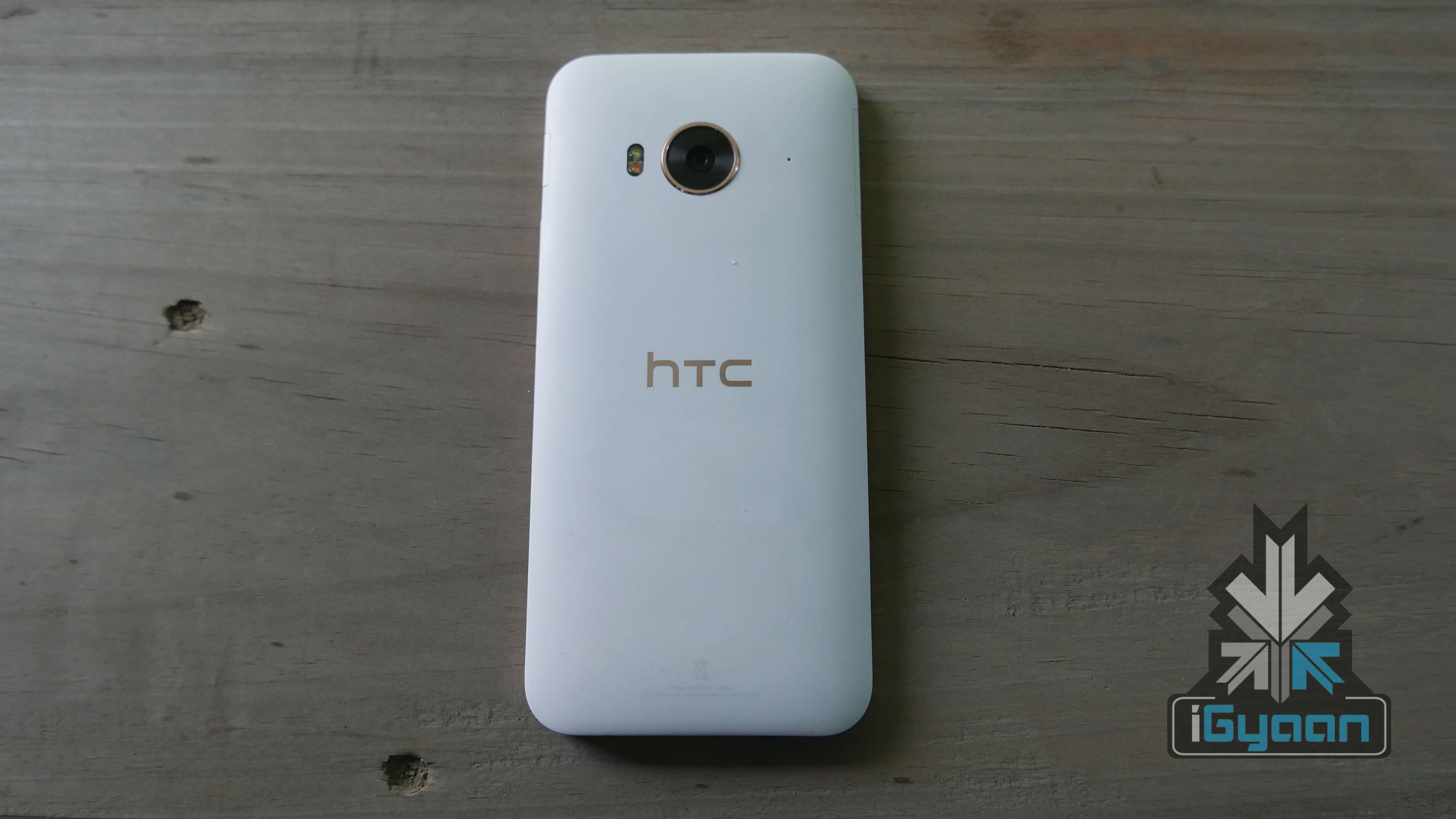
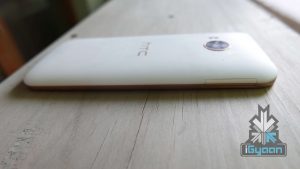
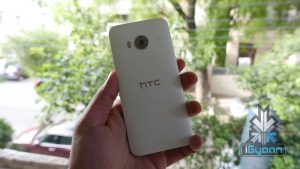
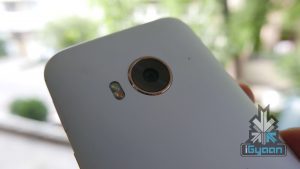
The handset feels greta in the hand, this White with gold colour is synonymous with the HTC One E9+, however the One ME has a matte white back as opposed to the glossy white on the E9+ . The accents are polished in a rose gold and look fantastic. Rose gold is also used in the front metal parts and the bezel along with the frame which is one single unit, and again looks elegant.
With our initial usage the phone has not heated up, despite rumours, however we are testing further.
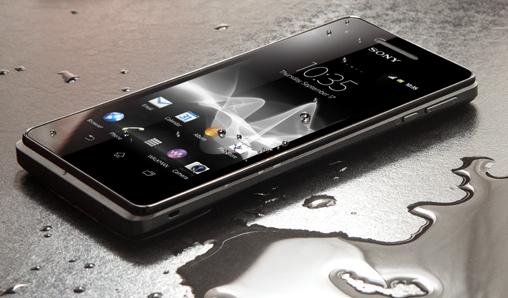
While we’re relieved the rain is washing away the scorching summer, monsoon can be tedious. Clothes don’t dry, the roads are mucky, and you’re perpetually losing your umbrella. More than anything, our precious smartphones need protection. Now, unless your phone comes with an inbuilt mechanism that expels water as it comes, it is most likely that it need protection.
To make sure you have a happy monsoon, we bring some easy hacks to protect your phone:
1. Use a spare phone
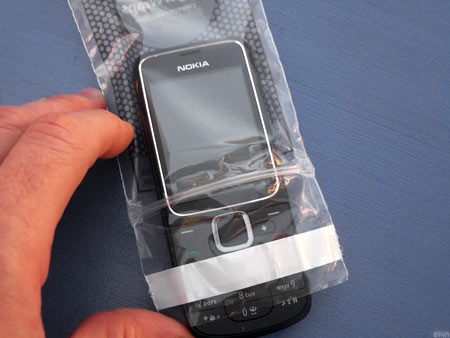
In this case, the saying ‘better to be safe than sorry’ should be implemented. You can just leave aside your smartphone at home and use a spare phone for a while, maybe a Nokia 1100 or a reliable oldie that has what it takes to withstand the season. But remember to cover up your old device with a safe plastic casing.
2. Zip Lock
Normally, Ziplock pouches are used to store food or medicines. But it is also one of the cheapest ways to protect your phone from getting drenched.
If this option is not available, any plastic bag would work out just fine. These are the most basic methods to protect your smartphone, and it always works out.
3. Use Cling-film or Balloons
Another low-cost method, cling film can help save your smartphone from the damage. Cling-film is a plastic foil with which our mothers used to pack us our tiffins. Tight and air-locking, this is yet another cheap method to protect your smartphone.
Wondering how you can use a balloon? Take an inflated balloon and place the phone on it, screen side facing towards the balloon. Now slowly, start deflating the balloon till the end. You will see the mobile completely wrapped up with the rubber around it. The cover is water-tight and will protect your phone from the water-induced damage. Just for more protection, you can repeat the procedure again on the other side of the handset, thus gaining a double layer.
4. Conceal the openings on your phone
Try to conceal the open areas of your phone like the micro-USB port, headphone jacks, speakers, etc with a tape. Be warned! Though this method is not a foolproof solution, it may help reducing the risk of water entering the device.
Unveiled back in April, the latest flagship from LG’s stable, LG G4, is finally out in India today. As scheduled, the Korean electronics maker today released the premium handset in the country, while pre-bookings have already kicked off on the LG India website. The handset is available with a price tag of Rs. 51,500.
We got a chance to get our hands on the device and here’s our first experience:
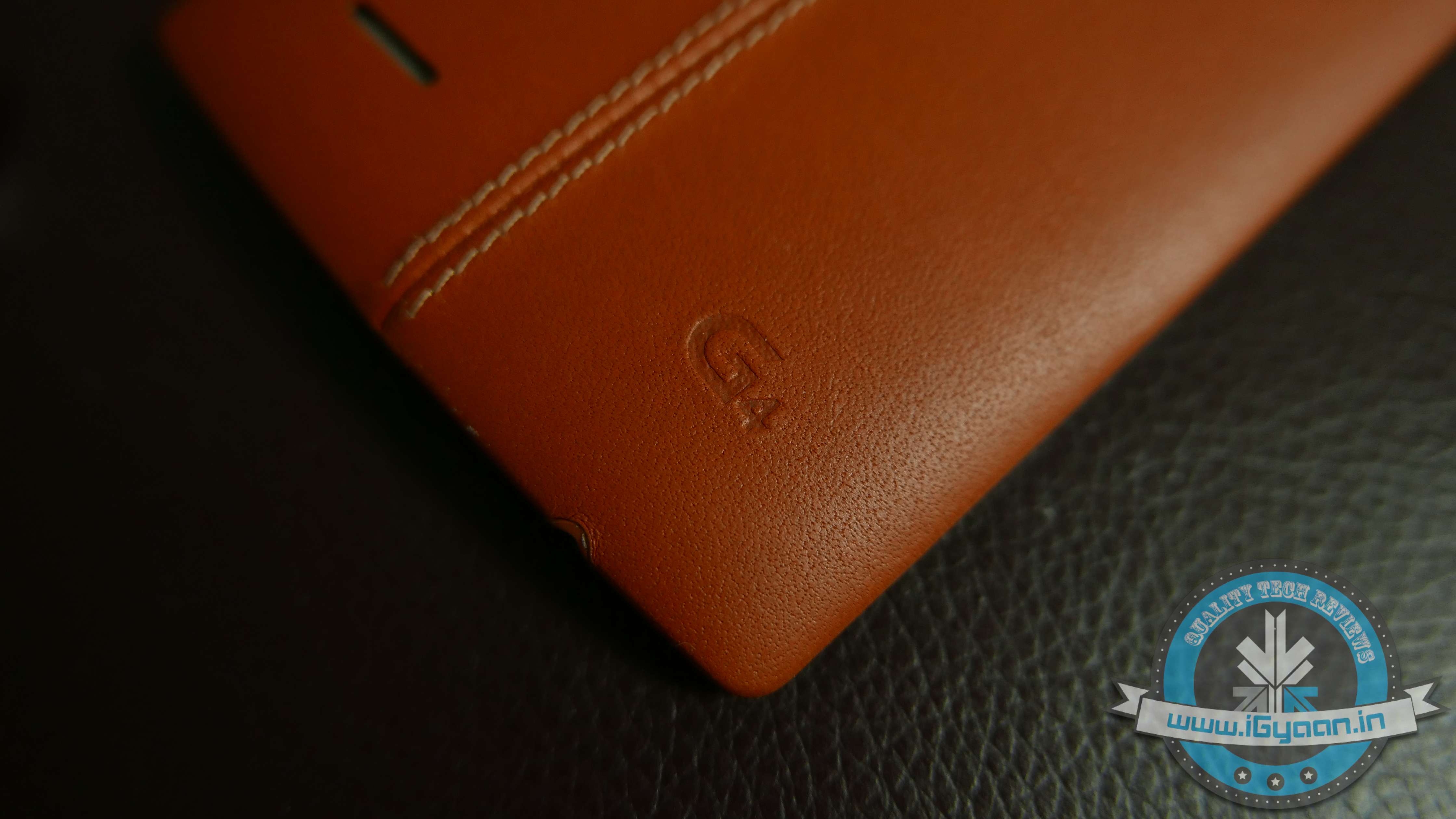
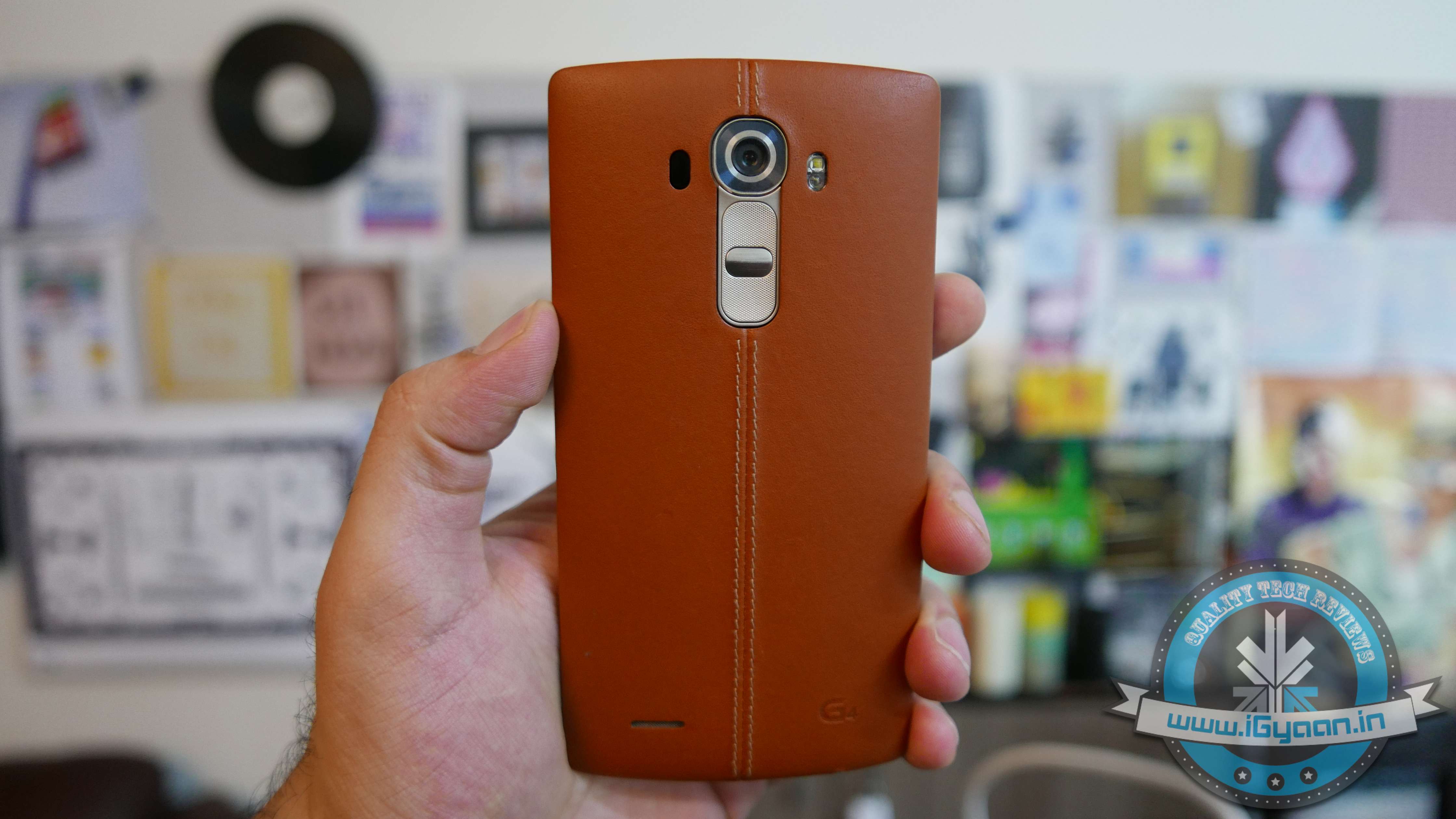
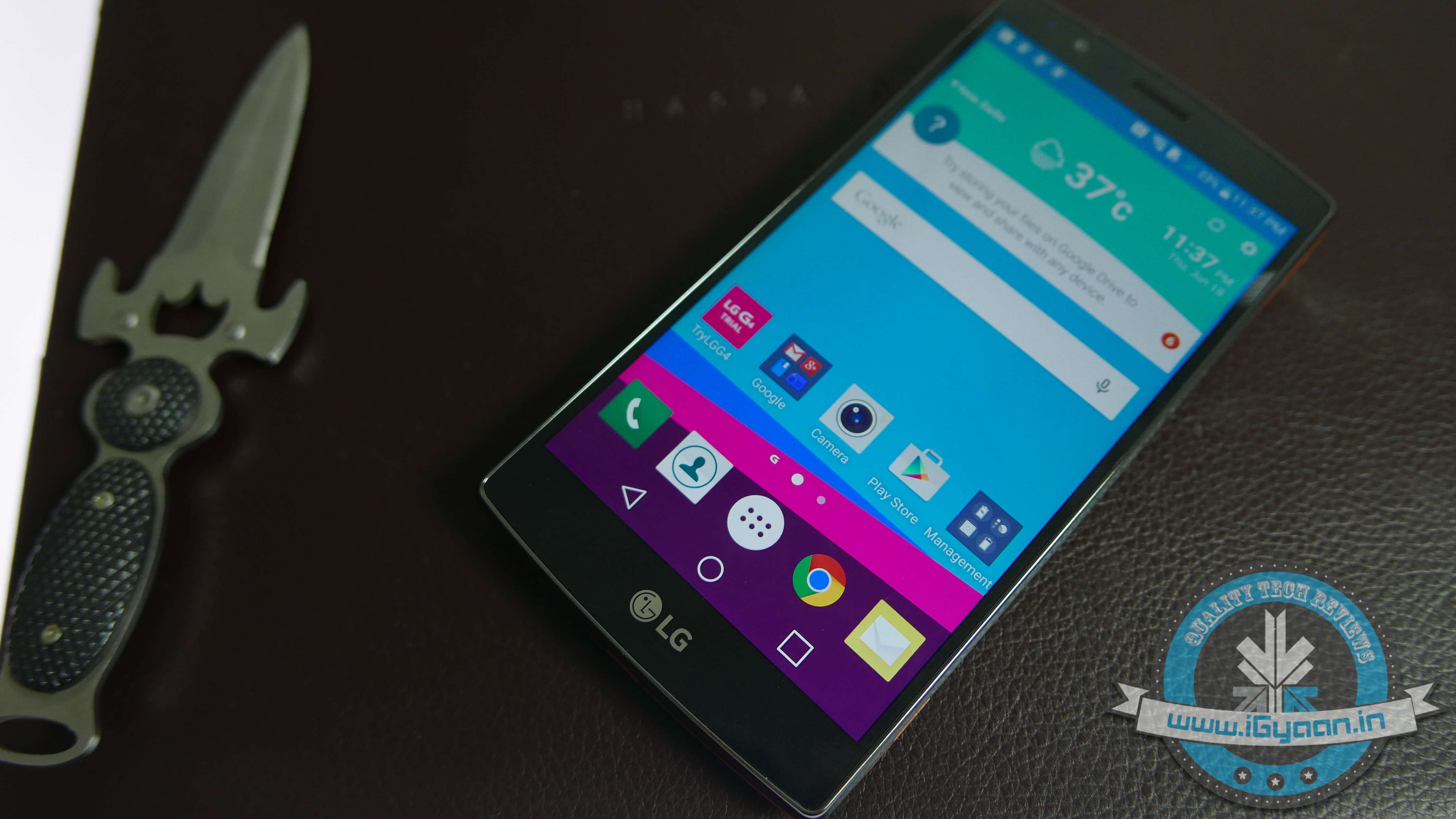
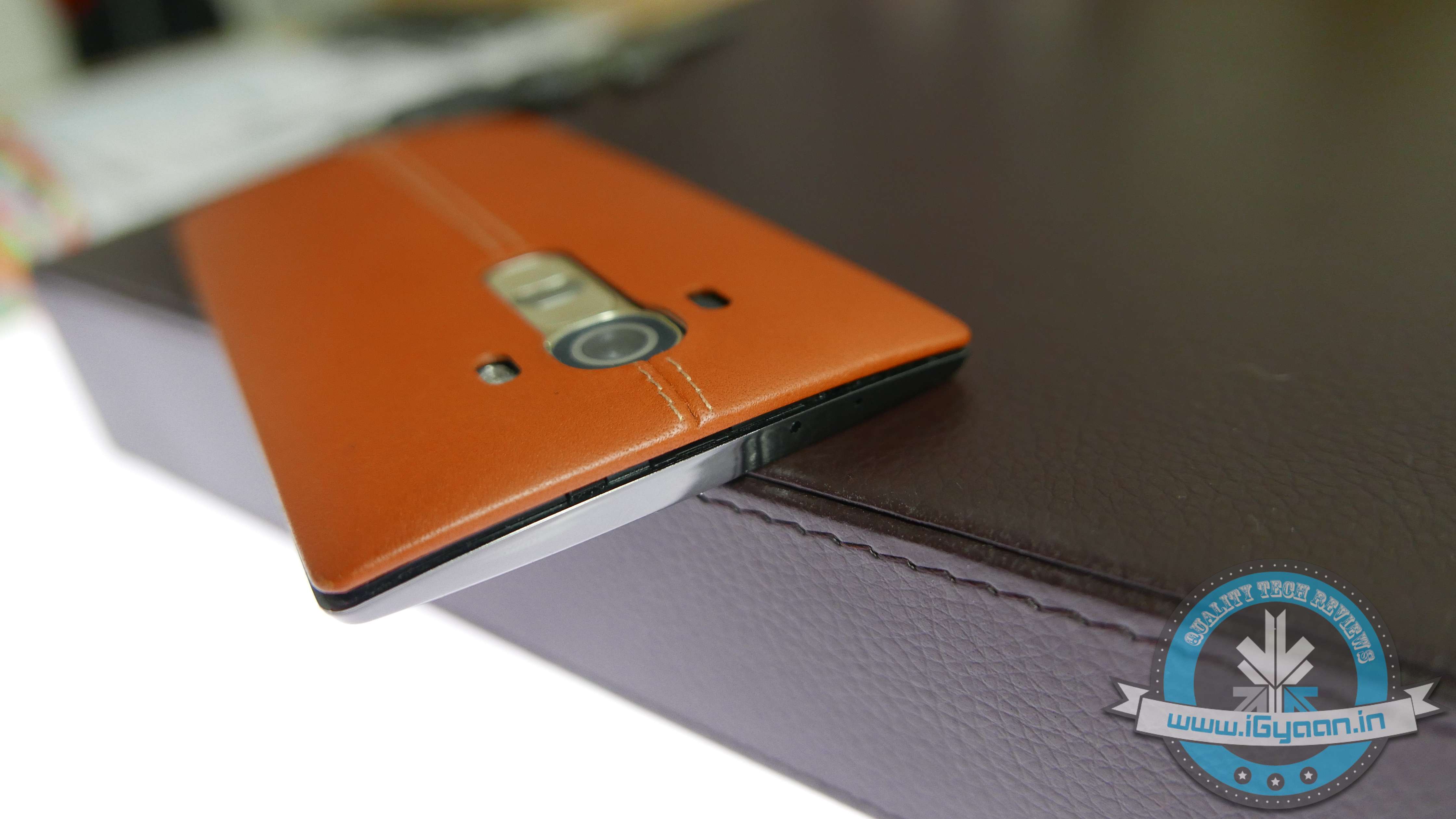
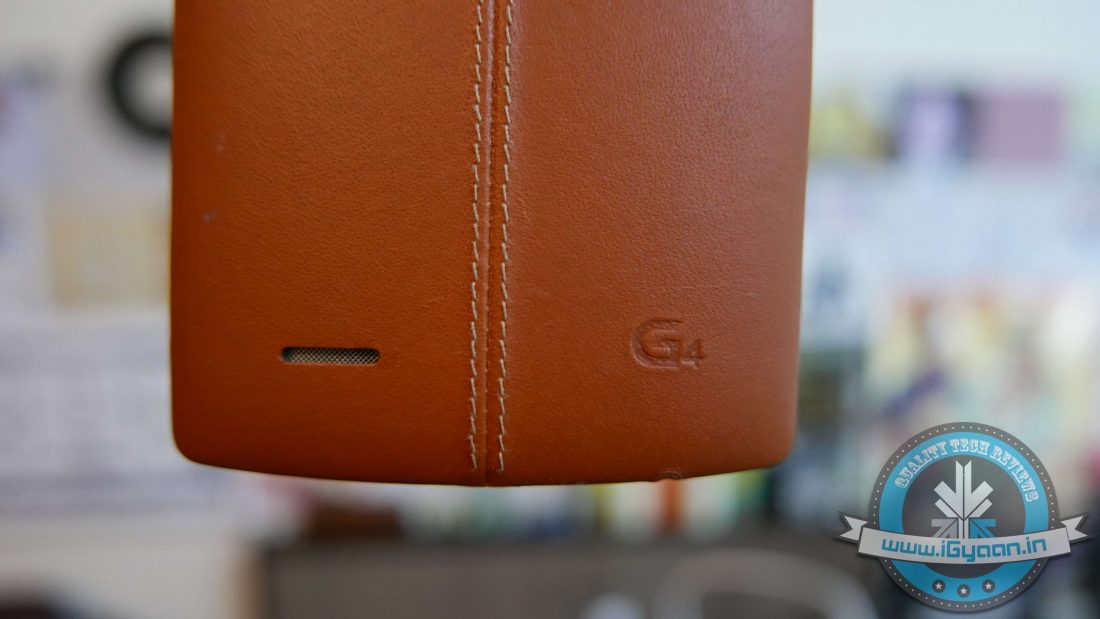
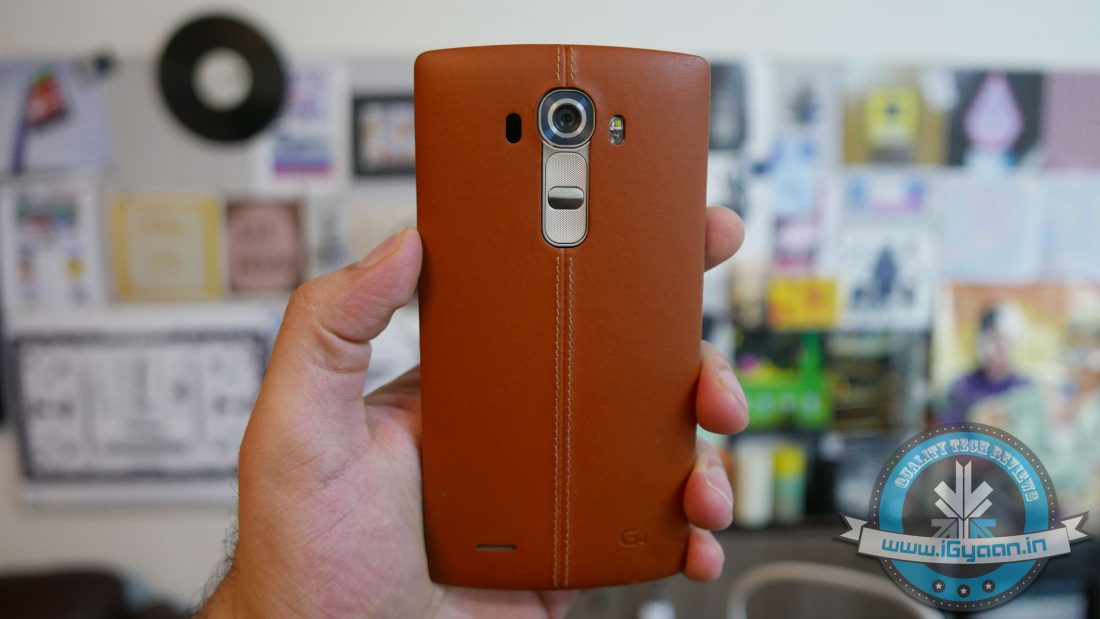
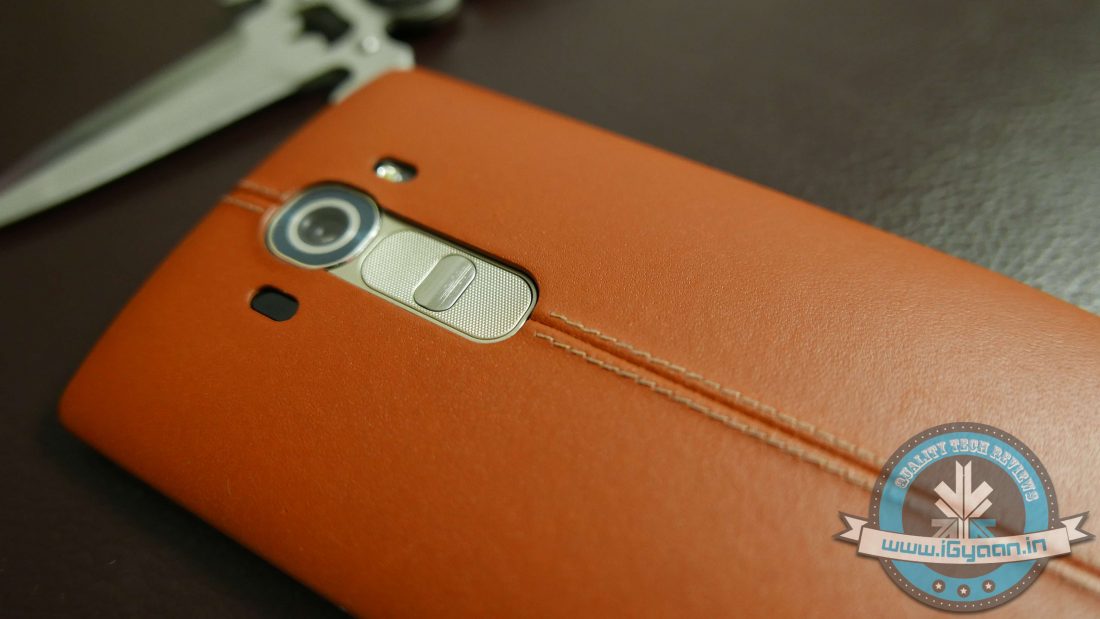
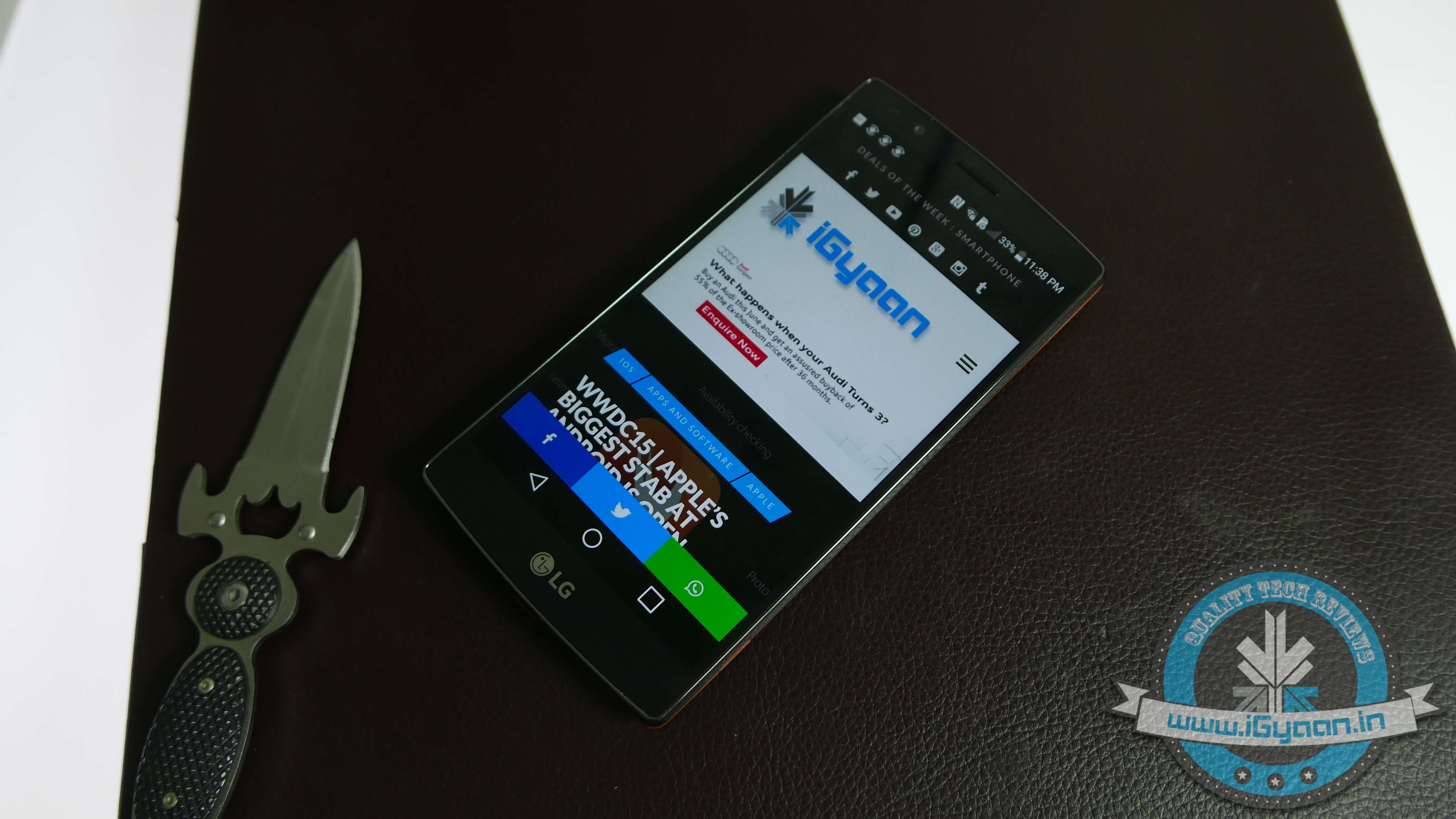
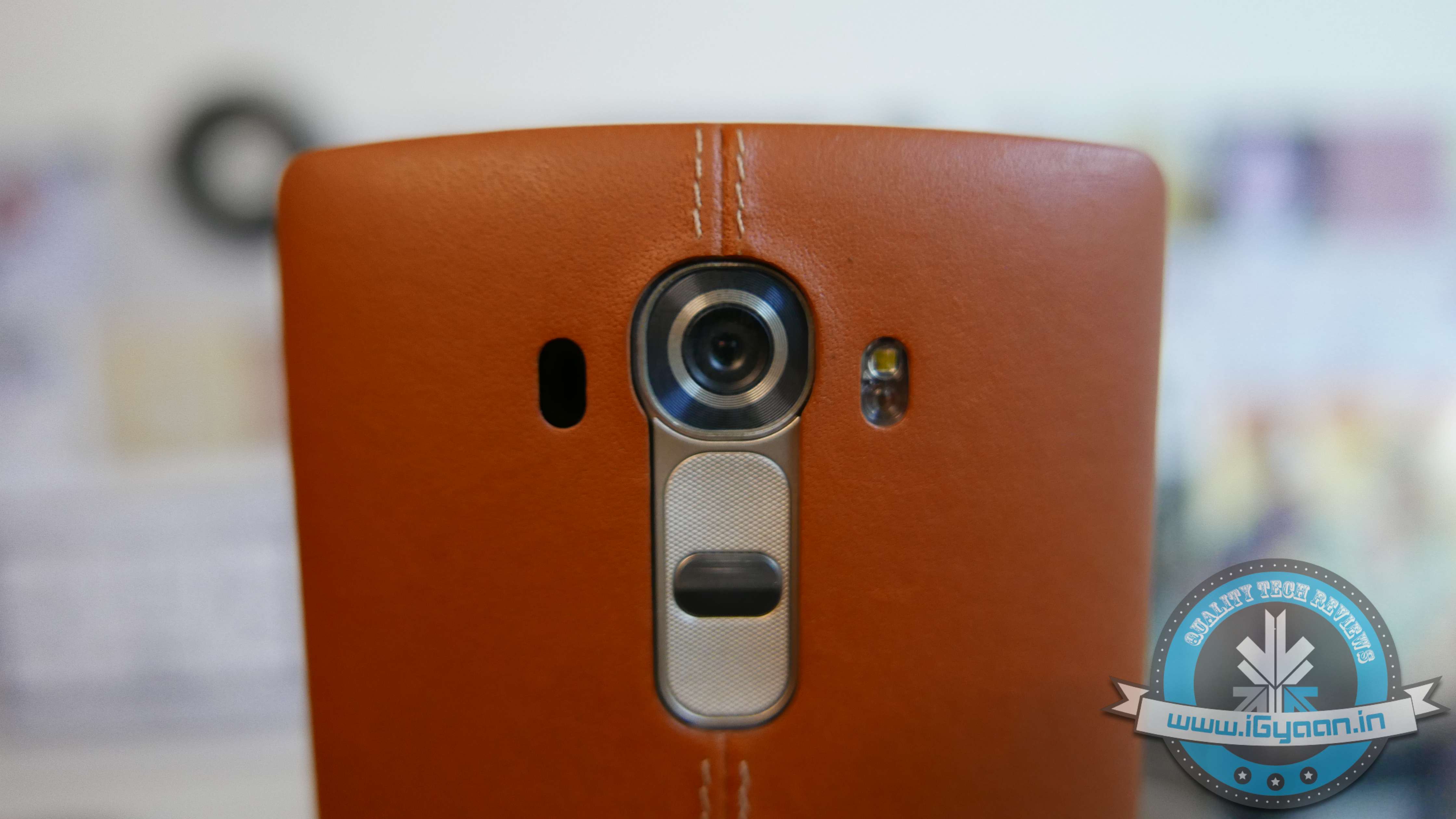
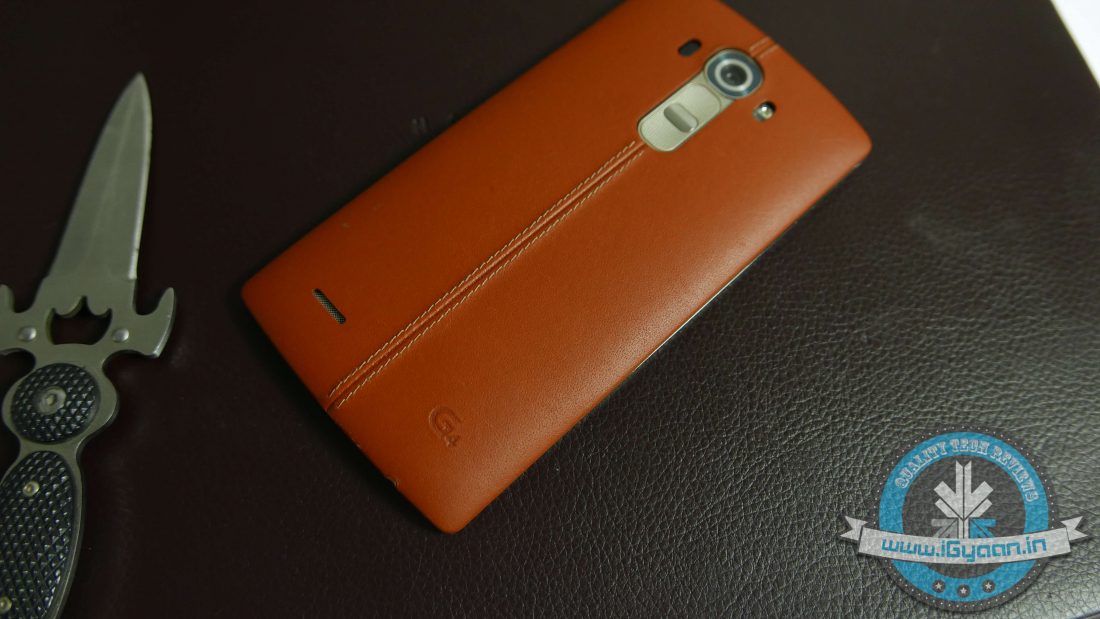
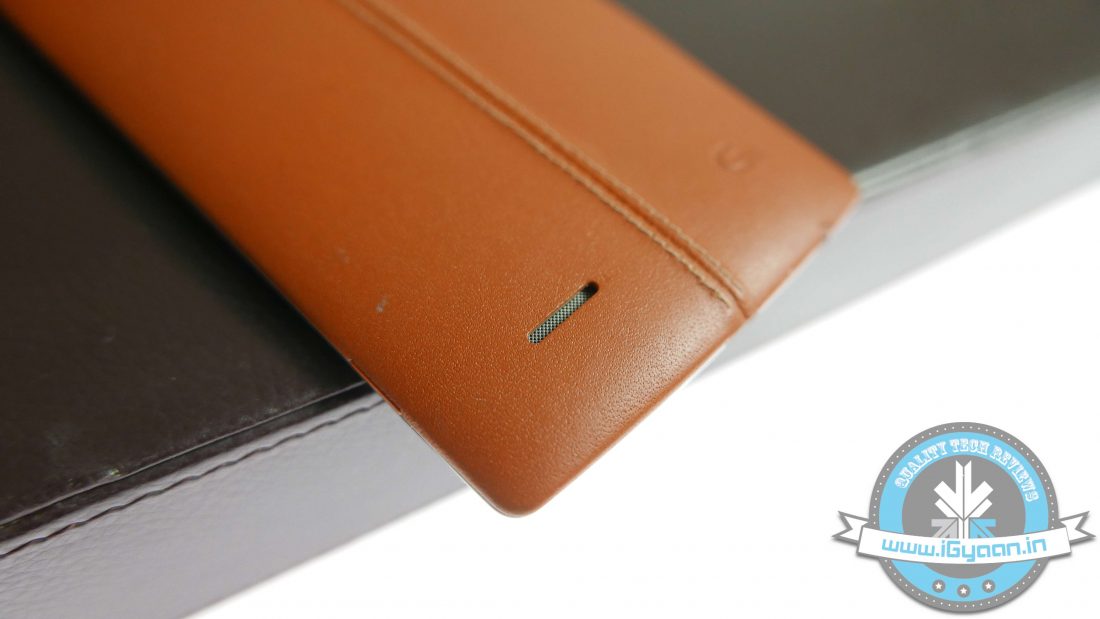
The LG G4 looks premium with its leather-clad backplate. It serves a dual purpose – the smartphone looks amazing, and at the same time it provides a better grip. The leatherback is resistant to water, to help prevent staining and to allow it to wear naturally over time.
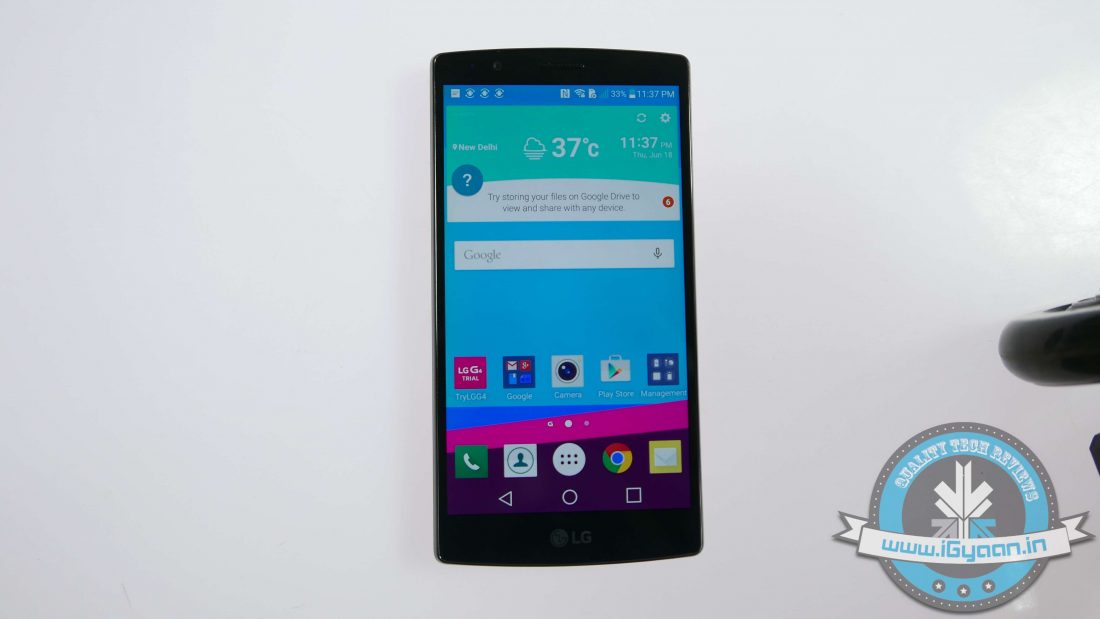
The G4 features a 5.5-inch Quad HD IPS LCD display (2560x1440p resolution) that uses quantum dot technology. The screen is protected by Gorilla Glass 3.
LG hasn’t provided touch capacitive buttons on the botton, instead they are on the screen itself. The company says that it is a first on the phone and results in higher brightness and contrast.
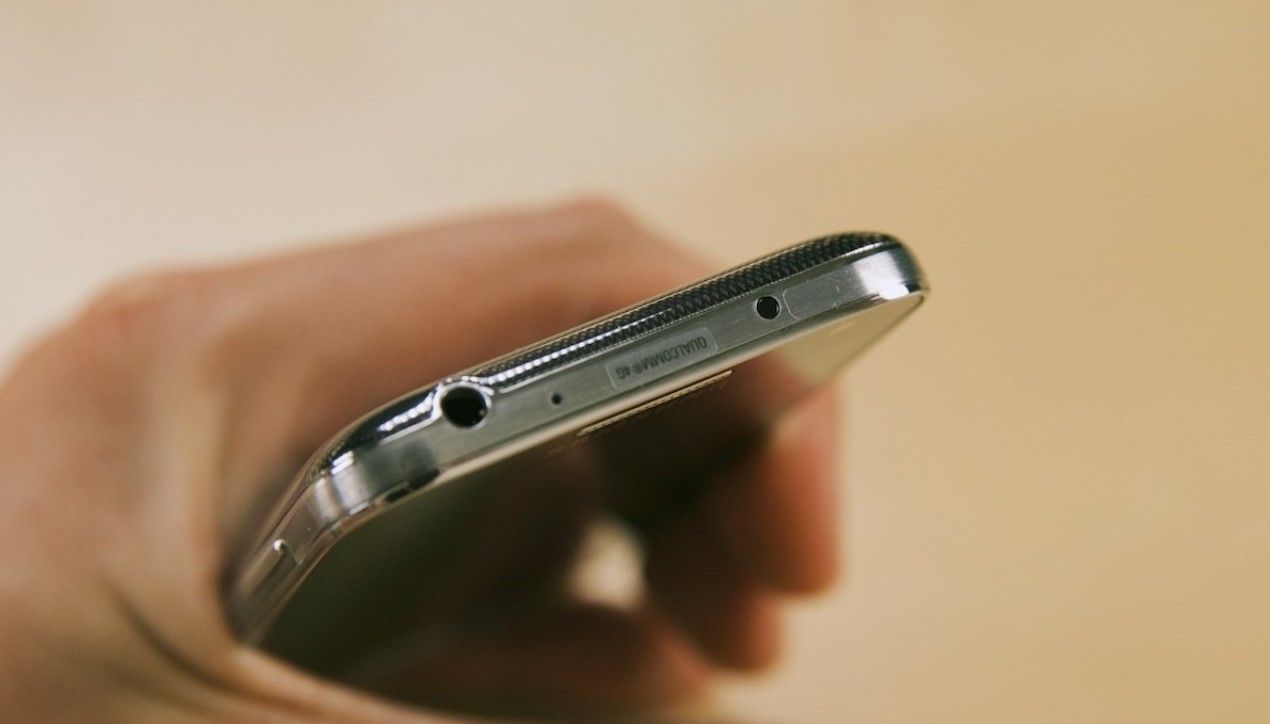
At the bottom of the handset is a 3.5mm headphone jack, a microphone hole and a charging port. The top has a secondary noise cancellation microphone and an IR (Infrared Blaster). Surprisingly, there aren’t any buttons on either the left or the right-hand side. The back boasts the massive camera, power button as well as the volume rockers.
The processor fitted on the device is a 1.8GHz Hexa-core Qualcomm Snapdragon 808 processor with Adreno 418 GPU. LG says that the Snapdragon 808 churns out power similar to Samsung’s octa-core Exynos chip.
With 3GB RAM, the internal storage space of the G4 is 32GB, which can be expanded via a MicroSD card up to 2TB. As teased, the smartphone runs on Android 5.1 Lollipop.
One of the most highlighted features of the device is its powerful camera. It boasts a 16MP camera with f/1.8 aperture (widest aperture on any smartphone camera) equipped with Optical Image Stabilization 2.0, color spectrum sensor, and Laser Auto Focus functionality.
The camera on the phone offers a manual operation mode which brings in a variety of options like exposure, white balance, color temperature, ISO, aperture, RAW mode and many more. The front facing camera is 8MP also with f/1.8 aperture. The handset is powered by a removable 3,000 mAh battery.
SPECIFICATION
LG G4
Display
5.5-inch Quad HD LCD display 2560 x 1440 resolution
Processor
Qualcomm Snapdragon 808 with X10 LTE
RAM
3GB
Primary Camera
16MP
Front Camera
8MP
Storage
32GB
Expandable Up to
2 TB
Battery
3,000 mAh
Operating System
Android 5.1 Lollipop with LG UX 4.0
Bluetooth
4.1 LE (APT-x)
In terms of connectivity, it comes with Bluetooth 4.1, USB 2.0, Wi-Fi 802.11 a/b/g/n/ac, A-GPS, Glonass, NFC and HDMI SlimPort (4K).
Buyers of the handset will get 100GB of free space on Google Drive for two years. The phone will be available in four colour options – Black, Blue, Yellow, Beige. The back plates of the phone are carved out of leather and will come in multiple shades.