Category: Review

REVIEWS – All tech reviews by iGyaan.in

  • Acer Liquid E700 Review

    Acer Liquid E700 Review

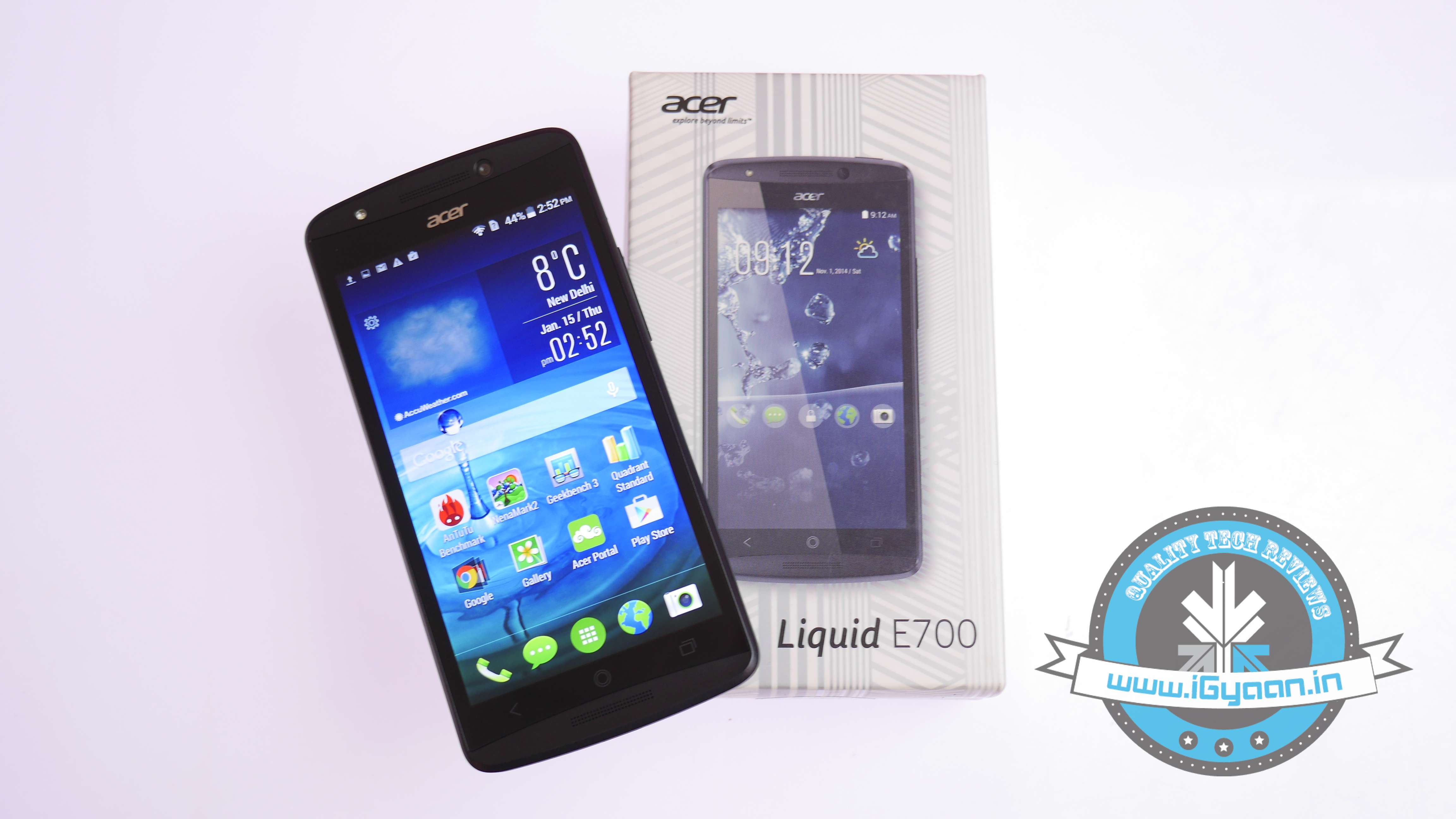
    Last year was quite an exciting year for the Indian smartphone market, especially in the overcrowded budget phone category. We saw some top-notch devices coming from domestic as well as International manufacturers packed with relatively high-end specs at an attractive price. Manufacturers are constantly trying to invent new ways to create demand for their product by offering something unique. Taiwanese manufacturer Acer has tried to do something similar and have forayed into the Indian smartphone market after a long break with the launch of their triple-SIM phone the Acer Liquid E700.

    The company known for making quality laptops has launched two new smartphones in its Liquid Range of handsets. While the Liquid Jade is a mid-range offering at Rs.16,999, the Liquid E700 is a budget phone, and the one, we’ll be reviewing, is priced at Rs.11,999.
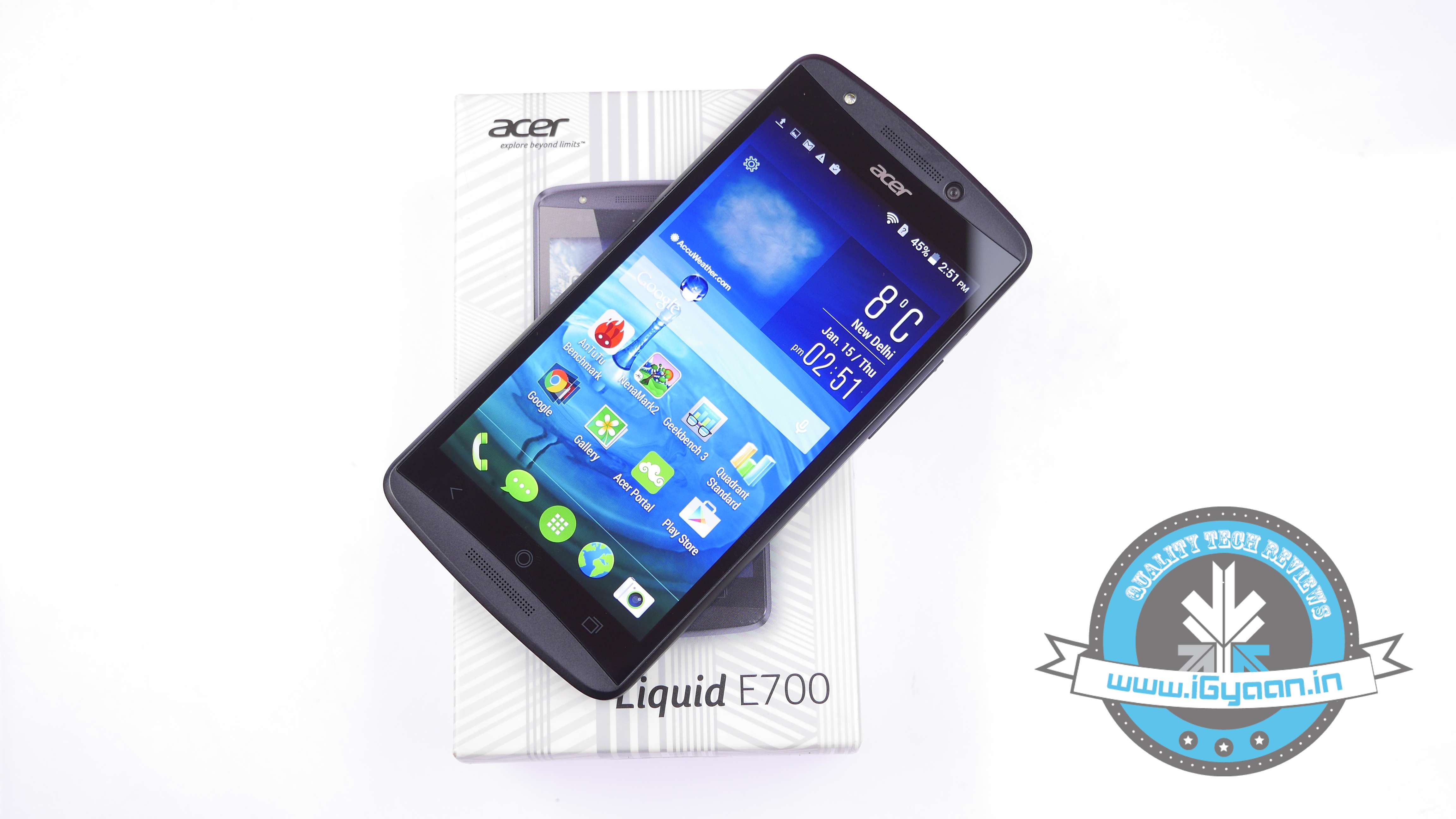
    Acer Liquid E7004

    The E700 comes with a good specs which include a hefty 3500mAh battery. The phone does seem like a great budget phone on paper but has it got enough to make its mark. The phone has something unique to offer geared towards frequent travelers. It is a quad-band phone, implying you’ll be able to use it anywhere in the world where there is support for GSM. It faces some stiff competition from the likes of the hot favourite Moto G (2nd Gen) while there are also other worthy contenders such as Xiaomi, Asus, Xolo, Lava and Huawei.

    HARDWARE

    In terms of hardware, the E700 packs a decent set of specs at least on paper. It sports a mid-range Quad-core chipset from MediaTek bundled with a hefty 2GB of RAM, a lush bright 5-inch HD screen. Check out the key specs below:

    Specifications Acer Liquid E700
    Display 5-inch IPS HD
    Processor Quad-core 1.2 GHz Cortex-A7
    RAM 2 GB
    Storage 16GB Internal, microSD upto 32GB
    Camera 8 MP rear camera with flash, 2 MP front selfie cam
    Battery 3,500mAh
    OS Android 4.4.2(KitKat)

    BUILD QUALITY AND DESIGN

    The Acer Liquid E700 does not appear to be like any other budget smartphone one would come across. It has a curved top and bottom edge along with fine contours along the display, giving it a niche distinct look.

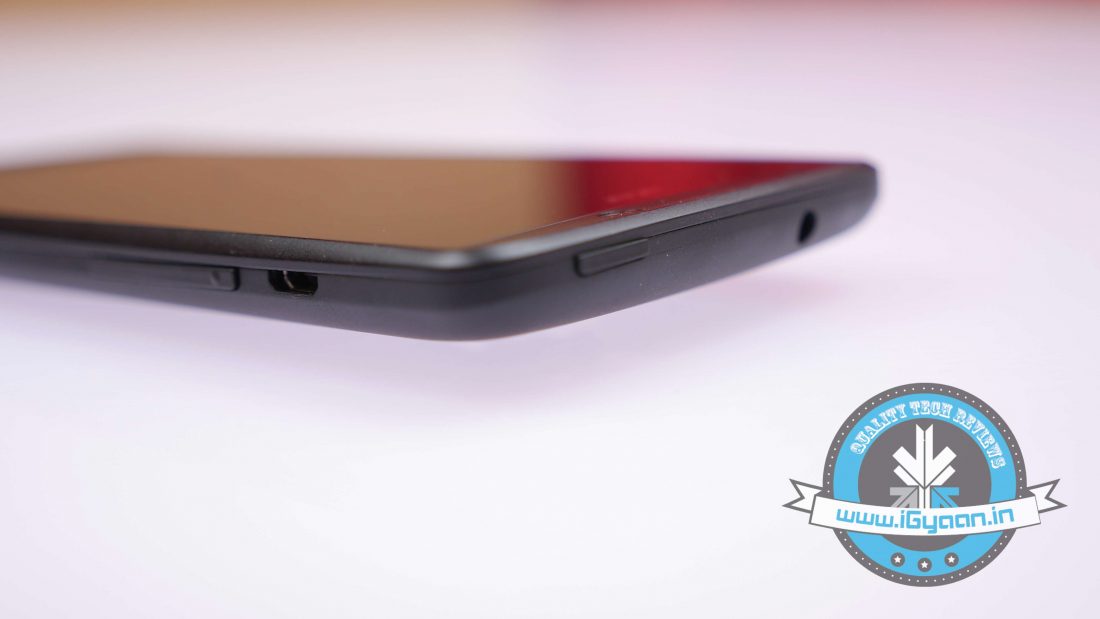
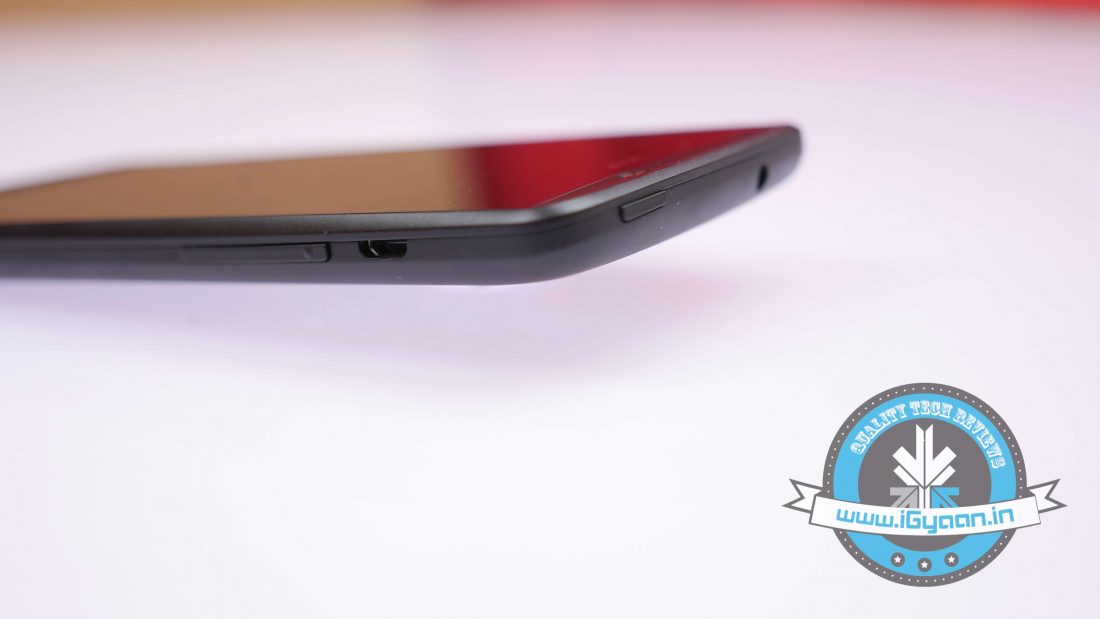
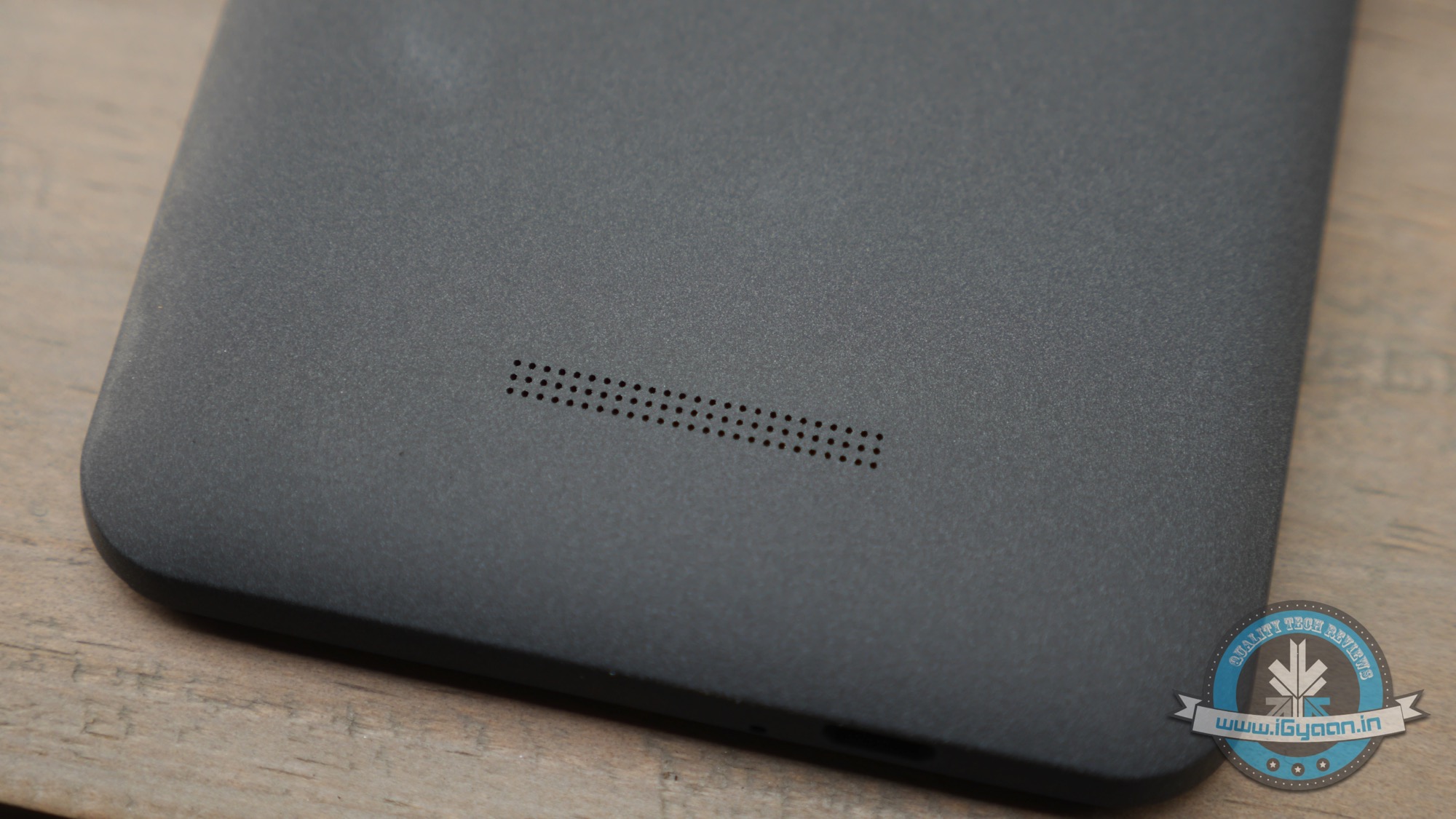
    The front of the phone is largely covered by the display, with physical capacitive touch buttons placed below the screen while there are two front grills reminiscent of HTC’s recent phones. The right edge of the phone houses the volume rocker keys along with a micro-USB port, while on the top edge rests the 3.5 mm jack along with the power key.
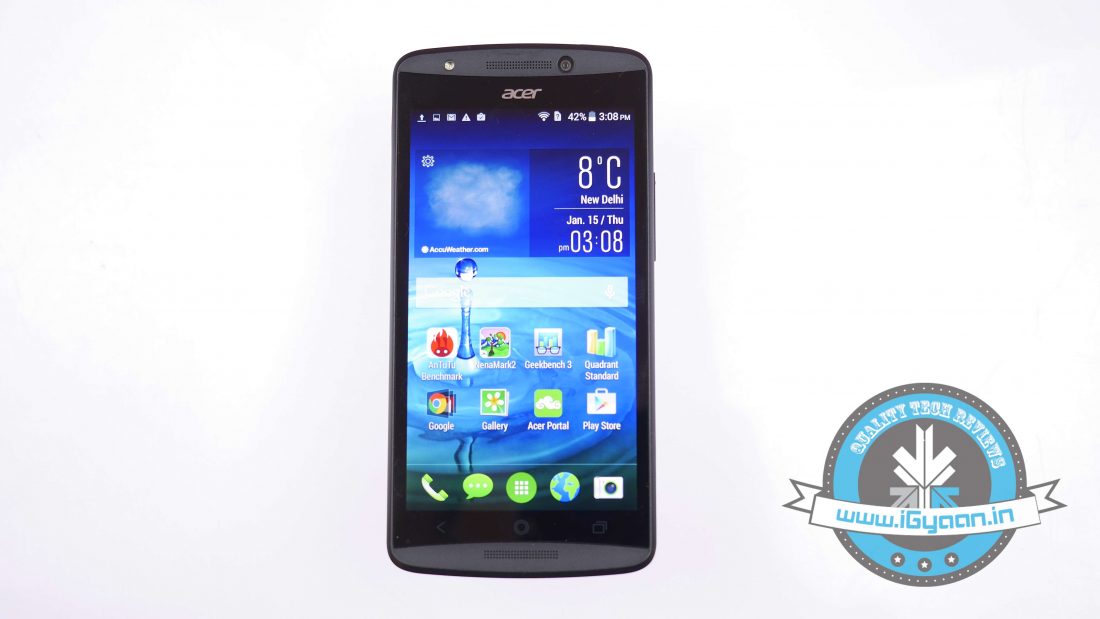
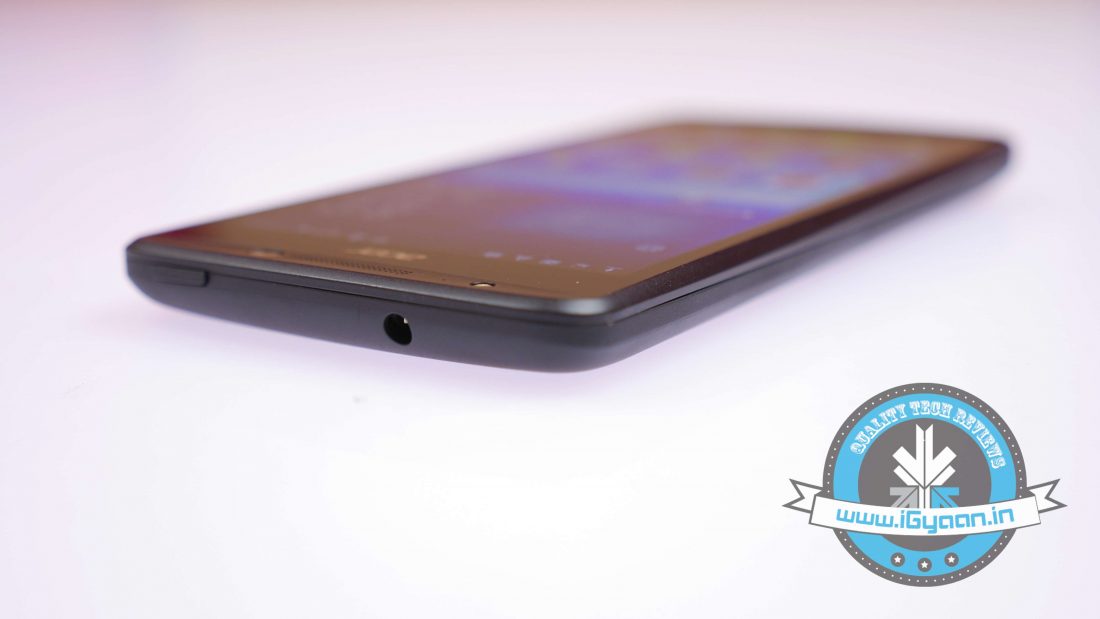
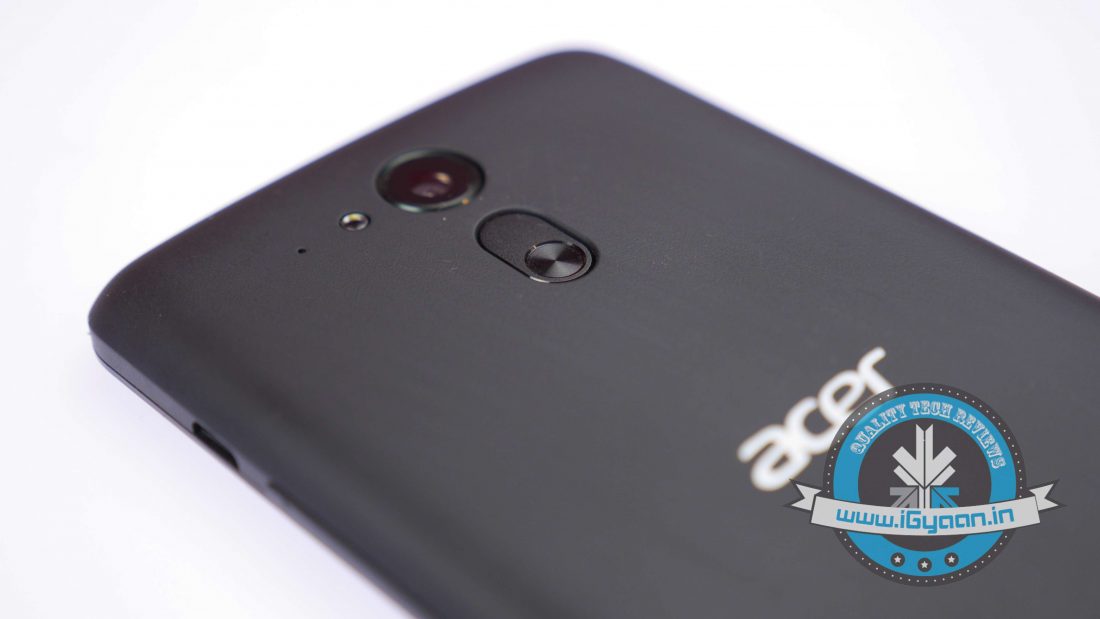
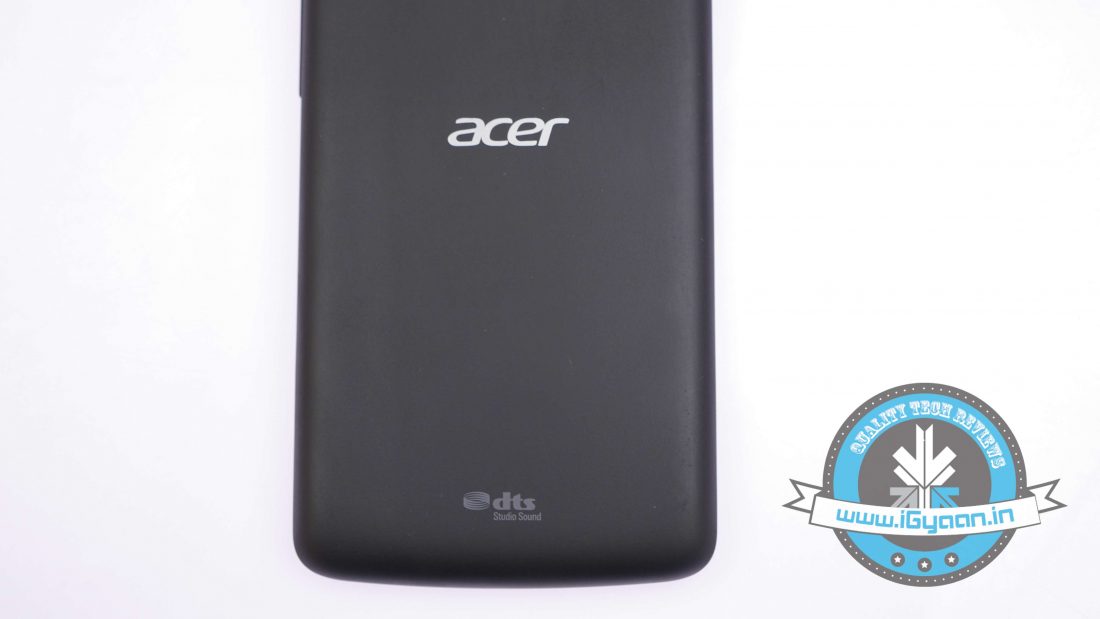
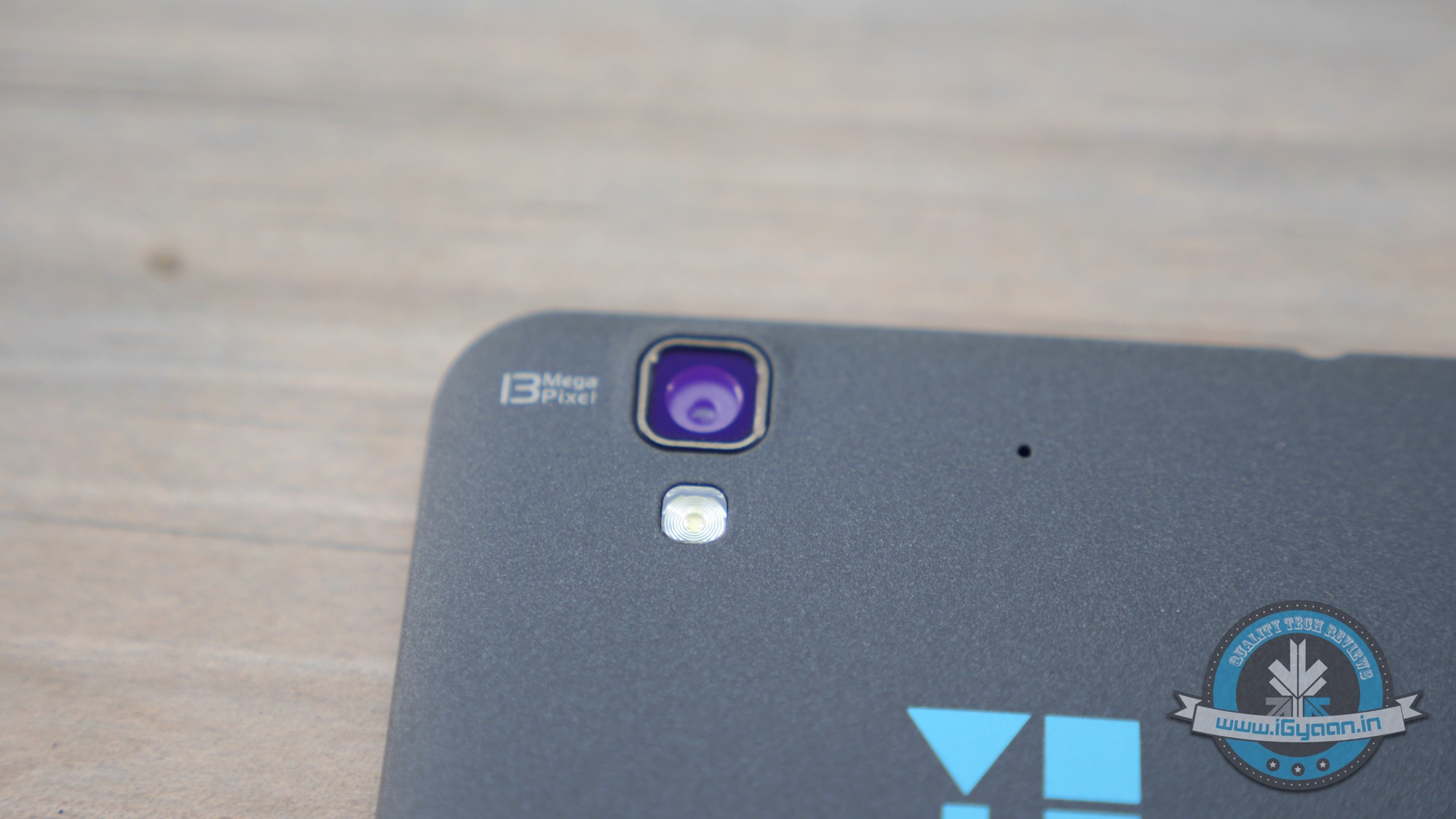
    Meanwhile, the back of the phone sports a soft black matte plastic finish offering better grip with a soft feel. The back also houses the primary camera unit bundled with flash along with an additional button which can be assigned a function. The back of the phone is removable which reveals the three SIM slots along with the microSD slots, with the battery unit embedded within the phone.
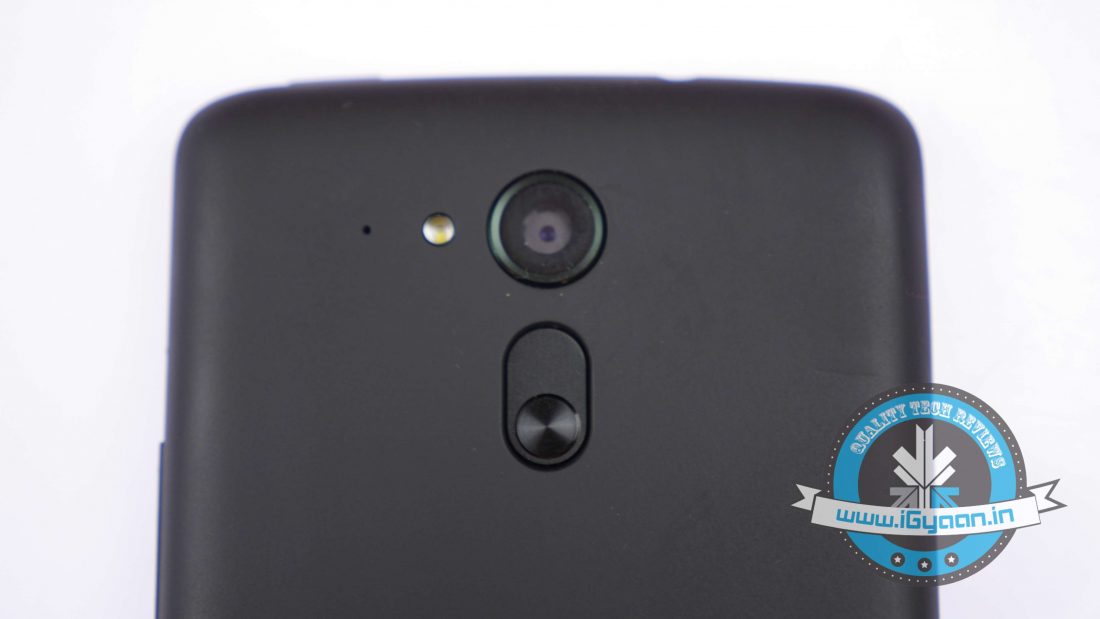
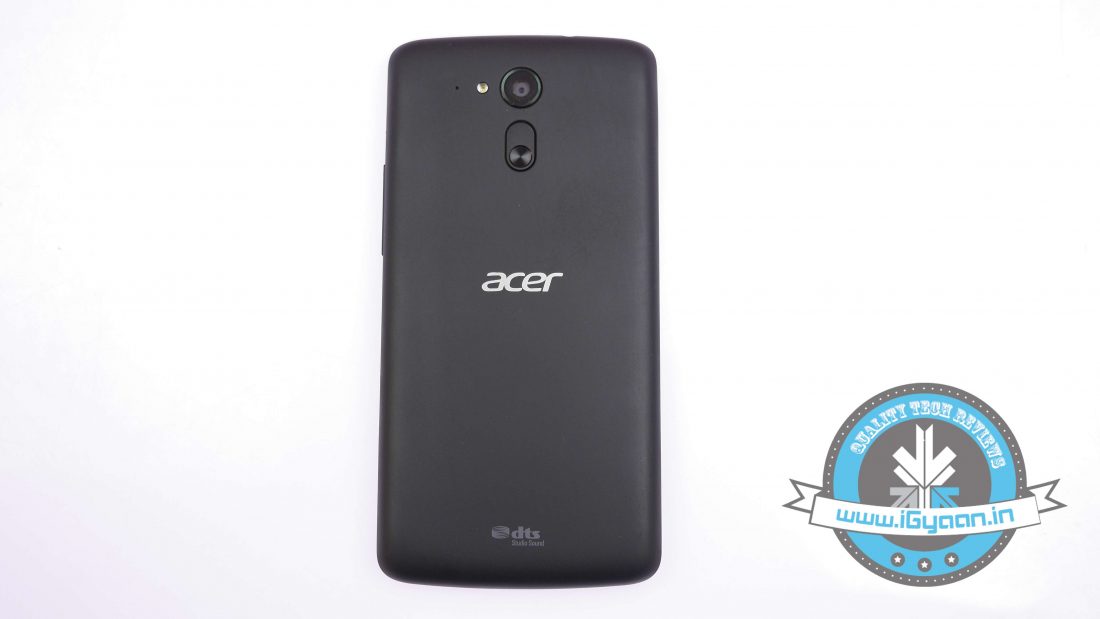
    Hence, the overall look and feel of the phone is relatively good with precise cutouts made for camera units and flash. It sports a nice form factor with an ergonomic design making it apt for one handed usage. Despite featuring a heavy battery unit, the phone feels relatively light weight.

    DISPLAY AND MULTIMEDIA

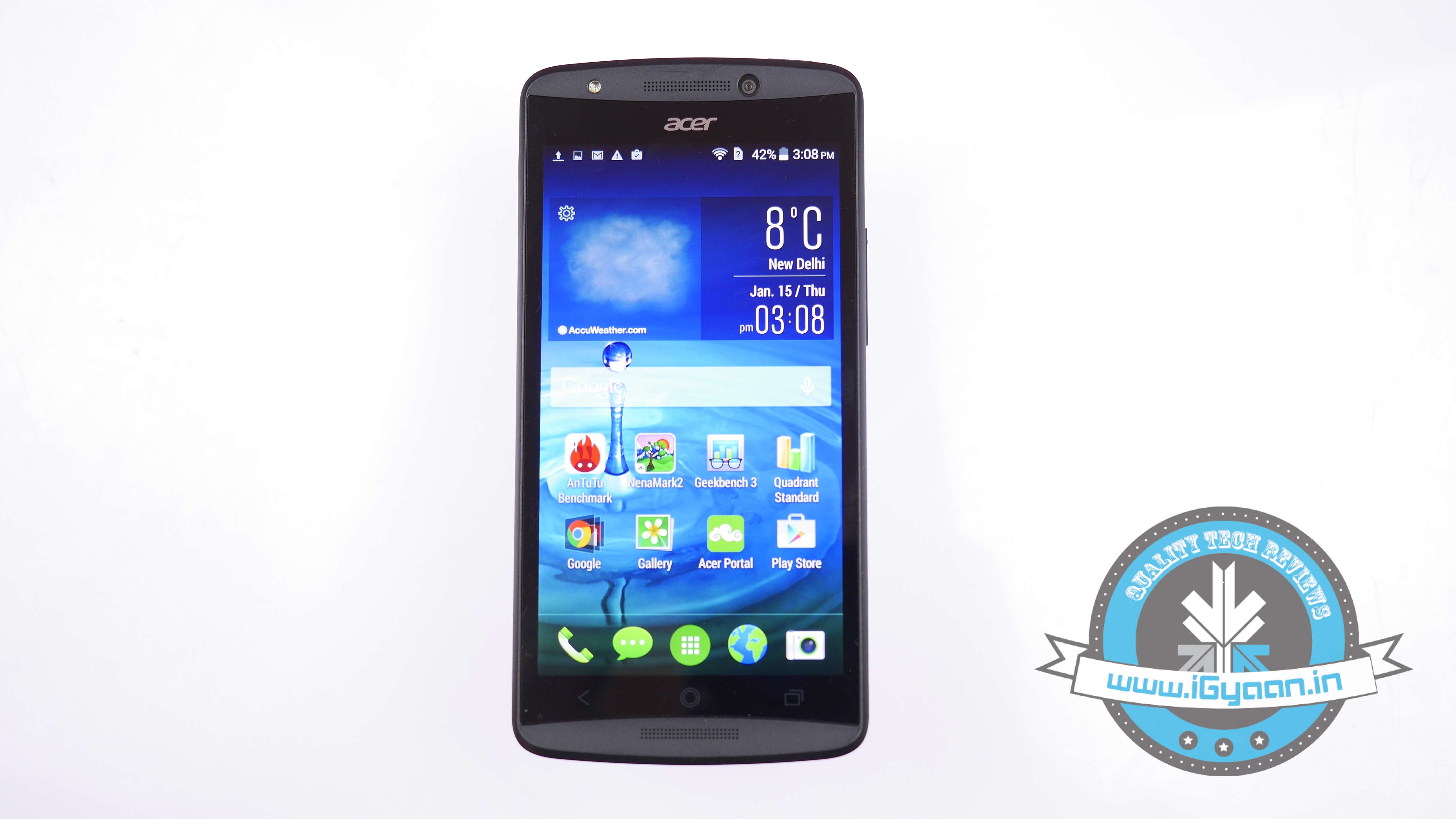
    An HD IPS display is the standard norm these days, and the Acer Liquid E700 sports a 5-inch HD IPS capacitive touchscreen with a resolution of 1280×720 pixels. The same display is also found on the Moto G 2nd Gen along with the Asus ZenFone 5.

    The 5-inch screen does the job quite handsomely rendering good colour saturation with crisp viewing angles. Visibility is top notch both indoors as well as outdoors owing to the bright screen.
    Acer Liquid E70017

    Meanwhile, the phone is perfectly suited for multimedia consumption. The 720p screen can take care of all your multimedia needs. Even Full HD videos can be rendered easily and run quite smooth without any noticeable jitters. In addition, the front facing speakers pack enough punch, though at times gets distorted which is quite common in this category of phones.

    ANDROID & UI

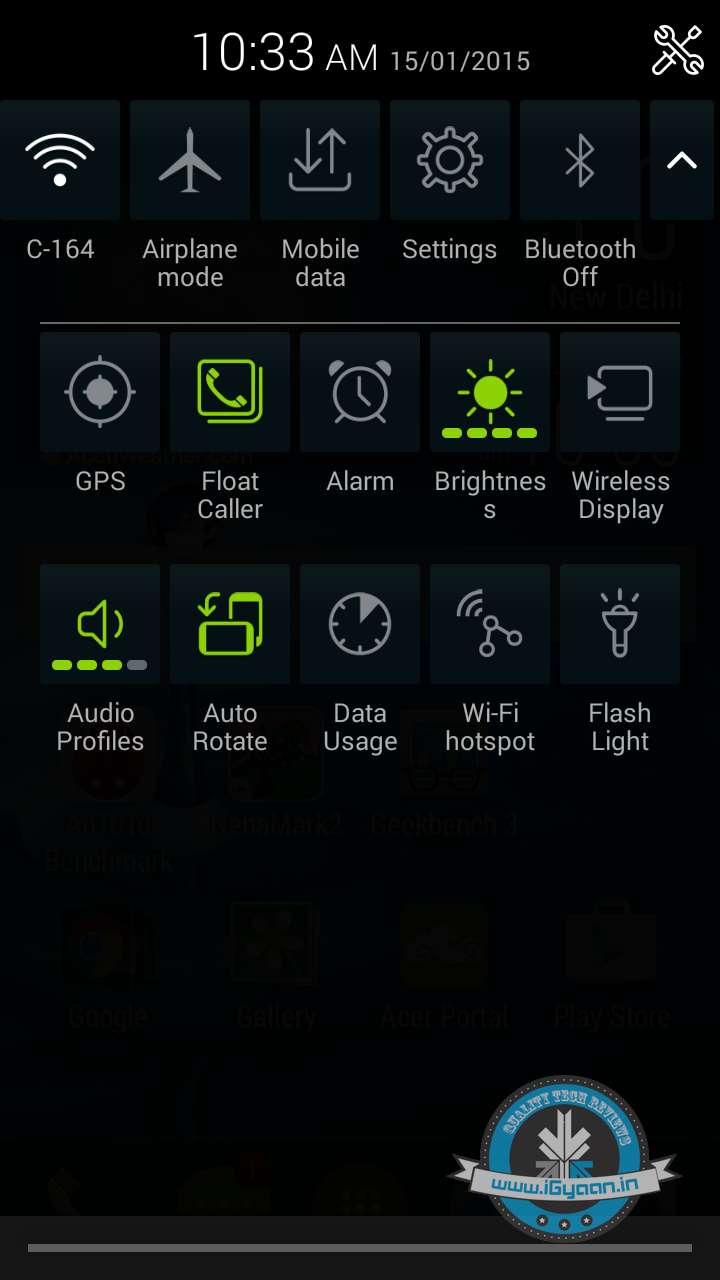
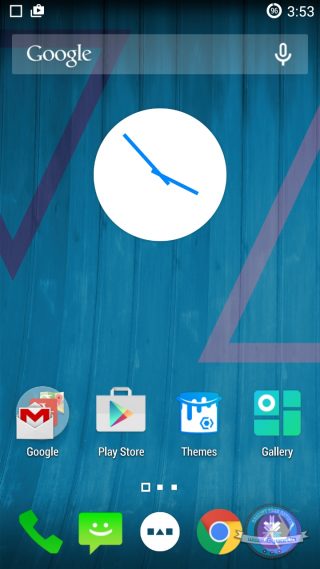
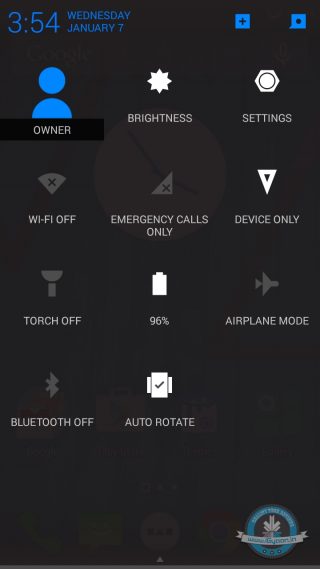
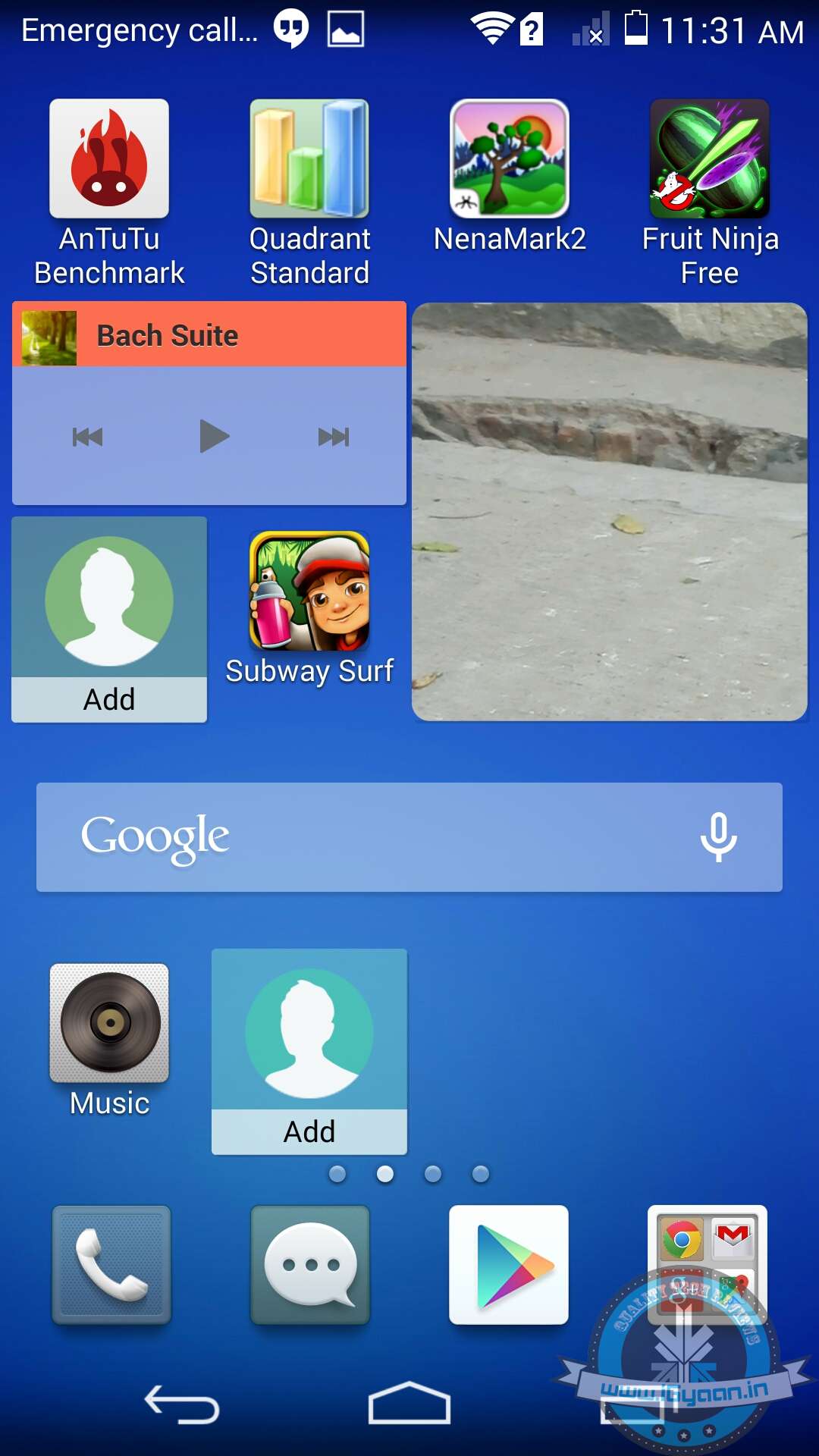
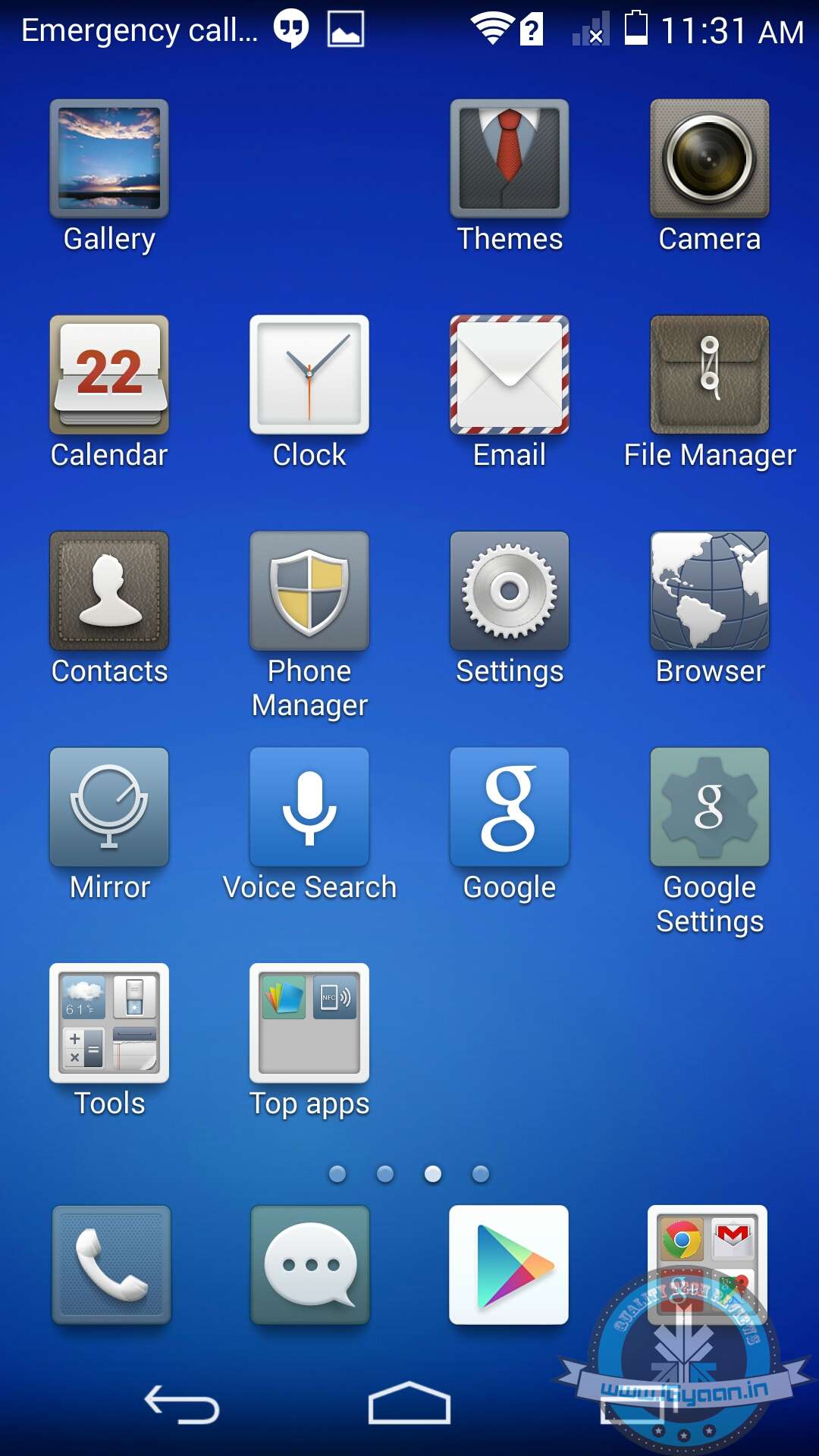
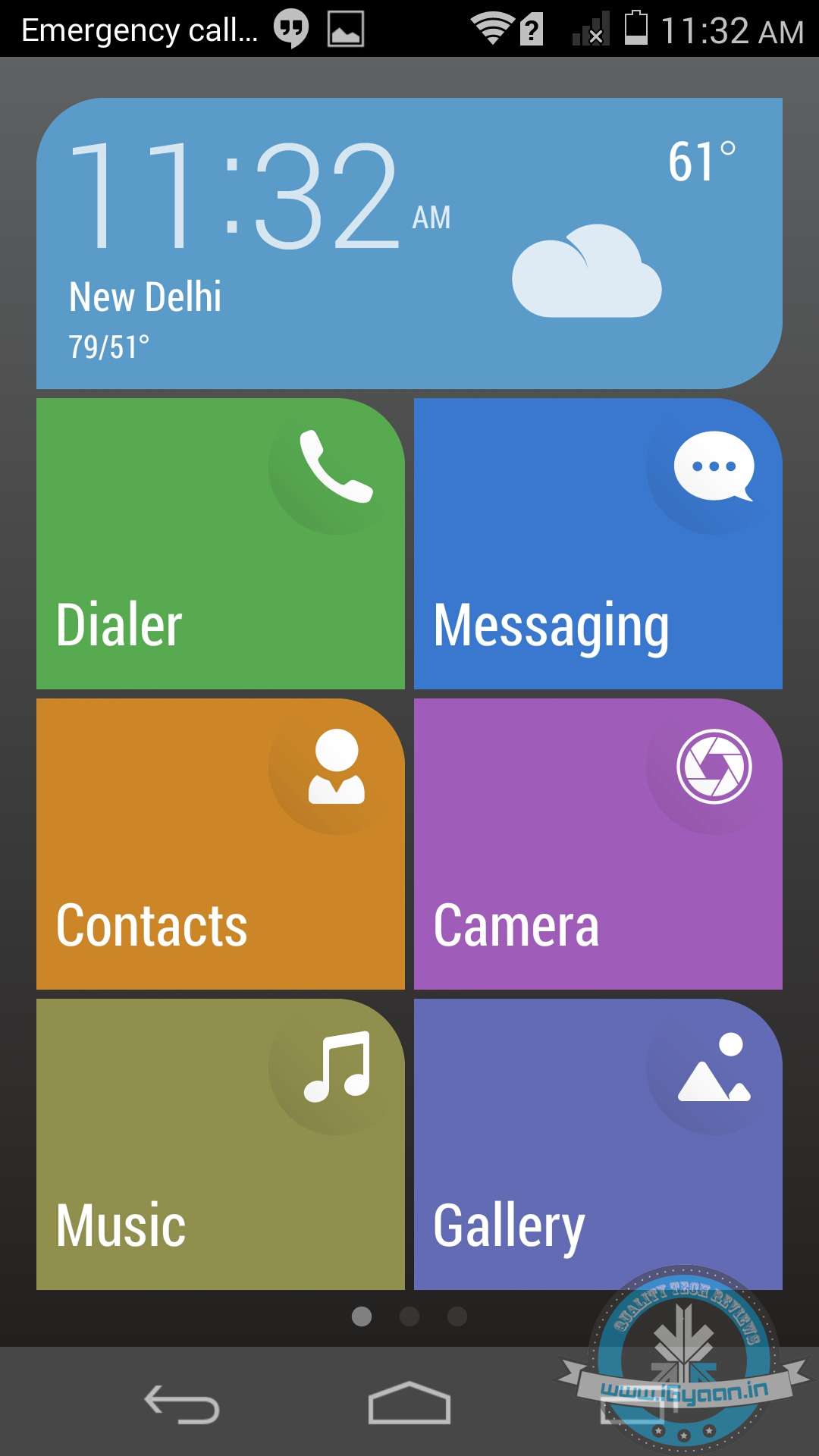
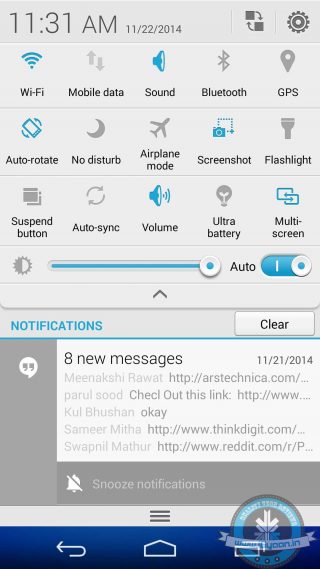
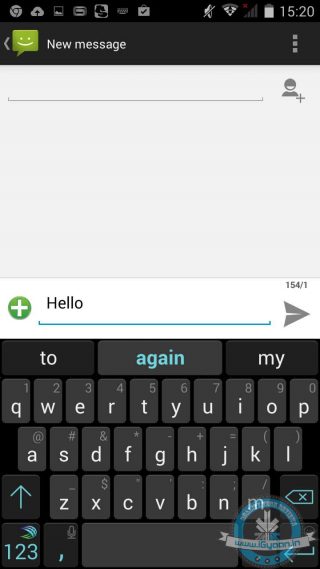
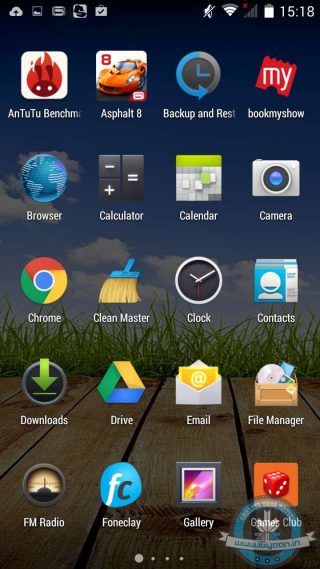
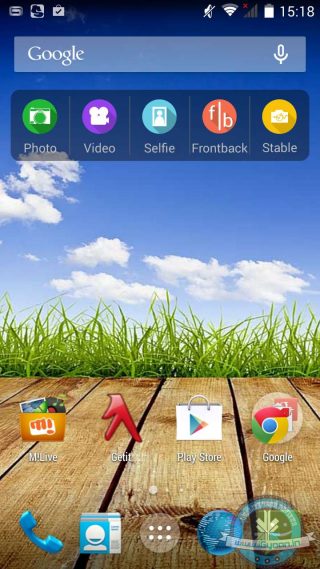
    Acer Liquid E700 runs the Android 4.4.2 KitKat with the company’s Liquid Float UI on top. The Float UI brings in a whole new look and feel with its flashy icons and transparent shortcuts. Even the drop-down menu appears a bit different. The UI needs some time getting used to.
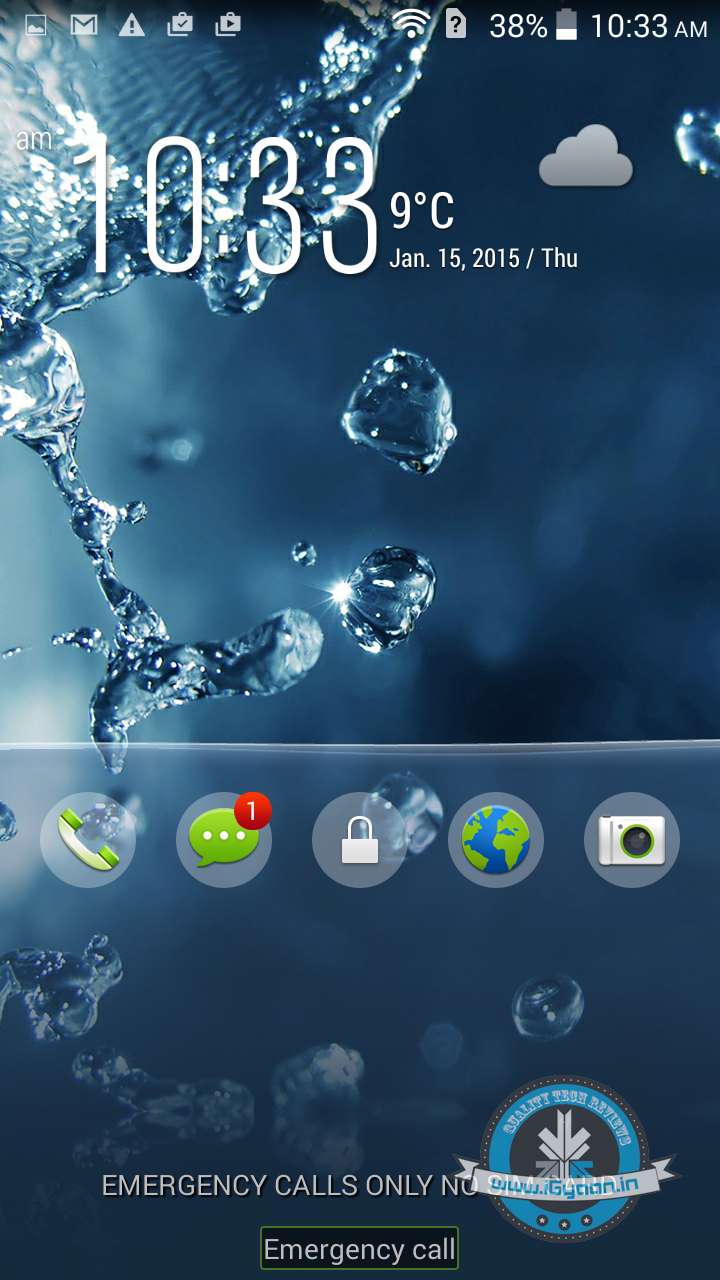
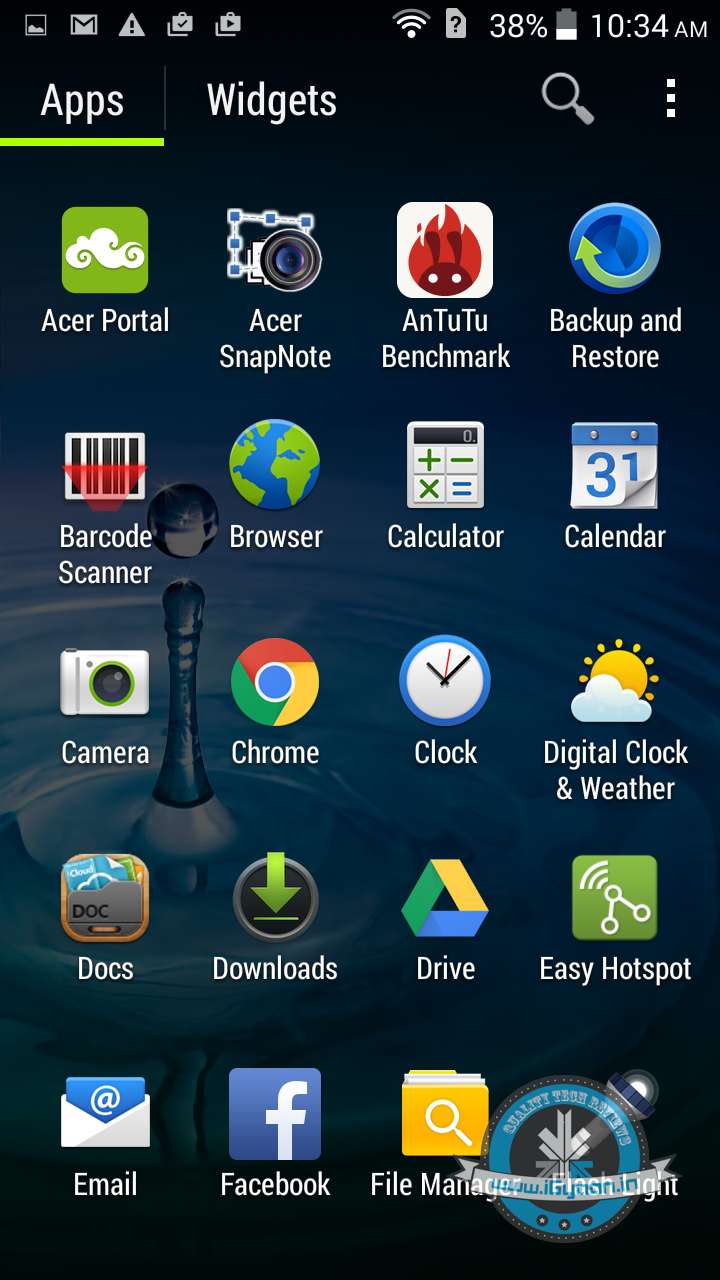
    Once you’re a bit used to the UI, it offers new and unique ways to multitask. The Float app interface displays several apps and widgets at the same time. These apps come in very handy when you need to take note of something quickly. In addition, Acer has pre-installed a few apps including its Cloud-based Office suite, Polaris Office 5, Acer Snapnote and more.
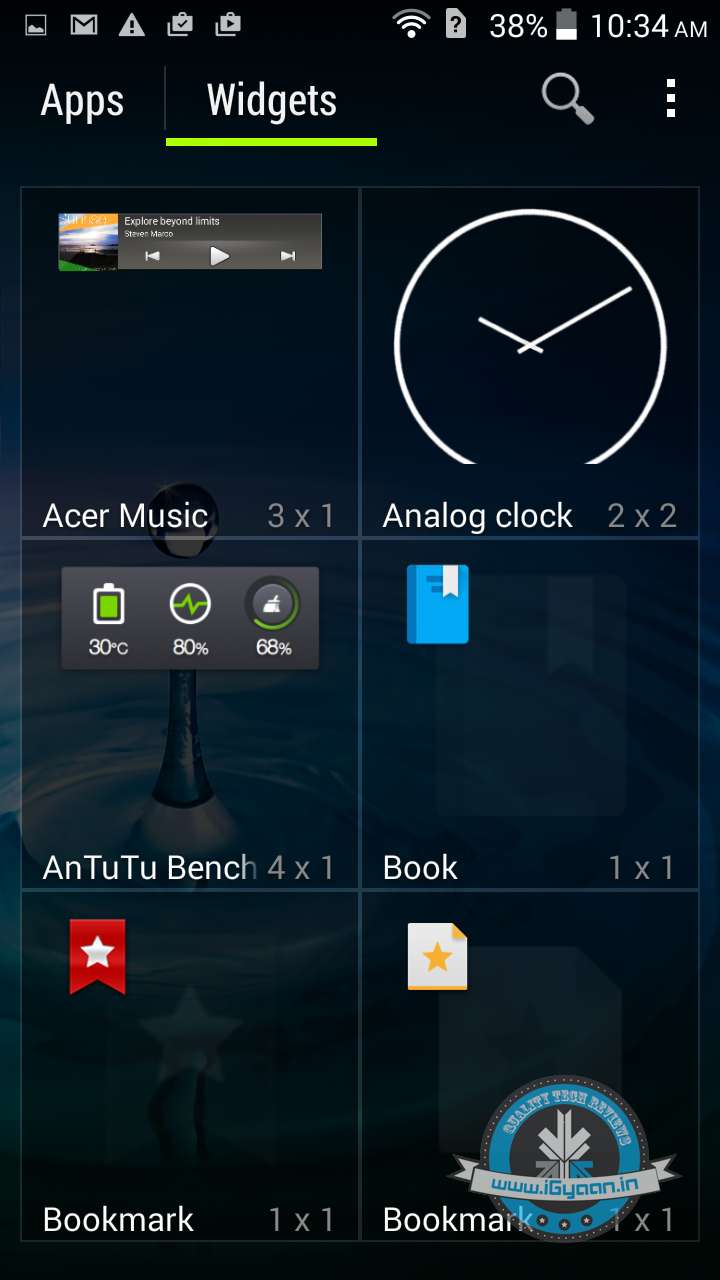
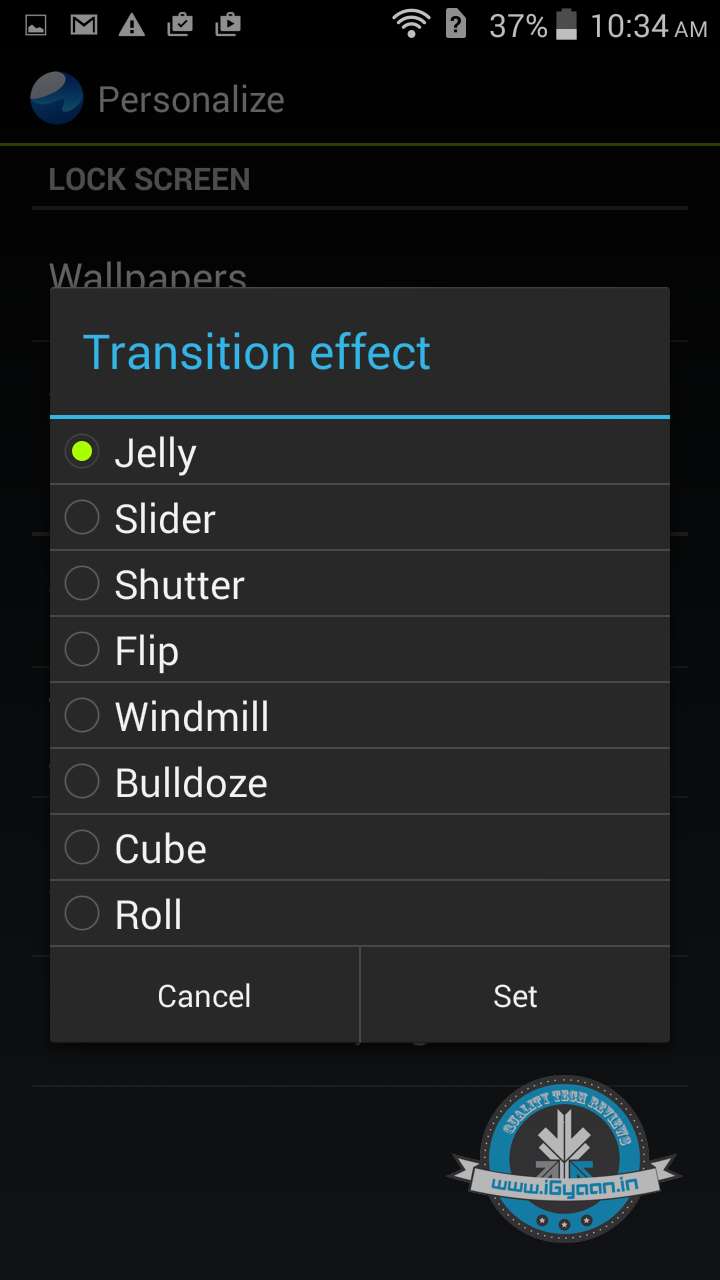
    Overall, the UI is quite snappy and smooth giving a seamless response to swipe and touch. The only weak link with the UI would be excessive bloatware that makes the home screen appear very cluttered. Acer would have been better off had they kept things simple.

    PERFORMANCE & GAMING

    The smartphone sports a quad-core Mediatek Soc clocked at 1.3Ghz bundled with an ARM Mali-400 MP2 graphics chip. This is further bolstered by a hefty 2GB RAM that enhances the overall performance of the phone.

    The phone offers hassle free multitasking. It switches from one app to other in time. Meanwhile, it can even run high-end titles like Asphalt 8 and Modern Combat 5. Even at fully cranked up settings, the device was able to render satisfactory frame rates.

    Coming to its benchmark scores, the Acer Liquid 700 fared some average scores, have a look at the benchmark scores of this device along with its competitors below:

    Device Name Antutu NenaMark II
    Xolo Omega 5.0 27,290 59.1
    Acer Liquid E700 18,254 54.5
    Gionee Marathon M3 17,939 55.2
    Lava Iris Fuel 60 18,025 59.1

    CAMERA

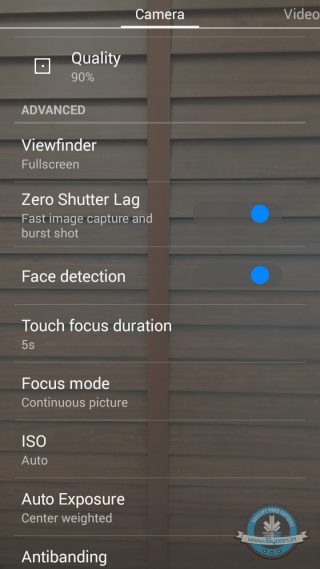
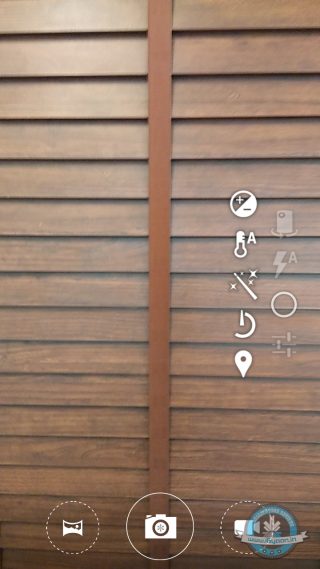
    The Acer Liquid E700 comes with an 8 MP rear camera with LED flash along with a 2 MP front-facing snapper. Meanwhile, the camera app on the E700 gives users a lot of options to fiddle around. Users can manually set the ISO and Exposure settings along with the white balance. Though the image quality is not as satisfying as one would want. There are better options in the same price range that render much better quality pictures.
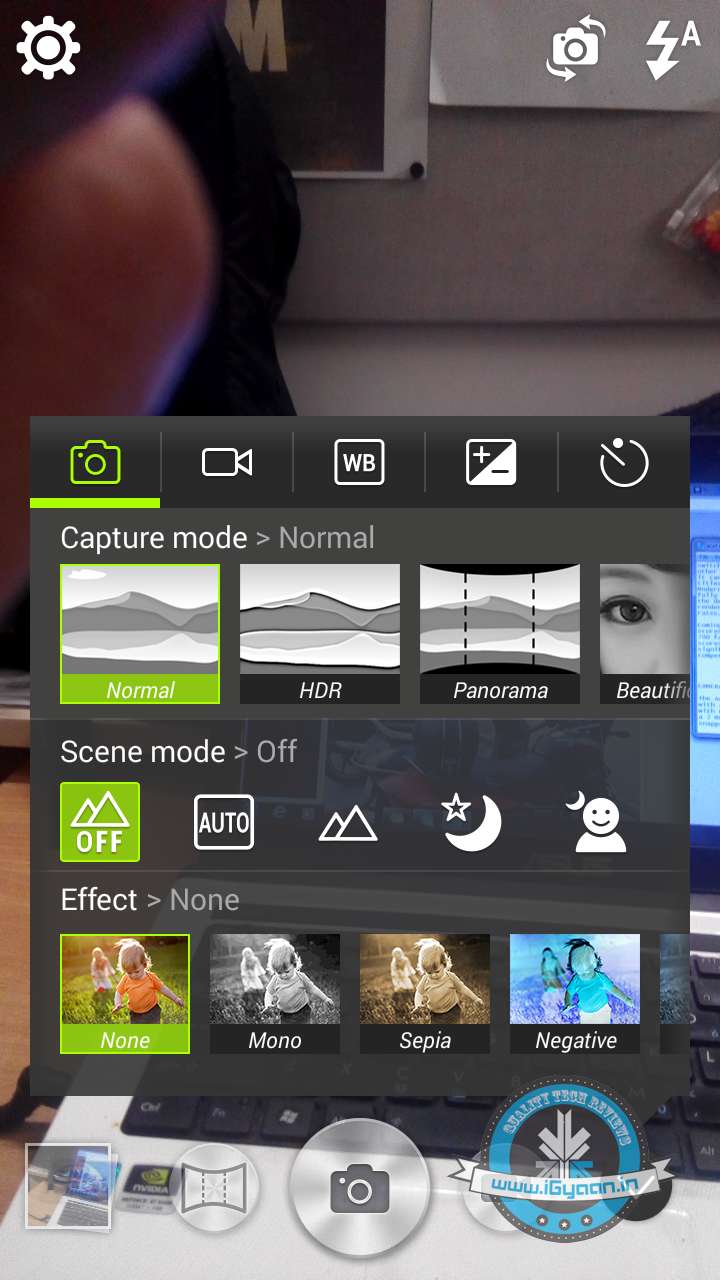
    Outdoors shots are fairly decent, especially the macro shots which come out fairly well rendered with good colour saturation and clarity. Though indoor shots appear a tad grainy and lack the finer details with noise clearly evident, while low light images are plain bad appearing washed out and dulled.

    Here are some camera samples for your viewing:
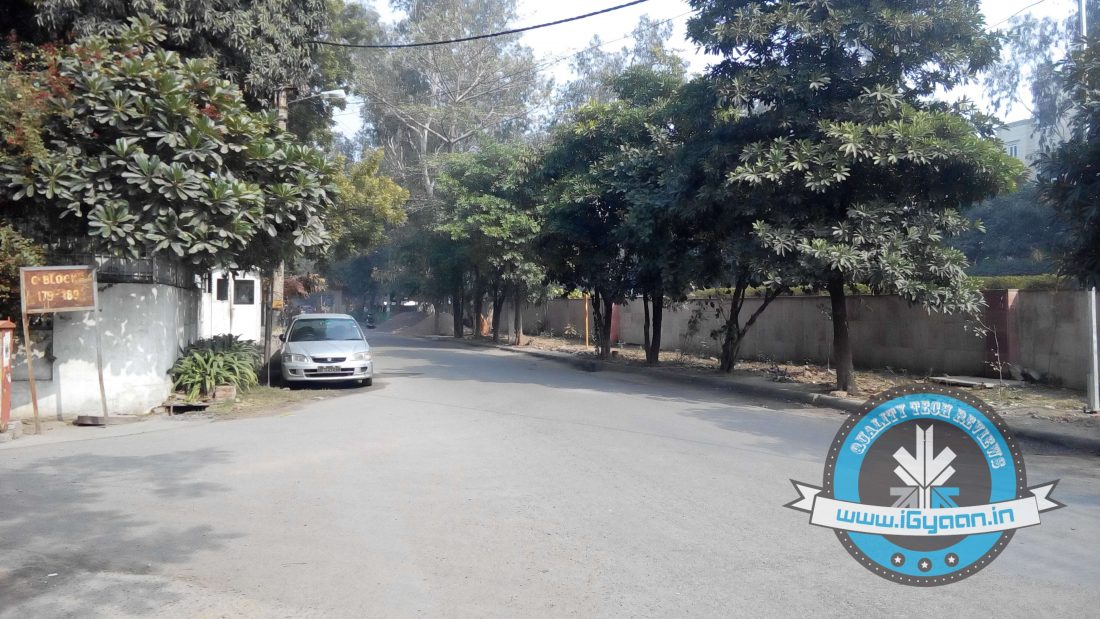
    In addition, when you tap the screen for adjusting the focus, you are presented with a circle that can get annoying at times especially when you need to capture something in an instant. The shutter speed appears relatively sluggish; the only striking feature of the camera is its camera app.

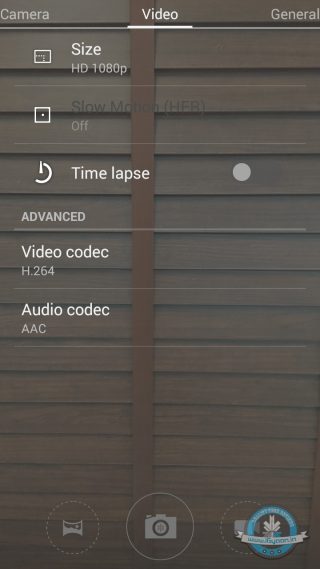
    The phone is capable of recording 1080 p but as you would from a phone in the given price range, videos appear to be grainy and shaky.

    The front has a 2MP snapper which can manage just about average selfies, so hardcore selfie lovers should stay away from this marketing gimmick as Acer touts it as a ‘selfie phone’.

    PHONES, NETWORKS AND BATTERY

    The network connectivity is pretty top notch; all three SIM slots get good signal strength whether indoors or outdoors and voice quality is pretty crisp. All the three SIM slots support 3G, but can be used for only one SIM at a time. Other connectivity features include 3G, Wi-Fi 802.11 b/g/n, Bluetooth v4.0 with A2DP and GPS. It also has support for USB on-the-go (OTG) support as well.

    Additionally, the phone sports a 3500 mAh non-removable battery which the company claims  provides upto 60 days of standby, 24 hours of talk time and 800 hours of standby time.

    The 3500 mAh battery can easily suffice a day of heavy usage without the need for charging. Meanwhile, in our battery test the phone was able to give over five plus hours of battery life.

    All in all, the 3500 mAh battery can easily last a day of intense usage.
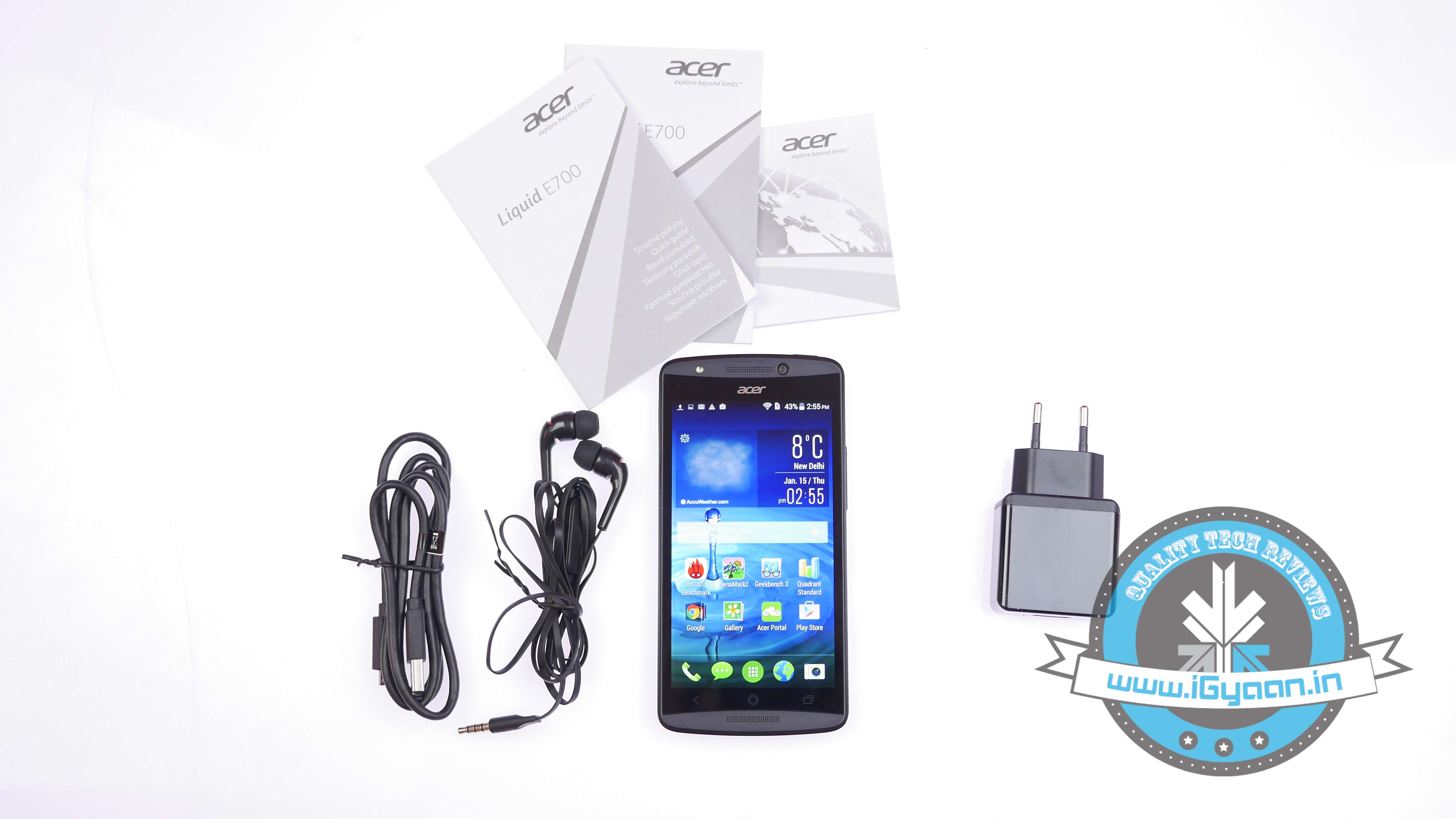
    Acer Liquid E7003

    CONCLUSION

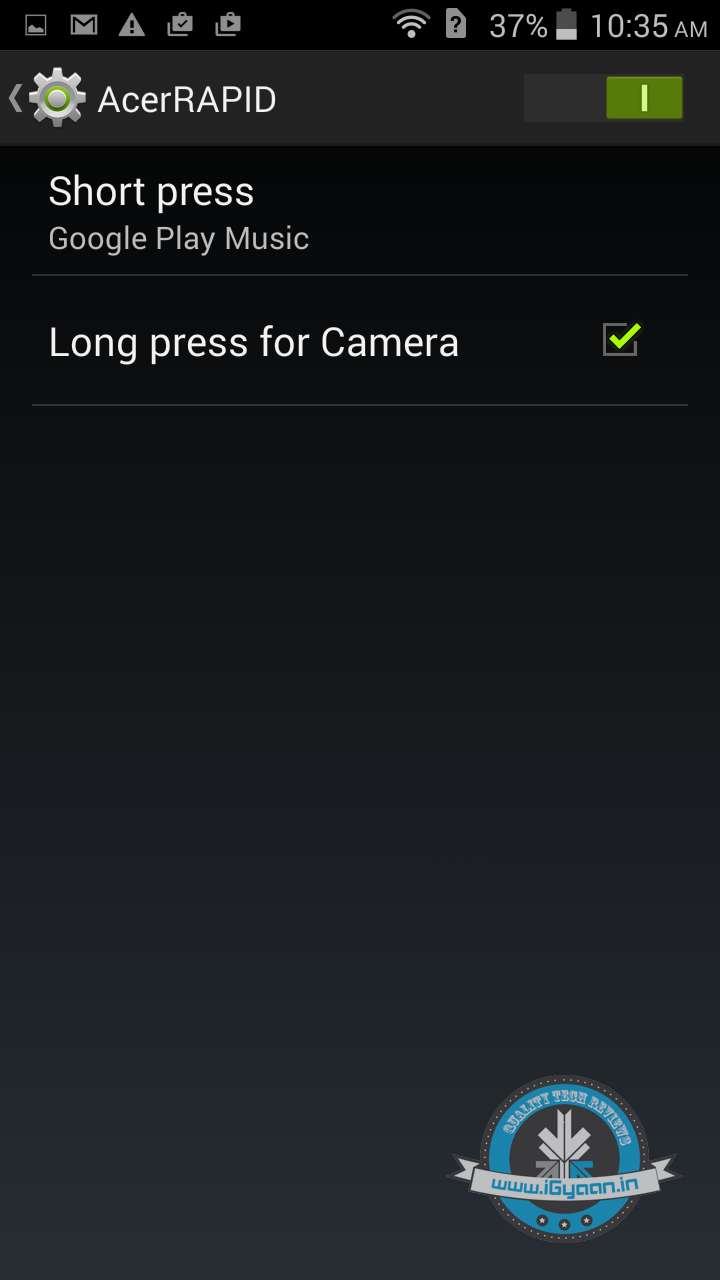
    The Acer Liquid E700 is a decent all round performer given the price tag. It has a bright 5 inch IPS screen that is pretty amazing, a good overall design and build quality, along with a massive 3500 mAh battery. In addition, it has a few nifty features like triple SIM support which can be customised as per your needs ( data, roaming and calls) along with the Acer Rapid button makes it good overall buy.
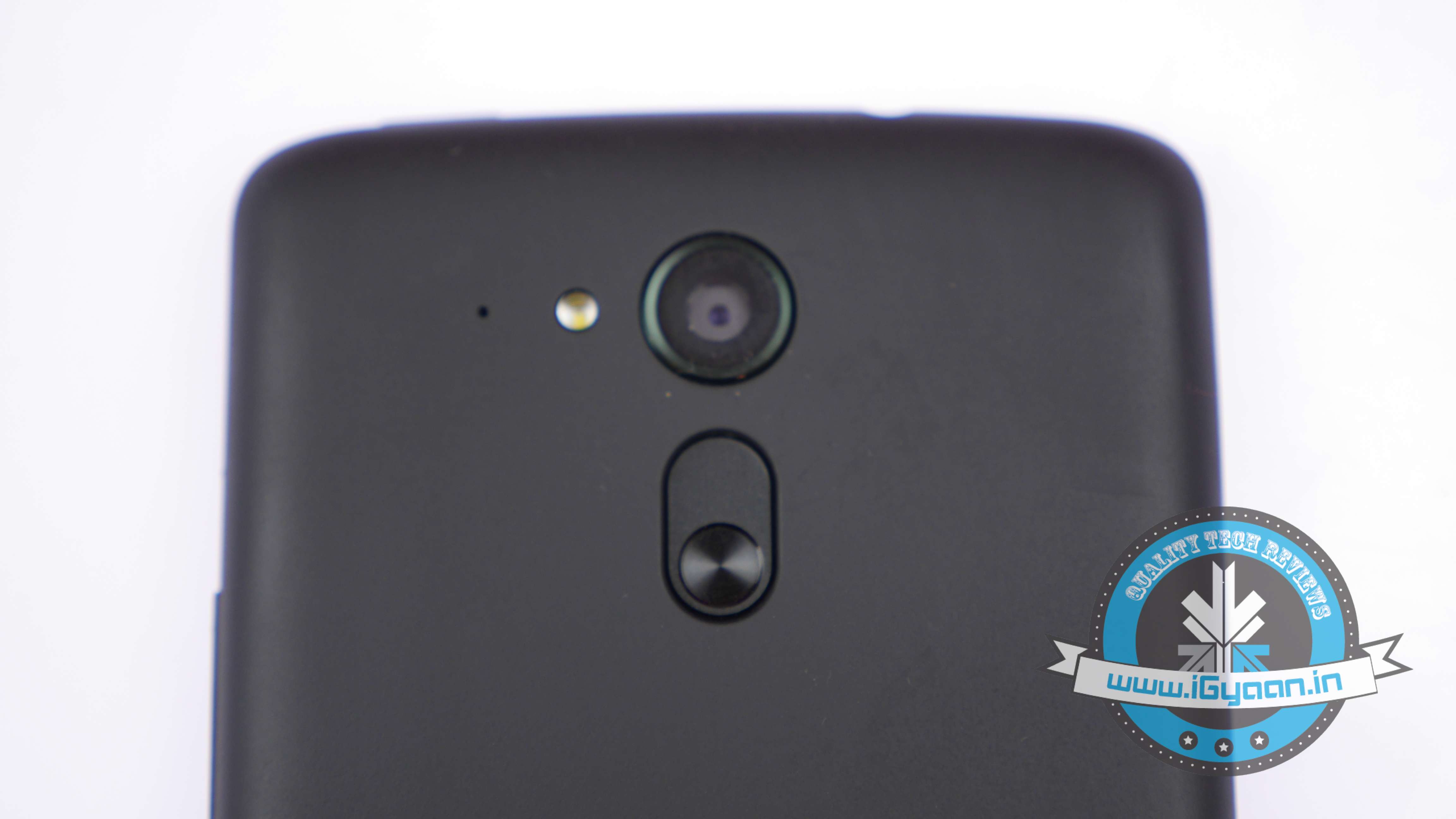
    Acer Liquid E70014

    Its camera performance is below par and the overall UI experience is not that great. There are better options available in the given price bracket including Xolo Omega 5.0 or even the Yu Yureka. If the battery is your main priority, there are smartphones that have a slight edge over the Acer E700 in terms of overall performance like the Iris Fuel 60 or the Gionee Marathon M3.

    In our opinion, the Acer E700 Liquid is just another smartphone launch and doesn’t leave a lasting impression.
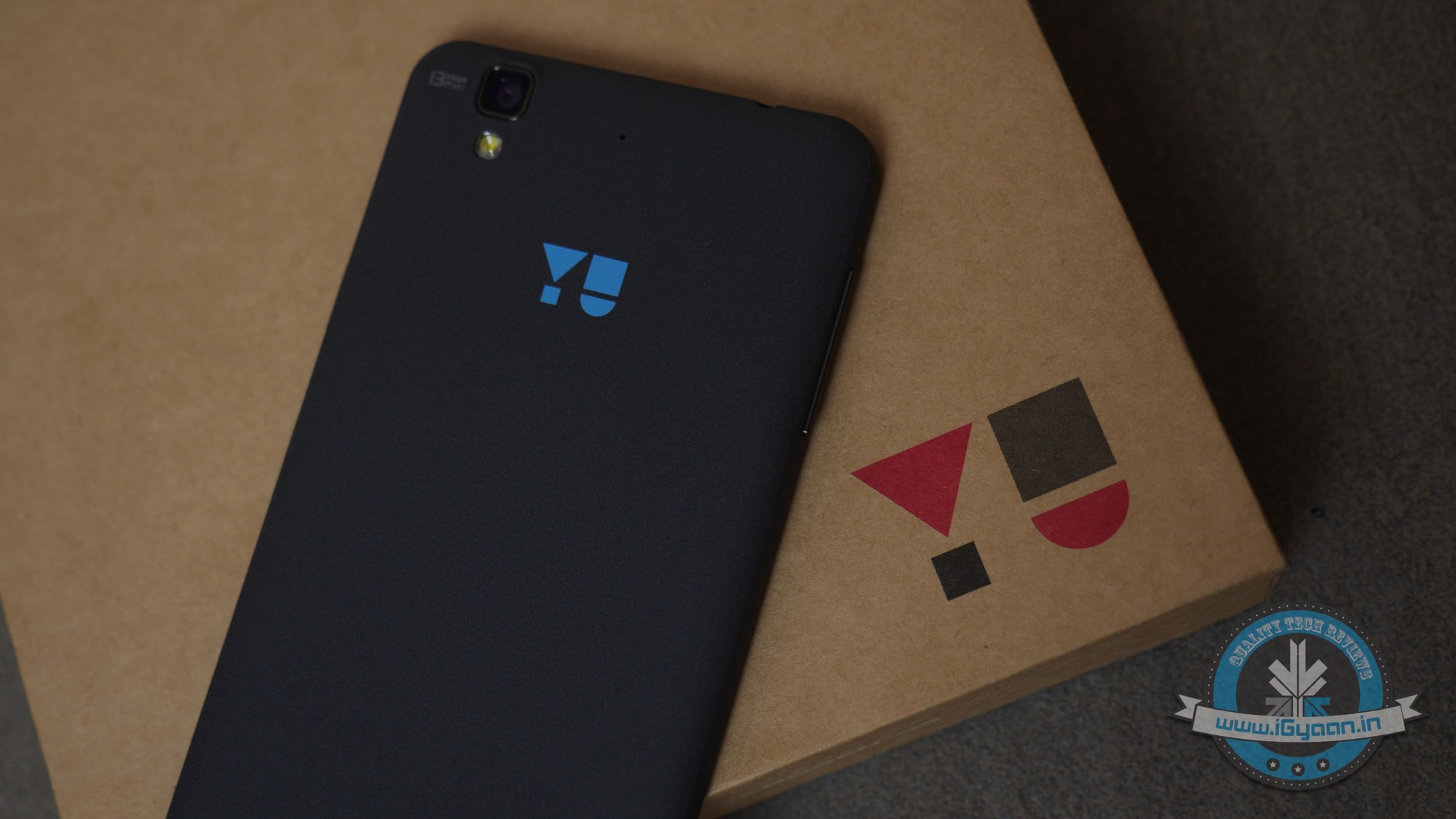
  • Yu Yureka Review | You May Play God

    Yu Yureka Review | You May Play God

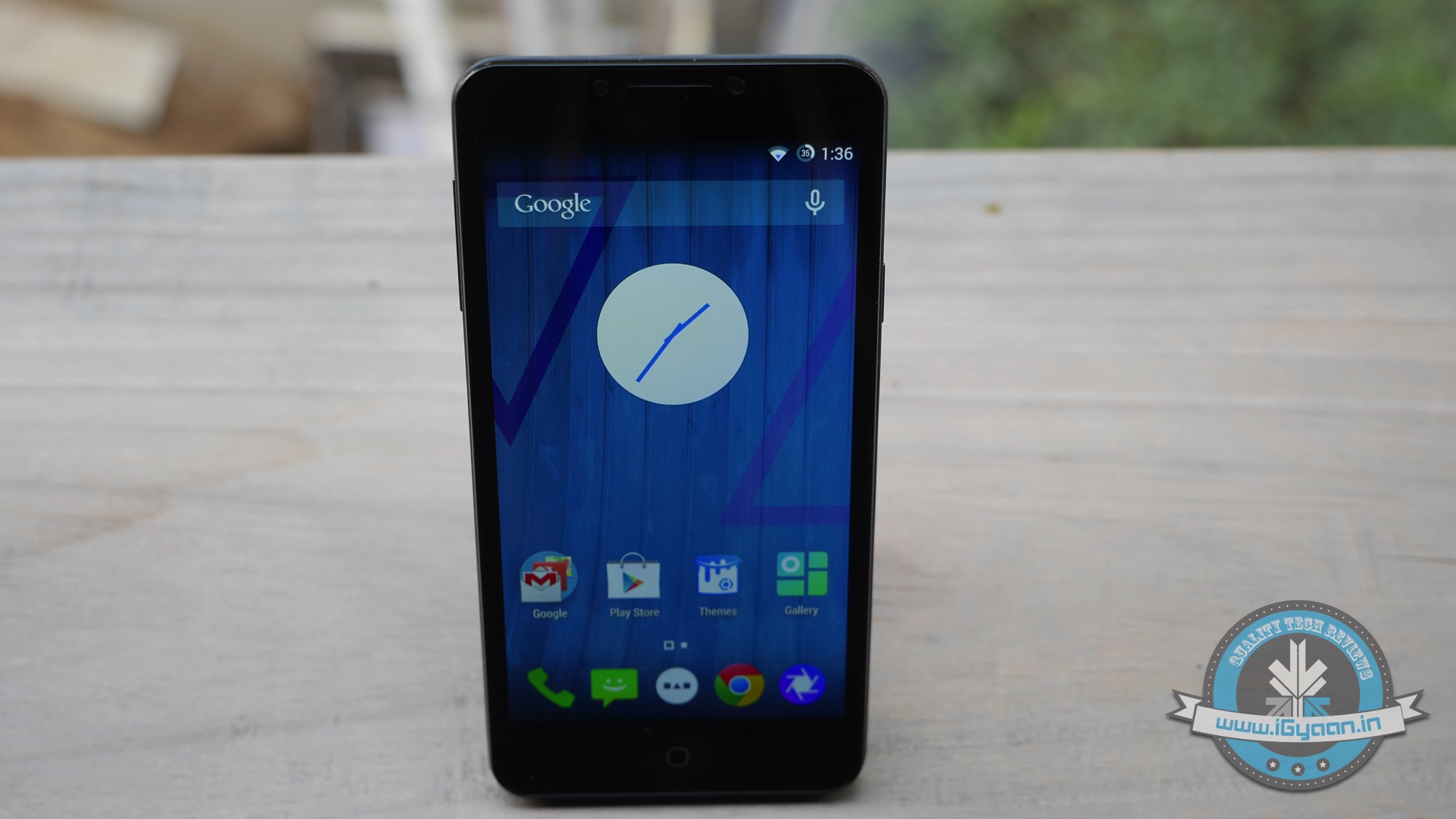
    Yu by definition is supposed to mean “you”, which when Micromax decided to launch a new company was intended to make devices more personal for the users. Hence the company chose to go with Cyanogen, even though they decided to procure and rebrand devices like they used to in the past.

    But what is Yu intended for? Is it really a way for Micromax to change their company’s brand value and appeal to a younger and much more aware online generation, or is it just a way of seeking vendetta against Micromax’s newest enemies: New Chinese entrants like Xiaomi, OnePlus and even Gionee.

    5 MP Front Camera
    5 MP Front Camera


    We’re aware of the fact that Micromax is selling the Yu Yureka at a massive loss of Rs. 2000-2500 per handset sold in India. Micromax is buying the hardware for around Rs. 8300 and they are paying Cyanogen royalties, apart from the massive one time exclusivity deal they did with the company before launch, which led to the temporary ban of the OnePlus One in India. Not to mention import duties, shipping, Amazon’s fee etc.

    Micromax also got the YU into the limelight by playing politics and getting “free media controversy” over the ban of the OnePlus One sale in India.

    After all that, the Yu Yureka will sell for Rs. 8999 on 13th of January 2015, and our review will tell you whether or not you should be getting in line to get this device.
    Hardware

    In terms of hardware the Yureka is pretty great, in fact the closest devices in terms of hardware cost double and don’t feature the same performance standards as the Yureka. Cameras are a high 13 MP and 5 MP combination, which does work well.

    Over at the front, garnering a great amount of resolution, is the 1280 x 720p display in all its 5.5-inch glory. The display is bright and easily visible outdoors. On the inside is the intriguing Snapdragon 615 CPU + Adreno 405 GPU combination which fails to satisfy us, although, for the price you couldn’t ask for much more.

    The Phone supports USB OTG, with the use of a micro USB to USB adapter (which is not included). Interesting to note, is that the USB storage shows up, but you need third party filing software to access it. Apps cannot be moved to the SD card, not in the handset’s current software layout. So you are stuck with about 11-12 GB of space for Apps, which is a serious let down.

    Qualcomm Snapdragon 615
    Qualcomm Snapdragon 615

     Specs

    Yu Yureka

    Display 5.5 inch IPS LCD
    720×1280 px
    Gorilla Glass 3
    RAM 2 GB
    Storage 16 GB – (12 GB free)
    Battery 2500 mAh
    Processor Qualcomm Snapdragon 615
    CPU 1.5GHz  Octa-core
    GPU Adreno 405
    Front Camera 5 MP
    Rear Camera 13 MP
    Price (Click for Updated Pricing) Rs. 8,999
    Special Features Cyanogen OS 11

    Build Quality and Design

    The thing about buying devices from vendors is that you have no control over build quality. While Micromax has seen some great built phones like the Canvas HD and most of the relative series, we have also seen especially poor phones like the Canvas 4 Plus which was a blatant copy of the iPhone and well, it bent too.

    However the Yu Yureka, is not a Micromax product, or atleast that is what they want us to believe, as they elaborately set up new dominions and a new company in an exercise to get rid of their past. Well fret not Micromax, because the Yureka is different in many ways however it’s also the same in many.

    2500 mAhBattery
    2500 mAhBattery

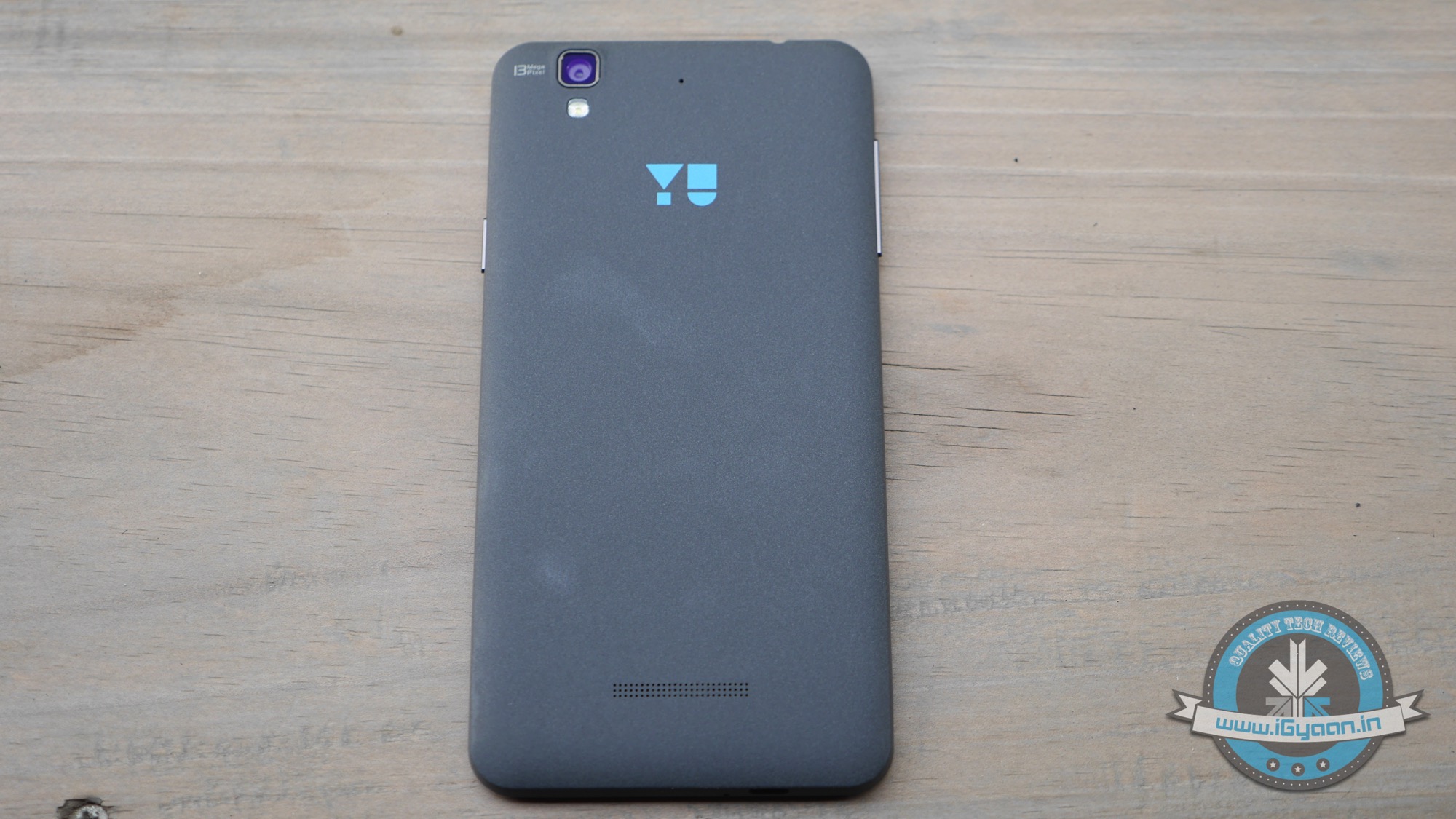
    The device already exists in other markets with a different name, and Yu plays no real role in the design of the hardware, except probably plastering some logos, and naming the standard black variant the never-heard “MoonStone” finish. (Wow ! Really? ). All new nomenclature aside, the built is pretty good, the finish on the back is no where near the “Sandstone” that you will find on the OnePlus One, however it is clean and well defined and feels great in the hand.

    The bezel does not stick up a lot from the edge and this may be a problem for a lot of folks, who drop their phones on the frequent. The front does feature Gorilla Glass 3 so you will get some persistent protection.

    Design-wise the phone will not win any awards, but it’s not a poor looker, in fact it can become quite the eye candy. The edges are nice and rounded well and the feel and finish of the product in hand is premium to say the least. Remember this is a Rs. 9,000 product we are talking about, and using words like “premium” is far from our usual banter.

    Performance and Gaming

    The Yureka is a workhorse in your pocket, and each time something like that appears from a company like Micromax (Sorry “YU”), we recall the toasty Micromax Canvas Knight, which was easily the best product to buy if you were short of a egg frying pan.

    The Yureka is not that product. Heck the Yureka is easy to hold in the hands and disperses heat well. The extensive use of plastic also probably aids in the isolation of heat from the hands of the user.

    As far as performance is concerned we were elated to see benchmark scores from the Yu Yureka easily match expensive devices for one quarter of the price. However no where near that of Xiaomi Mi3, OnePlus One and the Note 4 as it stands at present.

    Games run happy, however the Adreno 405 doesn’t do much justice to high end gaming. The CPU is designed to leverage the 64 bit architecture which will enable better performance in the future and once the whole eco-system runs on it. For now gaming is still good, and blows away most of its present competition.

    Network and Battery Life

    The Network connectivity is fabulous, signals are strong and voice quality is impressive from the handset. The tower to tower jump is a bit sketchy so you will face call drops on the go.

    The brilliant thing is the fact that the handset does LTE based on networks that will eventually launch in India. So for a price of under 10k this is a strong contender if you are looking for a future safe investment. However as many have pointed out, LTE may not be a prerequisite of those aiming for a new device in this price bracket. We say that it’s a fantastic add-on to have, and will aid in better connectivity in the future so why not get the extra benefits. And hey, once you do want LTE, you won’t need to switch phones.

    Battery life is average or slightly better than. We saw the handset run a full day, however if you have had a busy day and have been receiving calls on both sim cards you might need to charge, atleast once in the late-evening. That being said we got 5-6 hours of screen on time from the Yu Yureka, which is excellent.

    Talk Time : 7-8 Hours.

    Music : 10 Hours

    Internet Usage : 5.5- 6 Hours

    Multimedia and Gaming : 4 Hours.

    13 MP Rear Camera
    13 MP Rear Camera

    Camera

    The Camera like many-a Micromax devices in the past is mostly talk and no real action. The rear camera will impress in outdoor and well lit conditions, images captured and saved are not compressed well, which may be a doing of the build of Cyanogen on the Yureka, thus resulting in unwanted noise on the dark spectrum of the range.

    Results are unwieldy in poor or low light situations where sometimes the images are decent while sometimes they are unusable. The shutter is no where as fast as that on the OnePlus One, but the camera app includes almost all the features sans the 4K video capture.

    Samples

    You do get 1080p on the rear camera while the front camera is limited to 720p. The rear camera will also capture double the frame rate i.e. 60fps but only at 720p. Video is decent but tends to be shaky since there are no stabilization features in the handset, electronic or otherwise.

    Advantage: Cyanogen’s camera app has the extensive availability of customizations, including filters, face detection features, continuous focus, time lapse all built in.

    Multimedia

    The display is excellent indoors and outdoors, the resolution of 720p is considered good for the price bracket and the IPS panel significantly improves on the viewing angles. Touch response is commendable and the color reproduction is good as well.

    Speaker is Muffled
    Speaker is Muffled

    The speakers are tiny and quiet, sort of muffled, as if there might be a piece of tape on the inside, left by mistake (we checked and there isn’t any.) The speaker is just not loud enough and that is something most buyers will have to look past. The included earphones are usable but will not enhance the audio in any way. The audio output from the headphone jack is loud and rightly mixed, when tied with good quality headphones. The headphones we tried the Yureka with cost several times more than the handset itself. However, feel free to use your own favorite pair, and they should work just as well.

    Cyanogen

    We saw it simply laid out when we were extensively testing the OnePlus One, the reason why that device rocked all the mobile lovers’ world was the right mix of hardware and software at that price. Yu Yureka is attempting to do that at half the price and in our opinion it is winning. The handset and UI is buttery smooth; you glide and slide through windows and apps, withough much ado. The mix of a very well developed build of Android “Cyanogen” the hardware, including all 2 GB of Random Access Memory, is working in sync with the software.

    Cyanogen is one of, if not the only, largest developer supported builds of Android, and it’s only growing by the day. The Cyanogen team has shown promise with their builds in the past and they showed excellence with the OnePlus One.

    The Yu Yureka does not fall short of the experience, and offers all the same customizations, albeit lacking a few of the features that for the time remain restricted to the OnePlus handsets, like gesture actions and quick launching shortcuts which can be easily enabled.

    The image compression is not that great, however the front camera images are saved in a less noisy format when compared to similar images from the OnePlus One, which may be a definite win. (Selfie Time!)

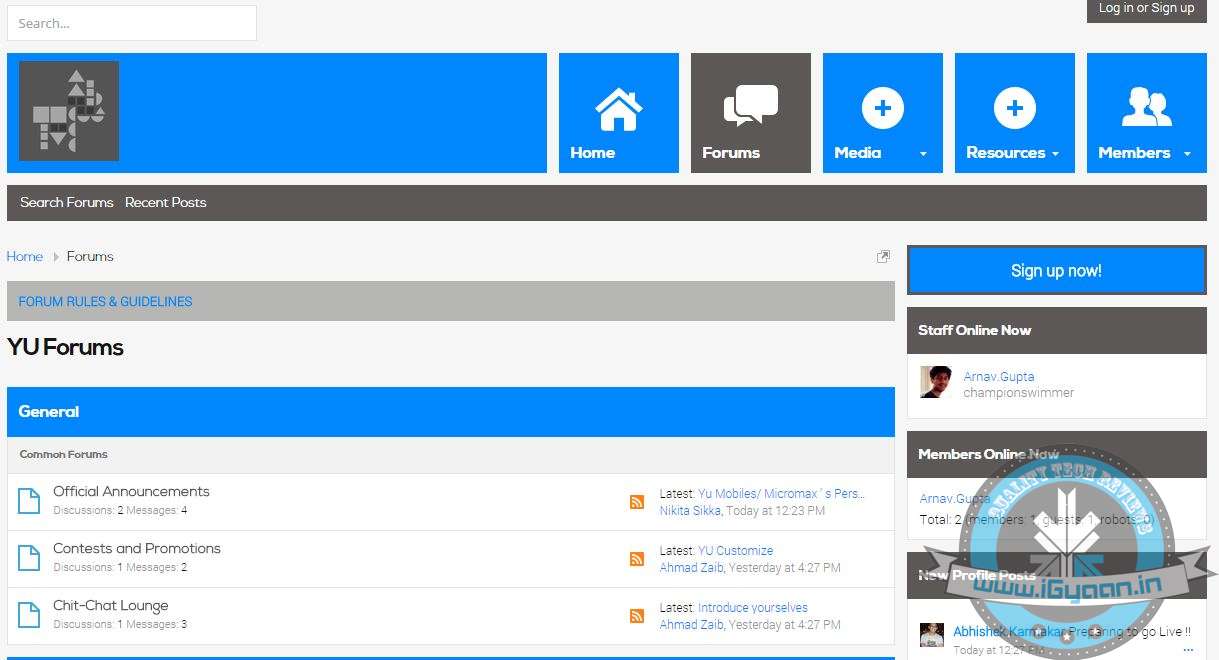
    YU forums will also help the company deal with everyday problems by letting people discuss their issues amongst each other, help in bug detection and elimination. And build a cult around the device which will enable future loyalty towards the brand.

    unnamed
    YU Forum

     Conclusion

    Despite numerous efforts from our Northerly neighbors and companies like Xiaomi and OnePlus, with their “flash sale” systems and invite-only buying options, the Indian powerhouse Micromax has shown us that they are still the king in their own domain. However, and a big doubt here, the phone is being sold for a loss, and that too a major one, only to piss off the competition. Only to win back the market share that they have been losing. All this without hurting their current partners and networks.

    Yu Yureka iGyaan2

    If Micromax was to sell ‘online only’ devices which would be available exclusively through select Online E-commerce websites, the company would seriously jeopardize its retail network, ensuring a boycott of the brand and a loss of a strong foothold in non-online markets, which is still a large chunk (over 80 % believe it or not). Micromax tried it with the Nitro and faced huge backlash.

    So how does Micromax deal with the threat of new “cheaper”- “Online Exclusive” brands without hurting its strong retail market presence. Simple : Lets form a new company! Hence, YU is born. It solves the problem for Micromax on many levels; it makes the parent company more viable for investors. It can build better trust for its customers from the get go (unlike Micromax and its service fiasco) and it can keep the competition at bay, all this without hurting the Micromax Retail network : Win Win! Right?

    Wrong! 

    Let’s talk about the handset, like many other handsets in the past, the Yu Yureka is excellent for the time it has been launched in, and for the price it has been launched at. The Yureka looks impressive, is built well,  performs efficiently while delivering good network capabilities and better than acceptable battery life. All this while being future proof for India – with the LTE capabilities and all that it promises under the hood and inside of the glamorous package.

    Yu Yureka iGyaan16But there are a lot of future promises that will help us determine the real fate of this handset. A lot of Questions still need answering – Will it really get software updates? Will the company remove its loss margin and add a profit margin after selling a lakh or two handsets? Will Indian people buy into the forum culture the same way the Chinese, American and European have?

    Yu Yureka comes with door delivery service and support. Will it be possible for Micromax/Yu to cater to the large numbers, if there are problems with the handset?

    We do not know the answer to so many questions, what we do know is that the Yu may be one of the best devices to get under the Rs. 10,000 price bracket. And that too, without causing much worry to the buyer. If you are not looking into developer options and don’t care much for the extra frills, then at this price the Yu Yureka becomes the undefeated champion without entering the ring officially.

    The handset has the potential to set a record, a benchmark of sorts for India, something that will show on a Global scale that our country and its manufacturers can match up to global standards. We said it before, if anyone could do it it was Micromax! But can they?

    The ball is in your court : YU! the world awaits. While India waits in line to buy your handset.

    Yu Yureka : The Full Review Video

    [tw-column width=”one-half”]

    The Good

    • Great Build
    • Excellent Battery
    • Looks Good

    [/tw-column]
    [tw-column width=”one-half” position=”last”]

    The Bad

    • Bad Battery
    • Customer Support

    [/tw-column]

  • Review : Micromax Canvas 4 Plus

    Review : Micromax Canvas 4 Plus

    Some would say that Micromax is on a roll, touted as one of the dominant force in the Indian smartphone industry. The domestic manufacturer is closing down on Samsung to claim the No.1 spot for the largest smartphone vendor in the Indian subcontinent. There’s no denying that company’s recent products have significantly improved when it comes to build quality.

    Micromax’s latest addition to its lineup is the Micromax Canvas 4 Plus, which surprisingly was launched in a subtle way without creating all the hype the company is known for.

    OVERVIEW

    Since the launch of the Canvas Knight earlier this year along with the recently launched Yu Yureka, Micormax is constantly striving to offer high-end specs at mid-range prices. The recently launched Micromax Canvas 4 Plus does boast off a fairly appealing outer demeanor along with a decent set of specs. This device is priced on major e-commerce websites at approximately Rs. 14,000.

    The smartphone arrived in our test lab, hence without any more delay, let’s check out how the Micromax Canvas 4 Plus performs in our grilling review.

    Micromax Canvas 4+P1070745

    HARDWARE

    The Micromax Canvas 4 Plus is by no means a slouch when it comes to specs. It sports a MediaTek Octa core chipset, 1 GB of RAM with 16GB expandable storage. The Canvas 4 Plus runs on a 2000 mAh battery with Android Kitkat OS on board.

    Check out the key specs below:

    Specifications Micromax Canvas 4 Plus
    Display 5 inch AMOLED HD screen
    Processor 1.7 GHz  Octa-core MediaTek
    Storage 16GB Internal Storage expandable upto 32GB
    RAM 1GB
    CAMERA 13 MP rear camera with flash, 5MP front selfie cam
    BATTERY 2000mAh
    Operating System Android 4.4.2

    BUILD QUALITY AND DESIGN

    There no denying that the Canvas 4 Plus appears to be a makeshift version of the iPhone, with a similar slim form factor, rounded edges and also bendable. Yes! You read that right; we were fiddling around with the phone to test its durability and it led to some awkward moments in our test lab. The phone did bend and the golden bezel running across the sides are now slightly off their normal position.

    Moving on, there’s a gold a backplate that covers most of the back. The front houses the display along with the three physical capacitive buttons rearranged right below the display. Meanwhile, the back houses the primary camera on the top right while the phone’s loudspeaker is placed bang in the center below the metallic strip.

    Placed on top of the phone, are the micro-USB port along with the 3.5mm jack. The right edge houses the power button and a tray for the micro-SIM card, while the left side houses the volume rockers along with a flap for a regular sized SIM card. Opening the rear is quite task, as one needs to be dexterous to pull out the flap and then get a hold of it with a fingernail. In addition, the tray on the right also makes it  mandatory to use a pin to pop it up.

     That being said; the overall design of the phone is quite ergonomic, it feels pretty light and provides a really good grip. The slim form factor of the phone fits in the hand rather well making it rather good for one handed usage.

    The Canvas 4 Plus is not quite robust as one would like though the overall build quality and design of the Canvas Plus are rather satisfactory, unless you have a problem carrying an iPhone look alike.

    CAMERA

    The phone comes equipped with a 13 MP primary camera bundled with LED flash along with a 5 MP front camera for selfies, which is pretty decent, though does not justify the megapixel count.

    The rear snapper can take some fairly good shots in well lit conditions. Colour reproduction is pretty decent though images don’t come across quite as sharp given 13 MP camera, especially while taking macro shots. While taking long shots, the camera again had issues getting the exposure right. In addition, the camera couldn’t take quality shots in low light as they appeared a tad grainy.

    Here are a few samples taken from the primary camera-

    Meanwhile, the front 5MP cam can take pretty decent selfies, though going by the number of megapixel count, it does not justify the image quality. Hence, it’s safe to say the overall camera performance is just about average, given the specs of the camera unit.

    PERFORMANCE AND OS

    The Micromax Canvas 4 Plus is quite a beast in terms of performance; it just zips through day to day tasks without a twitch. The phone’s benchmark scores say it all, scoring a whopping 31,649 in Antutu, a Quadrant score of 16,122 while it racked a Nena Mark II score of 68.3 FPS. The phone can handle anything thrown at it, from high-end games to HD videos. It won’t fetter while multitasking, perfect for heavy users.

    DEVICE NAME Antutu Benchmark Nena Mark II Quadrant Standard
    Micromax Canvas 4 Plus 31,649 68.3 fps 16,122
    Huawei Honor 6 41900 59.1 fps 10,939

    Coming to the OS, the Micromax Canvas 4 Plus runs the Android 4.4.2 (KitKat) apart from a few minor functional tweaks. The UI is very similar to the Canvas Nitro. The pitch black screen displays only notifications on multi coloured strips which is rather refreshing. It displays quick notifications and updates and works well with QuickLook (aka Blinkfeed for non HTC devices).

    Micromax has also added Air-shuffle which enables users to wave their hands over the ambient light sensor to shuffle music and radio stations, along with taking pictures via the camera app. Something we saw in Samsung’s pricier smartphones and also works seamlessly on the Canvas 4 Plus. In addition, Micromax has also bundled the Swift Key keyboard which is rather delightful. Also crammed in are quite a few apps which cannot be uninstalled, while the OS also comes pre-loaded with a few trial games including Smash It.

    Overall, the UI is rather swift and responsive and works really well with the set of pre-loaded apps.

    DISPLAY AND MULTIMEDIA

    The Canvas 4 Plus sports a 5 inch HD AMOLED display, which is pretty satisfactory, it works well indoors and outdoors. Texts appear nice and sharp, though viewing angles aren’t that great. In addition, colours do appear quite over saturated and overblown. That being said, the overall display is rather satisfactory. You will totally appreciate media consumption on the display, despite the 720p screen.

    Micromax Canvas 4+P1070738The audio quality is pretty good, there’s an Audio enhancer when you plug in the headset, along with a feature called ‘BestLoudness’ to further bolster the volume.

    PHONES, NETWORKS, AND BATTERY

    The call quality of the phone is pretty top notch, both indoors as well as outdoors and we didn’t experience any call drops either. Meanwhile, Wi-Fi connectivity is pretty good as the phone latches onto available networks at ease.

    In terms of battery performance, the phone is better than many of the phones in the given price range. It can easily last a day of usage, with an average 4-5 hours of talktime.

    CONCLUSION

    The Canvas 4 Plus is a great phone for its price but has its own limitations. As we already mentioned, if you don’t have any qualms over flaunting this iPhone look alike infront of your peers, the Canvas 4 Plus is a good all round performer.

    Sporting an octa-core chipset, the phone does not compromise on its performance. Notably, its performance is at par with the cheaper Micromax Canvas Nitro (A310). There are however, other worthy alternatives in a similar price bracket, the evergreen and dependable Moto G (IInd Gen) or for that matter the Huawei Honor 6, which have more to offer than the Canvas 4 Plus, if you’re willing to spend an extra couple of thousand.

  • Review : XOLO Omega 5.0

    Review : XOLO Omega 5.0

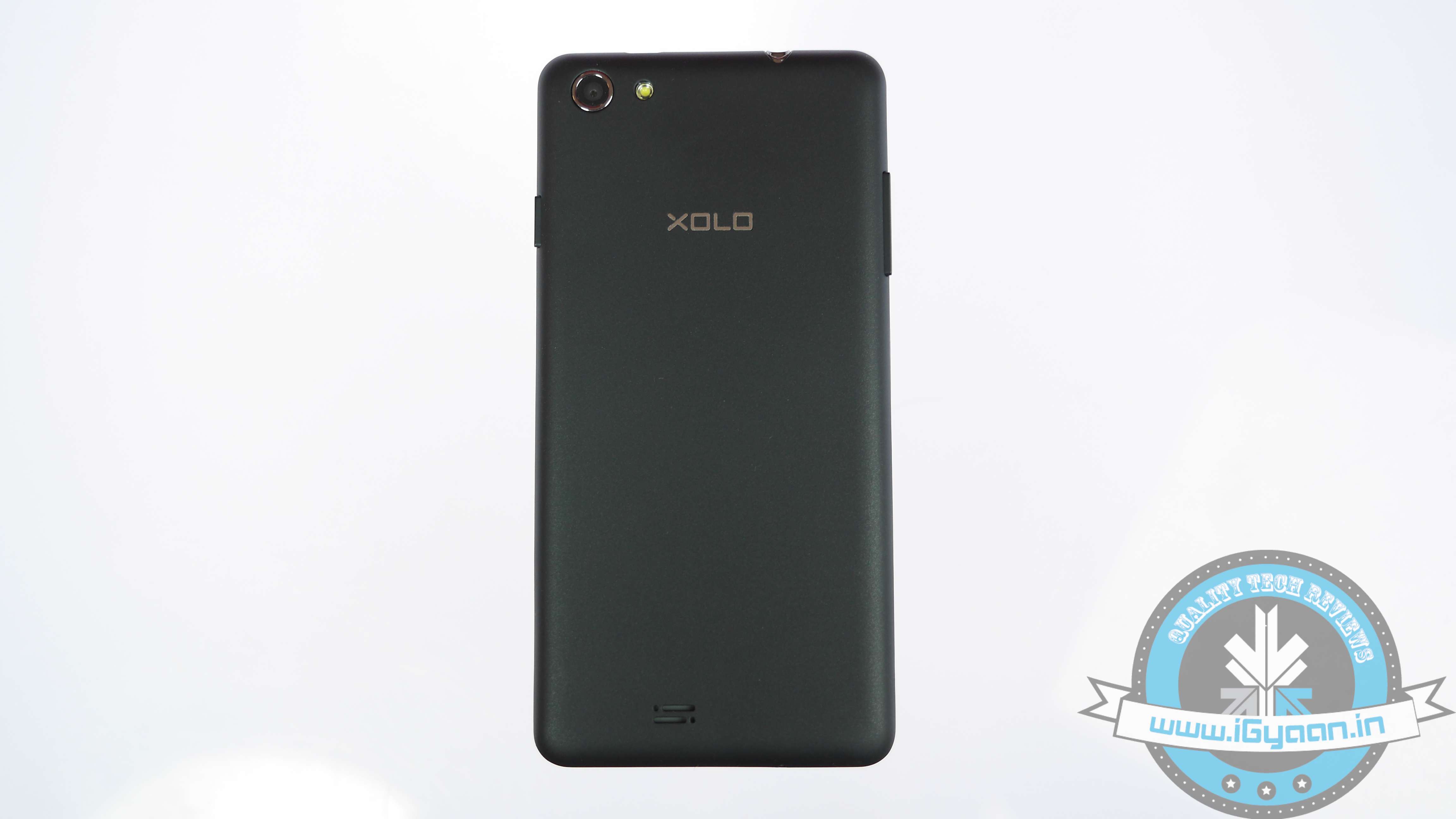
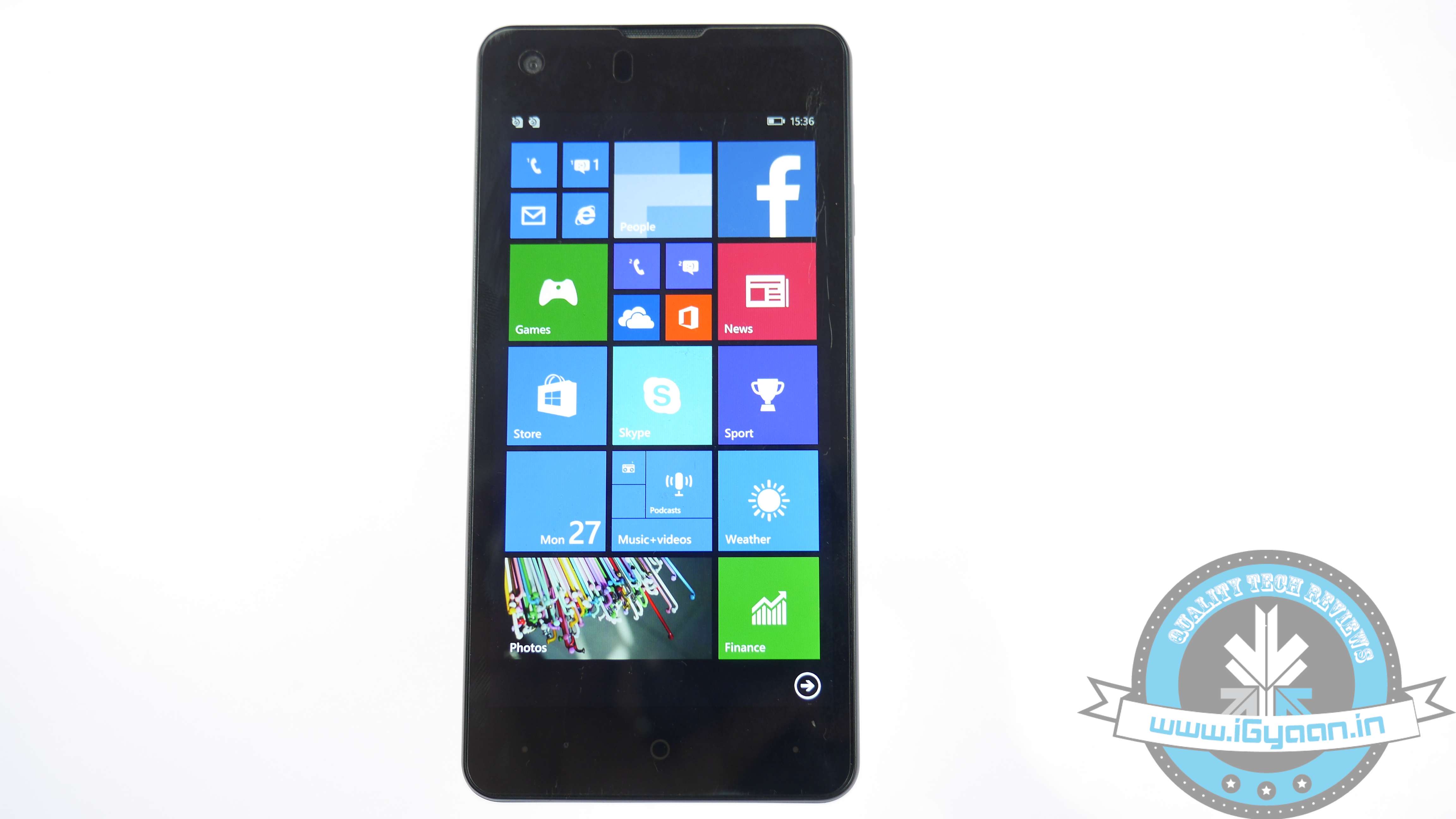
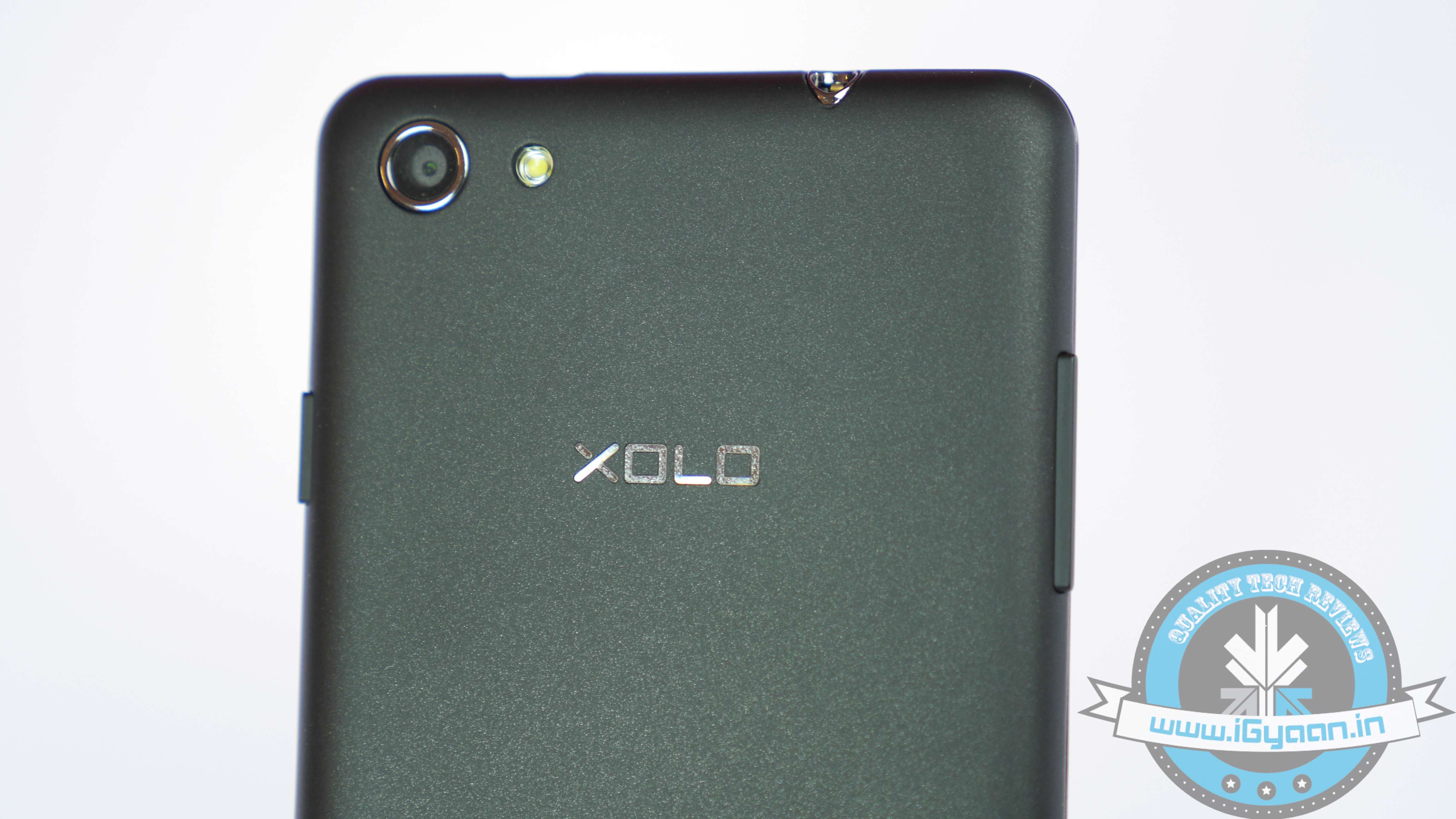
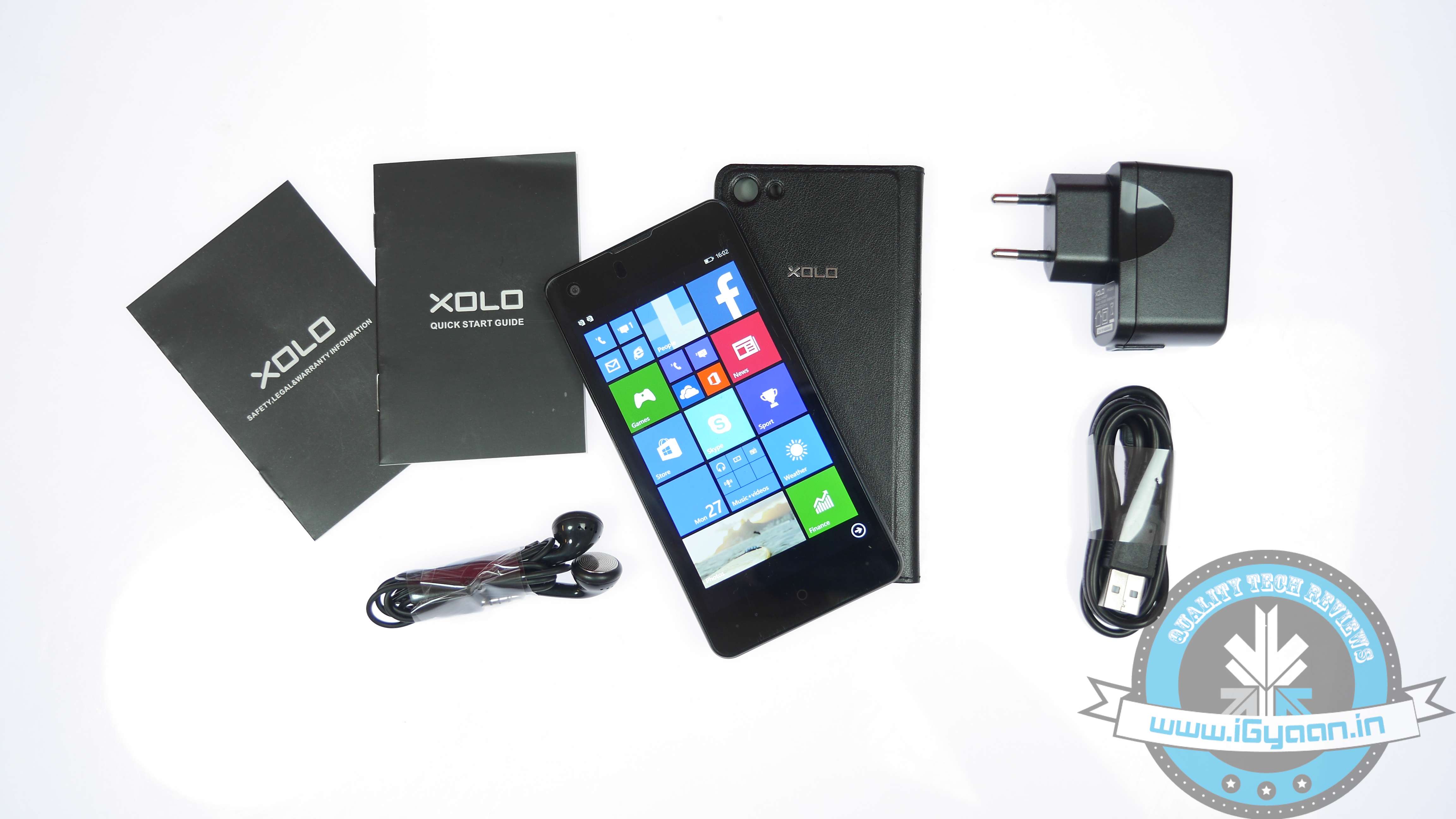
    XOLO off late has added some rather interesting products to its catalogue in the overflowing lower mid-range category of smartphones. The company recently launched the Play series, along with adding a Windows Phone to its product catalog.

    The Indian manufacturer has now added a pair of sub Rs. 10,000 devices under the new XOLO Omega range, the XOLO Omega 5.0 and the Omega 5.5. Given the price, they offer a fairly solid set of specifications. We assess if the Omega range take on the likes of Xiaomi, who have notably made a dent in the market with their aggressive pricing. It’s all about flagship killers these days, though can XOLO have a Xiaomi-killer in the making?

    OVERVIEW

    The one with us is the Omega 5.0 which is the smaller of the two, with main differences primarily being screen size, camera resolution and battery capacity. The XOLO Omega 5.0 packs in a decent set of specs, but with the competition in budget category booming, can the smartphone leave its mark in the market, let’s find out!

    Xolo Omega 5.0

    HARDWARE

    As already mentioned, the XOLO Omega 5.0 does come with a fairly decent set of specs. Notably, it comes quite close to the Xiaomi Redmi Note. Check out the key specs below:

    Key Specs

    XOLO Omega 5.0

    Display IPS LCD capacitive touchscreen, 16M colours
    720×1280 pixels, 5.0 inches (~294 ppi pixel density)
    Processor Octa-core 1.4 GHz Cortex-A7
    Storage 8 GB internal memory, microSD upto 32 GB
    RAM 1 GB
    Camera 8 MP, AF, LED flash, Exmor RS Sensor, 2 MP Selfie cam
    Battery 2,100 mAh
    Operating System Android v4.4 KitKat OS with Hive UI

     BUILD QUALITY AND DESIGN

    At first glance, the XOLO Omega 5.0 looks like a well-made smartphone, though nothing out of the ordinary when it comes to design. It has a pretty bland look, with a black plastic finishing coupled with a metallic silver trim running along the edges. We have the power and the volume rocker keys housed within these metallic strips, with the power button on the right and the volume rockers on the left. The bottom of the device is empty as both the micro-USB port and 3.5 mm headset jacks are housed on top. Meanwhile, the three capacitive physical buttons are located below the display, which are not backlit but would suffice in low light conditions as the icons are shiny enough.

    The back of the phone is made out of a smooth glossy plastic, apparently making it a fingerprint magnet. The primary camera unit is housed at the back with the XOLO logo housed right below the camera unit. The rear speaker cutout is made almost at the bottom.

    Removing the back panel is relatively easy, which reveals the two SIM card slots along with the microSD slots, though you cannot mess around with the battery unit.

    All in all, the Omega 5.0 is quite convenient for one-handed usage. The curved back does enhance the overall grip on the phone, though lacks the looks which forms one of the perennial elements of a smartphone.

    SOFTWARE AND UI

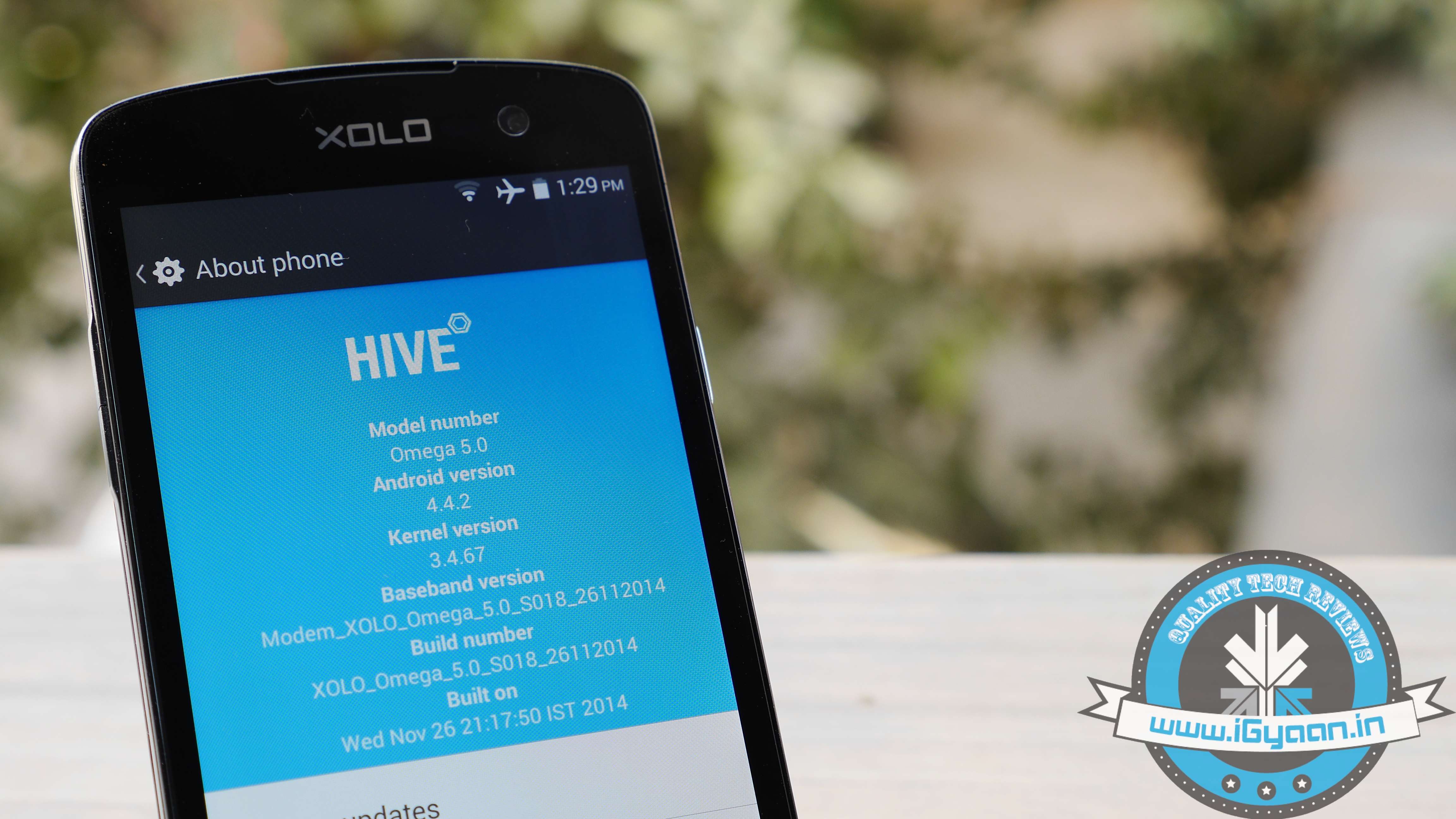
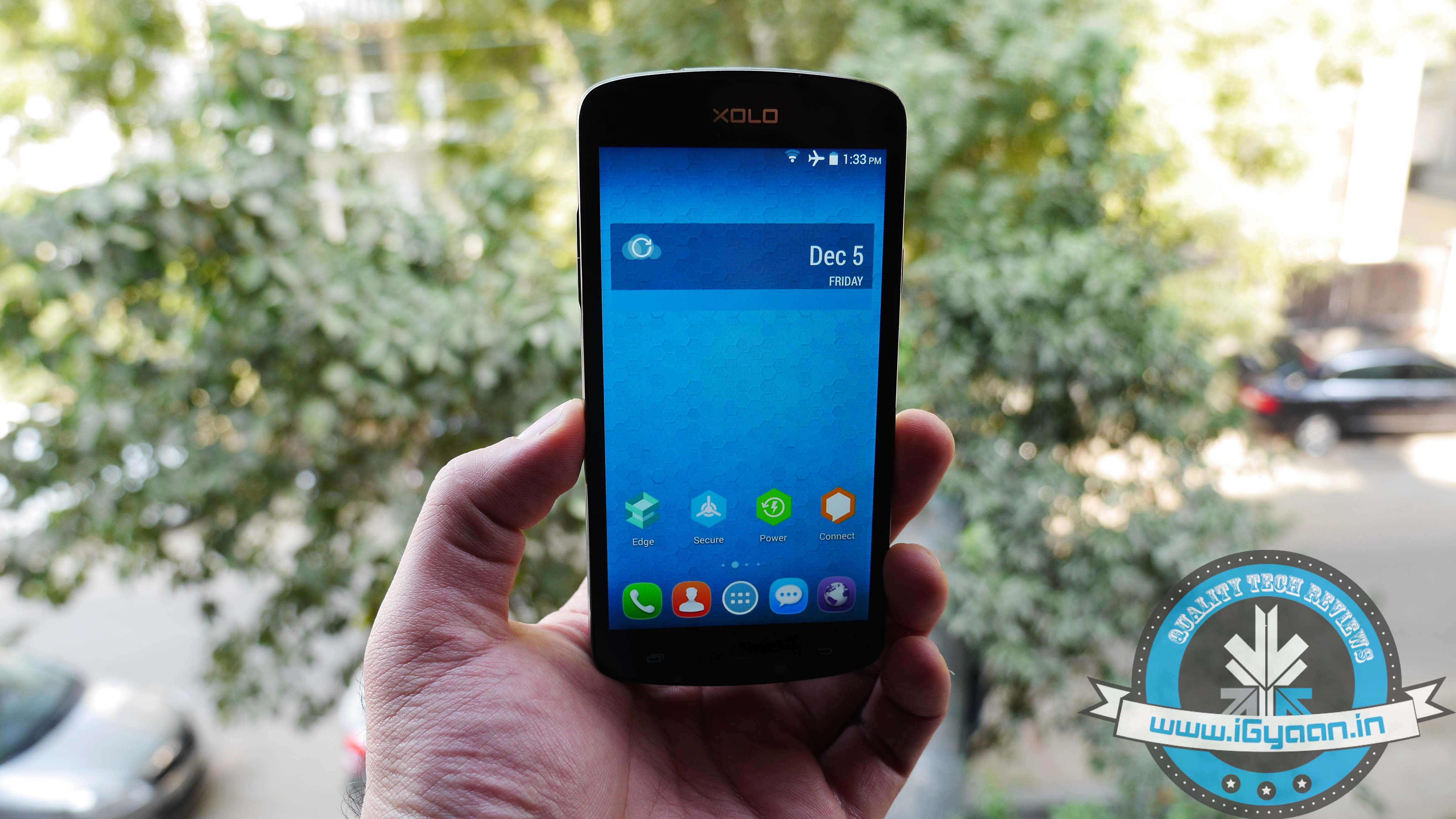
    The XOLO Omega 5.0 runs on the Android 4.4 KitKat OS with XOLO’s proprietary UI Hive on top. The HIVE UI has more of a streamlined and minimalistic approach to the stock Android, making it perfectly in tune with Google’s new material design.

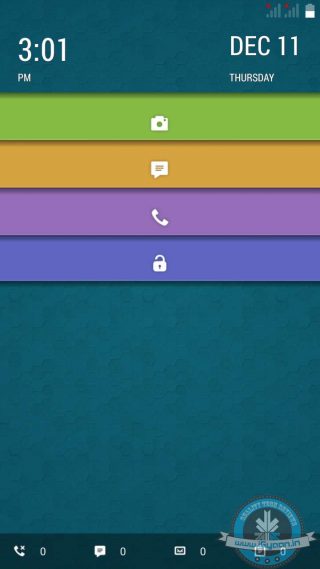
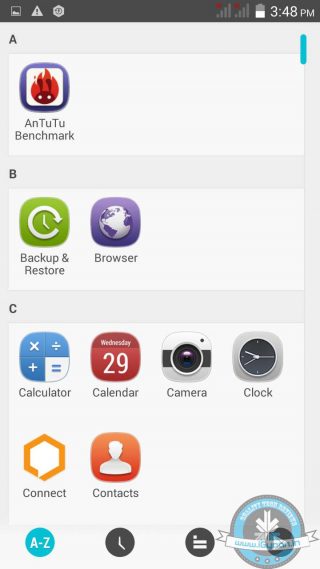
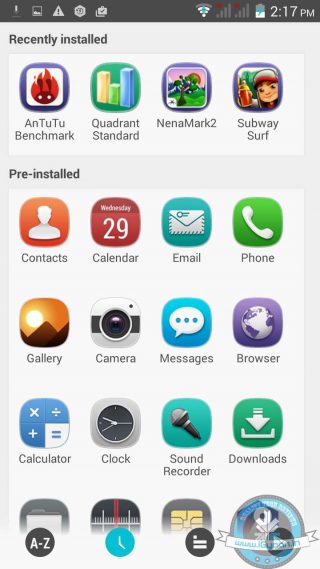
    The first thing we noticed was the lock screen, which has quite an interesting take on jumping onto specific apps directly from the lock screen. It allows users to jump directly into the most used apps directly, which is quite a nifty feature. The second major difference being how all apps are housed; they are arranged chronologically in three different ways – alphabetical, recently used and categorically.

    Along with that there are a few interesting improvements. For instance, the contacts application now features block colours and rounded icons; an aesthetically pleasing choice. In addition, the toggle menu has been given a new look as brightness and volume options now get a jog-dial system of adjusting them. Unlike the line bar style found in almost all other UI’s. In addition, there are some nifty power saving modes and CPU information which seems rather useful.

    Overall, the UI appears rather pleasing and is minimalistic; HIVE certainly has the potential around which future smartphones’ user interface will be based on. One of the snappier and user-friendly interfaces’ we’ve come across in a long time.

    DISPLAY AND MULTIMEDIA

    The smartphone features a 5-inch screen with a pixel resolution of 1280x720p, which has a pixel density of 294ppi. Hence, it makes for great readability with larger and broader texts. Even viewing angles are fairly good, presence of an IPS on-board panel is clearly evident.

    Xolo Omega 5.0 Review

    Meanwhile, the multimedia capabilities of the phone are quite satisfactory. It supports all video formats, though HD videos were experiencing a few hiccups. That being said; the audio quality of the phone does pack some punch, with almost minimal distortion. Overall, the phone’s multimedia capabilities are fairly satisfactory given the price of the device.

    CAMERA

    The XOLO Omega 5.0 sports an 8MP AF primary camera with Exmor R sensor along with a 2MP front-facing camera. The primary camera unit can take fairly good quality pictures with good detailing and colour reproduction. Daylight images are rather more than satisfactory though one might have trouble at night. Meanwhile, the camera app comes preloaded with an array of  shooting modes including HDR, Panorama, Gesture Shot to name a few. Also included in the camera widget are some preloaded effects like Mono, Sepia, Aqua, Blackboard etc.

    Overall, the camera performance is rather pleasing, especially when taking macro shots. The rear camera is also able to take Full HD videos at 30 fps, and the video recording quality is fairly decent given the price range. While the front snapper isn’t all that amazing, but it should suffice your selfie needs.

    PERFORMANCE AND GAMING

    With an octa-core chipset bundled with 1 GB of RAM, the XOLO Omega 5.0 fared some impressive benchmark scores in our benchmark suite of tests. Interestingly, the Omega 5.0 has a slight edge over the newly launched Xiaomi Redmi Note when it comes to benchmark scores. The Omega 5.0 scooped up 27,290 in Antutu, 11,727 in Quadrant Standard, and a score of 59.1 FPS in Nena Mark. We were pretty much taken aback seeing the Omega 5.0 having the lead over the Redmi Note in our benchmark scores.

    Model.

    Antutu Benchmark       Nena Mark II     Quadrant Standard

    Xiaomi Redmi Note 24,415                                             61.5                                  7990
     XOLO Omega 5.0 27,290                                            59.1                              11,727

    The scores indeed translate into its real-time performance as it can handle multitasking and normal daily usage without any hassles. Popular gaming titles like Subway Surfer and Temple Run run flawlessly though one might experience a few lags on cranked up settings playing high-end titles like Asphalt. However, it’s still a delightful experience and those slight hiccups do not alter the overall experience of the game.

    PHONE, NETWORKS AND BATTERY

    The phone’s signal quality is rather good indoors as well as outdoors, while audio on call is pretty crisp and clear on incoming as well as outgoing calls. Meanwhile, Wi-Fi connectivity is quite strong, it detects and latches onto networks within range at ease, thanks to the plastic body which significantly improves Wi-Fi connectivity.

    Meanwhile, battery life should suffice for one whole day of usage with the included 2100mAh battery, which is quite standard in this price bracket. Even for a heavy user, the battery should make it through the day without the need for constant charging.

    CONCLUSION

    Given the price, the XOLO Omega 5.0 is a rather solid entry level performer and at the same time is easily available. While it might not appear at par with the competition in terms of its outer demeanor, it overthrows that by what it has on its inside. With an octa-core chipset and 1 GB of RAM, along with a fairly impressive 8 MP camera, it does what you would demand from a smartphone, that too at relatively attractive price point. In addition, the company has also promised the Lollipop update.

    XOLO Omega 5.0 is a step in the right direction for domestic manufacturers, especially when companies like Xiaomi and Motorola are constantly giving them a hard time. Put simply, the XOLO Omega 5.0 is a great buy, though you have other options like the Redmi Note and the Omega 5.5, if you’re willing to sacrifice a bit on portability.

     [tw-column width=”one-half”]

    GOOD THINGS

    • Economically priced
    • Good overall performance
    • Decent battery back up
    • Snappy Hive UI

    [/tw-column]

    [tw-column width=”one-half” position=”last”]

    BAD THINGS

    • Bland design
    • Average build quality

    [/tw-column]

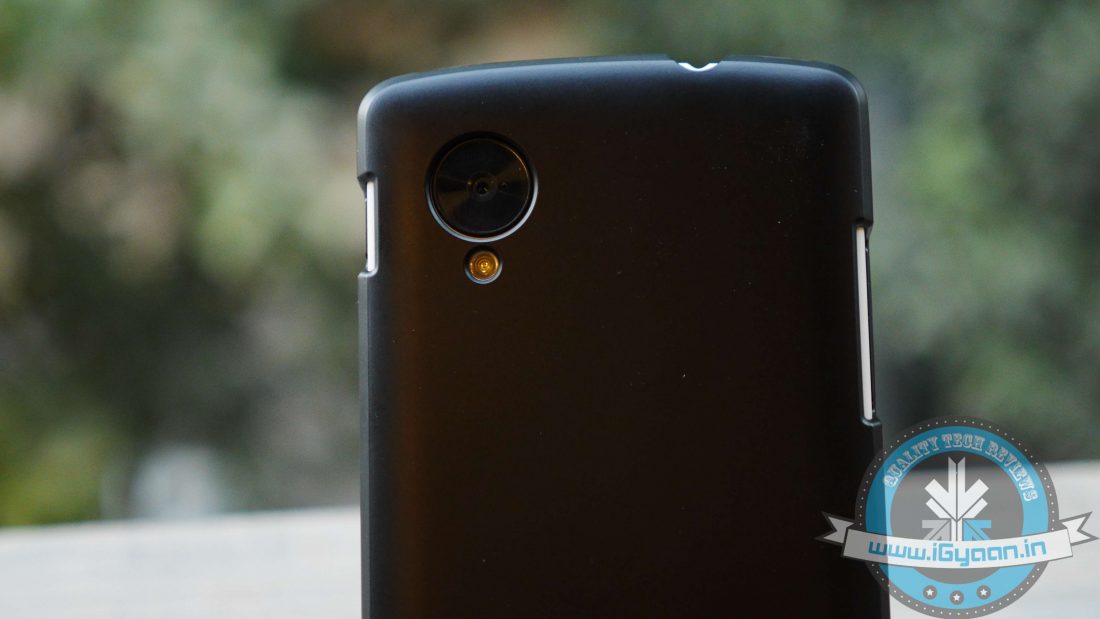
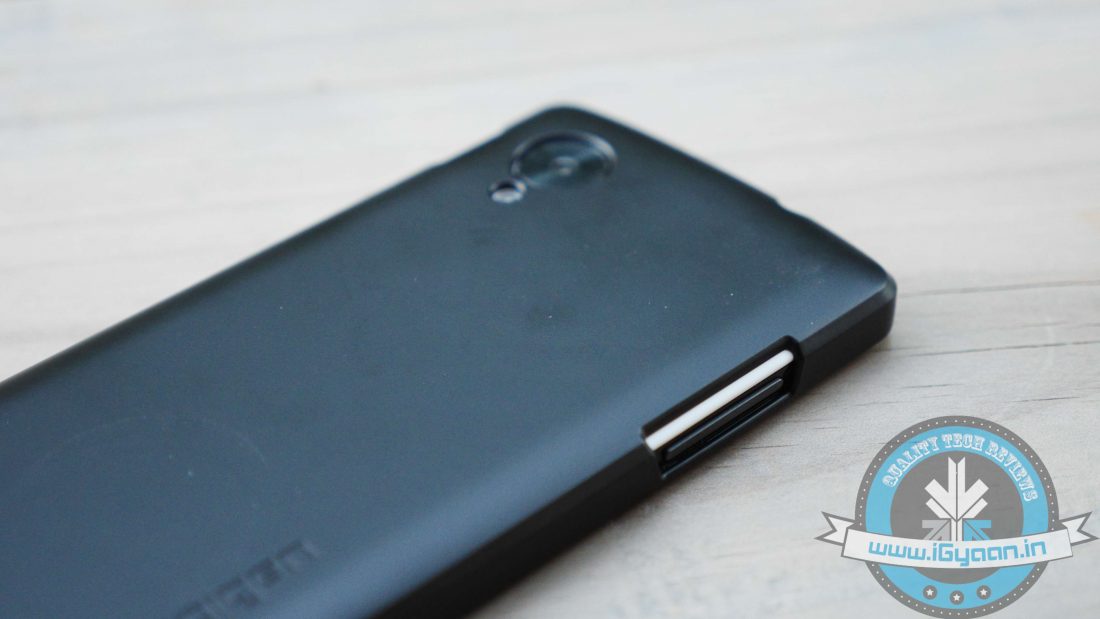
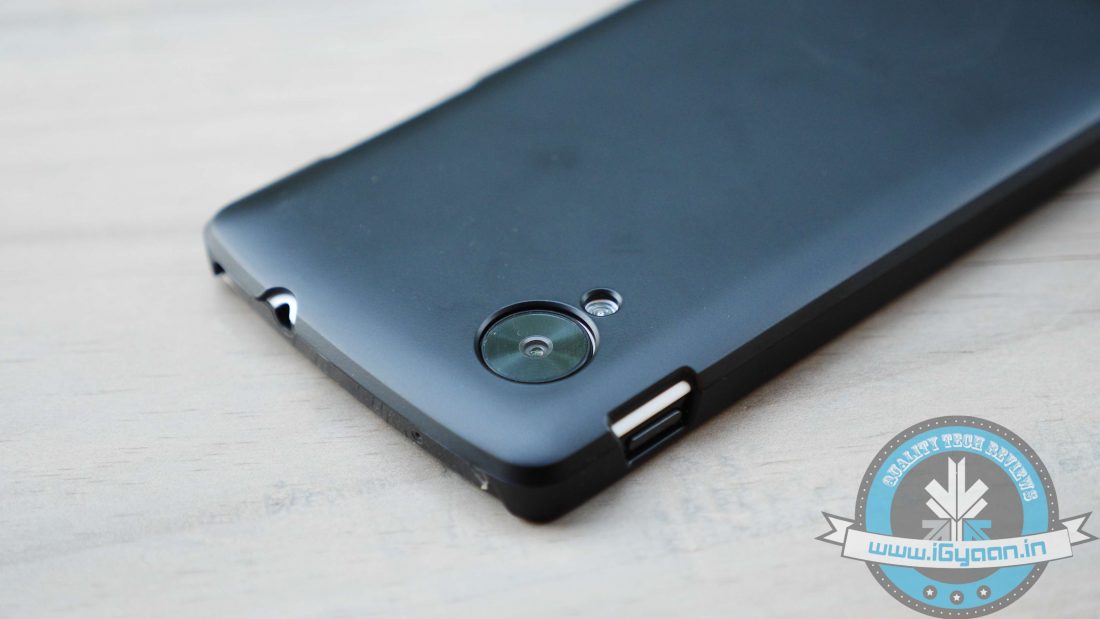
  • Spigen Cases for Nexus 5 Review : Seamless Blend of Protection and Style

    Spigen Cases for Nexus 5 Review : Seamless Blend of Protection and Style

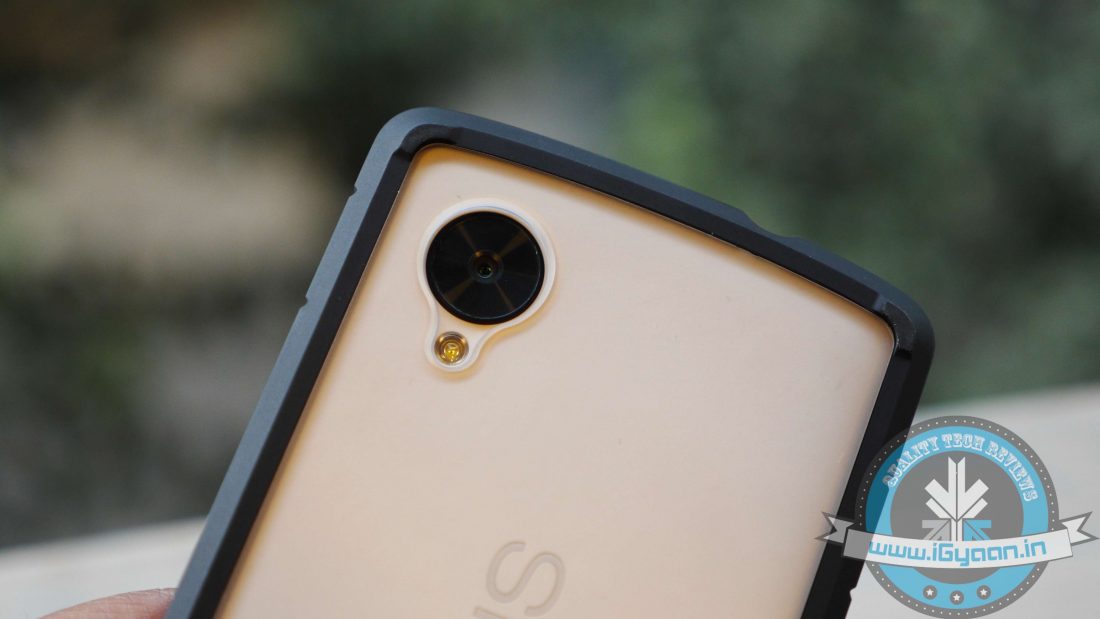
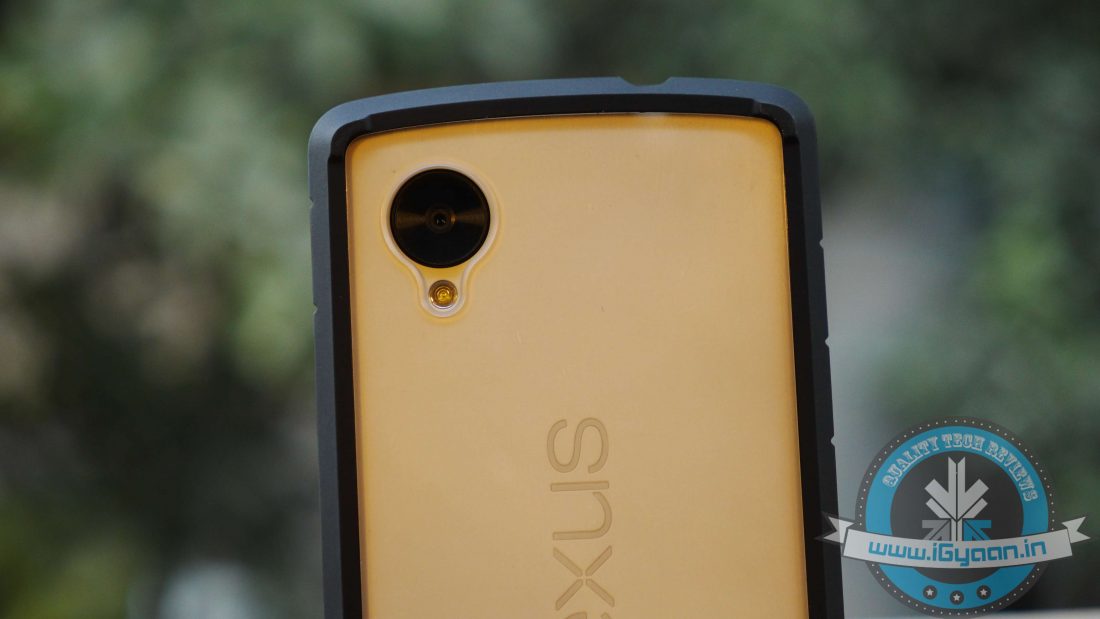
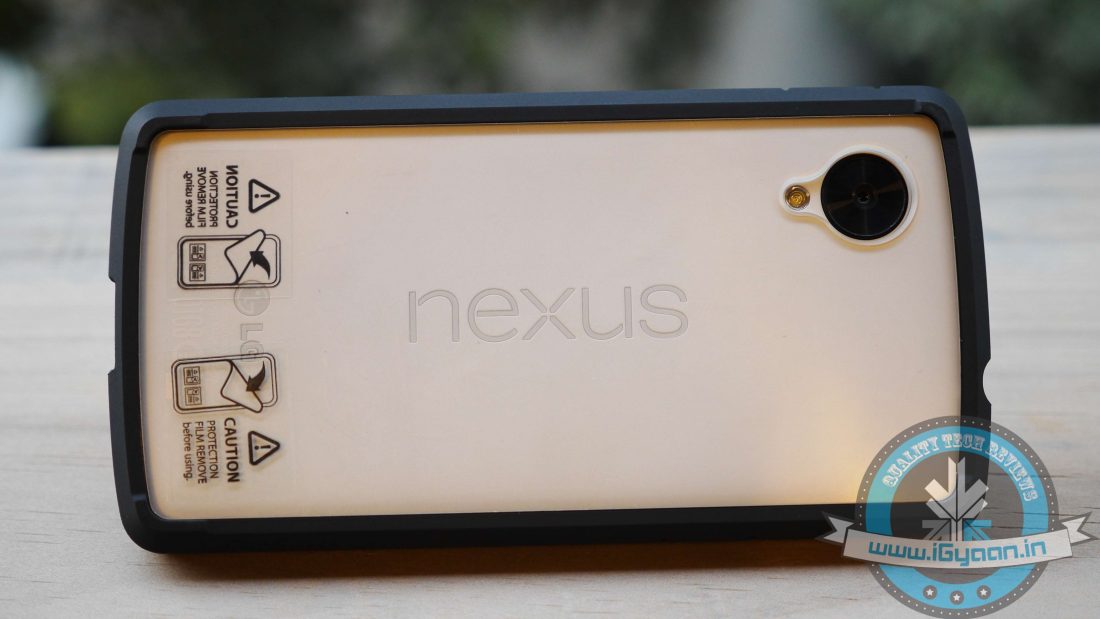
    One cannot deny that Google’s Nexus 5 is one heck of a device and even after all this time, one of the hot favourites in the market. Owing largely to the fact that it comes at a relatively economical price and packs amazing specs. As you all might be aware, the Nexus 5 fares quite poorly in drop tests, hence, protecting your investment should be a no-brainer. So if you’re a Nexus owner, you should consider buying a case. Hence, we’ve reviewed some of the best Spigen cases for the smartphone, to make sure your investment keeps those high-end specs intact.

    Moreover, they offer better value for money compared to what Google and LG have on offer. So without further adieu, here’s a list of some of the best Spigen Nexus 5 cases available in the market.

    ULTRA FIT

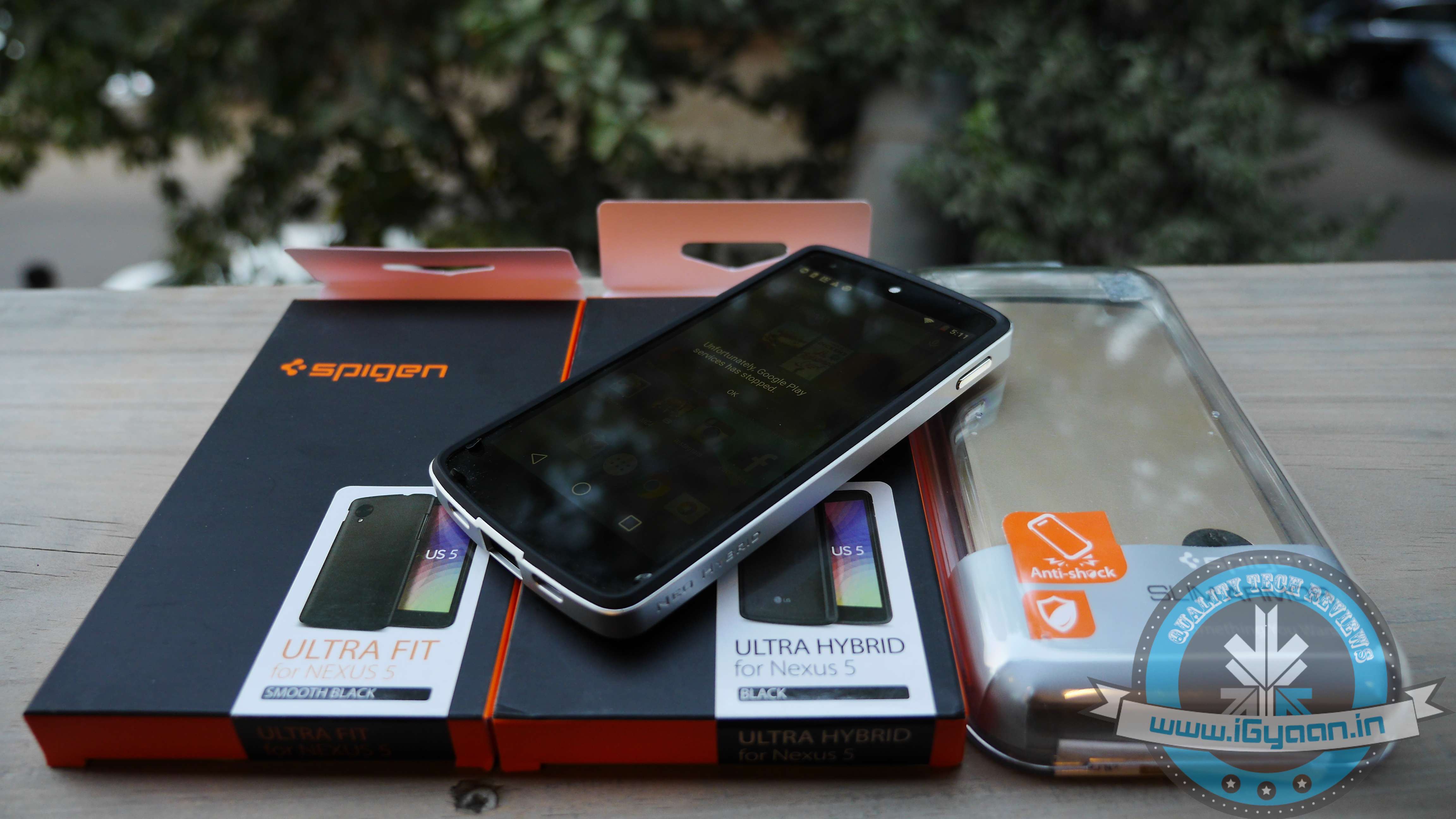
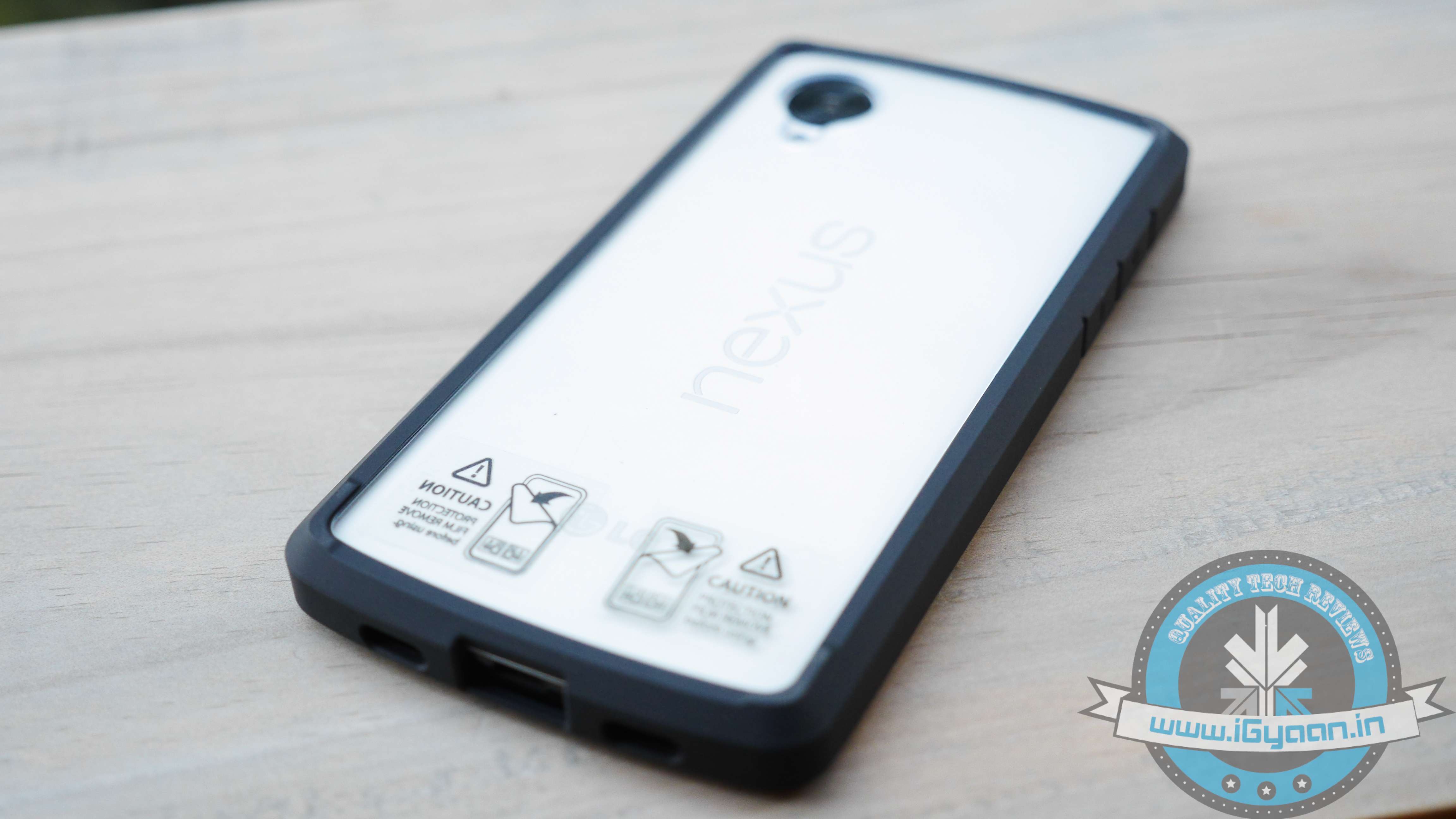
    spigen ultra fiit If you’re looking for a form fitting case without adding that extra bulk, and at the same time don’t want to spend a substantial amount of money, then Spigen’s Ultra Fit case might be the perfect solution. It’s the slimmest Spigen case for the Nexus 5 and lightest of them all at only 2 mm thick. Made out of premium polycarbonate plastic, this snap-on case covers the entire back of the Nexus 5, leaving only the display area exposed. It is suitable for scratch protection and lighter impacts. Cutouts are made with absolute precision around the sides of the case to allow easy access to ports and buttons.

    Overall, the Spigen Ultra Fit is as generic as it gets and is available in black, gold and white colour options. Like we already mentioned, it comes at a relatively economical price of Rs. 899 and is easily available on various e-commerce websites. It’s highly recommended for users who like to retain that original naked look, without adding bulk.

    ultrahybridnewULTRA HYBRID

    Spigen HybridSpigen’s Ultra Hybrid case is all about adding that extra persona, style and personality to your Nexus 5. The Ultra Hybrid case also comes with a fairly decent quality screen protector and two back graphic designs that are visible through the Ultra Hybrid’s clear hard polycarbonate rear shell.

    For the most part, the case is made out of soft yet durable TPU material that cushions the handset in the event of a drop or fall. In addition, the rubberised sides significantly bolster the grip on your Nexus 5. The case has also been slightly raised around the edges that protects your Nexus 5’s display from directly touching the surface.

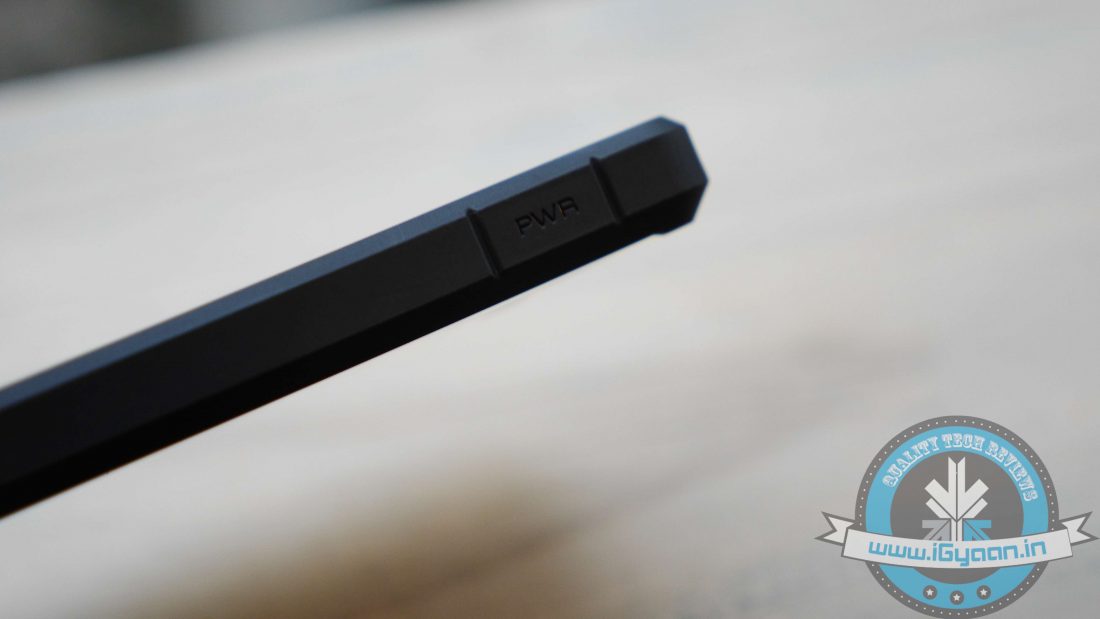
    Meanwhile, even though there are no cutouts made on the sides, accessing the power button and volume rockers isn’t a hassle by any means. Eventually, the case offers style while keeping your device protected and also comes with a screen protector.

    Priced at Rs. 999 and available in four different colour variants, the Spigen Hybrid Ultra is one case that should be on every Nexus 5 owner’s radar.

    slimarmourSLIM ARMOUR

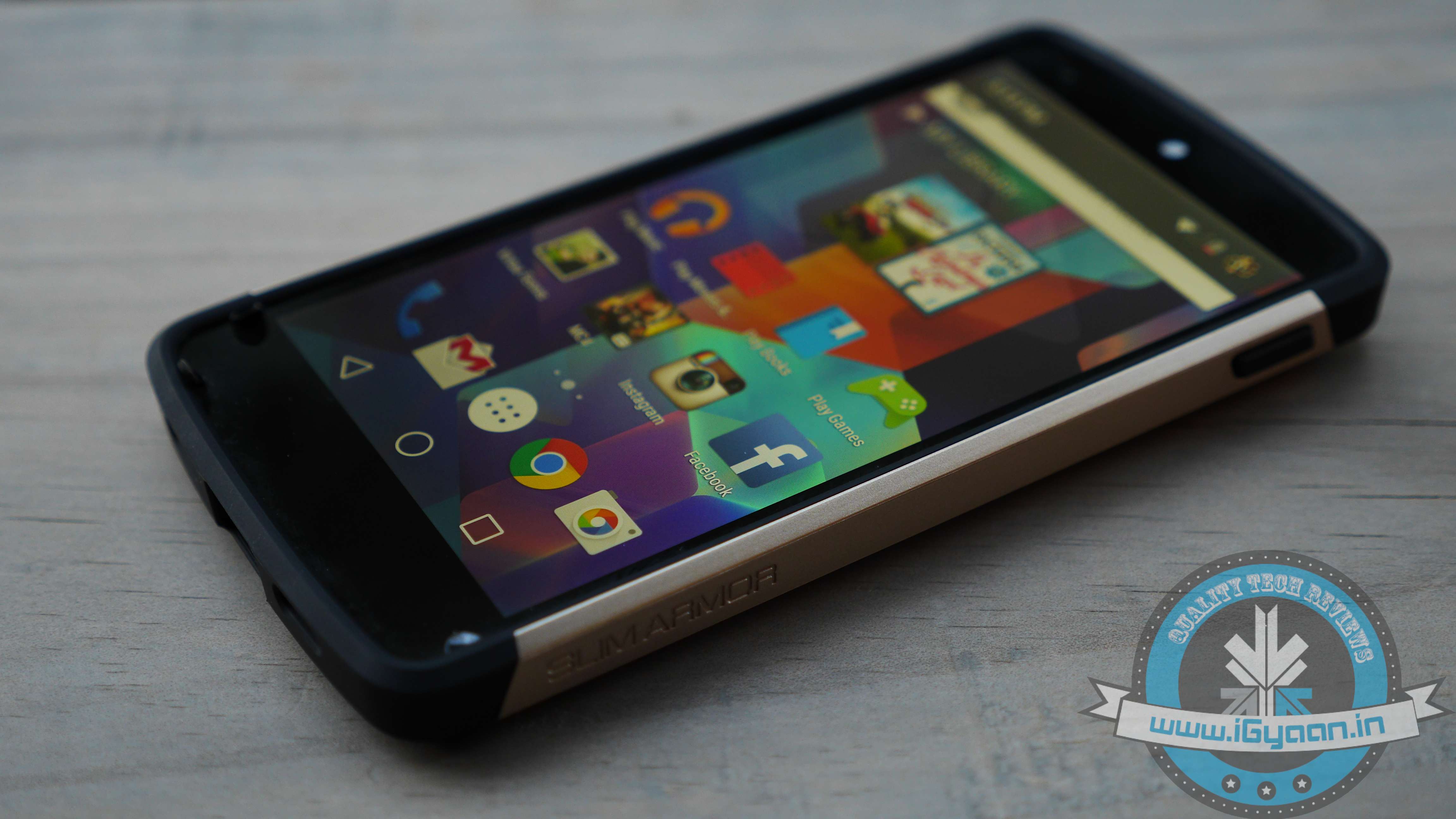
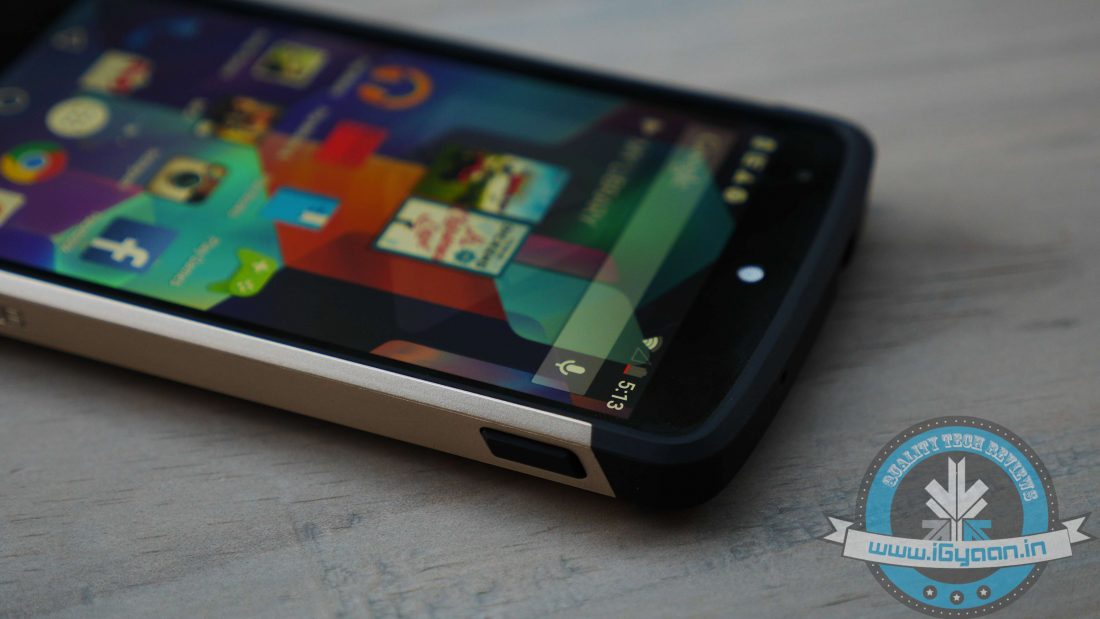
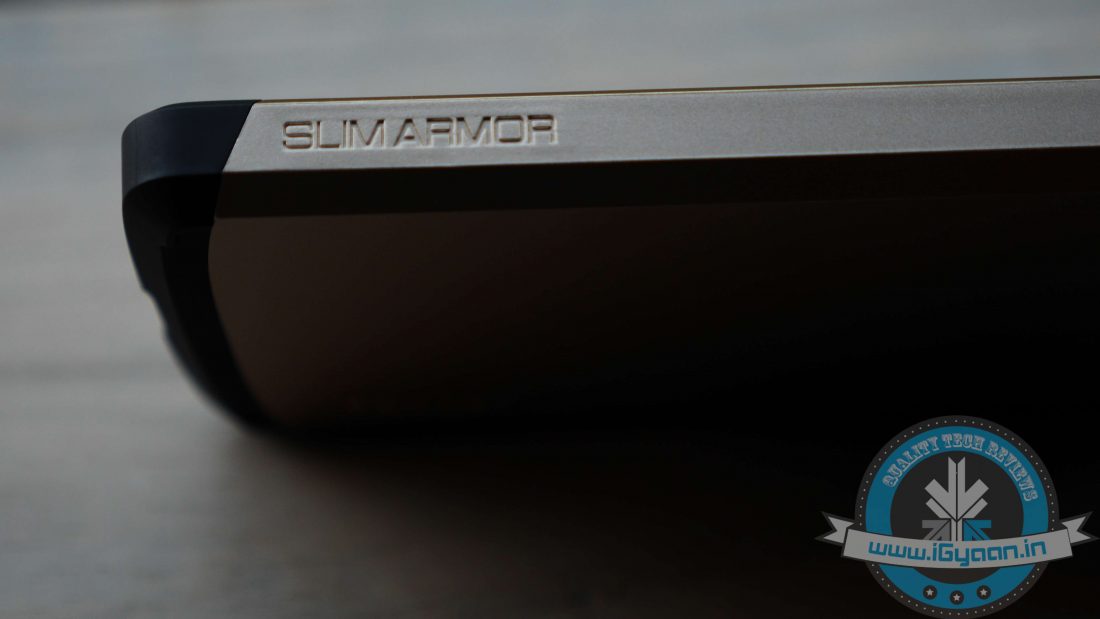
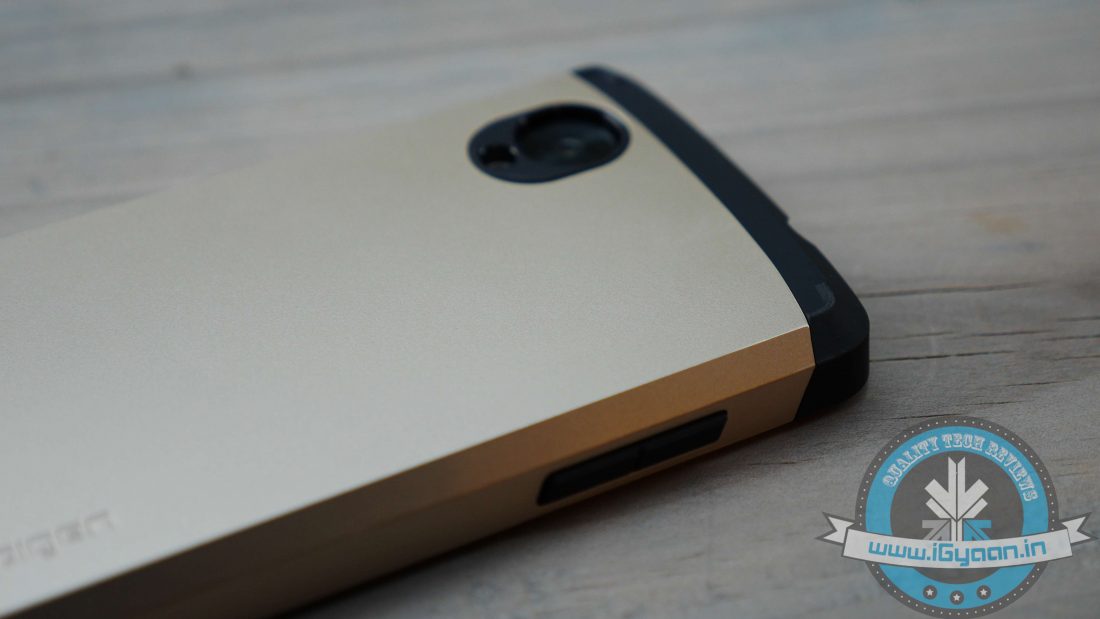
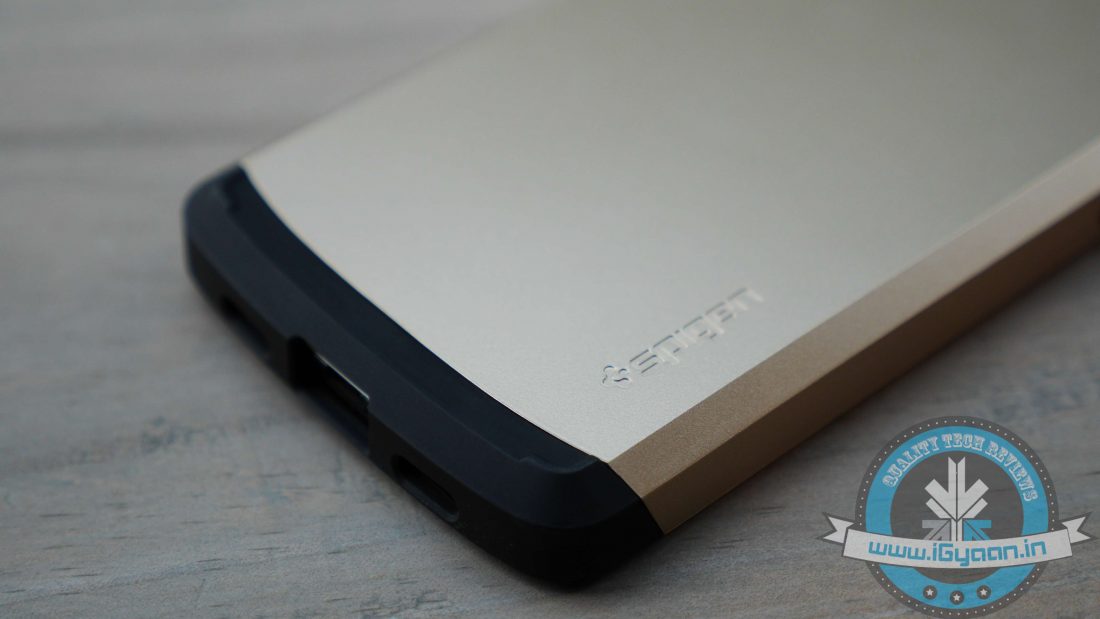
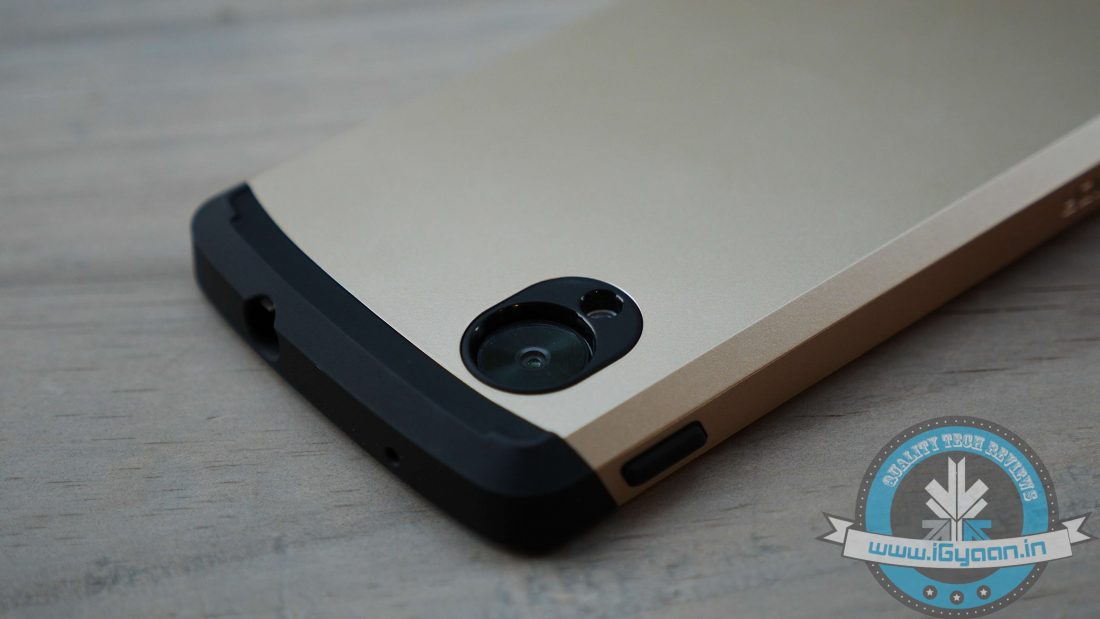
    Spigen Cases for Nexus 5 reviewedThe name says it all; the Spigen Slim Armor case for Google Nexus 5 is a deceivingly slim robust case that sports a double layered design. And it provides this protection without making the device significantly bulky. It’s form fitting though some might argue that it adds some bulk to the overall handset size, largely due to case’s shock absorption and full enclosure.

    There’s also a TPU inner case that absorbs shocks in the event of a fall and along with that, it has a polycarbonate midsection that further bolsters the entire frame. Spigen offers the case in four different paint jobs which include smooth black, infinity white, champagne gold and bright red. The case can also be easily wrapped around the device and allows easy access to ports, including the 3.5 mm jack as the opening is quite wide even for those fatter jacks. Meanwhile, holding it feels quite good in the hands. The Spigen Slim Armour case is slightly more expensive than its peers and is available for Rs. 1,299 via online retailers.

    All in all, it’s a well-built case brimming with style while the quality, sturdiness and feel of the case is just amazing. And at the same time, it’s quite affordable, notably cheaper than official Bumper case offered by Google.

    Certainly, a very good option if you’re planning to invest in a protective case.

    neohybiedSPIGEN NEO HYBRID

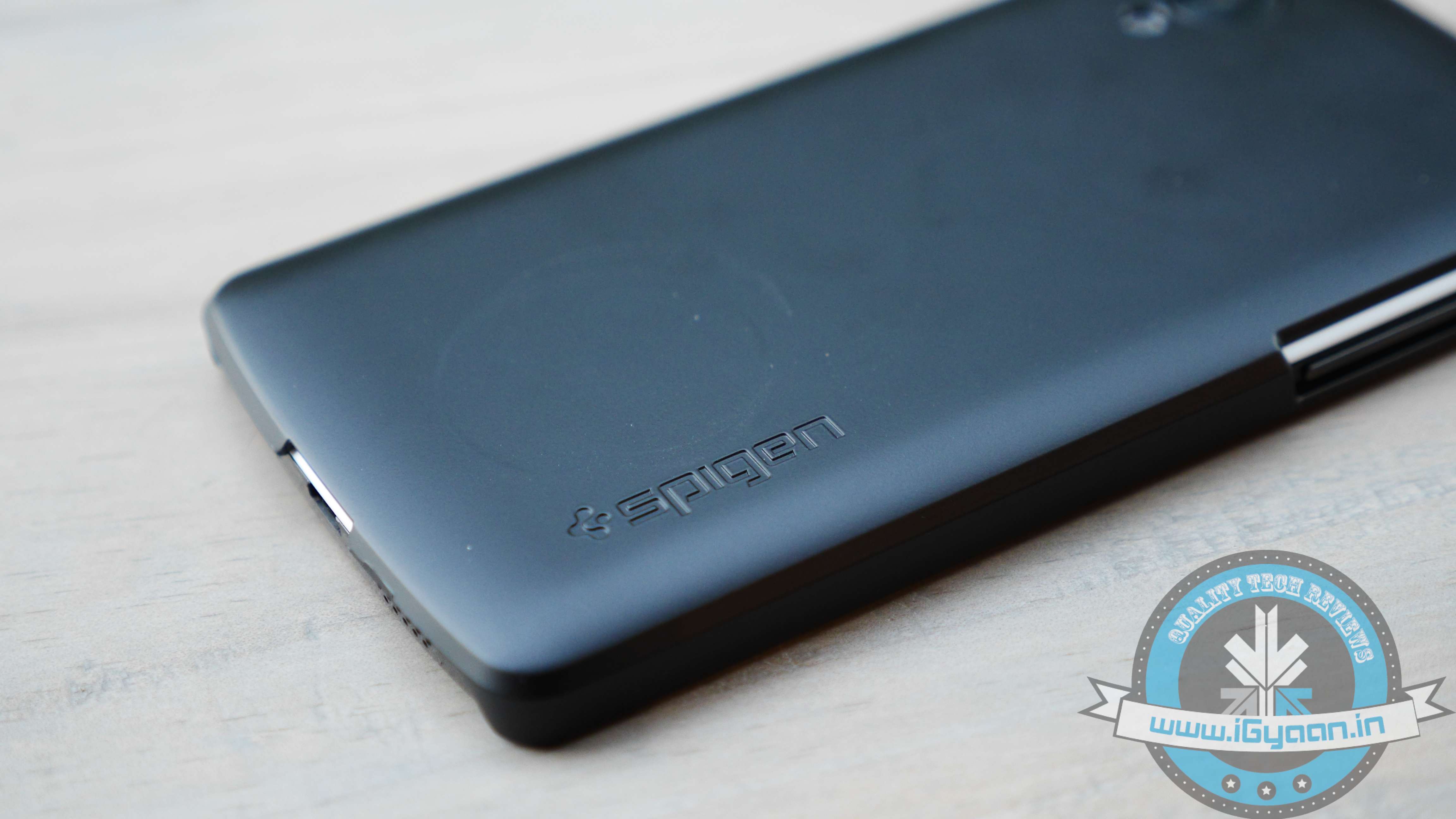
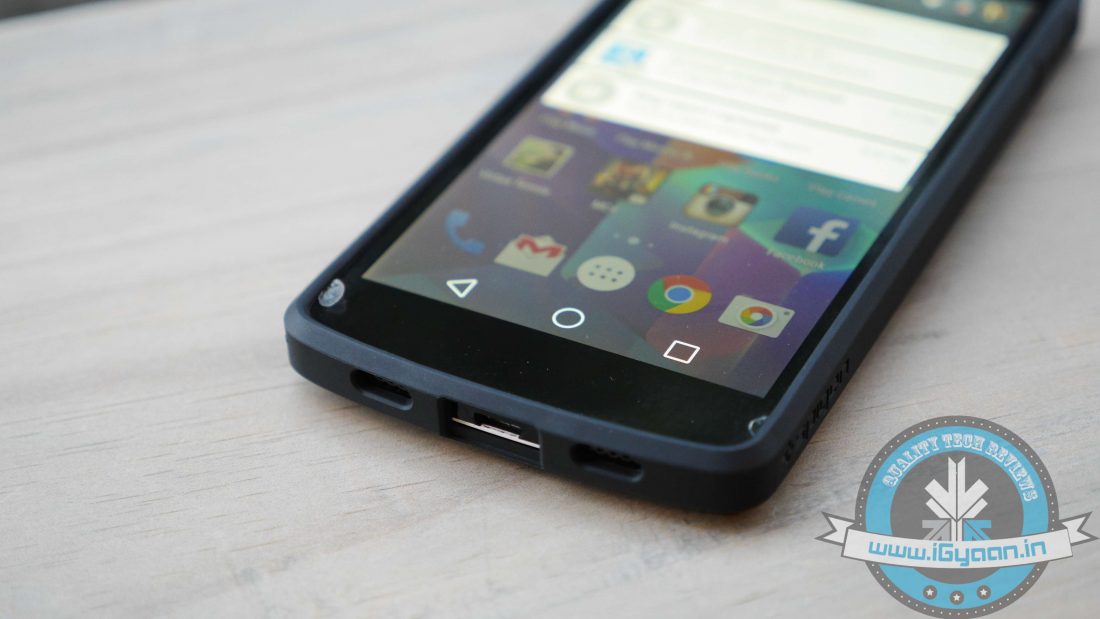
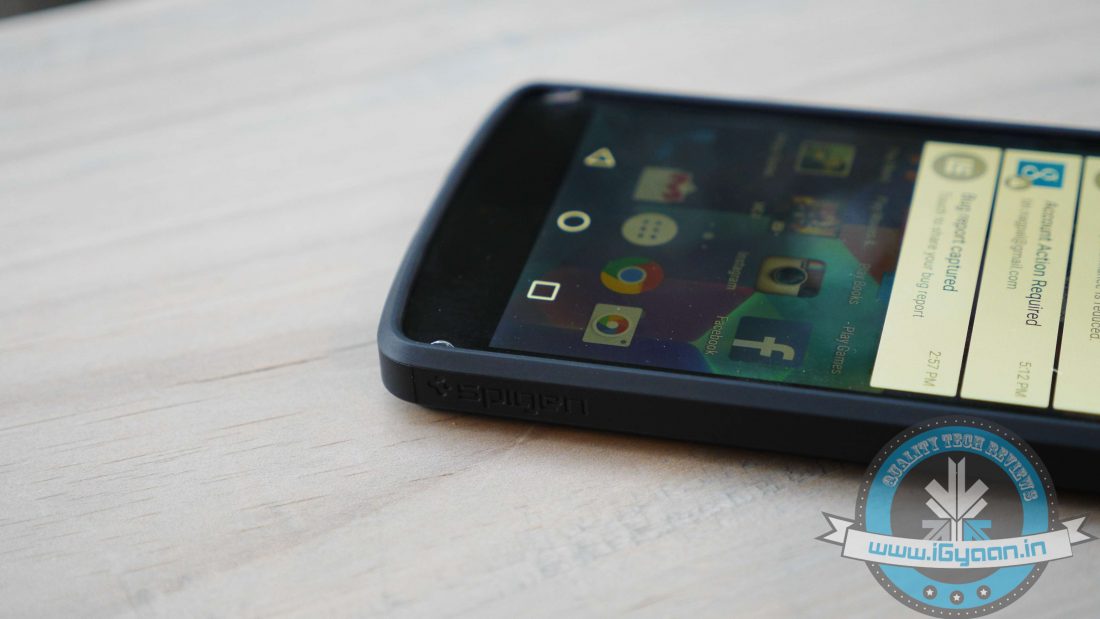
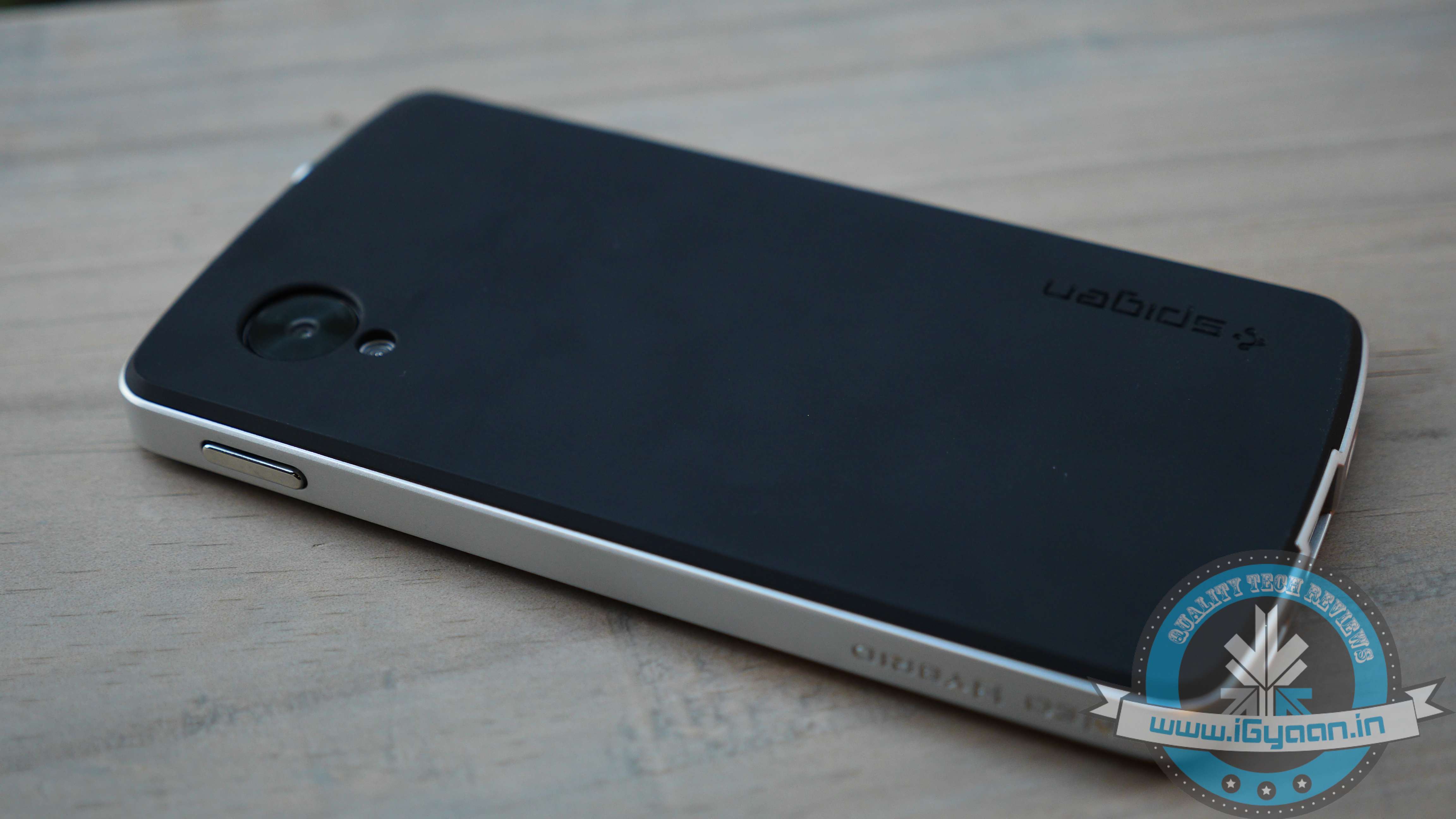
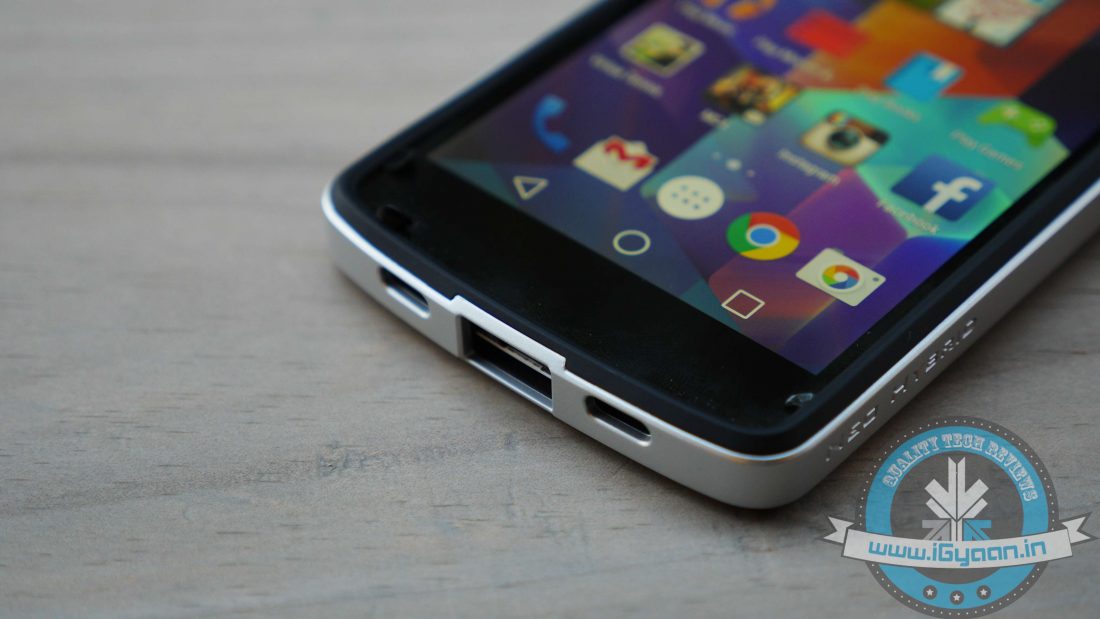
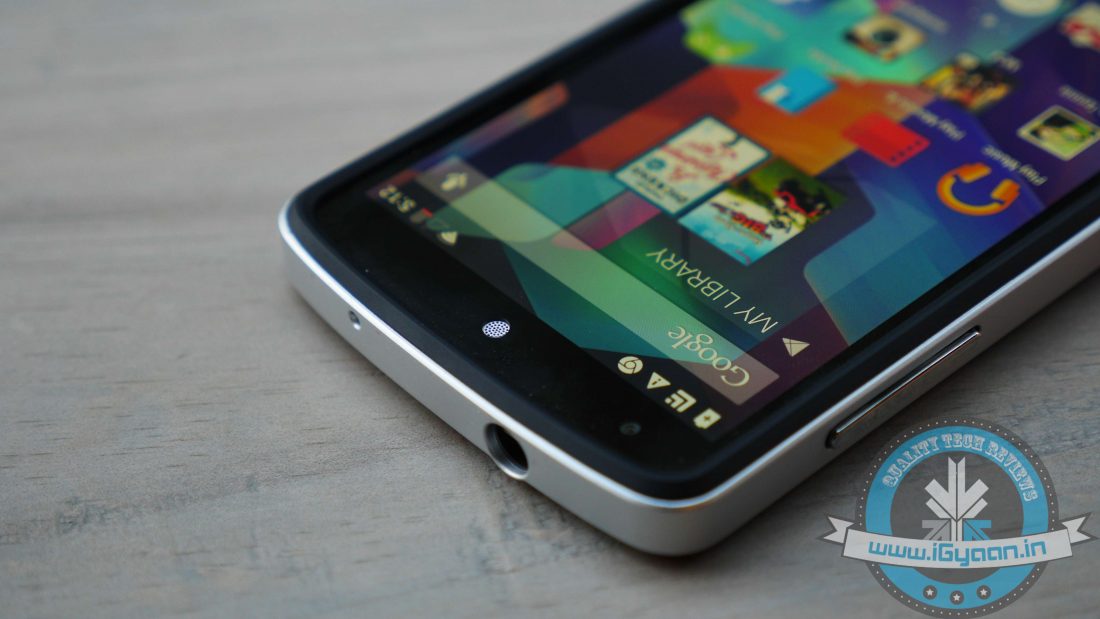
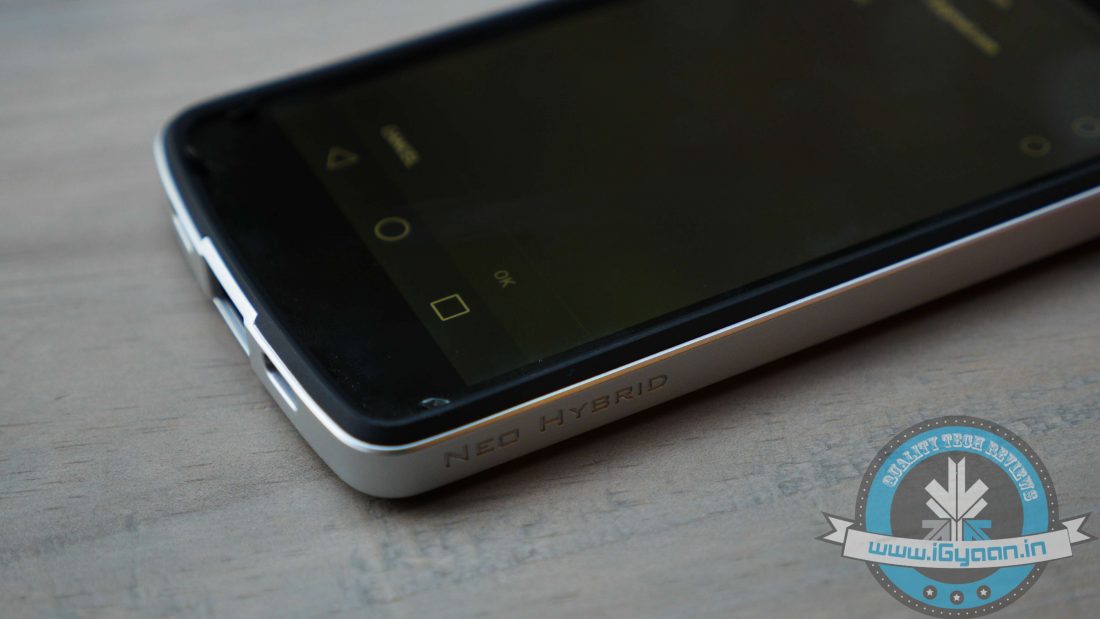
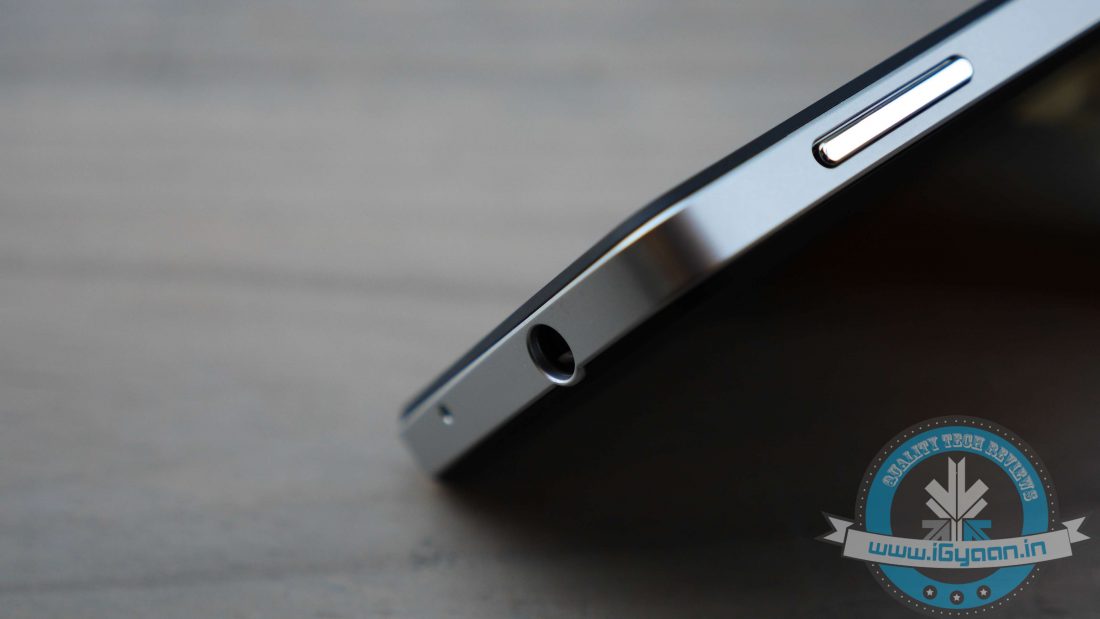
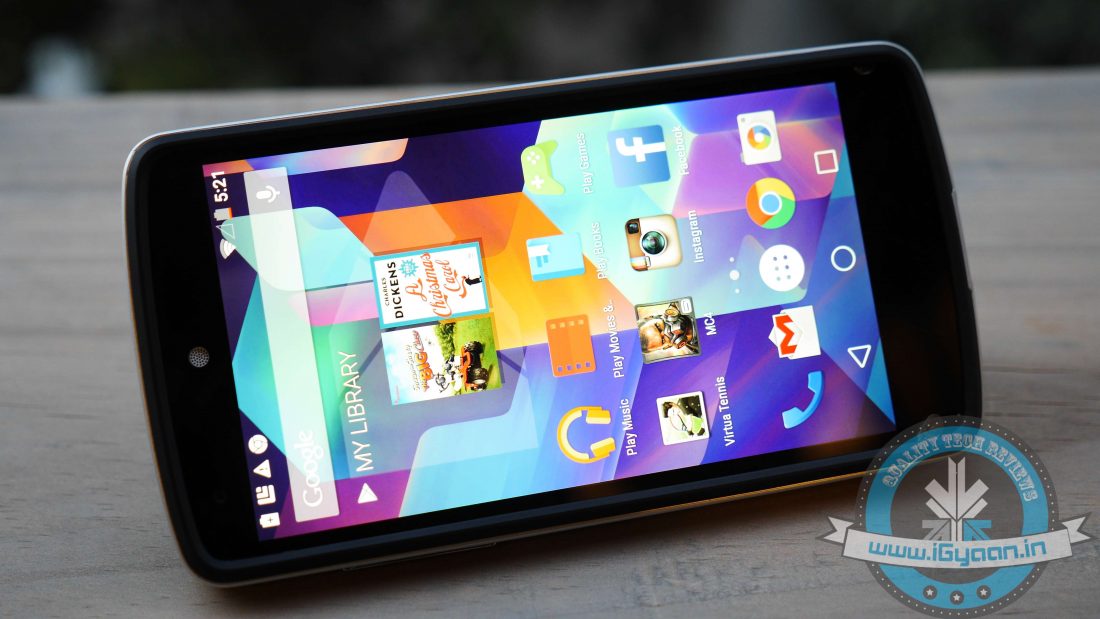
    Spigen Neo HybridLast but not the least, we have the Spigen Neo Hybrid. In terms of aesthetics and design, it’s probably the best-looking case out of the lot and turns the Nexus 5 into one badass phone. At the same time, it warps perfectly around your Nexus 5, with precise cutouts for the headphone jack, speaker grills and camera at the back.

    It features a dual-layered protective system, manufactured from a combination of soft matte TPU sleeve and polycarbonate outer bezel. The sleeve does its job of absorbing shocks or drops while providing a superior grip at the same time, while the polycarbonate outer bezel takes most of the impact in the event of a fall. It comes in champagne gold, satin silver, and metal slate colour options; needless to say our review case made the Nexus 5 look like a Batman accessory.

    The Spigen Neo Hybrid looks fantastic, offers adequate protection and allows you to set the phone face down, courtesy of a slightly raised bezel. The case does add some bulk to your device, as a lot of us would want to preserve that naked feel of the phone, but it’s a sacrifice one can easily make. The finish does not even leave any fingerprints, while sweat and moisture from the hand jumps right off.

    Meanwhile, fitting of the case is tailor-made for the Nexus 5 as your device is housed firmly leaving no gaps around the TPU sleeve. While port and button layout are not messy, making volume rockers and power button all the more responsive.

    Perhaps the only turn off with the case would be its width. Though it adds just a millimeter or so, it made a significant impact to the overall feel of the device. Apart from that, it’s a great case which provides adequate protection and significantly enhances the overall look of the phone.

    VERDICT

    Well, it’s hard to pick one out of the lot. All of them have their set of attributes that give them a slight edge over the others. Though it’s our job to pick the best which offers significant protection for your Nexus 5, and our pick would be Spigen’s ‘Neo Hybrid’. It’s a damn good case and not only protects the device, but also retains the original feel of the Nexus 5.  Combined with a tempered glass screen protector, we are pretty confident your Nexus 5 can withstand just about any fall.

  • Lenovo Yoga Tablet 2 830LC Review

    Lenovo Yoga Tablet 2 830LC Review

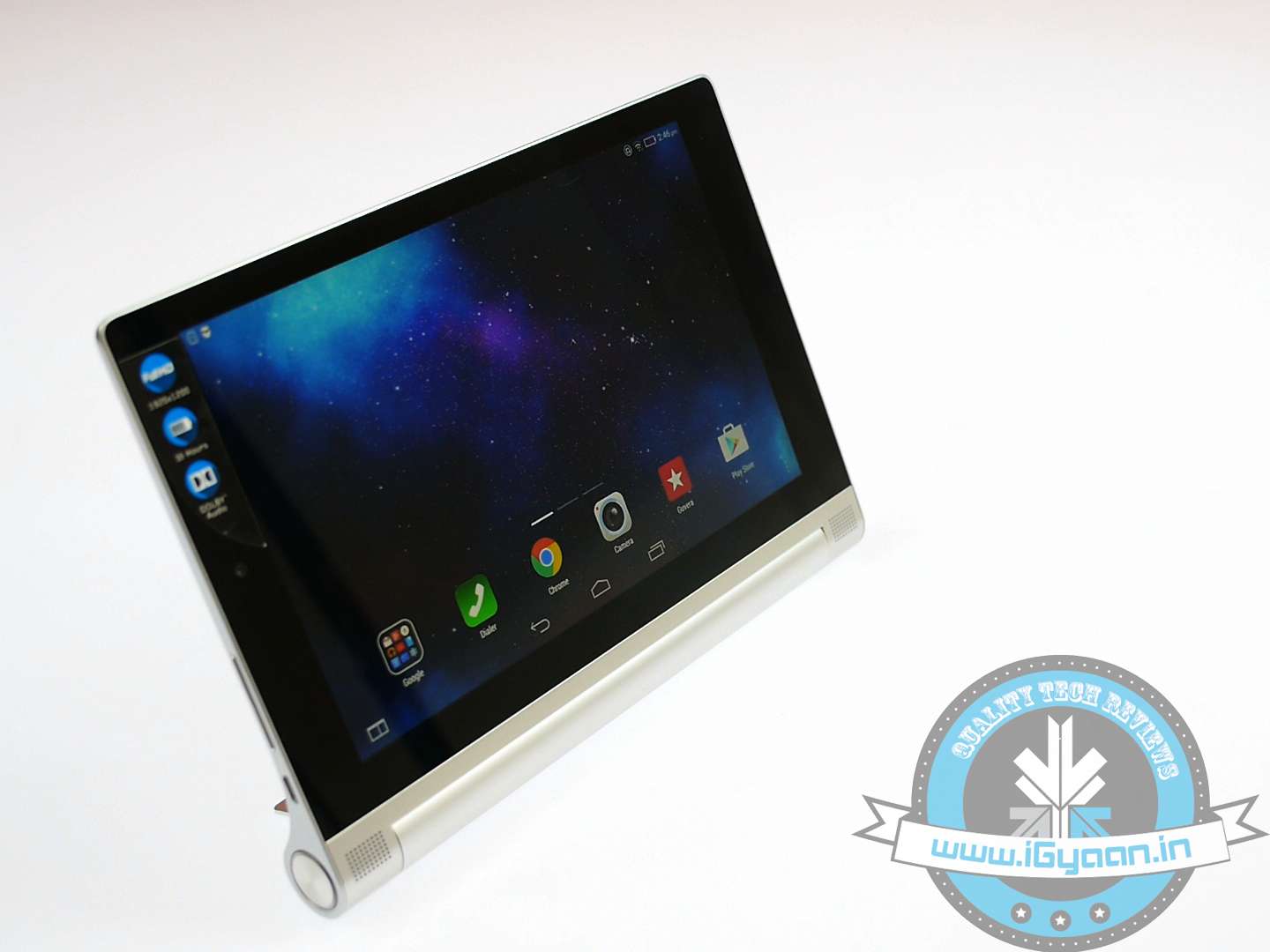
    In today’s highly competitive tablet market, manufacturers are bound to offer an interesting set of specs just to have that slight edge over their rivals. Lenovo recently launched its Yoga Tablet 2 in an attempt to make a mark in this overcrowded tablet market. Does it have what it takes to compete against the big boys including the likes of iPad Retina, the Galaxy Tab 4 or for that matter, the wildly popular Nexus 7. Based on an entirely different form factor, a decent set of specs and a Full HD display, the Yoga Tablet 2 was dying to come to our test lab for a review, and we did not disappoint it.

    SUMMARY

    Strategically priced at Rs. 20,990, the 8-inch Lenovo Yoga Tablet 2 packs a rather interesting set of specs along with a very innovative design. But does it packs enough punch to become a tablet worth shelling out your hard-earned cash? Let’s find out:

    Yogatablet 2

    HARDWARE

    The Yoga Tablet 2 830LC is powered by an Intel Atom Z3745 quad-core processor clocked at 1.86 GHz. It has a massive 6,400mAh battery that should provide enough juice, while optics includes an 8MP f/2.2 rear camera along with a relatively docile 1.6 MP front snapper.

    On the memory front, the Yoga Tablet 2 offers 16 GB of inbuilt storage expandable up to 64 GB via MicroSD bundled with 2 GB of RAM.

    KEY SPECS

    Specifications

    Lenovo Yoga Tablet 2

    Display
    • 8-inch Full HD IPS display
    • 1920X1200 pixels
    Processor Intel Atom Z3745 quad-core processor clocked at 1.86 GHz.
    Storage 16 GB + microSD
    RAM 2 GB RAM
    Camera Front 1.6 MP HD, Rear 8 MP
    Battery 2 Cell 6400mAH Li-Cylindrical
    Operating System Android 4.4 KitKat

    BUILD QUALITY AND DESIGN

    The 8-inch form factor of tablets is always considered rather comfortable, so the Lenovo Yoga Tablet 2 comes across more of a paperback. It allows easy one-handed usage and comfortably slips into your briefcase making it ultra portable.

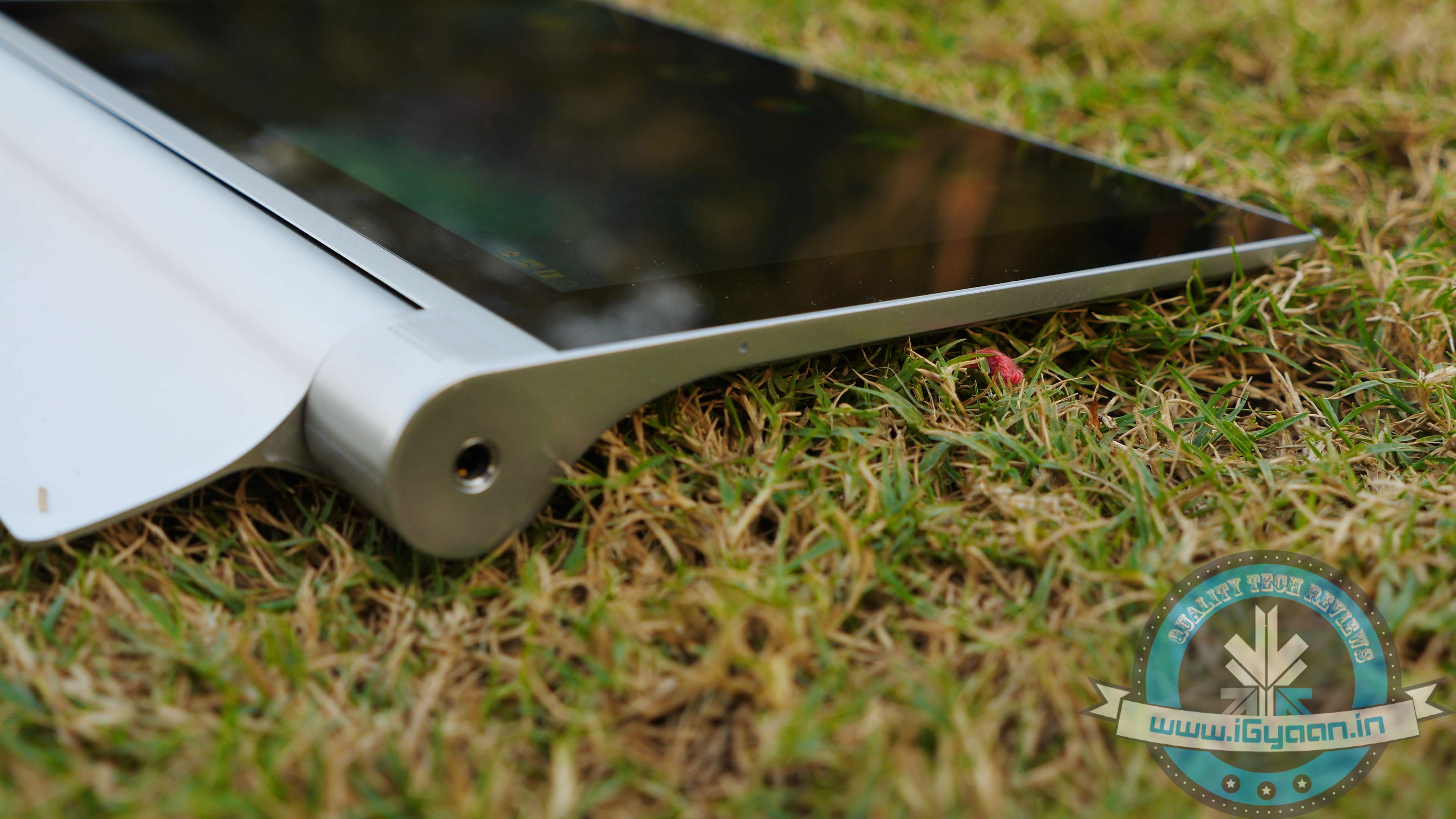
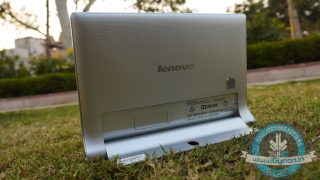
    To kick things off, the first thing that will grab your attention is the tablet’s all metal-magnesium alloy body. Perfect balance of right build and design is what you can expect from this tablet. There’s something intriguing about holding the Yoga Tablet 2; the alloy body gives it a very niche look, being lightweight at the same time.

    P1060873 P1060871

    The real kicker is the nifty stand that flips out in three positions, offering great comfort and viewing angles, no matter which way you want to use it. Whether you’re lazing around or sitting upright at your desk or for that matter even while working out, it truly emanates that hands-free experience. In addition, there’s also a hinge hand that makes it very comfortable to hold on to.

    Certainly, it is one of the most innovative designs at the moment from the usual rectangular slab we’re used to. Be it catching updates from IGN or watching Homeland, you’ll simply love the hassle-free usage.

    However, there’s only one USB port in the entire device with no HDMI slot, which is kind of lame and can certainly put off prospective buyers.

    DISPLAY AND MULTIMEDIA

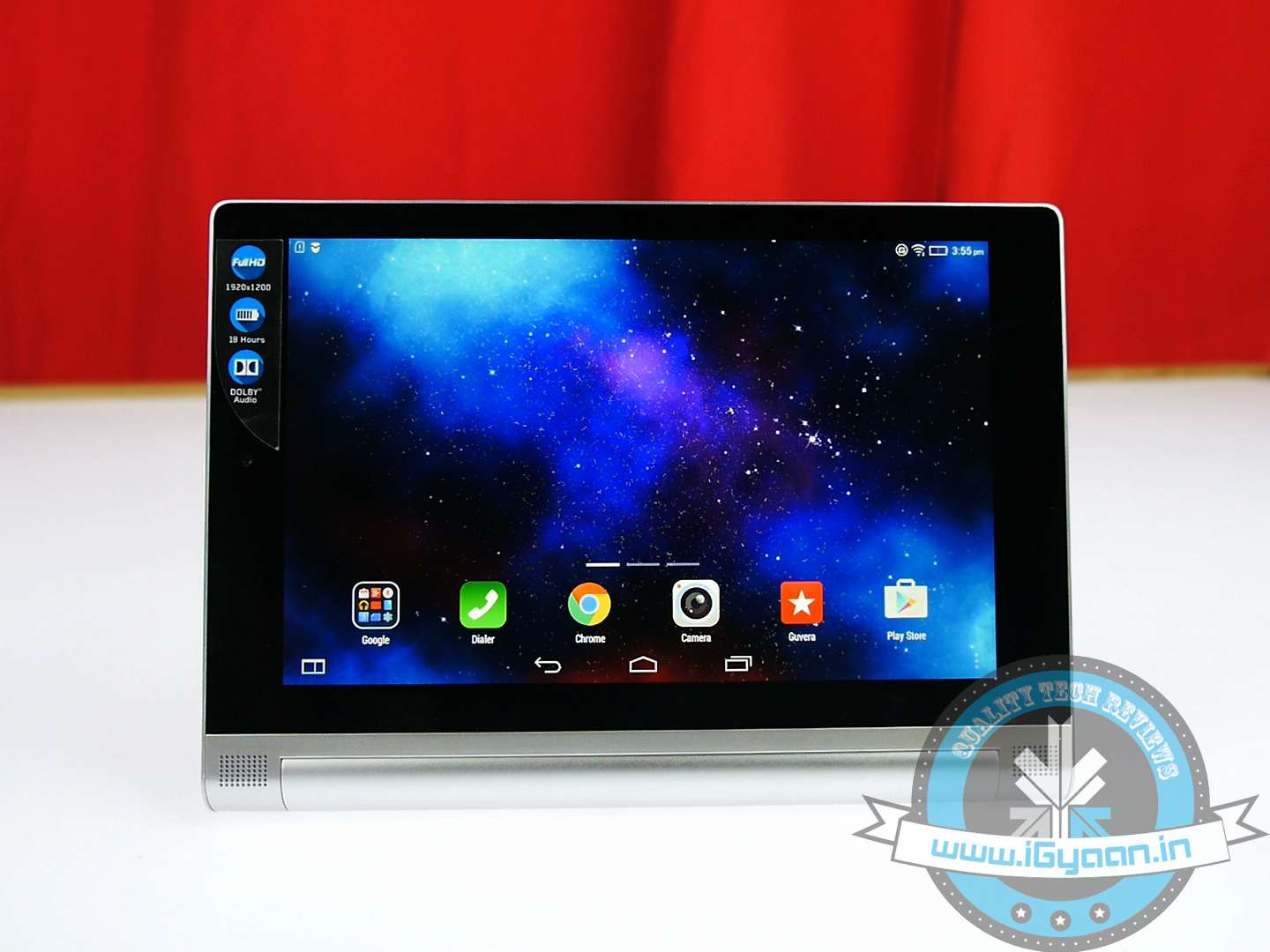
    Given the price of the tablet, it is quite remarkable to have a Full HD display at this price point. The 8-inch screen renders vivid colours and excellent viewing angles. It’s a great device with a gorgeous display whether you’re watching movies, browsing and even gaming. We were quite impressed with the tablet’s 8-inch display.

    yogatablet 2

    Playing games or watching your favourite TV sitcoms on the Yoga Tablet 2 is no doubt fun. In addition, the front-facing Dolby stereo speaker packs enough punch that further enhances the whole multimedia experience. Lenovo Yoga Tablet 2 is an entertainment powerhouse.

    CAMERA

    The camera on the Yoga Tablet 2 is apparently its only weaker link. Optics includes an 8MP primary camera. Meanwhile, the 1.6 MP front camera is only decent enough for video chats. There seems to be some issue with our review unit’s battery, so we were not able to take camera samples as the camera unit was detecting low battery backup. Going by the specs, it’s safe to assume that the camera is one of the weaker links of the tablet.

    Eventually, we had to give the camera a very low rating which has affected the tablet’s aggregate score.

    OS and UI

    The Lenovo Yoga Tablet 2 runs on a forked version of Android 4.4 KitKat with a highly customised UI on top. The UI is very reminiscent of the iOS with the same dropdown menu including the home screen.

    Hence, there’s no app tray which some of us would not be comfortable with, but overall, the UI is quite user friendly with nicely laid icons. It will depend on users whether they find Lenovo’s tweaked UI useful. The new layout and icons would need getting used to, though there are some nifty pre-loaded apps that will certainly come in handy for users. Have a look at the screenshots below:

    PERFORMANCE

    The 8-inch tablet has a relatively powerful Intel Atom Z3745 quad-core processor clocked at 1.86 GHz. The chipset is perfectly capable of handling multiple apps and runs graphically intensive titles like Asphalt 8 without any hassles. The chipset combined with a hefty 2 GB RAM further bolsters the tablet’s performance, leaving enough room to run multiple apps at the same time.

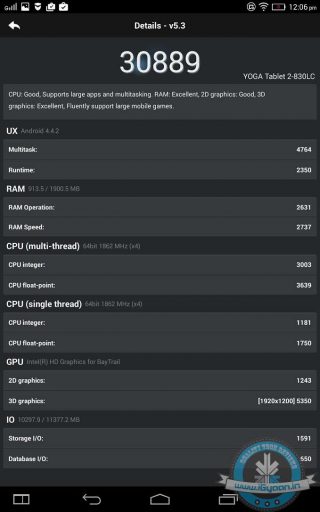
    The tablet’s benchmark scores are quite impressive and translate into real time performance. Yoga Tablet 2 can handle everything thrown at it from 1080p flicks to graphic intensive games like Asphalt and Real Racing. Have a look at the benchmark scores below:

    TABLET NETWORKS AND BATTERY

    In terms of connectivity, the Yoga Tablet 2 offers great mobility with 3G, Wi-Fi and Bluetooth capabilities including support for 4G LTE. There’s also a SIM slot just in case you’re not in a mood to switch devices. As there’s no internal speaker, one needs to find a suitable place to have a conversation apparently. And of course, you have other options like Bluetooth, earphones etc.

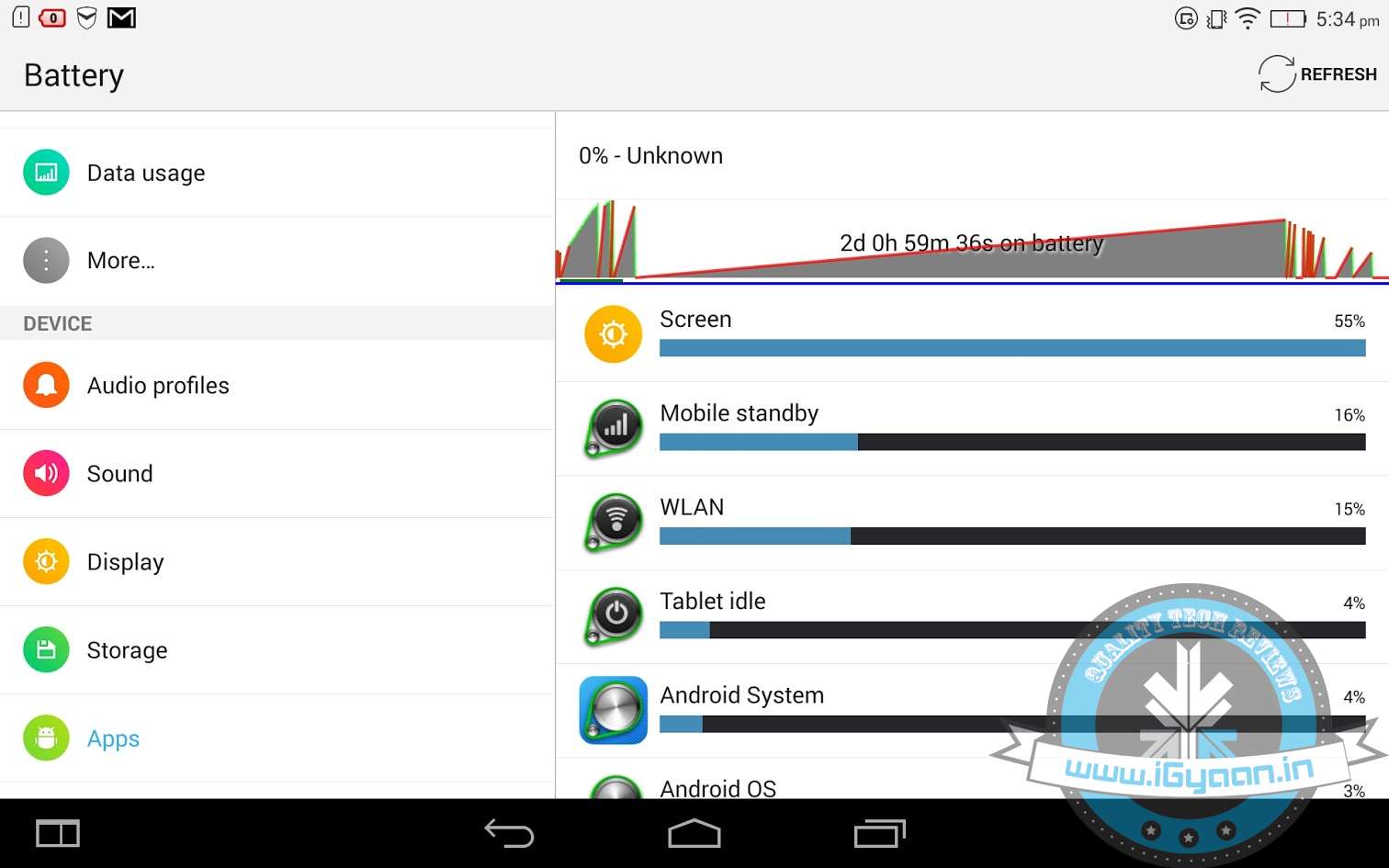
    The 8-inch tablet powered by a Li-ion 6400mAh battery looks quite superb on paper. The battery unit is much larger as compared to the iPad mini and Nexus 7 2013 which come with 4490 and 3950 mAh units respectively. Once fully recharged, Lenovo claims that the battery can last for 18 hours. Though, we would not be able to give you an accurate measure of the tab’s battery performance as our review unit always shows the battery level at zero percent. Still, we could use the tablet for two days in a row after charging it once. The screenshot below might give you a general idea of the tablet’s battery performance.


    yoga tablet 2

    So eventually, this has affected the tablet’s overall rating as we had to give a 5 on 10, which otherwise would have been at least 7.5.

    VERDICT

    Lenovo Yoga Tablet 2 hits the right spot in terms of performance, a Full HD display, innovative design and ease of use. The tablet features one of the best designs in the tablet market, compliments to the nifty little kickstand that significantly increases its usability.

    Apart from the relatively docile camera unit and lack of HDMI connectivity that is rather surprising, the Yoga Tablet 2 has all the attributes you would look for in a mid-range modern day tablet. If you are planning to invest in a mid-range tablet with a great display and top-notch performance, the Lenovo Yoga Tablet 2 should suffice all your needs. It has the attributes to give serious competition to the iPad mini 16 GB and Nexus 7 2013.

    [tw-column width=”one-half”

    GOOD THINGS

    • Innovative Design
    • Ease of Usage
    • Sharp FullHD Display
    • Impressive Performance
    • Great Build Quality

    [/tw-column]
    [tw-column width=”one-half” position=”last”]

    BAD THINGS

    • Weak Camera Unit
    • No HDMI Connectivity
    • No Bundled Headset

    [/tw-column]

  • Huawei Ascend P7 Full Review

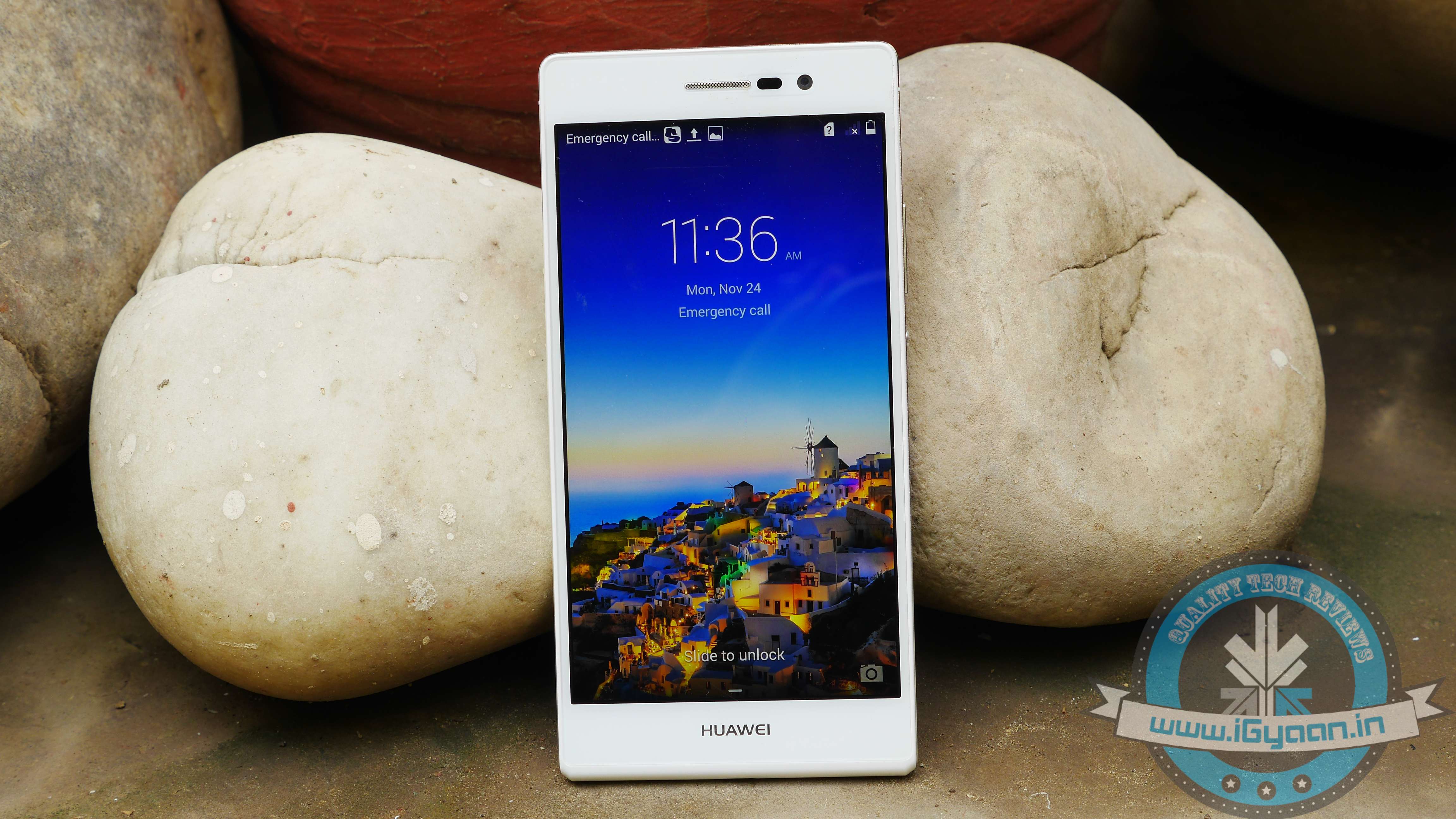
    Huawei Ascend P7 Full Review

    Huawei has added some rather interesting devices in its product range. Its recent addition Honor 6 was a unique piece of hardware primarily focused on performance. Now, the Chinese manufacturer has added another device to its smartphone portfolio with the launch of Ascend P7. The company apparently made some bold claims during the P7’s launch event in France saying that the phone can outclass the best of flagships including the likes of Samsung Galaxy S5 and the HTC One. Last year’s release P6 was a gorgeous looking phone but struggled because of an underpowered chipset.

    So, has the company rectified its past mistakes and is the P7 the mid-range smartphone that the company claims it to be?

    SUMMARY

    Priced at Rs. 26,990, the P7 is certainly an expensive device from a budget manufacturer. It will be available for sale in the Indian market starting 30th November. To a certain extent, it defies Huawei’s image as a budget manufacturer as the Ascend P7 can be deemed as one of the fanciest phones produced by the company. It may not be as crammed with features like the other flagships, but is it better than other handsets in the same price bracket; we’ll find out.

    HARDWARE

    In comparison to its previous iteration, the Ascend P7’s hardware is cranked up a bit. It has Huawei’s in-house 1.8 GHz Kirin 910T quad-core CPU, Mali-450 GPU and 2 GB RAM on show, which should be up to the task.

    Specifications

    Ascend P7

    Display 5-inch Full HD (1920×1080 pixels) 445ppi
    Processor HiSilicon Kirin 910T quad-core 1.8 GHz
    Storage 16 GB + microSD
    RAM 2 GB RAM
    Camera 13 MP AF BSI F2.0, with Flash
    8 MP Front
    Battery 2500mAh
    Operating System Android 4.4 KitKat Emotion UI 2.3

    BUILD AND DESIGN

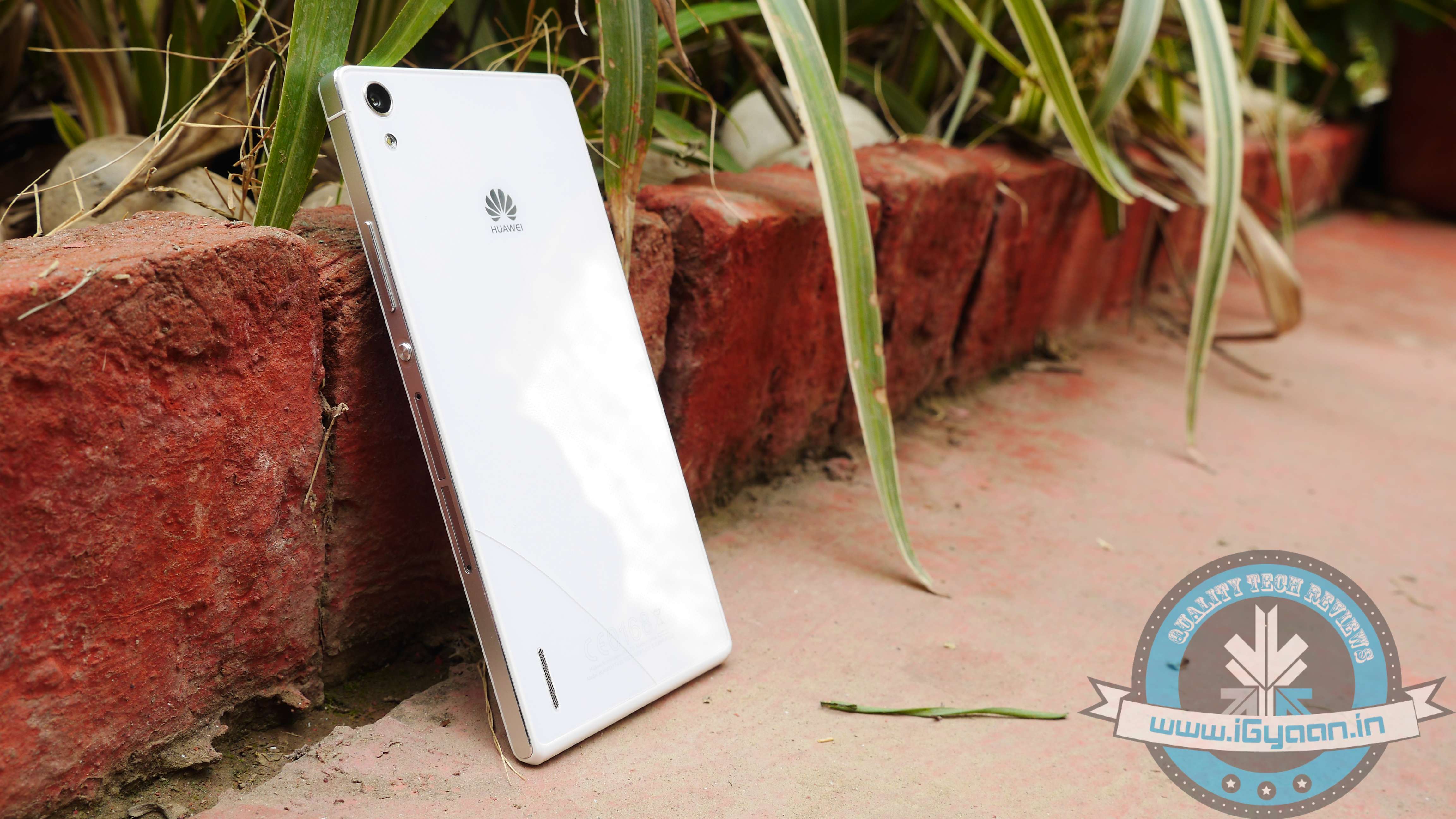
    At first glance, the Huawei Ascend P7 looks like a blend of the iPhone 4 and the Xperia Z. It’s a neat looking equipment and does feel like a premium built phone while in hand. Its slim form factor makes the phone slip easily into your pocket. It measures only 6.5 mm thick and weighs a mere 124 grams.

    ascend p7 1We were pretty impressed with the way phone looks and feels. It can easily compete with more established flagships when it comes to looks. The overall feel of the phone is quite brilliant. With the right size, it has just the right amount of chrome and metallic accents, subtle logos along with simply laid out buttons.

    p7 2

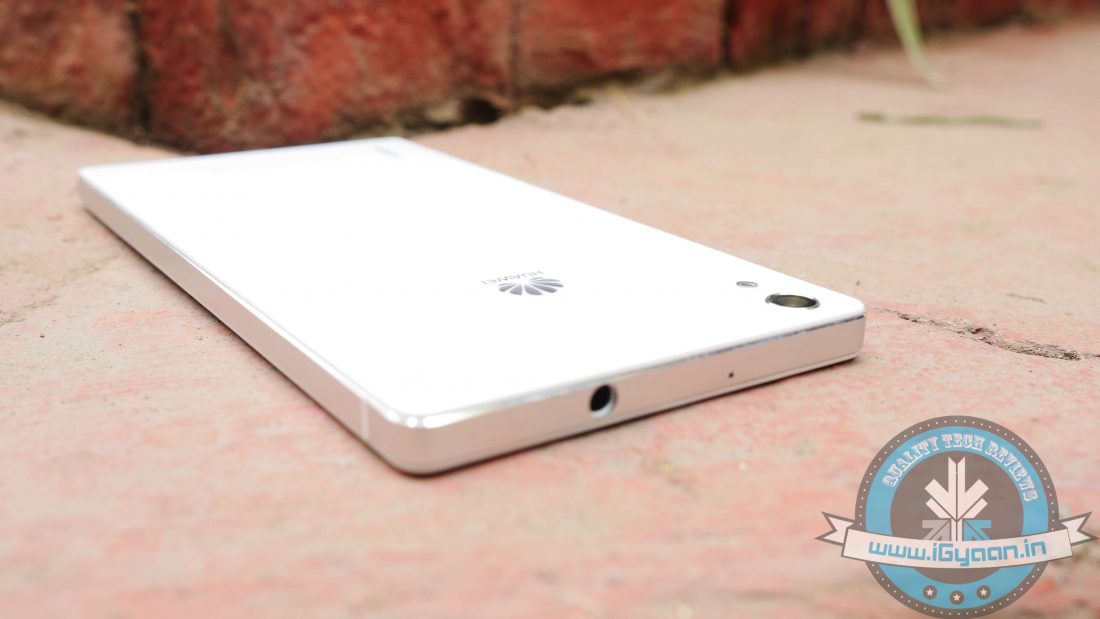
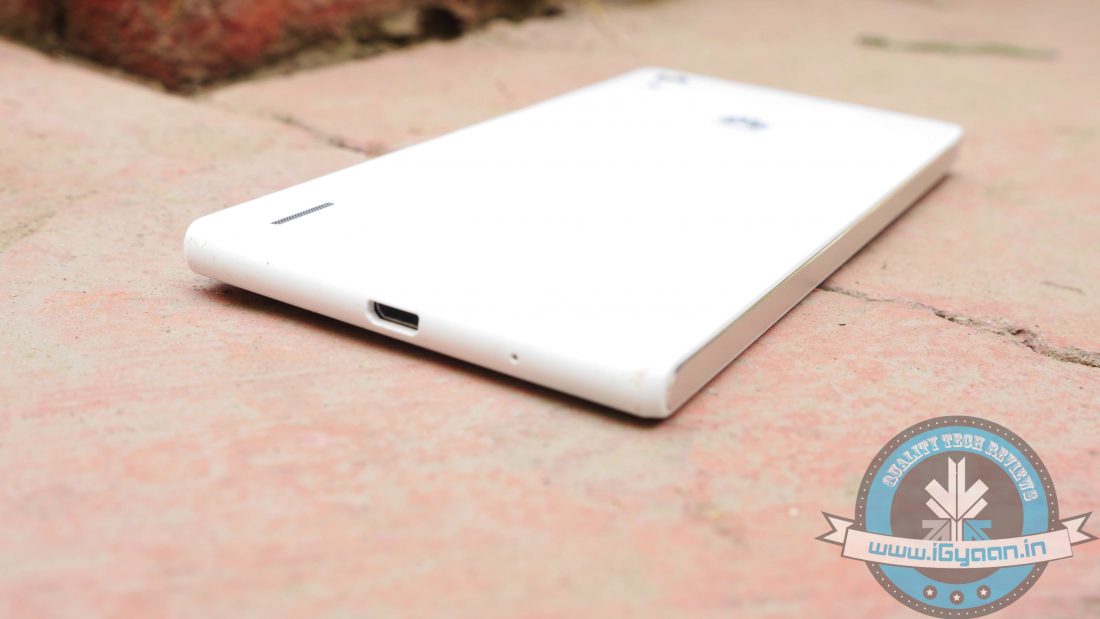
    It has a nice minimalistic design and finish, so you won’t feel shy flaunting your device amongst your peers. The front houses a speaker, a light sensor, and a massive 8MP selfie cam. On the bottom, we have a microUSB port for charging, while the 3.5 mm jack rests on the top. The left-hand side has no keys and slots, so the right side houses the microSIM and microSD trays. Along with the trays lays the power button mounted in the centre, very reminiscent of Sony’s Xperia range. A nice metallic finish runs along the side of the device, giving it a more premium look.

    Turn the phone around, and we see the elegant and subtle non-removable glass back panel with a neat looking finish.

    Screen Shot 2014-11-22 at 5.33.15 PMThe only downside with design would be the glass back, which makes the device slippery. So, if you have a tendency to slip your phone often, we recommend you to buy a case. In addition, the glass back is made up of very delicate plastic material, which can easily crack. So, make sure you have a case. Apart from that, the design and build of the phone is top notch.

    DISPLAY AND CAMERA

    The Huawei Ascend P7 has a 5-inch display with Corning Gorilla Glass 3. It has a Full HD 1080p display, which is quite impressive and is by far one of the best displays we’ve seen. The 5-inch screen is just lovely and bright with good viewing angles, and enough contrast allows users to watch even the gloomiest of flicks with crisp and sharp details. There are no flaws with the display and it was kind of hard to point out a fault with the phone’s display quality. Bright colours and sharp texts coupled with great viewing angles are as good as a smartphone’s display can get, well unless you get a device with a QHD display.

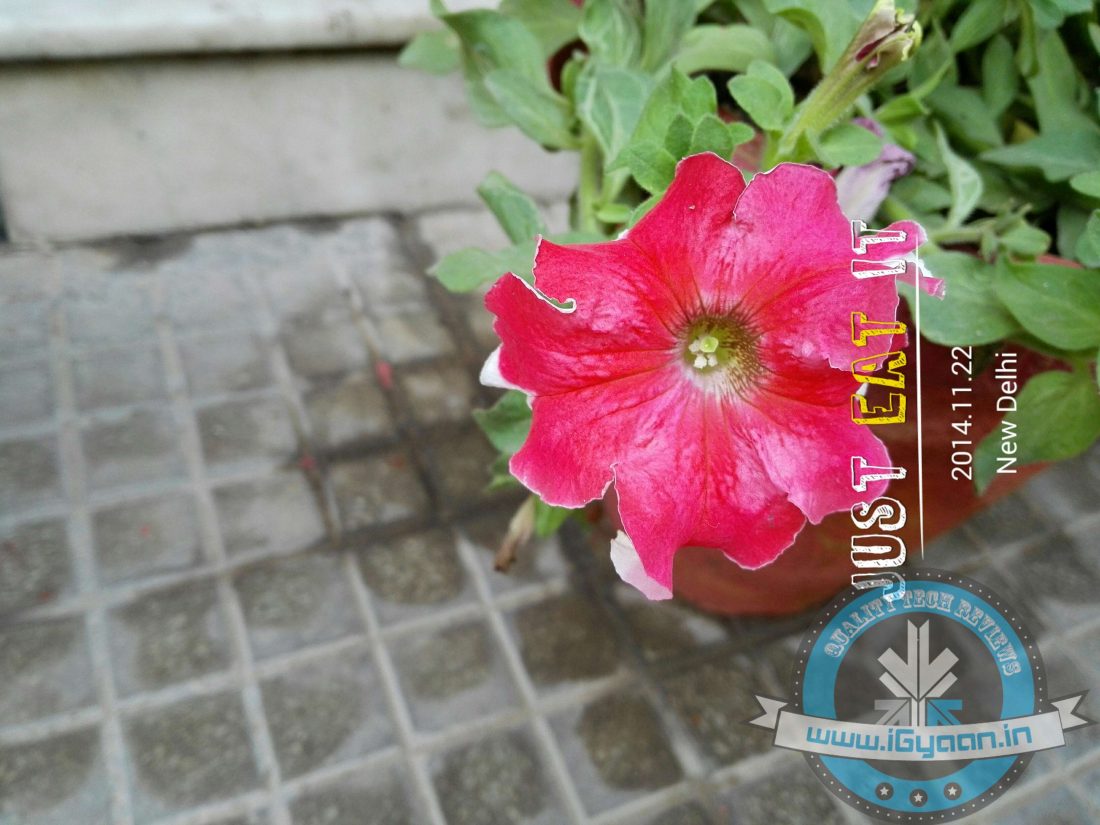
    Screen Shot 2014-11-22 at 5.41.54 PMThe optics on the Ascend P7 are quite remarkable. Both rear and front snappers are a delight, with the primary camera equipped with a 13MP Sony BSI sensor. Shutter Lag time is negligible, while response times are just too good. The auto focus is swift, and colours offer the right depth. Meanwhile, the staggering 8 MP front camera takes care of all your selfie needs. The front camera performs astonishingly well, with end results being more than satisfactory. It also includes a front-facing panorama option for wider shots and selfies. The camera app has the same overlay for its menu found in the Xperia Z2. Main options include a selection of shooting modes, with Huawei’s ‘Smart’ shooting feature coming as default. There are a lot of interesting filters, including HDR, Smile detection and Object tracking with a few minor tweaks offered by the manufacturer.

    Screen Shot 2014-11-22 at 5.37.55 PMOverall, we were pretty satisfied with the phone’s camera performance. Images rendered were bright and clean and looked superb in full resolution. Have a look at the samples below:

    While, video mode is not that impressive. It works fine and you’ll be able to record videos but we rather not talk about it.

    MULTIMEDIA AND PERFORMANCE

    A blend of advanced hardware combined with fantastic display, multimedia experience on the phone is rather satisfactory. The external speakers position is apt for watching movies and playing games, with sound coming from the centre of the device rather than from the sides. The audio output is quite impressive and should suffice without the need for putting on your headset. It is loud, clear and does not distort even at high volume. The Full HD 5-inch display just takes the whole experience of watching videos and playing games to a whole new level.

    The phone’s benchmark scores fall way behind other flagships, but as we know with benchmarks, they do not tell the whole story. It can handle tweeting, making calls, browsing, watching a video at ease without any major hiccups or stutters.

    We were a tad worried about its gaming performance looking at the benchmark scores, but boy the Ascend P7 proved us wrong. It ran graphically intensive 3D titles like Asphalt 8 and other games running on full juice without any hassles. The phone’s quite impressive when it comes to daily usage and the fluidity as it performs tasks pretty well and quick.

    SOFTWARE

    The Ascend P7 runs on Android 4.4 KitKat with Huawei’s Emotion UI 2.3 skin atop. The first thing Android users will notice is the absence of the app tray. Huawei has removed Android’s two-stage launcher, so all apps rest on multiple pages of the home screen – just like iOS. Huawei has crammed several utilities into folders in an attempt to prevent the home screen look unnecessarily cluttered. But it happened the other way round, it just made the home screen look all the more cluttered. So one needs to get used to things a bit and do some shuffling around to get the desired results. Even the app icons look childish and are not so pleasing.

    Meanwhile, the home screen comes preloaded with weather, music, gallery and Google search widgets. There’s also a ‘Me’ module, which apparently can offer instant access to single favourite contact, but it’s rather useless. However, there is a wide array of customisation options, and you can tweak the icons and environment according to your preference.

    There’s also an option to add a suspend button – a floating launch button with a ring of shortcuts that hovers around the screen. It may come in handy for certain users, offering instant access to utilities like messaging, note-taking, and music playback.

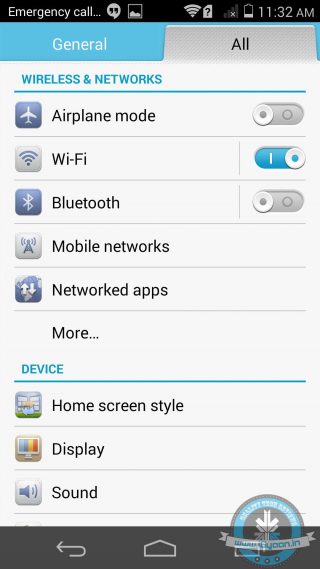
    In the Settings menu, Huawei has added two home screen styles, Standard and Simple. While ‘Standard’ is a regular application and widget layout, ‘Simple’ turns your home screen into more of a Windows Phone (adding massive icons to apps and features). It certainly will be useful for the first-time smartphone users or for those who may not have a very good eyesight.

    Multitasking in the Ascend P7 is done in the usual Android style, with right hand on screen button popping up a list of recently used apps.

    Meanwhile, the pull down notifications tab forms an integral part of the Android ecosystem, and here Huawei has tweaked a bit. A collection of five toggles are housed at the top when you first pull down the notifications, another pull down reveals more controls. These can be customised according to user’s preferences as a seperate menu lets you customise the order in which they appear.

    All in all, there are no noticeable performance issues apart from a few home screen jerks when the phone was under heavy usage. It’s a snappy and reliable device. Though, users will notice a lot of battery saving notifications popping up time and again, which can be annoying at times. Along with that, the UI is not as standard and intuitive that we see with other smartphones.

    PHONE NETWORKS AND BATTERY

    Phone network is quite good. We had no issues with the audio quality of incoming or outgoing calls. It latches onto networks quite easily, and we did not experience any call drops both indoors as well as outdoors.

    The Huawei Ascend P7 houses a 2500mAh battery, which is slightly less than the Galaxy S5 (2800mAh) and larger when compared to the 2300mAh battery of the Nexus 5. In our battery test, we ran a 90-minute media file on full brightness and with ‘Wi-Fi turned on’. By the end of the video, the battery went from 100% to 71%.

    That’s not awful, but it’s neither great too. The battery can easily suffice for a whole day of normal usage.

    CONCLUSION

    From decent specs, great camera, awesome display to super sleek and good looks, Huawei Ascend P7 has all the features that you wish in a smartphone. If you’re to judge a phone solely on benchmark scores, the Ascend P7 might put you off but its real time performance is top notch.

    At a price tag of Rs. 26,990, the Ascend P7 seems to be a little overpriced. There are a lot of worthy alternatives to consider like the Nexus 5, the Moto X, LG G2, Samsung Galaxy S5 in this price bracket.

    The phone’s performance is satisfactory, though it would have been more of a catch if Huawei had created a budget marvel like the Moto G. On the contrary, the company has tried to match up the P7 with other top flagships, and it just falls short.

    Had it been priced under Rs. 20,000, it would have been a great alternative to the mid-segment masters.

    [tw-column width=”one-half”]

    GOOD THINGS

    • Great Design and Build Quality
    • Awesome Full HD display
    • Superb Camera
    • 8MP selfie Camera

    [/tw-column]

    [tw-column width=”one-half” position=”last”]

    BAD THINGS

    • Video Recording below par
    • Low Benchmark score
    • Slippery back panel

    [/tw-column]


  • Micromax Canvas Win W121 Review : It’s Windows Time, Or is It?

    Micromax Canvas Win W121 Review : It’s Windows Time, Or is It?

    A few domestic manufacturers have launched handsets sporting the Microsoft’s Windows Phone OS, for instance, the likes of XOLO with the launch of their Windows Phone 8.1 OS smartphone, the XOLO Win Q900s. The Redmond-based giant, Microsoft, at its Build Conference in San Francisco announced a few hardware partners for the Windows Phone platform, and you guessed it right, Micromax was one of them.

    It’s just been two months since the announcement, and Micromax has already launched the Canvas Win W121 at a relatively economical price of Rs. 9,500.

    OVERVIEW

    The Micromax Canvas Win W121 runs the latest Windows Phone 8.1 OS and is powered by the Qualcomm Snapdragon 200 quad-core CPU clocked at 1.2 GHz bundled with 1 GB of RAM. Priced at just under Rs. 10,000, it should have a lot of rivals in the over-crowded budget category of smartphones. Boasting a 5-inch HD IPS screen, it can be pitted against the likes of the XOLO Win Q900s, the Lumia 520 and 630 as its closest rivals.

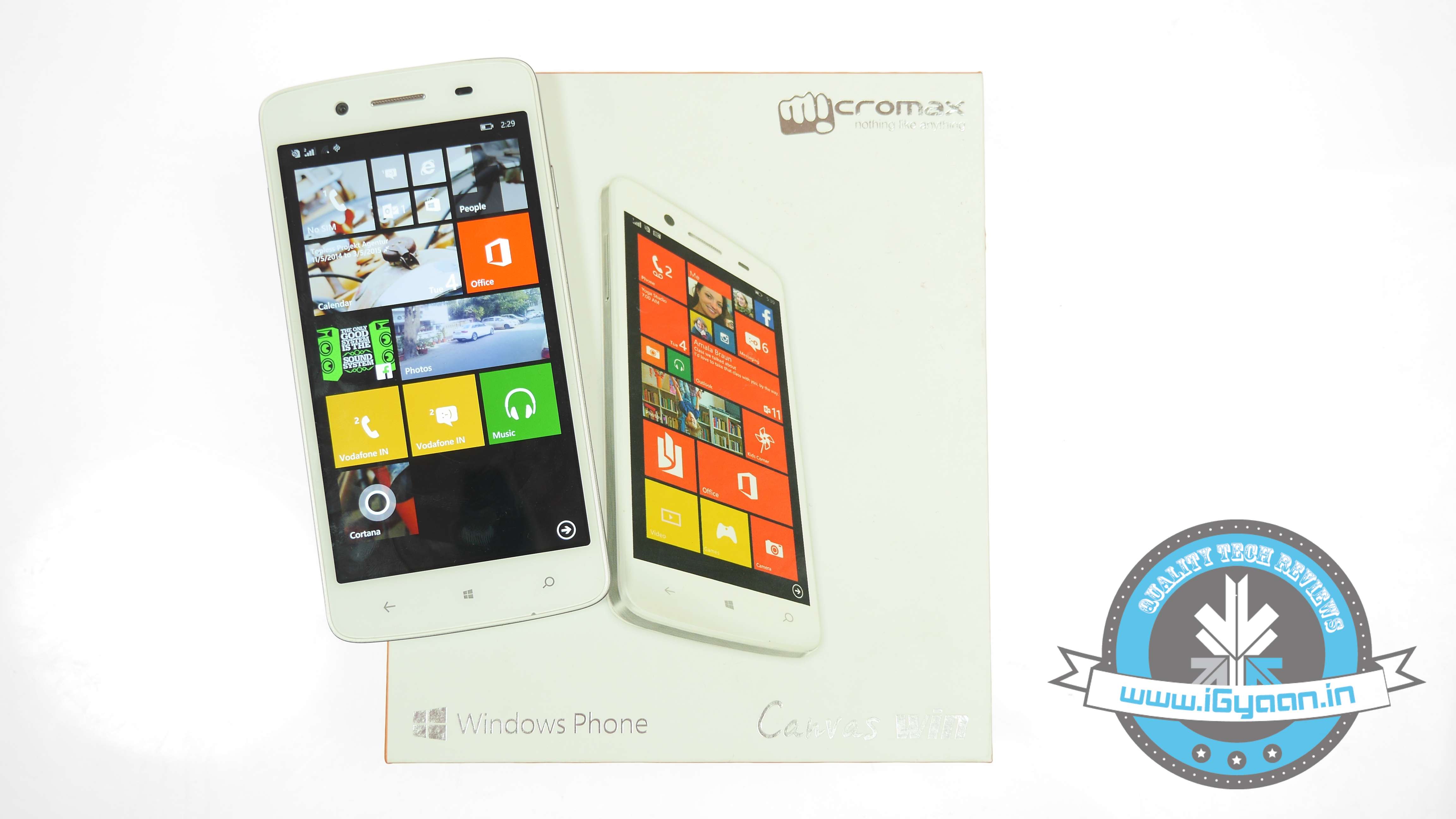
    Micromax Canvas Win W121 1

    HARDWARE

    The Canvas Win W121 is powered by the Qualcomm Snapdragon 200 SoC with four cores clocked at 1.2 GHz, a chipset we are quite used to in this price segment. It has decent enough 1 GB of RAM with a 5-inch 720p HD IPS display, and a 2000mAh battery capacity. It has 8 GB internal memory expandable via microSD up to 32 GB. Connectivity options include GPRS, EDGE, 3G, Bluetooth and USB.

    Optics includes a primary 8MP camera with AF, along with a 2MP secondary cam. Specs on the phone do look good but do they translate into real-time performance. Let’s find out.

    Specifications

    Canvas Win W121

    Display 5-inch IPS LCD 1280x720p
    Processor 1.2 GHz Qualcomm Snapdragon 200 quad-core
    Storage 8 GB + microSD
    RAM 1 GB RAM
    Camera 8 MP primary camera, 2 MP front camera
    Battery 2,000 mAh
    Operating System Windows Phone 8.1

    DESIGN AND BUILD

    The Canvas Win W121 does have that niche look to it, courtesy of a leather (read: p-leather) back panel, something we saw on the Galaxy Note 3. There’s a lot of plastic on the body, which might be a turn-off for some of us, but the Canvas Win W121 is a bit sleeker and more compact than any of the Canvas’s Android counterparts.

    Micromax Canvas Win W121 9With a 5-inch screen, the device fits in the hand quite well; it is slim and makes for easy one-handed usage. The front houses three capacitive buttons with a Windows logo in the middle, which was absent in the XOLO Win Q900s. However, the capacitive buttons appear to be a tad untidy and seem like a rushed job. They don’t illuminate the way we have seen with other phones, and just lacks the finesse.

    Coming to the sides, it has a metal rig that runs throughout the phone’s entire body, with volume rockers placed on the left and the power button on the right. The keys have a nice touch feel to it. Meanwhile, both the MicroUSB and headphone jacks are located on top.

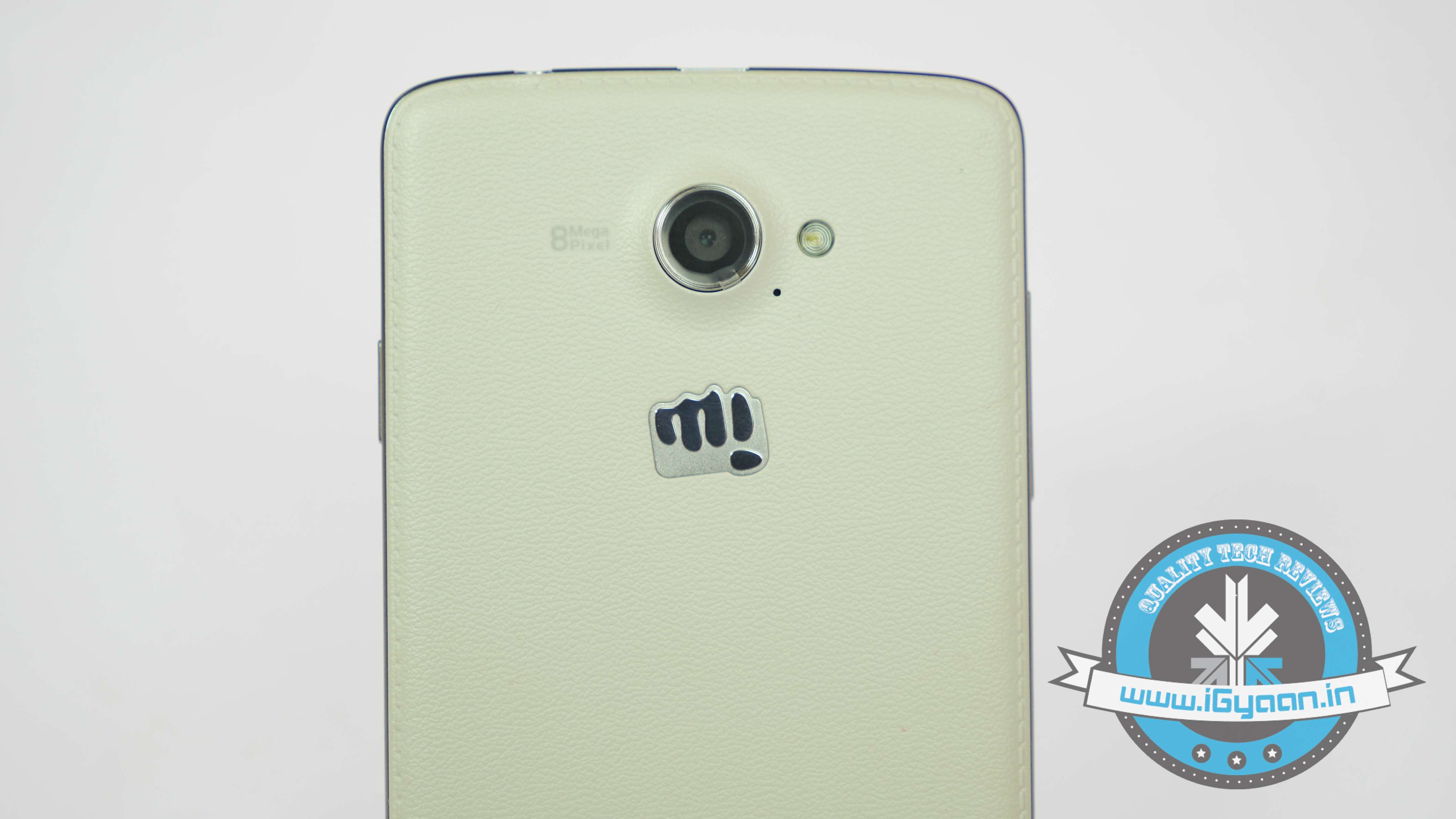
    Micromax Canvas Win W121 10As already mentioned, the rear of the phone has a premium looking leather-esque back panel with stitches around the edges, giving it a more classy appeal. It’s a neat job done on the rear of the phone, with cuts for the camera, flash and external speakers done with absolute precision along with the Micromax logo. The back panel is removable that houses the two SIM card slots, battery and the microSD slot. The phone does impress us when it comes to build quality and design.

    Micromax Canvas Win W121 13

    PERFORMANCE AND OS

    With a Qualcomm Snapdragon 200 chipset clocked at 1.2 GHz bundled with a healthy enough 1GB of RAM, handling everyday usage is like a walk in the park for the Canvas Win W121. It handles multiple apps at ease without any noticeable lags. We did not see any problem using any app, they load up real quick and with Windows Phone 8.1, it allows users to run eight apps in the background. You can navigate and switch between emails, games and other apps like Facebook and WhatsApp in no time.

    Moreover, WP 8.1 not being a very power-hungry OS combined with decent hardware results in no issues in launching apps, browsing through the internet or switching apps. In our AnTuTu benchmark test for Windows, the phone managed an impressive 11, 767 points, just edging past the Lumia 630 which managed 11, 760, also surpassing the XOLO Win Q900S which scored 10, 870 in our Antutu Benchmarks.

    Model

    Antutu Benchmark

    XOLO Win Q900s 10,870
     Canvas Win W121 11,767
    Lumia 630 11,760

    High-end games like Real Racing and Asphalt 8 do give the phone a real tough time as the phone starts heating up. That said, the overall performance is quite satisfactory on the Canvas Win W121. Apart from the heating issue, these games run quite well at the highest settings; there aren’t any noticeable hiccups during performance specific stressful instances and loading time is just fine. Considering the price of the phone, this shouldn’t be much of an issue, and arcade/basic games like Subway Surfers and Temple Run look and play quite well on the phone.

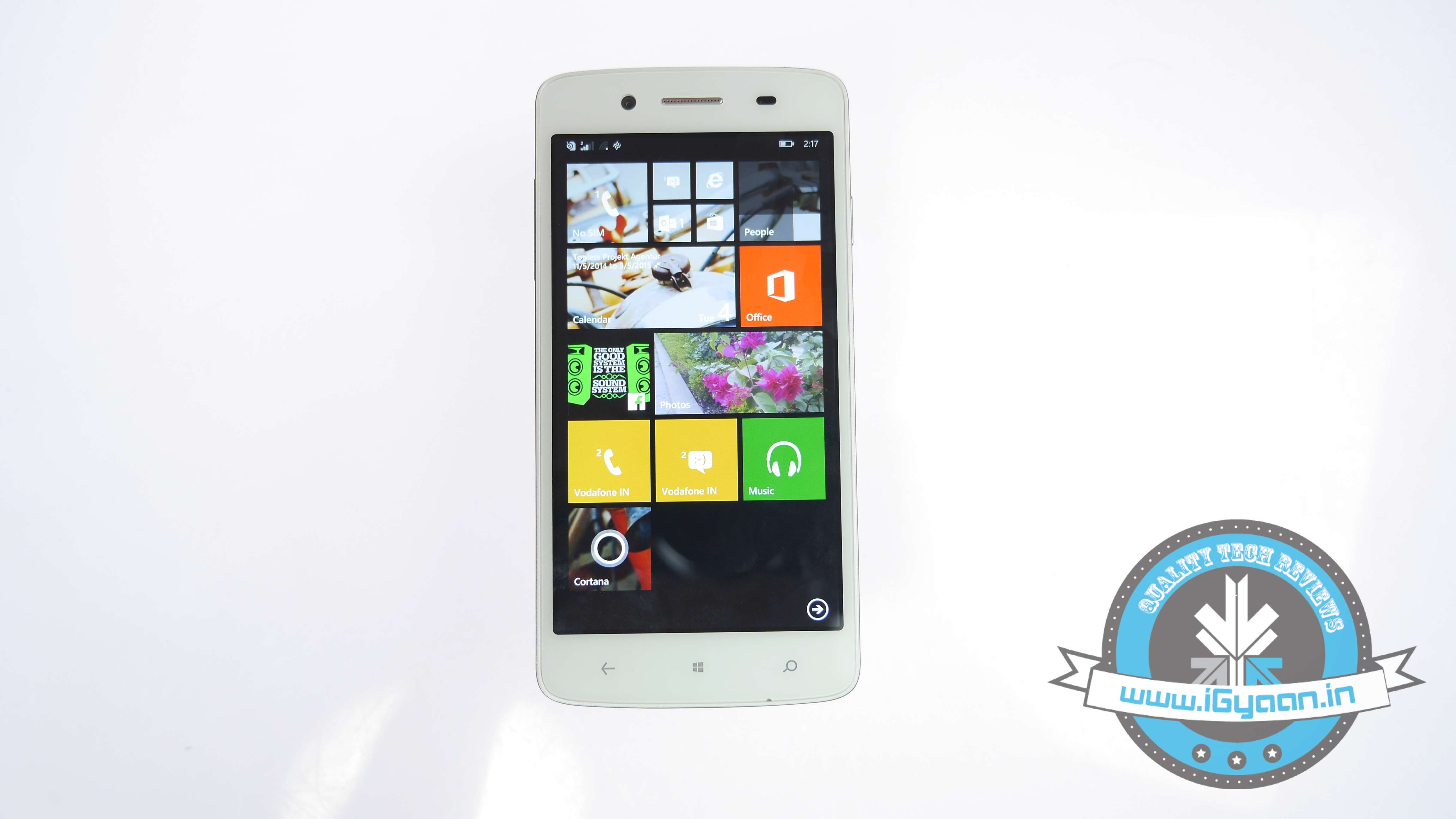
    Coming to the OS, the Canvas Win W121 runs on the latest Windows Phone 8.1 OS. The OS has a neat refreshed feel to it, with those signature Live Tiles, and the new action centre that was missing with earlier version of the platform. The OS now looks much more functional and complete.

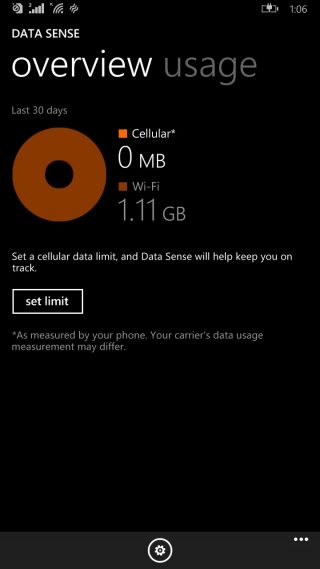
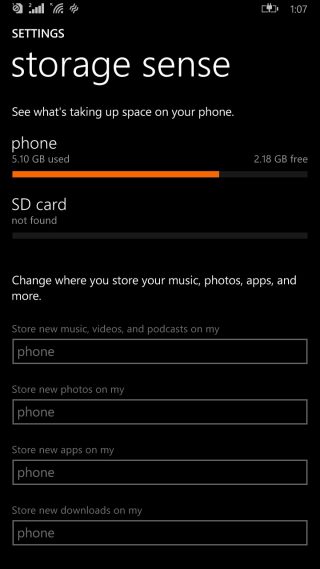
    It looks really neat and brings along a slew of nifty features with a lot of customisation options. The new Swipe keyboard feels great, Data sense and Wi-Fi sense keep a tab and look after your data and Internet usage, meanwhile Storage sense offers easy ways to organise your data.

    The phone offers dual-SIM support, and the OS offers an exclusive section to manage the SIMs along with setting the default SIM slot for calls and 3G.

    Not to forget Cortana, a real life personal assistant, who has a quirky attitude and makes interaction with the device a lot more fun. She can gather info, manage your appointments, set alarms, dictate your messages and can do a lot more. She definitely adds to the whole OS experience. (NOTE: Cortana is not available in India as of now, though users can change the phone settings to US to make it functional).

    As already mentioned, WP 8.1 as an OS does not demand a lot of the phone, so navigating and switching between apps is quite smooth. Compared to its previous iteration, WP 8.1 is a significant improvement with faster loading, a better keyboard, nice touch response and an interactive personal assistant is quite a ride.

    However, the device does not have support for apps that we saw in the Lumia range. This smartphone is devoid of popular apps like Here Maps, Nokia Music and all the camera apps.

    CAMERA

    The Canvas Win W121 has an 8MP primary camera with flash, which in our opinion should have done better. The images captured lack texture and the colour reproduction is quite lame. They appear dull and washed out which takes away the overall feel of the photos.

    Micromax Canvas Win W121 11Another issue is absence of the Nokia Camera app, users will have to rely on the default camera app. Meanwhile, the front has a 2MP snapper which just does its job. Its lens is not that wide either, which makes it quite a task to take wider selfies.

    Low light isn’t great either as the lack of OIS is apparently clear and images appear a bit shaky. We also noticed that the AF of the camera takes a very long time to focus on a particular object, which can be quite annoying at times.

    Also, there’s no support for HD recording, videos are recorded at 480p, which is quite a bummer as the chipset can support 720p recording. Finally, it will be fair to say that the camera is perhaps one of the weaker links of the phone.

    DISPLAY AND MULTIMEDIA

    The phone features a 5-inch 720p HD IPS display, which is rather brilliant with sharper texts and offers great readability in all lighting conditions. Even in well-lit conditions, the readability is quite good. Moreover, you have options to adjust brightness as per requirements. The display renders sharp colours and great viewing angles. Being a 5-inch screen, it does add to the whole experience of watching a movie or playing a game.

    Micromax Canvas Win W121 20Powered by a dual-core clocked at 1.2 GHz with 1 GB RAM, the multimedia performance of the phone is quite good. We tested Asphalt 8: Airborne and it ran absolutely well; not flawless, but there are no major lags and stutters that would take away the overall experience of the game. The phone can withstand those frame rates; though surprisingly, it could not run a 720p HD movie. The phone just could not withstand those frame rates and transitions while playing a 720p HD movie. Max resolution possible is 480p, which is a major let down.

    However, the audio performance of the phone is awesome. The phone’s external speaker is bit loud and renders good sound quality while playing games, watching a movie or listening to music, it does pack a punch. Moreover, the earphone set provided as a part of the standard accessory is also high quality, something which other OEM’s should strive for.

    PHONE, NETWORKS AND BATTERY

    The call quality of the phone is really good whether incoming or outgoing, and the signal reception is excellent indoor as well as outdoor. Coming to network, the phone latches onto the networks around at ease, thanks to a lot of plastic which has significantly improved Wi-Fi connectivity across most Micromax devices, including this one.

    Micromax Canvas Win W121 7In terms of battery backup, the Canvas Win W121 comes with a 2000mAh battery. We tested the battery on different parameters and overall, the battery performance is quite decent and could easily last a day of normal usage. It appears that the battery performance of Windows Phone is much better when compared to Android.

    CONCLUSION

    Priced around the Rs. 7,800 , the Canvas Win W121 is a decent choice if you are on a lookout for a smooth overall Windows experience without any compromise on screen size and build quality. It has some great features but completely misses out on other aspects. For instance, lack of support for HD Playback, lack of decent camera apps might make you consider other alternatives. Though, it has a solid 5-inch display and is great for everyday usage. It could have been a top-notch smartphone if some of these aspects were not missing.

    The Canvas Win W121 can compete against the likes of the Lumia 630 and the XOLO Win Q900s. Though, there are much better Android options available at the same price point.

    [tw-column width=”one-half”]

    GOOD THINGS

    • Display Size
    • Great Audio
    • Build Quality
    • Good For Everyday Use
    • Can Handle Multiple Apps
    • Windows Phone 8.1 OS

    [/tw-column]

    [tw-column width=”one-half” position=”last”]

    BAD THINGS

    • Camera
    • Lack of Popular apps
    • No Support For HD Playback
    • Lacks Support for HD Recording

    [/tw-column]

  • XOLO Win Q900s Review

    XOLO Win Q900s Review

    It has been four years since the Windows Phone platform was launched and Microsoft hasn’t really had the kind of success they were hoping for. Despite the neat looking UI and some nifty tricks, Windows is far from being a direct threat to Android or iOS. Windows Phone and Nokia’s Lumia range is what we are used to. Meanwhile, Samsung and HTC did try a few models nearly two years ago, though they never managed to make it work.

    Since Microsoft’s decision of not charging a license fee for the new WP 8.1, manufacturers can now give Windows Phone a shot without taking the risk of spending a huge amount on resources. It’s encouraging to see regional OEMs jumping on the Windows Phone bandwagon. It’s exactly what the platform needs. As a matter of fact, we are seeing the same devices running both Android as well as Windows 8.1, as is the case with this device.
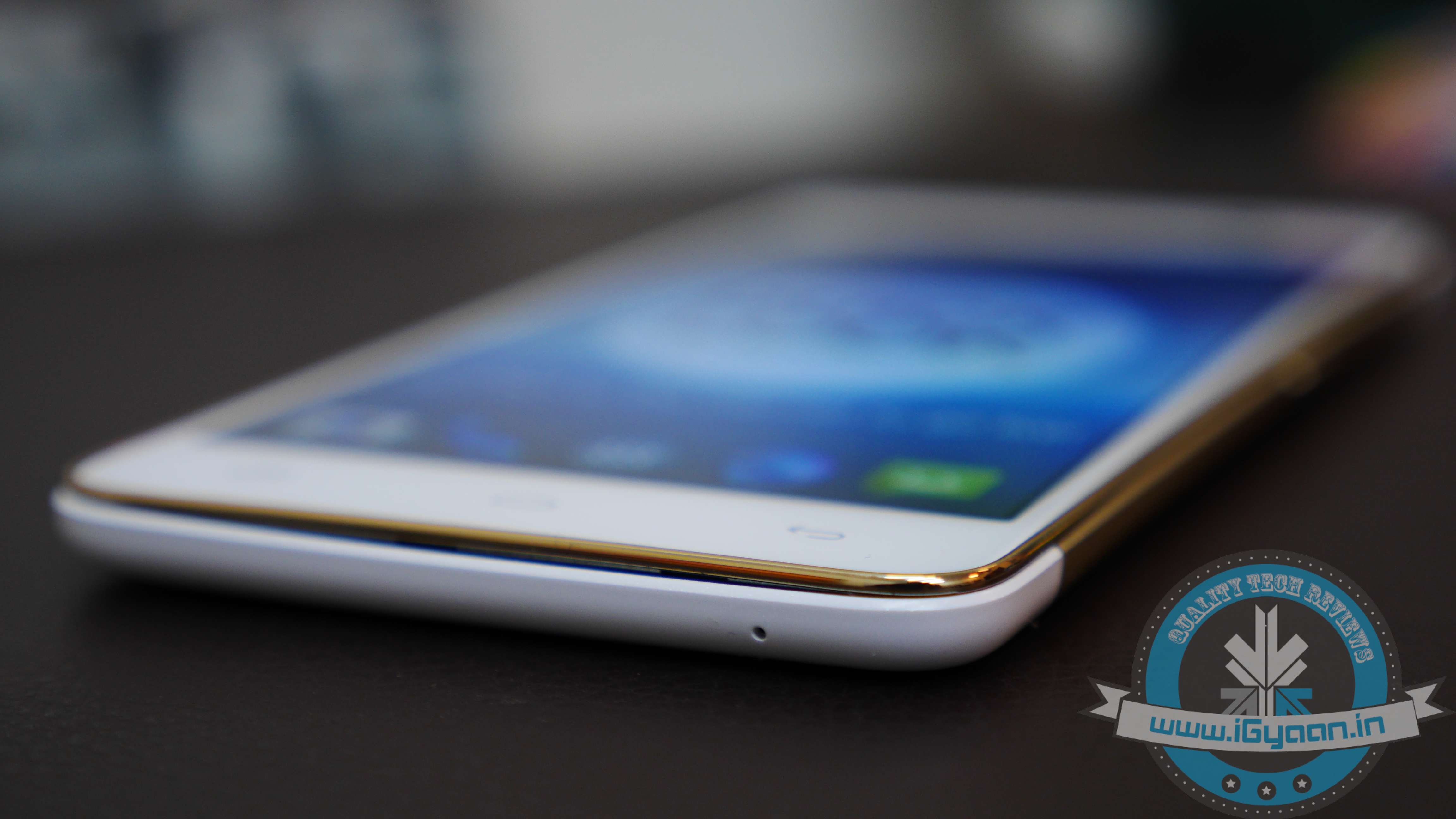
    Local manufacturer XOLO has jumped onto the bandwagon. With the launch of the XOLO Win Q900s, the company is looking to place itself as an innovative and a value for money brand, across all spheres.

    Overview

    The XOLO Win Q900s is a variant of the Android-based XOLO Q900s. The most striking aspect of this phone is its ultra-light weight, at a mere 100 grams. It comes with a 4.7-inch HD display powered by a Qualcomm Snapdragon 200 processor. The smartphone is priced just under Rs. 10,000 and runs on Windows 8.1. It has the likes of Lumia 520, Lumia 630 as direct rivals in the overcrowded budget category of the smartphone world.

    Hardware

    The XOLO Win Q900s is powered by a relatively sluggish Qualcomm Snapdragon 200 SoC with four cores clocked at 1.2 GHz and Adreno 302 graphics. It has 1 GB of RAM and comes with 8 GB internal storage capacity which is expandable up to 32 GB via microSD slot.

    xolowinq900s1It sports a 4.7-inch screen with a resolution of 1280×720. Optics includes an 8 MP camera on the rear and a 2 MP selfie cam. The phone has a 1800 mAh battery which is just not enough for a heavy user.

    Design and Build

    As already mentioned, the first thing you’ll notice about the phone is its ultra slim form factor and how deceptively light weight it is. Which means you can slip it in your pocket easily and it also fits perfectly in the hand. Not one of the toughest phones around but with a its weight, it’s certainly lighter than the lightest phones around.

    xolowinq900sSurprisingly, there is no Windows’ logo anywhere on the phone which is usually found on the Home button beneath the screen, this might be confusing to users. Also, there is no Microsoft or Windows branding seen on the device, apart from the box.

    The phone has an amazingly slick design. It has a glossy black front, while the rear has a nice matte finish to it providing a better grip. The sides have a dark metallic rim that run from top to bottom. The capacitive buttons are placed very close to the bottom, with the Back button placed on the front right while the left button brings up Bing search – the exact opposite of the layout we are used to.

    xolowinq900s3The main power button is placed on the right edge while the volume rockers are on the left. The back houses the primary 8 MP camera and flash, and has a removable back cover that has the two micro-SIM, microSD slots along with the removable battery.

    The phone is definitely one of the better looking phones out there and feels good in the hand. This breaks the myth about domestic manufacturers coming out with ugly looking phones compared to their well established branded counterparts. It has a top notch design and will make a few heads turn.

    Performance and OS

    The performance of the XOLO Win Q900s is quite satisfactory. Powered by the Snapdragon 200 clocked at 1.2 GHz bundled with 1 GB of RAM, the phone does your routine tasks without any hassle. There aren’t any noticeable lags while using apps like WhatsApp, Twitter or Facebook, it can easily handle day-to-day activities with ease and fluidity.

    The low weight makes surfing on the phone all the more fun. The phone managed a score of 10,870 in our Antutu Benchmark which is slightly lower than that of the Nokia Lumia 630.

    The phone can run most games at ease, though one might experience stutters while playing them on the highest settings. The FPS is kind of low, but otherwise it gives a pretty good display and runs most games quite well without over-heating, considering the fact that it’s a very thin device. Though, it’s not meant for high-end gaming.
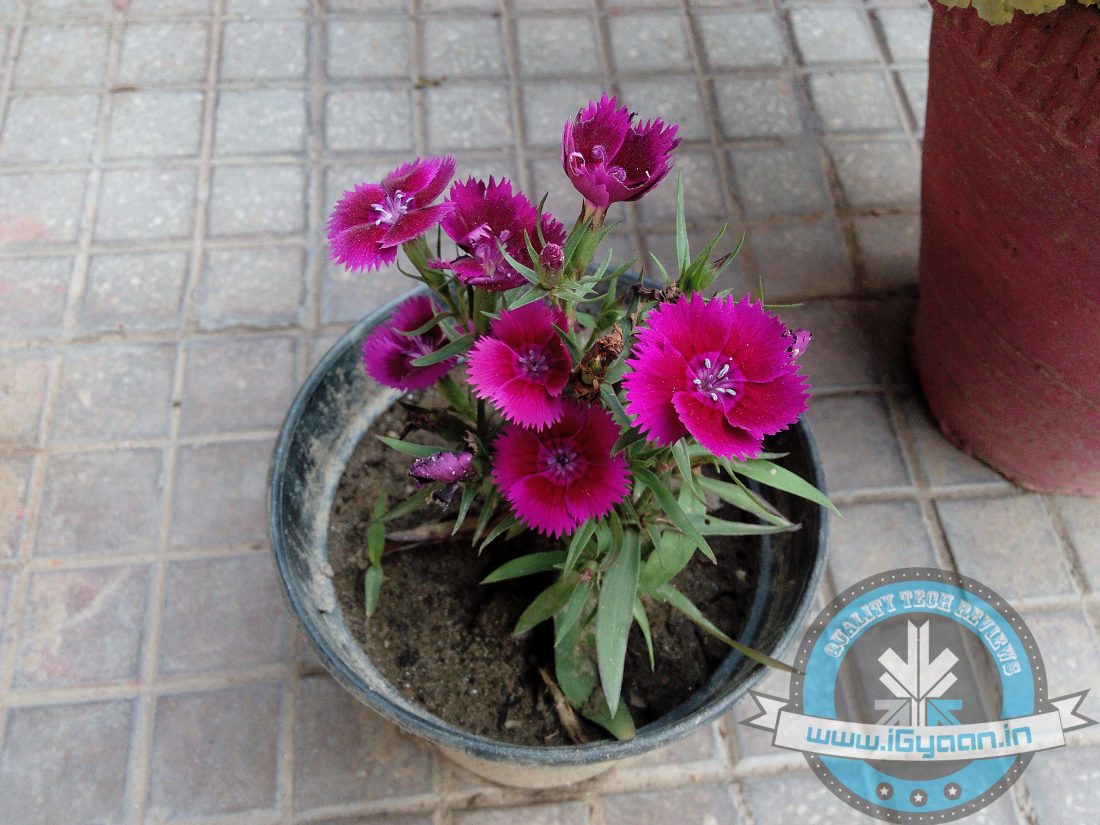
    P1060160

    Coming to the OS, the XOLO Win Q900s comes with the latest Windows Phone 8.1. The OS has a refreshed neat look with a notification center along with the signature Live Tiles. Its Action Centre is very well laid out, making the OS fully functional. Swiping around the screen is smooth and responsive, and the new Swipe keyboard gives a good feel to it. The updated Windows 8.1 also brings a lot of customization options, almost a complete overhaul from the original Windows 8. The new Data sense and Wi-Fi sense take care of your data usage.

    Not to forget Cortana, Microsoft’s answer to Google Now and Siri, is like a real-life personal assistant. The only difference is that being anthropomorphic, you can have a conversation with her and because of this, she is far better than the robotic Google Now responses. Cortana is capable of doing what Google Now does but with a quirky attitude that you would love. She gathers information about you and gives suggestions based on that. From scheduling appointments to dictating messages to opening apps, she does everything for you. Though it’s still early days for Cortana, but she is definitely fun to work with.

    In the end, it would be fair to say that the overall experience of Windows 8.1 on XOLO Win Q900s is quite good. Previously frustrating loading delays have been significantly improved. With Windows 8.1, there aren’t any noticeable lags; a great keyboard, an interactive personal assistant makeup for a delightful experience.

    Camera

    The XOLO Win Q900s has an 8 MP rear snapper along with a 2 MP front camera. Overall, the picture quality in broad daylight is very good, renders the right colours and is quite crisp and sharp as well. Even the selfie camera on the front takes pretty decent pictures. The camera app has several display modes as well, allowing users to adjust colour hues and customise the display as per requirement.

    Low light performance is just at par, as one would obviously not be expecting much from a phone at this price level. One other thing that we noticed was that the rear camera is placed on the extreme top left edge, so more often you need to make sure that you keep your fingers off the lens while taking pictures.

    Meanwhile, the video quality is just at par and appears a bit grainy even in well-lit lighting conditions. One might experience jitters and lags, making the end result rather unsatisfactory.

    Display and Multimedia

    The phone’s display is quite good with a 4.7-inch 720p HD IPS 332ppi display. Text appears sharp which makes for a good reading experience. The screen is bright even in outdoor conditions, and the viewing angles are pretty good. All in all, the display works just fine indoor as well as outdoor.

    With a dual-core processor, the multimedia performance on the phone definitely needs some boost. It can handle daily activities at ease; while playing, videos deliver smooth frame rates and transitions, however audio sounded a bit muffled. The XOLO Win Q900s is not for games that demand a lot out of this phone, as it does not have the ingredients to cope up with those kind of games that run on high graphic settings.

    xolowinq900s4

    Phones, Networks and Battery

    The phone gives good signal strength indoors as well as outdoors, audio quality on the call is quite crisp. In terms of network connectivity, Wi-Fi signal strength is extremely poor and one needs to be very close to the router.

    Coming to the battery, the phone is powered by a 1800 mAh Lithium Polymer (Li-Pol) battery, which in my opinion does not provide enough juice for a heavy user, may last only 4 hrs of heavy usage and 8 hrs of average usage. It might even stretch up to 9 hours without the Wi-Fi. It needs to be plugged in quite a bit if you’re a heavy user. In our battery test, we played a 90 minute HD video with Wi-Fi and other notifications on, and by the end of the video, the battery dropped to 67 percent.

    Conclusion

    Well, the device isn’t perfect by a long way and has its own minor flaws, but in no way is it a complete bummer. It needs some fine tuning and there’s definitely a of scope for improvement. With a Snapdragon quad-core clocked at 1.2 GHz bundled with 1 GB of RAM and an 8MP camera with auto-focus along with expandable storage, the phone has all the attributes of a decent budget pick. Moreover, you get a screen guard and a flip case as a part of the total package.

    xolowinq900s8The Nokia Lumia 630 is its closest rival, with a better processor and a slightly more powerful battery at 1830 mAh, but lacks in terms of memory at just 512 MB of RAM and a lower resolution at 480×854 pixels. Meanwhile, coming its Android counterparts, you have tons of options available in the given price range.

    The XOLO Win Q900s, above all, is a smart choice, with average specs, decent performance, a good display, decent camera though battery backup might not be that great. If you are looking for a Windows Phone, it does all the basics fairly well along with a host of new features of Windows 8.1. A worthy competitor to the Lumia 630 and the Canvas Win W121.

    [tw-column width=”one-half”]

    GOOD THINGS

    • Light Design
    • Decent Rear Camera
    • Cortana
    • Smooth UI
    • Clarity of Display

    [/tw-column]


    [tw-column width=”one-half” position=”last”]

    BAD THINGS

    • Poor Battery Backup
    • Lack of Robust Design
    • No Support for Full HD video recording

    [/tw-column]

  • iPhone 6 Plus : Bigger Than Bigger May Be Better or Bendier

    iPhone 6 Plus : Bigger Than Bigger May Be Better or Bendier

    This is the first time Apple has gone this big with a phone, usually pinging their traditional theories that the phone needs to be designed for one handed use. The iPhone 6 Plus has been the preferred of the two (6 and 6 Plus) by buyers worldwide, simply because those who were using large Android phones could switch to a similarly large iPhone 6 Plus.

    The iPhone 6 Plus on paper is the better bet, a full HD screen, bigger battery, larger display, optical image stabilization and landscape mode etc.  However that all changes when you first hold the phone and the immediate reaction is “wow its huge”. Does it make a big difference, to the way we use smartphones and is the iPhone 6 plus actually a better phone? Let’s find out!

    iPhone 6 Plus 2

    Overview

    The iPhone 6 Plus is the largest phone Apple has ever built, but there is good reason that they did it now, when people wanted it more than ever. The bendgate phenomenon has actually added to the existing hype of the iPhone 6 Plus, making people more aware of the existence of the phone. The idea behind the bendgate died as soon as it emerged simply because it didn’t affect users as much. The phone is essentially a bigger brother of the iPhone 6, but Apple may have done the right things to leverage the bigger size.

    iPhone 6 Plus 1

    Build Quality and Hardware

    The iPhone 6 Plus is built on a single rounded piece of aluminum, this not only makes the phone look good but adds a good resistance to damage. The phone however is not as strengthened on the smaller phones, hence bendgate exists. No but it’s not as easy as it looks, the phone does not bend as easily as it appears to on screen, and only under certain circumstances. It is an issue and if you are worried about that happening, you should skip the rest.

    Hardware wise you get a bumped up Dual Core 1.4 GHz Apple A8 chipset with the Quad Core Graphics, same 1 GB of RAM as the little brother and a M8 motion co-processor that also ties into the health app on iOS 8. The battery is a large non-removable 2915 mAh, and you get the three storage options, 16GB , 64Gb and 128 GB.

    The front has a massive 5.5 inch with a 1920 x 1080p resolution which feels a little more fulfilling than the resolution on the iPhone 6 although you get the retina display at 401 ppi. Even though its massive in size it is only 7.1 mm thick, making it exceptionally sleek and pocketable.

    iPhone 6 Plus 14Here is how it stacks up with other big boys !

    Specs

    Samsung Note 4

    Sony Xperia Z3

    iPhone 6 Plus

    LG G3

    Galaxy S5

    Display 5.7 inch QHD 5.2 inch Full HD 5.5 inch Full HD 5.5 inch QHD 5.1 inch Full HD
    Processor  2.7GHz Quad-core Snapdragon 805 2.5 GHz Quad-core Snapdragon 801 1.4 GHz Dual-core A8 chipset 2.26 GHz Quad-core Snapdragon 801 2.5 GHz Quad-core Snapdragon 801
    RAM 3 GB 3 GB RAM 1 GB 3 GB 2 GB
    Storage 32 GB 16/32 GB 16/64/128 GB 16/32GB 16/32GB
    Expandable Upto 64 GB 128 GB 128 GB 64 GB
    Main Camera 16 MP 20.7 MP 8 MP 13 MP sensor 16MP sensor
    Front Camera 3.7 MP 2.2 1.2 MP 2.2MP sensor  2 MP
    Battery Removable 3220 mAh Non-removable 3100 mAh Non-removable 2915mAh 3,000mAh 2,800mAh
    Operating System Android 4.4.4 Android 4.4.4 iOS 8 Android 4.4.2 Android 4.4.4
    Price Rs. 61,500 Rs. 51,990 Rs. 62,500 for 16 GB variant Rs. 44,100 Rs. 37,000

    Performance

    The iPhone 6 Plus is no underdog when it comes to performance, and just because it is running relatively low spec’d hardware doesn’t mean that this guy doesn’t pack a punch. Apple has managed to make it work, they own the architecture and the hardware and have optimized the OS to run zippy smooth on hardware which in Android terms would be lame and notoriously dated, props to Apple for this.

    Everything from playing games, to multitasking to going about your day, works well on the iPhone. Some of the Apps have been designed to leverage the large screen size of the iPhone 6 Plus improving the overall experience by a lot.

    iPhone 6 Plus 0

    Camera

    This is a big mention, and no not because Apple added a might big sensor but because two amazing things happen with the iPhone 6 Plus. First the video is absolutely stunning with the optical image stabilization, you can walk about and get almost steadicam like shots on your iPhone. The phone also shoots brilliant 720p 240fps slow mo that looks absolutely stunning in low light or otherwise.

    Images are sharper and there is definitely less hunting thanks to the on-sensor phase detection that has good and accurate focus capabilities. This overall improvement in focus results in sharper images and better results. The camera on the iPhone has been best in class, the new improved sensor and image processing will only carry that into the next year.

    The large screen on the iPhone 6 Plus makes for a good viewfinder for the camera, and especially in video mode it comes in handy to pick and select your focus points. The fact that you can adjust the brightness on the fly will be appreciated by a lot of people, you can also lock in your points before you click a picture or shoot a video.

    Phone Networks and Battery Life

    The one thing that you immediately notice is the battery life of the iPhone 6 Plus, it will practically last you a day and a half. Even more if you are a light user. The networks are sustained and solid through areas with weak reception. Mostly in areas that we would notice weak reception with the iPhone 5 and 5s we saw great network reception with the iPhone 6 Plus, better than the iPhone 6 even.

    Battery will last you 6+ hours with talk time on LTE networks and 7+ hours on 3G networks, with a switch to 2G we saw upwards of 8 hours which is impressive. The biggest drain on the battery is the display, so if you have less screen on time, then you get more talk time, and vice versa.

    iOS 8

    [pullquote_left]Apple’s biggest strength is the lack of weakness in iOS[/pullquote_left]

    Apple’s biggest strength is the lack of weakness in iOS. Despite a few initial bugs on iOS 8, the next versions have been tweaked and work as flawlessly as any other iOS release ever. There is no denying that iOS is the best if not one of the best mobile operating systems, and also one of the reasons that iPhones have seen success through the years.

    Apple has taken iOS 8 and moulded it well for the iPhone 6 Plus, and it works great. The iPhone 6 Plus essentially behaves like a mini-iPad, so you get landscape mode on the desktop as well as some essential apps like messaging and mail. Apple’s reachability with the use of the touch-id sensor makes a lot of sense on this gigantic phone. Third parties can leverage the large size of the display to their advantage and we have yet to see unique use case scenarios. However, Apple has updated the dev kit to make this work well.

    Conclusion

    Apple has made a big iPhone and there is no denying it, infact people said the same thing about the iPad when it was first released, and it went on to become the most selling tablet ever. Apple has given the market what they needed, a large size iPhone option. While the 4.7 inch iPhone may be the right size for most people, the iPhone 6 Plus, is just that big boy of a phone which comes with its perks. The large battery life will be a boon to any iPhone user of the past as, chargers will become a thing of the past. Those with a camera fetish will love the slow-mo capability that looks as juicy as the apple being sliced in slow motion. The optical image stabilization, large viewfinder for the display, and excellent use of the large screen to show landscape options truly adds to the already awesome iPhone experience.

    For those looking for a little extra, the Note 4 rival launches the same day as the iPhone 6 Plus in India, so take a healthy pick.

    [tw-column width=”one-half”]

    GOOD THINGS

    • Excellent Battery
    • Solid Networks
    • Wow Camera
    • Slo-Mo video at 240 fps

    [/tw-column]

    [tw-column width=”one-half” position=”last”]

    BAD THINGS

    • It Bends!
    • Seriously, it bends!

    [/tw-column]

  • Huawei Honor 6 Review

    Huawei Honor 6 Review

    We have witnessed a surge in competitively priced phones this year, with the likes of Lenovo, Xiaomi and Oppo aggressively battling for the crown. However, there’s one smartphone manufacturer who is yet to make a mark on the Indian smartphone market – Huawei. With the launch of its latest smartphone, Honor 6, Huawei may well be on its way to create a stir. The smartphone boasts amazing specs which have the potential to give other manufacturers a run for their money. The Honor 6 only sounds great on paper, now let’s see if its worth it!

    Overview

    For starters, it’s the first smartphone with the new HiSilicon Kirin 920 SoC, an octa core processor coupled with 3GB RAM and a mammoth 3100 mAh battery. Ascend series have been the flagship models from Hauwei, but it seems the honor series is the hot property these days. The smartphone features an octa-core processor made of four Cortex A 15 cores and similar number of Cortex A7 cores. Available for Rs.19,999 via online retailers only, the phone seems to justify its price with what lies under the hood.

    Honor_6_18

    Hardware

    Probably the most talked about aspect of the phone, the brand new HiSilicon Kirin 920 SoC. It is the next iteration of the Kirin 910T, which we have seen earlier on the Ascend P7. It features 4x Cortex A7 and 4x Cortex A15 clocked at 1.3GHz and 1.7GHz respectively, coupled with 3GB LPDDR 3 RAM. Yes, a deadly combo about which we will elaborate later. The phone comes with an impressive 16GB in built memory along with a microSD slot with an expandable capacity of up to 64GB.

    Specs

    Specifications

    Honor 6

    Display 5-inch (1920 x 1080 pixels)
    Processor 1.3Ghz Octa core Kirin 920 processor
    Storage 16GB + microSD
    RAM 3GB RAM
    Camera 13MP primary camera, 5MP front camera
    Battery 3,100mAh
    Operating System Android 4.4

    In terms of connectivity, the phone offers Bluetooth 4.0, Dual-Band Wi-Fi, 3G, GPS, FM Radio along with a 3.5 mm jack. The smartphone is powered by a non removable 3100mAh battery.

    Build and Design

    The design of the Honor 6 is minimalistic, and it has a sleek form factor; with thickness of 7.5mm and weight of a mere 130g. Although, it appears Huawei didn’t really spend much time making the phone as pretty as much as it made it useful. The design is pretty close to what we saw on the iPhone 4, with a glass front and rear. The back of the glass has dotted textures, which don’t stand out predominantly. The sides are made out of metallic finish plastic. As a result of the combination of plastic and glass, the phone does feel a bit slippery in the hand.

    However, Huawei has done a good job when it comes to button and port placement. The power button, volume rockers, microSIM slot and the microSD slot are all placed on the right side, leaving the left side clean. The USB port is located dead center on the bottom, while the on the top lies the 3.5 mm jack. The rear houses the 13MP camera with a dual LED flash.

    Honor_6_20

    Performance

    With a Krin 920 octa-core along with Mali T628MP4 GPU, bundled with a 3GB DDR3 RAM, we were expecting some impressive benchmark figures from the Honor 6 and it did not disappoint. The phone scored an impressive 40,000 on AnTuTu which translates into real world performance. The massive memory pool available runs multiple apps at ease without any lags.

    Devices

    Antutu Benchmark

    NenaMark 2

    Quadrant

    Honor 6 41900  59.1 fps  10939
    Xiaomi Mi 3 30537 60.0 fps  20376
    OnePlus One 37500 61.3 fps  23178

    The 3100mAh battery can easily last a day of heavy usage, could extend to a day and a half under normal usage conditions. Users are also given an option to further enhance battery life by switching to the screen and power saving mode.

    Coming to the OS, the smartphone runs on the latest Android 4.4.2 KitKat with Huawei’s in-house Emotion UI 2.3 on top. The overall design of the UI comes of a bit off beat with the vibrant colourful icons. Apps and widgets are laid out on the Home Screen, which appears slightly cluttered and can be overwhelming for a new user.

    The notification panel comes with colour choices. They have given two tabs on the notifications panel, the notifications and short cuts, which come in quite handy enabling users to switch easily. Other nifty feature which the EMUI offers is the ‘Smart Asssistance’ option which includes Suspend button and provides on-screen controls, motion enabled controls like flip to mute, along with a gloves mode.

    Honor_6_13

    Camera

    The Huawei Honor 6 offers a 13 MP rear shooter with a Sony BSI sensor along with a F2.0 28mm wide angle lens and a dual LED flash. The UI provided on the camera is standard. However, the image quality does not justify the camera specs, as they have a tendency to appear grainy. The camera can take decent shots during the day. Meanwhile, the front shooter also lacks sharpness and the finer details. The camera enables video recording at 1080p, though the lack of OIS becomes quite apparent. Overall, it is fair to say that the camera of the Honor 6 is one of its weak points.

    Samples:

    Display and Multimedia

    The Huawei Honor 6 has a 5-inch Full HD 1080 x 1920 pixels LCD display with a pixel density of 445 pixels per inch. Well, that sounds and looks good. The smartphone can render excellent brightness even in very bright conditions. However, the panel is a non IPS which makes viewing angles a bit scruffy. However sunlight visibility and colour reproduction is top notch.

    With a 5-inch display, playing games and watching movies is a fun ride with the Honor 6. The phone can easily withstand those frame rates, animations and transitions without any lag or stutters. Playing Asphalt 8 was also delight on the Full HD screen. It runs most games flawlessly, even at maximum graphic settings, while 3GB of RAM allows multitasking with ease and provides enough resources to run multiple apps in the background. All in all, gaming experience on the Honor 6  is quite immersive and seamless as it can run most games without any lags and stutters. Though, I was not really satisfied with the placement of phone’s loudspeaker as its housed at the back and blocks sound output while you’re holding the phone.

    Conclusion

    Considering its priced for Rs.19,999, Huawei Honor 6 is strategically coupled with the state of the art hardware. The EMUI 2.3 gives a lot of additional features without hampering the overall performance of the phone. The brand new HiSilicon’s Kirin 920 bundled with 3GB of RAM is a match made in heaven. The Honor 6 is a multimedia delight along with the 3100mAh battery performance. The phone has minimalistic look and build to it, though made out of good quality. The camera may be one of the weaker links in the Honor 6, but other aspects of the phone are top notch and can beat any phone under the given price bracket.

    [tw-column width=”one-half”]

    GOOD THINGS

    • Great Hardware
    • Good Display
    • Adequate Internal Memory
    • Easy-to-use UI

    [/tw-column]

    [tw-column width=”one-half” position=”last”]

    BAD THINGS

    • Design
    • Weak Camera
    • Prone to Scratches

    [/tw-column]

  • Moto X 2nd Gen Review : Better Android Smartphone Experience

    Moto X 2nd Gen Review : Better Android Smartphone Experience

    The Moto X was the reason Motorola was able to bounce back from extinction. With the help and financial backing from Google, Motorola revamped their lineup of smartphones and today is one of the most coveted Android smartphone manufacturers. Although Motorola was unloaded by Google to Lenovo, the company’s principles have remained similar. With the Moto X 2014 Motorola is back with a vengeance, giving you the best mix of hardware and performance.

    Overview

    The new Moto X aka Gen 2014, is a major overhaul of what was already an impressive kit of a smartphone. The great mix of design build quality and top notch hardware makes the phone an aggressive competitor in the major smartphone market. In most countries the phone is available on the cheap with a contract, in countries like India however it has to be bought outright. Its price at launch is Rs. 31,999, which is much higher than the last generation’s price.

    Hardware

    Unlike the previous edition, the new Moto X is not impaired by old tech, it’s packed with a Qualcomm Snapdragon 801 chipset with Adreno 330 graphics, has a larger 5.2 inch display with a Full HD resolution. New optics include a 13 MP camera with a faux dual led ring flash, and a front facing 2 MP one. The rear camera does 4K video and slow motion at 1080p which is really impressive. Storage is limited to 16 GB and RAM is kept at 2GB.

    • 5.2-inch 1080P Display – 401 pixels per inch
    • 2.5 GHz Snapdragon 801 Quad-core processor
    • 2GB of RAM
    • 16GB and 32GB storage options
    • 2,300mAh battery
    • 13MP rear facing camera w/ 4k video, 2MP front camera
    • Dual LED Ring Flash
    • Android 4.4.4 KitKat
    • Over 25 customizable back options – India Gets Black Leather or White +  Bamboo!
    • 140.8 x 72.4 x 9.9mm – 144 grams

    Build and Design

    Thanks to the Stainless Steel frame, the Moto X is one of the most robust smartphones in the market, the reinforced design with the lack of easily ding-able parts makes the phone more sturdy than expected. The Moto X will not bend, not with your hands, and many videos are trending online to prove it. The phone is solid and engineered well, but the leather finish will not last. We used the phone for a mere 2 weeks and the leather at the back has a lot of nicks and cuts and basically wears easy, the bamboo variant of the new Moto X 2nd Gen costs an additional Rs.2000 but may be worth the moolah. Moto X 2nd Gen 2014 Review 31 Design is great, however, we are not too sure of the lager Moto logo in a steel insert, it looks great in the leather variant but not on the wooden one. Reactions have been mixed about that one bit, everything else is an excellent change up from the 1st gen. Stainless steel bezel adds premium class and functionality and looks good, the shape is well fitted and curves just right in the hand. It is a handsome smartphone and its built well.


    Performance and Android OS

    The overall performance from the handset is impressive, it runs top notch hardware on an almost vanilla build of Android 4.4 with an experience  only south of Google’s own Nexus line. Benchmarks score upwards of 40,000 in Antutu and they translate to real life usage, RAM is managed well and the Moto X remains pretty smooth through the day of use. Moto X 2nd Gen 2014 Review 5 Motorola has managed to use its own features like, smart notifications which are now called “Moto Display” and the new voice assistant which can be called up by a custom phrase and not the traditional “Ok Moto” or “Ok Google Now”. Moto X 2nd Gen 2014 Review 6 Motorola has also managed to leverage Moto communicate, allowing for phone calls and SMS messages to be received and responded to from your laptop/computer, while the setup may seem tedious it works well, although is a major drain on the battery life.  The new Moto Assist is also well rounded, it knows when you are sleeping, driving or whether you are at home or work and can customize the alerts according to that, it needs a basic setup, but works mostly flawlessly after that.

    Moto X 2nd Gen 2014 Review 3

    Camera

    The camera is a big upgrade, a 13 Mp sensor, 4k video and 1080 slow mo, all sounds great on paper. Images however do not justify all that, they are still grainy and low light performance is terrible. Continuous burst mode is a great feature, but is randomly sluggish and will cause images to get blurry and out of focus. The concept of the ring flash is simulated and does do nothing really to enhance the image quality, although the color correction in post flash images is good. The flash module is just like any other on any other smartphone. The camera app is really basic and could use some better features, like filters and on the fly changes. Focus during video will jump in and out, and will cause heartache. 4k video sounds great, but the limited 16GB storage will fill up with just mere minutes of 4k footage.

    Slow motion works well, focus is tight and quality is impressive. It will do Slow motion at 1080p vs 720p in the last year’s model. The front camera remains basic with a 2MP snapper, it captures 1080p video, which is usually overexposed and grainy, not the best optics in the lot.

    Moto X 2nd Gen 2014 Review 34

    Display and Multimedia

    The new display on the Moto X larger and brighter, looks good outdoors, and has a crisp 401 ppi density. The glass on the front is Gorilla Glass 3 and it rounds off and meets the bezel at the edges adding to a natural feel when using the touchscreen. The display has excellent viewing angles and looks great indoors and out doors. touch response is excellent and according to Motorola the whole ecosystem is run at 60 fps throughout which adds to the experience, although may not be perfectly accurate. The bezels on the front are really minimal so the display is what takes up most of the front adding to a better look and better content consumption.Moto X 2nd Gen 2014 Review 7 Thanks to a larger display you will enjoy watching movies and videos on the phone, performance is excellent so no lag or buffer is experienced in the usage of the phone. The speaker is now forward facing, but unlike HTC’s boomsound it’s still a single speaker , yet sounds good and is very loud.

    Phone, Networks and Battery

    The Moto X 2nd Gen uses the metal fame to boost networks and boy does it work well, we found excellent indoor reception even on 3G networks and no call drops. This goes to show that maybe not all networks are to blame for bad reception. In this case Motorola has really got its antenna design right and yes it is very functional. Call quality, thanks to the impressive reception, is better than most handsets, although noise cancellation is not very great. Microphone is sensitive and the earpiece is loud and crisp. Battery is a smallish 2300 mAh unit that will mostly last a day, but if you use your phone a lot a portable charger or a USB cable will soon become your best friends. Averaging a mere 4-5 hours of talk time, we wish the phone had more juice to go on about its day. If you need the new Moto X to last longer you may want to invest in the Turbo Charger. Although, not yet in India, this optional accessory can charge the Moto X incredibly fast, pumping in eight hours of power in just 15 minutes. Moto X 2014

    Conclusion

    Motorola has a winner with the Moto X 2nd Gen, and while a lot of people are looking at the bump in price, we are looking at the bump in specs. The previous Gen Motorola Moto X was underpowered, under spec’d and smallish. The new Moto X, is powerful, has excellent specs, top notch performance, has the right size and it looks good doing daily deeds. The leather back is tastefully damage-able and will add a custom look to each Moto X, however extreme wear may happen sooner than later. Thanks to quick Android updates and a simple basic Android UI, the handset is customizable and fast from the get go. The display bump is a boon and is well received, the new design is flawless and the built appreciable. The phone is also water resistant and will last you a very long time. But, should you get it? If you want an android phone now, and the price bracket fits, Yes ! get it now. Alternatively wait for the OnePlus One launch or the Next Nexus, which may as well be a Moto X in a cheaper format, who knows?

    Review Video


    [tw-column width=”one-half”]

    GOOD THINGS

    • Superb Built
    • Handsome Looks
    • Top Notch Hardware
    • Excellent Performance
    • Moto Display
    • Voice Assist

    [/tw-column]

    [tw-column width=”one-half” position=”last”]

    BAD THINGS

    • No Customization in Global Market
    • Leather prone to Wear
    • Camera is Sluggish and Not Refined

    [/tw-column]

  • iPhone 6 Review

    iPhone 6 Review

    Apple’s latest generation of phone is here, the iPhone 6 is the next big change after Apple’s iPhone 5 was launched two years ago. However a lot has happened in the smartphone market space since then.

    Android has taken major lead thanks to diversification and availability, and smartphones have become much cheaper. A few companies like Xiaomi and OnePlus have emerged to show that cheap phones don’t have to be bad quality or bad spec’d, and that they too can create major hype.

    So amidst all of this smartphone tension, where does today’s iPhone 6 stand and is is worth your major moolah. Let’s find out!

    Overview

    Just like every iPhone release, this one was riddled with issues as well. Apple managed to sell 10 million iPhone 6 and 6 Plus devices overnight since it went on sale and a lot of people had major issues in getting to the online Apple store. Then there is this crazy #bendgate phenomenon, and just like Apple’s #AntennaGate this one has the whole world talking about bending iPhones. People are confused and some assume that a bending iPhone is a feature of the new iPhone, just like the G Flex.

    [pullquote_left]iPhone 6 is Unaffected by the Bendgate Issue[/pullquote_left]

    Apple has received just a few complaints over bending iPhone 6 plus’ and the whole story seems like a media frenzy, also it does not affect the iPhone 6 at all. All bendgate theories aside, Apple has managed to improve on what was already an excellent handset. People wanted a bigger iPhone and Apple delivered two sizes. People asked for better battery and the Cupertino giant may have a winner on that as well, but hardware is not the only factor. Apple has tied in iOS 8 brilliantly and the end user experience may just be what you have been looking for.

    Build Quality and Design

    Apple has chosen to go with a treated Aluminum just like every year, however this year it’s thinner and strengthened at the hip using stainless steel and titanium inserts. The iPhone however, is presumed to be easily dented or nicked at the round edges just like the case of the first generation. The front glass is rounded to the edges giving the phone a massively premium outlook and a great in-hand feel. Expect almost all manufacturers to follow this in the upcoming handsets.

    Looks wise the iPhone 6 is much more good looking in person than in images and video. It feels excellent in the hand and thanks to the new rounded edges, the phone will stay in your hand much longer. Everyone who has seen it, has appreciated its looks. The Golden color especially has been improved over the past generation gold.

    iPhone 6 Camera iGyaan
    Camera Module is Protruded

    The camera module sits above the whole body of the phone, which makes it prone to scratches, however the super hard sapphire lens, makes it really difficult to do so. The Apple official case tucks the camera module in just a tad bit to add a layer of protection and not bulk. The leather case is really appreciable and well made, much more so than last generation cases.

    Hardware

    Procession on the new iPhone 6 happens on the new Apple A8 Chipset and it is the first chipset to include 2 Billion transistors. Which is really impressive if you factor in the size of the A8 die i.e 89mm2. The increase in the performance is based on a 1.4 Ghz CPU and a hexa core GPU. The front has a larger 4.7 inch display which is an Apple iPhone first along with a larger resolution of 1334 x 750 px, retaining Apple’s retina requirements.

    The Battery is bigger on the iPhone 6 with a 1810 mAh unit in tow, non-replaceable as usual, you also get the same 8 Mp and 1.2 Mp camera combo. However improved lenses and sensor promise better imagery and we agree. There is also an NFC module on the inside, but it is only for payments and not for information bumps. Apple Pay is not available in India, in fact it won’t be for a while so it really may not be relevant. However if you are in the US, this may simplify payments for you significantly, especially if all you carried was a credit/debit card.

    Performance

    Performance is easily noticeable out of the box; the iPhone 6 is snappier, opens apps faster and renders objects quicker. The graphics information is about as accurate as mentioned and games that will take full advantage of the GPU will truly shine in the coming days with extra detail and nag-less gameplay.

    Apple performanceMultitasking has taken a major bump up, thanks to iOS 8 which is much lighter and handles multitasking better, but the hardware also plays an important role and improves it, resulting in a flawless experience overall.

    Gaming, Display and Multimedia

    The iPhone 6 is by far the best gaming experience on a smartphone, the visual elements truly shine out in gameplay, and since all games are designed around Apple’s hardware on the iPhones, they run at best possible settings resulting in the best possible output, and therefore the best possible gaming experience.
    [pullquote_right]The Display shines on the new iPhone 6[/pullquote_right]

    iPhone 6 10
    Display is Vivid

    The new bigger 4.7 inch display truly leverages the OS experience, you still get to use the phone with one hand, and once you have used “reachability”, the first question you will ask is “why hasn’t anyone else done it before?”. It makes sense and it works really well. Apple should have stuffed in a larger resolution display on the iPhone 6, but the current resolution is very good. There is zero pixelation on screen, text looks excellent, viewing angles are really wide and outdoor visibility is top notch, basically the same as you would expect from an iPhone, but better.

    The speakerphone is definitely louder and more defined, however it’s no “boomsound” speaker setup and it’s no where near as great as a stereo setup. Why Apple choses to use a single speaker after 7 years of inception is beyond us, when they could have easily done a stereo setup with this iPhone. Audio output from the 3.5mm headphone jack is still the best from any phone ever and bundled with a good set of headphones makes for the best on the go sound experience.
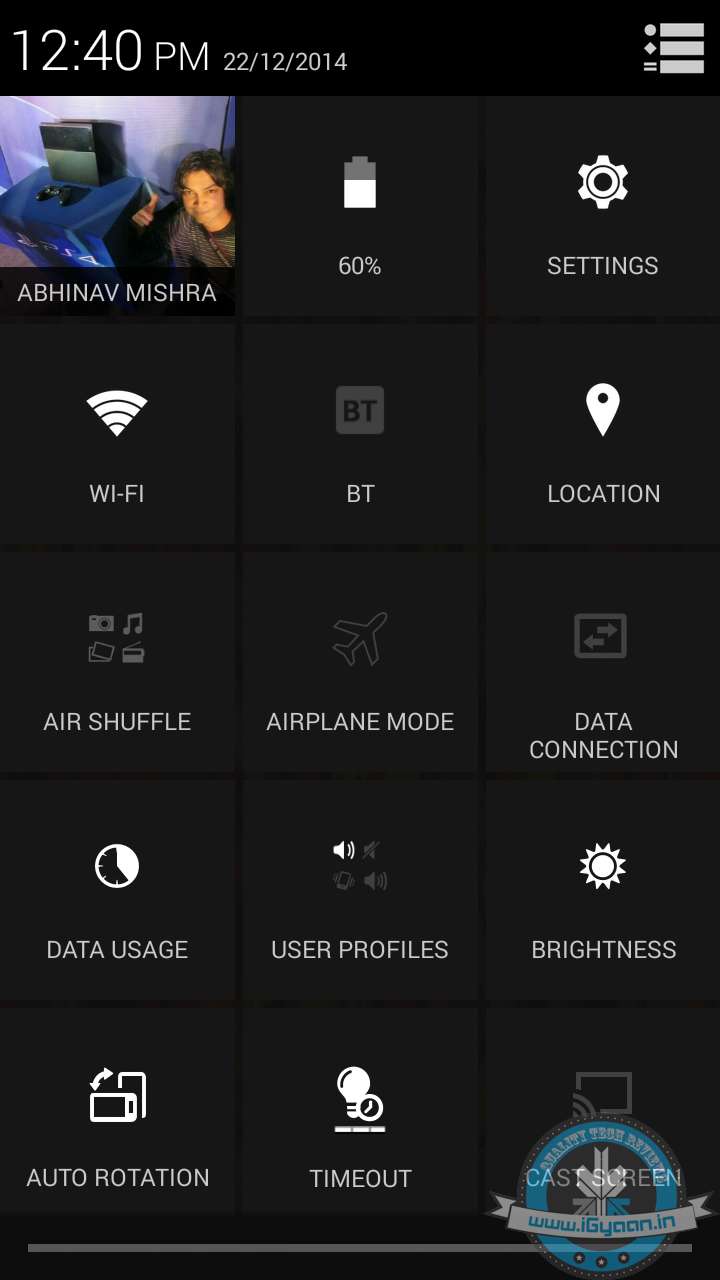
    Camera

    240fps at 720p is going to be the best fun you have had with a Camera, be sure to get at least the 64 GB variant if you intend to use this. The best usage is outdoors so that you don’t get random tube light flicker. The one major let down this year was the lack of 4K video, and now that the storage was bumped up to 128GB it would have simply made sense, as the sensor and chipset is very capable and with the iPhone 6 Plus OIS would have meant excellent video.

    There is a major improvement in the new autofocus capabilities of the new iPhone 6 and 6 Plus. The iPhone 6 misses the OIS from the 6 Plus which is a major pity, because there is no real reason Apple should have left it out.

    The new autofocus is laser fast, and the new lens setup is better for macro. The iPhone usually has great background defocus and close up capture capability as it is, the new iPhone 6 camera improves that by a handful. You also see sharper pictures, highly improved HDR and color correction, and perfectly saturated colors. Thanks to the excellent image processing you get ideally one of the best pocket cameras today. It is also the most used camera in the world and that is just going to become bigger.

    Samples:

    Phone and Battery life

    Network performance is a definite improvement on the iPhone 6, the signal strength has improved tremendously and audio quality in phone calls is definitely up there in the Top 3. The lack of a 3G toggle in the settings panel in iOS 8 troubles users indoors, because you are now unable to switch to a stronger 2G signal. The iPhone 6 however does that by itself now more than ever, which works great for us.

    Battery life has seen a major jump since the iPhone 5s, which had appalling battery life. Newer chipsets, a slightly larger battery and iOS 8 tweaks are all to thank for a bump in battery which will go an easy 18 hours, meaning a full day without the need of a recharge.  Apple’s extreme battery life chart is a bit off from actual usage delivering upto 7 hours on 3G talk in normal usage.

    apple battery

    iOS 8

    Apple ties in the operating system beautifully, and especially thanks to iOS 8 and hand-off, get ready to get a multi device experience like no other. While your phone rings, you can set it up so that every device on the same iCloud account rings too, whether an iPod touch or an iPad and even another iPhone will ring and you can answer the call on either. Best case example, you put your phone on charge and are working on the iPad, you can now receive a phone call on that. The same will apply to MacBooks and iMacs on Yosemite, which will receive calls and texts allowing you to not switch screens when you don’t need to.

    iPhone 6 17
    Reachability Demo

    iOS 8 also takes good advantage of the bigger displays, widening side panels in landscape and allowing you to use a zoomed in view for larger icons and text. iOS 8 also uses Apple Pay which may become the future of payments (when it’s available globally anyway). Simple things like reachability and the new improved keyboard only add to the experience of the bigger screens. Typing is definitely faster, and as mentioned before, the OS is quicker and lighter on its feet, therefore improves the usage experience tremendously.

    Conclusion

    [pullquote_left]The Best Your Money Can Buy![/pullquote_left]There is no major innovation from Apple this year, and most have constantly asked me for one. Once Apple Pay comes to India and the rest of the world, there is a high chance that iPhone 7 will be out by then / or iPhone 6s or whatever they call it. The iPhone 5s in terms of performance, usability and camera/optics was essentially one of the best phones of last year. The two issues, poor battery life and a small display irked many users and Apple has addressed those two beautifully in this release. What else has improved? The design and the overall appeal of the phone, the rounded edges on the display feel wonderfully natural and invite you to slide your finger on the new phone. Big improvements on the performance front and the Touch ID sensitivity also really improve the experience.

    iPhone 6 6
    iPhone 6 with the iPhone 5s and iPhone 5

    Should you buy this if you own an iPhone 5s?

    If you want a bigger screen, a bigger storage capacity or even better battery management and can afford buying a new phone, don’t think twice.
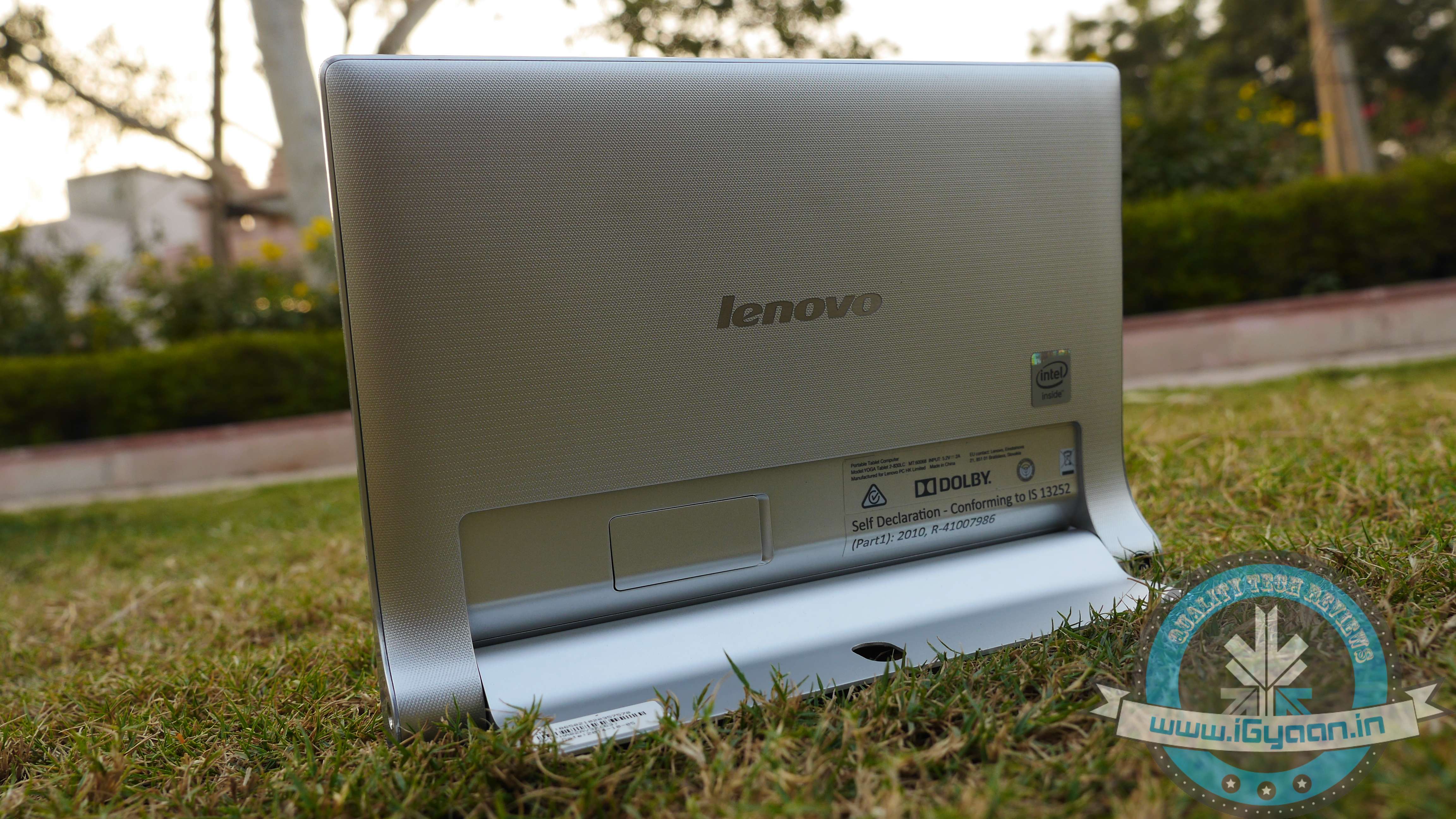
    What is different between the Nexus 4 and the new iPhone 6?

    The question is flawed somehow, because of the sheer distinction in the kind of products. A 2011 Honda Accord and a 2014 BMW 5 Series Sedan are identical, they both have a 2 Liter engine, 4 wheels, 5 passenger capacity, Air-conditioning and even similar interior equipment. If you go into more detail they even have identical length and width, and if you add Rs. 5 lac (US$ 7000) worth performance parts to your purchase of the Accord you can make it run faster than many sports cars. So why is the BMW more expensive and more appreciated than the Accord? If you answer that question the same is applicable to the above question.

    iPhone 6 2If you can afford it, the iPhone 6 is fortunately or unfortunately the best smartphone experience today, and once you get to use it and understand how it simplifies your life, you truly appreciate its experience. The experience which is again fortunately or unfortunately enjoyed best with more Apple products in your daily use scenario. Even as a standalone phone, only a minor user-share have disliked the iPhone experience, and those who left iPhones a few years back, would be delighted to now bounce back onto the bandwagon.
    Video Review

    [tw-column width=”one-half”]

    GOOD THINGS

    • Touch ID Sensor
    • Excellent Camera
    • Unmatched Smooth Operation
    • Beautiful Design
    • Large 128 GB Option

    [/tw-column]

    [tw-column width=”one-half” position=”last”]

    BAD THINGS

    • Price
    • Question Around Weak Build
    • Availability in India

    [/tw-column]

  • Review : OnePlus One – Just Call It Two

    Review : OnePlus One – Just Call It Two

    The Market has been recently flooded by Chinese smartphones, and everyone is confused. The question, however, has always been : are these phones really worth of all the hype they create?. The Xiaomi Mi3 showed us that a great phone package can come for a decent price, and the Redmi 1s is taking it hard to the competition.

    One phone is still missing from the equation and with its arrival in India soon, does the OnePlus One threaten the existence of many brands here in the country? Lets find out.

    Overview

    The OnePlus One is a complete device when it comes to hardware and build quality. Thanks to the inclusion of CyanogenMod the software is mostly community dependent and is expected to get great support for a long period of time.

    Hardware

    The OnePlus One comes with top notch hardware for its time, apart from the 5.5 inch LTPS display with a 1920 x 1080p resolution, Gorilla Glass 3 :

    Operating System CyanogenMod 11S based on Android 4.4
    CPU Qualcomm© Snapdragon™ 801 processor with 2.5GHz Quad-core CPUs
    GPU Adreno 330, 578MHz
    RAM 3 GB LP-DDR3, 1866MHz
    Storage 16/64 GB eMMC 5.0, available capacity varies
    Cameras 13 Megapixel – Sony Exmor IMX 214 / 5 MP Front
    Battery Embedded rechargeable 3100 mAh LiPo battery

     Build and Design

    The OnePlus One is superb, the fact is that anyone who has seen the phone in my hand, especially the sandstone variant, has been amazed with the way this phone looks and feels. The brilliance is in fact in the overall look of the phone, it’s just the right size, has just the right amount of chrome and metallic accents, subtle logos, simple buttons and the nicely printed Cyanogen at the back helps too.

    The built of the phone is also pretty superior, although we wouldn’t say the phone can be dropped several times (especially because if you break it, you will go through hell to get another one). The display is protected with Gorilla Glass 3, but it’s not the ultimate form of protection, and thanks to the large damageable screen real estate, one should be extra careful. The back is a solid plastic, coated with the sandstone finish in the 64 GB variant and a polycarbonate white on the 16 GB variant, both of which feel great and look great too.

    OnePlus One iGyaan 12

    Display and Camera

    The LCD is impressive, it’s quick and bright, has great viewing angles and the touch is very sensitive. We also found colours to be very accurate. You do have several display modes that will help you adjust between temperatures and also customise the display of the phone as per your colour tone preference. Video playback is great, and deep blacks and greys are separately identifiable resulting in a viewing experience that will leave you satisfied.

    The camera on the OnePlus One is equipped with a 13 MP Sony BSI sensor, which by far is the best implementation of the equipment. Shutter Lag is close to none, the response times are amazing, shot composition accurate, focus fast and colours are deep and rightly defined. The camera is equipped with a dual led flash with one amber and one white light, giving the device the ability to correctly compose the shots, especially so, in low light conditions.

    The Camera also does 4K video, which in this day of flagships is only restricted to a few. You also get time-lapse and slow motion video at 120 fps on 720p which works really well. Video is really smooth and jitter free, and the end resultant is rather satisfying, included preview filters and pre shooting tweaks make it easy to compose and deliver the right kind of footage.

    The sensor is bright with a f/2.0 aperture , giving it a great deal of low light visibility, although noise is still prevalent on low light images.

    OnePlus One iGyaan 6

    Multimedia and Performance

    Thanks to the mix of the high end specs as well an a fantastic display, Multimedia capabilities are right up there with all other flagship devices. In certain cases even better so than the other. The low end on the spectrum for OS functions in the background, less busy Cyanogen OS and 3 GB of onboard RAM really improve things on the OnePlus One.

    Performance wise, the OnePlus One aced all benchmarks and kicked it in gaming, with little of no lag on high end graphics and all games running on full juice. Impressive day to day usage and the fluidity of the performing tasks is really appreciable.

    Considering the kind of awesome experience you get with the OnePlus One, we feel that the company should’ve just called it “Two”. because it offers double the experience of any regular manufacturer smartphone, with performance, gaming and built.

    Benchmarks and Gaming Video

    Cyanogen and Android

    Today Android is really in a good place, and with Android L on the verge of launch, a lot is expected from the OS. Generally one should choose hardware that not only supports the update, but a manufacturer that is willing to do so. In most case scenarios you would have to wait months before the next big Android OS would be pushed out by manufacturers. The last version of Android aka Kitkat is now available throughout the segment, however it was announced a year back, and yet today some phones ship with Jelly Bean.

    With the Oneplus One and Cyanogen Mod OS, you will never have to worry about that, this group of developers managed to run Android on the HP Touchpad, and now it is updated to Android 4.4.4. So with the Oneplus One you can not only expect quick updates, you can also expect some nifty features and usage improvements.

    The UI is very customizable and theme-able using their theme changer and by downloading themes from Play Store, and other resources. Cyanogen allows you to mix and match different elements of different themes to make the one perfect theme for you.

    OnePlus One iGyaan 9

    Conclusion

    The OnePlus One is not here yet, the company is busy working out a strategy and will have the phone in India, as early as Sept-Oct 2014. However, for a price sensitive market like India, the cost of the phone will be a major factor. Another big deal is the fact that the company is doing away with its invite system, and hopefully by the time they arrive in India, they can ensure supplies to the huge and impatient market.

    Where companies like Xiaomi have really gained respect and market share simply by cutting down admin, distribution and marketing costs, OnePlus may bring the One at a premium in India.

    The Oneplus One is expected to be priced around Rs. 21500 for the 16GB variant and Rs,. 25000 for the 64 GB variant. Although the prices are more than the $ price, they are much less than the Indian price of major flagships. So for the price of one LG G3, HTC One M8 etc you could typically get , “One Plus One” = 2 phones.

    If you can get your hands on an invite today, do not think twice and get the phone, in fact you should have owned it yesterday. As far as warranty issues are concerned, the company has great service support, but you will have to deal with shipping to their support centers overseas, or wait for the Indian one/s.

    Review Video

    [tw-column width=”one-half”]

    GOOD THINGS

    • Beautifully built
    • Loaded with hardware
    • Excellent screen
    • Fast and sharp camera
    • Cynogen mod is wow!

    [/tw-column]
    [tw-column width=”one-half” position=”last”]

    BAD THINGS

    • Availability is grey
    • Price in India is unknown
    • Service and warranty is difficult

    [/tw-column]

  • Review : Micromax Canvas Nitro A310

    Review : Micromax Canvas Nitro A310

    Micromax has been reworking strategies for quite some time, and after their launch of the Canvas Gold, the company has kept it low key. Meanwhile, Motorola with their Moto G and Moto E along with Xiaomi with their Mi3 and Redmi 1s have really made a dent in the market.

    The Micromax Canvas Nitro A310 is the company’s answer to all that, but does it really fulfil that goal? Lets find out!

    Overview

    The Canvas Nitro A310 is well built phone with good specs, in the right price bracket. However with the competition looming it may not match up in terms of hardware capabilities. The strategy to launch it with online partner Snapdeal is also similar to what we have seen in the past, Motos and the MIs and their launch with Flipkart.

    Micromax Canvas Nitro A310 5

    Hardware

    The Micromax Canvas Nitro A310 comes with a Mediatek Mt6592 Octa Core Chipset clocked at 1.7 GHz on all eight cores. The phone also has 2 GB of RAM and a Mali 450 MP2 GPU. The Nitro runs on a 2500mAh battery and has 8 GB of inbuilt storage, out of which roughly 5.2 GB is available to the user.

    The front is laden with a vivid 5 inch IPS LCD display with a resolution of 1280 x 720 px, for optics on the rear the phone gets a 13 MP camera with auto focus and 1080p video capture, the front remains a fixed focus with a 5 MP resolution. Cameras are capable of HDR and low light photography, video has electronic stabilisation, and you can initiate the camera with a gesture “V” sign to click pictures from a far.

    Unboxing Video

    Build Quality and Design

    Unlike its predecessors, the Canvas Nitro A310 is built on a plastic chassis, giving it a much lighter and less sturdy feel compared to the likes of the Canvas Gold. However the phone is still well built and feels like it can take a fall or two (not that we’d recommend it). The front has a tiny lip that nicely protects the front LCD of the phone, but on from a flat table placement or a flat drop. There is no mention of Gorilla Glass, although some generic “strengthened” glass has been used.

    Micromax Canvas Nitro A310 9The back panel has a leather look (read: exactly like the Note 3) however it has a much better defined design, overall appeal and touch. The back panel is also very sturdy and not flimsy at all, which one would expect. We are not too sure about this blue colour, as it may not appeal to every one, it’s how one would say “different”.

    Camera

    Micromax focused a lot with the camera on the new Micromax Canvas Nitro A310, they have added several new camera features as standard. Things mostly which can be had with an app, but its is always much better to have features integrated with the OS and UI. An inbuilt camera specific widget lets you take shots by focusing on what you want to do, selecting from 5 different modes.

    Front Back ; lets you take one picture from the front facing camera and one from the rear facing camera and combine it as a single image.

    Stable ; just like the name says, waits till your hands are stable before taking a picture.

    Selfie ; A selfie mode lets you click better selfies, however this works best with “V shot gesture” mode.

    Refocus; lets you add blur to all areas except the area you select, more like a software version of HTC’s dual camera setup.

    Coming to the hardware, the camera is based on a BSI Sony sensor with an f2.2 aperture and has excellent focus capabilities. Images captured indoors, as well as outdoors are accurate in colour reproduction and contrast. HDR was particularly good, and can really reproduce required details in the images.

    You get a good deal of details with the camera, especially up close to your subject.

    Performance and Gaming

    The Micromax Canvas Nitro handles day to day usage without any problem, and for once this phone does not heat up at all, mostly pertaining to the fact that the device is made entirely out of plastic. At any pint of time the total amount of free RAM is approximately 600+ MB, leaving you to wonder where the phone is utilising in excess of 1.3 GB of RAM. The included clean up app does open up about 120-140 MB of RAM, but that is still less considering that the device is running on KitKat.

    Benchmarks and Gaming Video

    We did see some hiccups in Gaming while gunning for high end games, and we also noticed quite a lot of frame loss, we plan to revisit gaming separately post the launch of the handset. Audio quality is excellent, however you might end up with your hand on the speaker ever so often, muffling up the sound.

    Phone, Networks and Battery

    Signal quality is excellent indoors as well as outdoors, audio is good on a call whether incoming or out going. As far as networks are concerned the plastic body definitely improves any WiFi connectivity issues faced by the previous generation of Canvas phones.

    Battery life if good for one day’s use with the included 2500 mAh battery, which is removable and replaceable by the user. You will get an average talk time of 5-6 hours with both SIM cards placed in the phone.

    If you are a light user you can easily run into the second day, however a charge a day would be recommended to keep you in a healthy battery position.

    Micromax Canvas Nitro A310 1

    Multimedia And Android

    The display is really good on the Micromax Canvas Nitro A310, it has excellent levels of black which are deep and blend in with the accurate blacks of the bezel. Video playback was good after the initial hiccups we faced (old version of Youtube App) and viewing angles are fantastic. The phone’s display works well indoors and outdoors and you will totally appreciate media consumption on the display, despite the fact that it is a 720p screen.

    Micromax Canvas Nitro A310 0The OS is mostly stock Android 4.4.2, with minor customisations and mostly preloaded applications by the company, the UI also looks clean and is responsive. The set of apps including Quick Look (aka Blinkfeed for non HTC devices)  and the new lock screen are excellent and work really well in providing notifications and quick update of news. Both of these can easily be turned off or replaced using custom launchers and lock screen replacements from the Play Store.

    Screenshots

    Conclusion

    While most will argue the hardware powers of the Xiaomi Mi3, the Micromax Canvas Nitro is aimed to be more for those who want a less hectic approach to buying a phone. With an octa-core chipset and 2 GB of RAM, bundled with a 13 MP camera and expandable storage, the Micromax Canvas Nitro does have it positives. The biggest being the fact that the phone will be available to those who want to buy it, easily and how.

    The Micromax Canvas Nitro is a step in the right direction for Indian manufacturers, especially considering they are taking huge flack from companies like Xiaomi and Motorola who are basically now playing in their space.

    [tw-column width=”one-half”]
    GOOD THINGS

    • Good Build
    • Good Specs
    • Great Pricing
    • Excellent 720p Display
    • Good Battery Life

    [/tw-column]
    [tw-column width=”one-half” position=”last”]
    BAD THINGS

    • Plastic Body
    • Gaming Shabby
      [/tw-column]

iGyaan Network
Privacy Overview

This website uses cookies so that we can provide you with the best user experience possible. Cookie information is stored in your browser and performs functions such as recognising you when you return to our website and helping our team to understand which sections of the website you find most interesting and useful.