Twitter is one of the most popular social media platforms. The microblogging website/application is an active service that is provided to its large user base. Similar to Facebook, WhatsApp and Instagram; Twitter too has a refresh cycle in which it upgrades certain aspects related to its service. The social media giant has now announced a refreshed new look for its desktop version of the official website.
https://twitter.com/Twitter/status/1150812293124546561?ref_src=twsrc^tfw|twcamp^tweetembed|twterm^1150812293124546561&ref_url=https%3A%2F%2Fthenextweb.com%2Fapps%2F2019%2F07%2F15%2Ftwitter-launches-its-faster-cleaner-design-including-new-color-themes%2F
Previously, Twitter was rumoured to overhaul its aesthetics which has now finally been unveiled. The social network is live with its new skin today (16th of July) and it seeks to offer a more streamlined experience; it goes in line with its mobile application iteration. For a quick look here are all the notable changes that have been made: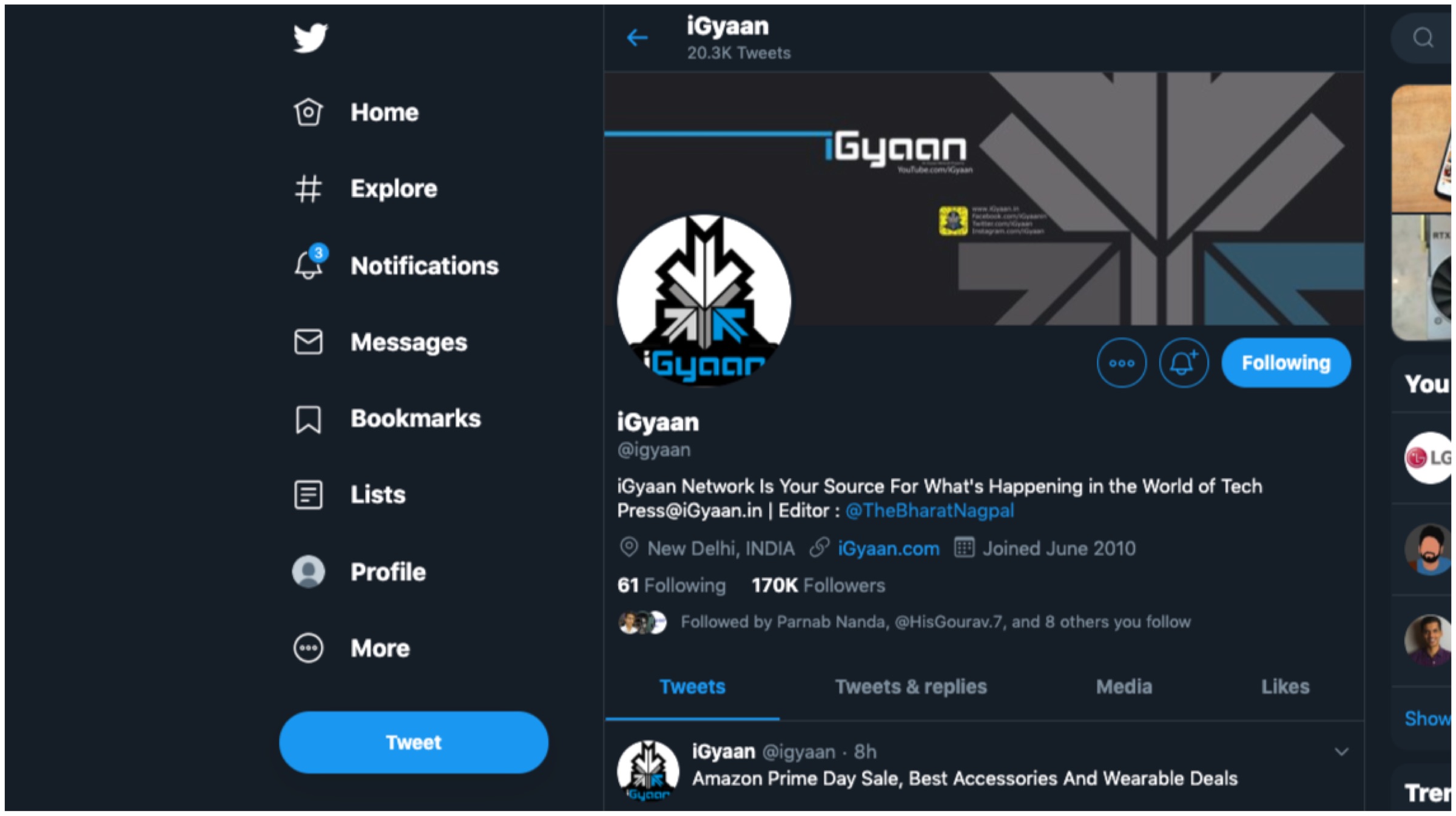
Changelog
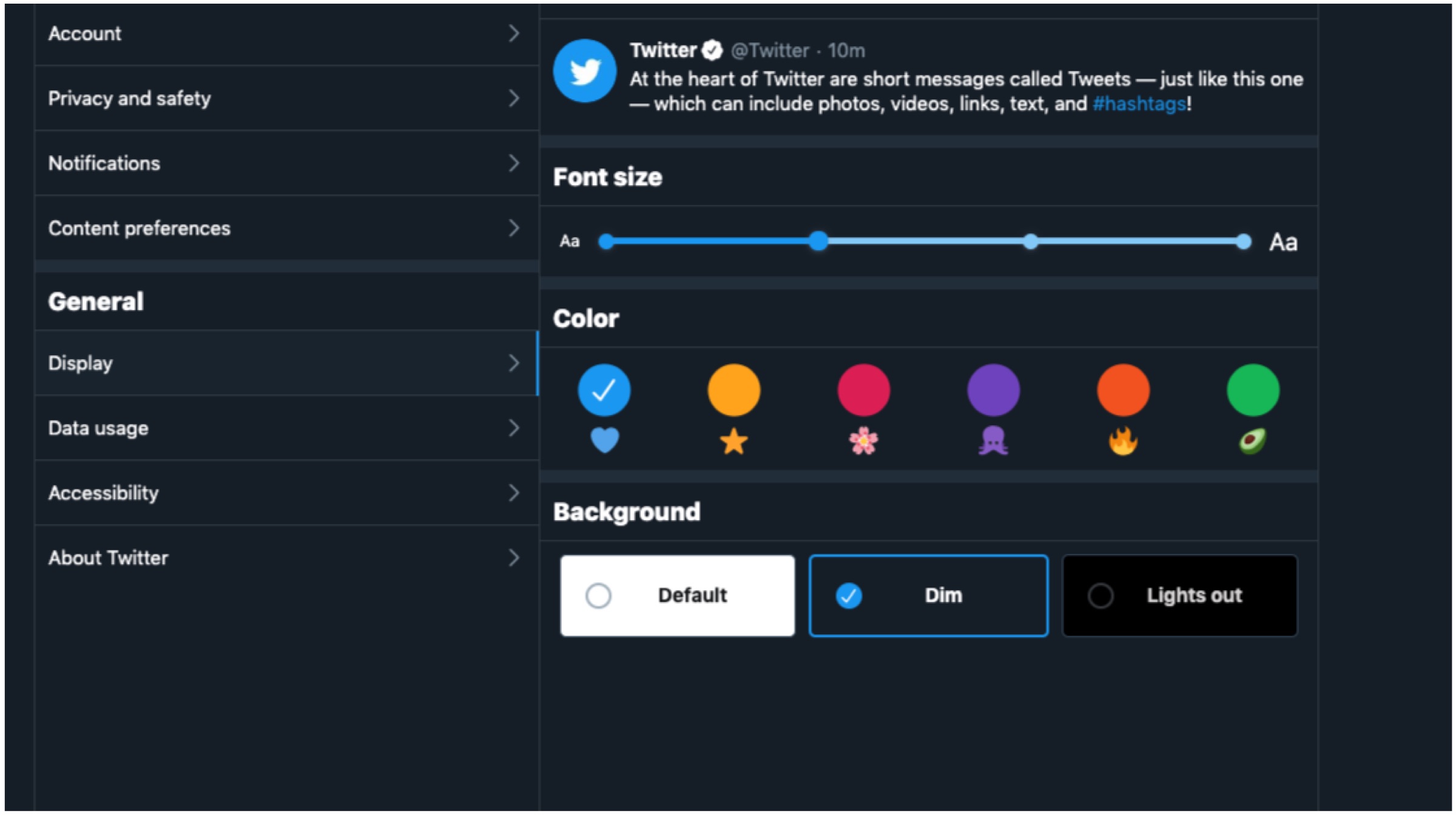
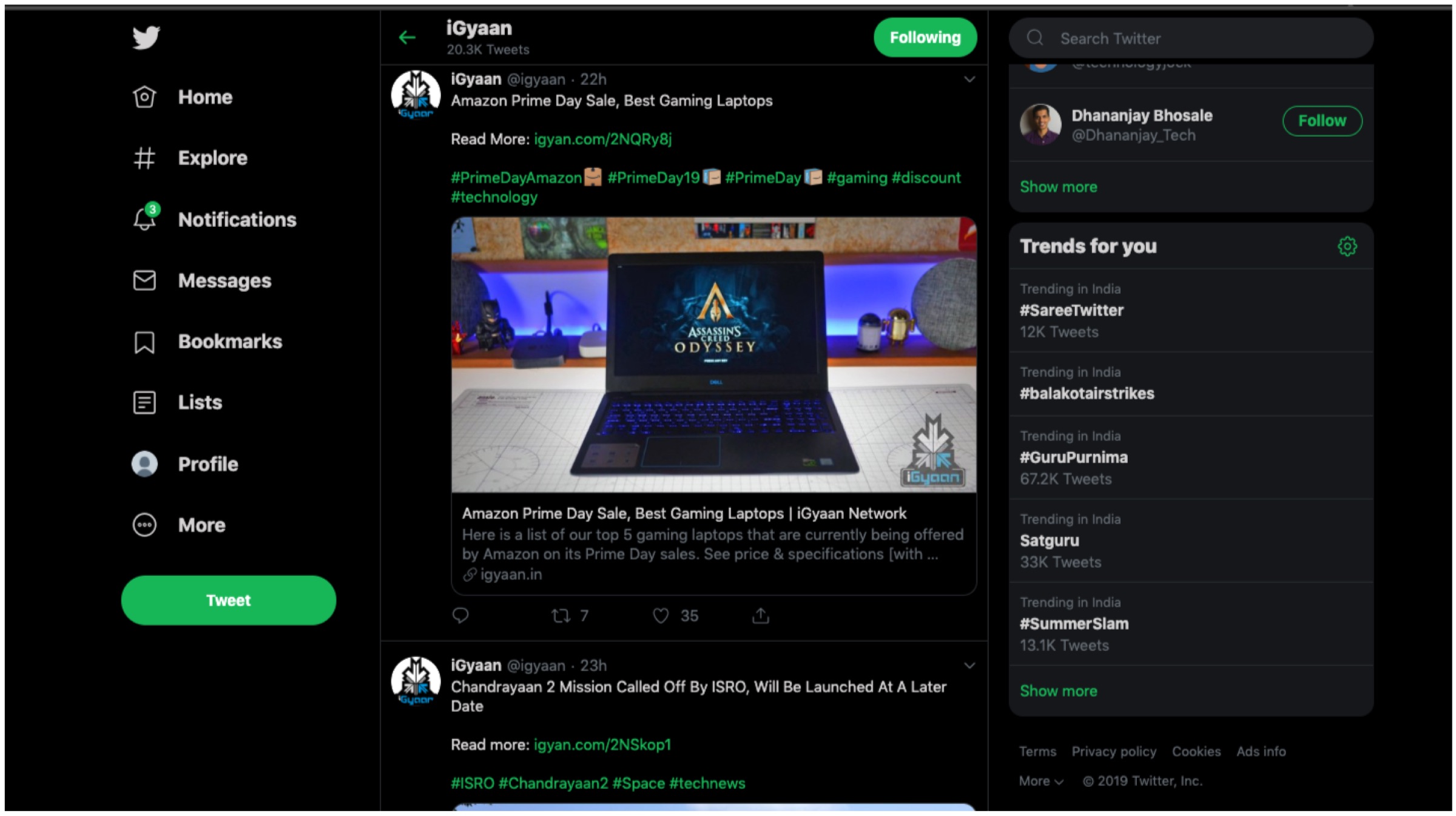
- Users now have two additional options with dark mode alongside various other themes and colour options.
- The ‘Explore’ tab is now available on desktop for easier navigation to find live videos or location based posts on Twitter.
- Direct Messages now offers a larger view which enables users to respond to multiples messages on the same screen.
- It is now much easier to navigate the side menu as Bookmarks, Lists and Profile as they are now found on the left margin.
- The sidebar menu allows for seamless switching between different user accounts.
According to the company, the changes are built upon a major revamp of Twitter’s back end architecture with Twitter.com being remade from scratch. The new changes were made to offer a clean, intuitive and more faster user interface experience to all. It ensures a more efficient platform that have a more unified experience across multiple platforms like PC and smartphones. For example, tablet users are able to use keyboard shortcuts similar to desktop users. Furthermore, the refreshed website will only load features as and when required to save on data on metered connections.
Also Read: Qualcomm Announces Snapdragon 855 Plus SoC For Gaming Smartphones
Twitter has claimed that its has worked on the aforementioned changes with “hundreds of thousands of responses.” The feedback was received during the testing period which paved the way for the final design. The new look is rolling out gradually and will not be available to everyone immediately. For those who wish to acquire the changes, simply click on your avatar and opt to “Try the new Twitter.” The fresh aesthetics will have its fair share of likes and dislikes, but to us it offers a unique and clean interface. Do let us know what you think of the new changes.


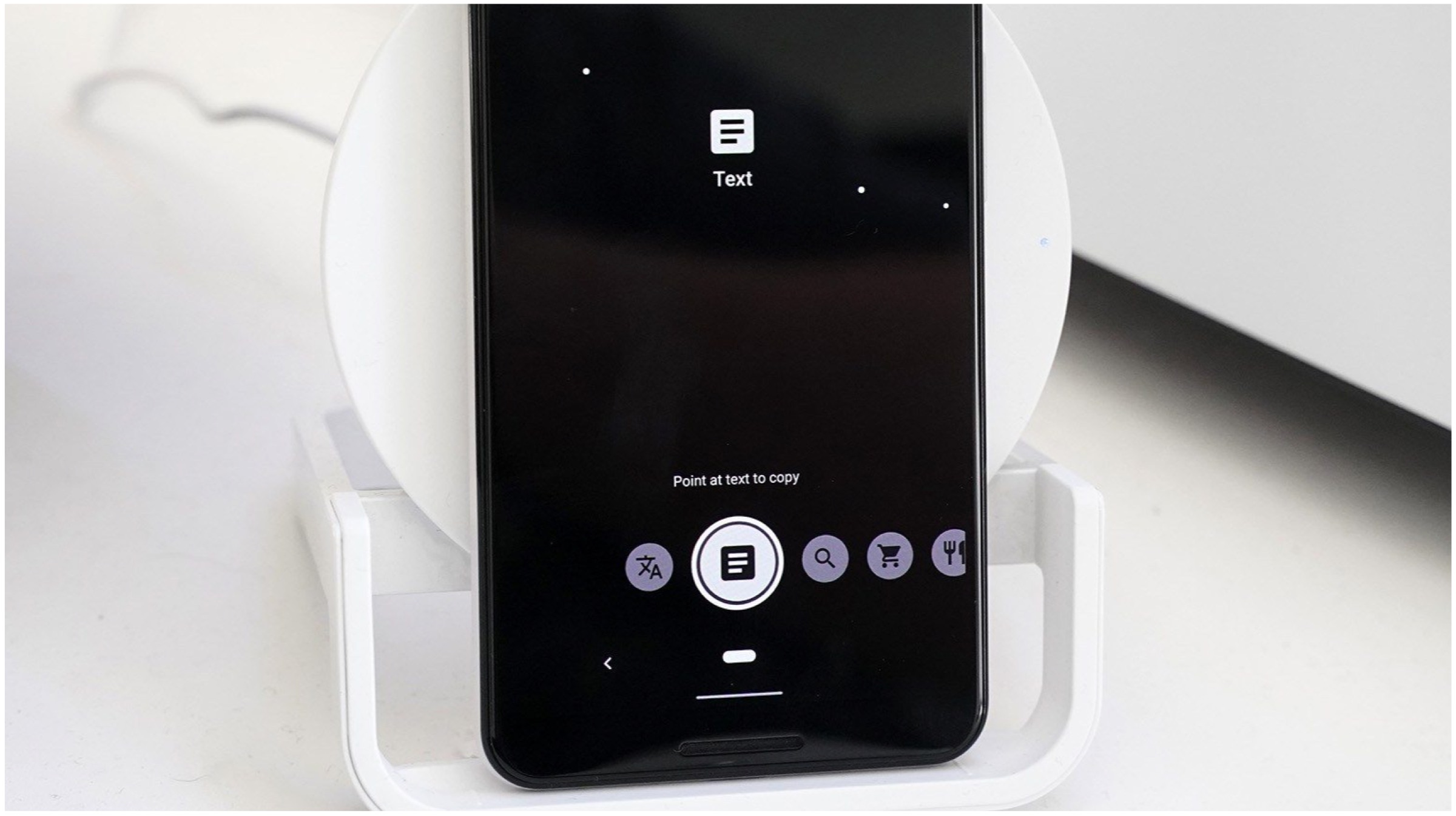
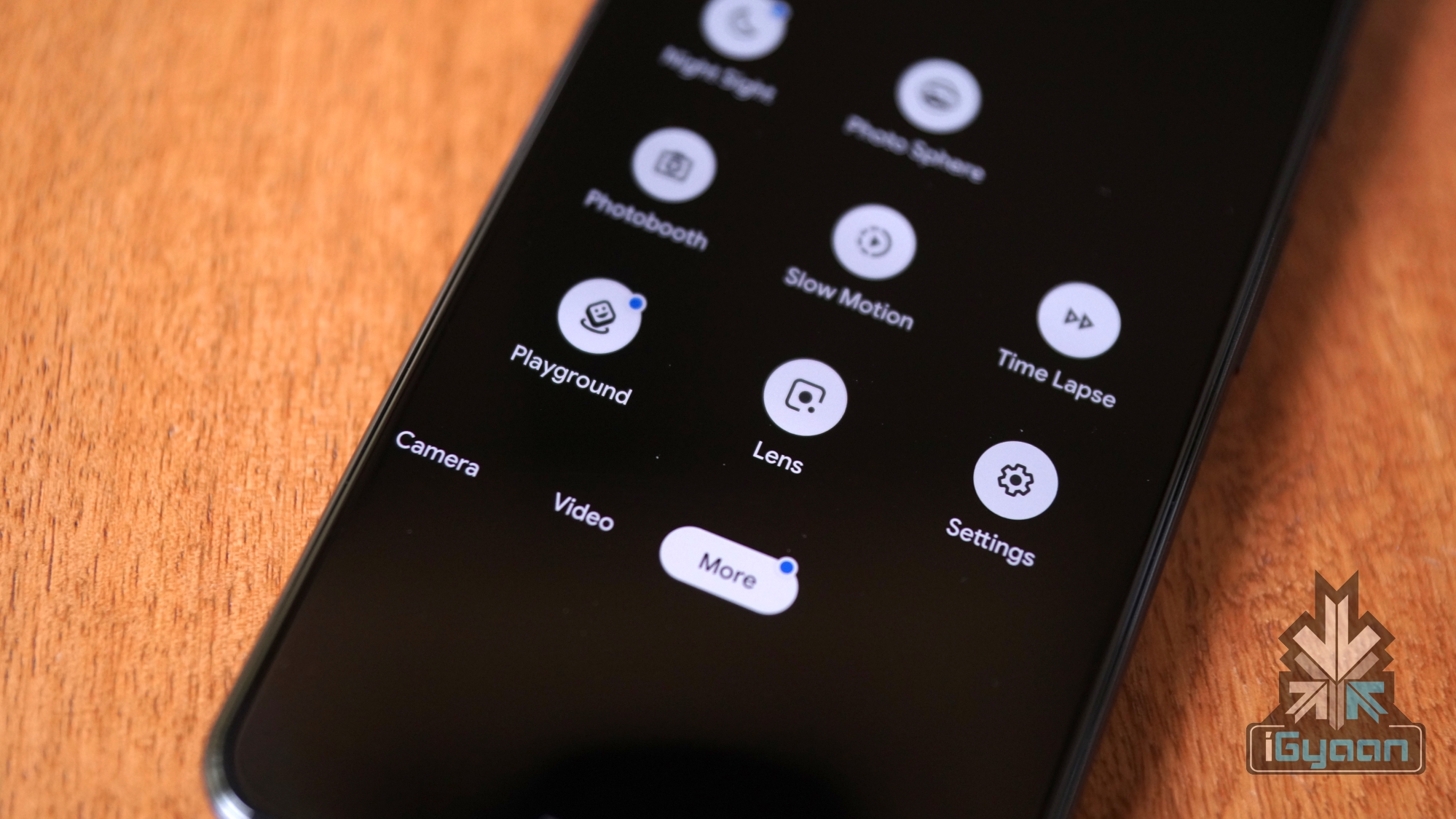 The updated Google lens has a new slide-up menu that houses circular buttons with a variety of functionalities. The older buttons that were previously used to scan barcodes/QR codes and Copy Text have been sacrificed to bring in new buttons. The first button will allow the user to directly overlay the translated text in their own language, without opening the Translate application. The second button is again familiar to a lot of users, which allows them to copy the text in an image and paste it elsewhere.
 Also Read:
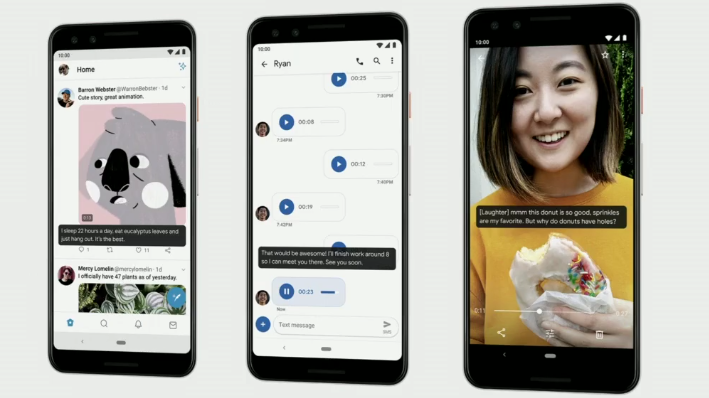
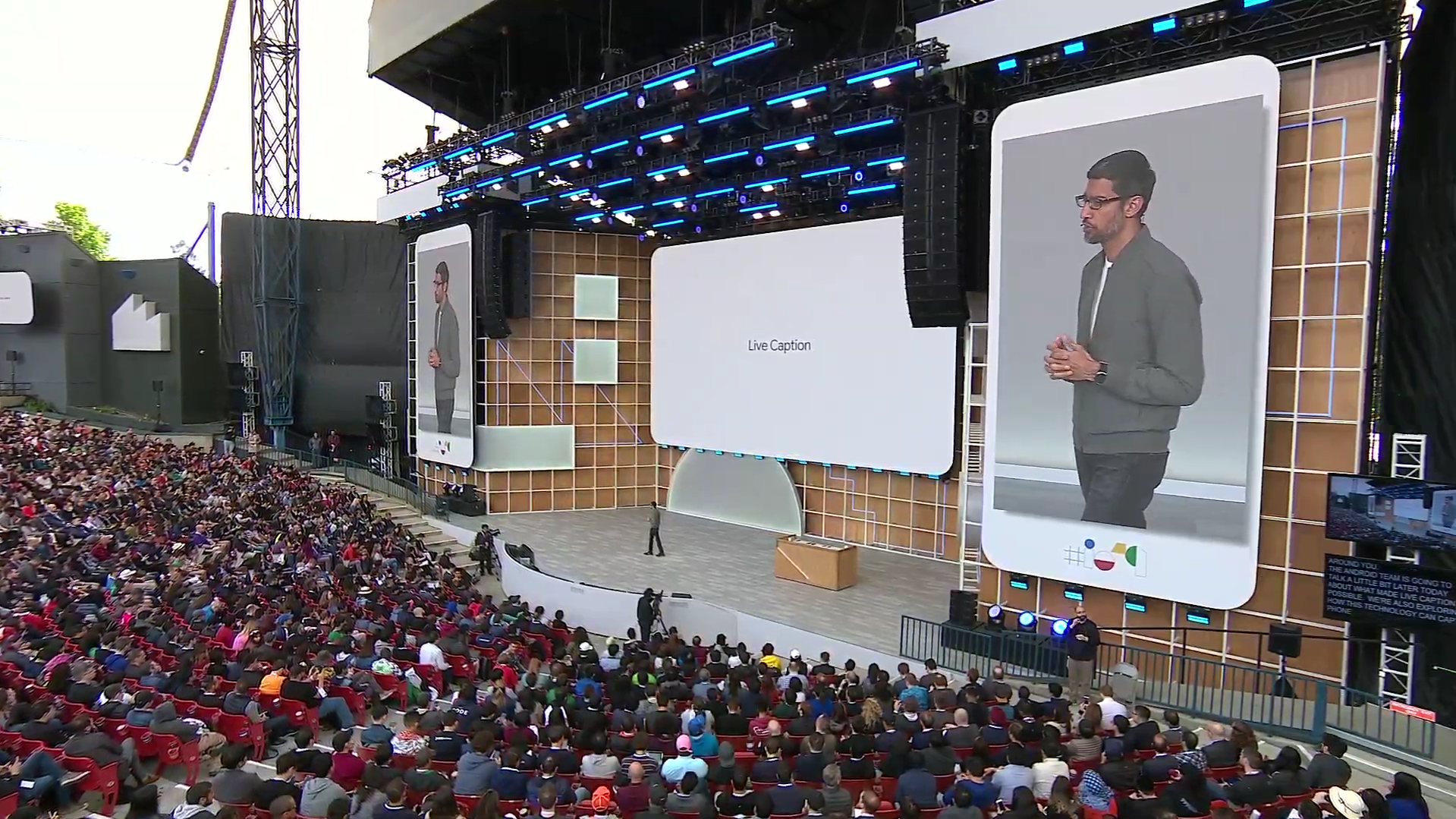 As per Google, around 500 million people around the world are either deaf or have some forms of hearing problems. Such a feature may help in making content more accessible and easily available to hearing impaired people. Google CEO Sundar Pichai further stated that the company is constantly working on products that enable a multitude of people to access Google services along with others.
 Also Read:
  As per Twitter support, users can express themselves better with the help of GIFs and images, which would enhance their reactions to a specific tweet. To do the same, users need to click on the “retweet with comment” option and then choose the respective image or GIF to go along with the tweet. Even though this is a small addition to the micro-blogging app, Twitter stated that the service was quite cumbersome to incorporate in the mobile application, since a lot of GIFs and images can make the Twitter timeline look cluttered.
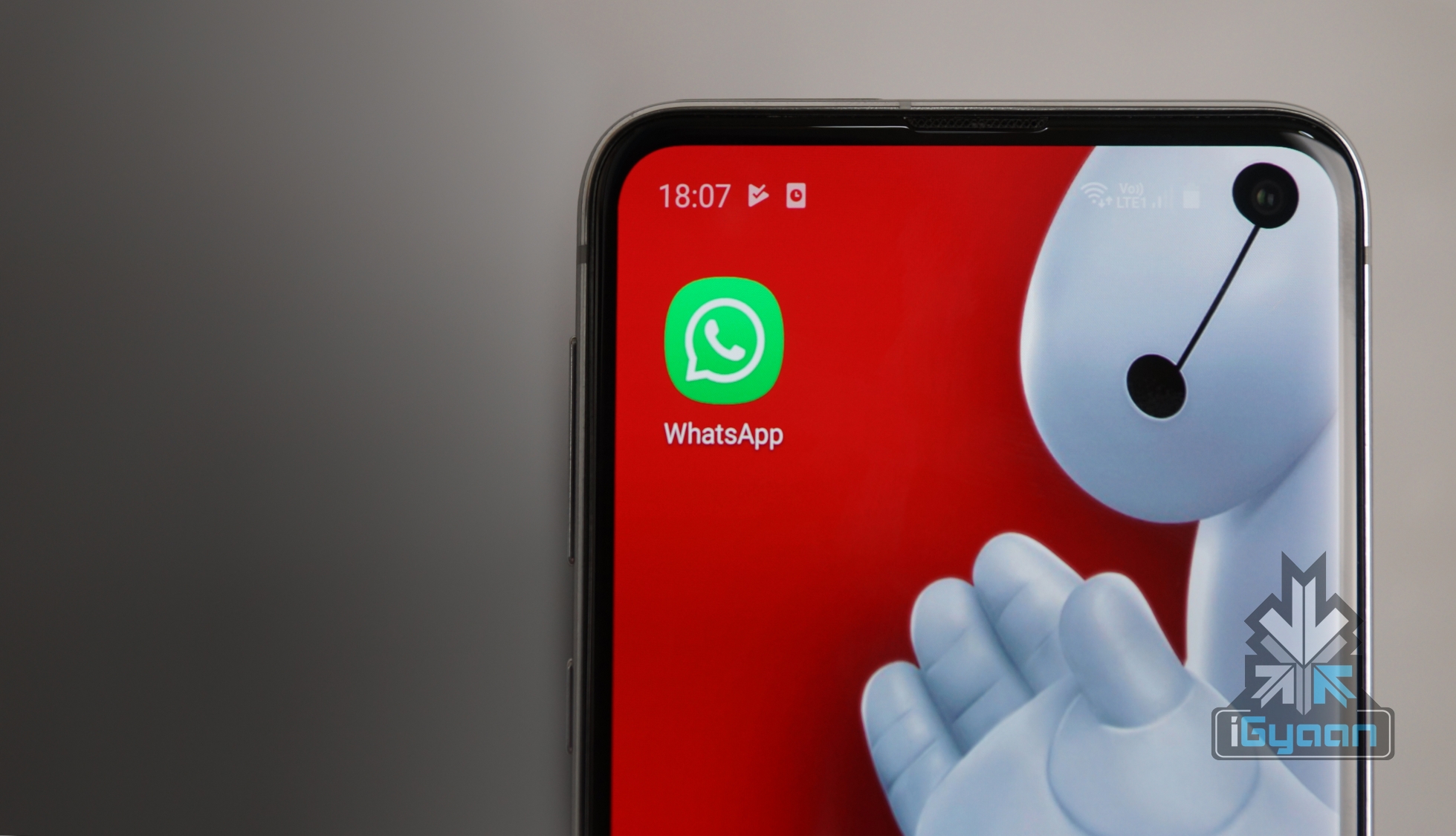
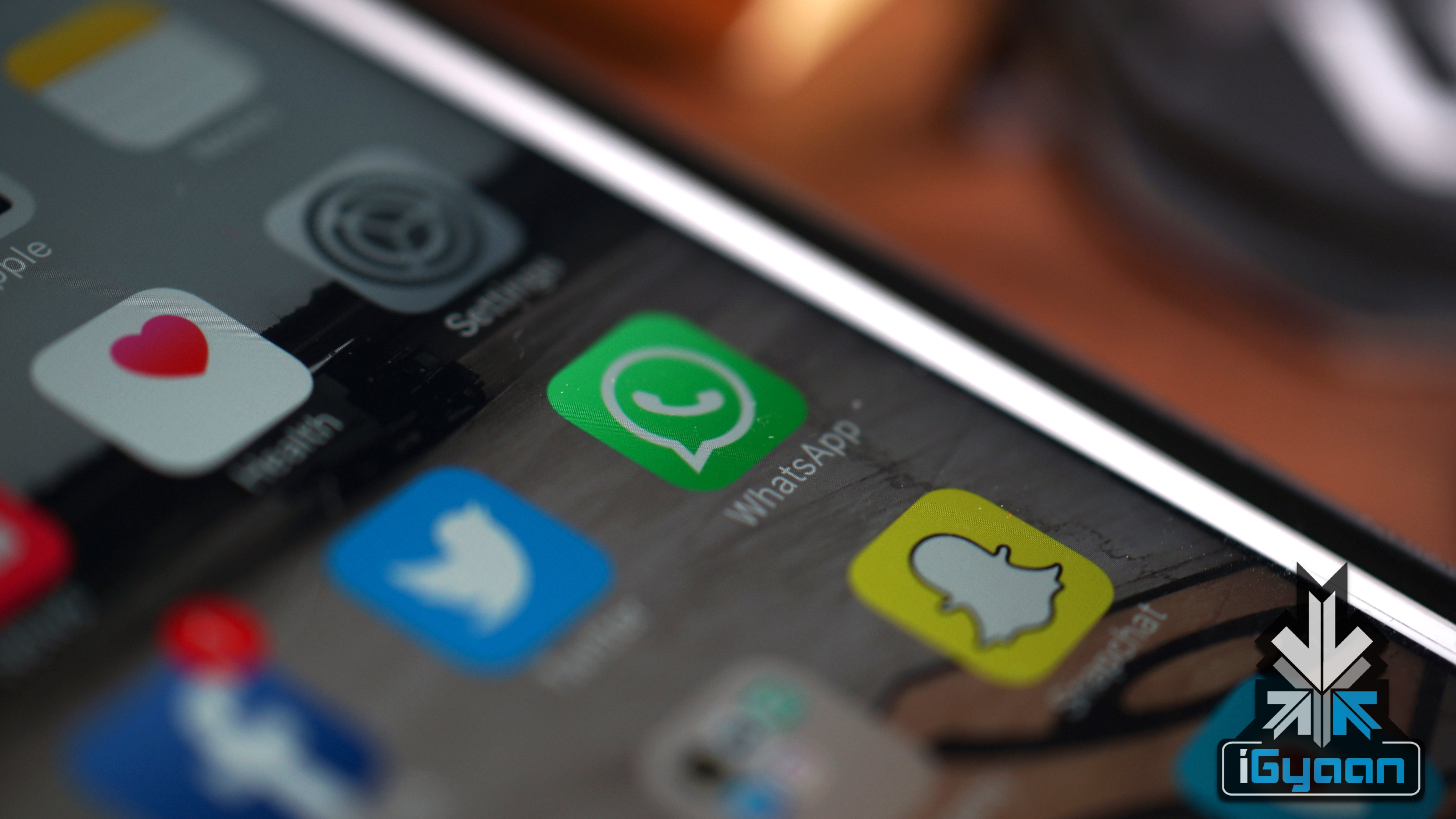 This may not be the most welcomed feature for a lot of users who like to capture screenshots of their chats and share them with their friends. What a lot of people don’t realize is the fact that sharing screenshots is a violation of the privacy policy, which prohibits users from sharing personal information with a third party. Even though the fingerprint authentication feature is not yet available on Android, the presence of such a feature combined with the “No-screenshot” feature may be a decent security detail for the application.
  Also Read:
 First leaked in February 2018, the feature will allow players to revive their fallen teammates using various “reboot vans” spread all over the map. One of the most bothersome things regarding Battle Royale games is getting removed from the match early and watching your teammates play the entire game without you. In fast-paced Battle Royale games, a lot of players are knocked out of the game in the early stages, and most of them end up leaving the match for the sole reason that they can play another game in the time it takes to spectate the previous one. While Apex Legends was the first game to combat this problem with the help of Respawn Beacons, Fortnite is quickly following in the same footsteps of the EA-published game.
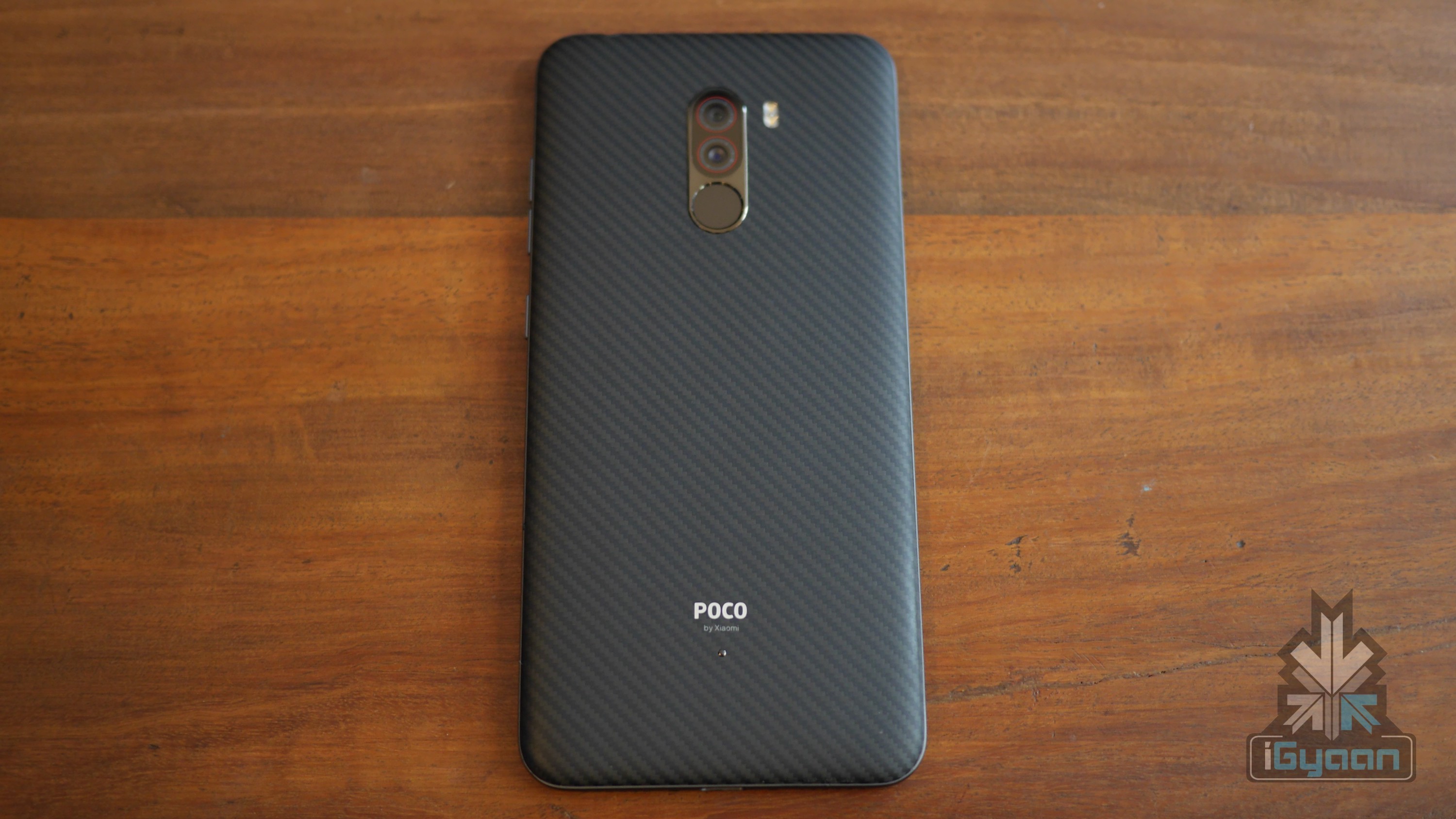
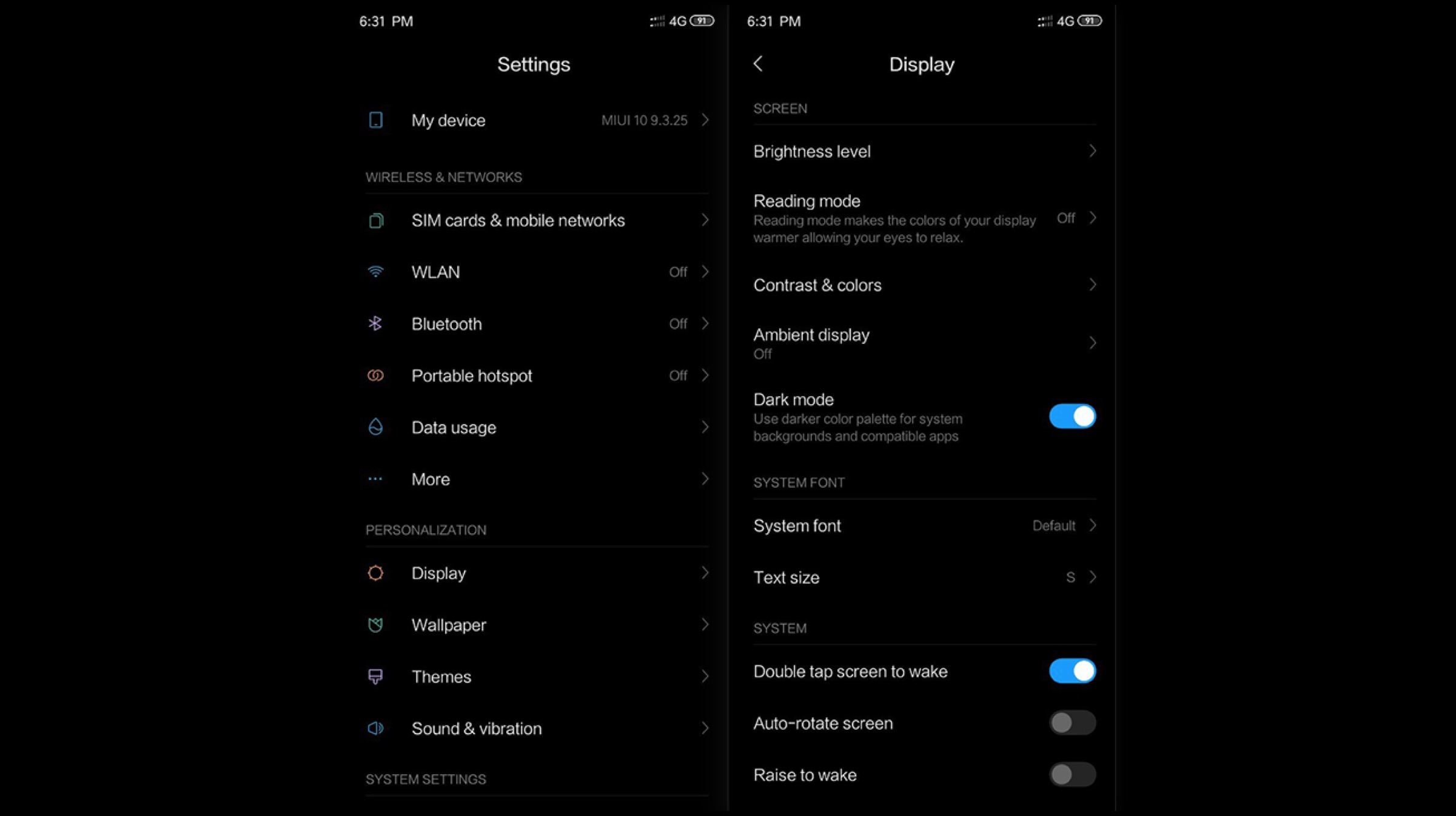 Dark Mode is slowly becoming an integral part of every application and operating system because it is easy on the eyes and conserves smartphone battery, especially on OLED devices. Apps like Firefox, Opera, Twitch and Telegram have already adopted this style, and companies are regularly adding dark mode support to new applications and software. A system-wide update is now rolling out to groups of POCO F1 users who have the latest open beta available on their device. This feature will enable users to implement a darker colour palette in the system (including the menus, system backgrounds and notification bars) and apps which are compatible with dark mode.
 Also Read:
 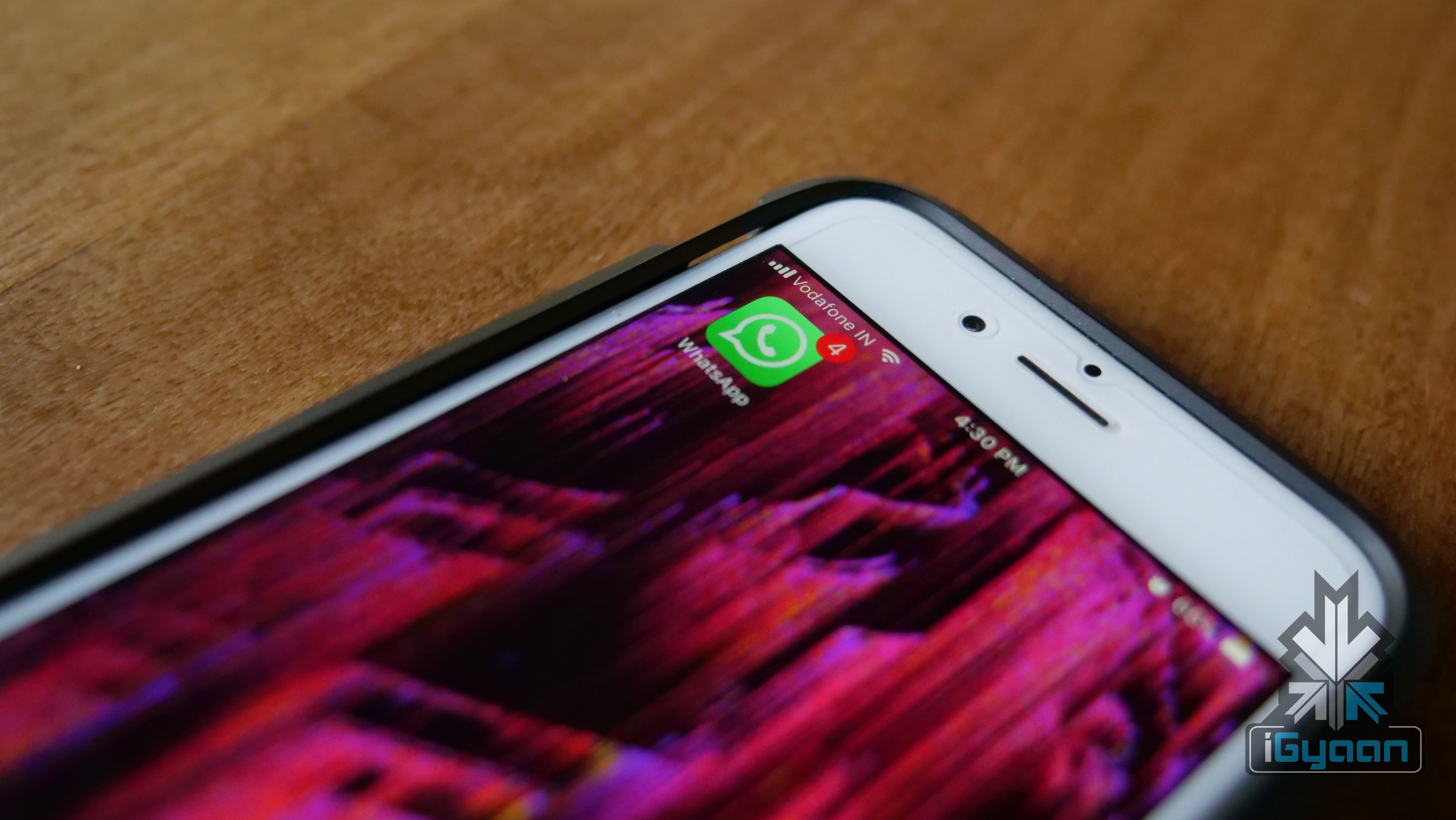 As per the source, if the message is forwarded more than 4 times in a single chain, the “Forwarding info” label will be removed from the message and will be replaced by the “Frequently Forwarded” label. This means that users will not be able to see the complete chain of forwarding in such a case. Instead, users will have to rely on their instincts to judge whether the message is legitimate or not.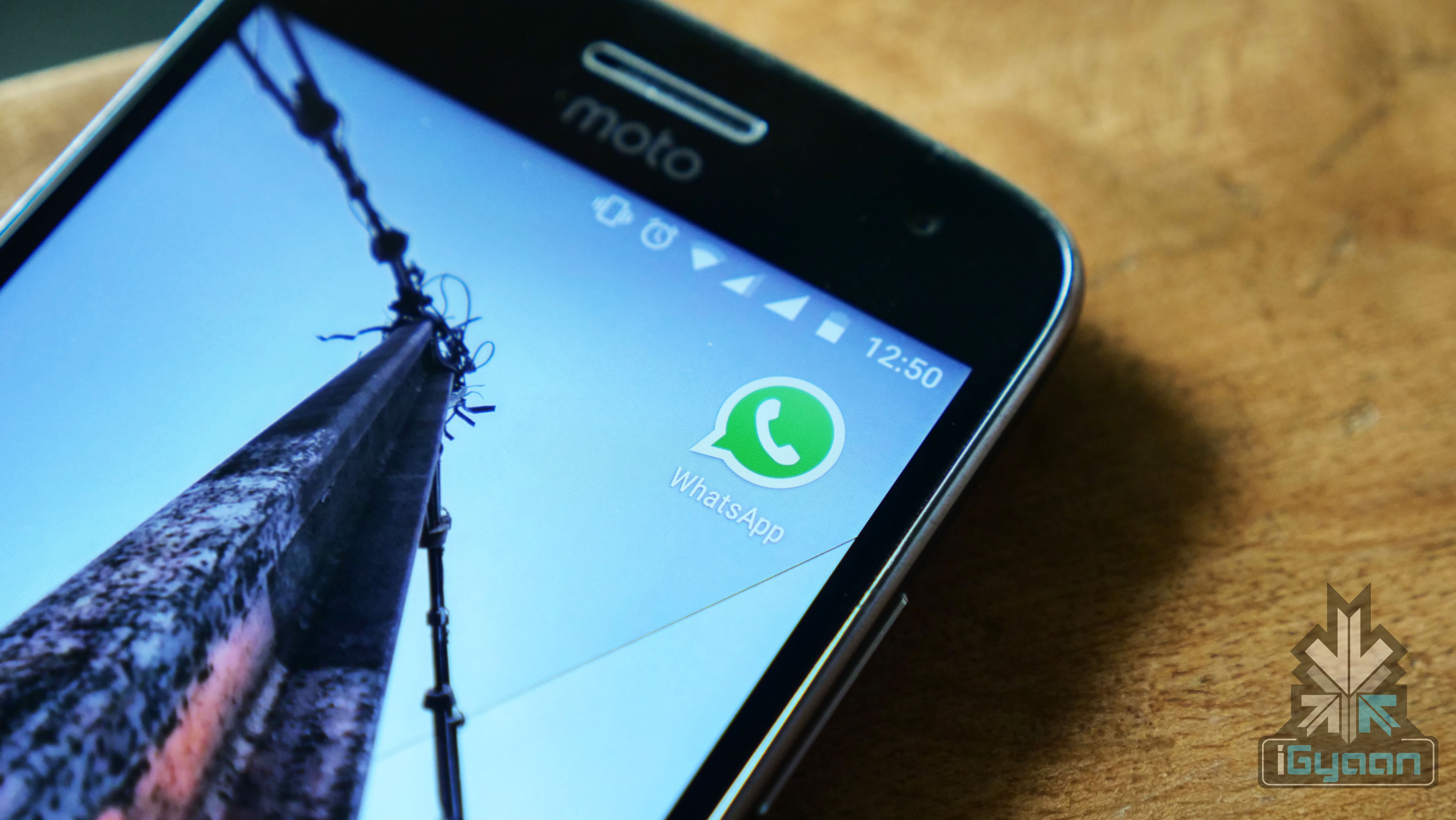

 As per sources, the first instance of the app was seen on the Mexican App Store. Shortly thereafter, the app was also spotted in France, Brazil and Panama. As mentioned before, the app provides direct connectivity between clients and businesses. WhatsApp business offers companies the option to create a tailored profile which can exhibit information regarding the business, like store hours, website link and a short “info” section that helps the user know more about the company.
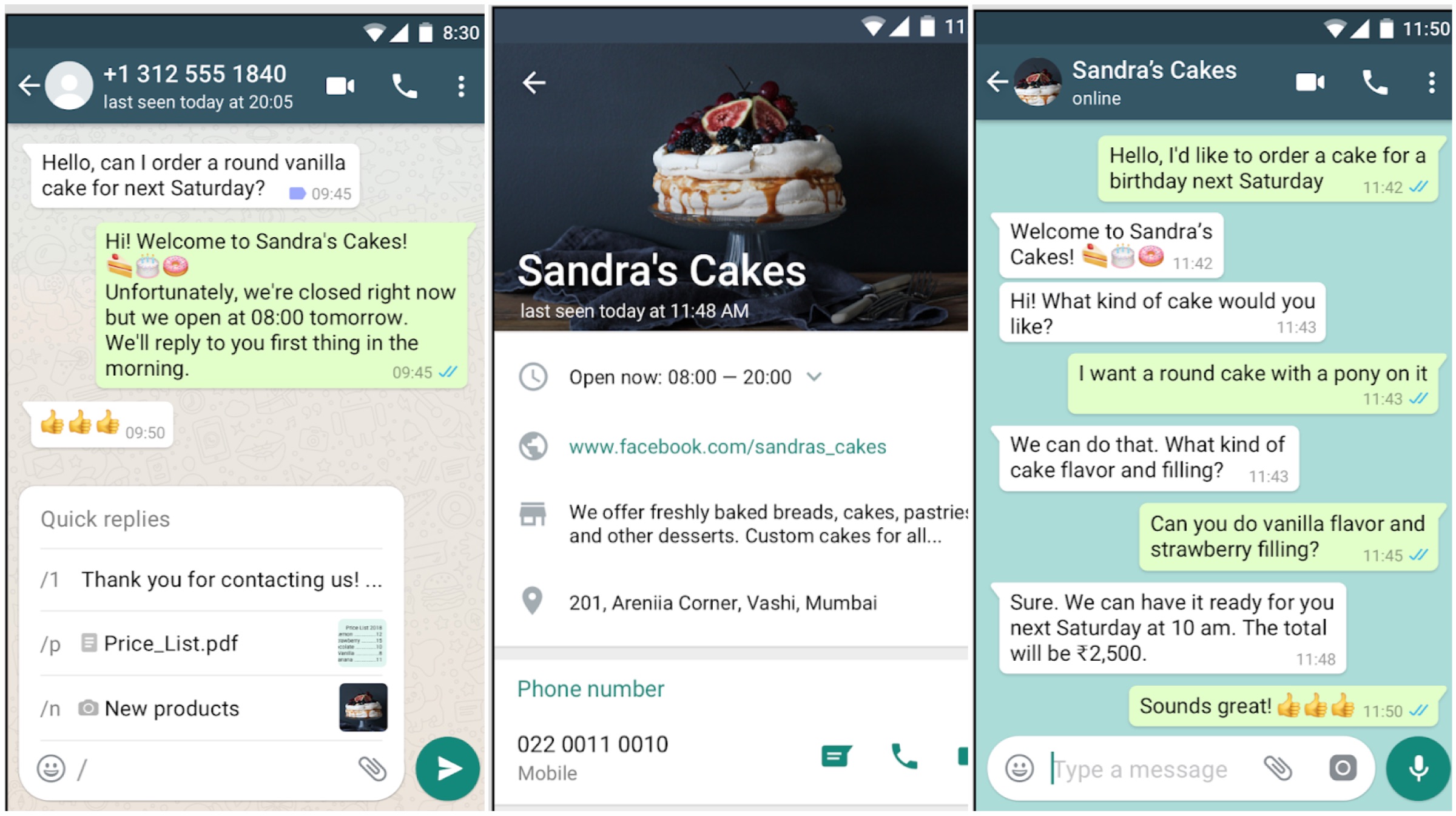 Companies can even program some quick replies that will automatically be sent to customers when they message the business via the application. A greeting message can be created for clients to give the impression that the service is actively performing. Moreover, companies will be able to categorize their “WhatsApp customers” and label them as per their agenda. Also, the statistics option lets the business keep a check on how many messages it is receiving and how many sent messages have been read.
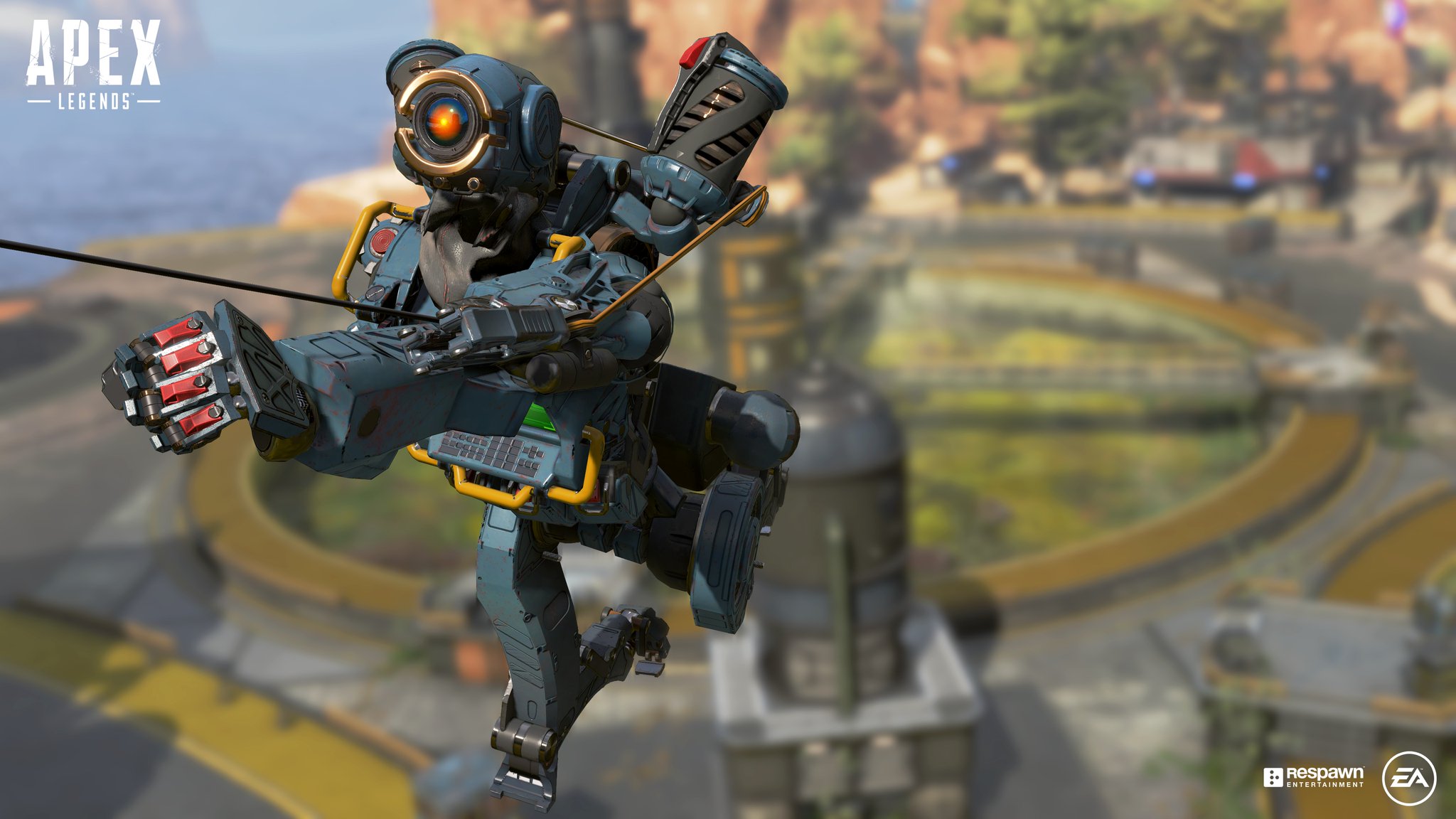 The Season 1 Pass for Apex Legends features 100 tiers of rewards, similar to Fortnite. The unlockables include new weapon skins, XP boosts and attractive banner frames for different characters/legends. Players can earn up to 1000 Apex Coins (in-game currency) via levelling up the battle pass, which can be used to buy the next season’s battle pass without spending “real” money.