












DIY : How to Update HTC HD7 to NO-DO

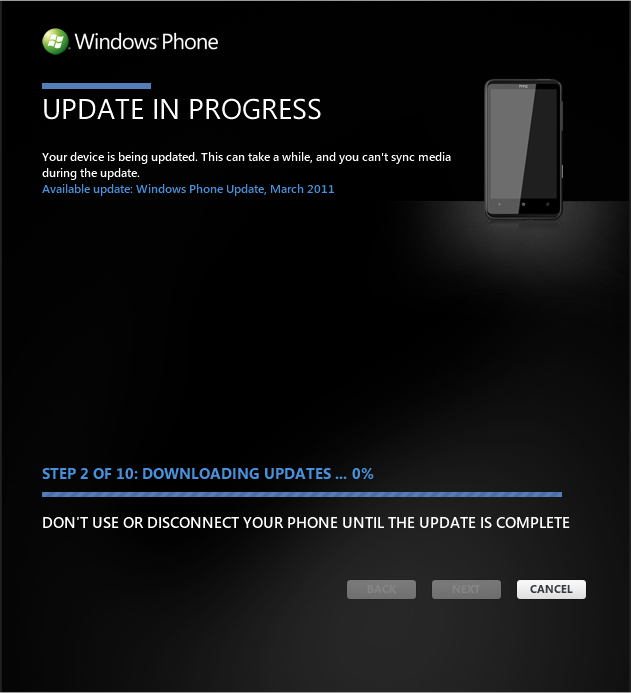
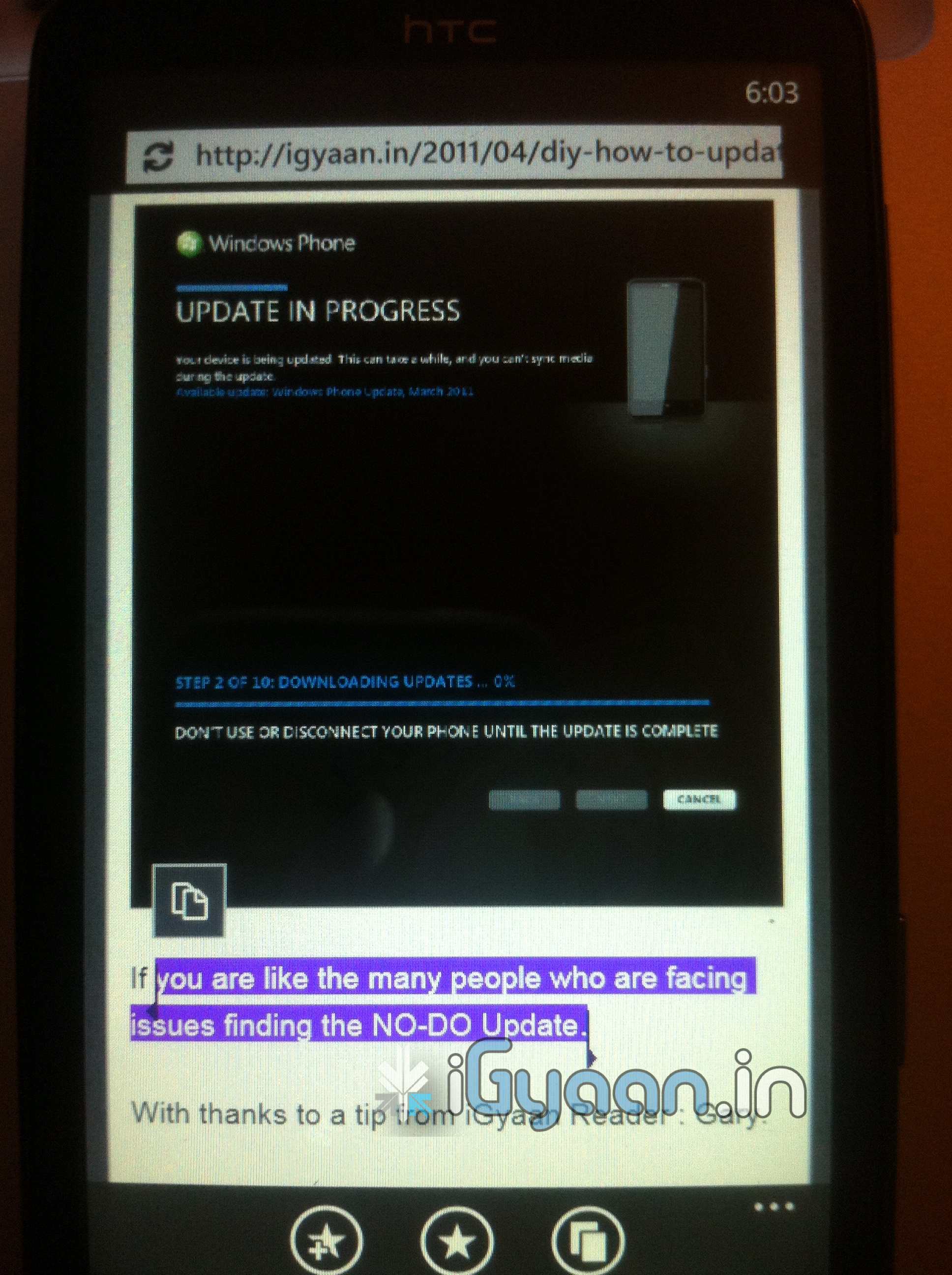
If you are like the many people who are facing issues finding the NO-DO Update.

With thanks to a tip from iGyaan Reader : Gary.

We have the Step by Step Solution for You


1. Start Zune
2. Turn off Data connection and Wifi on the Phone
3. Connect the Phone with the PC (USB)
4. Start the update search in Zune
5. About 3 seconds later, disconnect your PC from the internet (Turn WLAN off).
6. Zune finds NoDo-Update. Press OK.
7. Connect to the internet again and install the update.

As we tested this works brilliantly on all those devices which don’t see the update.

Also if it fails the first time, simply try the process again.
Comments

5 responses to “DIY : How to Update HTC HD7 to NO-DO”

  1. Gagan_garry Avatar
    Gagan_garry

    its all about timing dude. First check if Ur zune is working like let it search for update itself if message pops out like phone is up-to date than update again and don’t disconnect internet just unplug the LAN cable.

  2. Leiber Avatar
    Leiber

    question? I recently updated my hd7 with the first part of the NODO update but it will only do the first part. Which is the 7.0.7008. Ive tried to do what you said but it didnt work. please, helppp

  3. Gagan_garry Avatar
    Gagan_garry

    :)

  4. Ryanblake87 Avatar
    Ryanblake87

    just wanted to say that it works like a charm!! tried it once, and got it on the first shot.. its a little less than 3 seconds, but regardless works like a charm! thanks!

  5. Illbeemer Avatar
    Illbeemer

    Yay!!!! Lol… It took me three or four tries… Then it worked… Thanks Bharat Nagpal, You’re The Best….

Leave a Reply

Your email address will not be published. Required fields are marked *

iGyaan Network
Privacy Overview

This website uses cookies so that we can provide you with the best user experience possible. Cookie information is stored in your browser and performs functions such as recognising you when you return to our website and helping our team to understand which sections of the website you find most interesting and useful.

Share via