















You Will No Longer Be Tricked Into Installing Chrome Extensions
Google has decided to take control over ‘inline installations’ that promise exciting features and then latch themselves on to your Chrome Web browser using random plugins.
Starting September 3rd, 2015, Google will restrict the installation of such extensions. The inline installation allows developers and web publishers a convenient option to make readers install their extensions without leaving the website.
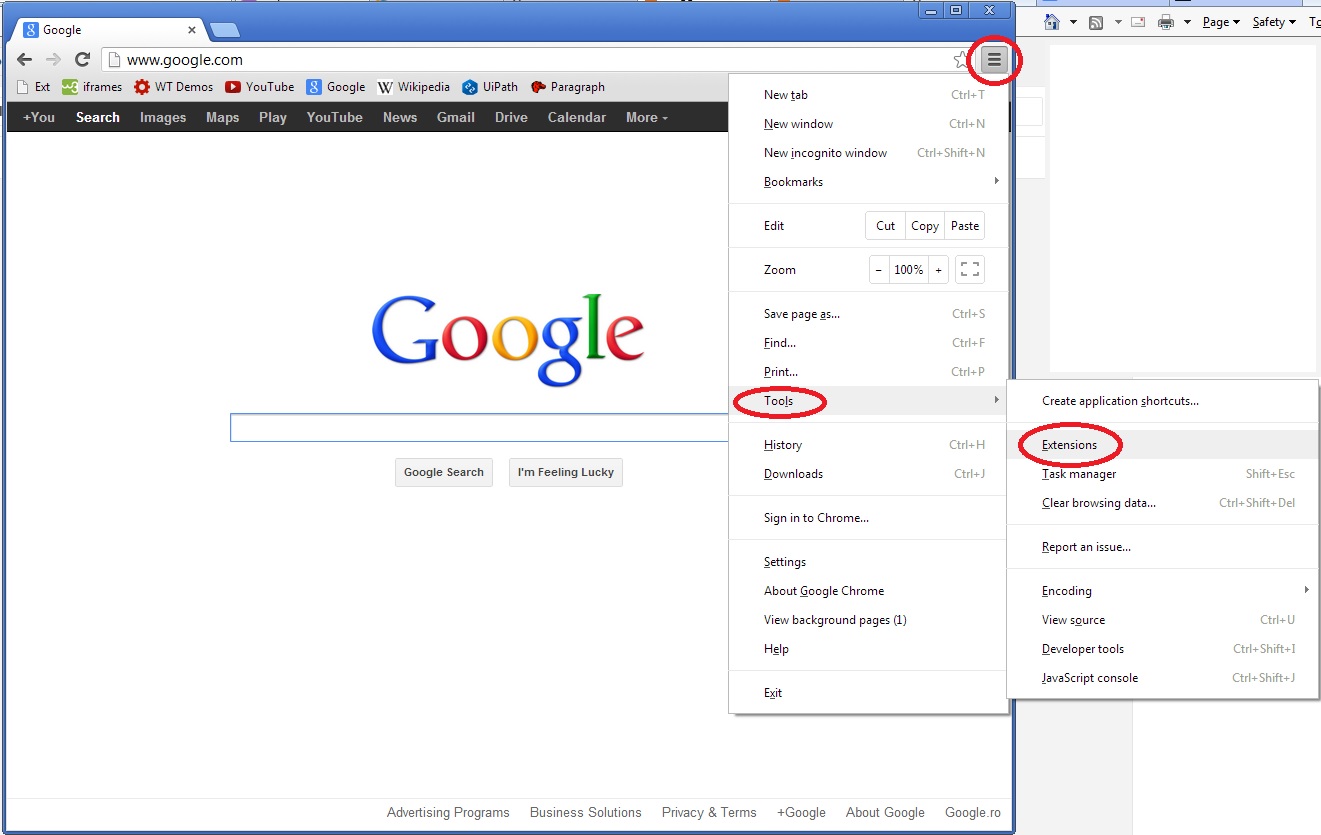
The extensions can be found on the Chrome Web Store. However, publishers also found a way to embed a shortcut to it – so when a reader clicks on the install button, an installation dialogue automatically appears on the website, instead of the reader getting redirected to the Chrome Web Store first.
“It’s an important step to maintain a healthy extension ecosystem for users and the vast majority of extension developers who don’t use deceptive tactics.” says Google.
This feature soon began to annoy users, as the developers who maintain various advertisements claiming to offer free software updates etc. tricked users into installing their own extensions as well.
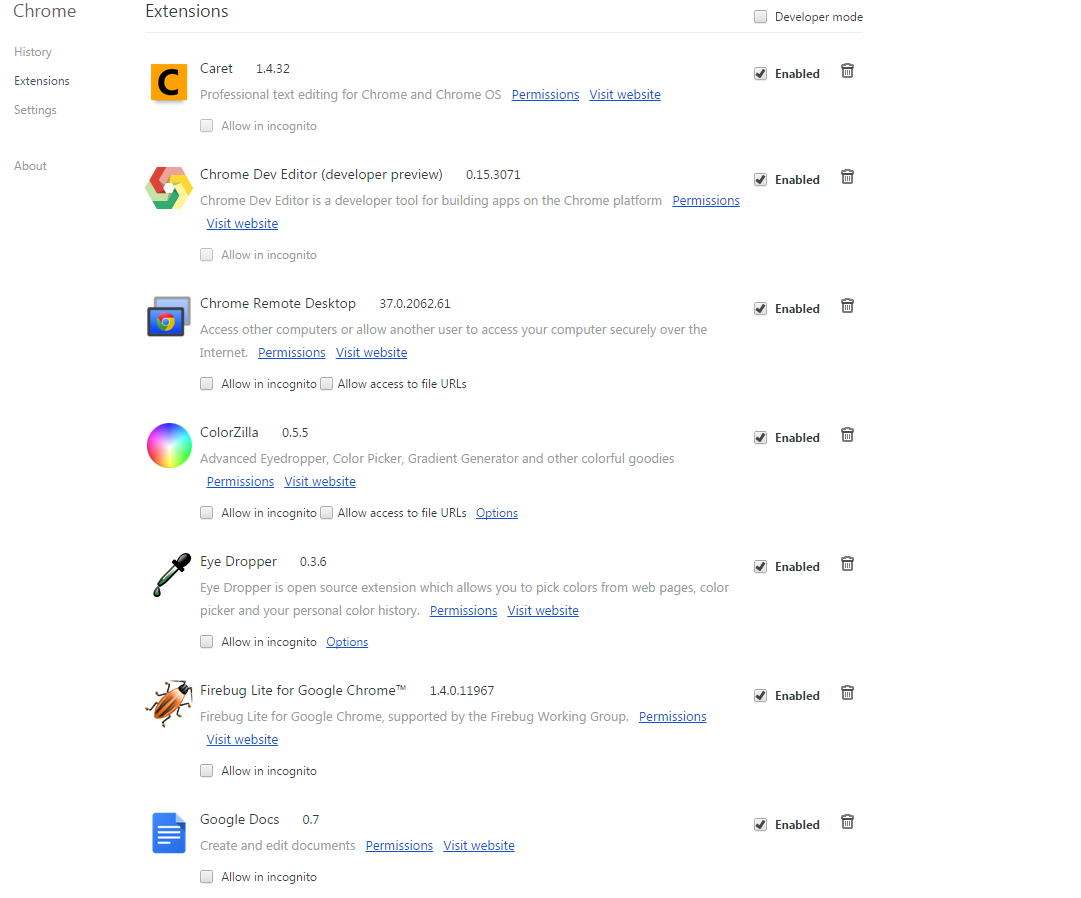
Google will now monitor any unwanted or mysterious extension and redirect them to the product page of that extension in the Chrome Web Store. This is to allow the user to decide whether he/she wants to install that particular extension or not.
However, it is also reported that inline installations will continue, but just not the unwanted ones.
Source: [tw-button size=”medium” background=”#07ABE2″ color=”” target=”_blank” link=”http://chrome.blogspot.in/2014/05/protecting-chrome-users-from-malicious.html”]Chrome Blogspot[/tw-button]