Category: Editorial

  • Here Are The Top Smartphones Launching In September

    Here Are The Top Smartphones Launching In September

    The year 2019 has seen smartphone launches from almost every major manufacturer. But, a few months to the year still remain and some major releases are still left. As the month of August draws to an end, here are the top upcoming smartphones to look out for in the month of September.

    Apple iPhone 11

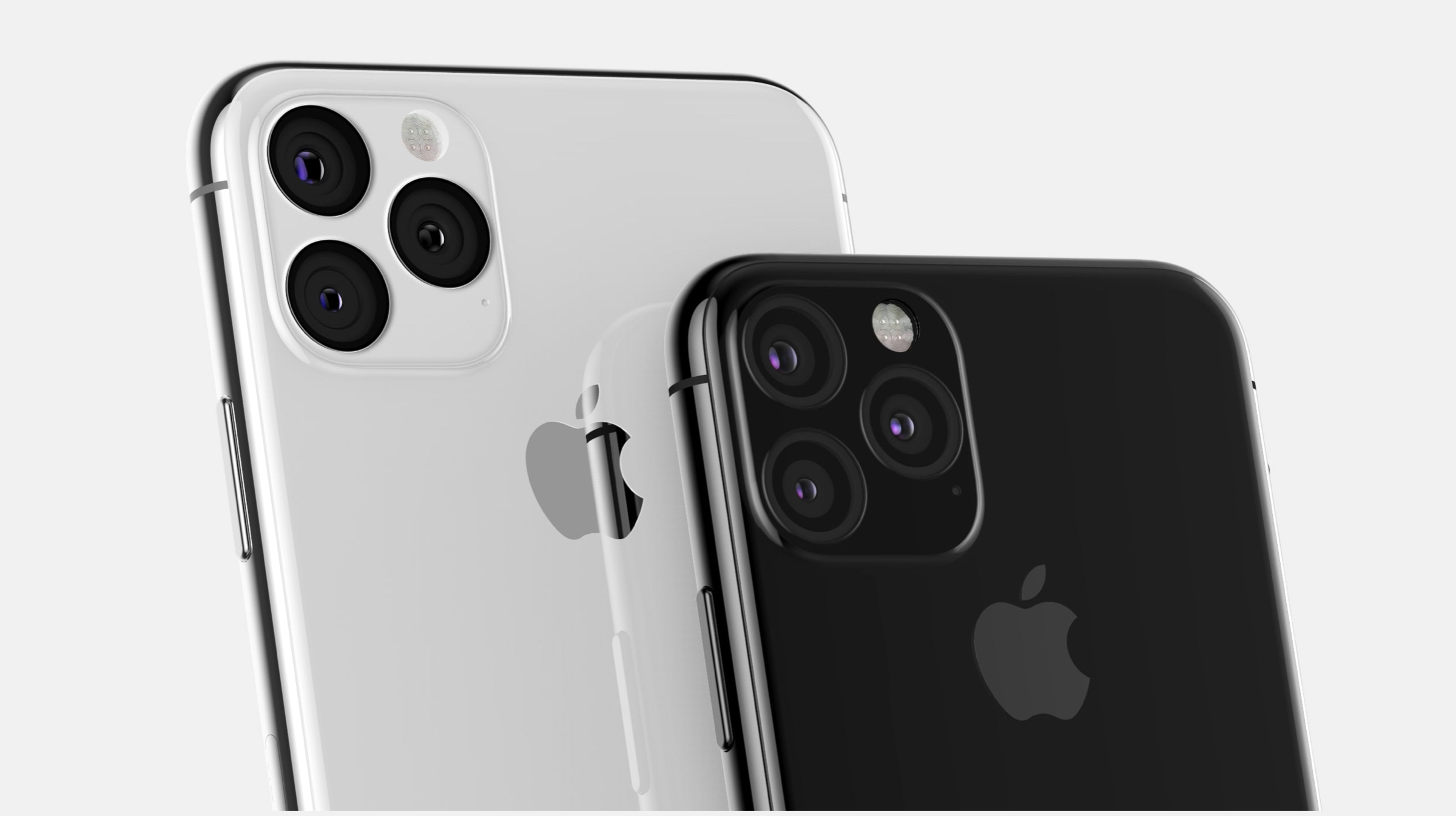
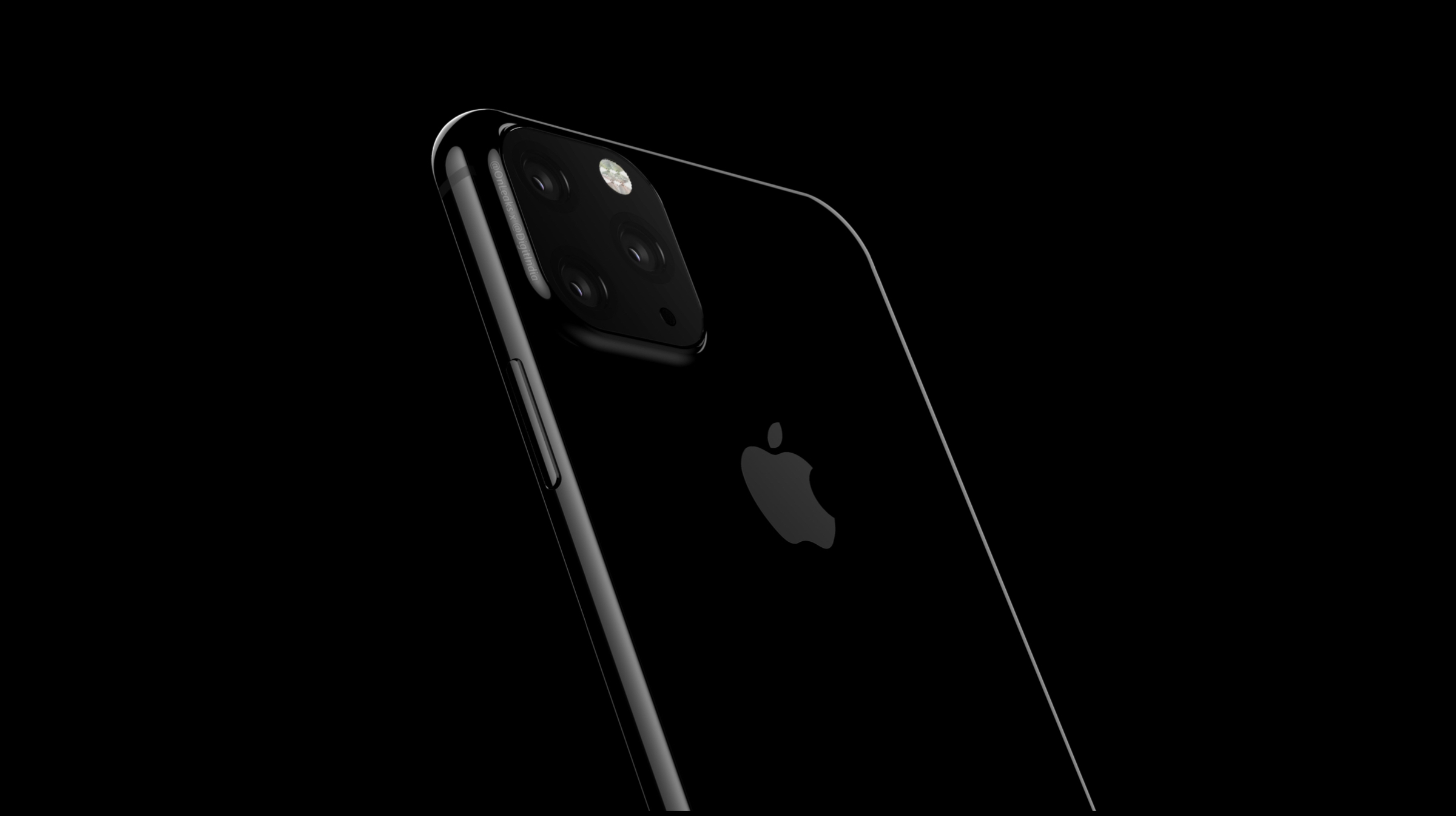
    The Apple iPhone 11 will be the twelveth major smartphone release in Apple’s product cycle and will be launched on the 10th of September. According to all the reports and leaks so far, at least three devices will be released which will be the iPhone 11, iPhone 11 Pro and the iPhone 11 Max. They will be the successors to the iPhone XR, iPhone XS and the iPhone XS Max from last year. The upcoming smartphones are expected to retain the design language of their predecessors, with significant changes in the camera setup.

    While the iPhone 11 will arrive with a dual-camera setup, the iPhone 11 Pro and the iPhone 11 Pro Max will feature a triple camera layout. Apple is expected to debut some new cinematic shooting modes in its upcoming smartphones. Alongside the cameras, the iPhone 11 lineup will also run on the new Apple A13 chipset and will feature reverse wireless charging alongside a larger capacity battery. More details about the devices are expected to be revealed soon.

    Nokia 9.1/7.2/6.2

    upcoming smartphone

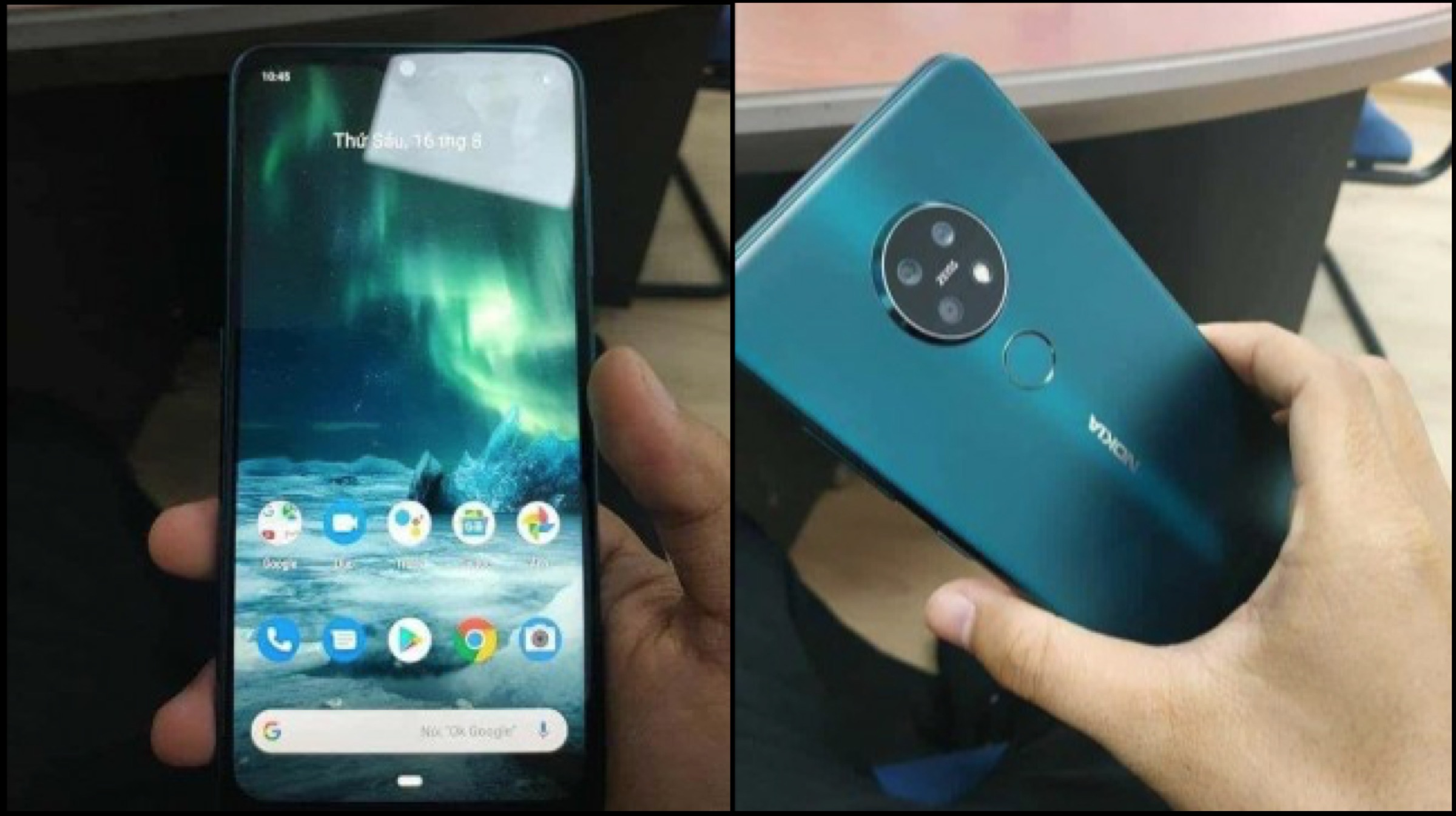
    HMD Global is expected to launch a slew of mobile devices at IFA next week. These will include the Nokia 6.2, Nokia 7.2 and the alleged Nokia 9.1 PureView. While the former two are expected to be a budget offering from the company, the latter will be a flagship device. Past leaks have revealed that the Nokia 6.2 will run on the Snapdragon 660 SoC, the 7.2 will feature the Snapdragon 710 chipset and the 9.1 PureView will have the Snapdragon 855 Plus inside.

    Like other Nokia branded handsets, all three of the upcoming smartphones are expected to have the Android One branding. This means that they are guaranteed to receive major software updates for two years and security updates for three years. Pricing and availability details are expected to be provided at the time of launch

    Samsung Galaxy Fold

    upcoming smartphone

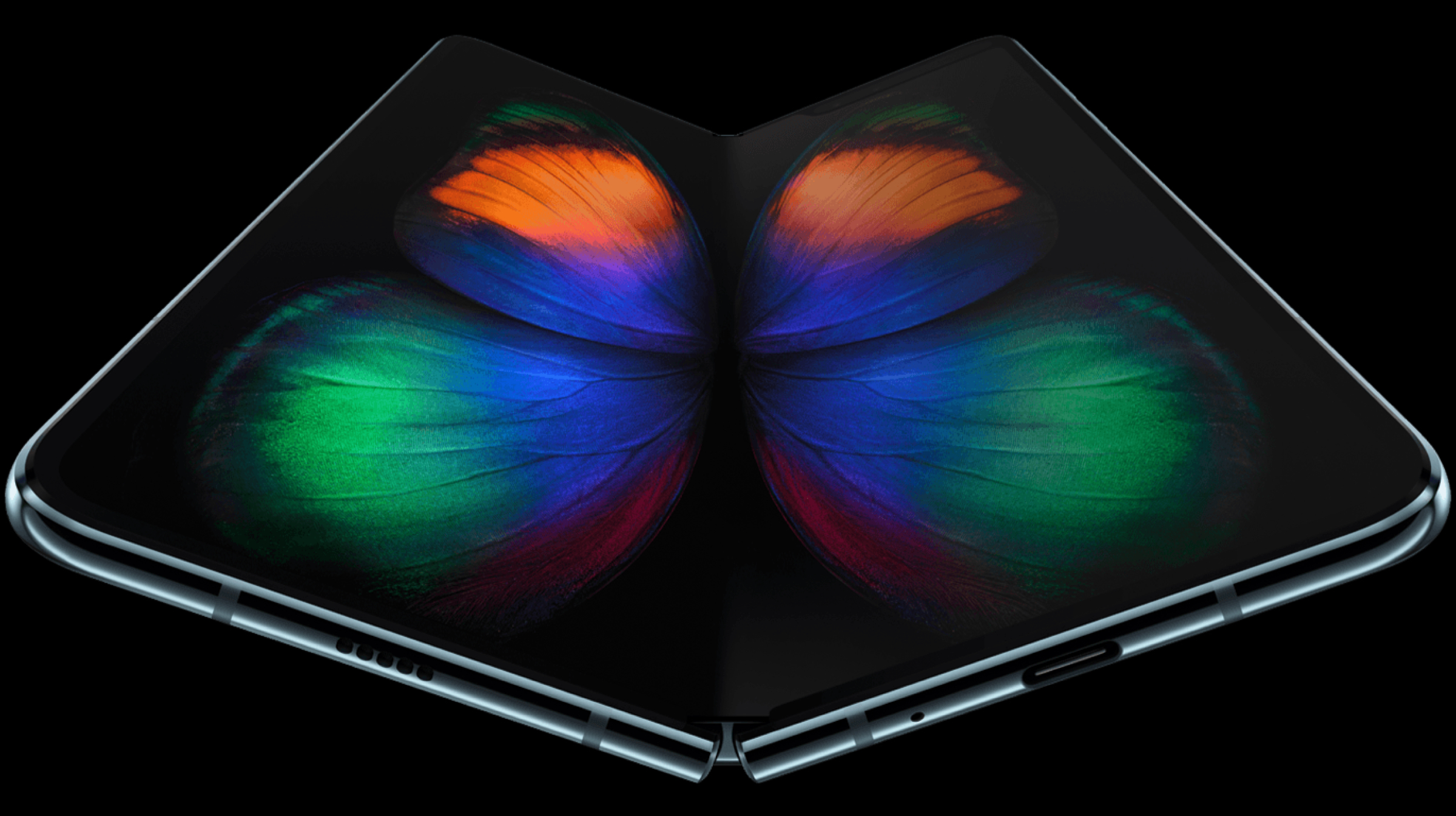
    First announced back in February this year, the launch of the Samsung Galaxy Fold has been delayed multiple times in the past. Due to some serious durability issues, the company kept pushing back the actual launch date of its first foldable handset. However, it announced a few weeks ago that the upcoming smartphone is almost ready for primetime. If leaks are to be believed, the Galaxy Fold may see the light of the day on the 6th of September.

    To recall, the Samsung Galaxy Fold features an innovative folding mechanism which folds inwards. There is a 4.6-inch display on the outside and a 7.2-inch display inside. The smartphone runs on the Snapdragon 855 SoC combined with 12GB of RAM and 512GB of internal storage. Pricing for the handset remains the same, that is US$ 1980 (INR 1,42,000).

    Huawei Mate 30 Series

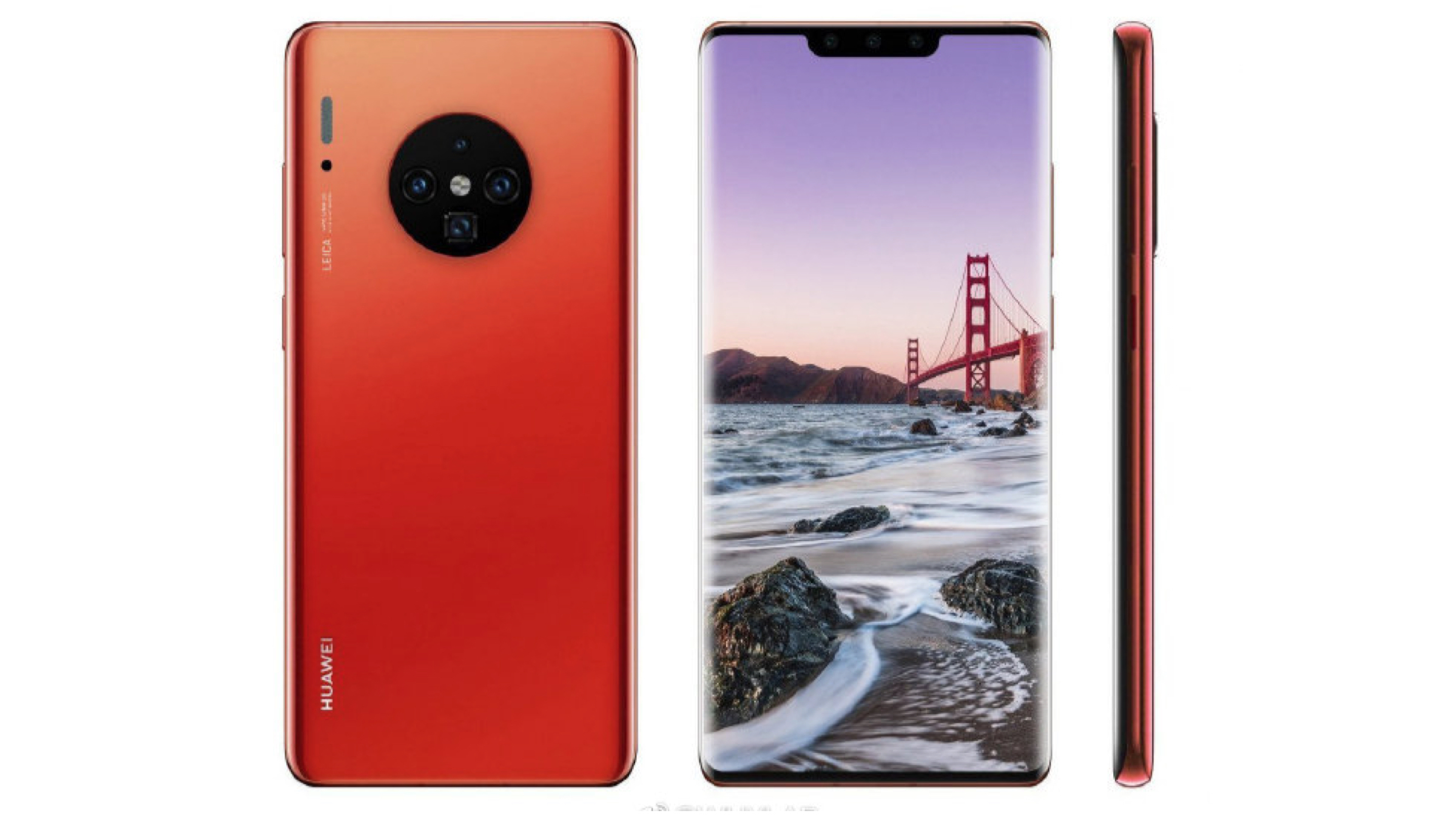
    Chinese telecommunications giant Huawei is also expected to hold a major launch event in September. It will be to announce the company’s upcoming smartphones, the Mate 30 and the Mate 30 Pro. Successors to the Mate 20 series launched last year, they will be a flagship offering by the company. Past leaks have revealed a similar design to their predecessors; with a new quad-camera layout on the back alongside a Xenon flash.

    Both the Mate 30 and the Mate 30 Pro are expected to be kitted with the Kirin 985 SoC coupled with up to 12GB of RAM and 512GB of internal storage. Like the Mate 20 Pro, the Mate 30 Pro may also feature the super-secure facial recognition technology; alongside an in-display fingerprint scanner. According to certain reports, they will be announced on the 19th of September. More details are expected to be unveiled in the following weeks.

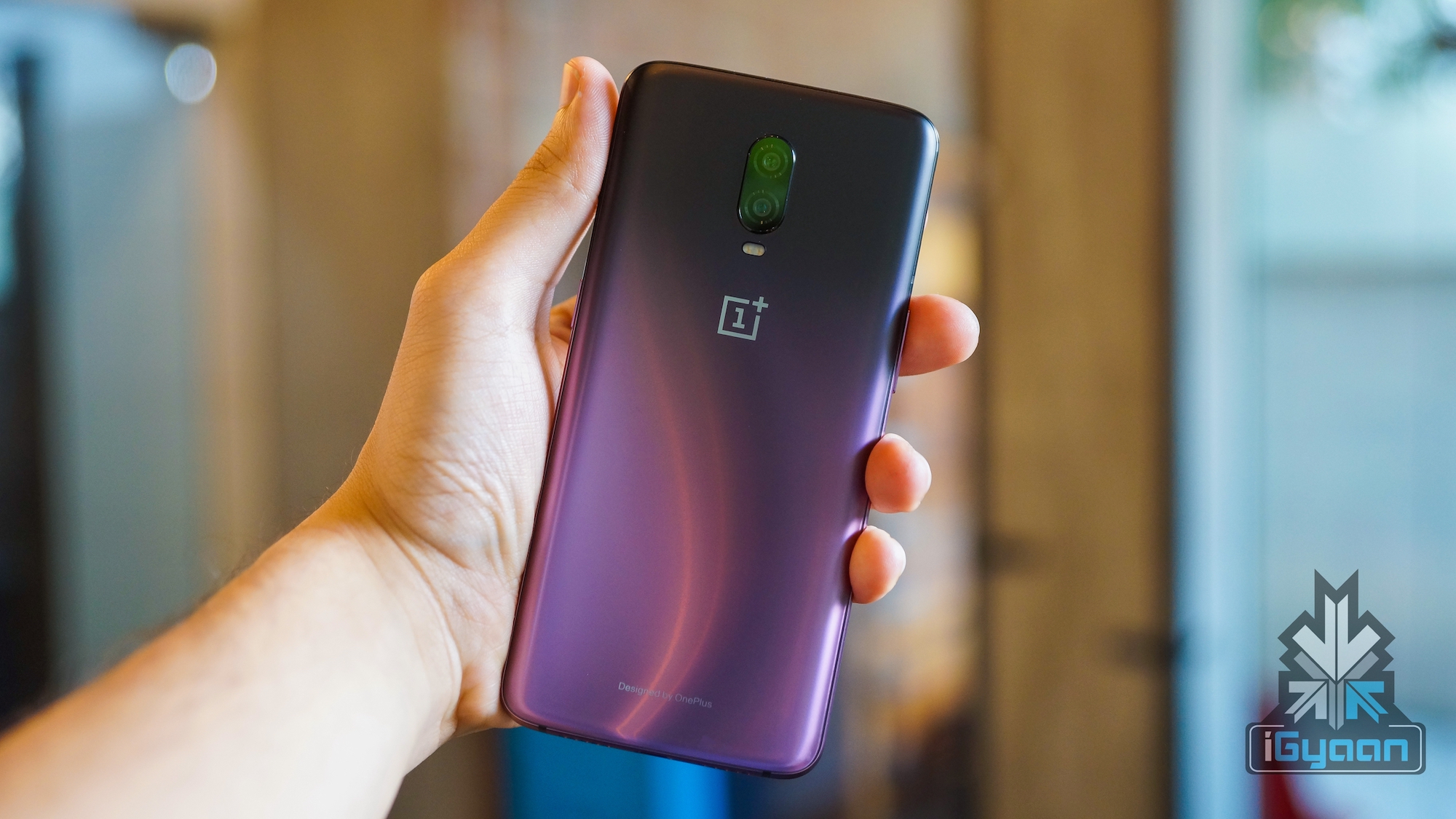
    OnePlus 7T/7T Pro

    upcoming smartphone

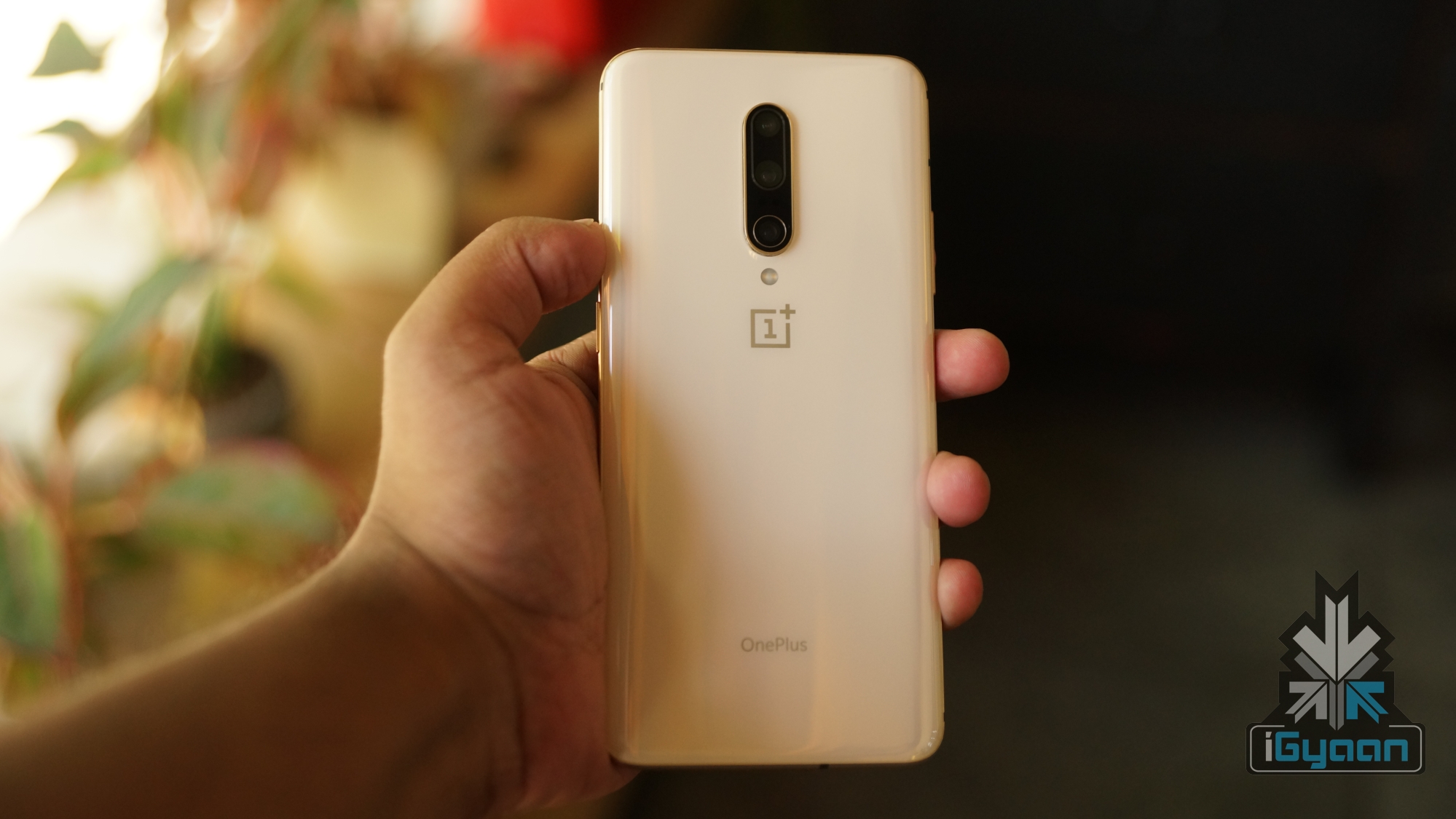
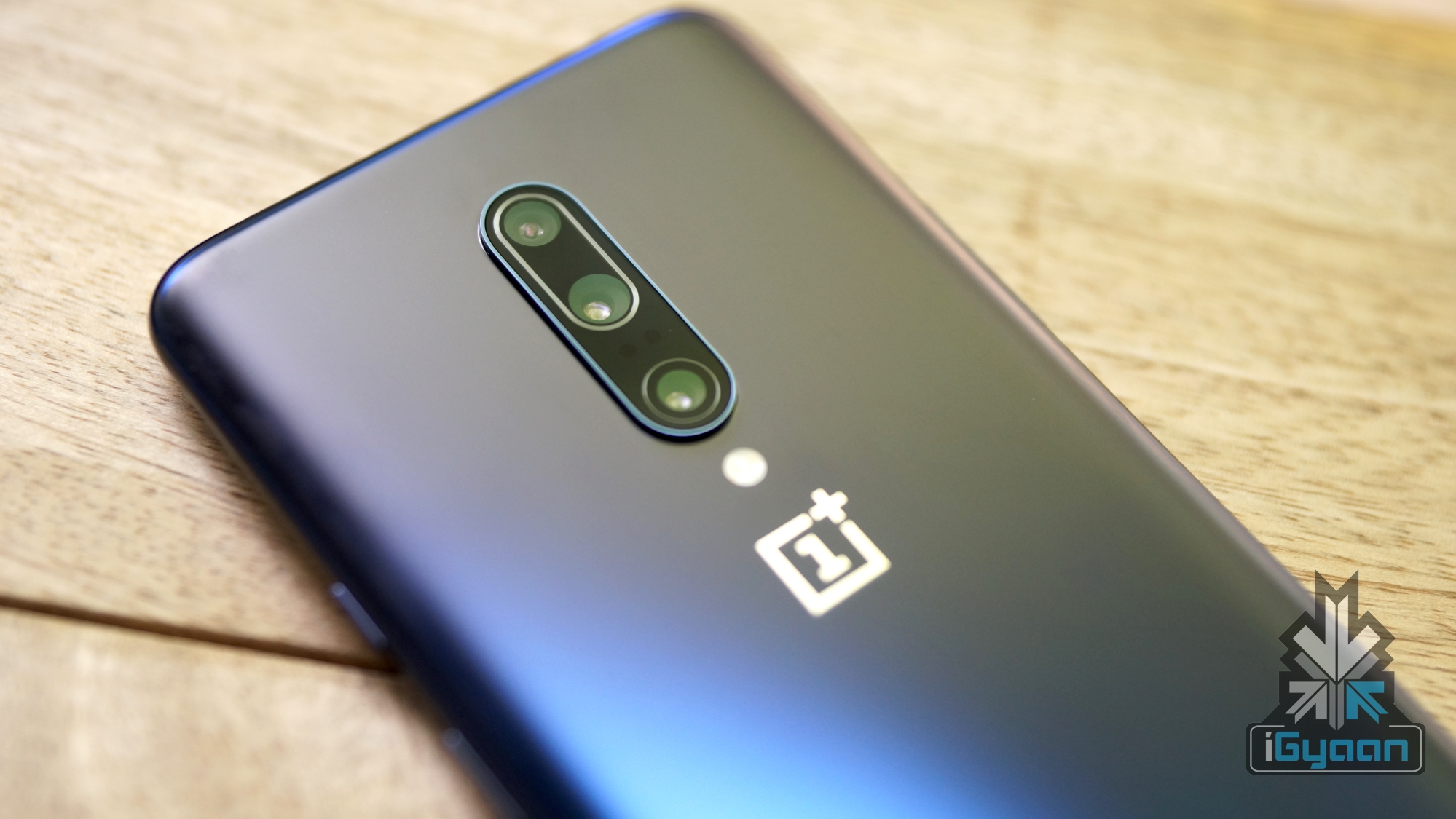
    OnePlus broke its traditional cycle of launching one device at a time; with the launch of the OnePlus 7 and OnePlus 7 Pro earlier this year. The devices may already be getting their successors in the form of the OnePlus 7T and OnePlus 7T Pro on the 26th September. According to previous leaks and reports, the upcoming smartphones will feature a similar design to their predecessors. The real upgrade will be in terms of specifications. Both handsets will run on the latest Snapdragon 855 Plus SoC.

    Also read: What Is Pixel Binning In Smartphone Cameras? Here Is What You Should Know

    The OnePlus 7T is also expected to get a camera upgrade, with the company adding a triple camera setup on the device. It may also feature a new display like the OnePlus 7 Pro. Unfortunately, pricing and other details of the smartphones are still a mystery. However, they are expected to be revealed as we move closer to the launch date.

  • What Is Pixel Binning In Smartphone Cameras? Here Is What You Should Know

    What Is Pixel Binning In Smartphone Cameras? Here Is What You Should Know

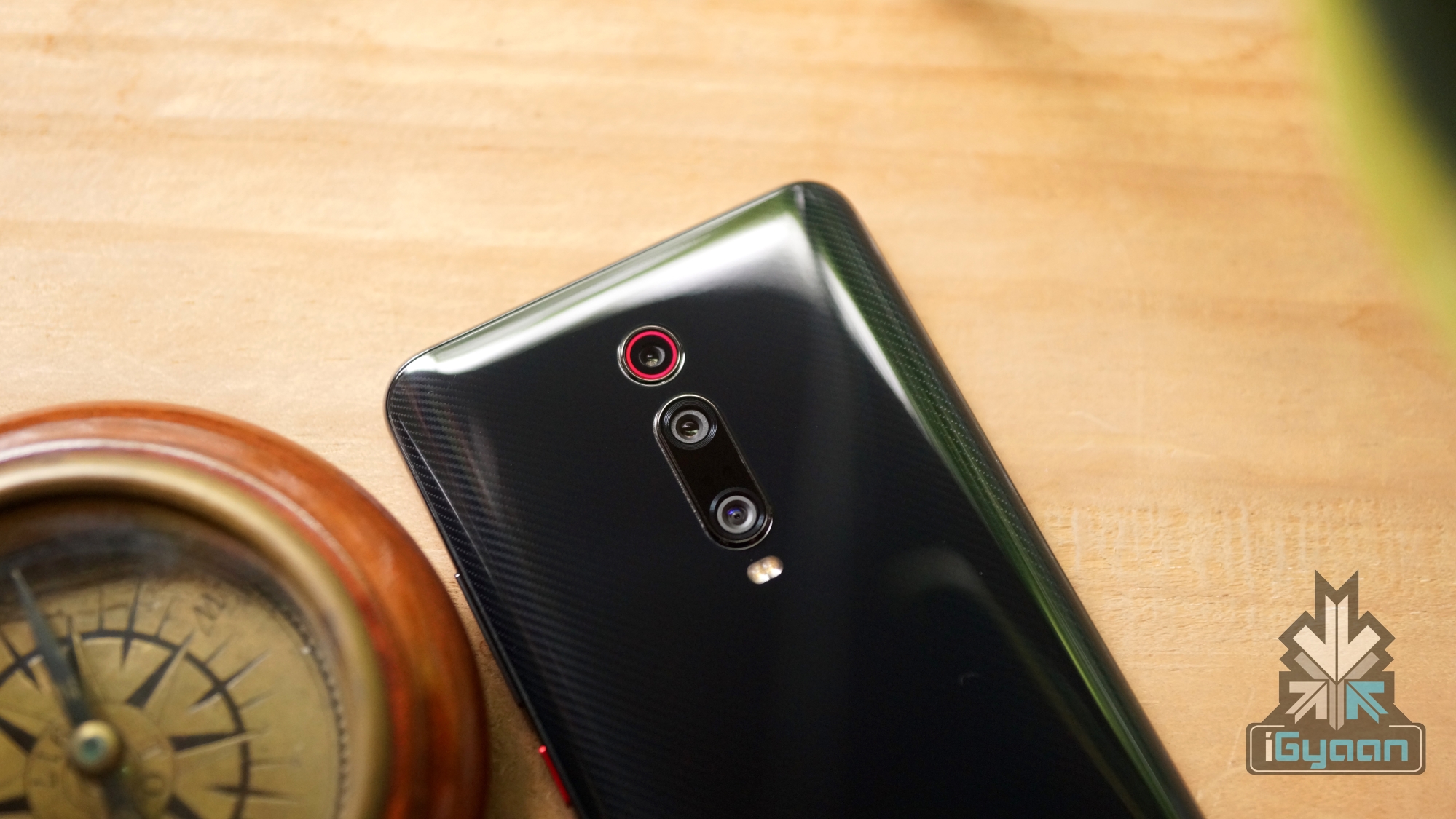
    The year 2019 has seen many innovative features arrive on smartphones. One of the ubiquitous out of the many features this year has been a high-resolution primary camera on the devices. Starting with budget handsets, the trend has trickled up to most modern flagship smartphones, like the OnePlus 7 Pro, Asus 6Z, Nubia Red Magic 3 and the Redmi K20 Pro. All these devices feature the same 48MP Sony IMX586 sensor as their primary camera. What’s special about the sensor is not the megapixel count, but the technology behind it. It uses pixel binning to create sharp 12MP images and the technology is the reason why the sensor is present on many devices. But what exactly is pixel binning? Here is everything you need to know about it.

    Understanding The Concept Of A Pixel
    Pixel Binning
    Redmi K20 Pro

    To understand what pixel binning means, we first have to understand what pixels are. While a pixel is generally defined as the smallest element in a picture represented on screen. However, in this context, pixels are the smallest physical elements on a digital camera sensor that capture light during photography. They are measured using microns, which is a unit of length a million times smaller than a meter. The bigger the pixel size in a camera, the more light it can capture. This will result in much sharper and brighter images, which is the goal of every camera manufacturer. 

    However, the bigger the pixel sensor size is, the bigger the camera unit will be which is a difficult feat to put inside a smartphone’s slender frame. This leads to the intrusive camera bumps that make the device wobble when kept flat. So basically smaller pixel size = bad low light performance, but a larger pixel = huge camera sensor. So, how to fix this issue? This is where the pixel binning technology arrives into the picture.

    What Is Pixel Binning?
    Pixel Binning
    Redmi Note 7S

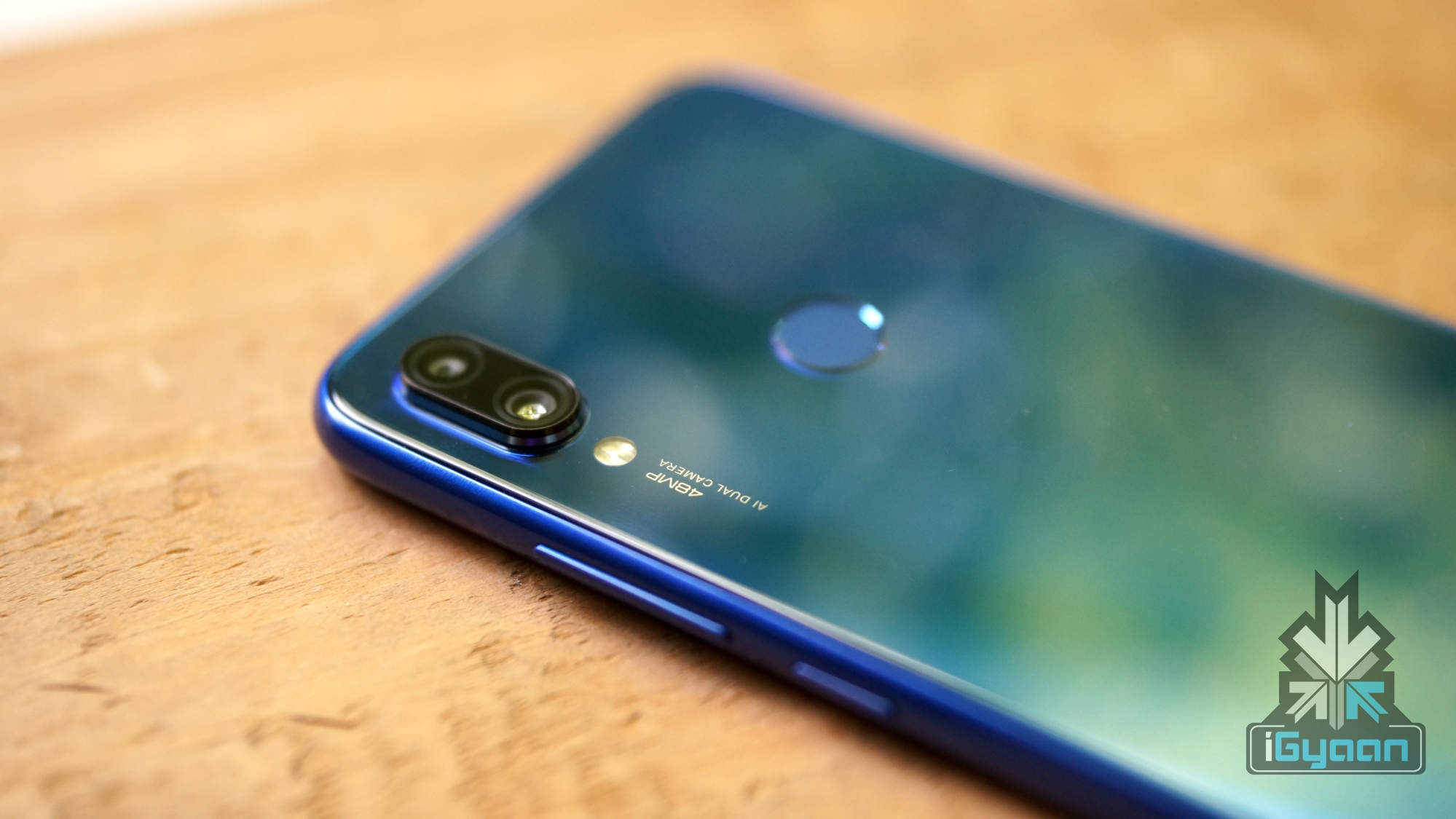
    Pixel Binning is the process of combining four adjacent pixels into one. So a camera sensor which has a pixel size of 0.8 microns will combine these pixels into a 2×2 grid to form a larger 1.6-micron pixel image. The effective resolution is usually one-fourth of what the sensor is capable of. This means that a 48MP sensor effectively produces 12MP images, and a 64MP sensor will produce 16MP images. Combining the pixels will result in a brighter and sharper image, without the hassles of a huge camera sensor. 

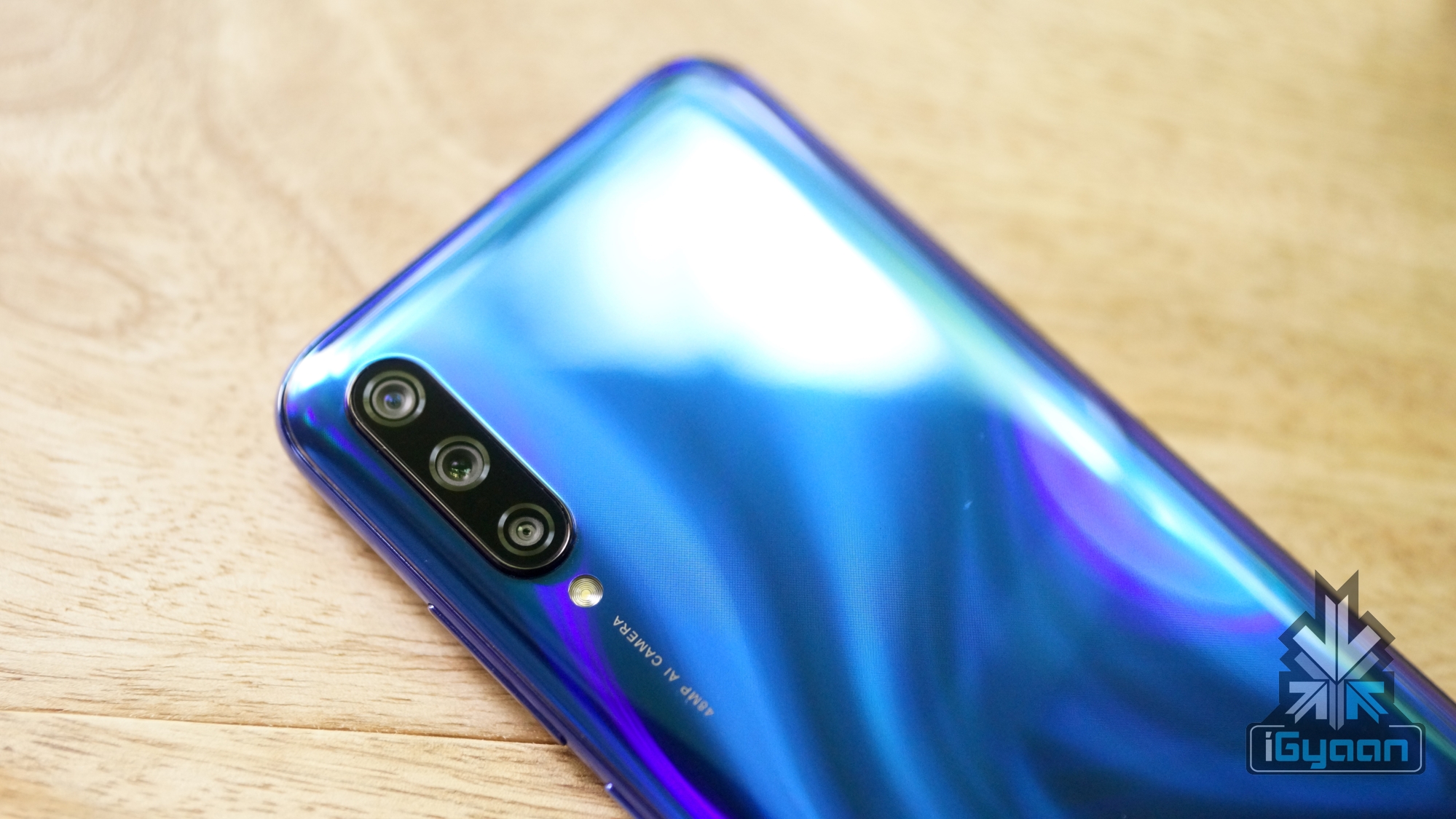
    As mentioned above, the most popular sensor that supports pixel binning in smartphones is the 48MP Sony IMX586. There is also the Samsung ISOCELL GM1 with the same resolution, but it’s not very common and present on a handful of devices like the Redmi Note 7s and the Lenovo Z6 Pro. A few weeks ago, Samsung also announced the ISOCELL HMX, a sensor with a whopping 108MP resolution that uses the pixel binning technology to produce high-resolution 27MP images. This sensor is expected to debut in the upcoming Xiaomi Mi MIX 4 smartphone.

    The Future Of Smartphone Cameras

    While the idea behind the pixel binning technology sounds exciting and a good way to tackle a particular problem, it is not the only way. While the goal was to reduce the camera sensor size and fit it inside a smartphone, most of the devices with the sensors still have a huge camera bump. Additionally, none of the handsets with the famous pixel binned sensors are the best in their class. It is possible to produce better low light images by software, as Google has demonstrated with the Pixel’s Night Sight feature.

    Also read: Apple Will Sell Its Products Online In India For The First Time Through Its Official Website

    So while it may be cool to boast about the 48MP or 64MP camera that your smartphone has, the results they produce are nothing to write home about. Granted, the details they produce are at times extraordinary, but for most social media sharing, where the images are anyway compressed for any of the details to be visible, it frankly doesn’t matter. But, if combined with better software, these pixel binned sensors may be a good thing for future smartphones and definitely one of the better features to have come out recently.

  • What Is The Best Time To Buy A Smartphone?

    What Is The Best Time To Buy A Smartphone?

    The world is constantly on the verge of discovering something new or making key steps towards advancements in various fields. This holds especially true with technology and by its extension computing components and smartphones. While different industries like the automobile or fashion industry have its own pace of evolution, change or growth the same cannot be said for the mobile industry.

    The smartphone market is one of the worlds most volatile market in more ways than one. It means that a consumer is always at odds with the myriad of choices in front of them. So, many are left wondering when should they go for a new handset. Worry not as team iGyaan has got you covered.

    Smartphone
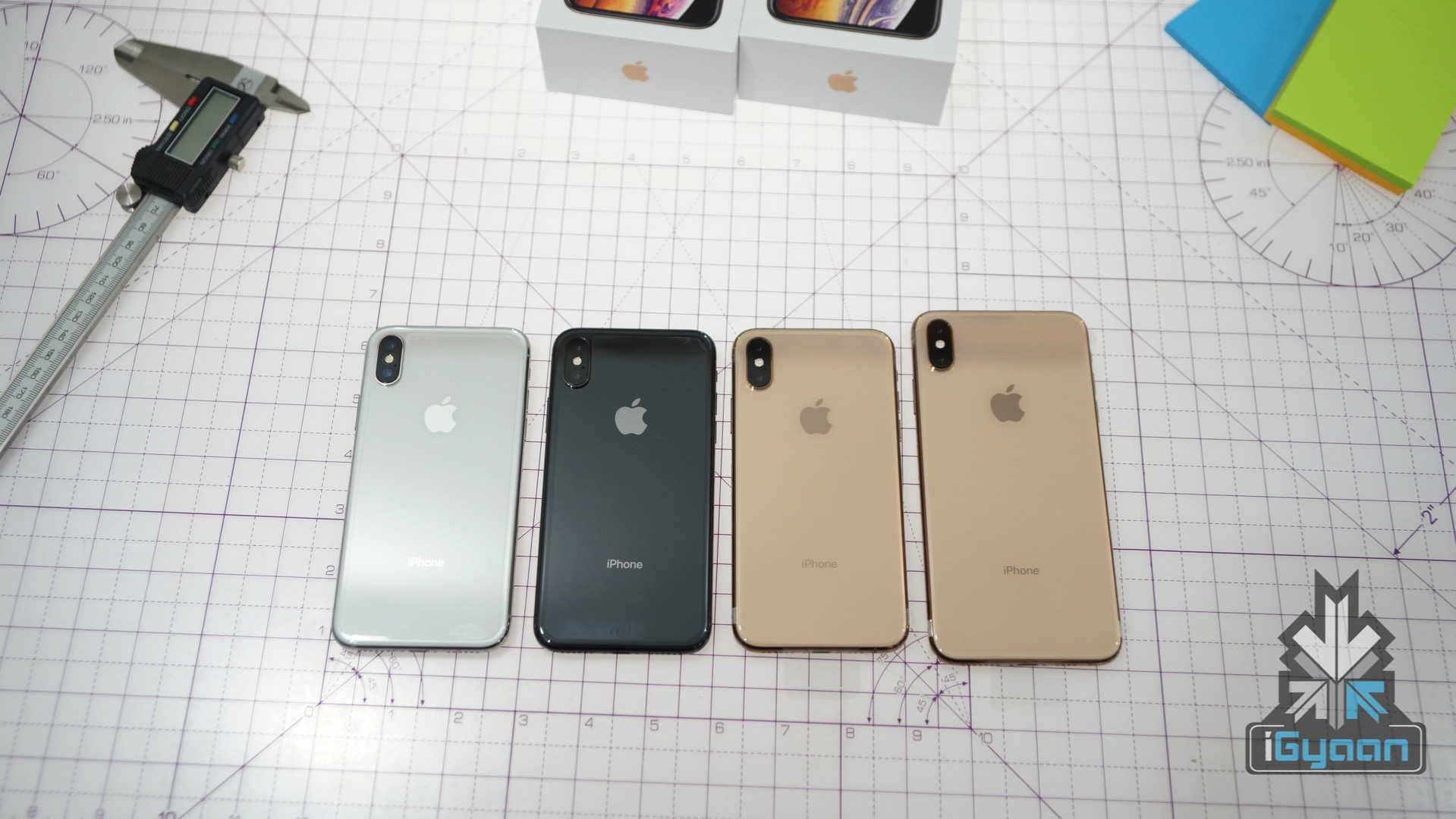
    iPhone XS & XS Max
    Why Is There A Confusion

    Generally speaking, smartphones are almost constantly being released in the market which means there are always multiple choices. Hence, an average consumer after being faced with the dilemma now must also choose what to buy and decide when to buy. It is a common mentality to hold off till the absolute last moment to buy a smartphone but that is really not the case. Furthermore, you must keep in mind behind the other major evil which is buyers remorse. In other words, the regret one may feel after buying something and regretting it by thinking of another purchase that could’ve been made. 

    Smartphone
    Redmi Note 7

    Smartphone manufacturers have a tendency to constantly offer better iterations of their devices with minor upgrades and updates in a couple of months while major generation jumps happen over the course of the year. So say, you bought a OnePlus device in Q2 (May-June) but the device seems obsolete just by the next quarter with its “T” variant being launched. Many may feel like they made a wrong choice or should’ve held off from buying a device till then. But that is wrong, as that is what companies do. They make new products attractive and market them heavily to feel like the next best thing right after you just bought a newly launched smartphone that is barely three months old. So, users must make a note to not fall for this strategy and stick to their decision. Minor upgrades never make a major difference.

    Smartphone
    OnePlus 6T
    So When Should You Buy A Smartphone?

    The holiday season is widely known to be a time where smartphones are released and the ones released earlier in the year are offered with discounts and attractive offers. So, Diwali and Christmas are one of the best times to consider an update to your old devices. For example, Samsung generally launches its flagship around February and March which by this time are offered with discounts and offers that make them worth going for. If you’re into OnePlus, even OnePlus’ “T” smartphones are already out and may also have offers with them.

    Smartphone
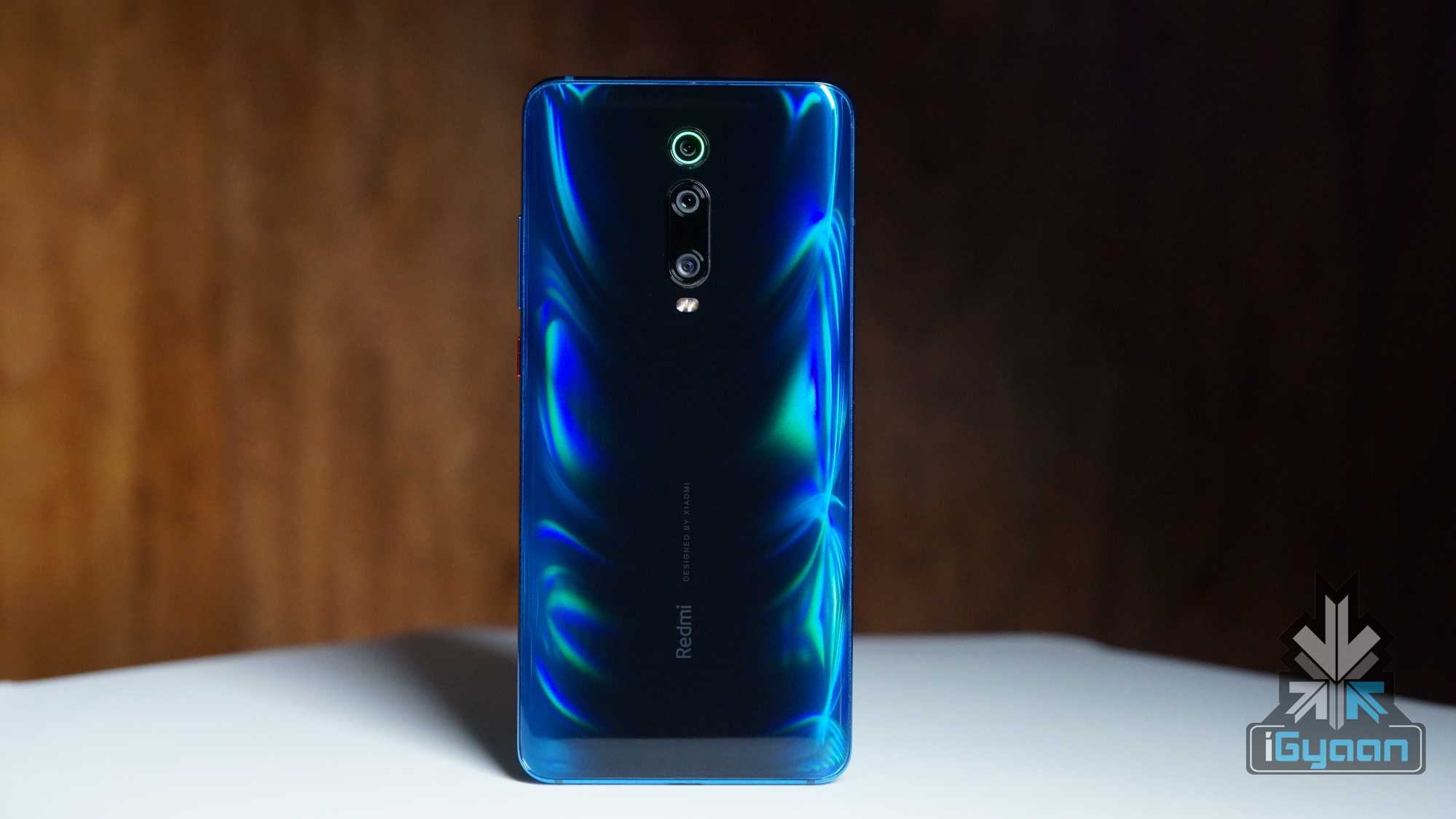
    Redmi K20

    During Q4, Xiaomi and its subsidiary Redmi have also released most of its flagships and mid-range devices offering more choices to choose from. Furthermore, the year-end follows immediately after major launches like Apple’s iPhone and Google’s Pixel series of smartphones. A time where most other OEMs avoid launching new devices in. So, you wouldn’t need to worry about a particular major launch to arrive anytime soon or till next year.

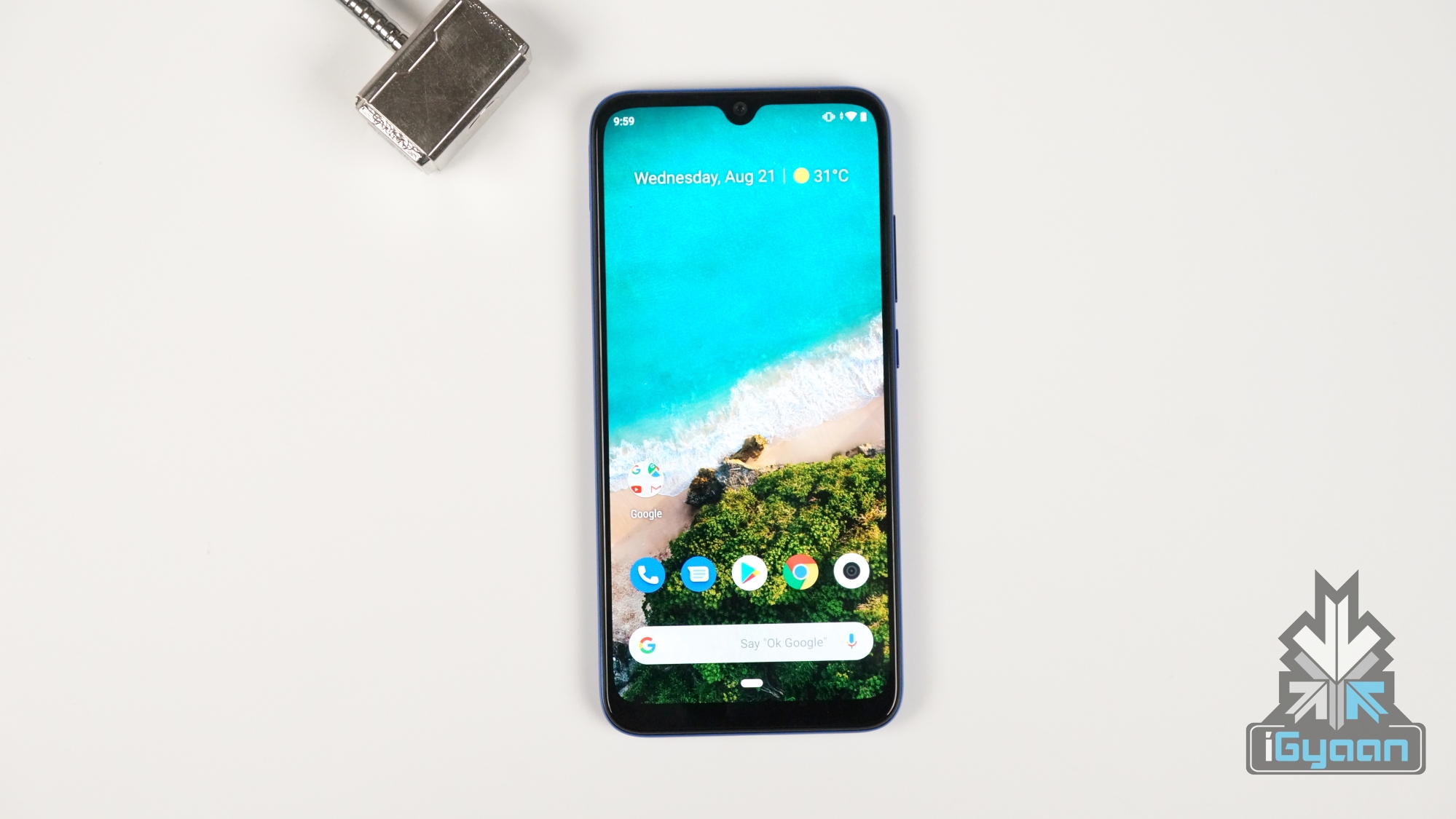
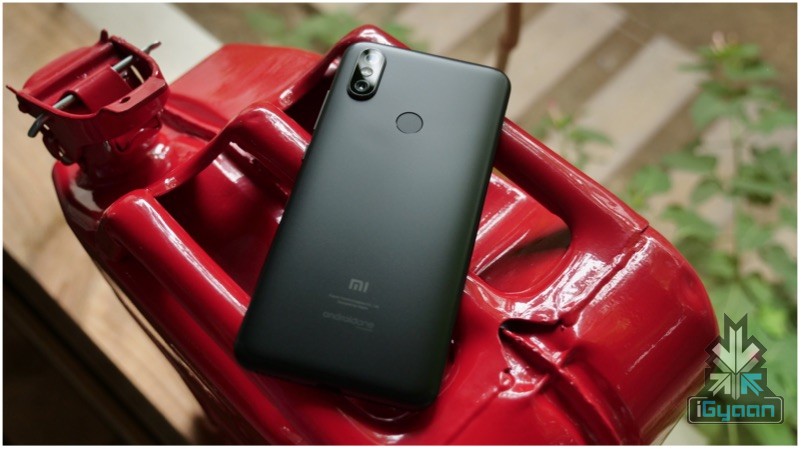
    Xiaomi Mi A3

    Also ReadApple Will Sell Its Products Online In India For The First Time Through Its Official Website

    Keep In Mind

    Simply knowing when to buy a smartphone is not enough. As previously mentioned, you must be wary of buyers remorse and willing to stick with your decision. Even if you’re not buying the latest flagship device or the latest mid-range smartphone, the device you do decide on will do almost everything as the other that you think you should’ve waited for or bought alternatively.

  • Key Factors To Consider Before Buying A Laptop

    Key Factors To Consider Before Buying A Laptop

    Choosing a perfect laptop can be an overwhelming task due to the abundance of options available in the market. While choosing the right CPU and GPU have their own importance, we believe there are several other options that one must consider before picking the right choice which are listed below.

    Display Size and Weight
    13 Inch MacBook
    13 Inch MacBook Pro

    When it comes to the display size, most consumers tend to be biased towards a larger panel. However, we would recommend you to question yourself beforehand the kind of tasks you intend to perform on your laptop. A lot of customers buy a 15-inch or even a 17-inch laptop which according to us is targeted towards a small group of users or professionals like gamers or video editors.

    The key reason for choosing a laptop over a desktop is, the former being a portable device that can be conveniently transported or carried in a backpack. For people who are always on the go, a 13-inch laptop would prove to be a better option. As per our observation, 15-inch laptops or above (excluding ultrabooks) can be too beefy to be carried around. Defying the whole purpose of them being easy to carry. 

    A bit of my personal experience, the used Thinkpad X240 I bought a couple of months ago to use as a secondary laptop has surprisingly become my go-to choice. It features a 12.5 inch display and weighs just 1.3 kg which is considerably less than my 13 inch MacBook Pro which weighs in at 2.1 kg. 

    Long Battery, Compact Charger With Fast Charging Support


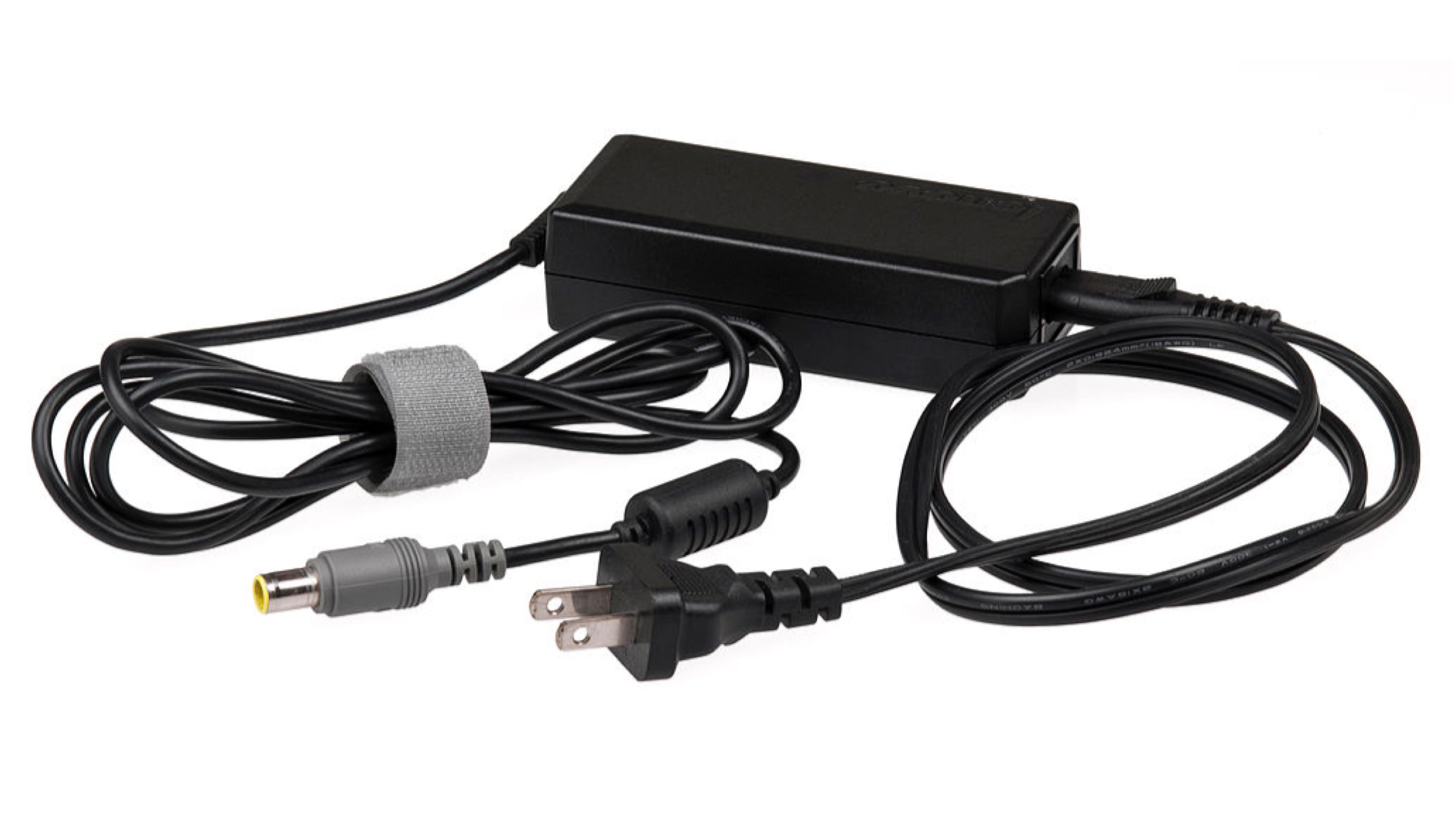
    Laptop Compact ChargerOnce again, when you opt for a laptop instead of a desktop, it is for the ease of portability. Besides choosing the right size display, having a long battery backup is important as well. This aspect will provide you with the freedom of working on for extended periods of time in situations when there is no power outlet around. 

    As observed with budget-friendly 15 inch or larger laptops, companies tend to equip them with a small capacity battery which barely crosses the 3-hour mark. Without getting into much of the details, we believe that a laptop with 45 WHr+ battery capacity is a good option as it could provide a battery backup of 5-7 hours.

    Noteworthy, the battery backup is also hugely affected by the CPU that the laptop features. Therefore, opt for a power-efficient variant that might have a clock speed lower than 2 GHz but supports turbo clocking. If you plan to get an Intel-based laptop, look for “U” or “Y” suffix in the processor name as they mean ‘low power’ or ‘ultra low power’ consumption.

    Another factor to take into consideration is the size of the power brick/charger and the charging speed it supports. Try looking for a laptop that supports and ships with a charger that is rated for 50+ watts so the inbuilt battery can be rapidly topped up. 

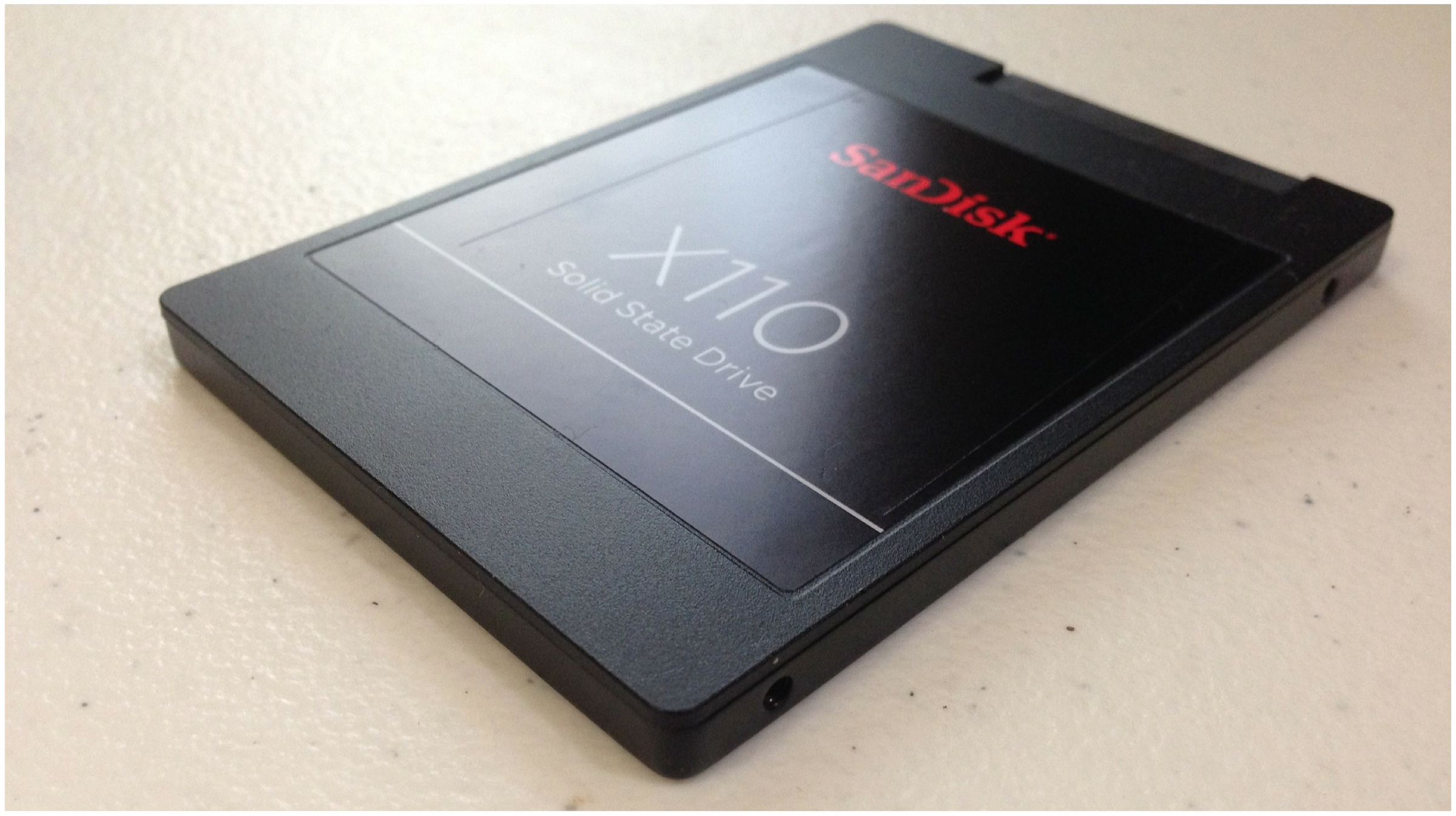
    Faster Storage Over More StorageSSD For Laptop

    Although consumer-grade SSDs have been available for a long period of time, their adaptation has been limited as the default storage type. Based on our observation, conventional hard disks are the biggest bottleneck in any laptop or desktop rather than the CPU or RAM. 

    Even the standard SATA based SSDs are upto 5 to 6 times faster than a spinning hard disk. For the consumer, this could mean boot times falling from 1.5 to 2 minutes to under 20 seconds and applications like games loading much faster. Accordingly, we would suggest that you make sure that the laptop you are about to buy has an SSD in addition to a regular spinning drive.

    In case the laptop does not support multiple storage interfaces, go for the SSD variant and buy an external hard disk additionally. Moreover, due to the abundance of high-speed internet, files like movies can be streamed on-demand rather than being stored on a personal storage medium. 

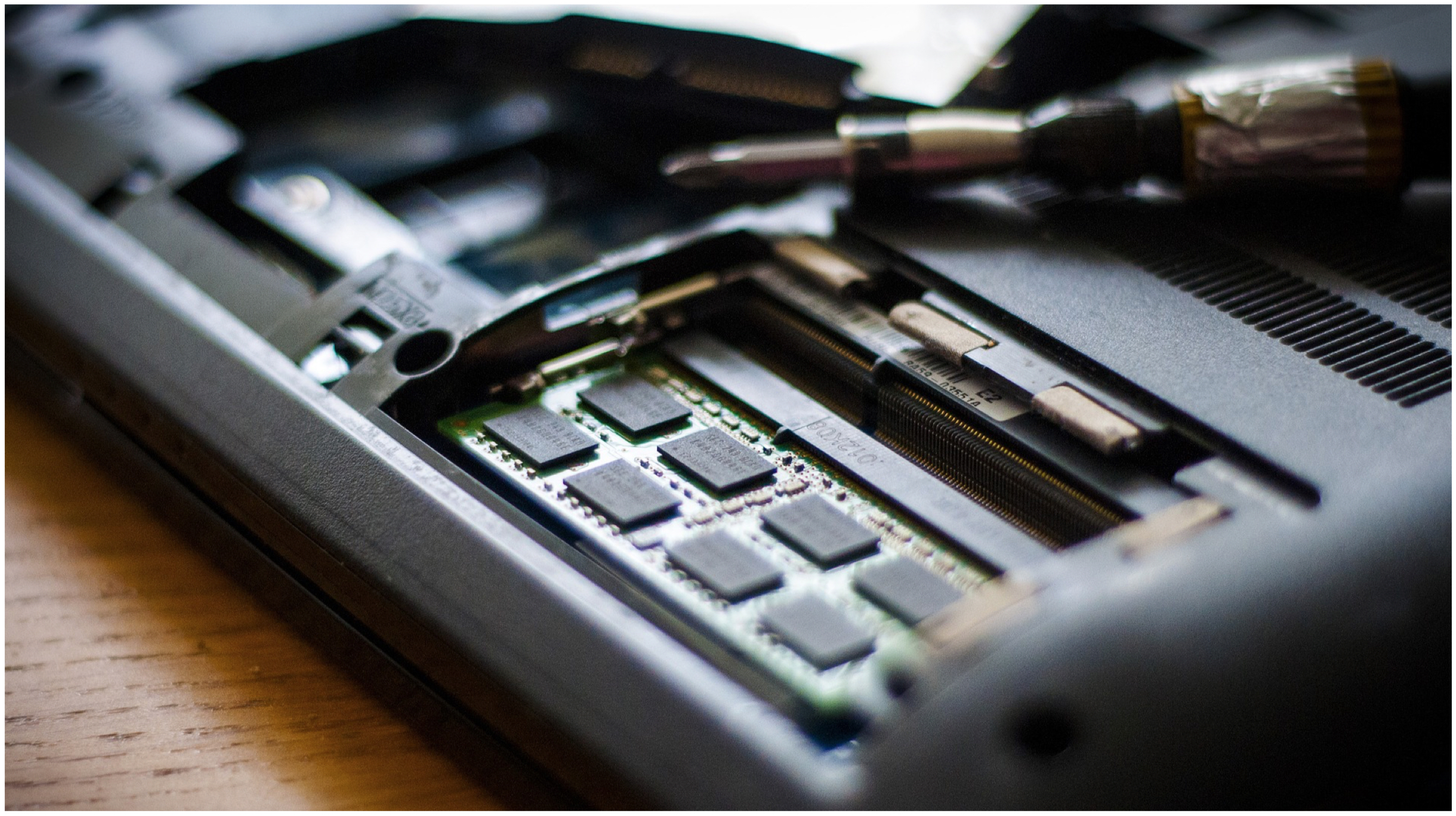
    Upgradability OptionsLaptop RAM Upgrade

    While buying a laptop also go through the upgradability options it supports. This would allow the user to increase the pre-installed RAM or storage medium which could either be a hard disk or an SSD. 

    In order to save up space and make laptops thinner in size, manufacturers tend to solder the previously mentioned components directly onto the motherboard. Which unfortunately disallows any sort of upgrades after the device has been purchased. 

    Not only will adding RAM or storage be easier but replacing faulty components will also be considerably more economical. As such parts can be swapped with standard off the shelf components are easily available both online and offline. 

    While laptops with an upgradable CPU are now a thing of the past. If you plan to upgrade it later down the road, you should keep it in mind while buying a laptop. 

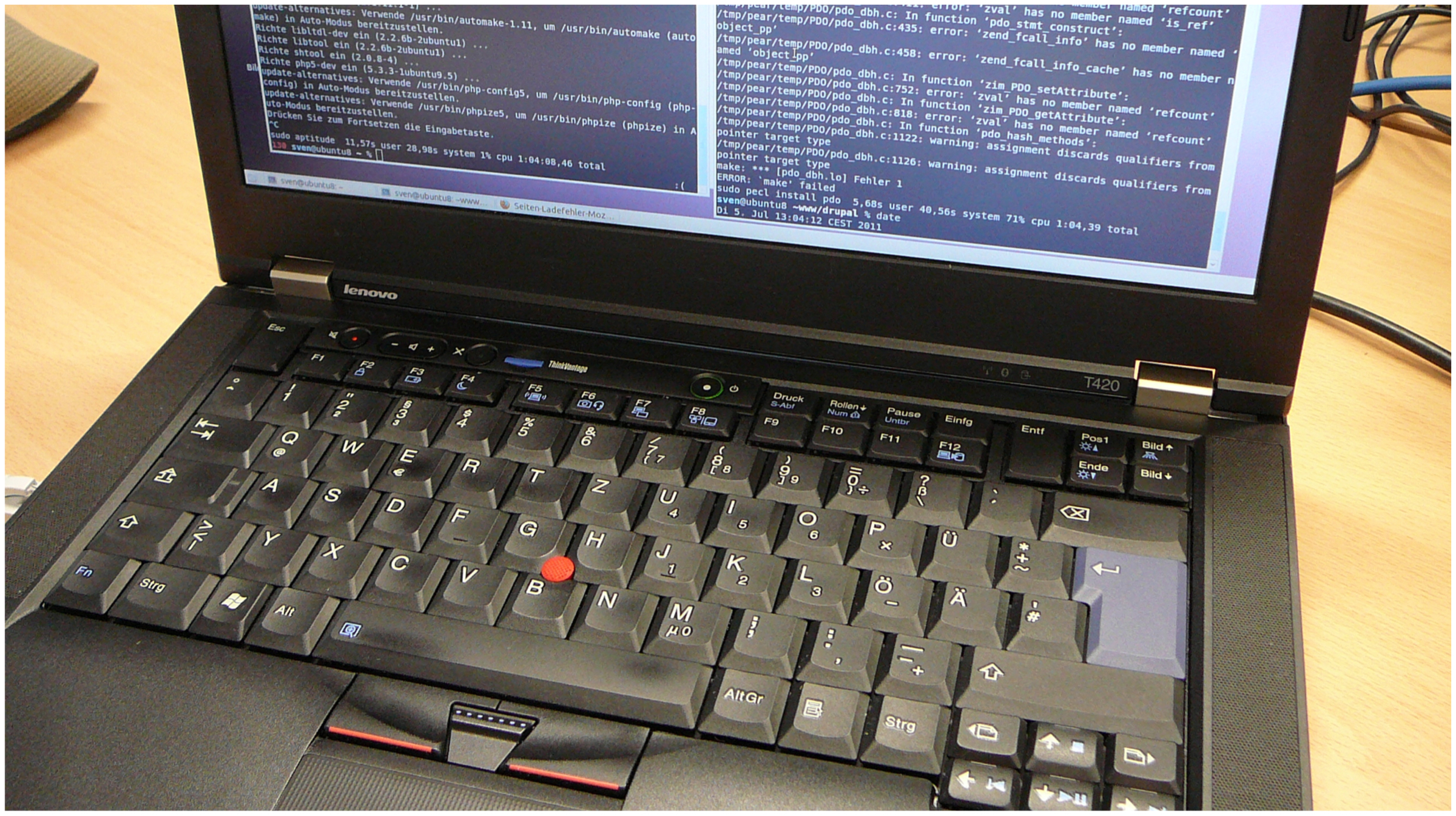
    Build Quality and MaterialsThinkPad Laptop

    While most consumers just choose a laptop based on the way it looks. We would recommend going a bit deeper and inspection the e-commerce website or questioning offline retailer the material that is used to fabricate the machine. Most affordable laptops are made out of plastic which is sprayed with shiny paint that can be easily scratched. 

    Moreover, plastic is prone to cracking or breaking when exposed to an external force. Therefore a metal body laptop could be a better choice as it will age much better. Another preferred material of choice is ‘Magnesium alloy’. A few examples of laptop constructed with this include some models of the Dell Latitude lineup and the Lenovo Thinkpad lineup. 

    Also Read: OnePlus TV Specifications Leaked, Reveal A MediaTek SoC & 3GB RAM

    All in all, these are a handful of things that one must consider before buying a laptop in addition to on paper specifications. 

    Which aspect do you think is the most noteworthy in this list? Also if you have any suggestions that we might have missed upon. Please let us know in the comments below.

  • Android 10 Announced: Looking Back At The 10-Year-Old History Of Android Versions

    Android 10 Announced: Looking Back At The 10-Year-Old History Of Android Versions

    American technology behemoth Google announced earlier this week that the latest version of its Android operating system will be officially called Android 10. By this decision, the company has also broken on the long going tradition of naming the versions after sweet treats or desserts. The latest release also marks the tenth version of the platform, as is evident from the name. The operating system may have had a rocky start back in the year 2008, it has significantly evolved over the years. So to mark the landmark release of Android 10, we look at the extensive history of the software over the years.

    Android 1.0 and 1.1

    Android


    The one that started it all. The first version of the platform was released back in 2008 and it seems like so long ago that it did not even have a dessert name. But just to complete the cycle, enthusiasts have started calling it Android Alpha and Beta for the versions 1.1 and 1.2 respectively. The first generation of the operating system included basic Google apps like Gmail, Maps, Calendar and YouTube. While all of it seems very basic now, it was quite a big deal to have a suite of applications on a mobile phone.

    Android 1.5 – Cupcake

    Android Cupcake

    The Android 1.5 Cupcake was released in 2009, which also established the naming scheme based on sweet treats. Apart from being a monumental release, Cupcake brought about many changes to the platform. It was the first version to include an on-screen keyboard and third-party widgets. The latter provided the platforms one of the most unique features. Fun fact, this was also the first time the operating system gained the functionality enabling video recording on smartphones.

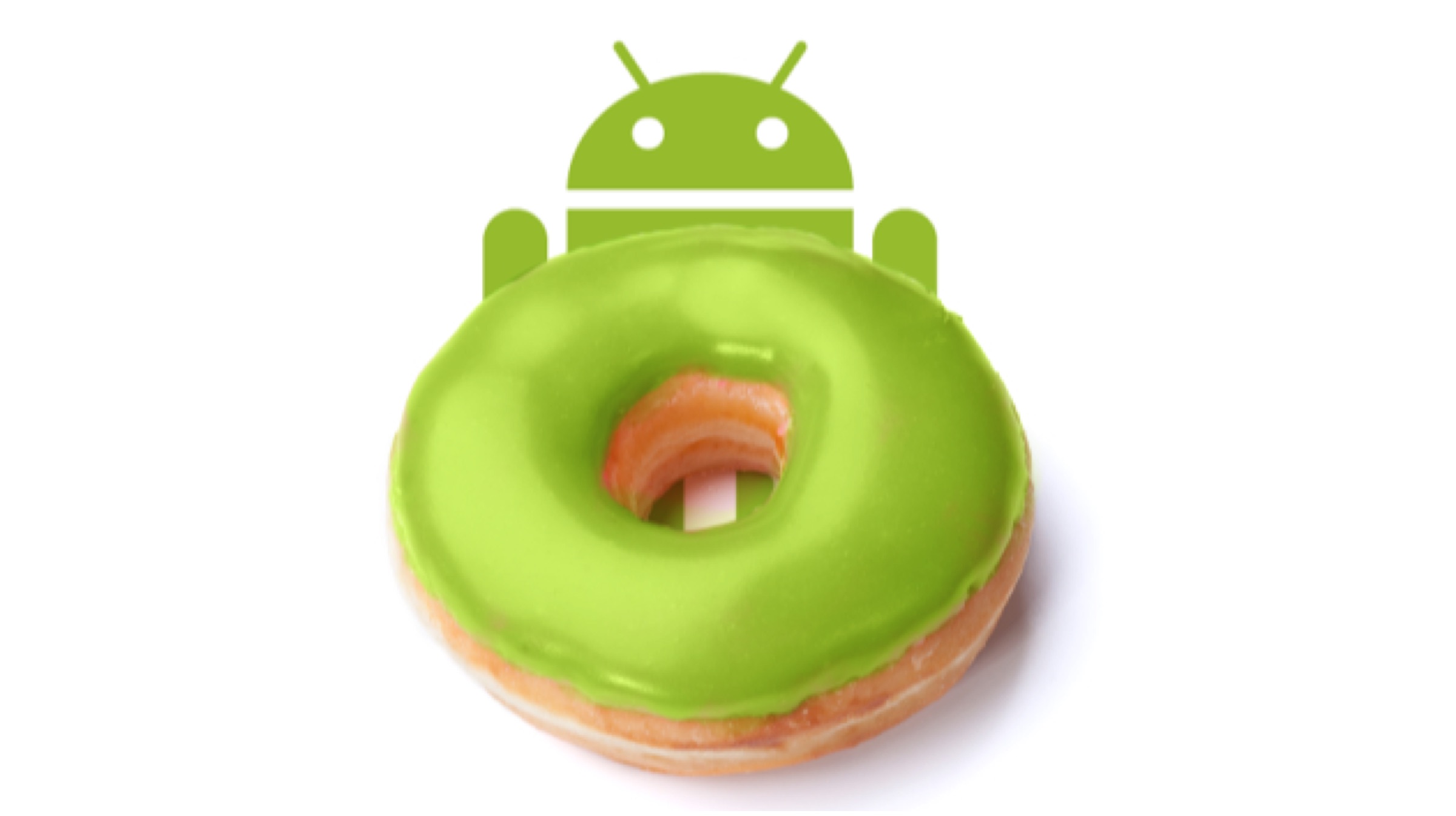
    Android 1.6 – Donut

    Android Donut


    Android 1.6 Donut was also released in the year 2009 and brought about many features to the platform. The first and most significant was adding the search box. What is now a ubiquitous feature was first added to Donut. The version also added support for multiple display sizes, which is a key element for the platform’s success. It also introduced Google Play, which was called the Android Market at the time. The store enabled users to download and try out different apps and games.

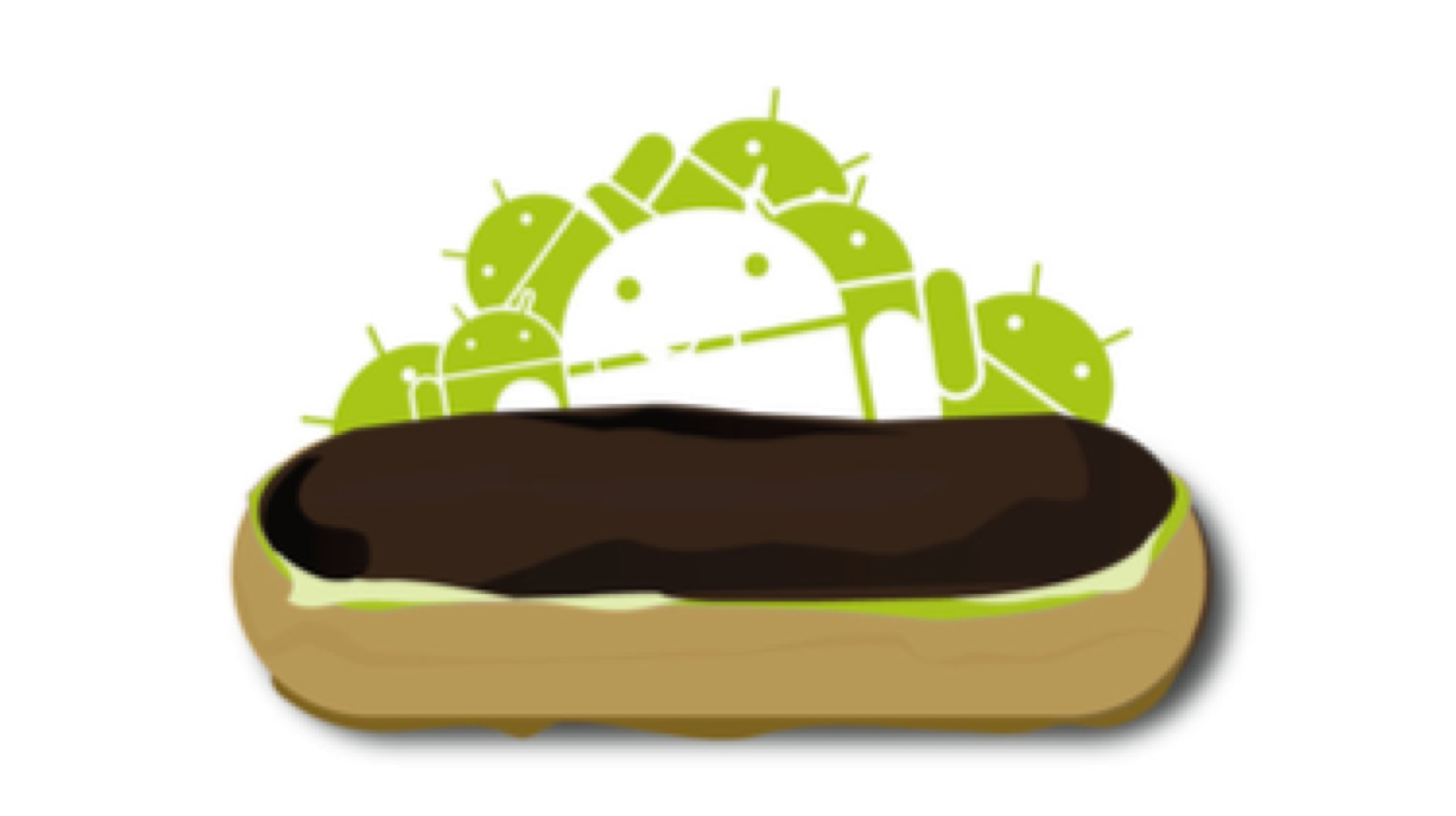
    Android 2.0/2.1 – Eclair

    Android Eclair

    The Android Eclair was released after almost six months of Donut, which is not something the company does today. It was sort of like an incremental update, with the platform adding support for Google’s turn by turn navigation and speech to text among other features. Eclair also added live wallpapers, which while it drained a lot of battery, was a really cool feature at the time.

    Android 2.2 – Froyo

    Android Froyo

    Google plopped up the Android 2.2 Froyo just four months after Eclair. This release, just like the Frozen Yogurt it is named after, was a sweet treat to the users as it focussed on increasing the performance of the devices. The release added the support for new Voice Actions and added support for mobile hotspots; which is also an important addition by historical importance.

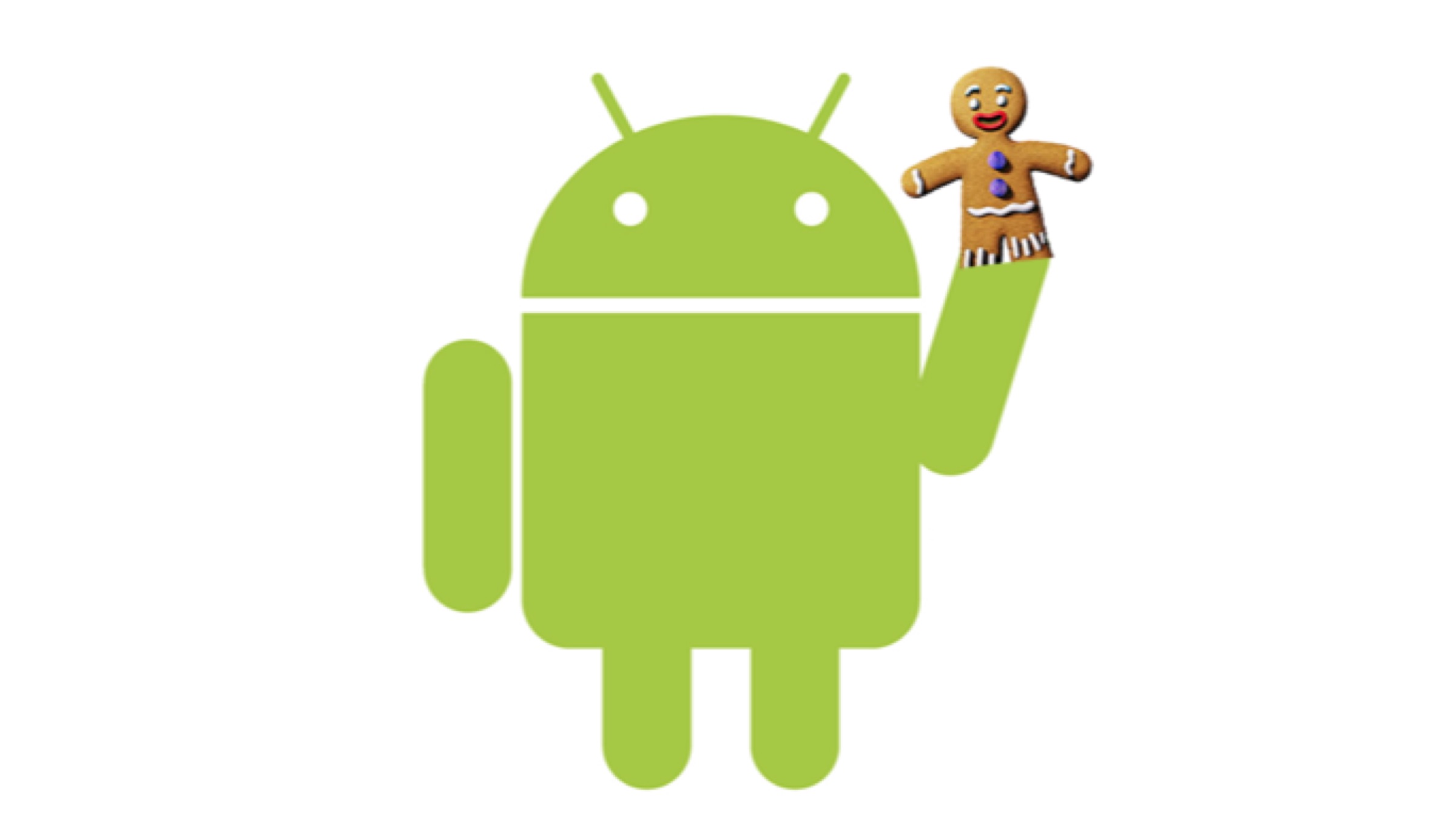
    Android 2.3 – Gingerbread


    Android 2.3 Gingerbread was released in the year 2010 and marked an incremental update over Froyo. The platform gained support for new and improved gaming API for better and graphically intense gaming. It also added NFC connectivity to compatible devices; enhancing their connectivity. Fun fact, Google added a hidden easter egg in the operating system starting Gingerbread. The first hidden surprise was a zombie artwork when the users tapped on the version number multiple times in settings.

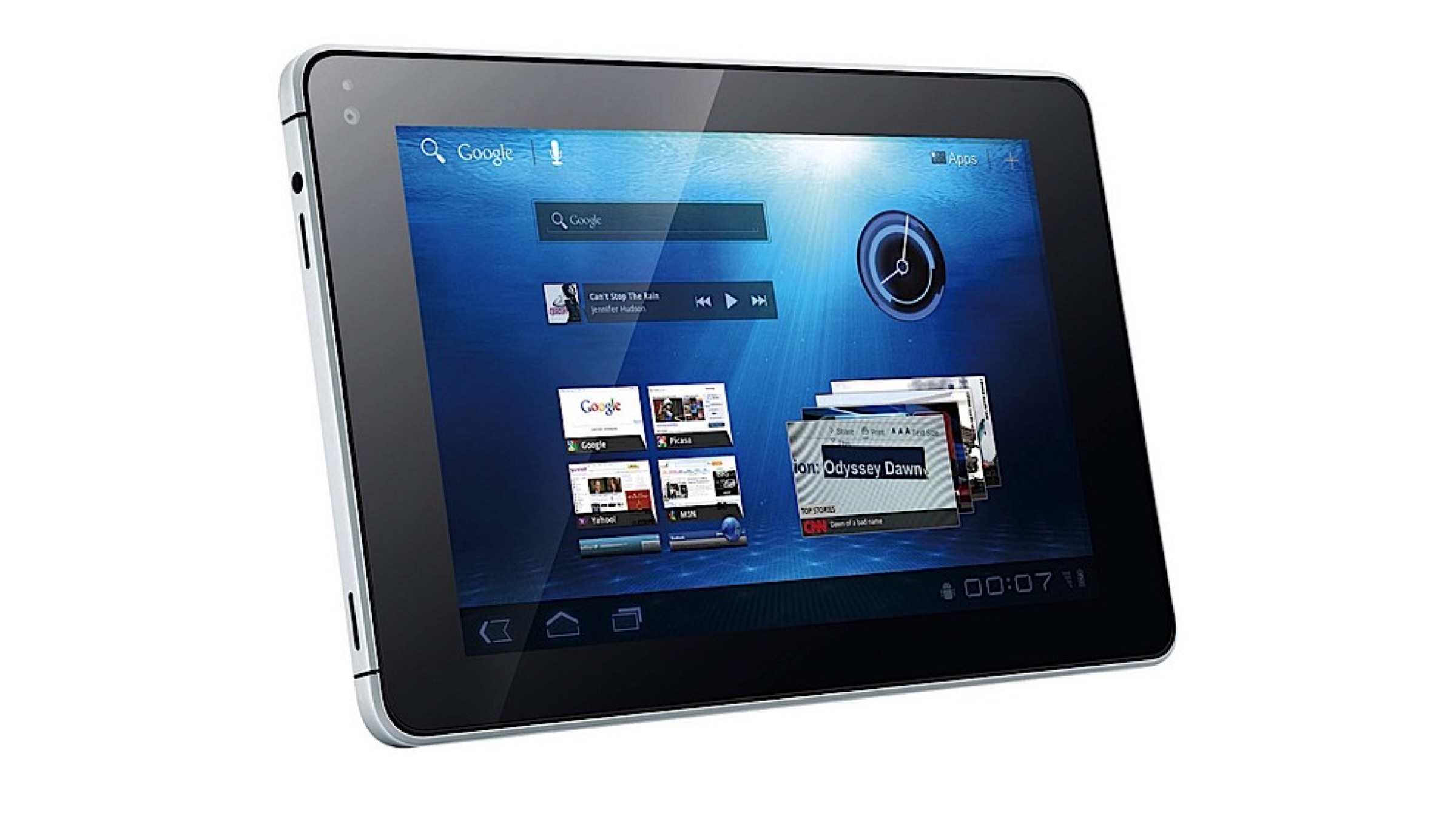
    Android 3.0/3.1/3.2 – Honeycomb


    Back in the year 2011, when tablets were becoming all the rage in the market, Google released the Android 3.0 Honeycomb. As a tablet exclusive operating system, it didn’t see many takers but was an important step in the redesigning of the platform. The version saw a user interface that utilised the whole display of the device, which was important in a tablet. However, due to limited application support and not many makers adopting it, Honeycomb is one of the more obscure versions on the list.

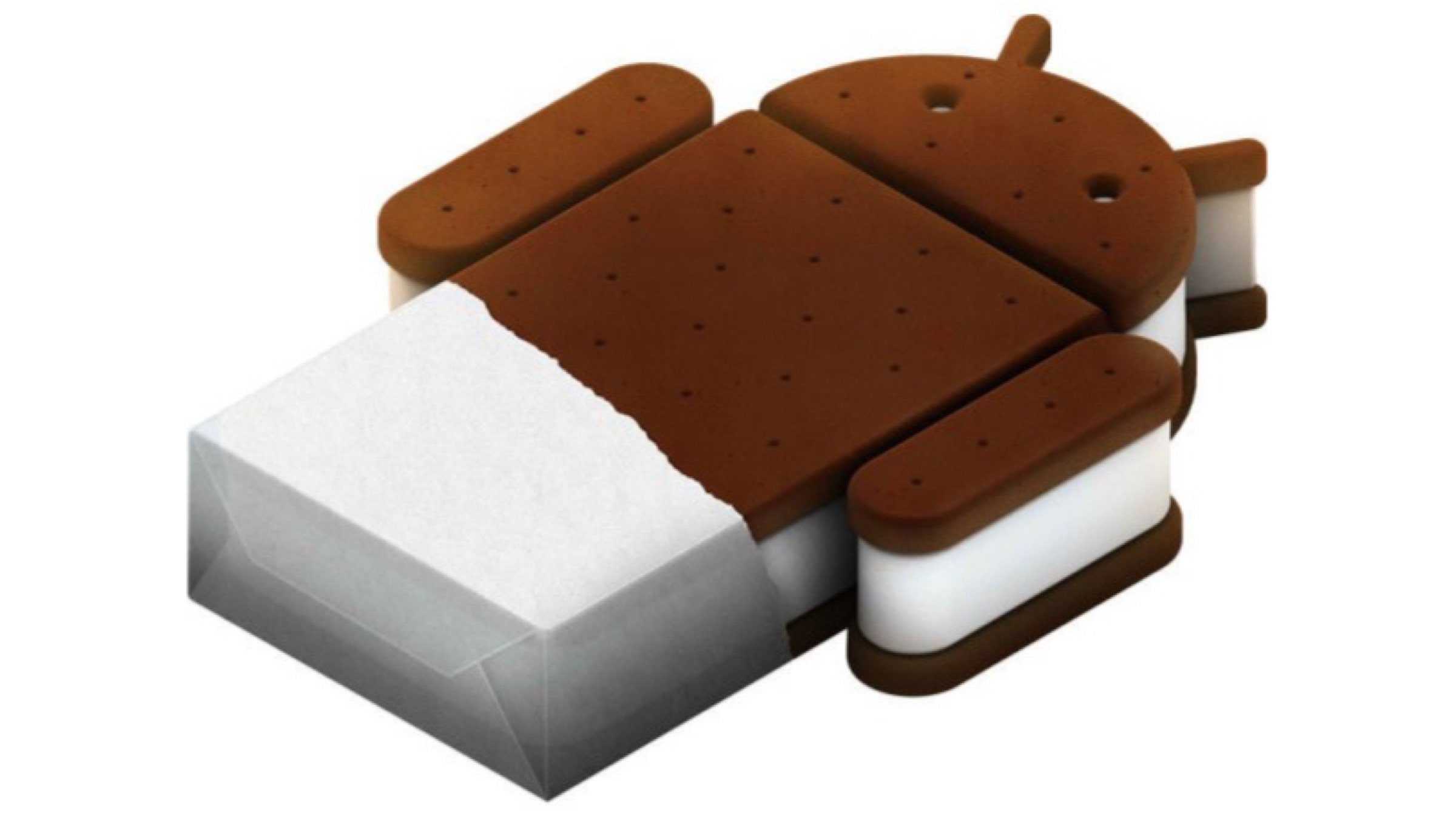
    Android 4.0 – Ice Cream Sandwich


    Android 4.0 Ice Cream Sandwich was a major design overhaul for the operating system. Released in the same year as Honeycomb, the version brought about changes like a new Holo design, swipe gestures for notifications and recent apps, and support for Android Beam. Looking back at Ice Cream Sandwich now feels like it was an extremely ambitious update, one which has futuristic vibes going on for it.

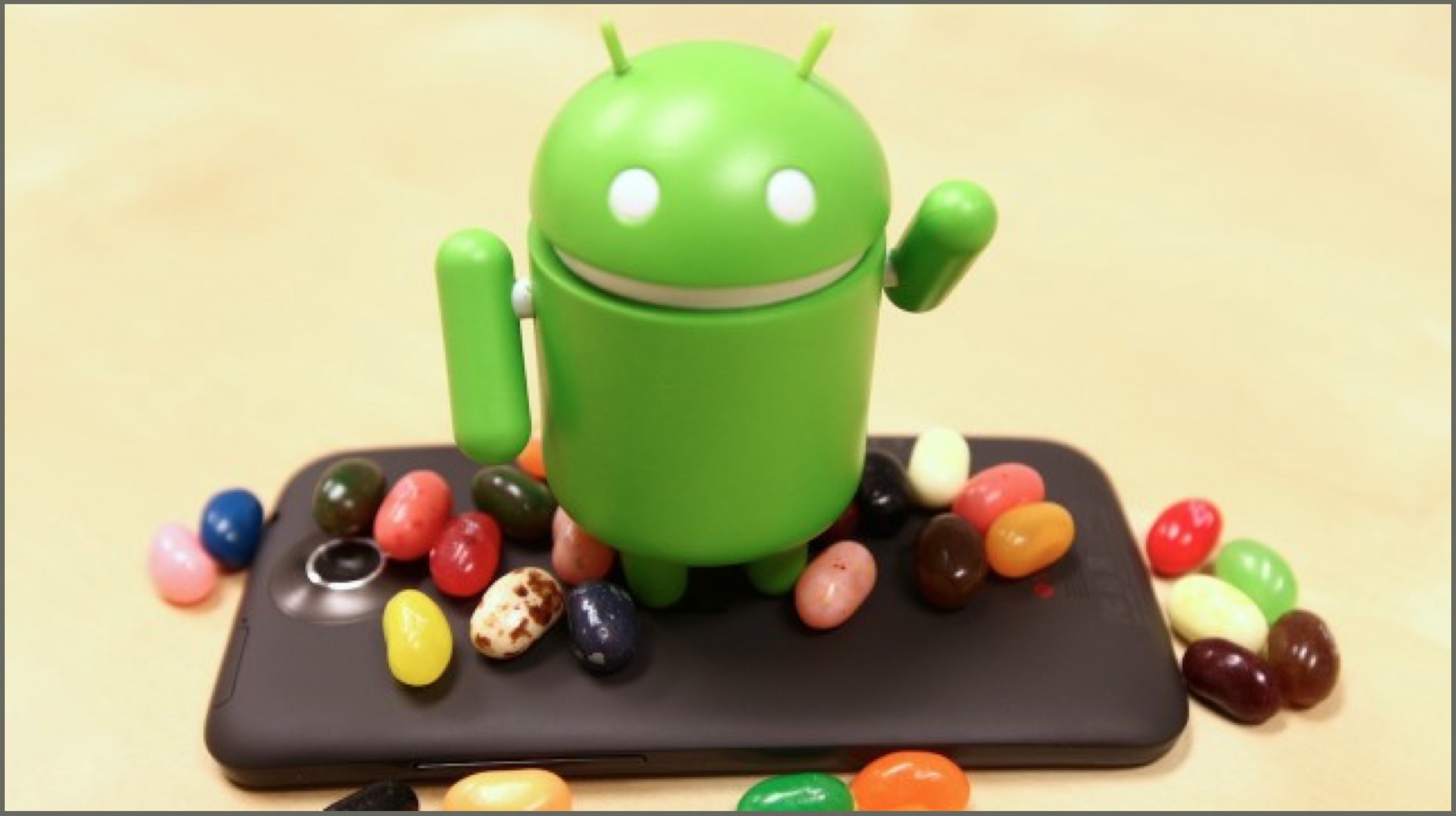
    Android 4.1/4.2/4.3 – Jellybean

    Released over multiple periods between 2012 and 2013, the Android 4.1/4.2/4.3 Jellybean was an incremental update over Ice Cream Sandwich. The platform gained support for account switching, which lets multiple users use a smartphone in different ways. It also has Google Now, a barebones digital assistant which has now been christened as Google Assistant. Jellybean also got actionable notifications, which let taking actions without opening certain applications easier.

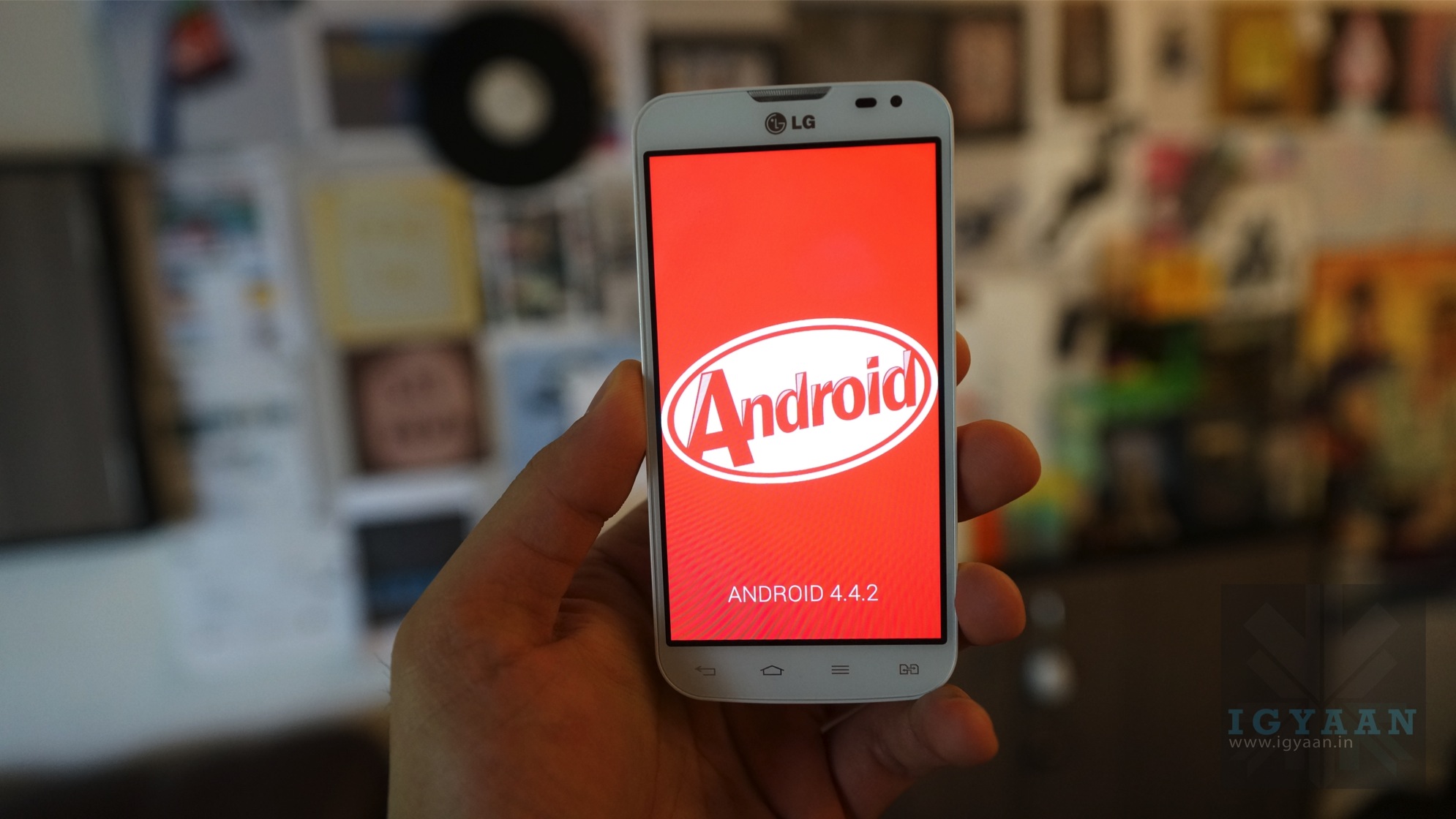
    Android 4.4 – KitKat

    The name for Android 4.4 KitKat was a result of Google’s partnership with Nestle in the year 2013. This release made for a delicious name, and software refinements all around the operating system. Things like a smart dialer, full-screen applications and the “Okay Google” keyword; which we now take for granted, were first added in KitKat.

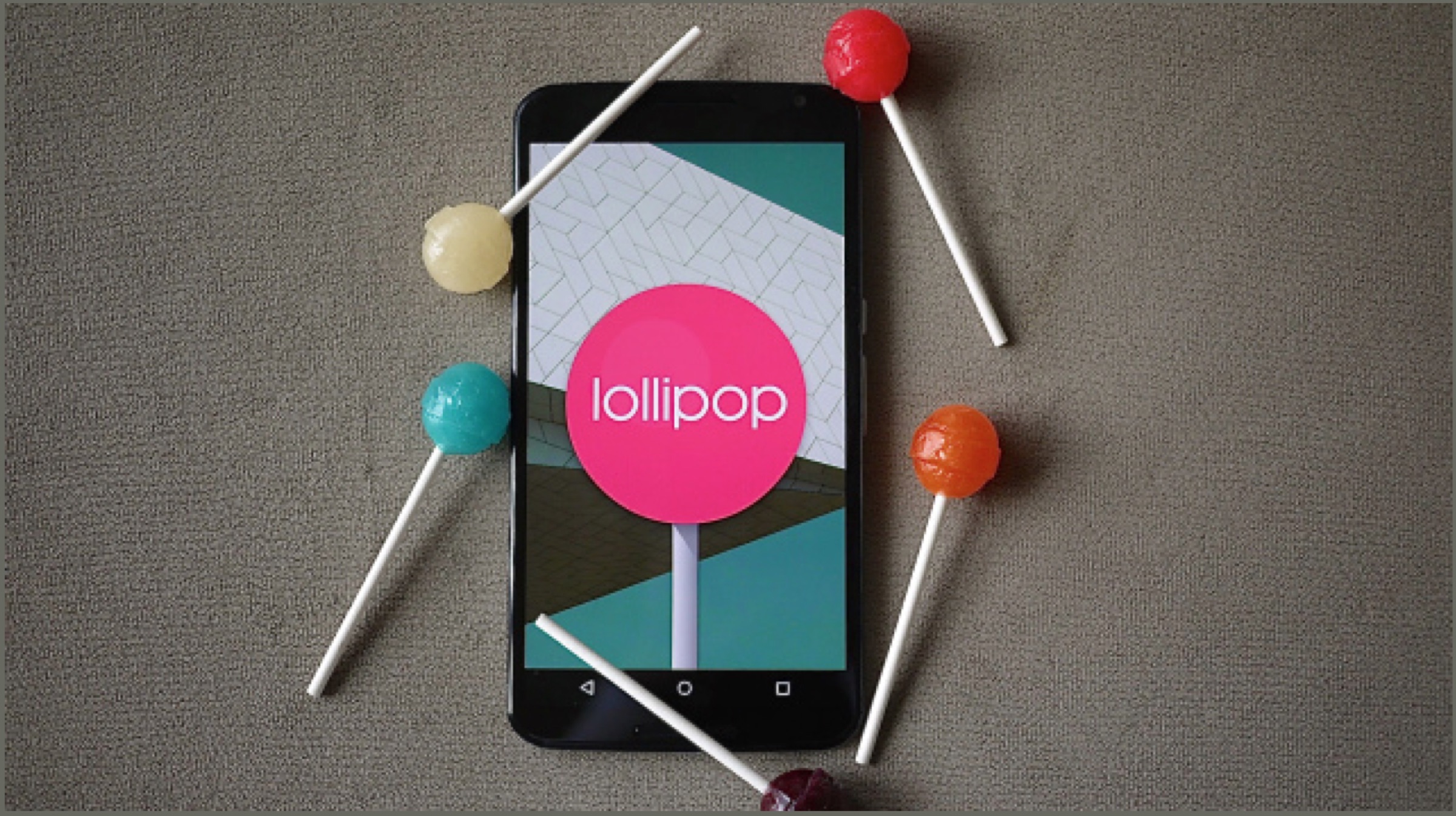
    Android 5.0 – Lollipop

    One of the biggest releases of the operating system, Android 5.0 Lollipop saw Google going back to the drawing board in 2014. The company adopted the Material Design theme, which is still in use today and almost redesigned the platform. With the release, lock screen notifications became a thing, and the software gained support for full hands-free “Ok Google” detection. Not to mention the change in the recent apps drawer with the release. Fun fact, Google added a neat little game in the easter egg which resembled Flappy Bird, another smash hit game of the time.

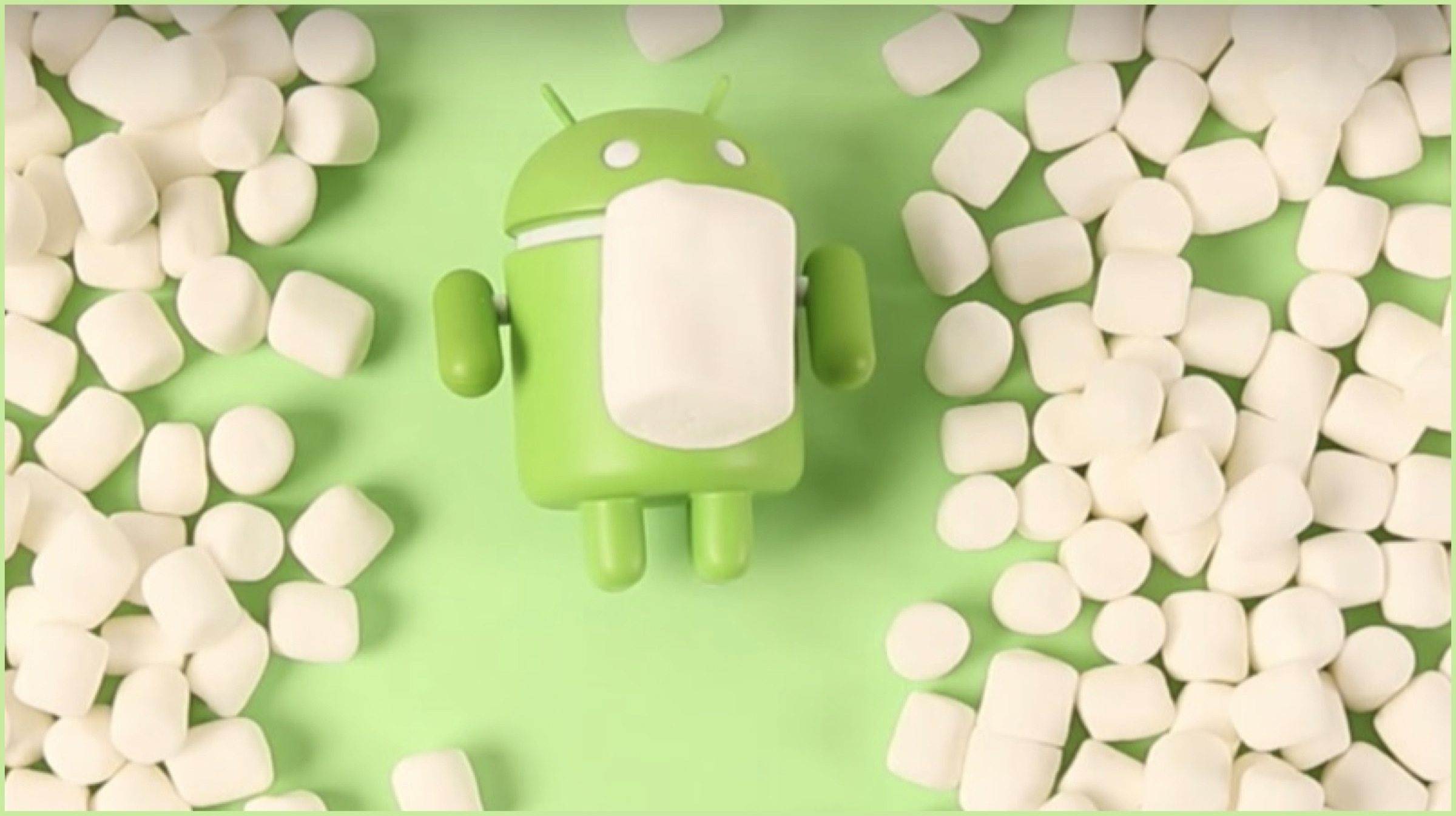
    Android 6.0 – Marshmallow

    Android 6.0 Marshmallow was released in 2015 and was an incremental update over Lollipop. It was in part because the previous version was such a design overhaul that it made for Marshmallow not to do anything drastic. The version added support for things like fingerprint readers and USB Type C ports and added a feature called Now on Tap. It used the company’s machine learning to provide more information on what is being displayed on the device. For granular privacy settings, Marshmallow also had permission controls for each application.

    Android 7.0 – Nougat

    nougat android

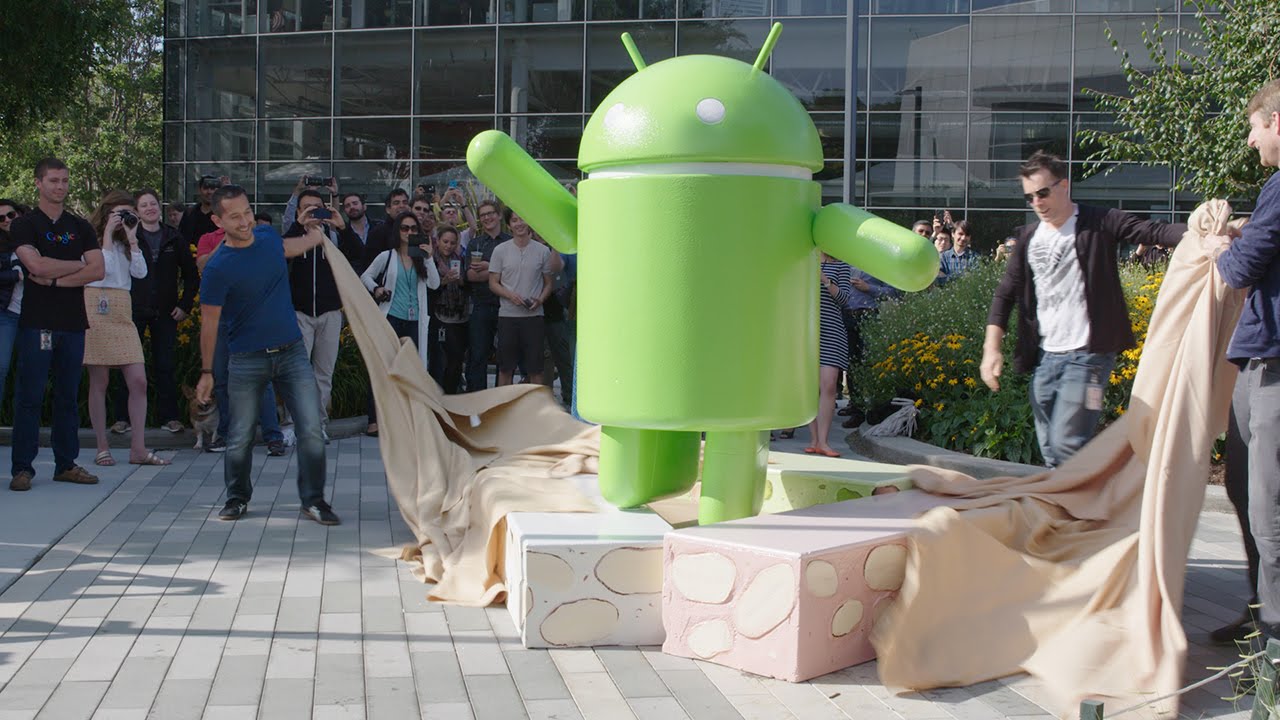
    Android 7.0 Nougat, was released in the year 2016 and focussed on improving upon Marshmallow. It was launched alongside the first Google-made smartphone, the Pixel and Pixel XL. With Nougat, the company introduced the split-screen feature and debuted Google Assistant, which is arguably the best digital assistant on a smartphone.

    Android 8.0 – Oreo

    Android 8.0 Oreo was released in the year 2017 and again, was an incremental update over Nougat. The name, much like KitKat was a result of Google’s partnership with a big company, this time it being Nabisco. This release brought about feature like a picture in picture mode, granular control over notifications. One of the landmark features of the sandwich cookie version was the support for Project Treble. It was an attempt by Google to minimise Android Fragmentation; by getting the latest release on most devices faster. Sadly the last bit has not played out very well.

    Android 9 – Pie

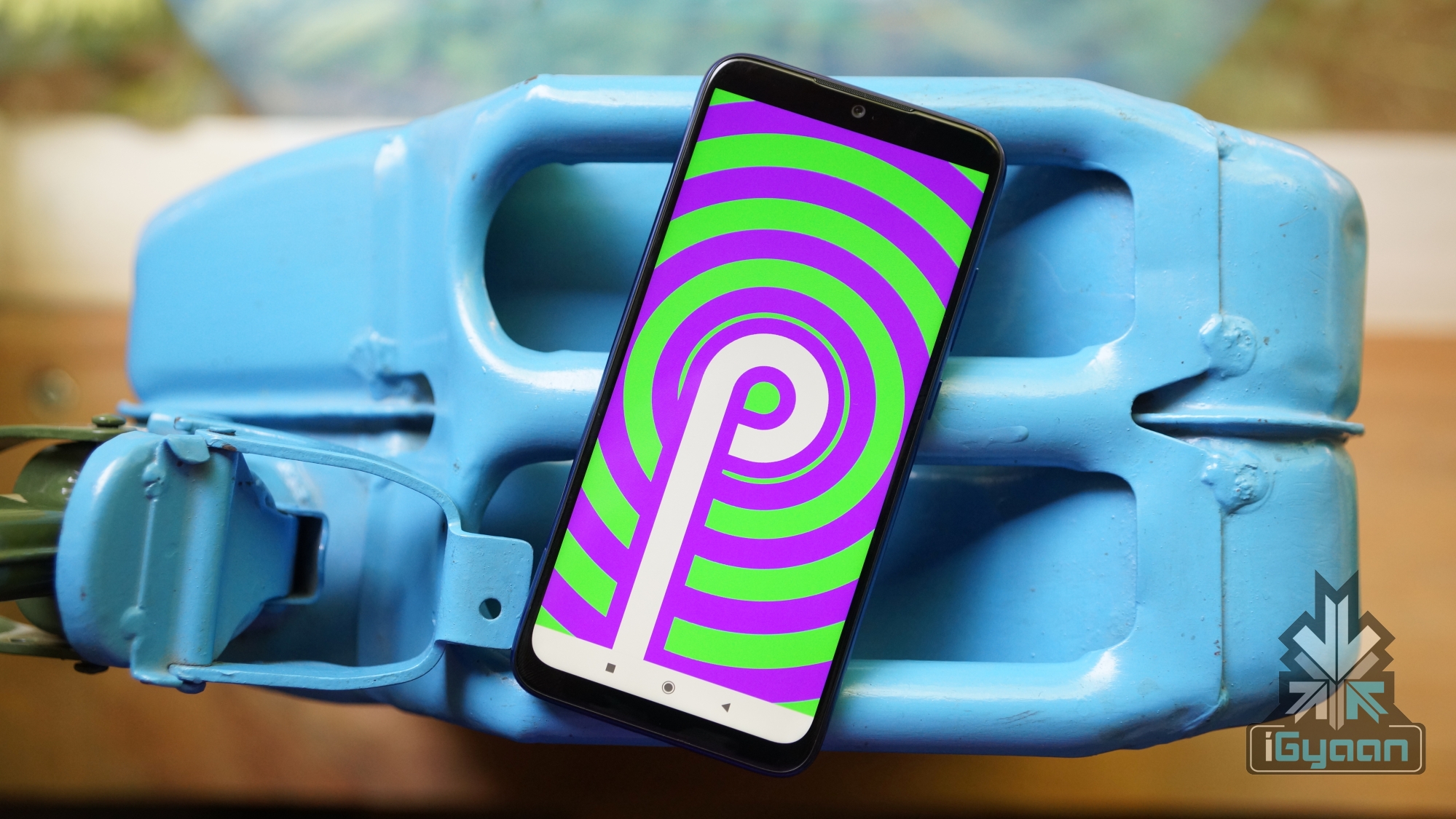
    The last release of the platform yet and one of the most important, Android 9 Pie was baked in the year 2018. It marked a soft reboot in designing the operating system, with the company trying to move away from Material Design. The release introduced new gesture-based navigation, which however half baked they may be; paved the way for all-screen smartphones. Also added to the release were clever software controls for Wi-Fi and mobile data. It also introduced the Digital Wellbeing feature on some devices. This lets users see the amount of time they spend on their smartphones and can limit it.

    Android 10 – No Desserts For You!

    Also read: Lenovo Teases An Upcoming Budget Smartphone, The Lenovo A6 Note

    The latest release by the company, Android 10 as mentioned above does not have an official dessert name. However, according to some reports, Google still has the codename for the release which is named after a dessert that starts with Q. Take your guesses, I’m going with Quiche. However sad the company’s naming decision may be, the latest release will bring about significant changes in the platform. The first one is an all-new navigation gesture system, which resembles the new iPhone gestures. Also arriving in the release are better and faster security updates and support for Live Captions. The final developer’s Beta for the software has just been released; so Google is expected to roll out a stable update in the following weeks.

  • What Is Raspberry Pi? How To Use It? All Questions Answered

    What Is Raspberry Pi? How To Use It? All Questions Answered

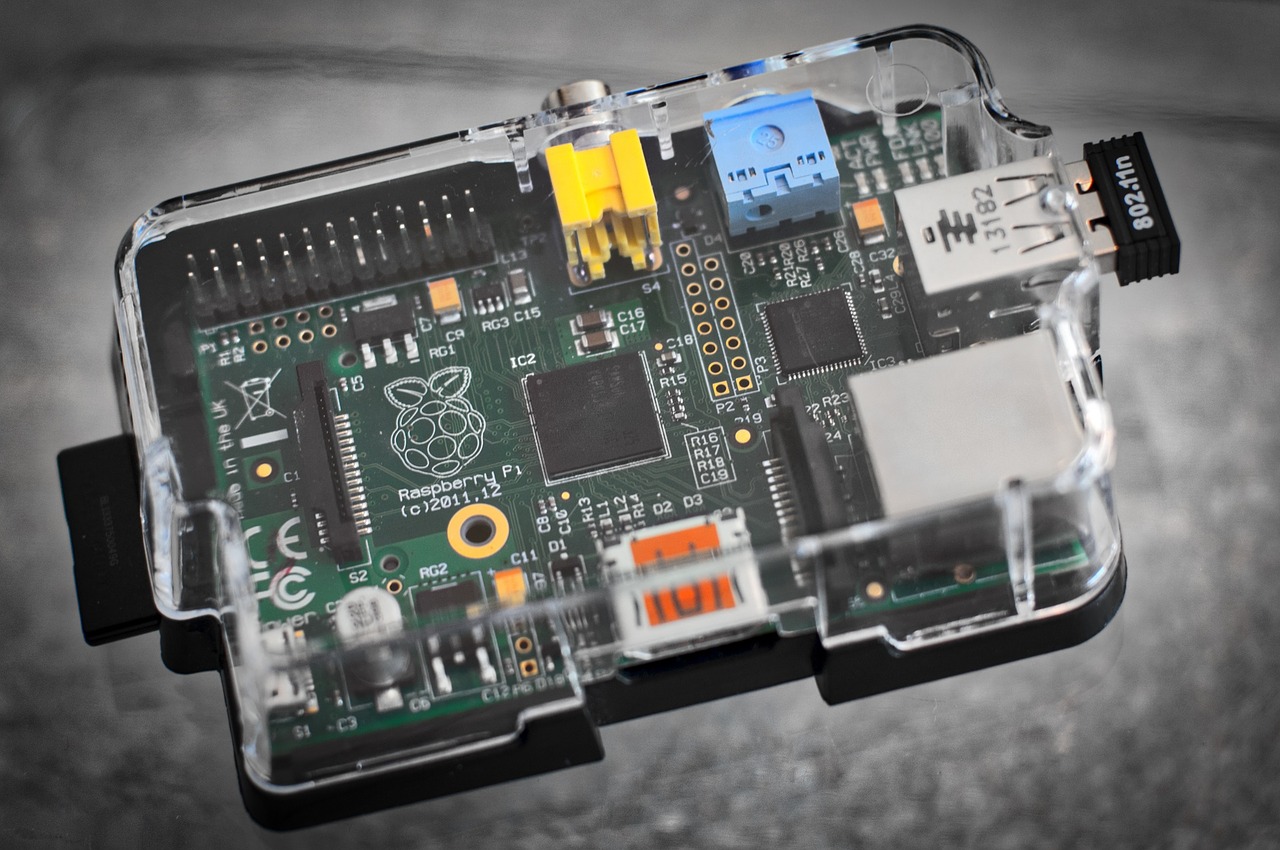
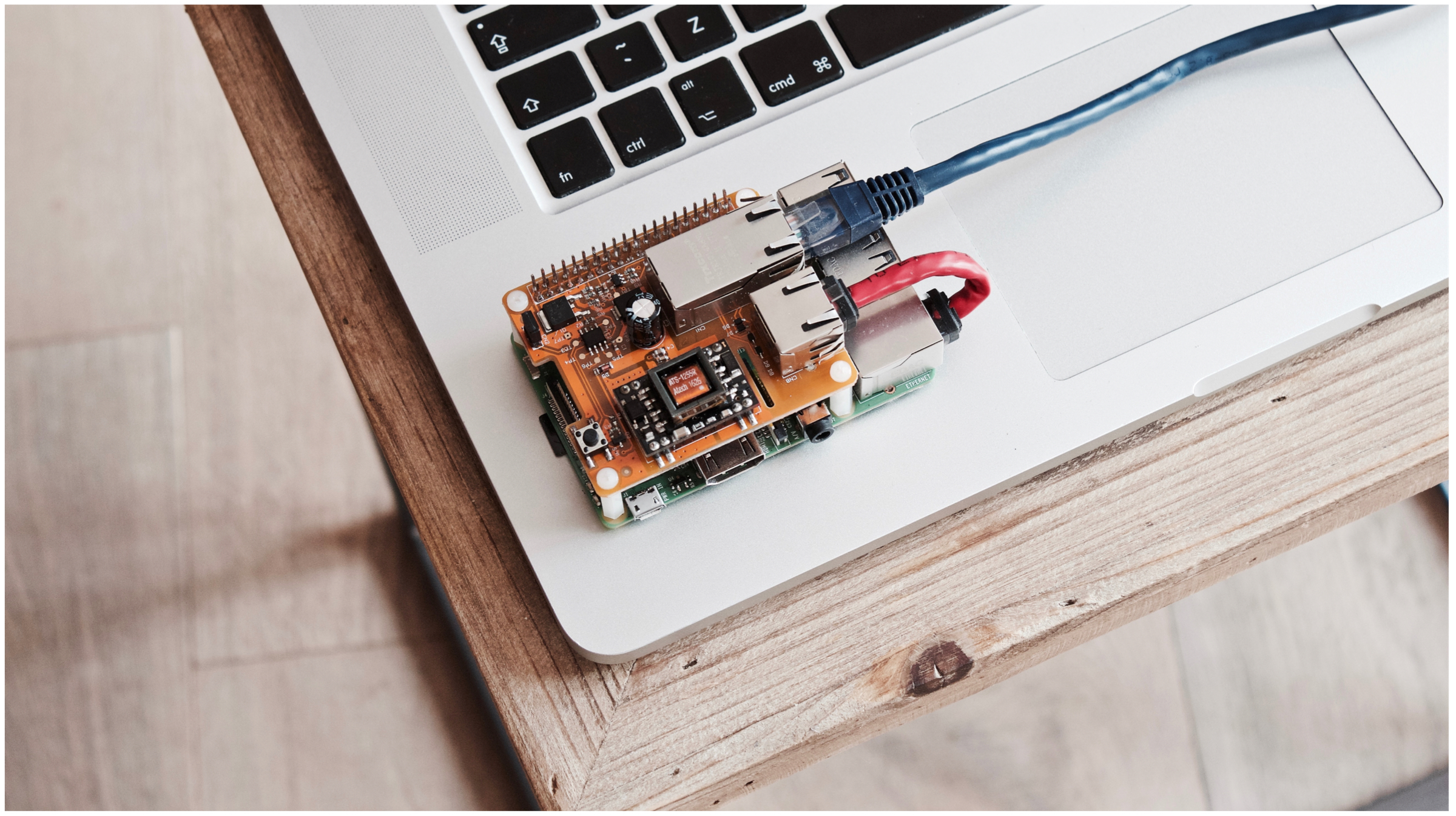
    You have heard the term Raspberry Pi at several occasions and are curious to know what’s the deal with this palm-sized PCB (printed circuit board). Worry not, after reading this comprehensive article you will know the basics, features and applications (uses) of this modern marvel that has had a major impact on the world of computers.

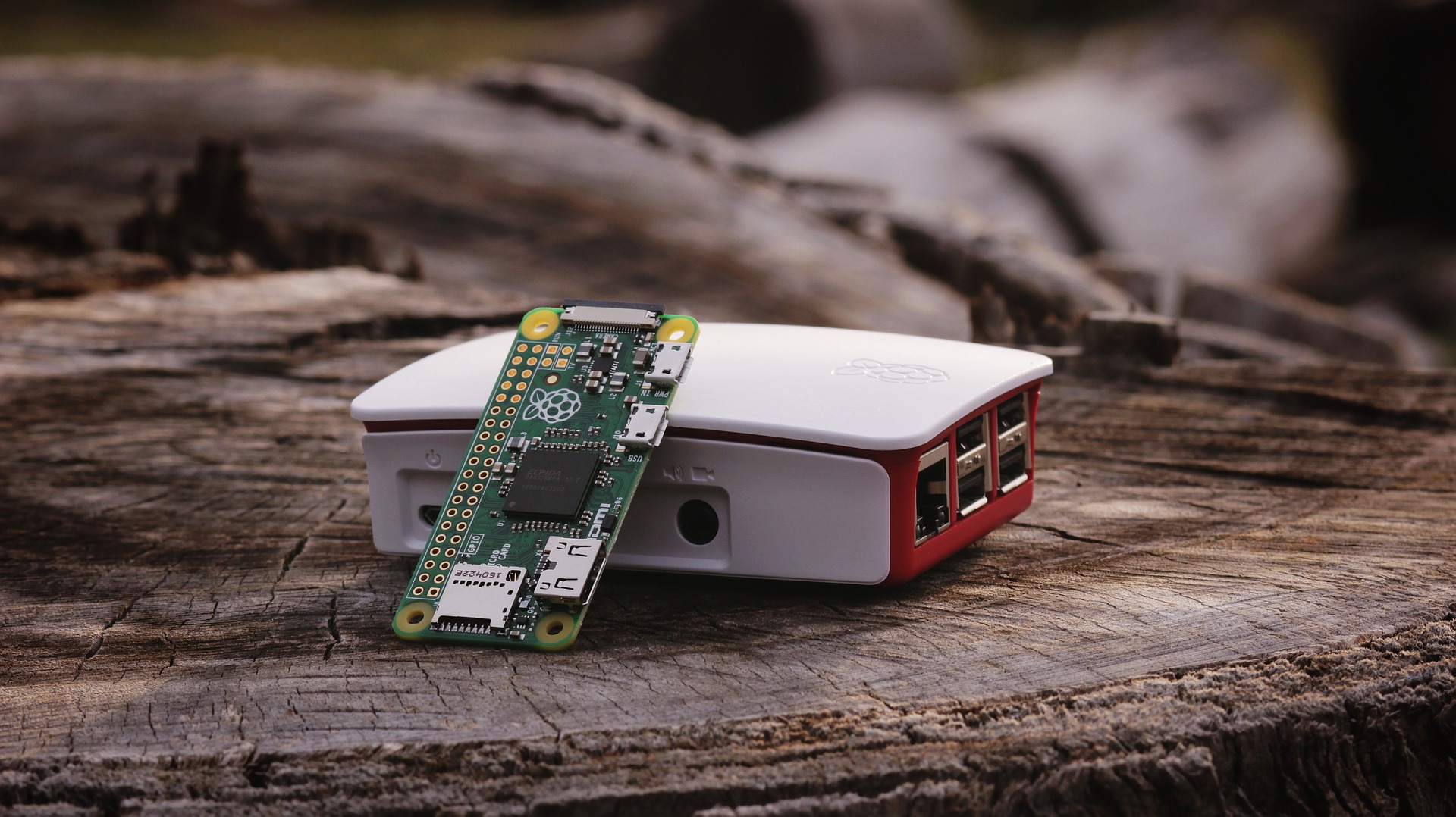
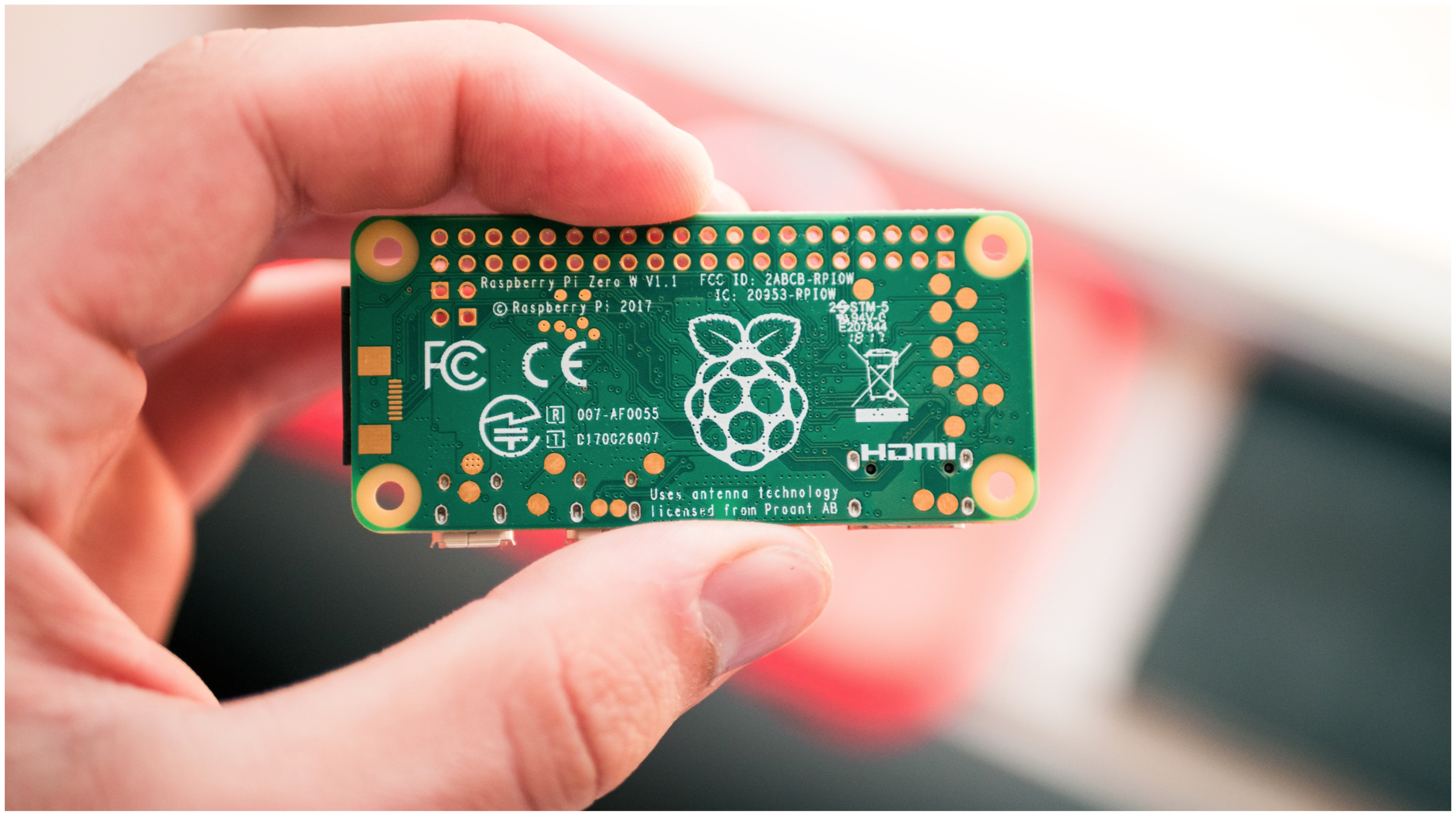
    To begin with, we will answer the question ‘ What is Raspberry Pi? ‘. In simplest terms, it is a single-board computer that can run a variety of operating systems ranging from Windows to Linux. You must be thinking that’s it, Yes it literally is. Notwithstanding, now you are confused about what is a single-board computer. Here you go, this is some brief information about this fancy keyword that you have just stumbled upon. Raspberry Pi W

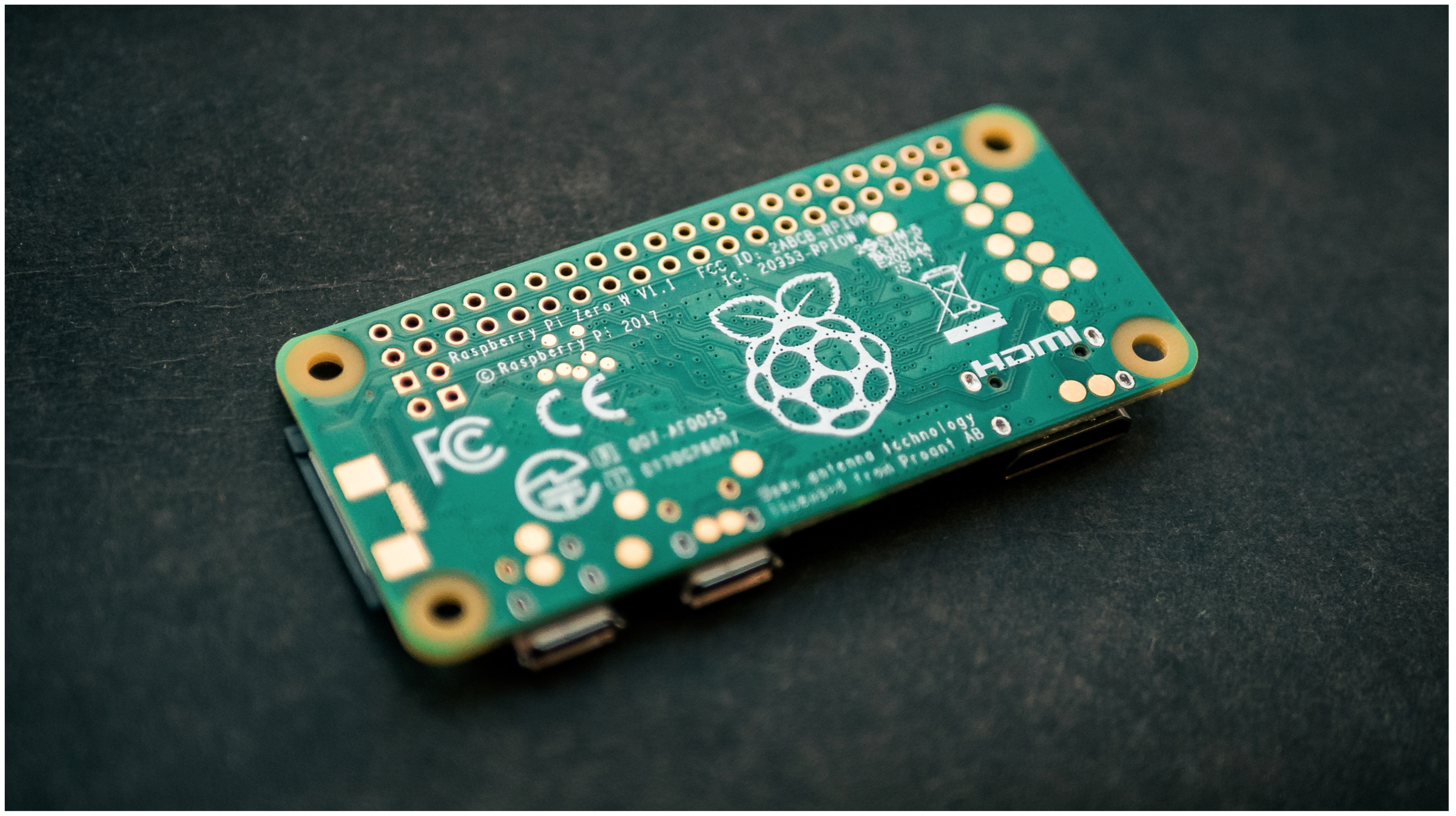
    A single-board computer including the Raspberry has all the necessary components that a conventional PC or notebook computer has, which incorporates a RAM, ROM, CPU and I/O Ports (Input/Output). However, all of these are soldered onto just one PCB rather than being spread in a CPU enclosure.

    You might be thinking there must be several other single-board computers in the market but why is Raspberry Pi is so popular. The concise answer to the question is that it was developed to be affordable and this factor alone is one of its biggest success mantras. Besides, there are several other reasons as well which will discuss later in this article. 

    History Of Raspberry Pi

    Raspberry Pi W
    Raspberry Pi W

    The original Raspberry Pi was released in the year 2012 by a UK based charity funded organisation called the Raspberry Pi Foundation. According to its founders, it was designed and developed to promote the teaching of basic computer science in schools and in developing nations which it has been highly successful at.

    Not only that, but it has also become the go-to choice for DIY enthusiasts who need a robust solution for their electronics projects. Over the last 7 years, the organisation’s foundation has launched numerous generations of this tiny computer which are listed below.

    Raspberry Pi Generations And Price

    Family Model Form Factor Ethernet Wireless Released Price
    Raspberry Pi 1 B Standard

    (85.60 × 56.5 mm)

    Yes No 2012 US$35
    A+ Compact

    (65 × 56.5 mm)

    No 2014 US$20
    Raspberry Pi 2 B (65 × 30 mm) Yes No 2015 US$35
    Raspberry Pi Zero Zero

    (65 × 30 mm)

    No No 2015 US$5
    W/WH Yes 2017 US$10
    Raspberry Pi 3 B Standard Yes Yes 2016 US$35
    A+ Compact No 2018 US$25
    B+ Standard Yes 2018 US$35
    Raspberry Pi 4
    B (1 GB)
    B (2 GB)
    B (4 GB)
    Standard Yes Yes 2019
    US$35
    US$45
    US$55
    Raspberry Pi 4 Specifications

    While the previous generations were worthwhile, the latest Raspberry Pi 4 has lifted the bar to another level which is reflected by its specifications. 

    • Broadcom BCM2711, Quad-core Cortex-A72 (ARM v8) 64-bit SoC, 1.5GHz
    • 1GB, 2GB or 4GB LPDDR4-2400 SDRAM 
    • 2.4 GHz and 5.0 GHz IEEE 802.11ac wireless, Bluetooth 5.0, BLE
    • Gigabit Ethernet
    • 2 USB 3.0 ports; 2 USB 2.0 ports.
    • Micro-SD card slot for loading operating system and data storage
    • Raspberry Pi standard 40 pin GPIO header 
    • 2 × micro-HDMI ports (up to 4kp60 supported)
    • 2-lane MIPI DSI display port
    • 2-lane MIPI CSI camera port
    • 4-pole stereo audio and composite video port
    • H.265 (4kp60 decode), H264 (1080p60 decode, 1080p30 encode)
    • OpenGL ES 3.0 graphics

    Due to RAM capacities as high as 4 GB and powerful CPU it even supports dual 4K output.

    Raspberry Pi Uses

    • Desktop Replacement: Right of the bat, the Raspberry can be used to run a full-fledged operating system that can perform all the basic computing tasks like browsing the web, watching videos or editing documents. As previously mentioned, it can run operating systems like Windows and Linux. However, running a certain OS like Windows 10 on models like the tiny Raspberry Pi zero or some of the older generations could turn into an unenjoyable experience. 

      Nevertheless, the Raspberry Pi Foundation has developed its very own OS called ‘Raspian’. It is a lightweight operating system which is optimised to run smoothly on the ARM-based architecture. Noteworthy, the credit card-sized computer does not have inbuilt storage therefore, device owners must use a microSD card with a pre-installed operating system installed. 

    • Media Center/ HTPC (Home Theater PC): Although smart TVs are all the rage nowadays, users need to shell a considerable sum of money to purchase them. Besides, dealing with an existing TV could be another challenge. A Raspberry Pi with the help of softwares like OSMC and Kodi media player can easily convert any LED or LCD display into a full-fledged media centre.

      Besides playing media from a thumb drive or hard drive, users can also stream content from popular services like Amazon Prime or Netflix. 

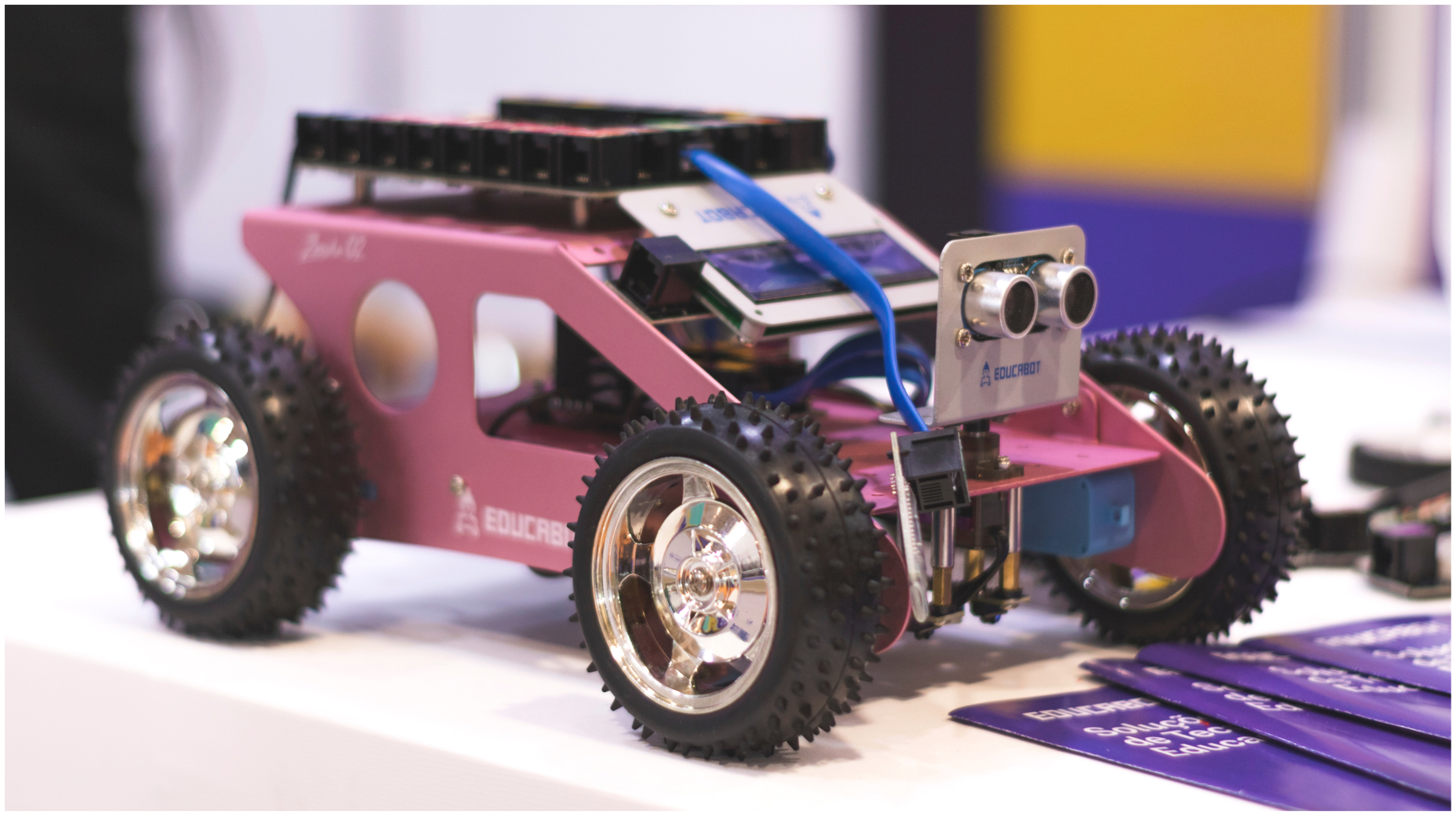
    • Robotics and Home Automation: Being an affordable computer which supports a wide variety of input/output ports and pins. This single board computer has become a preferred choice of engineers and DIY enthusiasts who are incorporating into Robots and smart home devices.

    Mentioned above are just a handful of uses of this tiny marvel. While its applications and uses are endless. 

    Also Read: Xiaomi Mi A3 Android One Smartphone Launched In India

    To wrap things up, next time somebody questions you ‘What is the Raspberry Pi and What are its uses?’. You will be equipped with all the details.

    However, if there are any questions or details we might have missed out, you can ask them in the comments below.

  • Realme 5 Pro Vs Redmi Note 7 Pro: Which One To Choose?

    Realme 5 Pro Vs Redmi Note 7 Pro: Which One To Choose?

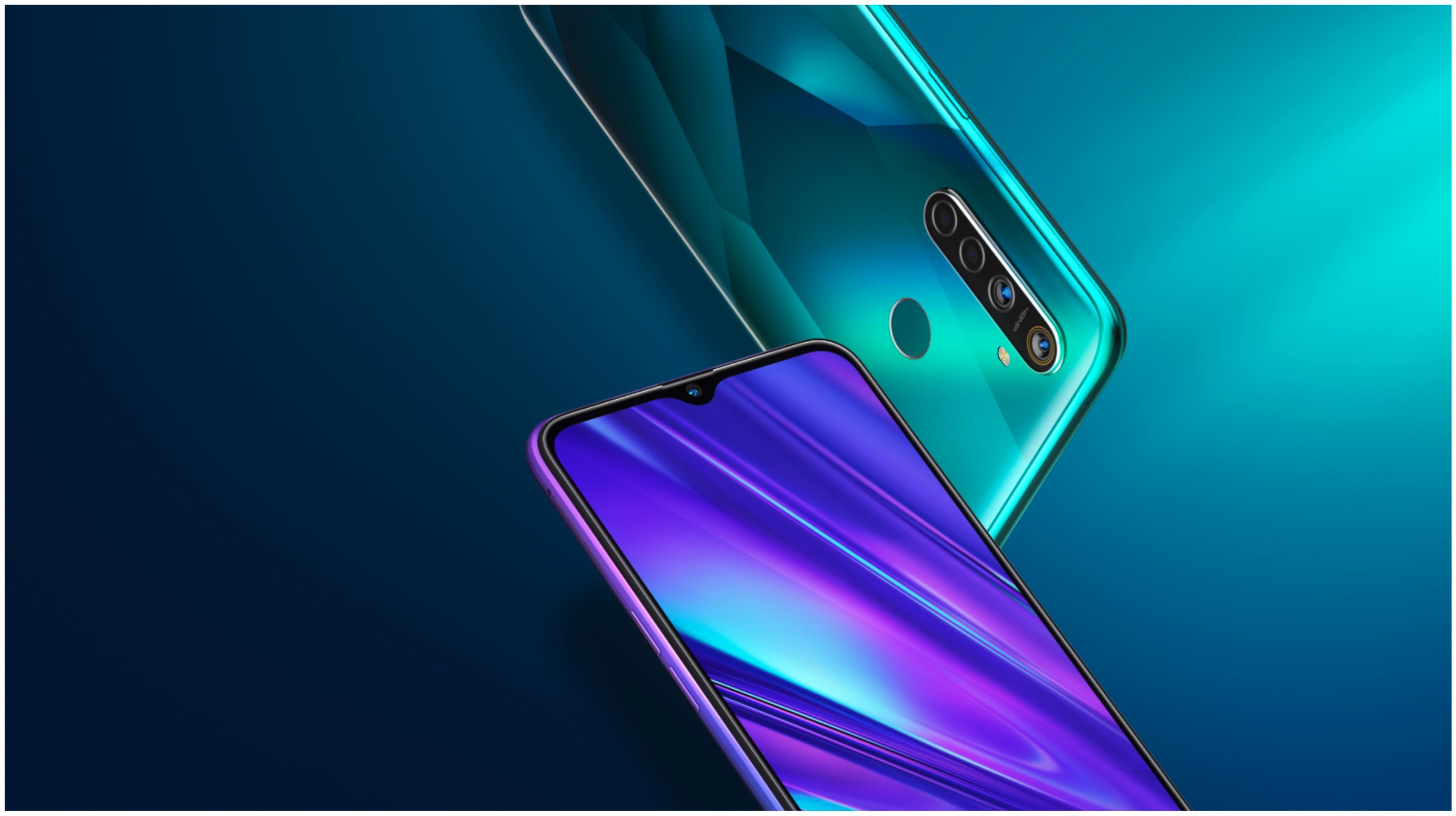
    On the 20th of August, Realme launched two new smartphones which include the Realme 5 and Realme 5 Pro. As the name suggests, the latter is a beefed-up variant and it sports a better chipset and camera. Going by its pricing, the newly launched device competes against the Redmi Note 7 Pro which is one of the best value smartphones in this segment available in the country. 

    Both the handsets from Realme and Redmi have similar specs which make it difficult for the consumer to choose the best option. To help solve the dilemma we have laid out the different aspects of the Realme 5 Pro and the Redmi Note 7 Pro. Consequently, after reading the article you will determine which device suits your need and which one you should pick if you planning to buy a mid-ranger. 

    Design and Build

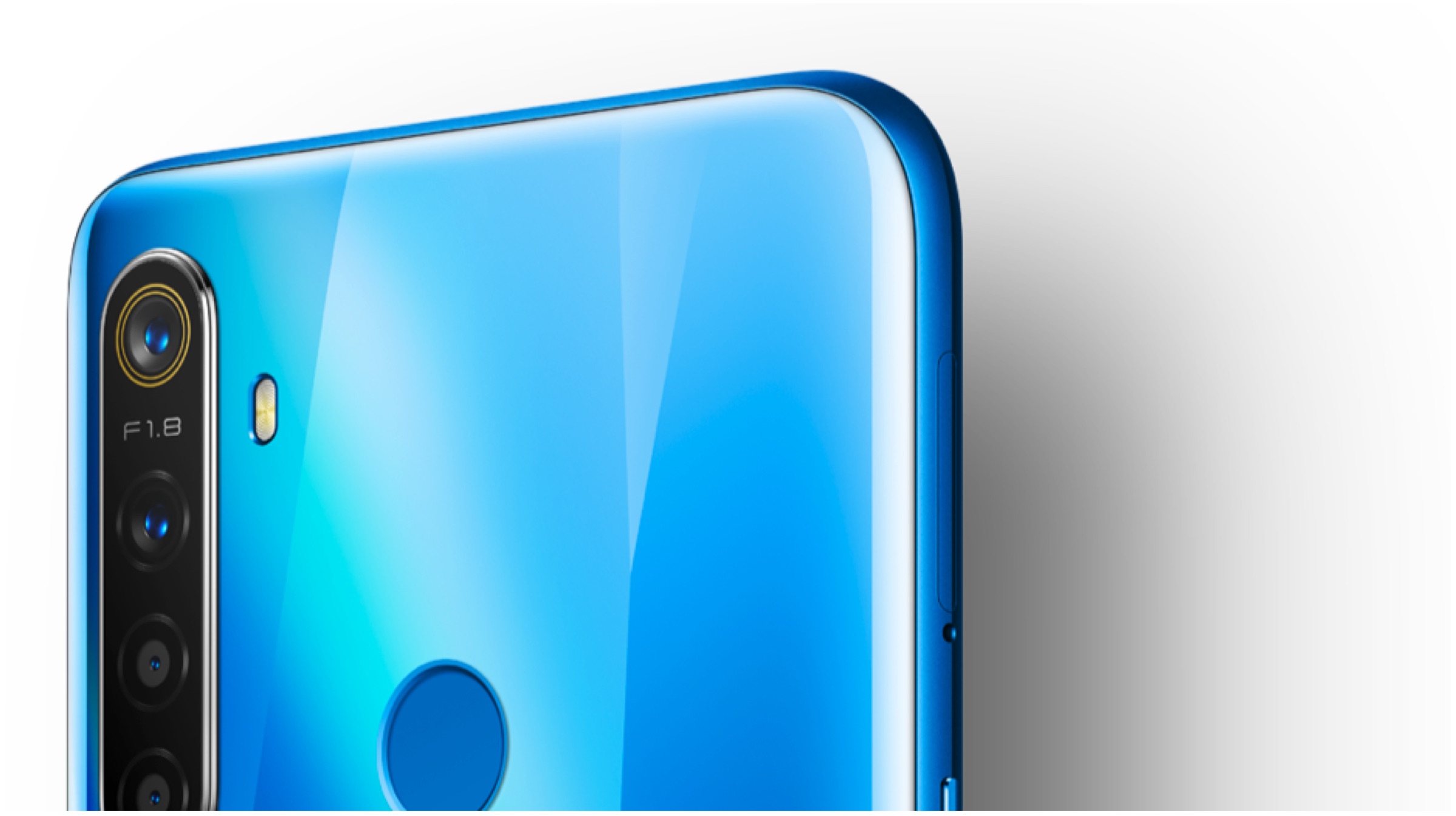
    In terms of build, both the Redmi Note 7 Pro and the Realme 5 Pro have glass on the front and back which is held together with a polycarbonate chassis. The front of the two handsets have a waterdrop notch display which provides them with an elegant look.

    The Redmi Note 7 Pro is offered in four colour variants which include Nebula Red, Neptune Blue, Space Black and Astro White. In contrast, the Realme 5 Pro is offered in two variants which include Crystal Green and Crystal Blue. 

    Based on our design preferences, we feel the holographic rear panel of the Realme 5 Pro looks more appealing therefore we give it the first round. 

    Display
    Redmi Note 7 Pro

    Both the Redmi Note 7 Pro and the Realme 5 Pro are equipped with an LCD display that measures 6.3 inch. Moreover, the resolution of the display panel on the two smartphones is 409 ppi and they have an aspect ratio of 19.5:9. 

    While the former is safeguarded with Corning Gorilla Glass 5 the latter settles down with the Gorilla Glass 3. Due to better display protection, Redmi Note 7 Pro wins this round.

    Battery
    Realme 5 Pro

    The Redmi Note 7 Pro is powered a 4,000 mAh battery that supports 18 W fast charging. On the other hand, the Realme 5 Pro has a slightly larger battery which has a capacity of 4,035 mAh and it also supports VOOC 3.0 technology. 

    The technology allows the smartphone to be charged with a maximum power of 20 W which is tad bid higher than the Note 7 Pro. However, the Realme 5 Pro ships with a 20 W compatible charger whereas its competitor is shipped with a 10 W charger. Slightly bigger battery and in-box fast charger make Realme’s offering take this round. 

    Chipset
    Redmi Note 7 Pro

    Both the smartphones are kitted with Qualcomm chipsets. While the Realme 5 Pro packs the Snapdragon 712 SoC, the Redmi Note 7 Pro packs the Snapdragon 675 SoC. 

    Chipsets on both smartphones consist of Octa-Core CPU though they have disparate GPUs. The SD712 incorporates the Adreno 616 while the SD675 Adreno 612 GPU. Although we are yet to test the Realme’s offering, the performance that the two can churn out is expected to be comparable. Therefore, based on the assumptions this round results in a tie. 

    Other Features
    Redmi Note 7 Pro
    Redmi Note 7 Pro

    Connectivity options on the two smartphones are also heterogenous which include dual 4G VoLTE, 802.11 ac Wi-Fi, Bluetooth 5.0, 3.5 mm headphone jack and the bottom-mounted USB Type C port which can be used for charging and data transfer. 

    Both the Redmi Note 7 Pro and the Realme 5 Pro also have a rear-mounted fingerprint sensor which allows to rapidly and securely bypass the lock screen. However, one feature that only the former offers, is an IR blaster. Although not a huge deal breaker or deal maker, this feature can come in handy more often than not. 

    Just for the record, the inclusion of an infrared sensor makes the Note 7 Pro steer ahead of its competitor in this segment. 

    ConclusionRealme 5 Pro
    Specifications Redmi Note 7 Pro  Realme 5 Pro
    Price

    4 GB + 64 GB: Rs 13,999

    6 GB + 64 GB: Rs 14,999

    6 GB + 128 GB: Rs 16,999

    4GB + 32GB: Rs 13,999
    6GB + 64GB: Rs 14,999
    8GB + 128GB: Rs 16,999

    Display

    6.3 inch

    IPS LCD

    2340 x 1080 FHD+

    19.5:9 Aspect Ratio

    409 ppi

    Corning Gorilla Glass 5

    6.3 inch

    IPS LCD

    2340 x 1080 FHD+

    19.5:9 Aspect Ratio

    409 ppi

    Corning Gorilla Glass 3+

    Chipset

    Snapdragon 675

    11 nm Fabrication Process

    Octa-core (2×2.0 GHz Kryo 460 Gold & 6×1.7 GHz Kryo 460 Silver)

    Adreno 612 GPU

    Snapdragon 712

    10 nm Fabrication Process

    Octa-core (2×2.3 GHz Kryo 360 Gold & 6×1.7 GHz Kryo 360 Silver)

    Adreno 616 GPU

    RAM

    4 GB

    6 GB

    4 GB

    6 GB

    8 GB

    Storage 64 GB

    128 GB

    32 GB

    64 GB

    128 GB

    Primary Camera

    48 MP, f/1.8, PDAF

    Sony IMX586

    5 MP, f/2.4, depth sensor

    2160p video@30fps

    48 MP, f/1.8, Sony IMX 586 (PDAF) 

    8 MP, f/2.4, depth sensor

    2 MP

    2 MP

    2160p video@30fps

    Front Facing Camera 13 MP

    1080p@30fps

    16 MP

    1080p@30fps

    Battery 

    Non-removable Li-Ion 4000 mAh battery

    18 Watt Fast Charge Support

    Ships With 10 W Charger

    Non-removable Li-Ion 4035 mAh battery

    20 Watt Vooc 3.0 Charge Support

    Ships With 20 W charger

    Operating System

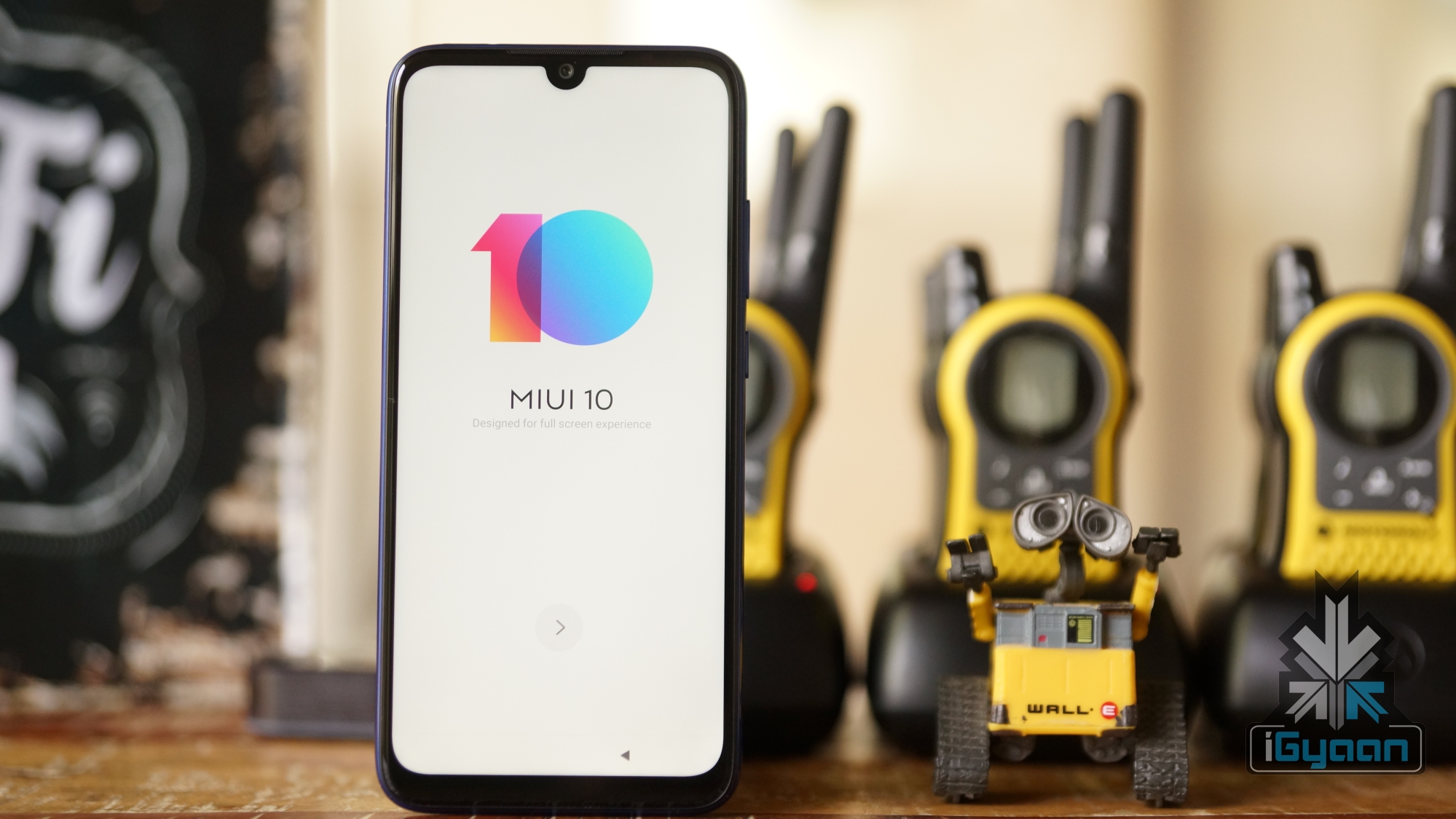
    MIUI 10

    Android 9 Pie

    ColorOS 6

    Android 9 Pie

    Other Features 3.5 mm Headphone Jack

    Rear Mounted Fingerprint Scanner

    Face unlock

    IR Blaster

    3.5 mm Headphone Jack

    Rear Mounted Fingerprint Scanner

    Face unlock

    All in all, the two smartphones offer excellent value for money. The Redmi Note 7 Pro which was the most feature-laden smartphone at this price bracket six months ago. 

    Though due to a higher number of camera sensors, faster-charging support (along with fast charger) and a refreshing design we feel the Realme 5 Pro could be a better choice than the Redmi Note 7 Pro for a lot of consumers.

    Also Read: Realme 5 And Realme 5 Pro With Quad Cameras Launched In India

    Nonetheless, Xiaomi is gearing for the launch of the Redmi Note 8 Pro which is reported to cover the shortfallings of the Note 7 Pro. 

    Consequently, we will be comparing the two smartphones once the forthcoming Xiaomi device is launched. 

    Who do you think is a better smartphone out of the two? Let us know in the comments below.


  • Are Gaming Smartphones Really Worth Buying?

    Are Gaming Smartphones Really Worth Buying?

    Gaming smartphones are one of the new trends with the last couple of generation in the mobile industry. The devices, as the name suggests, are made with modifications or tweaks with gaming in mind. Previously, the genre had failed miserably with many unsuccessful attempts of bringing a new breed of cellular yet portable gaming consoles to the mainstream markets. Since then, consumer’s perspective has changed and the unique handsets are now widely sought after. But, do we really need a gaming smartphone?

    To answer the question lets take a look at the brief history of gaming smartphones alongside other portable gaming devices.

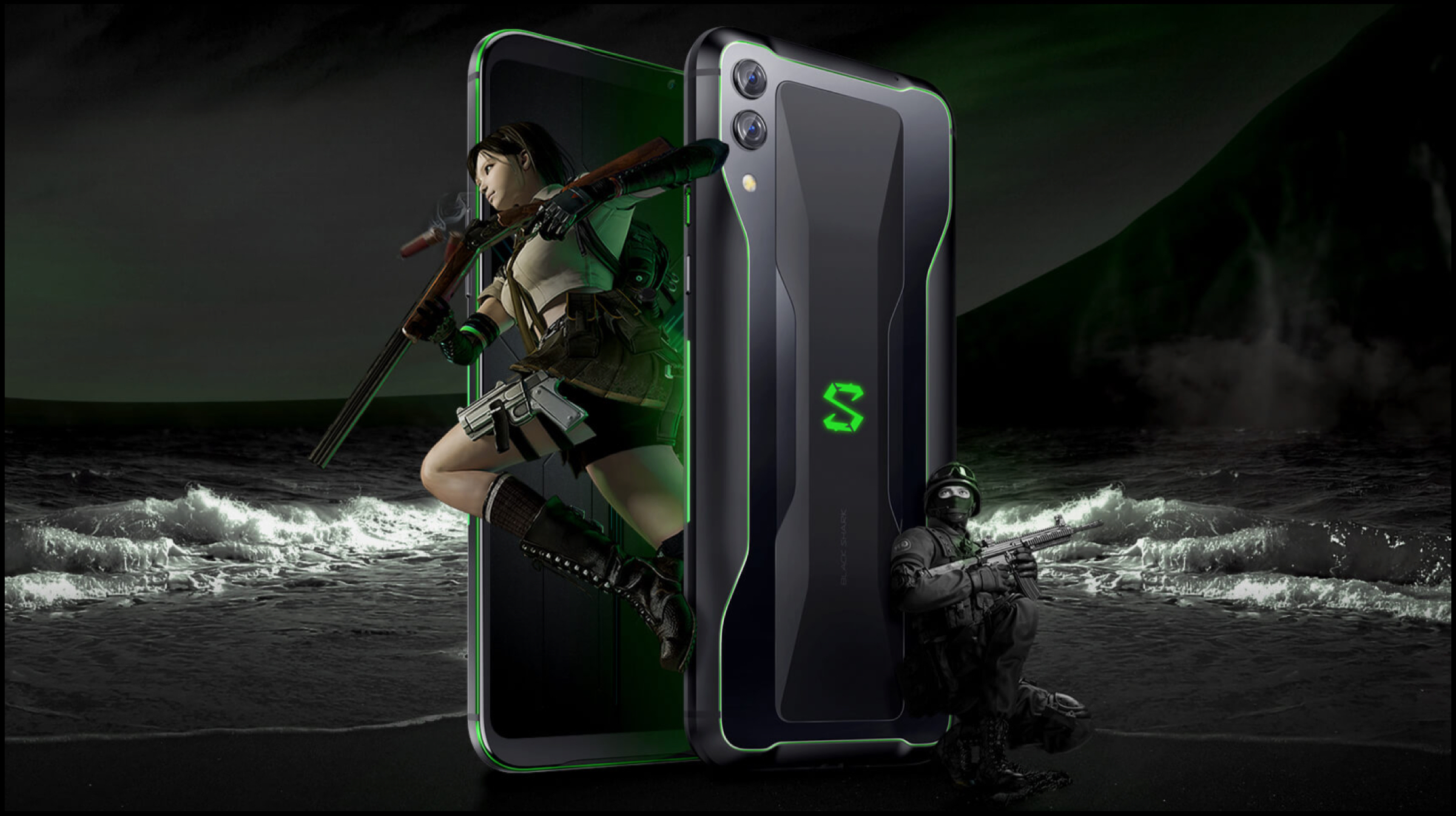
    Gaming Smartphone
    Xiaomi Black Shark 2
    Portable Gaming

    The first video game ever created was Pong back in 1958. Since its inception, a new multi-billion dollar industry has been borne with gaming as its business model. Soon after, in the early 1960s, consumers were looking at video games as the next big thing in the entertainment industry. Hence, companies took notice and game studios were founded. By 1970s, there were already multiple studios with various games for PCs alongside the first form of gaming consoles. Interestingly, the first consoles also birthed the race for portable consoles that have a wider reach and easier accessibilities. 

    Gaming Smartphone
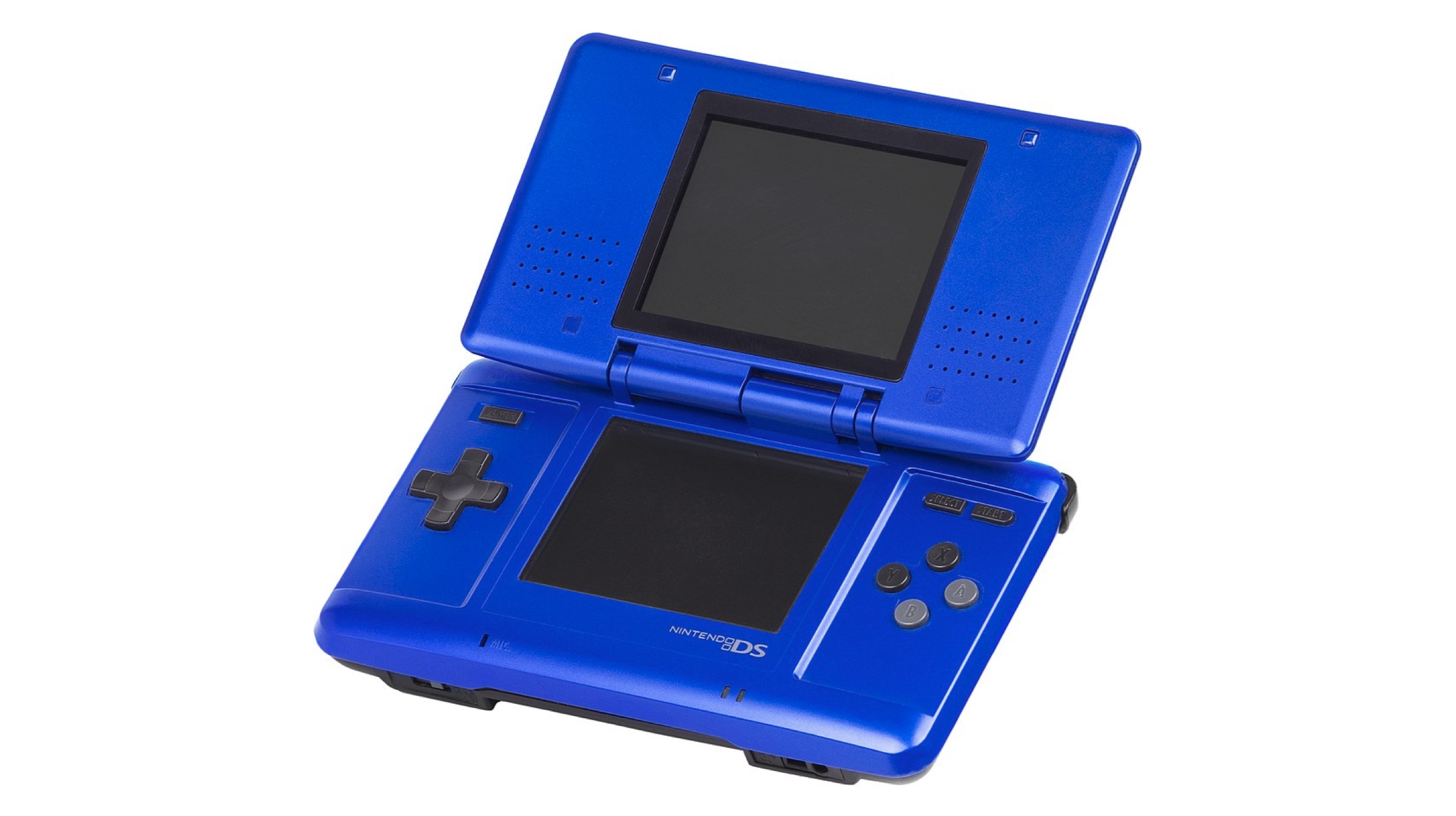
    Nintendo DS

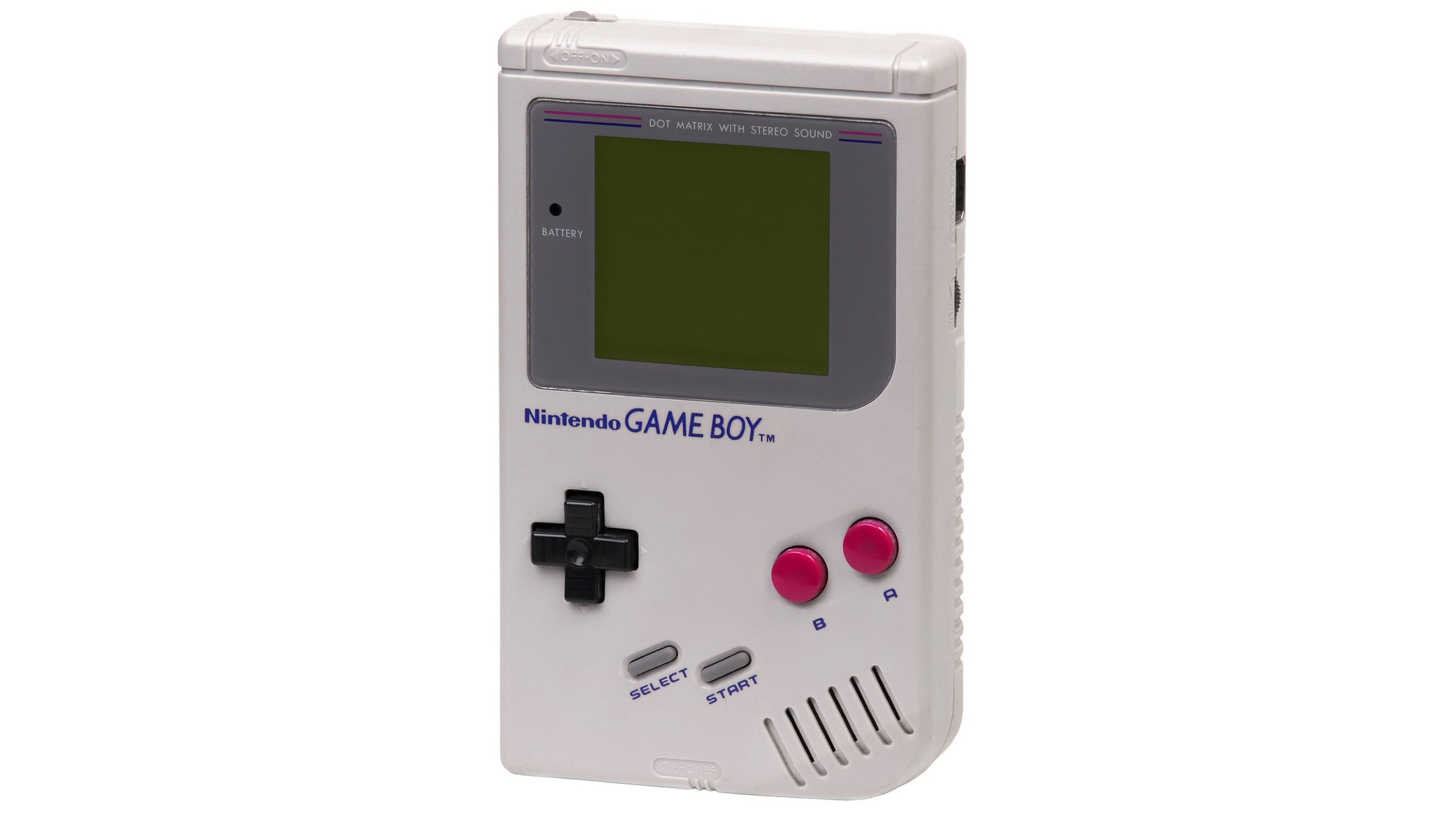
    Nintendo is widely credited for being the company to popularize the handheld console market with its release of Game Boy in 1989. The portable gaming console was explosive in success and dominated the market for years into the future. Note, this was also the time where the mobile industry had devices become more compact meaning more portability. The gaming industry and mobile industry went parallel for the better part of each respective infant stages. However, the advancement in technology meant a cross over was soon to be expected.

    Gaming Smartphone
    Game Boy Original
    Gaming Smartphones of Old

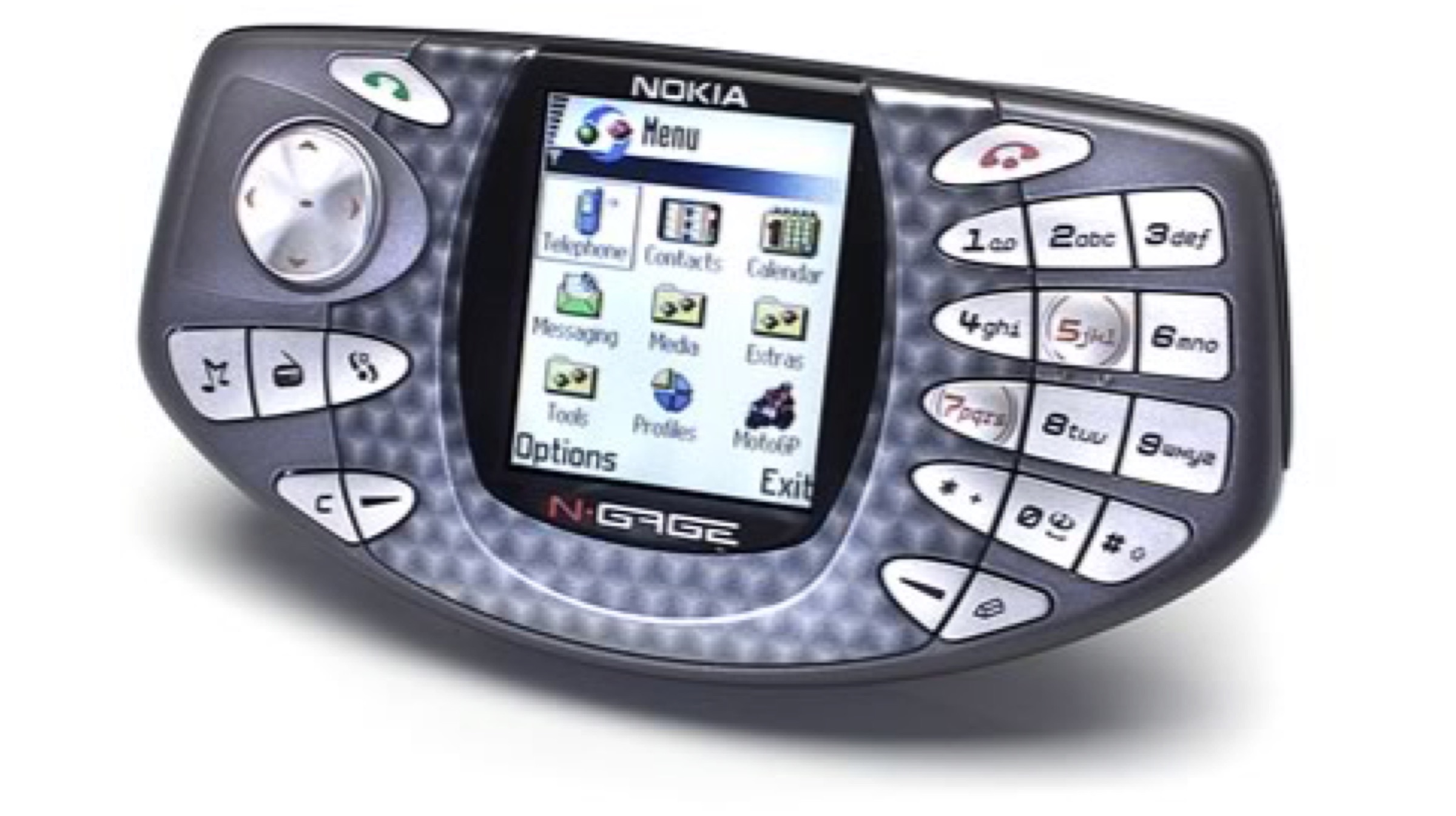
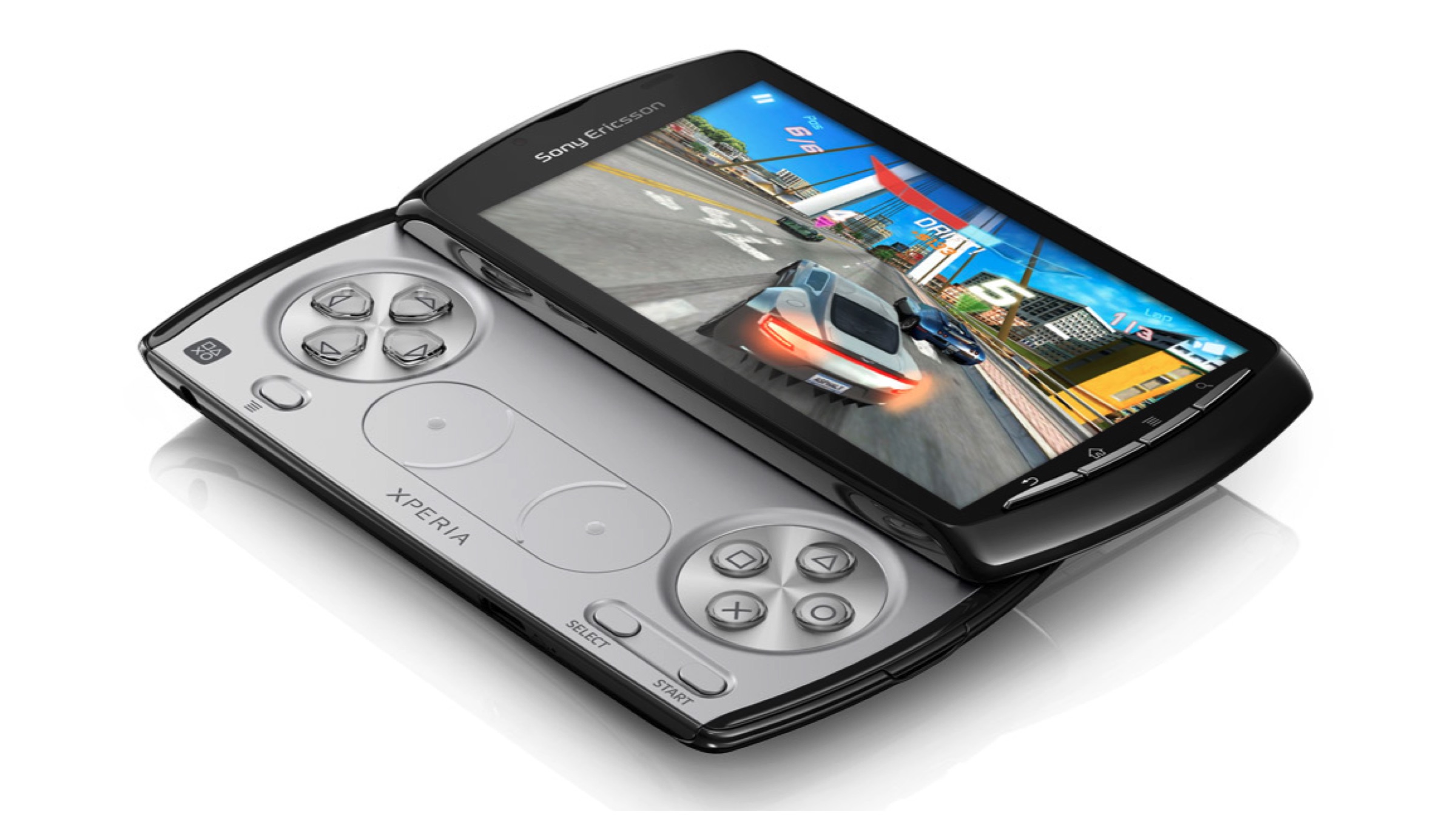
    Gaming smartphones are not a new breed. Although they are now certainly a lot more viable than before. The reason why many established OEMs kept their distance from them is due to their infamous history. Devices such as the Nokia N-Gage, Sony Ericsson Xperia Play and more are a few that pop into mind. The gaming phones of old were surprisingly more powerful and capable than their handheld gaming consoles at the time in some scenarios.

    Gaming Smartphone
    Nokia N-Gage

    For example, the N-Gage was a direct competitor to Game Boy Advance while featuring a much better processor. But, speed isn’t enough as the implementation of controls whilst having games actually made for your platform is rather difficult. The devices launched then suffered either of the two problems or both. At the time, the game studios had no inclination or incentive to collaborate with the mobile OEMs either, since the portable consoles were extremely popular at the time. However, that has since changed.

    Known Gaming Phones and Handheld Consoles

    • Nokia N-Gage
    • Sony Ericsson Xperia Play
    • PlayStation Portable (PSP)
    • PlayStation Portable Vita
    • Game Boy & Game Boy Advance
    • Samsung SPH-B5200
    Gaming Smartphone
    Sony Ericsson Xperia Play
    Gaming Smartphones Now

    Surprisingly, even after the harsh history of the breed, gaming smartphones have stood the test of time. It indirectly implies the unending growth of gaming culture and entertainment. Currently, the smartphone gaming market accounts for more revenue than both PC gaming and console gaming market combined. In other words, studios earn more from games like Candy Crush over games like Call of Duty. 

    Gaming Smartphone
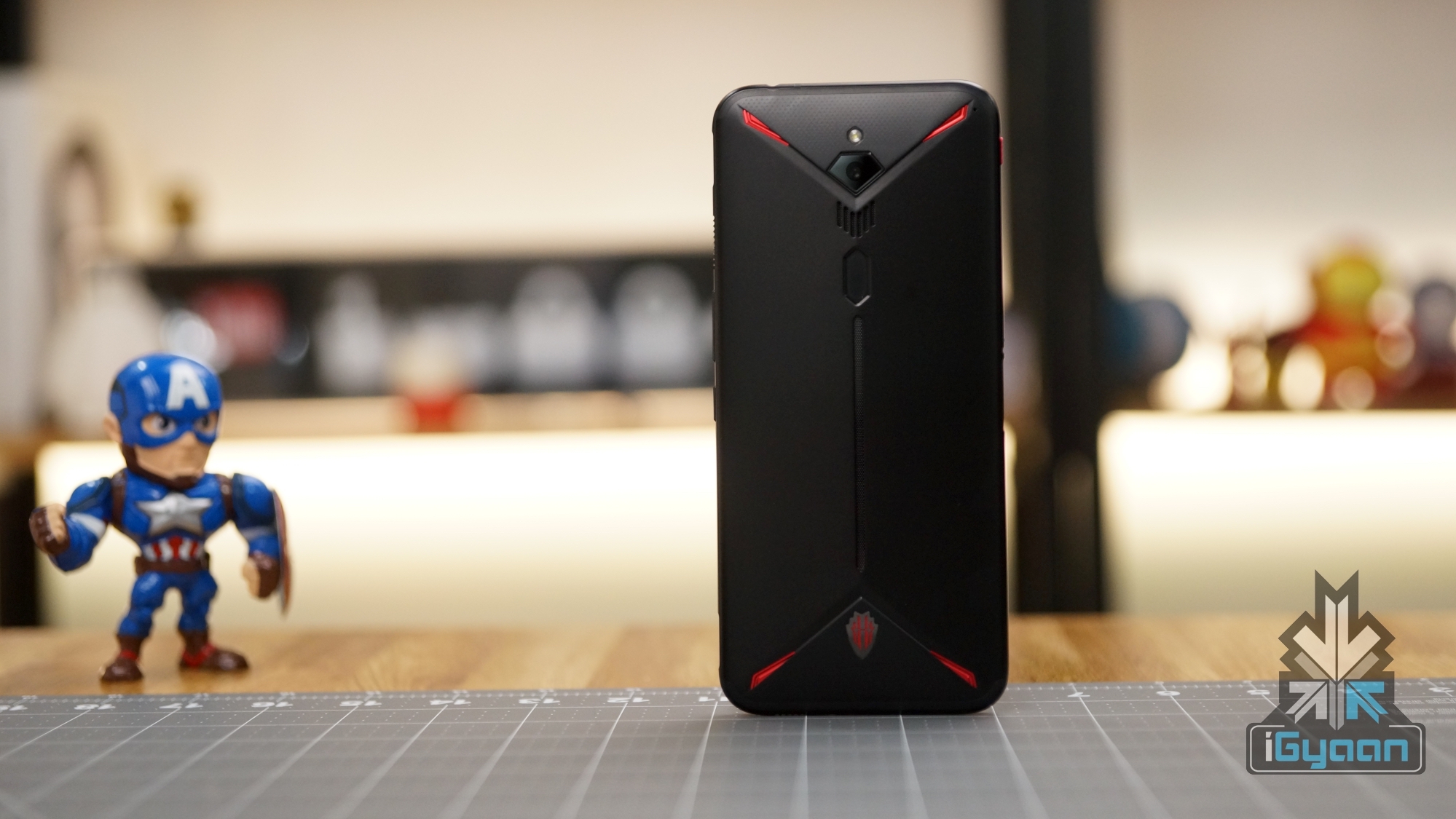
    Nubia Red Magic 3

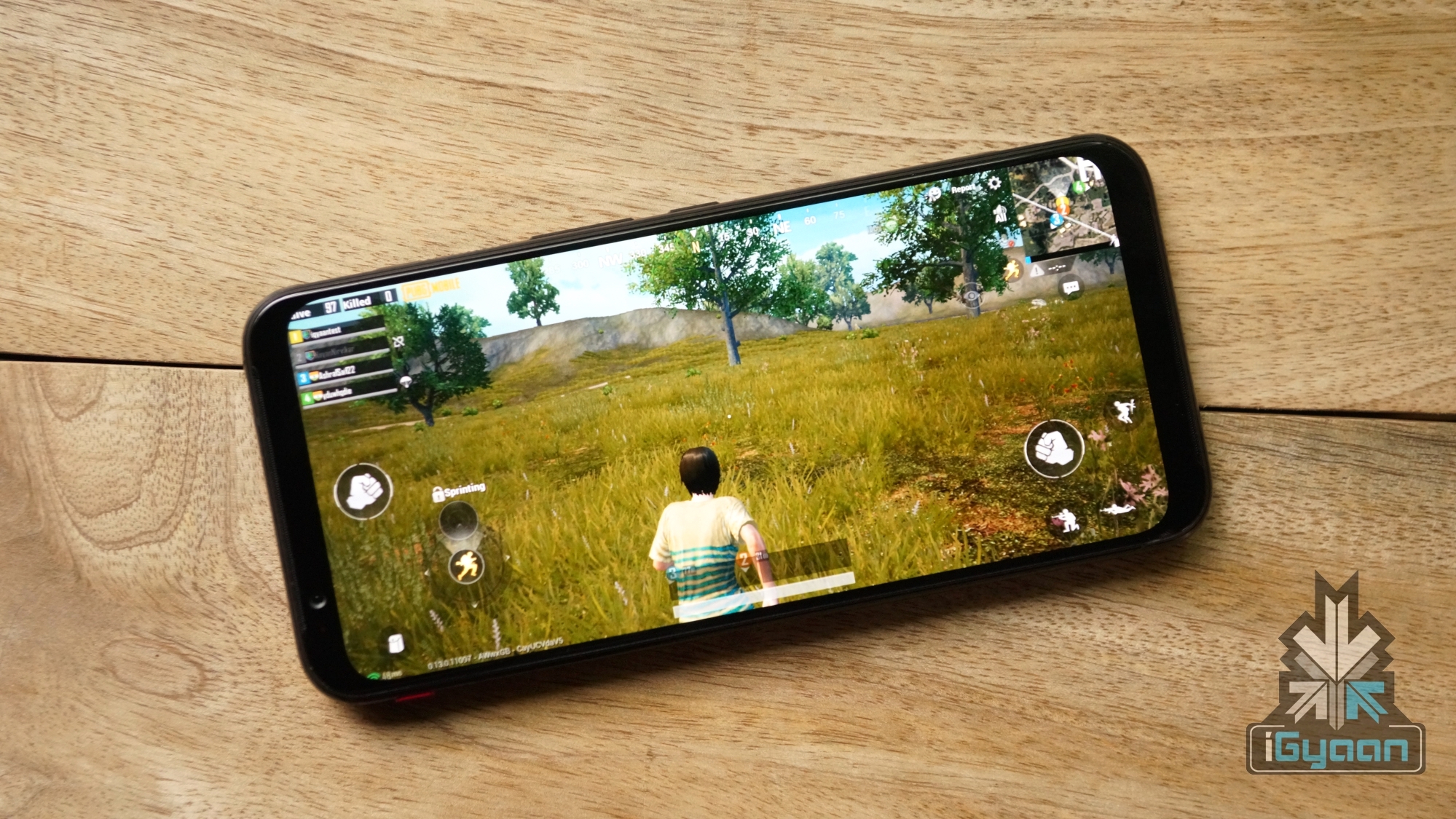
    Furthermore, we all know the PUBG Mobile fever that has infected globally, especially India. After the game’s launch, we have seen more smartphone like the Asus ROG Gaming Phones being launched. These smartphones unlike regular feature aesthetical changes which make them look a lot more appealing and gaming-centric. They also carry tweaks and modifications, especially to the UI, to provide an enhanced gaming experience. Unlike the past, there is a booming mobile gaming market to cater to the increasing capabilities of smartphones.

    PUBG Mobile
    Are They Really Worth It?

    Finally, the reason why you are here. Gaming smartphones are worth buying now more than ever before. Tech giants have recognised the true potential of the gaming genre and its immense value and are heavily invested in many mobile gaming studios. However, it would still be advised to wait just a bit longer. Yes, gaming smartphones are the best they have ever been, but they can be better. What we see now is the gaming industry finally penetrating the main stream market of smartphones or as they say, “just the tip of the iceberg.”

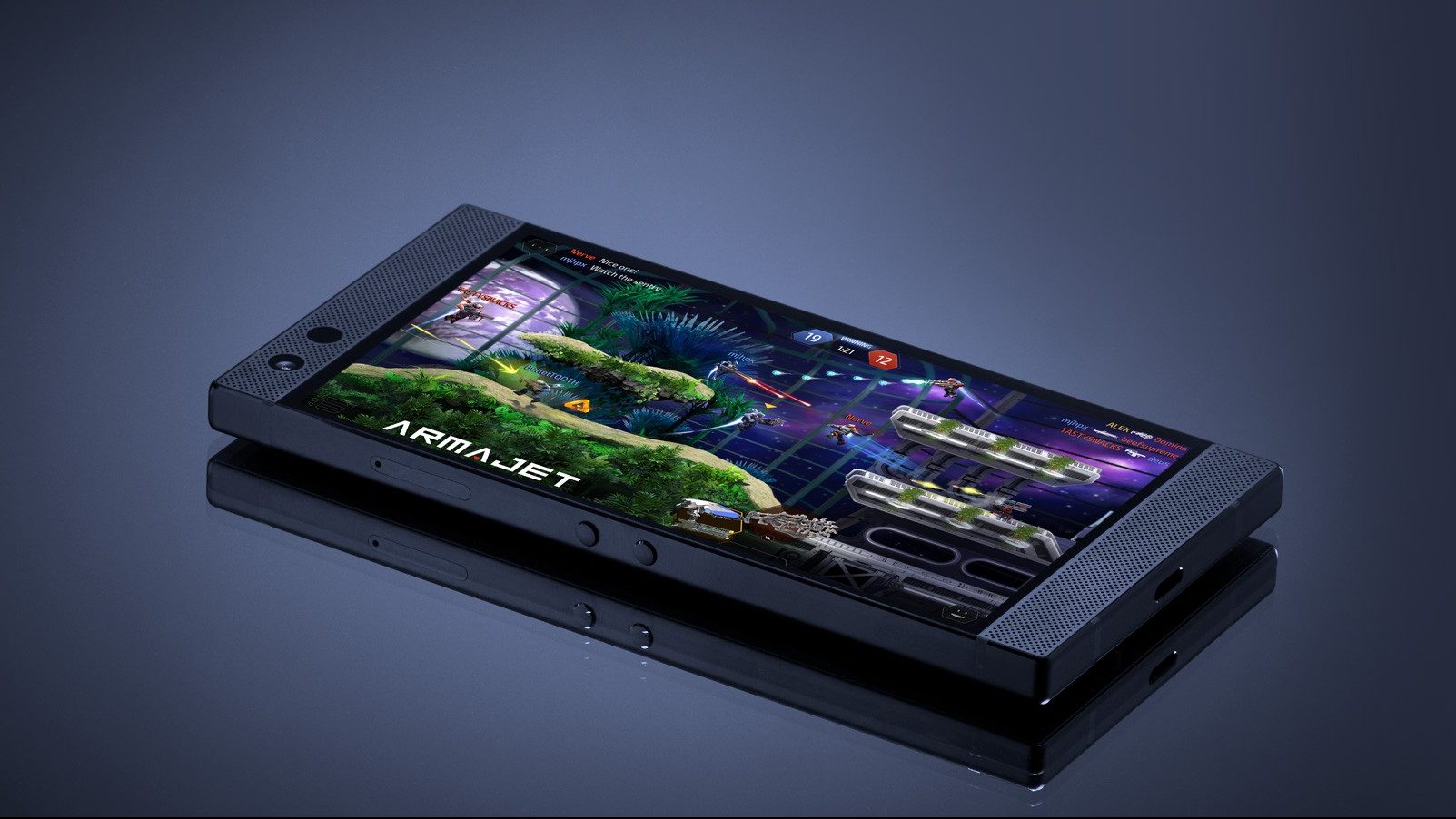
    Razer Phone 2

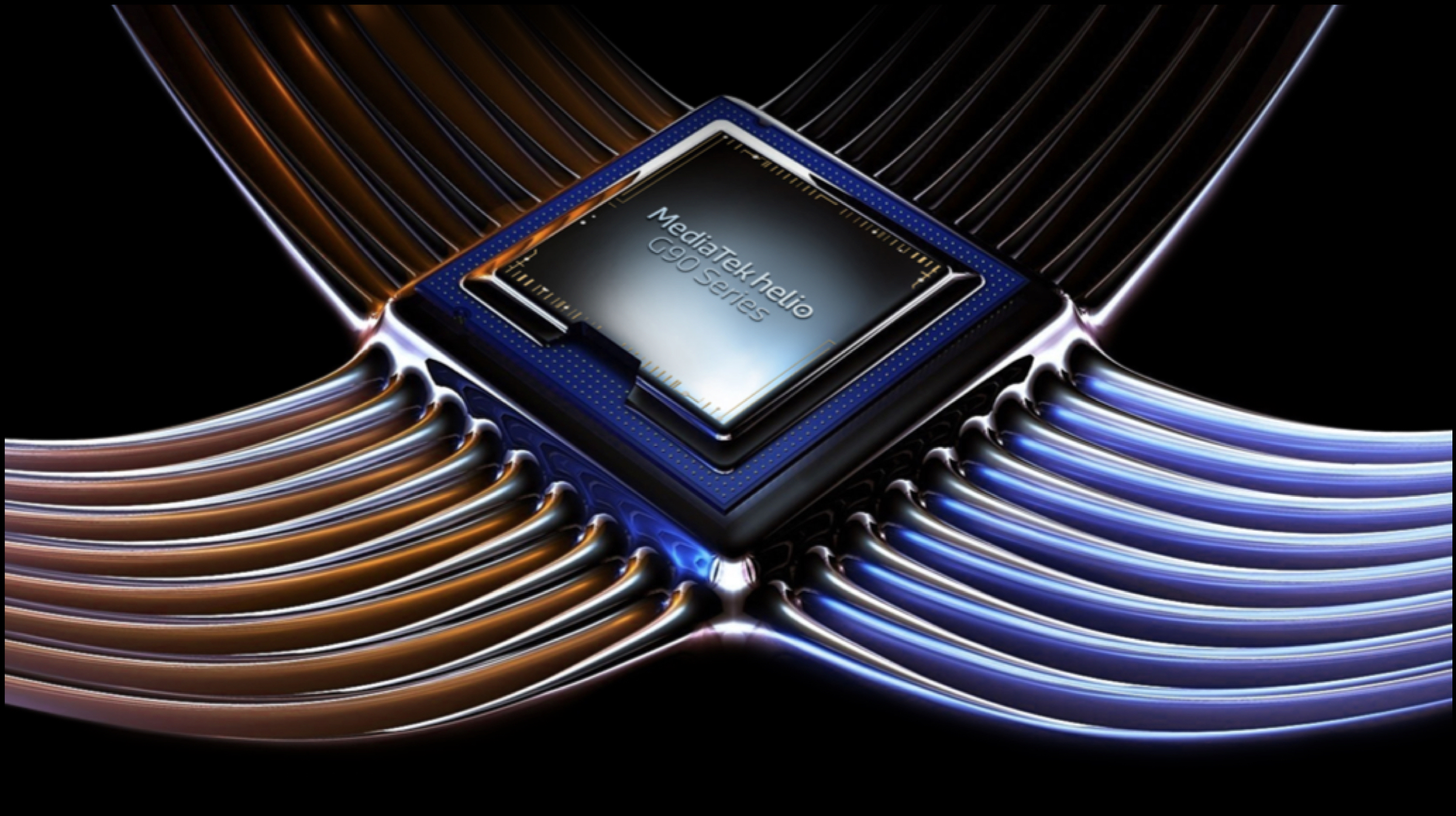
    Hence, it is expected that specialised hardware, such as MediaTek Helio G90T SoC that is made for gaming, will improve with time and exclusive more mobile gaming studios like Tencent Games will emerge. Regardless of its popularity, the gaming smartphone market is still a niche with its sales not being close to mainstream devices.

    MediaTek G90T SoC

    Also ReadGamescom 2019 Roundup Of The Best Upcoming Games

    Additionally, there really isn’t a lot that difference, in most cases, between a gaming smartphone and a regular flagship. For the most part, gaming handsets offer a better display with a higher refresh rate panel, overclocked SoC or even better cooling solutions. Conclusively, it is a great time for mobile gamers and huge potential in the industry. With a bit more time, it is expected to mature into a gaming world of its own within amazing portability that beats any handheld consoles.

  • How Chinese Companies Have Helped In Making Smartphones Affordable

    How Chinese Companies Have Helped In Making Smartphones Affordable

    Gone are the days when powerful smartphones were a novelty. In the current scenario devices (1) starting as low as Rs 6,000 can offer as many functionalities as high-end smartphones from the year 2010 to 2012. However, this is not just a coincidence, it is a result of the constant tug of war Chinese OEMs have been playing for over 5 years.

    Some prime examples of the companies that have helped in driving down the costs of mobile devices include Huawei, Xiaomi and BBK Electronics (parent company of Oppo, Vivo, OnePlus and Realme).

    Before we begin the saga of the previously mentioned Chinese OEMs, we will discuss the early days of smartphones and how some key players faired during those times.

    apple
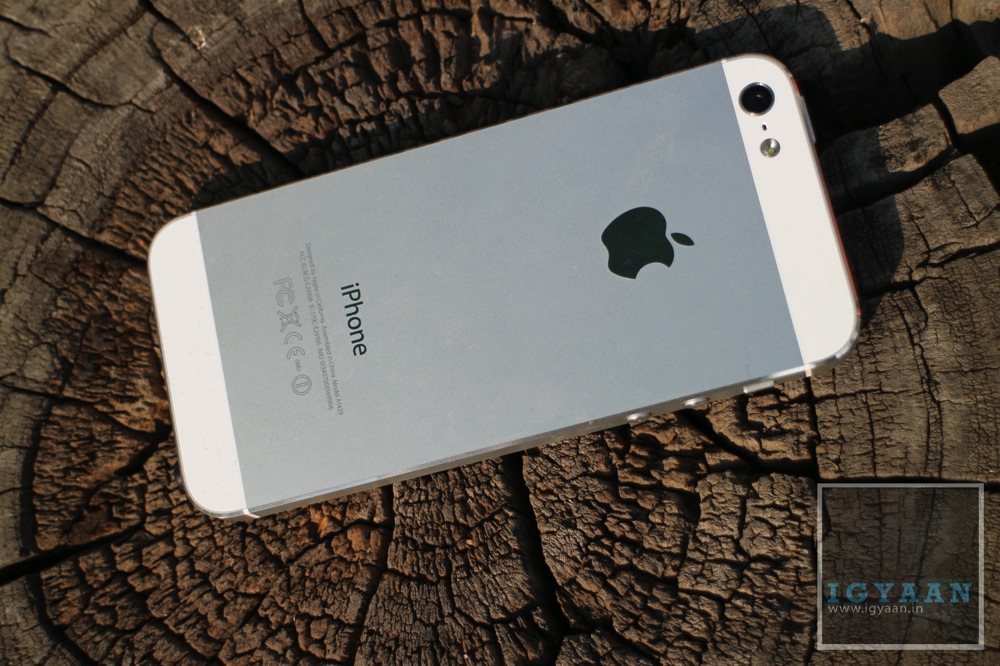
    iPhone 5 From 2012

    We all know, the original iPhone from the year 2007 is considered one of the first smartphones. While Apple maintained a closed ecosystem by only offering iOS on it’s in house developed products, Google, on the other hand, embraced the concept of hardware independence for the Android operating system. 

    Besides Apple, numerous companies tried their luck in the smartphone industry which includes Nokia, Samsung, Blackberry and HTC. While HTC flourished in the early days, it had to fall back due to fierce competition from Chinese competition. 

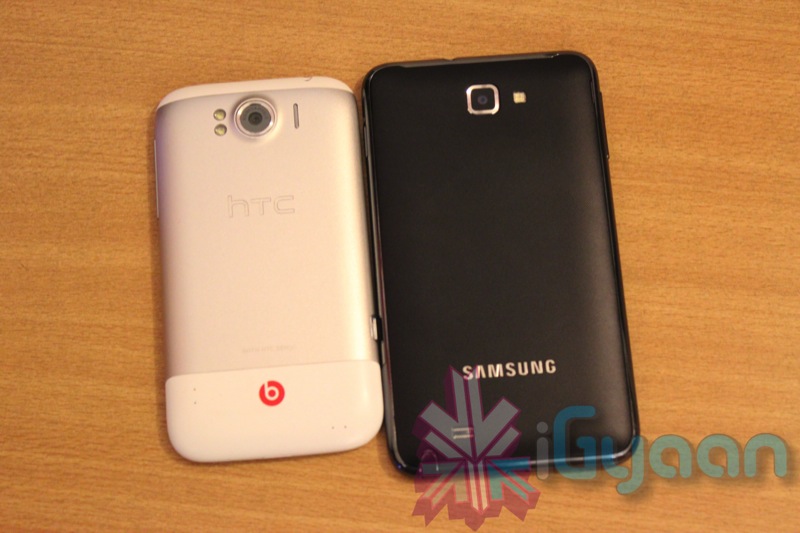
    Talking about Blackberry and Nokia which stood by their in house developed OS (Symbian and BBoS), the companies were pushed to the brink of collapsing due to incompetent software. While Nokia has managed to recover to a fair extent after the adoption of Android, Blackberry still struggles to find a niche which would allow it to stand out of the crowd.HTC Sensation XL And Samsung Galaxy Note smartphones

    Nonetheless, one company that has not only survived but thrived during the early years of a smartphone is Samsung which currently enjoys the position of world’s number one smartphone manufacturer in terms of units sold.

    Over a decade ago, the company was dabbling with operating systems including Windows OS and Palm until it stumbled upon Android. In the year 2009, it launched the ‘GT-I7500 Galaxy’ which was followed by the Galaxy Spica and the Samsung Galaxy S. While the former now rests in peace, the latter is one of the most renowned smartphones of the current era. 

    For three consecutive years until the launch of the Galaxy S4, Samsung was the only company that was able to rake in substantial sales which could match up with the sales figures of Apple iPhone.

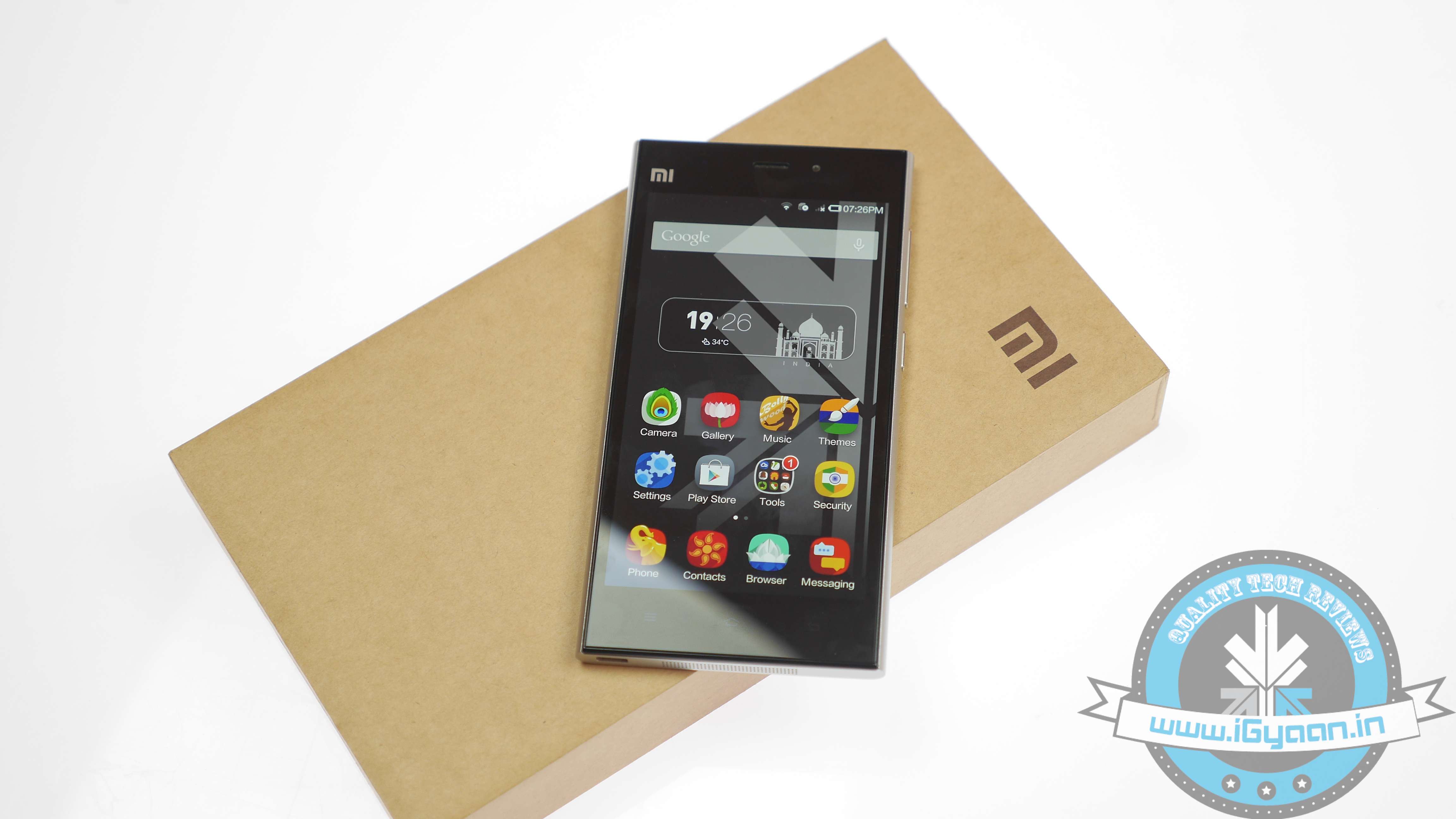
    Xiaomi Mi3 smartphones

    Then came the Mi3 which as we all know was made by Xiaomi. In comparison to Galaxy S4 which retailed for Rs 41,500, the Mi 3 cost only Rs 14,999. The reason for drawing this comparison is due to the fact that Xiaomi’s offering had similar specs to the 4th Gen Galaxy smartphone which include the following:

    • 5 inch Full HD Display (441 ppi)
    • 13 MP Front Camera
    • 2 MP Rear Camera
    • Bluetooth 4.0, 802.11 Wi-Fi
    • Android 4.3

    Now that we have a preface, let’s begin with the factors that allowed Chinese companies to significantly drive down costs of smartphones and associated technologies. 

    • Online Only Business Model: Xiaomi which entered India in the year 2014, sold its devices exclusively online for a long period. This allowed the company to eliminate the traditional supply chain which included several commission bearers.

      Instead, it gave a small fee of Rs 700 to Rs 1,500 to its online partners i.e Amazon and Flipkart. In comparison, a traditional supply chain would incur upto 10 to 30 per cent of the device cost. This strategy is now even adopted by large companies like Samsung that sell devices like the Galaxy M lineup via online channels. 

    • Wafer Thin Margins: In an effort to gain traction and lure in the maximum number of customers, these companies maintain low-profit margins at least during the early years. These companies are also able to save up on development costs as most of the components incorporated in the smartphones are manufactured by other OEMs. 
    • Economies Of Scale:  Rather than selling fewer units with high-profit margin on each unit, Chinese companies tend to stress on selling a maximum number of units to drive up overall profit. Moreover, increased level of production also helps in saving costs.
    • Lean Manufacturing: As observed with several smartphone launches, companies allow users to block units by paying a small booking amount which is a part of lean manufacturing and supply.

      Such practises allow the company to anticipate the demand which can be translated to adjust procurement of raw material, production of devices and storage of these ready products which would again incur costs in the form of warehousing if left piled up.  

    Overall, Chinese OEMs have closely scrutinised all the steps that are required from designing to developing to retailing smartphones. During the process, all the steps or costs that seemed unnecessary have been eliminated that has helped in creating a strong and efficient business model. 

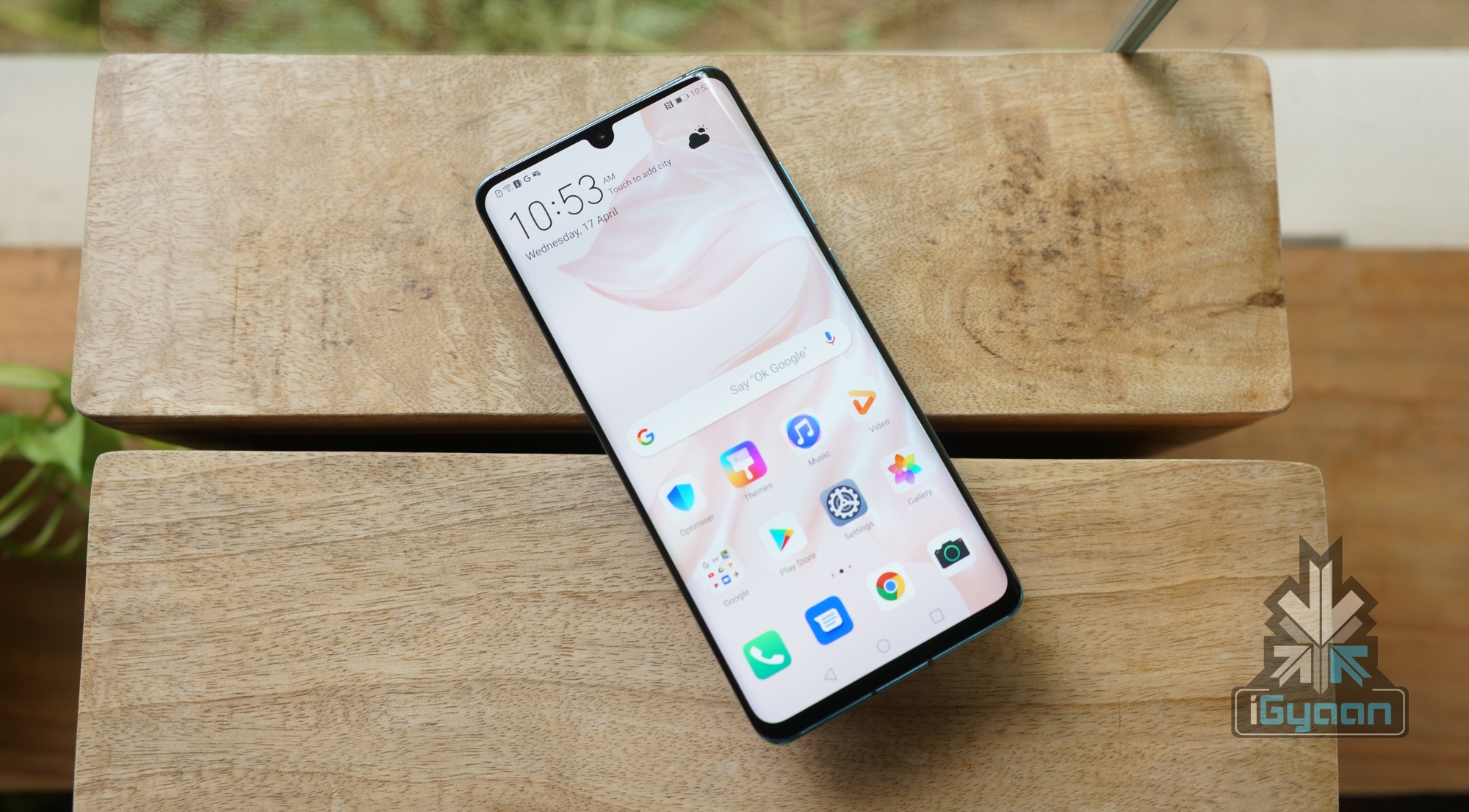
    Huawei P30 ProFor reference, Huawei which has been heavily investing in R&D for a long period is able to design its own components like Kirin chipsets. This allows the company to save costs while allowing room for considerable profit margins. 

    Also Read: Gamescom 2019 Roundup Of The Best Upcoming Games

    Likewise, over the last few years, BBK electronics has also been observed to develop innovative devices like the Vivo Nex, Oppo Find X which have provided the company with a fair share of attention from the global audience.

    To sum things up, this continuous contest played by the Chinese OEMs in order to maintain an edge over the other has helped in driving costs of smartphones consequently making them more affordable for the end-user. 

  • Useful Smartphone Accessories You Might Not Know Exist

    Useful Smartphone Accessories You Might Not Know Exist

    The internet and e-commerce sites are filled with boatloads of mobile accessories which range from selfie sticks to tripods to power banks. However, we have scoured the web to find those accessories which are actually useful and you might not even know that they exist. 

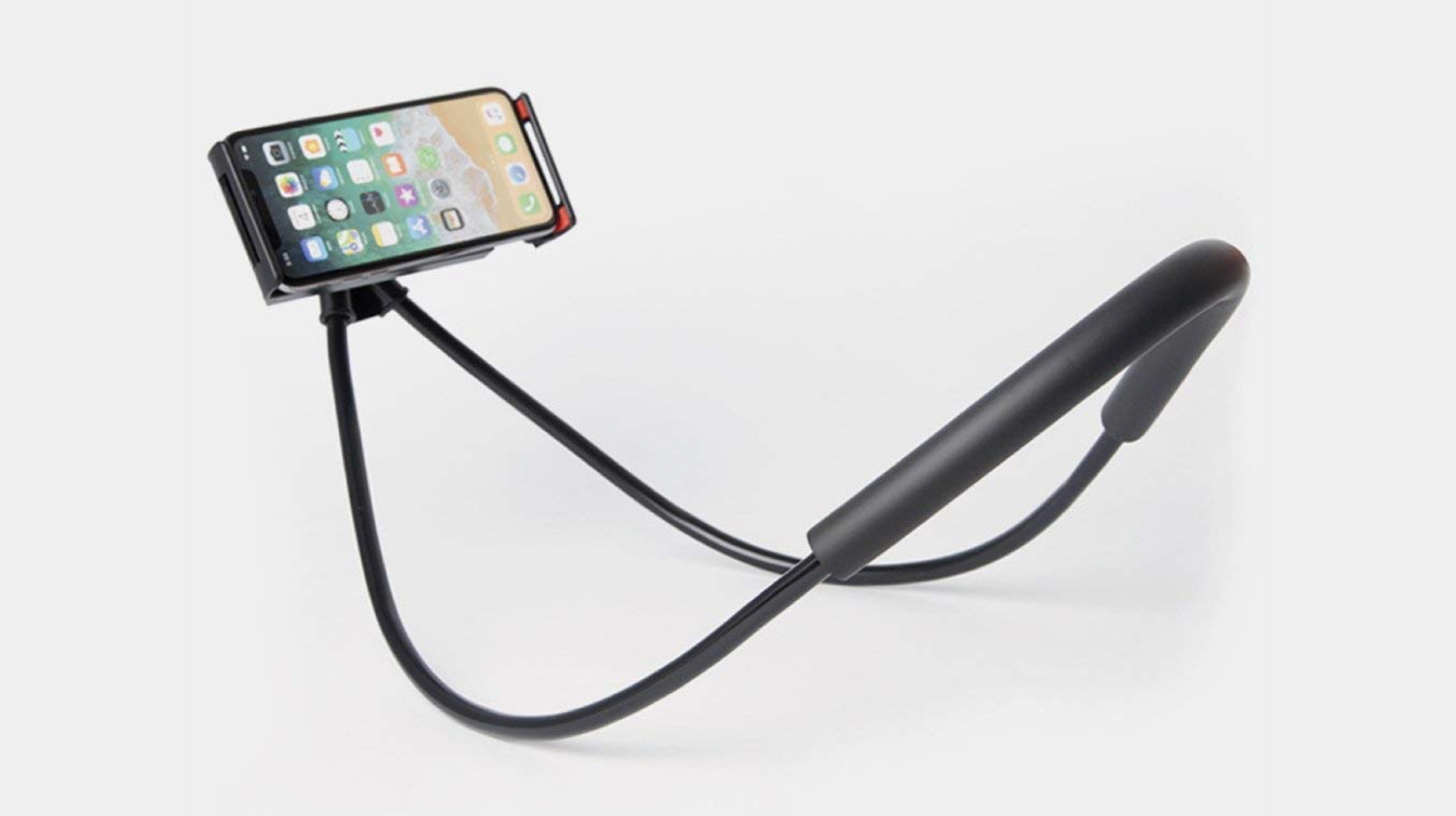
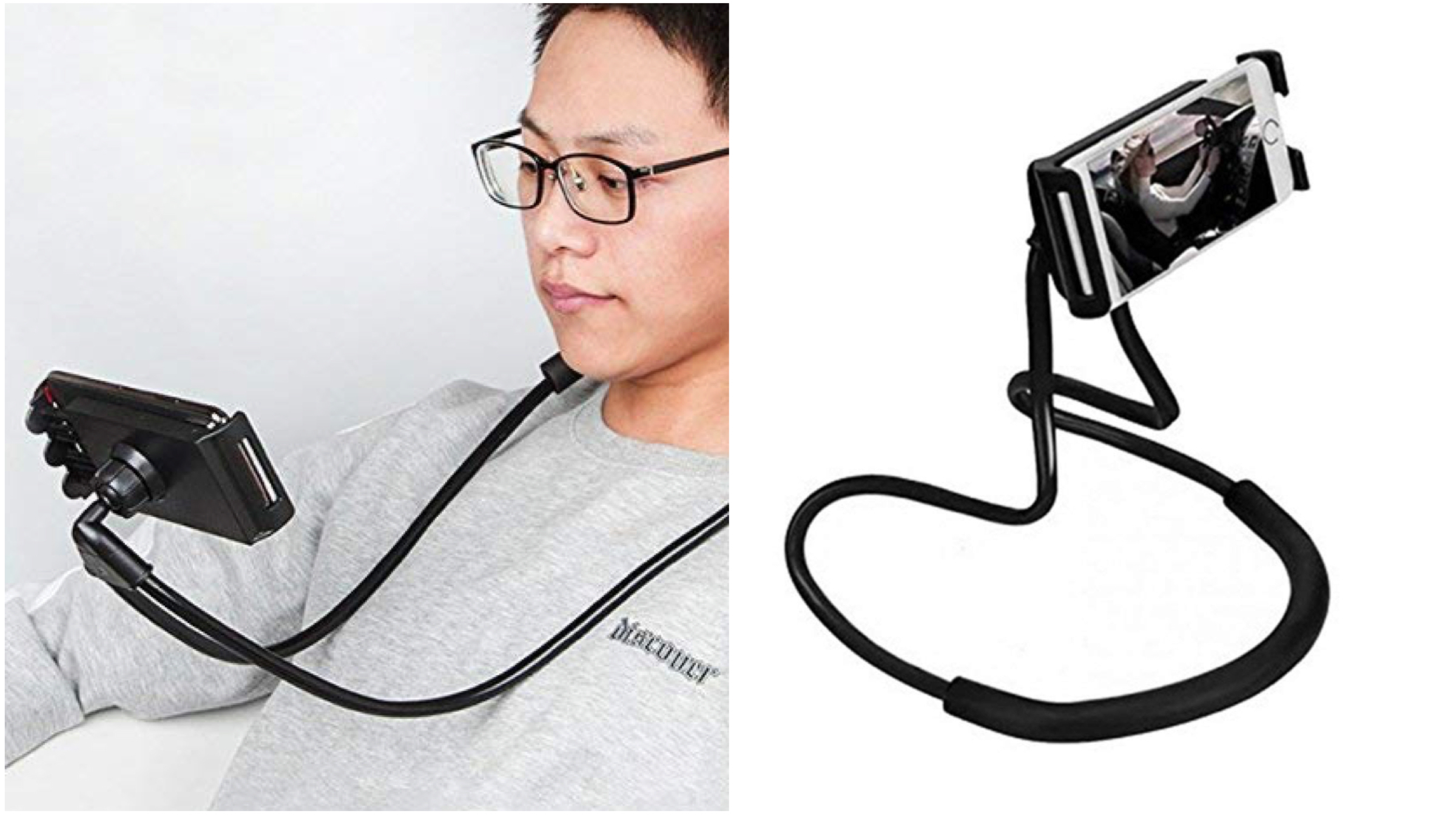
    Neck Smartphone Holder
    mobile accessories

    As the name suggests, this accessory allows the user to hang a smartphone around their neck. It features an extendable mobile holder that can stretch upto 7.5 inch. The legs aka the stand of the accessory are made out of flexible tubing, therefore, the users can adjust them according to their comfort and viewing angle. 

    Funnily enough, the key purpose of this smartphone holder is to replace human hands which would feel tired when staying steady in a given position for an extended period. Besides being used around the neck, users can also encompass it around their back and consume digital content in a leaned back position.

    In additon to the two previously mentioned formats, it can also be used as a dock or a selfie stick.

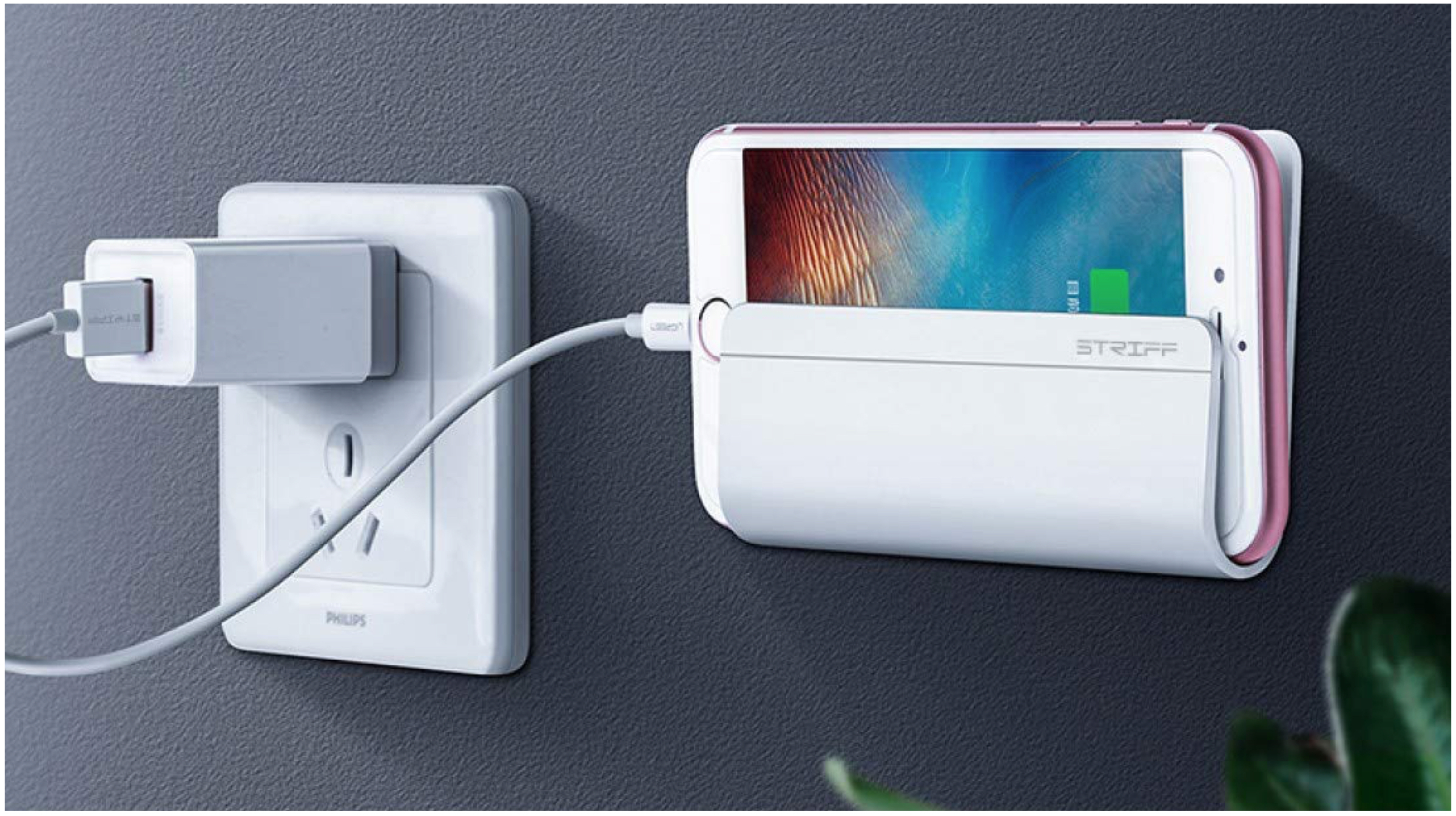
    Wall Mounted Phone Holder
    mobile accessories

    A large majority of people charge their smartphones overnight and chuck it under their pillow which is bad both for the human body and the smartphone. Due to improper heat dissipation, the device may get hot and has a possibility of catching flames which clearly is hazardous.  

    Besides, reports have proven that keeping a mobile as less as 10 cm away from the body can eliminate 98% of the radiation emitted by them. Therefore, the next product on the list, which is a wall-mounted phone holder is a really good option that one must consider. 

    In addition, it also has a cable management system with whose help the user can hide the extra cable. This allows maintaining a tidy and nice aesthetic in a living or workspace. An alternative to this is the ‘flybase’ that hangs on the charger and allows a smartphone to rest on its lap while charging. However, this is ideal for situation when the charging cable is not long enough to reach the ground or a flat surface. 

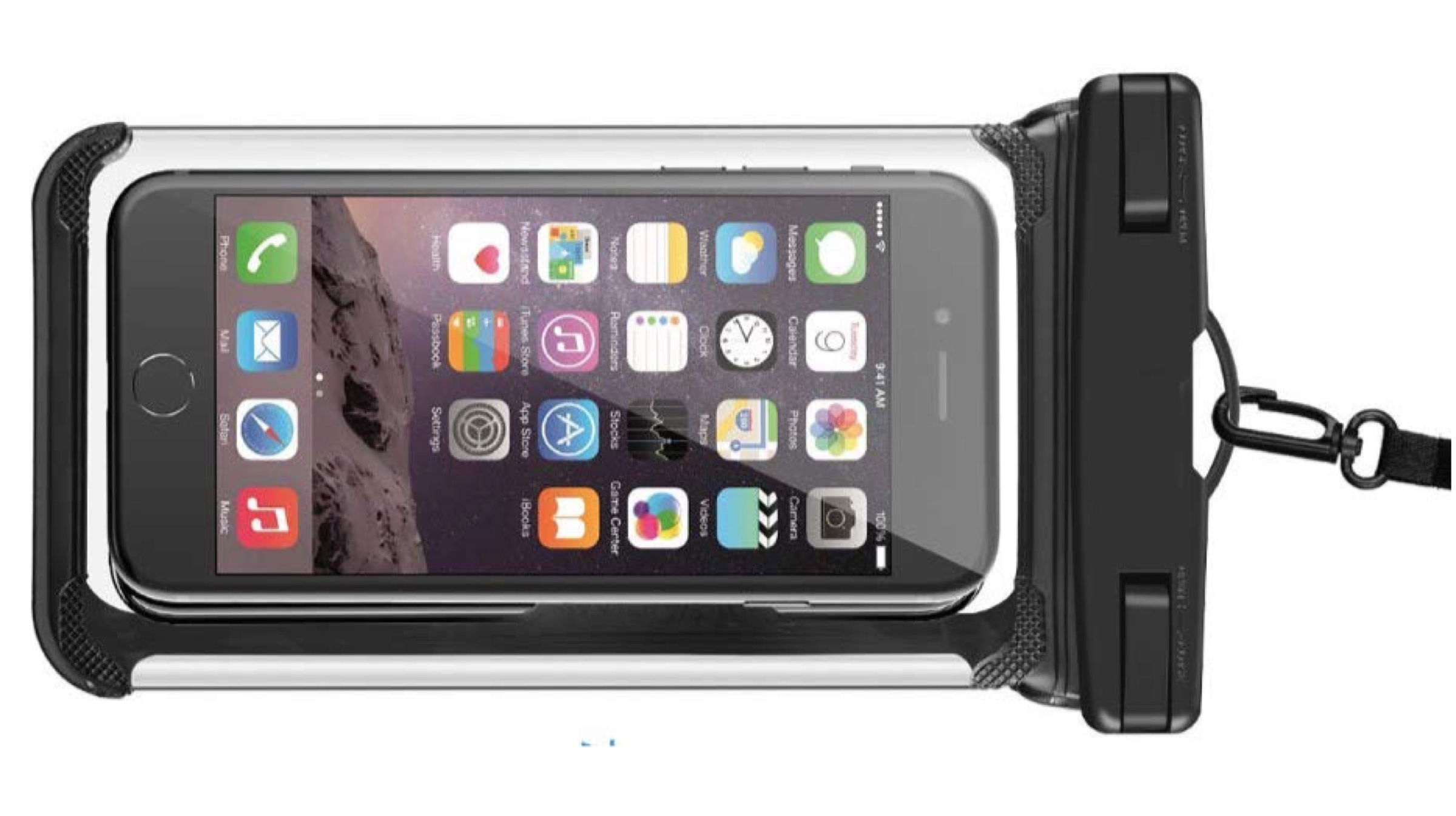
    Waterproof Pouch For Mobile
    mobile accessories

    The next accessory in the list is the waterproof mobile pouch. It is made out of leather and has a see-through TPU layer on the front and back. The top of the pouch has a triple seal which ensures water cannot come in contact with the smartphone that is placed inside. 

    Due to this feature, it can also be used for underwater photography. However, we recommend checking seals on the unit you receive before submerging your smartphone entirely underwater. Besides it also has a built-in lanyard which allows for easily carrying the smartphone while you are enjoying your beach holiday. 

    Although there are several choices online that start for as cheap as Rs 100, we suggest buying a quality product whether the one listed below or any other. 

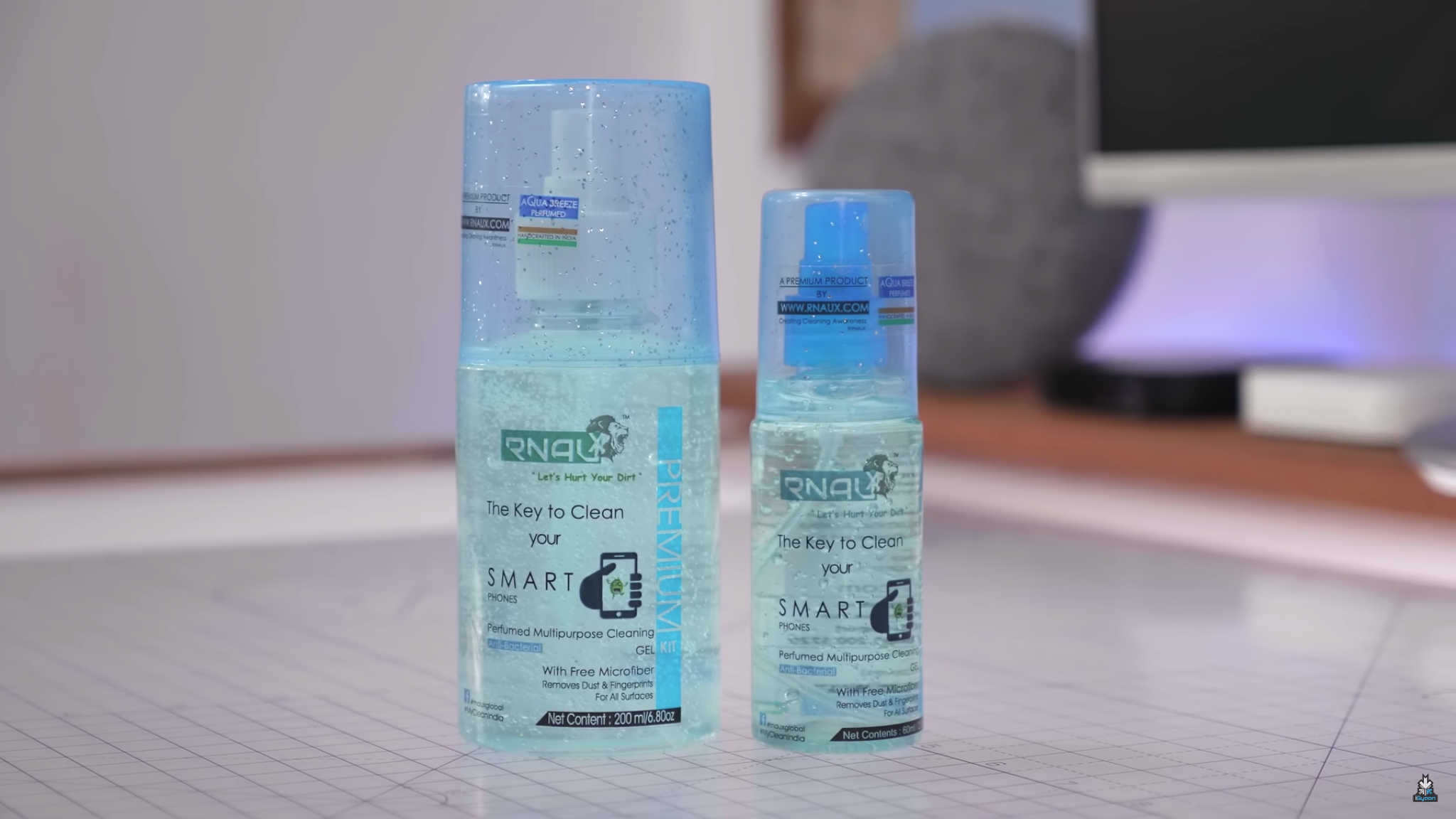
    Mobile Cleaning Kitmobile accessories

    Smartphones have become an integral part of a modern man’s life and they accompany us wherever we go. Throughout our day we come across several surfaces, out of which, many have a possibility of being contaminated with microbes or pathogens which are invisible to the human eye. Consequently, we can easily pass on these unicellular organisms to our smartphones as well.

    Besides, smartphones have a high possibility of catching dust and lint from the pocket which can accumulate in grooves or slits like the earpiece grill or the charging port. After we take a bath or wash our hands we are able to get rid of most of the dirt or unicellular organisms but that never happens with our mobile phones. 

    The next product on the list is an anti-microbial cleaning gel kit. Not only does it remove any surface dirt, but it can also kill the microbes from the surface of a mobile phone which can spread communicable diseases. 

    Travel Organiser Bag

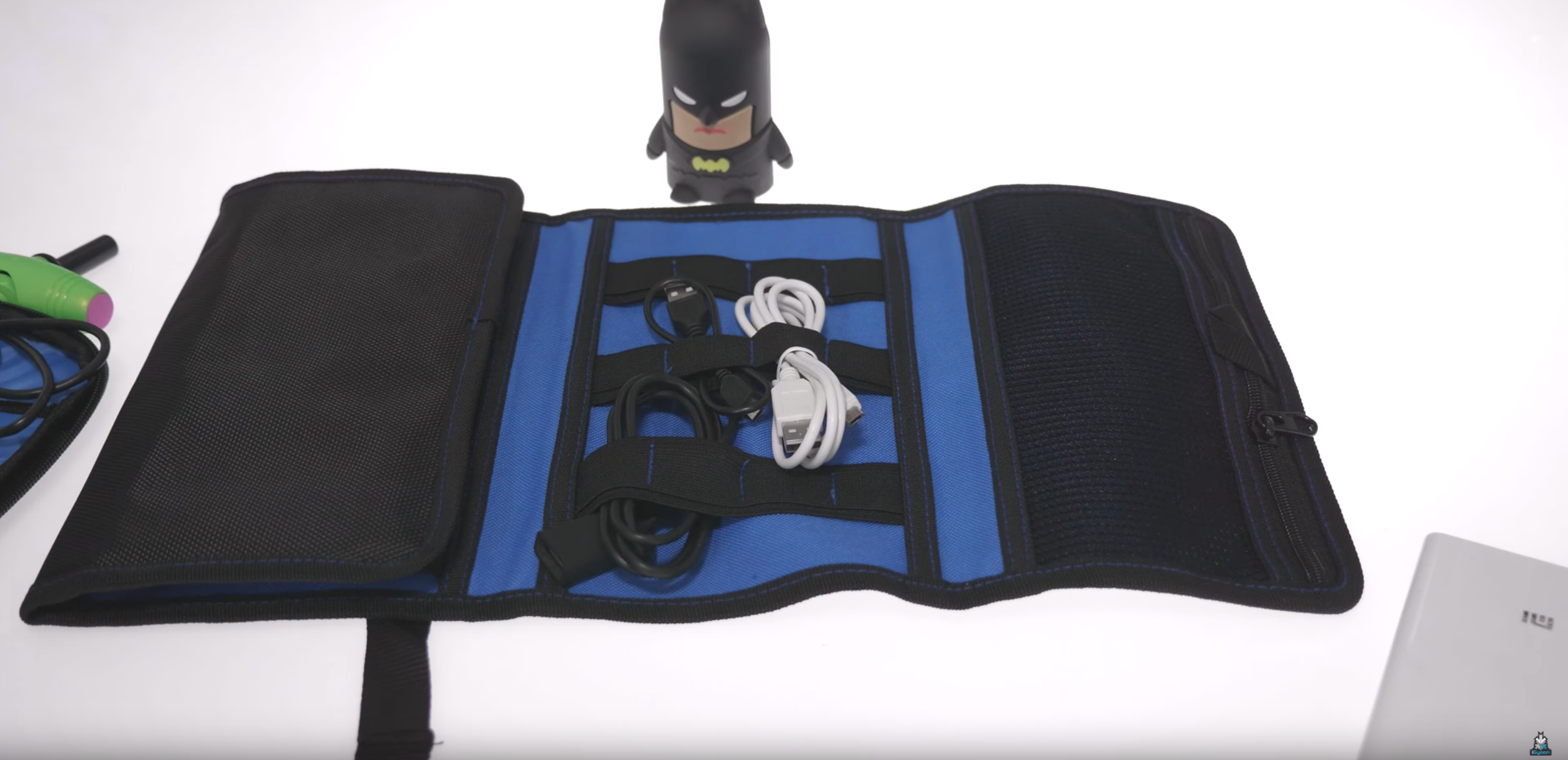
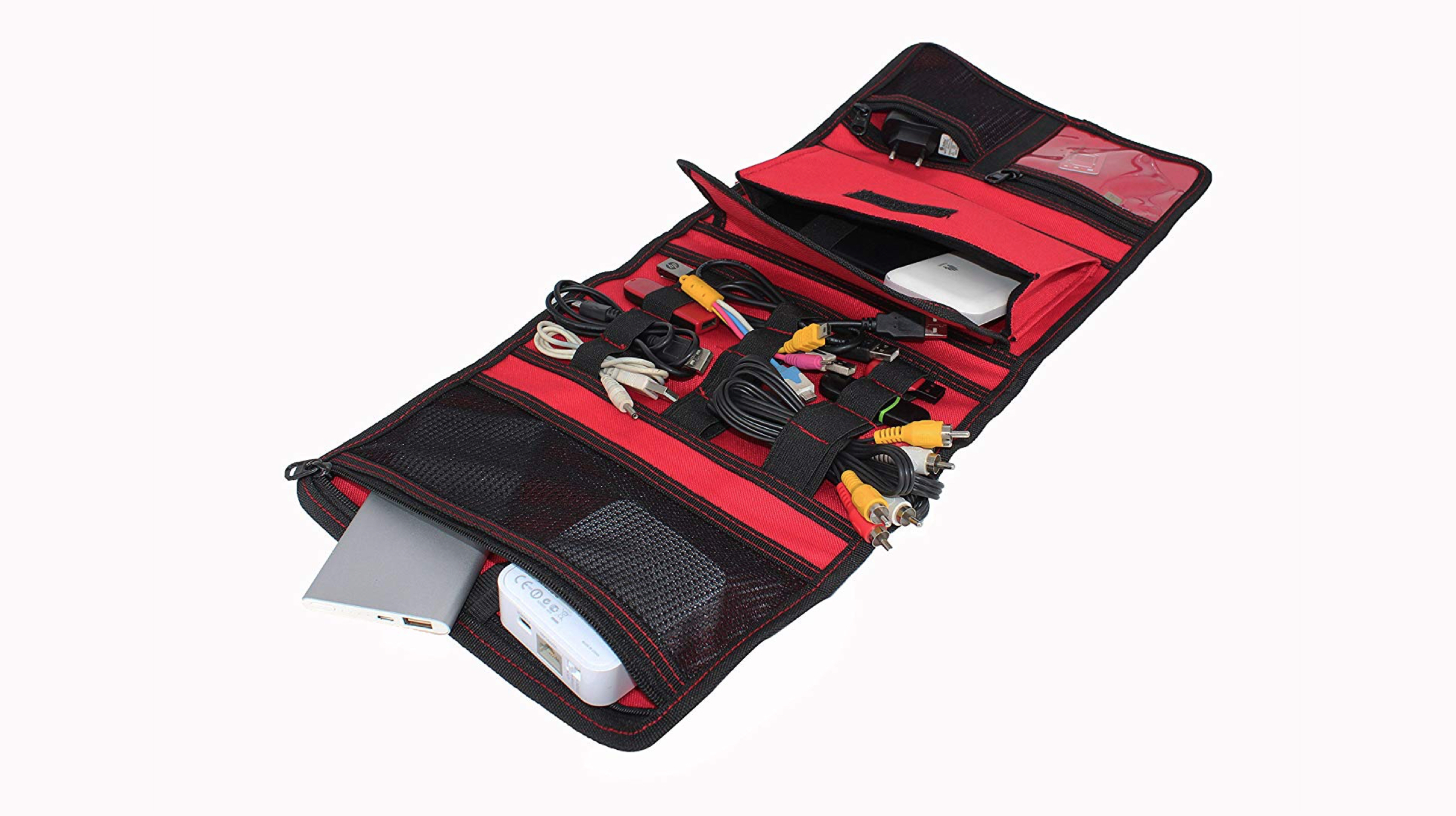
    If you are somebody like us who owns a lot of gadgets and their accompanying accessories. This organiser bag can be a nifty addition to your setup. It has several zip secured pouches which can be used to store different miscellaneous items that can range from a sim ejector pin to chargers and whatnot.

    It also has a dedicated section with elastic straps which can be used to neatly store different cords and cables. For easily carrying it around, the whole pouch wraps into a compact form factor which can be secured with a push buckle. 

    Hi-Speed USB C Pendrive

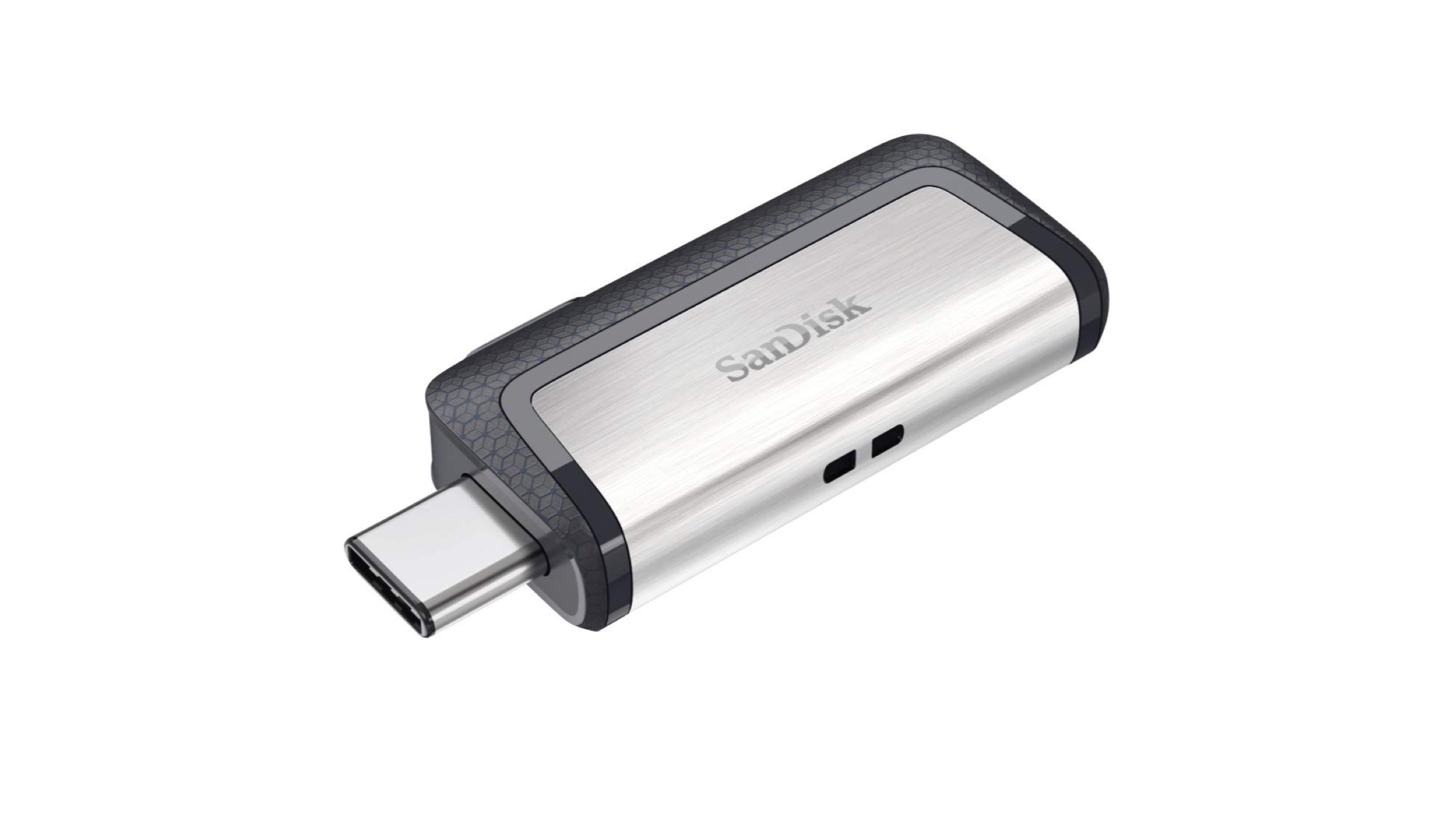
    Although there are plenty of applications available for mobile devices that allow to wirelessly transfer or share data, they might not be the best option for moving large size files. A USB C Pendrive could prove beneficial if you often transfer files larger than 5 GB like us too and from your smartphone.

    Besides sharing data from mobile to mobile, it can also be used to transfer data from smartphone to computer as it also has a conventional USB A port. Although the company claims a transfer speed of 150 Mbps, users can get speeds of upto 50 Mbps which is much faster than wireless sharing.

    Also, mobile devices like the iPad Pro and OnePlus smartphones, don’t support memory expandability via a microSD card, the Dual USB Drive 3.0 could be used to boost the internal memory. Interested users can buy Pendrive of upto 256 GB which will be more than sufficient for most scenarios. 

    Also Read: Xiaomi Plans To Disrupt The Budget Segment With This Smartphone

    Which accessory do you think is the best on this list? Let us know in the comments below.

  • Top Tech Best Budget Tech Gadgets and Accessories: August 2019

    Top Tech Best Budget Tech Gadgets and Accessories: August 2019

    Another month, another Top Tech. It is the month of August and this time we will check out the best gadgets and accessories you can buy. These range from travel accessories to nifty gadgets that can be used in daily life. Check out the video and the detailed list of products for this month below.

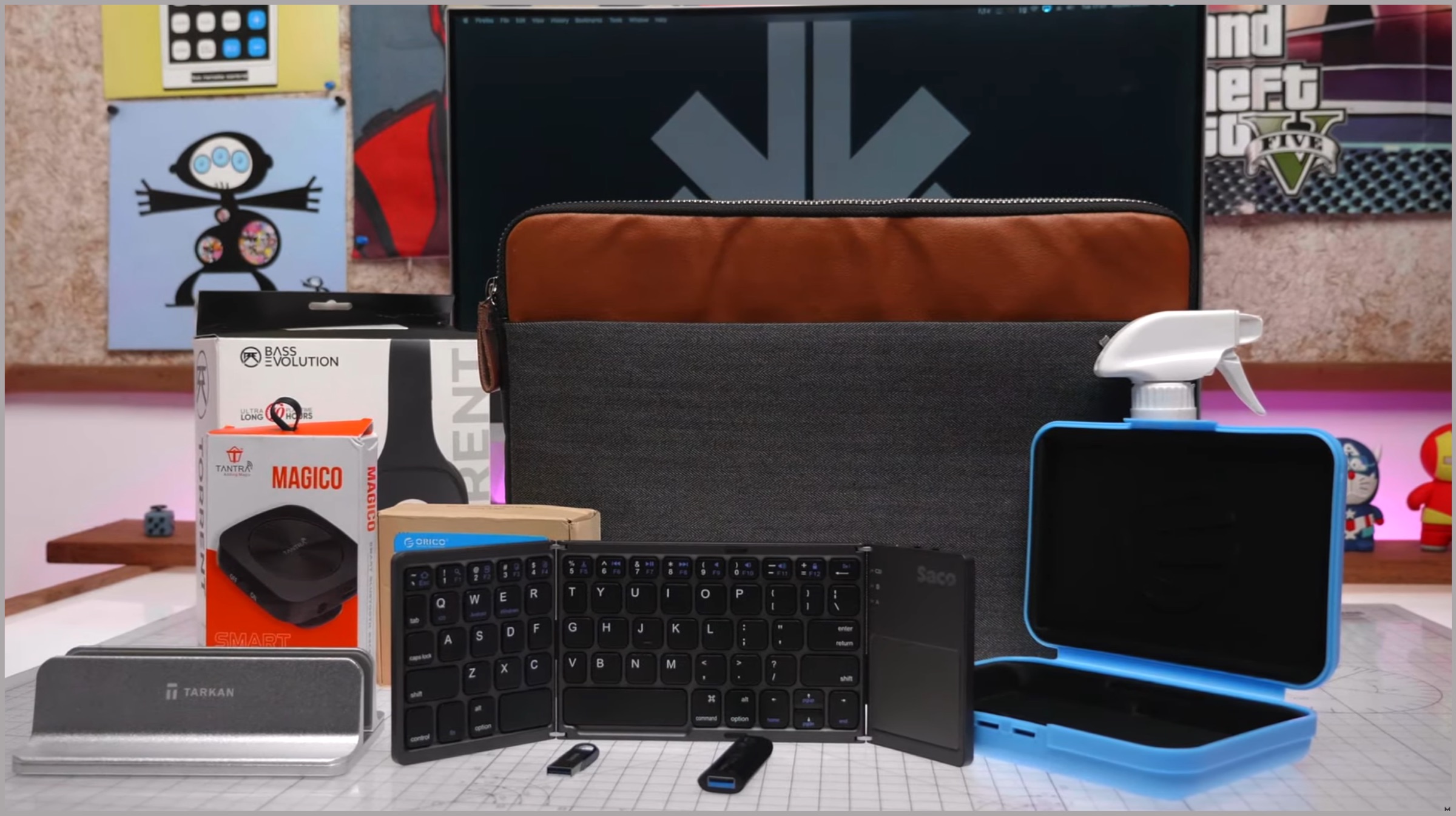
    Tantra Bluetooth Receiver

    Top Tech

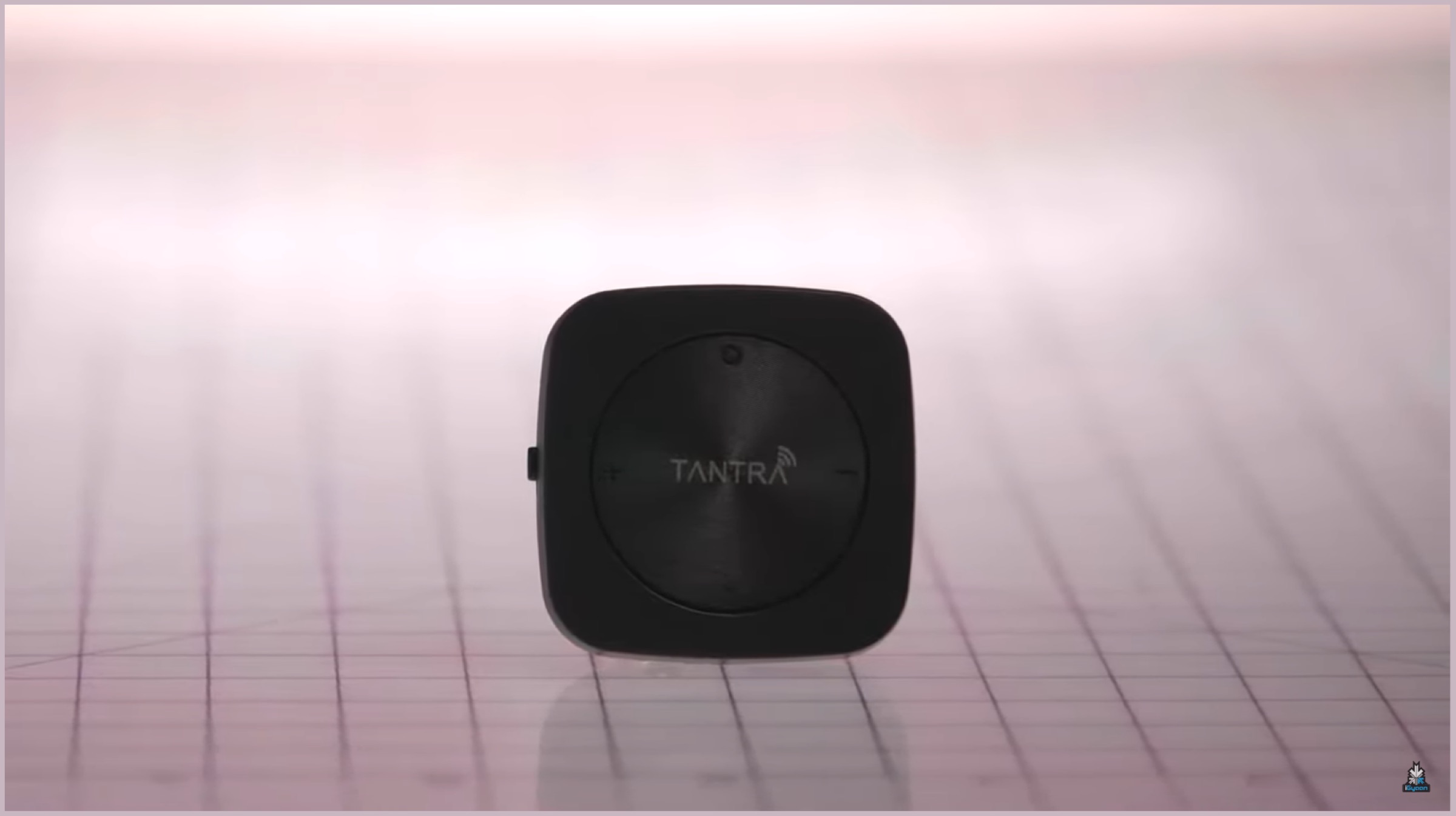
    The first item on our top tech list is the Bluetooth Reciever from Tantra. As the name suggests, it is capable of making a non-Bluetooth capable device like a car stereo or a speaker, Bluetooth enabled. It plugs on to your existing device’s AUX port and is rechargeable. It may be just the right product for people looking to make their old audio devices Bluetooth enabled.

    G20 Laptop Table

    Top Tech

    The laptop table from Gizga is an interesting piece of hardware. It is an adjustable laptop table which has wheels which make it easy to move around. With an adjustable height, Users can easily adjust it according to their comfort. It offers solid construction and good looking design, which is difficult to find in the price range.

    Transparent USB 3.0 Hub

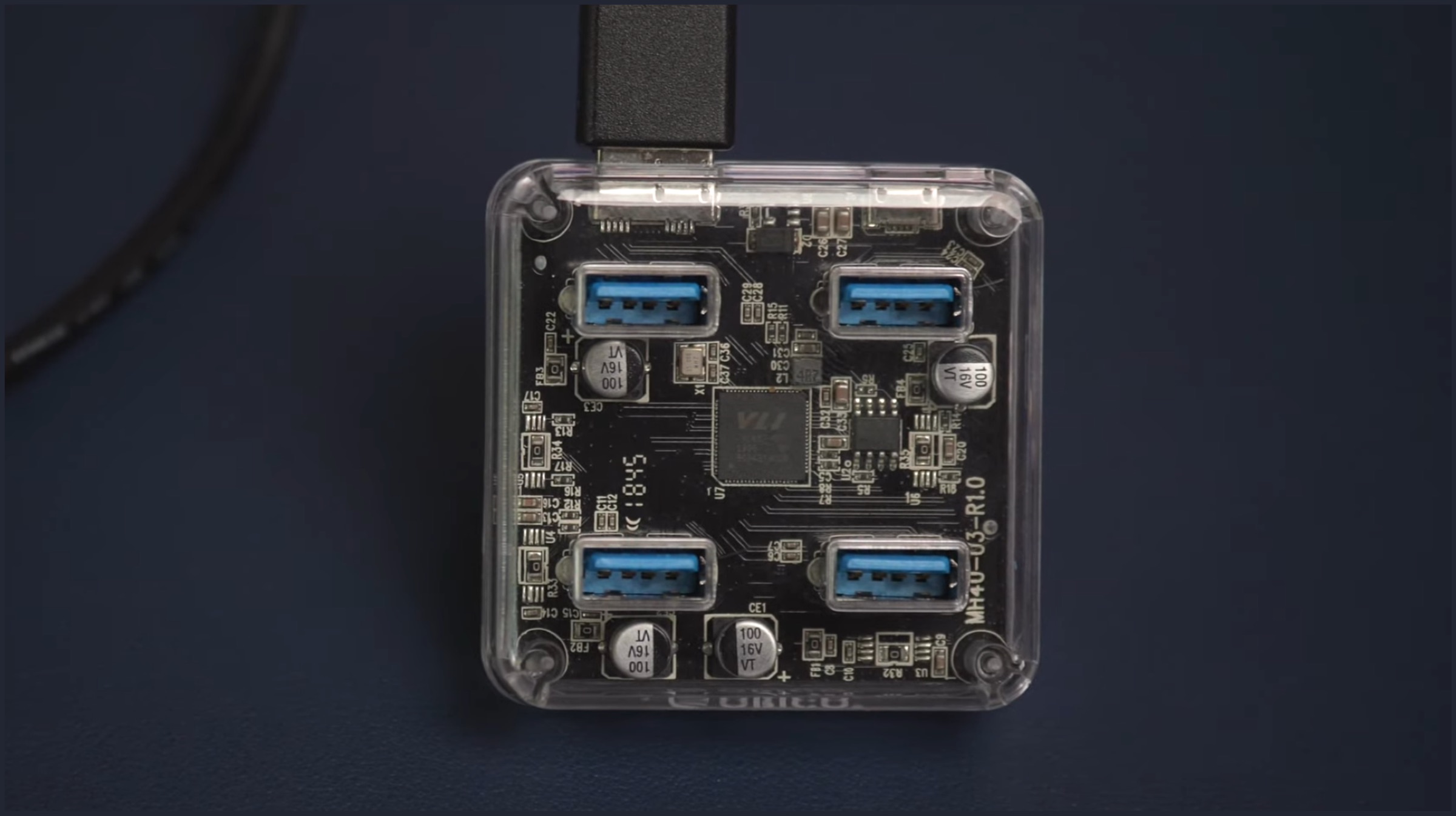
    Aside from looking really cool, the transparent USB 3.0 hub is truly a top tech gadget. It has four USB 3.0 ports which can be used to extend your PC or laptop’s capability of supporting more devices. While it does not require any power source to work, a port is conveniently provided if and when needed.

    Aluminium Laptop Dock

    Top Tech

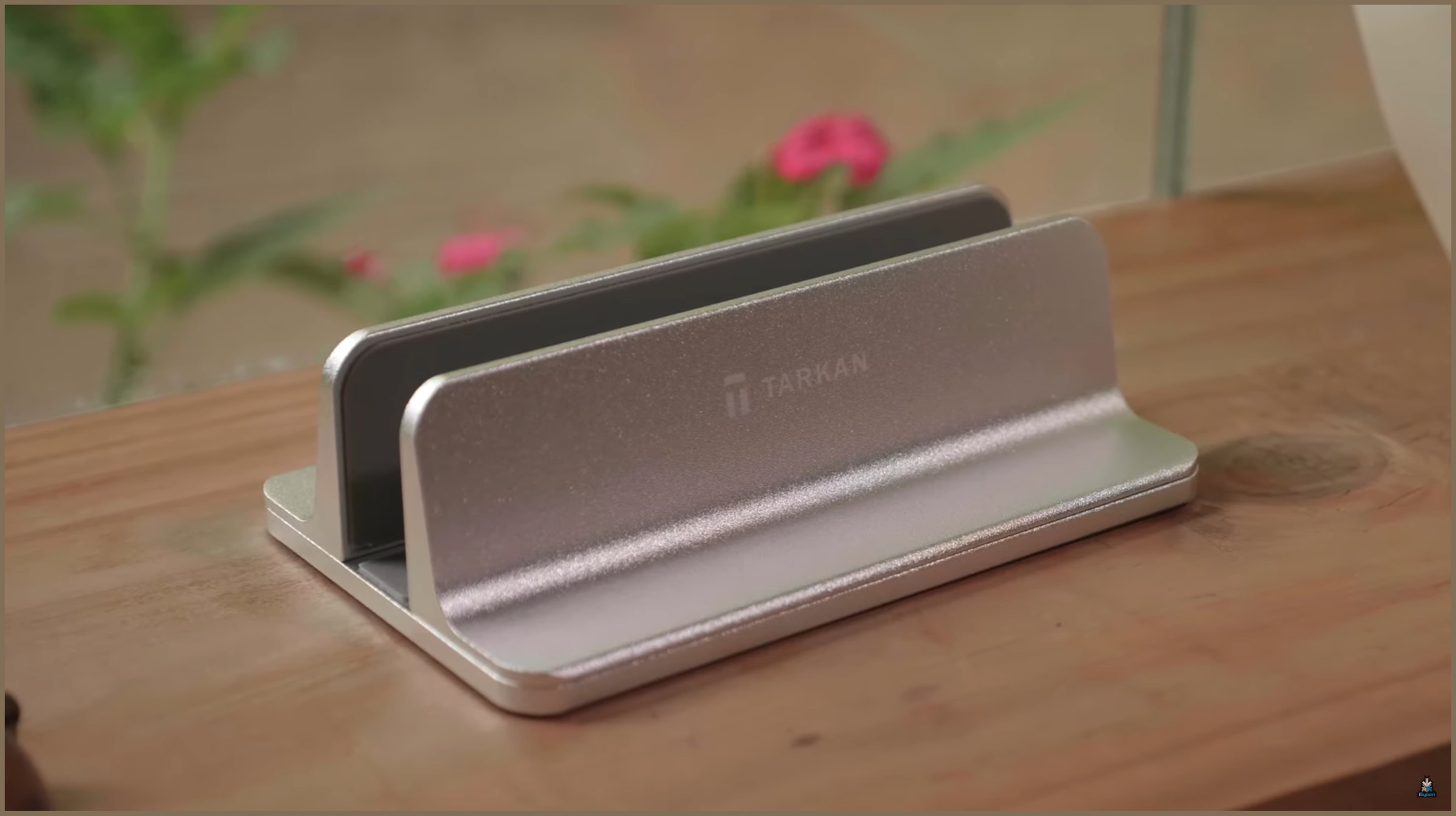
    The laptop dock by Tarkan is the next top tech item in our list. It is built really well and can hold your laptop or tablet for easy docking. There are adjustable screws on the bottom which can be used to fit a device that is too thin or too thick. When not using it to hold your laptop, it can also function as a nifty book holder, fitting two thick books easily.

    Bluetooth 5.0 Headphones

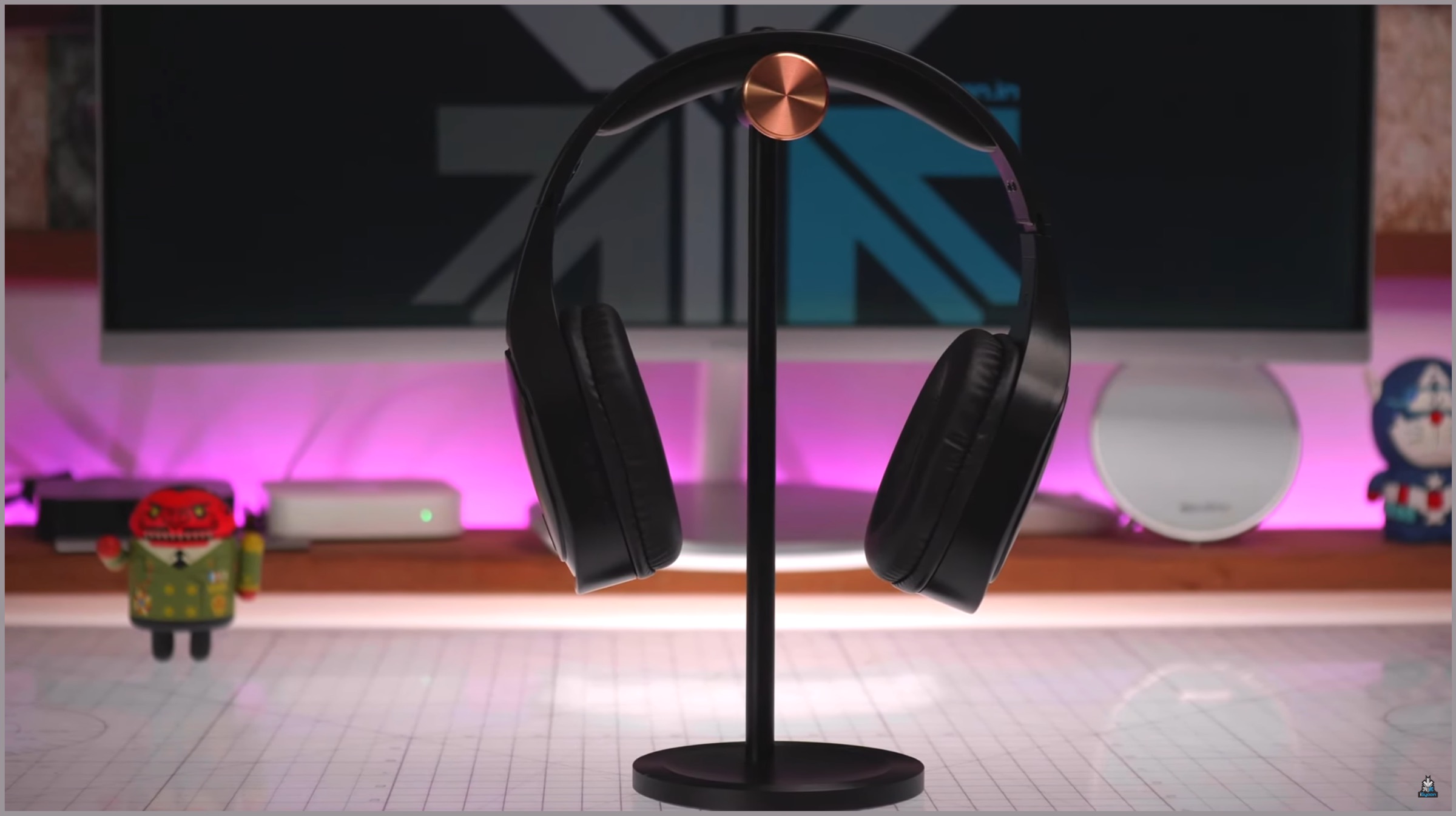
    Bluetooth Headphones are all the rage these days and for good reason. With many smartphone manufacturers removing the 3.5mm headphone jack, the need for wireless audio is on the rise. The Torrent headphones on our top tech list are the most affordable to support Bluetooth 5.0. This gives them a more stable connection and wider range over older standards of Bluetooth. Aside from being future proof, the sound quality of the headphones is really good for the price, with deep bass and average highs.

    Folio Laptop Sleeve

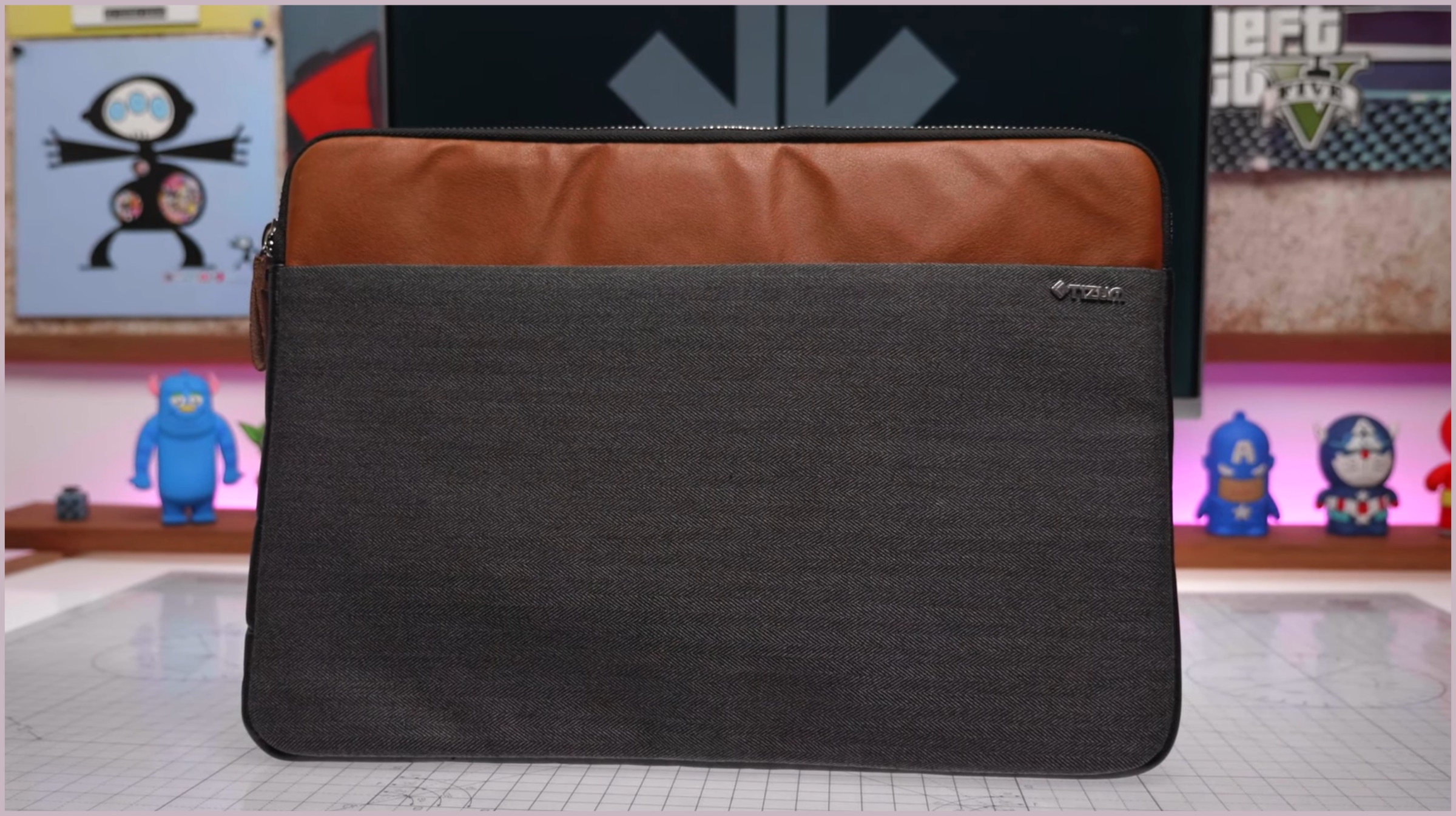
    The Folio laptop sleeve by Tizum is the next item on our latest top tech list. As the name suggests, it is a laptop sleeve meant to protect your device from being scratched while travelling. It features a dual-tone design and looks fairly premium. The sleeve has soft-touch material on the inside to make sure your laptop stays protected while it is in there.

    Foldable Bluetooth Keyboard

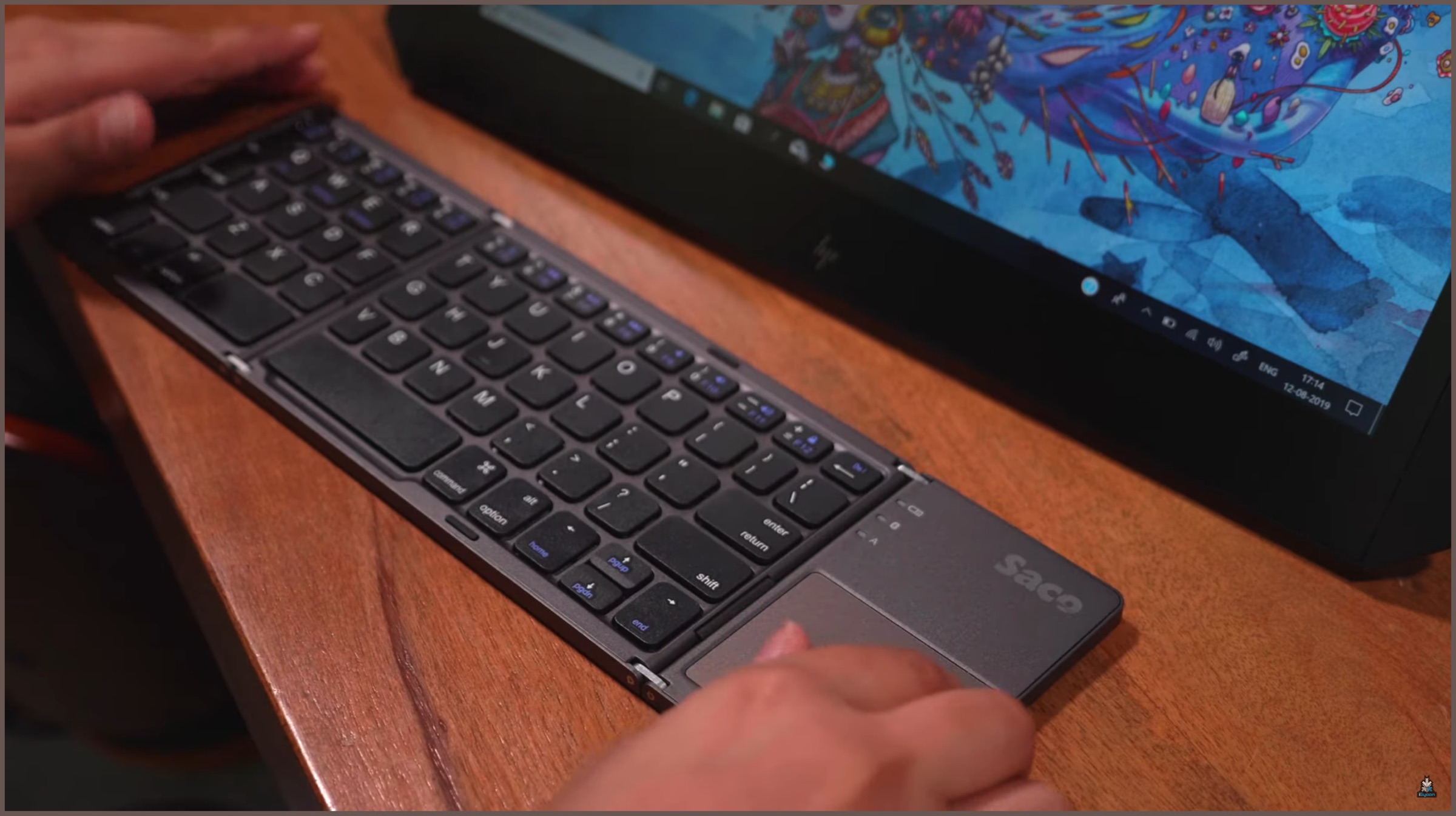
    The foldable Bluetooth keyboard by Saco looks like something from a Sci-Fi movie. It features a triple folding designed which can be opened to reveal a full-sized Bluetooth keyboard with a trackpad. The foldable aspect of the device makes it very portable and frankly, a very cool gadget to travel with. Additionally, having a trackpad which supports multi-touch input and gestures makes it easier and more intuitive to work with. With a plethora of features and the cool foldable aspect, it is truly a top tech item.

    NeverWet Water Repellent Spray

    Its monsoon season and while there are many things to love about it, there is one major thing to hate too. If you like wearing fabric shoes, chances are you may be extra precautious in rains. The NeverWet spray by Rustoleum may be just the right product in our top tech list for you. We tried spraying it on fabric shoes and after it dried off, water just jumped right off the surface of the shoe. The hydrophobic coating on top of the fabric is claimed to last for a while, making it the perfect companion for the rains.

    Sandisk USB 3.0 Pen Drive

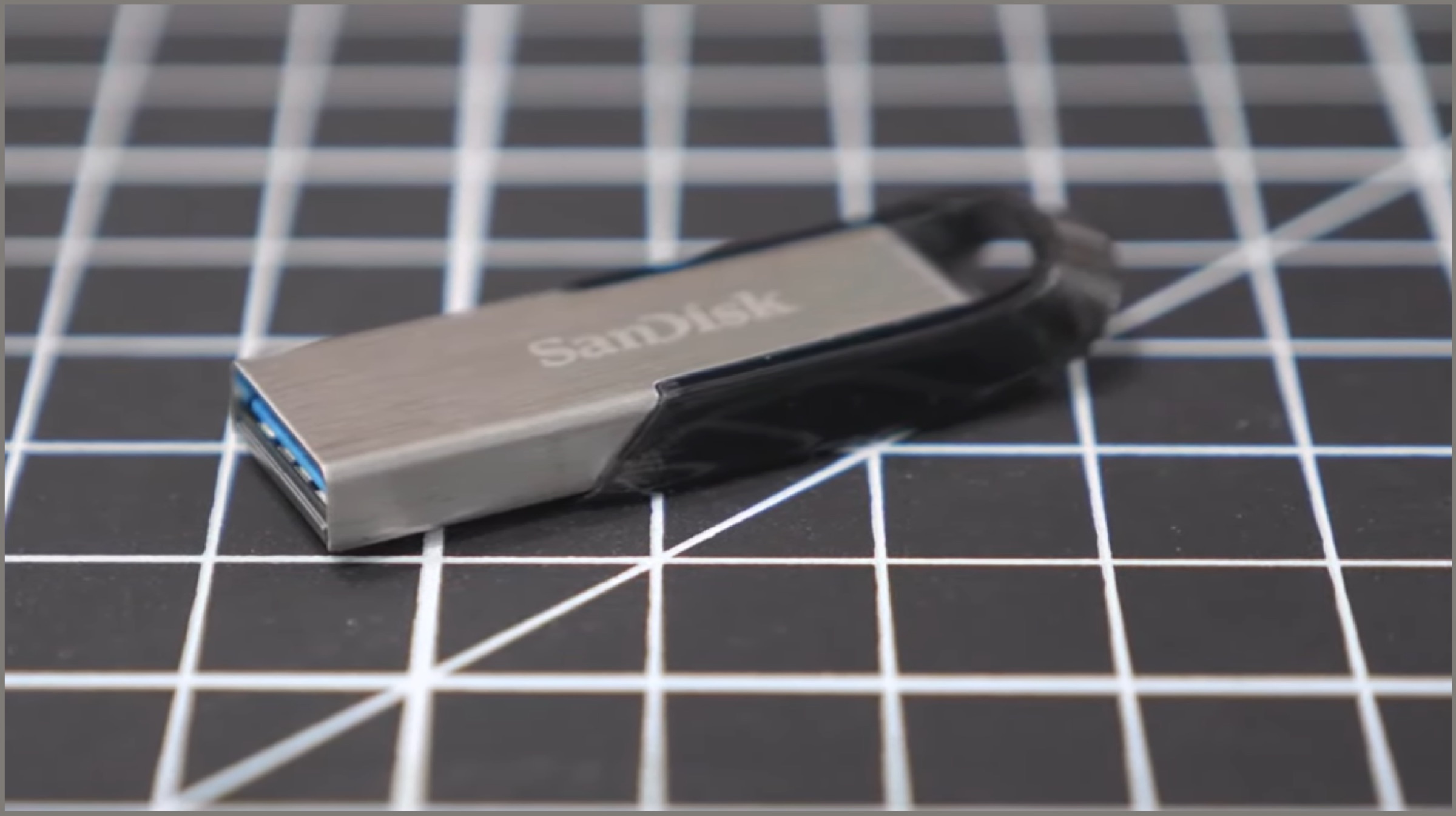
    Next up on our top tech list is a USB 3.0 pen drive by Sandisk. Claiming speeds of up to 150 Mbps, we managed to achieve close to 130 MBps, which is great for a drive of this price. It is also built really well, featuring a metal construction and a nimble size. In fact, we loved the pen drive so much that we have managed to make one of them a Windows Bootable drive to easily install Windows off it.

    Bonus Items:

    Sandisk USB 3.1 Pen Drive

    Top Tech

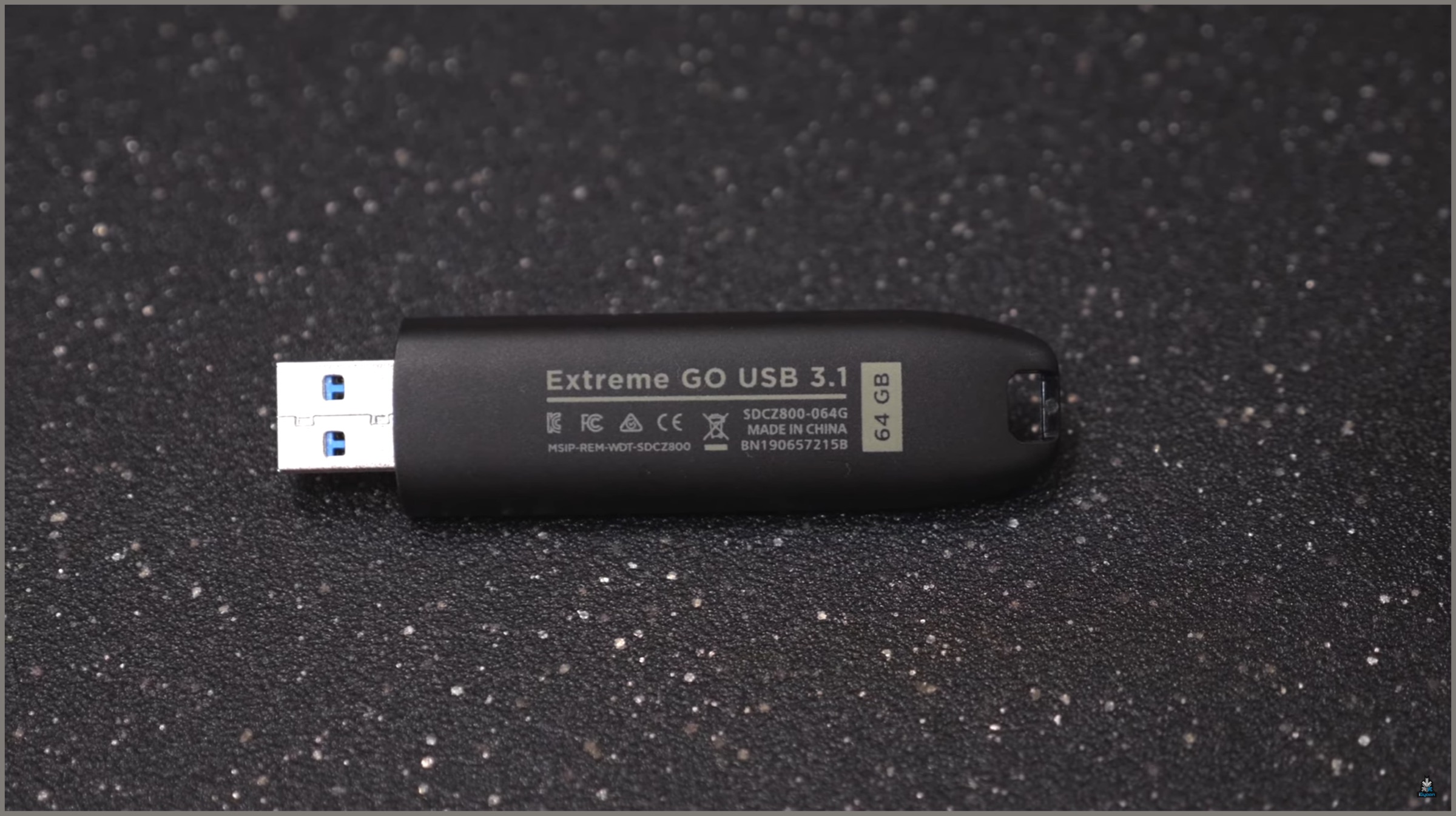
    If the speeds of the aforementioned pen drive by Sandisk are not enough for you, we have a better top tech product in-store. The Sandisk Extreme Go is a USB 3.1 pen drive which claims a maximum speed of up to 200 MBps. We managed to achieve almost 170-180 MBps in our testing which is impressive. There are multiple storage capacities offered for the drive and it is quite a small package too, making it a perfect storage option.

    Orico Hard Drive Case

    Also read: Realme 5 Is The Worlds First Quad Camera Smartphone Under INR 10K

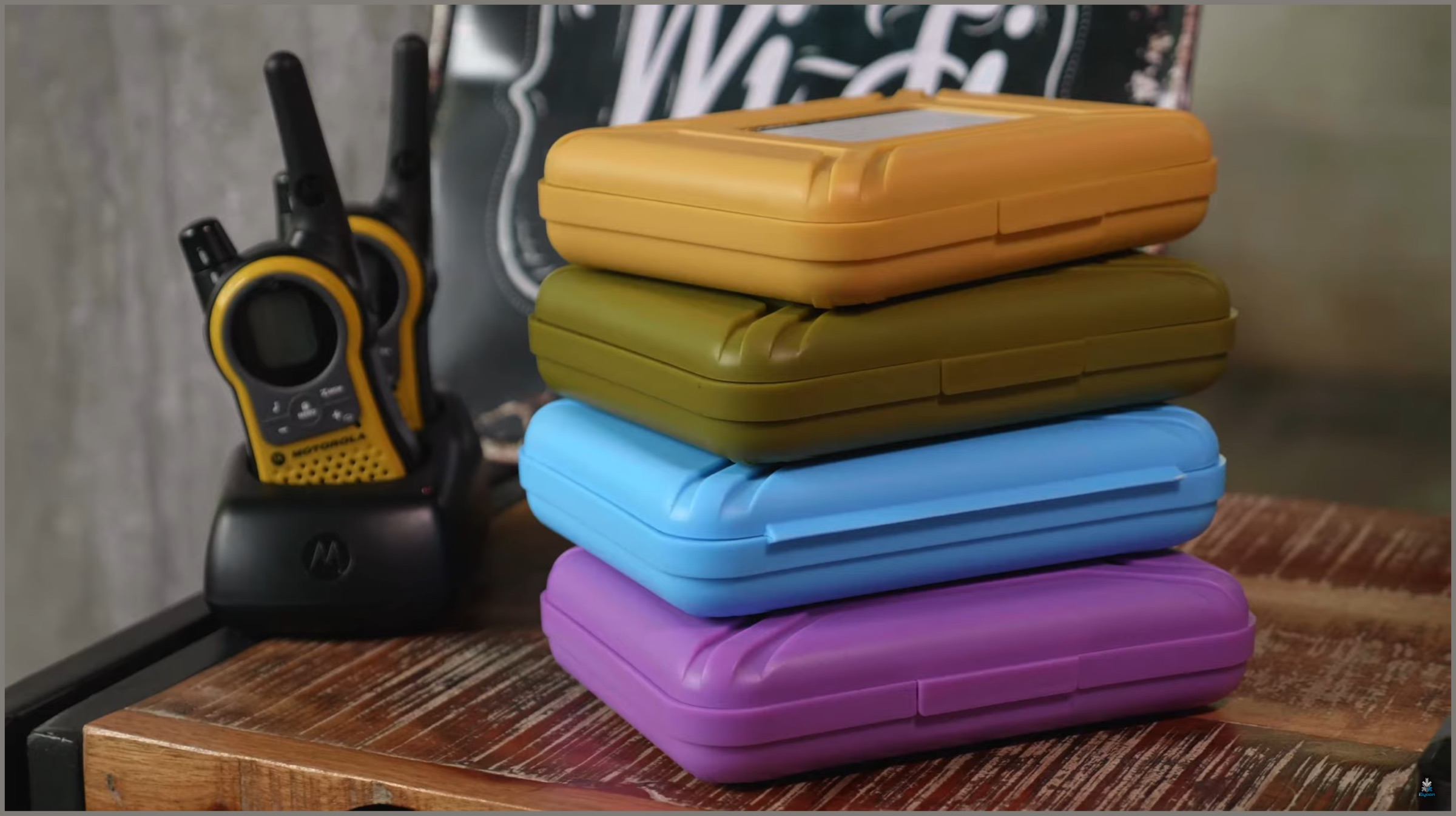
    The Orico Hard Drive Case, as the name suggests is a sturdy and durable case for your hard drives. Featuring a durable plastic construction, it is offered in multiple colours. While our unit was designed mainly for 3.5-inch drives, we found that even 2.5-inch drives can also be placed inside without much hassle, and it will offer a similar amount of protection.

  • 10 Things To Do First When You Buy A OnePlus Smartphone

    10 Things To Do First When You Buy A OnePlus Smartphone

    You have just bought a OnePlus smartphone and are amazed by the boatload of features that this wonderful smartphone has on offer. However, there are several settings that a lot of new users can miss upon as they are either hidden in sub-menus or the user is unaware of this presence. 

    Whenever I meet OnePlus owners (and I meet a lot of them), I feel they are not using a bunch of handy features which could redefine user experience. Therefore, I have compiled a list of top 10 things or settings you must change as soon as you buy a OnePlus smartphone.

    All the points listed here are based on my experience and could vary from user to user. However, I believe for most users, these tricks will definitely come in handy. 

    Also if you want to recommend any options, that we might have missed, you can do that leaving them in the comments section below.

    1.) Get A Glass Screen Protector & Embrace The Case
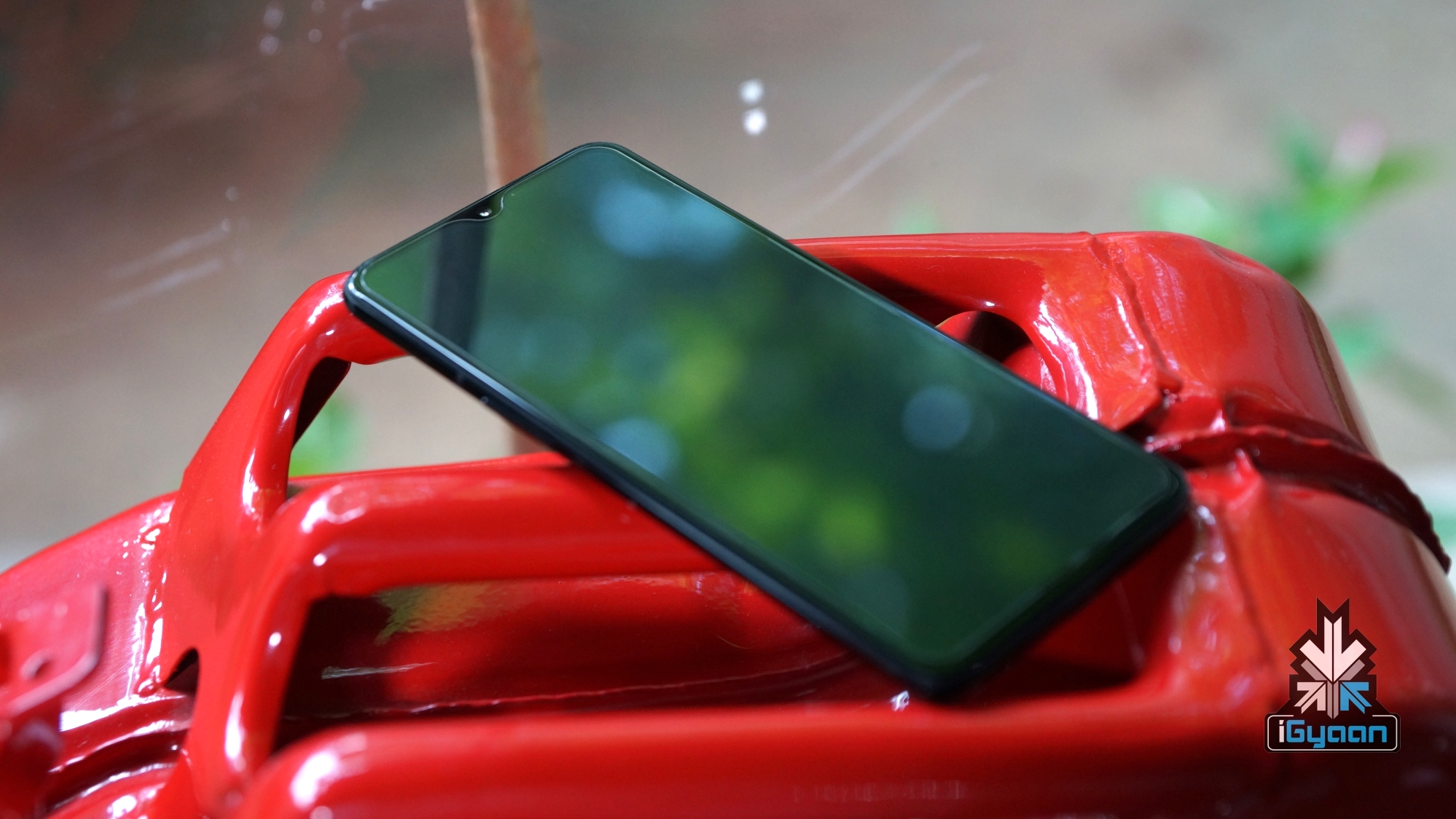

    OnePlus Screen ProtectorOnePlus is generous enough to ship its devices with a pre-applied screen protector that can prevent the display from scratches. However, we recommend replacing the plastic one with a good quality ‘Glass Screen Protector’. Not only does it have a higher resistance to scratches unlike a pre-applied one, but it will also prevent the display in case of an accidental drop. 

    A glass protector will most likely prevent the screen of the OnePlus smartphone from cracking. As it will absorb the jolt which will translate into cracks. Nonetheless, this accessory is much easier to replace to in comparison to the display and it costs significantly less. 

    Click here to buy a OnePlus screen guard

    At the time of writing this article, I am using the OnePlus 6T which I switched over from the OnePlus 6. Both these smartphones and OnePlus handsets thereon (including the OnePlus 7 and OnePlus 7 Pro) have a glass back that is as grippy as a bar of wet soap. In simpler words, the glass back does add a premium feel to the devices but it has made them prone to easily slipping out of one’s hands.
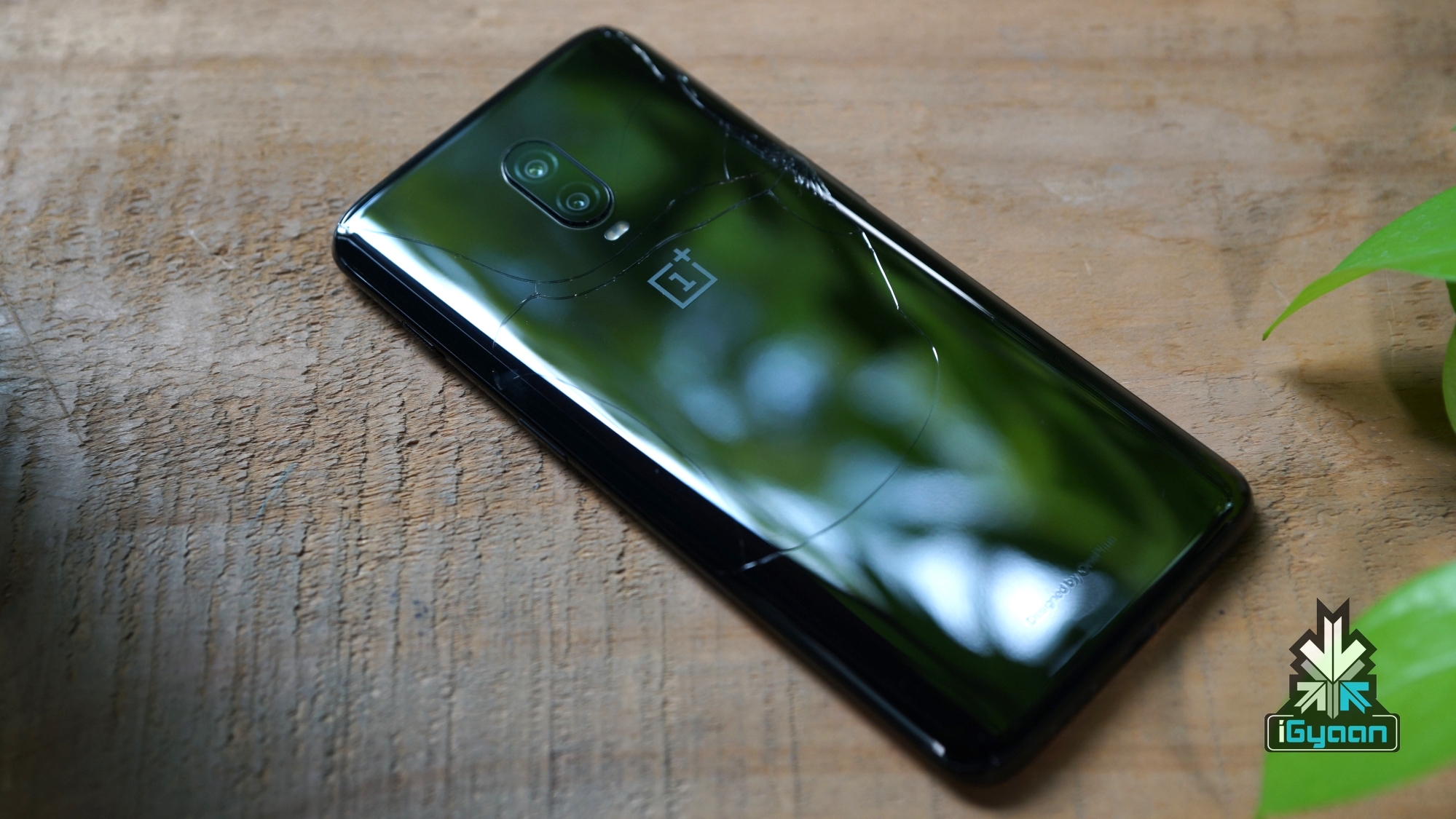
    To take away things, it is highly recommended to use your device with either the in-box protective case or a tacky Burberry one that you might buy from a street vendor. Otherwise, your device could turn out something similar to what my colleague, Sean’s OnePlus 6T did. For reference, the evidence has been shared above.

    2.) Turn On Navigation GesturesOnePlus Navigation Gestures
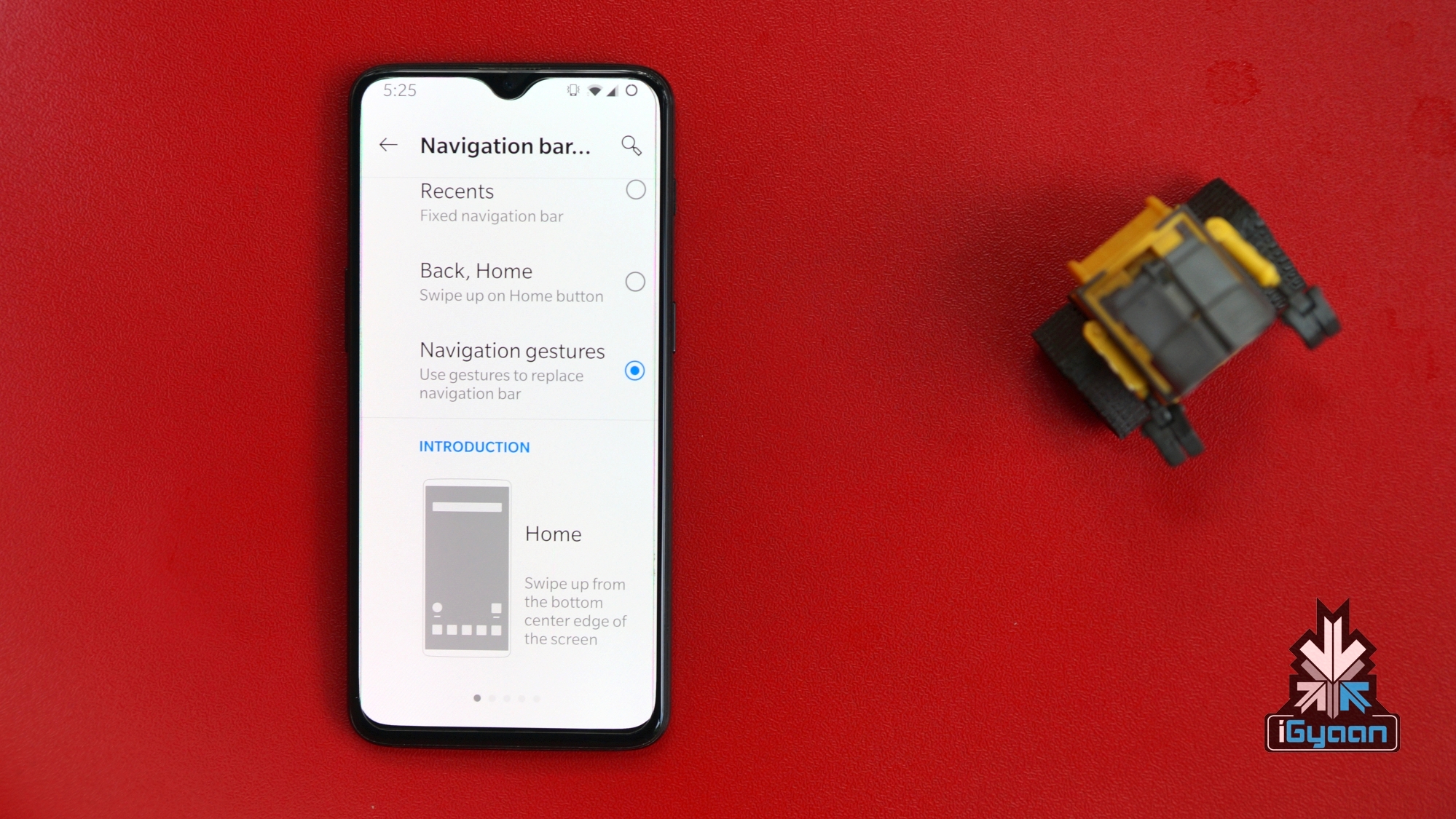
    As a back story, I have jailbroken multiple iOS devices in the past which allowed me to add the functionality to navigate with the help of gestures. A few years later, Apple announced the iPhone X that only supports gestures to get around the menus rather than using a physical home button. 

    Several Android smartphone manufacturers have implemented gestures on their offerings, however, after testing numerous devices and using a OnePlus as my daily driver for over a year. I can vouch on the fact that OnePlus smartphones have one of the best navigation gesture optimisation on Android devices. 

    It may take a day or two, in order to get used to the OnePlus navigation gestures but I promise once you get a hold of them you are never switching back. Whether it is exiting out of applications or switching between them, the gestures make these tasks a breeze. 

    To turn on gestures:

    Open Settings > Buttons & Gestures> Navigation bar & gestures > Navigation Gestures 

    To simplify the switching process, your OnePlus smartphone will also make you go through a few practise runs before turning on the gestures.

    3.) Switch To Dark ThemeOnePlus Dark Mode
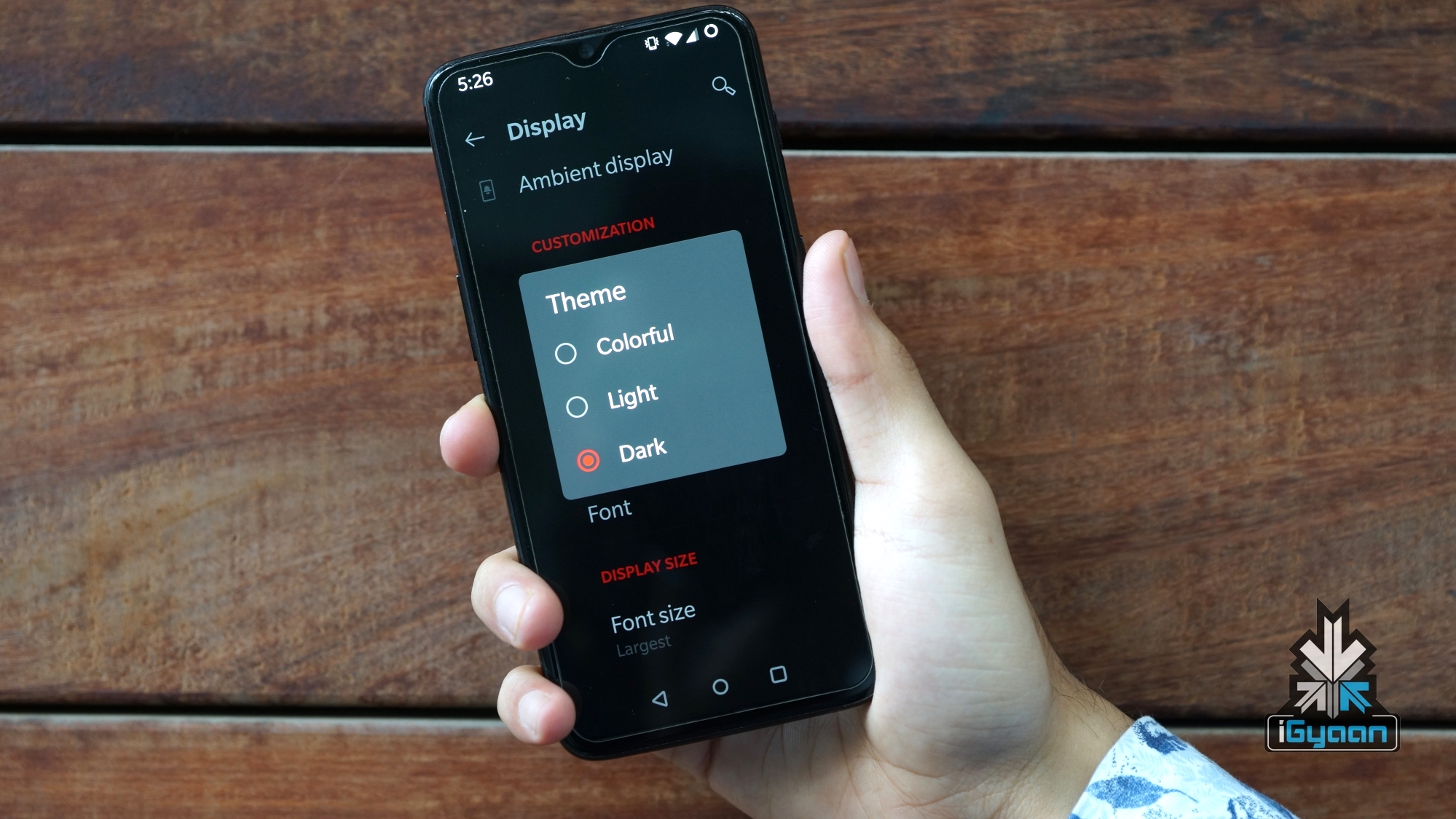
    Out of the box, OnePlus smartphones have the ‘Light’ theme turned on. The AMOLED display that these things feature can be blinding, especially if you are using the handset in dark or underlit lighting conditions. 

    Once you turn on the ‘Dark’ theme, not only will you eliminate a lot of stress from your eyes but it also helps to prolong the battery life of your smartphone. FYI: Pixels on an AMOLED display can be turned off individually, so if the device is displaying something black on the screen, the pixel will actually be turned off rather than illuminating it in dark grey clour which is the case with LCD and TFT displays. 

    To turn on Dark Theme:

    Open Settings > Display (Swipe Down)> Theme> Select Dark

    Bonus Tip: Also turn on reading mode in addition, this will add a yellow hue to everything on the display and will help you sleep better at night. As it minimises Blue light emitted by the display that stimulates the release of melatonin, a hormone that regulates the sleep-wake cycle.

    4.) Turn Auto Face Unlock Off
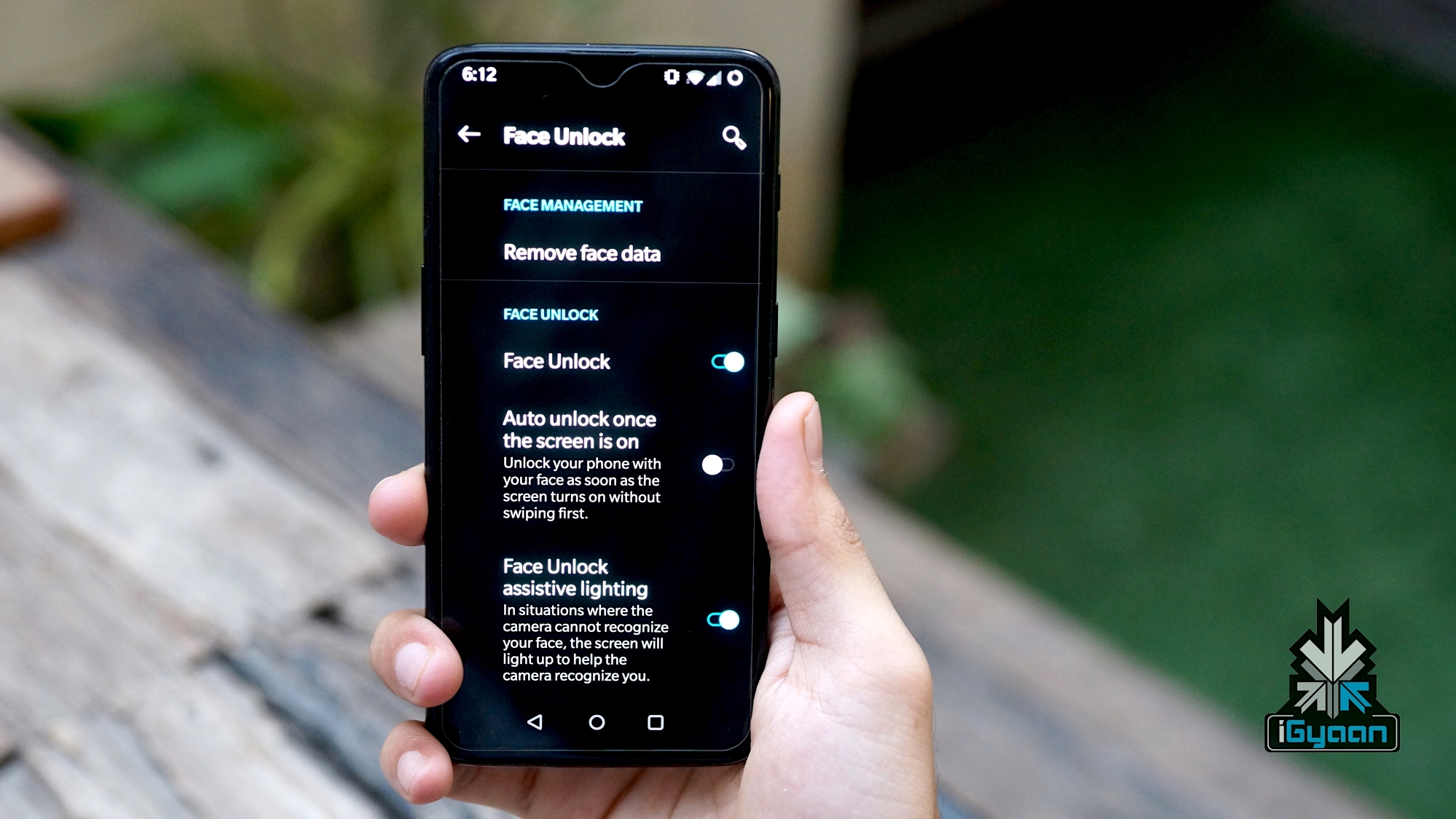
    OnePlus Face Unlock

    You have unboxed your OnePlus and have set up the face unlock as the default verification method. But every time you turn on the display to gaze at a notification, the phone unlocks itself. This could be pestering and I have observed several OnePlus owners turn off the face unlock feature due to this. 

    Worry not, OnePlus has thoughtfully added the option to disable auto-unlock by default. In the face unlock segment, just uncheck ‘Auto unlock once the screen is on’ feature. Once you toggle the switch to the off position, your OnePlus smartphone will not unlock by itself.

    Instead, the user will have to swipe up and only then will they be prompted to the home screen.

    To turn off Auto Face Unlock:

    Open Settings > Security & lock screen> Face Unlock (enter password)> Auto unlock once the screen is on

    5.) Turn On Double Tap To Wake And Lock
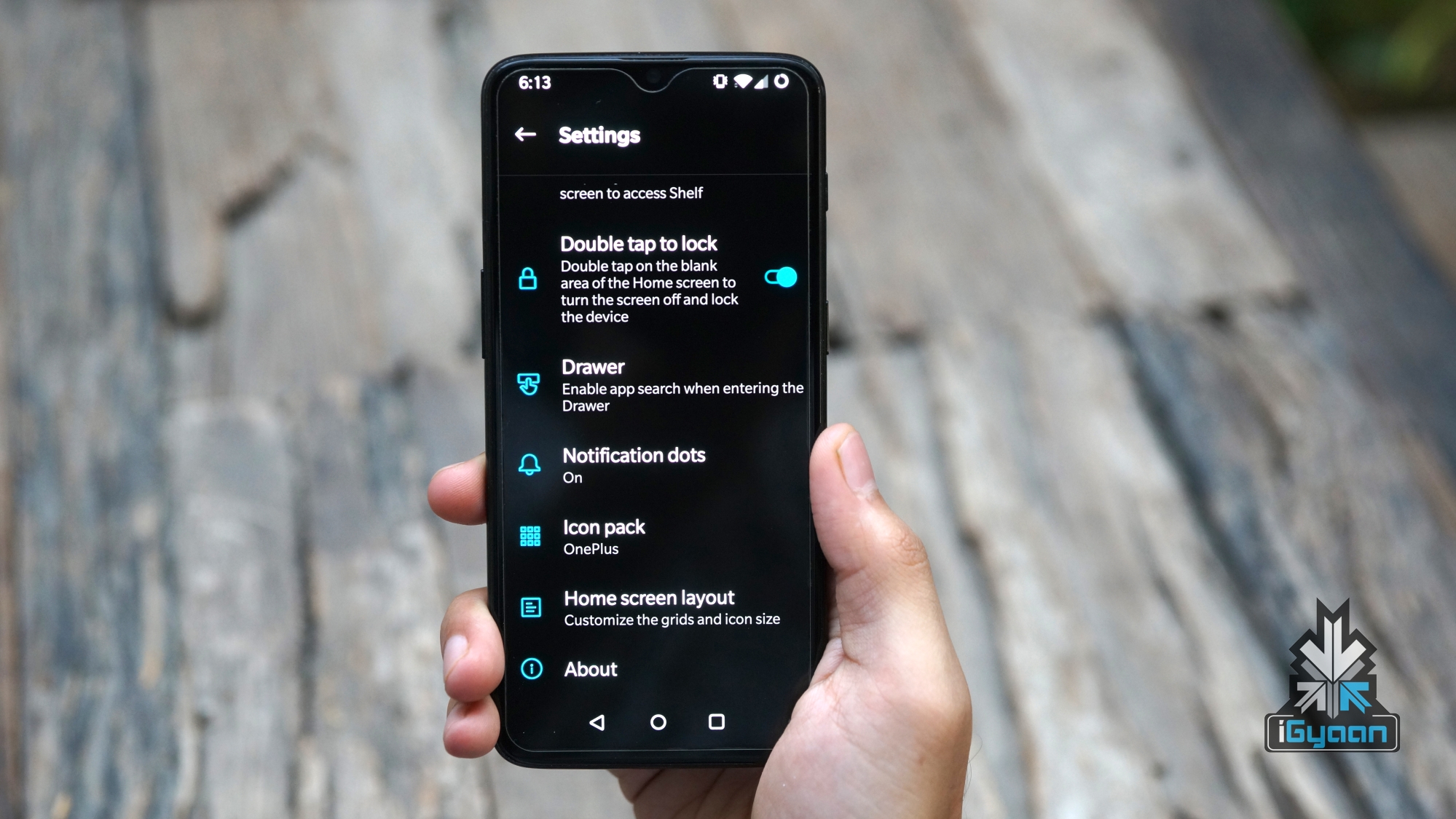
    Due to a large form factor, operating a smartphone with one hand can get difficult at times. Fortunately, OnePlus smartphones have a double-tap gesture that can be used to lock the smartphone from the home screen or wake it from sleep.

    However, the toggle for this feature is hidden in a sub-menu and a large number of users never get to know about this. Once turned on, you will hardly use the side-mounted physical button as it is much harder to operate in comparison to the double-tap gesture. 

    To Turn on:

    • Press and hold an empty area on the home screen
    • Click the gear icon that reads ‘Home setting’
    • Toggle ‘Double-tap to lock’
    6.) Increase Font Size And Icon SizeOnePlus Font Size
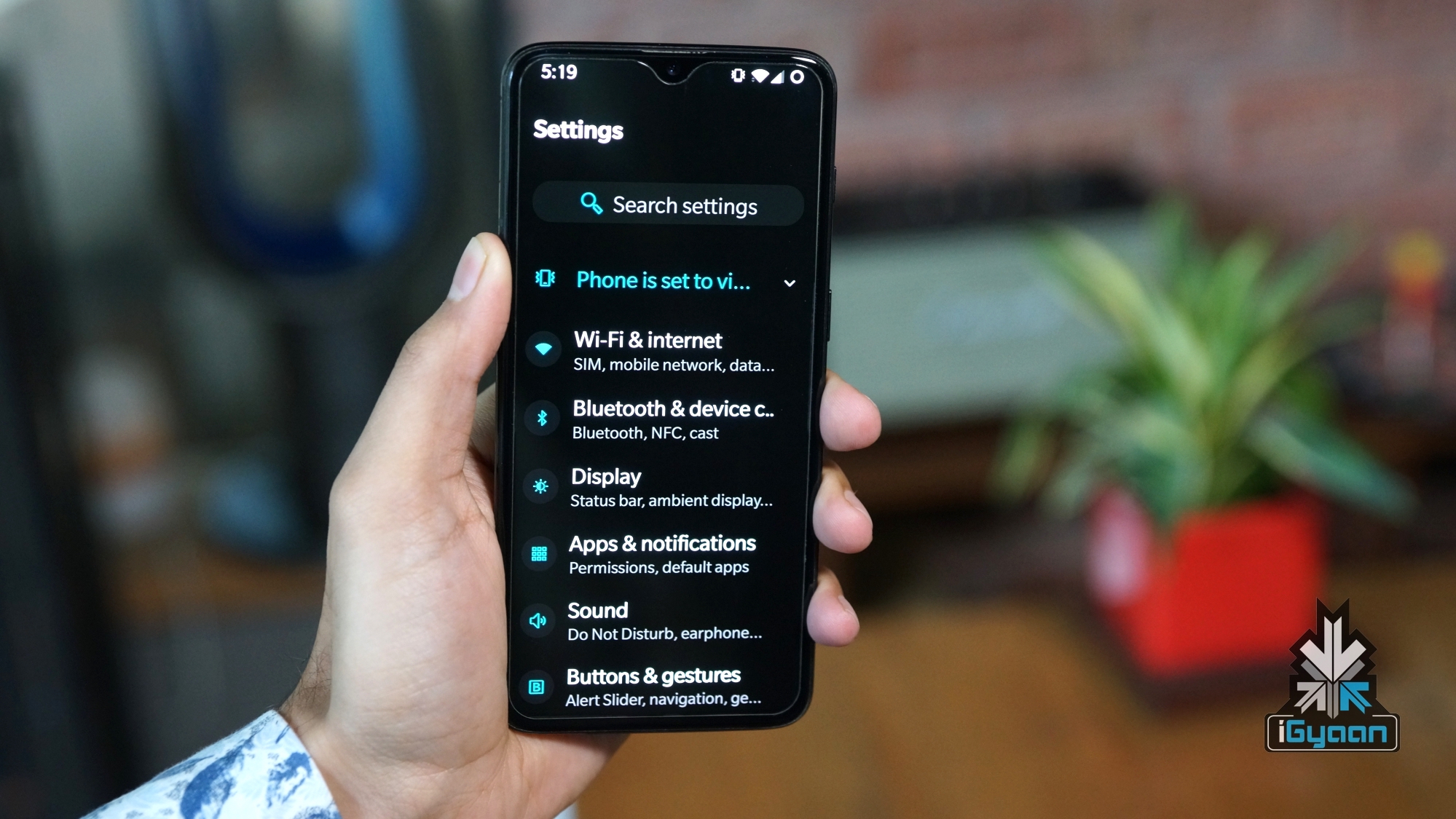
    Being a flagship smartphone, OnePlus smartphones have a comparatively larger display. Especially in the case of the OnePlus 7 Pro. I have experienced that default font-size” can look really minuscule on this huge screen real estate. 

    Therefore, we recommend selecting ‘large’ or ‘largest’ font-size which clearly makes the text a lot larger and it takes away a lot of stress from the eyes. Moreover, elderly who have shortsightedness and use reading glasses can benefit from this selection.
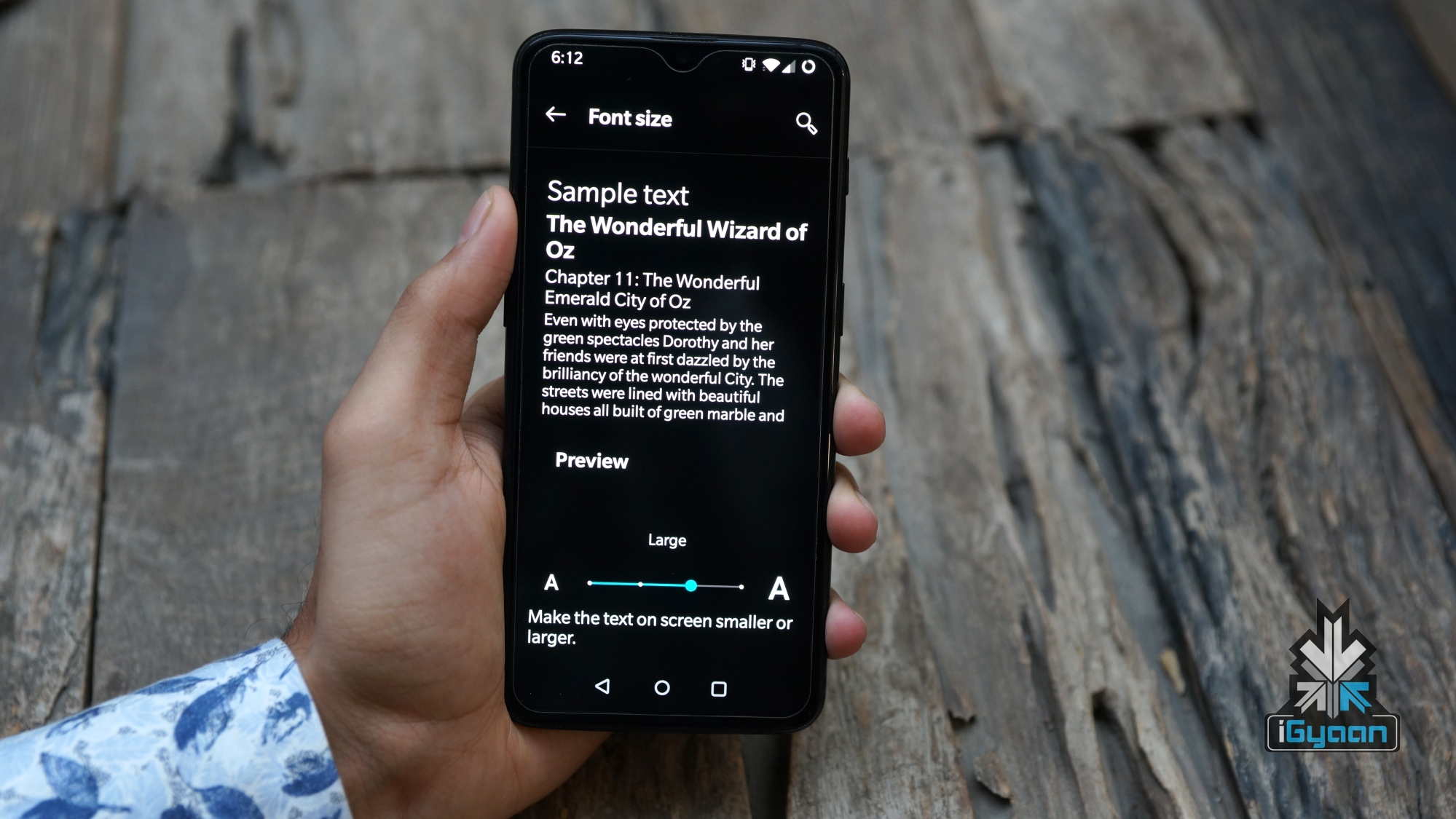
    To go along with the large font size, the user can also increase the size of icons which is again better as per our experience. 

    To increase font size: 

    open Settings > Display > Font Size> Large or largest (as per choice)

    To increase icon size:

    Long press home screen, Select Home Settings > Home screen layout > Icon size

    7.) Check For Latest Update
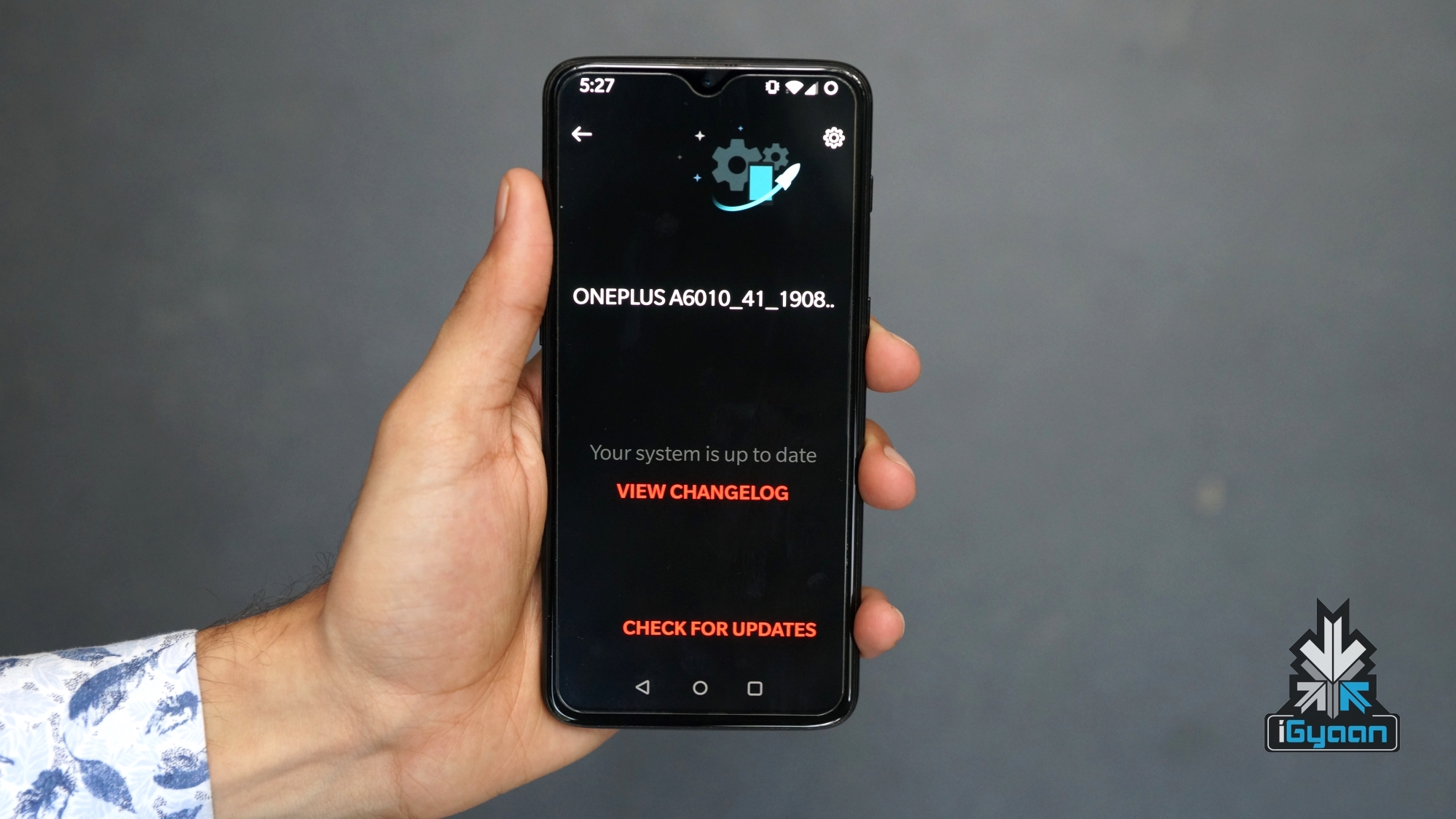
    OnePlus UpdateWhen you buy a OnePlus smartphone, in most cases, the device would have been manufactured a couple of months or weeks before the original date of purchase. Therefore, there is a high possibility that the device will have a pending software update.

    Installing the latest update will not only add new features, but it will also be bundled with an up to date security patch. The patch will fix any vulnerabilities or bugs that the device could have been affected with. These bugs could be exploited by ill-natured entities like hackers with the help of malicious apps. 

    Besides, OnePlus puts a lot of research in OxygenOS which adds several new features with every update. For reference, my OnePlus 6T just received the latest build of Android 9 that added features like Zen Mode, Fnatic mode and screen recorder. 

    All in all, it is a recommended practise to keep any smartphone updated with the latest software. 

    8.) Turn On ‘Raise To Pick Call’ And Lock Screen Gestures
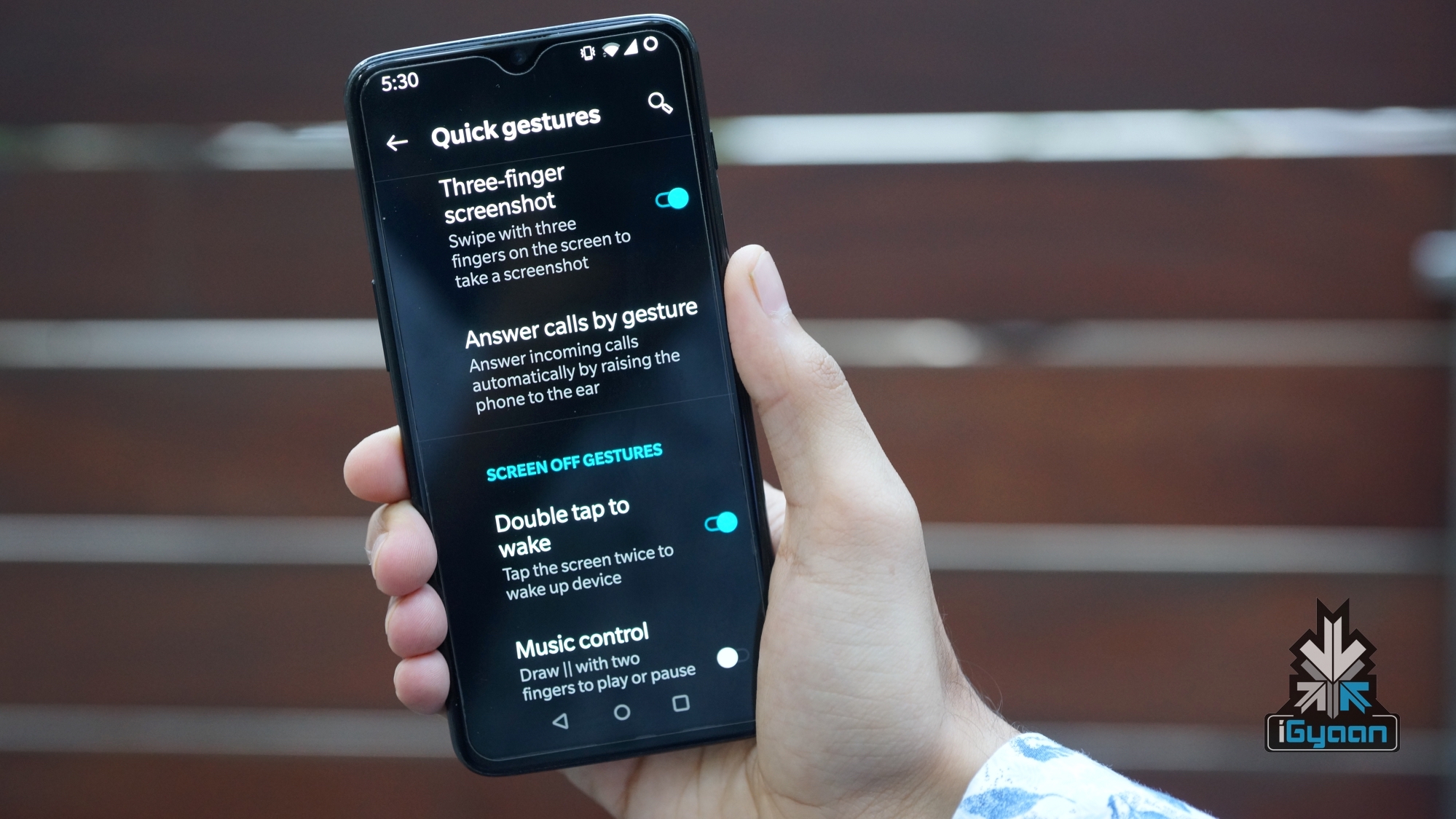
    As the name suggests, the Raise to pick feature automatically accepts an incoming call as you bring the handset close to your ear. When we first saw the feature we were a bit hesitant about using it, but the level of optimisation OnePlus has provided, made us stick with it.

    Another nifty feature that OnePlus smartphones support include lock screen gestures which are turned off by default. These include music controls, quickly opening certain application and turning on the flashlight. 

    To turn on the flashlight, the user can draw an “O” pattern on the lock screen. The same pattern can be used to turn the light off. 

    To pause the ongoing music user can drag down two fingers on the lock screen. Moreover ‘<‘ and ‘>’ patterns can be drawn to seek next or previous music track.

    To turn on all these features, users can search for them individually in the search bar in settings. 

    [Bonus Tip: Swipe three fingers to take a screenshot, once the feature has been turned on users can swipe three fingers on the display whilst in any applications which will capture a screen grab]

    9.) Turn On Wi-Fi Automatically
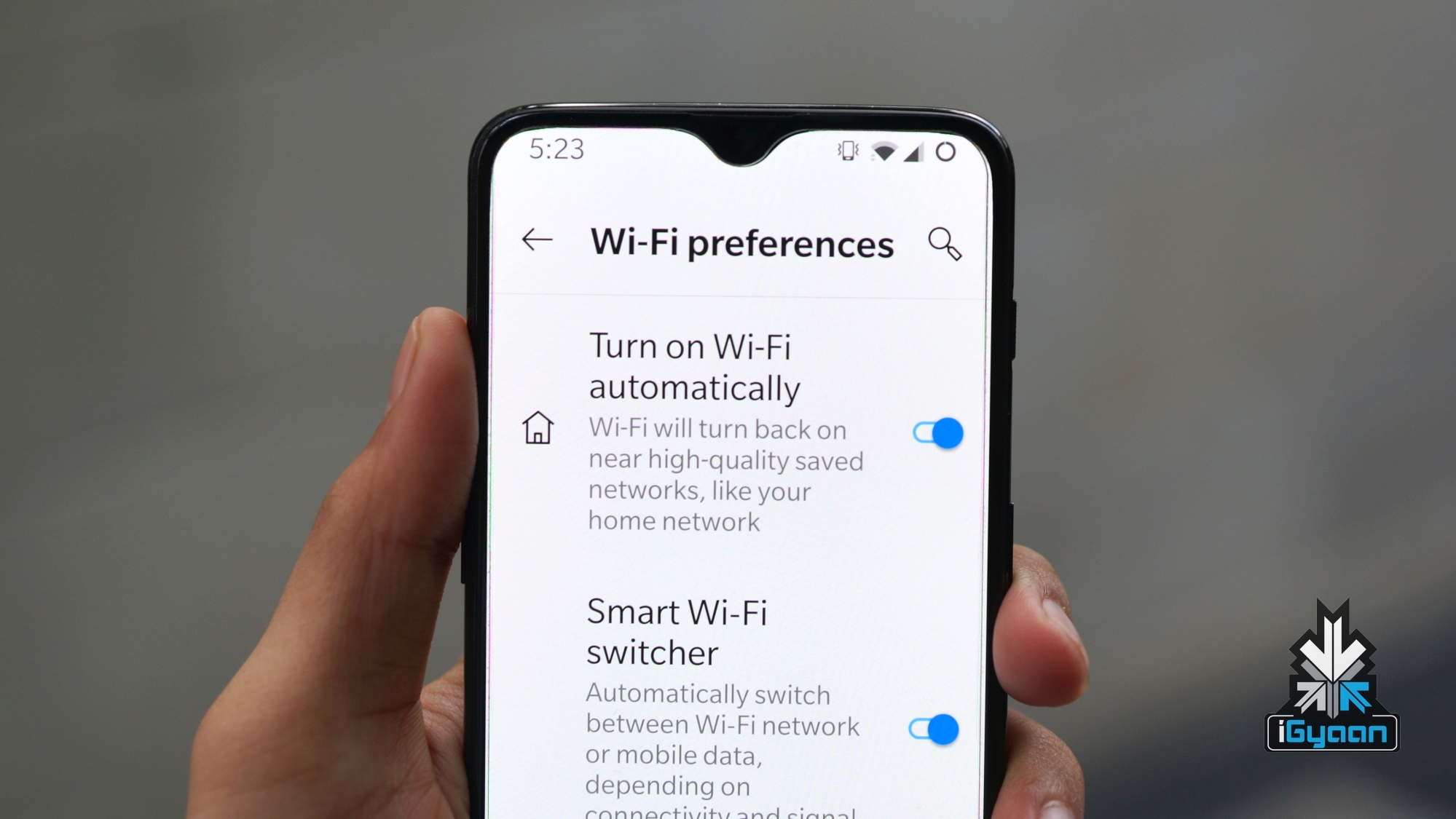
    Jio might have revolutionised the Telecom sector in India with its aggressively priced data plans. In a lot of cases, a home or office Wi-Fi is a more reliable option. Besides, you never know when that 1.5 GB of data comes in handy. Especially, if you feel like watching some HD Youtube videos during commuting like me.

    OnePlus has added another thoughtful feature, which as the name suggests, turns on the Wi-Fi automatically on the smartphone whenever it comes in range with any known network. In our case, the iGyaan Wi-Fi.

    To turn on this setting:

    Open Settings> Wi-Fi & Internet> Wi-Fi> Wi-Fi preferences> (select) Turn on Wi-Fi automatically 

    10.) Hidden Space

    I have come across multiple users that are using third party app lockers to prevent unwanted access to certain applications. OnePlus smartphones, on the other hand, have a dedicated feature for this called ‘Hidden Space’.

    Apps designated to this area, remain hidden and therefore cannot be accessed easily. To access the Hidden Space, users can swipe right from the app drawer. The “+” icon on the top-right edge can be used to add or remove applications manually in the list. 

    Noteworthy, with the latest update, OnePlus has integrated password or fingerprint authentication for this mode making it a lot more useful than before.

    Also Read: Honor Vision TV Launched In China

    Would you like us to write more articles like these and Which tip is your favourite on the list? Let us know in the comments below.

    Disclaimer: This article has been written by a staff member (Sahil) and not Bharat. All the points mentioned in the article are based on my experience of using OnePlus smartphones for a considerable amount of time. And if you are wondering, Bharat uses the iPhone XS Max as his daily driver while carrying additional devices which he is testing at a given point.   
  • Top 10 Game Titles To Look Out For In 2019

    Top 10 Game Titles To Look Out For In 2019

    2019 has been one of the best years for gamers. The PC market is booming and lowest ever pricing on consoles have made gaming more affordable. Furthermore, the options for game choices have risen as well. The year-end is generally where the biggest names alongside the most number of games are released. So here are our Top 10 upcoming AAA games to keep a note on:

    Call Of Duty: Modern Warfare (2019)

    It has been about 12 years since the original Call of Duty 4: Modern Warfare released. Earlier this year, Activision gave many gamers a glimpse of hope at the revival of the beloved series with a reboot of a new pedigree. The upcoming game is simply being referred to as Call of Duty: Modern Warfare and seeks to spiritually carry forward the original series message on the global rising tensions. It features the signature first-person shooting mechanics that the game is widely known for in its multiplayer and campaign modes. Notably, the game is the target of many controversies regarding its portrayal of reality so the single-player might just be the highlight of this entry.

    • Platforms: PlayStation 4, PC, Xbox One
    • Release Date: 25th October 2019

    Doom: Eternal

    In 2016, ID Software released Doom 2016 which was a soft reboot of the original series. The first person run and gun game is one of the progenitors of the genre itself. In other words, the legendary status that the series holds is ubiquitous amongst gamers worldwide. Now, the studio is all set to release the sequel to the popular title aptly named as Doom: Eternal. The game will feature fast-paced action, crisp shooting mechanics and a lot of gore. So gamers beware!

    • Platforms: PC, PlayStation 4, Xbox One, Switch
    • Release date: 22nd November 2019

    Death Stranding

    Death Stranding is an upcoming game made by the legendary game creator Hideo Kojima. It is his first game after parting ways with Kojima productions and the beloved Metal Gear franchise. The game features many A-Grade Hollywood stars like Norman Reedus from the Walking Dead series and has already generated a lot of hype. The game will be an action/thriller title and will feature breathtaking visuals in open-world settings. Its story is still a mystery but its teasers videos have intrigued the world all the more.

    • Platforms: PC (TBC), PlayStation 4
    • Release date: PS4 – 8th November 2019, PC – TBC (To Be Confirmed)

    Control

    Do you remember the failed game Quantum Break? Well, it’s unimportant if you don’t but the game had laid the foundation for a lot of mechanics that will be featured in Control. The title is heavily being marketed under the Ray Tracing capabilities of NVIDIA’s RTX Series graphics card and features gorgeous visuals. It has mechanics that bend the actual fabrics of reality, time and space whilst squeezing in a third-person shooter. The trailers seem promising. Remedy Entertainment, the studio behind Max Payne and Alan Wake, has made a title that will make even the best gaming rigs break a sweat.

    • Platforms: PlayStation 4, PC, Xbox One
    • Release Date: 27th August 2019

    Tom Clancy’s Ghost Recon Breakpoint

    The latest entry in the popular franchise Tom Clancy’s Ghost Recon is arriving with the Breakpoint. Ubisoft Montreal, one of the largest game studios and publishers, showcased the game on E3 2019. It also features known Hollywood star Jon Bernthal who is most famously known for his role as The Punisher. The game will feature the tried and true Ghost Recon mechanics that include futuristic gadgets and technology. It is an RPG styled shooter which will be set on a large map with objectives that can be cleared according to players’ will.
    • Platforms: PlayStation 4, PC, Xbox One, Google Stadia
    • Release Date: 4th October 2019

    Gears of War 5

    Gears of War series is one of the fan favourites titles from the Xbox console. It was popular since the original Xbox 360 and was renowned for its gruesome and morbid settings and tense shooter style gameplay. Many loyal fans who were surprised with the storyline of the previous titles are in for another surprise. In the game, the protagonist shifts from JD Phoenix to former sidekick Kait. It is yet to be seen how gamers react to the gameplay but for now, it is still got us waiting for a chance to mow down the locusts again.

    • Platforms: PC, Xbox One
    • Release Date: 10th September 2019

    Borderlands 3

    After too long a wait, Gearbox studios is finally giving gamers the third entry in the Borderlands franchise. The third game follows a philosophy similar to its predecessors with the renowned co-op style quirky looter shooter genre. The post-apocalyptic settings combined with diverse enemies which are a mix of humans and mutants promises fun gameplay overall. It also features a bevvy of new guns that will have you equipped for the most gruelling of situations as well.

    • Platforms: PC, PlayStation 4, Xbox One
    • Release date: 13th September 2019

    Star Wars Jedi: Fallen Order

    EA’s Star Wars title have been the target of a lot of controversy for its predatory monetary practices. The company in its last-ditch effort has announced Star Wars Jedi: Fallen Order but here is the catch. It is being developed by Respawn Entertainment, the studio behind the popular battle royale game Apex Legends. It is a third-person based single-player game which aims at breathing life to the iconic Star Wars universe. The protagonist is a hiding Jedi that aims to live through Order 66 that has him painted as a target by the Imperial Army.

    • Platforms: PC, PlayStation 4, Xbox One
    • Release date: 15th November 2019

    The Outer Worlds

    The Outer Worlds is a game that takes heavy influence from many past AAA titles. However, it does not mean that isn’t a breath of fresh air for us. The game is a first person RPG from Obsidian Entertainment which is famous for Fallout: New Vegas. To best describe the game, combine Fallout series settings and space exploration. It is highly recommended to be tried out if you are a fan of Borderlands, Rage or even Fallout. Players will encounter all sorts of species that will either be hostile or extremely welcoming. Be on the lookout for this one.

    • Platforms: PC, PlayStation 4, Xbox One
    • Release date: 13th September 2019

    Also Read: Discord Introduces Go Live, Allows Gamers To Stream To Up To 10 People 

    GTFO

    The last game is one of the personal favourites in this list. GTFO is a Co-Op centric first-person shooter with great visuals and emphasis on team play. In other words, you and your friends get to have a survival shooting experience together. A great game for hours of fun and is noticeably influenced by Left 4 Dead 2. You’ll need nerves of steel and Shroud-like aim for this one.

    • Platforms: PC
    • Release date: TBC 2019

  • NVIDIA GeForce RTX 2080 SUPER Review

    NVIDIA GeForce RTX 2080 SUPER Review

    Reiterating on what was said before, it is the perfect time to be a PC gamer. NVIDIA had announced its RTX SUPER series cards at Computex 2019 and will mark the first refresh of its latest-gen graphics cards. Historically, Team Green has always led the charts in performance over its competitors. Even with the vanilla RTX series cards, the company has managed to stay ahead of any new-gen graphics cards released by AMD. We have already reviewed the RTX 2070 SUPER and now we see how the RTX 2080 SUPER holds up in its comparison.

    Notably, the RTX SUPER series will replace their vanilla versions except the RTX 2060. Both standard RTX 2070 and 2080 will cease production to make room for the nominally faster SUPER variants. The review will follow a similar format as the prior tests and feature multiple categories to give detailed information to our readers.

    RTX 2080 SUPER

    Design

    One of the key defining design element that the RTX 20 SUPER series feature is a new mirror finish on the steel front. The metallic texture is extremely reflective and houses the new name of the new SUPER GPU. RTX 2080 SUPER features a dual fan set up which is a welcoming change over the GTX 10 series single blower style fans. It enables a better thermal management system overall. The side houses GeForce RTX branding which is backlit by a green LED providing the graphics card with a minimalistic yet attractive aesthetic. We appreciated the sleek design, however, the design may vary depending on which 3rd party you buy it from. The version we tested was the Founder’s Edition sold directly by NVIDIA. Users can also expect triple fan variants from other retailers like Zotac, Gigabyte, MSI and much more.
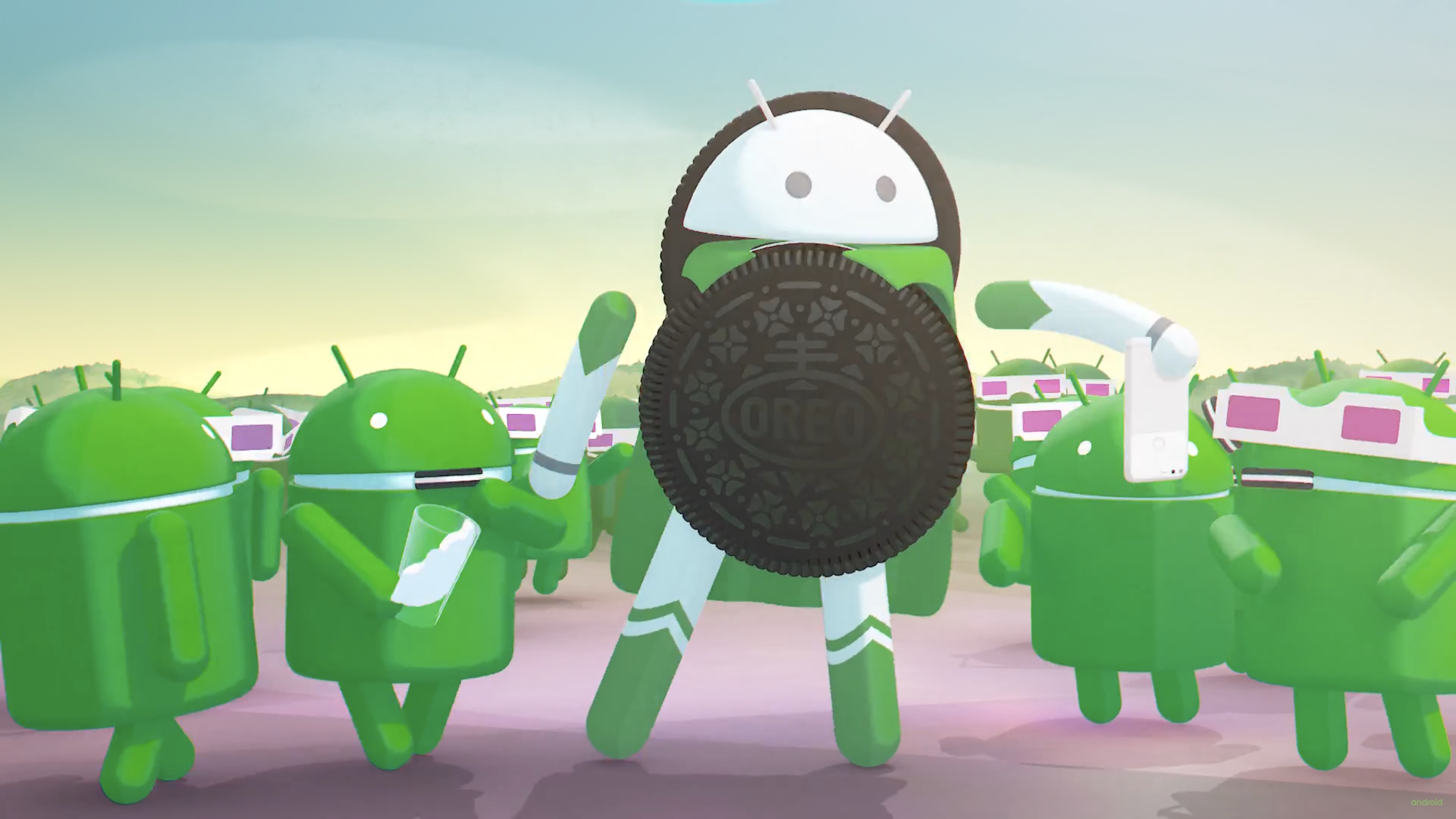
    RTX 2080 SUPER

    Synthetic Benchmark

    Users should keep in mind synthetic benchmarks record raw performance which does not always translate to a real world performance in games. Nevertheless, synthetic benchmarks do allow for better measurement of graphics cards productivity capabilities like video editing and rendering for professionals.

    • Geekbench 4
      In Geekbench, the OpenCL benchmark has the RTX 2080 SUPER receiving a 300,000 score. The score is 10-15% boost over its predecessor the RTX 2080 but a significant bump over the RTX 2070 SUPER. Interestingly, the RTX 2080 SUPER sits right above the RX 5700 XT from AMD and below the RTX 2080 Ti.
      NVIDIA

    • Time Spy
      Time Spy test under the 3DMark benchmarking software tested the RTX 2080 SUPER on a 1440p resolution. The result was a score of 10,227 and a 60+fps average; it is a nominal bump over its predecessors as even the 2070 SUPER came really close with comparable performance. We observed a similar trend across benchmarks with 2080 SUPER sitting in between the 2080 Ti and 2070 SUPER.NVIDIA

    • Time Spy Port Royal (Ray Tracing)
      3DMark also offers a special benchmarking tool that can put the ray-tracing capable NVIDIA cards to the test. Port Royal with DXR enabled offered a score of 6185 with an average fps nearing 28.86fps. Its a minor improvement over the RTX 2070 SUPER which nears the 6000 marks as well and trails behind the RTX 2080 Ti that scored over 7000. 
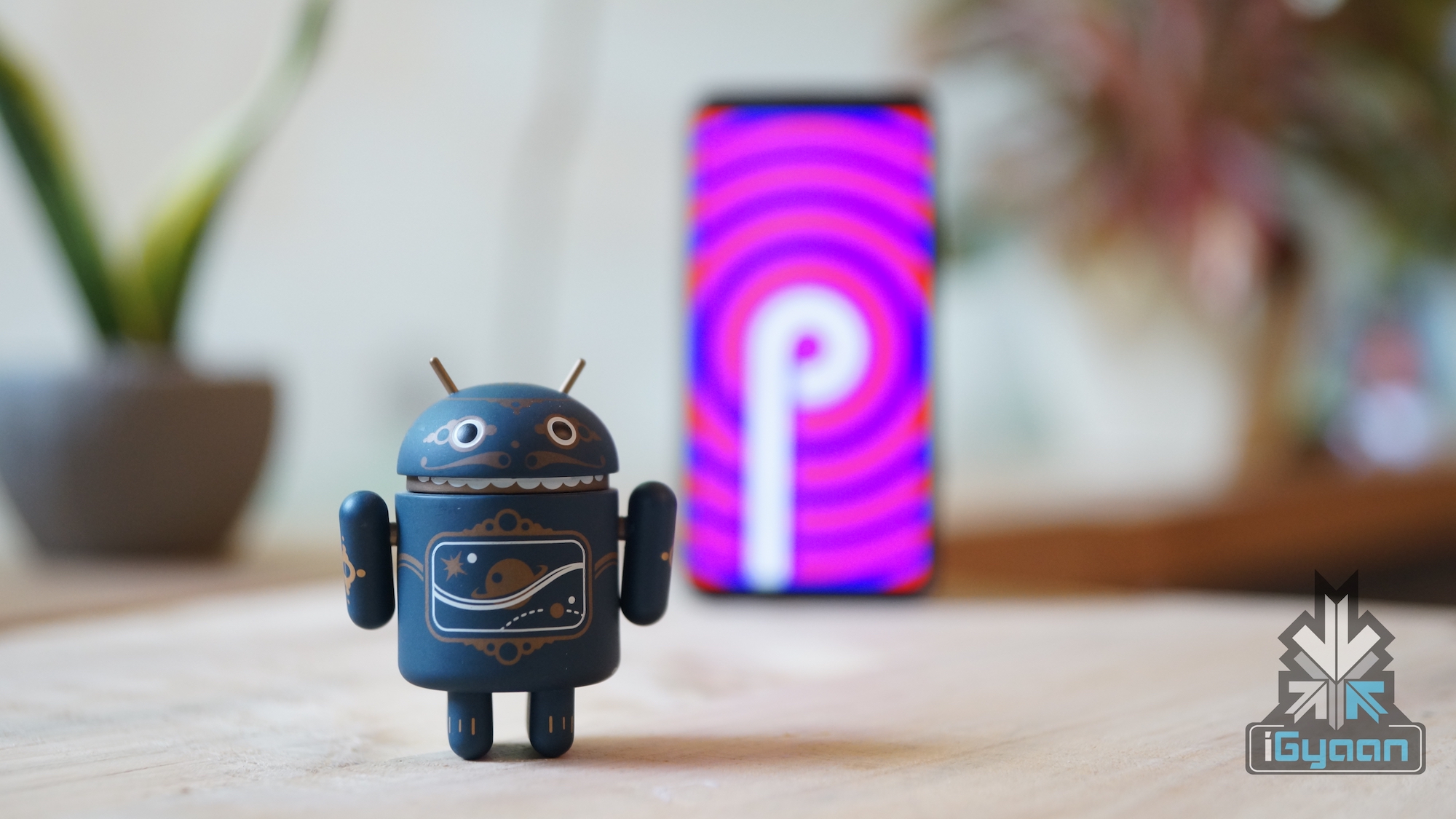
      RTX 2080 SUPER

    • MSI Kombsutor (Stress Test)
      MSI Kombustor is a stress testing app that runs a rendering frame for the GPU to measure its endurance during load. The RTX 2080 SUPER reached 90% usage and during a 15-minute run, it barely crossed the 80-degree mark during our test. The frame rate counter sat stably at 280-290fps with no signs of thermal throttling.NVIDIA

    Gaming Benchmarks
    • PlayerUnknown’s BattleGrounds
      NVIDIA
      PUBG was tested on 3 different resolutions while being set on the highest graphical settings possible. At 1080p the game performed admirably with framerates crossing 140fps; while On 1440p, the game managed to average around 120fps with occasional drops to 100fps during explosions in an open environment. 4K or 2160p saw the card take a massive hit in performance but still put out a stable and smooth 60fps on the high native resolution.

    • Battlefield V

      Similar to PUBG, Battlefield V was also run on three different resolutions to see any notable difference in performance. RTX 2080 SUPER managed to score an average of about 150fps while at 1440p it managed only about 100fps. All the settings were focused for the best graphical fidelity possible and 4K performance reached a stable 70fps.
      NVIDIA RTX 2080 SUPER

    • Metro Exodus
      RTX 2080 SUPER
      Metro Exodus was a title launched with support for NVIDIA’s latest ray-tracing technique. It was one of the first game to do so and we tested the game with DXR settings on at 1080p. When the game ran on 1080p and DXR off, we saw an average of 140fps at maximum settings. After DXR is turned on we see a notable hit in performance and the game drops to an average of 90 fps and when DLSS was turned on the performance got bumped to 120fps. At 1440p, the RTX 2080 SUPER managed to churn out an impressive average of 130fps and even managed to offer a stable 60fps on 4K native resolution.
      NVIDIA

    Cooling & Noise

    NVIDIA is renowned for a better thermal management solution over any of its competitors. Team Green has optimised its cards for optimal performance without overheating at all times. The MSI Kombustor test was a good wat to test it out and during loads, the GPU managed to hit the 80 degree Celsius mark with fans running on 57-58dBa audio levels. On idle, the card is still pretty audible at 52-53dBa and has a temperature within the 40-50 degree Celsius range during rest. All in all the RTX 2080 SUPER is a powerful card which should rarely face thermal throttling during peak gaming operations.

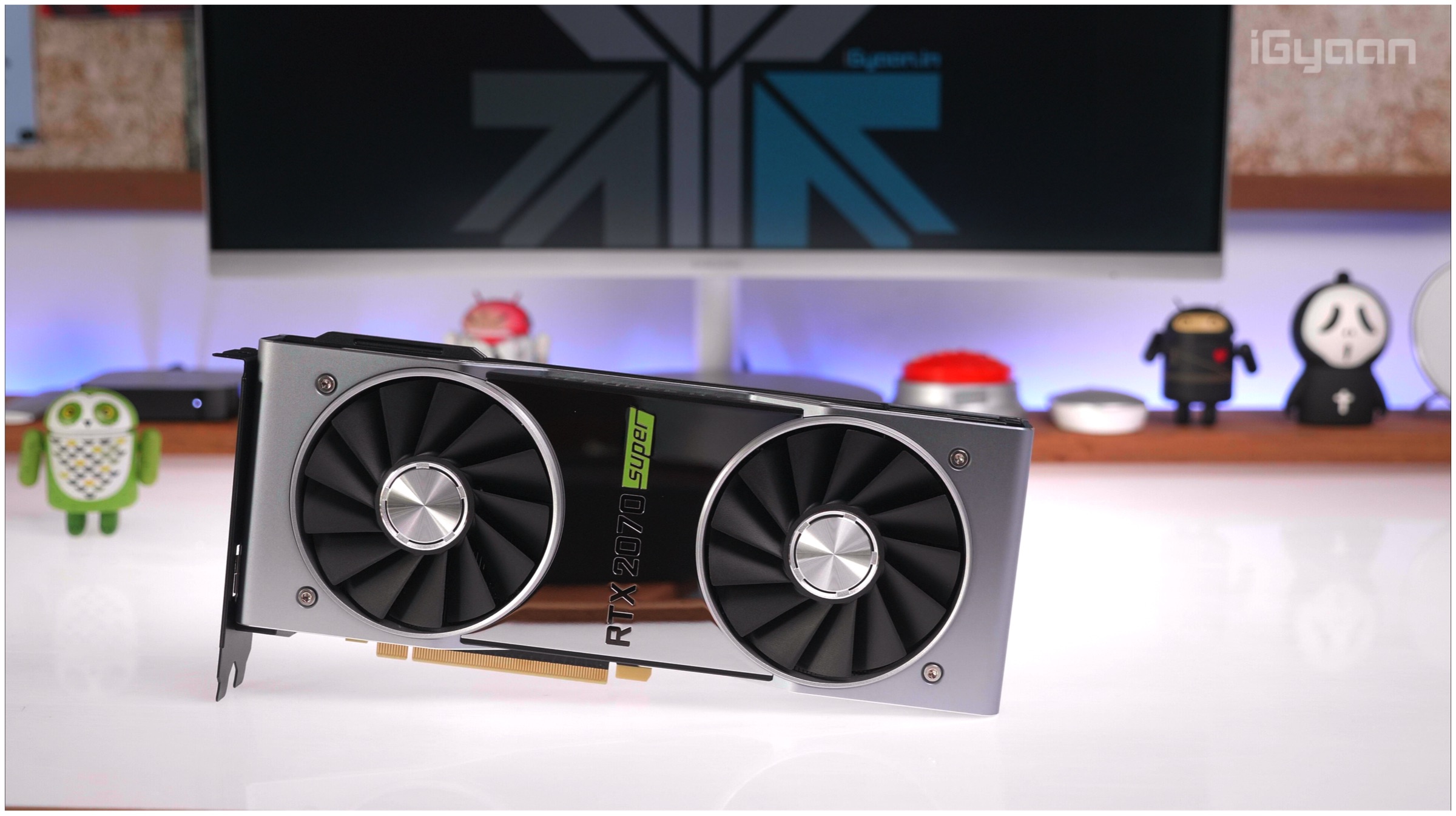
    NVIDIA

    Driver Support

    The GeForce RTX 2080 SUPER graphics card is the latest entry in the RTX SUPER series and is bound to receive the latest drivers. NVIDIA has already announced drivers for popular AAA game titles prior to the actual launch. The support will enhance graphical fidelity during gameplay and will also complement its ray-tracing solutions for great visuals. The list of the latest game titles that have been optimised by NVIDIA includes Wolfenstein: Youngblood and Madden NFL 20. Both games are the latest instalment in their respective franchises; a free copy of Youngblood will be available with the purchase of any RTX SUPER series graphics card from NVIDIA.

    NVIDIA GeForce RTX 2080 SUPER

    Price & Conclusion

    NVIDIA’s GeForce RTX 2080 SUPER is available for a price tag of INR 61,400 in India (USD 599 in the US). Buyers should note that the above-mentioned price is for the Founder’s Edition from NVIDIA. The graphics card will be sold by various 3rd party retailers such as MSI, Zotac, Gigabyte, and many more may carry a slightly different price tag. For more information regarding availability, readers can check out NVIDIA’s official website; for those who wish to buy peripherals for an even greater gaming experience can also check out NVIDIA’s G-sync monitors.

    NVIDIA RTX 2080 SUPER

    Also ReadGalaxy Note 10 Will Support Zoom Audio, Display & Battery Details Also Revealed

    The RTX 2070 SUPER retails for the INR 43,600 and USD 499 and offers performance on par with the RTX 2080. The tests have shown that the RTX 2080 SUPER offers only a marginal boost of performance over the last iteration. An average of 10-15% increase in performance is observed all the while carrying an additional INR 20,000. It is strongly recommended for people who are leaning more towards 1440p or 1080p gaming with ray tracing enabled to go for the RTX 2070 SUPER. The card is a powerful contender at a reasonable price point and should offer similar performance to its elder sibling. If gaming enthusiasts do wish to spend extra for the sweet 4K 60fps then look no further than the RTX 2080 SUPER. 

  • Google Pixel 4 Will Have Radar Technology For Touch Less Operation

    Google Pixel 4 Will Have Radar Technology For Touch Less Operation

    Google is bracing for the launch of its 2019 flagship smartphones which will be dubbed the Pixel 4 and Pixel 4 XL. In comparison to their predecessors, the Pixel 3 and Pixel 3 XL; the future smartphones will be a big departure both in terms of design and features. The company had already shared the rear design of the smartphone that reveals a dual-camera setup. Interestingly, it is the first time that a Pixel handset will feature more than one camera sensor on the rear.Google Pixel 4 Soli Radar

    Although the images of Pixel 4’s front are yet to publicised, unofficial sources have revealed interesting findings of the smartphone. According to leaked screen protectors and unofficial renders, both devices in the lineup will have minimal bezels on all sides except for a lip on top of the display which is comparatively thicker. 

    Noteworthy, the thicker forehead (as seen in the images) on the Pixel 4 and Pixel 4 XL is not just a design choice instead it features important components that will provide the smartphones with unique functionality. Moving from left to right, the tempered glass exhibits two holes which are likely to feature dual front cameras, an oval-shaped cutout that may house ambient light sensor, an earpiece cutout and finally a capsule-shaped slit which reportedly will hold the secret weapon on the future handsets.  

    It is alleged that the Google Pixel 4 smartphone duo will have a complex motion-detecting sensor which allows users to operate them without physically touching them. Perhaps, Google will make use of technologies and sensors that it had developed while working on Project Soli.

    For readers who do not know, Project Soli is a gesture recognition technology that makes use of radio waves to determine the range, angle or velocity of objects nearby. The function of such a sensor is comparable to the mammal bat that uses sound waves for echolocation. Anyways, Google plans to make use of such technology in handheld smartphones which will open a whole new world of boundaries in terms of device interaction besides the conventional touch sensor technology.

    Possible Uses Of Project Soli On A Smartphone
    • A lot of modern smartphones support the option to play, pause or change the music by drawing certain patterns even when the device is in a locked state. The Pixel 4 incorporating sensors developed with Project soli may be able to control these feature by performing certain motions like snapping fingers or rubbing one finger over the other.  
    • As seen on smartphones from Motorola and Samsung that show device status by hovering your palm near the top of the display. Similarly, Pixel 4 may support certain motion gestures that will allow achieving the same with better precision and more flexibility. 

    These are only a handful of uses that we could think of at the time of writing this article. However, as previously mentioned the possibilities with the technology are endless. 

    Google Pixel 4 SpecsGoogle Pixel 4 Design

    Although detailed specifications of the Pixel 4 lineup will only be publicised at the time of official launch, assumptions, based on its competitors can still be made. The smartphones are expected to pack the following specs:

    • Chipset: Snapdragon 855, Octa Core, Adreno 640
    • Display: Pixel 4- 5.5 inch, Pixel 4 XL- 6.3 inch
    • RAM: upto 6 GB
    • ROM: 128 GB, 256 GB
    • Memory Expandability: N/A
    • Operating System: Android 9
    • Biometric Security: Face Unlock, Indisplay Fingerprint Sensor
    • Camera: Dual Fron and Rear 

    Also Read: Indian Air Force Mobile Game Announced, Lead Resembles Wing Commander Abhinandan

    To sum it up, the Pixel 4 based on leaks will give a stiff competition to devices including 2019 iPhones and forthcoming Galaxy Note 10. However, in order to verify the leaks and claims, we will have to wait until their official announcement which is expected to take place in the month of September or early October. 

iGyaan Network
Privacy Overview

This website uses cookies so that we can provide you with the best user experience possible. Cookie information is stored in your browser and performs functions such as recognising you when you return to our website and helping our team to understand which sections of the website you find most interesting and useful.